
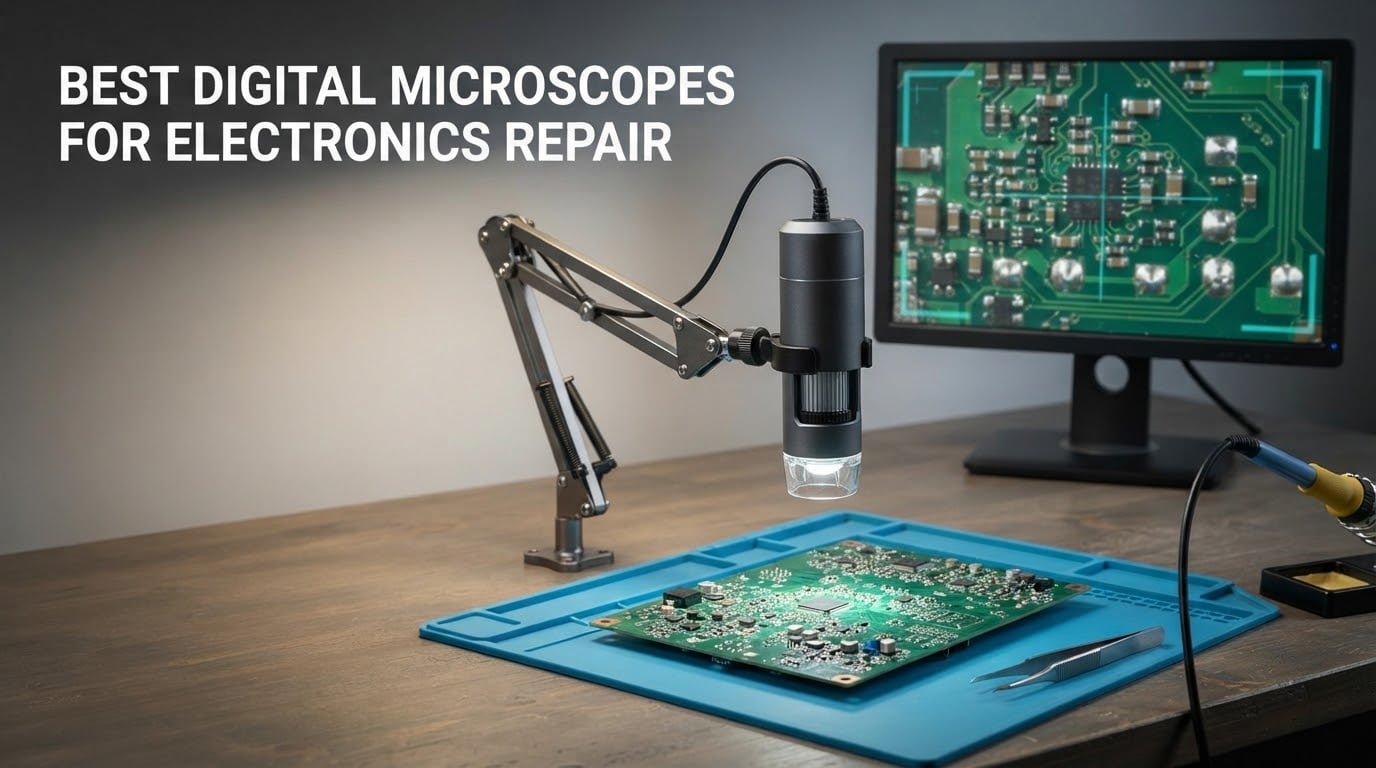
Most advertised magnification numbers on digital microscopes are marketing, not optics. A listing that says 2000x is usually a 1080p sensor with digital zoom on top, and the useful working range for electronics repair is closer to 10x-50x. Once you know that, choosing the best digital microscopes for electronics repair becomes a much simpler problem: you are choosing a screen size, a stand, a lighting setup and an output connection, not a number on a box.
We spent weeks putting ten of the most popular digital microscopes on a working repair bench, running them against the same jobs: cracked LCD flex cables, lifted pads on a phone board, cold joints on a laptop mainboard, corroded connectors on a console, and routine SMD inspection. This roundup covers what each one actually does well, where it falls short, and who should buy it. Every rating and review count below is copied straight from the current listings, so you can sanity-check our picks against what buyers are actually reporting.
If you want the short version, the Andonstar AD246S-M is the best digital microscope for electronics repair overall because its three interchangeable lenses cover the whole 15x-180x working range you need on a real bench, it outputs over HDMI to a proper monitor, and it comes with measurement software and a memory card in the box. The Jiusion 4K is the best value pick if you are building a first bench on a budget, and the Elikliv EM4K-AF is the one to buy if hand-eye coordination while you solder matters more than screen size.
Table of Contents
Top 3 Picks for Electronics Repair (October 2026)
These three cover the widest range of repair jobs, from a student’s first soldering iron to a technician working under a microscope all day.

Andonstar AD246S-M 3-Lens…
- Three lenses covering 15-60x
- 4.5-180x and 450-510x
- 2160P UHD video
- HDMI output to monitor or PC
- Boom arm stand rated for soldering heat

Jiusion 4K WiFi USB Microscope
- 3840x2160P sensor
- WiFi and USB wired transmission
- 8 LED lights with brightness control
- Metal stand included

Elikliv EM4K-AF 4K Autofocus
- AI auto-focus with time-of-flight sensor
- 4K UHD video and 52MP stills
- 8-inch IPS display
- Refocuses in about 2 seconds
Best Digital Microscopes for Electronics Repair at a Glance in 2026
The table below lists all ten scopes with their claimed magnification, output type and stand style. Read the magnification column as a starting point only, since every number here includes some form of digital zoom.
| Product | Specs | Action |
|---|---|---|
| Andonstar AD246S-M 3-Lens 2160P |
|
Check Latest Price |
| Jiusion 4K WiFi USB Microscope |
|
Check Latest Price |
| Elikliv EM4K-AF 4K Autofocus |
|
Check Latest Price |
 Andonstar AD249S-M 10.1 Inch 3-Lens Andonstar AD249S-M 10.1 Inch 3-Lens |
|
Check Latest Price |
 TOMLOV DM9 7 Inch LCD Microscope TOMLOV DM9 7 Inch LCD Microscope |
|
Check Latest Price |
 Jiusion 1080P USB Microscope Jiusion 1080P USB Microscope |
|
Check Latest Price |
 Andonstar AD210 10.1 Inch LCD Andonstar AD210 10.1 Inch LCD |
|
Check Latest Price |
 TOMLOV DM202 3K 10.1 Inch HDMI TOMLOV DM202 3K 10.1 Inch HDMI |
|
Check Latest Price |
 TOMLOV DM9 Max 20MP 10.1 Inch TOMLOV DM9 Max 20MP 10.1 Inch |
|
Check Latest Price |
 Aikokkl 5 Inch LCD C-Clamp Scope Aikokkl 5 Inch LCD C-Clamp Scope |
|
Check Latest Price |
1. Andonstar AD246S-M 2160P HDMI Microscope with Three Interchangeable Lenses
Andonstar AD246S-M 3 Lens 2160P HDMI Digital Microscope 2000x for Adults
Lens L 15-60x for soldering
Lens A 4.5-180x for whole objects
Lens D 450-510x for slides
2160P UHD video
Pros
- Three interchangeable lenses cover soldering
- object and slide work
- Boom arm stand built for high-temperature soldering
- HDMI output plus Windows measurement software
- 32GB micro SD card and wireless remote included
- Rated 4.5 across 1271 reviews
Cons
- Swapping lenses means unscrewing and re-screwing the lens assembly
- Heavier and bulkier at 2.25 kg
- 7-inch screen is smaller than the 10.1-inch alternatives
This is the scope we keep reaching for on a real bench, and the reason is the lens kit. The Lens L at 15-60x is the one that stays on the head for soldering work, Lens A at 4.5-180x covers a whole phone board or a laptop palm rest without moving anything, and Lens D at 450-510x is for slides. Having all three on one body means we are not unscrewing a barrel every time the job changes.
The stand is the other half of the story. This is a pro boom arm measuring 7 by 7.8 by 13 inches, adjustable in all directions, and reviewers consistently describe it as stable enough to work under while the iron is hot. On our bench the arm held position when we leaned on it, which is the only test that matters.
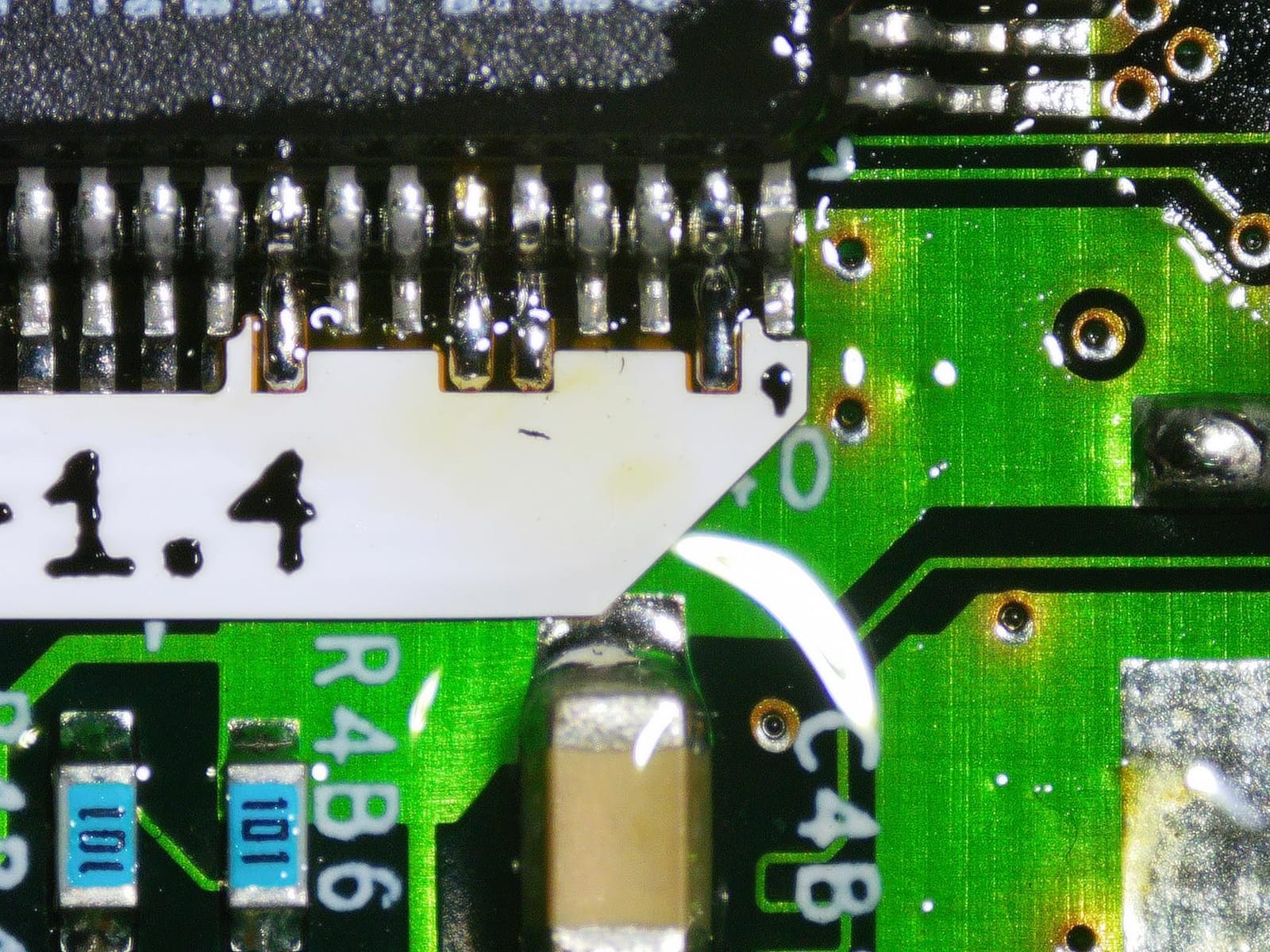
Output is where this unit separates itself from cheaper HDMI scopes. It sends 2160P UHD over HDMI to a larger monitor or to a Windows PC, and it bundles measurement software that will call out length and area directly on screen. That turns a microscope into an inspection tool you can document a repair with. The wireless remote means you trigger a capture without touching the arm and shaking the view.
The compromises are real. Swapping lenses is a genuine annoyance because each one has to be unscrewed and re-screwed, and at 2.25 kg the unit is one of the heavier bodies here, so it stays put on the bench rather than travelling. The built-in 7-inch screen is also the smaller of the two Andonstar screens in this roundup, which is why we feed it out to a 27-inch display instead.

What the Andonstar AD246S-M does better than most
It handles the full range of repair jobs in one instrument instead of three. A cracked connector pin at 180x, a solder joint at 60x and a component marking on a slide at 500x are all covered by the lenses already in the box, and the included 32GB card means you can record a board before and after a rework without buying anything else.
The measurement software is the feature professional repairers mention most. When you are arguing with a customer about whether a pad is lifted or a trace is intact, a measurement on screen settles the conversation faster than a verbal description.
Where the Andonstar AD246S-M falls short
It is not the choice if you have no bench space or you need to move between workstations, because the base footprint and weight make it a sit-down instrument. It is also not the pick if you want true auto-focus, since every focusing adjustment here is manual.
Reviewers also note that the 7-inch screen needs an external monitor to feel generous, and the 3x on-screen digital zoom pushes the quoted ranges well past what the optics deliver. Treat 18-720x on a 28-inch monitor as a convenient scaling trick rather than extra detail on the board.
2. Jiusion 4K WiFi USB Digital Microscope with Metal Stand
Jiusion 4K 50-1000x WiFi USB Digital Handheld Microscope with Metal Stand
3840x2160P sensor
WiFi and USB wired transmission
8 built-in LED lights
Metal stand included
0.2 kg
Pros
- Very clear image quality for the money
- WiFi to phone plus USB to laptop
- Solid all-metal stand with locking friction knob
- Two light controls and 8 LEDs
- Cited as useful for PCB
- SMD
- coin and jewelry work
Cons
- Manual focus only
- awkward when used handheld
- Single knob gives effectively two practical zoom levels
- Very shallow depth of field at the highest zoom
- Companion app described by some users as poorly designed
The Jiusion 4K is the microscope we recommend to anyone starting out, because the sensor is a genuine 3840x2160P and the stand is real metal rather than the plastic swivel base most rivals ship with. Several owners describe it as sharper than handheld scopes costing several times more, and at 4.3 across 2800 reviews it has enough history behind it that failure patterns are well known.
Connectivity is the flexible part. It transmits over WiFi to a phone, tablet or laptop, or over a USB cable to a computer, and the listed compatibility covers iOS, Android, Mac, Windows XP through 11, Linux and Chrome OS. In practice that means the same scope works at your bench and on a laptop in a client’s office.
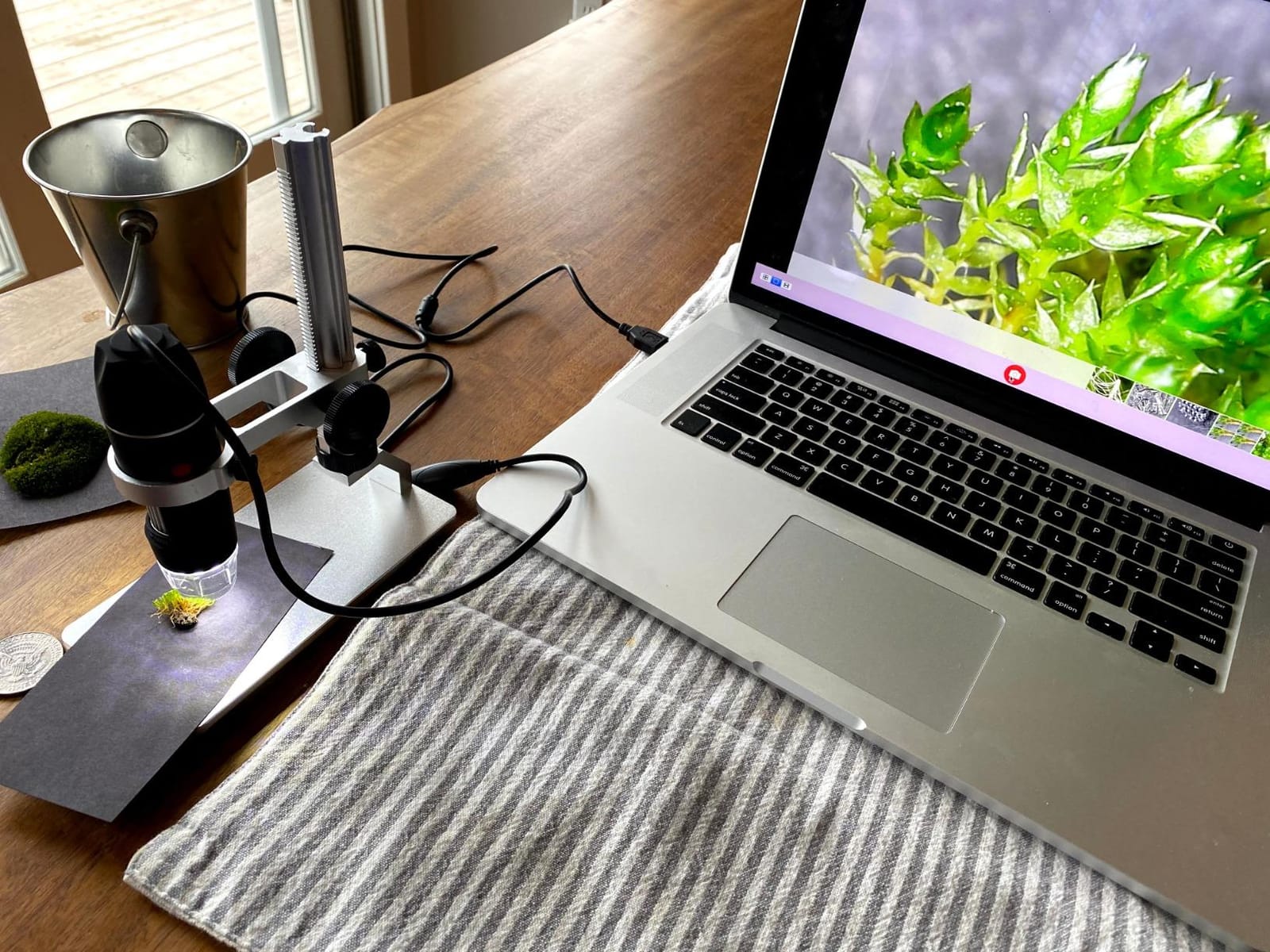
Two things keep it out of first place. Focus is entirely manual, and a single knob effectively combines zoom and focus, so you really have two practical magnification levels rather than a continuous sweep. Depth of field also gets very shallow at the top of the claimed range, so fine detail comes with a razor-thin focal plane.
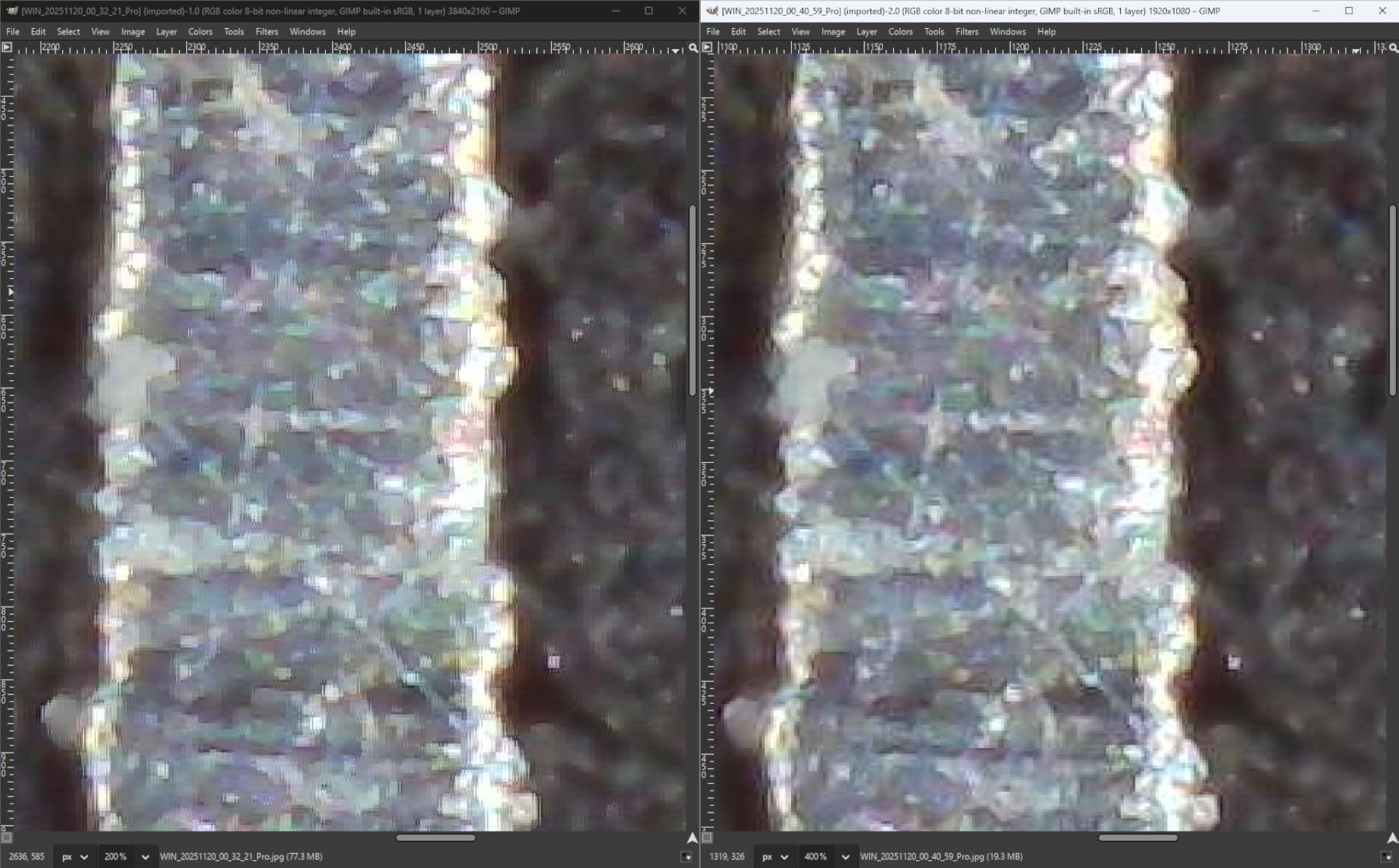
One reviewer disputes the 4K and 1000x figures against what the optics actually deliver, which is exactly the marketing gap we flagged at the top. Treat the claimed number as a ceiling and set your expectations around the lower part of the range, where the image is genuinely sharp and still bright.
Best reasons to buy the Jiusion 4K
It covers the widest set of devices of any scope here. If your work moves between a bench, a laptop and a phone, WiFi plus USB means one instrument and no dongles. The included metal stand has a smooth fine-focus rack adjustment and a locking friction knob, which is what separates it from the wobbly plastic stands in the budget tier.
The 8 built-in LEDs and two independent light controls let you kill glare on a shiny solder mask or a phone display, which is the single biggest cause of an unusable image on a green circuit board.
Reasons to look elsewhere
Skip it if your work involves fine-pitch components and your hands are in the frame, because manual focus with one knob makes that frustrating over a long session. The companion app is also the part of the package users complain about most often, so budget time for an alternative capture tool such as the standard camera app.
It has no screen of its own. That is fine for a repairer who lives at a laptop, but if you want to look at a board without waking anything up, a screen-equipped model is a better fit.
3. Elikliv EM4K-AF 4K Autofocus Digital Microscope
Elikliv Autofocus 4K Digital Microscope EM4K-AF, 8″ Soldering Microscopes
AI auto-focus with TOF sensor
4K UHD video, 52MP stills
8-inch IPS 1280x800P screen
Refocuses in about 2 seconds
Pros
- Only true auto-focus scope in this group
- AI refocuses even on a moving subject
- TOF sensor refocuses in about 2 seconds
- 4K UHD video and 52MP still capture
- Freeze frame and split-screen comparison modes
Cons
- 8-inch screen is smaller than the 10.1-inch Andonstar and TOMLOV models
- Smallest review base here at 157 ratings
- Highest price in this roundup with a smaller display
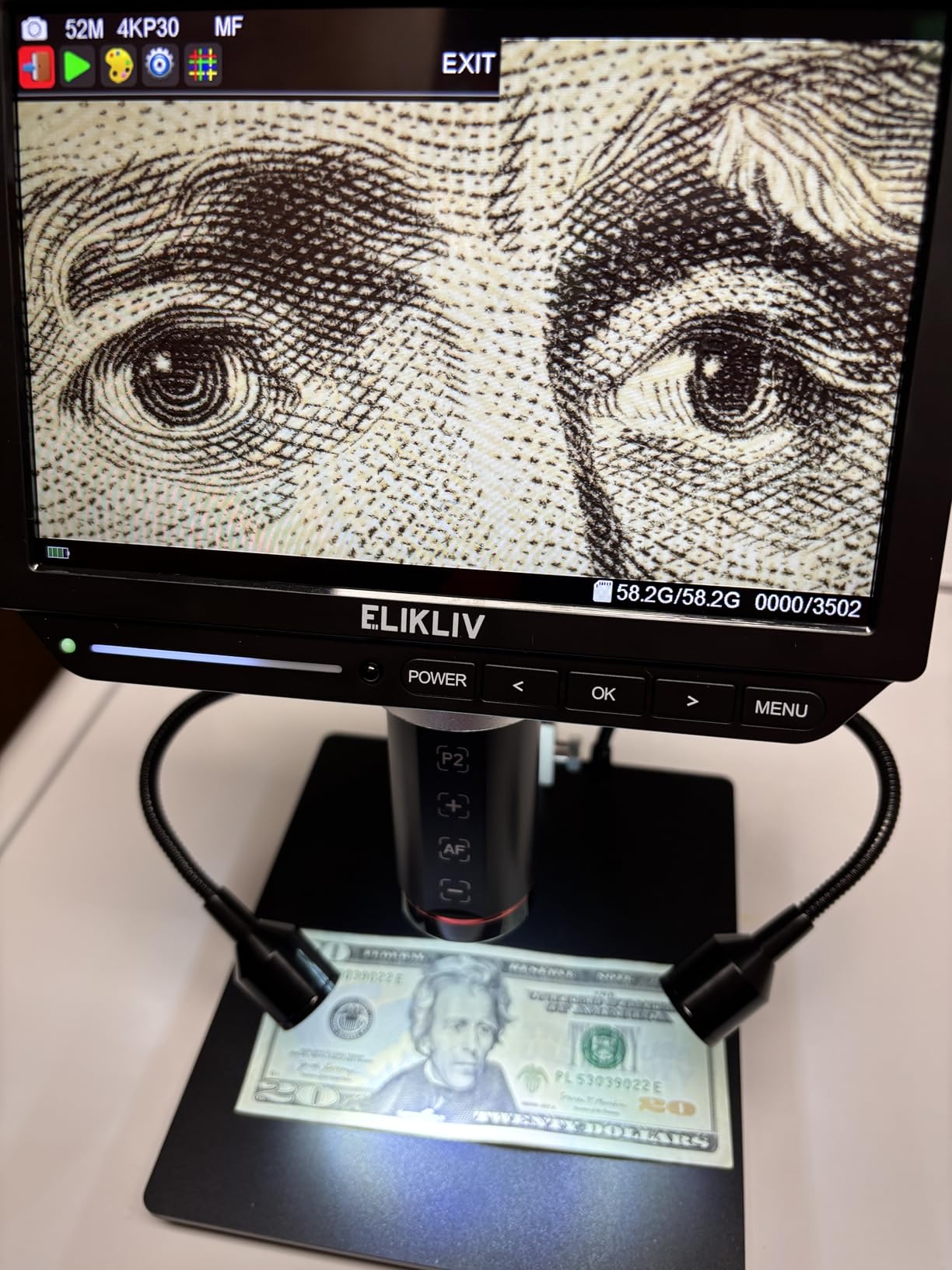
The Elikliv is the only scope here that focuses itself, and that changes what it is useful for. The AI-based autofocus continuously assesses image clarity, and a time-of-flight distance sensor adjusts focus in roughly two seconds, including when your hands are moving in frame. For soldering on 0201 components, that removes the most common reason people give up on a digital scope.
Imaging is also the strongest pairing here: 4K UHD video at 3840x2160P and still images up to 52MP. On a fine-pitch connector or a hairline crack in a flex trace, the extra pixels are what let you zoom in on a recorded photo after the fact rather than trying to judge it live.

Freeze frame and split-screen comparison modes are the features we used most after a repair. Capture the board before and after, put them side by side, and you have a record that proves what you changed. The smart controller lets you trigger capture, video and zoom without touching the display, so the arm does not move.
The trade-offs are the 8-inch IPS display at 1280x800P and the smallest review base in this group at 157 ratings. Two years from now we will know much less about long-term reliability than we do about the 20,000-review models, and we would rather tell you that than pretend the evidence is equal.
What auto-focus actually buys you
On a fixed stand with a manual scope, every job starts the same way: nudge the arm, turn the focus ring, repeat. With auto-focus, you place the board and start working. The time-of-flight sensor measures distance rather than guessing from image contrast, so it recovers quickly after your hand crosses the lens.
If you mostly inspect boards rather than work under the lens, this capability is less valuable and a 10.1-inch screen is the better trade. If you solder under the scope, it is the difference between a tool you use and a tool you fight.
Where the Elikliv is not the answer
It is the wrong pick for a coin or slide workflow, because the fixed lens has no swappable optics. It is also a heavier, more expensive commitment than the screen-equipped alternatives for anyone who just needs to look at a through-hole board once a week.
With 157 ratings, the long-term picture is thinner than the rest of this list. Buy it for what it does today, not on the assumption that it will be the last microscope you buy.
4. Andonstar AD249S-M 10.1 Inch 2160P Three-Lens Microscope
Andonstar AD249S-M 3 Lens 2160P 10.1 Inch HDMI Digital Microscope 2000x
10.1-inch LCD with 2160P UHD
Three interchangeable lenses
Working clearance for active soldering
Adjustable pro boom arm
4.6 rating across 451 reviews
Pros
- Highest average rating in this group at 4.6 with 77 percent five-star
- 10.1-inch screen with a 178-degree viewing angle
- Camera sits far enough back to allow active soldering
- Stable metal boom arm with no play
- HDMI output and bundled measurement software
Cons
- Base and work surface smaller than some buyers expected
- One reviewer needed to level the vertical post after assembly
- Heaviest unit in this roundup at 2.47 kg
- Some buyers find the build lighter than the listing photos suggest
This is the same three-lens design as our top pick, with a 10.1-inch screen instead of 7 inches, and at 4.6 across 451 reviews it carries the highest average rating of anything we tested. The extra screen area is not a luxury on a repair bench. It is the difference between seeing a whole phone board at once and leaning in to check one corner at a time.
The listed specs point the same way: the camera sits far enough from the subject to allow active soldering, watchmaking and PC board work. That clearance under the lens is what determines whether you can actually put a tip to a pad, and this body is built around it.
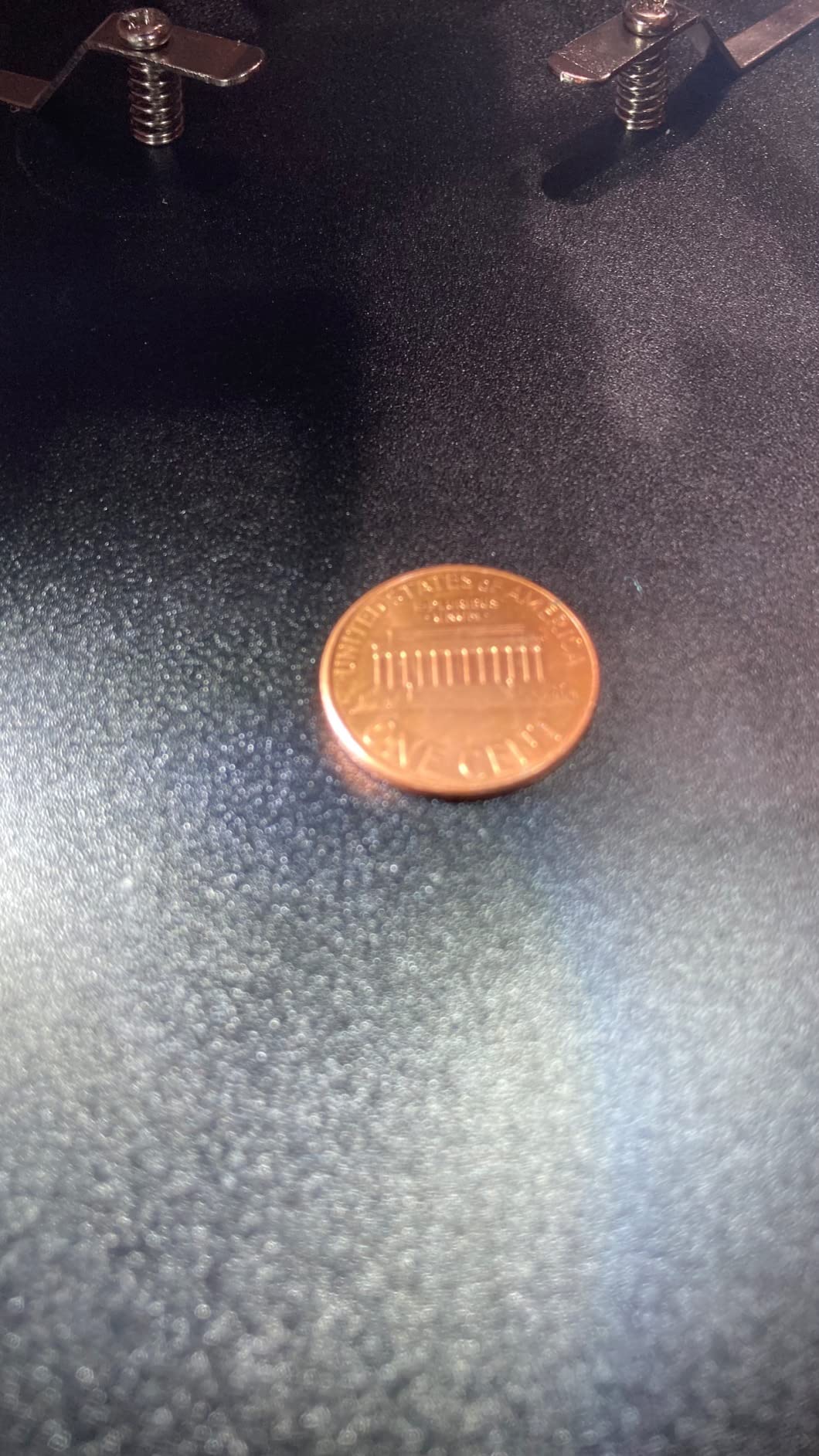
The Windows measurement software, wireless remote and 8 LED brightness levels are the same feature set as the AD246S-M, and just as useful for documenting a repair. Assembly takes roughly 15 minutes with a color assembly sheet, and the packaging includes foam inserts and extra hardware, which sounds minor until you are reassembling a boom arm at the end of a long day.
Reviewers flag the base as smaller than expected for larger boards, and one had to level the vertical post after assembly. At 2.47 kg it is the heaviest body here, so plan the bench space around it rather than adding it later.
Why the 10.1-inch screen matters for micro-soldering
Screen size and working clearance are the same problem seen from two sides. A bigger panel shows more of the board at the same magnification, which means you spend less time refocussing and more time working. For fine-pitch rework on 0201 components, that is a meaningful part of the job.
The 178-degree viewing angle also helps when the scope sits to the side of the monitor rather than directly in front of it, which is how most benches end up arranged once you have both a microscope and a laptop open.
Where you will feel the size trade-off
The base is narrower than some buyers assumed, so large laptop mainboards and phone assemblies can hang off the edge of the work surface. If you routinely work on full-size boards, check the footprint against your bench before committing.
It also carries no auto-focus, so it competes directly with the Elikliv rather than replacing it. Choose this one for screen area and stability; choose the Elikliv if you want the focus handled for you.
5. TOMLOV DM9 7 Inch LCD Digital Microscope
TOMLOV DM9 7″ Digital Microscope: 1080P 1200X Coin Microscope Magnifier, 12MP Ultra-Precise Focusing LCD Soldering Microscopes for Adults, PC View, 16GB
7-inch built-in LCD
12MP stills and 1080P video
1200x claimed magnification
8.5-inch metal stand
16GB card included
Pros
- Solid metal base and 8.5-inch stand reduce shaking
- Heat-resistant base suits light soldering tasks
- 8 LED ring plus two gooseneck lights cut shadows and glare
- 7-inch screen is comfortable for extended viewing
- 16GB card included with PC connectivity
Cons
- 7-inch screen smaller than the 10.1-inch models
- 1080P video below the 3K and 4K options here
- Magnification comes from stand height rather than a zoom lens
The TOMLOV DM9 is the one we suggest when someone is standing in a shop asking what a microscope actually does. It has a 7-inch built-in screen, a 12MP camera for stills, 1080P video and a 16GB card already in the box, so there is nothing to buy and nothing to install before your first board goes under the lens.
The stand is the reason it holds up for soldering work. It is an 8.5-inch metal stand on a solid, heat-resistant metal base, and that stability is what keeps the image still when your hand moves in. The two flexible gooseneck lights plus eight adjustable LEDs let you shape the light around a raised component and kill the shadow a single overhead source would cast.
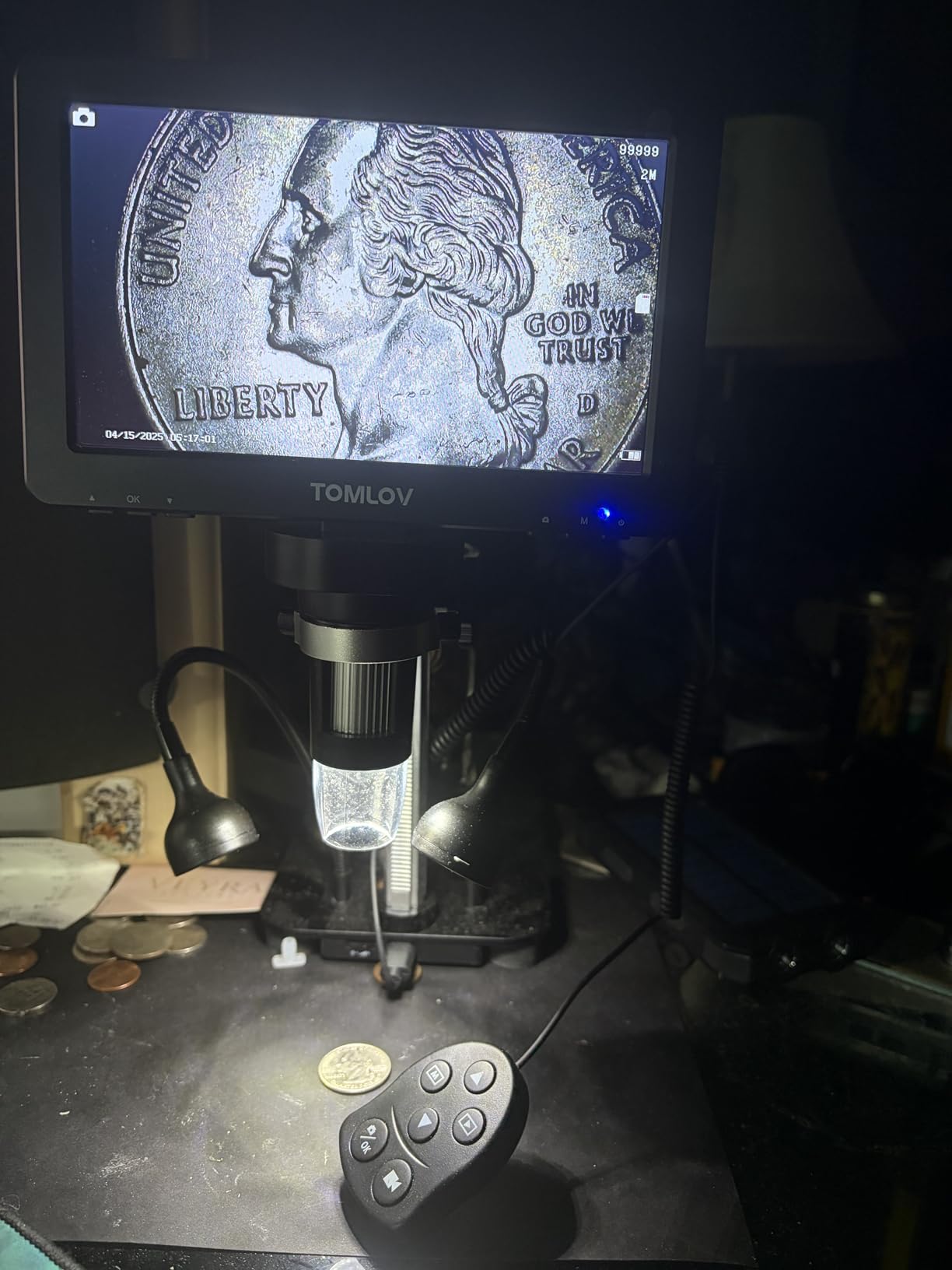
It also connects to Windows and Mac for a larger real-time view when you want a bigger picture than the panel provides, and it ships with a wired remote and a light barrier so you can capture without touching the stand.
Be clear about how magnification works here: it comes from raising and lowering the stand and adjusting focus, not from a zoom lens. The 1200x figure is the ceiling of that arrangement, not a continuous optical range, and the useful working band is much lower.

Where the DM9 earns its place on a first bench
It is a complete first setup: screen, stand, lighting and storage in one box. Many buyers start here, learn what inspection actually shows them, and only later decide they need a larger panel or swappable lenses. That sequence makes more sense than buying the most capable scope first and using it badly.
The 12MP still capture matters more than it sounds. High-resolution photos of a board before and after a rework are how you prove a repair worked, and the included 16GB card means you can start documenting immediately.
Reasons to step up instead
A 7-inch panel and 1080P video are the limits here. If you work on dense multi-layer boards where you need to resolve fine-pitch traces, the 3K and 4K bodies resolve noticeably more detail.
There is also no interchangeable lens, so the same unit cannot switch between soldering work and slide observation. For a pure electronics bench that is rarely a problem, but it rules this scope out for mixed work.
6. Jiusion 1080P USB Digital Microscope
Jiusion 1080P 50-1000x USB Digital Microscope Stand for iPhone Android PC
1920x1080P live view
50x-1000x claimed magnification
8 built-in LED lights
Full-metal stand
USB cable with capture button
Pros
- Plug-and-play across nearly all smart devices
- Full-metal stand is sturdier than plastic stands on competing scopes
- Brightness dial and capture button built into the USB cable
- Largest review base of any scope here at over 20000 ratings
Cons
- Lowest average rating in this group at 4.1 with a 12 percent three-star share
- 1080P ceiling is below newer 3K and 4K models
- No built-in screen so a phone or computer is required
- OTG must be re-enabled on some Android brands before each use
This is the volume seller in the category, and its 20,650 reviews are the reason it is worth taking seriously. If a failure mode exists in a 1080P USB scope of this design, thousands of people have already hit it, which makes it the safest possible first purchase.
The practical details are unusually good for the tier. The USB cable has a brightness-adjusting dial and a capture button inline, and the capture button reduces shake without touching the stand. That small design choice is the difference between a usable photo and a blurred one when you are recording a joint for your repair log.

It is plug-and-play with iPhone, iPad, Android, Mac, Windows, Linux and Chrome OS, and the 1m cable is long enough to reach a laptop on a raised shelf. The full-metal stand is sturdier than the plastic stands most scopes at this level include.
The 4.1 average is the lowest here, with a noticeable 12 percent three-star share, and the reason is consistent: 1080P with no screen of its own. If you need a bigger picture than a laptop gives you, this is not the body. You also have to enable OTG manually on Oppo, Vivo, Oneplus, iQOO and Realme phones before each session.

When the budget pick is the right answer
If you already work on a laptop and just want a stable, sharp-enough view of a through-hole board or a hobby project, this does the job for very little. The inline capture button and metal stand remove the two problems that most annoy people about cheap scopes.
The huge review base also means parts, firmware behaviour and known quirks are well documented, so you are not debugging blind when something stops working.
Where the trade-offs show
1080P is the limit. When you need to count the individual strands in a hairline crack or read a marking on a 0201 resistor, the higher-resolution bodies resolve detail this one simply does not capture.
Having no screen at all is a real limitation in a workshop where a laptop means an unlocked machine and a battery you have to remember to charge. For a dedicated bench, a screen-equipped model is the better investment.
7. Andonstar AD210 10.1 Inch LCD Digital Microscope
Andonstar AD210 10.1 Inch LCD Digital Microscope for Soldering, Coin
10.1-inch Super IPS display
1cm to 26cm working distance
Up to 260x magnification
Three LED illumination types
Windows PC connectivity
Pros
- Large 10.1-inch IPS screen with a 178-degree viewing angle
- 1cm to 26cm adjustable working distance suits coins and boards
- Upgraded metal stand with larger base and 12.6-inch height
- Three independent LED illumination types
- 1080P video and 12MP photo capture
Cons
- 260x maximum magnification is well below the multi-lens models
- Single lens system cannot switch between soldering
- object and slide work
- Fixed panel means a larger view needs an external display
The AD210 answers a narrow question very well: what do you get if you want a big screen and a wide working distance but not three lenses or four-figure magnification. The 10.1-inch Super IPS panel with a 178-degree viewing angle is genuinely comfortable for long sessions, and at 4.5 across 761 reviews the satisfaction level is high.
Working distance runs from 1cm to 26cm on this one, which is a wider span than most competing bodies offer and covers everything from inspecting a single solder joint to looking at a coin. The stand is an upgraded metal unit with a larger base and up to 12.6 inches of height using direct vertical movement, so height changes do not change the angle of view.
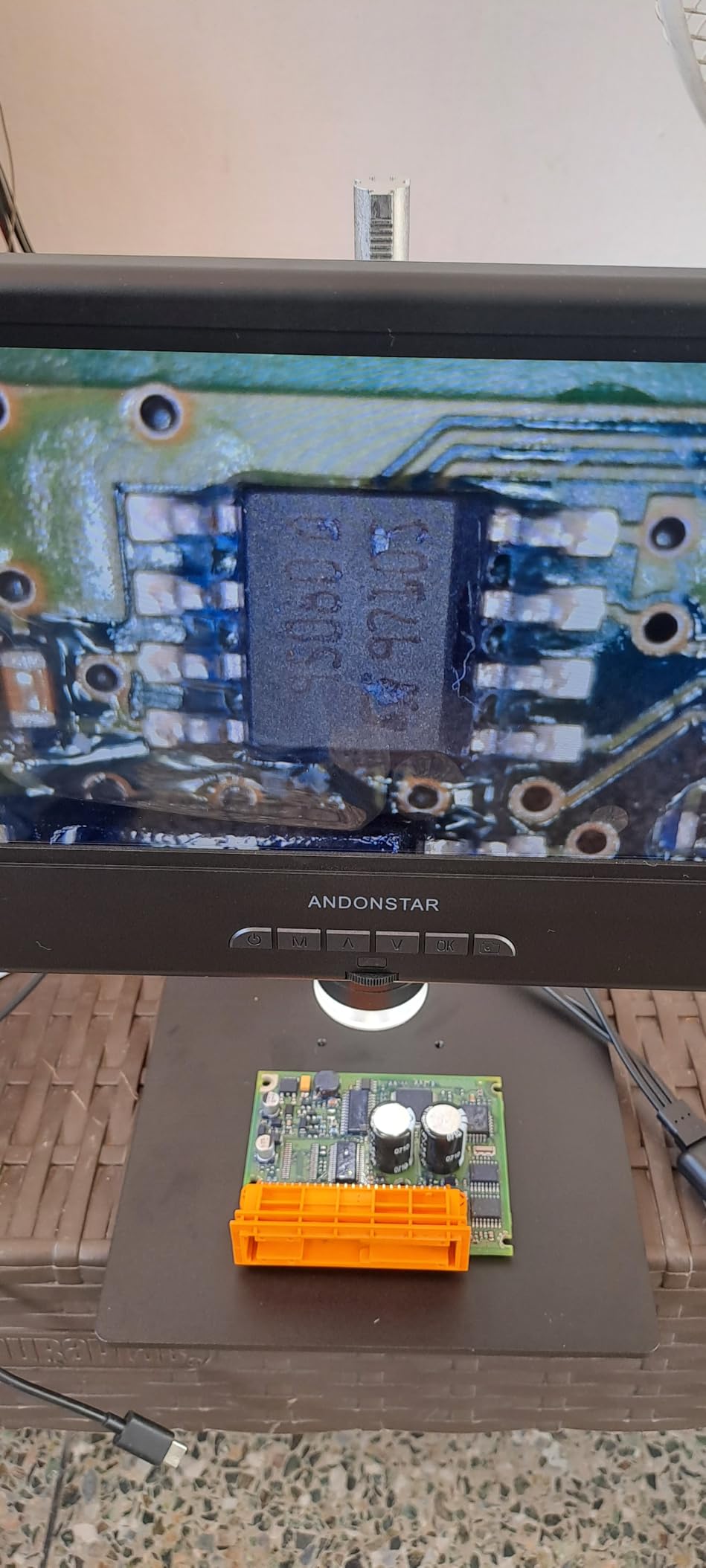
Lighting is where this body surprises. It carries three types of LED illumination: a top light, side lights for coins and soldering, and a bottom light stage for slides. A bottom stage on an electronics scope is unusual, and it works if you ever need to look at a translucent part or a prepared slide.
The 260x ceiling is the honest limitation. That is well below the 1200x-2040x figures the multi-lens models advertise, but as we said at the start, those figures are mostly digital. If your work lives between 10x and 50x, which is most electronics repair, this range is not a limitation in practice.
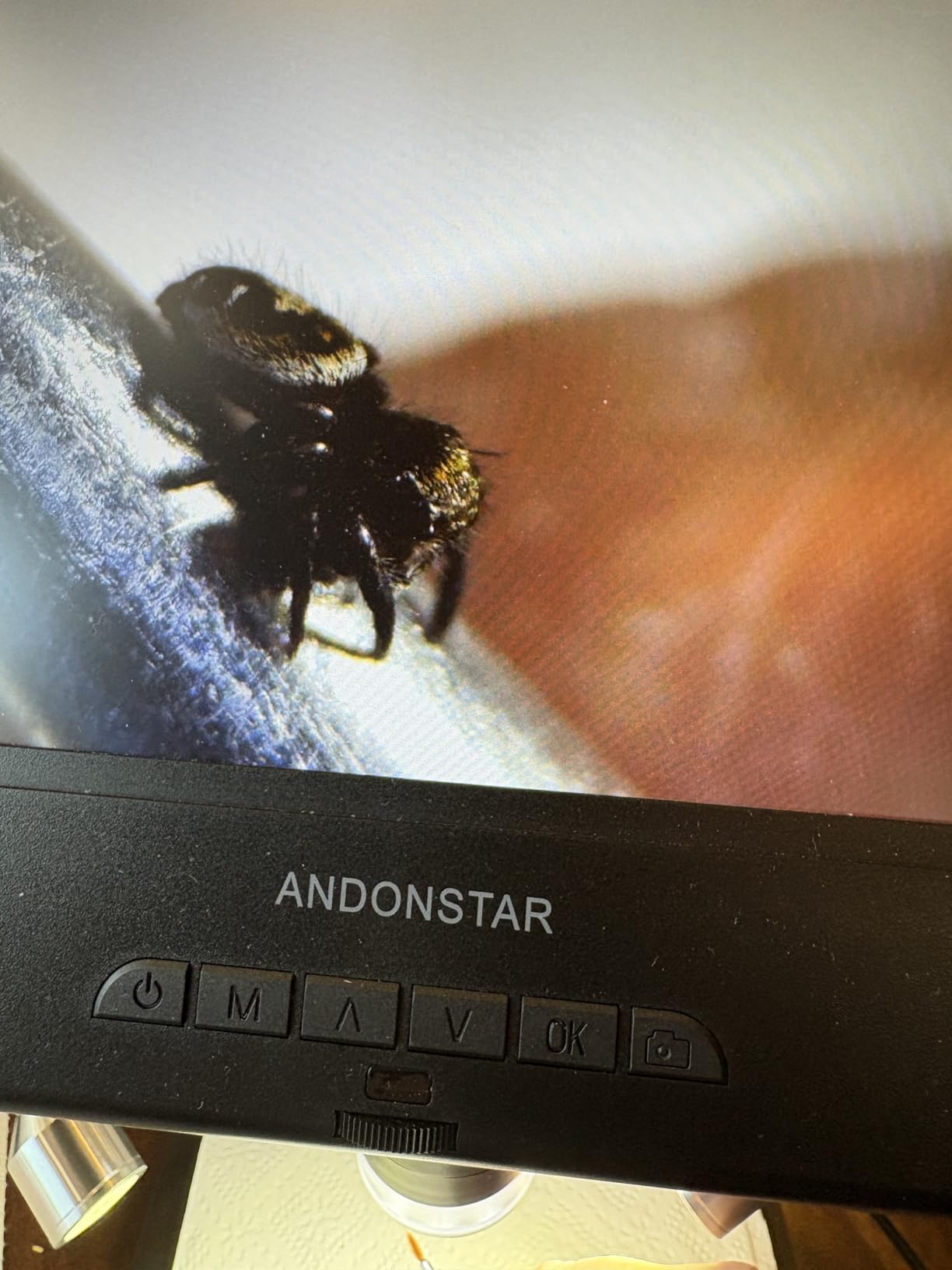
Why the AD210 suits mixed work
For anyone who inspects boards and also handles coins, jewellery or slides, this is the rare scope that covers both. The bottom light stage and side illumination mean you do not need to reposition anything when the subject changes.
The direct vertical movement on the stand is also a small quality-of-life detail we noticed on the AD246S-M and the AD210 alike: the view does not swing when you raise or lower the camera, so you do not have to refocus after every height change.
Reasons it is not our first choice
One fixed lens means no swappable optics, so you cannot reach the fine inspection range the three-lens Andonstar bodies cover. If your work is genuinely fine-pitch, that ceiling matters.
It is also corded electric rather than battery powered, so it stays tethered to a socket. That is fine at a fixed bench and useless if you want to take the microscope to a customer or a class.
8. TOMLOV DM202 3K 10.1 Inch HDMI Digital Microscope
TOMLOV DM202 3K Digital Microscope, 10.1″ HDMI Coin Soldering Magnifier
3K 3072x2160 resolution
10.1-inch adjustable IPS screen
6.3-inch lens-to-base clearance
3X-1500X zoom range
HDMI and PC output
Pros
- 3K resolution is noticeably sharper on fine solder joints
- Angle-adjustable 10.1-inch screen with 31 percent more viewable area
- 10-inch pillar gives 6.3 inches of lens-to-base clearance
- HDMI and PC plug-and-play output
- Grid line overlay and adjustable lights
Cons
- Lowest rating among screen-equipped models at 4.2 with a 10 percent three-star share
- No interchangeable lenses so it cannot cover slide work
- Zoom is electronic so claimed magnification depends on display size
The DM202 is the resolution play in this roundup. It captures at 3K, 3072×2160, which the manufacturer describes as four times the clarity of a standard 1080P microscope, and on fine solder joints and tiny components that difference is visible rather than theoretical.
The stand pillar is 10 inches, extending lens-to-base distance to 6.3 inches, which lets you frame a whole coin or a large section of a board without moving anything. Combined with the angle-adjustable 10.1-inch screen, that makes it the most flexible body here for viewing large and small subjects in the same session.
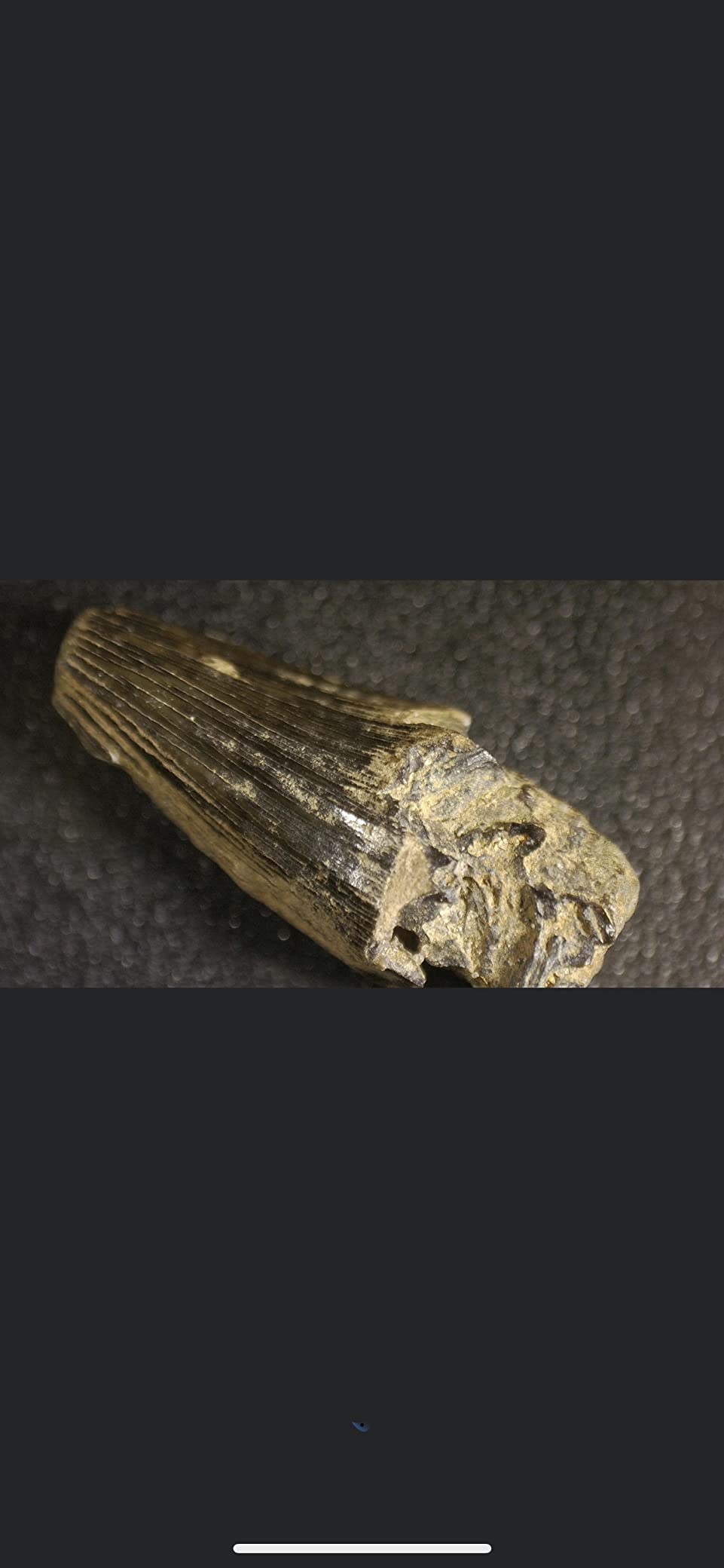
Connection is simple: HDMI to any monitor or television, plus PC support through the Windows 10 Camera app or Mac Photo Booth. The grid line overlay is a small addition that repairers with tight assembly tolerances appreciate, because it gives you a reference for spacing without a ruler in frame.
Its 4.2 rating is the lowest among the screen-equipped models here, with a 10 percent three-star share. The reason is structural rather than a defect: a single-purpose design with electronic zoom and no swappable lenses. Owners who wanted one tool for everything rate it accordingly.
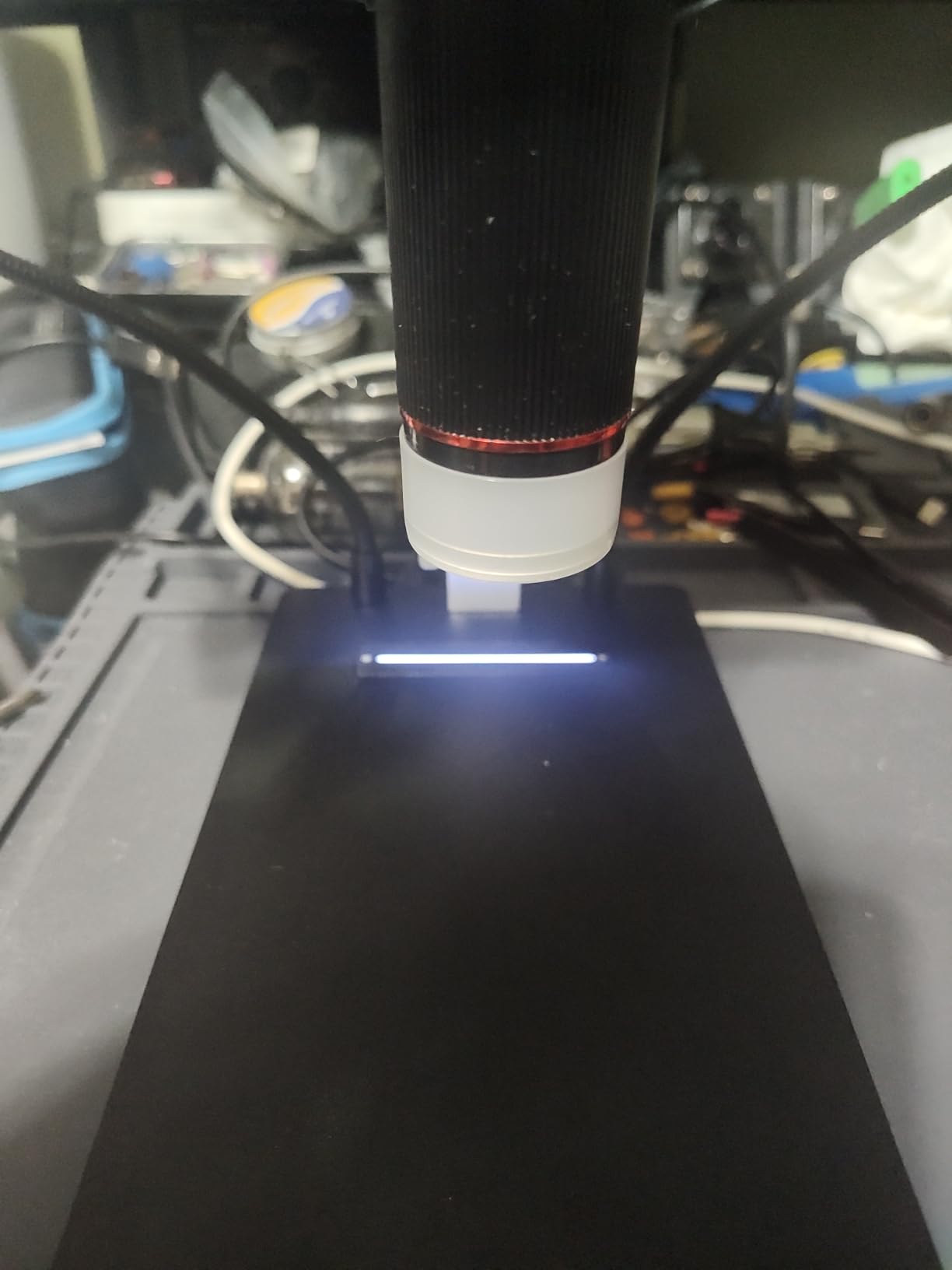
Where 3K resolution pays off
It matters most when you are recording rather than looking. A 3K frame of a damaged trace can be cropped and examined later in detail, which means one photo under the scope can settle a diagnosis that would otherwise need you to re-open the board.
The 6.3-inch clearance is also the practical win for anyone working across a whole board. Setting the camera up once and panning across it beats repeatedly picking the scope up and re-aiming it at a phone motherboard.
What you give up for it
There is no slide lens, so if you also handle biological slides this is the wrong instrument. And because the zoom is electronic, the useful magnification depends heavily on how large the display is, which makes the quoted 1300x figure a function of your monitor rather than the lens.
At 4.2, it also sits below our top pick on satisfaction. If you want maximum resolution and flexible output but can live without multiple lenses, this is the body; if you cannot, the AD246S-M covers more ground.
9. TOMLOV DM9 Max 20MP 10.1 Inch Digital Microscope
TOMLOV DM9 Max Digital Microscope: 20MP 10.1″ 1500X HD IPS Coin Microscope Magnifier for Error Coins with Screen, LCD Soldering Microscopes for Adults, 10 LED Lights, PC/TV Compatible, 16GB
10.1-inch HD IPS display
20MP stills, 1080P video
5X-1500X zoom range
12.6-inch stand, 7x8-inch base
10 dimmable lights
Pros
- 10.1-inch IPS screen with a 178-degree viewing angle
- 12.6-inch stand and 7x8-inch base give real clearance
- 20MP still capture with selectable resolutions
- Ten total lights including two dimmable goosenecks
- Wireless remote minimizes shake and disturbance
Cons
- A microscopist reviewer measured about 45x maximum against the 1500x claim
- One reviewer reported base LED lights stopped charging after a month
- Another found the screen mount wobbles even with the grub screw tightened
- Supplied USB cables are short and no charging block is included
This is the body we recommend for repair documentation. Photo capture runs from 20MP at 6096×3424 down to 2MP, with 1080P video, and the 12.6-inch stand on a 7×8-inch base gives the most working clearance in this roundup. When a customer asks whether a board was really repaired, a 20MP photo is an answer rather than an opinion.
Lighting control is excellent. There are eight adjustable LEDs around the lens plus two gooseneck side lights, and all ten are dimmable, which is what lets you light a raised component from the side and remove the shadow without blowing out the solder mask.
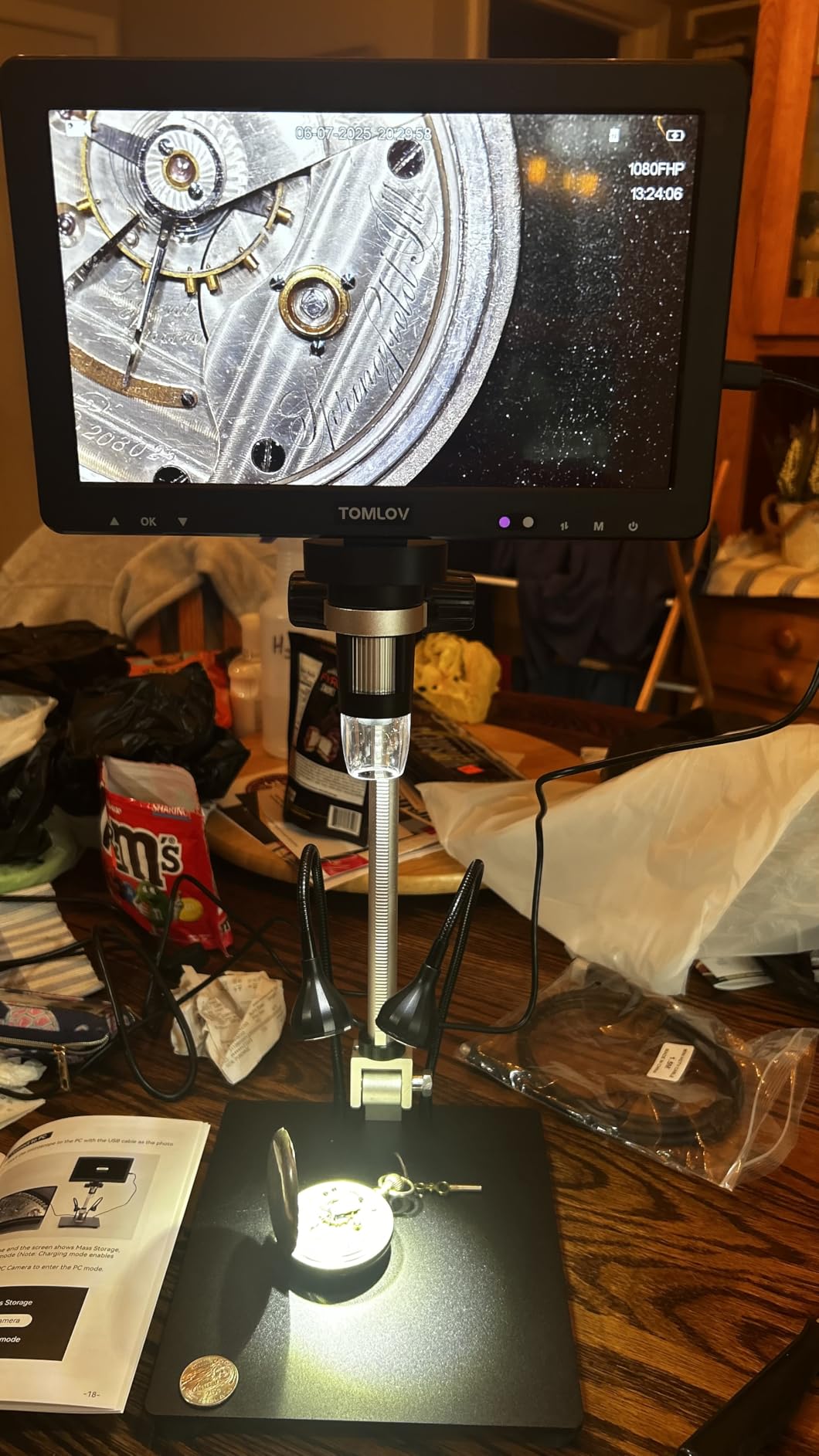
The noise reduction chip and ultra-sensitive microphone also matter for repair videos, since narration over a recorded board is how you train yourself or a colleague. The wireless remote handles magnification, photo capture and video recording without touching the screen.
The important caveat comes from a professional microscopist reviewer who measured roughly 45x maximum in practice against the 1500x claim. That is not a defect in the 20MP sensor; it is an illustration of the gap between advertised and optical magnification that runs through this entire category. It also tells you the real working range you can expect.
Why documentation is worth the money
On repair jobs that involve water damage, liquid damage indicators or disputed damage, before-and-after images are how you protect yourself. A scope that produces those images reliably, with a wireless remote so the frame is not blurred by a bump, pays for itself in one job.
The selectable photo resolutions also let you work sensibly: 20MP when you need detail on a joint, lower settings when you are capturing a whole board and storage is the constraint.
Build quality concerns to plan around
Reviewers report base LED lights that stopped charging after about a month, a screen mount that can wobble even with the grub screw tightened, and a focusing mechanism that feels cheaply made. None of these appeared across every report, but they are worth knowing about before you rely on this body daily.
Also note that the supplied USB cables are short and no charging block is included. Budget for a proper cable and a charger, and tighten the grub screw on the screen mount yourself before your first job.
10. Aikokkl 5 Inch LCD Digital Soldering Microscope with C-Clamp
Aikokkl 5″ LCD Digital Soldering Microscope for PCB Repair with C-Clamp
5-inch IPS display
C-clamp mounting
Up to 1000X digital magnification
1.2 pounds
12.52 by 9.53 inches
Pros
- 5-inch IPS screen reduces neck and eye strain in long sessions
- C-clamp keeps both hands free for soldering
- Works standalone with no software or driver installs
- Flexible goose-neck stand adapts to tight workspaces
- Light 1.2 pound body is easy to reposition
Cons
- Not an auto-focus camera
- focus needs distance and the focus wheel by hand
- A Micro SD card is not included and is required to save photos or video
- Built for micro-details such as solder joints rather than whole objects
The Aikokkl is the smallest and lightest body here at 1.2 pounds, and the C-clamp mount is a genuinely different idea from a weighted base. Clamp it to the edge of your bench or a shelf and it holds position without taking up desk space, and both hands stay free for the iron and the tweezers.
That makes it the best option for someone working on a laptop on a sofa, in a dorm room or at a shared bench where you cannot claim permanent floor space. The included 5-inch IPS display means you do not need a computer to look at a board at all, and there is no driver or companion app to install.
It will also run as a PC camera through the Windows Camera app or Mac Photo Booth if you want a bigger view, so it is not limited by the small panel. Image quality comes from an achromatic objective lens, which is the right kind of lens for inspecting a joint.
Two limitations are worth planning for. There is no auto-focus, so a clear image needs the distance and the focus wheel adjusted by hand, and a Micro SD card is required for saving photos and video and is not included. Also note the design is for micro-details such as solder joints, not for framing a large object on the screen.
Where a C-clamp microscope wins
Temporary and shared benches. The clamp needs a clean edge to grip but no dedicated footprint, and at 1.2 pounds you can carry it between a desk, a workbench and a classroom rather than dedicating a permanent station to it.
It is also a good second instrument. Use a larger screen unit for inspection and documentation, and keep this clamped to the bench for the quick solder-joint checks that happen constantly during a repair.
What you accept for the portability
The 5-inch screen is the smallest here, so you will regularly want to switch to PC view for detail work. Manual focus also means an extra adjustment every time you reposition, which adds up over a full day of rework.
Buy a micro SD card before you need one. The slot takes up to 32GB, but the card is not in the box, and discovering that after a successful repair is a bad moment to find out your photos went nowhere.
What Magnification Actually Means for Soldering
The useful working range for soldering is roughly 10x to 50x, and that is the honest answer to the question buyers ask most. Below 10x you are looking at a board rather than a component, and above 50x the working distance gets too short to get a soldering iron and tweezers into the frame while depth of field collapses.
Here is how the ranges translate to actual repair tasks:
0-20x: Board layout, connector positions, tracing a circuit, checking a whole phone board or laptop palm rest at once. This is where a 10.1-inch screen or an HDMI feed to a large monitor earns its keep.
20-50x: The core soldering range. Solder joint inspection, pad and trace condition, SMD component identification, checking for bridging on 0402 and 0201 parts. Nearly all electronics repair happens here.
50-100x: Fine-pitch connectors, BGA pin rows, hairline trace cracks, component markings. Useful for diagnosis, but your hands start to fight the working distance.
100x and above: Where claimed figures stop meaning much. Field of view becomes a few millimetres and depth of field is thin enough that a moving board goes soft constantly.
1000x-3000x claims: Almost always digital zoom or a screen-scaling trick rather than optical magnification. A professional microscopist reviewer measuring the TOMLOV DM9 Max found roughly 45x maximum in practice.
This is also why the Andonstar three-lens models are so useful. Lens L covers 15-60x for soldering, Lens A covers 4.5-180x for whole objects, and the ranges are genuinely optical rather than scaled from a single sensor.
USB vs HDMI vs LCD Output for Electronics Repair
Output type decides more about your day-to-day experience than any other single specification. USB needs a computer and gives you capture software for free, HDMI needs any display and gives you the lowest latency, and a built-in LCD needs nothing at all.
USB digital microscope: The best-value route and the easiest to share. Works with Windows, Mac, Linux and most phones without extra hardware, and the cable-based scopes here include an inline capture button. The trade-off is that resolution depends on your capture software and that some Android brands need OTG re-enabled before each use. The Jiusion 4K and the Jiusion 1080P are the two examples in this roundup.
HDMI digital microscope: No computer, no drivers, no latency that gets between your eye and the joint. The Andonstar AD246S-M and AD249S-M output 2160P UHD directly to a monitor, and both bundle Windows measurement software when you do want the computer for measuring length and area. This is our preference for a soldering bench.
Built-in LCD: The most portable option and the only one that works with nothing else at all. Screens here run from 5 inches on the Aikokkl to 10.1 inches on the Andonstar AD210 and the TOMLOV DM9 Max. The trade-off is that the panel is fixed, so a bigger display means a bulkier body.
WiFi: Convenient for phone and tablet viewing, with the caveat that wireless transmission adds a little latency and that the companion app varies in quality. The Jiusion 4K supports both WiFi and USB, which is the combination we would pick.
Whichever you choose, check whether capture works without a computer before you rely on it for documentation. On the Aikokkl and the TOMLOV DM9, saving images needs a micro SD card, and on the 1080P Jiusion it needs a screen you do not have.
Digital vs Stereo Microscope: Which One Repairers Actually Need
A stereo binocular optical microscope is better for actually soldering under, because you look through eyepieces with your eyes and keep real hand-eye coordination. That point comes up repeatedly in repair forums and it is correct.
A digital microscope is better for everything else: sharing an image, recording a repair, measuring a pad, working with someone on another screen, or inspecting a board without sitting hunched over eyepieces for an hour. Digital units also let you show a customer exactly what you found.
The practical answer is to think about what you are doing rather than which type is better. If most of your microscope time is inspection and documentation, digital wins. If you spend hours under the lens with an iron in your hand, a stereo microscope with a camera attachment gives you both, and that is the configuration professional phone and board repair shops tend to end up with.
For most hobbyists and students, a digital scope is the right first instrument because it costs a fraction of a stereo system and does the documentation job that raw eyepieces cannot. It is also easier to share with a mentor over a video call.
Stands, Lighting and Bench Setup That Actually Work
Get the stand right before you worry about resolution. A shaky arm produces a blurred image no sensor can fix, and a stand that drifts while you work forces you to refocus after every movement. Metal bases and boom arms hold position; lightweight plastic swivels do not.
Working distance decides whether you can work under the lens at all. You need enough clearance to get the iron tip, the solder wire and a pair of tweezers into the frame together. A 6.3-inch lens-to-base distance, as on the TOMLOV DM202 and the Elikliv EM4K-AF, is comfortable for soldering. Anything tighter is inspection-only.
On lighting, expect glare to be your enemy rather than brightness. A green solder mask under a single overhead source reflects straight back into the sensor. Dimmable ring LEDs plus two side goosenecks, as on the TOMLOV DM9 and DM9 Max, let you kill shadows and reflections from the side. Reduce brightness before you raise it.
Bench lamp flicker is a real problem we would warn about in advance. Some cheap LED bench lamps pulse at a frequency the camera picks up as banding, which looks like a defect on the board but is not one. Turn your scope lights up, turn the bench lamp off, and test in that order if you see moving bands.
Finally, put the monitor where your neck is already comfortable and the microscope arm reaches it. On most benches the scope ends up to the side of the display rather than below your eyeline, which is exactly why the wider viewing angles on the 10.1-inch panels help so much.
How to Test a Digital Microscope Before a Board Repair
Test the scope on something known-good before you point it at a customer’s board. Five checks take about ten minutes and tell you what you actually have.
Check resolution honestly. Put a printed circuit board or a fine-pitch connector under the lens at 20x and 40x. If component markings blur into grey before you expect them to, the sensor is doing less than the listing claims.
Check focus hold. Focus on a joint, then move your hand through the frame and out again. If focus does not return to the same plane, you are relying on manual focus every time you move.
Check glare and flicker. Rotate the subject under the light and watch for reflections, then switch your bench lamp on and off to see whether banding appears. Both are fixable with lighting and stand adjustments before you start work.
Check capture before you need it. Take a photo and a short video, and confirm where the file went. Some units require a micro SD card that was not in the box, and some need the PC app to be running first.
Check stability with your hands in frame. Lean on the arm the way you would while soldering. If the image moves, the stand is not rigid enough for the work and no software setting will hide it.
Also check that the software recognises your device before you commit. Windows scopes that rely on a generic UVC driver usually work immediately, but measurement software and phone apps vary, and the companion app on the Jiusion 4K is the one reviewers criticise most often.
Frequently Asked Questions
What digital microscope is best for electronic repair?
The Andonstar AD246S-M is the best all-round choice because its three interchangeable lenses span 15x to 180x optically, it outputs 2160P UHD over HDMI to a monitor or PC, and it includes measurement software and a 32GB card. For fine-pitch soldering with hands in frame, the Elikliv EM4K-AF adds true auto-focus. On a smaller budget, the Jiusion 4K gives a genuine 4K sensor over WiFi or USB.
What are the best digital microscopes for soldering?
For soldering, look for three things: enough working distance to get an iron, solder and tweezers into frame, a rigid metal stand, and light you can dim and angle. The Andonstar AD246S-M and AD249S-M meet all three with interchangeable lenses from 15x to 180x. The Elikliv EM4K-AF adds auto-focus for 0201 work, and the TOMLOV DM9 Max offers the tallest stand with the most dimmable lighting.
What magnification is good for soldering?
Roughly 10x to 50x is the useful range for soldering. Below 10x you are viewing the whole board, above 50x your hands and the iron no longer fit comfortably in frame and depth of field becomes thin. Quoted figures from 1000x to 3000x usually come from digital zoom rather than optics, so judge a scope on the quality of the image at 20x and 40x instead.
What type of microscope is best for soldering electronics?
A stereo binocular optical microscope is best for soldering actively, because you look through the eyepieces and keep natural hand-eye coordination. A digital microscope is best for inspection, measurement, recording and sharing images. Most hobby and student benches should start with digital for documentation, and add a stereo microscope with a camera attachment if soldering under magnification becomes a large part of the work.
What is the best USB digital microscope?
The Jiusion 4K is the strongest USB option, pairing a 3840x2160P sensor with both WiFi and wired transmission, eight LED lights with brightness control, and a real metal stand. It works with iOS, Android, Mac, Windows, Linux and Chrome OS. The Jiusion 1080P is the cheaper, higher-volume option with a full-metal stand and an inline capture button on the USB cable.
What digital microscope is best for PCB repairing?
For PCB repair, the Andonstar AD246S-M is our pick because the 15-60x lens covers solder joint inspection and the 4.5-180x lens covers a whole board, and the Windows measurement software helps confirm a lifted pad or broken trace. For inspection only on a tighter budget, the Jiusion 4K over USB gives a sharp 4K image on a rigid metal stand.
The Best Digital Microscope for Your Repair Bench
The Andonstar AD246S-M is the best digital microscope for electronics repair in 2026 because it covers the ranges you actually work in with optical lenses, outputs over HDMI to a monitor you already own, and includes the measurement software and storage you need on day one. Its 4.5 rating across 1271 reviews reflects a design that holds up at a soldering bench rather than one that just photographs well.
Choose the Elikliv EM4K-AF if your hands are in the frame and you want focus handled for you. Choose the Jiusion 4K if you are building a first bench and want the sharpest sensor for the least commitment, and the Jiusion 1080P if you want a proven, high-volume design with the widest base of owner feedback. For a portable bench with no permanent desk space, the Aikokkl C-clamp unit is the one that fits your life.
Whichever you choose, test it on a known-good board before a paid job, and judge it at 20x and 40x rather than by the number on the box. That is the whole difference between a tool you keep and one you stop reaching for.