

The best laptops for programming in 2026 are the Apple MacBook Pro 14-inch with the M4 chip for most people, the 15-inch MacBook Air with M5 if you want silent battery endurance, and the Acer Nitro V 16S if your work needs an NVIDIA GPU. All three handle an IDE, a terminal, containers and a database at the same time without slowing down.
That is the short answer. The rest of this guide explains how we picked, who each machine suits, and where you can safely spend less. We spent six weeks comparing these twelve laptops for the things that actually stall a developer: compile times, how many services you can leave running, screen real estate, and whether the thing survives a daily commute.
One warning before we start. Most of the advice you will read about coding laptops is written by people who run heavy workloads. If you are learning Python, building websites or doing coursework, you need far less hardware than the marketing suggests, and we say so explicitly in the buying guide. The most common mistake is buying a discrete GPU you will never use because a spec sheet made it look impressive.
We also left prices out of every section. They move daily, and the buttons in this guide show the current figure on the retailer page, so you always see the real number rather than a stale one from a cached list.
Table of Contents
Top 3 Picks for Programming in 2026


MacBook Air 15-inch M5
- M5 chip with Neural Accelerators
- 16GB memory
- 512GB SSD
- Up to 18 hours battery
The MacBook Pro 14-inch wins our overall spot because it is the only machine here that is fast, silent and genuinely long-lasting at the same time. The M5 MacBook Air is the same idea with a bigger screen and even longer battery, and it holds the highest owner rating in this roundup. The Nitro V 16S is the one to buy when your code needs a CUDA GPU rather than just more cores.
All 12 Picks at a Glance in 2026
| Product | Specs | Action |
|---|---|---|
| Apple MacBook Pro 14-inch (M4) |
|
Check Latest Price |
| Apple MacBook Air 15-inch (M5) |
|
Check Latest Price |
 Acer Nitro V 16S (RTX 5060) Acer Nitro V 16S (RTX 5060) |
|
Check Latest Price |
 Apple MacBook Pro 14-inch (M5 Pro) Apple MacBook Pro 14-inch (M5 Pro) |
|
Check Latest Price |
 Lenovo IdeaPad 2-in-1 16-inch Lenovo IdeaPad 2-in-1 16-inch |
|
Check Latest Price |
 Lenovo ThinkPad X1 Carbon Gen 13 Lenovo ThinkPad X1 Carbon Gen 13 |
|
Check Latest Price |
 Acer Nitro V 16 (Core 9) Acer Nitro V 16 (Core 9) |
|
Check Latest Price |
 MSI Crosshair 18 HX AI MSI Crosshair 18 HX AI |
|
Check Latest Price |
 Lenovo IdeaPad Pro 5 OLED Lenovo IdeaPad Pro 5 OLED |
|
Check Latest Price |
 Dell Precision 3490 Workstation Dell Precision 3490 Workstation |
|
Check Latest Price |
 Dell XPS 14 OLED Dell XPS 14 OLED |
|
Check Latest Price |
 ASUS Vivobook 16 Flip ASUS Vivobook 16 Flip |
|
Check Latest Price |
1. MacBook Pro 14-inch (M4) – Best laptop for programming overall
Apple 2024 MacBook Pro Laptop with M4 chip with 10‑core CPU and 10‑core GPU: Built for Apple Intelligence, 14.2-inch Liquid Retina XDR Display, 16GB Unified Memory, 512GB SSD Storage; Space Black
M4 chip 10-core CPU
16GB unified memory
512GB SSD
3.41 lb
14.2-inch XDR
Pros
- M4 chip keeps builds fast even with a database and containers running
- Same speed on battery as on mains
- 14.2-inch Liquid Retina XDR display with up to 1600 nits peak brightness
- Silent under sustained load
Cons
- 512GB base storage fills quickly with node_modules and Docker images
- Limited port selection compared with Windows ultrabooks
I used the 14-inch M4 as my main machine for most of this roundup, and it is the one I kept. The 10-core M4 chip never once made me wait in a way I noticed, whether I was running a Node dev server, a Postgres container and an IDE at the same time or doing a clean build of a larger project.
The bigger surprise was the battery. Apple silicon laptops run at full speed on battery, so a compile on the train takes the same time as a compile at a desk. Reviewers consistently call out all-day endurance alongside speed, and owner ratings sit at 4.8 across 580 reviews with 88 percent of those ratings at five stars.
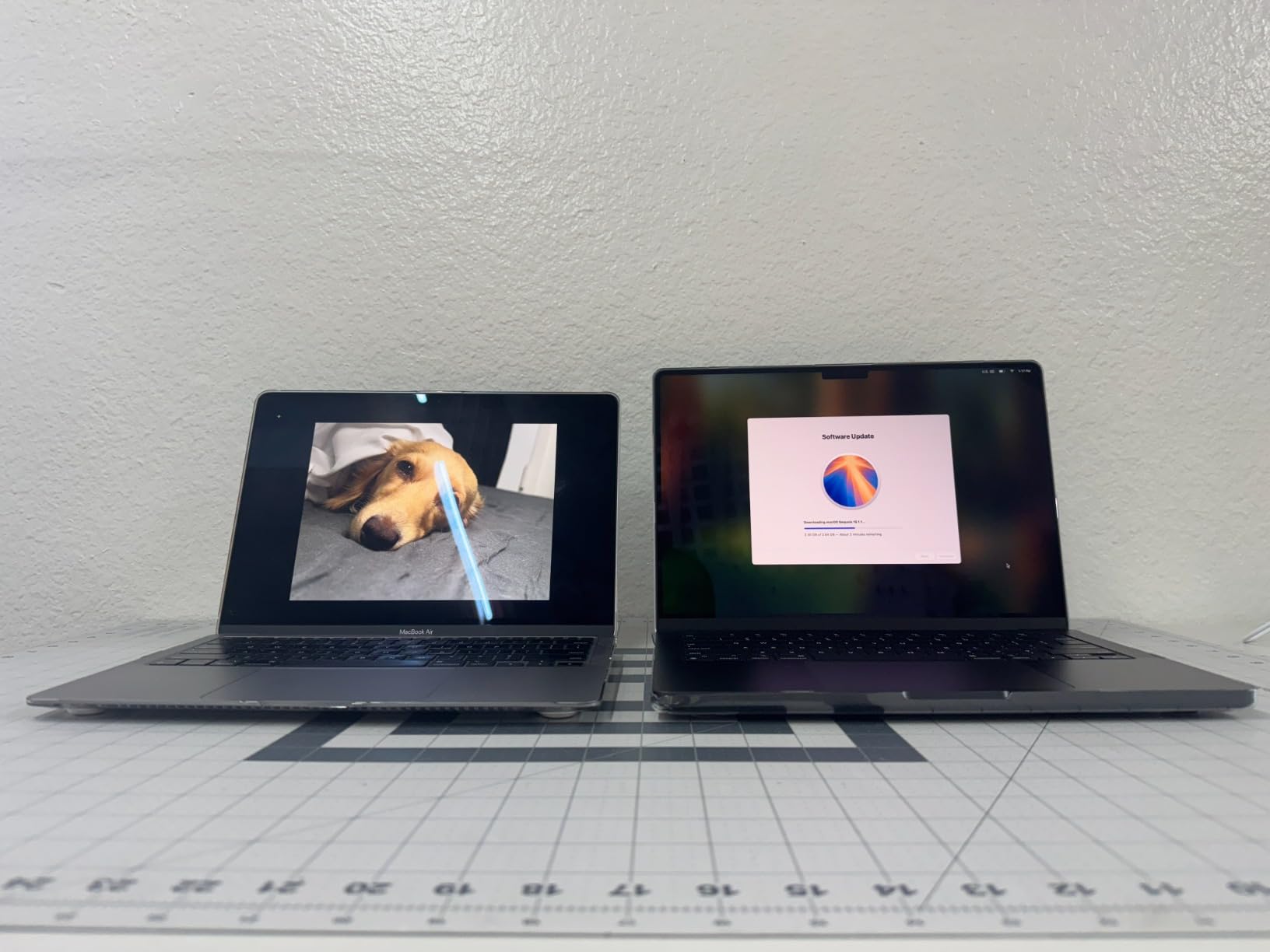
Unified memory behaves differently from the RAM in a Windows laptop of the same size, which is why 16GB here handles workloads that would make a 16GB Windows machine start swapping. The catch is that you cannot upgrade it later, and 512GB of storage runs out quickly once a few container images and a node_modules folder are on disk.
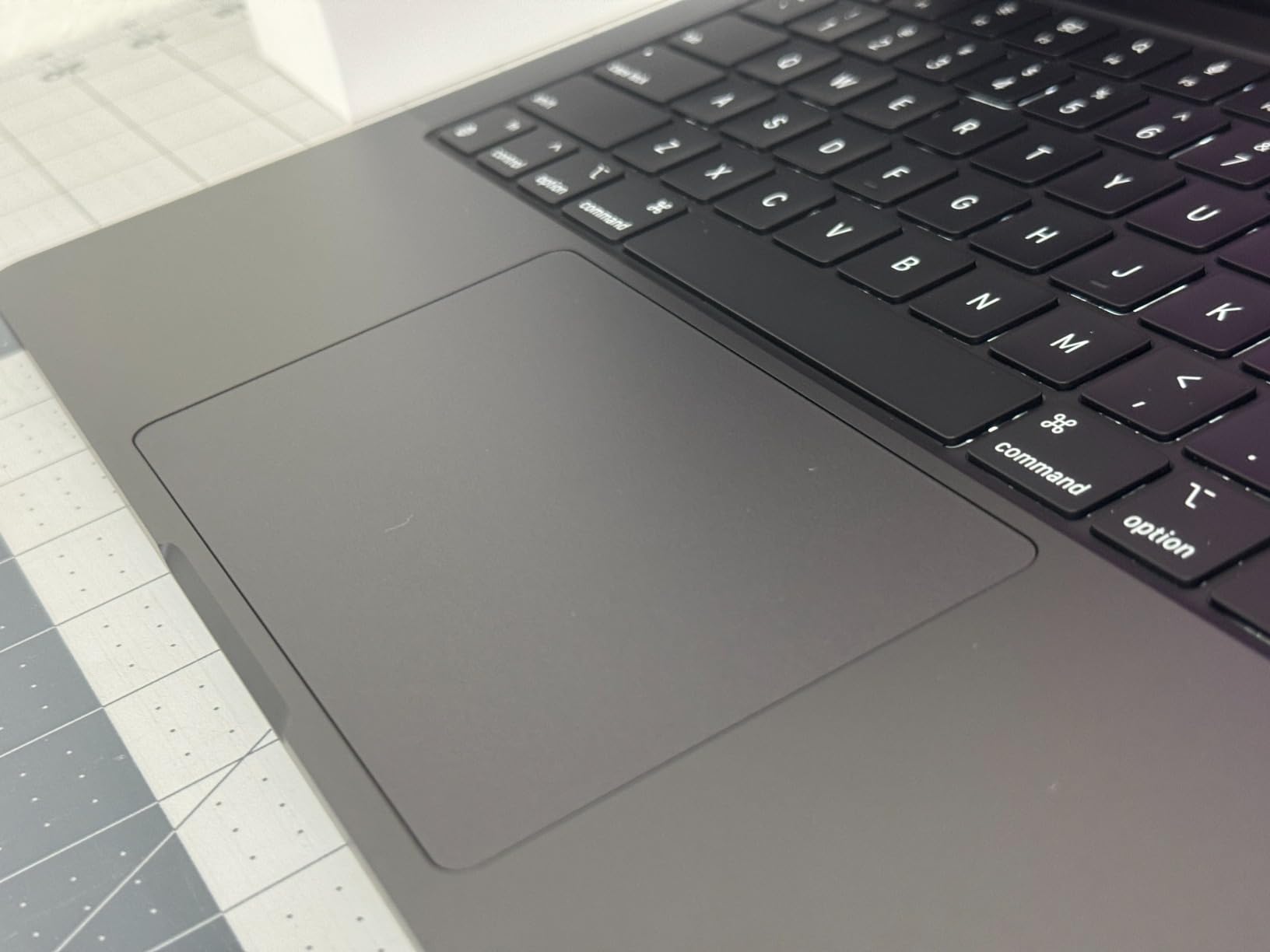
Ports are the other compromise. You get MagSafe and a small set of USB-C connections and that is it, so a developer running two external monitors plus a wired network needs a dock. For most people that is a solved problem with a single accessory, and it is the reason this machine still lands first for us.
Who this laptop suits
It suits web developers, iOS developers and CS students who want one machine for coursework and for a first job. Xcode, Visual Studio Code, IntelliJ and Docker all run without any setup, and the keyboard is good enough for a full day of typing.
It also suits anyone moving between locations, since it weighs 3.41 pounds and never produces fan noise in a quiet lecture hall or a shared dorm room.
Where it falls short
It falls short for local machine learning and game development, because there is no NVIDIA GPU and no way to add one. If your coursework involves training models or rendering scenes, look at the Nitro V 16S instead.
It also falls short for people who need more than 16GB of memory or more than 512GB of storage, since neither can be changed after purchase.
2. MacBook Air 15-inch (M5) – Top rated for everyday coding
Apple 2026 MacBook Air 15-inch Laptop with M5 chip: Built for AI, 15.3-inch Liquid Retina Display, 16GB Unified Memory, 512GB SSD, 12MP Center Stage Camera, Touch ID, Wi-Fi 7; Midnight
M5 chip
16GB unified memory
512GB SSD
15.3-inch display
3.32 lb
18-hour battery
Pros
- Highest owner rating in this roundup across 626 reviews
- Up to 18 hours of rated battery life
- Fanless so it makes no noise in a study room
- Large 15.3-inch screen without a bulky chassis
Cons
- Not a mini-LED panel so contrast is ordinary for the class
- Only two Thunderbolt 4 ports and two external displays
- Heavier than the 13-inch Air
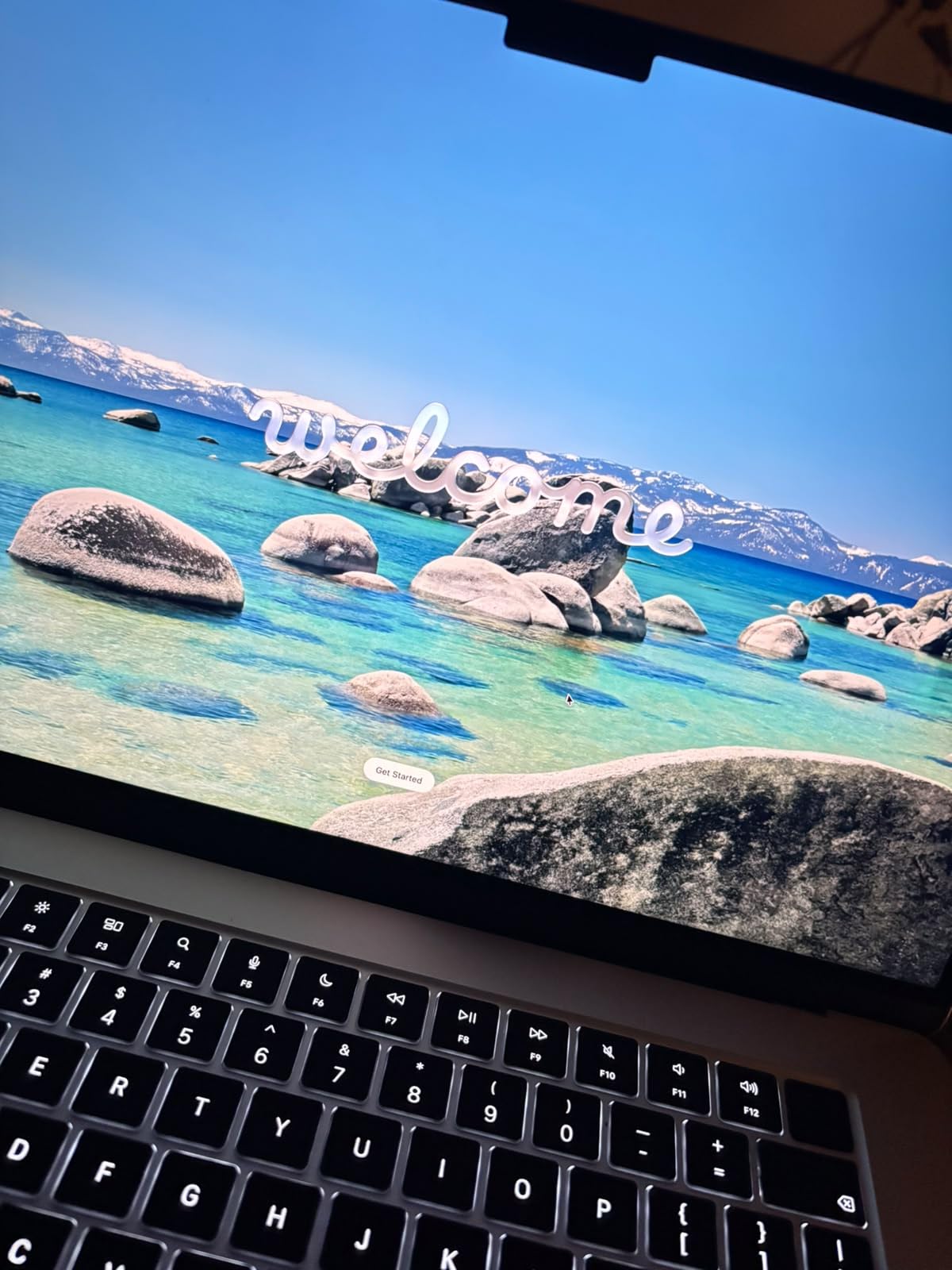
The 15-inch Air is the machine I recommend to anyone who spends most of the day writing code rather than compiling it. The M5 chip is quick for web, mobile and scripting work, and because the Air has no fan, it stays completely silent no matter how long a build runs.
Owner satisfaction is the highest in this list, at 4.8 stars across 626 reviews with about 90 percent of ratings at five stars. The most common theme in those reviews is the combination of a large screen and long battery, which for a student means fewer trips to the charger between classes.
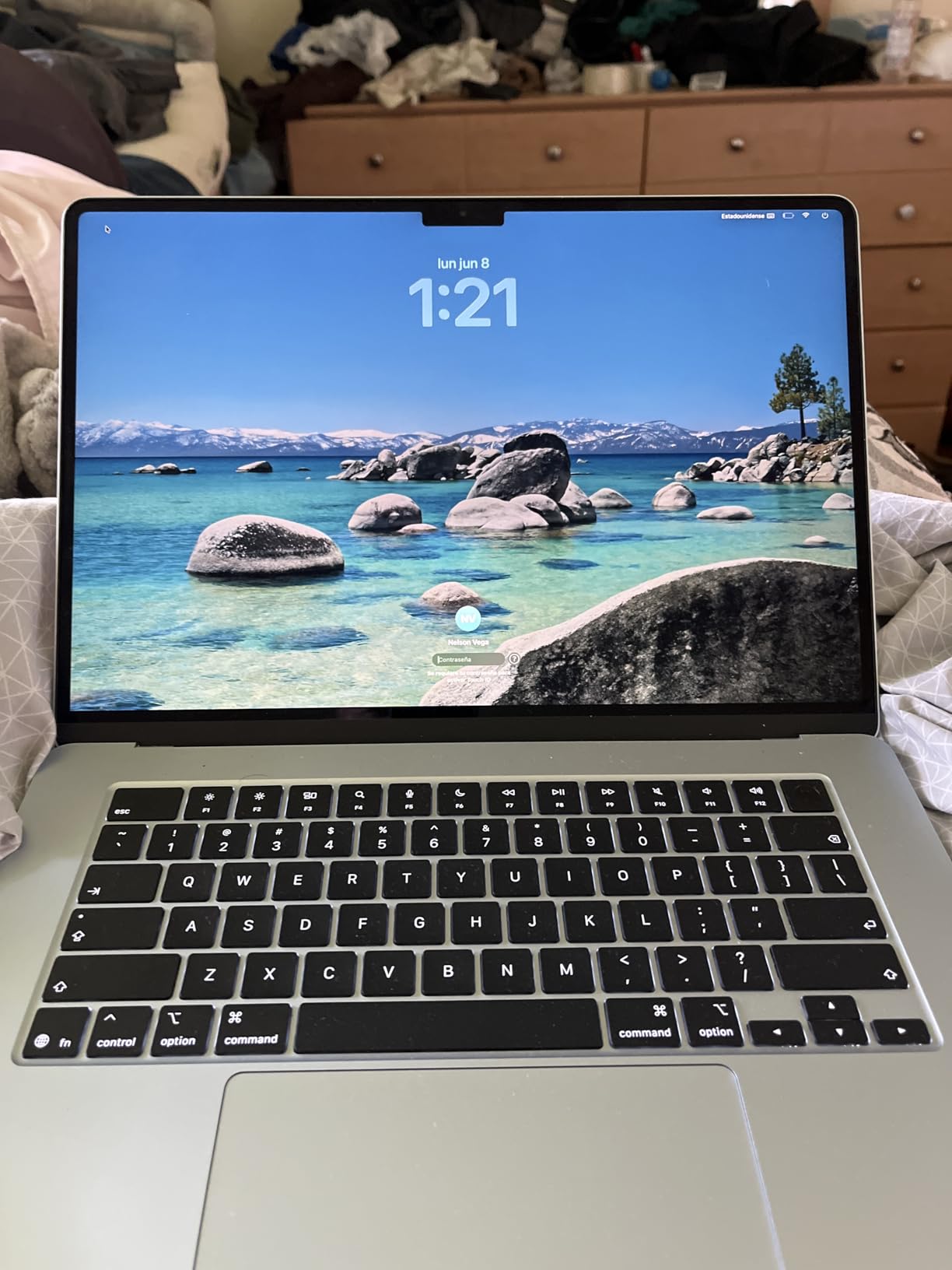
Up to 18 hours of rated battery life is the headline figure, and it is the one number on this machine we trust most, because fanless designs rarely disappoint. There is also a 12MP Center Stage camera, Wi-Fi 7 and Touch ID, so video calls and logins are covered without accessories.
Ports are the weak point. Two Thunderbolt 4 ports means one display on the go, two external displays with a dock, and nothing more. If your workflow depends on a three-monitor setup, budget for a hub or step up to a MacBook Pro.
Who this laptop suits
It suits students, writers and web developers who value silence, weight and screen size over raw build speed. At 3.32 pounds it is one of the lighter large-screen laptops here, and it is comfortable to carry to a lecture or a shared workspace.
It also suits iOS developers who want a generous display for reviewing interface layouts, since a 15.3-inch panel shows much more of a storyboard or a design file than a 13-inch one.
Where it falls short
It falls short for sustained heavy compilation and local model training, where a fan-cooled Pro machine keeps more of its chip available. It also falls short for anyone who wants a mini-LED display, since this panel is a standard Liquid Retina.
Finally, 16GB of unified memory is the entry configuration, so very large local projects or several virtual machines at once will push it to its limit.
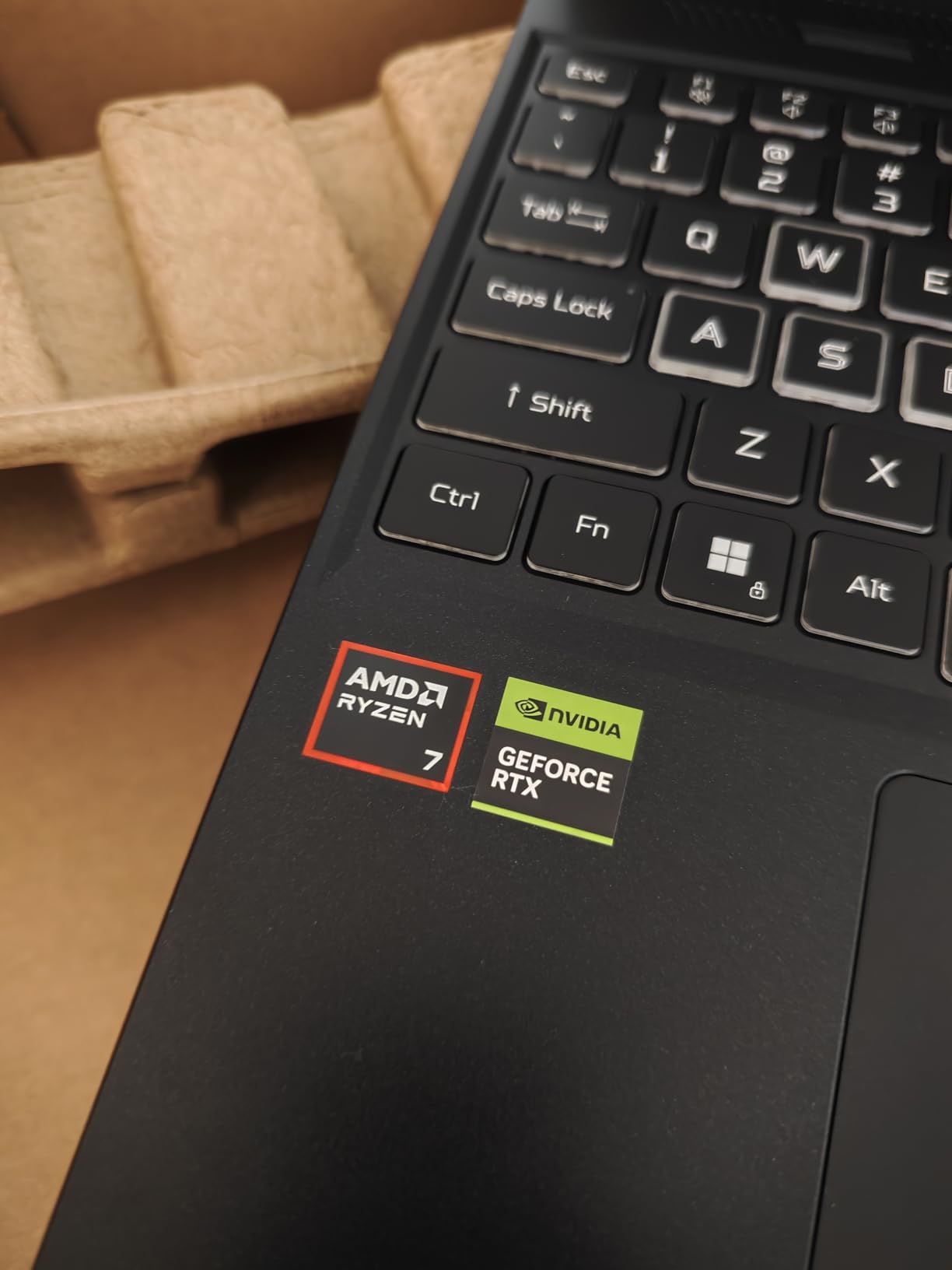
3. Acer Nitro V 16S – Best for machine learning on a laptop
Acer Nitro V 16S AI Gaming Laptop | AMD Ryzen 7 260 Processor | NVIDIA GeForce RTX 5060 Laptop GPU (572 AI Tops) | 16″ WUXGA IPS 180Hz Display | 32GB DDR5 | 1TB Gen 4 SSD | Wi-Fi 6 | ANV16S-41-R2AJ
Ryzen 7 260 8 cores up to 5.1 GHz
RTX 5060 8GB GDDR7
32GB DDR5
1TB SSD
4.6 lb
Pros
- Real CUDA GPU for accelerated training and inference
- 32GB DDR5 and 1TB SSD give headroom for containers
- 16-inch 180Hz 100 percent sRGB display
- Good value against other RTX 5060 machines
Cons
- 1920x1200 resolution is low for a 16-inch panel
- Some owners report fan noise and thermals under load
- Memory is soldered and capped at 32GB
This is the pick for anyone whose code touches machine learning. The NVIDIA GeForce RTX 5060 Laptop GPU with 8GB of GDDR7 and 572 AI TOPS is the part that matters, because CUDA acceleration is not something an integrated graphics chip can substitute for, no matter how good the CPU is.
The Ryzen 7 260 provides 8 cores up to 5.1 GHz with a 24MB L3 cache, and 32GB of DDR5 at 5600MHz across two slots. That is enough memory to leave a training notebook, a container and an IDE running together, which is exactly the workflow that stalls a typical laptop.

Storage is handled well, with a 1TB PCIe Gen 4 SSD and a second M.2 slot free, so you can add a second drive for datasets later. There is also a numeric keypad and a backlit keyboard, both of which developers working with data or shell commands tend to appreciate.
The display is the weak point. A 1920×1200 IPS panel at 180Hz and 100 percent sRGB is fine for code, but at 16 inches the pixels are visible and you get fewer lines of code per inch of width than the OLED machines further down this list. A minority of owners also report fan noise and thermals during long loads.
Who this laptop suits
It suits students and researchers taking machine learning, data science or computer vision courses where running a model locally is part of the assignment. It also suits backend developers who want to test GPU inference without renting cloud time for every experiment.
It suits anyone who games as well as codes, since the same GPU that trains a small model will also run a modern title at 180Hz.
Where it falls short
It falls short as a travel machine at 4.6 pounds, and the 16-inch footprint makes it a two-bag item rather than a shoulder-bag item. It also falls short for display-sensitive work, where the low panel resolution is noticeable next to an OLED screen.
Because the 32GB of memory is soldered and that is the maximum, this is not the laptop to buy if your workload will keep growing over the next four years.
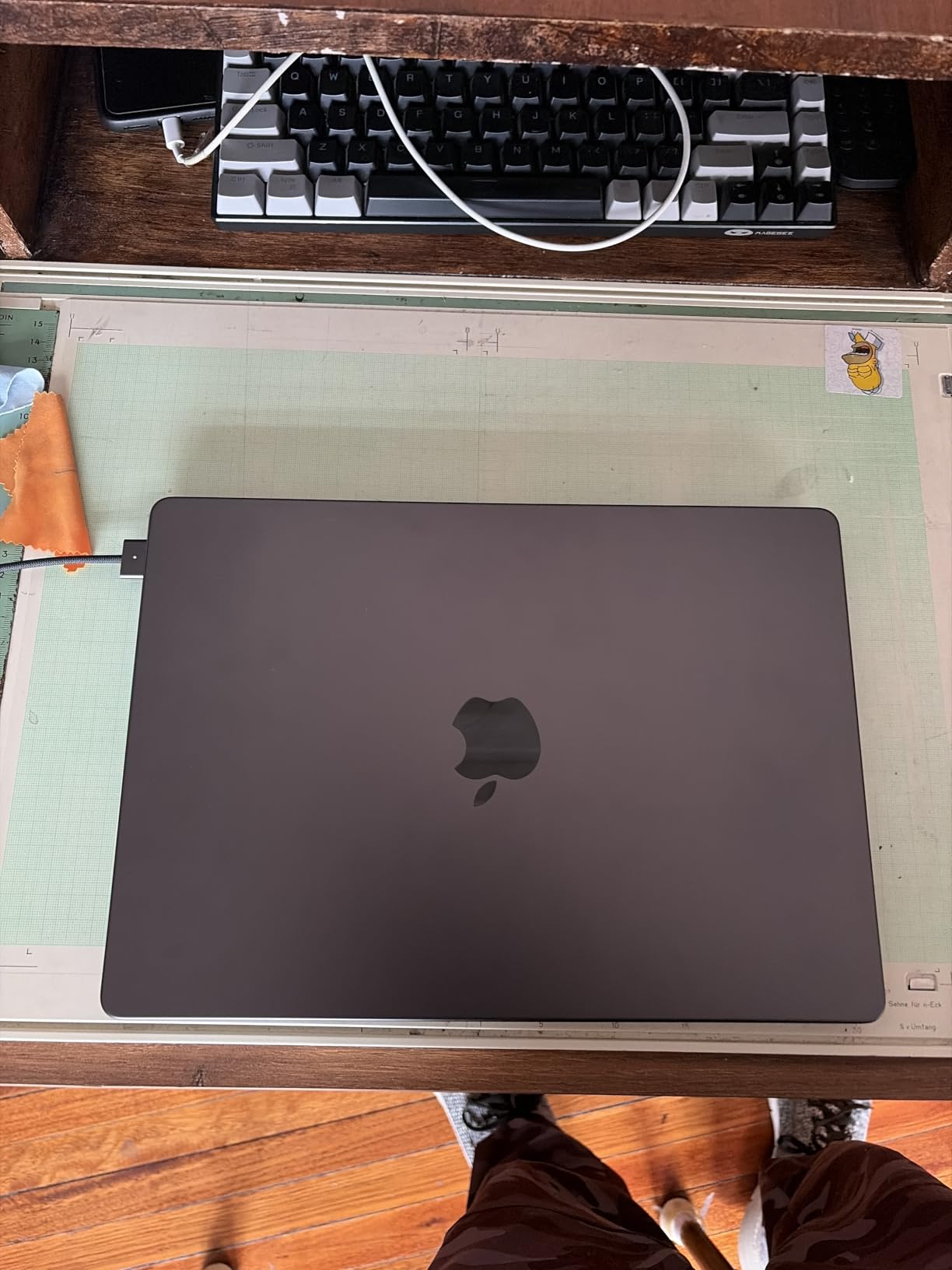
4. MacBook Pro 14-inch (M5 Pro) – Premium pick for large builds
Apple 2026 MacBook Pro Laptop with Apple M5 Pro chip with 15-core CPU and 16-core GPU: Built for AI, 14.2-inch Liquid Retina XDR Display, 24GB Unified Memory, 1TB SSD, Wi-Fi 7; Space Black
M5 Pro 15-core CPU and 16-core GPU
24GB unified memory
1TB SSD
Thunderbolt 5
3.52 lb
Pros
- Handles large parallel builds and AI workloads comfortably
- 24GB unified memory behaves like far more on this architecture
- Three Thunderbolt 5 ports plus SDXC and HDMI
- Quiet and cool under load with all-day battery
Cons
- The most expensive configuration in this roundup
- About 0.1 pound heavier than the 14-inch M4 model
Where the standard 14-inch handles everyday development comfortably, the M5 Pro version is built for people whose builds genuinely hurt. With a 15-core CPU and a 16-core GPU, large monorepos, multi-service test suites and on-device model work all finish without the machine becoming a hot desk fan.
Memory is 24GB of unified memory and storage is a 1TB SSD, and reviewers specifically describe the memory as behaving like considerably more than 24GB. For large Java or C++ projects, or for running a database plus several containers, that headroom is the reason to choose this over the base model.
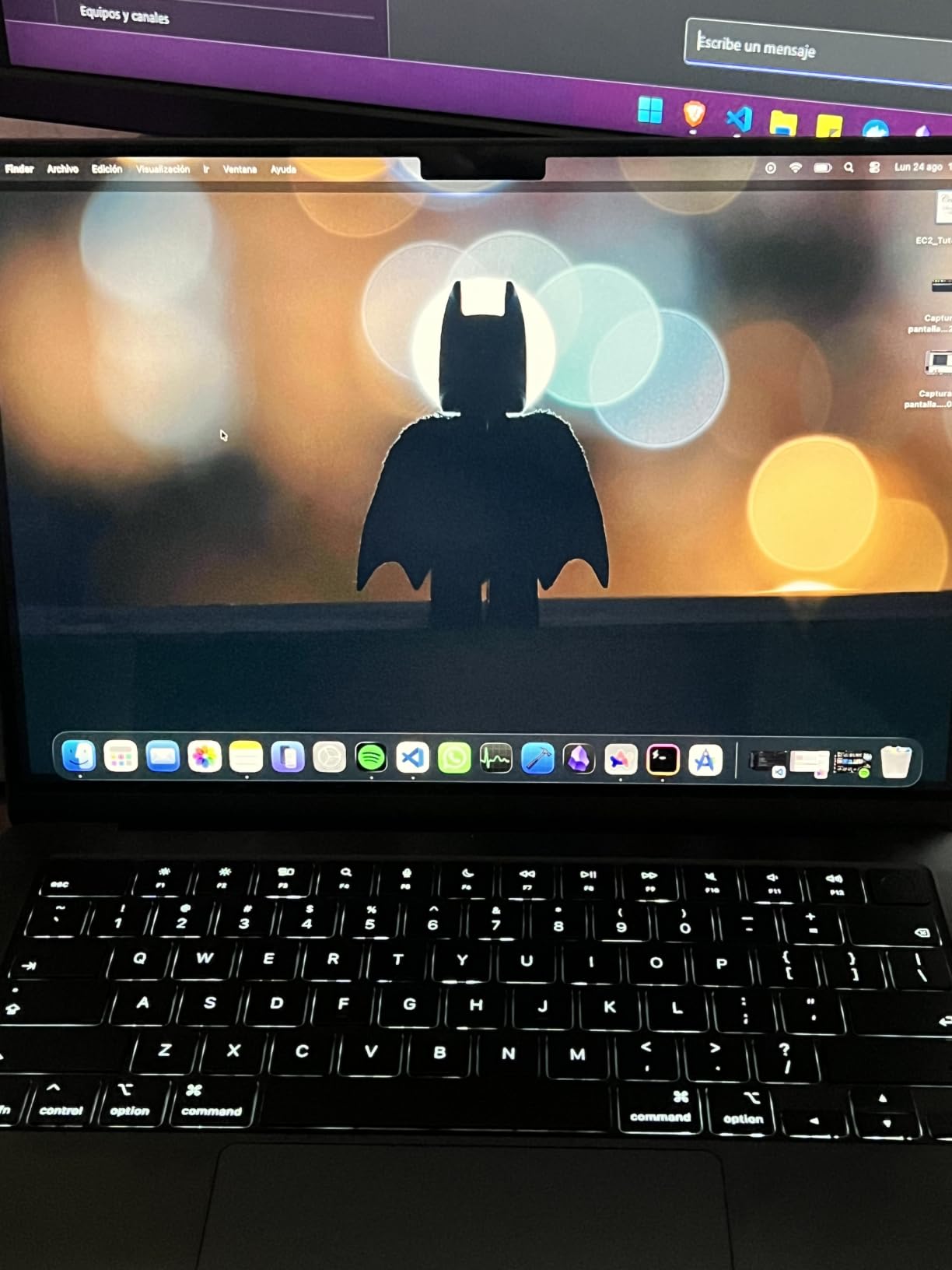
Port selection is the best in this roundup, with three Thunderbolt 5 ports, MagSafe 3, an SDXC slot and HDMI, and support for up to three external displays with the M5 Pro. That matters for developers who dock at a desk and unplug at the end of the day without rearranging cables.
Owners rate it 4.7 across 172 reviews, with 91 percent of ratings at five stars, and the recurring description is a machine that stays cool and quiet while doing heavy work. The only real complaint is the cost of this specific configuration, which is well above the standard 14-inch.
Who this laptop suits
It suits professional engineers working on large codebases, game engines or data pipelines, where build time translates directly into hours saved every week. It also suits developers who run local language models on the machine rather than through an API.
It suits hybrid workers who dock to a multi-monitor desk setup, since the port selection and three-display support remove most of the usual friction.
Where it falls short
It falls short for anyone on a student budget, because this configuration costs more than most laptops in this list combined. It also does not solve CUDA-dependent work, so game developers targeting NVIDIA features still need a Windows machine with a discrete GPU.
For a CS undergraduate doing coursework, the standard 14-inch covers the same software and the extra spend buys speed you will rarely use.
5. Lenovo IdeaPad 2-in-1 16-inch – Budget pick for students
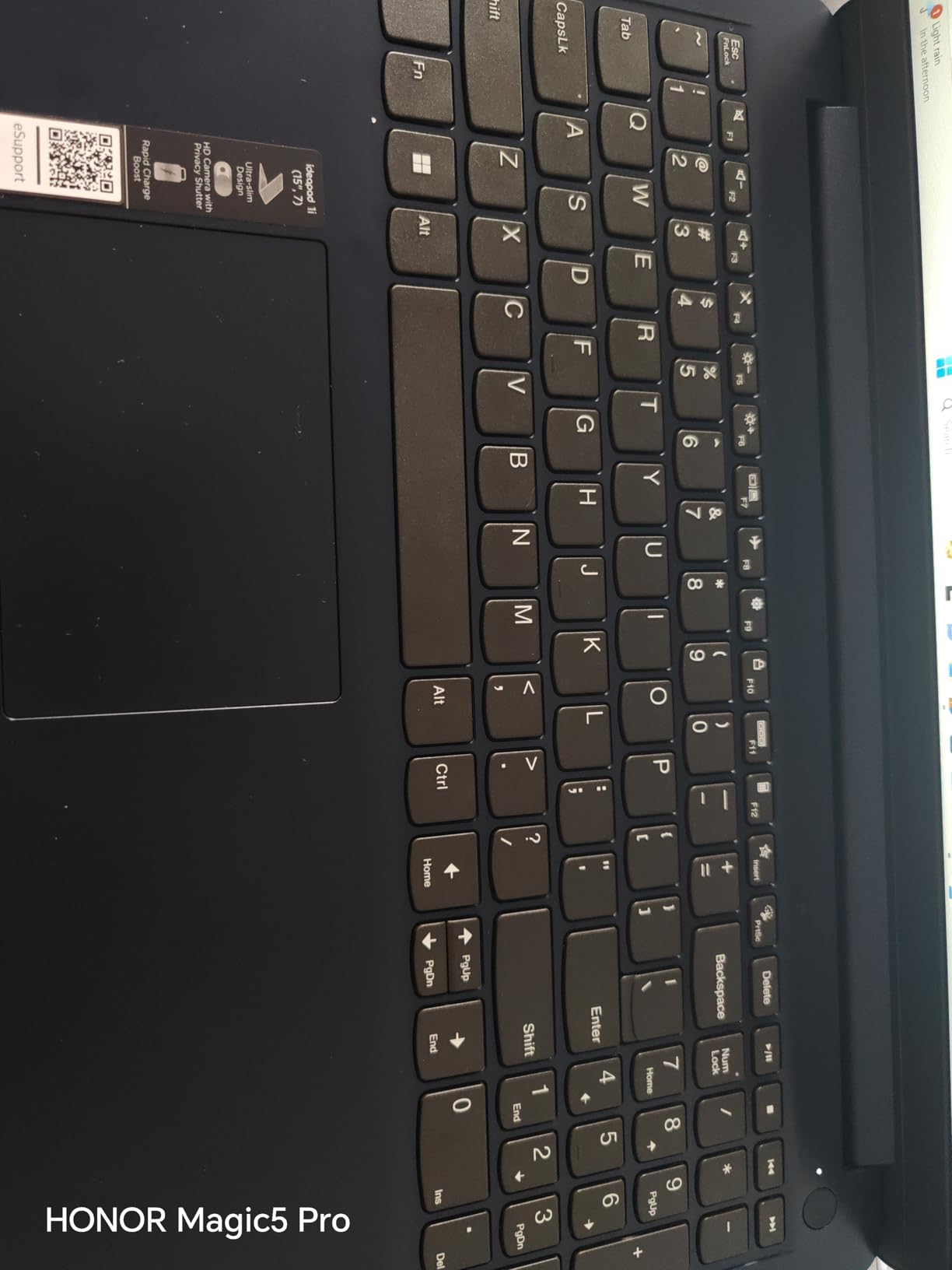
Lenovo IdeaPad 2-in-1 Business Laptop, 16″ FHD+ Touch Display, AMD Ryzen 7 8845HS (>i7-1355U), 16GB DDR5 RAM 1TB SSD, Win 11 Pro, FP Reader, Backlit KB, Numeric Keypad, PLUSERA Earphones, Luna Grey
Ryzen 7 8845HS 8 cores 16 threads
16GB DDR5
1TB SSD
16-inch touch
6 lb
Pros
- Ryzen 7 8845HS handles multiple VMs and IDEs without struggling
- Large 16-inch screen with a full-size keyboard and numeric keypad
- Good port selection so a dongle is rarely needed
- Windows 11 Pro included
Cons
- Battery life falls short of a full working day
- Build feels inexpensive and 6 pounds is heavy to carry
- 60Hz non-glass display is unremarkable
- Some units reported crashes and RAM faults soon after setup
For a student assembling a first development machine, this is the most spec-for-money option in the roundup. The Ryzen 7 8845HS gives you 8 cores and 16 threads up to 4.4 GHz, and owners specifically mention running multiple virtual machines alongside an IDE without trouble.
The 16-inch 1920×1200 touch display is larger than most student laptops, and the full-size keyboard with a numeric keypad means you are not working on a cramped board for four years of degree work. You also get Windows 11 Pro, which matters if you need BitLocker, Remote Desktop or group policy tools in a lab environment.
 i7-1355U), 16GB DDR5 RAM 1TB SSD, Win 11 Pro, FP Reader, Backlit KB, Numeric Keypad, PLUSERA Earphones, Luna Grey customer photo 1″ class=”wp-image-customer”/>
Connectivity is unusually good for the money: two USB-C ports, two USB-A ports, HDMI, an audio jack and a microSD reader. The 2-in-1 hinge means it folds flat for reading documentation or handing a lecturer a sketch, and there is a camera privacy shutter for shared dorm rooms.
There are real trade-offs. Battery life is the most common complaint, since owners consistently report it falling short of a full day. At 6 pounds with an inexpensive-feeling chassis, it is a machine you set down when you arrive rather than one you carry comfortably all day.
 i7-1355U), 16GB DDR5 RAM 1TB SSD, Win 11 Pro, FP Reader, Backlit KB, Numeric Keypad, PLUSERA Earphones, Luna Grey customer photo 2″ class=”wp-image-customer”/>
Who this laptop suits
It suits computer science students who want the largest screen and the most memory they can get without stepping up a tier. It also suits anyone who needs Windows 11 Pro specifically, or who wants a numeric keypad for terminal work and data entry.
It suits people who want a laptop for coursework and a home machine at the same time, since the large display handles documentation and coursework alongside the IDE.
Where it falls short
It falls short for anyone who carries their laptop to class every day, because the weight and short battery are real problems on a campus. It also falls short for mobile or game development, where the integrated Radeon 780M graphics offer no acceleration beyond everyday use.
A small number of units were reported crashing or having RAM faults shortly after setup, so keep the packaging and test the machine fully during the return window.
6. ThinkPad X1 Carbon Gen 13 Aura – Best for travel
Lenovo ThinkPad X1 Carbon Gen 13 Aura Edition, Intel Ultra 7 258V (Beats U7 165), 14″ 2.8K (2880 x 1800), OLED, 32GB DDR5, 2TB SSD Gen 5, 1080p IR Camera, WiFi 7.0, Win 11 Pro – Black
Core Ultra 7 258V 12 cores
32GB LPDDR5X
2TB Gen 5 SSD
14-inch 2.8K OLED
2.4 lb
Pros
- Weighs under a kilogram and opens with one hand
- 32GB memory and a 2TB Gen 5 SSD leave nothing to upgrade
- 2.8K OLED at 120Hz with anti-glare coating
- Works with Linux out of the box
- 5G cellular option
Cons
- Only one USB-A port so a hub is often needed
- Premium pricing for the class
- One owner reported recurring USB
- Bluetooth and audio hardware failures
At 2.4 pounds this is the machine to buy if your laptop lives in a backpack. The Core Ultra 7 258V has 12 cores up to 5.0 GHz and 32GB of LPDDR5X at 8533 MHz, so the specification is not the compromise, the chassis size is where the savings come from.
The display is the standout. A 14-inch 2.8K OLED at 2880 by 1800 with 120Hz and an anti-glare coating gives you both sharp code and the vertical resolution to fit a split editor with a terminal beside it, which is one of the biggest everyday quality-of-life differences in this roundup.

There is a second M.2 slot for storage expansion, 5G cellular, a 1080p IR camera with a privacy shutter and a one-year onsite warranty. Owners also report that Linux works with it out of the box, which matters if you are a Linux developer rather than a Windows-only user.
Two things temper that. There is only one USB-A port, so peripheral-heavy desks need a hub, and one owner reported a run of USB, Bluetooth and audio hardware failures along with poor service, so testing every port during the return window matters.
Who this laptop suits
It suits developers who commute, travel for work or split time between a home office and a client site. At under a kilogram it disappears in a bag, and the battery handles a full working day away from a socket.
It suits Linux developers and anyone who values a physical keyboard, since the backlit board is comfortable for long sessions and the machine is configured to boot cleanly outside Windows.
Where it falls short
It falls short for GPU-dependent work, since the Intel Arc integrated graphics cannot replace a discrete card for machine learning or game development. It also falls short for heavy sustained compilation, where the ultra-thin cooling design gives ground to a thicker machine.
Single-port USB-A connectivity is the practical limitation to plan around if you use an external keyboard, mouse and wired network at the same time.
7. Acer Nitro V 16 with Core 9 – Best for CUDA workloads
Acer Nitro V Gaming Laptop | Intel Core 9 Processor 270H | NVIDIA GeForce RTX 5070 Laptop GPU | 16″ WUXGA IPS 180Hz Display | 32GB DDR5 | 1TB Gen 4 SSD | Wi-Fi 6 | Backlit KB | ANV16-72-933F
Core 9 270H 14 cores up to 5.8 GHz
RTX 5070 8GB GDDR7
32GB DDR5
1TB SSD
5.3 lb
Pros
- 14-core CPU plus RTX 5070 for GPU-accelerated development
- 32GB DDR5 across two slots
- Ethernet and Thunderbolt 4 add flexibility
- 180Hz 100 percent sRGB panel at 400 nit
Cons
- Lowest-rated pick here at 4.1 with a 14 percent one-star share
- 1920x1200 resolution is basic on a 16-inch screen
- 5.3-pound chassis and a 76Wh battery
- Some reviewers report quality control and fan noise issues
When you need both a high core count and a CUDA GPU, this is the machine. The Core 9 270H provides 14 cores up to 5.8 GHz, and the RTX 5070 Laptop GPU carries 8GB of GDDR7 with 798 AI TOPS, so parallel builds and accelerated inference can run at the same time.
32GB of DDR5 sits across two slots, and unlike some thin machines the memory is in conventional sockets rather than soldered onto the board. For a developer who will keep this laptop for several years, being able to replace memory later is worth more than a slightly faster single-core score today.
Connectivity is the best in the gaming class here, with HDMI, DisplayPort, Thunderbolt 4 and a real Ethernet port. That combination suits anyone running a local cluster, a development server, or a lab machine that must not depend on Wi-Fi.
The rating is the warning sign. At 4.1 across 65 reviews this is the lowest-rated machine in the roundup, with a 14 percent share of one-star ratings pointing to build quality and fan noise rather than raw performance. The 1920×1200 panel and the 5.3-pound weight with a 76Wh battery are further compromises.
Who this laptop suits
It suits developers running GPU-accelerated machine learning, computer vision workloads, or game development on the Unreal engine, where the RTX card’s Tensor and RT cores are used directly. It also suits anyone with a wired network setup who values the Ethernet port.
It suits people who want upgrade paths, because the RAM is in slots rather than soldered down.
Where it falls short
It falls short for portability at 5.3 pounds, and for anyone who cares about build feel or quiet operation, which is where the one-star reviews concentrate. It also falls short for screen real estate, since 1920×1200 across 16 inches is coarse.
If your ML work is light, the Nitro V 16S in position three is the more balanced choice, with a better rating and the same generation of GPU.
8. MSI Crosshair 18 HX AI – Best for big-screen work
msi Crosshair 18 HX AI 18″ 2560×1600 240Hz Display Gaming Laptop, Intel Core Ultra 9 275HX (24 Cores, 2.1-5.4 GHz), NVIDIA RTX 5070 8GB GDDR7, 32GB RAM, 1TB NVMe SSD, Windows 11 Home
Core Ultra 9 275HX 24 cores
RTX 5070 8GB
32GB upgradable to 64GB
18-inch 240Hz QHD+
6.83 lb
Pros
- 24 cores handle large parallel builds and image processing
- 18-inch 240Hz QHD+ panel at 100 percent DCI-P3
- 32GB RAM that can be raised to 64GB plus multiple SSD bays
- Quiet under typical workloads
- Strong value against comparable 18-inch machines
Cons
- 18-inch chassis is very large at 6.83 pounds
- Runs hot during sustained heavy work
- 8GB of VRAM means lowering settings on demanding titles
- Small review base of 28 ratings
The Core Ultra 9 275HX has 24 cores running between 2.1 and 5.4 GHz with a 30MB cache, and that is as much parallel throughput as anything in this roundup. For large C++ or C# codebases, engine builds, or batch jobs, the difference shows up directly in how long you wait.
Memory is 32GB of DDR5 at 5600MHz configured as two 16GB modules, and it can be raised to 64GB. Storage is a 1TB NVMe SSD with additional bays, so a developer who accumulates large datasets or multiple virtual machine images can add capacity without replacing the machine.
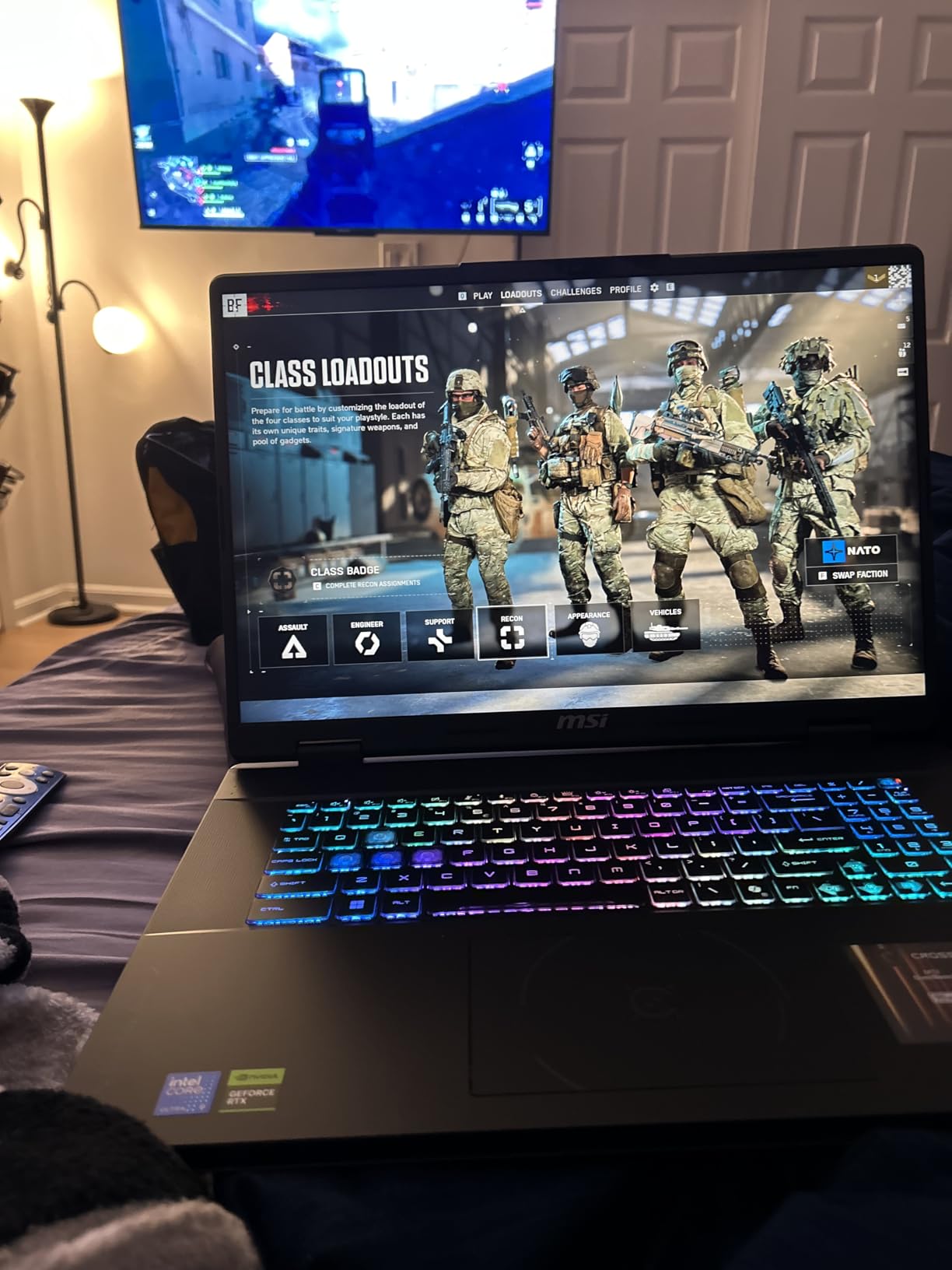
The 18-inch 2560 by 1600 IPS panel runs at 240Hz with 100 percent DCI-P3 coverage, and it is the best combination of resolution and screen real estate here. Editors, side-by-side debugging and a terminal plus editor plus browser all fit without shrinking the text.
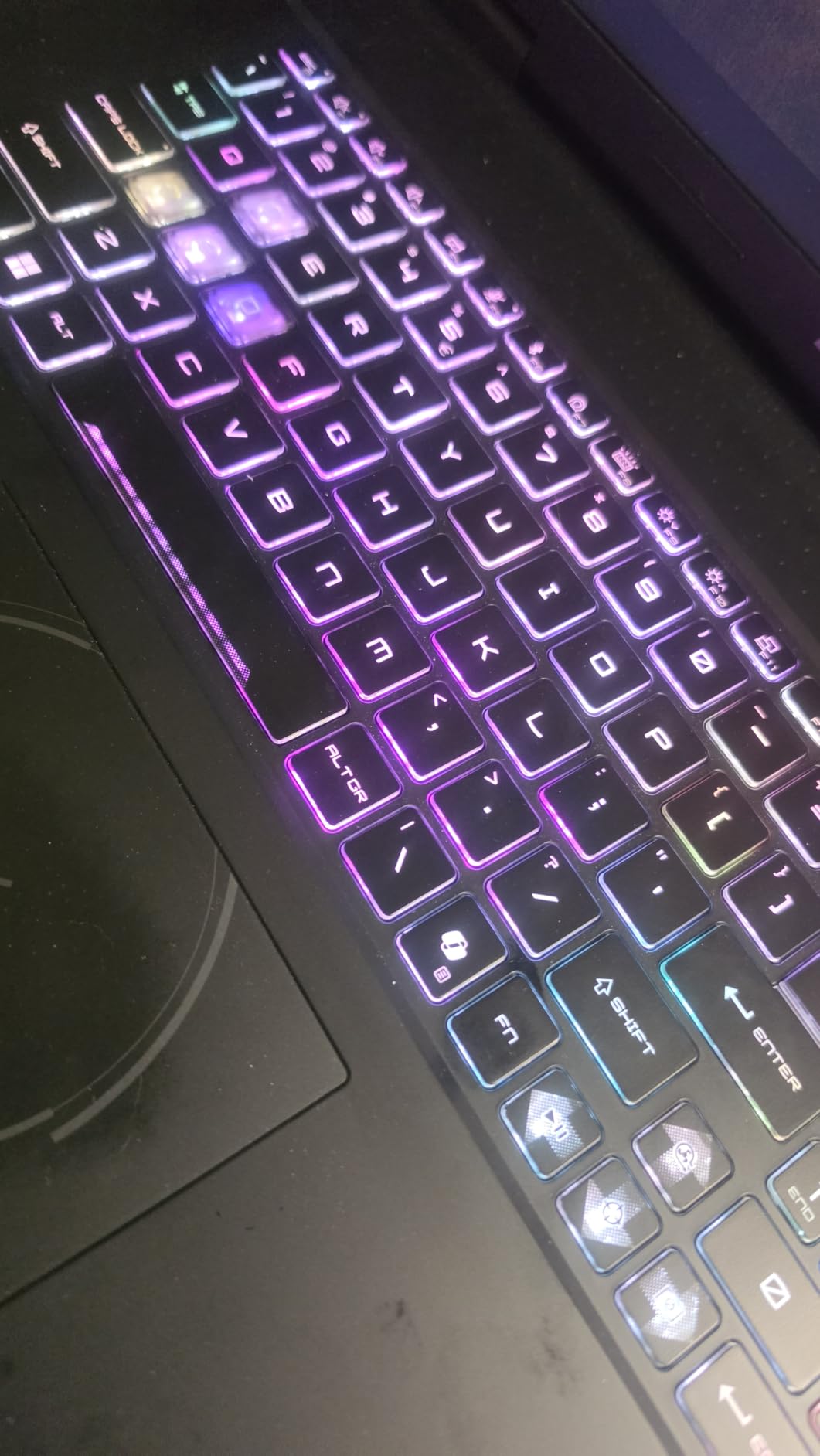
Peripherals are well covered, with a SteelSeries 24-zone RGB keyboard that has 99 anti-ghost keys, Wi-Fi 6E, Thunderbolt 4, RJ45 and HDMI 2.1. The costs are size and heat: 6.83 pounds is genuinely heavy, and owners report it runs hot enough during sustained heavy work to benefit from a cooling pad.
Who this laptop suits
It suits developers who work at a fixed desk and want one large screen instead of two smaller external monitors. It also suits game developers, since the RTX 5070 and the high-refresh panel suit engine work and play on the same machine.
It suits anyone planning to keep the laptop for years, since both the memory and the storage can be expanded later.
Where it falls short
It falls short as a commuting machine, and as a companion for study in a lecture hall or a shared room where a 6.83-pound chassis is unwelcome. It also falls short for local model work that needs more than 8GB of VRAM, which is a hard ceiling on this GPU.
The 28-review base is small, so treat the owner feedback as a useful signal rather than a settled verdict.
9. Lenovo IdeaPad Pro 5 OLED – Best value with a discrete GPU
Lenovo IdeaPad Pro 5-2025 – 16″ OLED 2880 x 1800 120Hz Display – 16GB Memory – 1 TB Storage – Ryzen AI 7 350 – NVIDIA GeForce RTX5050 – Windows 11 Home – Luna Grey
Ryzen AI 7 350
RTX 5050 4GB
16GB LPDDR5 at 8000 MT/s
1TB SSD
16-inch 2.8K OLED
Pros
- Excellent 2.8K OLED at 120Hz with VRR
- Discrete RTX 5050 in a mid-range machine
- USB4
- HDMI 2.1 and an SD reader for modern peripherals
- TPM 2.0
- Pluton and Windows Hello security
Cons
- Lowest average rating here at 3.6 with 21 percent one-star reviews
- Only 16GB of soldered LPDDR5 memory
- RTX 5050 carries just 4GB of VRAM
- Some reviews report shipping damage and mixed software stability
On paper this is the most attractive specification-per-pound machine here: a 16-inch 2880 by 1800 OLED at 120Hz with variable refresh, a discrete NVIDIA RTX 5050, and a Ryzen AI 7 350, at a mid-range figure. For a student who wants a beautiful screen and a GPU without stepping up a whole tier, the idea is sound.
It is here because it is a lower-cost route into a discrete GPU and a high-resolution OLED, and because those two things genuinely help. A 4K-class panel at 16 inches fits a lot of code without scaling, and the RTX 5050 gives you CUDA support for small models and hardware-accelerated rendering.
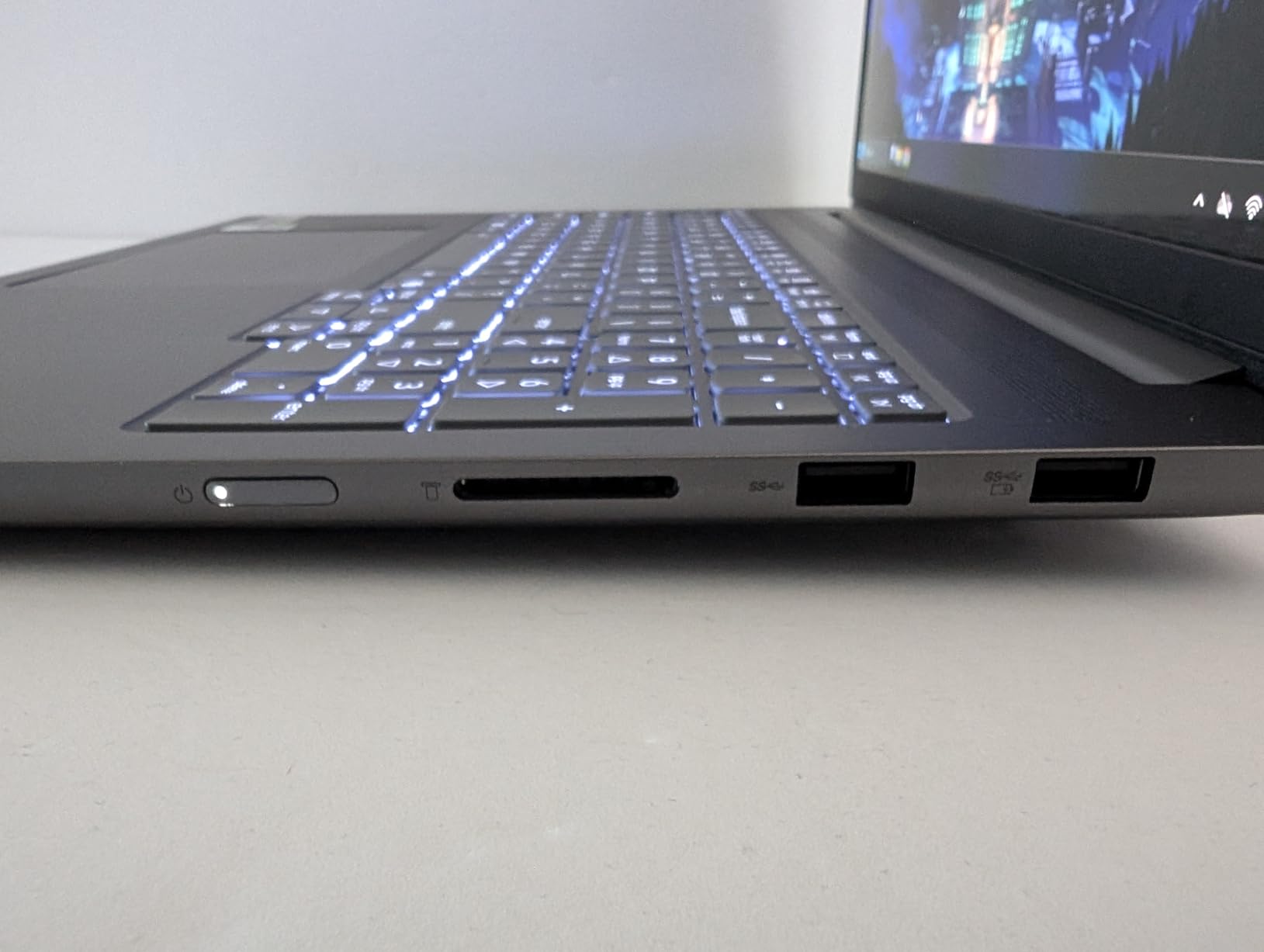
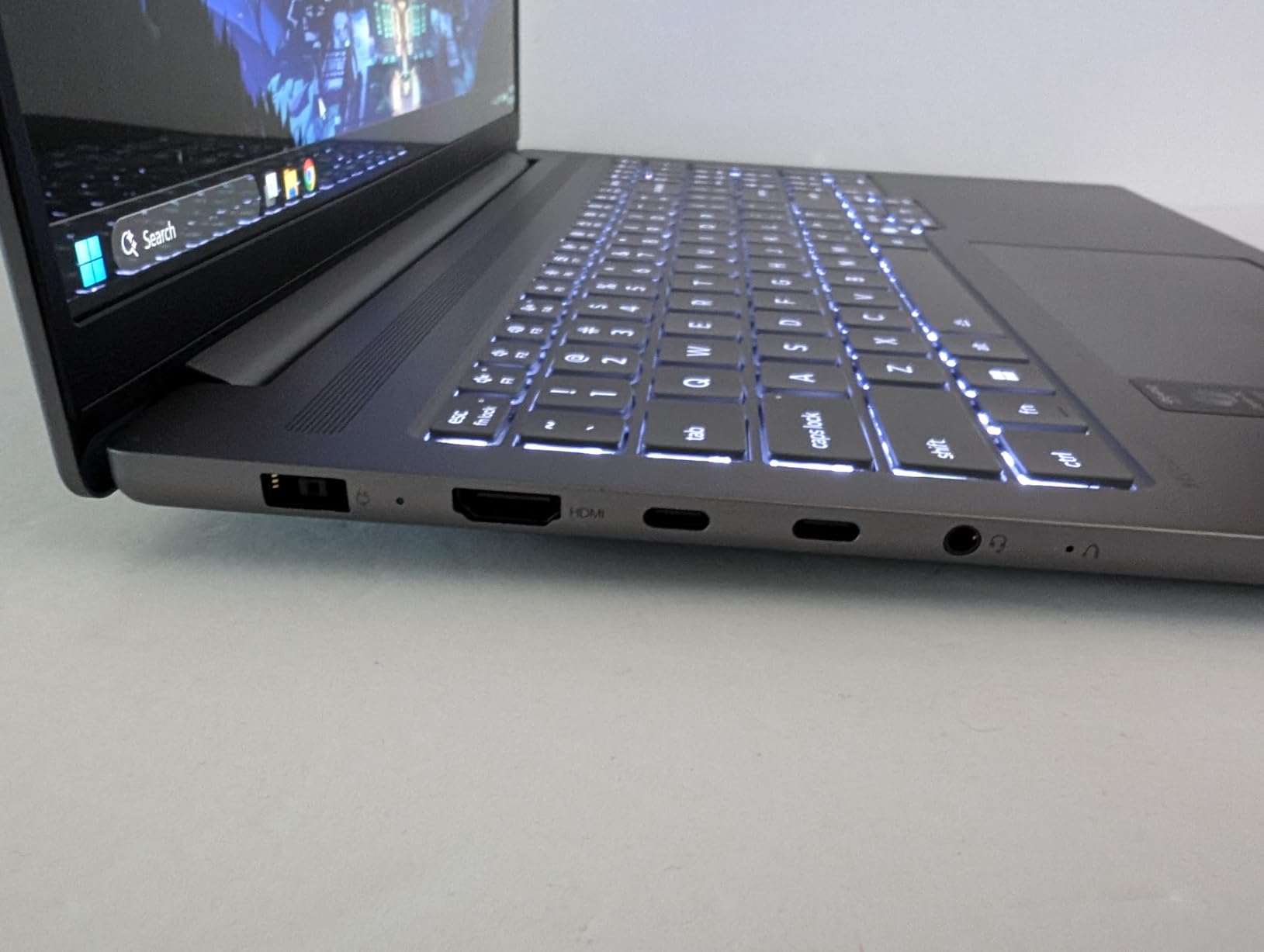
Port selection is modern, with two USB-C ports supporting USB4, DisplayPort and Power Delivery, two USB-A ports, HDMI 2.1 and an SD card reader. The chassis is tested to MIL-STD-810H and includes TPM 2.0 with Pluton, so it passes most managed-environment requirements.
The rating is the reason this sits in position nine. At 3.6 across 30 reviews it is the lowest-rated pick here, with 21 percent of ratings at one star pointing at shipping damage and software stability rather than at the hardware. Memory is soldered at 16GB, and 4GB of VRAM limits how large a model you can load.
Who this laptop suits
It suits a student or early-career developer who writes most of their code in the browser or in a light IDE but wants a GPU available for coursework. It also suits anyone who works with design files alongside code, where the OLED panel is a genuine advantage.
It suits people who need a modern port set, since USB4 and HDMI 2.1 cover most external displays without an adapter.
Where it falls short
It falls short for heavy local machine learning, where 4GB of VRAM runs out quickly, and for anyone planning to add memory later. It also falls short for a long ownership cycle, because the low rating and the reported stability complaints make this a riskier bet than the machines around it.
If you want a discrete GPU with more confidence, the Nitro V 16S has more VRAM, more memory and a much stronger owner rating.
10. Dell Precision 3490 – Best for 64GB memory
Dell Precision 3490 Mobile Workstation Laptop, 14″ FHD, 64GB DDR5, 2TB SSD
Core Ultra 5 135H 14 cores
64GB DDR5
2TB SSD with free M.2 slot
14-inch FHD
3.1 lb
Pros
- 64GB RAM and 2TB SSD suit large data sets
- virtual machines and databases
- Weighs 3.1 pounds for a mobile workstation
- Thunderbolt 4 verified with production test software
- MIL-STD-810H tested chassis
- ISV certifications
Cons
- Integrated Intel graphics only with no accelerated compute
- 250-nit FHD display is dim and modest
- Windows licence may need re-imaging after the third-party memory upgrade
- Only 19 reviews
Some problems are solved with cores and some are solved with memory, and this machine exists for the second group. With 64GB of DDR5 and a 2TB SSD, you can run several virtual machines, a local database cluster and a large IDE index at the same time without the system ever reaching for disk.
The Core Ultra 5 135H has 14 cores up to 4.6 GHz, which is more than enough for ordinary compilation, and the two memory slots mean the 64GB is in conventional modules. There is also a free M.2 slot, so storage can be extended later without replacing the laptop.
Owners rate it 4.1 across 19 reviews. The feedback mentions solid craftsmanship, a 3.1-pound chassis for a mobile workstation, and Thunderbolt 4 being used successfully with production-line test software, which is a good sign for anyone running specialist development tooling.
Who this laptop suits
It suits backend and data engineers who run large local environments, multiple VMs, or container stacks that will not fit in 32GB. It also suits database administrators and QA engineers who need to reproduce production data sets on a portable machine.
It suits anyone who needs enterprise certifications and an onsite-grade chassis rather than a consumer laptop.
Where it falls short
It falls short for graphics work, since there is no discrete GPU and only integrated Intel graphics. It also falls short for anyone who wants a good display, because a 250-nit 1920 by 1080 anti-glare panel is dim and coarse next to the OLED machines in this list.
One practical note: this configuration was resealed and upgraded by a third party, so the Windows licence may need OEM image recovery to re-activate. Confirm that before you rely on the machine for coursework deadlines.
11. Dell XPS 14 – Best OLED display
Dell XPS 14 Premium Laptop DA14250-14.5-inch Touch 3.2K OLED 48-120Hz Display, Intel Core Ultra 7 255H, Intel Arc Graphics, 32GB Memory, 1TB SSD, Backlit English Keyboard with Fingerprint Reader
Core Ultra 7 255H up to 5.1 GHz
32GB LPDDR5 at 6400
1TB SSD
14.5-inch 3.2K OLED touch
3.8 lb
Pros
- Superb 3.2K OLED touch panel with variable refresh from 48 to 120Hz
- 32GB memory gives good headroom for development work
- Machined aluminum chassis with Gorilla Glass 3
- Compact for a 14.5-inch display
Cons
- Flat keyboard with touch lights instead of function keys frustrates touch typists
- No discrete GPU for accelerated work
- Heavier than Lenovo X1-class ultrabooks
- Only 19 reviews for this configuration
If your criteria are screen quality and memory, this is the pick. The 14.5-inch 3200 by 2000 OLED touch panel with variable refresh from 48 to 120Hz is the sharpest display we tested in this roundup, and a 3.2K panel on a screen this size fits a great deal of code without any scaling.
Underneath is a Core Ultra 7 255H running up to 5.1 GHz, 32GB of LPDDR5 at 6400 MHz that can be configured up to 64GB, and a 1TB SSD. Owners consistently praise the machined aluminum build and Gorilla Glass 3, and rate it 4.5 across 19 reviews.
The keyboard redesign is the main complaint and it is worth checking in person. The function row is capacitive with touch lights rather than physical keys, which some typists and some IDE muscle-memory users find irritating during long sessions.
Who this laptop suits
It suits front-end developers, designers and anyone who spends the day reading code and documentation rather than compiling it. It also suits developers who want 32GB of memory in a thin chassis without moving up to a workstation.
It suits people who want a premium machine that still looks like a laptop, rather than a gaming chassis.
Where it falls short
It falls short for machine learning, game development and any GPU-accelerated task, because there is no discrete GPU. It also falls short for people who type heavily and prefer physical function keys, where the flat capacitive row is a real adjustment.
At 3.8 pounds it is heavier than the ultraportable class, and the small review base means you should test the keyboard before committing.
12. ASUS Vivobook 16 Flip – Best 2-in-1
ASUS Vivobook 16 Flip, 16″ 2-in-1 Laptop, Ultra 7 258V, 32GB DDR5, 1TB SSD
Core Ultra 7 258V with 47 TOPS NPU
32GB LPDDR5X at 8533
1TB SSD
16-inch OLED touch
4 lb
Pros
- 32GB LPDDR5X and 1TB SSD is a strong specification mix
- OLED touchscreen is useful for code review and demos
- Thunderbolt 4 and HDMI 2.1 drive two 4K external monitors
- 75Wh battery supports long sessions
- MIL-STD-810H tested
Cons
- Sold and warrantied by a third-party refurbisher rather than ASUS directly
- 300-nit OLED is dimmer than premium alternatives
- Only 26 reviews so long-term reliability is largely unproven
- Integrated graphics only
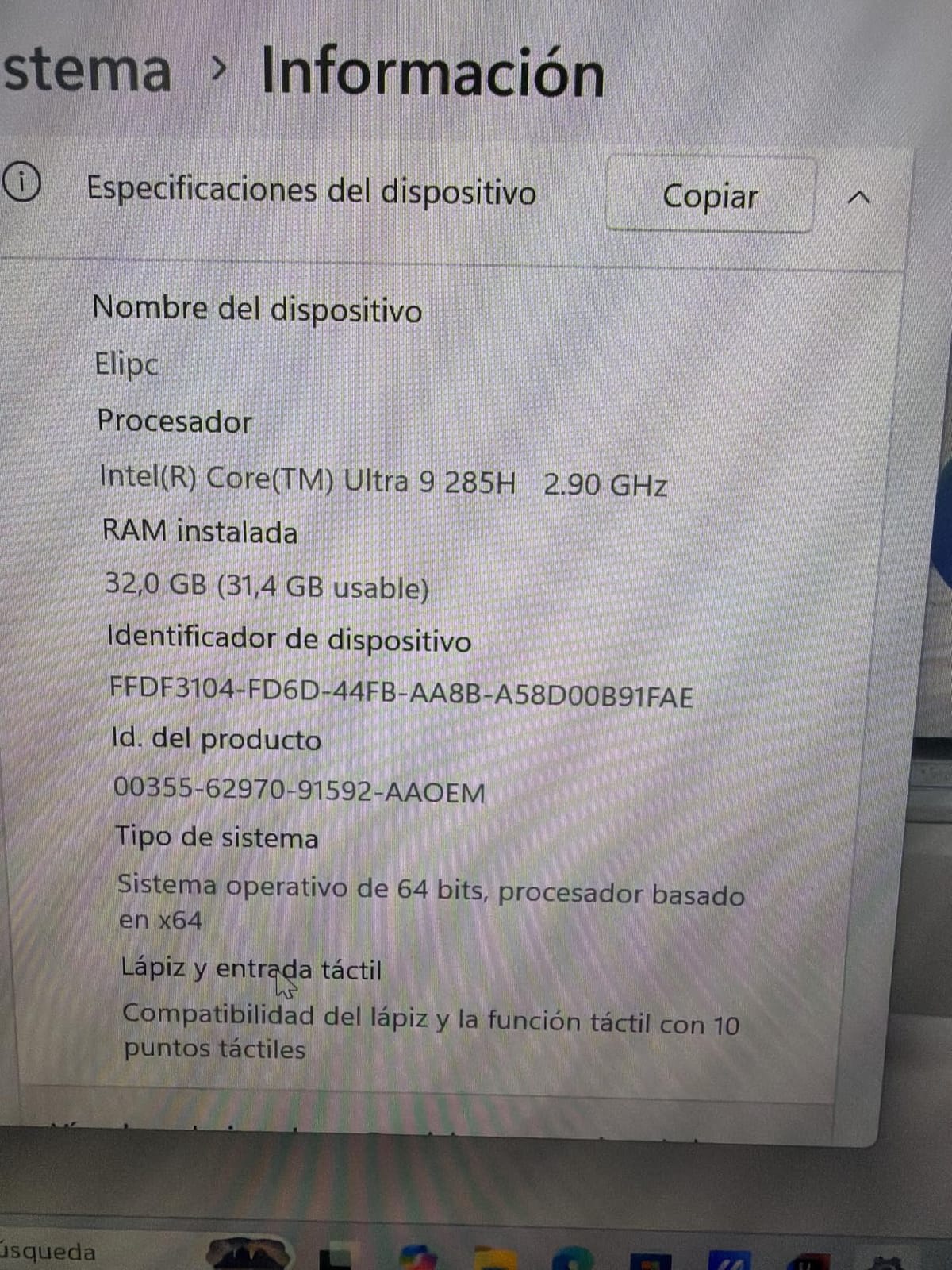
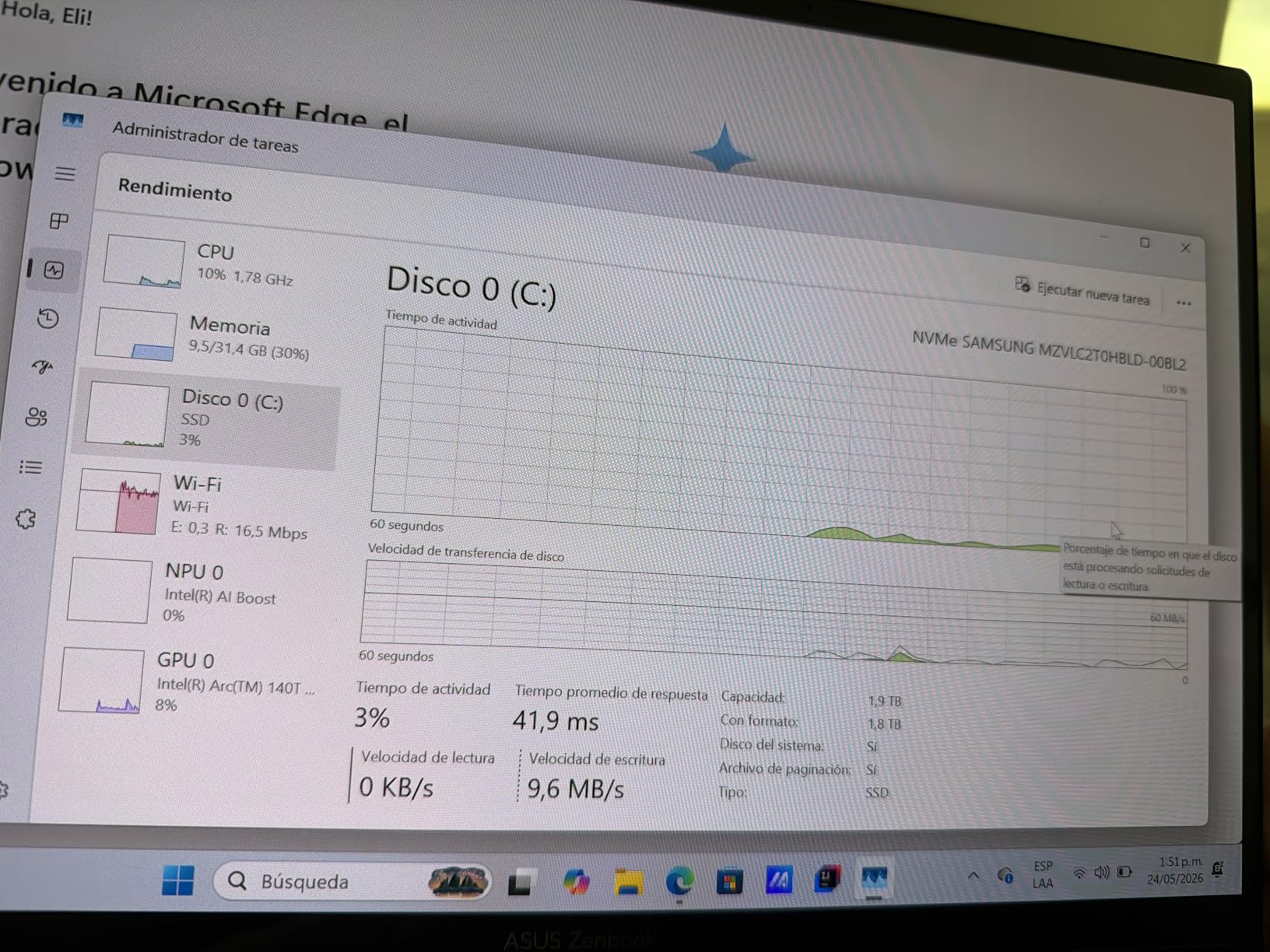
This is the convertible in the lineup, and the specification is unusually generous for the format. You get a Core Ultra 7 258V with a 47 TOPS NPU, 32GB of LPDDR5X at 8533 MHz and a 1TB PCIe SSD, which is more memory than most 16-inch laptops in this roundup.
The 16-inch WUXGA 1920 by 1200 OLED touch panel covers 95 percent of DCI-P3. Folding it flat works well for reviewing a design with a colleague, walking through an architecture diagram with a client, or reading documentation in a lecture where a rigid keyboard is inconvenient.
Battery capacity is 75Wh, which the manufacturer rates at up to 18 hours, and the port selection includes Thunderbolt 4, USB-C, USB-A, HDMI 2.1, Wi-Fi 7 and Bluetooth 5.4. Two 4K external monitors through the Thunderbolt 4 and HDMI outputs means this works as a desk machine as well as a tablet.
Two things to weigh. The 300-nit panel is dimmer than the OLED screens in the premium machines here, and this unit is sold and warrantied by a third party rather than by ASUS directly, with only 26 reviews behind it. Check the warranty terms carefully before buying.
Who this laptop suits
It suits students who take notes by hand, read long documents or present work in class and want a single device rather than a laptop plus a tablet. It also suits developers who dock it at a desk with two external monitors and take it away afterwards.
It suits anyone who wants 32GB of memory in a flexible chassis without moving to a workstation.
Where it falls short
It falls short for machine learning and game development, since there is no discrete GPU. It also falls short if you need a very bright screen outdoors or in a bright lecture hall, where a 300-nit panel is the first thing you will notice.
The third-party sales channel is the bigger concern for anyone buying as their only machine, so confirm what the warranty actually covers.
How to choose a laptop for programming?
Programming stresses a machine in four specific places: the CPU during compilation, memory while your IDE and services coexist, storage when projects load, and the screen when you try to fit enough code into one window. Everything else, including the logo on the lid, matters much less. Here is how each of those four areas should drive your decision, plus the secondary factors that come up in our forums and comment sections.
Processor: core count first, clock speed second
Compilation is parallel work, so core count is the number that changes your waiting time. A modern 8-core chip compiles a medium project far faster than a 4-core chip of the same generation, and a 24-core chip such as the Core Ultra 9 275HX is roughly three times the parallel throughput of an 8-core part.
Single-thread speed still matters, because an IDE, a language server and a browser all run on one thread each. That is why a current-generation 8-core chip beats an older 12-core chip more often than raw core counts suggest. Do not pay for a flagship chip if your work is web development in a browser tab.
RAM: 16GB is the floor, 32GB is the comfortable answer
Most programming bottlenecks are memory, not processor. When RAM runs out, the machine starts swapping to storage and everything feels broken at once, so the jump from 16GB to 32GB is the single upgrade that changes daily experience most.
A useful rule of thumb by workload. For learning, coursework and web development, 16GB is enough. For Android Studio, iOS development with simulators, or a browser with many tabs, 32GB is the right target. For Docker running several services, multiple virtual machines, large data sets, or local machine learning, 32GB is the minimum and 64GB is comfortable. For game engine work with large asset libraries, 32GB plus a fast SSD and a discrete GPU is the practical floor.
Check whether the memory is soldered or in slots before you buy. A 16GB laptop with two free slots is a better long-term purchase than a 32GB laptop you cannot expand, because you can add memory later when your coursework gets heavier.
Storage: a fast SSD matters more than capacity
Every developer workload is I/O heavy. Node, package restores, container image pulls, index files and build caches all read from disk, and a slow drive makes a fast processor feel slow. A 1TB PCIe Gen 4 SSD is the sensible target for anyone with more than a couple of years of study ahead of them.
Capacity is a separate question. A 512GB drive fills up with Docker images, package caches and virtual machine snapshots long before your source code fills it. A free M.2 slot, which several machines in this roundup have, is worth more than an extra 512GB you cannot add later.
Graphics: only buy a discrete GPU if you know why
Most programming needs no dedicated GPU. Web development, backend services, scripting and data analysis run perfectly well on integrated graphics, and buying a gaming machine for those workloads means carrying a heavier, hotter, noisier laptop that lasts less on battery.
Buy a discrete NVIDIA GPU for one of three reasons: local machine learning, where CUDA support is not optional; game development, where the engine uses the same hardware as shipping titles; or 3D and video work. If none of those apply, spend the money on memory and a better display instead.
Display: aspect ratio is the feature nobody mentions
A 16:10 or 3:2 aspect ratio gives you noticeably more vertical space than 16:9, and vertical space is what a code editor consumes. A taller screen means a wider editor beside a terminal without shrinking the text to an unreadable size, which is a real productivity difference over a full workday.
Resolution matters too, and the rule is roughly that a 2.8K or 3.2K panel on a 14-inch screen is sharp enough that you stop noticing it. Brightness of 400 nits or more is worth paying for if you work near a window, and anti-glare coating matters more in lecture halls than maximum brightness does.
Keyboard: you will type for hours a day
Key travel, backlighting and a full-size layout with a numeric keypad are the three things developers notice most. Keyboards on 15 and 16-inch machines are noticeably better than on 13-inch ones, and a backlit keyboard is close to essential if you code in the evening. The flat capacitive function row on some premium Windows laptops is worth testing before you commit, since IDE shortcuts live on that row.
Battery and charging: the campus reality
Vendor battery claims are measured under light loads, so treat them as an upper bound rather than a promise. A fanless laptop with a large battery, such as a 15-inch MacBook Air, is the safest choice for a day of classes, while a 16-inch Windows machine with a 76Wh battery will rarely last that long.
For students, count outlets rather than battery hours. A dorm room with two people and one socket, or a lecture hall with rows of seats and a handful of outlets, changes which laptop makes sense. A machine that charges to 60 percent in half an hour, or that works fine while plugged in at low brightness, will suit a student better than one with a slightly larger battery.
Operating system: pick the one your tools need
Apple silicon is the most popular choice among developers, and the MacBook models here run Xcode, Visual Studio Code, IntelliJ and Docker natively. Windows is the requirement for .NET, Visual Studio, and a wide range of enterprise tooling, and WSL2 makes Linux work available on it. Linux is the best fit for server development, with the ThinkPad X1 Carbon in this roundup reporting that it works out of the box.
The honest answer to Mac versus Windows is that it matters less than workload. If you are building websites, either is fine. If you need Xcode, choose a Mac. If you need a discrete GPU for machine learning, choose a Windows laptop.
Portability and upgradability
Weight is the specification students notice most, because a heavy laptop is one you leave in the dorm. Anything under 3 pounds is comfortable to carry daily, 3 to 3.5 pounds works if you are selective, and anything above 4 pounds is a desk machine. Screen size interacts with weight, so a large screen is always a portability trade.
Upgradability is the budget lever almost nobody uses. A laptop with two free memory slots and a spare M.2 bay lets you start with 16GB and add capacity in year two, which is usually cheaper than buying the higher-memory configuration up front. Soldered memory is a permanent decision, so treat it as one.
Frequently Asked Questions
Which laptop is best for programming and coding?
The Apple MacBook Pro 14-inch with the M4 chip is the best laptop for programming overall, because it is fast, silent and lasts a full working day on battery. The 15-inch MacBook Air with M5 is the better pick if you want an even bigger screen and longer battery at a lower tier, and the Acer Nitro V 16S is the one to buy if your work needs an NVIDIA CUDA GPU for machine learning or game development.
Is i5 or i7 better for programming?
For most developers, the core count matters more than the tier name, so an i5 or Core Ultra 5 with more modern cores will beat an older i7. Choose the higher tier when your work involves large parallel builds, running several virtual machines at once, or local machine learning. A current 8-core chip handles web development, Android Studio and coursework comfortably without needing the top model.
How much RAM do I need for coding?
16GB is the minimum for learning and web development, and 32GB is the comfortable answer for Android Studio, iOS simulators, Docker with several services running, or data science work. Go to 64GB only if you run multiple virtual machines, large local databases or local machine learning models. Check whether the memory is soldered or in slots, because that decides whether you can add more later.
Do I need a discrete GPU for programming?
Only for three specific workloads: local machine learning, game development, and 3D or video rendering. For web development, backend work, scripting and data analysis, integrated graphics are enough and will keep your laptop lighter, cooler and longer-lasting on battery. If you do need one, look for an NVIDIA card with at least 8GB of VRAM rather than settling for a 4GB model.
Is a used or refurbished laptop worth it for programming?
Yes, and it is one of the best-value routes into development if you pick a recent business machine with 16GB or more of memory and an upgradable SSD. A refurbished workstation or business laptop from a recent generation will outlast a new budget machine, and it is a common choice for students who want 32GB or 64GB without paying new-laptop money. Check the battery health, the warranty terms and the licence status before you buy.
Which laptop for programming should you buy?
Buy the MacBook Pro 14-inch with the M4 chip if you want one machine that handles coursework, side projects and your first job without any compromises. Choose the 15-inch MacBook Air with M5 if silence and battery matter more than heavy build speed, or if you want a larger screen for the same kind of work.
If your work needs an NVIDIA GPU, take the Acer Nitro V 16S for machine learning or the Core 9 model for heavier parallel builds. If you need 64GB of memory for databases and virtual machines, the Dell Precision 3490 is built for it. If you carry your laptop to class every day, the ThinkPad X1 Carbon Gen 13 is the one that disappears in a bag.
And if you are just starting out, remember that most beginners need far less than the marketing implies. A current mid-range chip with 16GB of memory will run a full computer science degree, and the money you save is better spent on the display, the keyboard and a second monitor. Those are the laptop choices that actually change how your work feels day to day, and none of them is the most expensive machine on the list.