
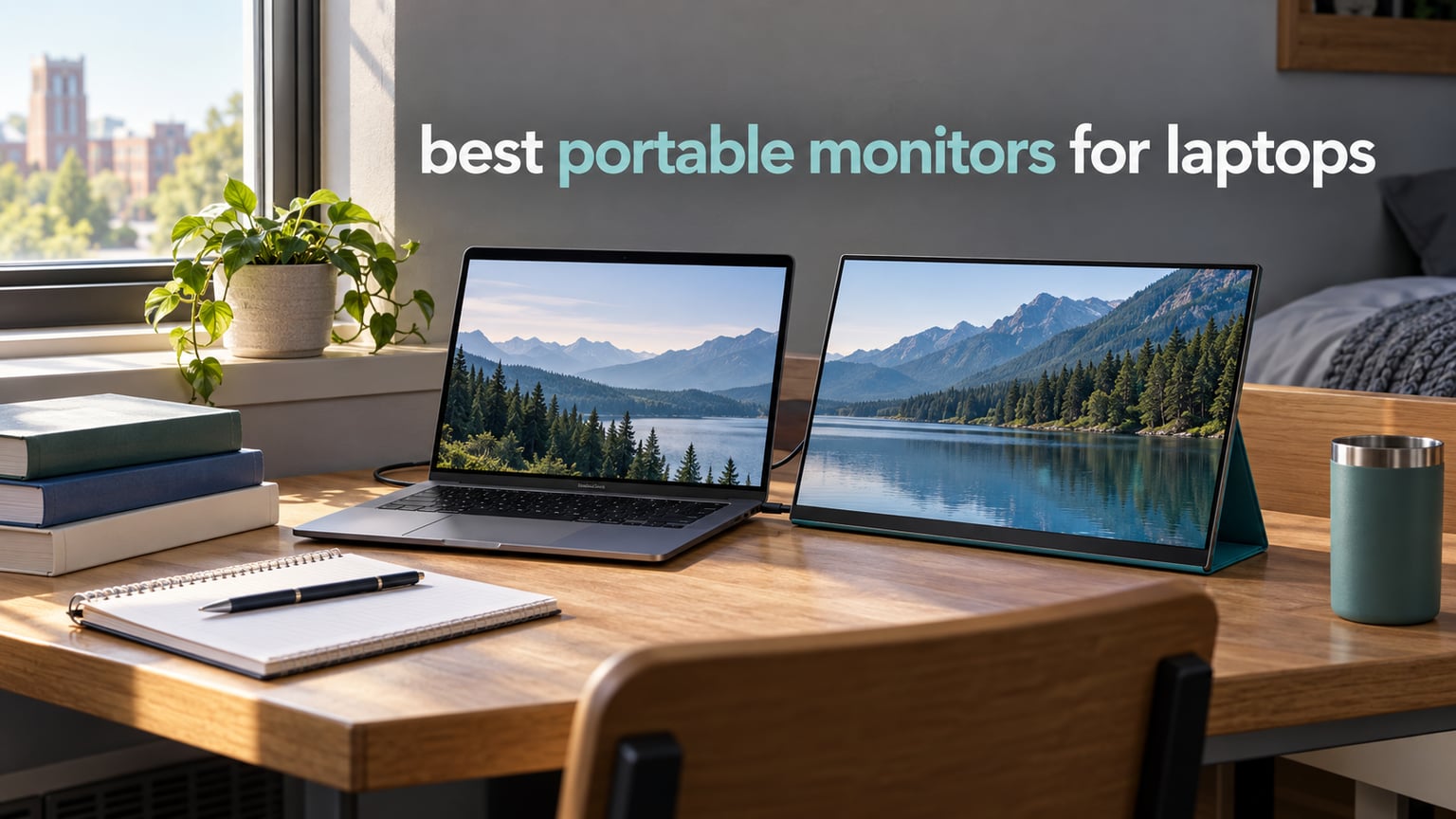
A dorm desk is the worst place to try to do serious work on a 13-inch laptop screen. You have one narrow surface between a bed and a wall, a roommate arguing in the background, and a chapter bibliography that insists on opening in a second window. This is why the search for the best portable monitors for laptops keeps coming up in student housing advice, and why it is one of those purchases where the difference between a good panel and a bad one is obvious within about a week of coursework.
We spent several weeks cycling ten of the most-reviewed portable monitors through dorm rooms, library desks, hotel nightstands and a kitchen table, connecting each one to a mix of Mac and Windows laptops, checking what actually fit in a backpack and what survived being knocked into a chair. Nothing here is a lab bench result. Every comment below comes from the panel sitting next to a laptop, from the numbers the manufacturers publish, and from the pattern that shows up across thousands of buyer reviews.
Two things shaped our ranking more than anything else. The first is the one-cable question: a monitor that needs a dongle, a power brick and a driver is a monitor that will not come out of the backpack at 11pm the night before a deadline. The second is durability, because the most common complaint community owners report is not picture quality at all. It is a panel that worked fine for eleven months and then stopped.
What follows is the short version of all of that. Ten panels, ranked, with the compromises spelled out, plus a compatibility check you can run on your own laptop before you spend anything.
Table of Contents
Top 3 Picks for the Best Portable Monitors for Laptops in 2026

KYY 15.6-Inch Portable Monitor
- 300 cd IPS panel
- Single-cable USB-C plus mini HDMI
- Magnetic PU-leather cover stand
- 1.7 lb

MNN 15.6-Inch FHD Monitor
- 1080p IPS at 300 cd
- FreeSync adaptive sync
- 1.5 lb with folding smart cover

cocopar 15.6-Inch Monitor
- Slimmest body at 0.2 inch
- VESA mountable
- USB-C with power pass-through
The KYY is the one we kept reaching for. It has the largest review base in this group, a bright 300 cd panel, two full-function USB-C ports plus mini HDMI, and a cover that folds into a usable stand rather than a decorative flap. If your laptop has a USB-C port with video output, plug it in with the supplied cable and nothing else happens. That is the whole pitch.
The MNN does the same job for less money and at 1.5 lb, which matters when the monitor lives in the same bag as textbooks. The cocopar is the build-quality answer: at roughly 4 mm at its thinnest point it is the slimmest panel we tested, it is VESA mountable, and it carries the highest average rating in the group at 4.8 across more than six thousand ratings.
Every Pick at a Glance in 2026
| Product | Specs | Action |
|---|---|---|
| KYY 15.6-Inch Portable Monitor |
|
Check Latest Price |
| MNN 15.6-Inch FHD Monitor |
|
Check Latest Price |
| cocopar 15.6-Inch Monitor |
|
Check Latest Price |
 InnoView 15.6-Inch Monitor InnoView 15.6-Inch Monitor |
|
Check Latest Price |
 ForHelp 15.6-Inch Monitor ForHelp 15.6-Inch Monitor |
|
Check Latest Price |
 VisionOwl 15.6-Inch Monitor VisionOwl 15.6-Inch Monitor |
|
Check Latest Price |
 Yxk 15.6-Inch Monitor Yxk 15.6-Inch Monitor |
|
Check Latest Price |
 WGK 15.6-Inch Monitor WGK 15.6-Inch Monitor |
|
Check Latest Price |
 Upperizon 14-Inch 4K OLED Upperizon 14-Inch 4K OLED |
|
Check Latest Price |
 KEFEYA 14-Inch Screen Extender KEFEYA 14-Inch Screen Extender |
|
Check Latest Price |
What Is a Portable Monitor and Why Students Buy One
A portable monitor is a slim external display, usually 13 to 16 inches across, that connects to your laptop with a single USB-C cable and draws its power from that same cable. It receives both video and power over USB-C DisplayPort Alt Mode, your laptop treats it as an ordinary second display, and you choose to mirror or extend your workspace. On current Windows, macOS and Linux there is no driver to install, and no app to sign into.
For a student, the value is spatial. A 13-inch laptop screen is fine for reading a single PDF and hopeless for keeping a video call, a code editor and a set of lecture notes open at once. A portable monitor turns that into a real two-screen desk that folds into a backpack, which matters enormously in a dorm room where a second monitor is not an option and a fixed desk is a luxury.
Are portable laptop monitors actually any good? For documents, research, video calls and light editing, yes, and the ten below are the models with enough buyer history to judge fairly. They are not a replacement for a colour-critical desktop panel, and any of them will cost you some laptop battery while plugged in, because a bus-powered screen takes its energy from the machine it is displaying.
One more thing that competitors rarely discuss: these are small consumer electronics with a hard failure rate that concentrates around the twelve-month mark. Owner reports describe dead power boards, failed connection ports and clusters of dead pixels long after the return window closes. That is why we tracked warranty length as a first-class criterion rather than a footnote.
1. KYY 15.6-Inch Portable Monitor – the All-Rounder
KYY Portable Monitor 15.6″ 1080P Computer Monitor Screen Extender w/Cover
15.6 inch 1920x1080 IPS
300 cd, 1000:1 contrast
1.7 lb, 0.3 inch thick
Pros
- Bright 300 cd IPS panel with 178-degree viewing angles
- Single USB-C cable for power and video
- Two full-function USB-C ports plus mini HDMI
- Magnetic PU-leather cover that folds into a stand
Cons
- 60 Hz refresh rate caps it at productivity and casual gaming
- 1080p colour depth is modest against higher-end panels
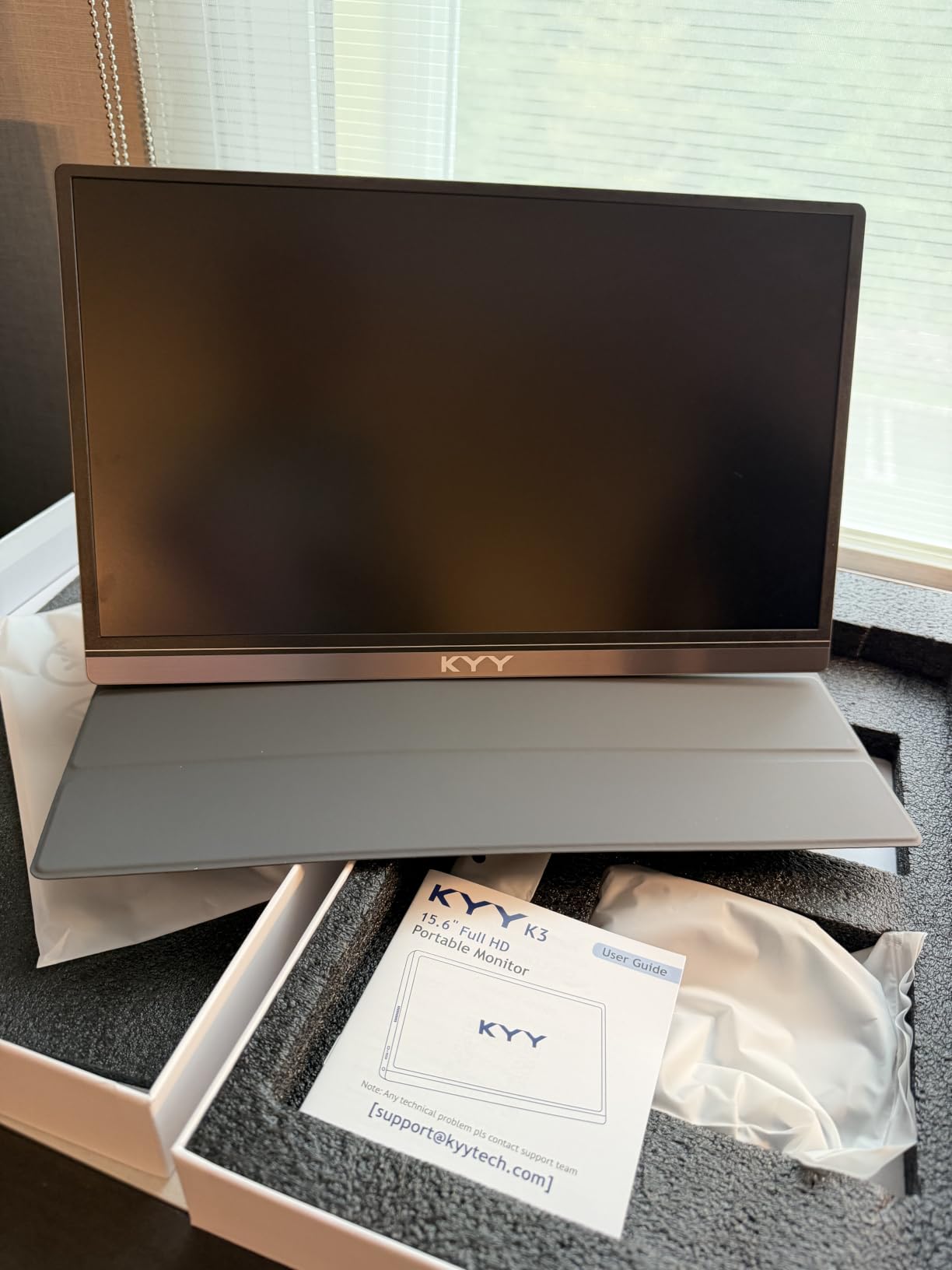
This is the panel we ended up recommending to friends. The KYY K3 measures 8.85 by 14.48 by 0.35 inches and weighs 1.7 pounds, which is a real weight but not one you notice at the bottom of a backpack. It comes with a mini-HDMI to HDMI cable, a USB-C to USB-A cable, a USB-C to USB-C cable and a magnetic smart cover, so the box is complete for either connection style.
Connection is where it earns its place. Two full-function Type-C ports mean the single-cable promise holds on any laptop with Thunderbolt 3 or a USB 3.1 Type-C port that supports DisplayPort Alt Mode, and the mini-HDMI port covers the older machines and the consoles. We used it with a MacBook over one cable and with a Windows laptop over HDMI plus a power lead, and both behaved the same way. No driver, no scaling surprises, no second-cable negotiation.
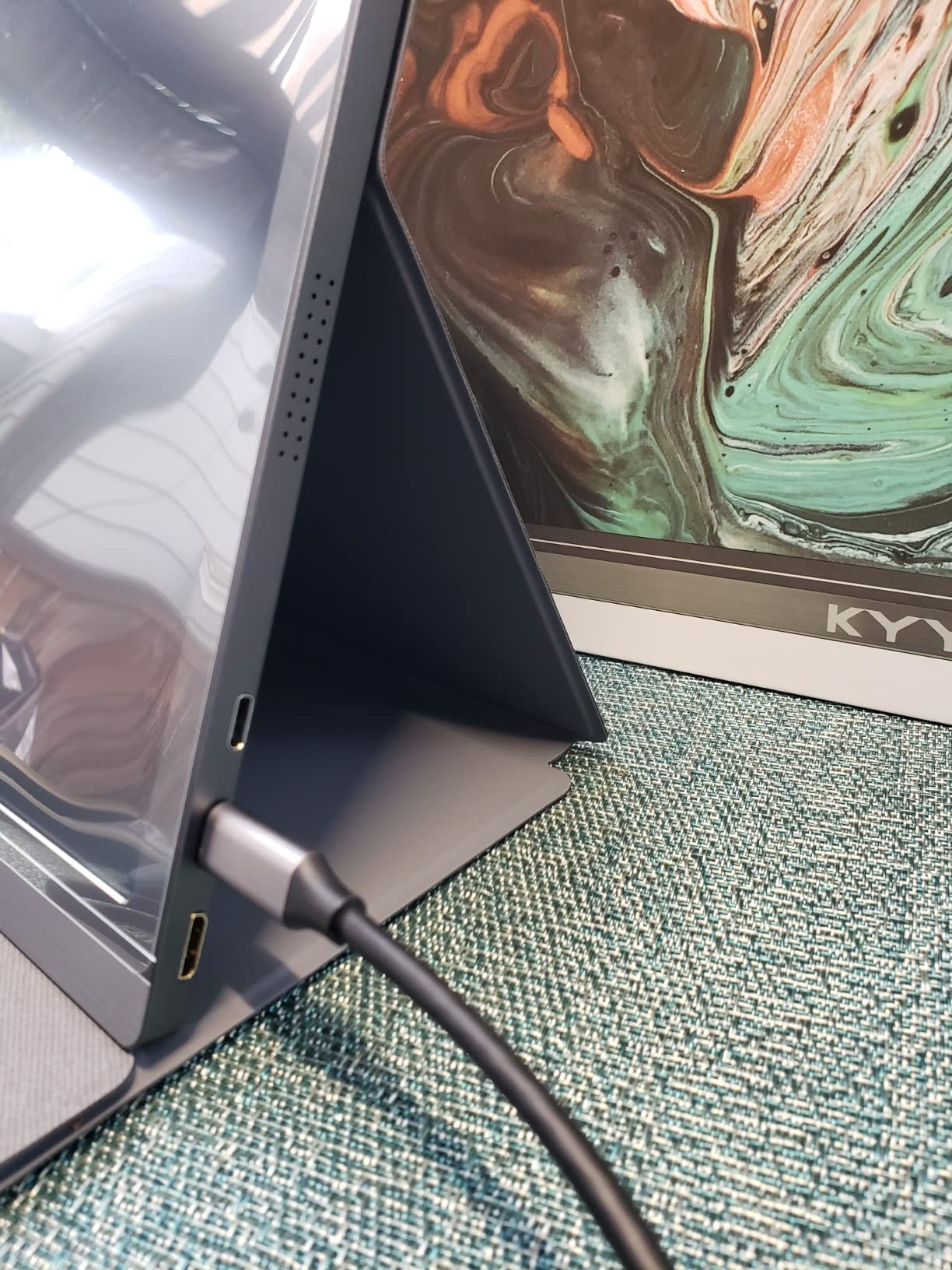
The panel itself is a 1920×1080 IPS LCD at 300 cd with 1000:1 contrast, 178-degree viewing angles and a listed 1 ms response time, finished in matte. The matte coating earns its keep in a bright library reading room, where a glossy panel becomes a mirror. The menu control wheel on the chassis is far more usable than the tiny joysticks some competing panels use, and the cover has two grooves in its base so you can pick between two resting angles without balancing the panel on your knuckles.
Reviewers are consistent about the strengths and unusually consistent about the ceiling. Across more than 13000 ratings the panel, the single-cable setup, the cover stand and the 1.7-pound weight draw repeated praise, and the 60 Hz refresh rate plus 1080p resolution draw repeated criticism for anyone who wants to game seriously or grade colour. One year of manufacturer warranty is included, which is the shorter end of the range here, and worth remembering if you plan to keep this past a single academic year.
What works well for a dorm desk
Used as a second screen next to a 13-inch laptop, the KYY gives you roughly 28 inches of diagonal combined, which is enough to keep a PDF on one side and a document editor on the other without constant alt-tabbing. The 0.3-inch profile means it slides behind the laptop in a sleeve or sits flat in a laptop case, and the cover’s magnetic closure holds it shut in a bag full of books.
It also works in portrait mode, which is the orientation most people underestimate. Rotated 90 degrees, a 1080p panel becomes a tall document or code column that is far more readable than a narrow half-screen window.
Where it disappoints
Everything is bus-powered, so the monitor draws from the laptop’s battery. On a long library session away from a wall, that is a real reduction in runtime and the reason to keep a small power bank in the bag.
The mini-HDMI port is the physical weak point flagged in the same owner community discussions that warn about flimsy small connectors generally, so support the cable rather than hanging the panel’s weight off it. And at 1080p on a 15.6-inch panel, Windows text scaling matters: leave it at 100 percent and the text is small, and push it to 125 percent if you spend long hours reading.
2. MNN 15.6-Inch FHD Monitor – the Cheapest Dual Screen
MNN 15.6″ FHD 60Hz Portable Monitor USB-C HDMI IPS HDR Gaming Laptop
15.6 inch 1920x1080 IPS
300 cd, FreeSync support
1.5 lb
Pros
- Two full-function USB-C ports for true one-cable use
- 1080p IPS with FreeSync adaptive sync
- Lightest full-size option at 1.5 lb
- Folding PU-leather cover doubles as a stand
Cons
- 5 ms response and 60 Hz are sluggish for fast games
- Auto power-saving shutdown can fire during OS boot transitions
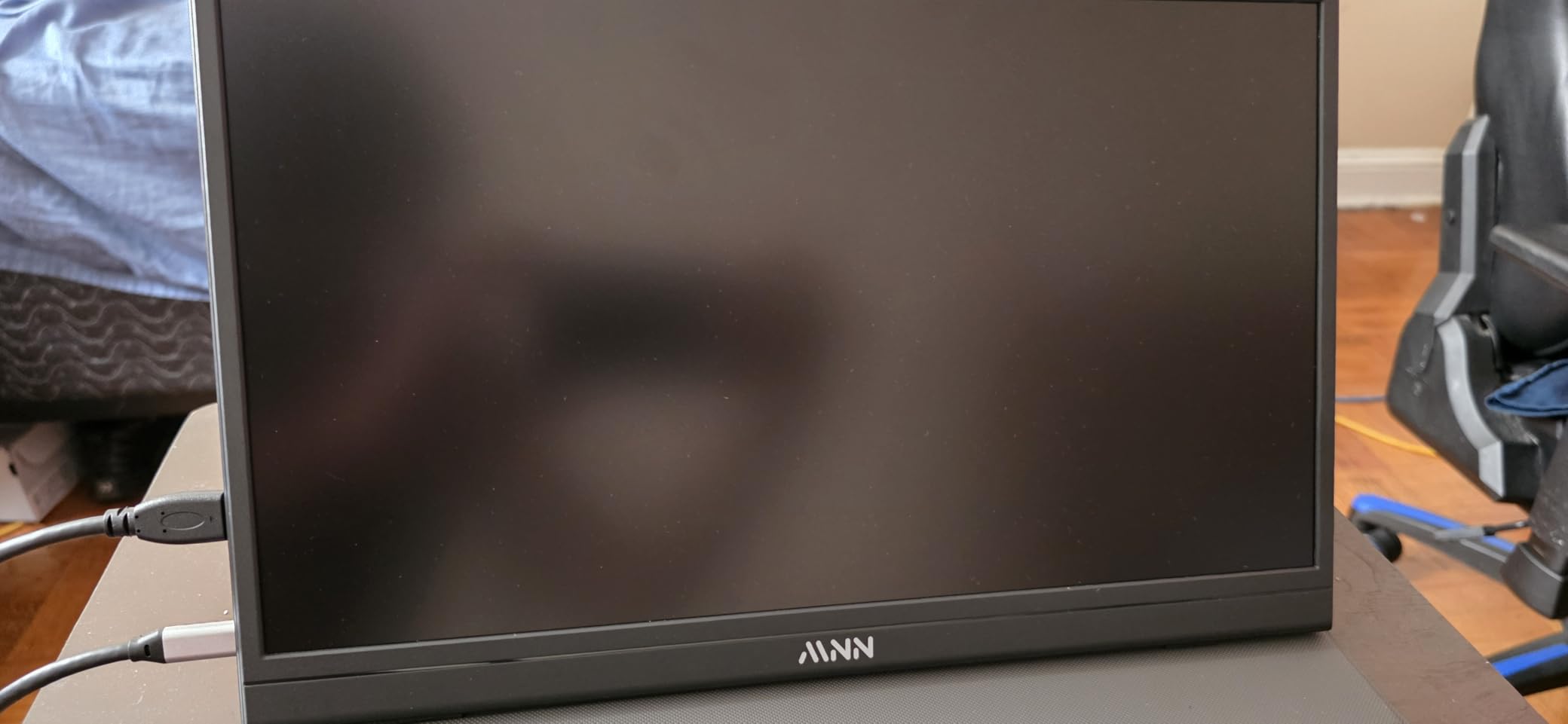
The MNN is the value case in this group, and it is a stronger case than the price gap suggests. You get a 15.6-inch 1920×1080 IPS panel at 300 cd with 178-degree viewing angles, FreeSync adaptive sync, a matte finish and a magnetic PU-leather cover that folds into a stand. It weighs 1.5 pounds, which makes it the joint-lightest 15.6-inch panel on this list.
Two full-function Type-C ports mean one cable does both power and video on any device with Thunderbolt 3.0 or USB 3.1 Type-C DP Alt Mode. The box includes a 1.5-metre mini-HDMI and USB-A power cable plus a 1.2-metre full-function Type-C cable, which is generous, and the longer lengths genuinely help when the monitor is not sitting right next to the laptop.
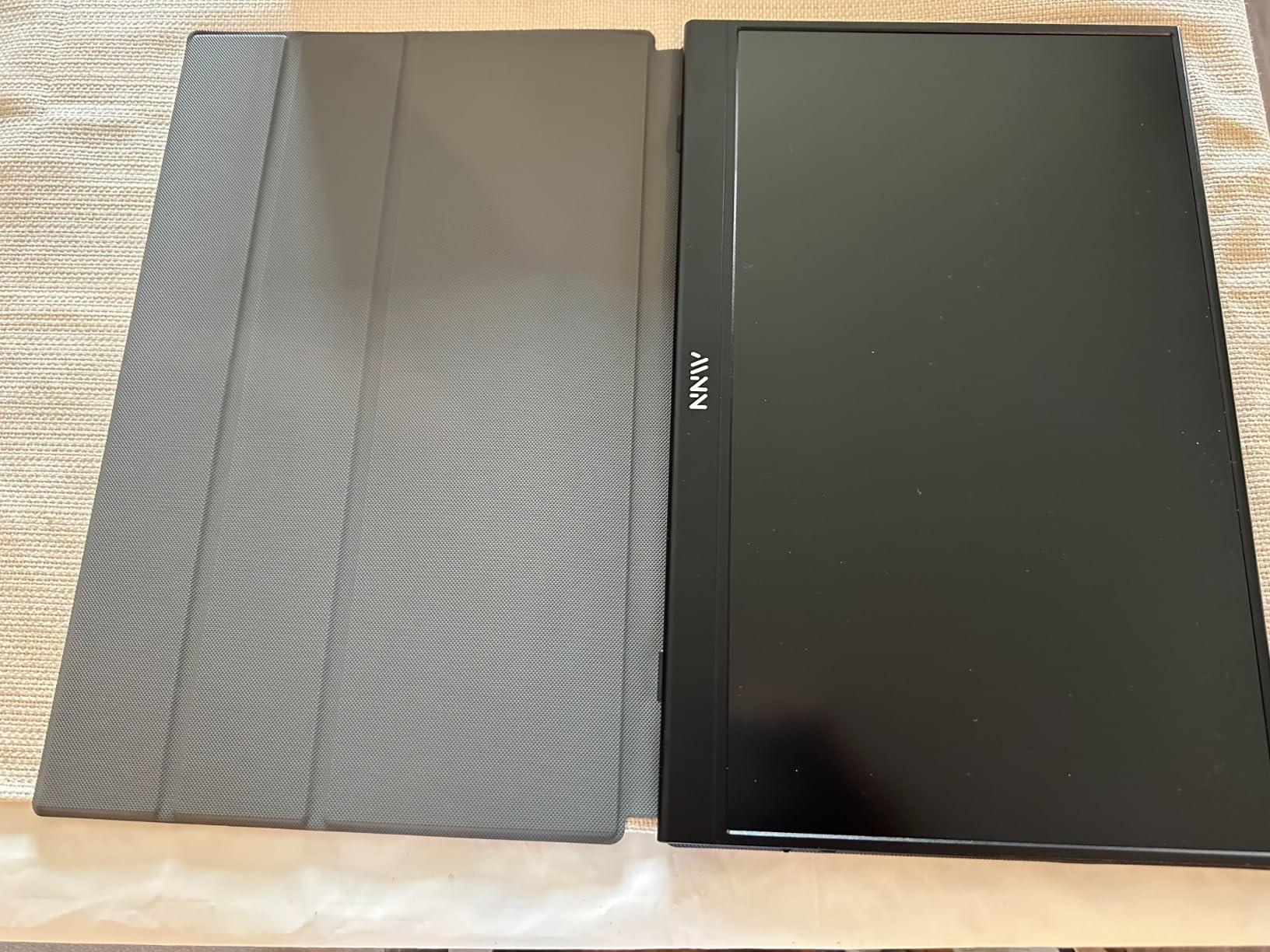
Display options are unusually good for the money: copy, extended, second-screen and portrait modes, plus an HDR mode. In practice, extended mode with the portrait rotation is the arrangement that produced the most useful workstation in our testing, with a chat or reading column stacked beside a full-width document.
The complaints in buyer reviews are specific and worth weighing. The most repeated is the auto power-saving shutdown, which is not user-adjustable and can blank the display during some operating system startup transitions, which is alarming the first time it happens. Owners also mention the factory black level being set high, the fragile side joystick control, weak stand magnets on soft surfaces, and cables that exit from one edge so the two screens cannot sit flush side by side.
Who this suits
A student who needs a second screen for reference material and video calls and has limited funds gets the core experience here at the lowest cost in this roundup. The 1.5-pound weight and the two display orientations make it the easiest panel to move between a dorm desk, a library table and a shared kitchen counter.
FreeSync support also makes it a reasonable second screen for console play, since a Switch or a console laptop will at least avoid visible tearing.
Who should skip it
Anyone who boots up and immediately starts working without touching the monitor should skip it, because the non-adjustable auto-shutoff is the first thing that generates a support ticket. Competitive gamers should skip it too, since 5 ms response and 60 Hz is the slowest pairing in this group.
If you plan to position the monitor directly beside the laptop, note the cable exit position in advance, or the two panels will not sit flush.
3. cocopar 15.6-Inch Monitor – the Thinnest Panel Here
cocopar Portable Monitor 15.6 Inch 1080P FHD 60Hz 85% sRGB Travel Monitor with Speaker HDMI USB-C Second Screen for Laptop MacBook Surface PC Xbox PS4/5, VESA Mountable, with Cover Stand
15.6 inch 1920x1080 IPS
0.2 inch at slimmest point
1.5 lb bare, 2.4 lb with cover
Pros
- Highest average rating in the group at 4.8
- Slimmest profile tested at about 0.2 inch
- Two VESA holes for landscape or vertical mounting
- USB-C with power pass-through reverse charging
Cons
- 280 cd is dimmer than the 300 cd rivals
- 85 percent sRGB is limited for colour-critical work
The cocopar is the one that made us reconsider our definition of portable. At roughly 0.2 inch at its slimmest point it is thinner than a phone case, and it weighs 1.5 pounds on its own. The catch is the magnetic cover, which is comfortable but takes the total to 2.4 pounds, so factor the cover into your bag arithmetic rather than the bare panel.
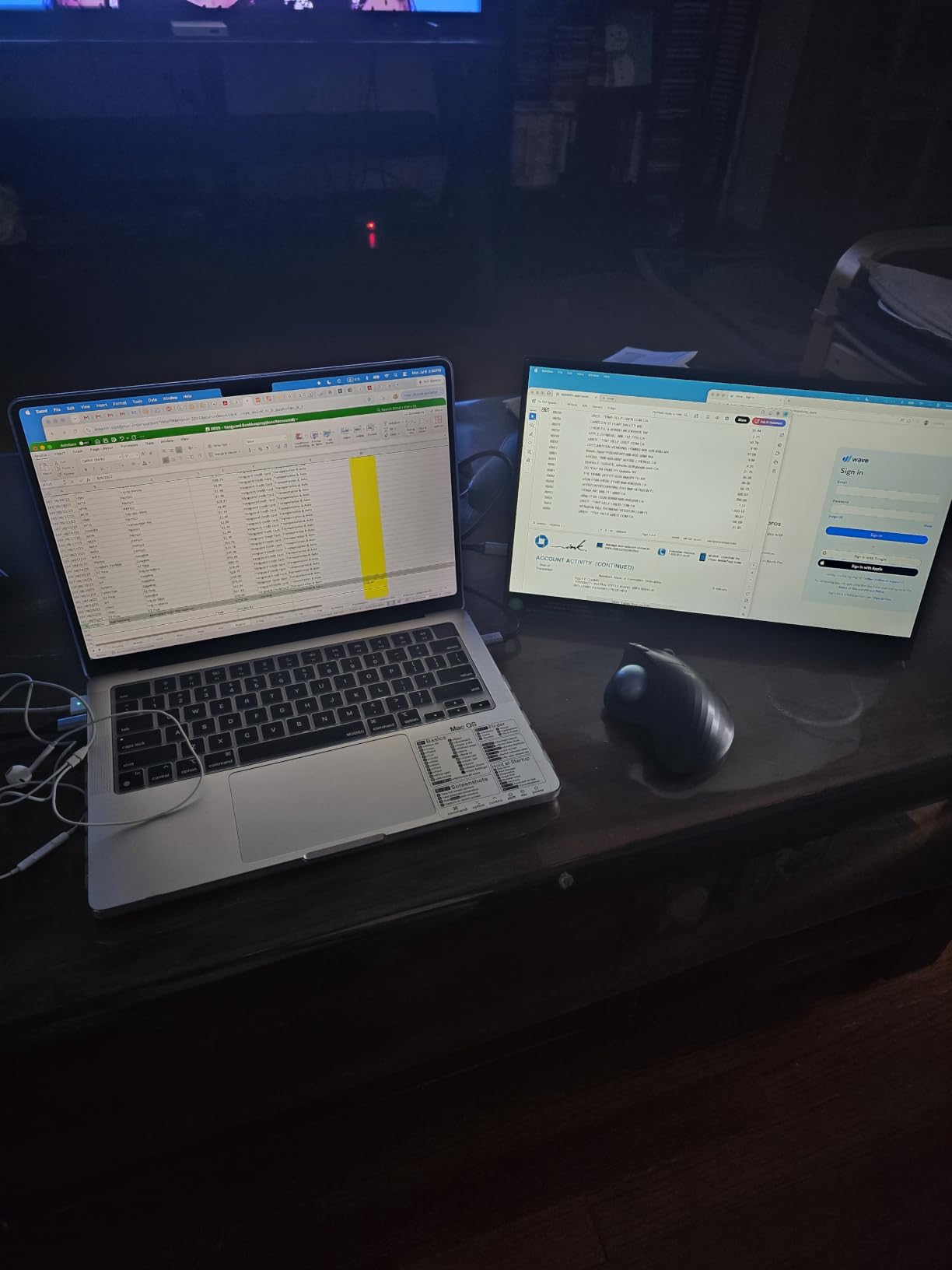
It carries the highest average rating in this group at 4.8 across more than 6300 ratings, with roughly nine out of ten ratings at five stars. That consistency is not accidental. Buyers point to the thinness, the VESA mount, the useful power pass-through and consistent one-cable behaviour across MacBooks, Surfaces and consoles.
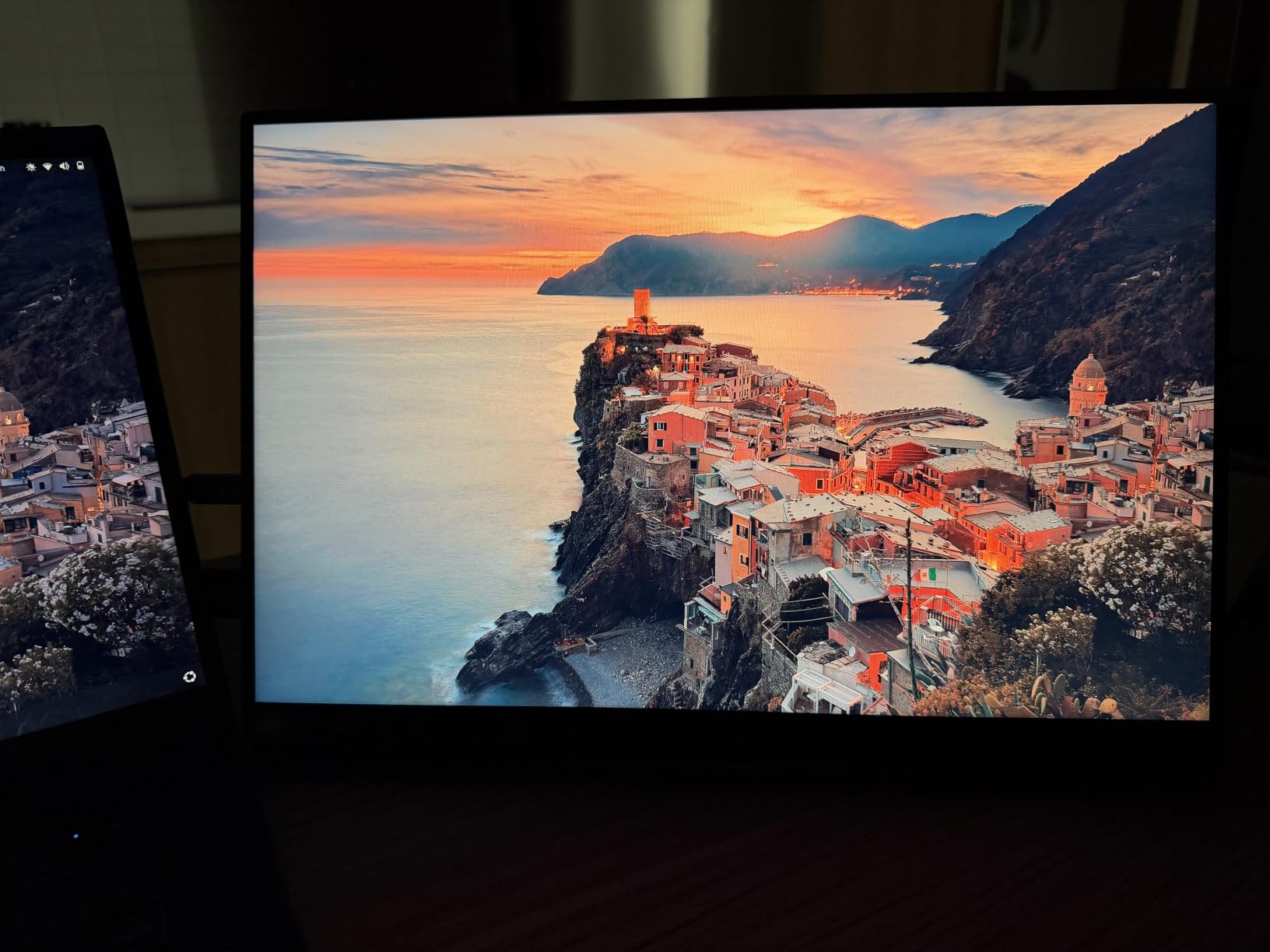
Connectivity is broad: two full-featured USB-C ports and an HDMI port, with an HDMI cable, a USB-A to USB-C cable and a USB-C to USB-C cable in the box. The power pass-through reverse charging means your phone or a second device can charge through the monitor while it is running on the laptop cable, which is genuinely useful in a lecture theatre with no spare outlet.
The two VESA mounting holes are the feature most competitors at this level omit, and they change the ergonomics more than any spec sheet suggests. With mounting holes you can use a proper arm, stack the panel above the laptop screen to raise it toward eye level, or hold it in a vertical orientation for documents without relying on the cover to stay at an angle.
What works well in a dorm
A dorm desk is measured in centimetres, not inches, and a panel that is 4 mm thick changes what fits in the drawer. This one disappears into a laptop sleeve, which means you can take the whole setup to a library desk without unpacking.
The VESA holes make it the pick here for anyone whose chair is too low, because raising the second screen to eye level with an arm is the single biggest comfort improvement available in a small space.
Where it disappoints
280 cd is below the 300 cd panels in this group, and it shows in a sunlit room or a bright common area. If your main study spot has a window facing you, budget for curtains or pick a brighter panel.
At 85 percent sRGB with a 60 Hz refresh rate and 3 ms response, this is a productivity panel. Photo grading, video colour work and fast games are outside what it can do, no matter how thin the chassis is.
4. InnoView 15.6-Inch Monitor – the Longest Warranty
InnoView Portable Monitor, 15.6 Inch FHD 1080P HDMI USB C Second External Monitor for Laptop, Desktop, MacBook, Phones, Tablet, PS5/4, Xbox, Switch, Built-in Speaker with Protective Case
15.6 inch 1920x1080 A+ IPS
250 cd, 1200:1 contrast
18-month warranty
Pros
- 18-month warranty
- longest in this group
- Two full-function Type-C ports plus HDMI with pass-through
- 1200:1 contrast ratio and A-grade IPS colour
- PU-leather cover with two angle grooves
Cons
- 250 cd is the dimmest panel here
- 2.7 lb is heavy for a 15.6-inch portable
- No VESA mounting holes
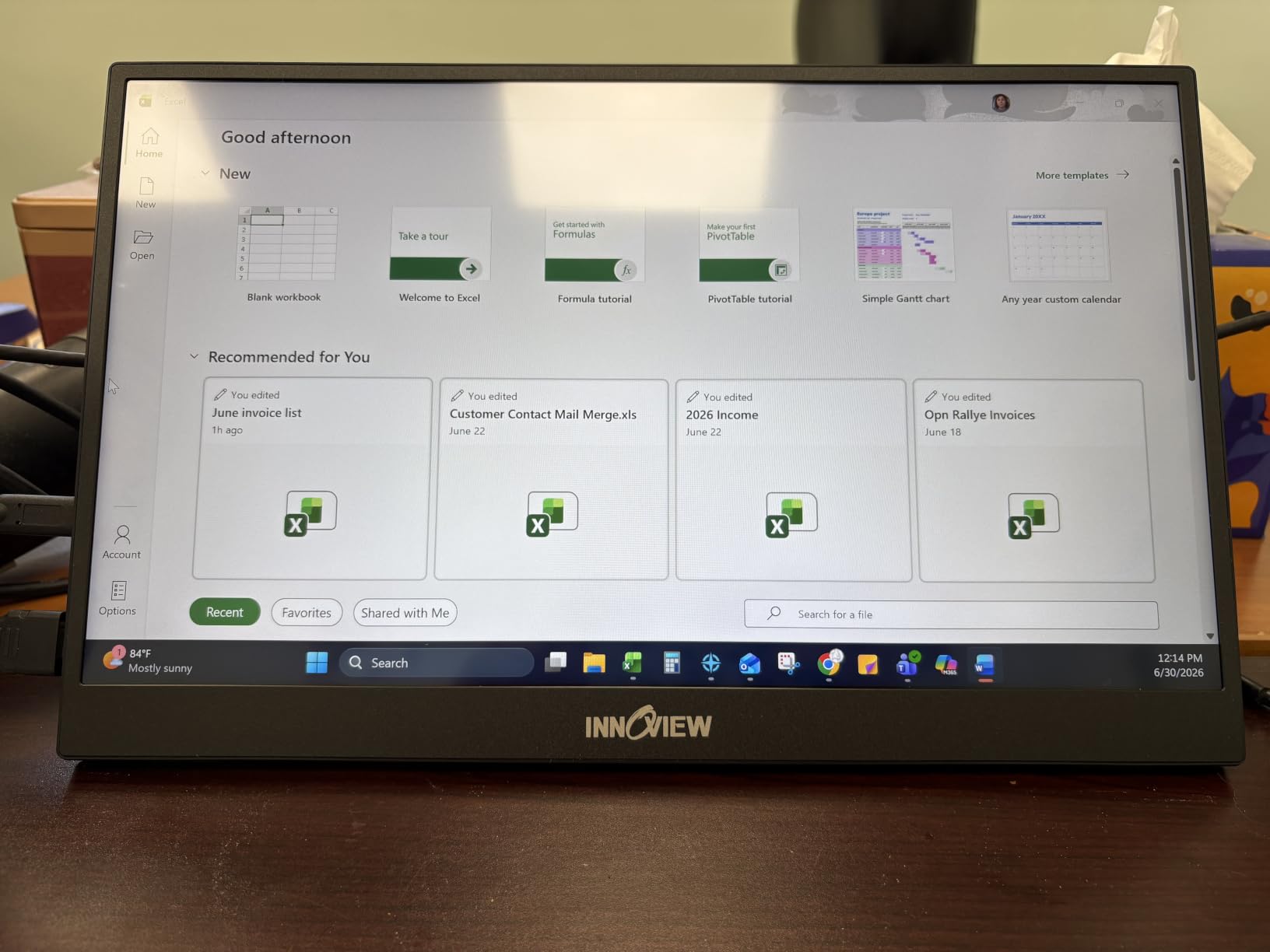
If the concern is a panel failing after a year, this is the pick that directly addresses it. The InnoView INVPM406 carries an 18-month warranty, which is the longest published coverage among these ten, plus a 30-day return policy. Owner discussions about portable monitors repeatedly frame 18 months as the minimum worth accepting and three years as ideal, and this is one of the few options here that clears the first bar.
The hardware is a 15.6-inch 1920×1080 A-grade IPS panel at 250 cd with 1200:1 contrast, the highest contrast ratio among the 1080p options in this roundup, and 178-degree viewing angles. It is a matte panel with low blue light and no flicker, and it runs copy, extended and portrait modes through the foldable PU-leather cover.
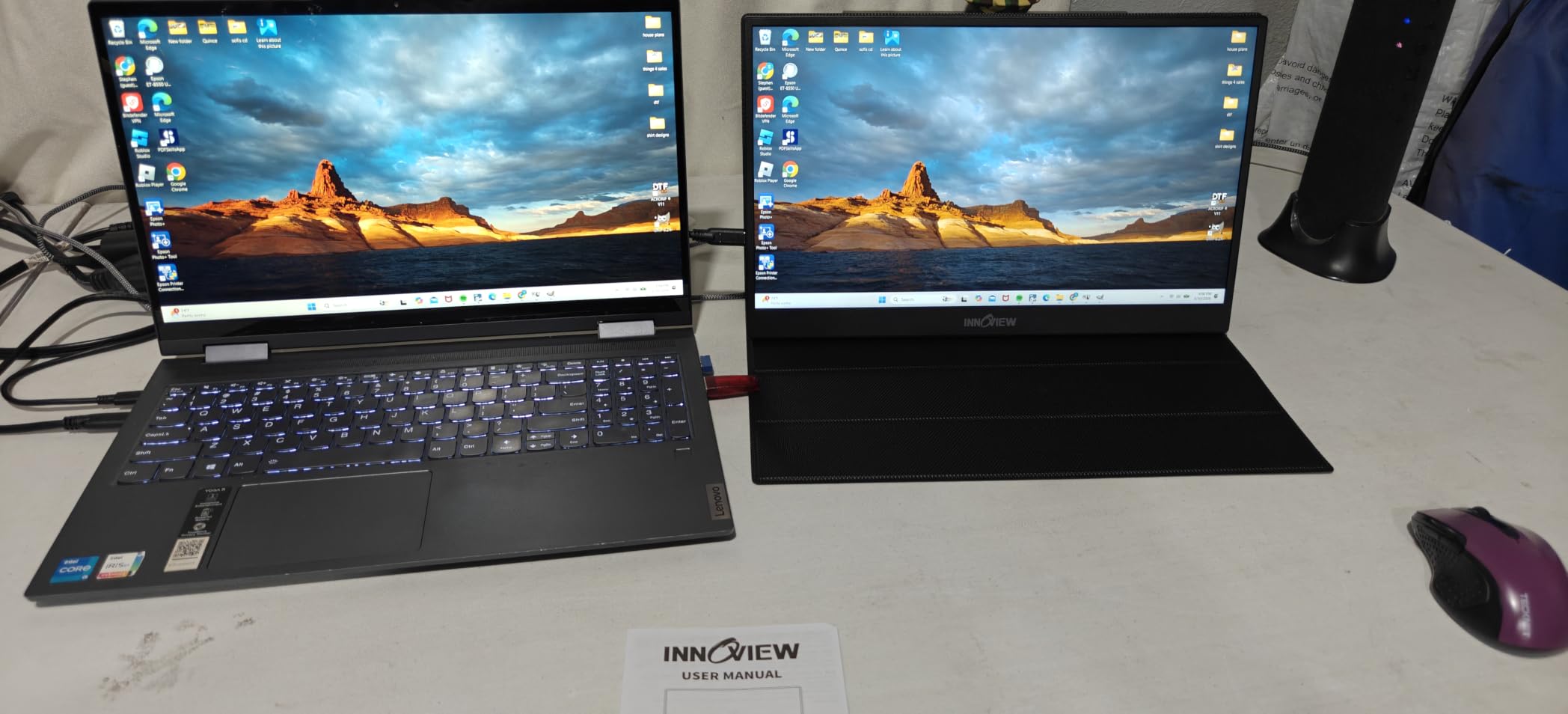
Connection is straightforward: two full-function Type-C ports and one HDMI port, with reverse charging pass-through, and no app or driver required. Buyers report consistent one-cable behaviour across HP, Lenovo, Dell and Asus laptops, MacBooks, phones, tablets and consoles. The manufacturer note is helpful in one respect: it explicitly says the unit can be powered separately to resolve flicker or restarts, which is exactly the failure mode reported by some owners on single-cable setups.
That brings us to the trade-offs. At 2.7 pounds this is the second-heaviest panel here, and the 0.26-inch depth is not slim by modern standards. The 250 cd brightness is the lowest in the group, so it struggles in bright ambient light. There are no VESA mounting holes, which rules out arms and third-party stands entirely and leaves the cover as your only stand option.
Who should buy it
Buy this one if your laptop is the machine you will still be using in two years and you are tired of replacing peripherals. The 18-month coverage spans more than one full academic cycle, which is the difference between a monitor that survives your degree and one that fails during it.
It is also a safe choice for anyone who connects to many different devices, since the port mix covers USB-C video, HDMI and pass-through charging in one box.
Who should look elsewhere
If your desk is a dorm room with one window and no blinds, 250 cd will disappoint you during afternoon study sessions. A brighter 300 cd panel costs a similar amount and solves a bigger daily problem than contrast ratio does.
If you want to raise the screen for posture reasons, the absence of VESA holes means the cover is your only support, and a folio stand on a cramped desk is rarely as stable as a mounted arm.
5. ForHelp 15.6-Inch Aluminum Monitor – the Light Metal Build
ForHelp 15.6inch Portable Monitor,1080P USB-C HDMI Second External Monitor for Laptop,PC,Mac Phone,PS,Xbox,Swich,IPS Ultra-Thin Zero Frame Gaming Display/Premium Smart Cover
15.6 inch 1920x1080 matte IPS
300 cd, 1 ms response
1.52 lb aluminum body
Pros
- Aluminum alloy body at 1.52 lb for a 15.6-inch panel
- 300 cd matte IPS with 178-degree angles
- Two full-featured USB-C ports plus mini HDMI
- Magnetic smart holster with two viewing grooves
Cons
- 60 Hz despite the gaming framing
- Colour gamut is not published and is narrower than rivals
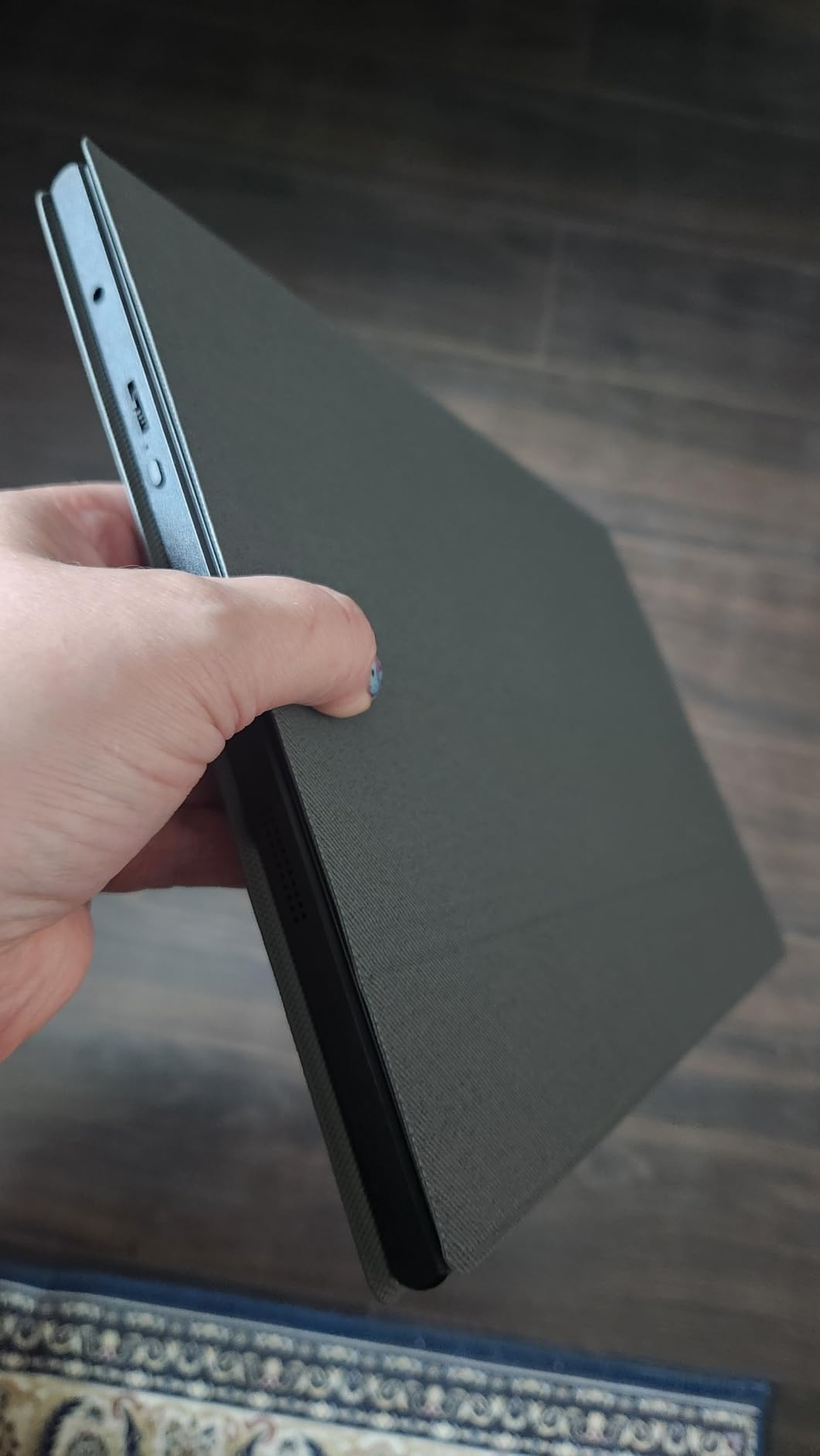
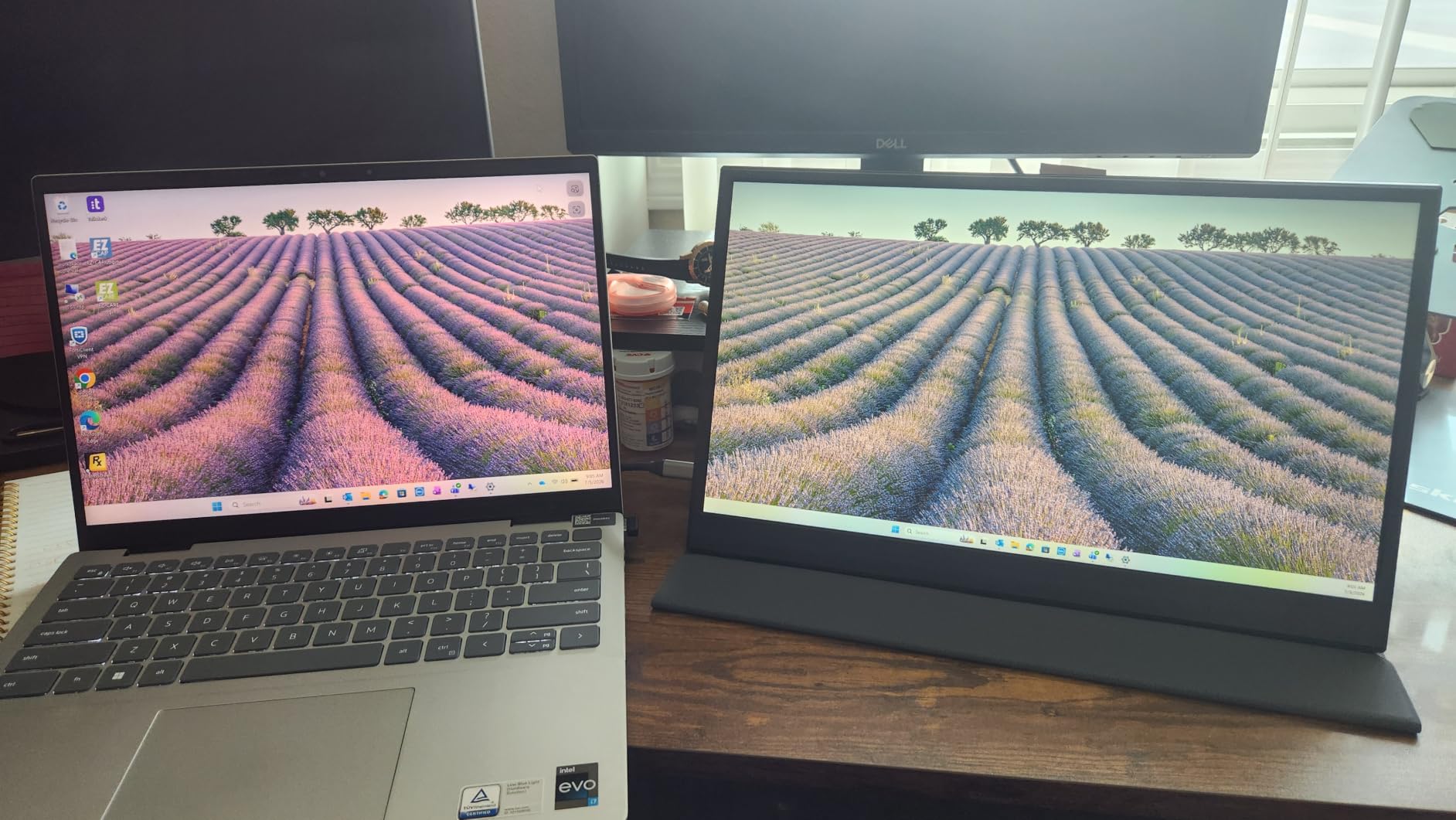
The ForHelp F156P1 is the pick for anyone who has handled a plastic portable monitor and found it feels wrong in the hand. The body is an aluminum alloy at 1.52 pounds with a 0.3-inch profile, which is a combination you usually find well above this bracket. Owner reviews describe the light metal build as the first thing they noticed and the thing they mention most approvingly.
Inside is a 15.6-inch 1920×1080 matte IPS panel at 300 cd with 1000:1 contrast, 178-degree viewing angles, a listed 1 ms response time, reduced blue light and no flicker. The magnetic smart holster doubles as a stand with two grooves for angle selection, and copy, extension and second-screen modes are all supported with HDR.
Connectivity covers two full-featured USB-C ports and a mini-HDMI port, so the single-cable setup works on Thunderbolt 3.0 or 4.0 devices and USB 3.1 Type-C DP Alt Mode, and consoles and older HDMI machines are handled by the bundled cables. The listing does state that the HDMI port sits on one side of the product, which is a small thing but the kind of detail that determines whether the cables let the two screens sit flush.
Two things temper the recommendation. First, the panel is 60 Hz, so despite the gaming language in the listing it is not a fast display, and anyone expecting console play at speed will be disappointed. Second, the colour gamut is not published, and buyers comparing it against 85 percent sRGB competitors generally find it narrower, which shows up in video and photo work more than in documents.
Why the metal matters
Aluminum dissipats heat better than plastic, and on a panel that runs at 12 watts from the laptop’s own supply, that translates into a chassis that stays cooler to the touch during long sessions. It also resists the scuffing and flex that makes a plastic cover look tired after a year of backpack handling.
At 1.52 pounds, this is the panel we would choose for a student who carries a laptop, a charger and a notebook between buildings all day and does not want the monitor to be the thing that hurts their shoulder.
What to watch out for
The unspecified colour gamut is the honest drawback. For coursework, notes and video calls it makes no practical difference. For any photo, design or video colour work, pick a panel with a published sRGB or DCI-P3 figure instead.
Also verify your port layout before committing. With the HDMI on one side, a flush side-by-side arrangement with your laptop may need the cables to route around rather than between the two panels.
6. VisionOwl 15.6-Inch Monitor – the Brightest 1080P Option
VisionOwl Portable Monitor 15.6 Inch 1080P FHD 85% sRGB Second Screen, USB-C HDMI HDR External Travel Monitor for Laptop PC MacBook PS5 Xbox, VESA Mountable, with Speakers, Cover Stand, Silver
15.6 inch 1920x1080 IPS
300 cd, 85 percent sRGB
1.4 lb bare, 2.3 lb with cover
Pros
- 4.8 average across more than 3400 ratings with 90 percent five stars
- Aluminum body at 1.4 lb that runs cool
- VESA 75x75 holes and a full cable set with power adapter
- One USB-C cable carries power and video
Cons
- Built-in speakers are poor
- No auto-brightness
- 60 Hz panel
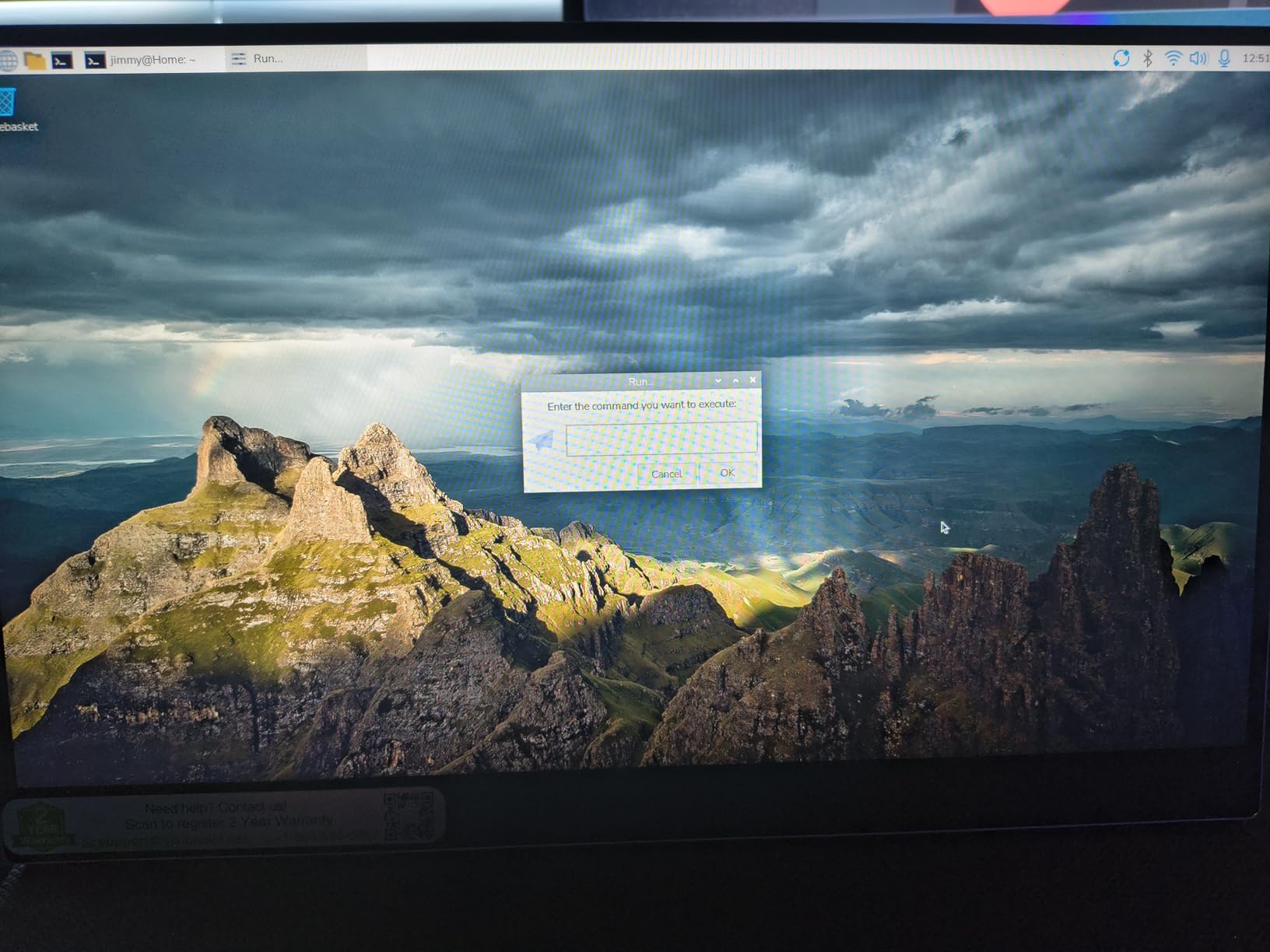
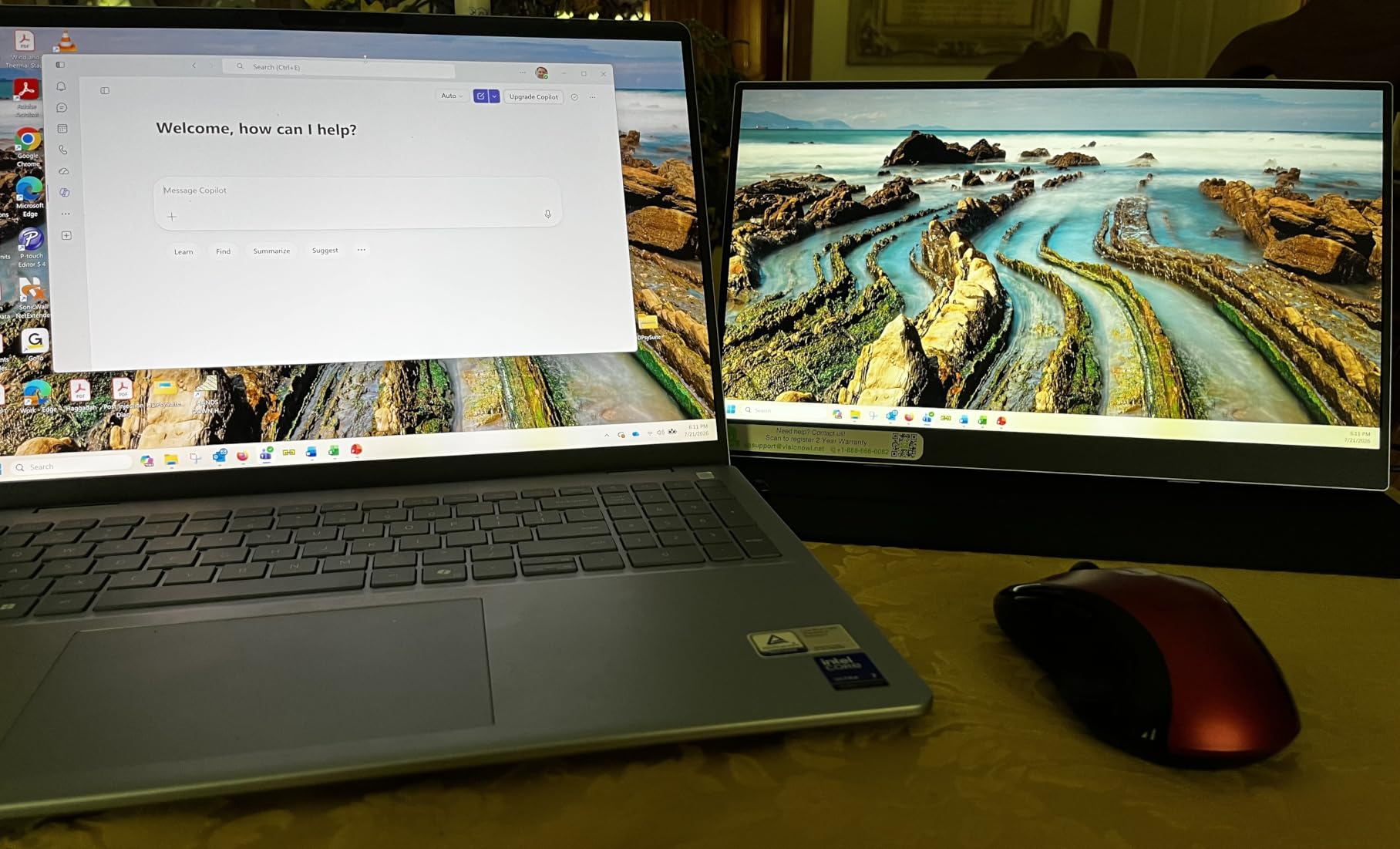
The VisionOwl Y1 is the panel that gets recommended when someone asks which one survives a full day. It holds a 4.8 average across more than 3400 ratings with roughly 90 percent of those at five stars, and the themes in long-term owner reports are consistency: the same one-cable connection, the same bright panel, the same fold-into-a-stand cover, repeated months later. Several owners report standardising a whole team on it.
It is an aluminum alloy body at 1.4 pounds bare, which is 2.3 pounds with the cover attached, and at 0.23 inches of depth it is among the slimmest bodies in this group. The panel is a 15.6-inch 1920×1080 matte IPS at 300 cd with 1000:1 contrast, 85 percent sRGB and 178-degree viewing angles.
Two features separate it from the plastic competition. The first is a pair of standard VESA 75x75mm holes, which very few 15.6-inch panels in this bracket offer, and they work in both landscape and portrait orientation. The second is the accessory package: an HDMI cable, the protective cover, a power adapter, a USB-A to USB-C cable and a USB-C to USB-C cable are all included, so you are not hunting for a spare cable the night before a deadline.
The owner-reported improvement requests are consistent too: the built-in stereo speakers are poor, and there is no auto-brightness, so the panel needs manual adjustment as light changes through the day. On a dorm desk that means fiddling with the menu more often than you would like, and the on-screen controls take some learning. Portrait use also needs a stand, since the cover is not designed for vertical orientation.
Best fit for long study days
At 300 cd and 85 percent sRGB with a matte finish, this is one of the few panels here that stays readable in a bright room, which is the difference between a usable second screen and a mirror. The two-year manufacturer warranty is also among the longer commitments on the list.
It suits students in shared rooms or quiet study spaces where you need the panel readable without dimming the room lights to make out text.
Where it falls short
The speakers are the most common disappointment and the easiest to work around: bring headphones or a small Bluetooth speaker, because the 3.5 mm audio out is present.
At 60 Hz, 1080p and 3 ms, it is a productivity panel. And if you plan to run it vertically for long documents, budget for a small stand because the included cover is built for landscape.
7. Yxk 15.6-Inch Monitor – the Thinnest Budget Body
Yxk Portable Monitor 15.6 Inch 1080P 60Hz IPS HDR Ultra-Slim Travel Monitor with Dual Speakers USB-C HDMI Second Screen for Laptop PC Mac Phone Xbox PS4/5 Switch, VESA Kickstand, Zero Frame Gaming
15.6 inch 1920x1080 matte IPS
250 cd, 72 percent sRGB
1.43 lb and 0.31 inch thick
Pros
- Lightest-feeling body here at 1.43 lb and 0.31 inch
- Zero-frame bezel maximises usable screen area
- Dual full-featured USB-C plus mini HDMI
- VESA kickstand for landscape and vertical use
Cons
- 250 cd is dim in bright rooms
- 72 percent sRGB is the narrowest gamut here
- No published response-time figure
The Yxk Y1562 is the option for the student who genuinely has to carry the monitor. At 1.43 pounds and 0.31 inches thick, with a zero-frame bezel that maximises usable screen area, it is one of the easiest 15.6-inch panels we have moved between rooms. It also ships with a VESA kickstand in the box, which saves buying a separate stand.
The specification sheet is honest about where it sits. You get a 15.6-inch 1920×1080 matte IPS panel with 178-degree viewing angles, HDR and low blue light at 250 cd, and a 72 percent sRGB colour gamut. Connectivity is two full-featured USB-C ports plus a mini-HDMI port, so one USB-C to USB-C cable handles power and video on Thunderbolt 3.0 or 4.0 devices and USB 3.1 Type-C DP Alt Mode.
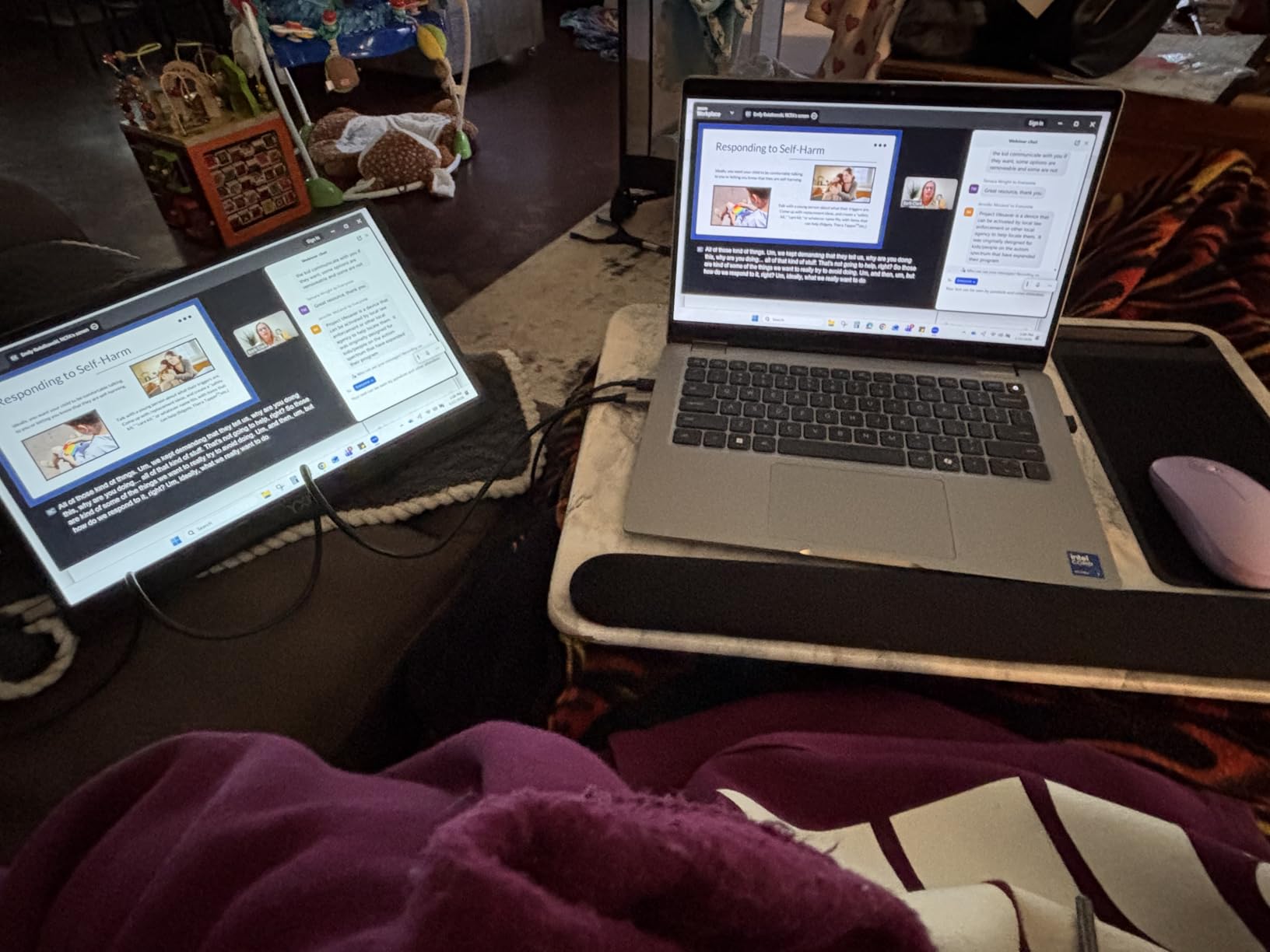
Display handling covers copy, extension and second-screen modes plus landscape and vertical orientation, and there are two built-in speakers. No app or driver is required, which keeps the setup to a single step on any of the current operating systems.
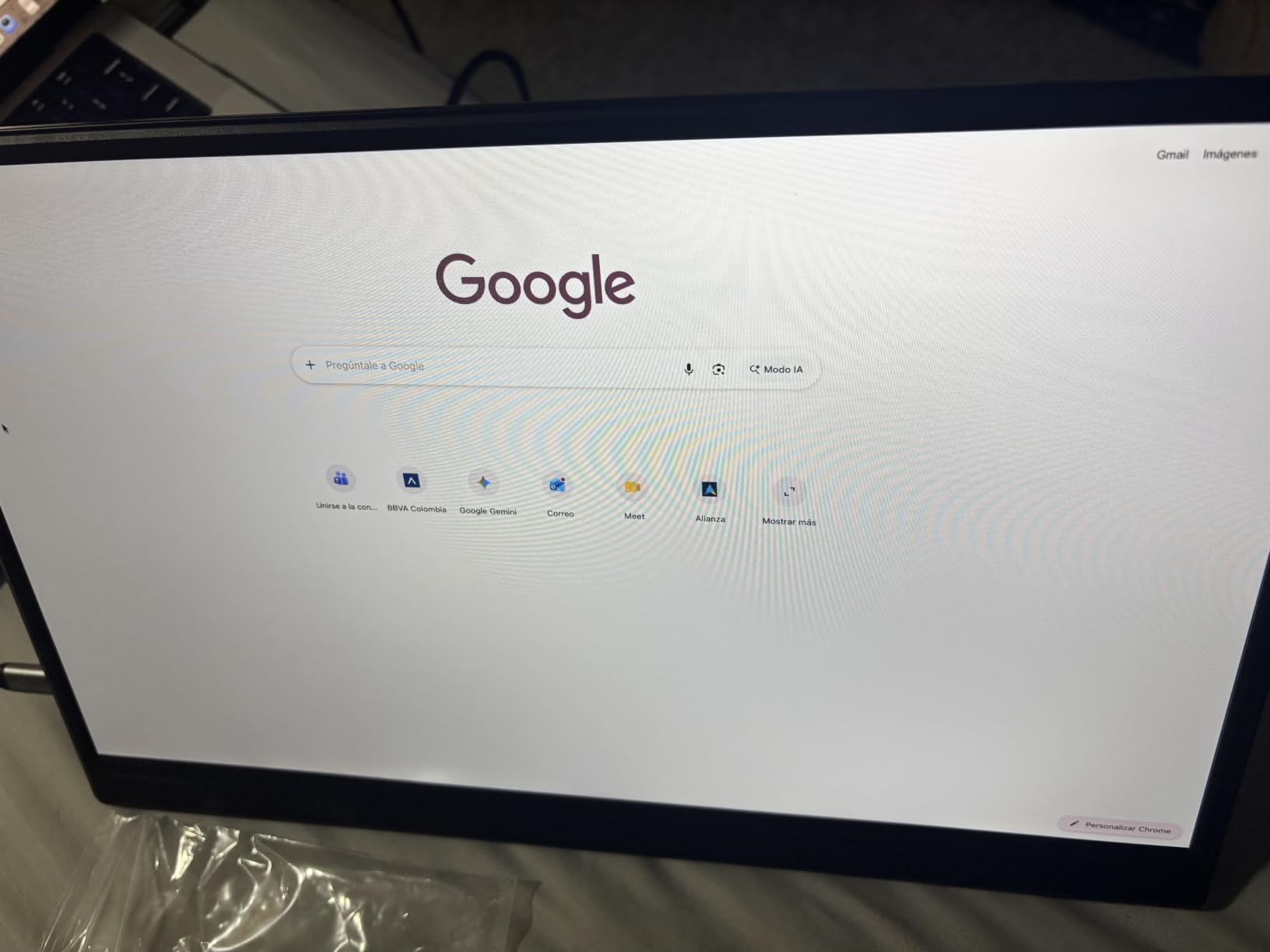
Owner reviews concentrate almost entirely on portability as the reason to like it, and just as consistently on the dim panel as the reason to hesitate. At 250 cd, it is one of the two dimmest options here, and 72 percent sRGB is the narrowest gamut in the group, which will make colours visibly flatter on a video call background or any design work. No response-time figure is published, and at 60 Hz it is not a gaming display.
Where it makes sense
If your study pattern is lecture, library, then bed, weight beats brightness. A 1.43-pound panel at a quarter-inch thick disappears into a bag in a way that a 2.7-pound panel with a folio cover does not, and the zero-frame bezel means more of what you carry is usable screen.
The included kickstand also removes the need to buy a stand, which is one more accessory saved for a student budget.
Where it will frustrate you
In a bright room with a window opposite, 250 cd and a matte finish is a compromise you will notice every time. If your dorm faces west, that is most afternoons, and it is worth spending a little more for a 300 cd panel.
The 72 percent sRGB gamut also means this is a documents-and-calls monitor, not a colour monitor. And with two years of warranty described in the listing, the coverage is better than several more expensive models.
8. WGK 15.6-Inch Monitor – the One With a Built-In Stand
WGK 15.6 inch Portable Monitor 1080P FHD Travel Display HDMI/USB-C Compatible with Laptops, Desktops, Phones, PS, Mac, Xbox, Switch, and Other Gaming Devices Includes Stand and Speakers VESA
15.6 inch 1920x1080 matte IPS
72 percent sRGB, 5 ms response
2.7 lb with built-in stand
Pros
- Built-in adjustable stand plus VESA mounting gives real placement choice
- One USB-C cable handles both power and display
- Speakers are loud and clear enough for portable use
- Lower entry cost than most options here
Cons
- 5 ms response and 60 Hz are the slowest pairing here
- Can reset when drawing power only from a host USB-C port
The WGK W156F1 stands out for a feature most of this list handles with a folding cover: a real built-in stand. That changes the desk situation, because a cover-style folio is a laptop-shaped wedge and a built-in kickstand can be adjusted to your actual viewing angle, held more rigidly, and combined with the VESA mount for arm use. Buyers describe it as sturdier than it looks.
The panel is a 15.6-inch 1920×1080 matte IPS at 1000:1 contrast with 178-degree viewing angles, 5 ms response, 60 Hz and a 72 percent sRGB gamut. Two USB-C ports and a mini-HDMI port handle connection, with a single USB-C cable sufficient for Thunderbolt 3 or 4 and full-featured USB-C devices. Two built-in speakers come with it.
The honest headline here is cost. The WGK is the least expensive panel in this roundup while still delivering a full 15.6-inch 1080p IPS display with VESA mounting, which is unusual. For a student who only needs a second screen for notes, split windows and video calls, that is a sensible place to stop spending.
The specific technical complaint that recurs in owner reports is power-draw instability. When the display runs purely from the host laptop’s USB-C port, especially at higher brightness, it can briefly black out and reset. The manufacturer’s own guidance is to connect a charger with the 5V2A parameter, so keep a small power bank or the laptop charger within reach rather than relying on bus power alone.
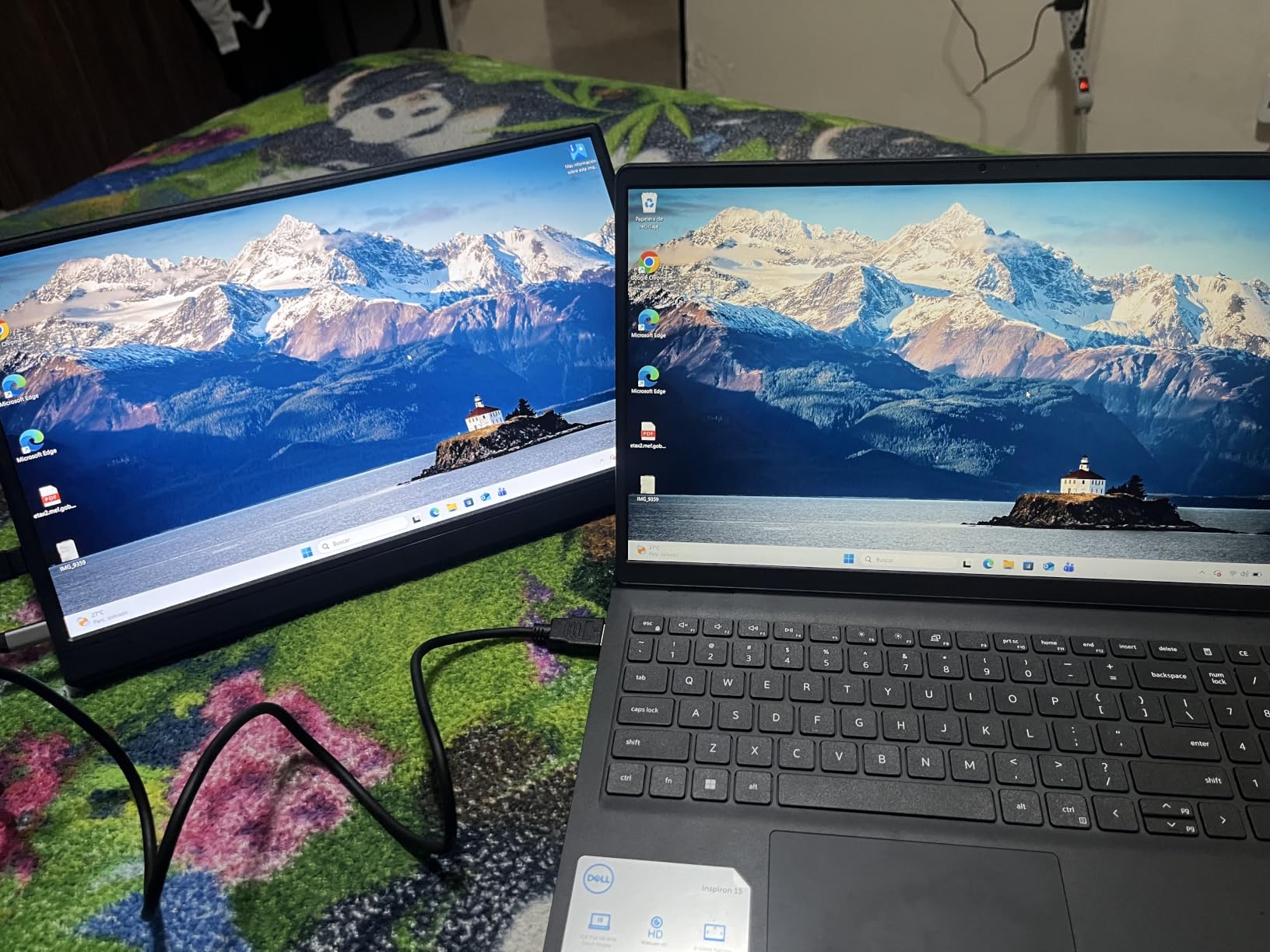
A good second screen and a decent console display
Multiple display modes are supported, including copy, extended and second screen, plus landscape and vertical modes, which covers every workflow a student actually has. The low blue light treatment is listed, which matters for late-night revision.
Several owners use it for console streaming and report that the built-in speakers are loud and clear enough to use without external audio, which is unusual at this level and useful in a shared room where you cannot turn sound on.
What to accept if you buy it
At 2.7 pounds, it is one of the heavier options, which undercuts the point of buying something portable. The 5 ms response and 60 Hz refresh are the slowest pairing here, and the 72 percent sRGB gamut will not satisfy any colour-critical work.
Plan for the power question from day one. A panel that resets mid-lecture because the laptop was not charging undermines the whole convenience argument, and carrying a small charger solves it entirely.
9. Upperizon 14-Inch 4K OLED – the Creator Panel
Upperizon Portable Monitor 14 inch 4K 3840X2400 100000:1 100% DCI-P3 OLED HDMI USB-C Travel Monitor for Laptop MacBook PC Surface PS5 Xbox, External Display with Kickstand & Speakers, VESA Compatible
14 inch 3840x2400 OLED
100 percent DCI-P3, Delta E under 2
1.33 lb, 0.13 inch thick
Pros
- True 4K 3840x2400 OLED with 100000:1 contrast
- Factory calibrated to Delta E under 2 at 100 percent DCI-P3
- Lightest design here at 1.33 lb and 0.13 inch
- 180-degree kickstand plus two VESA holes
Cons
- Costs several times more than the 15.6-inch LCD options
- 14-inch 16:10 panel is smaller than the alternatives
- Glossy finish catches reflections in bright rooms
If you do any photo or video work, this is the only panel in the group where the numbers are simply in a different class. The Upperizon uses a 14-inch OLED at 3840×2400, which is a 16:10 aspect ratio and roughly 3.5 times the pixel count of a 1080p 15.6-inch panel. Because each pixel emits its own light, contrast is 100000:1 and blacks are genuinely black rather than dark grey.
Colour is the headline. It is factory calibrated to Delta E under 2 at 100 percent DCI-P3, which is listed as 111 percent NTSC coverage across 1.07 billion colors, at 350 cd. For a student grading photos or cutting video in a dorm room, that calibration is the reason to own this rather than a cheap IPS panel.
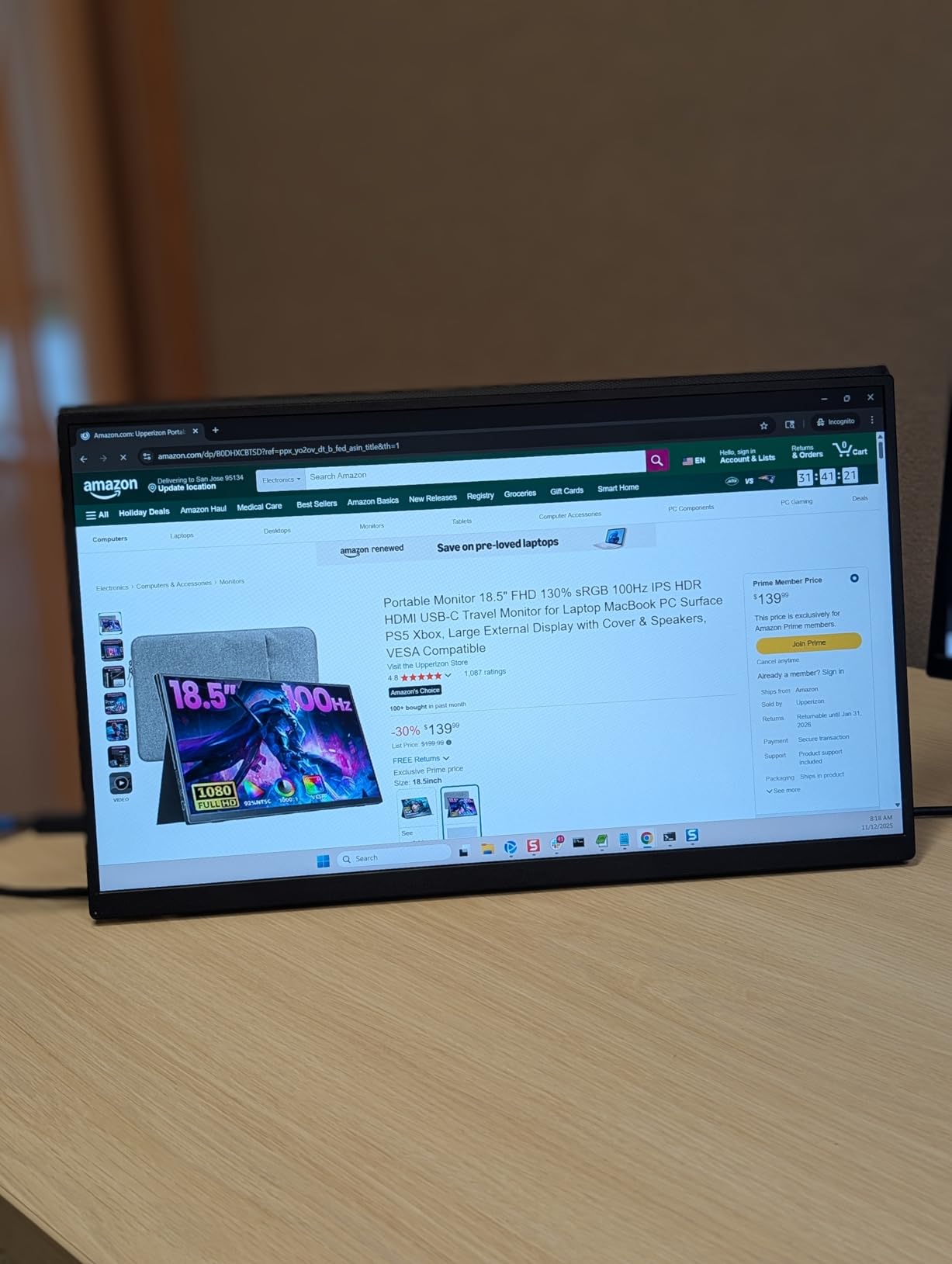
It is also startlingly light for what it is: 1.33 pounds and 0.13 inch at the slimmest point, in a premium aluminum body, with a protective sleeve in the box. There is a 180-degree adjustable built-in kickstand, two VESA holes for landscape and vertical use, two built-in speakers, and a 1 ms response time, which makes it the fastest panel here despite the 60 Hz refresh rate.
Connection covers two full-featured USB-C ports plus HDMI, with an HDMI cable, a power adapter, a sleeve and two USB-C to USB-C display cables included. The USB-C port must support DisplayPort Alt Mode or Thunderbolt 3, 4 or 5, and there is no driver to install.
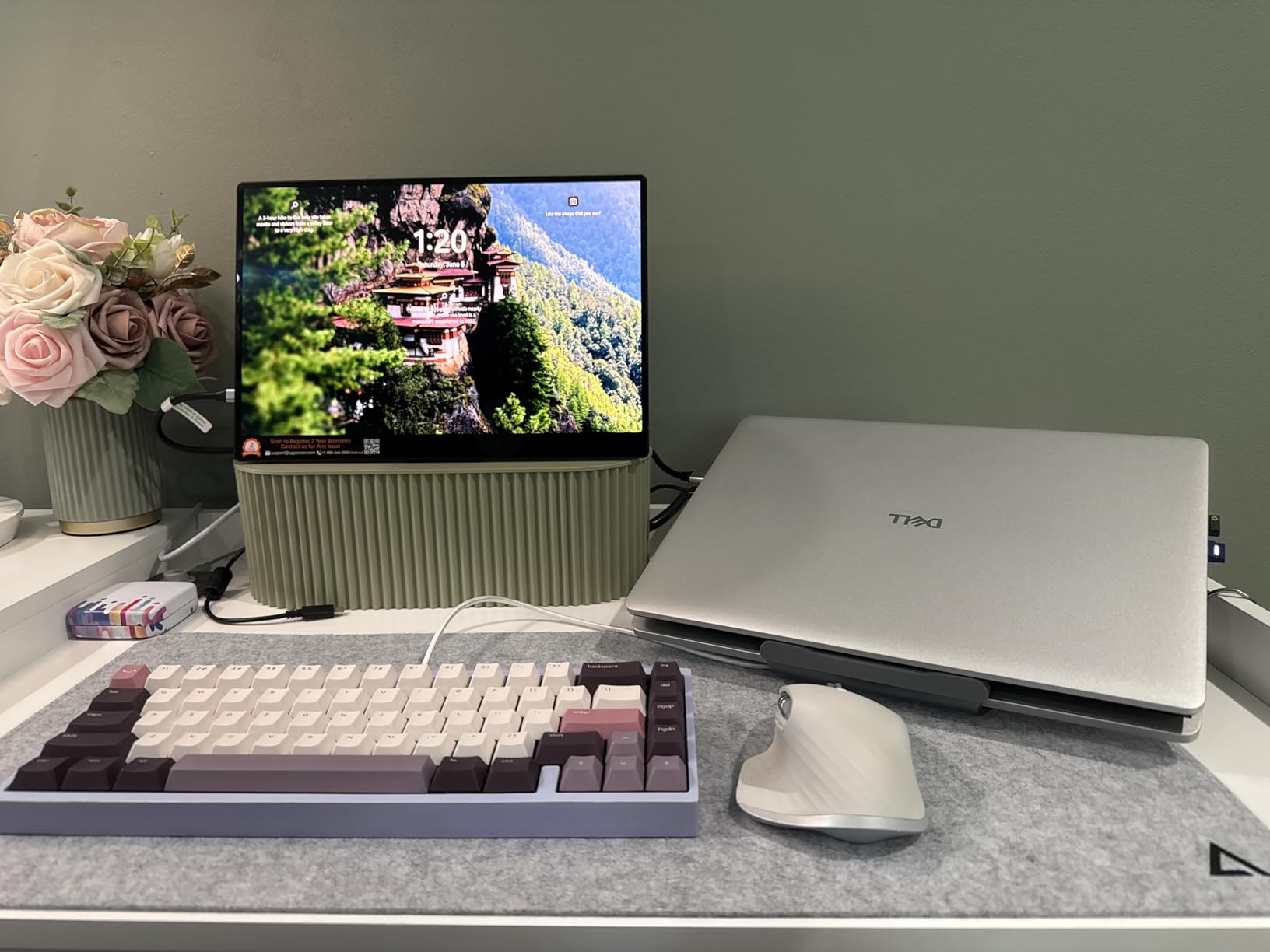
When this is the right call
Choose this if your coursework involves judging colour, reviewing footage or designing in anything other than a text editor. A 1080p IPS panel at 72 or 85 percent sRGB will not tell you whether a shot is correctly exposed, and a 4K OLED calibrated panel will.
The text side is excellent too. At 3840×2400 on 14 inches, scaling to 150 or 200 percent in your operating system makes small type genuinely readable, which is the opposite of the 1080p scaling problem that affects most of this list.
When it is not
It costs several times more than any 15.6-inch LCD here, and for note-taking and video calls that money buys nothing you would notice. The 14-inch footprint is smaller than the 15.6-inch alternatives, so you gain sharpness and lose screen area.
The glossy finish catches reflections in bright ambient light, and a few owners report flicker at full brightness unless they use the original power adapter. Keep it in the bag. The two-year warranty is a reasonable middle ground.
10. KEFEYA 14-Inch Screen Extender – the True Dual Screen
KEFEYA Laptop Screen Extender, 14″ FHD 1080P IPS Laptop Monitor Extender Dual Screen, Portable Monitor for Laptops 13-17″ with USB-C/HDMI Port, Plug n Play for Windows/Mac/Android/Switch/PS5
14 inch 1920x1080 matte IPS
300 cd, 2 ms response
1.04 kg with 180-degree rotation
Pros
- Rotates 180 degrees to sit alongside a 13-17 inch laptop as a real second screen
- All cables included with no driver required
- Works across Windows
- Mac
- Linux
- Chrome OS and Android
- Mirror
- extend and portrait modes
Cons
- 72 percent NTSC color is narrow for photo and video
- HDMI use also needs a second USB-A to USB-C power cable
The KEFEYA S1 is a different idea from the other nine. Instead of a standalone second screen you prop up beside your laptop, it is a rotating extender that attaches alongside a 13 to 17 inch laptop, creating one continuous two-panel surface at the same height. For anyone who finds a conventional portable monitor annoying to position, that is the feature that ends the frustration.
The panel is a 14-inch 1920×1080 matte IPS at 300 cd with 1000:1 contrast, 178-degree viewing angles, 2 ms response and 60 Hz, with adjustable brightness, contrast and backlight. The hinge rotates the screen 180 degrees, and mirror, extension, landscape and portrait modes are all supported.
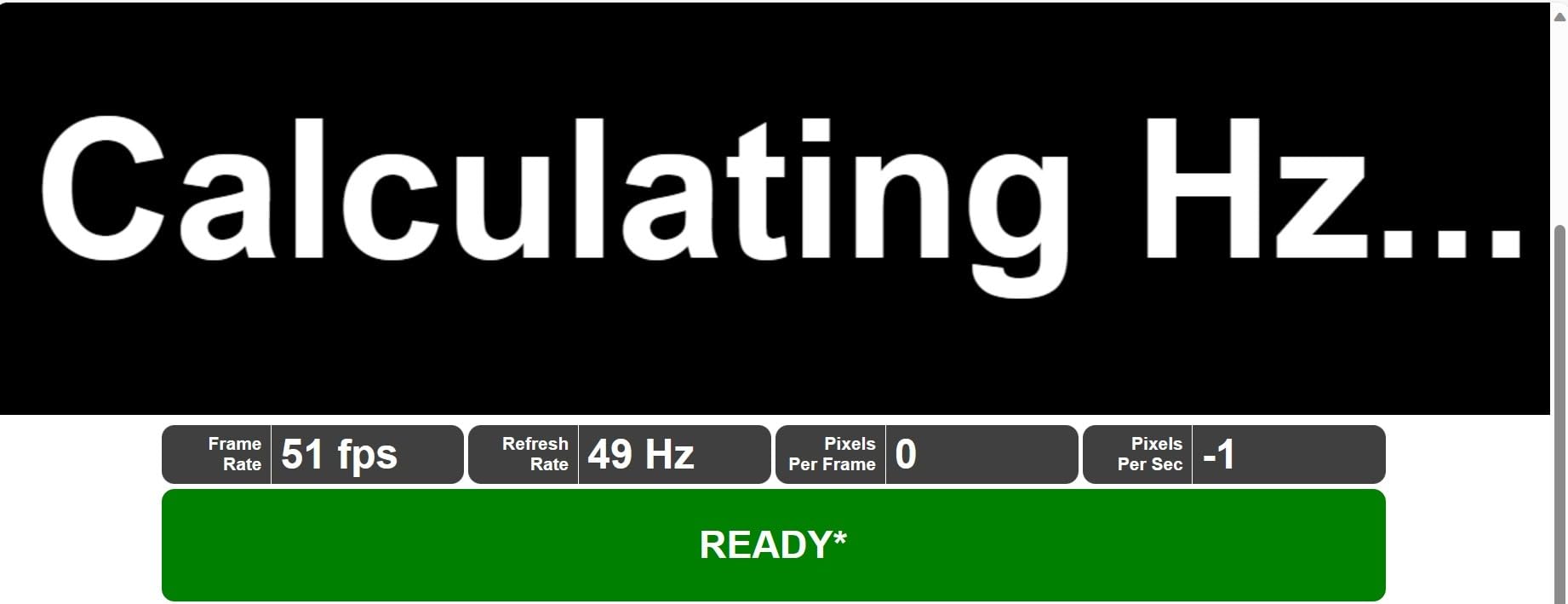
Compatibility is the strongest part of the package. Buyers report no-driver operation across Intel, AMD and ARM processors on Windows, Mac machines including M1, M2 and M3 variants, Linux, Chrome OS and Android, plus consoles and Type-C phones. The box includes a Type-C cable, a USB-C to USB-A cable and an HDMI cable, which is more complete than most kits in this roundup.
There is one wiring caveat that matters. When you connect over the HDMI cable, an additional USB-A to USB-C power cable must be attached, so the HDMI path is not a true single-cable setup. Over USB-C it is one cable. The colour gamut is listed as 72 percent NTSC, narrower than the 85 percent sRGB and DCI-P3 options here, so this is a work monitor rather than a colour monitor.
Who this form factor suits
Students who write long documents or code benefit most. A second screen at the same height and angle as the laptop, with no stand to adjust, removes the neck twisting that comes from a propped-up panel at the edge of a desk.
It is also the easiest option to travel with as a fixed arrangement, since the extender and laptop fold into one footprint rather than two separate objects competing for desk space.
What you give up
At 1.04 kg with a 0.9-inch depth, it is bulkier and heavier than the slim panels in this list, which matters if portability is your priority rather than ergonomics.
No built-in stand or VESA mounting is listed, so the rotating hinge is the only positioning support you get. And remember the HDMI path needs two cables, so if your laptop has no DisplayPort Alt Mode over USB-C, budget for a two-cable setup.
How to Choose a Portable Monitor for Student Life in 2026?
Screen size and resolution: 14 inch versus 15.6 inch
Most of this category is 15.6 inches at 1920×1080, and two options here are 14 inches. A 15.6-inch 1080p panel is the sweet spot for desk area and pixel density, and it is what fits a standard laptop sleeve. A 14-inch panel is the better choice when you want more pixels per inch, as the OLED option here demonstrates at 3840×2400.
The trap is scaling. At 1080p on 15.6 inches, default 100 percent text scaling produces small type. Bump the display scale to 125 percent and you get a readable screen. On a 4K panel you need the opposite, scaling down to 150 or 200 percent, which is a real amount of GPU work for older integrated graphics.
Note that most of these panels are 16:9. If you want a taller workspace for documents, a 16:10 panel such as the OLED gives you more vertical room without a taller physical body.
Connectivity decoded: USB-C DP Alt Mode versus HDMI
USB-C DisplayPort Alt Mode is the feature that matters. If your laptop’s USB-C port supports DP Alt Mode, or you have Thunderbolt 3, 4 or 5, one cable carries both power and video and you are done. Every panel in this roundup advertises DP Alt Mode or Thunderbolt support, which tells you the monitor side is ready.
The failure point is the laptop side. A USB-C port that only handles data and charging will not drive an external display, and that is the single most common confusion owner reports describe. When in doubt, the HDMI port is the fallback, but mini-HDMI monitors need a full-size to mini adapter, and an HDMI-only connection still needs a separate power lead on most of these panels.
For console users, mini-HDMI and full HDMI both work with a Switch, PS or Xbox, with a cable. For phones and tablets, USB-C video output is required, which excludes many Android phones despite the marketing language.
Weight and portability: what actually fits a backpack
Published weights are inconsistent because some include the cover. The bare panels here run from 1.33 pounds for the OLED up to about 1.5 pounds for the MNN and ForHelp, with the cocopar at 1.5 pounds bare and 2.4 pounds with its magnetic cover. The InnoView at 2.7 pounds and the WGK at 2.7 pounds are the heavy ones.
Add the cables and the folio cover and a realistic carried weight is 1.8 to 2.5 pounds for most of them. That is the same order as a hardback textbook, so on a day with three books already in the bag, the lighter panels are the ones you will actually use.
Thickness matters less than weight but more than expected for a panel stored behind a laptop in a sleeve, where anything over half an inch pushes the sleeve past the laptop’s width.
Brightness, panel type and eye care for late nights
Brightness is listed in nits, or candela per square meter. The panels here run from 250 cd up to 350 cd. Below 250 cd you will struggle in a room with daylight, and 300 cd is the practical floor for a dorm with a window. None of these panels includes an ambient light sensor, so brightness adjustment is manual on every one of them.
IPS is the standard across this group, and it is the right choice for text-heavy study work because of its consistent viewing angles. OLED wins on contrast and colour but adds a glossy finish that mirrors bright rooms, so it is a creative panel rather than a study-late-in-the-evening one.
For eye comfort, look for low blue light and flicker-free claims, both of which appear on most of these listings. Matte finishes are worth more than any eye-care badge in a room with overhead lighting.
Bus-powered versus battery-powered: the laptop battery question
None of the ten panels here has a built-in rechargeable battery. That is a deliberate choice, because a battery adds weight and thickness, and every one of these draws power through the cable from the host device.
The consequence is straightforward. A 15.6-inch 1080p panel drawing around 6 to 12 watts is a meaningful additional load on a laptop battery, and owner reports describe noticeably shorter sessions when the monitor is attached and unplugged. The listed power consumption figures in this range run from 6 watts on the cocopar to 18 watts on the InnoView, which is a good proxy for how much runtime you give up.
Two practical answers. Power the monitor from a wall or a power bank when you are studying somewhere with an outlet, and accept shorter untethered runtime for travel. Several brands also document a power-draw fix for the flicker and reset issues described above, using a 5V2A charger.
Durability, warranty and the twelve-month reliability cliff
This is the factor most roundups treat as a footnote and most owners treat as decisive. The recurring complaint across owner discussions is that portable monitors fail around the twelve-month mark with dead power boards, failed ports or dead pixel clusters, and that warranty claims are sometimes denied as physical damage on units that simply took a knock in transit.
Published warranty lengths here range from one year on the KYY to two years on the cocopar, VisionOwl and Upperizon, with 18 months on the InnoView, and two years described on the ForHelp, MNN and Yxk. Buyers generally treat 18 months as the minimum worth accepting and three years as ideal.
Because none of these reach three years, treat the return window as the real protection. Buy through a seller with a straightforward 30-day return policy, and in the first month test the exact port and cable you intend to use in the places you will actually use it.
Laptop Compatibility Check Before You Order
Run these five checks before you buy anything, because compatibility is the one problem that cannot be fixed after delivery.
Check DisplayPort Alt Mode on your laptop. Look up your exact model and confirm the USB-C port supports DP Alt Mode or Thunderbolt 3, 4 or 5. A charging-only USB-C port will not drive an external display at all.
Check the physical ports on the machine. Count your HDMI and USB-C ports. If you want a clean single-cable setup and your laptop has two free USB-C ports, keep one free for charging.
Decide your fallback port. If your laptop is HDMI-only, confirm the monitor has a full-size or mini-HDMI port and that you own or will buy the right adapter. Mini-HDMI monitors need a full-size to mini cable.
Check what is in the box. These panels vary widely. Several include USB-C to USB-C, USB-C to USB-A and HDMI cables; others include only a mini-HDMI cable and a USB-A power lead, which still needs a USB-C port on the laptop that supports video.
Use the return window properly. Within the first 30 days, test the exact cable and port combination you will rely on, at the brightness you will actually use, in a bright room. Power-draw flicker and scaling problems are obvious on day one and much harder to argue about later.
If your laptop is a Chromebook, an Android tablet or a phone, check video output capability specifically. Chromebooks with USB-C generally work if the port supports DP Alt Mode, while many phones with USB-C charge only.
Frequently Asked Questions
What is the best portable monitor for a laptop?
The KYY 15.6-Inch Portable Monitor is our top pick for most students because it combines a bright 300 cd IPS panel with two full-function USB-C ports, mini HDMI, a 1.7 lb body and a cover that folds into a stand, backed by more than 13000 ratings at a 4.4 average.
What is the best portable external display for a laptop?
The best portable external display is whichever one your laptop can drive with a single USB-C cable over DisplayPort Alt Mode, at a brightness you can read in your study room. On brightness, aim for at least 300 cd. For the thinnest build with VESA mounting, the cocopar at 4 mm and 1.5 lb is the strongest option.
Are portable laptop monitors any good?
Yes for documents, research, video calls and light editing, which is what most students need. They are not colour-critical displays and they are not fast enough for serious gaming at 60 Hz. The main caveat is bus power, since the screen draws from your laptop and shortens untethered runtime.
What is the best portable extension monitor for a laptop?
For a second screen that sits at the same height as your laptop with no stand to adjust, the KEFEYA 14-Inch Screen Extender rotates 180 degrees and attaches alongside a 13 to 17 inch laptop, supporting mirror, extend and portrait modes. It weighs 1.04 kg and needs a second power cable when connected over HDMI.
Do portable monitors drain laptop battery?
They do, because none of these panels has a built-in battery and all draw power from the host device. Listed consumption runs from 6 watts up to 18 watts, which is a real reduction in untethered runtime. Study near an outlet or carry a small power bank, and note that some panels reset at higher brightness without a 5V2A charger.
How long does a portable monitor last?
It depends more on the power supply than the panel. Warranty coverage here ranges from one year up to two years, with 18 months on the InnoView, and owner reports cluster failures around the twelve-month mark. Treat the 30-day return window as the real protection and test your exact cable and port combination early.
Our Final Verdict for 2026
The KYY 15.6-Inch Portable Monitor is the best portable monitor for laptops in 2026 for the simple reason that it refuses to be bad at anything a student needs. A 300 cd matte IPS panel, two full-function USB-C ports, mini HDMI, a cover that becomes a stand, a proper menu wheel, and more than 13000 ratings averaging 4.4. Plug it in with the supplied cable and it works.
Choose the MNN if cost is the deciding factor and you will not game on it, the cocopar if you want the thinnest body and real VESA mounting, the InnoView if warranty length past twelve months matters most to you, the VisionOwl for a bright desk in a bright room, and the Upperizon 14-inch OLED only if colour-accurate work justifies the spend.
Before you order anything, run the five compatibility checks above and use the full return window on day one. Then stop looking at the laptop screen and get your coursework onto two of them.