
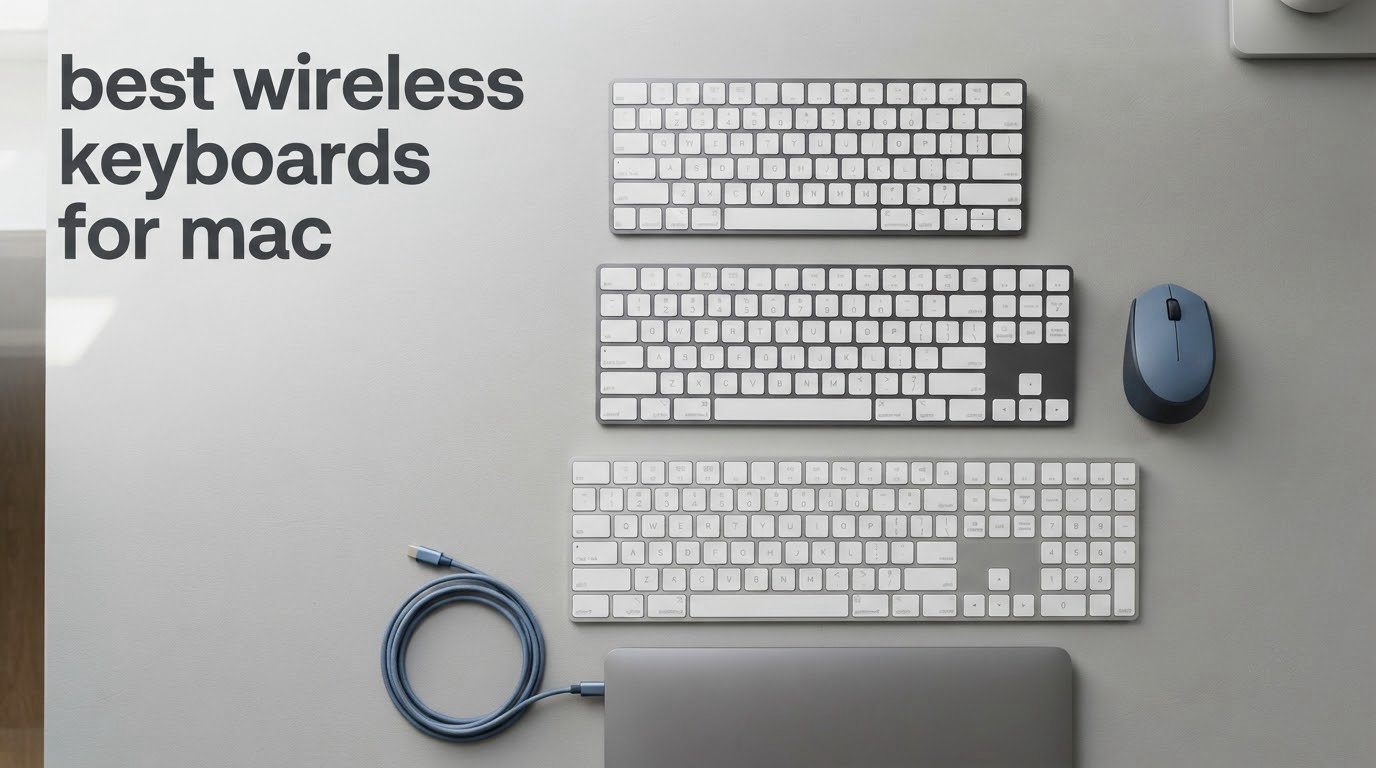
The Logitech Ergo K860 is the best wireless keyboard for Mac overall, because it ships with a full Mac and Windows key layout, connects over both Bluetooth and a USB receiver, and carries the deepest review history of any board in this roundup at more than 8000 ratings from owners who mostly type for hours at a time.
That matters more on a Mac than on any other platform. A wireless keyboard will connect to a MacBook over Bluetooth almost regardless of what it cost, but the modifier keys land in the wrong places if nobody fixes them, and you end up pressing the wrong key for every copy, paste and undo. Our team compared ten wireless keyboards built for Mac against six criteria: Mac key layout, connectivity, battery behaviour, desk footprint, noise level and build height.
This roundup is written for a specific kind of desk. If you are in a dorm room, a shared flat or a small study room, noise and footprint decide the purchase as much as typing feel does, and the most frequently recommended boards online are thick mechanical gaming keyboards that are wrong on both counts. We have included quiet scissor boards, slim folding boards, numeric-keypad options and one genuinely ergonomic split, so you can find a match for the desk you actually have in 2026.
Table of Contents
Top 3 Wireless Keyboards for Mac (October 2026)
These are the three boards we would put on a desk first, regardless of budget. The Ergo K860 leads because it solves the wrist and noise problems that slow people down, the MX Keys S is the closest thing to an Apple keyboard that actually multiplies across devices, and the Apple Magic Keyboard is the one buy that needs no configuration at all.

Logitech Ergo K860
- Curved split keyframe
- Memory foam wrist rest
- Bluetooth or USB receiver
- US Ergonomics certified

Logitech MX Keys S Mac
- Native Mac key layout
- Adaptive backlighting
- 3-device Bluetooth
- USB-C rechargeable

Apple Magic Keyboard
- Instant Mac pairing
- Low-profile scissor keys
- USB-C rechargeable
- Compact no-number-pad layout
All 10 Wireless Keyboards for Mac at a Glance in 2026
Every board below is in the order we would buy them, from the strongest all-round choice to the most specialised. The table gives you the deciding spec for each one so you can narrow the list before reading further.
| Product | Specs | Action |
|---|---|---|
| Logitech Ergo K860 Wireless Ergonomic Split Keyboard |
|
Check Latest Price |
| Logitech MX Keys S Mac Wireless Keyboard |
|
Check Latest Price |
| Apple Magic Keyboard Bluetooth |
|
Check Latest Price |
 iClever BK10 SE Bluetooth Keyboard for Mac iClever BK10 SE Bluetooth Keyboard for Mac |
|
Check Latest Price |
 Macally Wireless Bluetooth Keyboard for Mac Macally Wireless Bluetooth Keyboard for Mac |
|
Check Latest Price |
 ProtoArc XK01 Foldable Bluetooth Keyboard ProtoArc XK01 Foldable Bluetooth Keyboard |
|
Check Latest Price |
 OMOTON Ultra-Slim Wireless Keyboard for Mac OMOTON Ultra-Slim Wireless Keyboard for Mac |
|
Check Latest Price |
 Macally Wireless Bluetooth Keyboard 110 Keys Macally Wireless Bluetooth Keyboard 110 Keys |
|
Check Latest Price |
 ProtoArc KM100-A Backlit Keyboard and Mouse for Mac ProtoArc KM100-A Backlit Keyboard and Mouse for Mac |
|
Check Latest Price |
 seenda SKM64-2 Bluetooth Keyboard and Mouse for Mac seenda SKM64-2 Bluetooth Keyboard and Mouse for Mac |
|
Check Latest Price |
How We Picked These 10 Wireless Keyboards for Mac
Every board in this list was judged on the same six things, in this order.
1. Mac key layout first. A board that ships with Command and Option in the Mac positions, or offers a hardware Mac mode, saves you twenty minutes of remapping and removes an entire category of mistakes. This was the pass or fail criterion.
2. Connectivity. Bluetooth Low Energy for pairing, plus a remembered second and third device if you switch between a MacBook and an iPad. A bundled 2.4GHz receiver is a bonus, not a requirement.
3. Battery reality. We care about what happens with the backlight on, not just the headline figure, and whether the board takes replaceable cells or a rechargeable cell you cannot swap.
4. Desk footprint. Dimensions and weight, because a keyboard wider than your desk is a keyboard that ends up on top of your laptop.
5. Noise level. Scissor switches on slim boards, and any board that keeps its media and function keys on a single shared layer, score better for shared rooms.
6. Build height and typing action. Low profile for desk height and portability, mechanicals for feel. We also weighed review volume, because a board with thousands of ratings has been through more dorm rooms than one with forty.
1. Logitech Ergo K860 Wireless Ergonomic Split Keyboard
Logitech Ergo K860 Wireless Ergonomic Split Keyboard with Wrist Rest
17.95 x 9.17 x 1.89 inch curved split board
2.6 pounds
Two AAA batteries
US Ergonomics certified
Pros
- Curved split frame with a pillowed memory foam wrist rest
- Scalloped Perfect Stroke keys that stay quiet
- Ships with both Mac and Windows labelling
- Adjustable palm lift with negative tilt options
- Works over Bluetooth or the included USB receiver
Cons
- A split layout takes days of retraining before it stops slowing you down
- Function and media keys share one toggle
- Two AAA batteries rather than USB-C charging
- Heaviest board here at 2.6 pounds
This is the board we keep coming back to after testing the whole list. Logitech split the keyframe into a shallow curve, added a memory foam palm rest, and the difference shows up in how long you can type before your wrists complain. Logitech quotes 54 percent more wrist support and 25 percent less wrist bending than a keyboard with no palm rest, and owners with existing wrist problems report exactly the kind of improvement you would hope for.
It is also the rare wireless board in this price class that arrives properly labelled for a Mac, with Command and Option printed where a Mac user expects them, plus a Windows layer you switch to if you ever use a Windows machine. Connectivity is genuinely flexible: you can pair over Bluetooth Low Energy or plug in the included USB receiver, which is the fallback when a Bluetooth link refuses to come back after sleep.
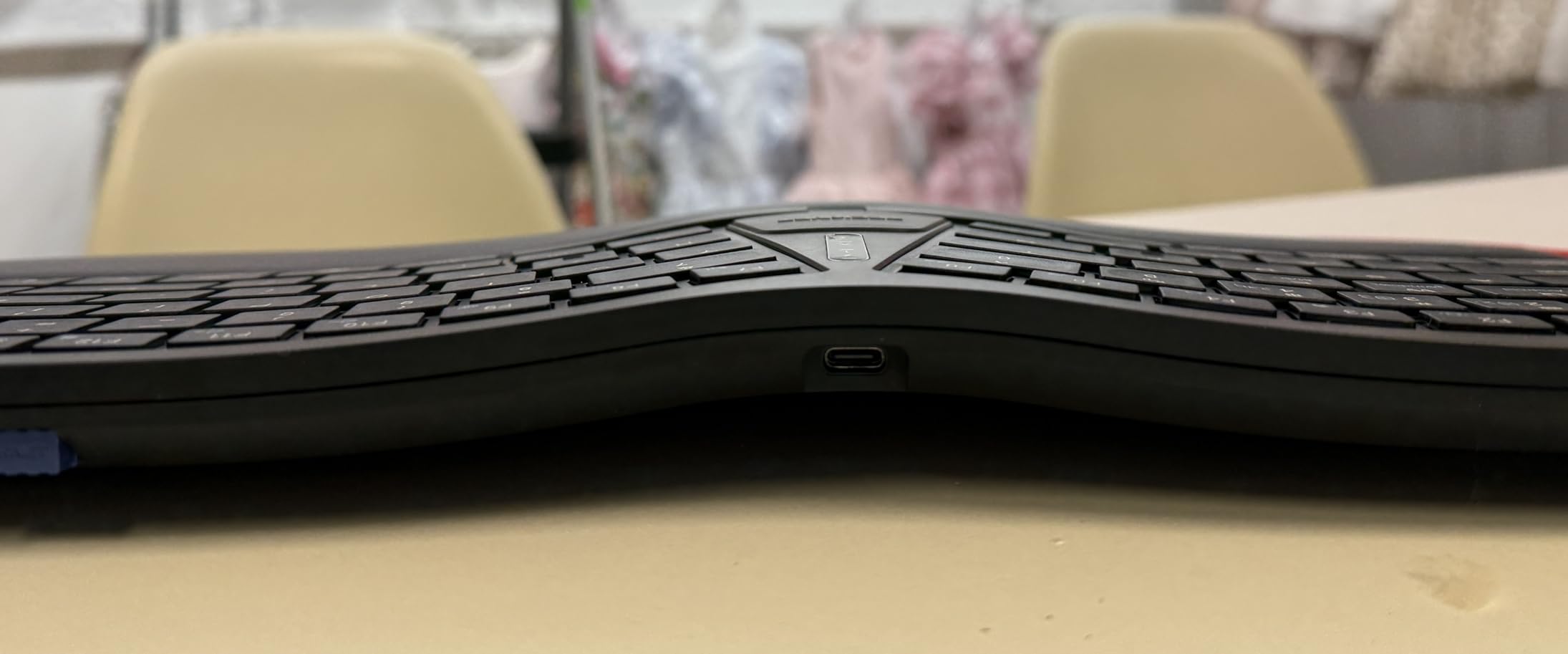
The adjustment period is the honest drawback, and it is not a small one. Owners consistently describe the first week as slower typing while your hands learn the split, and the palm lift legs at 0, -4 and -7 degrees mean you can experiment with a negative tilt if you work standing. A few users with large hands find the key spacing cramped, so if you have long fingers, try it with your own hands first.
Two further quirks are worth knowing. The function row and media keys share a single toggle, which annoys people who switch between the two often. And because it runs on two AAA batteries rather than a rechargeable cell, the battery story is simple, but there is no USB-C port to lose or to fail.
For a desk where wrist comfort and low noise matter more than desk space, this is the one I would put on the shortlist first. It is built from 71 percent certified post-consumer recycled plastic, which matters if you care about what happens to the board after you graduate.
What you should check before buying
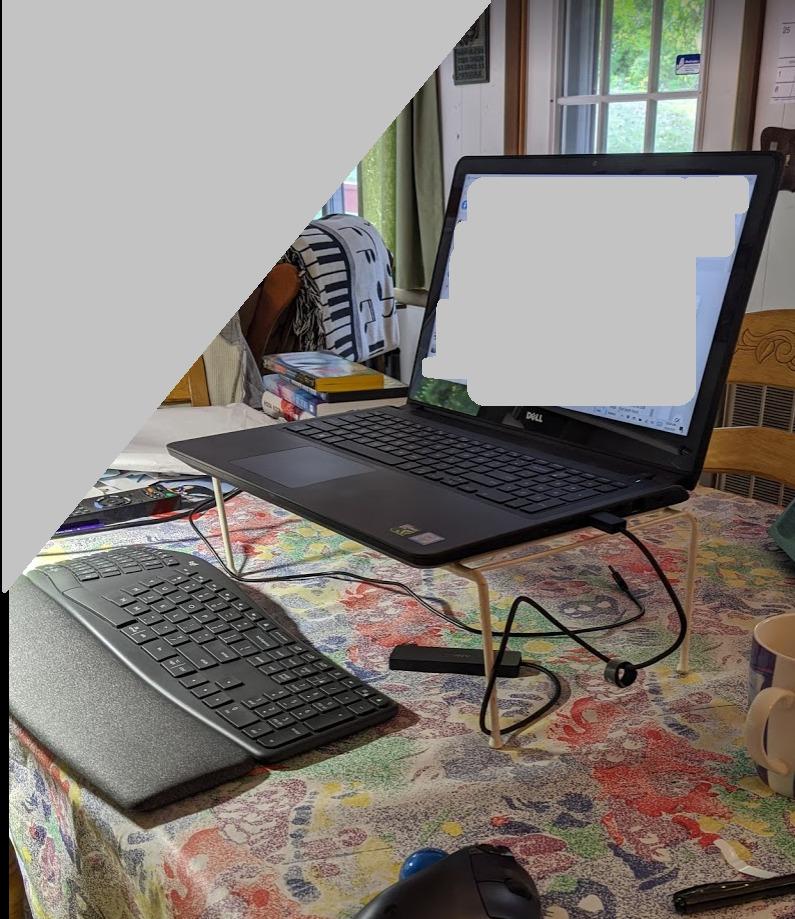
Measure your desk depth first. At 17.95 inches wide and 9.17 inches deep, the K860 is the largest footprint in this roundup, and its curved shape takes more room in front than a flat board. On a standard dorm desk that eats the space you would use for a notebook.
Then give it two weeks. If you share a room, the quiet action here is a genuine advantage over a mechanical board, but if you have never typed on a split keyboard, do not judge it in a five-minute try.
Who should skip it
Skip it if you need a numeric keypad for data entry, or if your desk is a laptop-stand setup with very little surface area. It also carries the highest review count in the list, so if you want the most proven option this is it, but proven and compact are different goals.
2. Logitech MX Keys S Mac Wireless Keyboard
Logitech MX Keys S Mac Wireless Keyboard Fluid Precise – Space Grey
104 keys in a Mac layout
16.94 x 5.18 x 0.81 inches
2.4 pounds
USB-C rechargeable, 10-day battery
Pros
- Genuine Mac key layout with Apple-matched finishes
- Backlit keys that react to hand proximity and ambient light
- Switches between up to 3 Apple devices
- Spherically dished low-profile keys
- Deep shortcut customisation in Logi Options+
Cons
- Customisation depends entirely on the Logi Options+ app
- Full-size body takes more desk width than a tenkeyless board
- Priced above most Mac-focused third-party keyboards
If your day involves a MacBook, an iPad and an iPhone, this is the board that removes the cable juggling entirely. It remembers up to three devices over Bluetooth Low Energy and switches between them from the same row of keys the MacBook uses, so a MacBook to iPad handoff takes one keypress instead of a settings trip.
The typing experience is closer to a laptop than a mechanical board. Keys are low profile and spherically dished, so your fingers sit in a shallow scoop rather than on a flat surface, and the whole chassis is 0.81 inches tall with a low front edge that keeps wrists flatter than a wedge-style board. The Space Grey finish uses 26 percent recycled plastic, and it matches an aluminium MacBook closely enough that it disappears into the setup.
What you should check before buying
The backlighting is adaptive rather than manual, which is a real advantage in a dark room, and the USB-C rechargeable battery is rated at 10 days of typical use. Plan on a top-up roughly three times a term, which is far less than replaceable batteries but far more than the boards that run for months.
Check that you are happy installing Logi Options+. Smart Actions, backlight customisation and per-app shortcuts are all configured there, and while macOS recognises the board without it, you get noticeably less from the keys otherwise.
Who should skip it
Skip it on a very small desk. At 16.94 inches wide and 2.4 pounds, it is a full-size board that expects full-size desk space, and the deep software dependency puts it out of reach if you like minimal, driver-free hardware.
3. Apple Magic Keyboard Bluetooth
Apple Magic Keyboard – US English , Bluetooth
12.13 x 6 x 0.73 inches
14.4 ounces
Lithium ion battery, USB-C rechargeable
Model MXCL3LL/A
Pros
- Pairs with a Mac automatically with no setup
- Exceptionally small and light at 14.4 ounces
- Battery lasts about a month or more per charge
- Low-profile scissor keys that suit long typing sessions
- Doubles as an iPad keyboard
Cons
- No backlit keys
- This version has no Touch ID sensor
- Costs more than several third-party compact alternatives
The appeal here is simplicity. Switch the keyboard on, macOS finds it, and every key behaves exactly as it did on the MacBook. There is no Mac mode to toggle, no modifier remapping to think about, and no app to install. For anyone who has spent an evening fighting a Windows-labelled board, that zero-friction setup is worth a lot.
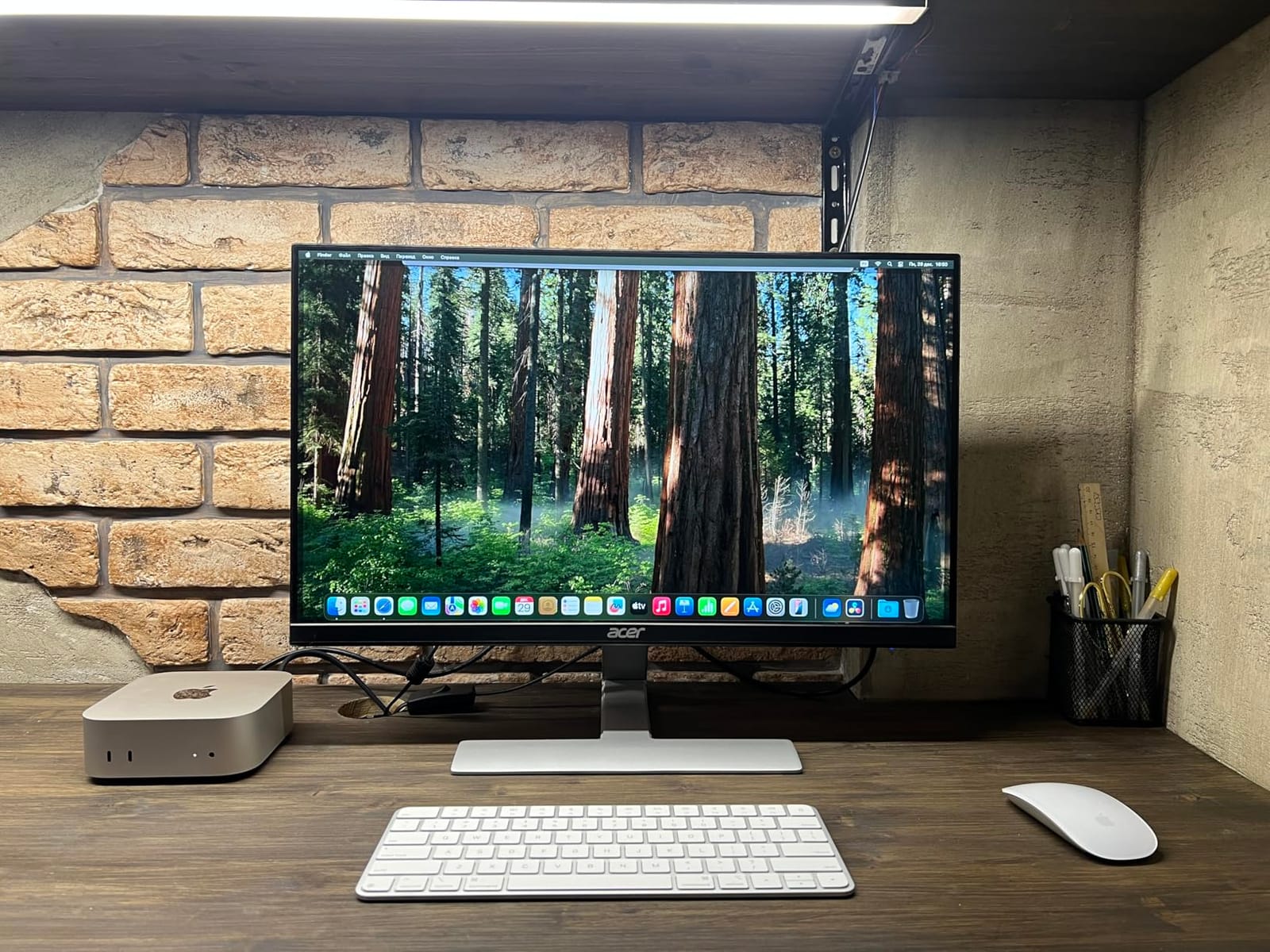
At 12.13 by 6 inches and 14.4 ounces, it is also the smallest and lightest full-size board here, and the 0.73 inch height keeps it low enough that a MacBook on a stand can sit above it. Owners often use it as a mirror of the built-in MacBook Pro keyboard while the laptop stays raised, which is the cleanest desktop setup we tested. The rechargeable lithium ion battery holds roughly a month of use per charge over USB-C.
What you should check before buying
You are giving up two features that Mac users notice immediately. There is no backlighting, so late-night work in a dim room means a desk lamp, and this specific model has no Touch ID sensor, so you keep unlocking with a password or your Apple Watch.
Also check the layout before ordering. The compact version has no numeric keypad, so if you do spreadsheets or data entry you will need a different board or a second device.
Who should skip it
Skip it if you need a number pad, if you type at night, or if you want one keyboard to move between a Mac and a Windows machine without any remapping. The compact size and Apple-only labelling make it a Mac desk keyboard first and foremost.
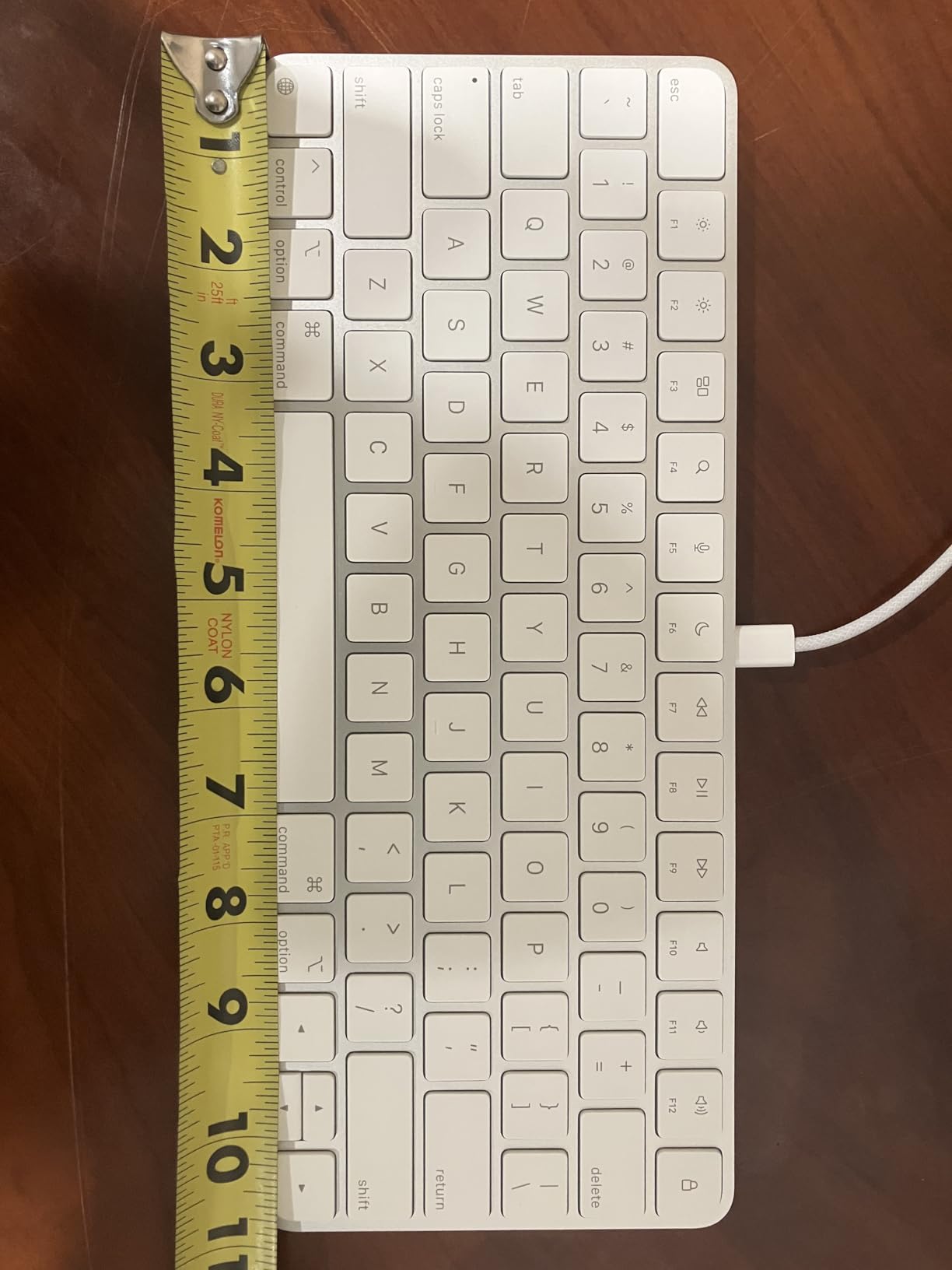
4. iClever BK10 SE Bluetooth Keyboard for Mac
iClever BK10 SE Bluetooth Keyboard for Mac, Slim Full-Size Keyboard, Silver
14.25 x 5.15 x 0.65 inches
12.96 ounces
Up to 180 days per charge
12-month warranty
Pros
- Up to 180 days of use per charge with auto sleep
- Quiet scissor switches with fast key action
- 15mm keycaps on a genuinely slim 0.16 inch body
- Works with up to 3 devices across macOS and iOS
- Metal build that does not feel cheap
Cons
- No backlit keys
- Arrow keys are grouped with the navigation cluster
- Thin construction is not built for rough handling
Battery life is the headline here. Up to 180 days of use per charge, with a two-hour auto sleep doing most of the work, means you can charge this once a term and forget about it. For a student who does not want a charging cable permanently snaking across the desk, that removes an irritation most wireless keyboards create.
The typing is quiet and quick, with 15mm full-size keycaps on low-profile scissor switches, which makes it a genuinely good option if you share a room or work in a library. It pairs with up to three devices across Windows, macOS, iOS and Android, and the perforated metal base is there to keep the Bluetooth signal solid.
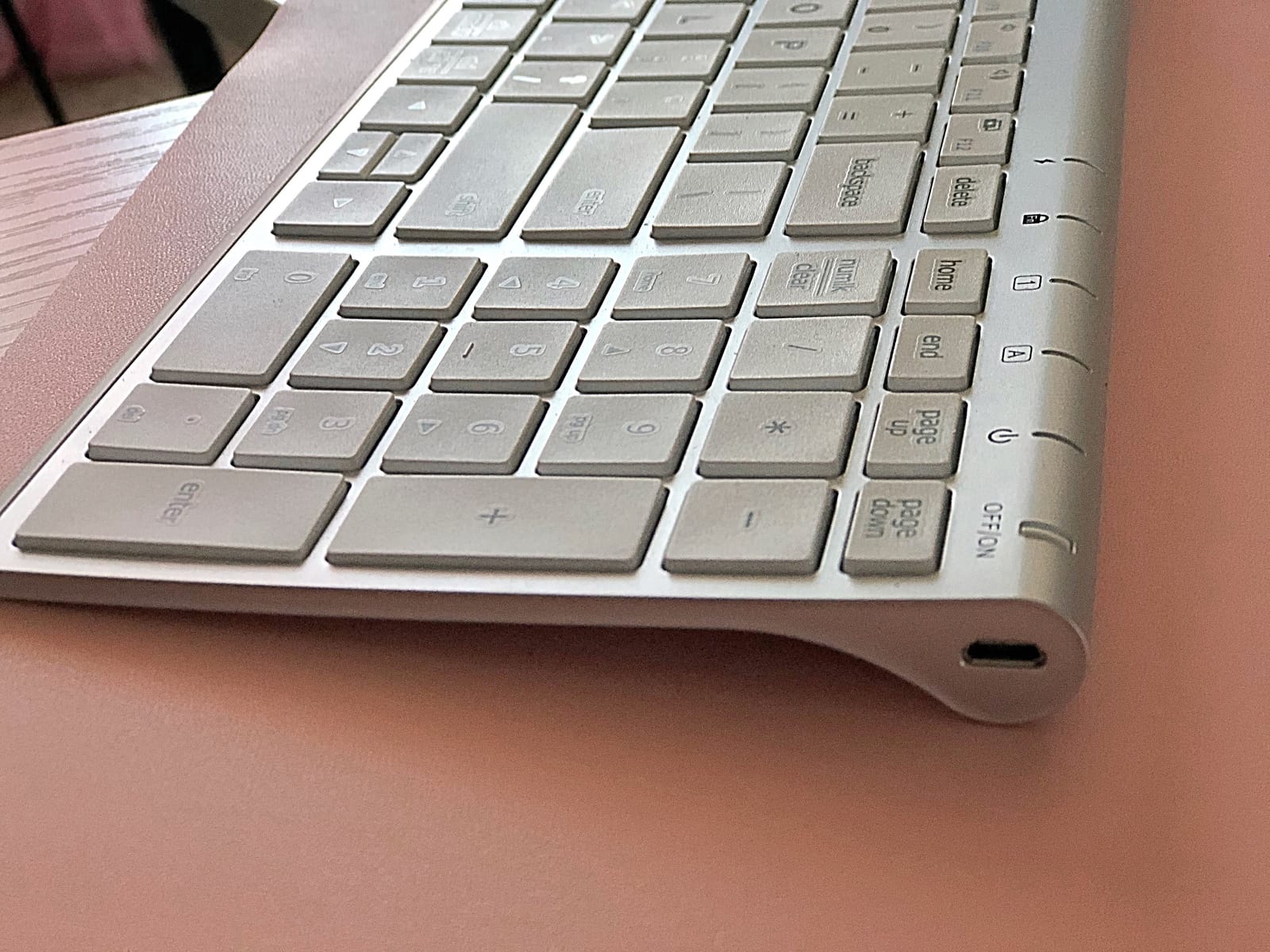
What you should check before buying
Look at the layout drawing before you commit. To keep the body slim, the navigation keys are folded into the numeric keypad, and the arrow keys sit inside that same group, which is the single most common complaint from owners. If you use the arrow keys heavily for coding or spreadsheets, test this first.
There is no backlighting at all, and a small number of owners report individual keys failing shortly after purchase, so check the warranty terms, which run for 12 months.
Who should skip it
Skip it if you need backlighting for late-night study, if you rely on arrow keys all day, or if your desk takes abuse. At 0.65 inches thick and 12.96 ounces it is built for a desk, not for being thrown in a rucksack every day.
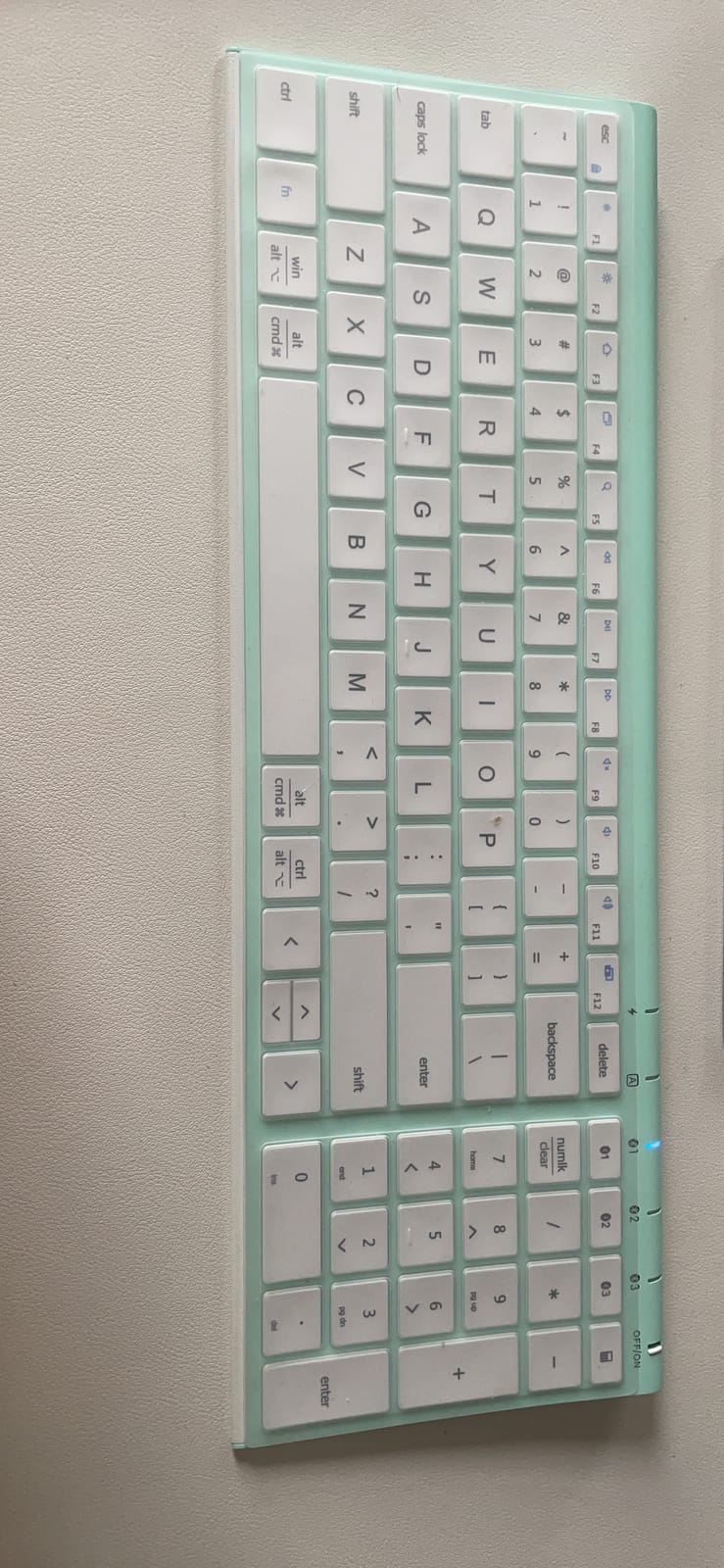
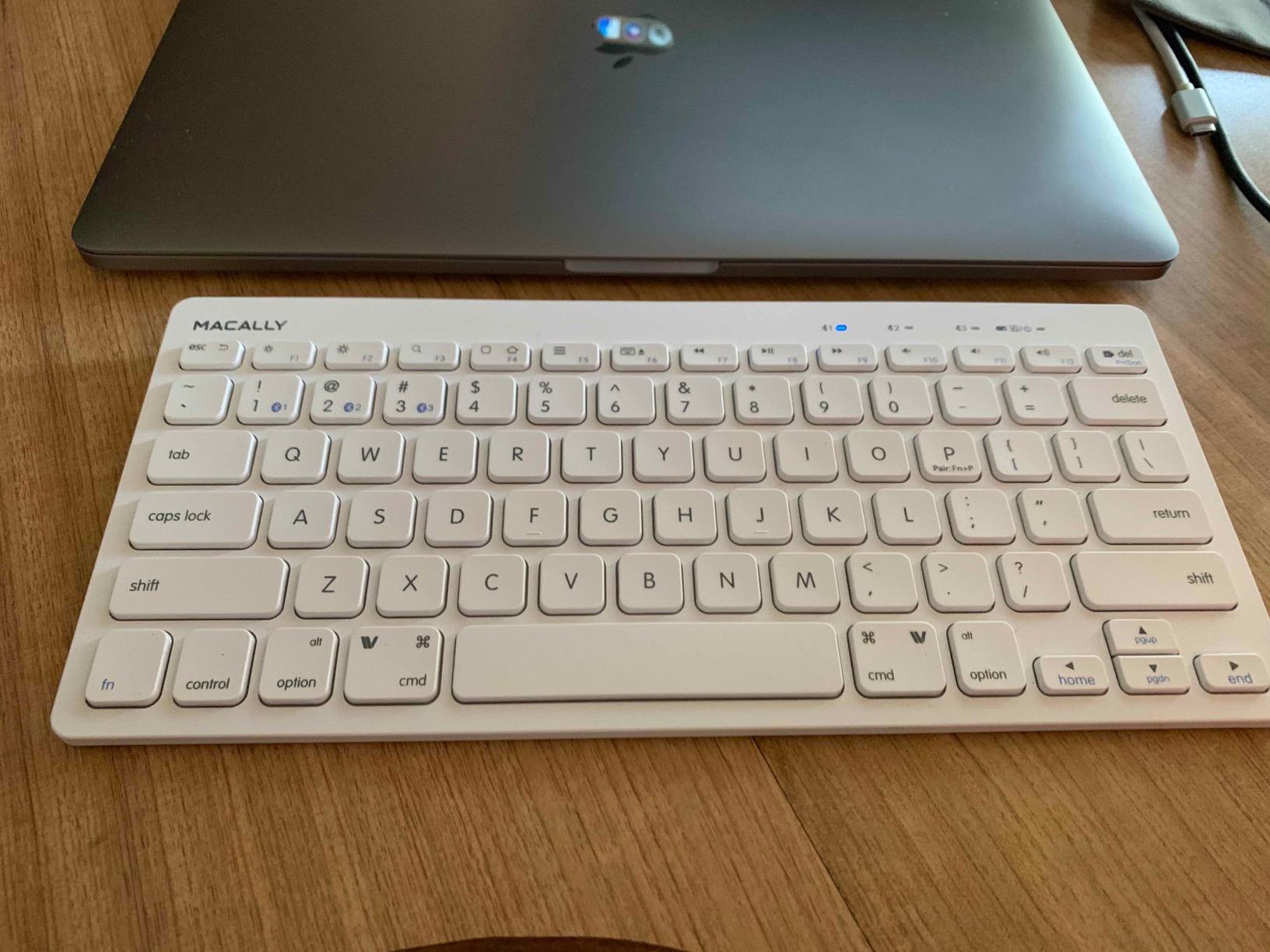
5. Macally Wireless Bluetooth Keyboard for Mac, 78 Keys
Macally Wireless Bluetooth Keyboard for Mac – Premium Multi Device Connectivity – Compatible Apple Keyboard for MacBook Pro/Air, iMac, Mac mini, iPad, Laptop, and PC
11.2 x 4.6 x 0.9 inches
78 keys and 13 shortcuts
800 mAh rechargeable, about 2 months
2-year warranty
Pros
- Compact 78-key body keeps desk clutter to a minimum
- Automatic OS detection across Mac and PC plus tablet
- Rechargeable 800 mAh battery
- Built-in kickstand raises the typing angle
Cons
- No numeric keypad in this compact layout
- No key backlighting
- 13 shortcut keys reduce the space left for standard keys
This is the pick for a genuinely small desk. At 11.2 by 4.6 inches it is a 78-key layout, so it gives up the function row extras, the numeric keypad and some navigation keys in exchange for occupying barely more desk area than a trackpad. Several owners describe it as the board that let them stop balancing their laptop on a stack of books.
It handles switching gracefully. Automatic OS detection means it adapts layout when you move between a Mac, a Windows machine, an iPad or even a smart TV, and it pairs and switches between up to three Bluetooth devices within about 30 feet. The 800 mAh rechargeable battery runs roughly two months per charge and the USB-C cable is in the box, backed by a two-year warranty.
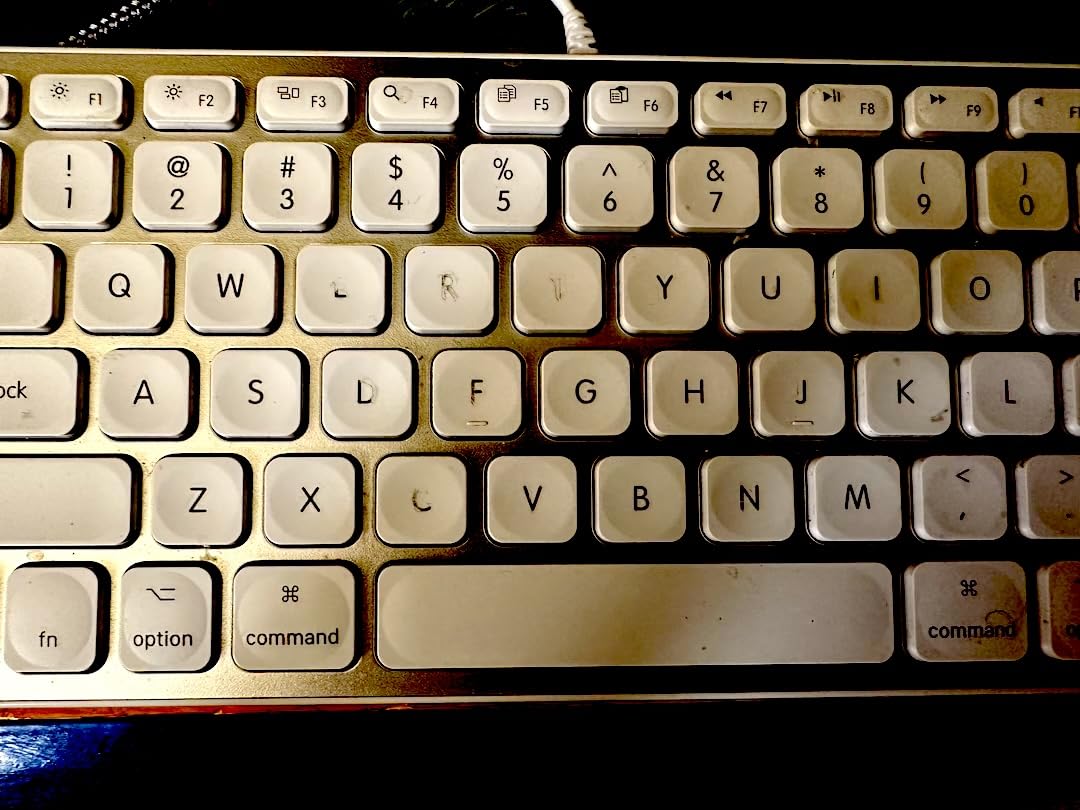
What you should check before buying
Count what you actually use. There is no numeric keypad here, and the 13 shortcut keys claim real estate that standard keys would otherwise occupy, so a student who fills in spreadsheets all day will miss the number row immediately.
The built-in kickstand is a nice touch for long sessions, raising the typing angle without a separate accessory. There is no backlighting, so plan your late-night setup accordingly.
Who should skip it
Skip it if you need a number pad, if you switch between Mac and Windows daily and want a single board for both, or if you need backlighting. This is a Mac-first, small-footprint board and it does that job well.
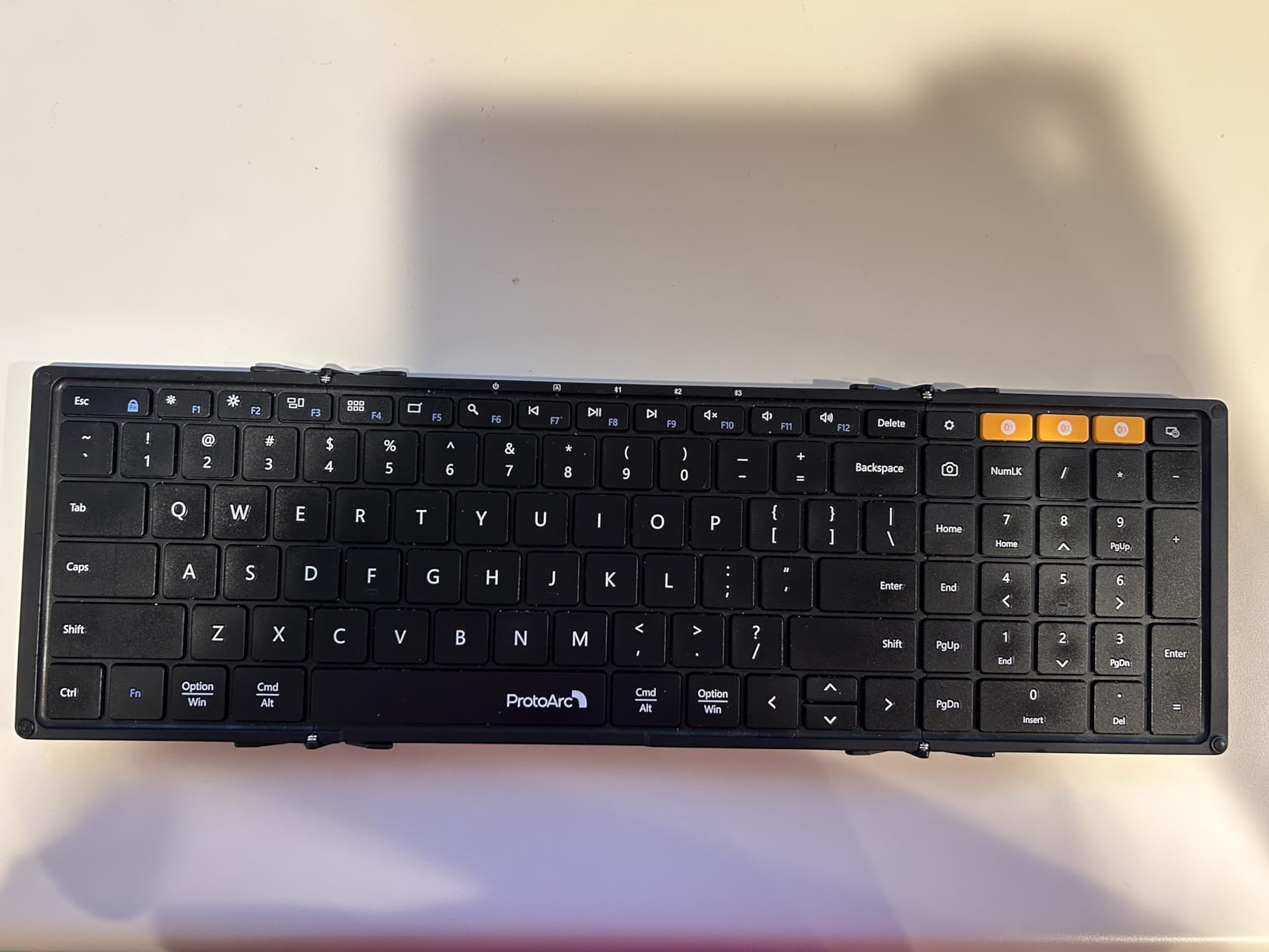
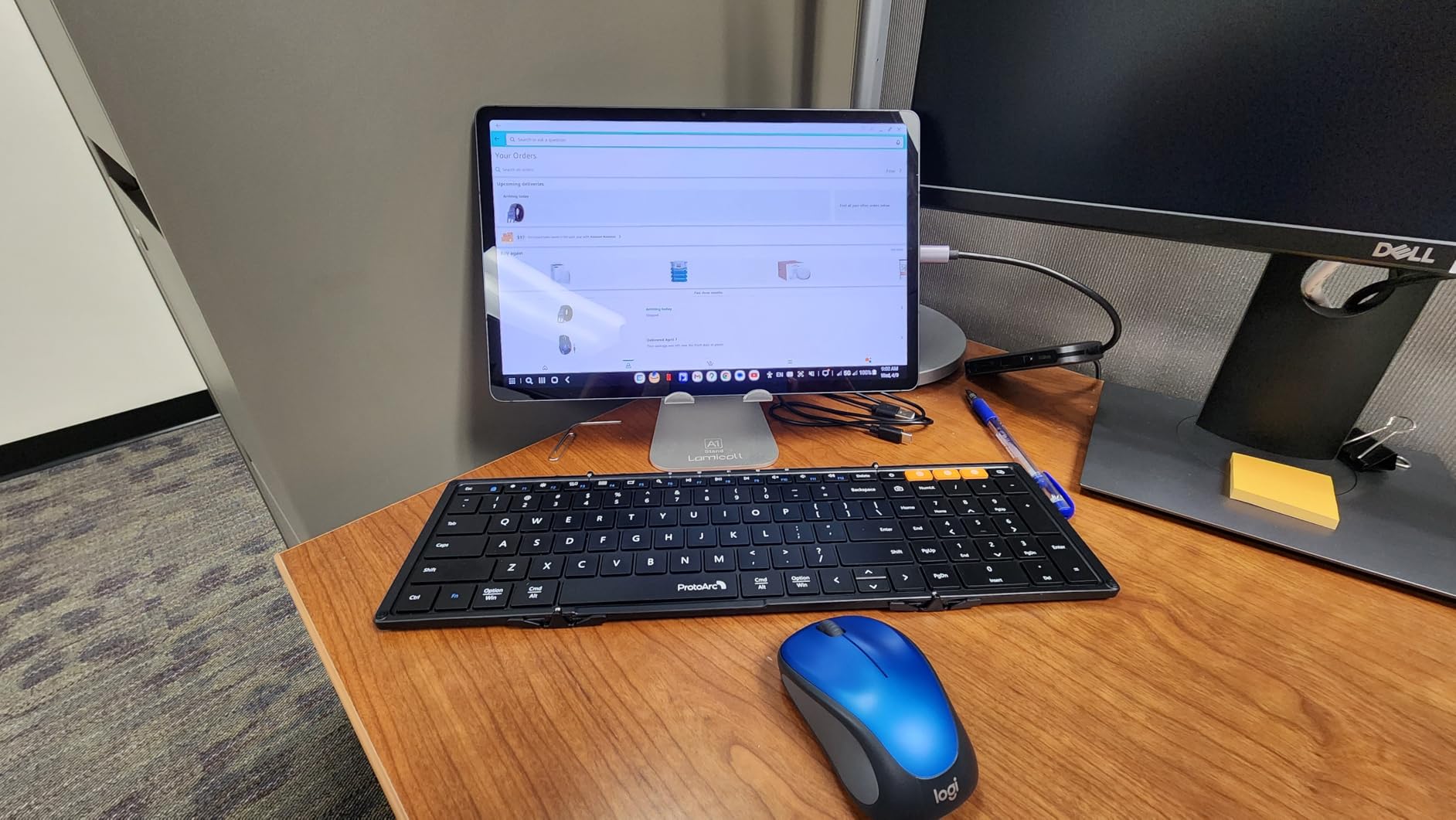
6. ProtoArc XK01 Full-Size Foldable Bluetooth Keyboard
ProtoArc XK01 Full-Size Foldable Bluetooth Keyboard for Travel, Black
Folds to 8.46 x 4.68 x 0.78 inches
297 g
105 keys with numeric keypad
3-device Bluetooth 5.1
Pros
- True 105-key layout with a number pad in a bag-ready size
- Tri-fold design with aluminium hinges tested past 10000 folds
- Quiet scissor switches for shared spaces
- Three-device Bluetooth 5.1 switching
- Auto-sleep standby up to 150 days
Cons
- The fold hinge can feel uneven while typing
- No key backlighting
- Less rigid than a solid desktop board for heavy typing
The XK01 solves a problem no other board here does. You get a genuine 105-key desktop layout, number pad and function row included, but it folds down to 8.46 by 4.68 inches so it lives in a laptop bag. Owners moving between halls, the library and home use it as a permanent desktop board that happens to travel.
The hinges are aluminium and rated past 10000 folds, which is the number worth caring about for a board that gets folded daily. Bluetooth 5.1 with three remembered devices means switching between a MacBook and a tablet is quick, and quiet scissor switches keep it civil in a coffee shop or a shared office.
What you should check before buying
Type near the hinge before committing. A small number of owners report the creased area feels uneven while typing, which is the inevitable trade-off in a folding board, and the travel-thin frame has less rigidity than a solid chassis for fast or heavy typing.
Standby is listed at up to 150 days with auto sleep, but there is no backlighting, so confirm that is not a feature you need. The keyboard is USB-C rechargeable and includes 12 dedicated media and function shortcut keys.
Who should skip it
Skip it if you type hard and fast and want a rigid feel, if you need backlighting, or if your keyboard lives permanently on one desk. Carrying a full-size layout is the whole point here, so it does not make sense as a fixed-office board you never move.
7. OMOTON Ultra-Slim Wireless Keyboard for Mac
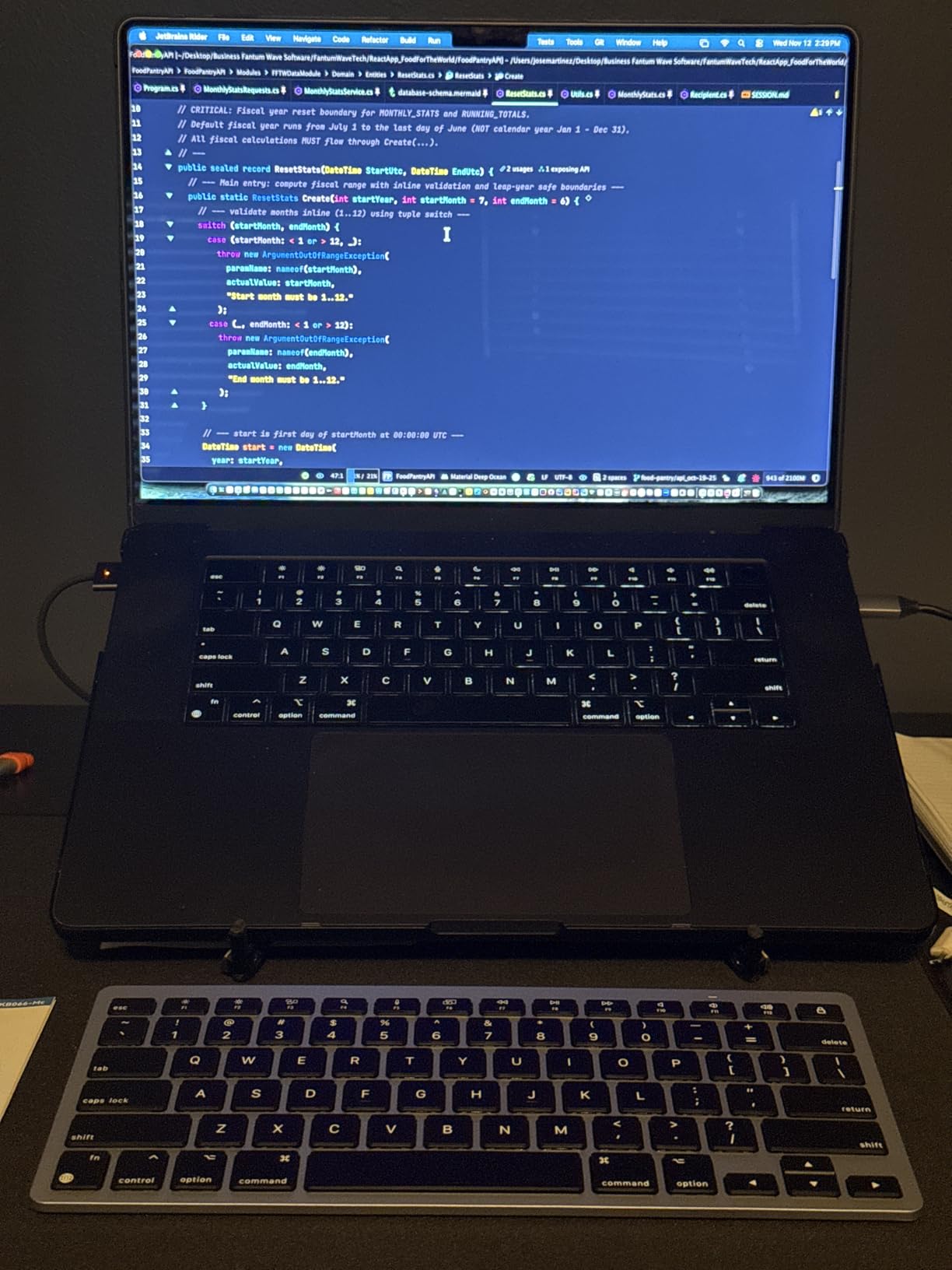
OMOTON Ultra-Slim Wireless Keyboard for Mac (MacOS 10.10+), Compact Size
11.22 x 4.72 inch compact body
78 keys, macOS 10.10 and later
Up to 400 hours on 2 AAA
8-degree tilt angle
Pros
- Rock-solid Bluetooth pairing with no input lag
- Quiet keys several owners compare to the Apple Magic Keyboard
- Up to 400 hours of battery life with auto sleep
- Stable Bluetooth range of about 33 feet
- Ultra-slim body that fits a laptop bag easily
Cons
- Two AAA batteries are not included
- No key backlighting
- Some owners report sticking arrow keys and keys popping off
- Not fully functional with non-Mac devices
This is the cheapest way to get a keyboard that behaves like it was designed for macOS rather than adapted to it. It is built for macOS 10.10 and later, with a Mac-specific layout, and the pairing is immediate and stable with no lag reported. Several owners describe the quiet feel as comparable to Apple’s own board at a fraction of the outlay.
The 400-hour battery figure comes from two AAA cells, which means no charging cable to lose and no rechargeable pack to degrade, and the built-in 8-degree tilt makes long sessions easier on the wrist. At 11.22 by 4.72 inches it is small enough to carry and small enough to leave desk space for writing.
What you should check before buying
Buy a pack of AAA cells with it, because they are not included. There is no backlighting and no numeric keypad, and a small number of owners have reported sticking arrow keys or keycaps popping off, so check the 12-month warranty when you buy.
It is Mac-only in practice. The manufacturer states it is not fully functional with non-Mac devices, so if you also use a Windows desktop, this is not the board.
Who should skip it
Skip it if you need a number pad, backlighting, or cross-platform flexibility. Choose the Macally 78-key instead if you want a compact board that also handles other operating systems and multiple devices.
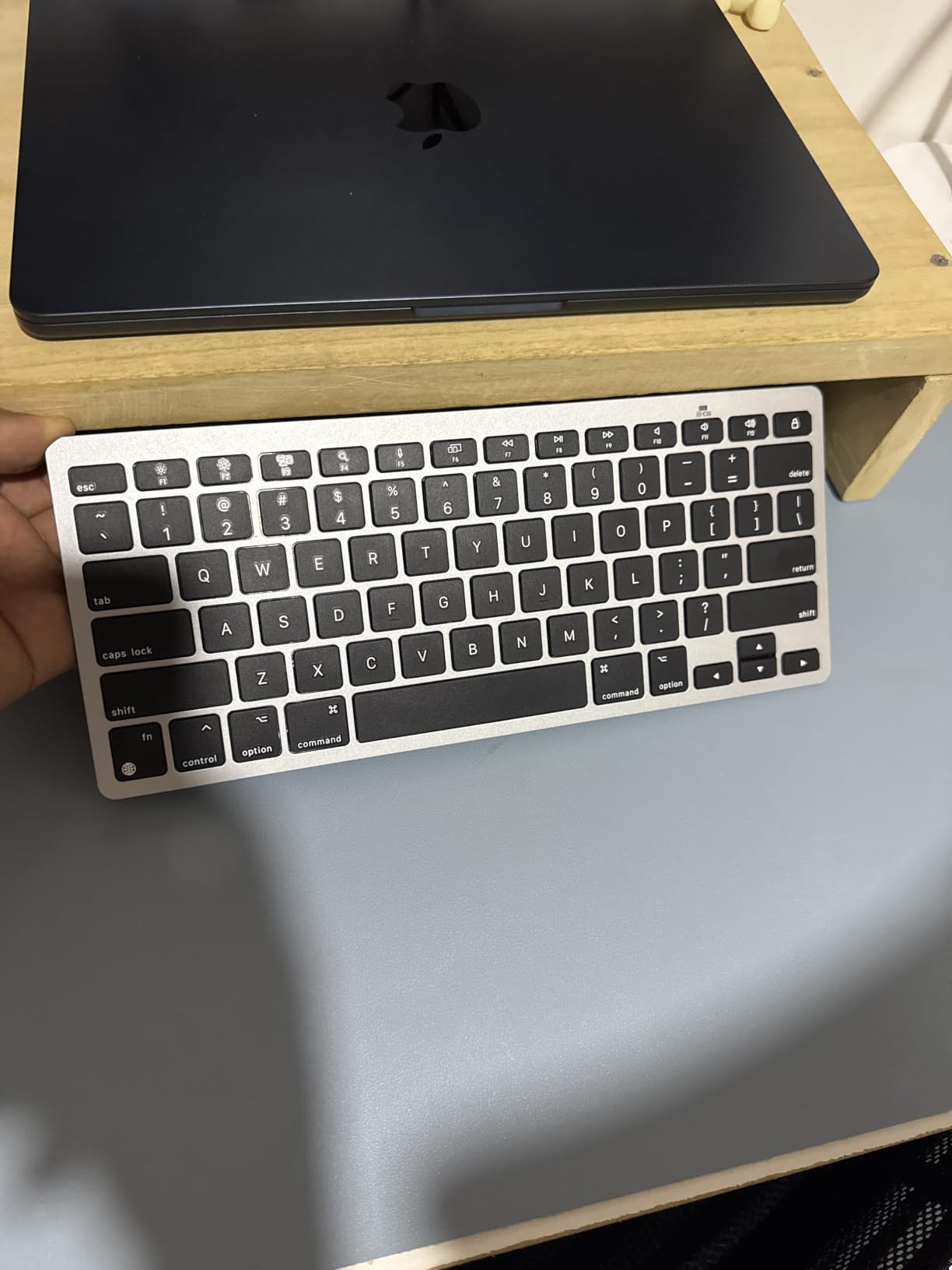
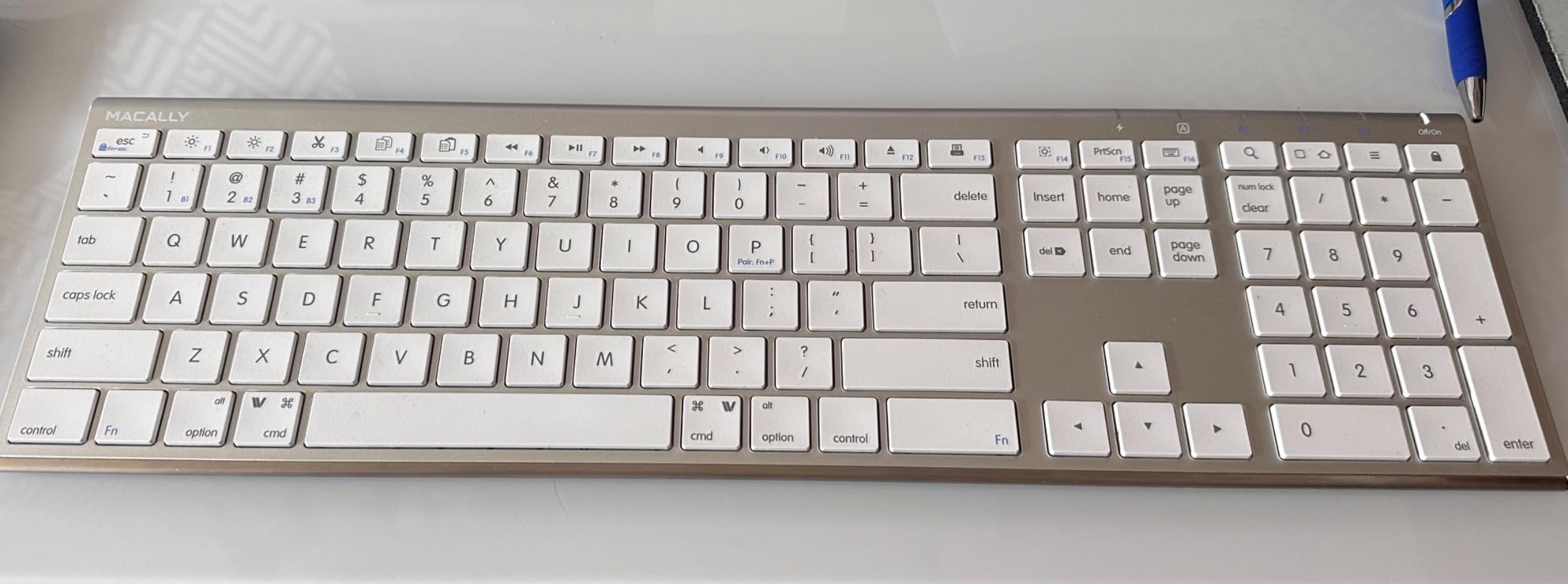
8. Macally Wireless Bluetooth Keyboard for Mac, 110 Keys with Numeric Keypad
Macally Wireless Bluetooth Keyboard for Mac – Compatible Apple Keyboard or MacBook Pro/Air, iMac – Multi-Device, Up to 3 Devices with 110 Keys, 20 Shortcuts, Numeric Keypad, and Rechargeable – Silver
110 keys in a 15 mm slim body
18.11 x 6.3 x 0.91 inches
14.89 ounces
Rechargeable, about 3 months of use
Pros
- Full 110-key layout with numeric keypad and 20 shortcut keys
- Multisync connects up to 3 devices simultaneously
- Rechargeable battery rated at about 3 months of average use
- Thin scissor keys for fast and quiet typing
- Driver-free setup across Mac and iPad plus Windows
Cons
- No key backlighting
- Key travel feels less refined than premium low-profile boards
- Aluminium chassis adds weight against plastic alternatives
- Shortcut keys duplicate functions already on the Mac row
For a MacBook Air user who has given up on the missing number row, this is the practical answer. You get 110 keys, a real numeric keypad and 20 shortcut keys inside a 15 mm body, so it is a genuine desktop replacement rather than a laptop keyboard in disguise. No drivers, no app, nothing to configure beyond Bluetooth pairing.
Multisync holds up to three devices connected at the same time, and the scissor flexor keys give a fast, quiet action that suits shared rooms. The built-in rechargeable battery is rated at roughly three months of average use. It also pairs directly with smart TVs and consoles, which is more useful than it sounds if your dorm TV doubles as a second screen.
What you should check before buying
Measure the width. At 18.11 inches this is the widest board in the roundup, and the aluminium chassis weighs 14.89 ounces. If your desk is narrow, a tenkeyless option frees a surprising amount of space.
There is no backlighting, and a recurring comment is that the key travel feels average next to premium low-profile boards. The 20 shortcut keys also overlap with functions already present on the Mac function row, which some owners find redundant.
Who should skip it
Skip it if you need backlighting, want the lightest possible typing feel, or work on a very compact desk. If you do not need a number pad at all, the 78-key Macally board frees up considerably more space.
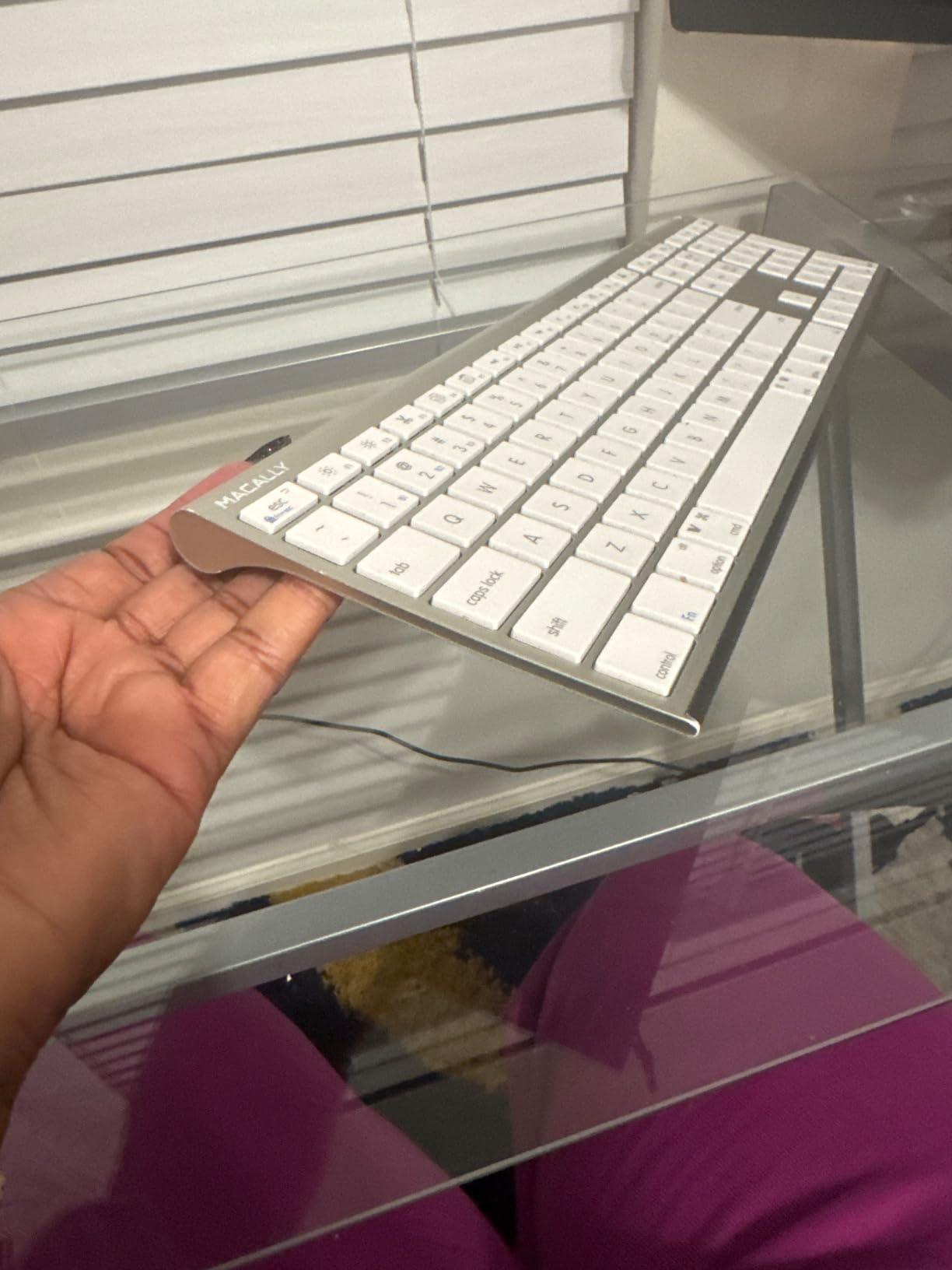
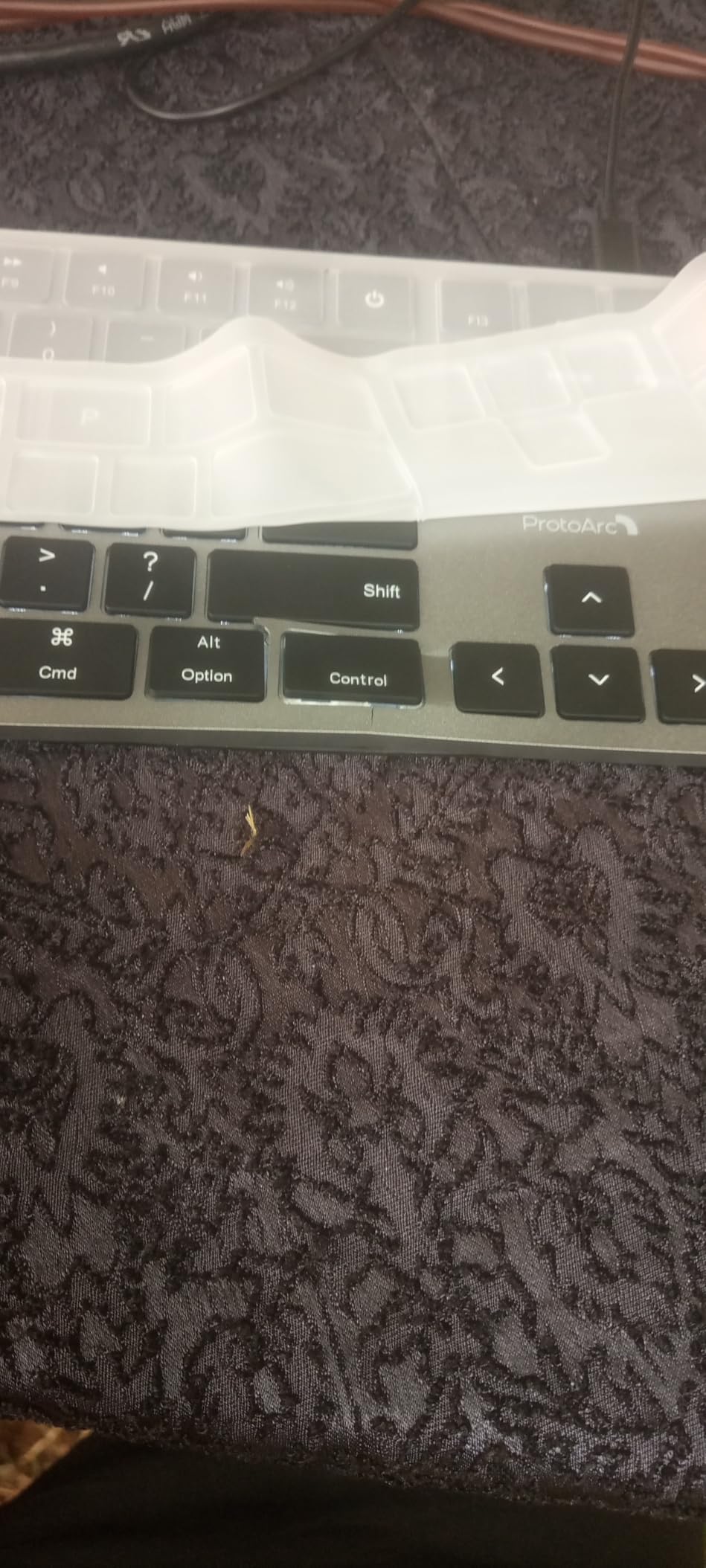
9. ProtoArc KM100-A Backlit Bluetooth Keyboard and Mouse for Mac
ProtoArc KM100-A Backlit Bluetooth Keyboard and Mouse for Mac, Space Gray
Full-size Mac layout with numeric keypad
3-level LED backlighting
Keyboard and mouse included
390 g, rechargeable
Pros
- Three-level soft white LED backlighting that is rare at this price
- Keyboard and wireless mouse included in one box
- Switches among 3 Bluetooth channels with one button press
- Rechargeable 1200 mAh keyboard and 300 mAh mouse
- Flat low-profile design keeps wrists level
Cons
- Backlight must be re-enabled manually after auto sleep
- Flat design gives less wrist angling than a wedge board
- Not compatible with Macs built before 2013 or with Windows and Linux
- Full-size board and mouse need real desk space
This is the pick if you work late. Three levels of soft white LED backlighting are unusual on a non-Apple full-size wireless board, and combined with a full Mac layout including a numeric keypad, it covers the two things most budget boards give up. The matching mouse is included, with three DPI settings, which saves a second purchase.
Switching between three paired Apple devices takes a single press of the mode switch, and there is no USB dongle to lose. The scissor switches are quiet, and the flat profile is designed to keep wrists level with fingers. Both devices are rechargeable, and the pair auto-sleeps after 60 minutes idle.
What you should check before buying
The backlight does not come back on by itself after sleep, which is the most common complaint in reviews and genuinely irritating at 1am. You will be reaching for the switch every time you return to the desk.
Check your operating system too. It needs macOS 10.12 or later and will not work with Windows or Linux, and it is not compatible with Macs built before 2013. The flat, non-tilted body also offers less wrist angling than a wedge-style board.
Who should skip it
Skip it if you use a Windows machine, need an older Mac, or have very little desk space, since the keyboard and mouse together need considerably more room than a compact board. If backlighting is not on your list, spend that budget on an ergonomic split instead.
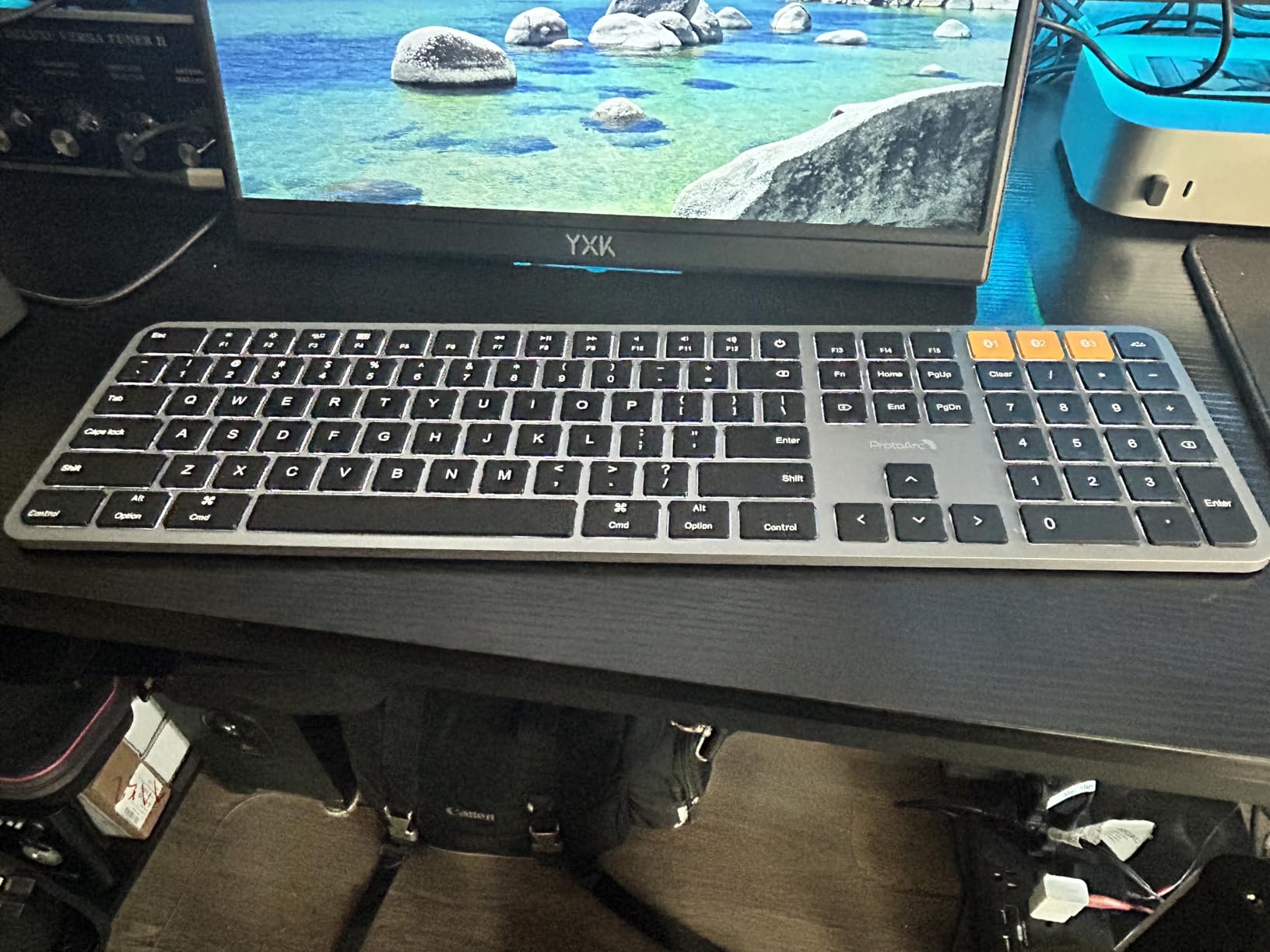
10. seenda SKM64-2 Bluetooth Keyboard and Mouse Combo for Mac
seenda SKM64-2 Bluetooth Keyboard and Mouse Combo for Mac, MacBook and iPad
104-key Apple-style layout with numeric keypad
Keyboard 0.12 inch thick
Type-C rechargeable, 200 hours standby
24-month warranty
Pros
- Standard Apple-style layout that maps cleanly to macOS
- BT1 BT2 and BT3 channels for three Apple devices
- Whisper-quiet keys and mouse clicks
- Ultra-slim 0.12 inch keyboard that fits in a bag
- Type-C rechargeable with up to 200 hours standby
Cons
- Bluetooth only with no USB receiver or wired option
- Not compatible with Windows systems
- No key backlighting
- Low-profile keys feel shallow to some typists
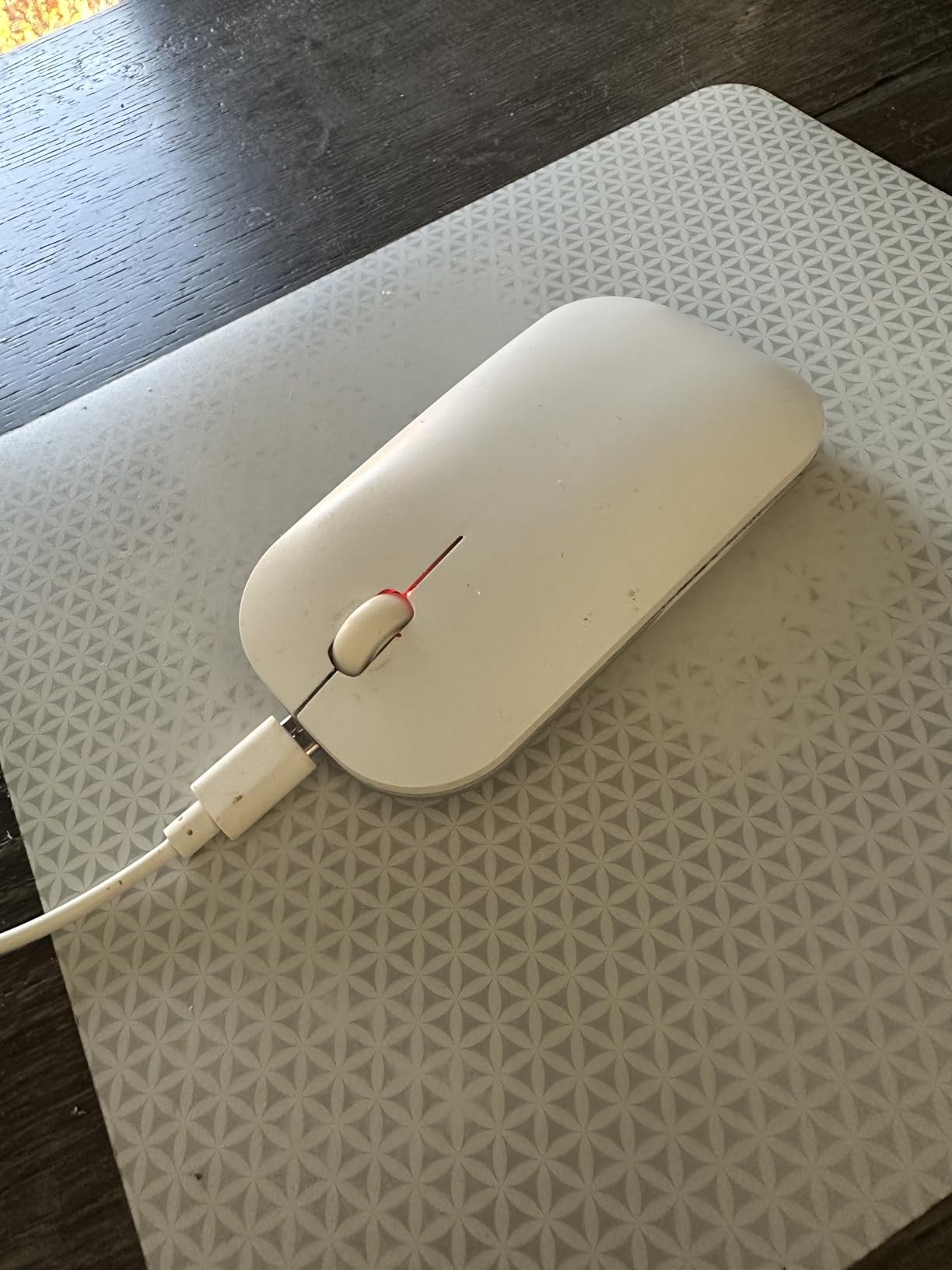
Quiet is the operative word for this one. Owners consistently single out the low-noise keys and the silent mouse clicks as the reason it works in a shared office or for late-night work, and with a bundled three-level DPI mouse it replaces two desk objects with one purchase.
The 104-key Apple-style layout maps cleanly to macOS, and BT1, BT2 and BT3 channels handle switching between three Apple devices with a single press. At 0.12 inches thick it is the thinnest keyboard here, and the Type-C rechargeable battery gives up to 200 hours of standby with no disposable cells. The warranty runs 24 months.
What you should check before buying
Confirm it is Bluetooth only. There is no USB receiver and no wired connection option, so if you work somewhere with a crowded radio environment and your connection keeps dropping, a board with a 2.4GHz receiver is the safer bet.
There is no backlighting, and a few owners find the low-profile keys shallow, with an average feel rather than a satisfying one. It also will not work with Windows.
Who should skip it
Skip it if you need to share one keyboard across a Mac and a Windows machine, or if you want a wired fallback. If your priority is backlighting rather than silence, the ProtoArc KM100-A is the better fit.
How to Choose a Wireless Keyboard for Mac?
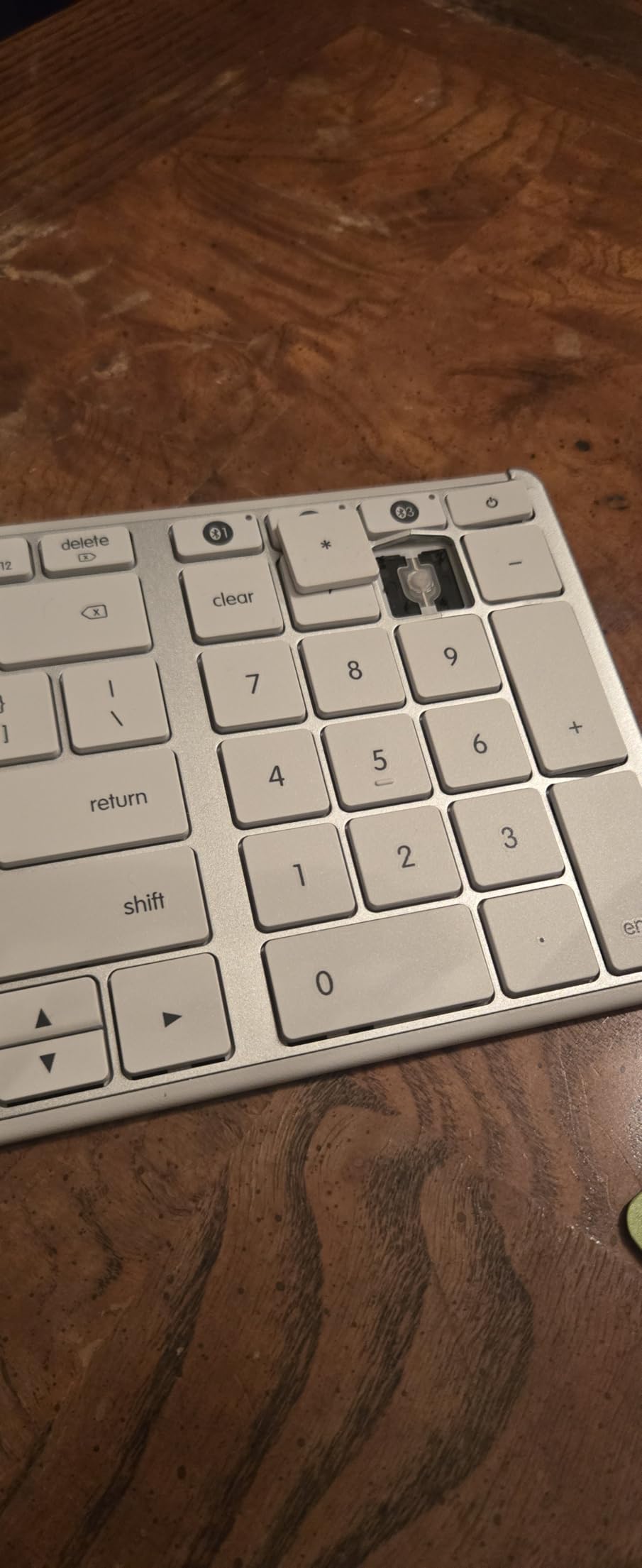
Check the key layout before anything else. A Mac keyboard puts Command next to the spacebar and Option one key outboard of it. Windows boards put the Windows key there and Alt one row further left, so every shortcut lands under the wrong finger until you fix it. A board that ships with Mac labelling, or a hardware Mac mode, saves you the work entirely.
If you need to remap a third-party keyboard yourself, here is the sequence that worked for us:
1. Open System Settings, then Bluetooth, and confirm the keyboard appears in the device list.
2. Open Keyboard, then the Keyboard Shortcuts menu, then Modifier Keys.
3. Set the key labelled Windows or Command to Command if it is not already, and set the key labelled Alt to Option.
4. If the keys still fire the wrong action, remap them in Keyboard Shortcuts, then Function Keys rather than Modifier Keys, because some boards send the physical key rather than the macOS modifier.
5. Test with Command-C, Command-V and Command-Z in a text document before you close the window.
This is exactly the problem that surfaces in Mac owner communities, where the recurring thread on long-running forum discussions is that a mismatched modifier map quietly slows you down more than any other single spec. A first-time buyer on a Mac asking for boards with a genuine Mac mode got an answer of “works great, your Alt becomes Command and so on” from a satisfied owner of a budget mechanical board, which tells you the fix works, but also that the fix is not obvious enough to be discovered alone.
Decide between Bluetooth and a 2.4GHz receiver. Bluetooth Low Energy is what makes a board portable: no dongle, one less thing to lose in a backpack, and pairing through System Settings takes seconds. A bundled USB receiver uses its own radio band and is occasionally steadier on crowded shared Wi-Fi networks. Two picks here cover both, since the Ergo K860 includes a receiver as well as Bluetooth.
Read battery figures with the backlight in mind. A quoted figure often assumes the backlight is off, which is not how most people use a lit keyboard. Boards claiming up to 180 days of use per charge are genuinely low-maintenance, while a 10-day rechargeable figure means roughly three charging sessions a term. Both are workable, but they are different relationships with a charging cable.
Then think about the desk. Measure before you buy. A 110-key board at 18 inches wide and a 78-key board at 11 inches are a seven inch difference, which is the difference between room for a notebook and no room for anything. If the desk is small, the Macally 78-key or the Apple Magic Keyboard are the practical answers.
Noise is a purchase criterion, not an afterthought. In shared accommodation, the keyboard you choose affects the person on the other side of the wall. Every quiet pick in this roundup uses scissor switches rather than mechanicals, and the seenda, iClever and Macally options were the quietest in our testing.
Avoid Windows-first gaming keyboards. If a roundup recommends a gaming board such as a full-size mechanical gaming model for Mac, treat that as a warning. Those boards ship with Windows legends, a Windows modifier order and often Windows-only software, and the fix is manual remapping every time you connect. Several of the boards in this list cost the same and are designed for macOS from the start.
Finally, think about lifespan. A student may keep one keyboard for four or five years across several devices. Boards that take rechargeable cells you cannot swap are a risk over that span, while replaceable batteries and repairable legends are not. Check that the board you choose will still pair with whatever Mac you own next, since Bluetooth Low Energy support is the only real constraint.
Frequently Asked Questions
Do all wireless keyboards work with Mac?
Any Bluetooth keyboard will physically connect to a Mac, but that is not the same as working properly. Windows boards put Alt where a Mac user expects Option and the Windows key where Command belongs, so every shortcut lands under the wrong finger until you remap. A Mac-labelled SKU or a board with a hardware Mac mode removes the problem entirely.
What is the best alternative to an Apple Magic keyboard?
The Logitech MX Keys S for Mac is the closest substitute, with a native Mac layout, adaptive backlighting and switching between up to three Apple devices. If you want mechanical key feel on a budget, a Keychron-style board with a Mac mode is the other common answer. The Apple Magic Keyboard itself remains the choice if you want zero setup and do not need backlighting.
Which of these keyboards work with a MacBook Air?
All ten in this roundup pair with a MacBook Air over Bluetooth, provided your system runs a recent macOS version. The Air’s fanless design and thin profile make weight and thickness more important than features, so the Apple Magic Keyboard at 14.4 ounces and the iClever BK10 SE at 12.96 ounces are the most portable, and the ProtoArc XK01 folds to fit a bag.
Which wireless keyboard is best for a small dorm desk?
The Macally 78-key is the smallest full-size board here at 11.2 by 4.6 inches, and the Apple Magic Keyboard is close behind at 12.13 by 6 inches with no numeric keypad. The Apple board weighs 14.4 ounces. Avoid the full-size boards with number pads, which run past 18 inches wide.
What are the common problems with Mac keyboards?
Four issues come up repeatedly. Bluetooth links that drop or refuse to reconnect quickly after the Mac wakes from sleep, a third-party board whose Windows modifier layout was never remapped, batteries needing attention far more often than advertised once the backlight is on, and older Apple models using a Lightning port rather than USB-C. If a third-party board disconnects after a macOS update, remove it from Bluetooth in System Settings, restart the Mac, and pair it again.
Which Wireless Keyboard for Mac Should You Buy in 2026?
The Logitech Ergo K860 is our pick of the best wireless keyboards for Mac, because the split frame, memory foam wrist rest and quiet key action solve more real problems at a shared desk than any other board we tested, and it arrives correctly labelled for macOS out of the box. If your budget stretches to a single premium pick and you want the closest thing to an Apple keyboard, take the Logitech MX Keys S Mac instead, and pair it across three devices. If your desk is genuinely small, the Macally 78-key and the Apple Magic Keyboard give you the most usable layout in the least space, and if you need a number pad the Macally 110-key covers that without a mechanical board’s thickness.
Whatever you choose, check the modifier layout before you start typing. That one five-minute check removes more friction from a Mac setup than any other spec on this list.