
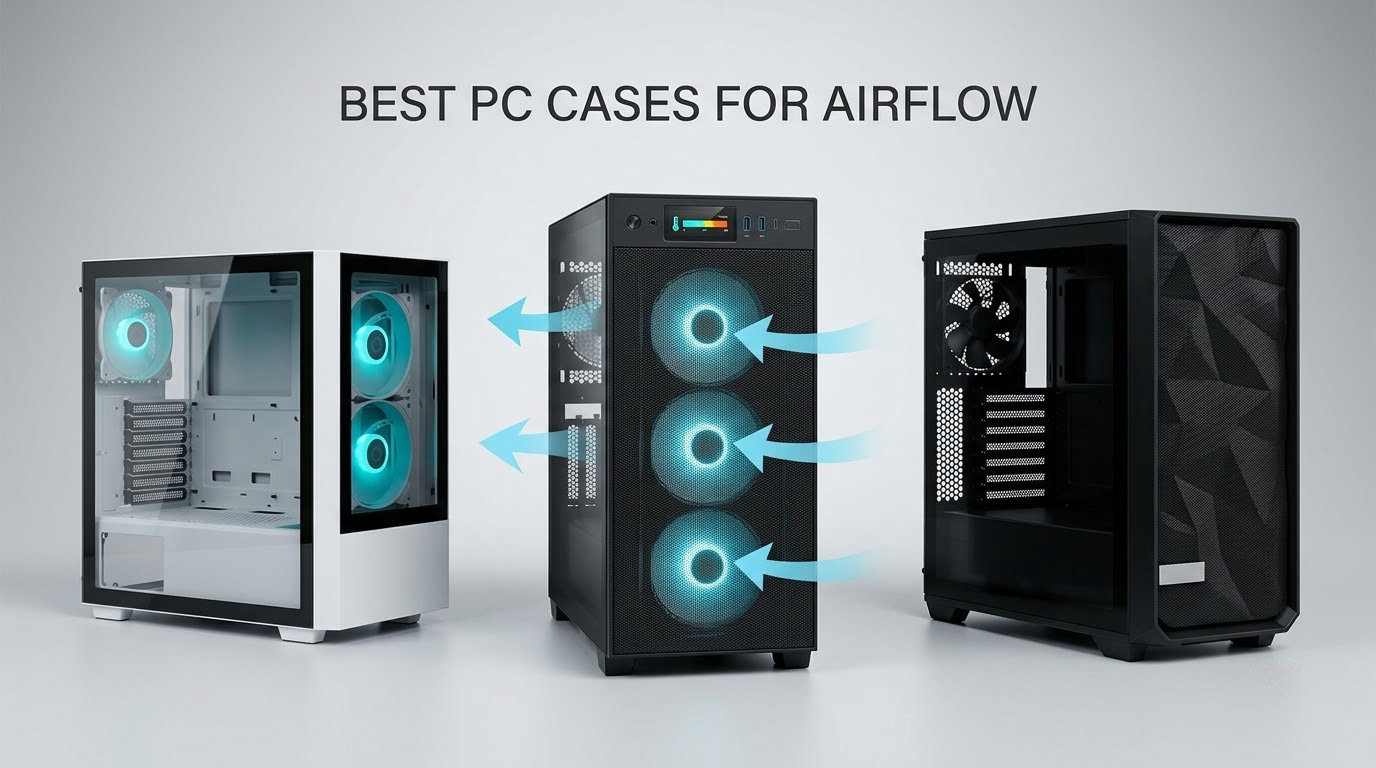
The Fractal Design North is the best PC case for airflow we could justify putting at the top of this list, and the reason is mechanical rather than cosmetic: a walnut front panel that is ventilated rather than solid, plus a full mesh side panel that feeds cool air across the whole length of the graphics card. For most people building a PC in a dorm room or a small apartment, that combination hits the right mark. You get a case that moves air properly and still looks like furniture rather than a sheet metal box.
We spent weeks putting ten of the highest-rated airflow cases through their paces, comparing panel perforation, fan counts, radiator clearance, GPU length limits and the acoustic cost of running everything at full tilt. This guide covers full towers, mid towers and compact builds, and it includes cases at both ends of the price range because a bigger budget does not automatically buy better cooling.
The short version: airflow is decided by how freely air can move from the front and bottom of the chassis, across the graphics card and CPU, and out through the rear and top. Fans matter enormously, but a case with a sealed glass front and three slow fans loses to a case with a perforated steel front and one good fan, every time. We explain the mechanics properly further down, because the forum consensus is right that a well-ventilated case running modest fans at low RPM is often quieter than a premium case screaming at full speed.
We also flag the compatibility trap that shows up in almost every build thread we read: a case that looks airflow-first can still choke if you bolt a thick 360mm AIO to the front and block the intake path. We list the radiator and fan-mount details for every case here so you can check before you buy, not after.
Table of Contents
Top 3 PC Cases for Airflow in 2026

Fractal Design North
- Walnut front with integrated mesh
- Full mesh side panel
- Two 140mm Aspect fans
- 355mm GPU clearance

NZXT H6 Flow RGB
- Dual-chamber layout
- Three 120mm RGB fans
- Perforated top and side panels
- Compact footprint

Corsair 4000D RS ARGB Frame
- 3D Y-pattern steel front
- InfiniRail fan rails
- Three RS ARGB fans
- Back-connect board support
Every Case We Looked At, Side by Side (October 2026)
| Product | Specs | Action |
|---|---|---|
| Fractal Design North |
|
Check Latest Price |
| Corsair 4000D RS ARGB Frame |
|
Check Latest Price |
| NZXT H6 Flow RGB |
|
Check Latest Price |
 Corsair 3000D Airflow Corsair 3000D Airflow |
|
Check Latest Price |
 Montech XR Montech XR |
|
Check Latest Price |
 NZXT H9 Flow NZXT H9 Flow |
|
Check Latest Price |
 Montech Air 903 Max Montech Air 903 Max |
|
Check Latest Price |
 Antec Flux Pro Antec Flux Pro |
|
Check Latest Price |
 Fractal Design Meshify C Fractal Design Meshify C |
|
Check Latest Price |
 MUSETEX K2 MUSETEX K2 |
|
Check Latest Price |
1. Fractal Design North – Best Overall for Airflow With a Design-First Twist
Fractal Design North – Genuine Walnut Wood Front – Mesh Side Panels – Two 140mm Aspect PWM Fans Included – Type C USB – ATX Airflow Mid Tower PC Gaming Case,Charcoal Black
Mid Tower
ATX mATX and ITX
355mm GPU clearance
2x 140mm Aspect PWM fans
9.5 kg
Pros
- Genuine walnut front with integrated mesh
- Full mesh side panel
- 355mm GPU clearance
- Tool-less panel removal
- Pre-installed Velcro straps
Cons
- Included 140mm Aspect fans are average
- Side clearance is tight for very long GPUs
- Top 140mm mount can crowd the 8-pin power header
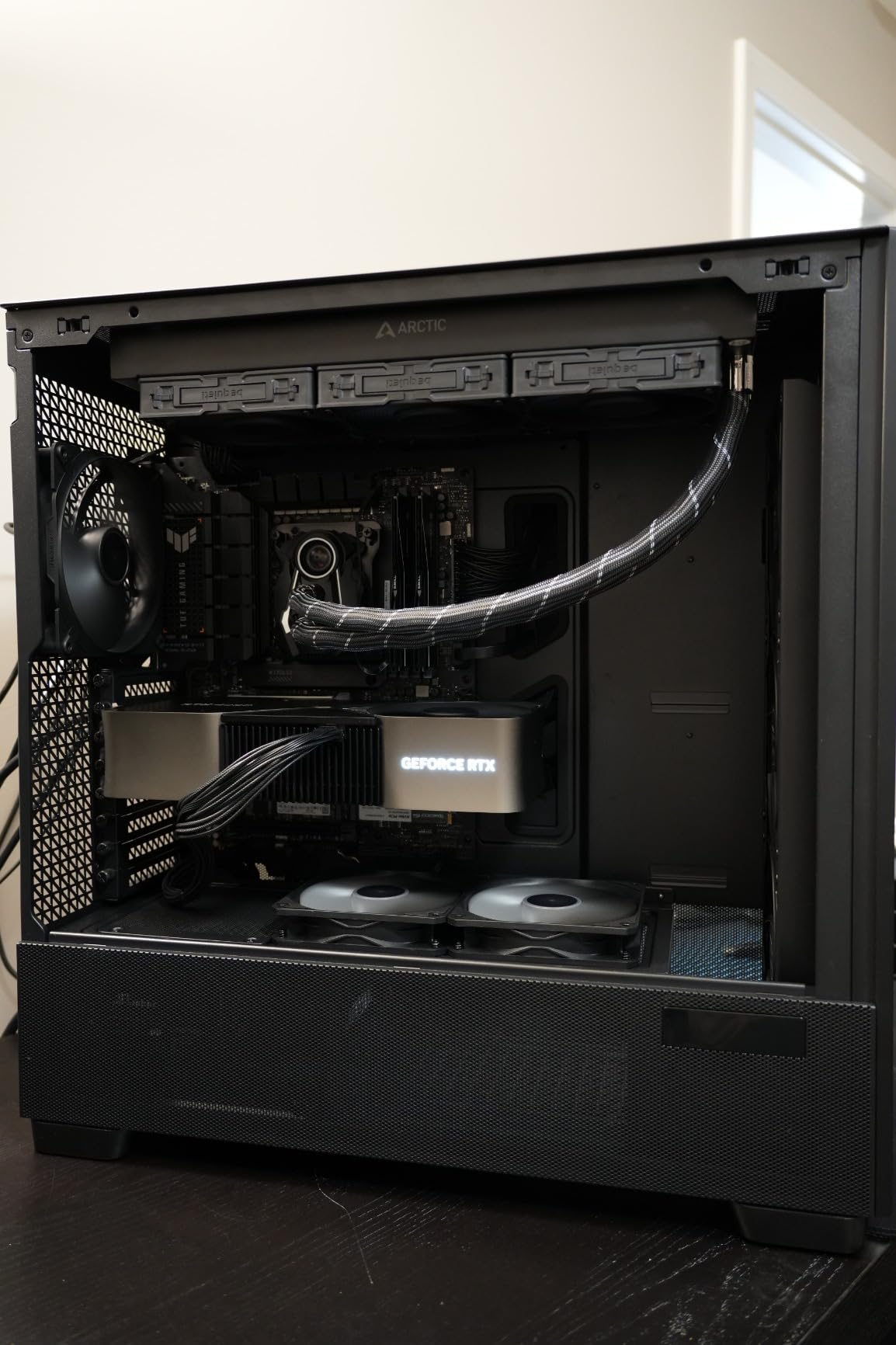
The North is the case I keep coming back to, because it does something most airflow cases refuse to do. Most manufacturers treat the front panel as either a sealed sheet of tempered glass or a full mesh wall, and there is no middle ground. Fractal split the difference with a walnut slat front that vents while still looking like a piece of furniture.
Owners running complete builds in it consistently report CPU temperatures in the 50 to 60C range and GPUs under 60C, which is where a well-ventilated chassis should land. That is not a marketing claim; it shows up repeatedly across the 3500-plus reviews this case has accumulated, and it is the single largest review base in our whole lineup.
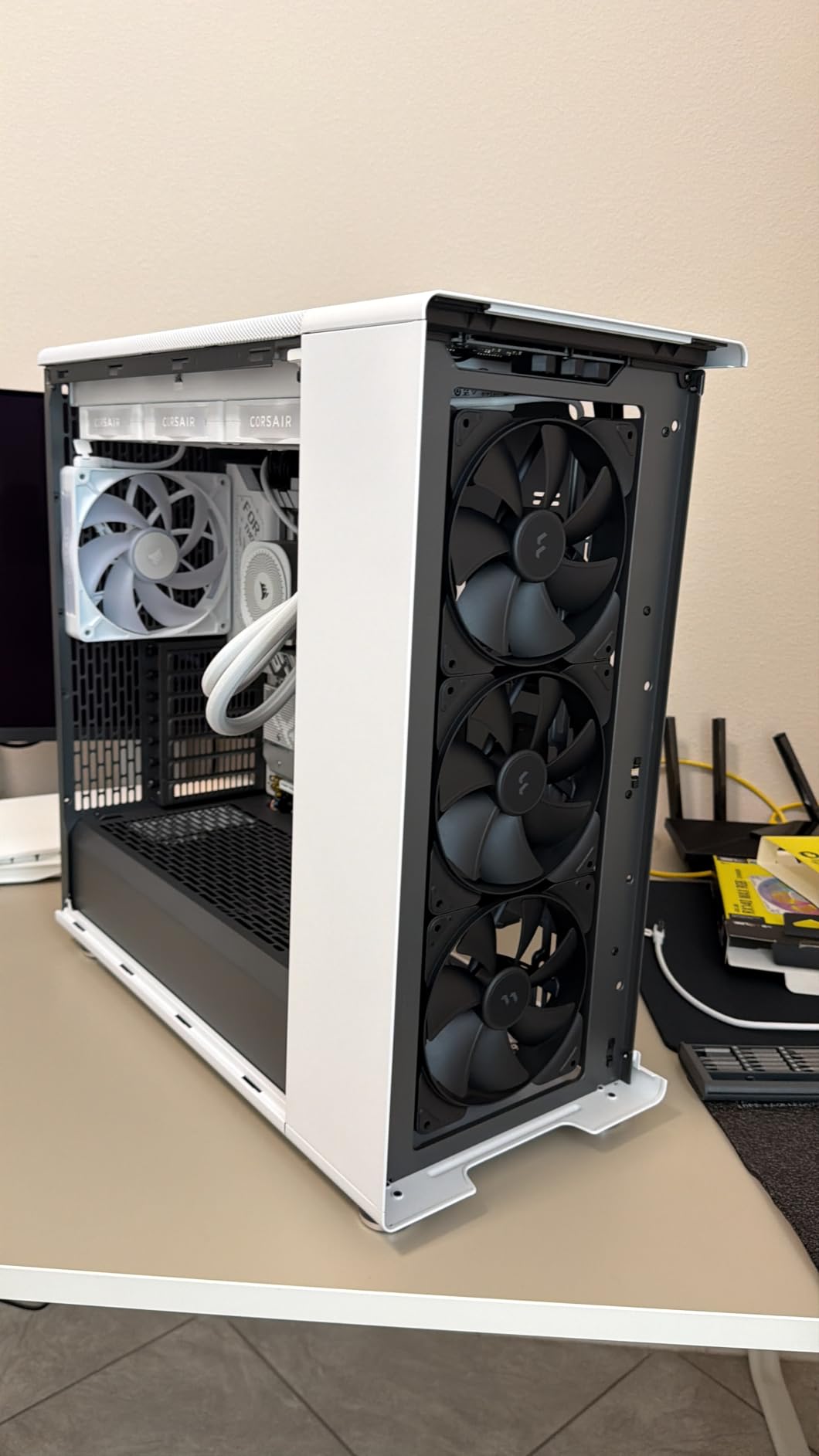
What makes the airflow work is the combination of that ventilated front and a full mesh side panel. The side mesh is the piece most people underrate: it lets ambient room air wash directly across the length of the graphics card rather than relying solely on fans pointed at it. For a card with a long heatsink and a hot backplate, that side-panel path is real, measurable cooling.
Clearance figures are generous. GPUs up to 355mm fit, dropping to 300mm if you fit a 360mm radiator at the front. There are seven bridgeless expansion slots, two combined 3.5 inch and 2.5 inch drive mounts plus two dedicated 2.5 inch mounts, and a Type-C port up front alongside USB-A and audio.
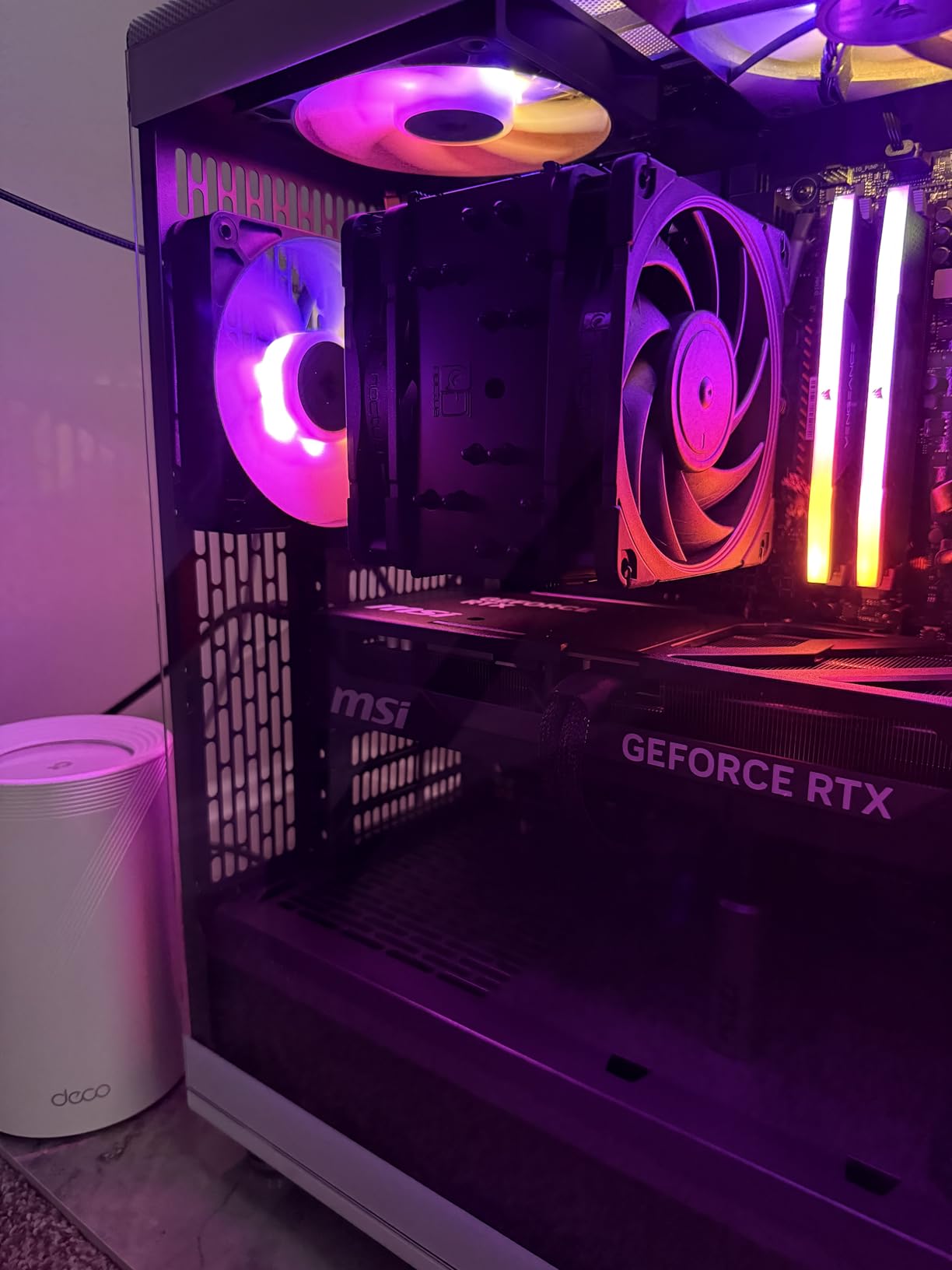
Check the included fans before you plan your cooling
The two bundled 140mm Aspect PWM fans are fine but unremarkable, and that is the most common criticism in the reviews. The fix is simple: budget for a fan swap if you care about silence. Running quieter 140mm fans at a lower RPM inside a case with this much panel area produces less noise than boosting the included fans to chase a few extra degrees.
Mind the tight spots for flagship parts
Two clearances deserve a check before you commit. The side panel area gets tight when you pair a long GPU with a side-mounted fan mount, and the top 140mm position can crowd the motherboard 8-pin power header. There is also a glass-sided variant of this design with fewer fan mounts and no fan hub, so confirm which version you are actually buying.
2. Corsair 4000D RS ARGB Frame – Best for Builds You Will Keep Upgrading
CORSAIR 4000D RS ARGB Frame Modular Mid-Tower ATX PC Case, High Airflow, 3X Pre-Installed RS Fans, InfiniRail™ Mounting System, ASUS BTF, MSI Zero, Gigabyte Stealth, Black
Mid Tower
3x RS ARGB PWM fans
InfiniRail steel mounts
Fans to 200mm front
2 year warranty
Pros
- 3D Y-pattern perforated steel front
- Fans up to 200mm at the front
- Removable side panel doubles as a fan mount
- Back-connect board support
- GPU anti-sag arm included
Cons
- Included fans are noisy at full speed
- Top and steel side panels feel thin
- Front I/O sits low on the panel
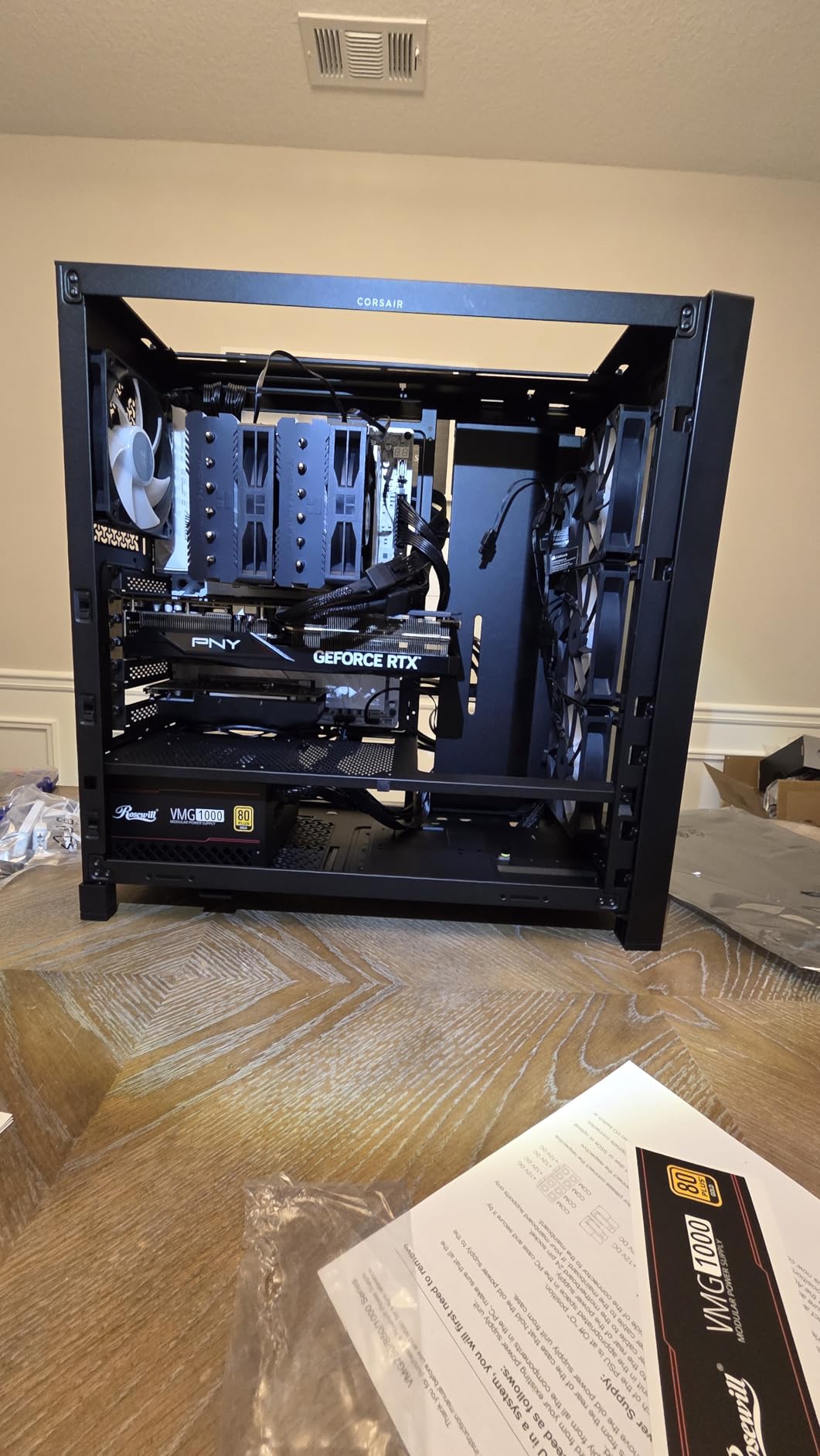
Corsair built this one around a simple idea: the fans should be a starting point, not a fixed decision. The InfiniRail steel system lets you slide fans and radiators into position without screws fighting you, and you can mount fans as large as 200mm at the front and 140mm in the roof. On a desk where you may only open the case twice a year, that flexibility is worth a lot.
The 3D Y-pattern perforated steel front is about as open as a mass-produced front panel gets, and reviewers report very low GPU and CPU temperatures as a result. It also supports dual 360mm radiators, which is the kind of headroom that keeps a case relevant through several hardware generations.
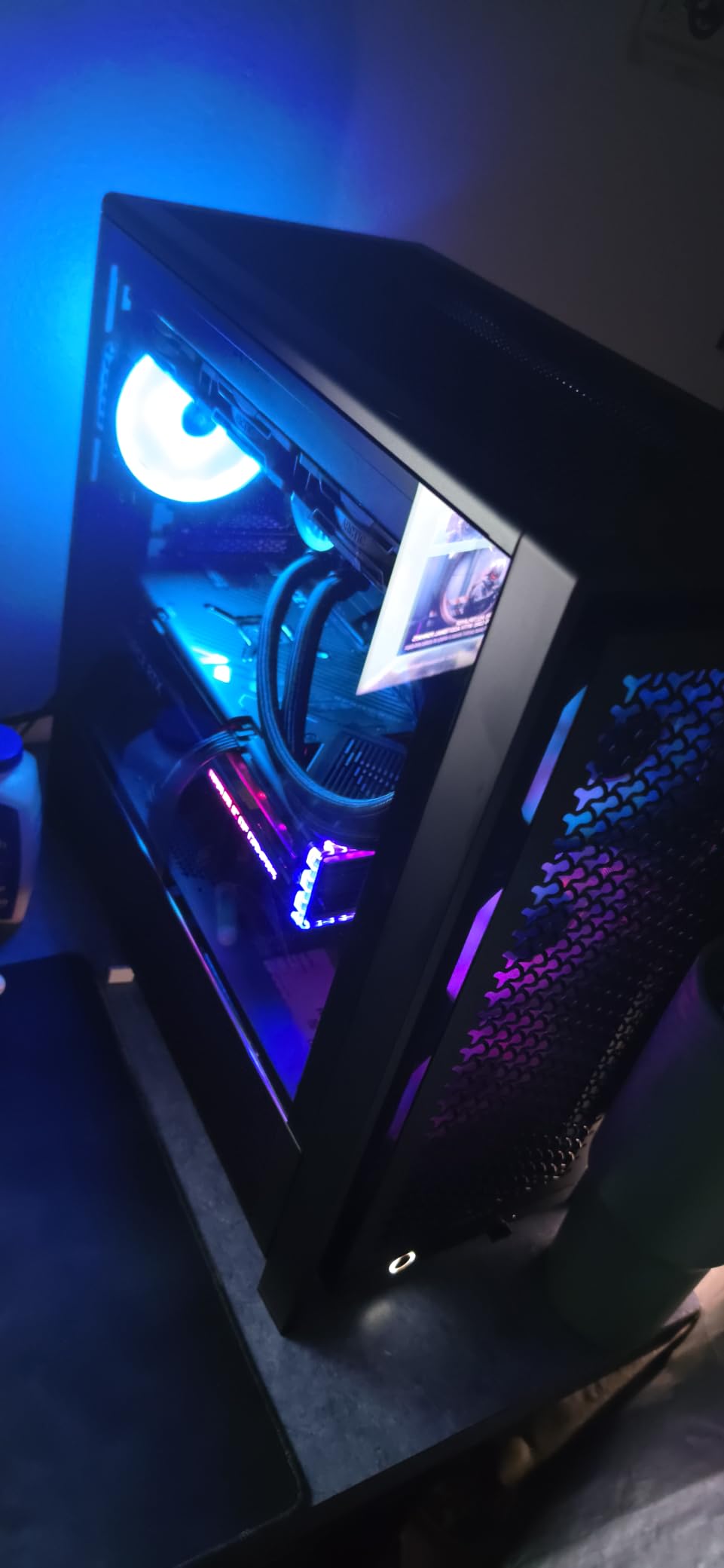
Two details make this case unusual. The FRAME system lets you swap the motherboard tray and front I/O panel, so a case bought for one board can be adapted later. It also supports back-connect motherboards, meaning Asus BTF, MSI Project Zero and Gigabyte Stealth boards plug straight into the rear of the tray with no visible cable bundle.
Cable management is excellent. Velcro straps and dedicated shroud channels come pre-fitted, and the removable internal side panel can be fitted as a cable cover or as a fan mount depending on what you need. A GPU anti-sag arm and a generous spare parts kit are in the box.
Budget for a fan swap and a fan curve
The three included RS ARGB fans connect directly to the motherboard, which is convenient, but they are noticeably noisy at full speed and their factory orientation is not ideal for first-time builders. A gentle fan curve plus a swap to quieter PWM models resolves both complaints and costs far less than living with them.
Know what the modular system does and does not cover
FRAME covers the motherboard tray and front I/O, not the entire chassis layout, so it is not a licence to skip planning your radiator positions. The panels also feel thin in the hand in some units, and the front I/O sits low on the panel, which is awkward if the case lives on the floor rather than a desk.
3. NZXT H6 Flow RGB – Best for Compact Desks and Dorm Rooms
NZXT H6 Flow RGB Mid-Tower Airflow Case with 3 RGB Fans, Panoramic Glass Panels, and Cable Management – White
Mid Tower
Dual chamber
3x 120mm RGB fans
ATX mATX and ITX
9.4 kg
Pros
- Dual-chamber layout keeps the interior uncrowded
- Three 120mm RGB fans fitted
- Wraparound panoramic glass
- Perforated top and side panels
- Wide cable channels
Cons
- Compact interior limits very large GPUs and radiators
- Limited drive bays for a mid-tower
- Glass and RGB are not for understated builds
If your constraint is physical space, this is the case to look at first. At 16.34 inches deep it is noticeably shallower than the full-size mid towers in this list, and at 9.4 kg it is easy to move. The dual-chamber design puts the power supply and drives in a separate compartment from the CPU and graphics card, which keeps the main chamber clean and lets air travel without fighting a tangle of cables and drive cages.
It carries a 4.8 average across more than 1800 reviews, which is tied for the highest rating in this roundup. Builders on r/buildapc repeatedly single it out as a case they have personally finished a build in, and that is the kind of endorsement that comes from putting a system together rather than from spec sheets.
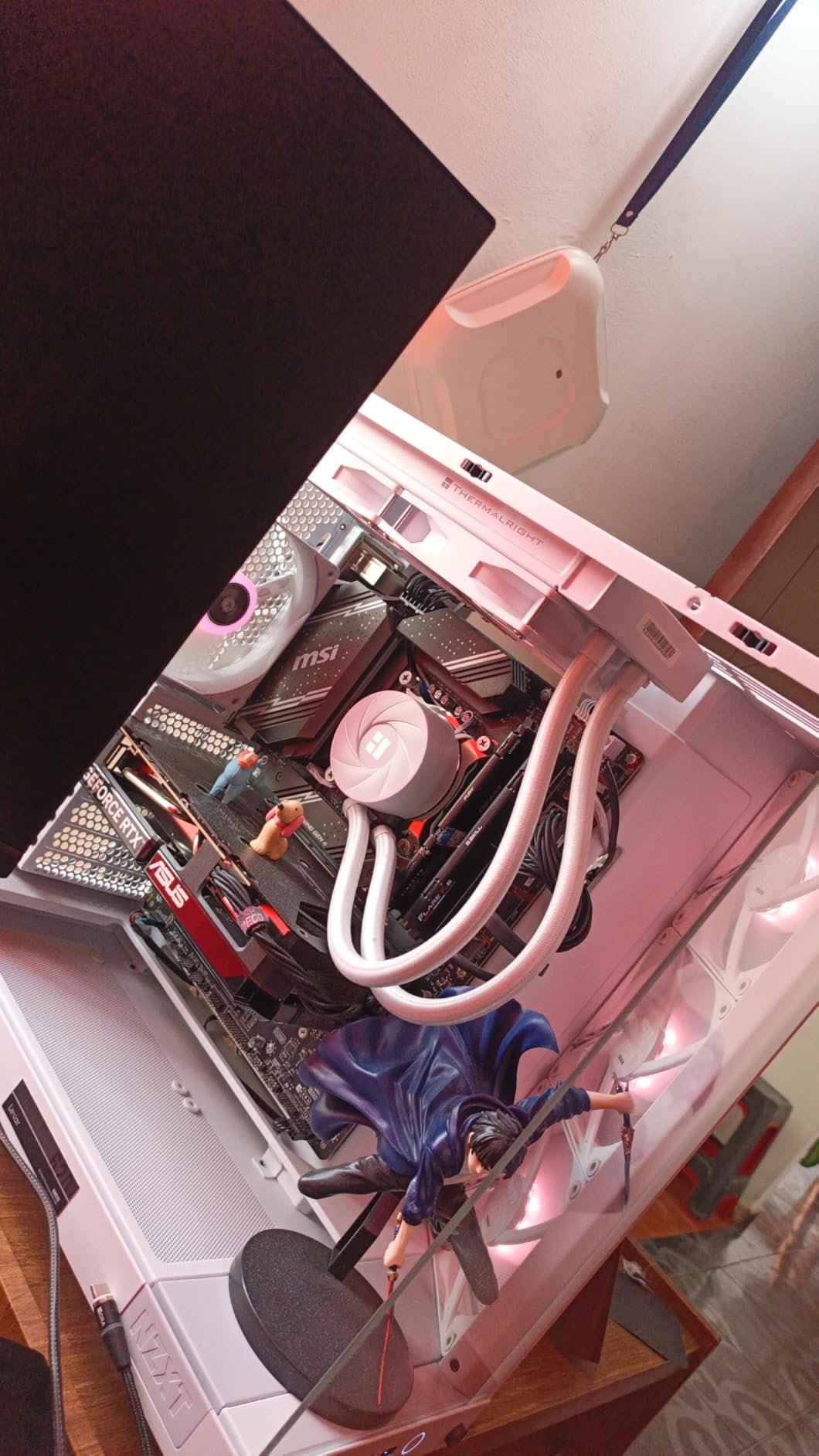
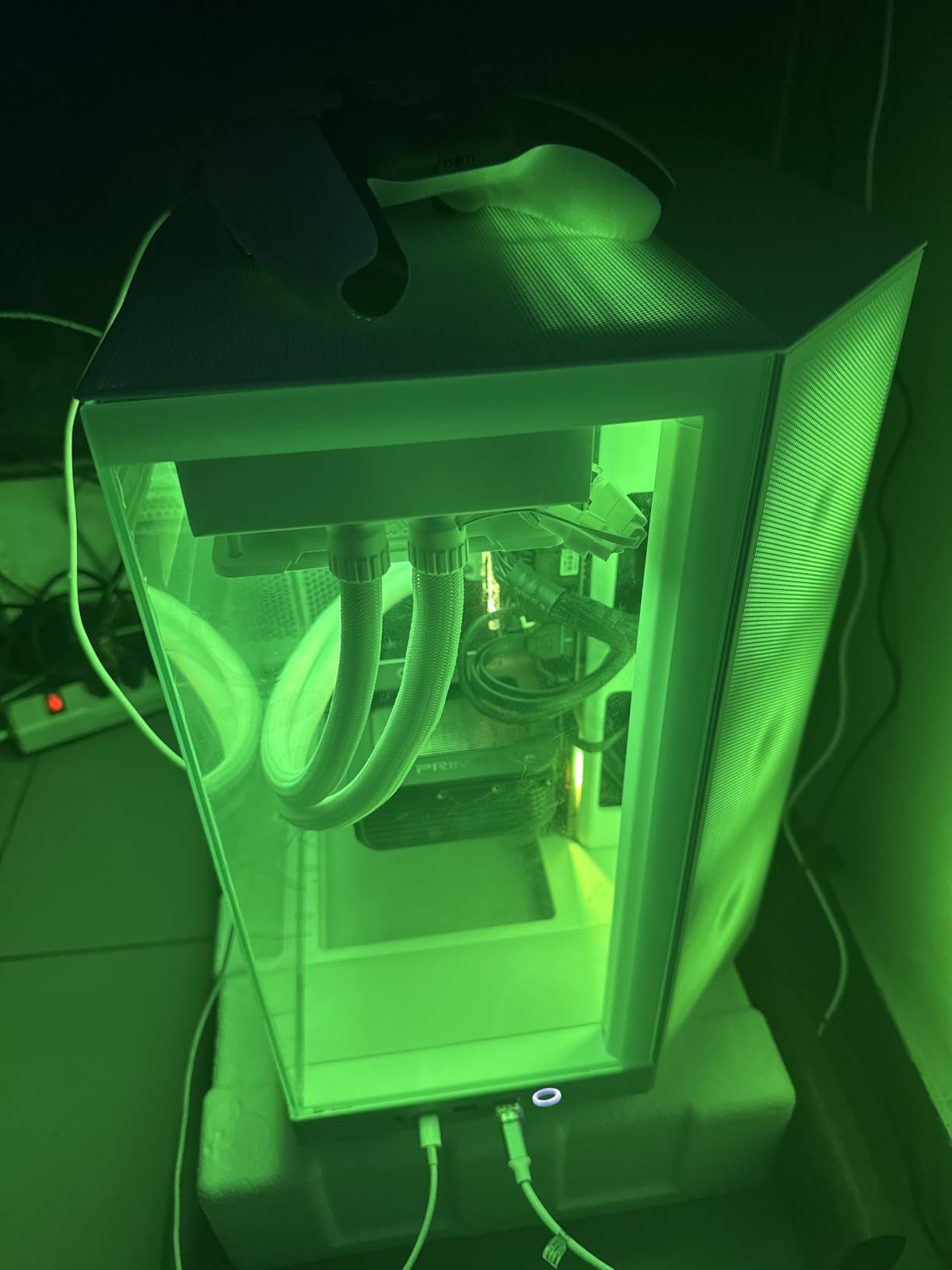
Airflow comes from two places here. The dual-chamber separation means the intake air is not immediately short-circuited past the components into the PSU bay, and the top and side panels carry an airflow-optimised perforation pattern that adds intake and dust filtering beyond the front. Three 120mm RGB fans come pre-installed and are positioned sensibly for cooling straight out of the box.
Cable routing is the other strength. Wide channels and straps are built into the layout, which is where most compact cases cut corners first. Seven expansion slots, front USB-C connectivity and wraparound seamless glass make it easy to build in.
Know the interior limits before you commit to parts
The compact footprint is the whole point and also the main limitation. Very large GPUs and thick radiators are a tighter fit here than in a full mid tower, and the drive bay count is limited for a case of this size. Measure your graphics card against the case rather than assuming ATX compatibility covers everything.
Skip it if you want a plain-looking build
Wraparound panoramic glass and RGB fans are not neutral choices. If your setup sits in a shared room or under a monitor where lighting is distracting, the understated option in this price bracket is the Corsair 3000D Airflow covered below.
4. Corsair 3000D Airflow – Best Value for a Straightforward Airflow Build
Corsair 3000D Airflow Mid-Tower PC Case – 3-Pin Fans – Four-Slot GPU Support – Fits up to 8X 120mm Fans – High-Airflow Design – White
Mid Tower
Perforated steel front
2x AirGuide 3-pin fans
Four-slot GPUs to 360mm
7.3 kg
Pros
- Perforated steel front panel
- Roomy interior for large GPUs
- Two 120mm mounts on the PSU shroud
- Fits up to eight 120mm fans
- Filters pull off for cleaning
Cons
- Included 3-pin fans are buzzy at full speed
- No front USB-C
- Top radiator clearance is tight with tall RAM
This is the case we recommend to anyone who wants airflow and nothing else. There is no integrated display, no display panel, no lighting controller to configure. The front is a high-airflow optimised steel panel, the interior is roomy, and the whole chassis weighs 7.3 kg, which makes it the easiest tower here to lift onto a desk or carry between rooms.
It fits up to eight 120mm fans or four 140mm fans, with radiator support up to 360mm at the front and 280mm in the roof. That front capacity matters: it is the reason a card sitting near the bottom of the chassis gets fed with cool air rather than recycling the warm air the card just expelled.
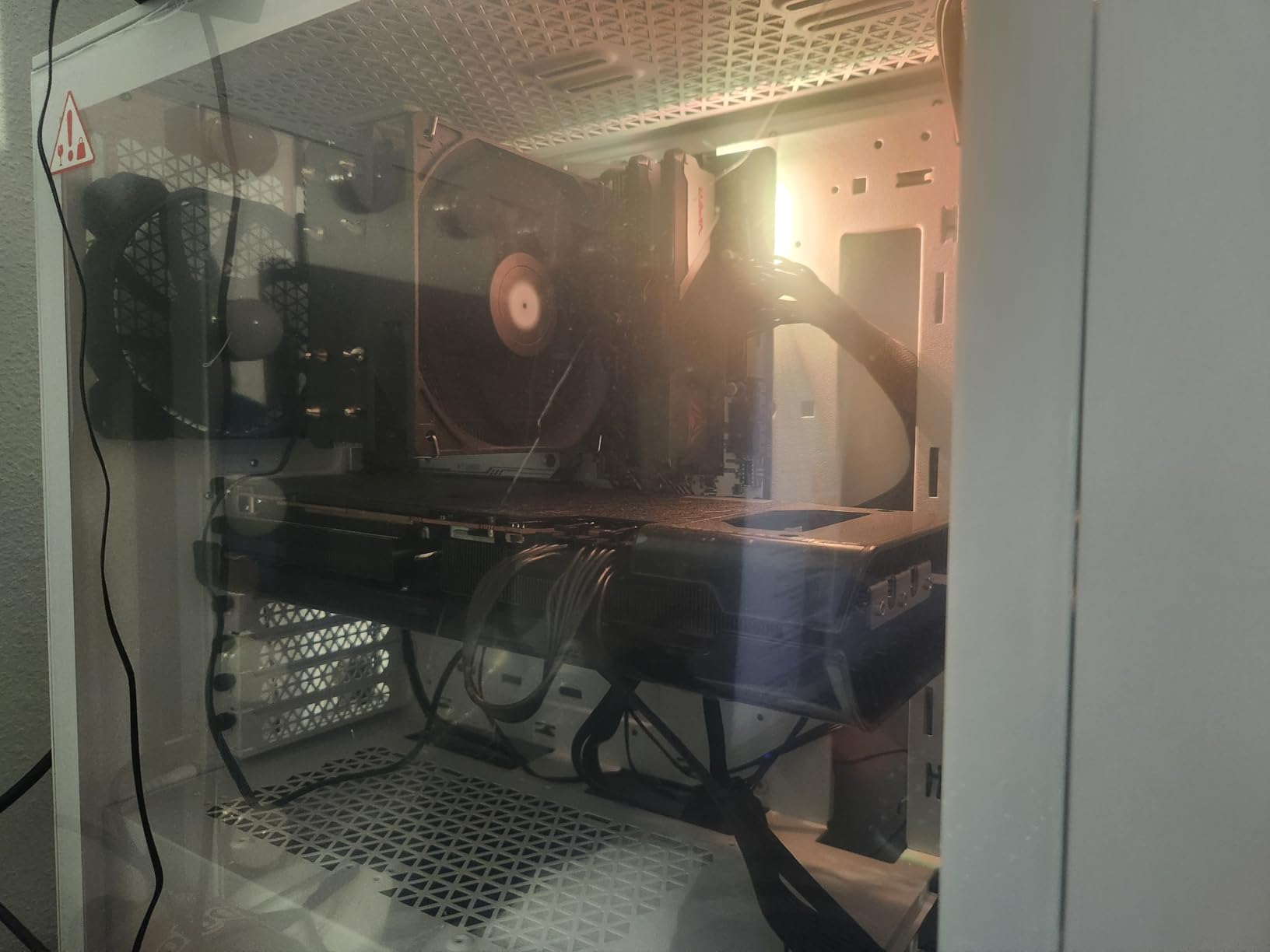
Two 120mm mounts sit on the PSU shroud, aimed straight at the graphics card. That is a specific airflow mechanism rather than a generic claim, and on a build with a thick card it is often the difference between a card running hot and a card running cool. Four-slot GPU support extends to 360mm, which covers most modern cards including large triple-fan models.
The build experience is straightforward: simple side panel removal, a logical layout and good cable routing space behind the motherboard tray. Dust filters are easy to pull off and wash, which matters more than it sounds on a mesh-front case you plan to keep for years.
Plan to replace the included fans
The bundled AirGuide fans are 3-pin and rated at 24.7 dBA, which means no PWM control and a buzzy character at high speed. Most builders replace them with a PWM set and gain both control and a noticeable drop in noise, which is the single easiest improvement available anywhere in this roundup.
Check RAM height before choosing a roof radiator
Roof radiator clearance is dependent on RAM height, so a 280mm radiator in the roof with tall memory modules can be a tight squeeze. The front position has no such constraint, which is where we would put a liquid cooler in this case.
5. Montech XR – Best for a Glass Look That Still Breathes
MONTECH XR Panoramic ATX Gaming PC Case, Mid Tower, 3 ARGB PWM Fans, Black
Mid Tower
3x ARGB PWM fans
420mm GPU
9 fans supported
14.5 pounds
Pros
- Dual panoramic tempered glass
- Three ARGB PWM fans including two reverse-blade
- Magnetic dust filters on three panels
- GPU support up to 420mm
- Wood-grain I/O interface
Cons
- Included fans are noticeably noisy
- Interior is tight for 140mm fans and a top AIO
- Drive cage and GPU mount screws are very tight
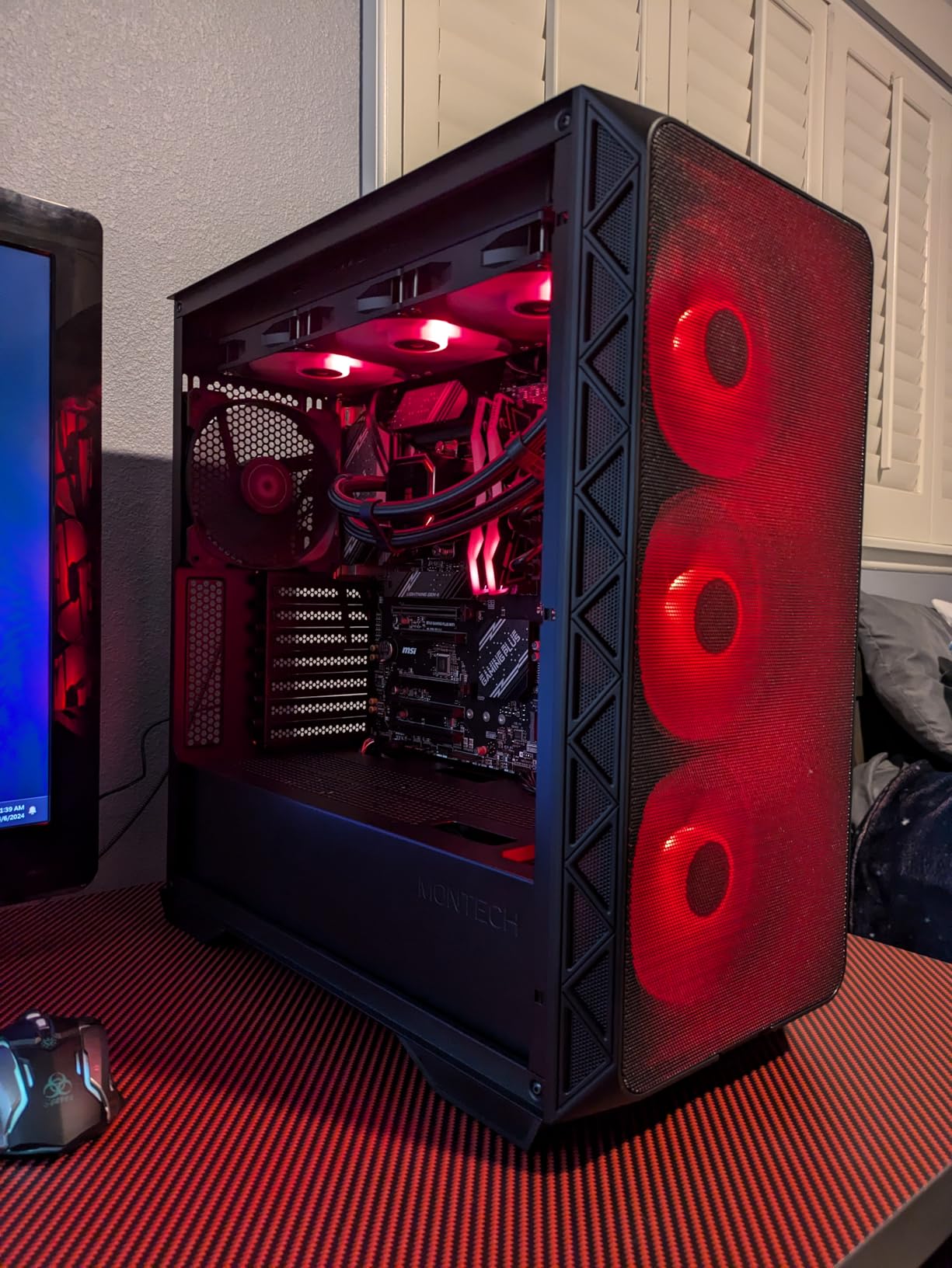
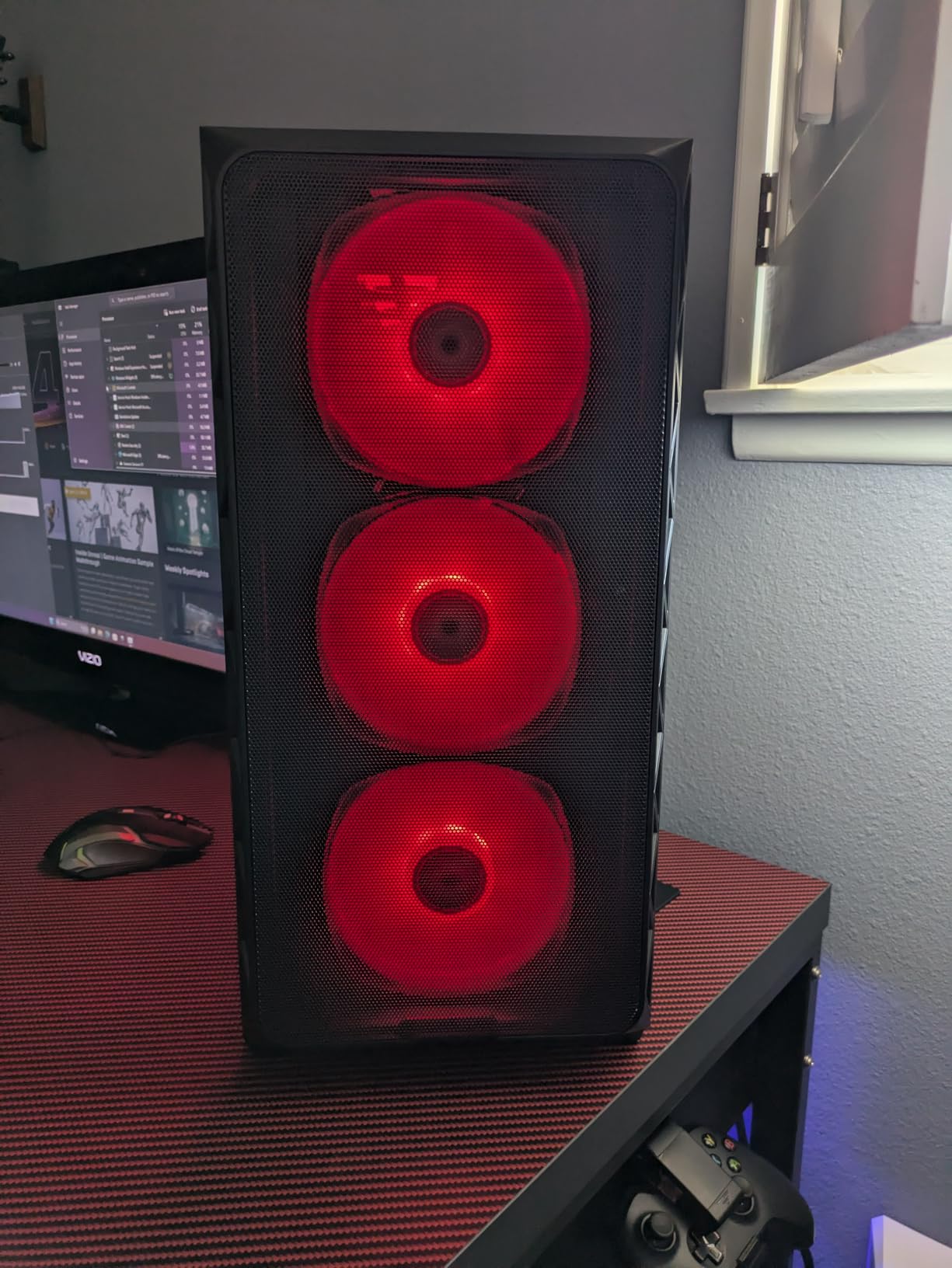
The XR sits in an awkward spot in most roundups because it looks like a glass case but is not built like one. It has dual panoramic tempered glass panels and a wood-grain I/O interface, and it also has a mesh front and a ventilated layout. Reviewers describe the value as excellent for what you get: a spacious interior, solid build quality and mesh panels at a modest price point.
Three ARGB PWM fans come pre-installed, two of them reverse-blade side fans, and the case supports up to nine fans in total. GPU support runs to 420mm and a 360mm radiator fits in the roof, so the thermal headroom is there even though the included fans are not the reason to buy it.
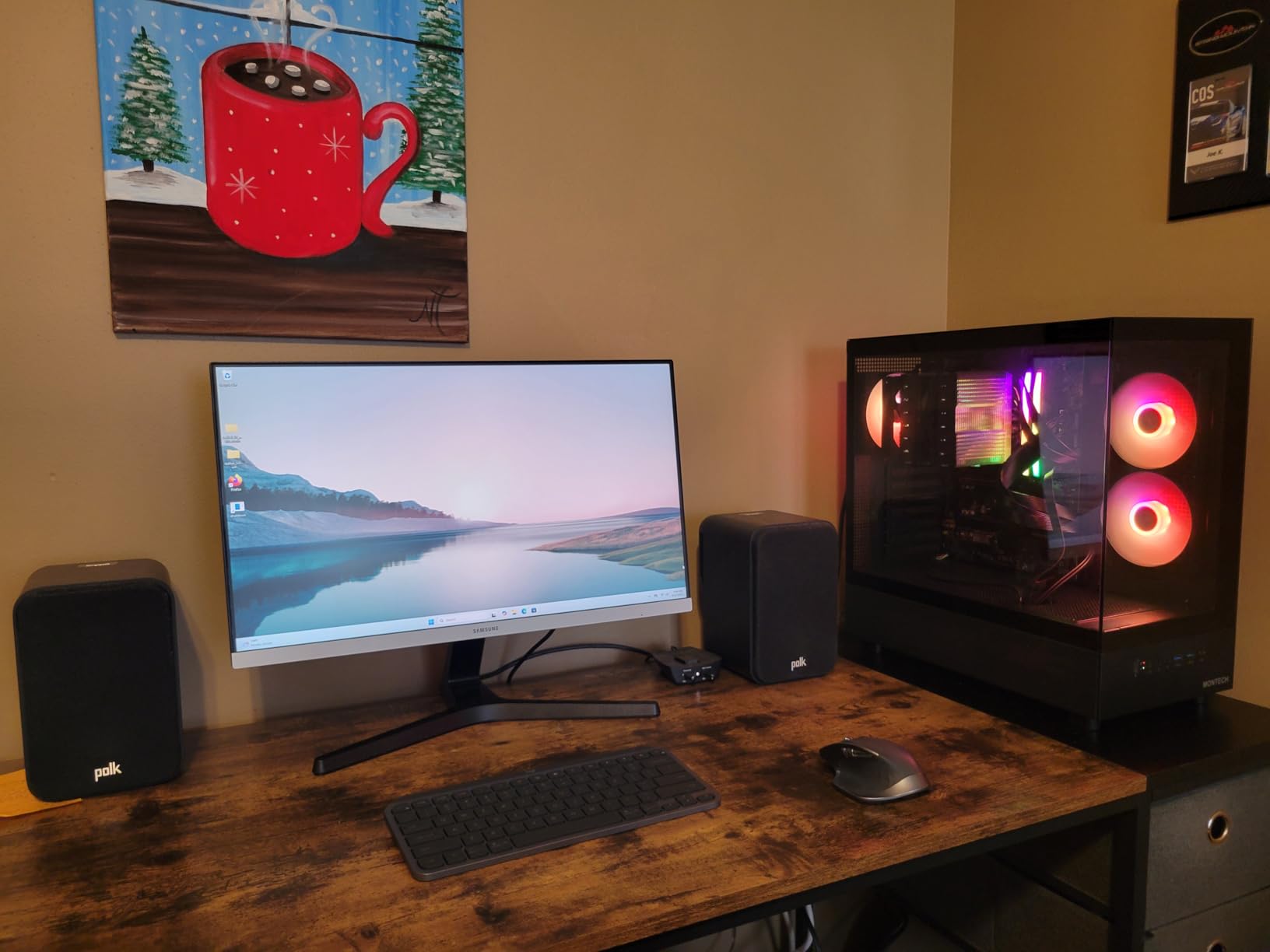
Airflow here comes from the mesh front feeding a tall interior, plus a side fan position that can push air directly along the graphics card. Magnetic dust filters on the top, bottom and side panels are a genuinely useful inclusion on a case that moves this much air, because a high-airflow design without filters just moves dust into your components faster.
Cable management is handled with rubber grommets, zip ties and a single front-panel header. The magnetic tool-less side panel means you can check on a build without hunting for thumbscrews, which is a small quality-of-life feature you notice every time.
Factor in the fan noise in a quiet room
The included fans are noticeably noisy, especially on a desk where the chassis is close to your chair. In a dorm or a shared flat that is a real constraint rather than a nitpick, and it is the main reason this case is not our top recommendation despite the strong feature list.
Check your clearance if you plan an AIO or 140mm fans
The interior is somewhat tight, particularly for 140mm fans and a top-mounted AIO. Combine that with drive cage and GPU mount screws that reviewers describe as extremely tight to remove, and budget extra time for the first build in this chassis.
6. NZXT H9 Flow – Best Room for Large Radiators
NZXT H9 Flow – Dual-Chamber ATX PC Case – Black
Dual chamber ATX
3x F140Q plus 1x F120Q fans
420mm radiators
10-fan capacity
12.5 kg
Pros
- Radiators up to 420mm top and front-right
- Ten-fan capacity
- Angled front-right fans feed the GPU
- Extra-wide cable channels with Velcro
- ASUS BTF and MSI Project Zero support
Cons
- 3-pin DC fans are loud
- Over 12 kg with a wide footprint
- No built-in GPU support bracket
Where the H6 Flow optimises for a small footprint, the H9 Flow optimises for cooling capacity. It supports radiators up to 420mm on the top and in the front-right position, ten 140mm fans plus a 120mm rear fan, and it takes ATX and E-ATX boards. Owners report CPU and GPU both staying below 60C, and the angled front-right fans feed the graphics card directly.
The dual-chamber layout does the same job as in the smaller NZXT, separating the power supply and drives from the main component chamber. That separation means the intake path is not fighting a wall of drive cages, and it makes cable management unusually easy thanks to extra-wide channels with built-in Velcro straps.
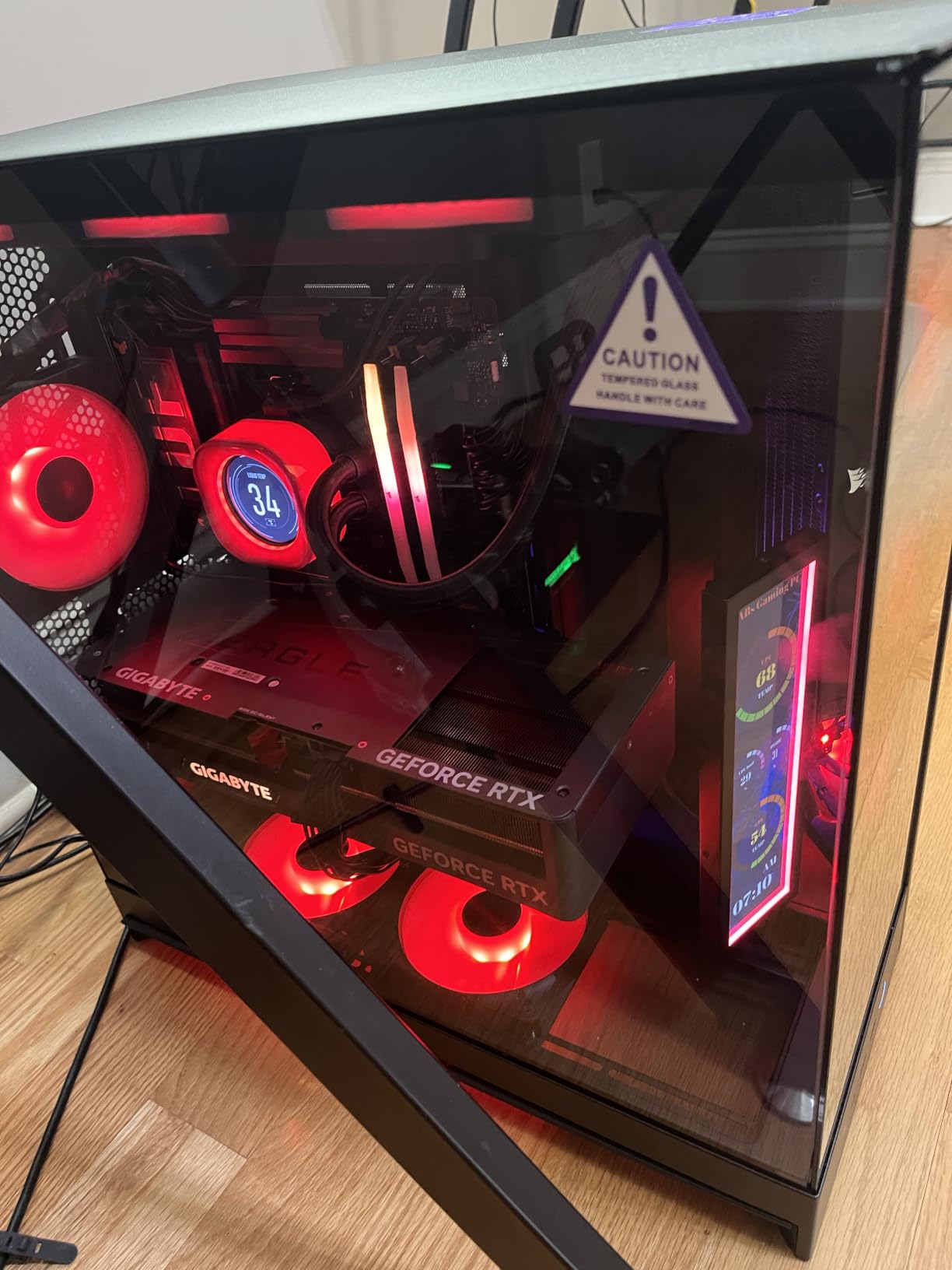
Back-connect motherboard support for ASUS BTF and MSI Project Zero boards is a genuine convenience if your board supports it, because the entire power and data bundle disappears behind the tray. The wraparound tempered glass is a nice touch in a room where the case is on show rather than tucked under a desk.
Four fans come pre-installed, three F140Q and one F120Q. They are 3-pin DC case-version fans, which is the specification to pay attention to here: no PWM control means fixed speed, and that is where the noise complaints come from.
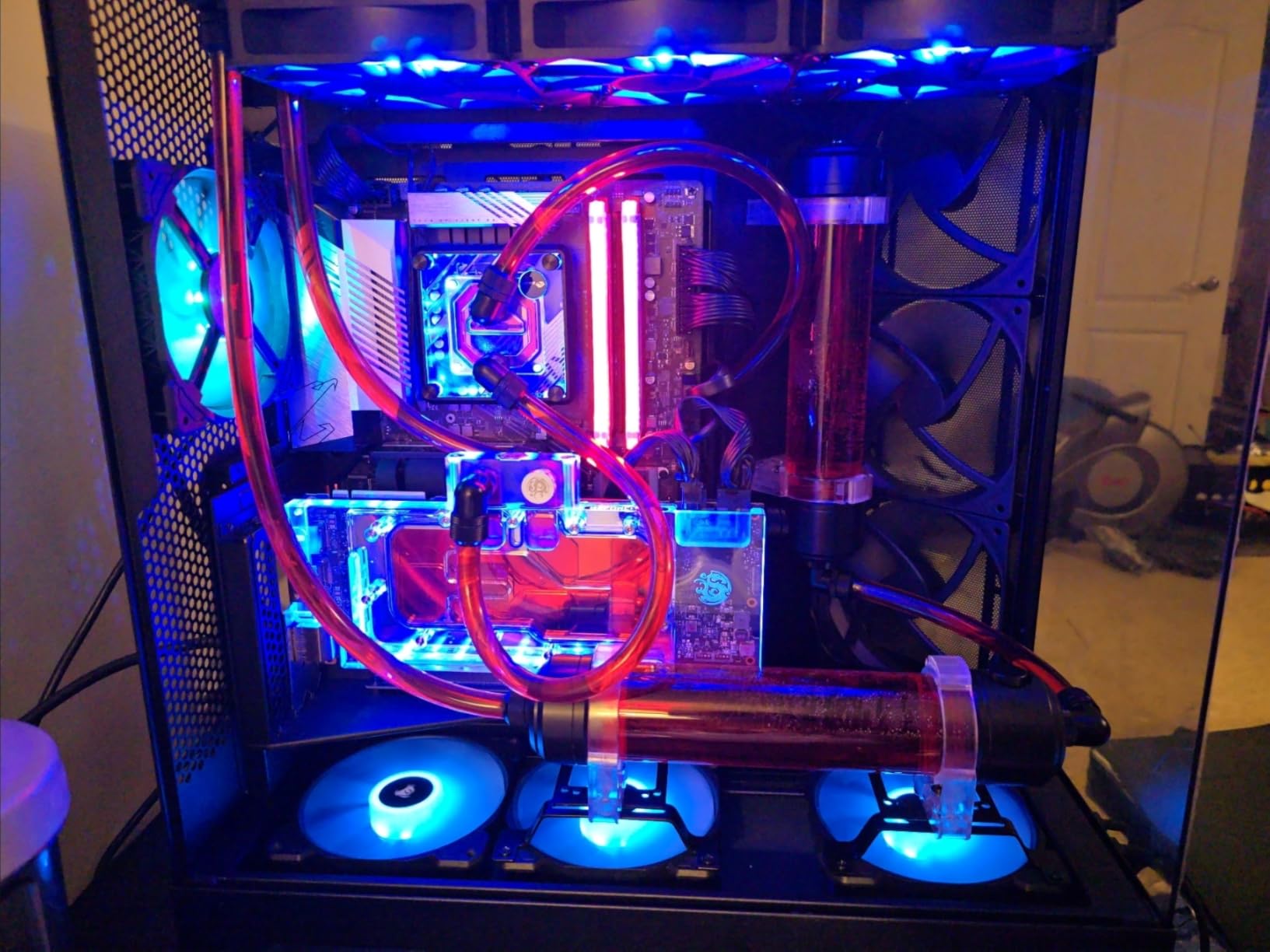
Check that your desk or stand can carry the footprint
At 12.5 kg and 20.08 inches deep, this is one of the largest cases in the roundup. Two people may be needed to lift it out of the box, and the width can exceed common monitor stands, which is exactly the dorm-desk problem this guide keeps running into.
Replace the 3-pin fans if silence matters
Many owners swap the included DC fans for PWM models, and that single change resolves most of the acoustic complaints. Reassembly instructions are minimal, so set aside an evening rather than an hour, and check the rear panel screws as you go because a few owners report screws that do not thread cleanly.
7. Montech Air 903 Max – Most Versatile With Four 140mm Fans
MONTECH AIR 903 MAX High-Airflow E-ATX Mid-Tower PC Case, 4 Fans, Black
E-ATX mid tower
4x 140mm fans
360mm radiators front and top
400mm GPU
9.14 kg
Pros
- Four 140mm fans pre-installed
- Ventilated mesh front
- 360mm radiators front and top
- Handles 400mm GPUs and E-ATX boards
- CPU coolers up to 180mm
Cons
- Included fans are entry-level
- Two-drive internal layout limits storage
- Warranty is one year
The reason this case keeps coming up on r/buildapc is simple arithmetic: four 140mm fans in the box. Four 140mm fans at low RPM move more air and make less noise than three 120mm fans pushed harder, and for a first build that means a finished system that is quiet and cool without a second fan purchase.
It pairs those fans with a ventilated mesh front panel and a genuinely roomy interior for the money. Graphics cards up to 400mm long and 190mm wide fit, CPU coolers up to 180mm tall are supported, and 360mm radiators fit at both the front and the top. The chassis is 478 by 230 by 493 mm and weighs 9.14 kg.
Front I/O includes USB-C along with two USB 3.0 ports, a microphone jack and audio jacks, which is more than several competing cases at this bracket offer. There is dust filtering, cable routing space, and the case is ready for vertical GPU mounting if your build calls for it.
It carries a 4.8 average rating, the joint-highest in this roundup. The ventilated mesh front paired with three 140mm ARGB PWM fans at the front and one 140mm PWM at the rear gives it a real cooling path rather than a fan count on a box.
Plan a storage solution before you commit
The two-drive internal layout is the practical limitation. If you run multiple drives, a NAS, or a large library of game installs, you will need an external drive or a different case. Check how many drives you actually need against two before buying.
Treat the included fans as a starting point
The 140mm fans here are entry-level and are better replaced for lower noise if you are sensitive to sound. The one-year warranty is also shorter than several competitors in this bracket, which matters if you expect to keep the case for a long time.
8. Antec Flux Pro – Premium Pick for Maximum Fan Capacity
Antec Flux Pro Full-Tower E-ATX PC Case, 6 PWM Fans Included, Black
Full tower
6 PWM fans included
12-fan capacity
420mm and 360mm together
29 pounds
Pros
- Six PWM fans pre-wired to a controller
- Twelve fans supported at once
- 420mm and 360mm radiators together
- Removable cooling brackets
- 90 degree rotatable PSU mount
Cons
- Around 29 pounds to move
- Included fans have no lighting
- Large desk footprint
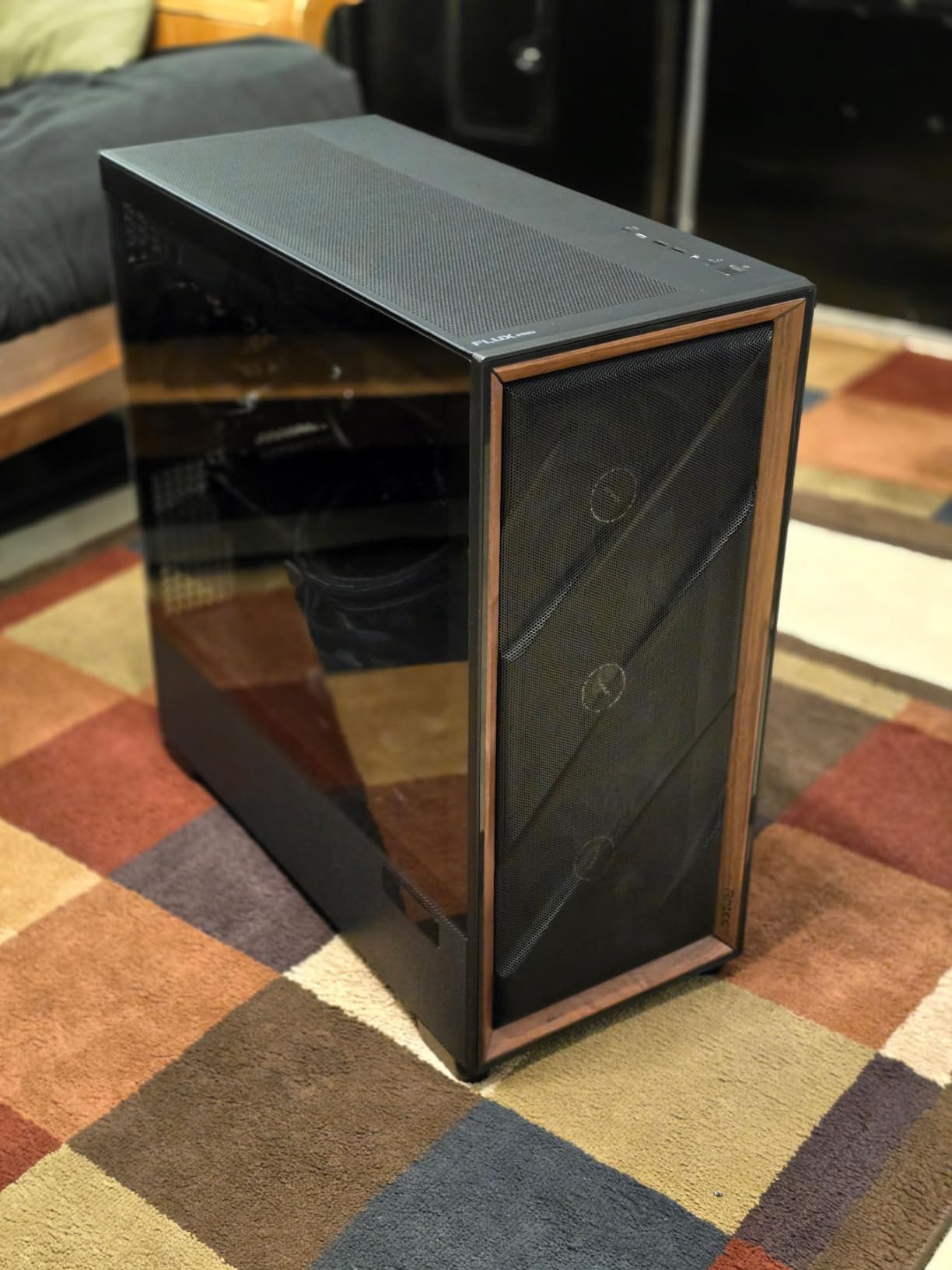
The Flux Pro is the case in this roundup with the most fan mounts, and that is its entire argument. It takes up to twelve fans at once, ships with six PWM fans already wired to a small controller board, and allows a 420mm and a 360mm radiator to be installed at the same time. Multiple owners report very low CPU and GPU temperatures with near-silent operation.
It is a full tower, which changes the conversation. At 20.86 by 9.64 by 21.45 inches and 29 pounds, this is a floor case in practical terms. If you are furnishing a dorm room, this is not the case. If you have a dedicated desk or a stand at home and want the maximum number of fans the chassis will carry, it is hard to argue with.
The airflow design is multi-directional. Two reverse fans sit on the PSU shroud pushing air downward and outward, the three front Tranquil 140 PWM fans draw air in, and the rear Tranquil 140 handles exhaust. Removable cooling brackets on the top, front and shroud make radiator placement unusually easy, and sliding fan tracks make servicing straightforward.
Two details stand out. The iShift mount lets you rotate the power supply 90 degrees, which opens up the view through the side panel, and the CPU and GPU dual temperature display reads out from the front, though it requires Antec iUnity software to work.
Know what the six included fans are and are not
They are PWM fans wired to a controller, which is the right spec, but they carry no lighting. Buyers expecting ARGB from the product photos are disappointed, so confirm whether the look matters to you before buying a case this large.
Measure the space twice
The full-tower footprint needs real desk or floor space, and 29 pounds is genuinely awkward to move once a system is built inside it. Some front panel cables are also reported as short, which can make an otherwise tidy cable run fussy. Plan the placement before the case arrives.
9. Fractal Design Meshify C – Best for a Compact Airflow Build
Fractal Design Meshify C – Compact Mid Tower Computer Case – Open ATX Layout- High Performance Airflow/Cooling – 2x Fans included – PSU Shroud – Modular interior – Water-cooling ready – USB3.0 – Black
Compact mid tower
Angular mesh front
2x Dynamic X2 GP-12 fans
35mm cable space
6.5 kg
Pros
- Angular mesh front with an unobstructed path
- 35mm of space behind the tray
- Up to seven 120mm fans
- Three washable dust filters
- Grommetted cable pass-throughs
Cons
- Front dust filter is hard to remove
- Included fans are 3-pin DC
- GPU length limited to 315mm
The Meshify C is the case to look at if you want the open front-to-rear airflow path of a full tower in a chassis that is only 7.87 inches deep. The angular mesh front panel is designed for maximum air intake, and the layout leaves an unobstructed path from front to rear. Users report temperature drops of roughly 13C against smaller cases.
It is the lightest chassis here at 6.5 kg, with no sharp edges on the panel frames and a layout that is easy to work in. Two Dynamic X2 GP-12 120mm fans come pre-installed, and up to seven 120mm fans fit if you remove the 3.5 inch drive tray.
Replace the 3-pin fans for a quieter system
The included fans are 3-pin DC rather than PWM, so they are harder to control and noisier at idle. A pair of PWM replacements makes a noticeable difference in a case this open, and it is the single highest-value change you can make to it.
Check GPU length and be careful with the front filter
Maximum GPU length is 315mm and CPU cooler height is 170mm, which is tighter than most of the mid towers in this list, so measure your parts. The front dust filter is also genuinely awkward to remove, which is annoying on a design that moves this much air and will need cleaning more often than a filtered-and-sealed case.
10. MUSETEX K2 – Best Fan Bundle at a Budget Level
MUSETEX ATX PC Case 7 PWM ARGB Fans Pre-Installed, Type-C Mid Tower Computer Case with Full-View Dual Tempered Glass, Gaming PC Case, Black(K2)
Mid tower
7 PWM ARGB fans
Expandable to 10
400mm GPU
10 year warranty
Pros
- Seven PWM ARGB fans pre-installed
- Expandable to ten fans
- 270 degree dual tempered glass
- Type-C front I/O
- 10 year warranty
Cons
- Build materials are plastic-heavy
- Entry-level fan acoustics
- Glass panels show fingerprints
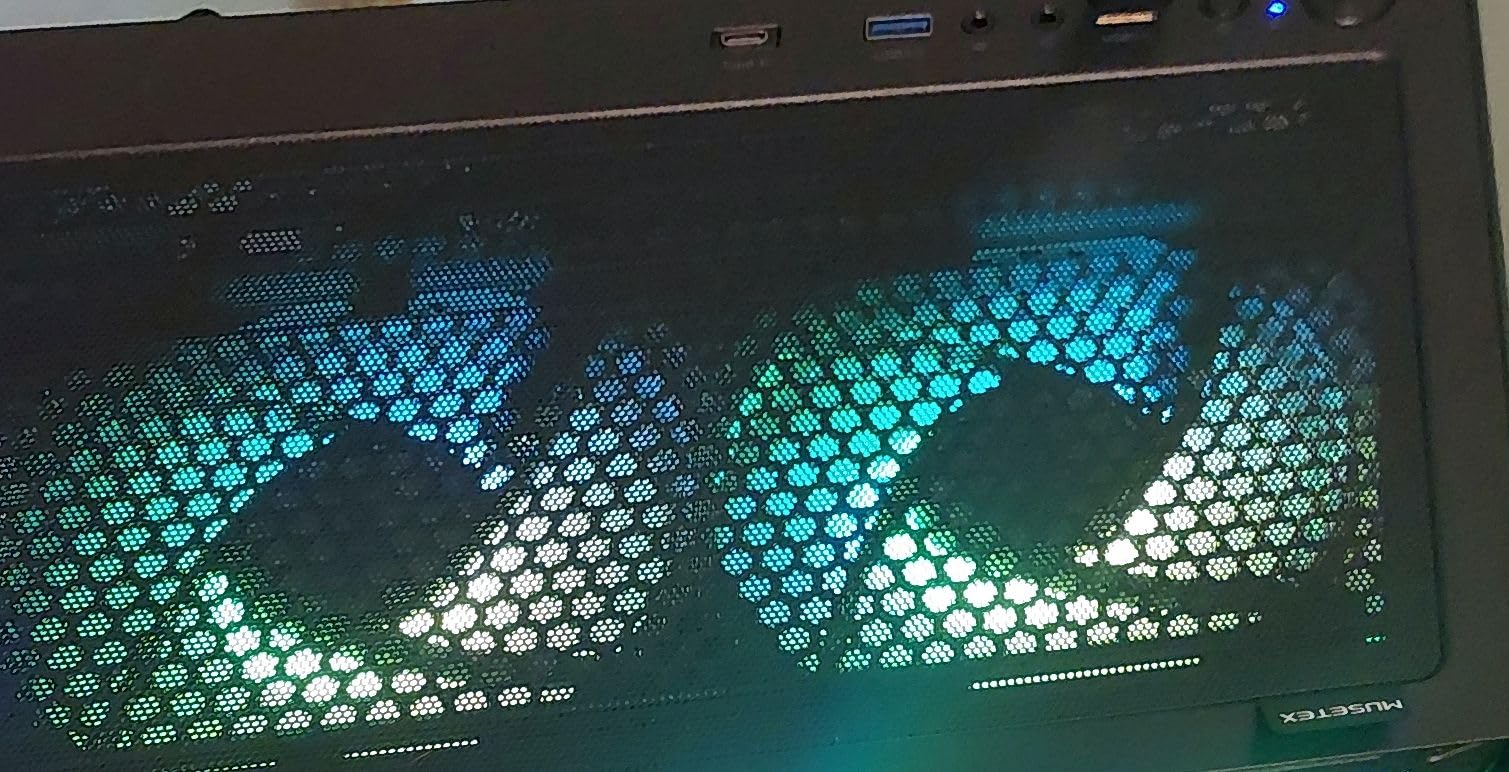
Seven pre-installed PWM ARGB fans is the largest bundle in this roundup, and on a first build that changes the maths. The layout is three reverse side fans, three top fans and one rear fan, expandable to ten in total, so a brand new builder gets a complete cooling setup without a second order.
The fan specification is unusually concrete for a case at this price: 120 by 120 by 25mm, 600 to 1300 RPM, 24.72 CFM, 0.45mm H2O static pressure, 20.819 dBA, hydraulic bearing. Those numbers tell you the fans are real PWM units with actual control range, which is more than several competitor bundles can claim.
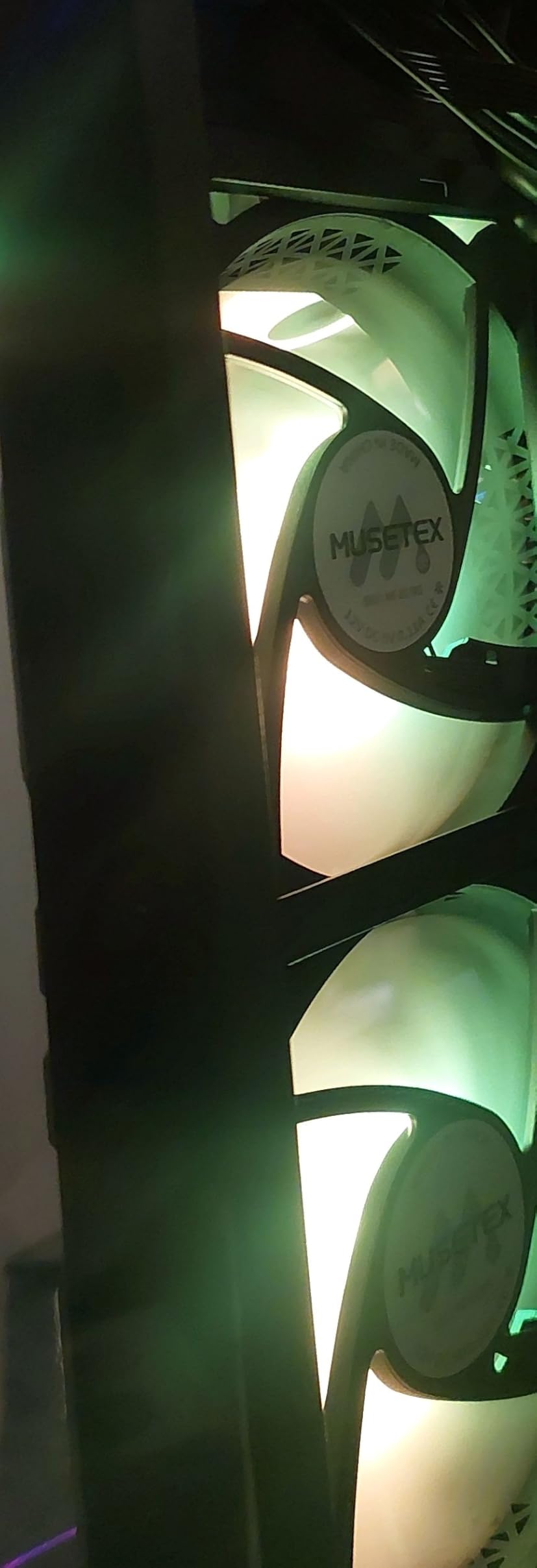
Inside, the layout supports GPUs up to 400mm, CPU coolers up to 165mm and top radiators up to 360mm. Power supplies up to 140mm fit with the hard drive cage in place, rising to 150 to 180mm without it. The 270-degree dual tempered glass gives a wide view, and Type-C front I/O sits alongside two USB 3.0 ports, a microphone jack and audio.
The stated 10-year warranty is the longest in this lineup, and warranty length is a reasonable quality proxy when you are comparing cases at a similar specification. The case supports ATX, micro-ATX and mini-ITX motherboards.
Accept the acoustic and materials trade-off
Entry-level ARGB fans are adequate rather than premium in noise terms, so a system that looks busy also sounds busy unless you tune the fan curve. Seven lit fans on a desk in a shared room is a real consideration, not a preference.
Expect a plastic-heavy chassis
Materials are metal, plastic and tempered glass combined, and buyers comparing directly against metal-bodied cases notice the difference in feel. The glass panels also show fingerprints and are fragile during handling, and the included fans need motherboard software for speed and lighting control.
How Airflow Actually Works Inside a PC Case?
A case does not create cooling. It sets the temperature of the air your components sit in, and everything downstream of that depends on it. A poorly ventilated case can make an excellent CPU cooler and an excellent graphics card both run hotter and faster, shorten component life, and add fan noise as the system ramps up to compensate. That is why case choice comes before cooler choice in most of our advice.
The mechanism is pressure. Fans create a pressure differential, and what happens next depends on which side has more of it. If your intake openings outnumber or out-area the exhaust openings, the case sits at slightly positive pressure and pulls air in through the mesh and the dust filters, which keeps dust out of the machine. If the exhaust is stronger, the case runs negative and pulls air in through every gap it can find, including unfiltered ones.
For most people, slightly positive pressure is the better default because it keeps filters doing their job. The simplest way to get there is one more intake fan than exhaust, or exhaust fans with a slightly higher RPM than intake fans. The practical exception is a case with many more filters than exhaust paths, which naturally sits positive and can feel restricted if you push the fans hard.
Second piece of vocabulary: CFM and static pressure are not the same thing. High-CFM fans push a lot of air through open space, which is what you want behind a mesh panel or a radiator. High static pressure fans push air through restricted openings, which is what you want against a dense filter, a radiator fin stack, or the tight gap between a radiator and a side panel. A case that ships with one kind of fan in every position is rarely optimal.
Finally, the path is what matters, not the fan count. Air should enter at the front and the bottom, pass across the graphics card and up past the CPU, and leave through the rear and the top. The bottom intake position is the one most often skipped and the one that does the most for a graphics card sitting low in the chassis. Cases with a vertical GPU mount can defeat this entirely, because the card is no longer in the path of the intake air.
Mesh vs Glass Front Panels: The Intake Penalty
Mesh is better for airflow. That is the short answer to one of the most common questions on this topic, and it is not really a close comparison. A glass-only front panel is a sealed wall with a fan behind it, and the fan works against a stagnant pocket of air instead of pulling from open space. Buying guides in this vertical commonly cite a figure of roughly 40 percent less intake on a pure glass front compared with a mesh front.
Treat that 40 percent figure as directional rather than lab-grade. It comes from buying-guide comparisons rather than from a single controlled test, and the real penalty depends on the size and placement of the fans and on how far the glass sits from them. What is not in dispute is the direction: mesh moves more air, glass moves less.
There is an acoustic cost too, and it is real. A mesh panel is a perforated surface with a large open area, and it transmits fan noise more readily than a solid panel does. That is the trade at the heart of airflow versus low noise, and the forum consensus is consistent on how to resolve it: more slow fans beat fewer fast fans.
Two good compromises exist if you want both. A slatted or partially ventilated front, like the walnut panel on the Fractal Design North, gives up a small amount of intake for a large gain in appearance. A perforated steel front with a geometric pattern, like the Y-pattern panel on the Corsair 4000D RS, keeps most of the intake benefit while looking far less like a sieve than fine mesh does.
How to Choose a PC Case for Airflow?
Five measurable thresholds are worth checking before you buy anything, and all five are published by manufacturers or listed on the product page.
1. Front intake area. Count the front and bottom fan mounts, not the total. A case with eight mounts that are all rear and roof is not an airflow case. Look for at least two intake positions at the front and one at the bottom.
2. GPU clearance. Aim for 330mm or more measured from the PCIe slot, and check the maximum figure against the case depth rather than the box dimensions. If you plan a front radiator, the GPU figure usually drops.
3. CPU cooler height. 165mm covers most tower coolers, 180mm covers the tall ones. Check this before buying a large air cooler, and remember that side-mounted fans reduce it further.
4. Backplate and cable depth. You need 23mm or more behind the motherboard tray to route power cables properly. Below that, cables push into the chamber and block the intake path.
5. Radiator thickness versus mount depth. This is the failure mode that shows up in every build thread we read. A 360mm AIO on the front of a case can completely block the intake if the radiator and fans together are deeper than the mount allows. Measure radiator thickness plus 25mm for the fans, and compare it with the case’s stated maximum, before you commit to a liquid cooler.
On fan counts, the working rule is straightforward: three intake and one exhaust is a fine starting point for a mid tower, and three intake with two exhaust is better. Six or seven fans running in the 600 to 1000 RPM range will be quieter than three fans running at 1600 RPM, and in a case with a genuinely open front that trade costs you very little in temperature. This is the single most repeated piece of advice in the build communities, and it is correct.
On size, a bigger case is not automatically a better case. What matters is unobstructed intake area and the front-to-rear path. A compact case with a full mesh front and a bottom intake can outperform a much larger case with a sealed front, which is why the NZXT H6 Flow and the Fractal Meshify C both perform well despite their dimensions.
For small desks and dorm rooms, measure the case depth and the weight before you order, not after. Cases in this roundup range from 7.87 inches deep and 6.5 kg up to 20.86 inches deep and 29 pounds, and that spread is the difference between a system that lives on your desk and one that lives on the floor. If your desk is the constraint, the compact options here will serve you better than any full tower.
On brands, Fractal Design, Corsair and NZXT consistently publish accurate specifications and build consistently good airflow layouts. Montech leads on fan count per case, with the caveat that the fans and the warranty are entry-level. Antec leads on capacity. Always verify the exact model, because the same brand often ships airflow-first and glass-first versions of a similar name, and the airflow version may have fewer fan mounts and no fan hub.
One last note on cases that ship with no fans. They are not automatically a bad buy. Fan quality and case quality are separate variables, and a well-ventilated chassis with three good 140mm PWM fans you choose yourself will beat a mediocre chassis stuffed with buzzy 3-pin fans every time. Just budget for the fans, and check the PWM versus 3-pin specification before you assume the included fans will be quiet.
Frequently Asked Questions
What PC case has the most airflow?
It depends on how you measure. By included fan count, the MUSETEX K2 arrives with seven PWM ARGB fans, and the Antec Flux Pro fits up to twelve fans and ships with six. By open panel area and front-to-back path, the Fractal Design Meshify C and the Fractal Design North are the strongest open-layout designs. None of these is a temperature measurement, so measure the specific case against your own parts.
What case is best for airflow?
The Fractal Design North is our pick for most people, because a ventilated walnut front plus a full mesh side panel gives strong cooling while still fitting a desk in a small room. The Antec Flux Pro moves the most air by fan capacity, and the Fractal Design Meshify C is the strongest choice in a compact footprint.
Does a PC case affect airflow?
Yes, and more than most buyers expect. A case sets the baseline air temperature inside the chassis, and a well-ventilated one keeps that baseline low so your CPU cooler and graphics card do not have to work as hard. A poorly ventilated case makes both run hotter and faster, adds fan noise as the system compensates, and shortens component life.
Is mesh or glass better for a PC case?
Mesh, clearly. A glass-only front is a sealed wall with fans behind it, and buying guides in this vertical commonly cite roughly 40 percent less intake than a mesh front. The trade-off is acoustic, since mesh transmits fan noise more readily, which is best solved with more slow high-CFM fans rather than fewer fast ones.
Is a bigger PC case better for airflow?
Not automatically. What matters is unobstructed intake area and a clear front-to-rear path, not exterior volume. A compact case with a full mesh front and a bottom intake can outperform a larger case with a sealed front. A bigger case does help when you want more fan mounts, longer GPU clearance and larger radiator support.
How many fans does a PC case need for good airflow?
Three intake and one exhaust is a solid starting point for a mid tower, and three intake with two exhaust is better. Six or seven fans running between 600 and 1000 RPM will usually be quieter than three fans at full speed, and in a genuinely open case the temperature difference is small.
Our Final Verdict on the Best PC Cases for Airflow in 2026
The Fractal Design North takes the top spot for 2026 because it combines a genuinely ventilated front with a full mesh side panel, holds 355mm of GPU clearance, and stays small enough for a normal desk. If you want the quietest possible build in a small room, the NZXT H6 Flow RGB is the smarter choice, and if you want the biggest fan bundle, the MUSETEX K2 arrives with seven PWM ARGB fans.
Whichever one you choose, check the front intake area, the GPU clearance, the backplate depth and the radiator thickness against the mount depth before you order. Those four numbers prevent almost every airflow problem we see in build threads.