
Laser printers spent two decades as office-only machines, and most of that was down to one number: the cost per page. Dry toner does not dry out, pages come out fast, and a cartridge lasts long enough that the maths works in your favour. That maths is the whole reason the best laser printers for home offices now make sense for people working from a spare room or a dorm room.
Updated for 2026, this roundup covers eight machines that earn their desk space. We looked at monochrome and colour, single-function and all-in-one, and the tiny 11.9-pound boxes as well as the 55-pound monsters. Every pick has automatic duplex unless we say otherwise, because flipping paper by hand defeats the purpose in a busy week.
The two decisions that actually matter are colour versus monochrome and single-function versus all-in-one. Get those right and the rest is refinement. If you mostly print contracts, invoices, shipping labels and spreadsheets, monochrome is the right spend. If you produce charts, proposals and marketing material, a colour laser is worth the extra running cost.
We have not included a photo printer here. Laser output is excellent on text and line art and perfectly serviceable on graphics, but it is not the right tool for photo-heavy work, and we would rather tell you that up front than sell you a feature you will not use.
Table of Contents
Top 3 Laser Printers for Home Offices (October 2026)
These three cover the majority of home-office needs. The first is the one we would put on a shared desk, the second is the best value if you only ever print, and the third is the cheapest way into laser ownership without losing the essentials.

Brother DCP-L2640DW
- copy and scan in one body
- 36 ppm monochrome
- 50-page document feeder
- Automatic duplex

Brother HL-L2460DW
- Print only at up to 36 ppm
- Automatic duplex
- 250-sheet tray
- Ethernet and dual-band Wi-Fi

Brother HL-L2405W
- Clean bloatware-free setup
- 30 ppm monochrome
- 250-sheet tray
- Manual duplex only
All 8 Picks at a Glance in 2026
This table is the fastest way to narrow the field. The three Brothers dominate the monochrome column because they all share the same TN830 toner family, which means one cartridge type covers the range. The Canons split neatly into mono and colour, and the two HP machines cover the smallest and the fastest ends of the list.
| Product | Specs | Action |
|---|---|---|
| Brother DCP-L2640DW |
|
Check Latest Price |
| Brother HL-L2460DW |
|
Check Latest Price |
| Brother HL-L2405W |
|
Check Latest Price |
 HP LaserJet MFP M140w HP LaserJet MFP M140w |
|
Check Latest Price |
 HP LaserJet Pro MFP 3101sdw HP LaserJet Pro MFP 3101sdw |
|
Check Latest Price |
 Canon imageCLASS MF273dw Canon imageCLASS MF273dw |
|
Check Latest Price |
 Canon Color imageCLASS LBP646Cdw Canon Color imageCLASS LBP646Cdw |
|
Check Latest Price |
 Canon Color imageCLASS MF662Cdw Canon Color imageCLASS MF662Cdw |
|
Check Latest Price |
A note on the pages-per-minute figures before you compare them. Brands do not test the same way, and the numbers above are manufacturer ratings rather than measurements from one lab bench. Treat them as a rough ranking within a brand, not across all eight machines.
1. Brother DCP-L2640DW – Best All-in-One Laser Printer for a Home Office
Brother DCP-L2640DW Wireless Compact Monochrome Multi-Function Printer, Copy, Scan, Duplex, Mobile Printing
Monochrome 3-in-1
36 ppm
Automatic duplex
50-page document feeder
Ethernet, USB and Wi-Fi
Pros
- Prints at up to 36 ppm with crisp text
- 50-page automatic document feeder for multi-page jobs
- Automatic duplex cuts paper use in half
- Dual-band Wi-Fi plus Ethernet and USB
- Mobile Connect app for printing
- scanning and toner ordering
Cons
- Bundled scanning software is clunky and PC scan-to-file can hang
- On-printer menus are hard to navigate without documentation
- Short power cord and a body larger than most compact lasers
The DCP-L2640DW is the machine we keep coming back to. It does three jobs in one body, runs at up to 36 pages per minute, and reaches a first page in 8.5 seconds. With 3904 reviews behind it, this is also the most thoroughly tested printer in the group, which matters when you are about to put a shared device in a room where two people work.
Owners consistently report years of dependable service and text output that stays sharp long after the cartridge is fitted. The toner story is straightforward too: TN830 or the high-yield TN830XL, both widely available in third-party form, which gives you a per-page figure you can actually predict.
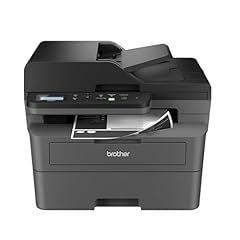
The 50-page automatic document feeder is the reason this earns top billing. Scanning signed contracts, copying a passport page or feeding a stack of invoices takes one trip to the machine rather than twenty. The flatbed covers originals the feeder cannot take, and copying runs up to 50 copies per run.
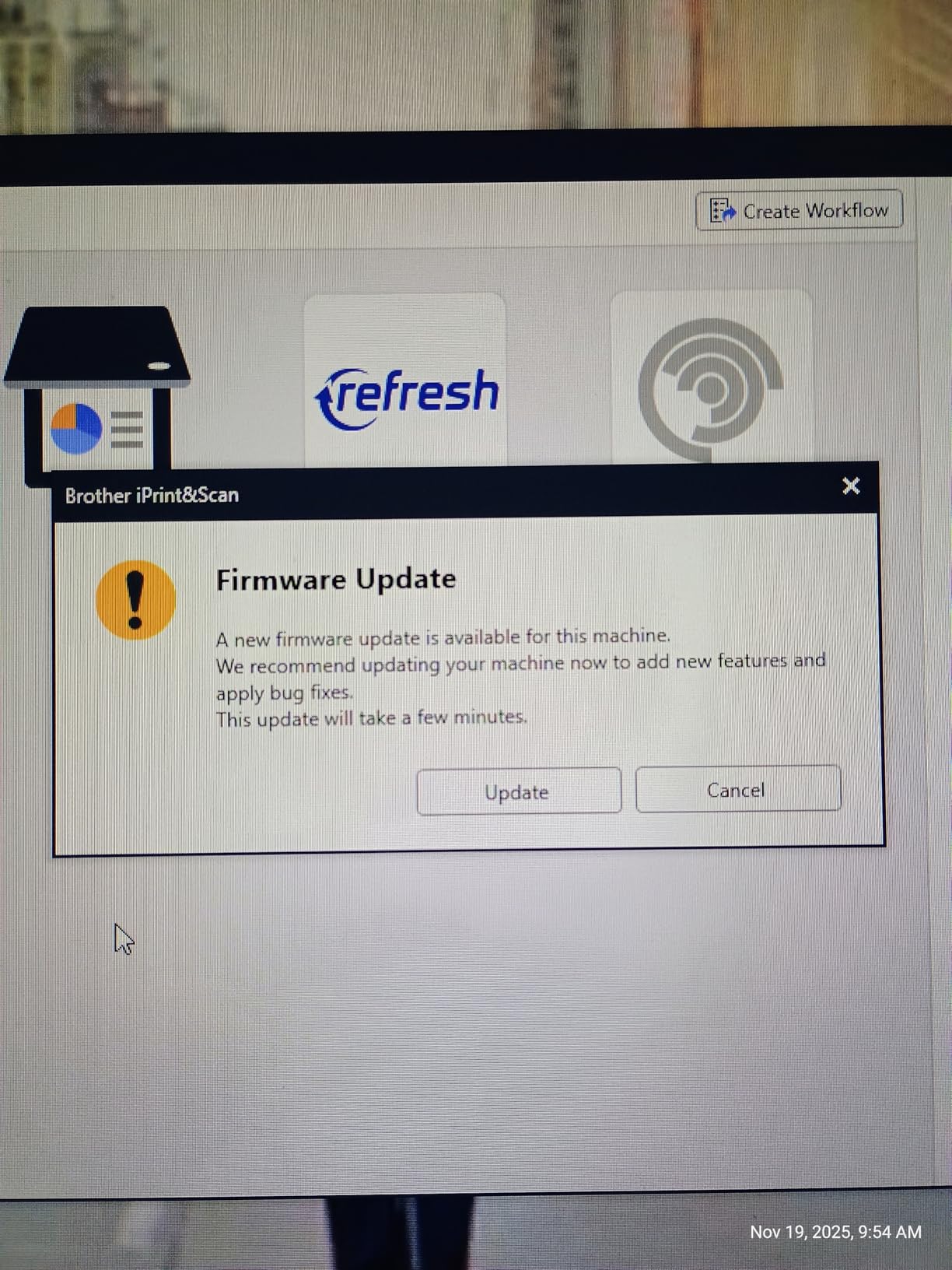
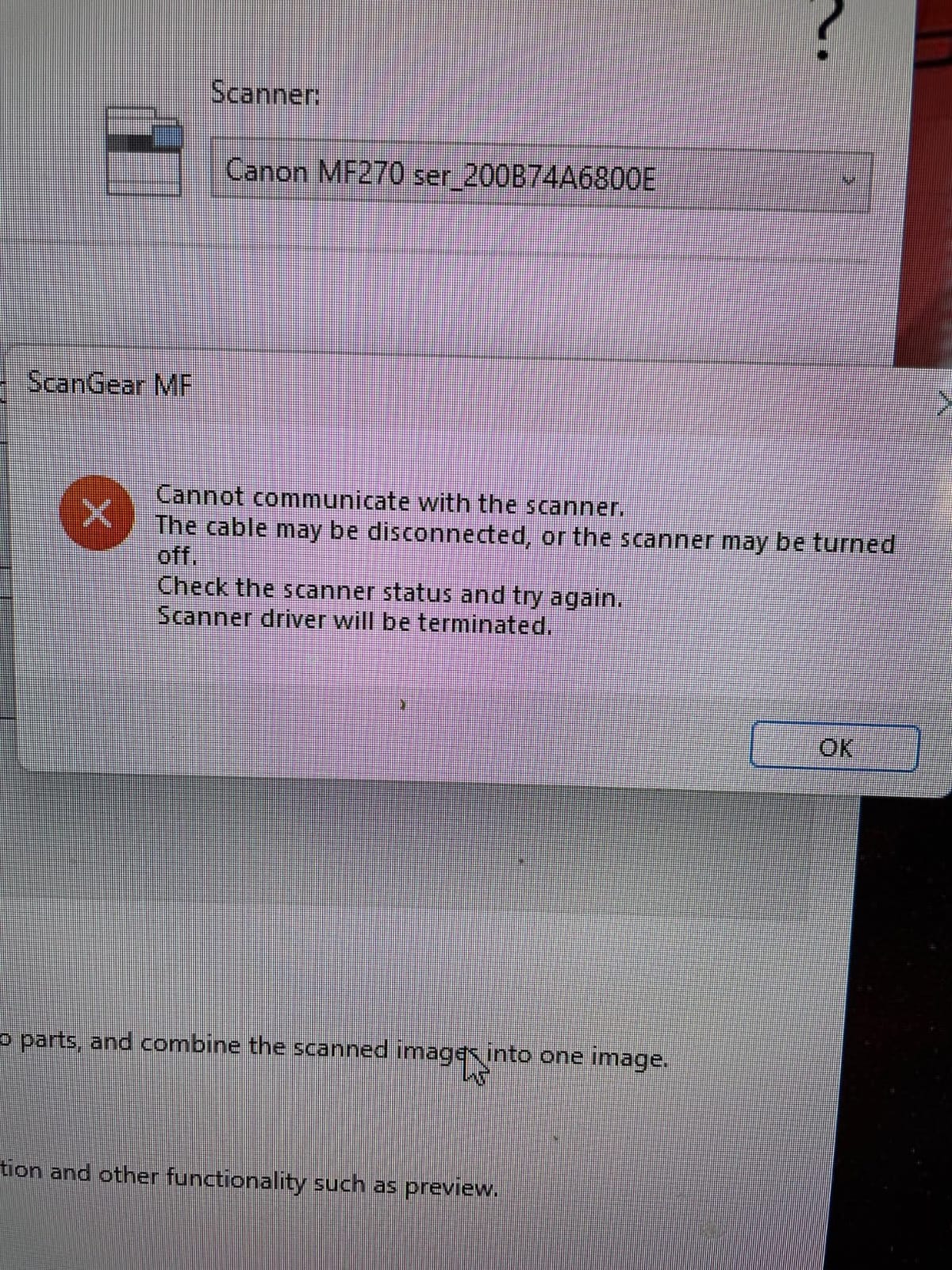
The weaknesses are all in software rather than hardware. Scan-to-PDF from a PC can hang and force a restart, and the firmware and password change flow returns failure prompts often enough that owners route around it. The bundled scanning utility is widely criticised in favour of third-party tools. None of that touches printing quality.
At 25 pounds and 15.7 by 16.1 by 12.5 inches, it is bigger and louder than people expect from a “compact” machine. Budget for a shelf or a side table rather than a desk edge, and for a longer power lead than the one supplied.
Is a home laser printer worth it? This one makes the case
Yes, and this is the clearest example in the group. Toner does not dry in the cartridge, so a printer that sits untouched for a month still prints a clean first page when you need it. Over a year of typical home-office printing, the per-page cost sits well below what an inkjet cartridge works out at.
The purchase price is higher than a basic inkjet, so the saving arrives after the first few reams rather than on day one. If you print weekly or less, an inkjet tank still makes more sense. If you print most weeks, this pays back.
When to choose something else
Skip it if you need colour. There is no colour path at all on this machine, and adding one means buying a different printer rather than a different cartridge. It is also the wrong pick if your desk space is genuinely tight: the HP LaserJet MFP M140w is roughly half the weight and far shallower.
If you already own a decent flatbed scanner, the copy and scan functions duplicate what you own and the print-only Brother HL-L2460DW does the same job for less. Do not pay twice for hardware you already have.
2. Brother HL-L2460DW – Best Value Monochrome Laser for a Home Office
Brother HL-L2460DW Wireless Compact Monochrome Laser Printer with Duplex, Mobile Printing, Black & White Output | Includes Refresh Subscription Trial(1), Works with Alexa
Monochrome print only
36 ppm
Automatic duplex
250-sheet tray
Ethernet, USB and Wi-Fi
Pros
- First page in under 9 seconds and about 35 ppm in use
- Automatic duplex handles booklets and multi-copy jobs
- Light at 15.6 pounds with a 250-sheet tray
- Sharp smudge-free text with no reported jams
- Wireless and Ethernet setup works on Windows
- Mac and Linux
Cons
- On-screen Wi-Fi setup is tedious with the tiny display and few buttons
- No scanner and no copier in this body
- Pre-registered toner subscription trial can generate surprise overage charges
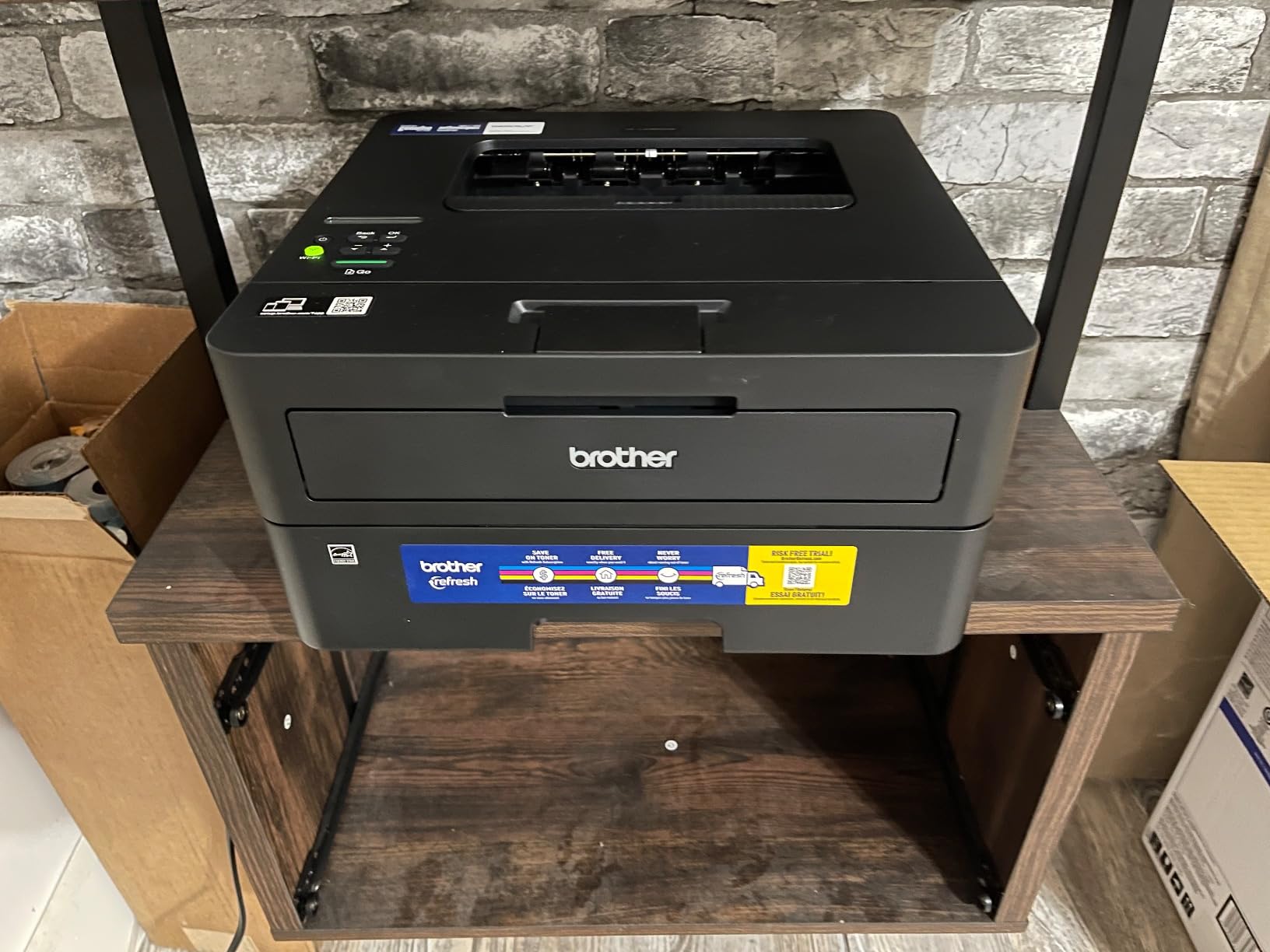
The HL-L2460DW is the one we recommend when the job is purely printing. It shares the 36 ppm engine, the 1200 by 1200 dpi resolution and the automatic duplex of the machine above, and it weighs 15.6 pounds instead of 25. That combination of speed and size is rare at this end of the range.
Output is sharp and smudge-free, duplexing is described as reliable for booklets, and toner changes are simple with high-yield options available. It prints from Windows, Mac and Linux on the same network, which is rarer than manufacturers like to admit.
The main friction is the on-printer Wi-Fi setup. With a very small display and a limited set of physical buttons, the guided network flow is tedious, and most people finish the job from a laptop instead. Budget ten extra minutes for that.
Build quality is basic: an all-plastic shell, a simple button set and a small screen. A few owners report units that stopped working after roughly a year and a half of light use, so treat it as a printer you may replace within a few years rather than a lifetime purchase.
The pre-registered subscription trial is the other thing to look at. Several buyers say they were enrolled without clear consent and found the overage charges confusing. Cancel the trial from the Brother account area on day one if you plan to buy your own toner.
What it costs to run per month
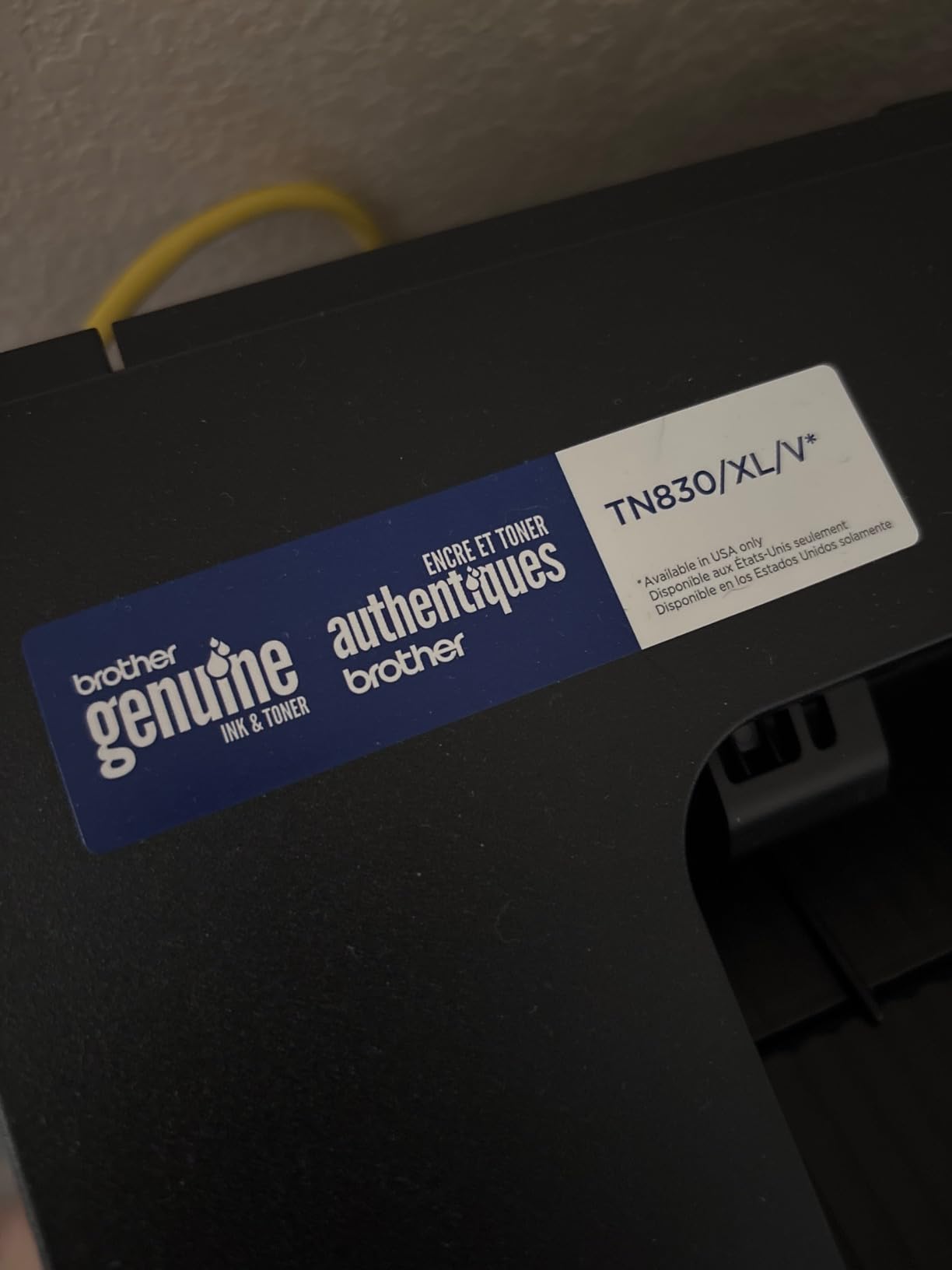
The printer uses TN830 and TN830XL cartridges, the same family as the rest of the Brother range, so compatible third-party options are plentiful and the per-page cost is predictable. Buy the XL version and cost per page falls again, which matters more than any feature on the spec sheet.
Estimating monthly cost is simple: pages per month divided by cartridge yield, multiplied by cartridge price. At a few hundred pages a month the toner outlives your paper stock, which is the argument for laser in one line.
Who should pick this and who should not
Pick it if you print contracts, reports, invoices and labels and nothing else, you want automatic two-sided printing, and you want Ethernet as a fallback when your home Wi-Fi misbehaves. It is also the lightest full-featured printer here.
Pass on it if you need a scanner, if you print colour at all, or if a subscription service appeals to you and you trust yourself to remember to cancel. For scanning, the DCP-L2640DW covers the same engine with a feeder attached.
3. Brother HL-L2405W – The Cleanest Setup and Simplest Ownership
Brother HL-L2405W Wireless Compact Monochrome Laser Printer with Mobile Printing, Black & White Output | Includes Refresh Subscription Trial(1), Works with Alexa
Monochrome print only
30 ppm
Manual duplex
250-sheet tray
15.1 pounds
Pros
- Installs cleanly with no forced apps
- terms or email sign-ups
- Compact 14.2 x 14 x 7.2 inch body with a 250-sheet tray
- Crisp monochrome output that holds quality over time
- Ready to print straight out of deep sleep after weeks of use
- Low-cost toner keeps running costs down
Cons
- Manual duplex only
- so two-sided jobs need manual reloading
- No Ethernet port and wired networking is limited to USB
- Machine prints the last page first
- forcing manual collation
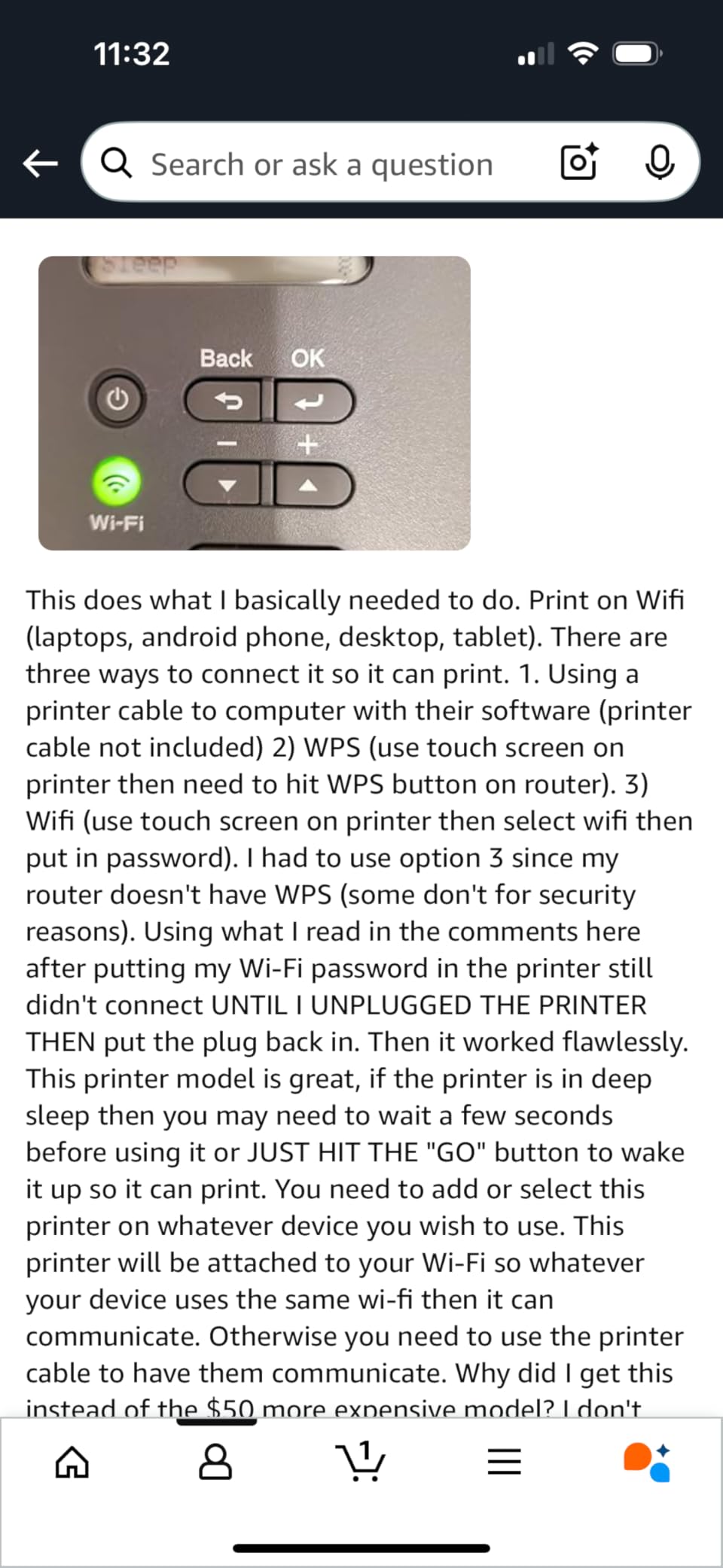
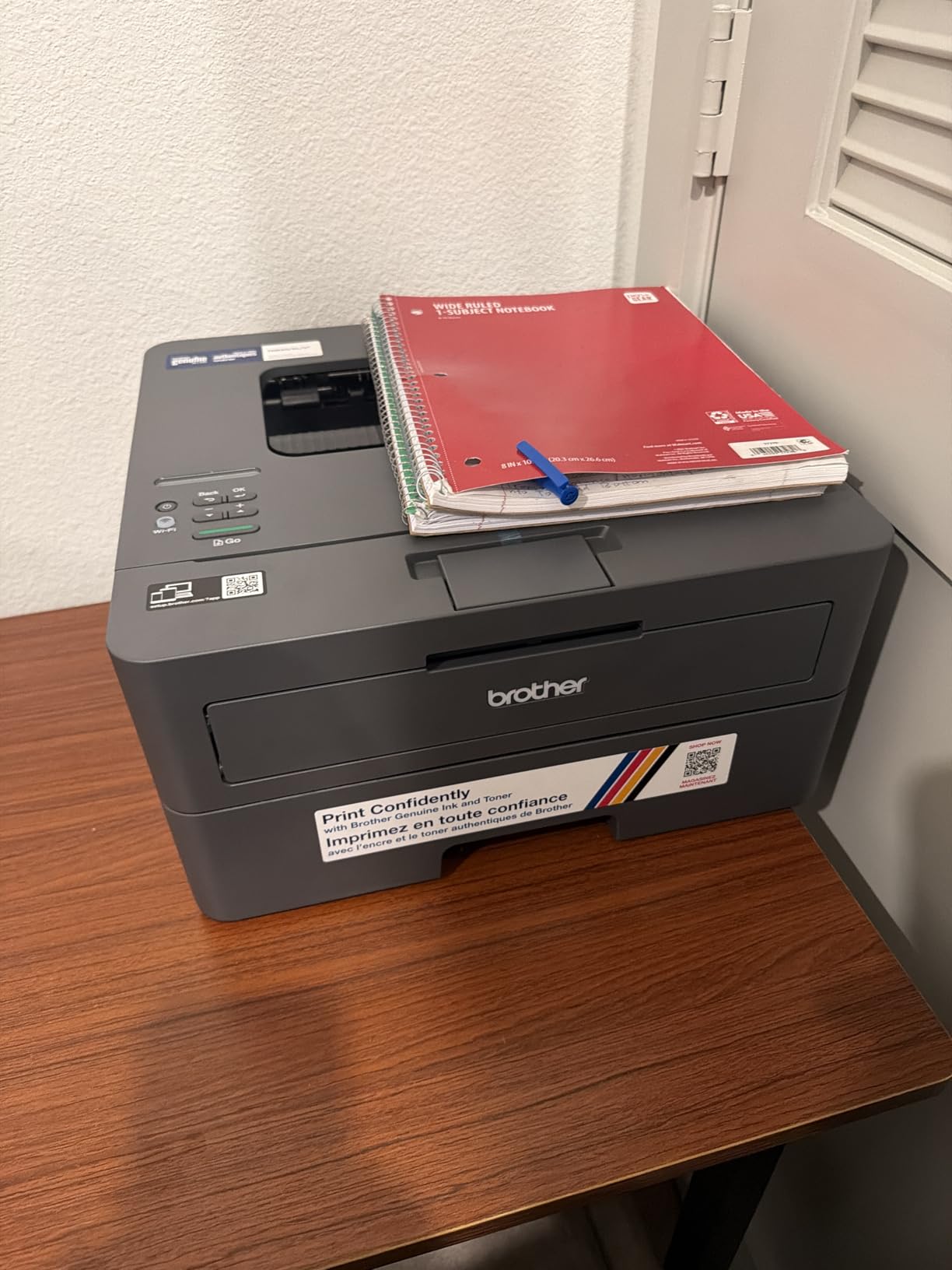
If your objection to buying a printer is a fifteen-minute fight with software, this is the one to shortlist. Owners single out the install as clean and bloatware-free, with no forced applications, no terms to accept and no email sign-up. After that you print.
It runs at up to 30 ppm with an 8.5-second first page, holds 250 sheets, and comes in at 15.1 pounds with a 14.2 by 14 by 7.2 inch footprint. That makes it one of the easier laser printers to find room for in a home office.
The catch is duplexing. Two-sided printing is manual, which means reloading the stack by hand for every long document. If you print a forty-page report once a month, that is a nuisance. If you print a forty-page report every Friday, it is a reason to buy the machine above instead.
There is no Ethernet port, so your only wired option is USB. Setup runs through a mobile-first QR code flow with a separate PC registration step, and the setup password and serial number are printed on the back of the machine where they are easy to mistype. Some people also see connectivity dropouts on mesh networks after long idle periods.
Two smaller quirks: multi-page jobs print the last page first, so you collate by hand, and the machine halts completely when toner runs out rather than continuing in reduced mode. Toner Save mode also has to be reselected for every job.
Manual duplex: how much it actually matters
Manual duplex is only a problem in one situation, which is a long two-sided job. Anything under ten pages, you will flip the stack and carry on without thinking about it. A contract, a grant application or a set of invoices is where it starts costing you time.
If you know you will print long documents, the automatic duplex on the HL-L2460DW is worth the step up. If you mostly print one-pagers, labels and envelopes, this machine is fine and cheaper to live with.
Before you buy, check the toner maths
Every machine in this roundup arrives with a starter cartridge rather than a full one, and the starter is the one that runs out first. That is normal, but it means the running cost over the first six months is higher than the per-page figure suggests.
Check the cartridge model on the listing, then price a high-yield TN830XL before you commit. Communities like r/printers repeatedly make the same point: a cheap printer with an awkward cartridge is not a cheap printer.
4. HP LaserJet MFP M140w – Smallest Multifunction for a Shared Desk
HP Laserjet MFP M140w Wireless Black & White Printer, Print, scan, Copy, Fast speeds, Easy Setup, Mobile Printing, Best-for-Small Teams
Monochrome print scan copy
21 ppm
No duplex
Flatbed scanner
11.9 pounds
Pros
- Smallest and lightest body here at 11.9 pounds
- Prints scans and copies in a 10.4 x 14.2 x 7.8 inch shell
- Prints from phones
- tablets
- Mac
- AirPrint
- Android and Chromebook
- ID card copy puts both sides of a small document on one sheet
- HP Smart app handles cloud scanning
Cons
- No automatic duplex and single-sided printing only
- Slowest engine in the group at 21 ppm
- Small 99-sheet input tray and 99-sheet output
- Flatbed scanner only with no document feeder
- 600 x 600 dpi maximum resolution
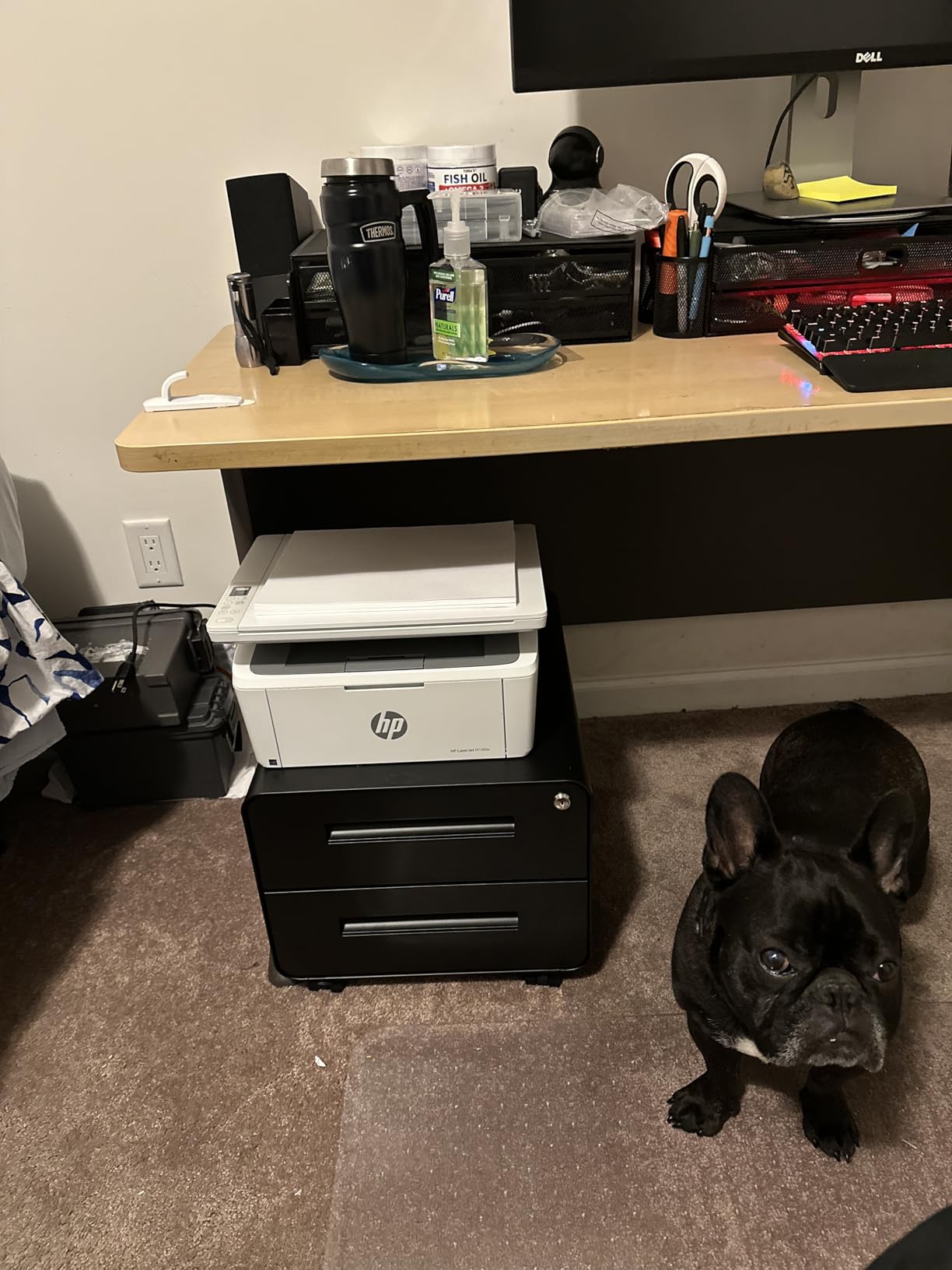
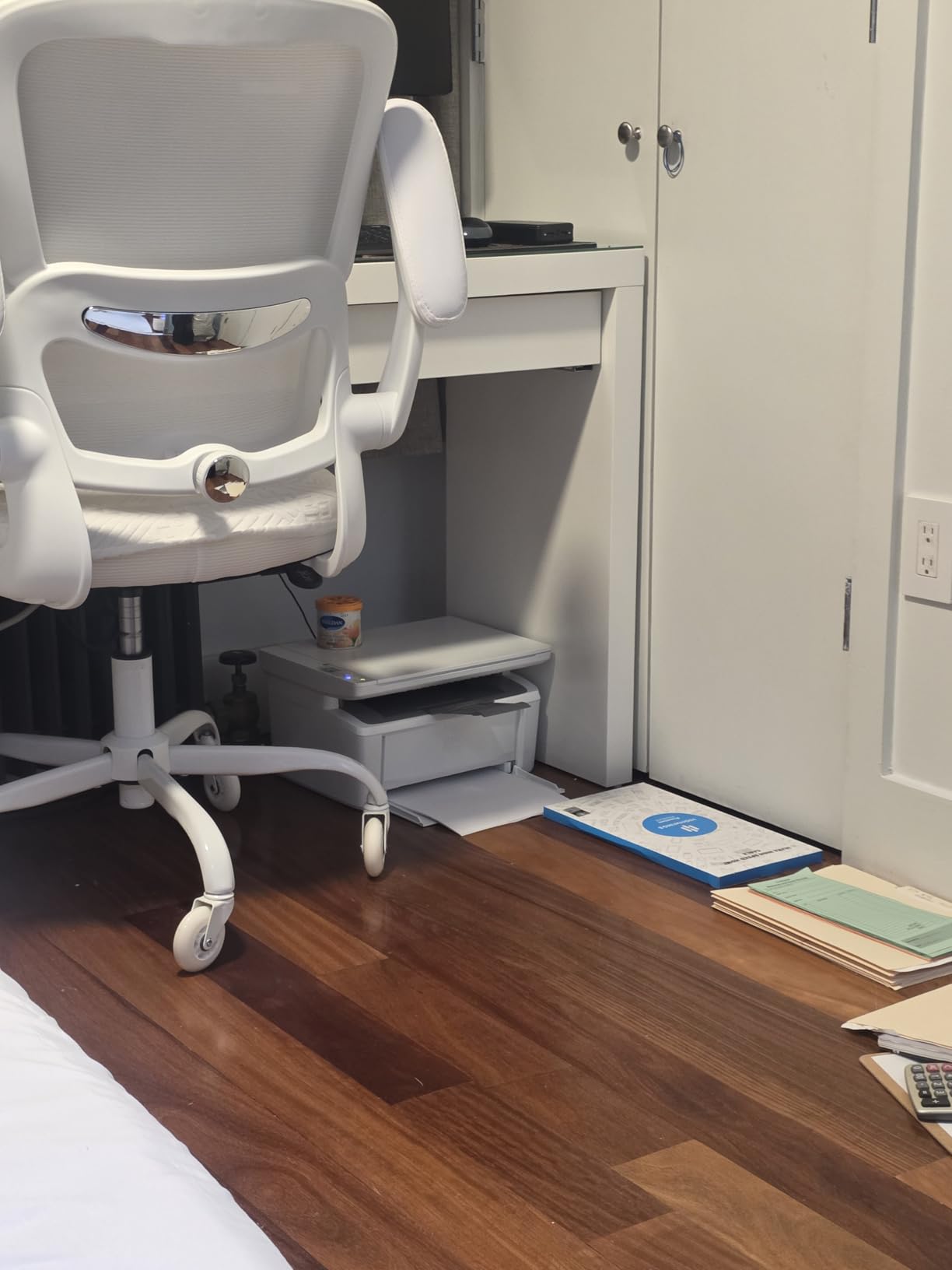
Space is the constraint this solves. At 11.9 pounds and 10.4 by 14.2 by 7.8 inches, it is the smallest and lightest machine we tested, and it still prints, scans and copies. For a home office that is a shelf in a hallway rather than a corner of the room, that combination is the whole argument.
Setup is the easy part. It prints from phones, tablets, PCs, Mac, AirPrint, Android and Chromebook, and the wireless connection self-resets, which is more than several other machines here manage. The HP Smart app covers cloud scanning and mobile print and copy tasks.
Everything here is a trade. There is no automatic duplex, so output is single-sided only. The engine manages 21 ppm, the slowest in the group, and the 99-sheet input and output trays mean refilling more often than you would on a 250-sheet machine.
Scanning is flatbed only, with no document feeder, so a multi-page scan is one page at a time. Maximum resolution is 600 by 600 dpi, the joint-lowest here, which is fine for forms and rough copies but soft on very small text.
The bigger ownership point: this machine only works with cartridges containing original HP chips or circuitry, and it will refuse aftermarket ones. That removes the third-party discount that makes Brother and Canon running costs easier to manage. Factor that into the total cost over several years.
Print speed: why 21 ppm is not always slow
Pages per minute only matters when you print in runs. For a single sheet on a Tuesday morning, 21 ppm and 40 ppm feel identical. For a 150-page report, the difference is roughly seven minutes of your morning.
First-page time tells you more about the experience you will actually have. At 8.3 seconds from cold, this machine feels responsive despite the modest engine speed. Judge on both numbers together.
Which printer suits your space
Choose this one if your available surface is measured in inches rather than feet, or if you want scanning and copying without a second device. The flatbed handles ID cards and small documents, and the ID copy function puts both sides on one sheet.
Move up to the HP LaserJet Pro MFP 3101sdw if duplexing, a document feeder or a 250-sheet tray matter more than footprint. Its engine is nearly twice as fast and it adds automatic two-sided output.
5. HP LaserJet Pro MFP 3101sdw – Fastest Duplex All-in-One Here
HP LaserJet Pro MFP 3101sdw Wireless Black and White All-in-One Laser Printer, Office Printer, Duplex, Best-for-Small Teams (9D2X4F)
Monochrome all-in-one
Up to 40 ppm
Automatic duplex
50-page ADF
7 second first page
Pros
- Highest rated machine here with a 4.5 average across 596 reviews
- Fastest engine here at up to 40 ppm with a 7 second first page
- Automatic duplex plus a 250-sheet tray and 50-sheet feeder
- Setup is straightforward and it printed from several floors of a home
- Wireless connection self-heals after a power outage
Cons
- Bulky at 15.7 x 16.5 x 12.3 inches and 23.1 pounds
- Firmware updates can lock out aftermarket toner
- Some owners report the Wi-Fi connection dropping after a network surge
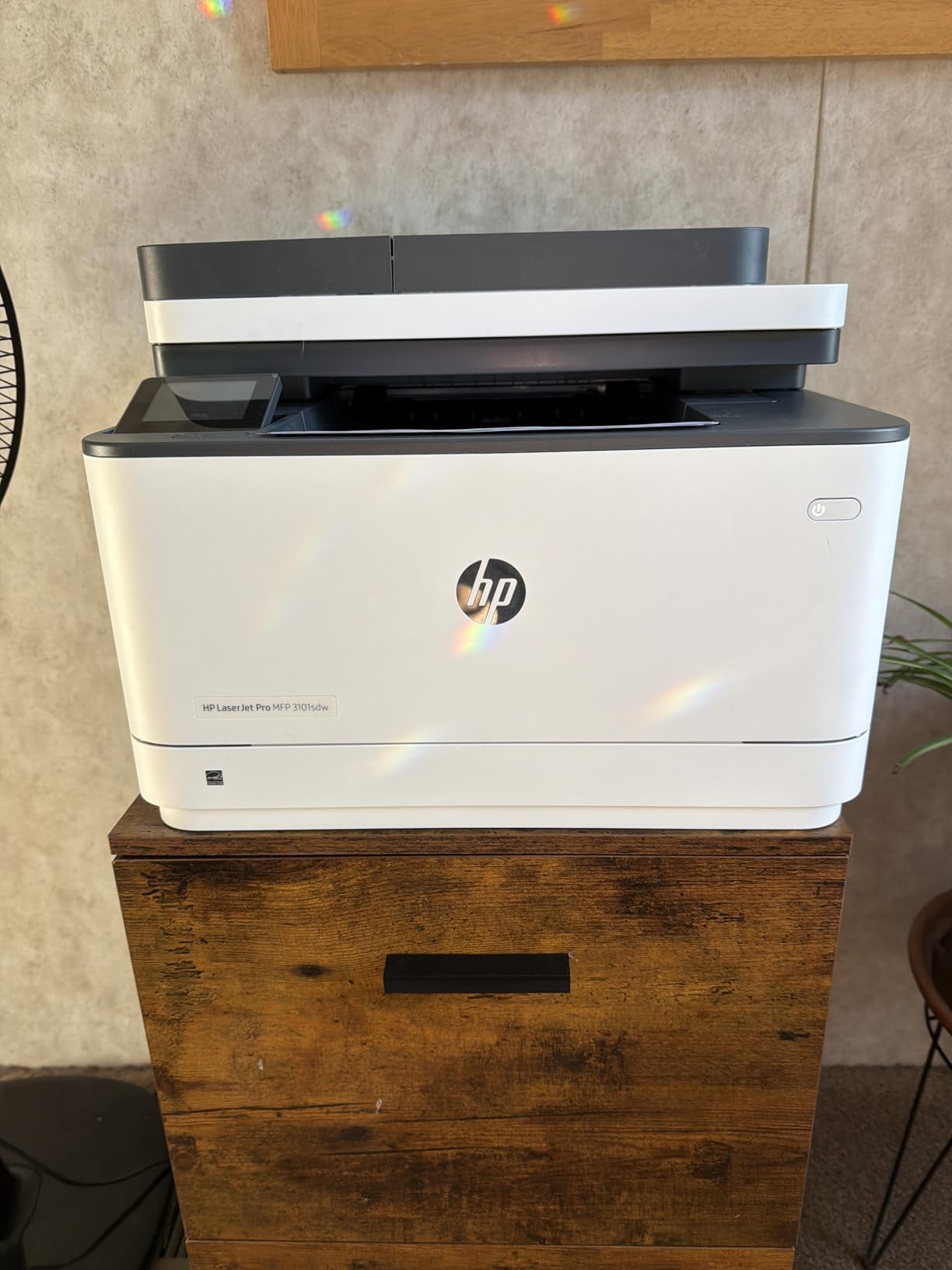
This is the strongest all-rounder on paper: 40 ppm, a 7-second first page, automatic duplex, a 250-sheet tray, a 250-sheet output stack and a 50-page automatic document feeder. It also carries the highest customer rating in the group at 4.5 across 596 reviews, and reviewers call out quiet operation and crisp, clear output.
Wireless is the quiet hero. Owners report it connecting to Wi-Fi immediately, printing from several floors of a house, and recovering the connection on its own after a power outage. That self-healing behaviour is the difference between a printer you use and a printer you fight.
There is a clear reason to look elsewhere, though, and it is toner locking. HP enforces its cartridge chip policy through firmware updates, which can block aftermarket cartridges. Combined with the size and weight, that changes the long-term maths for anyone who plans to keep this machine for years.
Size is the other issue. At 23.1 pounds and 15.7 by 16.5 by 12.3 inches it needs a proper surface, and the paper tray is described as flimsy by some owners. A few buyers also hit a no-paper error during initial setup and report a long wake time.
One thing to check on delivery day: the box contains an introductory cartridge rated at roughly 1000 pages, which is lower than the yield of a standard cartridge. Price the replacement before you fall in love with the machine.
Reliability and expected lifespan
The 4.5 rating is based on fewer reviews than the rest of the group, so treat it as a strong signal rather than a settled record. What reviewers do agree on is output quality, quietness and setup, and none of those tend to degrade the way consumable costs do.
Ask yourself how long you expect to keep it. Over three to four years the engine and duplex unit on this machine will serve a busy household well. If you will replace it sooner, the Brother DCP-L2640DW offers a similar feature set with cheaper third-party toner.
What the automatic document feeder changes
A 50-sheet feeder changes how you use a home office printer. Scanning a signed agreement, copying a set of receipts or duplicating a form becomes one action at the machine rather than a sequence of individual page operations.
It also means a single device covers printing, scanning and copying, so you can drop a separate flatbed scanner from your shopping list. If you already own one and it does the job, that saving is worth comparing against the cartridge restriction.
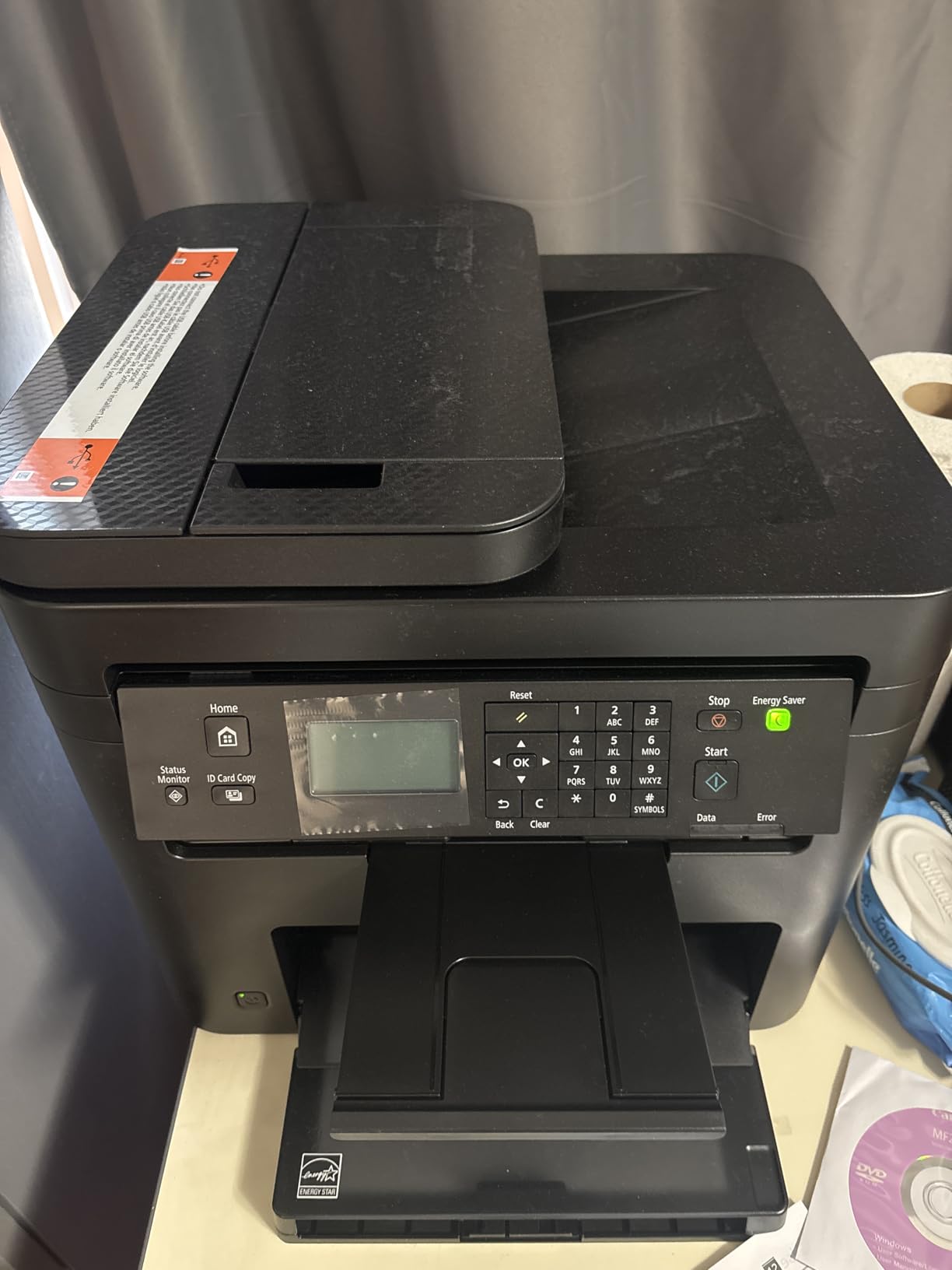
6. Canon imageCLASS MF273dw – Sharpest Monochrome Text and Quickest First Page
Canon imageCLASS MF273dw – Monochrome Wireless Laser Printer, Multifunction With Scanner, Copier, Auto Document Feeder, With 1 Year Limited Warranty, 30 PPM, Black
Monochrome print copy scan
30 ppm
Automatic duplex
5.3 second first page
2400 x 600 dpi
Pros
- Fastest first page in the group at about 5.3 seconds
- Highest monochrome resolution here at up to 2400 x 600 dpi
- Wireless print copy and scan with an automatic document feeder
- Automatic two-sided printing
- Wi-Fi Direct works without a router
Cons
- Smallest paper capacity here at a 150-sheet tray
- No Ethernet port
- so networking depends on Wi-Fi and USB
- Sheetfed scanner only with no flatbed for odd-sized originals
- Tall and heavy at 24.7 pounds
Two numbers make this the interesting one. The first page arrives in about 5.3 seconds, the quickest here, and monochrome print and copy resolution goes up to 2400 by 600 dpi, the highest in the group. If you print small legal text, dense forms or fine print in a contract, that resolution shows.
It is also a full 3-in-1 over Wi-Fi with an automatic document feeder, automatic two-sided printing, and Wi-Fi Direct so a phone or laptop can connect without going through a router. That last feature is genuinely useful in a shared flat or a building with awkward network coverage.
The compromises are physical. The paper tray holds 150 sheets, the smallest here, so you fill it more often. There is no Ethernet port, leaving Wi-Fi and USB as your only options, and if your router sits on 5 GHz you will want a router that broadcasts both bands.
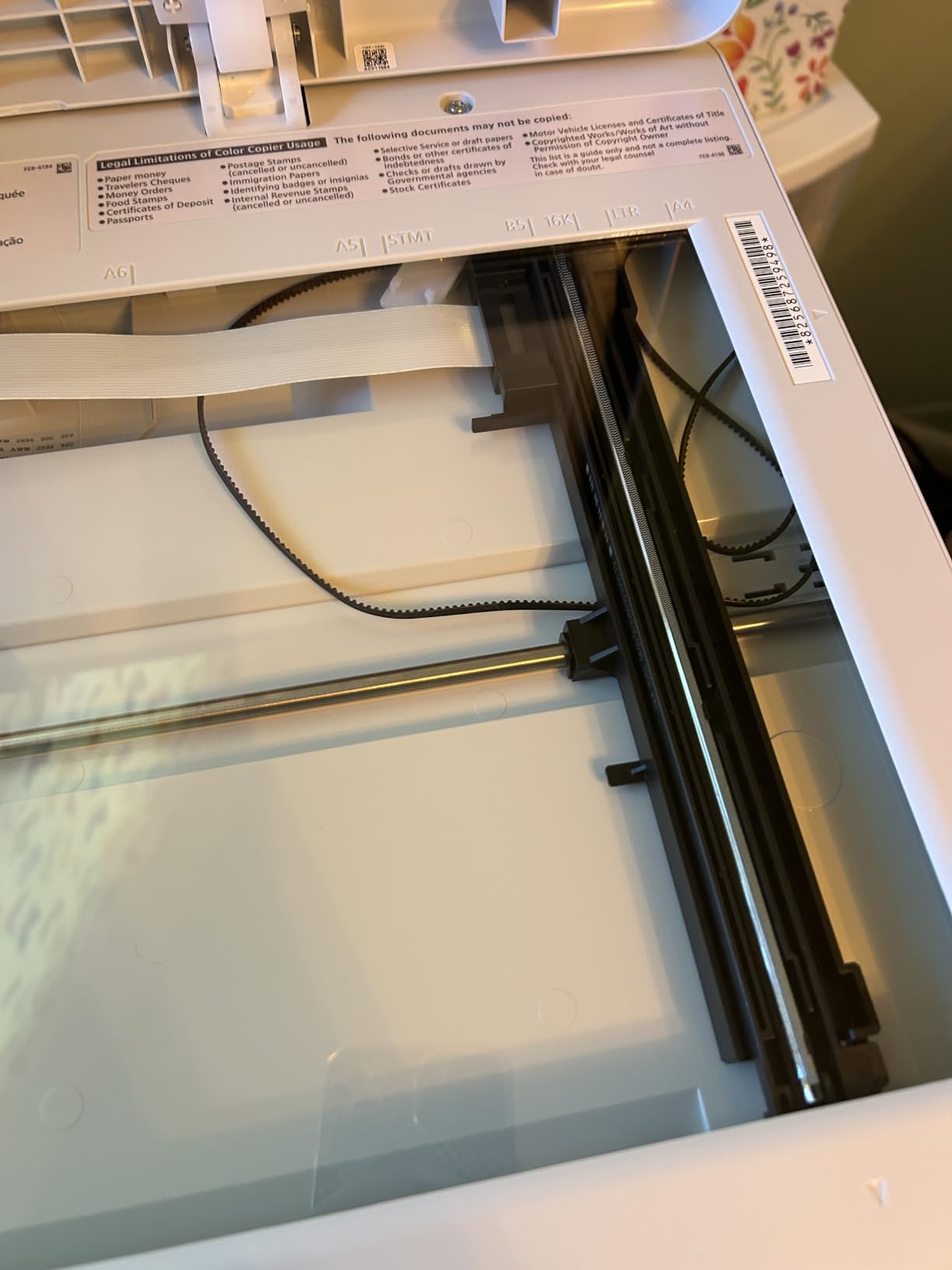
Scanning is sheetfed only. There is no flatbed, so an odd-sized original, a book page or a damaged document has to be copied by another route. At 24.7 pounds and 14.6 by 15.4 by 14.4 inches it is tall and needs a dedicated spot rather than a low shelf.
Note what is in the box: a Cartridge 071 Black starter rated at a 700-page yield, plus a 1-year limited warranty. The 071 and 071 high-capacity cartridges are the consumables to price before you commit.
Why resolution matters more than you think
Resolution shows up in the places where a home office actually gets judged. Fine print in a contract, a dense table in a report, a scanned signature and a serial number on a warranty form are all areas where a 1200 by 1200 dpi engine and a 2400 by 600 dpi engine look noticeably different.
It matters far less for envelopes, shipping labels and standard forms, where both are more than adequate. Judge the resolution against the documents you actually produce rather than the number on the box.
Setting up on a home network
Wi-Fi Direct gives you a fallback that most machines in this group lack. If your router is busy, hidden in another room or shared with dozens of devices, you can still print by creating a direct wireless link from your phone or laptop.
Expect the usual first-day friction. The physical control panel is small, and the network step is quicker from a computer than from the machine itself. Canon’s PRINT app handles the basics; community users often prefer a phone printing app for everyday jobs once setup is done.
7. Canon Color imageCLASS LBP646Cdw – Best Colour Laser Without a Scanner
Canon Color imageCLASS LBP646Cdw Wireless Laser Printer, Duplex, 26 PPM, Print Only, White
Colour laser print only
26 ppm
Automatic duplex
250-sheet cassette
3-year warranty
Pros
- Genuine colour laser output where most home printers are monochrome
- Automatic two-sided printing at 26 ppm in both colour and black and white
- Colour resolution up to 1200 x 1200 dpi
- Simple wireless setup with a 5-line LCD
- Three-year manufacturer warranty
Cons
- Print only with no scanner
- copier or fax
- Heavy at 39.4 pounds and awkward to lift out of the box
- Canon 075 cartridges are costly
- Connects only to the 2.4GHz band
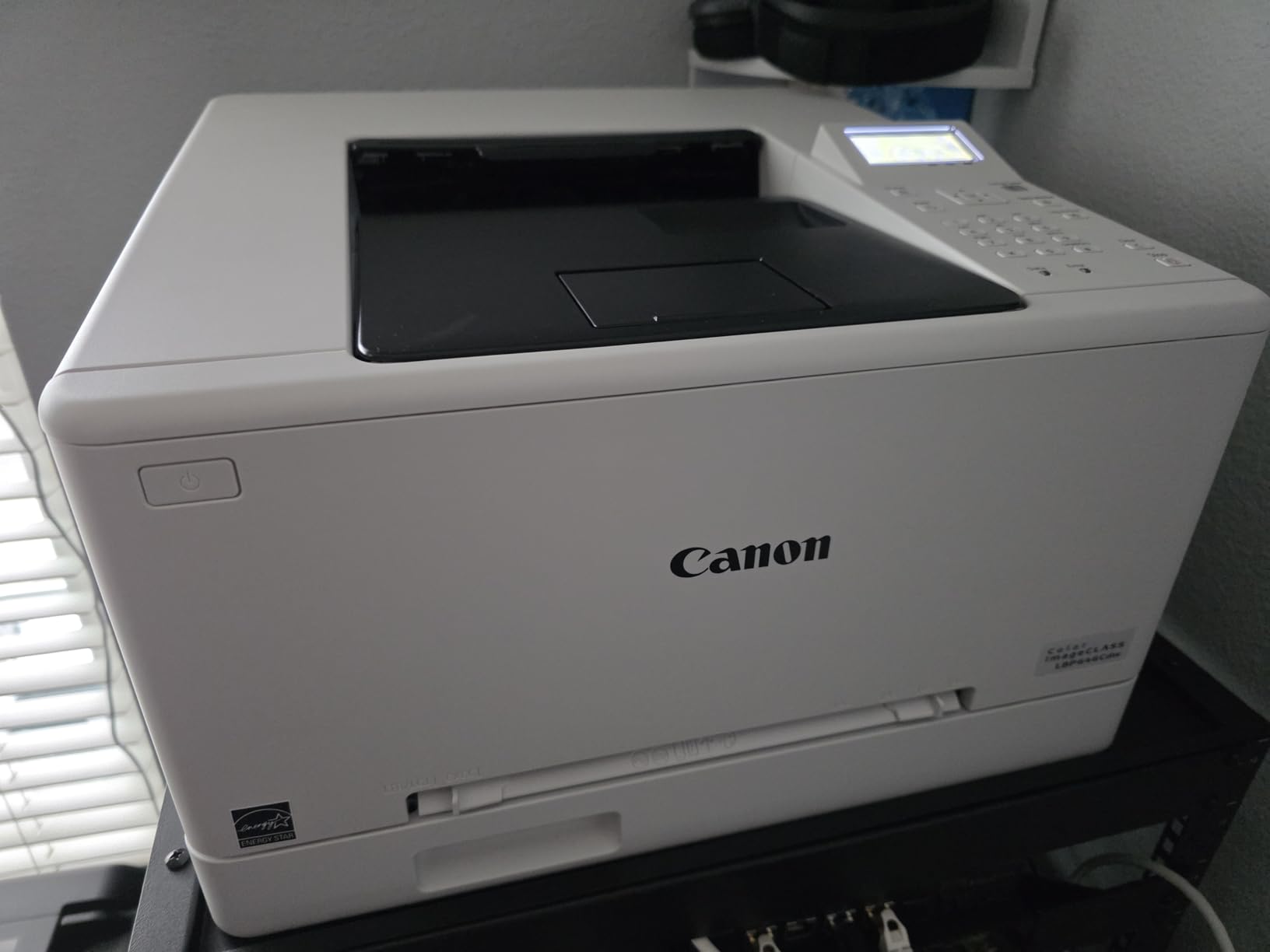
This is the one to look at if colour output matters and you do not need to scan. It prints 26 ppm in both colour and monochrome, has automatic duplex, a 5-line LCD and a 250-sheet standard cassette plus a multipurpose tray. Colour resolution reaches 1200 by 1200 dpi, which is real for charts and marketing material.
The warranty is the stand-out detail: three years from the manufacturer, longer than anything else in this roundup. For a colour laser, where the fuser and transfer assembly work harder, that coverage is worth reading twice.
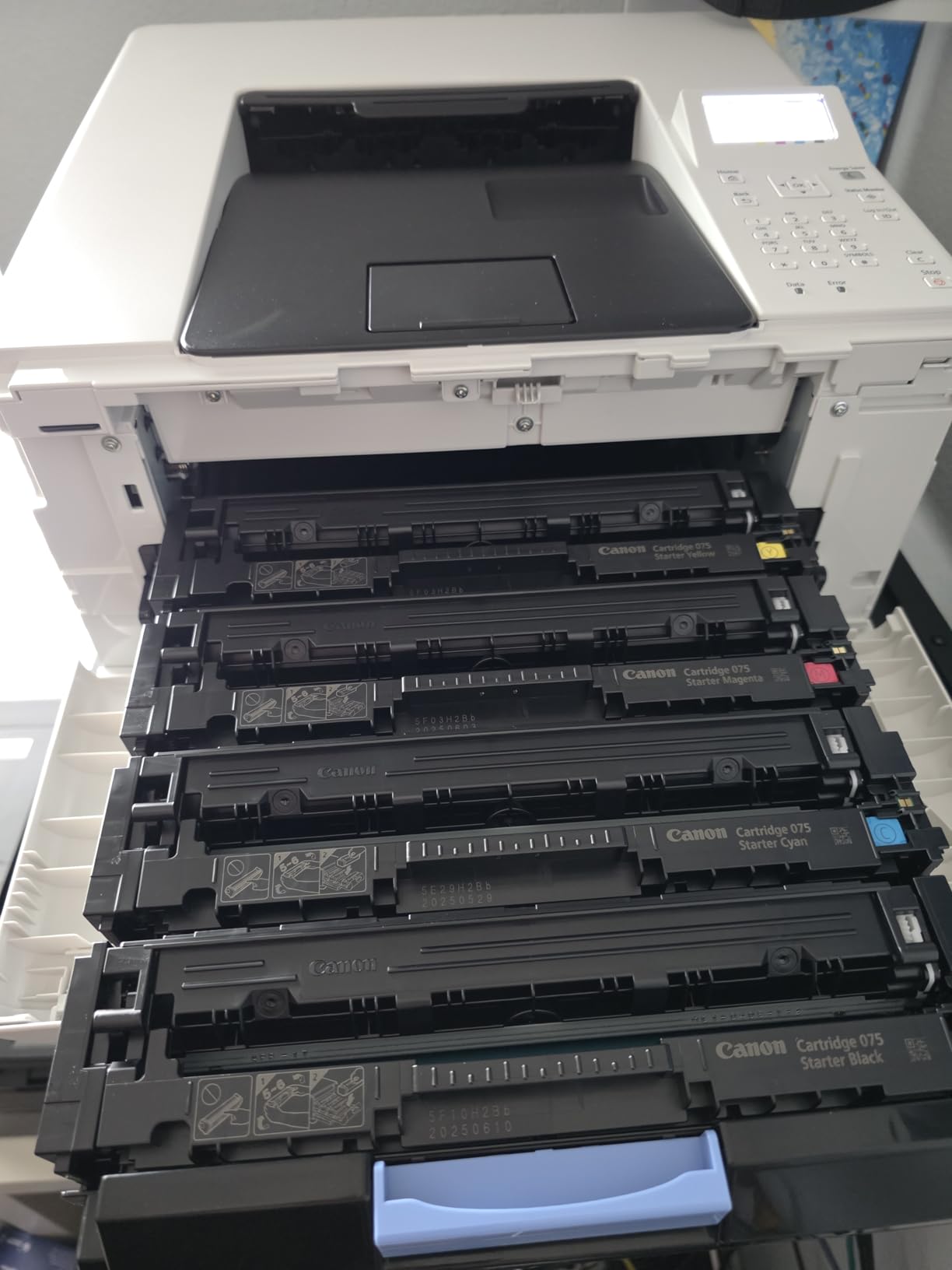
Setup is not the trial and error it can be. One owner reported printing over Wi-Fi about thirty minutes after unboxing, and the printer handles labels cleanly and takes photo paper without bending or jamming. Canon PRINT, AirPrint and Mopria are all supported.
It is print-only, so documents have to be scanned somewhere else. At 39.4 pounds and 16.5 by 16.8 by 10.5 inches it is heavy, and buyers report it being a tight fit in the box. Plan the lift before delivery day rather than after it.
Two ownership notes: Canon Genuine Toner 075 cartridges are costly, though lower-cost compatible alternatives exist and are widely used. And the unit connects only to the 2.4 GHz band, so a 5 GHz-only home network will not see it. A few buyers also report units failing within a couple of weeks of light use, so keep the return window in mind.
What colour laser printing really costs per page
Colour laser cost per page is the number most buyers underestimate, and the number communities on r/printers complain about most. This machine takes four CMYK cartridges, and the three colour drums are usually the expensive part. Printing a full-colour page uses all four.
The maths is straightforward: sum the four cartridge prices, divide by combined yield, and compare that against what you would spend on an inkjet for the same volume. At high colour volumes the laser wins on speed and on ink that does not dry. At low colour volumes, with a lot of black text in between, an inkjet can still be cheaper.
Stick to duplex and mostly monochrome-plus-accents work, and the running cost stays controlled. Print full-colour photo pages in quantity on this machine and the bill climbs fast.
Colour laser or colour inkjet
Choose the laser if your colour work is documents with colour in them: charts, invoices, highlighted pages, presentation handouts, packaging inserts. Text stays sharp, output is fast and nothing dries in the cartridge between jobs.
Choose an inkjet if the colour work is photography or gradients. Laser output is functional rather than photographic, and no amount of resolution changes that. The printer above is the right tool for colour documents and the wrong tool for colour images.
8. Canon Color imageCLASS MF662Cdw – Colour All-in-One With a Touchscreen
Canon Color imageCLASS MF662Cdw – Wireless Duplex Laser Printer with Copier, Scanner, 3 Year Limited Warranty, 26 PPM
Colour print copy scan
26 ppm
Automatic duplex
5-inch colour touchscreen
3-year warranty
Pros
- Full colour 3-in-1 with print
- copy
- scan and automatic duplex
- Fast 26 ppm in both colour and monochrome
- Crisp bright colour output with strong contrast
- 5-inch colour touchscreen with an Application Library
- Three-year limited warranty
- the longest here
Cons
- Largest and heaviest at 55.1 pounds and 18.2 x 16.8 x 15.7 inches
- Drops off the network when it sleeps and cannot be woken without a reboot
- Canon 075 toner is expensive
- 600 x 600 dpi is modest for photo work
If your home office needs colour plus scanning in one machine, this is the option. It prints, copies and scans in colour at 26 ppm with automatic duplex, and the 5-inch colour touchscreen with an Application Library puts common jobs one tap away instead of four menu dives.
Output is described as bright with strong contrast, and it handles photo paper without bending or jamming. Scanning to the cloud works through the Canon app, and Ethernet, USB and Wi-Fi are all present, which is more connectivity than the machine above offers.

The wireless behaviour is the problem owners mention most. The printer drops off the network when it sleeps and cannot be woken remotely without a full reboot. One owner solved it by hard-wiring through a second router node, which is the workaround to try before you accept it.
Size is the other issue. At 55.1 pounds and 18.2 by 16.8 by 15.7 inches, this is the largest and heaviest machine in the roundup and needs a floor-level spot or a sturdy cabinet. The 3-year warranty is a real offset, but it does not fix a printer that cannot sit on your desk.
Running cost deserves attention. Canon Genuine Toner 075 cartridges are expensive, the Canon PRINT app is less capable than competing software, and print resolution of 600 by 600 dpi is modest for image work.
Is a touchscreen worth it in a home office
A touchscreen earns its place when more than one person uses the machine. Standing at a panel and tapping a preset beats navigating a small monochrome display, and the Application Library is built for exactly that shared use.
For a single user who prints from a laptop or phone all day, the panel is close to decorative. The functions it exposes are reachable from the desktop or the app in fewer steps than walking to the machine.
Before you order, measure the space
Take the dimensions rather than the product photo as the guide. This body is nearly 16 inches wide and 16 inches deep, plus clearance for the output tray and the lid when the flatbed scanner is open.
Also decide where the cable reaches from. With a 55-pound machine, moving it later to reach a socket is not a task anyone wants. Set it up where it can stay and where the network is strong.
Laser vs Inkjet for a Home Office
The short version: laser wins on text, speed and cost per page over volume. Inkjet wins on photo quality, up-front price and occasional colour use. For a home office printing documents most weeks, laser is usually the better long-term purchase.
There is one case where an inkjet still makes sense. If you print a few pages a month and mostly in colour, a tank-style inkjet has a much lower purchase price and acceptable running cost, and there is no machine to install or network. The moment your printing becomes routine, the laser maths starts to win.
Keep an inkjet for photos regardless. Colour laser is superb on documents with colour accents and disappointing on images with gradients, and no setting fixes that difference.
How to Choose a Laser Printer for a Home Office?
Monochrome or colour: start here
Count your colour pages honestly for a month. Under roughly 100 colour pages, monochrome output plus an inkjet for occasional colour is a defensible combination. Above that, or if colour documents are part of your work every week, a colour laser removes the second device.
Six of the eight printers in this roundup are monochrome, and they are faster, smaller and cheaper to run. The two colour models cost more per page and weigh considerably more, so the decision is about workload, not preference.
Single-function or all-in-one: do you already own a scanner?
Do you already have a flatbed scanner or an all-in-one inkjet that scans well? If yes, a single-function laser is the cleaner choice, and you avoid paying for a feeder you will not use. If no, an all-in-one consolidates three devices into one cable and one power socket.
Check the scanner type before buying. Flatbed-only scanners cannot handle multi-page stacks. A sheetfed automatic document feeder saves a lot of time on contracts and receipts. A flatbed plus feeder combination handles both, and only two machines here have it.
Duplex: automatic or not
Automatic duplex flips the paper internally. Manual duplex means you reload the stack yourself, which is tolerable for a short document and painful for a long one. Six of the eight machines here include it; the two HP units and the Brother HL-L2405W do not.
Duplex also cuts paper use in half on anything two-sided, which is a quieter saving than the printer price difference for regular document work.
Connectivity: Wi-Fi, Wi-Fi Direct and Ethernet
Every machine here prints over Wi-Fi, and the three Brother models include dual-band support, meaning they join both 2.4 GHz and 5 GHz networks. That matters in a home full of devices, because a printer limited to one band can fail to appear on your network.
Wi-Fi Direct creates a link straight from your phone or laptop without a router, which is useful in a shared flat or a building with crowded wireless. Only the Canon MF273dw has it in this group. Ethernet is the reliable fallback when wireless misbehaves, and several machines here have a port.
One caution: the Canon LBP646Cdw connects only to the 2.4 GHz band. Check which band your router broadcasts before you order.
What it really costs to print
Cost per page is the only number that decides this purchase over several years. The calculation is simple: cartridge price divided by rated yield. Do it for the black cartridge first, since that is most of what a home office prints.
Then add the fourth colour drum for a colour machine. All four cartridges are consumed on a full-colour page, and the colour drums are the expensive part. A full-colour page can cost several times what a black page costs on the same printer.
Two adjustments to the headline figure. Starter cartridges ship with short yields, so real cost per page is lower after the first refill. And third-party cartridges change the maths substantially, which is why the Brother models are often the cheapest to run over time.
Starter toner and cartridge choice
Every printer here arrives with a starter cartridge, and starter cartridges are always lower yield than the standard ones. This is the single most common complaint in printer communities: the advertised low price misleads on total ownership cost, and the first refill arrives sooner than expected.
Look up the cartridge model and price a high-yield version before you buy. On the Brother machines that is TN830XL, and on the Canon models the high-capacity 071 and 075 cartridges. Checking now takes five minutes and sets your real running cost.
Note the restriction on the two HP machines: they work only with cartridges containing original HP chips or circuitry, and will refuse aftermarket ones. That removes a discount you would otherwise get, so price OEM toner for those before comparing total cost.
Size, noise and where the printer lives
Laser printers are physically larger than inkjets, and this is the reason most of them never sat in a home before. The machines here range from 11.9 pounds to 55.1 pounds. That is not a rounding difference; it is the difference between a desk and a dedicated cabinet.
Measure before ordering, including clearance for the output tray. All the units are loud while printing, since the fuser and drum both run hot, so pick a spot that is not directly beside your head. A hallway shelf or a side table is the usual answer.
Also check the power cord length. One machine here ships with a notably short cord, which constrains placement in a way that only becomes obvious after delivery.
Reliability and what tends to break
The recurring laser problems are consistent across brands. Wireless connections that drop and need a reset are the most common, followed by paper handling and firmware updates that block aftermarket toner.
A second question people ask constantly is why a printer reports a paper jam when there is no paper jam. Four causes account for most of it: a small torn corner left in the tray or feed path, rollers carrying paper dust, a misaligned or bent sheet guide, or a sensor that needs a power cycle with the back door open for a few minutes.
Start with the simple ones. Open the tray, clear any scraps, reseat the paper guides against the stack, and close everything properly before restarting. If the error persists, open the rear access and the tray together and leave them open for two minutes so the sensors reset. Persistent false jams usually point to dirty pickup rollers, which is a cleaning job rather than a fault.
Set expectations on lifespan too. Printers in this category are consumable machines, and several owners report units failing after a year or two of light use. Buy with a three-year view and replace the consumables as they come.
What to check on delivery day
Before the box goes in the corner, look up the cartridge yield listed in the manual and confirm what came in the box. Then check that the duplex unit is present and working, run two test pages, one duplex, and confirm the machine connects to your network from the device you will actually use.
Register the machine for warranty if you plan to keep it, and change any default administrator password on a home network where guests or housemates share the connection. Then price your first high-yield cartridge while the return window is still open.
Frequently Asked Questions
Is a home laser printer worth it?
Usually yes, if you print most weeks. A laser printer has a higher purchase price than a basic inkjet but a much lower cost per page, prints faster, and its toner does not dry out when the machine sits unused. If you print only a few pages a month, an inkjet tank is cheaper overall. If you print contracts, invoices, labels or reports regularly, the laser pays back within the first year.
Which laser printer is best for office work?
The Brother DCP-L2640DW is the strongest all-round choice for a home office. It prints, copies and scans, runs at up to 36 pages per minute, has automatic duplex and a 50-page document feeder, and supports Ethernet, USB and dual-band Wi-Fi. For pure printing with no scanner, the Brother HL-L2460DW does the same engine job with automatic duplex in a smaller, lighter body.
What is the best monochrome laser printer for a home office?
The Brother DCP-L2640DW leads our monochrome picks because it combines a 36 ppm engine with automatic duplex, a 50-page document feeder and dual-band Wi-Fi plus Ethernet. If you never scan or copy, the HL-L2460DW is the better value at 15.6 pounds. If your desk space is genuinely tight, the HP LaserJet MFP M140w is the smallest and lightest option at 11.9 pounds.
What are the most common problems with laser printers?
The most common issues are wireless connections that drop and need a reset, recurring false paper-jam errors, paper handling problems from worn pickup rollers, and firmware updates that block aftermarket toner cartridges. False jams usually come from a torn paper scrap, dusty rollers, a misaligned paper guide or a sensor that resets with the access doors open for a few minutes.
Are laser printers being phased out?
No. Laser printing remains the standard for office documents because of speed, text quality and cost per page, and both inkjet and laser lines continue to launch new models. What has changed is the software around them: manufacturers increasingly push app-based setup and toner subscription programmes, which is where most of the customer frustration now sits.
Which Laser Printer Should You Buy
Start with the Brother DCP-L2640DW if you want one machine to print, scan and copy with automatic duplex and a document feeder, because nothing else in this roundup combines that feature set with the most reviews behind it. Choose the Brother HL-L2460DW if you only print and want the same engine in a lighter, smaller body.
Go for the HP LaserJet MFP M140w when desk space is the binding constraint, and the HP LaserJet Pro MFP 3101sdw when speed and a 50-page feeder matter more than footprint or consumable choice. The Canon imageCLASS MF273dw wins on first-page speed and monochrome resolution, while the two Canon colour models cover anyone who needs real colour output, with or without a scanner.
Whichever you pick, price the first high-yield cartridge before you buy and check the dimensions against the space you have. Those two steps remove most of the disappointment people report. Use the buttons below to see the current listings for 2026, and pick the machine whose running cost suits how much you actually print.