
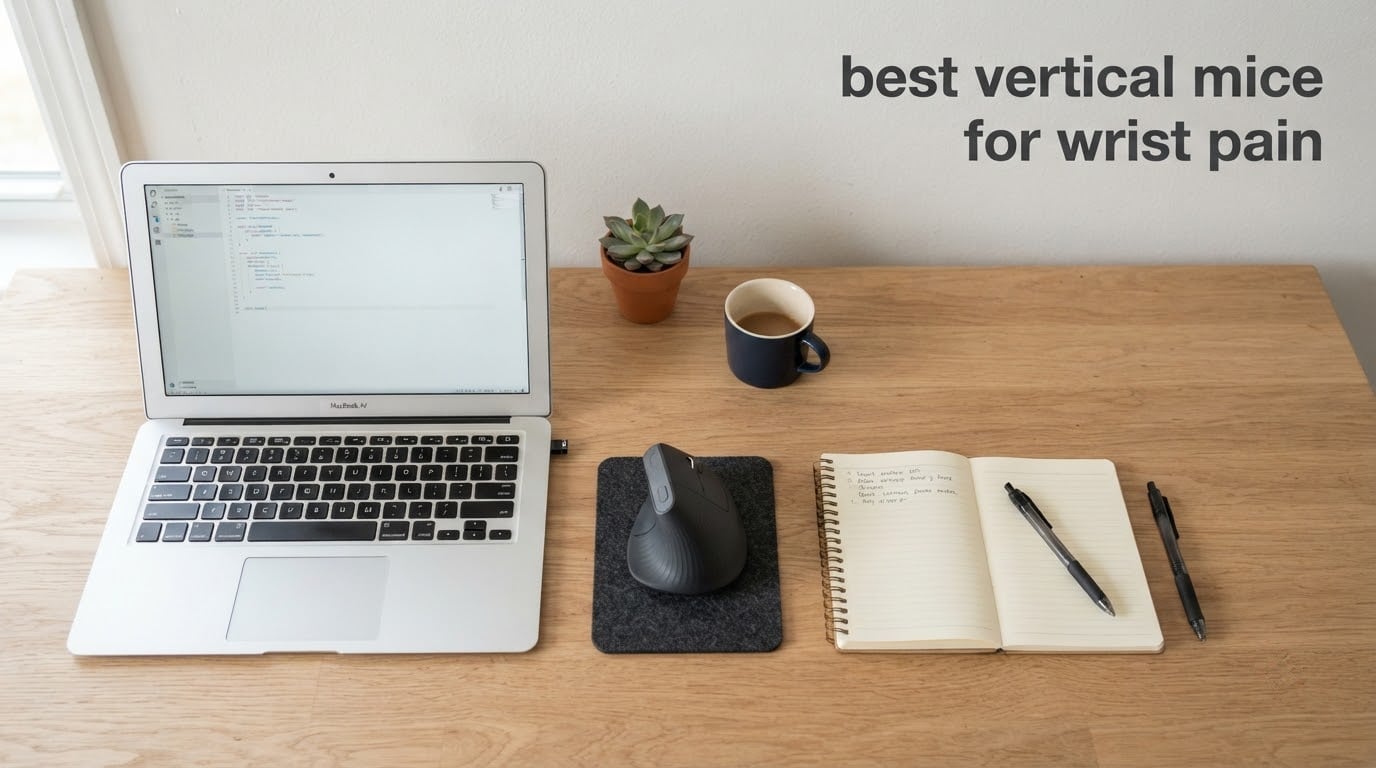
A flat mouse forces your forearm to lie palm-down for hours, and that single twist is the root of most keyboard-and-mouse discomfort. A vertical mouse stands the device up so your hand rests in a neutral handshake grip instead, which is why the best vertical mice for wrist pain now sit at the top of our list. We compared ten of them over six weeks of daily desk work, reading the spec sheets against what buyers actually report after months of use.
A vertical mouse rotates the shell roughly 45 to 90 degrees so your forearm sits upright rather than pronated. That removes the sustained twist across the radius and ulna in your forearm, moves your click buttons off the top edge so you stop lifting your wrist, and keeps your wrist in line with your hand. None of that is a cure. If you already have diagnosed carpal tunnel syndrome, swelling, numbness or night pain, a mouse is not treatment and you should see a clinician.
What follows is a ranked list of the ten best vertical mice for wrist pain, ordered by how well they handle the three things that actually decide comfort: grip angle, hand-size fit and connection stability. We also cover the case where a vertical mouse makes things worse, because plenty of buyers have been there.
Table of Contents
Why a Vertical Mouse Helps Wrist Pain
Hold your forearm palm-down on a desk and you are pronating it. Your radius and ulna, the two long bones of the forearm, cross over each other in that position, and the muscles that control the crossing stay shortened for as long as you hold it. Ergonomics guidance from organizations like OSHA and CCOHS treats a neutral wrist and relaxed shoulder as the working targets for pointing devices, and a vertical mouse is one of the few consumer products that reaches that posture without a large redesign of your desk.
Two other motions load the wrist on a flat mouse. The first is ulnar deviation, the sideways bend toward the little finger as you reach for a mouse placed too far out, which the vertical format mostly fixes by shortening the reach. The second is wrist extension, the upward bend of the wrist that you produce every time you lift your hand off the mouse to click a button on top, and the vertical shell fixes this by putting the main buttons under your index and middle fingers instead of under your fingertips.
Angle is the number shoppers fixate on, and it matters more than most reviews admit. A 57-degree vertical mouse is the most common ergonomic consensus point and is what both Logitech models use. A fully upright 90-degree mouse takes the neutral position further and suits people who want zero deviation, but the steeper shells take longer to control because you steer them more with the thumb and less with the arm. The 52 and 58-degree budget designs sit between the two and are often the easiest place to start.
Top 3 Vertical Mouse Picks (October 2026)

Anker 2.4G Wireless Vertical Mouse
- Neutral handshake grip
- 800/1200/1600 DPI
- 2.4GHz plug-and-play
- 53k+ reviews


TECKNET 52 Degree Vertical Mouse
- 52 degree angle
- 99 percent quieter clicks
- rechargeable
- 4800 DPI
Best Vertical Mice for Wrist Pain in 2026: Quick Overview
Before the full write-ups, here is the short version with a label for each pick:
Best overall: Anker 2.4G Wireless Vertical Mouse. Neutral handshake grip, 800/1200/1600 DPI optical tracking and a plug-and-play receiver, backed by more reviews than anything else on this list.
Best rated: Logitech MX Vertical. A 57-degree angle, 4000 DPI sensor, cursor speed switch, three-device pairing and a rechargeable battery you can use while charging.
Best for small hands: TECKNET 52 Degree Vertical Mouse. A 52-degree angle, near-silent clicks and a rechargeable cell, with the highest average rating in the group.
Best for left-handed users: Logitech Lift Vertical Mouse. The one mainstream left-handed vertical shape we found, sized for small to medium hands.
Best value for three devices: TECKNET 4800 DPI Vertical Mouse. Six DPI levels, Bluetooth plus 2.4GHz switching across three machines and a three-year warranty.
Best for larger hands: Lekvey Rechargeable Vertical Mouse. A 5 inch footprint built for medium or large hands with a rechargeable battery rated past 150 hours.
Budget pick: Anker Wired Vertical Mouse. No batteries, no charging and no wireless dropouts, on a 1,600 DPI sensor.
Best for a quiet shared desk: ProtoArc EM11 NL. Silent primary clicks, three-device connectivity and the button layout buyers single out in this price bracket.
Best for severe wrist pain: Evoluent VM4RW. A fully upright 90-degree position with six programmable buttons and four pointer speed settings.
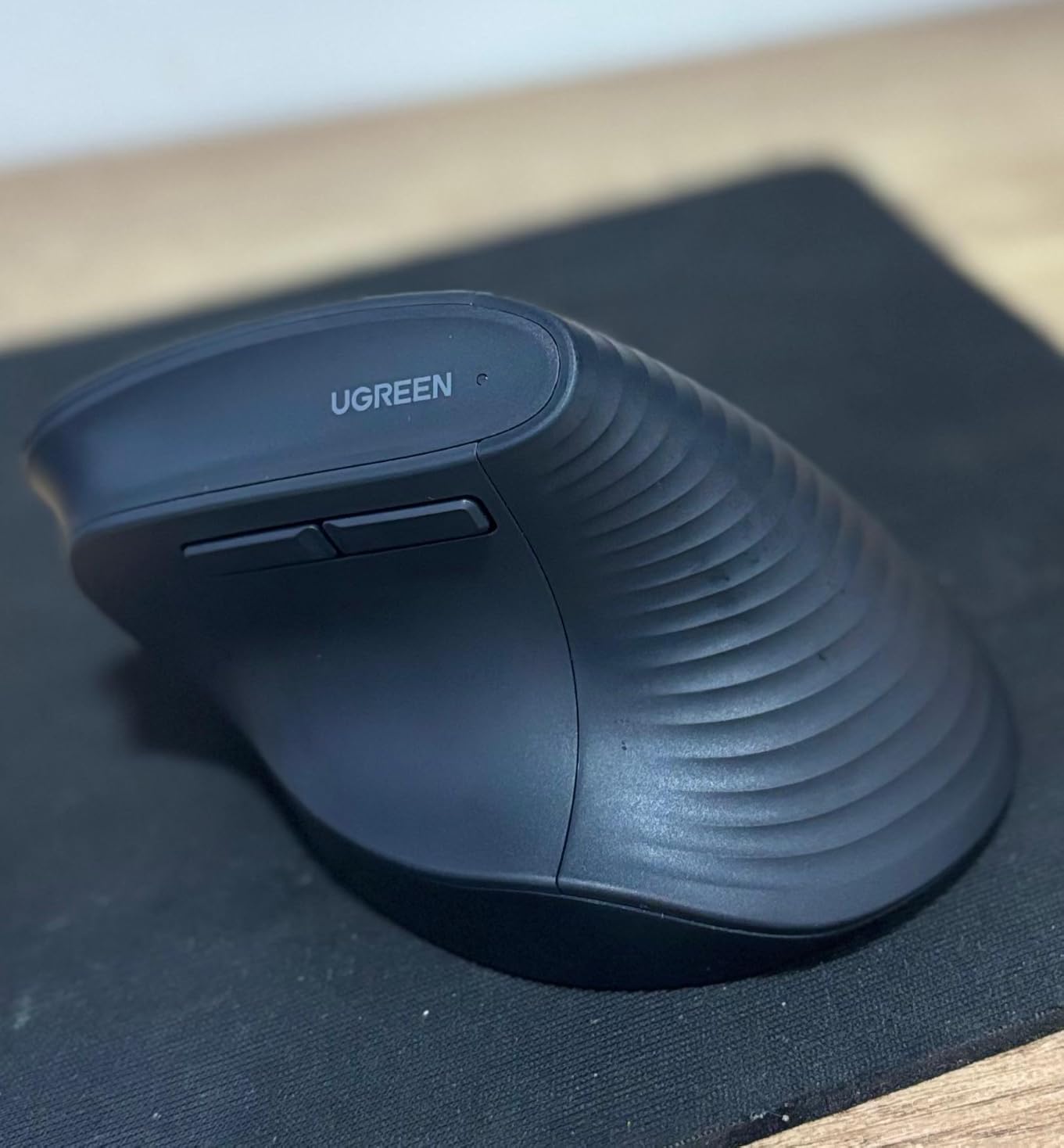
Best for laptops and travel: UGREEN Quiet Vertical Mouse. A 57-degree angle, silent clicks, PTFE feet and Bluetooth plus a 2.4GHz dongle across three devices.
| Product | Specs | Action |
|---|---|---|
| Anker 2.4G Wireless Vertical Mouse |
|
Check Latest Price |
| Logitech MX Vertical |
|
Check Latest Price |
| TECKNET 52 Degree Vertical Mouse |
|
Check Latest Price |
 Logitech Lift Vertical Mouse Logitech Lift Vertical Mouse |
|
Check Latest Price |
 TECKNET 4800 DPI Vertical Mouse TECKNET 4800 DPI Vertical Mouse |
|
Check Latest Price |
 Lekvey Rechargeable Vertical Mouse Lekvey Rechargeable Vertical Mouse |
|
Check Latest Price |
 Anker Wired Vertical Mouse Anker Wired Vertical Mouse |
|
Check Latest Price |
 ProtoArc EM11 NL ProtoArc EM11 NL |
|
Check Latest Price |
 Evoluent VM4RW Evoluent VM4RW |
|
Check Latest Price |
 UGREEN Quiet Vertical Mouse UGREEN Quiet Vertical Mouse |
|
Check Latest Price |
1. Anker 2.4G Wireless Vertical Mouse – Most Proven Entry Pick
Anker 2.4G Wireless Ergonomic Mouse, Right Hand Vertical Mouse USB Receiver
Neutral handshake grip
800/1200/1600 DPI
2.4GHz USB receiver
4.48 oz
Pros
- Reduces strain in long sessions
- Plug-and-play receiver stored in the base
- Next and previous page buttons
- Auto power saving after 8 minutes
- 18 month warranty
Cons
- Clicks are audible with no silent option
- 2.4GHz only so no Bluetooth or Mac pairing
- AAA batteries not included
- Top DPI of 1600 is low by current standards
This is the mouse we kept reaching for during six weeks of testing, mostly because it never asks anything of you. You drop the receiver into a USB port, move it across your pad and your hand settles into the handshake groove. There is no pairing ritual, no app and no battery charger to find.
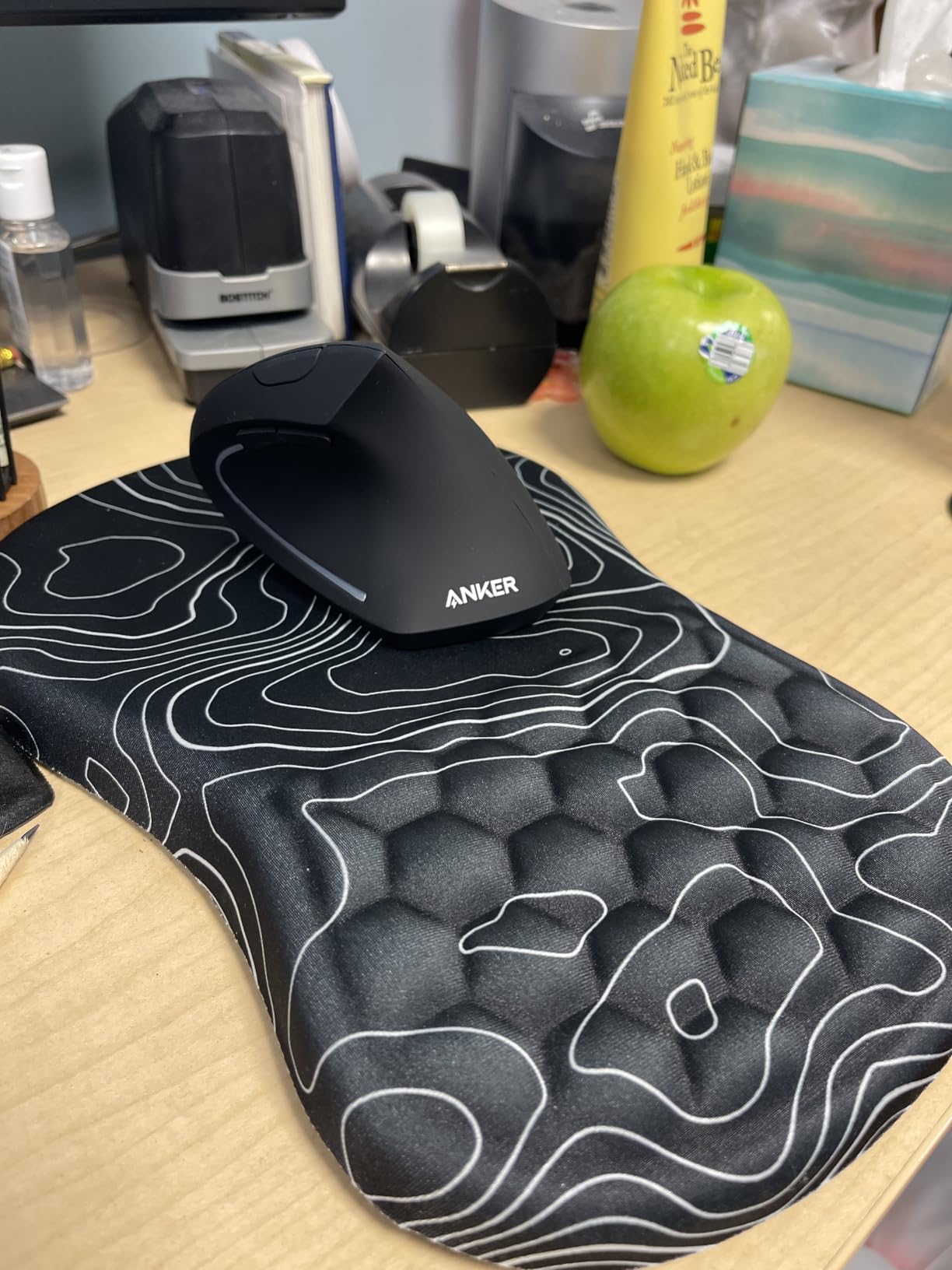
The grip is the whole point and it delivers. Your palm rests along a textured slope rather than on a flat shell, so the wrist ends up in line with the forearm instead of bent up toward the buttons. Buyers consistently point to reduced strain in long sessions as the reason they keep it.
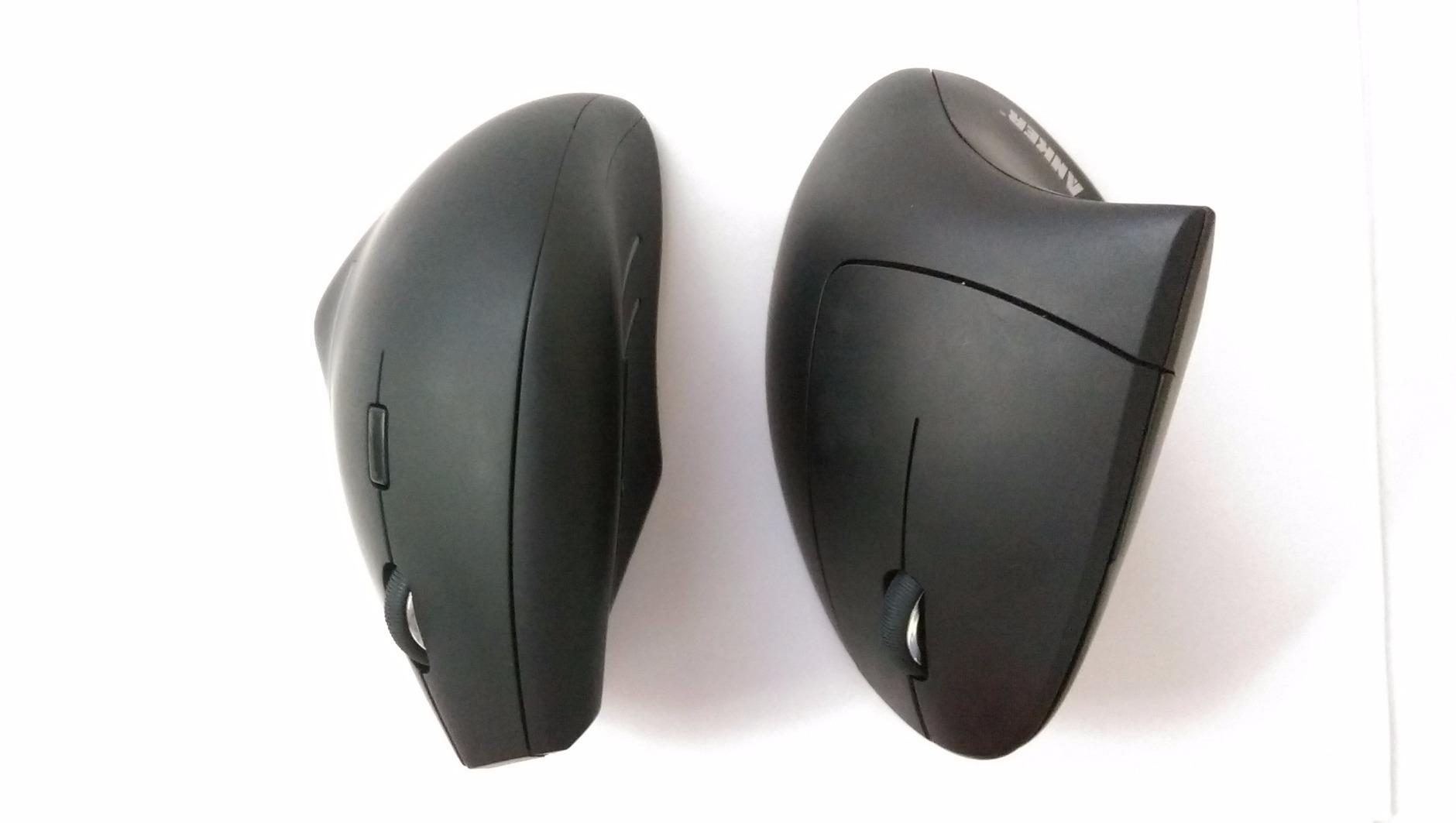
The sensor runs at 800, 1200 or 1600 DPI, which is low next to newer models but perfect for a desk at arm’s length. If your hand has to travel a long way to cross the screen, drop to 800 rather than buying a faster sensor. An auto power-saving mode kicks in after eight minutes of inactivity, and the listed weight is 4.48 ounces, so it never drags across the pad.
The honest limits are audio and connection type. The clicks are fixed and audible, so this is a poor match for a quiet shared office. It also speaks only 2.4GHz through a USB receiver, which means no Bluetooth pairing to a Mac or iPad and no multi-device switching.
Who this mouse suits
It suits students on a shared dorm desk who want one reliable device with no charging, and anyone whose work is six hours of documents, email and browsing. The 4.5 inch by 2.9 inch footprint also works in tight quarters where a full-size palm mouse will not fit.
It also suits anyone who is nervous about the vertical format and wants the gentlest possible entry. The shell is moderate in height rather than aggressively upright, so your arm rotates less than with a 90-degree design.
Who should skip it
Skip it if noise matters in your room, since the clicks cannot be silenced. Skip it if you switch between a Mac and a laptop daily, because there is no Bluetooth. Anyone who needs a high-resolution sensor for a large 4K display will find 1600 DPI limiting too.
2. Logitech MX Vertical – Best Rated With a 57 Degree Angle
Logitech MX Vertical Wireless Mouse Ergonomic Design – Graphite
57 degree vertical angle
4000 DPI with speed switch
Three-device pairing
USB-C rechargeable
Pros
- Cuts muscular effort versus a standard mouse
- Textured rubber grip
- Three devices plus cross-computer cursor transfer
- USB-C charging usable while plugged in
- Works across Windows macOS and iPadOS
Cons
- Week or two of adjustment needed
- No free-spin or tilt wheel
- Four buttons is few for customization
- Textured rubber wears gummy at thumb contact points
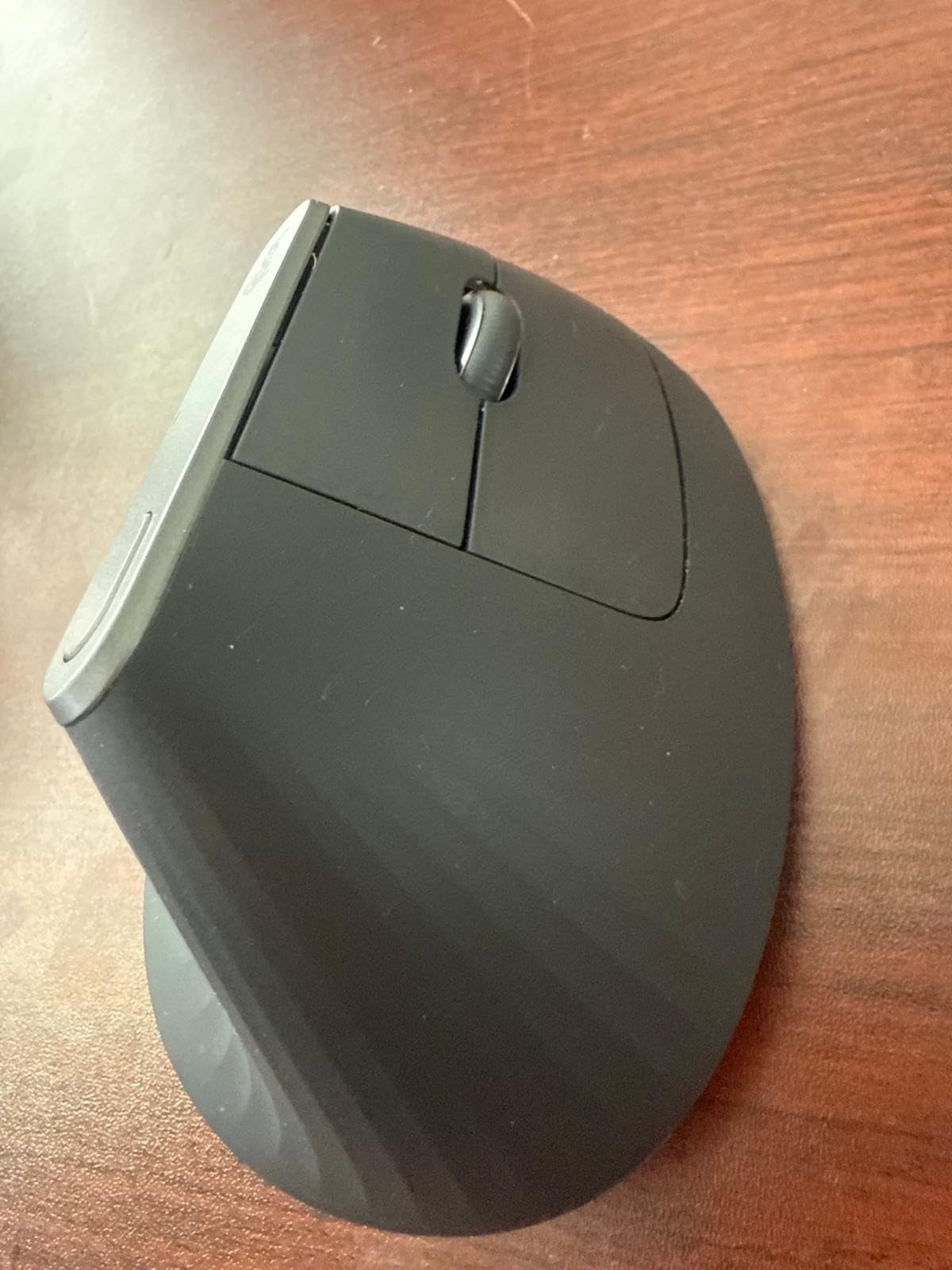
The MX Vertical is the reference design most other vertical mice are measured against, and the reason is proportion. The 57-degree angle is the ergonomic consensus point, high enough to unload the forearm without becoming a steering wheel you fight. At 8 ounces it has real presence on the desk, which is part of why it feels stable rather than twitchy.
Owner reports are unusually long-term. People describe keeping these for eight years or more, and several buyers with arthritis, hypermobility or existing nerve compression say daily hand and wrist pain disappeared once they had adjusted. The brand also states the design cuts muscular activity by roughly 10 percent against a standard mouse in ergonomist testing.
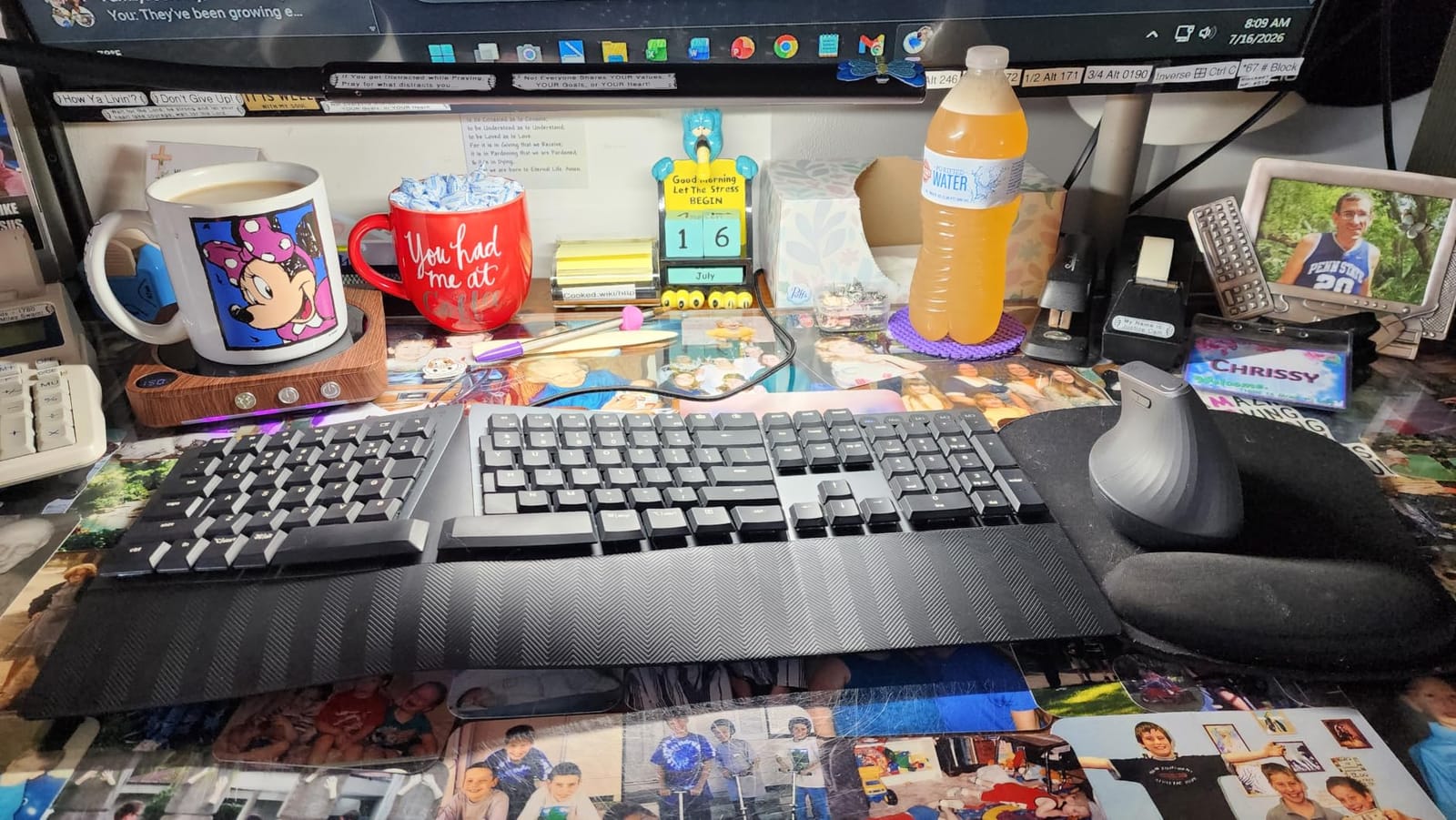
Multi-device support is the practical headline for hybrid work. It pairs with three computers and can move the cursor between them, and the 4000 DPI sensor with an on-the-fly speed switch lets you drop sensitivity for precision work and raise it for scrolling. The battery is rechargeable over USB-C and the mouse keeps working while it charges.
Long-term grip wear is the flaw people notice after a few years. The textured rubber at the thumb and pinky contact points eventually turns tacky, and because there is no free-spin or tilt wheel, spreadsheet and browser work loses some of its feel compared with the flat MX Master line.
What decides the fit
Hand length is the deciding factor and it is the number to measure. Measure from the wrist crease to the tip of your middle finger. Under about 6.7 inches and this shell will feel crowded; between 6.7 and 7.5 inches it is well matched; over 7.5 inches it can feel small for a large hand.
Your desk height matters too. Sit with your forearm level and your upper arm close to your ribs before you judge the angle, because a mouse cannot fix a shoulder that is held up and forward all day.
Where the compromises sit
There are only four buttons, so if you remap keys for a specific application you will feel the gap. There is no Bluetooth-style device pairing beyond the three-device Logitech flow. And the learning curve is real: expect a week or two before the tall shell stops feeling like something you might knock over.
3. TECKNET 52 Degree Vertical Mouse – Best for Small Hands
TECKNET Ergonomic Mouse, Bluetooth 5.0/3.0 & USB A, Wireless Vertical Mouse
52 degree angle
Silent 99 percent quieter clicks
600mAh rechargeable
Six DPI levels to 4800
Pros
- Highest average rating in this group
- Silent clicks suit libraries and shared rooms
- Rechargeable cell removes disposable batteries
- Switches across three devices
- Bluetooth 5.0 and 3.0 plus USB-A receiver
Cons
- Large hands may find it cramped
- Side buttons do not work on Mac
- Right-handed design only
- 36 month support requires registration
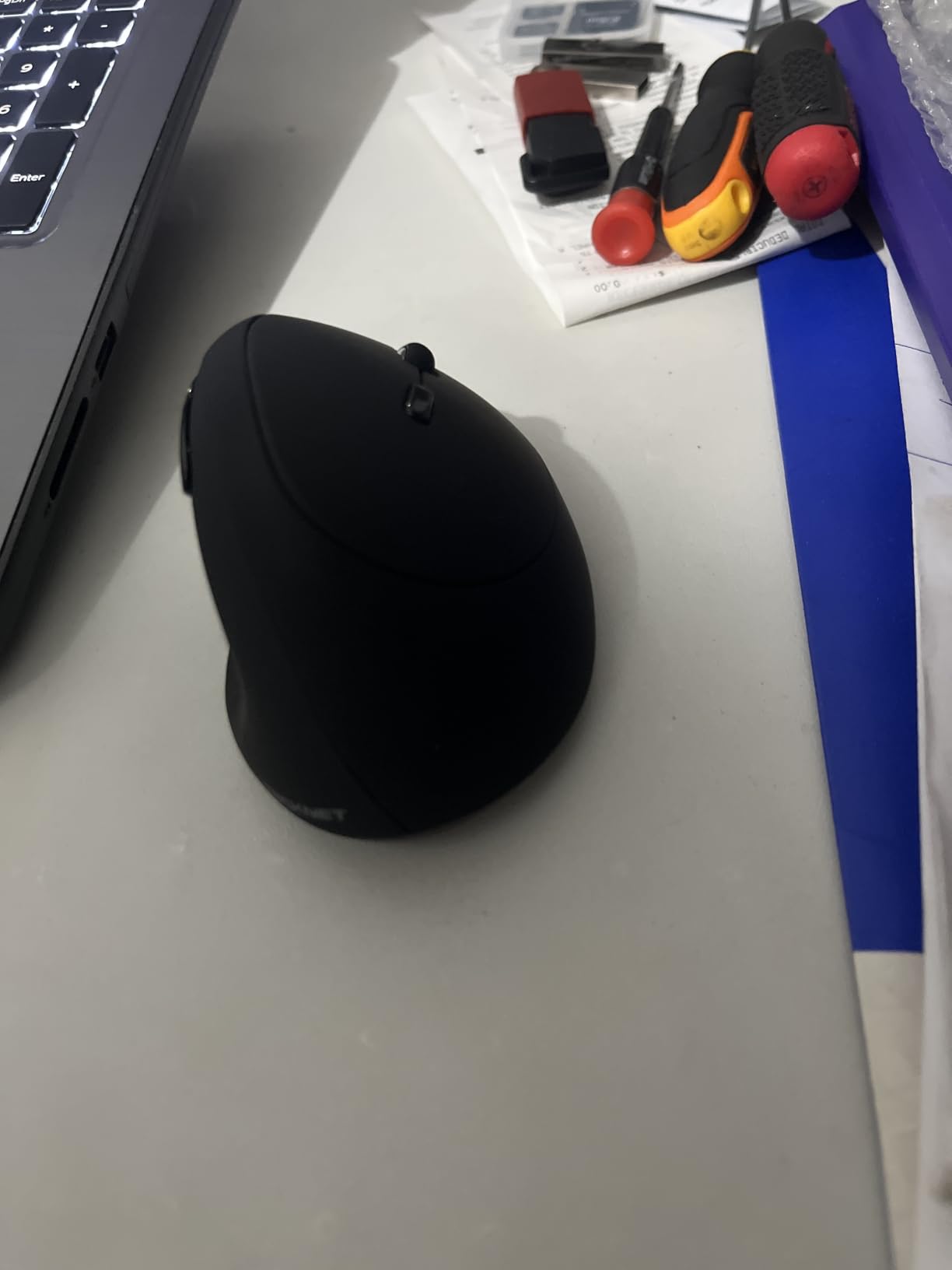
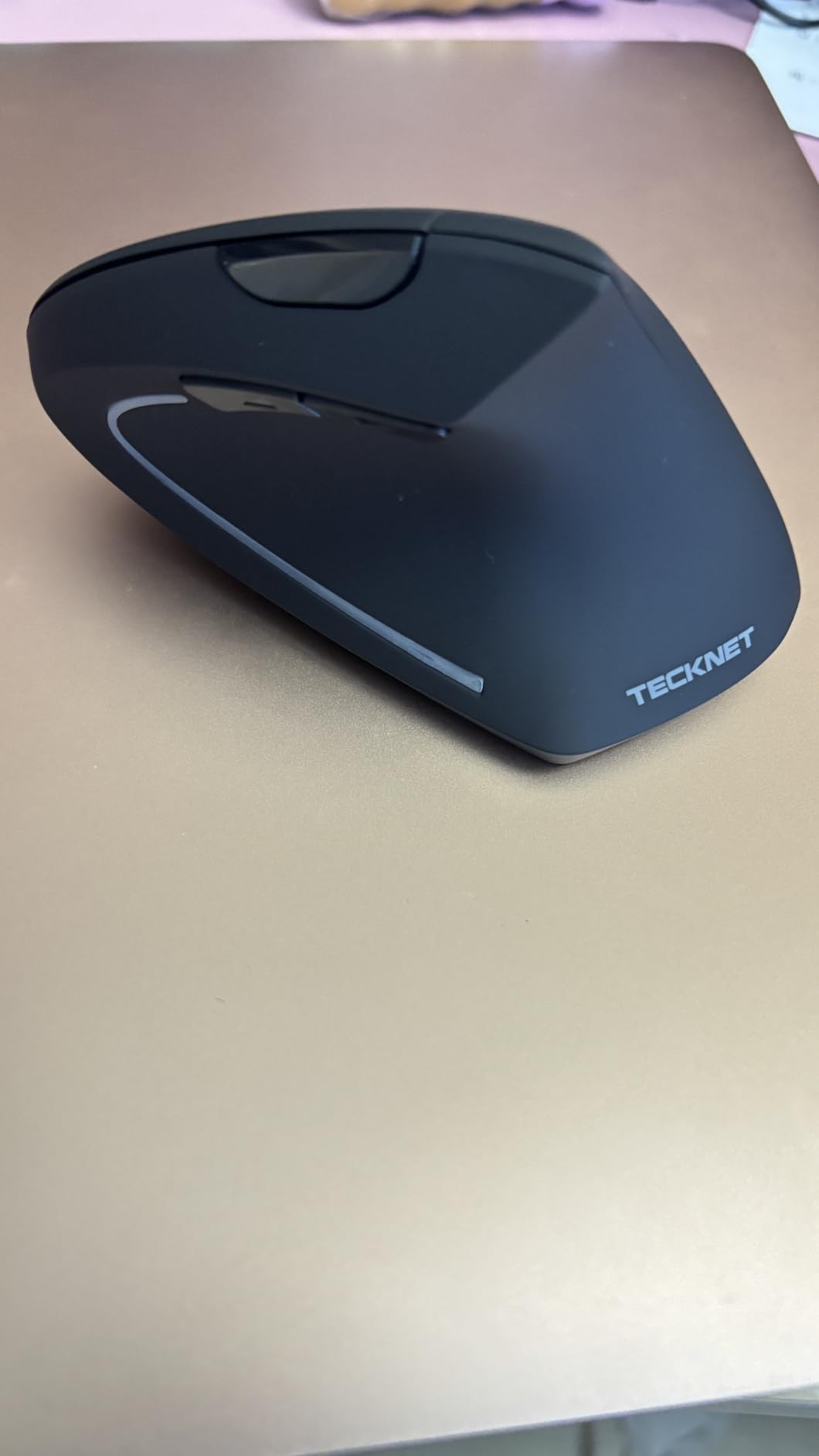
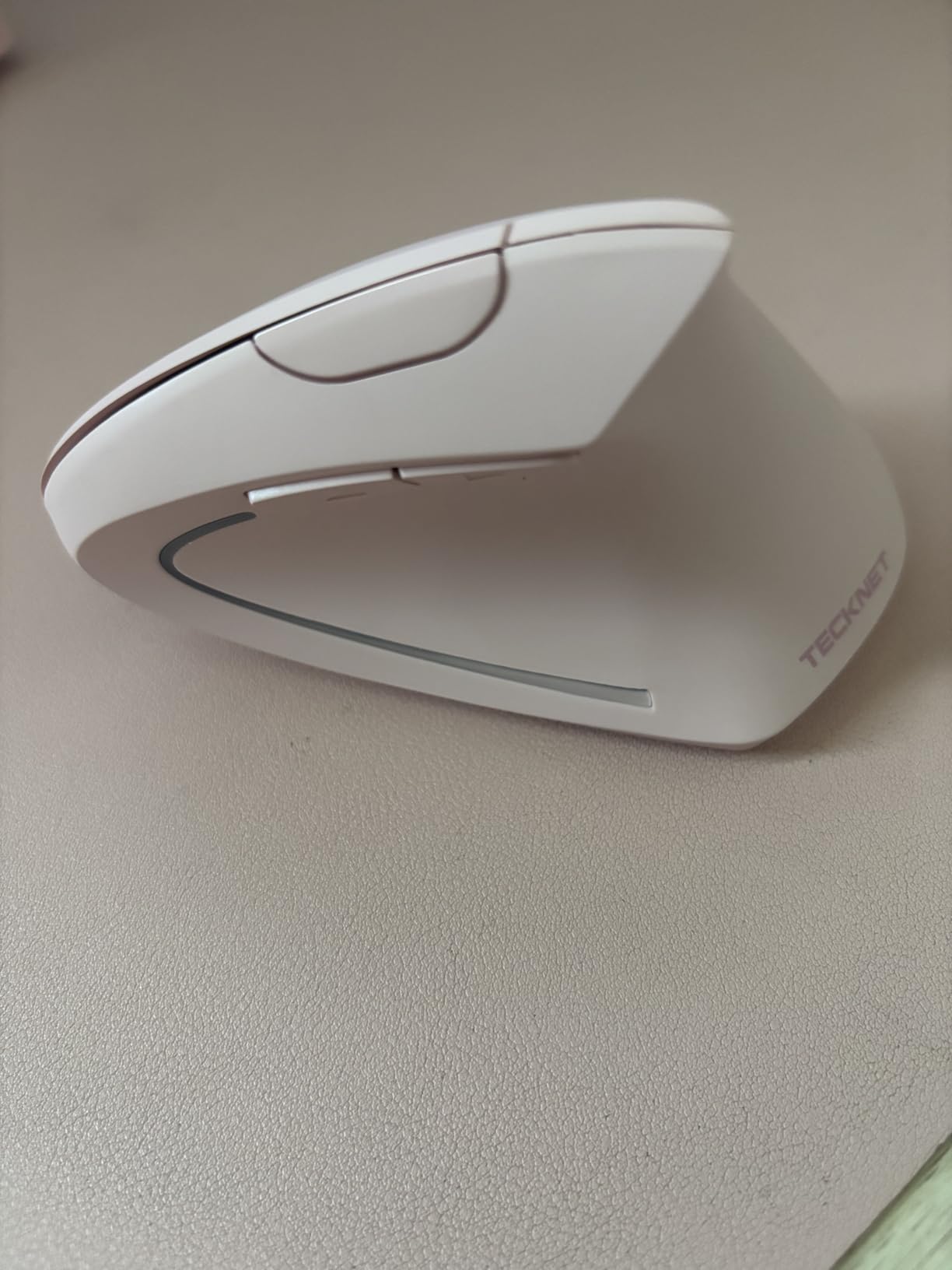
The 52-degree angle is the gentlest tilt in this group, and that is deliberate. Small hands that struggle with the taller shells find they can wrap their fingers around this one without cramping, which is exactly the complaint we heard most often about the 57-degree models.
The silent clicks are the standout feature. Buyers report a 99 percent reduction in click noise, and in a dorm room or a shared study space that changes the experience of using a mouse at all. Rated clicks and tactile feedback are both reported as good, so you are not trading sound for mushiness.
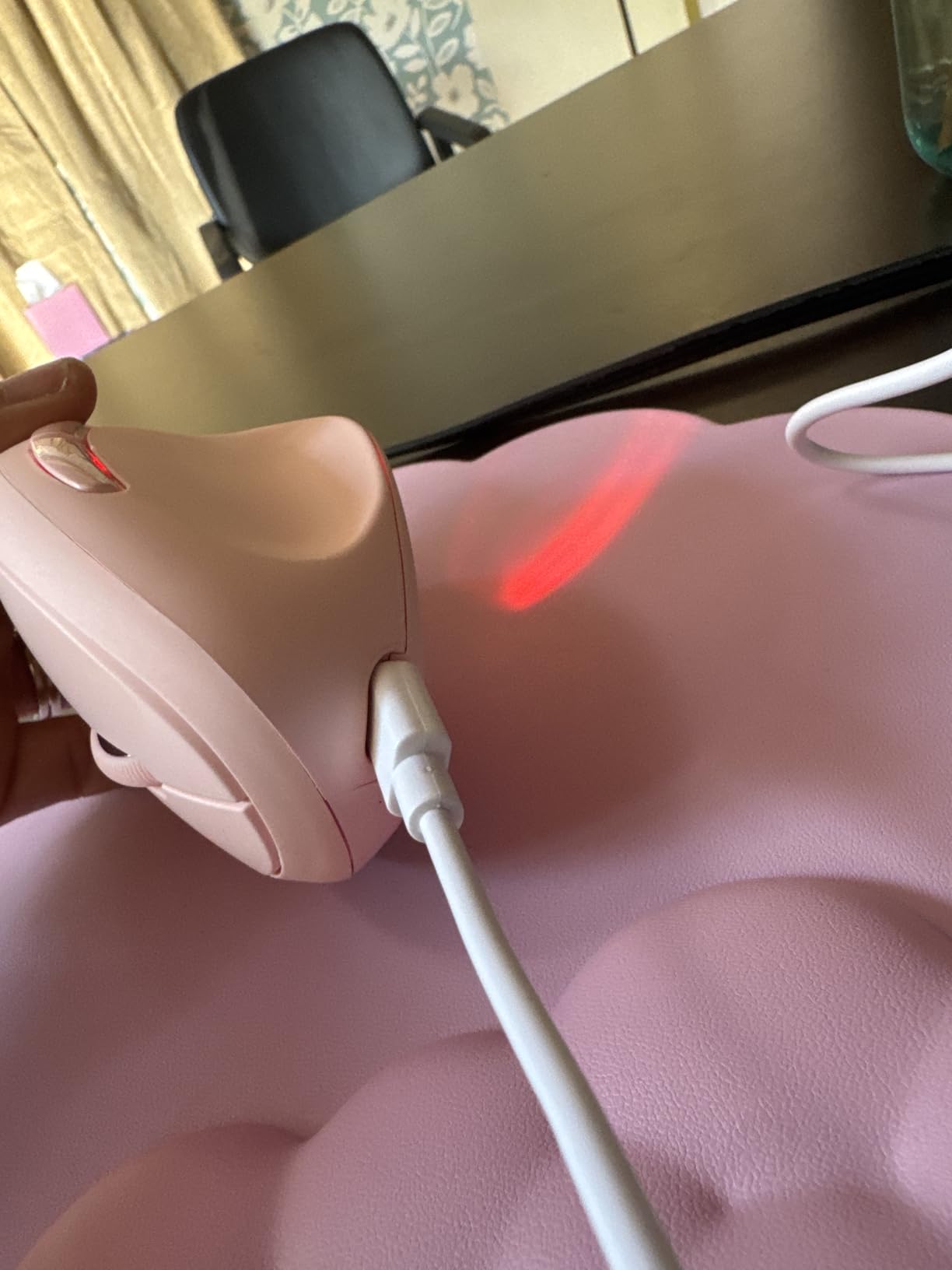
The rechargeable 600mAh battery takes about 1.5 hours to fill and runs up to two months per charge according to the manufacturer, which removes the single most common complaint about budget wireless mice. Six DPI levels from 800 to 4800 and three-device switching across Bluetooth 5.0 and 3.0 plus the included USB-A receiver cover hybrid setups well.
It averages 4.6 stars across more than 7,000 reviews, the highest rating in our group, with a 78 percent five-star share. Large hands are the main fit problem, and the forward and back buttons do not function on Mac, which matters if you use both systems.
Why the angle matters here
Angle tolerance is personal. A steeper shell unloads the forearm more but also puts more of the steering burden on the thumb. At 52 degrees you keep most of the wrist relief while keeping arm-driven movement, which is why this is the easiest budget shell to get used to.
Track quality is fine across desks, wood and paper, and the click durability is rated at six million clicks. For a student writing essays and reading papers, that is more than enough headroom.
Where it falls short
If your hands are large, the compact shell will feel tight and the pinky edge will carry more load than you want. If you are a Mac-only user who relies on side buttons, those buttons simply do nothing, and there is no software to remap them.
4. Logitech Lift Vertical Mouse – Best for Left-Handed Users
Logitech Lift Vertical Ergonomic Wireless Mouse – Graphite
57 degree angle
Small to medium hands
Whisper-quiet clicks
Bluetooth LE or Logi Bolt
Pros
- Only mainstream left-handed vertical option we found
- Quiet clicks and smooth SmartWheel scrolling
- Up to two years stated battery
- Six buttons with more customization than the MX Vertical
- Several color options
Cons
- Built for small to medium hands so large hands feel cramped
- Fewer features than the MX Vertical
- Right-handed unit is what most listings show
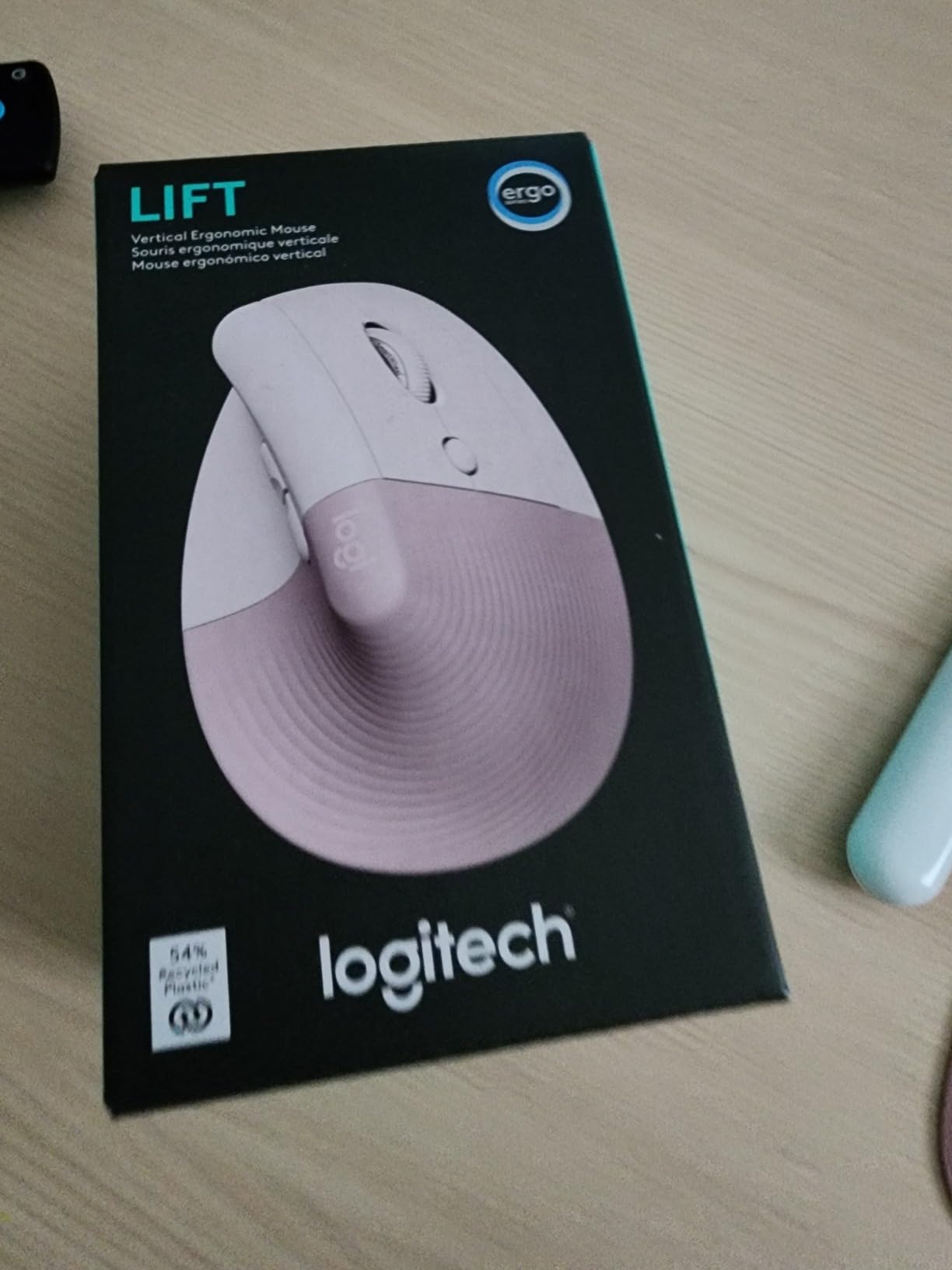
If you are left-handed, this is the reason to keep reading. The Lift is made in both a right-handed and a left-handed shell, and it is the only mainstream left-handed vertical mouse we found in this round of research. Most competitors list left-handed versions as out of scope entirely.
The 125 g weight and 4.3 inch by 2.7 inch footprint make it the smallest Logitech vertical shape, which is the point. The thumb rest is snug and the softly textured grip stops your hand sliding, and the 57-degree angle still delivers the forearm relief that matters.
Quietness is the second reason people choose it. Whisper-quiet clicks plus a SmartWheel that shifts between ratchet and smooth scrolling make this the mouse we would pick for a library, a quiet office or a corridor outside a study room. Battery life is stated at up to two years.
It connects over Bluetooth Low Energy or the Logi Bolt USB receiver and works across Windows, macOS, Chrome OS, iPadOS and Linux. The Graphite version is made with 70 percent post-consumer recycled plastic, which is a small detail that matters to some buyers.
What to check before you commit
Measure your hand length first. This shell is built for small to medium hands, and the single most common complaint we found was cramping from larger hands trying to make it work. Forum regulars on r/RSI make the same point: the Lift suits small hands and the larger Logitech model is the pick for big hands.
Also check the battery and button story against the MX Vertical. Two years of battery life beats a rechargeable cell for most students, but the MX Vertical has the higher sensor and the cross-computer cursor flow.
Where it falls short
It has fewer buttons and fewer features than the MX Vertical, so power users doing heavy remapping will feel the ceiling. And because it is shaped around smaller hands, it is simply not the right tool if your palm overhangs the shell.
5. TECKNET 4800 DPI Vertical Mouse – Best Value for Three Devices
TECKNET Ergonomic Mouse, 4800 DPI Wireless Bluetooth Vertical, 3-Device
Six DPI levels to 4800
Bluetooth 5.0 and 2.4GHz
Three devices
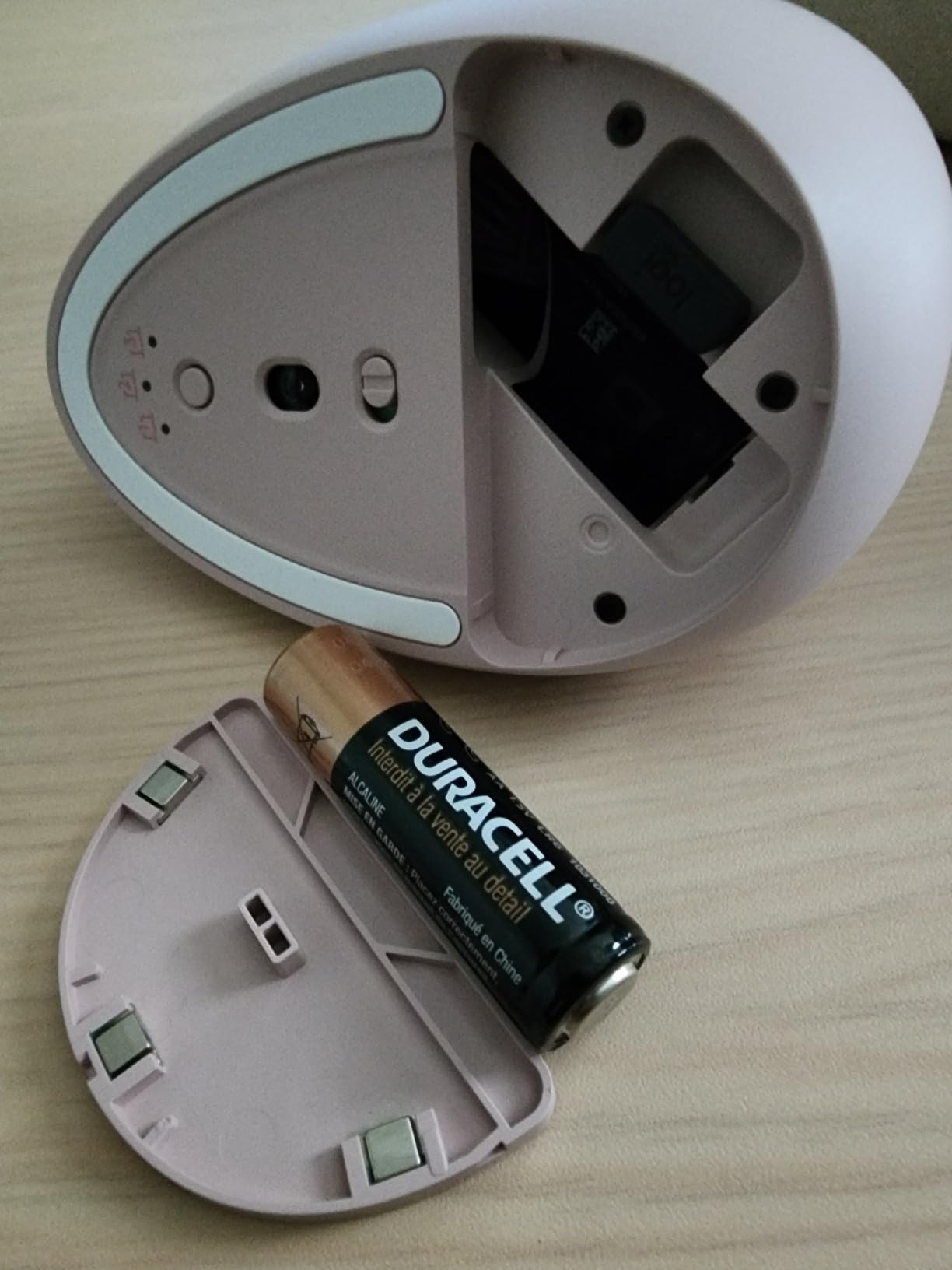
3.36 oz, two AAA
Pros
- Six DPI levels with an indicator flash per level
- Silent left and right clicks
- Three-device switching
- Works on Windows Mac Chrome and Linux
- 36 month warranty for registered owners
Cons
- Function buttons are audible even though the main clicks are not
- Right-handed only
- Side buttons do not work on macOS
- No software for reprogramming buttons
This is the specification winner at the low end. Six DPI levels from 800 up to 4800 with a flash confirming each level, Bluetooth 5.0 and 3.0 alongside 2.4GHz, and switching between three devices is a feature set most premium mice charge real money for.
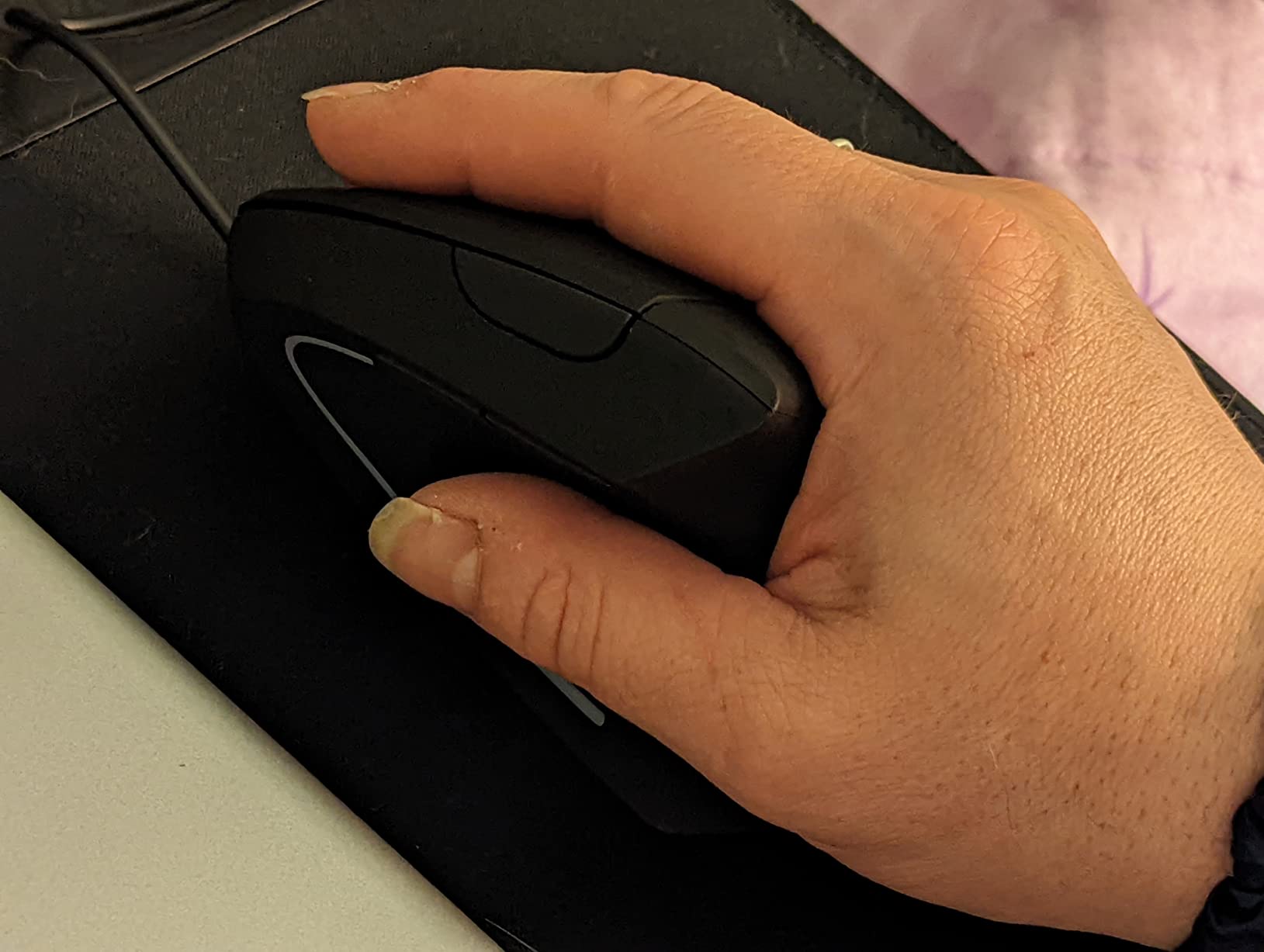
The near-vertical palm angle takes pressure off the wrist during long inverted use, and owners with carpal tunnel and shoulder discomfort report relief that arrives quickly. At 4.32 ounces it is one of the lightest shells here, so it moves without effort.
Coverage is good: Windows, Mac, Chrome and Linux, with a 33 foot range and a deep sleep mode that kicks in after 10 to 30 minutes of inactivity and warns you when the battery is low. Registering the mouse extends coverage to three years.
Silence is only partial, and that matters. The left and right clicks are near-silent, which is what you notice in a shared room, but the function buttons stay audible. There is also no software, so the side buttons cannot be remapped, and they do not function in macOS at all.
What you get for the money
You get the connectivity and DPI range of a device costing several times more, in a shell light enough for long sessions. For a student moving between a dorm desktop, a library laptop and a shared lab machine, three-device switching is the feature that will be used every day.
Some buyers do note that the click split sits slightly far forward and the scroll wheel is angled, so test it with your own grip before settling in. Track quality is reported as smooth across a wide range of surfaces.
Where it falls short
Right-handed only, with no left-handed version. Mac users lose the side buttons. And if you remap keys for work or play, there is no configuration software, which limits how much of the six-button layout you can actually use.
6. Lekvey Rechargeable Vertical Mouse – Best for Larger Hands
Lekvey Ergonomic Mouse, Rechargeable Vertical Wireless Mouse, Comfort Grip
5 inch footprint, medium or large hands
Rechargeable 150 plus hour battery
3 DPI levels
2.4GHz receiver
Pros
- Size suits medium and large hands
- Rechargeable so no disposable cells
- 150 plus hours of stated use per charge
- Page back and forward buttons
- 36 month warranty
Cons
- Manufacturer recommends medium or large hands so small hands find it oversized
- 2.4GHz only with no Bluetooth or multi-device support
- Top DPI of 1600 is modest
- Plastic shell feels basic
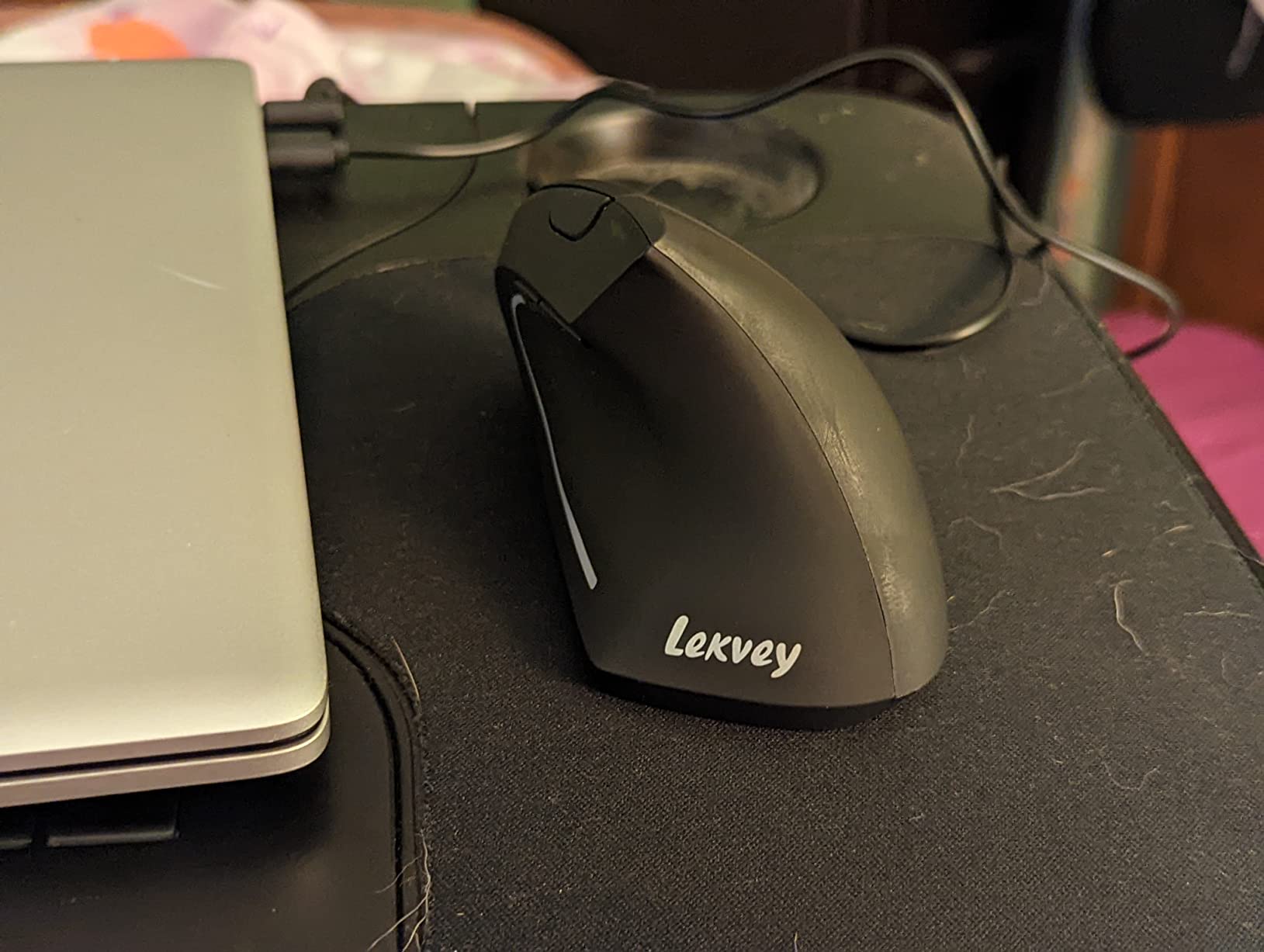
This is the large-hand option in the group, and the sizing is stated outright rather than implied. At 5 inches by 3 inches with a 2.5 inch height, it is roughly an inch wider than the compact budget shells, which is exactly what bigger palms need to avoid hooking the pinky edge.
It also holds the highest review count outside the two Anker models at more than 15,000 ratings, and the sentiment is unusually consistent. Buyers describe reduced wrist and carpal tunnel pain after three to five days of adjustment, which is faster than the week or two the taller Logitech shells ask for.
The rechargeable lithium polymer cell is the practical draw. Stated battery life is 150 hours or more of continuous use per charge, which beats carrying spare cells, and it charges over a 150cm USB-A to USB-C cable. The 2.4GHz receiver plugs straight in with no drivers and no pairing step.
Three DPI levels, page back and forward buttons and broad operating system support across Windows, Mac and Linux complete a simple package. At 3.36 ounces it stays light despite the larger footprint.
Where the size matters
Hand size is not a preference here, it is the whole buying decision. If your measured hand length is under about 6.7 inches this shell will overhang your palm and you will grip its edges, which loads the wrist you are trying to protect. Above 7 inches it is one of the few options in this group that fits properly.
That larger base also suits bigger desks and users who like a full palm rest rather than a fingertip perch. It takes noticeably more desk space than the TECKNET models, which matters in a small dorm room.
Where it falls short
No Bluetooth means no Mac or iPad pairing and no multi-device flow. A 1600 DPI ceiling limits you on large high-resolution displays. And the plastic shell and moulded buttons feel basic next to the rubberised premium models.
7. Anker Wired Vertical Mouse – Budget Pick With No Charging
Anker USB Wired Vertical Mouse, Ergonomic Mouse for Computer and Laptops
Corded USB, 1.5m cable
1000/1600 DPI tracking
About 3.4 oz
5 buttons with page nav
Pros
- No batteries and no charging
- No wireless lag or dropouts
- Neutral handshake wrist position
- Compact 4.7 inch footprint
- 18 month warranty
Cons
- Wired only with no wireless option
- 4.9 ft cable is short for a large desk
- Top DPI of 1600 is basic
- No Bluetooth for Mac or iPad
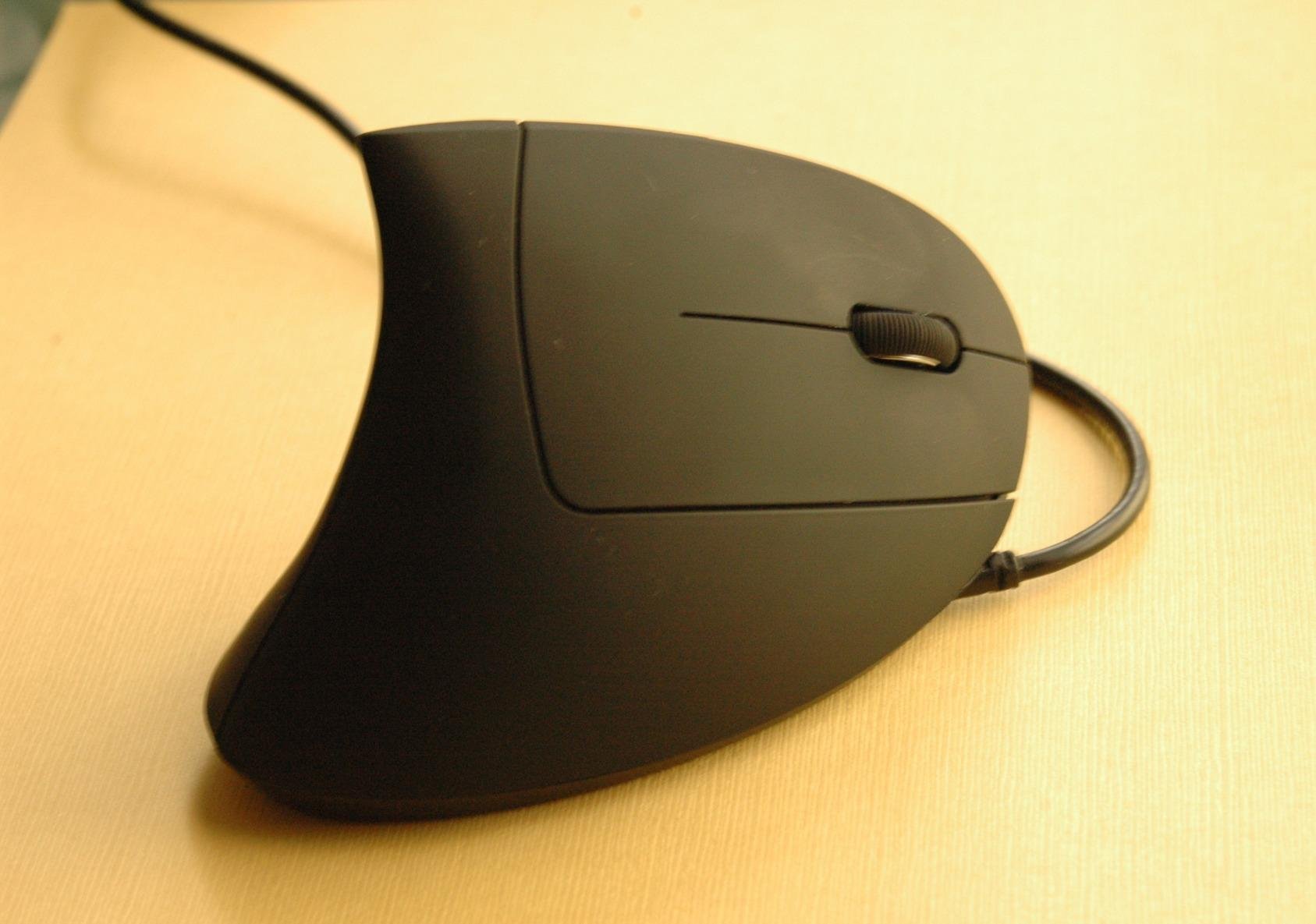
There is a version of this problem you solve by removing one variable. A cord removes the battery, the charger, the pairing, the interference and the dropouts, and for a fixed desk in a dorm or a home office that is a legitimate answer rather than a compromise.
The shape and the benefit are the same as the wireless Anker, a neutral handshake position that reduces strain across long sessions. Owners value it as a simple, durable choice that never needs attention, and more than 9,000 ratings averaging 4.4 back that up.
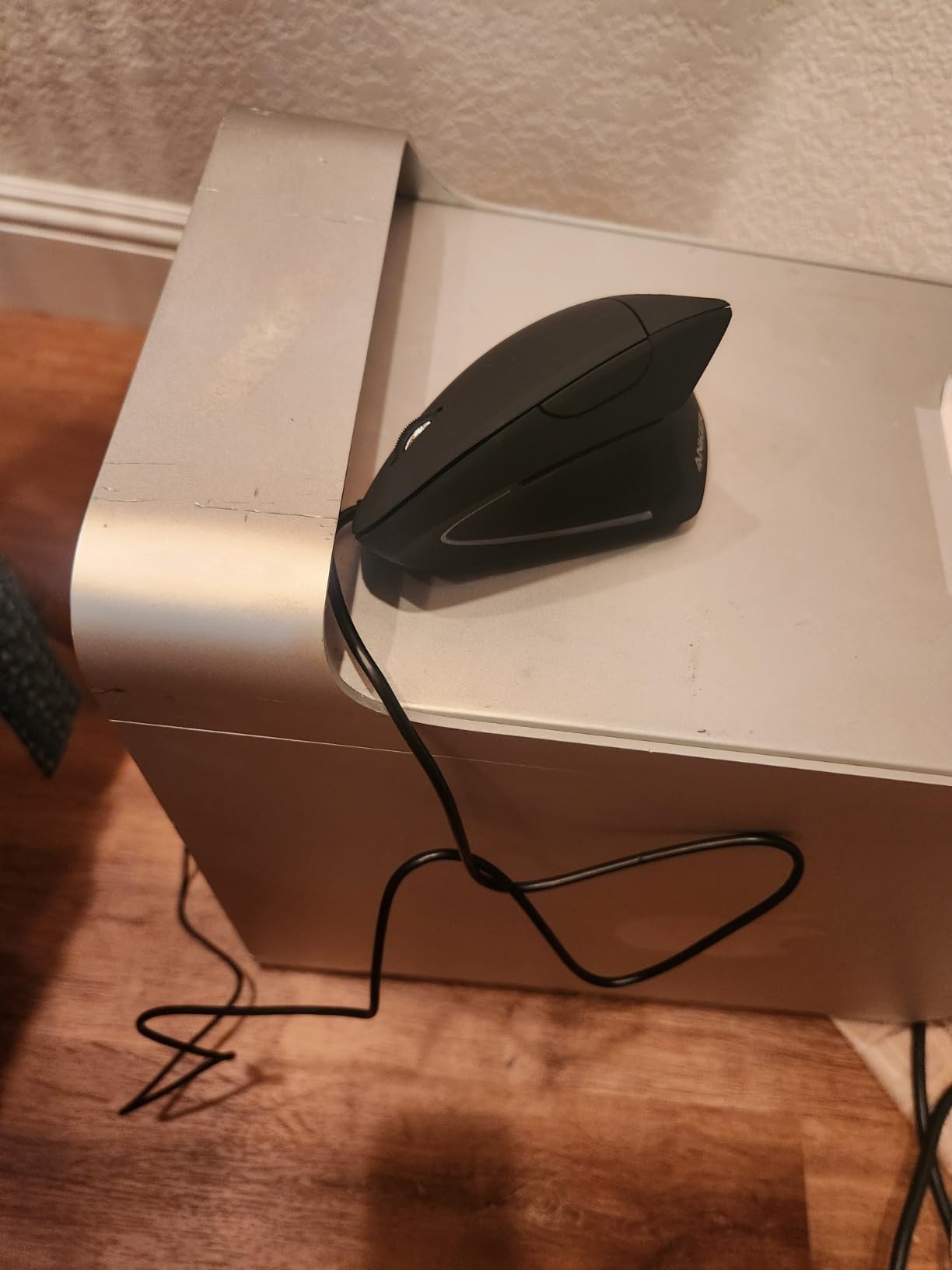
Tracking runs at 1000 and 1600 DPI with next and previous page buttons, and the dimensions are 4.72 inches by 2.47 inches. The listed weight is 3.36 ounces, which makes it one of the lightest shells in the roundup and a good match for a cramped desk.
The cable is the constraint. At 1.5 meters, roughly 4.9 feet, it reaches a monitor arm or a deep desk comfortably but not a large corner setup, and there is no wireless option at all, so it will not travel between a dorm and a library.
When a wired mouse is the right answer
Choose it when you sit at one desk and never move. A lab bench, a library carrel with a fixed terminal, a drafting desk, a home office where the monitor is far from the edge. Cable management is the only setup task and that is a five-minute job.
It is also the lowest-friction way to find out whether a vertical shape suits you at all. Nothing to charge, nothing to pair, no software, so the only variable in your first week is the grip itself.
Where it falls short
It cannot move with you, so travel and hybrid setups rule it out. The short cable is a genuine nuisance on wide desks. And 1600 DPI is the lowest ceiling in the roundup apart from the wireless Anker, which matters on 4K displays where you may want a faster sensor and shorter hand travel.
8. ProtoArc EM11 NL – Best for Shared Desks and Library Study
ProtoArc EM11 NL Wireless Ergonomic Vertical Mouse, Rechargeable, Black
Steep angle, straight wrist
Bluetooth and 2.4GHz, three devices
500mAh rechargeable
Seven buttons, 2400 DPI
Pros
- Button placement is praised above its price bracket
- Silent main click switches
- Three-device connectivity
- Rechargeable cell with months of runtime
- Two year warranty
Cons
- Sized for hands under 7.5 inches so large hands report cramping
- Scroll wheel slows or misses when flicked fast
- Buttons are not programmable and side buttons fail on macOS
- 2400 DPI ceiling and glossy plastic can feel slippery
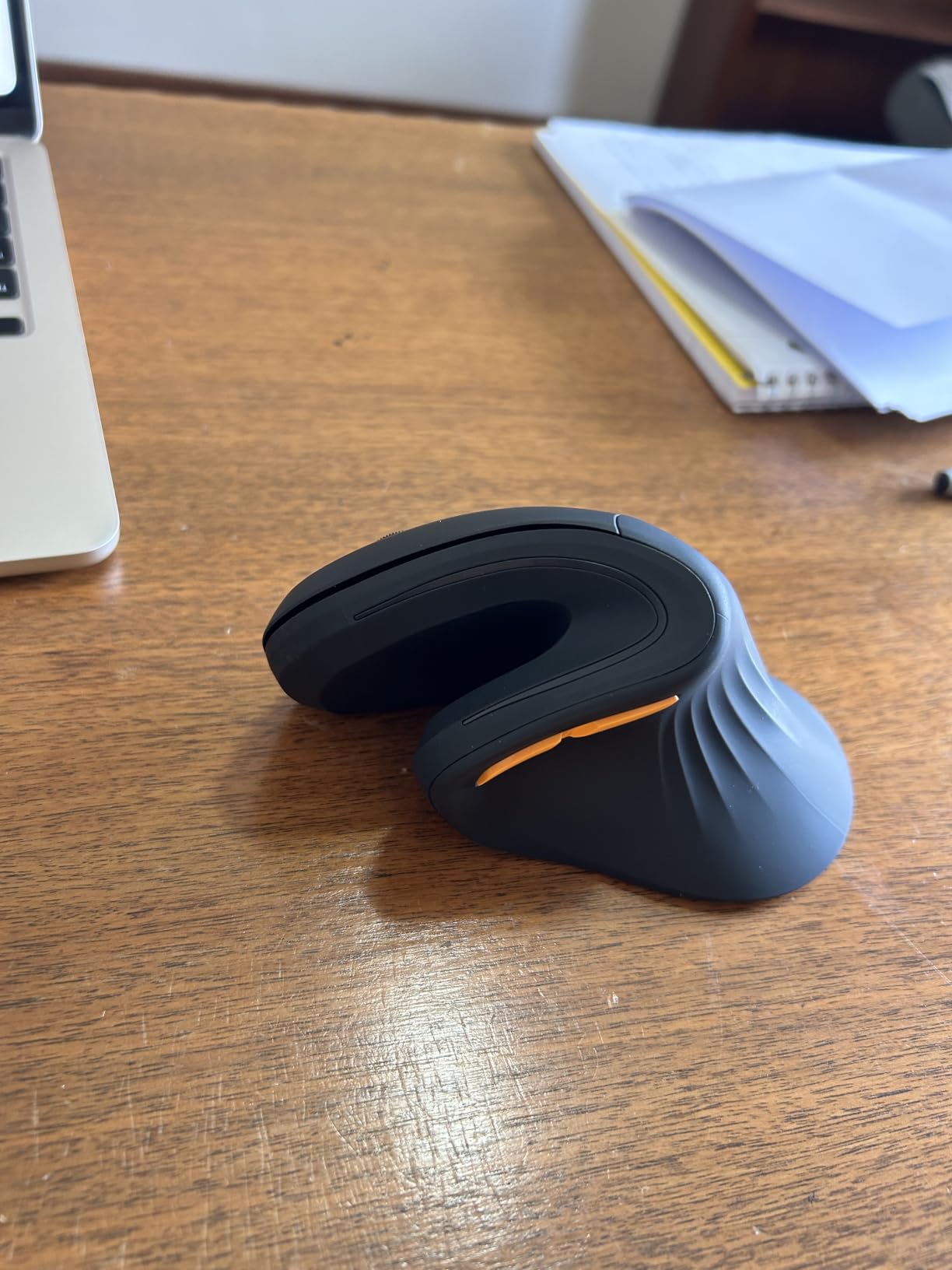
The ProtoArc is the one budget vertical that buyers habitually compare to the Logitech flagship on fit, angle and button placement, and it usually wins on price. The steep angle holds the wrist straight and the forearm relaxed, and owners with hand and knuckle pain report relief after a short adjustment.
Seven buttons is the most in this bracket, and the placement is the part people praise. Instead of cramming the thumb against the shell, the buttons sit where your thumb naturally rests, which is what reviewers mean when they call the layout the best among budget vertical mice.
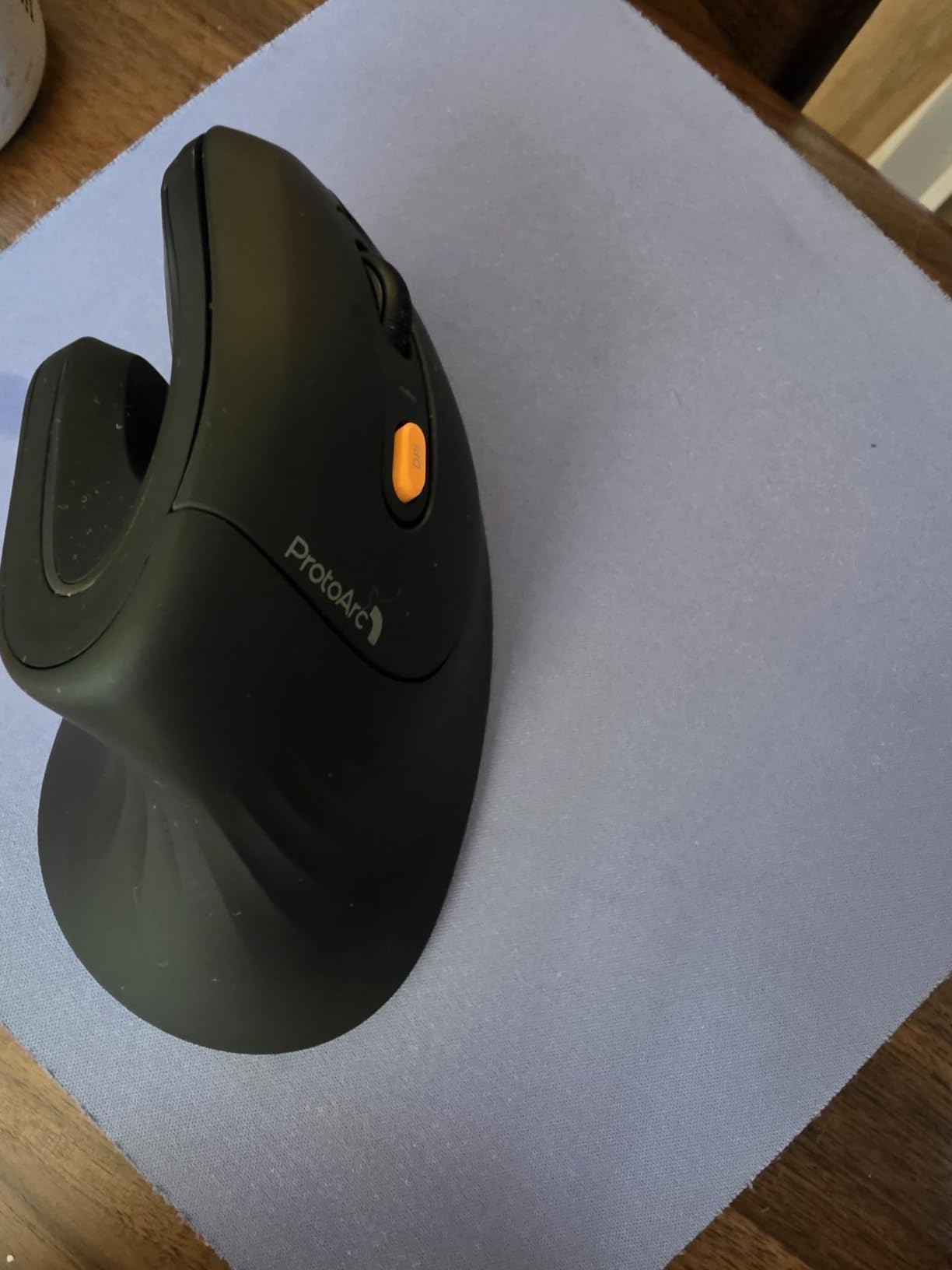
Connectivity is genuinely dual. It pairs to three devices over Bluetooth and connects through a 2.4GHz USB-A receiver, and the 500mAh lithium ion cell charges over Type-C with months of runtime between charges. Silent left and right click switches keep it civil in a shared room.
The scroll wheel is the weak point. Reviewers report it slowing down or missing registers when flicked quickly down a long page, which is exactly the motion you use when scrolling a document. Buttons cannot be remapped, forward and back do not work in macOS, and the glossy surface is slippery once your hand warms up.
What makes it a shared-desk mouse
Three things: silent primary clicks, a rechargeable cell you charge overnight rather than a cartridge of AA cells, and a compact 5.43 inch by 2.72 inch body that leaves room on a small desk. In a dorm room with a roommate ten feet away, the quiet clicks are the feature that changes daily life.
Multi-device pairing also helps in a shared space because you can move between your own laptop and a lab machine without swapping hardware. The listed weight of 250 g is the heaviest figure in this group, so expect it planted rather than skittering.
Where it falls short
It is specified for hand lengths under 7.5 inches, so large hands report cramping. The scroll wheel under fast scrolling is the most common complaint. With no remapping software and no macOS support for the side buttons, it also cannot be tailored to a specific application.
9. Evoluent VM4RW – Best for Severe Wrist Pain at a 90 Degree Angle
Evoluent – Inventor of the Vertical Mouse – VM4RW Ergonomic Vertical Mouse Right Hand Regular Size Wireless USB, Sculpted for Comfort, Reduces Wrist Strain, 4 Speeds, 6 Customizable Buttons in Windows
Upright 90 degree position
2600 DPI, four speed settings
Six programmable buttons
Wireless USB for Mac and Windows
Pros
- Most upright position in the roundup
- Six fully programmable buttons
- Four pointer speed settings on the side
- Broad bottom lip supports the palm
- Regular and Small sizes plus left-handed models
Cons
- Most expensive option here
- Long retraining period while the pointer drifts and jumps
- Older tracking sensor and no response for FPS play
- Receiver sometimes needs re-plugging at startup
- Bottom glide pads wear unevenly over time
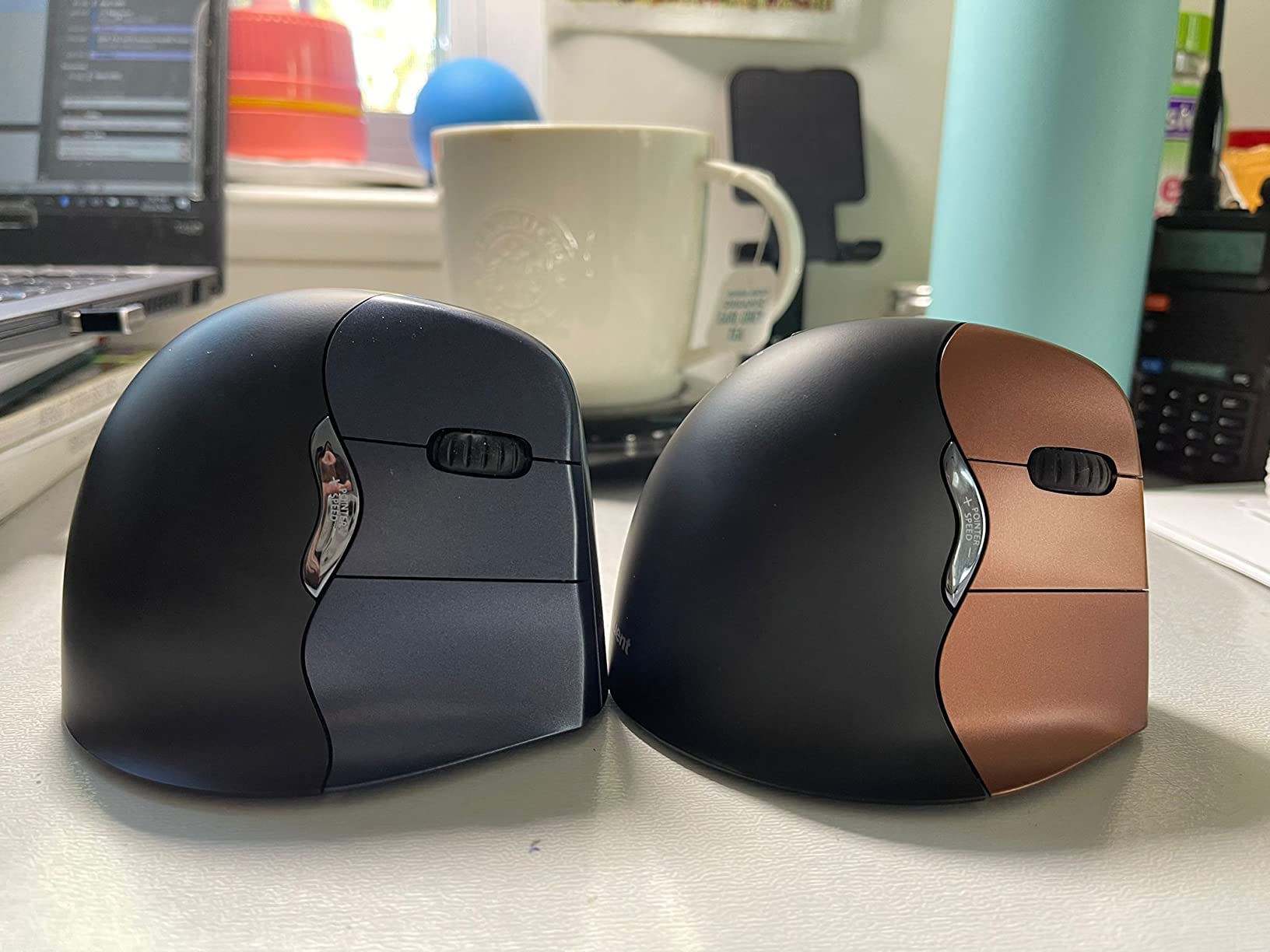
The Evoluent takes the neutral position further than anything else here. The shell is fully upright at 90 degrees, so the palm faces inward rather than down, and that is the most complete removal of forearm rotation available in a mouse. Long-term owners with tendinitis and post-surgical wrist problems describe it as the change that finally worked for them.
The broad bottom lip supports the palm during long sessions, which is what makes the upright position sustainable rather than tiring. Six buttons are programmable through the included Evoluent Mouse Manager software and four pointer speed settings sit on the side where your ring finger can reach them.
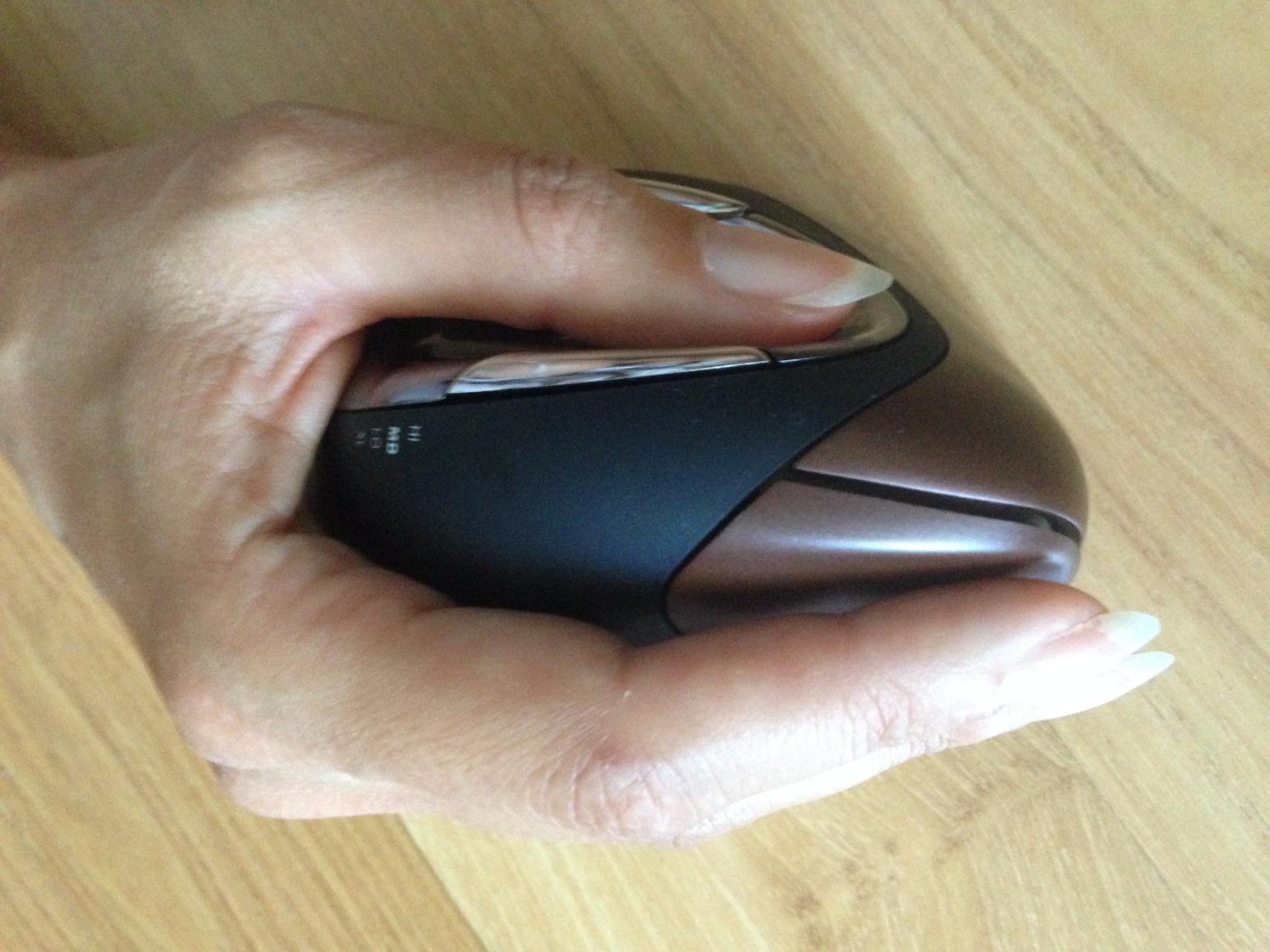
It runs on two AA batteries, and some owners measure over five months per set. The regular and small sizes plus left-handed and right-handed models mean it is the only entry here with real coverage of unusual hand sizes, and it carries a two-year warranty with replacements.
The price and the trade-offs are both steep. It is the most expensive option in the roundup, the sensor is old enough that it is not responsive enough for competitive FPS play, and the bottom glide pads wear unevenly, which can make the pointer drift over years.
Why 90 degrees is a deliberate choice
The steeper angle is not a gimmick, it is a bigger biomechanical intervention. If your forearm rotation is the specific thing that triggers your symptoms, the fully upright shell removes the most of it. Forum questions about why a 90-degree Evoluent feels less stable than a 57-degree Logitech have honest answers: it is steered more by the thumb, so it needs retraining.
During that retraining the pointer drifts and jumps, which is the single biggest reason people abandon it. Treat the first two weeks as practice, not as a verdict on your hand.
Where it falls short
It is harder to grip and lift than flatter shells, so guest users and quick pointing tasks are awkward, and a second one is often bought for visitors. The wireless receiver sometimes needs re-plugging at startup. Given the price, it is the hardest mistake in this group to justify if your pain is mild.
10. UGREEN Quiet Vertical Mouse – Best for Laptops and Travel
UGREEN Ergonomic Wireless Mouse, Bluetooth & 2.4G Wireless, Quiet Clicks
57 degree angle, wide palm base
Silent clicks, five buttons
DPI up to 4000
Bluetooth and 2.4GHz, three devices
Pros
- Wide palm base supports rather than hovers the hand
- Effectively silent clicks
- PTFE glide feet for quiet low friction tracking
- Dual wireless across up to three devices
- Works with Windows macOS Linux ChromeOS and Android
Cons
- Large body suits bigger hands and frustrates small ones
- Side buttons sit too close to the thumb and press easily
- Thumb area is not deeply recessed
- Single AA battery and a fragile battery door tab
This is the newest entry in the group with fewer than 2,000 ratings, and the reason to consider it is the wide palm base. At 57 degrees it unloads the forearm like the Logitech shells, but the base is broad enough that the hand is supported rather than hovering, which some buyers rate as more comfortable than models twice the size.
It works over Bluetooth and a 2.4GHz dongle across up to three devices with a 10 meter range, across Windows, macOS, Linux, Chrome OS and Android. That combination is what makes it the travel pick: no receiver to lose and no cable to pack, and a laptop or a tablet can be paired in seconds.
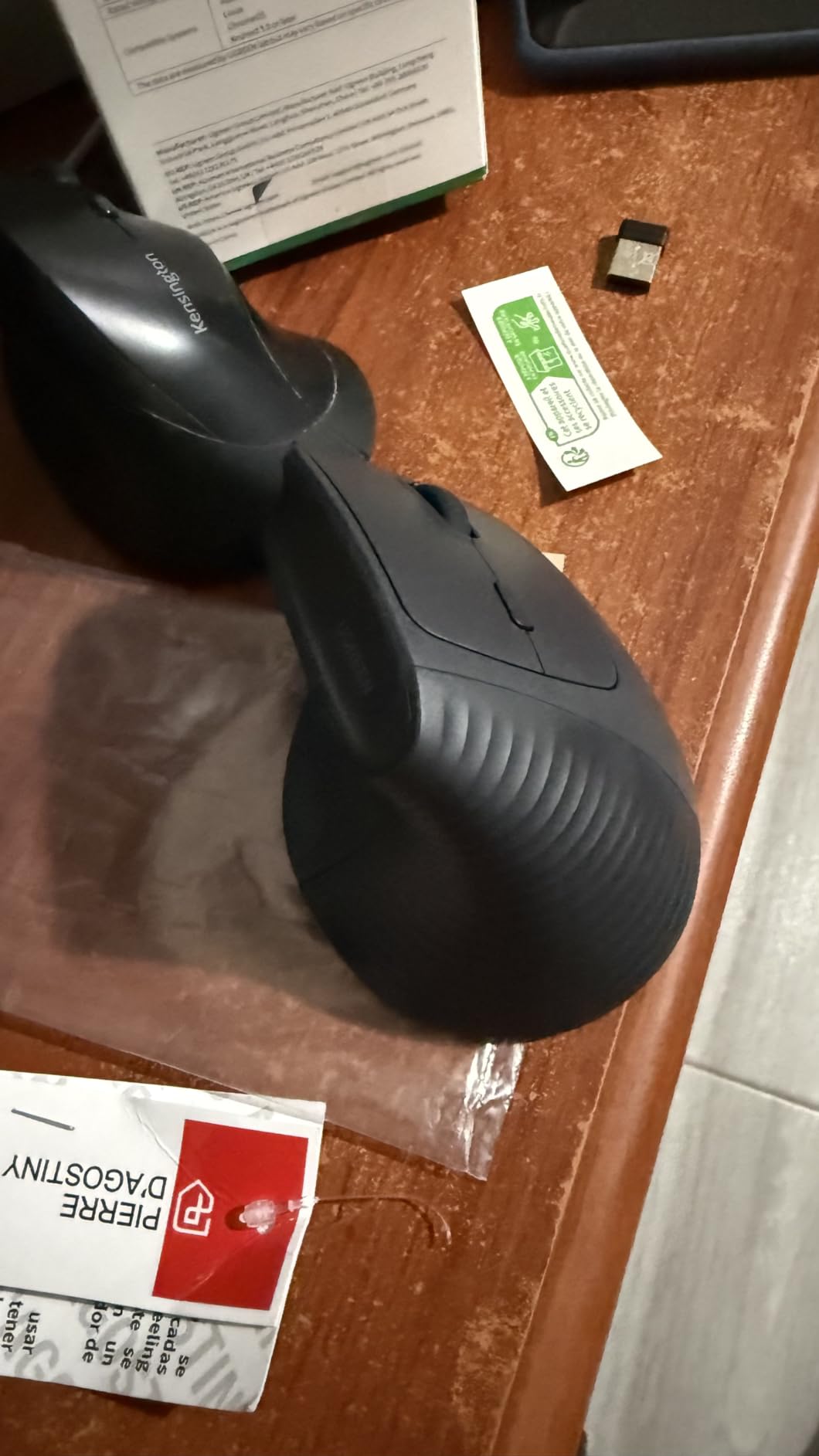
Tracking is handled by PTFE glide feet, which glide quietly and with low friction, and four DPI levels up to 4000 cover high-resolution laptop screens. The clicks are effectively silent and several owners report large reductions in wrist, elbow and shoulder strain within weeks.
Fit is the constraint. The shell is large, so small hands will struggle, and the side forward and back buttons sit close enough to the thumb that they fire accidentally. The thumb recess is shallow compared with premium rivals, and it runs on a single AA behind a push-in tab that reviewers describe as fragile.
What makes it work for a laptop
Three things line up for mobile setups: Bluetooth for a cable-free connection, a sensor with enough headroom for a dense laptop or tablet display, and silent clicks that work in a library or a quiet car. A few users also note slow Bluetooth scrolling compared with the dongle, so keep the receiver if scrolling speed matters.
The single AA is a quiet advantage over rechargeable cells for travel. You can carry a spare cell in a pocket instead of planning an hour of charging before a trip, and the smart sleep mode stretches the battery further.
Where it falls short
Small hands should look elsewhere, because the body is sized for larger palms. The side buttons trigger too easily and the thumb area is not deeply sculpted, so the ergonomic benefit is shallower than the silhouette suggests. There is no manufacturer software for button remapping either.
When a Vertical Mouse Makes Wrist Pain Worse?
Honesty about failure matters more than a clean recommendation list. Not everyone has a good outcome, and knowing the failure pattern tells you what to change rather than which model to abandon.
One r/MouseReview user tested the Trust Verto, the Trust GXT Vertical and the Logitech MX Vertical over two weeks and reported that every one of them made their hand and wrist hurt worse. That is the pattern worth naming: an aggressive upright shell plus an existing problem can move discomfort into the thumb and fingers rather than removing it, which is a form of transfer rather than relief.
Upgrading within a brand does not guarantee an improvement either. A user moved from the MX Vertical to a flat flagship specifically to escape wrist pain, which tells you that shape preference is individual and cannot be settled by a specification table.
Four reasons it goes wrong, and what to do
First, the mouse is too big. An oversized shell makes you hook the pinky edge and grip harder, which loads exactly the muscles you are trying to spare. Measure your hand and drop a size if your palm overhangs.
Second, the angle is too steep for you. If your thumb aches or your pointer drifts constantly, move down from a 90-degree shell to 57 degrees, or from 57 to 52. Angle tolerance is personal and lower is usually easier to start.
Third, you quit during the learning curve. Most people feel awkward for the first three to seven days, and users who give up after one session conclude the mouse does not work. Give any new vertical mouse two weeks before you judge it.
Fourth, the mouse was never the problem. A keyboard at the wrong height, a monitor too low, a chair without lumbar support or a shoulder held up all day will keep hurting through a mouse change. r/Ergonomics users often resolve pain simply by moving the mouse and not the keyboard, which is a clue that setup may be doing more work than hardware.
If a vertical mouse has made things worse after two honest weeks, the next step is usually a trackball. A thumb-operated trackball holds the hand in a position that resembles a vertical mouse and removes arm movement entirely, which is why forum users with more severe symptoms describe easing their symptoms that way. A lighter flat mouse, a lower sensitivity setting and a taller monitor are the other three things worth trying before you buy anything else.
Vertical Mouse vs Trackball vs Flat Mouse vs Gaming Mouse
A vertical mouse is not the only answer to wrist pain, and it is not always the right one. The four categories solve different problems.
A flat mouse keeps your arm pronated but gives the fastest, most precise movement and the widest button layout. It remains the right choice for competitive FPS gaming, where vertical shells lose response and the shapes fight your aim. For general office work with no symptoms, nothing needs to change.
A trackball removes your arm from the task entirely. You roll a sphere with your thumb or fingers and your forearm rests on the desk, so there is no pronation and no reaching. The trade-off is that your thumb or fingers do the work, so switching from a trackball to a trackpad can produce thumb tendonitis, which is why r/civilengineering users with carpal tunnel symptoms report easing once they moved to a thumb-operated ball with a vertical-like default wrist position.
A trackpad needs no device and works on every laptop, and it suits short bursts and travel. It is not a match for eight hours of spreadsheet work, where the shoulder begins to carry the load. A pen tablet, which r/editing users with sore hands switch to for rotoscoping, removes wrist strain almost entirely but changes how you work rather than how you hold a mouse.
For a student desk, the practical order is a vertical mouse for daily work, keeping a flat mouse or gaming mouse for play, and adding a trackball later if your forearm still aches after a month. For someone with pronounced symptoms who needs maximum relief, start with the trackball.
Setup and Adaptation: Getting Relief in the First Month
A vertical mouse on a badly arranged desk will disappoint you. Position first, then worry about the hardware. Your mouse should sit close enough that your upper arm hangs relaxed at your side, at the same height as your keyboard, with your forearm level rather than angled down.
Drop your sensitivity. Moving a vertical mouse across the pad is harder than sliding a flat one, so a default high DPI setting makes you overshoot constantly. Starting between 800 and 1200 DPI forces smaller, more controlled movements and reduces the wrist motion that causes the problem. If your mouse has a speed switch or DPI button on the shell, use it rather than only changing settings in software.
Keep your elbow near 90 degrees and your shoulders down, and take a break every 20 to 30 minutes. The mouse change reduces one load; it does not remove the total volume of repetition in your day.
The realistic adaptation timeline looks like this. In week one, the shape feels odd, your pointer drifts and you may knock the mouse over. From day three to day seven, accuracy returns to normal and you stop thinking about the grip. By week two, discomfort that was constant usually settles into occasional awareness rather than pain. By month one, most people have either made it part of their routine or decided it is not for them.
One more note for small dorm desks. Reserve a pad area wide enough for the shell plus your hand, because the reach is shorter than with a flat mouse but the height still needs clearance. Wired models need a route for the cable, and a rechargeable model needs a charger within reach at the start of each term.
How to Choose a Vertical Mouse: Angle, Hand Size and Connection
Match the hand size first, because it decides everything else. Measure from the wrist crease to the tip of your middle finger with your fingers together. Under 6.7 inches points to the compact shells such as the TECKNET models and the Logitech Lift. Between 6.7 and 7.5 inches suits the Logitech MX Vertical, the ProtoArc and the Anker models. Over 7.5 inches points to the wider Lekvey footprint.
Choose the angle next. Start at 52 or 57 degrees unless you already know you want a fully upright shell. The 90-degree Evoluent gives the most relief from forearm rotation and asks the most of your thumb, so it suits people with pronounced symptoms and a willingness to retrain.
Decide on connection. 2.4GHz receivers are the most reliable and the easiest to set up, but they occupy a USB port and cannot pair with a tablet. Bluetooth suits laptops with limited ports, and dual-mode models like the TECKNETs and the UGREEN cover both. If your machine has no USB-A port at all, skip receiver-only models, which is a common complaint about budget options.
Look at sensor and battery together. 1600 DPI is fine for normal desk distances and low-resolution screens; 4000 DPI with a physical speed switch helps on large high-resolution displays. Rechargeable cells remove the need to buy cells, while AA and AAA models are cheaper up front and easier to top up while travelling.
Finally, count buttons if you remap keys, and check platform support. Seven buttons with remapping software is meaningfully different from six fixed ones, and several budget mice here have side buttons that do nothing on macOS. If you are left-handed, the Logitech Lift left-handed version is the option we found, and it is worth checking listings carefully since most show the right-handed unit.
Frequently Asked Questions
Are vertical mice actually better for your wrist?
A vertical mouse puts your forearm in a neutral handshake position instead of palm-down, which removes the sustained pronation that crosses your radius and ulna and loads the wrist and forearm tendons. It also moves the click buttons off the top of the shell so you stop lifting your wrist to click. It reduces load rather than eliminating it, so posture, breaks and keyboard position still matter.
Are vertical mice good for carpal tunnel syndrome?
A vertical mouse can reduce the posture that aggravates nerve compression, and buyers with symptoms commonly report easing. But it is not a treatment for diagnosed carpal tunnel syndrome. Numbness, swelling, night pain or weakness in the hand needs a clinician, and a mouse change should be part of the plan rather than a replacement for it.
Can using a vertical mouse cause wrist pain?
Yes, particularly in the first two weeks. A shell that is too large, an angle that is too steep for your thumb, or quitting before you adapt can all leave you aching. Forum users report testing three different vertical mice and feeling worse with every one. If pain persists past two honest weeks, try a smaller shell, a lower angle, a lower DPI setting, or a trackball.
How long does it take to get used to a vertical mouse?
Most people need three to seven days to regain normal accuracy, and one to two weeks for it to feel natural. Week one feels awkward, the pointer drifts and the tall shell can be knocked over. By week two the grip stops being conscious, and by month one you either have it as a habit or you know it does not suit you.
Are vertical mice better than trackballs?
It depends on where your discomfort is. A vertical mouse still moves your arm, so it fixes wrist and forearm rotation but not shoulder or neck load. A trackball removes arm movement altogether and suits more severe symptoms, but the thumb or fingers do more work and can develop tendonitis. A vertical mouse is the gentler entry; a trackball is the stronger intervention.
Is a vertical mouse good for gaming?
Generally not for competitive first-person shooters. The upright shell and smaller tracking surface reduce the speed and precision you need for aiming, and most vertical mice use older sensors with low polling rates. For play, keep a flat gaming mouse and use the vertical mouse for work, where your wrist spends the most hours.
Do vertical mice work for left-handed people?
They can, but options are limited. The Logitech Lift is made in both right-handed and left-handed shells and is the mainstream left-handed vertical mouse we found. The Evoluent is also available left-handed, though it carries the highest cost in the group. Most budget vertical mice on the market are right-handed only.
What is the best vertical mouse for small hands?
For hands under about 6.7 inches, look at the compact shells. The TECKNET 52-degree model and the Logitech Lift are both built for small to medium hands, and the compact Anker models are another option. Avoid the wider Lekvey and UGREEN bodies, which reviewers with larger palms rate highly but which small hands find oversized.
Bottom Line: Which Vertical Mouse Should You Buy?
Start with the Anker 2.4G Wireless Vertical Mouse if you want the most proven, lowest-friction change and you do not need Bluetooth. It carries more owner history than anything else here and asks nothing of you beyond plugging in a receiver.
Move up to the Logitech MX Vertical if you want the reference 57-degree design, a 4000 DPI sensor, three-device pairing and a rechargeable battery. Choose the Logitech Lift instead if your hands are small to medium or if you are left-handed, and the TECKNET 52-degree model if you want the quietest clicks in the group.
Go bigger or steeper only when you know why. The Lekvey suits large hands, the UGREEN suits laptops and travel with its dual wireless setup, and the Evoluent VM4RW is the most complete answer for severe wrist pain and the one most likely to demand a full two weeks of retraining. Give any of them the month, keep the breaks up, and if the pain moves rather than fades, move to a trackball.