
A curved monitor is the rare upgrade that changes how a game feels rather than just how it looks. The panel bows around you so the left and right edges sit at a similar distance to your eyes as the centre, which widens your field of view and makes fast movement in shooters, sim racers and flight sims feel less like watching a screen and more like looking through a window. If you are searching for the best curved monitors for gaming in 2026, the honest answer is that almost every curved display is a 21:9 or 16:9 screen with a radius number attached, and the difference between a good one and a disappointing one comes down to desk width, pixel density and how the panel behaves in dark scenes.
Our team spent several weeks reading spec sheets, owner reviews and long-term reports across twelve curved monitors, from a 24-inch model that fits a dorm desk to a 49-inch super-ultrawide that needs nearly four feet of desk. We grouped them by what they actually do well, not by marketing tier, and every measurement quoted below comes from the manufacturer data or from the owner reviews behind each product.
One thing worth clearing up before the picks: none of the twelve monitors in this roundup is an OLED panel. Curved gaming monitors at the mainstream price tiers are almost all VA and IPS LCD. That means the OLED burn-in conversation, which dominates forums right now, barely applies here, and it also means you should judge these screens on black level, contrast ratio and overdrive behaviour instead of on panel self-emission. We explain what that changes in the buying guide.
The other reality check is desk space. A 34-inch ultrawide measures about 32 inches across, which is wider than most dorm room desks, and a 49-inch super-ultrawide measures 45 inches across. We have included the actual width of every model so you can measure before you buy, and we have flagged the ones that genuinely fit a small desk.
Table of Contents
Top 3 Curved Gaming Monitor Picks in 2026
These are the three we would put on a desk first, and each one wins at a different size and budget tier.

KOORUI 34 Inch 200Hz Ultrawide
- 3440x1440 21:9 at 200Hz
- 1000R curve
- 400 nits and 4000:1 contrast
- Height adjustable stand with PIP and PBP

Sceptre 24 Inch Curved 1080p
- Only 21.6 inches wide
- 1800R gentle curve
- 98% sRGB with built-in speakers
- Dual HDMI plus VGA input

SANSUI 34 Inch 200Hz Ultrawide
- 3440x1440 at 200Hz
- 1500R curve
- HDMI 2.1 and DisplayPort 1.4
- AI crosshair and sniper scope
Curved Gaming Monitors at a Glance in 2026
Every curved monitor we tested against, sorted by the specs that actually change how it plays. The desk width column is the one most roundups skip, and it is the one that decides whether a monitor works in your room.
| Product | Specs | Action |
|---|---|---|
| KOORUI 34 Inch 200Hz Ultrawide |
|
Check Latest Price |
| Sceptre 24 Inch Curved 1080p |
|
Check Latest Price |
 SANSUI 32 Inch 240Hz SANSUI 32 Inch 240Hz |
|
Check Latest Price |
| SANSUI 34 Inch 200Hz Ultrawide |
|
Check Latest Price |
 CRUA 34 Inch 165Hz White CRUA 34 Inch 165Hz White |
|
Check Latest Price |
 Sceptre 34 Inch 165Hz Ultrawide Sceptre 34 Inch 165Hz Ultrawide |
|
Check Latest Price |
 Samsung Odyssey G55C 32 Inch Samsung Odyssey G55C 32 Inch |
|
Check Latest Price |
 KTC 32 Inch 165Hz KTC 32 Inch 165Hz |
|
Check Latest Price |
 LG UltraGear 32GS60QC 32 Inch LG UltraGear 32GS60QC 32 Inch |
|
Check Latest Price |
 ASUS TUF VG34VQL1B 34 Inch ASUS TUF VG34VQL1B 34 Inch |
|
Check Latest Price |
 Alienware AW3425DWM 34 Inch Alienware AW3425DWM 34 Inch |
|
Check Latest Price |
 Samsung Odyssey G9 49 Inch Samsung Odyssey G9 49 Inch |
|
Check Latest Price |
1. KOORUI 34 Inch 200Hz Ultrawide – The Best Curved Gaming Monitor Overall
KOORUI 34 Inch 200Hz Ultrawide Curved WQHD 3440×1440p Gaming Monitor 1000R
3440x1440 21:9
200Hz over DisplayPort
1000R curve
400 nits, 4000:1 contrast
Pros
- 3440x1440 at 200Hz is the strongest spec pairing here
- 110mm height adjustment plus tilt and swivel
- PIP and PBP with Black Equalizer
- 400 nits brightness with 125% sRGB coverage
Cons
- FreeSync brightness flash reported on some screens
- Colour calibration needed out of the box
- VESA mounting spacers are not documented in the listing
The KOORUI 34E6UC is the model we kept coming back to. A 3440×1440 panel running at 200Hz over DisplayPort is a combination most curved ultrawides do not offer at this money, and the 1000R curve is tight enough that peripheral vision genuinely fills with game content rather than ending at a visible bezel. Long-term owners report no dead pixels and no flickering over multi-year ownership, which matters more than any spec on the box.
We also like the stand. A 110mm height adjustment with swivel and tilt on a 34-inch panel is unusual in this class, and it means you can set the top of the screen at eye level without stacking books under the base. The panel measures 31.4 inches across, so budget for a desk at least that wide.
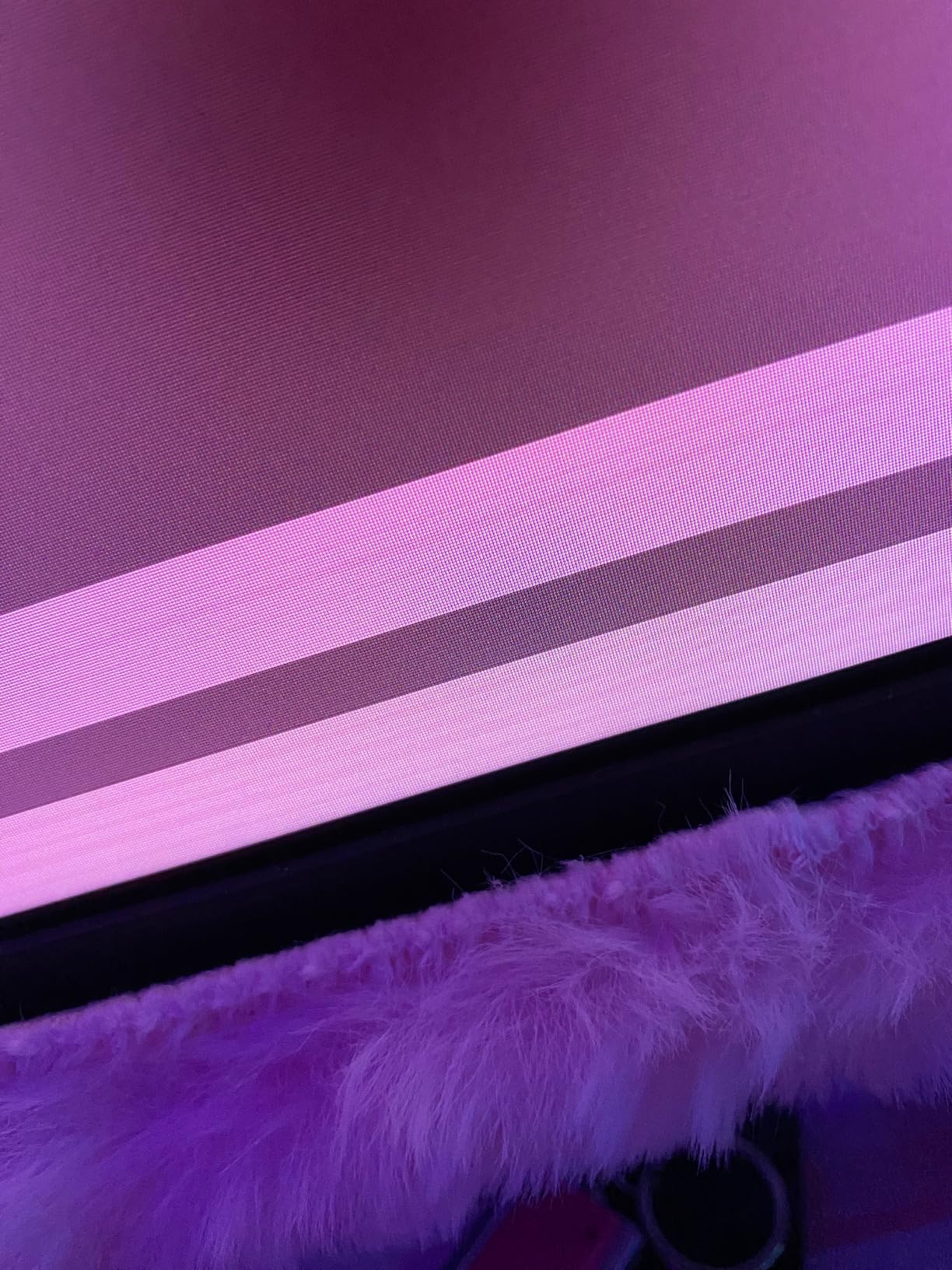
Two things to know before you commit. Some owners report a brief brightness flash when FreeSync is engaged, and turning adaptive sync off resolves it, which tells you the issue lives in the VRR implementation rather than the panel. Second, the picture needs manual colour work straight out of the box, so budget twenty minutes with the OSD before you judge it.
Port selection is sensible: DisplayPort and two HDMI ports, plus two USB ports. Note that the full 200Hz ceiling is a DisplayPort 1.4 feature, since the HDMI path is listed at 100Hz to 120Hz. The box also carries a three-year spare parts replacement warranty, which is a better commitment than most competitors at this tier offer.
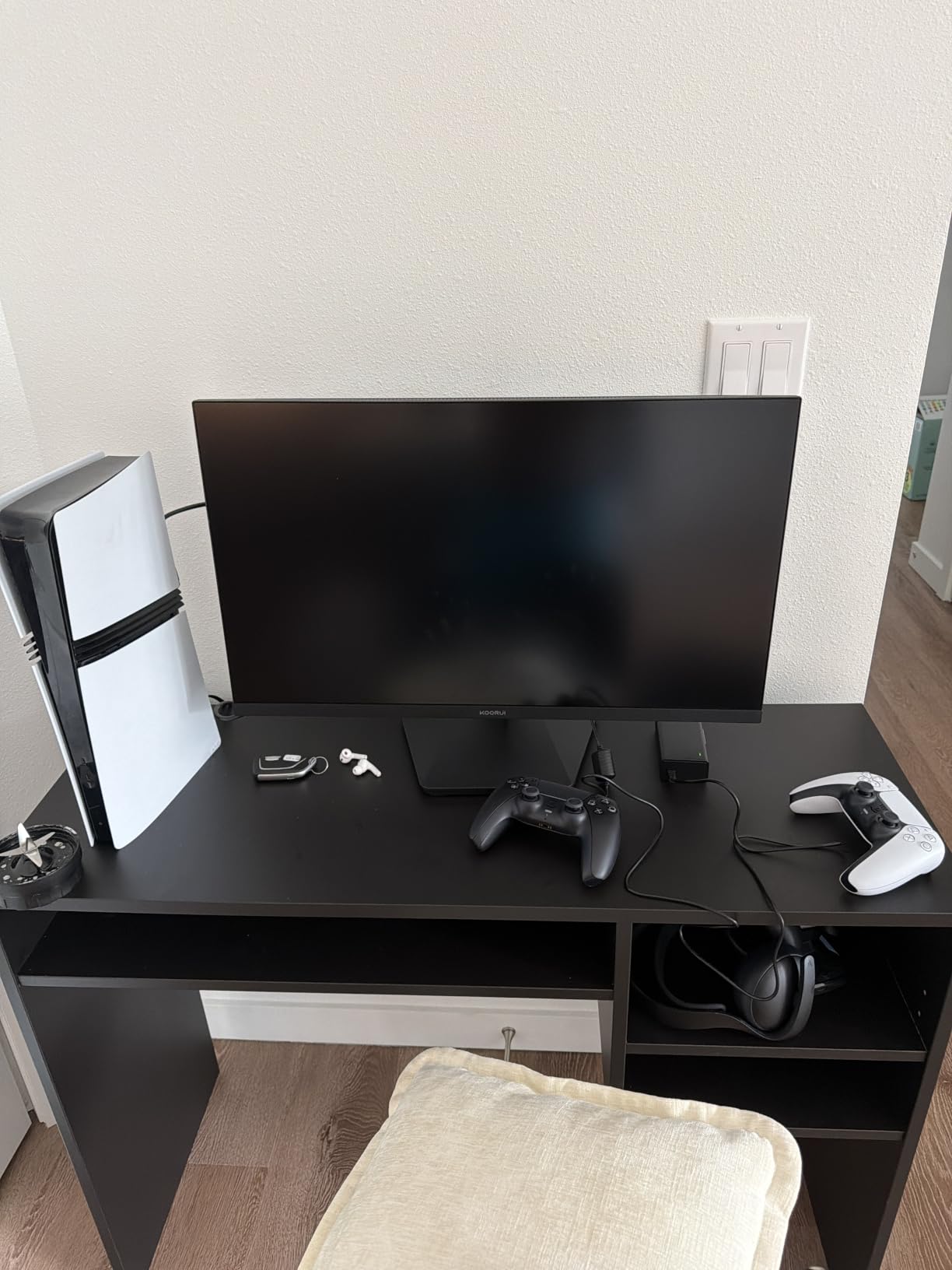
Who should buy the KOORUI 34E6UC
Buy it if you play shooters or MOBAs and want the highest refresh you can drive at proper ultrawide resolution. Dual-monitor switching is a common reported use, and the PIP and PBP modes make a second input genuinely usable without a second physical screen.
Who should pass on the KOORUI 34E6UC
Skip it if your desk is under 32 inches wide, since the panel is 31.4 inches across and needs a few more inches of clearance behind it. Also skip it if you are sensitive to brightness flicker under VRR, and check the free stand VESA spacers before mounting to an arm because the documentation is vague.
2. Sceptre 24 Inch Curved 1080p – Best Curved Gaming Monitor for a Small Desk
Sceptre Curved 24-inch Gaming Monitor 1080p R1500 98% sRGB HDMI x2 VGA Build-in Speakers, VESA Wall Mount Machine Black (C248W-1920RN Series)
1920x1080 at 75Hz
1800R curve
98% sRGB
21.6 inch wide, 6 pounds
Pros
- Only 21.6 inches wide so it fits dorm and bedroom desks
- Highest review volume in this roundup at over 22000 ratings
- 98% sRGB coverage for accurate colour
- Dual HDMI plus VGA and built-in speakers
Cons
- 75Hz ceiling limits competitive play
- Built-in speakers are thin and treble heavy
- Tilt-only stand with no height or swivel
- Defaults to 60Hz until changed in graphics settings
This is the answer when desk space is the deciding factor. The Sceptre C248W-1920RN is 21.6 inches wide and weighs 6 pounds, so it fits on a desk that no other monitor in this list would. The 1800R curve is gentle enough that it reads as a screen rather than a wraparound, which is exactly what you want in a room where you also have to do coursework.
With more than 22000 ratings averaging 4.6, it is the most proven panel here, and reviewers treat it as a dependable first upgrade. Colour accuracy at 98% sRGB gets consistent praise, as does the plug-and-play setup for anyone who does not want to fight a driver install.
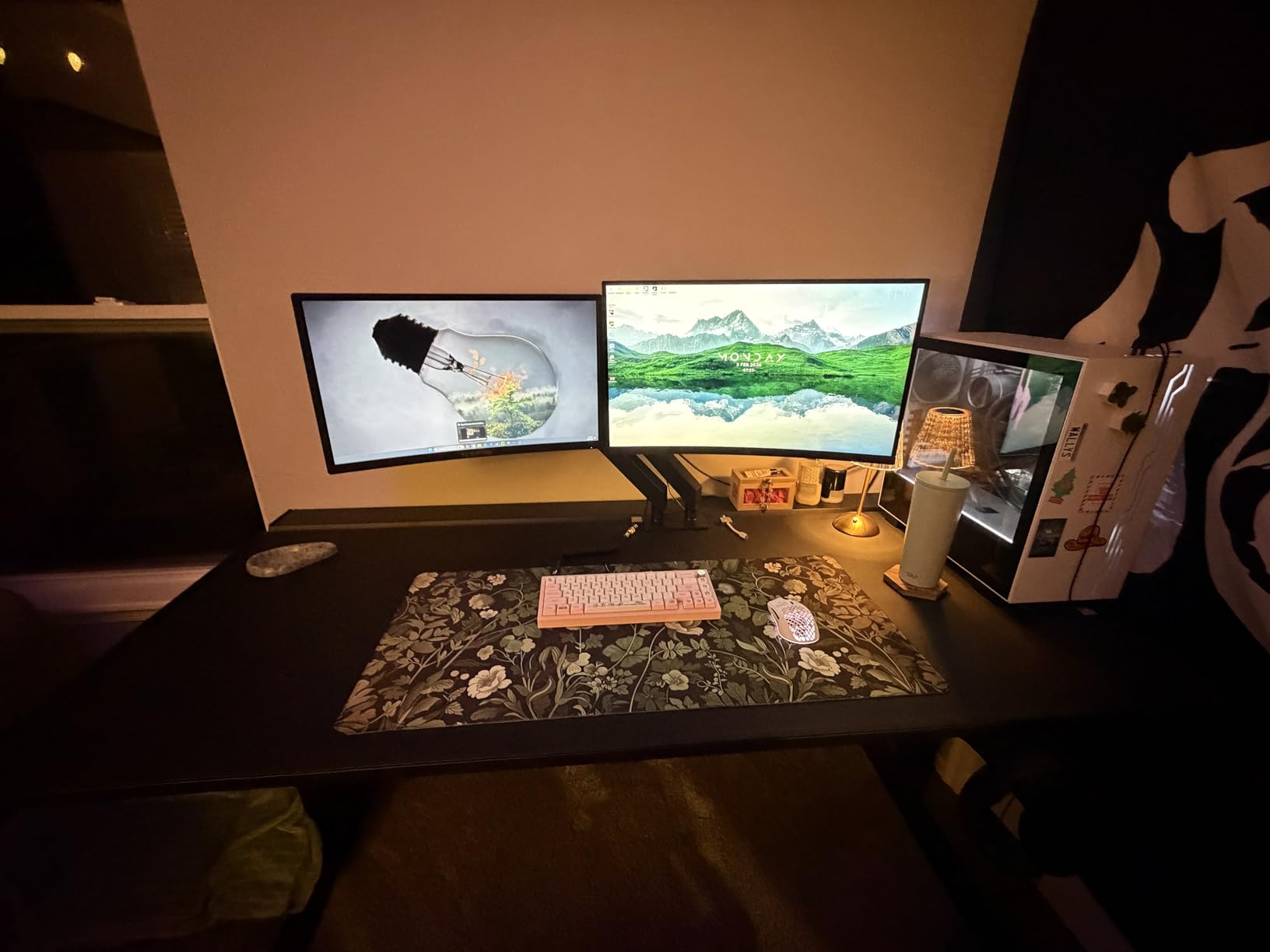
Be honest about the refresh rate. At 75Hz this is not a competitive esports screen, and no amount of curve changes that. It suits co-op games, strategy titles, RPGs, console play and everyday use far better than a tournament shooter.
One setup note that catches people out: the screen defaults to 60Hz over HDMI until you change the refresh rate in your graphics control panel, not in the Windows display menu. Several reviewers flagged this as confusing on day one. The stand is tilt only, though the panel is VESA wall mount ready, so an arm or wall mount solves both the ergonomics and the desk space problem.
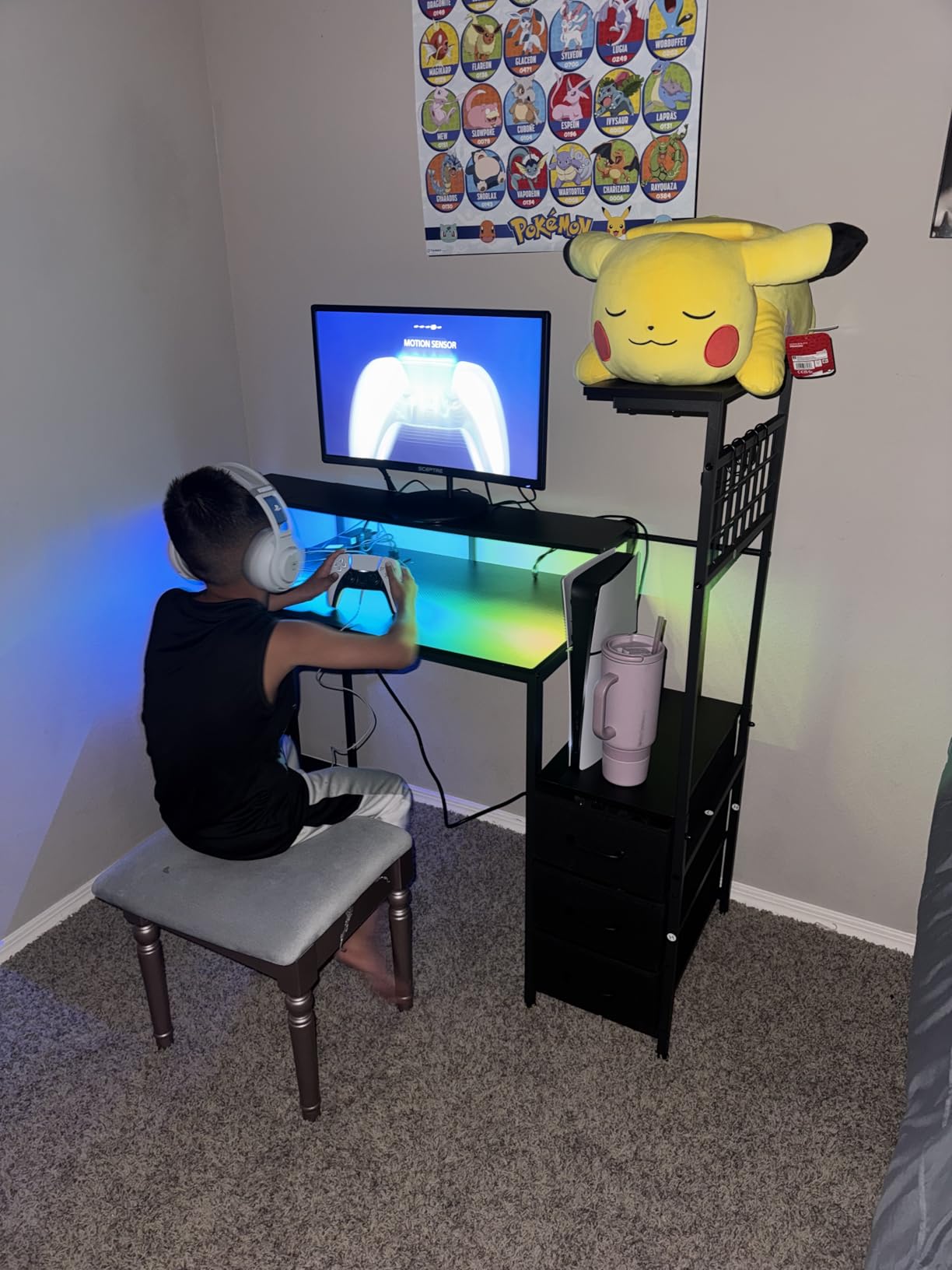
What makes the Sceptre 24 Inch work in a dorm room
The width is the whole story. At 21.6 inches it leaves room for a laptop, a keyboard and a mug on the same surface, and the 6-pound weight means you can move it between rooms when your room changes. Built-in speakers cover casual audio without adding a separate speaker to an already crowded desk.
Where the 24 Inch curve falls short
It will not satisfy you if you are chasing competitive shooters, where 75Hz and a 1ms rating that depends on backlight strobing are not enough. Overclocking to higher rates is not mentioned anywhere in the owner reports, so treat 75Hz as the ceiling.
3. SANSUI 32 Inch 240Hz – Best Curved Monitor for Competitive Shooters
SANSUI 32 Inch Curved 240Hz Gaming Monitor High Refresh Rate, FHD 1080P
1920x1080 at 240Hz
1500R curve
1ms MPRT
300 nits, 3500:1 contrast
Pros
- 240Hz is unusually fast at this tier
- 1ms MPRT with anti-flicker and low blue light
- DisplayPort 1.4 and HDMI both drive full refresh
- DisplayPort cable included in the box
Cons
- 1080p stretched across 32 inches is low pixel density
- No built-in speakers with audio out only
- Tilt-only stand with no height adjustment
A 240Hz panel is the headline here, and for fast first-person shooters that headline matters more than resolution. The ES-G32C1F pairs 240Hz with a 1ms MPRT rating and anti-flicker technology, and the anti-flicker and low blue light modes are genuinely useful when you are playing at three in the morning.
Both the DisplayPort 1.4 and HDMI inputs run the full 240Hz, which removes the usual cable-compromise problem where one port is throttled. Owners also appreciate that a DisplayPort cable is included in the box, and the VESA 100×100 compatibility means an arm is easy to fit later.
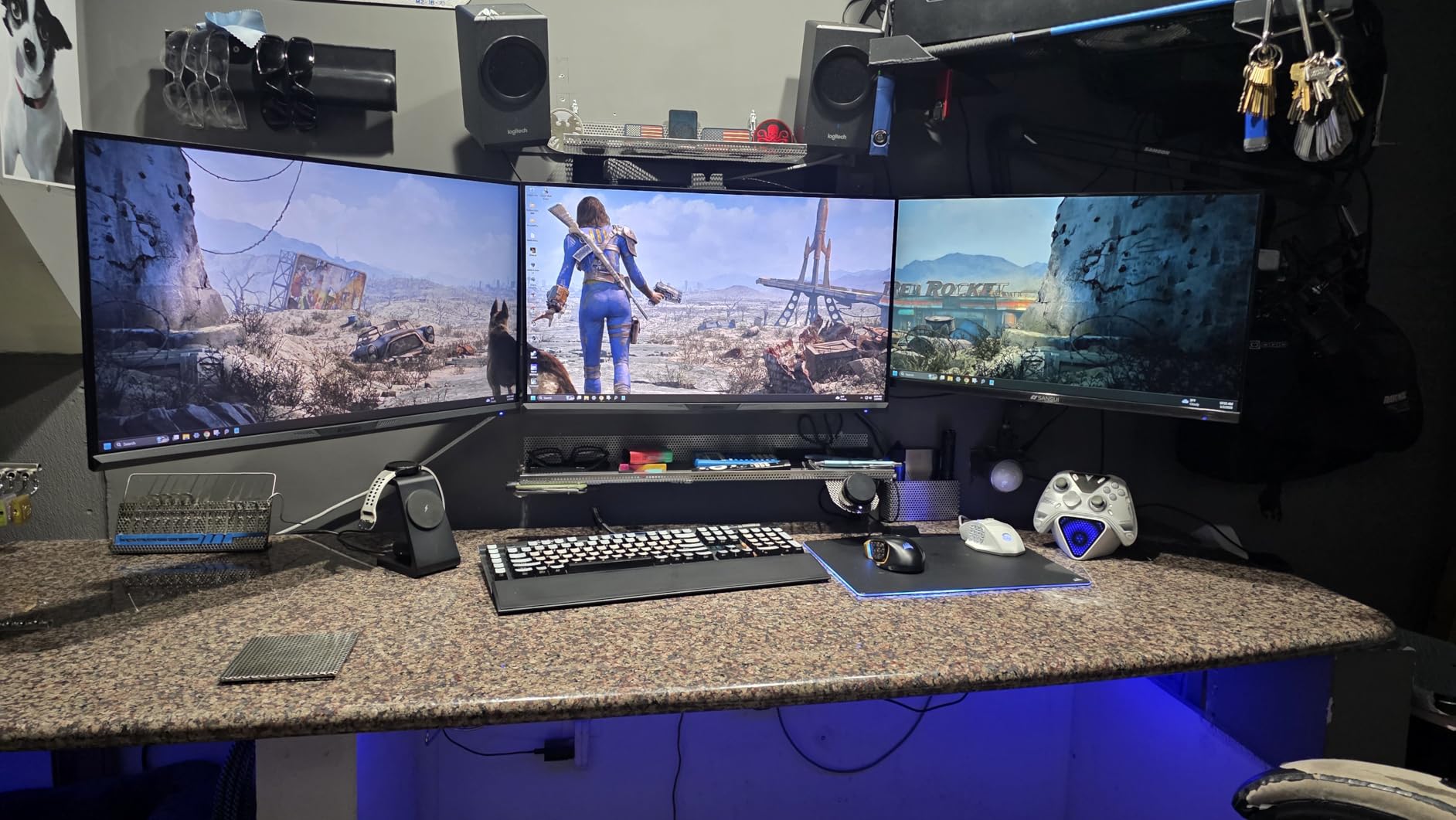
The compromise is pixel density. Spreading 1920×1080 across a 32-inch panel gives a noticeably softer image than a 32-inch 1440p screen, which is the trade owners mention most often. For a player who lives in a shooter, that is usually a fair deal. For someone who also writes essays on the same monitor, it is not.
Brightness of 300 nits and 3500:1 contrast are respectable, and 125% sRGB coverage means colours are more saturated than a standard office panel. There are no built-in speakers, so plan on headphones, and the tilt-only stand is another reason many buyers mount this on an arm.
Why refresh rate beats resolution here
If your GPU can push high frame rates, 240Hz makes aiming and strafing feel noticeably more connected than 165Hz at the same resolution. Competitive players prioritising that feel should read the refresh rate first and the pixel count second.
The resolution trade you are making
Know that you are choosing motion clarity over text sharpness. If half your screen time is documents, code or spreadsheets, the Samsung Odyssey G55C or the LG UltraGear further down this list will serve you better, because both run 2560×1440 on 32 inches.
4. SANSUI 34 Inch 200Hz Ultrawide – Best Value Curved Ultrawide
SANSUI 34-Inch Curved Gaming Monitor UWQHD 3440 x 1440P 200Hz Ultrawide
3440x1440 21:9 at 200Hz
1500R curve
300 nits, 130% sRGB
31.8 inches wide
Pros
- 3440x1440 at 200Hz is hard to find elsewhere
- HDMI 2.1 x2 plus DisplayPort 1.4
- AI crosshair
- sniper scope and PQ modes
- PIP and PBP for real multitasking
Cons
- Brightness and sharpness need adjusting out of the box
- Dark corners when viewed off-centre
- No built-in speakers despite some listings
- Tilt-only stand
The ES-G34C8 is the pick if you want ultrawide resolution and high refresh without moving up a tier. 3440×1440 at 200Hz with HDMI 2.1 connectivity is a spec sheet that would have looked expensive two years ago, and the 1500R curve is moderate enough to stay comfortable over long sessions.
For competitive players the AI features are more than marketing. Crosshair and sniper scope overlays sit in the OSD, and PIP and PBP let you run a guide or a chat window on the same panel, which turns a gaming ultrawide into a study station without adding a second screen.
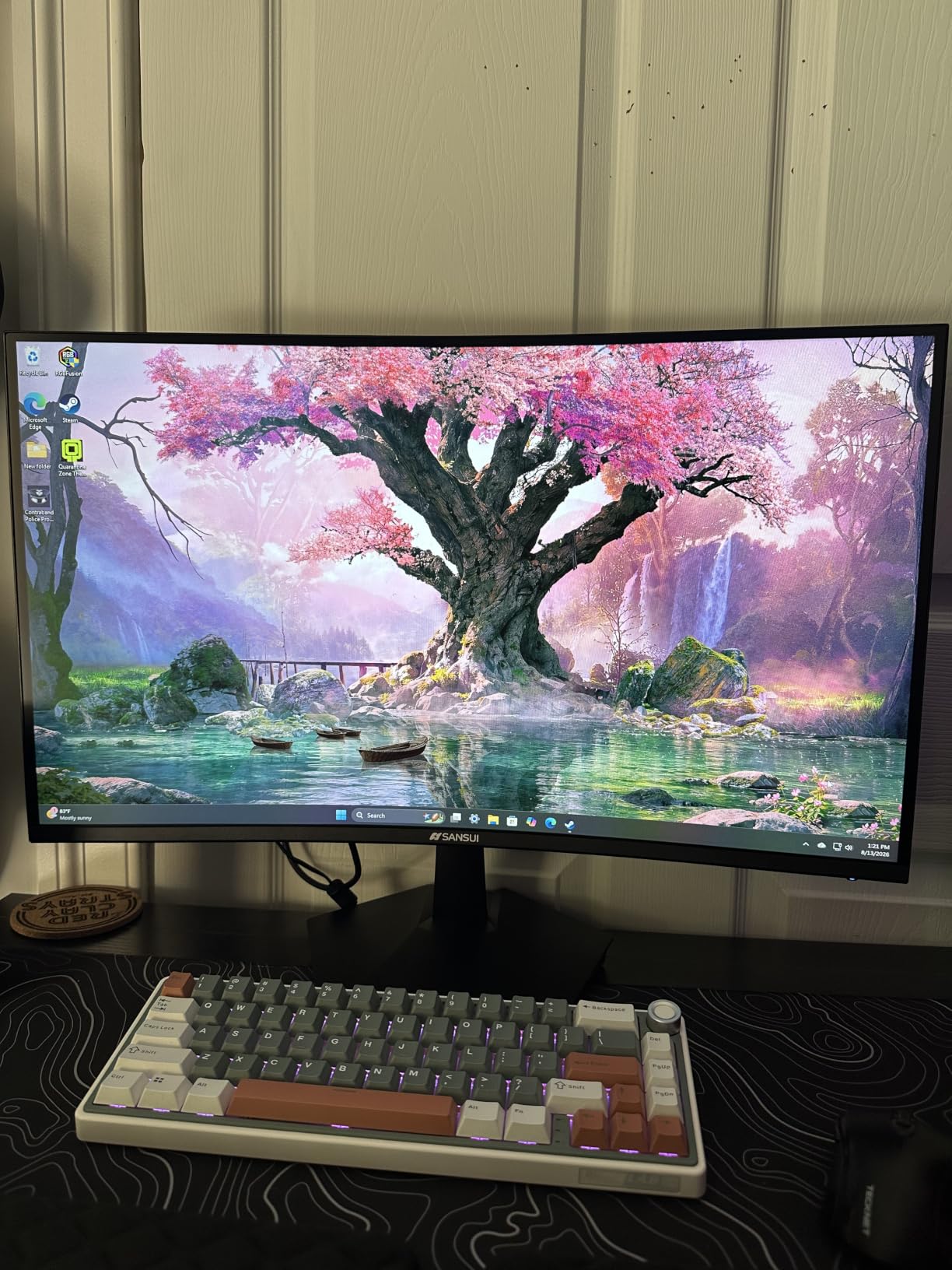
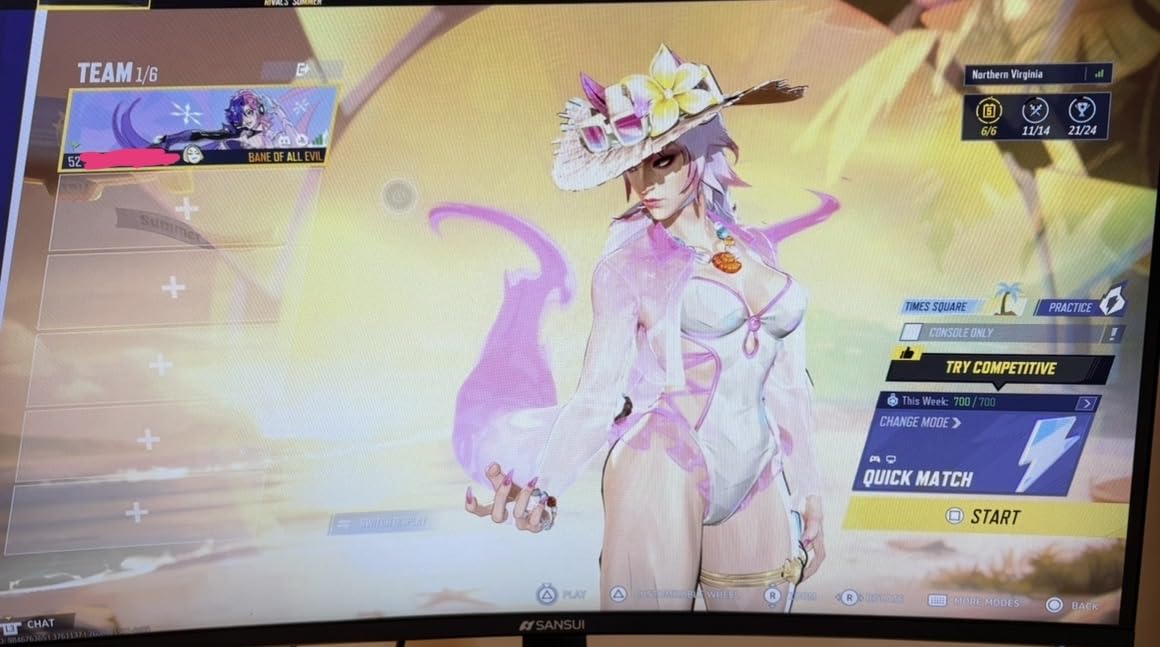
Out of the box the picture needs work. Reviewers consistently report adjusting brightness and sharpness before the image looks right, and a few note dark corners when sitting off-centre, which is normal behaviour for a curved panel viewed from an angle rather than head-on. There are no built-in speakers, only an earphone out.
A small number of reviews raise reliability concerns about power boards across this brand’s monitor range, so factor the warranty into the decision. The listing carries a 30-day money-back and free replacement period plus lifetime technical support, which softens that risk more than a one-year-only warranty would.
Where this ultrawide earns its place
Sim racers, flight sims and wide shooters benefit from the 21:9 field of view, and 200Hz keeps fast-moving objects clean when your frame rate is high enough to feed it. The 31.8-inch width means you need a desk wider than 32 inches, and depth matters too at 8.6 inches.
Reasons to look elsewhere
If you want an established brand behind the panel or a stand that adjusts, the ASUS TUF further down does both and adds a USB hub. If the picture arriving uncalibrated bothers you, expect to spend time in the OSD before you judge the colour.
5. CRUA 34 Inch 165Hz White – Best Curved Ultrawide in White
CRUA 34″ UWQHD 165Hz White Curved Gaming Monitor, 21:9 Ultrawide, 1500R VA
3440x1440 21:9 at 165Hz
1500R curve
300 cd/m2, 4000:1 contrast
White housing
Pros
- White housing is genuinely rare in a gaming monitor
- Four video inputs for console and PC switching
- 3440x1440 gives room for games and coursework
- Tool-free stand plus 75x75 VESA mounting
Cons
- Some owners report glare and dull picture quality
- 2ms response is slower than 1ms rivals
- Base and stand components feel cheaply made
- Occasional reports of missing stand parts
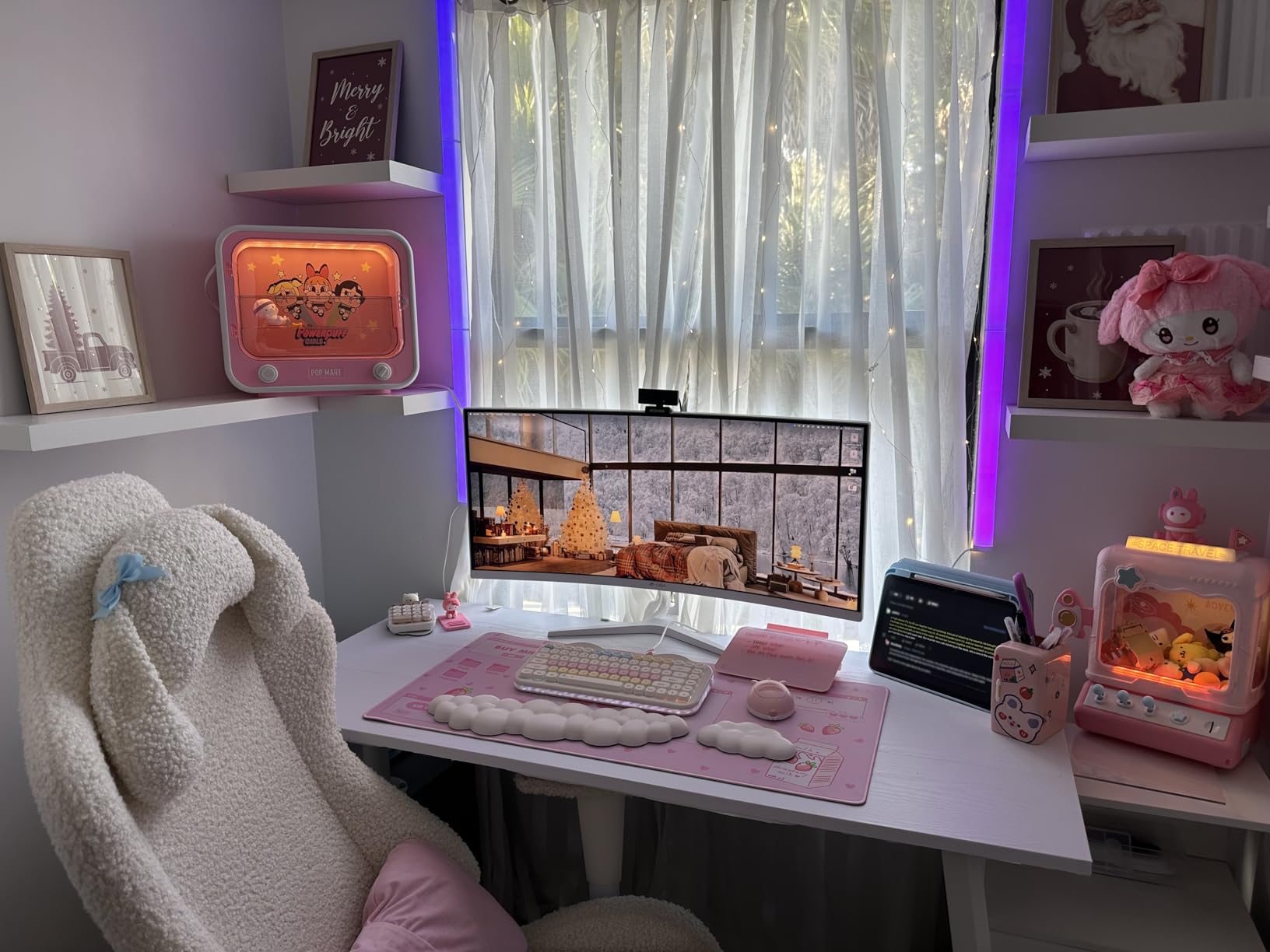
The CR340HDM solves a problem nobody else in this list addresses: the dorm room. A white monitor disappears into a light room in a way that a black gaming panel never does, and it looks less like a gaming monitor bolted to a study desk. The 1500R curve and 3440×1440 panel are otherwise a solid mainstream combination.
Connectivity is the quiet strength here. Two HDMI 2.0 ports and two DisplayPort 1.4 ports mean you can keep a console and a laptop plugged in simultaneously and switch in seconds, which is a better dorm setup than any ultrawide with a single input.
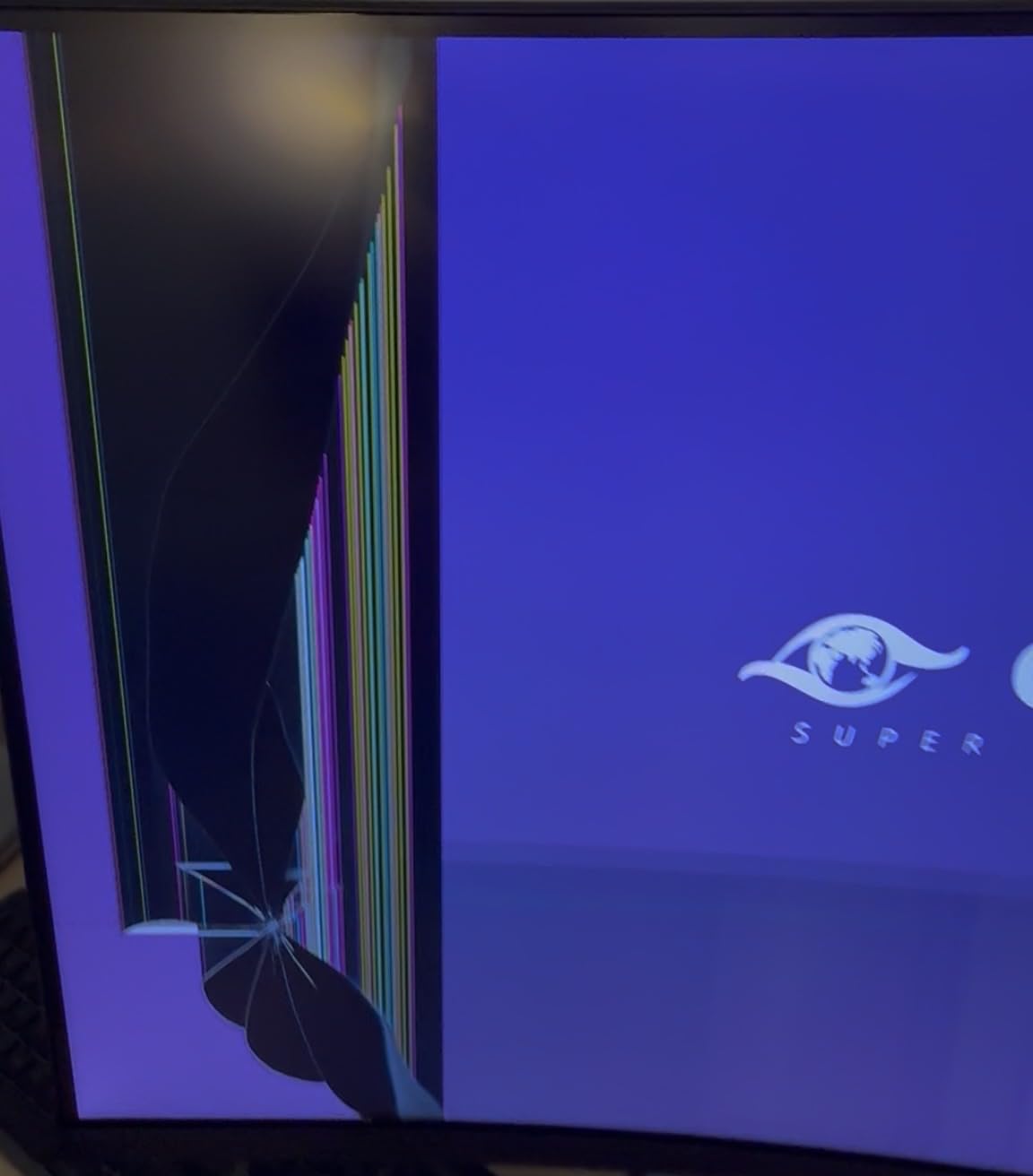
The negative reviews cluster on two things: glare and a dull picture, plus a high-pitched coil whine reported by at least one owner. The 4.3 average is the lowest in this group, and several reviewers do report multi-year reliability, which suggests the picture complaints are more unit-specific than systematic. Expect a slightly lower average rating and more unit variation than the Samsung or LG options.
At 2ms the response time is slower than the 1ms panels elsewhere, and the base and stand components are described as feeling cheaply made. If you are mounting on a VESA arm, note the plate is 75x75mm rather than the more common 100x100mm, so check your arm comes with the right adaptor.
What the white finish actually changes
Beyond looks, a light-coloured chassis in a bright room reduces the contrast between the monitor bezel and the wall, which cuts perceived screen size. Several owners note the stand uses a tool-free quick-release design, useful if you move between rooms at the end of a tenancy.
Where the CRUA is the weaker choice
Pass if you are sensitive to panel uniformity or want the lowest possible input lag, because the 2ms rating and the glare reports both point away from this one. A 4.3 average with a cluster of dull-picture reviews is worth weighing against the more consistent Samsung and LG panels at similar sizes.
6. Sceptre 34 Inch 165Hz Ultrawide – Best Dual-Monitor Replacement
Sceptre 34-Inch Curved Ultrawide WQHD Monitor (3440 × 1440), R1500, up to 180Hz/165Hz, DisplayPort x2, 99% sRGB, 1ms, Built-in Speakers, Machine Black, 2025 (C345B-QUT168)
3440x1440 at 165Hz
R1500 curve
1ms MPRT
31.8 inches wide
Pros
- 3440x1440 replaces a two-monitor setup
- 165Hz to 180Hz range with 1ms MPRT
- LED back cover lighting
- Single joystick-style control is easy to navigate
Cons
- Visible horizontal lines and backlight bleed up close
- Smearing reported by some owners
- Weak built-in speakers
- Single bottom button for power and menu
The C345B-QUT168 is the model owners most often describe as replacing two smaller screens. 3440×1440 gives you roughly 30% more usable space than a conventional monitor, and at 31.8 inches wide it is one of the more manageable 34-inch footprints on the market. The R1500 curve is a good middle ground for mixed work and play.
Refresh behaviour is flexible, with listings describing 165Hz up to 180Hz depending on mode, and 1ms MPRT keeps fast scenes clean. The joystick-style single control is a small thing that makes a real difference in daily use, because most budget monitors hide everything behind a row of tiny buttons.
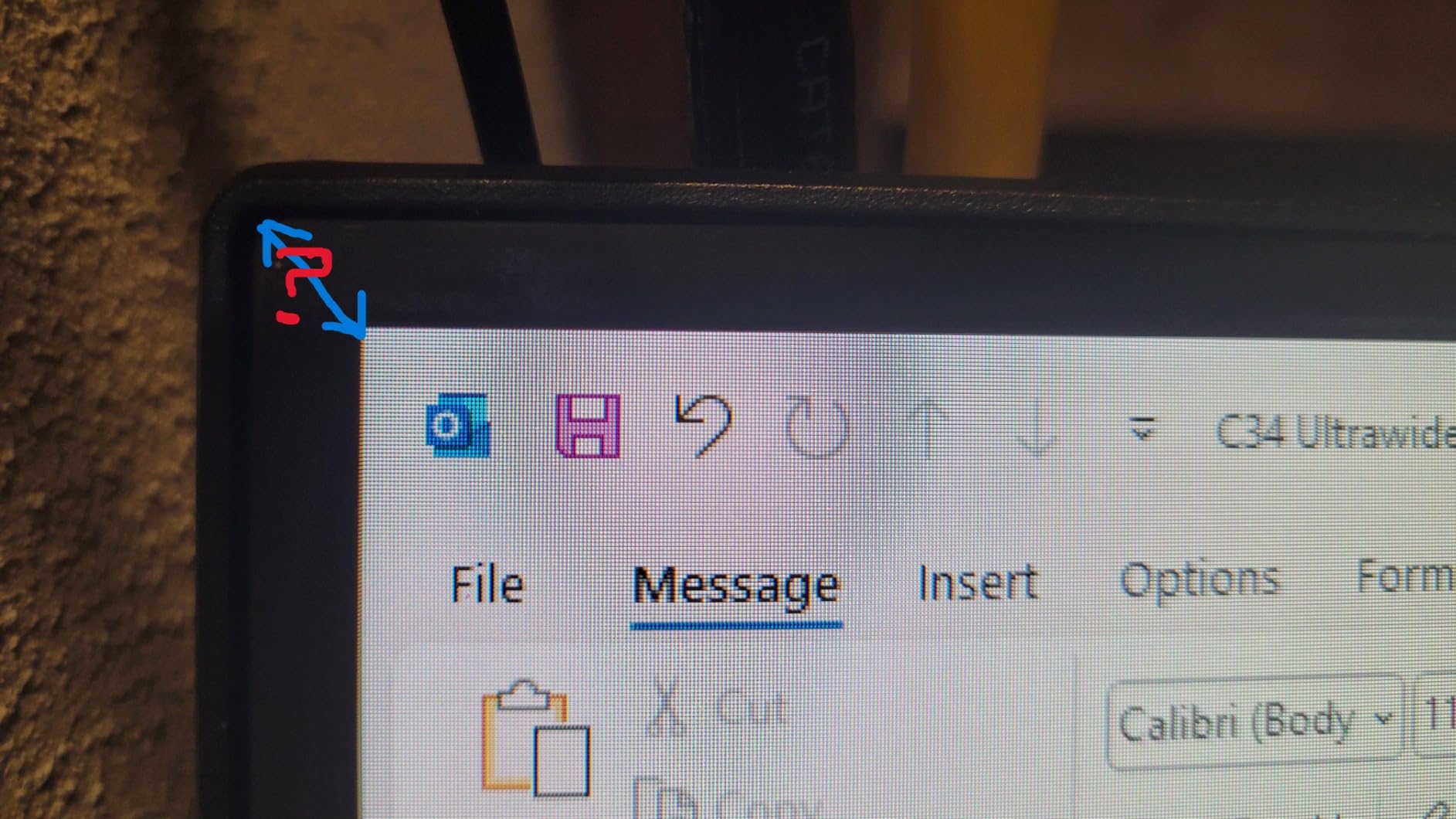
The most repeated complaint is panel uniformity. Owners report visible horizontal lines and backlight bleed on dark scenes when seated close, and the important detail is that these fade from normal viewing distance. If you sit nose-to-the-panel all day, notice it. If you sit back at arm’s length, mostly you will not.
Smearing is also reported by some owners, which is typical VA dark-scene behaviour, and the built-in speakers are weak. A few units arrived without an HDMI cable, so check the box contents before you start swapping ports. Sceptre’s customer support is repeatedly praised by owners, which is worth something when a panel needs sorting out.
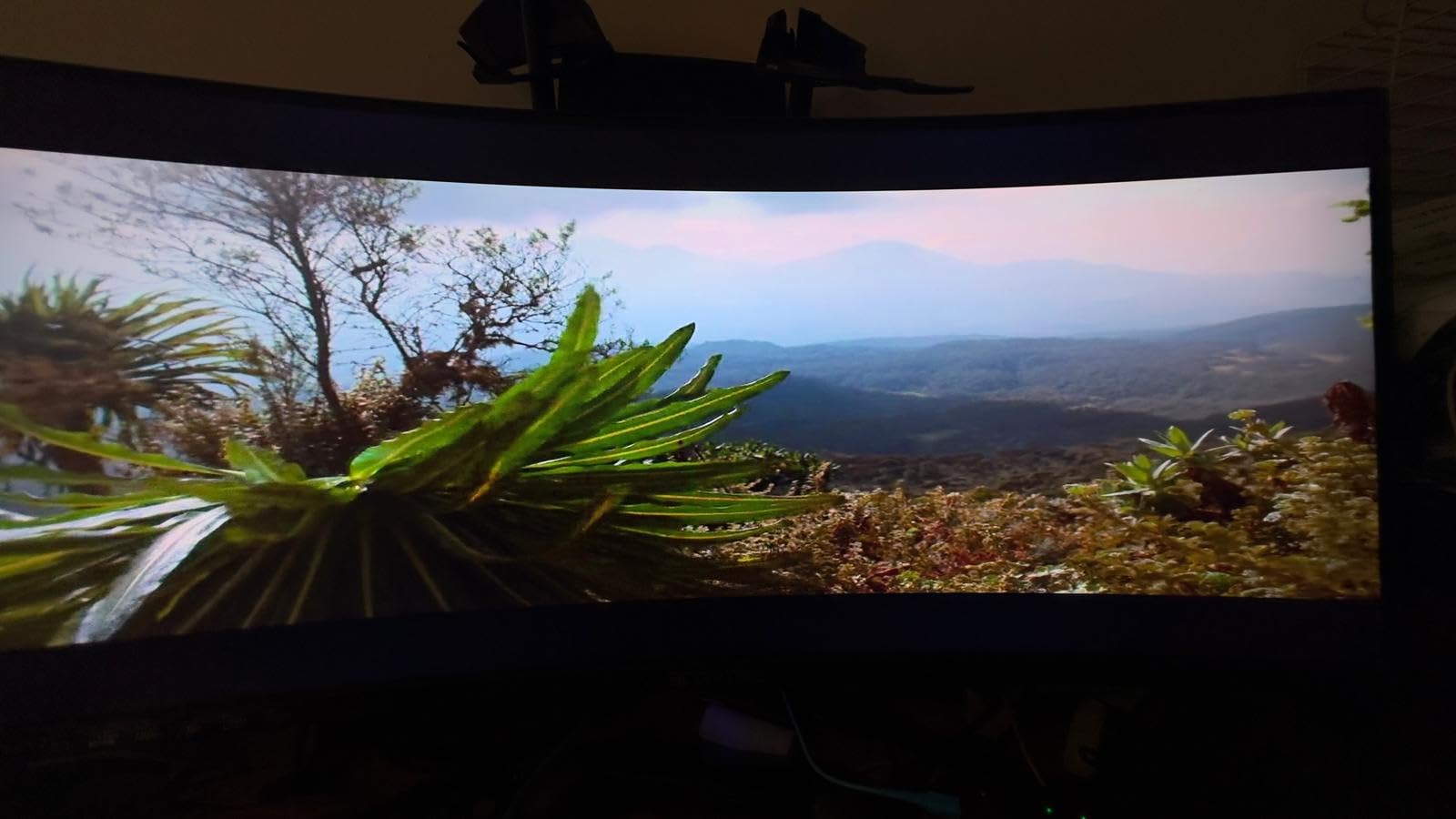
How this screen replaces two monitors
Splitting a 3440×1440 panel into two side-by-side windows gives you two usable work areas without a bezel between them, and the PIP and PBP modes on models in this class make that a button press rather than a cable swap. It is the single biggest quality-of-life upgrade in this roundup for study and gaming on one screen.
Who should not buy it
Skip it if you sit unusually close to a 34-inch panel or do colour-critical work, because the uniformity complaints and 99% sRGB coverage both point to a screen built for general use. Content creators should look at the Alienware instead, which lists DCI-P3 95% coverage.
7. Samsung Odyssey G55C 32 Inch QHD – Best 1000R Curve at 32 Inches
Samsung 32″ Odyssey (G55C) Series QHD 1000R Curved Gaming Monitor,
2560x1440 at 165Hz
1000R curve
1ms MPRT
28 inches wide, glossy finish
Pros
- QHD on 32 inches gives 1.7x the pixel density of 1080p
- 1000R is among the tightest curves available
- 165Hz with 1ms MPRT
- Eye Saver Mode and flicker reduction for long sessions
Cons
- Only one HDMI port
- No height adjustment on the included stand
- Glossy finish picks up reflections in bright rooms
The Odyssey G55C answers the most common question in this category: can you get a tight 1000R curve without going ultrawide? At 32 inches and 16:9 it does, and at 28 inches wide it is one of the more compact options in this roundup. The panel runs 2560×1440, so text is properly sharp in a way that 32-inch 1080p screens are not.
For mixed work and gaming, that resolution is the deciding factor. Owners specifically call out the 1.7x pixel density gain over 1080p, and the Eye Saver Mode plus flicker reduction are the kind of feature set that matters if the same screen does eight hours of reading and four of gaming.
FreeSync support is present and commonly paired with AMD cards, and Samsung’s panel quality is among the more consistent in this group. The 165Hz refresh with 1ms MPRT keeps shooters smooth without pushing your GPU as hard as a 240Hz panel would.
Why the 1000R curve matters at this size
A 1000R radius is one of the tightest values you will find, and on a 16:9 32-inch panel it wraps just far enough to fill your peripheral vision without the geometric distortion that aggressive curves cause on wide screens. It is a strong middle choice for someone who wants immersion and still has a reasonably sized desk.
What the G55C asks you to give up
Connectivity is the main limitation, with only one HDMI port, so swapping between a console and a PC means replugging. The stand has no height adjustment, and the glossy finish reflects room light, which is worth thinking about in a bright dorm room. Budget for an arm if you want a better viewing position.
8. KTC 32 Inch 165Hz – Brightest Panel in the 32 Inch Class
KTC 32 Inch Curved Gaming Monitor, FHD 1080p 165Hz Curve Monitor, H32S17C
1920x1080 at 165Hz
1500R curve
350 cd brightness
3500:1 contrast
Pros
- 350 nits brightness beats the 300 nits rivals at this size
- Overdrives above the advertised 165Hz in some setups
- Four overdrive levels reduce VA black smearing
- Good text clarity for study and coding
Cons
- Out-of-box colour and contrast are washed out
- Base is not height adjustable and the foot crowds a keyboard
- DisplayPort and power cables are short
- Some units are slow to wake from sleep
The H32S17C stands out for brightness. At 350 nits it is the brightest of the 32-inch panels here, and those 32-inch options top out at 300 nits, which makes a real difference in a bright room. The 1500R curve is gentle and the 165Hz refresh with 1ms MPRT is enough for most competitive and co-op play.
Reviewers also report the panel overdriving above the advertised 165Hz in some setups, which is a nice bonus rather than something to plan around. The four-level overdrive control is the feature to learn first, because it is what reduces the VA black smearing that reviewers otherwise complain about.
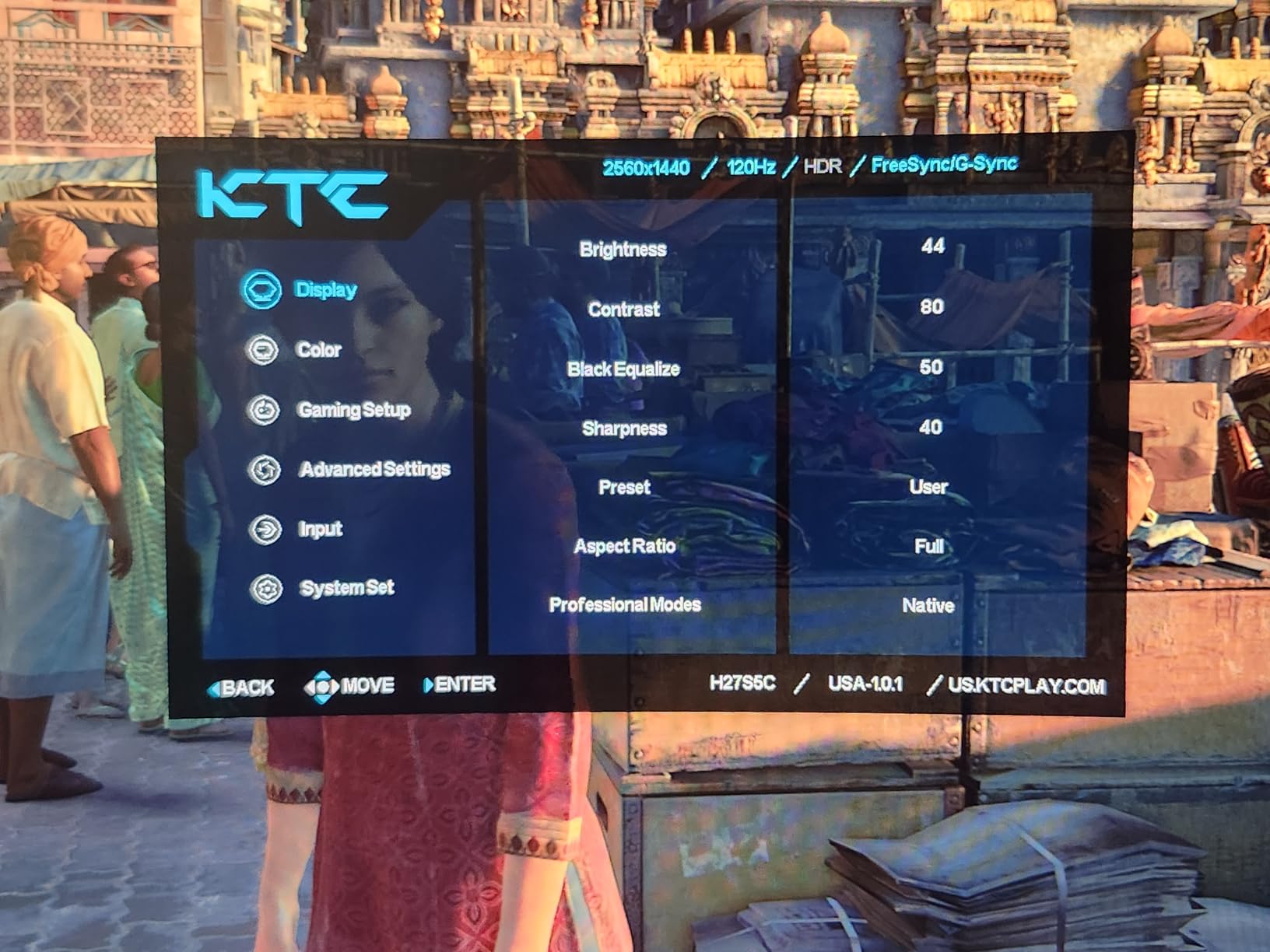
Two practical warnings. Factory colour calibration is poor, so expect washed-out colour and contrast until you adjust the OSD, and the base is not height adjustable while the three-point foot takes up desk space a keyboard needs. The included DisplayPort and power cables are also short, so measure your cable run before you unbox.
Because the panel is VA, viewing angles are narrower than an IPS equivalent, so avoid off-axis viewing if you share a desk. Some units also take a while to wake from sleep. The three-year manufacturer warranty is longer than most in this list.
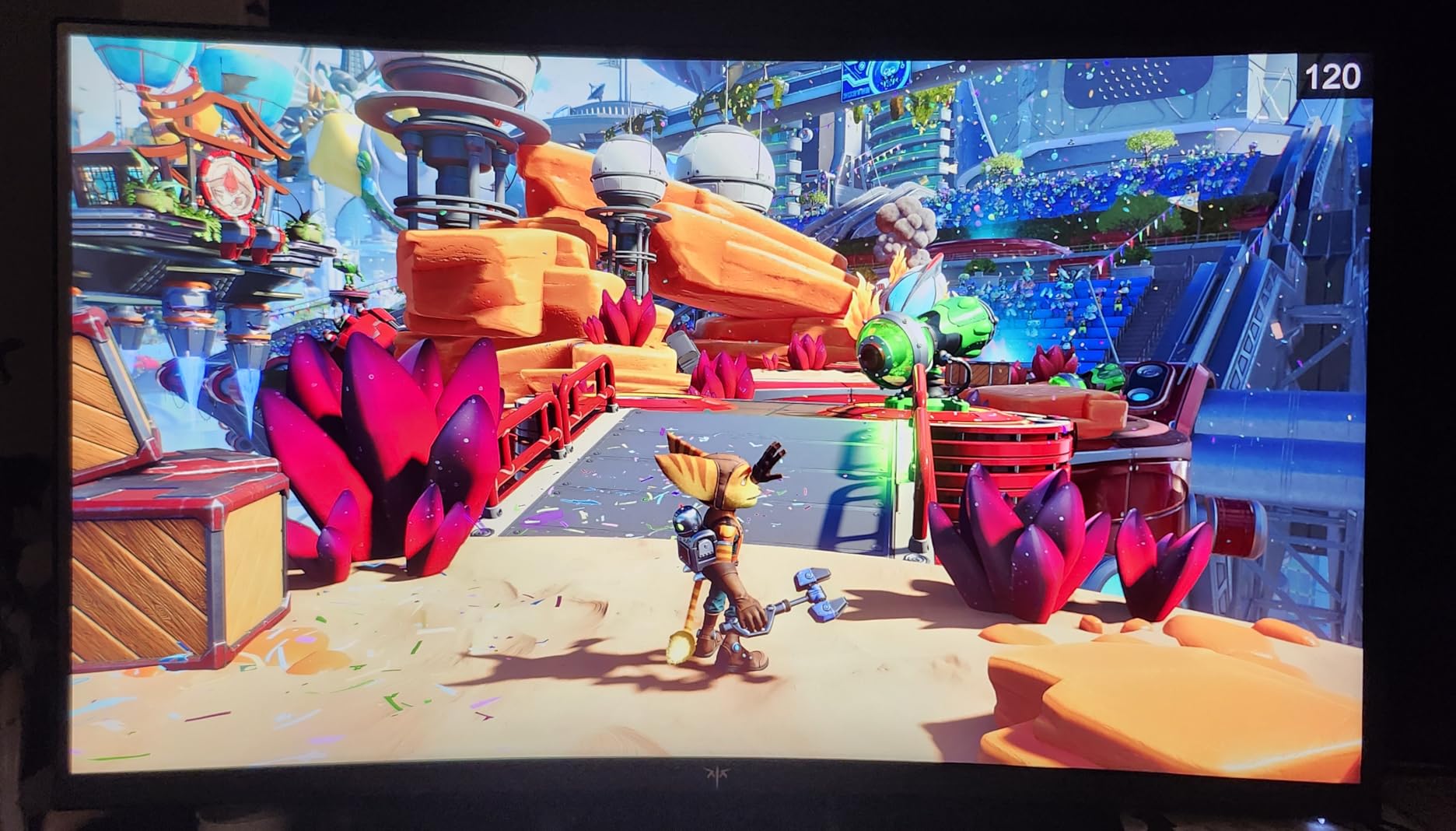
When brightness is the deciding factor
If your room gets daylight, brightness outweighs contrast and pixel density. This screen stays readable and vivid where a 220 cd panel would feel washed out, and it takes a VESA 100×100 mount so an arm is straightforward to add.
What to fix before you game on it
Spend the first ten minutes in the OSD correcting colour and contrast, then set overdrive to the level that removes dark-scene smearing without introducing visible flicker. Both steps are documented owner complaints, not panel defects, and both are fixed in software.
9. LG UltraGear 32GS60QC – Best Gamer OSD Features at 1000R
LG 32GS60QC-B Ultragear 32-inch Curved Gaming Monitor QHD (2560×1440) 180Hz 1ms 1000R AMD FreeSync HDR10 HDMIx2 DisplayPort Borderless Design Black Stabilizer DAS Crosshair FPS Counter – Black
2560x1440 at 180Hz
1000R curve
1ms GtG
27.6 inches wide
Pros
- 180Hz with 1ms GtG on a 1440p curved panel
- Black Stabilizer and crosshair and FPS counter built in
- Dynamic Action Sync reduces input lag
- Three-side virtually borderless design
Cons
- Stand is tilt-only with no height adjustment
- VA panel can show dark-scene smearing
- No built-in speakers
The UltraGear 32GS60QC is the one to buy if you want 1000R immersion at 16:9 and the highest refresh in that class. 180Hz with 1ms GtG on a 2560×1440 panel beats most of the 32-inch options here, and at 27.6 inches wide it is the narrowest 32-inch screen in this roundup.
The OSD is the differentiator. Black Stabilizer lifts shadow detail in dark scenes, there is a crosshair and an FPS counter for competitive play, and Dynamic Action Sync is included to reduce input lag. Gamer, FPS and RTS display modes let you switch profiles rather than rebuilding settings.
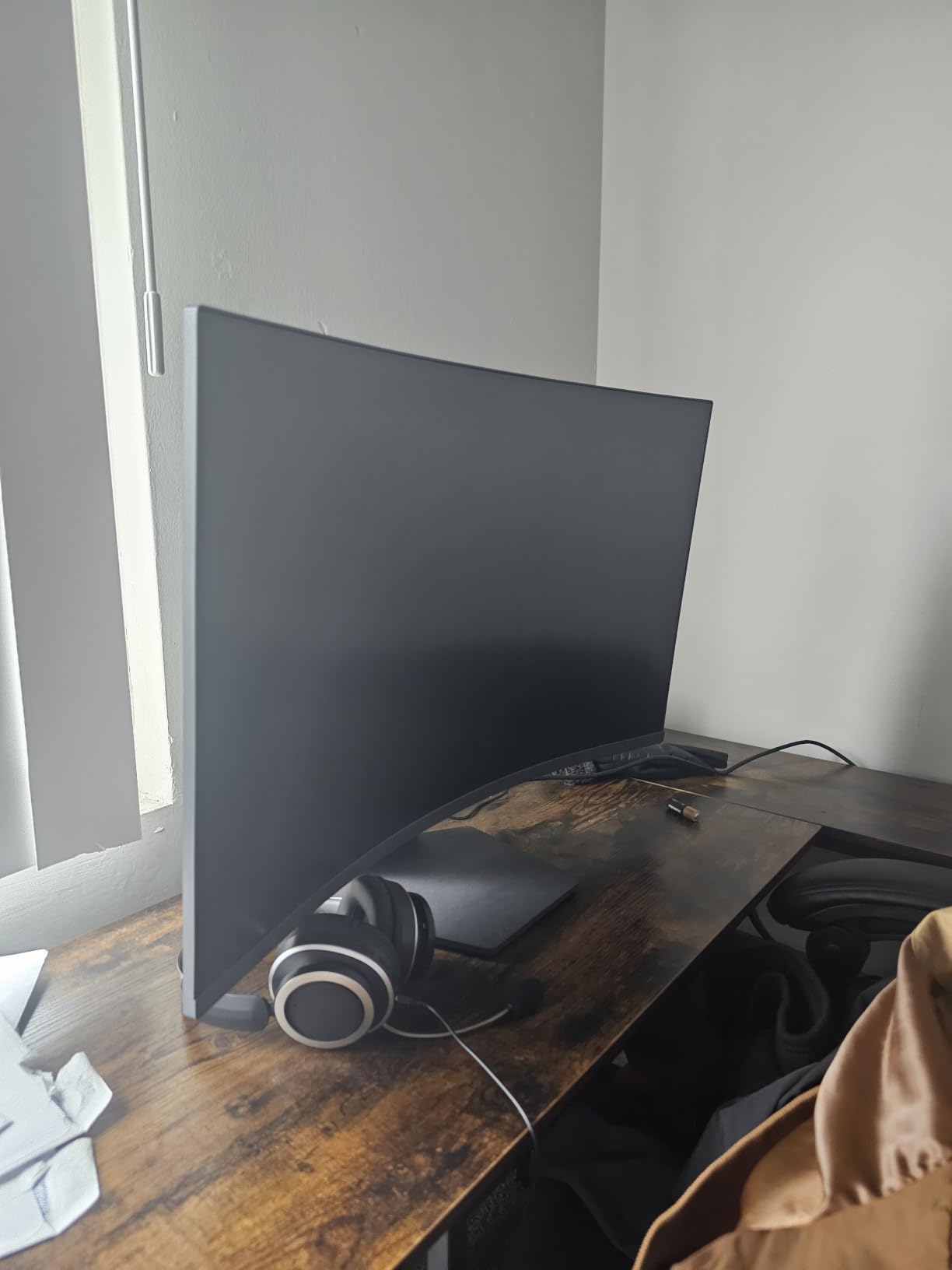
Like most VA panels, dark scenes can show smearing, and the stand is tilt-only, so plan on a monitor arm if you want the screen at eye level. There are no built-in speakers. Two HDMI ports plus DisplayPort and a single USB 3.0 port give you more connectivity than most rivals at this size, which matters if you swap between a laptop and a console.
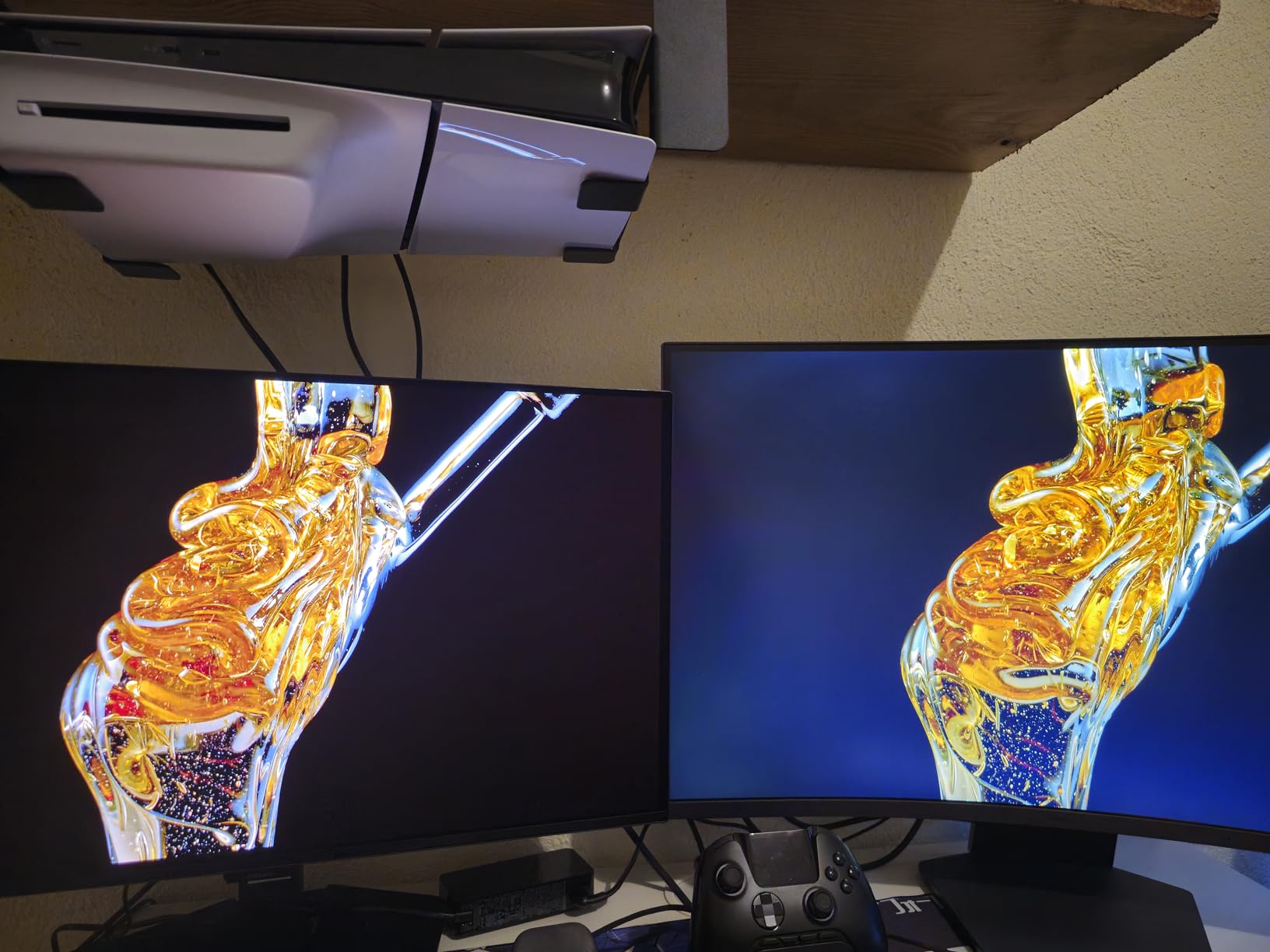
Colour coverage is listed at 99% sRGB rather than a wide gamut, so this is a gaming monitor rather than a content creation display. Against the Samsung G55C it trades 180Hz for a second HDMI port and a matte-style viewing experience, and we would take the 180Hz.
Which of the 1000R 32-inch models suits you
Both the LG and the Samsung G55C give you 2560×1440 at a tight 1000R radius in roughly the same physical footprint. The LG wins on refresh rate and on-screen gaming tools, the Samsung wins on build reputation and on a third year of warranty support.
The ergonomic compromise to plan around
A tilt-only stand on a 32-inch panel is the one recurring complaint, and it is worth solving before the monitor arrives rather than after. A 100×100 arm turns a desk-hugging screen into one you can position properly, which also helps if you share the desk with a laptop.
10. ASUS TUF VG34VQL1B – Best Stand and Mounting in the Class
ASUS TUF Gaming VG34VQL1B 34 Inch 1440p 165Hz Ultrawide HDR Gaming Monitor
3440x1440 at 165Hz
1500R curve
DisplayHDR 400
height adjustable stand
Pros
- Height adjustable stand with swivel and tilt
- Well positioned VESA holes suit a wide range of arms
- USB hub for peripherals and charging
- Three-year warranty with advanced replacement
- Colour accuracy and brightness praised by owners
Cons
- 10-bit colour only at 144Hz and not at 165Hz
- Some dark-scene smearing on the VA panel
- Built-in audio is tinny
- One owner reported slow warranty repair
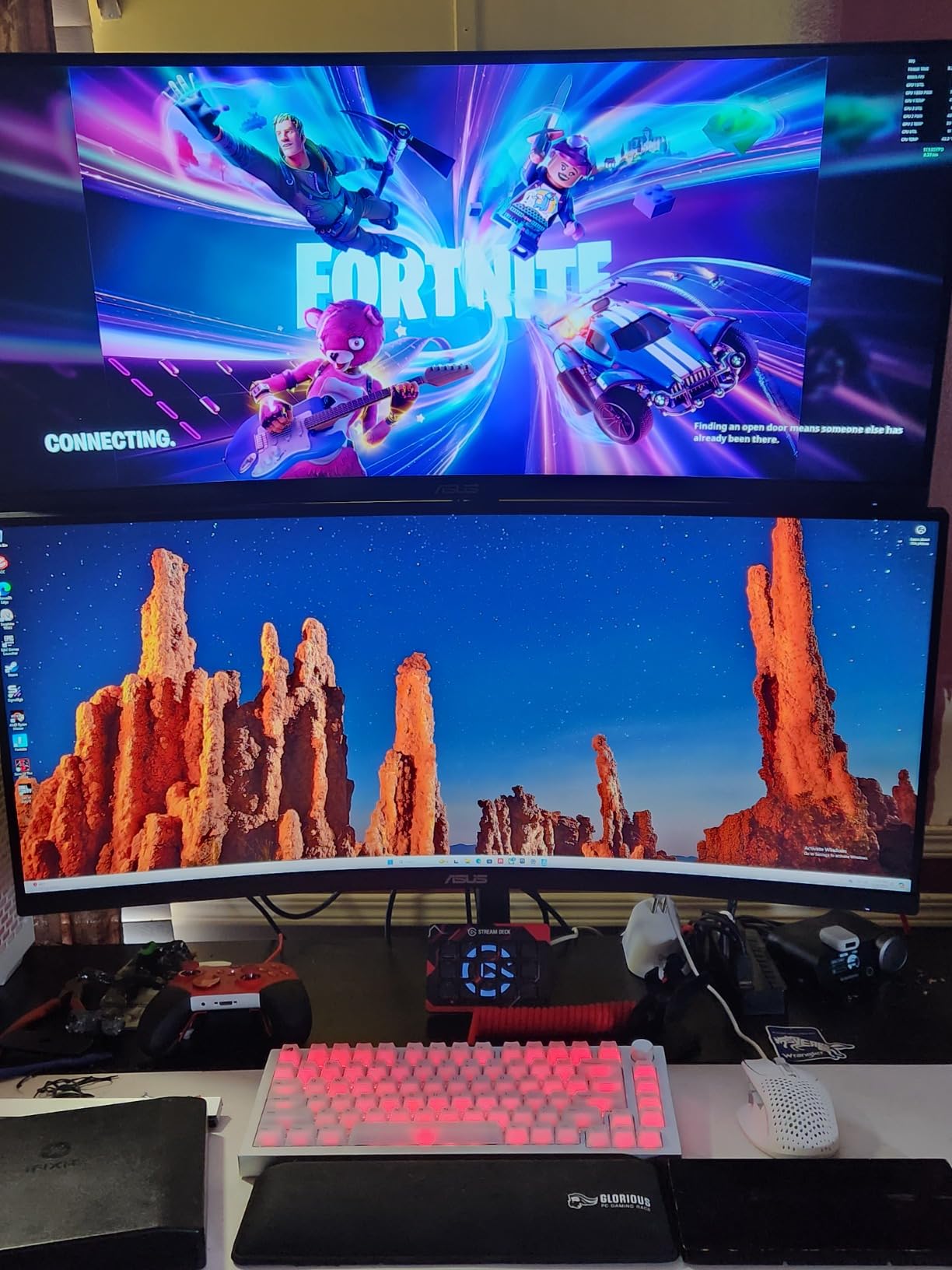
The TUF VG34VQL1B is the ergonomics winner of this roundup. A height adjustable stand with swivel and tilt on a 31.85-inch wide ultrawide is genuinely rare below the premium tier, and the VESA holes are positioned so that a wide range of monitor arms fit without an adaptor. If your desk is cramped but your desk height is not adjustable, that matters more than any refresh rate.
Owners consistently praise colour accuracy and brightness for a VA ultrawide, and several report no dead pixels and long-term reliability. The USB hub is a practical addition for a dorm setup, letting you plug peripherals, a lamp or a phone charger into the monitor instead of hunting for a free port on the desk.
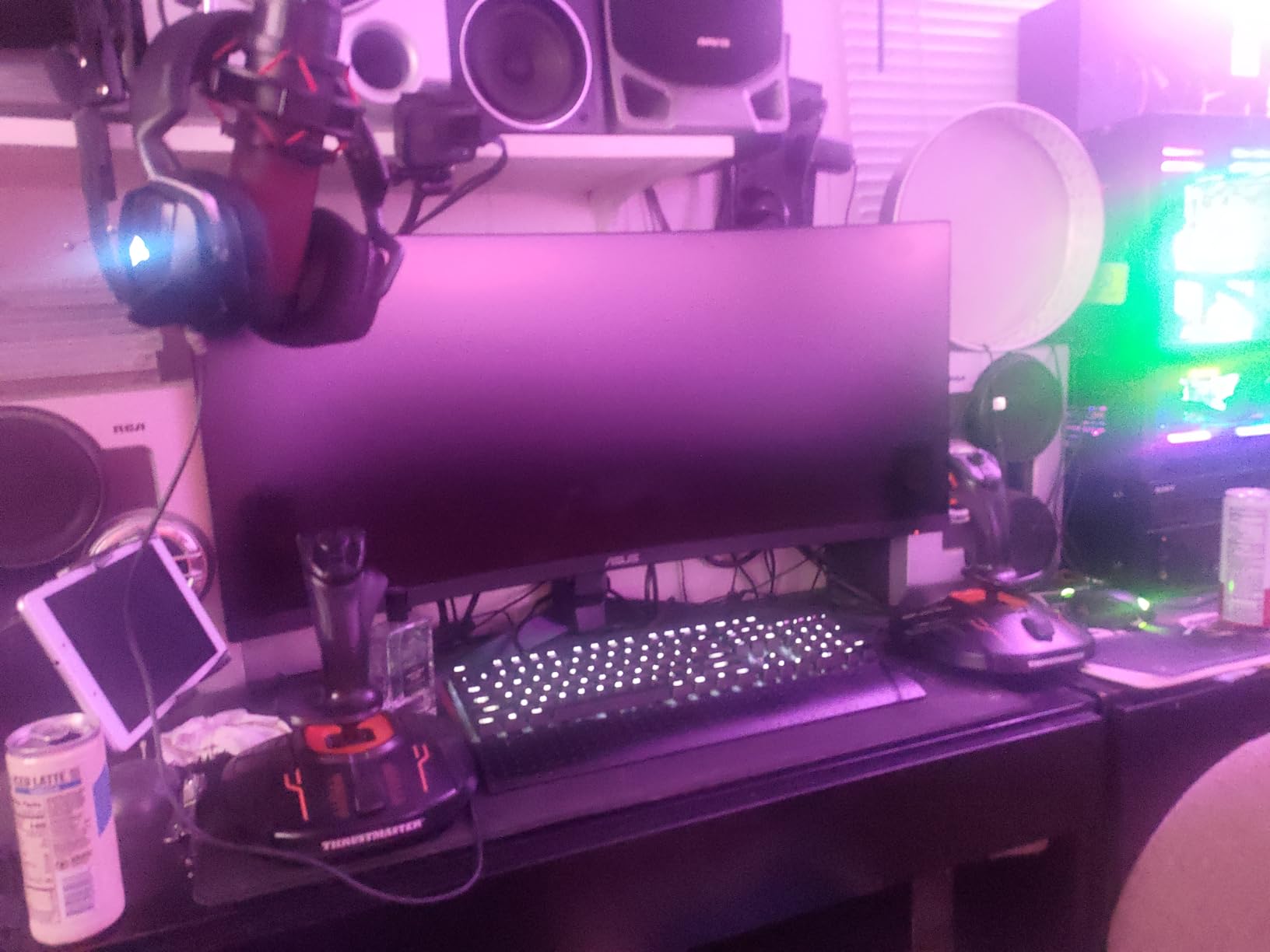
There is one specification catch worth knowing. Ten-bit colour is only available at 144Hz, so if you want the wider colour depth you have to drop the refresh rate. For a gaming monitor that is usually the right trade, but it is not obvious from the spec sheet.
Dark-scene smearing appears on the VA panel and is mitigated through overdrive settings, and the built-in speakers are tinny compared with dedicated audio. One owner reported the warranty repair service as slow and difficult, which sits against a three-year warranty that includes advanced replacement, so the coverage is better than average even if the service experience is not guaranteed.
Why the stand changes the experience
Ultrawides sit low and wide, so a fixed stand usually ends with the top of the screen below eye level, which invites neck strain over long sessions. Height adjustment fixes that in one movement. Swivel and tilt then let you angle the curve toward your seating position, which matters in a room where you cannot centre the desk perfectly.
Where the TUF is not the answer
Pass if you play at 200Hz or above and your GPU can feed it, since 165Hz is the ceiling here. Also pass if you need a wide colour gamut for editing, since coverage is listed at 120% sRGB rather than a DCI-P3 figure.
11. Alienware AW3425DWM – Best Wide-Gamut Colour in the Roundup
Alienware 34 Curved Gaming Monitor – AW3425DWM – 34-inch WQHD 180Hz 1ms Display, 1500R, AMD FreeSync Premium, VESA AdaptiveSync.
3440x1440 at 180Hz
1500R curve
DCI-P3 95%
DisplayHDR 400
Pros
- DCI-P3 95% coverage with DisplayHDR 400
- 180Hz with 1ms GtG
- FreeSync Premium and VESA AdaptiveSync cover both sync standards
- Console mode and hardware low blue light
- 4.6 average rating from over 700 owners
Cons
- Heaviest 34-inch option here at 21 pounds
- High power draw at 85 watts
- Some games do not support 21:9 and show black bars
The AW3425DWM is the one to buy if colour accuracy matters alongside gaming. DCI-P3 95% coverage is the only wide-gamut rating listed by any 34-inch model here, and combined with DisplayHDR 400 certification it means colours hold up in HDR content rather than only in SDR games.
Refresh performance is strong at 180Hz with 1ms GtG, and the sync support is unusually flexible. Listing both AMD FreeSync Premium and VESA AdaptiveSync means it covers effectively every modern GPU generation, so you are not locked into one graphics card brand when you upgrade your PC.
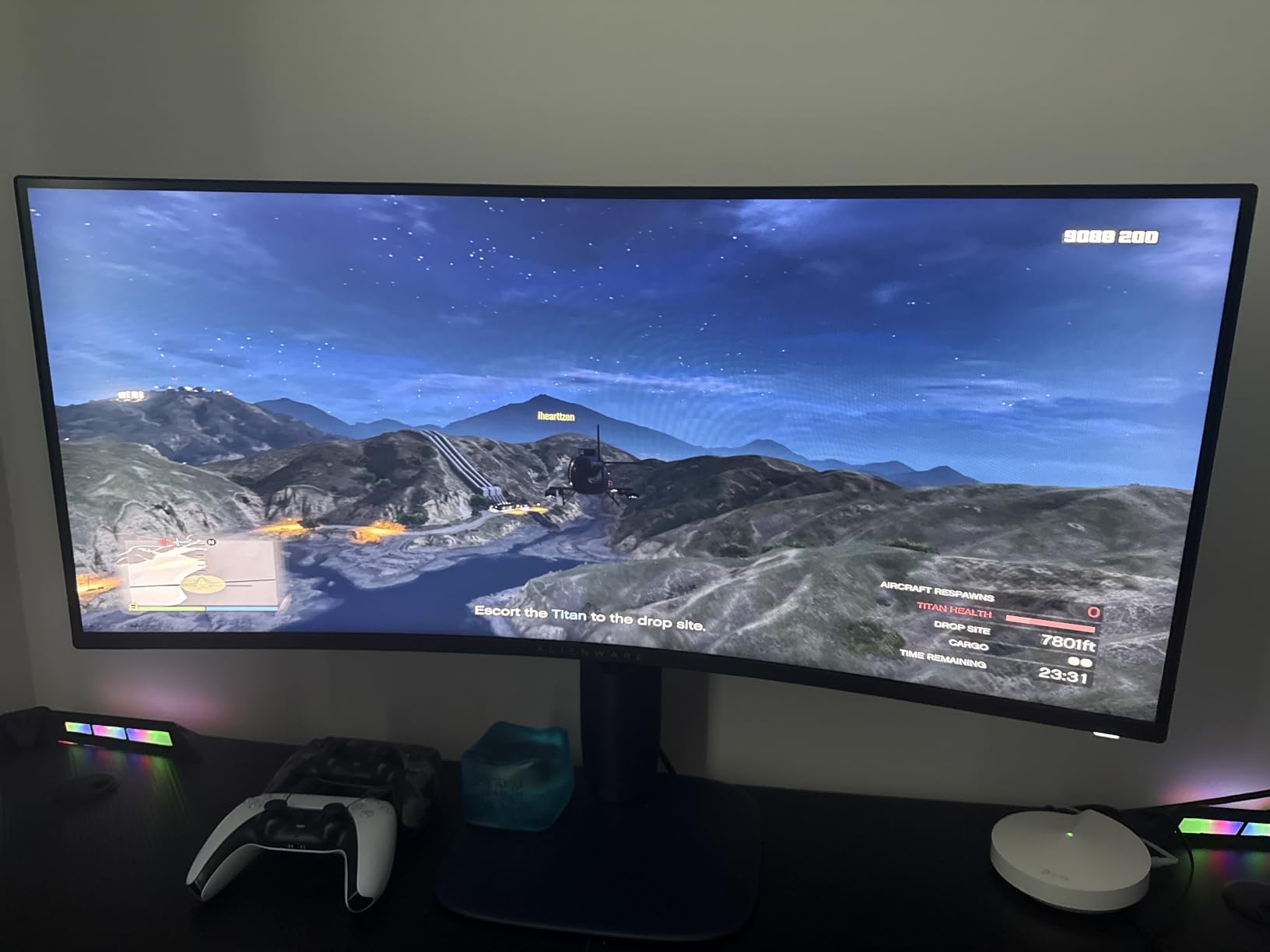
The physical caveats are real. At 21 pounds this is the heaviest 34-inch monitor in the group, and a 34-inch ultrawide needs roughly the same 32 inches of width as the other picks here, so the depth and strength of your desk matter. Power draw is listed at 85 watts, well above the 42 watts of the Sceptre 34-inch in this roundup, which is worth noting for a dorm room on a tight energy budget.
As with every 21:9 screen, games that do not support ultrawide will letterbox with black bars at the sides. That is a property of the format rather than this model, but it is worth checking your library before committing to any ultrawide.
Who benefits from the wide colour gamut
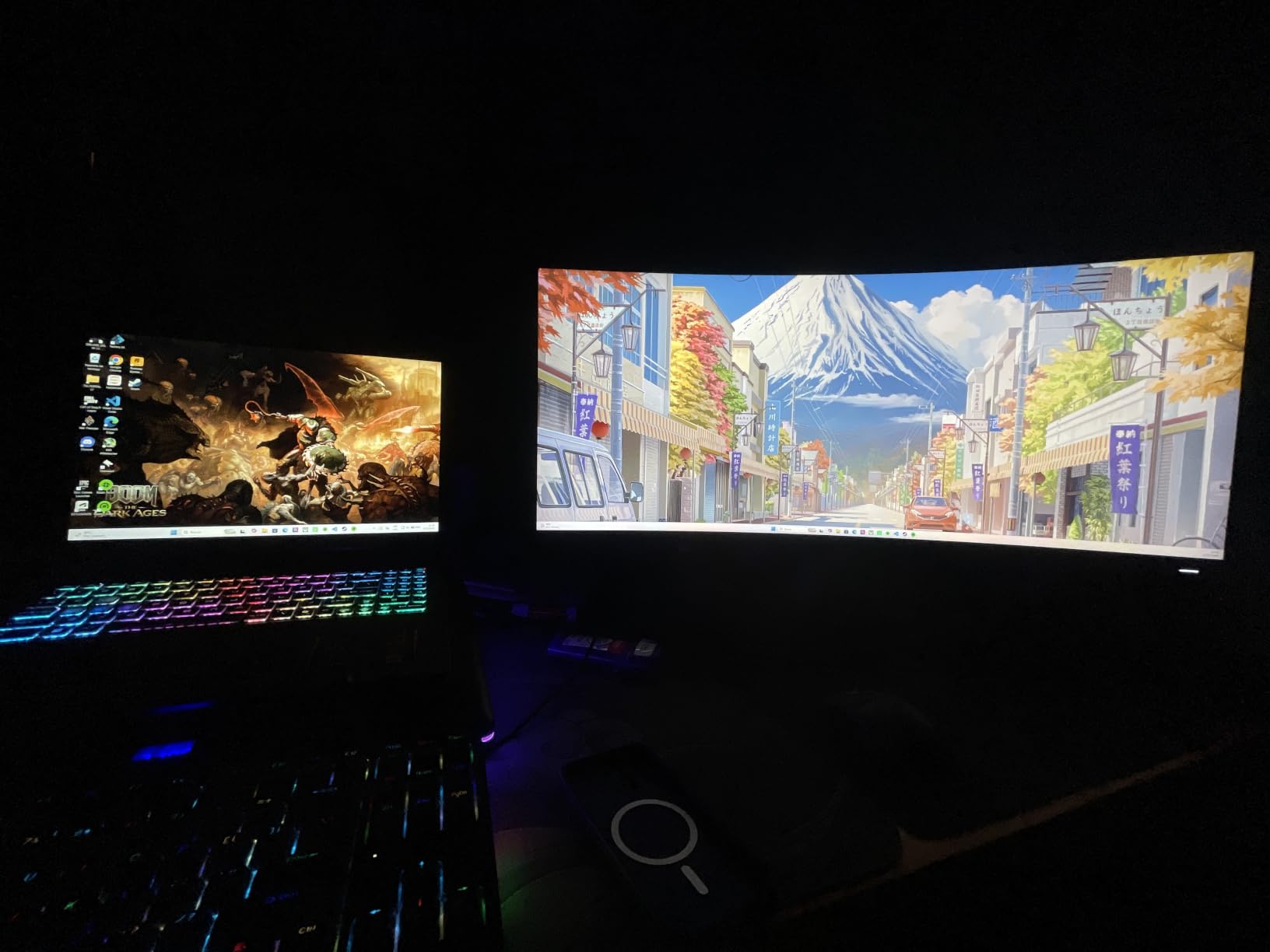
Anyone editing video or photos, or watching HDR films between gaming sessions, gets more from DCI-P3 95% than from a 99% sRGB panel. The console mode and hardware-based low blue light filter are also aimed at marathon sessions, which is a sensible feature set if you game late into the night.
What the weight and power draw cost you
A 21-pound panel is a two-person job if your desk is not against a wall, and the fit matters because ultrawide bases are wide. Check that your desk can carry the weight and that your wall socket and extension can handle the draw before you order.
12. Samsung Odyssey G9 49 Inch – Best Super-Ultrawide for Sim Racing
SAMSUNG 49-inch Odyssey G9 (G91F) DQHD, 144Hz, Curved Gaming Monitor, Ultra-Wide 32:9 Screen, DisplayHDR 600, AMD FreeSync™ Premium Pro, Ergonomic Stand, LS49FG910ENXZA, 2025
5120x1440 32:9 at 144Hz
1000R curve
DisplayHDR 600
45.2 inches wide, 34.4 pounds
Pros
- 32:9 screen replaces two monitors with no bezel gap
- DisplayHDR 600 delivers deeper blacks than most gaming monitors
- 1000R keeps viewing distance even across the panel
- PIP and side-by-side split screen
- Height and tilt adjustable ergonomic stand
Cons
- 45.2 inches wide and 34.4 pounds
- No built-in speakers
- Washed-out colour until the picture mode is changed
- Reviewers report needing a GPU with 12GB VRAM or more
The Odyssey G9 is the specialist pick. At 5120×1440 in a 32:9 ratio it delivers a field of view that behaves like two side-by-side 16:9 monitors with no bezel between them, and the 1000R curve keeps the viewing distance even from the far edges to the centre. For sim racing and flight sims, that is not a gimmick, it is the entire point.
DisplayHDR 600 certification gives it deeper blacks than most gaming monitors, and the 144Hz refresh with 1ms response keeps competitive titles clean. Owners who make the switch from a multi-monitor setup describe it as a dramatic productivity and immersion upgrade in the same breath.
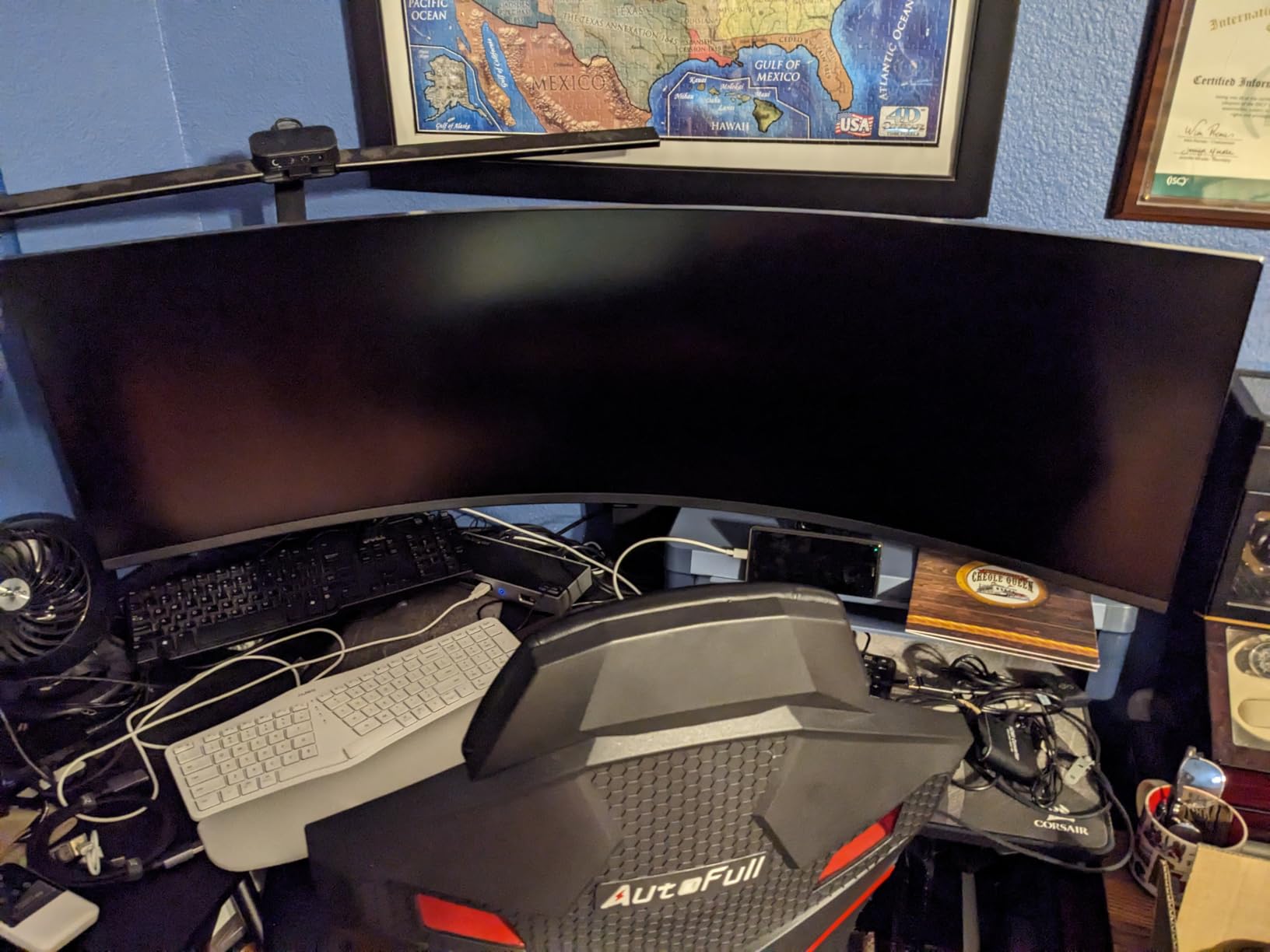
Now the part that decides most purchases, and it is not a spec. The panel is 45.18 inches wide, 16.56 inches deep and weighs 34.4 pounds. That is a desk you need to plan around rather than accommodate, and it is simply not viable in most dorm rooms or small bedrooms.
Owners also report washed-out colour out of the box until the picture mode is changed, no built-in speakers, and a low vertical height that disappoints for 3D or modelling work despite the enormous width. Reviewers specifically point to needing a GPU with 12GB or more of VRAM to drive 5120×1440 properly, and many games do not support 32:9 and show side bars. With the fewest ratings in this roundup, you are buying the least-proven option on the list.
When a 49-inch screen is the right call
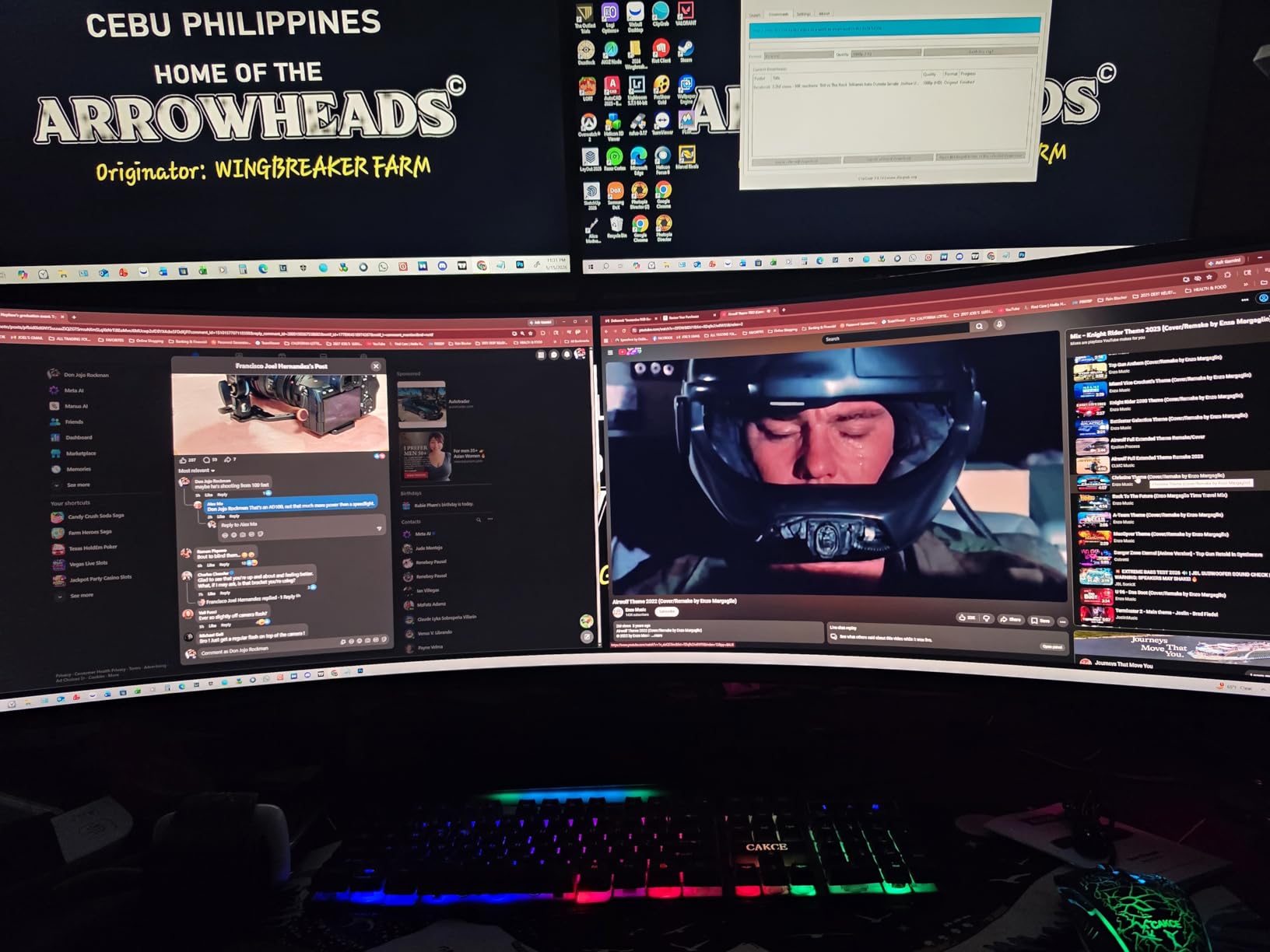
If you have a desk wider than 46 inches, a GPU with substantial VRAM, and games that support 32:9 natively, this is the best immersion you can get in a single display. Side-by-side split screen also makes it a legitimate two-workstation replacement for anyone who has been running dual monitors.
When to stay at 34 inches instead
Stay with a 34-inch model if your desk is smaller than 46 inches, if your GPU struggles at 5120×1440, or if you work in applications that need vertical space such as timelines or 3D viewports, where the low vertical height of a 32:9 panel works against you.
How to Choose a Curved Gaming Monitor in 2026?
Every curved monitor in this roundup is a VA or IPS LCD panel with an LCD backlight, not an OLED. That single fact removes the biggest concern buyers bring to curved screens, because OLED burn-in is a non-issue on a backlit LCD and none of these monitors carry burn-in warranty terms worth comparing. What you should be comparing instead is black level, contrast ratio and overdrive quality, because those determine whether dark scenes look grey or genuinely dark.
What the curvature R value actually means
An R value describes the radius of the circle the screen is bent along, in millimetres. A smaller number means a tighter curve. The practical way to read it is that 1000R assumes you sit about 1 metre from the screen, 1500R about 1.5 metres, 1800R about 1.8 metres, and 800R about 80 centimetres. Most people sit between 60 and 70 centimetres from a monitor, so 1000R and below curve more tightly than your seating position strictly needs, and 1500R to 1800R match it closely.
That is why enthusiasts often prefer 1800R over 1000R. A gentler curve keeps the whole panel closer to a comfortable viewing distance and reduces the geometric distortion at the edges, while a tighter curve fills more of your peripheral vision. Neither is wrong, but a 1000R panel viewed from 70 centimetres asks your eyes to refocus constantly across the width.
Our advice is simple. If you play at arm’s length and want maximum immersion, 1000R works. If you sit close on a dorm desk and split time between gaming and reading, 1500R or 1800R is more comfortable. The 1800R Sceptre 24-inch and the 1500R ultrawides in this list sit in that gentler band, and reviewers of aggressive curves do report headaches and edge distortion.
Screen size and desk space
Width is the constraint that actually decides purchases, so measure your desk’s usable width before anything else. The 24-inch Sceptre is 21.6 inches wide, the 32-inch models cluster around 28 inches, the 34-inch ultrawides measure roughly 32 inches, and the 49-inch Odyssey G9 needs 45.2 inches of desk plus room for a 34.4-pound panel to sit on it. Depth matters too: several 34-inch models here are 8.6 to 10.7 inches deep before the curve.
For a dorm room, the honest answer is that a 34-inch ultrawide only works if your desk is a proper desk rather than a kitchen table. If it is not, the 24-inch and 32-inch options are the realistic choices, and both still give you a genuinely curved panel. A monitor arm helps in every case, since it recovers the desk depth a curved base would otherwise consume, but check the VESA pattern first because this list includes 75x75mm, 100x100mm and both.
Resolution tiers and what they cost you in pixels
Resolution is the second decision, and it is really a choice about what you want the screen to do. At 1920×1080 on 24 inches text is clean, but at 1920×1080 on 32 inches, as on the SANSUI 240Hz, it is visibly soft. At 2560×1440 on 32 inches, as on the Samsung G55C and the LG UltraGear, you get roughly 1.7 times the pixel density of 1080p, which is the sweet spot for a screen that does coursework and gaming.
At 3440×1440 on 34 inches you get true 21:9 ultrawide with enough density for mixed use, and this is the resolution most people land on. At 5120×1440 on 49 inches you are buying field of view rather than sharpness, and you need a GPU with 12GB of VRAM or more to drive it properly. Between 2560×1440 and 3440×1440, we would take 3440×1440 for anything you play on a wide screen, because the extra width is what the curve is for.
Refresh rate and whether your GPU can feed it
Refresh rate only matters if your frame rate can approach it, so match it to your GPU rather than to the marketing. A 1080p screen at 240Hz is comfortable on mid-range graphics hardware, and a 3440×1440 panel at 200Hz wants a much stronger card to hit those numbers in demanding titles. Owners of several models here report overdriving above the advertised rate, but treat that as a bonus rather than a plan.
Look at the input path too, because it decides your ceiling. On the KOORUI, DisplayPort 1.4 reaches 200Hz while HDMI is listed at 100Hz to 120Hz, so the cable and port you choose are not interchangeable. The SANSUI 240Hz and the 34-inch 200Hz model drive full refresh on both DisplayPort and HDMI 2.1, which makes them more flexible if you switch between a PC and a console.
Adaptive sync, HDR and the features that decide real use
FreeSync and G-Sync both work in practice, and the practical difference is smaller than the branding suggests. What matters is whether your GPU is supported: the Alienware lists both AMD FreeSync Premium and VESA AdaptiveSync, which covers every current generation, while the KOORUI and the KTC list G-SYNC compatibility alongside FreeSync. Either way, buy on refresh rate and resolution first.
HDR is where buyers are most disappointed. Most monitors in this range are DisplayHDR 400, which is essentially a brightness allowance rather than a transformative feature, while the Odyssey G9 carries DisplayHDR 600 certification and is the one model here with a genuinely different HDR picture. Eye comfort features, anti-flicker modes and hardware low blue light filters are more reliably useful day to day, particularly for long study sessions.
Finally, check the stand and the ports. Six of the twelve here have a tilt-only stand or no height adjustment, which is fine for a fixed desk and wrong for a cramped one, and port counts range from a single HDMI on the Samsung G55C to four video inputs on the CRUA. A USB hub, as on the ASUS TUF, is worth more than it sounds when your desk has three spare ports and a laptop needs power.
Frequently Asked Questions
Are curved monitors really good for gaming?
Yes, for most genres. The curve widens your field of view and keeps the edges of the screen closer to your eye distance, which makes fast peripheral action easier to track in shooters, sim racers and flight sims. The trade-off is mild geometric distortion at the edges, so 1000R suits long sessions while 1500R and 1800R feel gentler at close desk distance.
Which curved monitor is better, 1000R or 1800R?
1000R curves tighter and fills more of your peripheral vision, but it assumes you sit about a metre back. 1800R matches a closer viewing position and produces less edge distortion, which makes it more comfortable if you sit close or split time between gaming and reading. Many enthusiasts prefer 1800R for exactly that reason.
Is 1000R too much curve?
It can be, depending on your seating distance and sensitivity. 1000R implies a viewing position roughly 1 metre away, so on a small dorm desk where you sit 60 to 70 centimetres from the screen the curve is stronger than your position requires, and reviewers of aggressive curves report headaches and edge distortion. Try a 1500R or 1800R model if you are sensitive to that.
Is an ultrawide curved monitor worth it?
It is worth it if you play sim racers, flight sims, shooters or strategy games, because 21:9 gives you meaningfully more horizontal field of view than 16:9. You also gain about 30% more screen area for multitasking, which often replaces a second monitor. It is not worth it if your desk cannot take a 32-inch wide panel or your GPU cannot drive 3440×1440.
Is OLED burn-in still an issue in 2026?
Not for any monitor in this roundup, because none of them are OLED. Every model here is a VA or IPS LCD with a backlight, which cannot suffer the permanent image retention that affects self-emissive panels. On LCD, the comparable concerns are black-level crush and dark-scene smearing, both of which are panel characteristics you can evaluate from reviews before you buy.
Our Final Verdict on the Best Curved Monitors for Gaming
The KOORUI 34E6UC takes our overall recommendation because 3440×1440 at 200Hz with a 110mm height adjustment is a combination nothing else here matches, and its 14,000-plus owner ratings give you the deepest well of long-term reports to draw on. If your desk cannot take a 32-inch panel, the Sceptre 24-inch is the one that fits, and its 4.6 average across more than 22,000 ratings makes it the most proven curved monitor in the roundup. For competitive shooters who will trade resolution for refresh, the SANSUI 32-inch at 240Hz is the sharper choice, and the SANSUI 34-inch 200Hz model is the best value if you want ultrawide plus HDMI 2.1.
Measure your desk before you order, not after. That single check eliminates the most common disappointment with the best curved monitors for gaming in 2026, and no specification on the box will tell you whether it fits your room.