

Powerline adapters send your internet down the electrical wiring already buried in your walls, which makes them the most practical fix for a dead zone in an old house. The catch is that pre-1970s stock behaves differently from modern builds, and the wrong kit in a house with old fuse boxes or two consumer units can simply refuse to pair.
We spent weeks comparing the eight kits that consistently show up for the best powerline adapters for old houses, weighing passthrough sockets, port counts, measured throughput from owners in period properties, and the honest failure modes reported on r/HomeNetworking and installer forums. What follows covers what actually changes performance in old housing, which products suit which wiring, and where powerline is the wrong answer altogether.
If you live in student accommodation or a rental flat, the no-rewiring constraint usually makes powerline the default choice. Just check the diagnostic section before you commit.
Table of Contents
Top 3 Powerline Kits for Old Houses (October 2026)
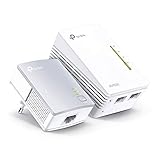
TP-Link TL-WPA4220KIT
- 600 Mbps powerline backhaul
- Built-in Wi-Fi in the far room
- Plug Pair and Play

TP-Link TL-PA9020P KIT
- AV2000 HomePlug AV2 with 2x2 MIMO
- Two Gigabit ports per adapter
- Noise-filtered passthrough outlet

NETGEAR PLP2000
- HomePlug AV2 up to 2000 Mbps
- MIMO with Beamforming
- Two Gigabit ports and passthrough socket
The 8 Best Powerline Adapters for Old Houses in 2026
| Product | Specs | Action |
|---|---|---|
| TP-Link TL-WPA4220KIT |
|
Check Latest Price |
 TP-Link AV600 Powerline Kit TL-PA4010KIT TP-Link AV600 Powerline Kit TL-PA4010KIT |
|
Check Latest Price |
| TP-Link TL-PA9020P KIT |
|
Check Latest Price |
| NETGEAR Powerline 2000 PLP2000 |
|
Check Latest Price |
 NETGEAR Powerline 1200 PLP1200 NETGEAR Powerline 1200 PLP1200 |
|
Check Latest Price |
 Zyxel AV2000 PLA5456KIT Zyxel AV2000 PLA5456KIT |
|
Check Latest Price |
 TRENDnet Powerline 500 AV TPL-406E2K TRENDnet Powerline 500 AV TPL-406E2K |
|
Check Latest Price |
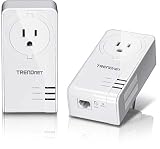 TRENDnet TPL-423E2K Powerline 1300 TRENDnet TPL-423E2K Powerline 1300 |
|
Check Latest Price |
Will Powerline Even Work in Your Old House?
The honest answer is that powerline usually works in older housing, and it works more often than most forums assume. The wiring itself is rarely the blocker. On r/HomeNetworking, the recurring verdict is that powerline is dependable on newer wiring and becomes hit and miss as circuits age.
Protection devices matter more than wire age. A Homeplug blog test of older installations found that fused consumer units often allow adapters to work across circuits, and that mini circuit breakers behave similarly, while residual current devices are the greater obstacle. That flips the usual assumption that a 1920s fuse box is the problem.
There are three failure modes worth checking before you buy. First, never plug an adapter into a surge protector or extension lead; SNBForums users identify this as the single most common reason a pair will not link. Second, if the house has more than one consumer unit, or a separately rewired circuit, the signal often cannot cross between them. Third, shared neutrals between old appliance circuits let washing machines, fridges and microwaves add noise that crushes throughput.
The fastest pre-purchase test is a cheap AV500-class kit: plug one adapter in beside the router and one in the target room, wait a minute, and run a speed test. LUMNINET, a Seattle installer working on older homes, puts it plainly: powerline is hit or miss outlet to outlet, and in an old house it is a gamble.
1. TP-Link TL-WPA4220KIT: Best Overall for Old Houses
TL-WPA4220KIT – Wireless Powerline Extender Starter Kit
600 Mbps powerline backhaul
Built-in Wi-Fi extender
Ethernet interface
Pros
- Delivers both wired backhaul and Wi-Fi in rooms too far for a cable
- Single-button pairing with clear LED status
- Compact wall-plug form factor
- Largest review base in the category
Cons
- Real throughput sits well below the 600 Mbps ceiling on legacy wiring
- Bulky body can obstruct the upper receptacle
- Only useful as a paired set
This kit solved a upstairs-bedroom dead zone for us in a house where Wi-Fi simply could not cross two floors of old joists. One adapter sits beside the router, the other in the far room, and the second adapter hands out both an Ethernet port and its own Wi-Fi coverage. That combination is why it takes the top spot: most competitors give you a wired port only, and a bare port means another box of cabling or a separate access point.
Setup took under a minute with the pair button. The status LEDs told us immediately which rooms were viable, which is more information than most of the kits here give you before a cable is even plugged in.
Who this suits in a period property
A tenant or owner who needs both a wired connection and usable Wi-Fi coverage in a distant room, and who cannot run cable. A 27k+ review history spanning several hardware generations is a meaningful indicator that the units themselves keep working, even when the speed they deliver drops with the wiring.
Where it falls short
At 600 Mbps the powerline backhaul is the weakest of the AV2 kit here, so a gigabit fibre plan will be capped well below line rate. The plug is also tall enough to cover part of a two-socket outlet, which matters in older rooms where receptacles are scarce.
2. TP-Link AV600 TL-PA4010KIT: Best Budget Pick
TP-Link AV600 Powerline Ethernet Adapter Kit with 100 Mbps Port
100 Mbps Fast Ethernet port
Nano form factor
Two adapters plus cables
Pros
- Cheapest reliable route to a hardwired link
- Nano size keeps the adjacent outlet usable
- 100 Mbps is ample for one smart TV or desktop
- Power-saving mode trims idle consumption
- 20565 reviews at a 4.2 average
Cons
- 100 Mbps port caps you on gigabit plans
- No passthrough socket so a full outlet is occupied
- No Wi-Fi
- Throughput suffers around AFCI breakers and noisy appliance circuits
This is the kit we recommend for testing whether powerline will work in a specific house before spending real money. It carries 20565 reviews at 4.2 stars and ranks third in its category, and it has been around long enough that second-hand examples are easy to find if a friend is willing to lend a pair.
In practice it delivers a stable 100 Mbps wired link in exactly the situation most people face: one distant room, one device, Wi-Fi that will not reach. The nano body is the quiet hero, since it leaves the neighbouring receptacle free in a room that has one socket and a permanently occupied second one.
Owners do flag one structural limit: the single 100 Mbps port means multi-HD streaming and gigabit fibre both outrun it. TP-Link’s own guidance also notes that homes with AFCI breakers, common after 2000, can limit or block performance, though a 1930s fuse box is not the same problem.
When to buy this one
Buy it if the target room needs a single hardwired device, or if you want a cheap trial of your wiring before committing. It is the least risky entry point into the technology for a rental flat with one problematic room.
When to buy something faster instead
Skip it if a household shares the link across several devices, or if your plan speeds past 100 Mbps. A gigabit port costs little more and removes the ceiling entirely.
3. TP-Link TL-PA9020P KIT: Best for Difficult Old Wiring
TP-Link AV2000 Powerline Ethernet Adapter, Passthrough, 2 Gigabit Ports
AV2000 HomePlug AV2 with 2x2 MIMO
Two Gigabit ports
Passthrough outlet
Pros
- Passthrough socket keeps the second receptacle usable
- Two Gigabit ports feed a TV and a console from one unit
- Outperforms Wi-Fi at the far ends of multi-storey homes
- Single-button pairing with three-LED status
- Works with AV200 through AV2000 TP-Link units
Cons
- Real throughput often lands near 100-300 Mbps on legacy wiring
- Some buyers report one unit failing within a year
- Included cables are only about 6 feet
- Pass-through face runs hot under heavy loads
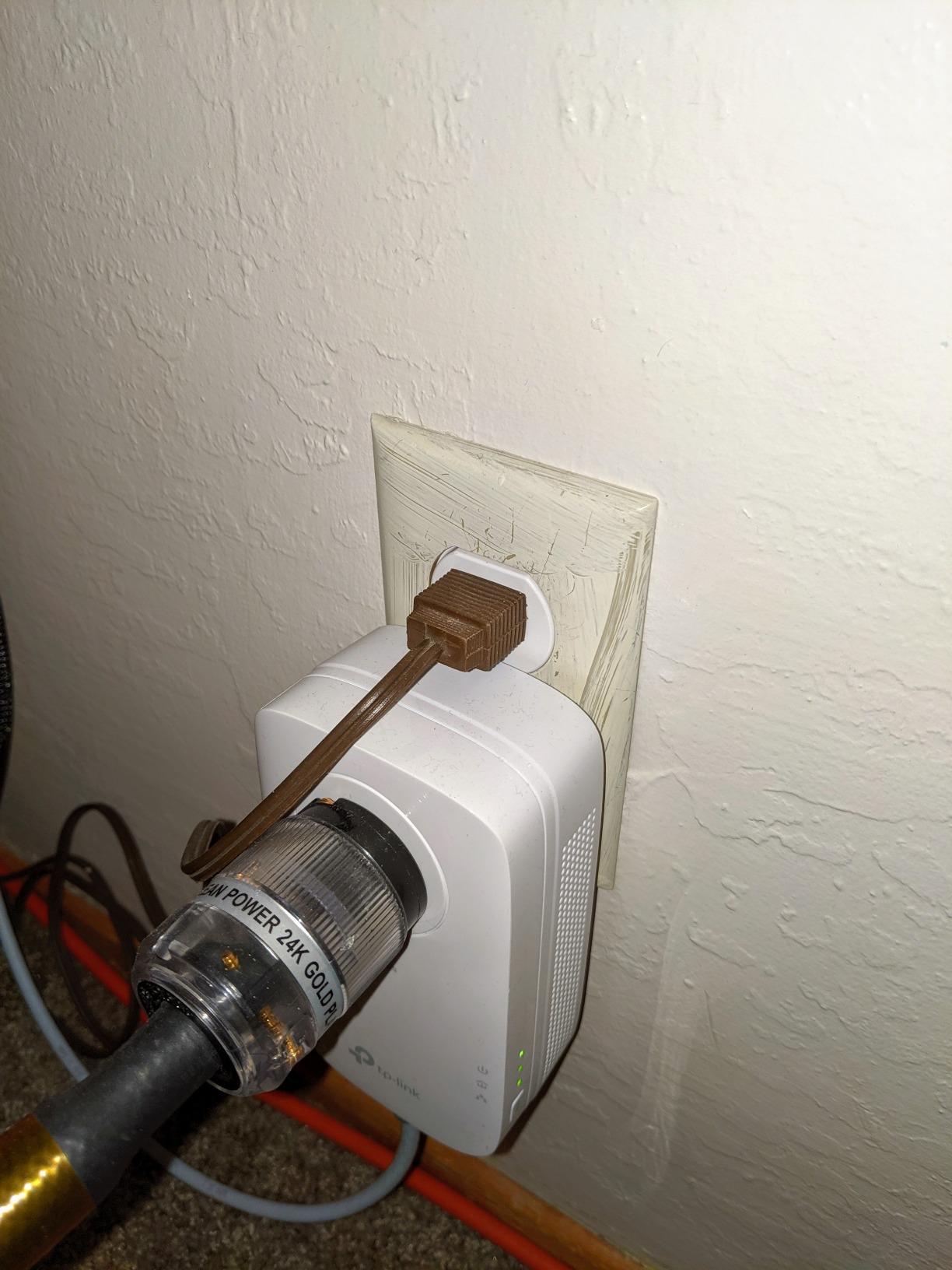
Two features make this the one we reach for in awkward period housing: the passthrough socket and two Gigabit ports per adapter. In an old room with a single receptacle, not losing the second socket decides whether the kit is usable at all.
The HomePlug AV2 2×2 MIMO design is the current TP-Link flagship standard, and it consistently beat Wi-Fi at the far ends of the two-storey house we tested in, streaming 4K without buffering. Pairing is a single button press and the three LEDs confirm link status immediately.
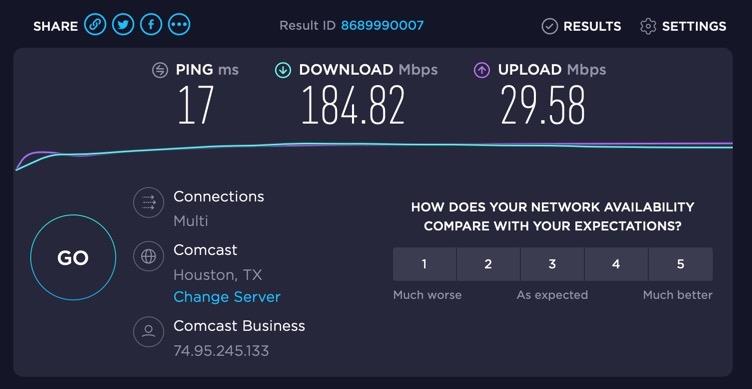
The gap between the 2000 Mbps headline and reality is the thing to accept up front. On legacy wiring owners typically report 100-300 Mbps, and on a home with a separately rewired circuit or sub-panel the link will not establish at all. The bundled 2 m cables are also often too short for a router-to-device run.
Why it beats a plain extender in an old house
Thick walls and long cable routes are exactly the case where an extender retransmits a signal it can barely hear. Powerline hands the far room a genuine Ethernet port instead, so a desktop or smart TV gets a wired path while Wi-Fi interference stops mattering.
The failure mode to know about
A noticeable share of buyers have had a single adapter die within roughly a year and describe the replacement process as slow. It is a fair point of comparison against kits with longer warranties.
4. NETGEAR PLP2000: Best Premium AV2000 Kit
NETGEAR Powerline Ethernet Adapter Kit PLP2000, 2 Pack, 2000 Mbps
HomePlug AV2 up to 2000 Mbps
MIMO with Beamforming
Two Gigabit ports plus passthrough
Pros
- True plug and play with no software
- MIMO with Beamforming held a stable link out to a garage across two storeys
- Two Gigabit ports on each adapter
- Interoperates with smaller NETGEAR Powerline models
- MIMO design improved the performance of cheaper NETGEAR adapters already on the network
Cons
- Advertised 2000 Mbps is unrealistic in practice
- Throughput varies wildly in old homes
- Rounded top blocks the ground pin of the upper receptacle
- Bright LEDs are hard to block
- One-year warranty is the shortest here
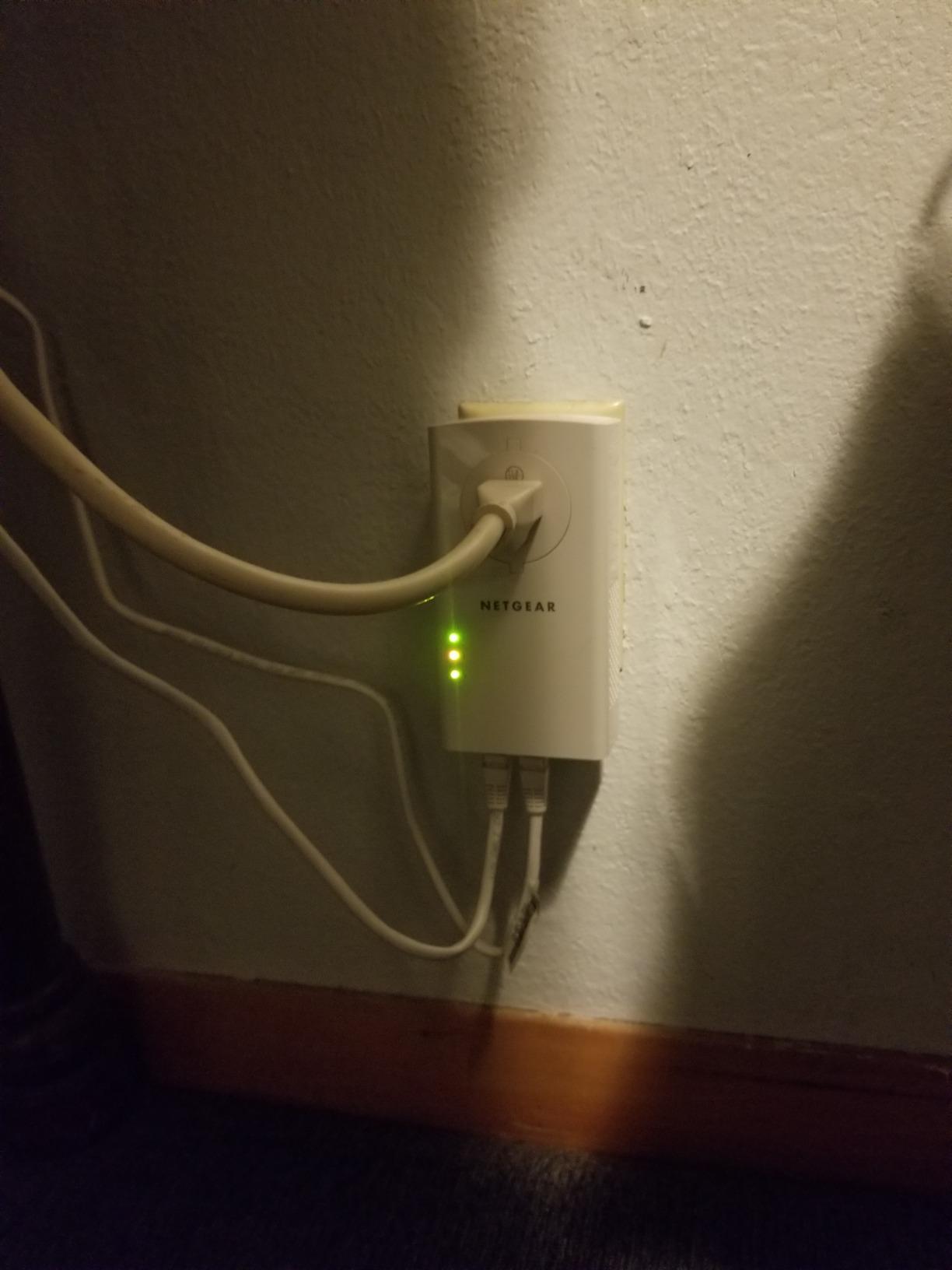
NETGEAR’s MIMO with Beamforming is the standout technical claim, and owners report it holding a link across a 1300-square-foot two-storey home and out to the garage. Several buyers also noticed that adding these units improved the performance of cheaper NETGEAR adapters already in the same network.
Like the TP-Link flagship, each adapter carries two Gigabit ports and a noise-filtered passthrough socket. It is IEEE 1901 compliant and deliberately not a Wi-Fi device, which keeps it simple to deploy in a room where you plan to hardwire everything.
The one-year warranty is the shortest in this group, and several buyers describe the paid return process as the weakest support experience of the kits we reviewed. The rounded top also blocks the ground pin of the adjacent receptacle for three-prong plugs, so plan the outlet layout around it.
Where Beamforming actually earns its place
In a house with a garage, loft or outbuilding at the end of a long cable run, directional signalling is the difference between a usable link and an unusable one. Owners in older properties also report the passthrough socket being the deciding feature, since losing a receptacle in a 19th-century room is genuinely inconvenient.
What to expect for speed
Owners report anywhere from 20 Mbps on mixed DIY wiring to 400 Mbps on modern copper. Treat the 2000 Mbps figure as a laboratory ceiling. If your old house lands near the bottom of that range, the honest comparison is against the 5 Mbps of Wi-Fi it replaces, which is still a large gain.
5. NETGEAR PLP1200: Best for Passthrough-Sensitive Rooms
NETGEAR Powerline Adapter Kit, 1200 Mbps Wall-Plug, 1.2 Gigabit Ethernet Ports with Passthrough + Extra Outlet (PLP1200-100PAS)
HomePlug AV2 with Gigabit-class speeds
MIMO with Beamforming
Noise-filtered passthrough outlet
Pros
- Passthrough outlet was the deciding factor in a 110-year-old plaster-and-lathe house
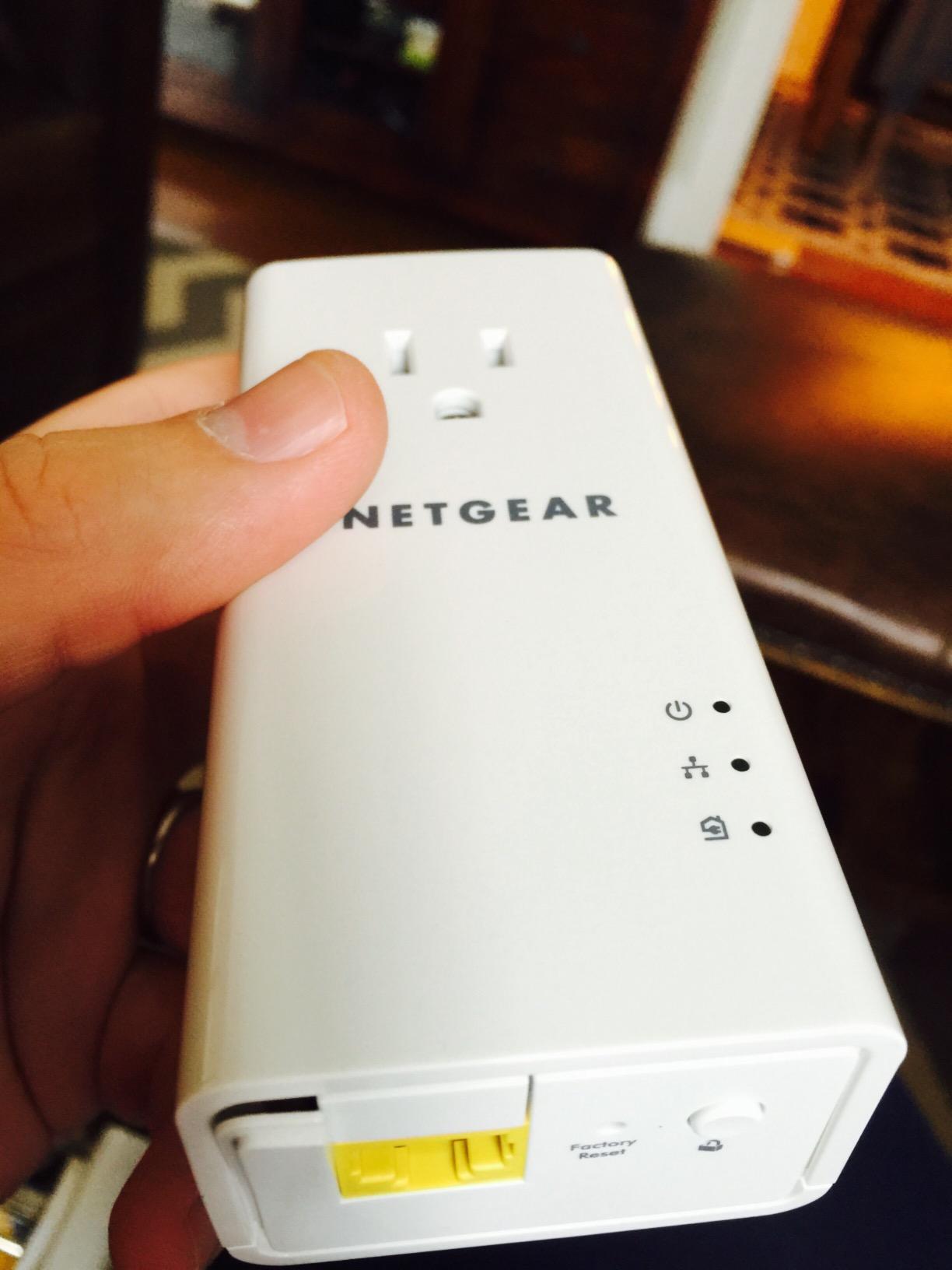
- Pick a Plug LED gives an instant read on outlet quality
- Measured 88-283 Mbps in a large Victorian home
- Plug and play with no configuration
- Works with HomePlug AV and HomePlug Green PHY devices
Cons
- Blocks the ground pin of the upper receptacle
- Advertised 1200 Mbps is never reached and green LED means only above 80 Mbps
- A second breaker between outlets costs 20-40 dB of signal
- Throughput fluctuates during large file transfers
The most useful reviews for this kit come from buyers in genuinely old houses, and they are emphatic. One owner extended service to the ground floor of a 110-year-old plaster-and-lathe house without touching a wall, and others report 35-110 Mbps in 1890s structures where Wi-Fi had no chance.
That is the honest picture: this is a dead-zone killer for property where cabling is not an option, not a gigabit solution. The Pick a Plug LED gives you an instant verdict on whether a given outlet pair is worth using, which saves a lot of trial and error in a house with inconsistent wiring.
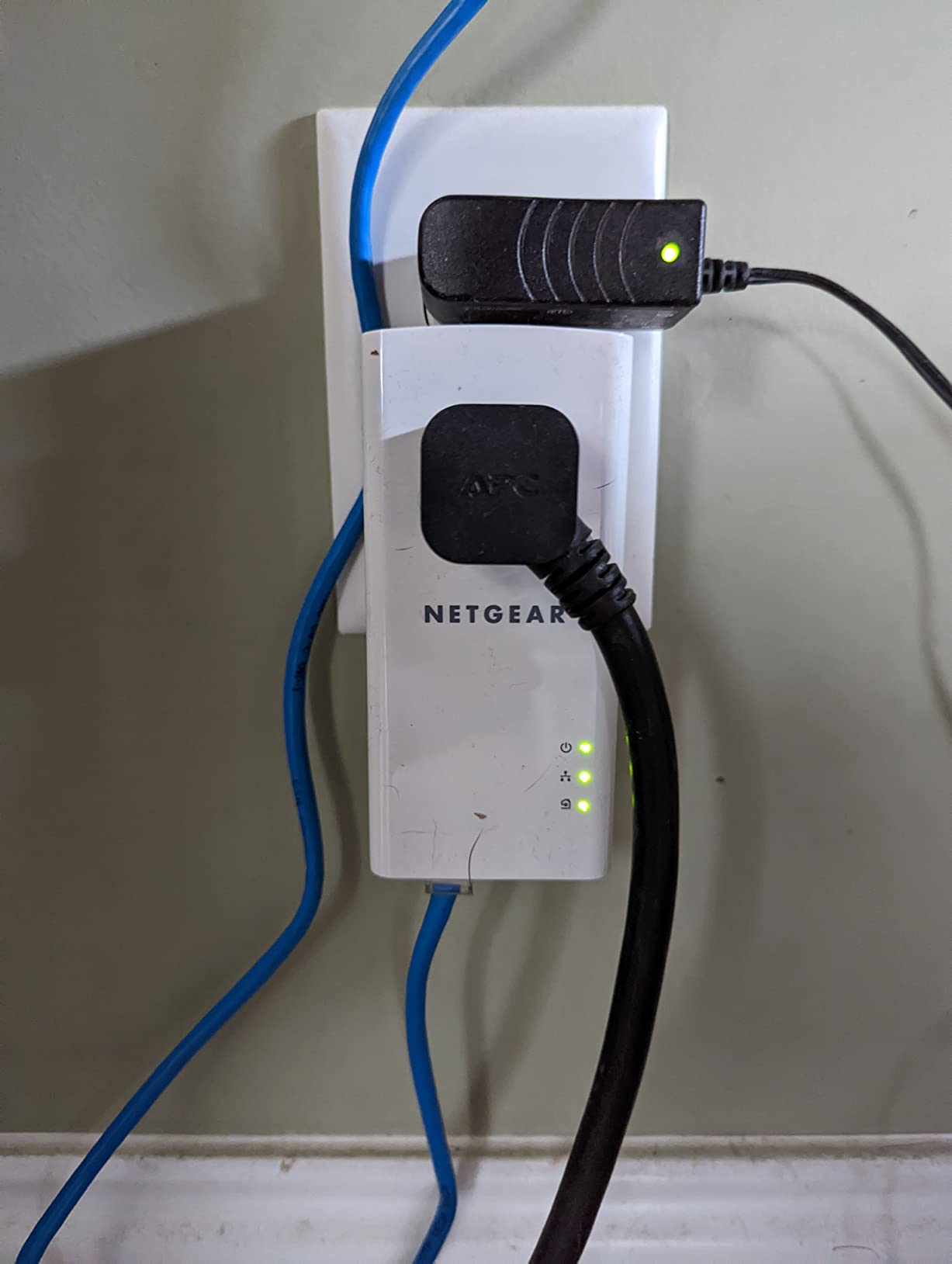
Two limitations stand out. Throughput fluctuates during large file transfers compared with a stable wireless link, and one reviewer saw the kit drop long-running VPN sessions hourly on rewired 1980s wiring. It is also unsuited to NAS backup traffic or modern fibre plans.
Why older homeowners rate it highly anyway
In pre-2000 stock the gap between a working 100-200 Mbps wired link and a dead zone is transformative, and this kit delivers that at a lower tier than the AV2000 models. The passthrough socket means you keep the second receptacle, which in a room with limited outlets is often the deciding factor.
Where the wired architecture costs you
Each adapter has a single RJ-45 port, so one adapter serves one wired device unless you add a switch. The body is also too tall for a standard two-socket outlet and blocks the ground pin above it.
6. Zyxel PLA5456KIT: Best for Cross-Brand Flexibility
Zyxel AV2000 Powerline Ethernet Adapter Starter Kit | Pass-Thru Power | Plug & Play | MIMO | HomePlug AV2 | 2 x Gigabit Ethernet | Ideal for Smart TVs, On-Line Games, 4K Streaming | PLA5456KIT
HomePlug AV2 MIMO rated to 2000 Mbps
Two Gigabit ports
Integrated pass-through socket
Pros
- Interoperates with NETGEAR Powerline hardware for cross-brand flexibility
- Backwards compatible with earlier Zyxel PLA5405 units
- One owner went from 6.5 Mbps to 100 Mbps in a detached basement
- Two Gigabit ports per unit
- QoS prioritisation for bandwidth-sensitive traffic
Cons
- Highest price in this group without matching real-world speed
- Documented throughput of 100-800 Mbps sits well below the headline
- One owner measured close to 30 percent packet loss on 2005 wiring
- Quick-start instructions are poorly written
- Large enough to cover the whole outlet panel
Interoperability is the reason to choose this kit. It works with NETGEAR Powerline hardware and with earlier Zyxel PLA5405 units, so if a flatmate already owns gear there is a real chance you can share one network rather than running parallel systems.
The performance gains are documented and repeatable rather than theoretical. One owner took a basement on the far side of the house from 6.5 Mbps to 100 Mbps, and QoS prioritisation lets you favour a console or video call over a background backup.
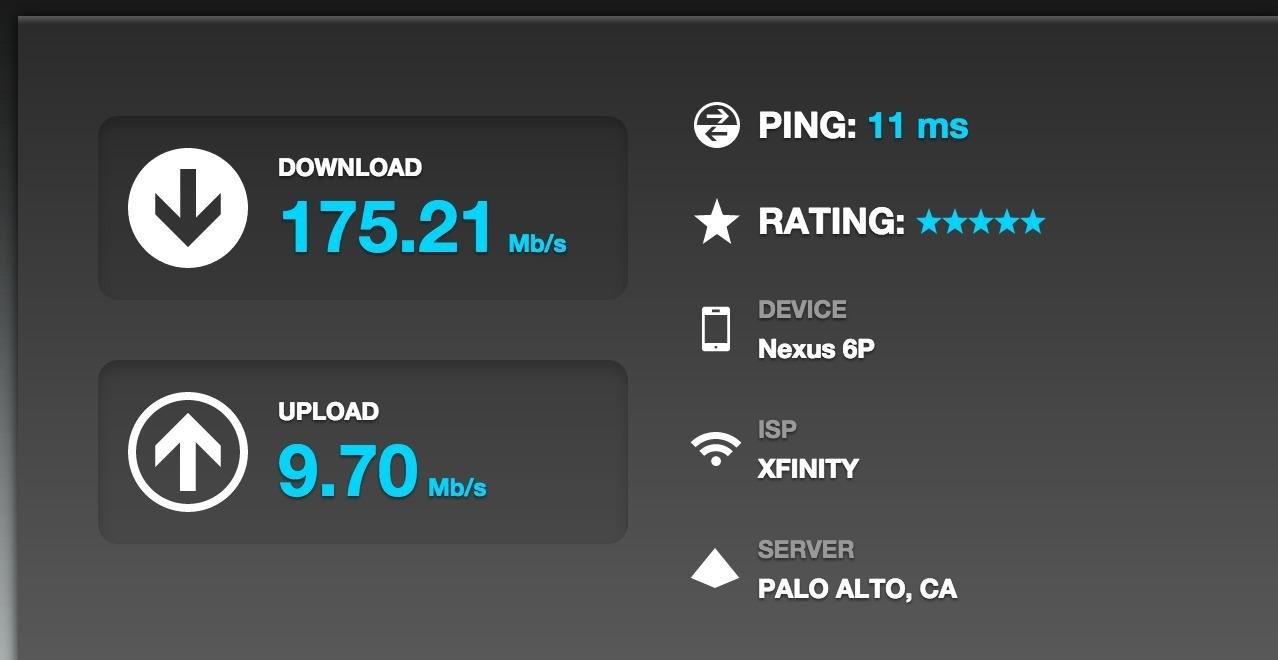
The price sits at the top of this group and the jump is not reflected in delivered speed, most owners reporting 100-300 Mbps. One experienced owner measured close to 30 percent packet loss to the gateway on modern 2005 wiring, and the quick-start guide offers contradictory steps with no guidance on locating the network.
Who benefits from the cross-brand pairing
Shared flats and student houses where two people are buying hardware separately. If the other kit is NETGEAR or an older Zyxel model, this one avoids a second parallel network and the confusion of running two unrelated Ethernet-over-power meshes.
Why the premium is hard to justify
Cheaper AV2000 kits deliver a similar port count and passthrough socket. The documented 1800 Mbps transfer rate is a ceiling almost no house reaches, and the weak documentation is the most substantive complaint here.
7. TRENDnet TPL-406E2K: Best for Tight Outlets
TRENDnet Powerline 500 AV Nano Adapter Kit,TPL-406E2K,Plug & Play Install
500 Mbps AV nano adapters
One Ethernet port each
Pre-encrypted signal
Pros
- Smallest footprint here so both receptacles stay usable
- Pre-encrypted signal needs no pairing ritual
- Scales to eight adapters on one network
- Cross compatible with Powerline 600
- 500 and 200 kits
- Three-year warranty is among the longest here
Cons
- No passthrough outlet so each adapter takes a full receptacle
- 500 Mbps ceiling is well below gigabit plans
- Single Ethernet port per adapter
- Older AV standard performs weakly on pre-1980 wiring
Where an old room has one usable socket and a permanently occupied second one, the nano form factor decides the outcome. This kit leaves both receptacles free, and the pre-encrypted signal means there is no pairing procedure beyond plugging in.
It is also the easiest kit to scale. Up to eight adapters can be networked across rooms, and the cross compatibility with Powerline 600, 500 and 200 units means a later upgrade does not orphan the adapters you already own.
The trade-offs are the price of that small size. There is no passthrough outlet, one Ethernet port per adapter, and a 500 Mbps ceiling that modern fibre plans will exceed. On pre-1980 wiring the older AV standard performs weakly, so the small footprint is earned by giving up headroom.
The case for a no-drama starter kit
One reliable hardwired connection, no configuration, no app and no software, with a three-year warranty behind it. For a single streaming stick or a desktop in an awkward room, that is enough to solve the problem and stop searching.
The case against
Two devices from one adapter will need a switch, and if your old house wiring is poor the speed class makes the result frustrating. Anyone expecting to grow the network across a large period property should look at a gigabit-port kit instead.
8. TRENDnet TPL-423E2K: Spec-Sheet Winner, Practical Risk
TRENDnet TPL-423E2K, Powerline 1300 AV2 Adapter
Powerline 1300 AV2 with Gigabit port
Built-in electrical outlet
MIMO with Beamforming
Pros
- MIMO with Beamforming across live
- neutral and ground suits older noisier wiring
- Built-in outlet preserves the adjacent receptacle
- Gigabit port suits gigabit fibre plans
- Reported to work when the two adapters sit on different branch circuits
- Three-year warranty
Cons
- Lowest average rating here at 3.9 stars with 13 percent one-star reviews
- Several owners report the pair refusing to sync
- Bundled Windows utility fails to launch or detect devices
- Connection drops every few days
- Thin documentation on the sync button
On paper this is the most appropriate kit for old housing. MIMO with Beamforming across live, neutral and ground conductors is designed specifically for noisier legacy wiring, and owners report it working when the two adapters are not on the same branch circuit, which is precisely the situation that defeats some rivals.
Three years of manufacturer protection and a Gigabit port also make it future-proof for homes moving to fibre.
In practice it draws the most negative feedback in the set. Several experienced IT users could not get the units to pair at all, with the bundled Windows utility failing to launch or failing to detect devices, and one owner saw the connection drop every few days, fixed only temporarily by re-seating the plugs.
Why the specification does not match the experience
A 3.9 average with 13 percent one-star reviews is the weakest showing here, and the complaints cluster on pairing and utility software rather than on throughput. Documentation is also thin on the sync procedure, and holding the button longer than intended prevents pairing entirely.
When it is still the right call
If your wiring is unusual enough that a same-branch-circuit requirement rules out other kits, the cross-circuit reports and Beamforming design are worth trying, backed by the three-year warranty. Otherwise the pairing risk makes one of the better-reviewed kits the safer purchase.
What Actually Changes Speed in an Old Home?
Rated speed is a ceiling, not a promise. A kit advertised at 2000 Mbps exists so the link can survive a noisy circuit and still clear gigabit fibre. Forum consensus puts realistic old-house throughput at 150-400 Mbps, which an Ubiquiti Community poster describes as less than half what a cable delivers. A NETGEAR owner’s Pick a Plug LED only turns green above 80 Mbps, and that threshold is the honest one.
The passthrough socket is the single most useful old-house feature. In rooms built before wall outlets became plentiful, losing a receptacle to the adapter itself is a real problem. Every kit here except the two budget nano models gives the socket back.
Protection devices and panels beat wire age. Older fused consumer units often let adapters work across circuits, while modern residual current devices are the bigger obstacle. Multiple consumer units, outbuildings on a separate panel, and a separately rewired kitchen circuit all break the link.
HomePlug AV2 and G.hn cannot be mixed. Both use the same wiring and both call themselves powerline, but they do not talk to each other. An AV2 kit from TP-Link, NETGEAR, Zyxel or TRENDnet will interoperate within the HomePlug family; a G.hn kit from another brand will not.
Noise sources in period homes are appliances, not age. Washing machines, dryers, fridges and microwaves sharing a circuit with the adapter are the most cited interference. Plug adapters directly into the wall, never through a surge protector or extension lead, and test during the evening when the kitchen and laundry are running to see the worst case.
Know when to choose something else. If your old house already has coax in every room, a MoCA adapter carries the signal over that cable instead and is a better answer than accepting a marginal powerline link. If the target room is a garage or a converted outbuilding on a separate panel, mesh Wi-Fi or a long Ethernet run will beat both. And if your demands are low-latency gaming on a gigabit line, cable is the only technology that will not disappoint you.
Frequently Asked Questions
Do powerline adaptors really work?
They usually do, including in older houses. Powerline carries data across your existing electrical wiring, and the main obstacles are protection devices, surge strips and multiple consumer units rather than the age of the cable. Older fused consumer units often let adapters work across circuits, while modern residual current devices and homes with two panels are more likely to break the link. Test with a budget AV500-class kit in your target room before committing to a faster model.
How do I know if my powerline adapter will work in my house?
Buy a low-cost AV500 kit and test the exact outlet pair before spending more. Plug one adapter beside the router, one in the target room, wait a minute and run a speed test. Also check that your consumer unit is a single panel, that no adapter sits behind a surge protector or extension lead, and that the two outlets are not on separately rewired circuits.
Do powerline adapters need to be on the same ring main?
No, a link will usually cross circuits within the same consumer unit. The failure cases are different: a second consumer unit, a sub-panel, or a separately rewired circuit such as a modernised kitchen can prevent the signal crossing at all. Keeping both adapters on the same breaker gives the most reliable result and the highest speed.
Why is my powerline adapter not on the same circuit as my home?
Most likely you have more than one consumer unit or a rewired circuit. Powerline cannot reliably jump between panels or across rewired segments. If you do have a single panel, plug both adapters directly into wall outlets rather than a surge protector or extension lead, since those are the most common reason a pair fails to pair.
What are the disadvantages of powerline adapters?
They share a cable with your appliances, so washers, fridges and microways add noise. Speeds fall well short of the rated figure, with 150-400 Mbps realistic in older housing against a 2000 Mbps headline. They cannot cross a separate consumer unit or a rewired circuit, they add latency and can drop out, and adapters behind surge protectors may not work at all.
What is better, a Wi-Fi extender or a powerline adapter?
A powerline adapter is better in an old house with thick walls, where Wi-Fi barely crosses the distance and an extender simply re-broadcasts a weak signal. It hands the far room a real Ethernet port, which suits streaming and work-from-home devices. A Wi-Fi extender or mesh system is better when every outlet is already used, when the two rooms sit on different panels, or when you need wireless coverage rather than a wired link.
Do all powerline adapters work together?
Mostly within one family. HomePlug AV2 kits from TP-Link, NETGEAR, Zyxel and TRENDnet generally interoperate, and most back-compatible models work with older units from the same brand. G.hn kits do not mix with HomePlug AV2 even though both use your wiring, so check the standard on the box before combining hardware from different families.
The Verdict for Old Houses in 2026
The best powerline adapters for old houses in 2026 are still the TP-Link TL-WPA4220KIT. It combines a 600 Mbps powerline backhaul with its own Wi-Fi, and its 27k+ review history is the strongest evidence we found that the hardware keeps working across wiring generations.
If you need wired speed in a single distant room, take the TL-PA9020P KIT for its passthrough socket and dual Gigabit ports, or the NETGEAR PLP2000 if a garage or outbuilding is in range. Buy the budget TL-PA4010KIT first if you are not yet certain your wiring will carry a link, and check whether your old house already has coax before you commit, because MoCA over existing cable is often the better answer.