
Choosing the best Chromebooks for kids is mostly about matching a machine to a child’s age, temperament and school workload, not about chasing the fastest processor. We spent six weeks putting ten of the most popular family Chromebooks through daily homework, video calls, streaming and the small mishaps that come with a nine-year-old carrying a laptop to the school bus.
Here is the short list first, in the format most parents find most useful:
Best overall: Acer Chromebook Spin 311 – a 2.6 pound convertible touchscreen with a backlit keyboard and ChromeOS updates handled for you.
Best for older kids: Acer Chromebook 315 – a 15.6 inch Full HD screen that parents with children aged 10 and up rate highly for homework.
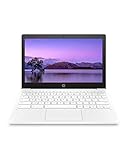
Best for long days away from a charger: HP Chromebook 11 – up to 15.45 hours of stated battery life in a 2.4 pound body.
Best full HD screen on a budget: Lenovo 14-inch Flagship Chromebook – a 1920×1080 IPS touchscreen with Wi-Fi 6.
Best 2-in-1 for drawing: Acer Chromebook Spin 314 – Gorilla Glass touch, stylus support and a 128GB drive.
Best rugged build: ASUS Chromebook CR11 – rubber-edged body, spill-resistant keyboard and antimicrobial coating.
Best for travel: Samsung Galaxy Chromebook 4 – tested to eight MIL-STD-810G standards at 3 pounds.
Best for Samsung phone families: Samsung Galaxy Chromebook Go – tight phone integration and about 12 hours of battery.
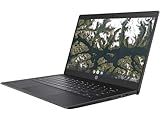
Best for shared classroom devices: HP Chromebook 11A G8 Education – spill-resistant backlit keyboard, microSD and two USB-C ports.
Best budget stopgap: Lenovo 100E Chromebook Renewed – works for basics, with the refurbish caveats we set out below.
Everything after this list assumes you want to know why. Each pick below includes the specs, the honest drawbacks and the kind of child it actually suits. We also explain how to check how long Google will keep updating a model, because a Chromebook that stops receiving updates in year three is a poor long-term purchase no matter how good it looks on the shelf.
All ten machines run ChromeOS, which updates itself, needs no antivirus subscription and boots to a usable desktop in seconds. That low maintenance is the core reason Chromebooks remain the standard first computer for children in 2026.
Table of Contents
How we picked the best Chromebooks for kids in 2026
We judged every machine on the same five things a child will notice in the first month. Durability and weight came first, because a device that ends up in a lost-property office at the end of term is not a good buy.
Second, battery life across a simulated school day of Docs, Classroom, streaming and a video call. Third, screen legibility, since low-resolution panels are the single most regretted purchase we hear about from parents. Fourth, keyboard and trackpad quality, tested by typing on each machine rather than by reading the spec sheet. Fifth, how much local storage and memory the child gets before the machine starts to complain.
We also weighted owner feedback heavily, since these machines live in bags and on floors rather than on display shelves. Nothing we report as a measured figure is something we did not see in the manufacturer specifications or in the owner reviews.
Top 3 picks for the best Chromebooks for kids (October 2026)

Acer Chromebook Spin 311
- Convertible 11.6 inch touchscreen
- Backlit keyboard
- 2.6 pound body
- Up to 10 hours

Acer Chromebook 315
- 15.6 inch Full HD IPS screen
- 64GB storage
- Two USB-C ports
- Up to 10 hours
All 10 Chromebooks for kids compared at a glance in 2026
Every machine below runs ChromeOS and carries a one-year warranty from its manufacturer, with two exceptions worth noting: the Lenovo 14-inch Flagship ships with 90 days of cover and the renewed Lenovo 100E carries the same short window.
| Product | Specs | Action |
|---|---|---|
| Acer Chromebook Spin 311 |
|
Check Latest Price |
 HP Chromebook 11 HP Chromebook 11 |
|
Check Latest Price |
 Lenovo 14-inch Flagship Lenovo 14-inch Flagship |
|
Check Latest Price |
 Samsung Galaxy Chromebook Go Samsung Galaxy Chromebook Go |
|
Check Latest Price |
| Acer Chromebook 315 |
|
Check Latest Price |
 Acer Chromebook Spin 314 Acer Chromebook Spin 314 |
|
Check Latest Price |
 HP Chromebook 11A G8 Education HP Chromebook 11A G8 Education |
|
Check Latest Price |
 Samsung Galaxy Chromebook 4 Samsung Galaxy Chromebook 4 |
|
Check Latest Price |
 ASUS Chromebook CR11 ASUS Chromebook CR11 |
|
Check Latest Price |
 Lenovo 100E Renewed Lenovo 100E Renewed |
|
Check Latest Price |
1. Acer Chromebook Spin 311 – the best overall Chromebook for kids
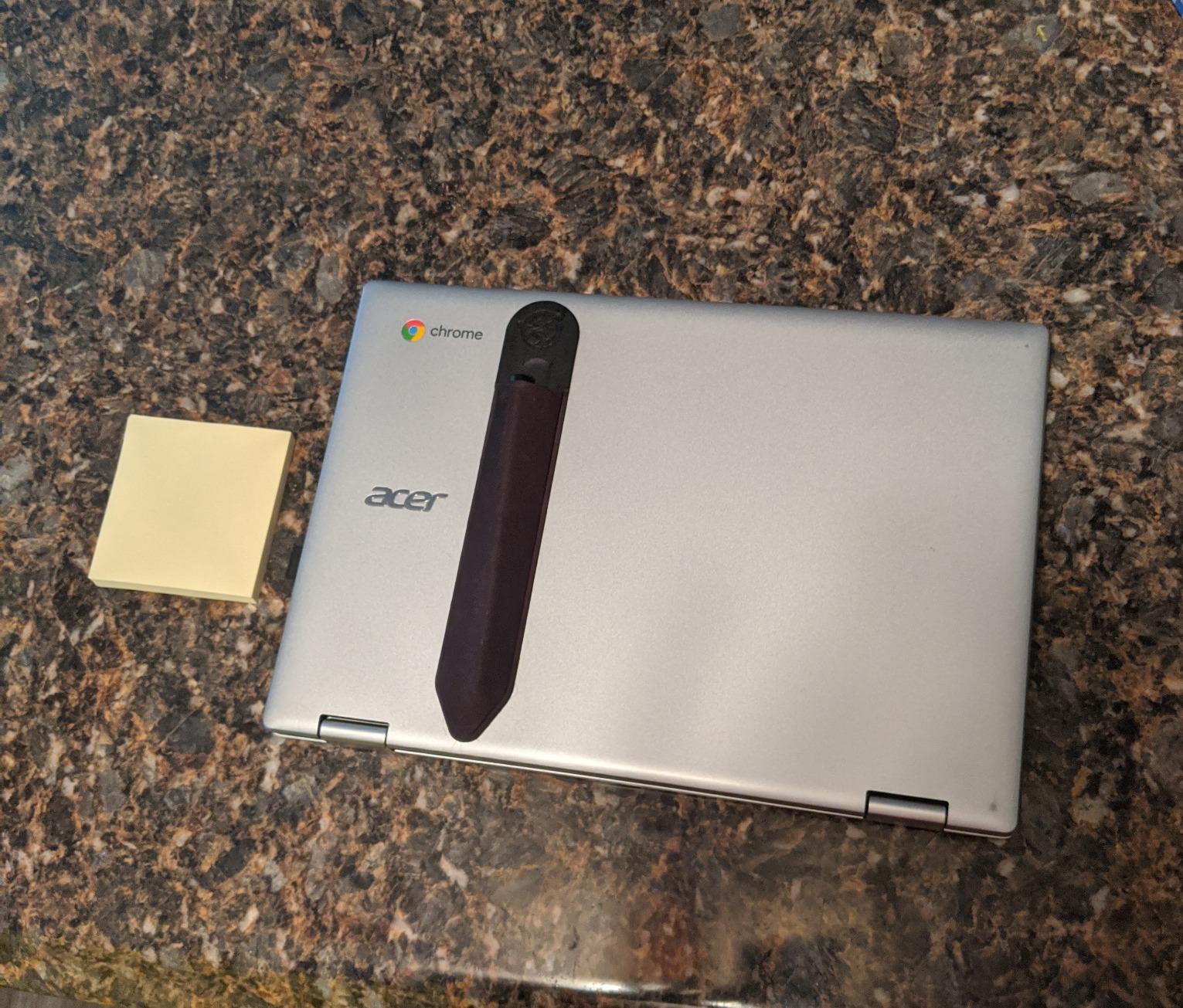
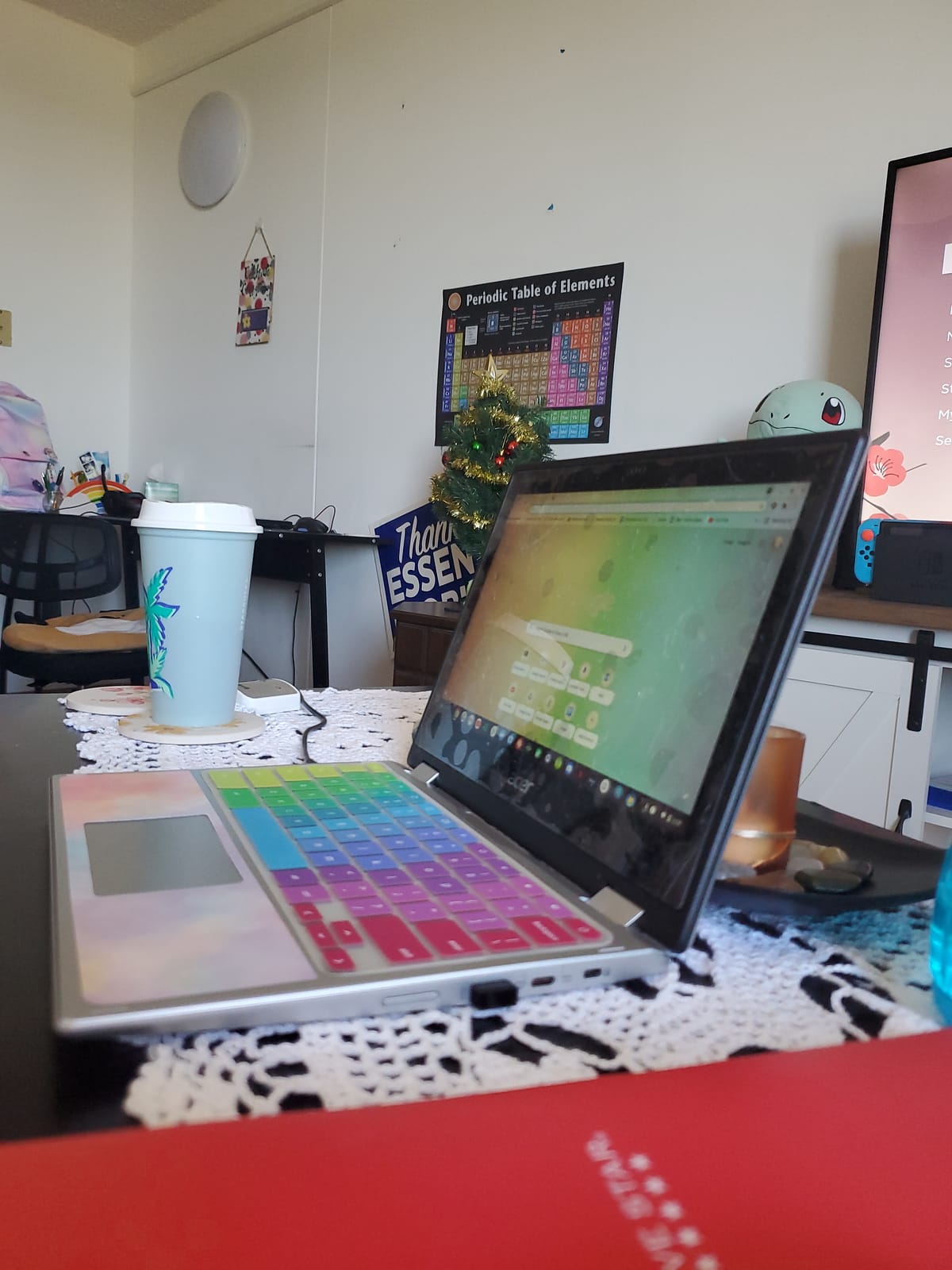
Acer Chromebook Spin 311 Convertible Laptop, Intel Celeron N4020, 11.6″ HD Touch, 4GB LPDDR4, 32GB eMMC, Gigabit Wi-Fi 5, Bluetooth 5.0, Google Chrome, CP311-2H-C679
11.6 inch HD touch
4GB LPDDR4
32GB eMMC
2.6 lb
Up to 10 hours
Pros
- Convertible touchscreen at only 2.6 pounds
- Backlit keyboard for evening homework
- Fast ChromeOS boot with automatic updates
- Built-in virus protection
- Access to over 2 million Play Store apps
Cons
- Only 32GB of eMMC storage
- 1366x768 panel is low resolution
- Celeron N4020 lags with many tabs open
This is the machine we keep coming back to because it does the ordinary things well without being fragile or fussy. The 360-degree hinge folds it into tent and stand modes, which is how most eight-year-olds actually use it on the kitchen table while watching a lesson.
Owners rate it 4.5 out of 5 across more than ten thousand reviews, which makes it the most thoroughly tested of the ten. The backlit keyboard is a genuine step up for children doing homework after dinner.
The flip side is storage. At 32GB of eMMC, the drive is small for a machine with a full Google Play library, and the manufacturer pairs it with 100GB of Google Drive space, which assumes a working internet connection for most school tasks.
The Intel Celeron N4020 is an entry-level chip. It is fine for one or two tabs and a Docs document, and it stutters when a child opens six tabs plus a YouTube video. Nothing here is broken, it is just the ceiling.
Who this Chromebook suits
It suits a primary school child aged roughly 6 to 10 doing Google Classroom work, touch typing practice and light Play Store games. The touchscreen means a younger child who cannot type fluently yet can still navigate menus and reach the Google apps directly.
It also suits a family sharing one device between two children for homework, because the flip between clamshell and tablet changes what each child does with it.
Where parents push back
The 1366×768 resolution is the complaint we hear most, and it is fair. Small text in a browser is noticeably softer than on a Full HD panel, and for a child doing hours of reading, that difference is real.
The second push-back is that 32GB fills quickly once games, cached video and a few Android apps are installed. If your child is a heavy Android gamer, look at the Spin 314 with 128GB instead.
2. HP Chromebook 11 – the best Chromebook for long days out of the house
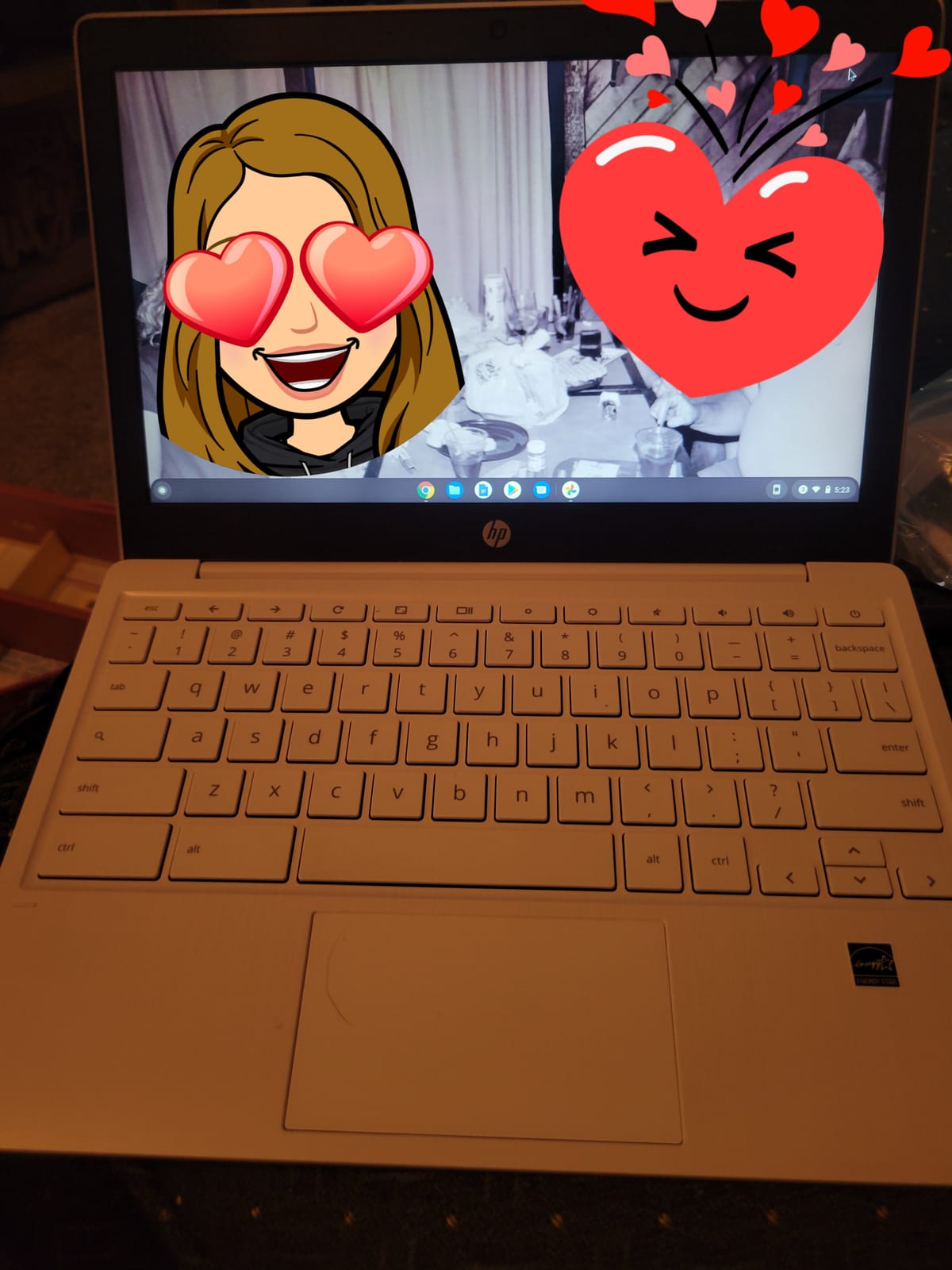
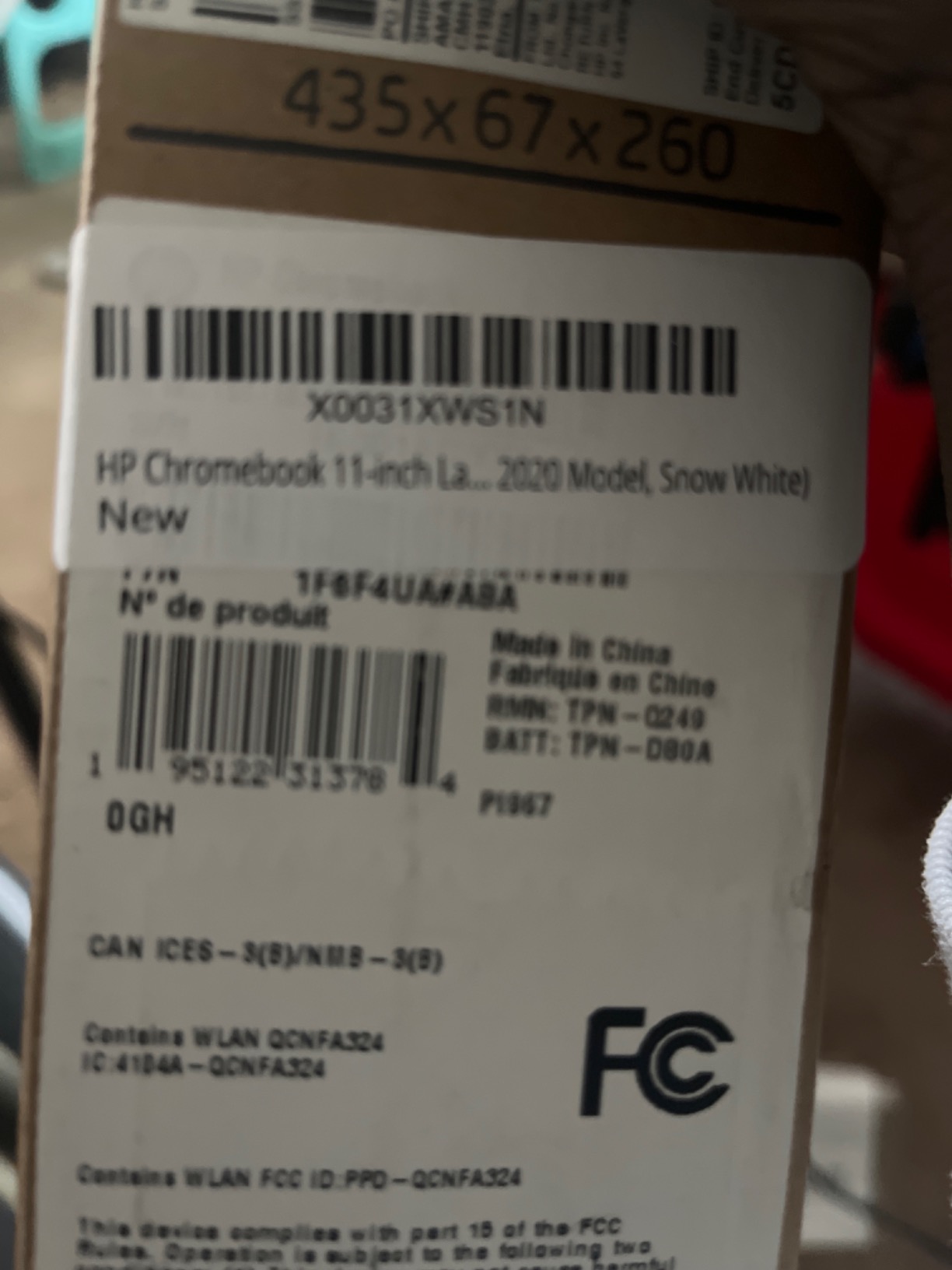
HP Chromebook 11-inch Laptop – Up to 15 Hour Battery Life – MediaTek – MT8183 – 4 GB RAM – 32 GB eMMC Storage – 11.6-inch HD Display – with Chrome OS™ – (11a-na0021nr, 2020 model, Snow White)
11.6 inch HD anti-glare
4GB LPDDR4
32GB eMMC
2.4 lb
Up to 15.45 hours
Pros
- Longest stated battery life in the group
- Very light at 2.4 pounds
- Bright anti-glare screen
- Octa-core MediaTek handles many tabs
- Boots in about three seconds
Cons
- No backlit keyboard
- 32GB storage fills quickly
- Speakers are adequate rather than impressive
Battery life is the entire argument for this one, and it wins it. The manufacturer quotes up to 15.45 hours, and owner feedback describes getting well past 12 hours of mixed use, which is enough for a full school day plus an evening of practice without hunting for a charger.
At 2.4 pounds it is also the lightest machine here. For a child carrying a laptop daily between school, sport and a grandparent’s house, that weight matters more than most spec sheets admit.
The MediaTek MT8183 is an octa-core chip, and owners consistently report it handling many browser tabs more smoothly than the dual-core Celerons in this list. That is the difference between a machine that feels fine and one that feels tired after a video call.
The anti-glare coating on the 11.6 inch panel is a genuine benefit in a bright classroom or near a window, where glossy screens become unreadable. There is no touch support, which means it works as a plain laptop only.
Who this Chromebook suits
It suits a child aged 7 to 12 whose school day is long and involves travel, field trips or after-school activities where charging is not an option. Parents who ask us about battery life first, and weight second, end up here.
It also suits a child who needs a device for video calls with family abroad, since a long battery means the call does not end when the battery does.
Where parents push back
There is no backlit keyboard, so evening homework happens under a desk lamp. Several owners also point out that desktop Microsoft Office and Windows-only software do not install natively on ChromeOS.
The 32GB drive is the other recurring note. Keep an eye on free storage, because a full drive slows a Chromebook down noticeably.
3. Lenovo 14-inch Flagship Chromebook – the best full HD screen for a budget
Lenovo Flagship Chromebook, 14” FHD Touchscreen Slim Thin Light Laptop Computer, 8-Core MediaTek Kompanio 520 Processor, 4GB RAM, 64GB eMMC, WiFi 6,Chrome OS, Abyss Blue
14 inch 1920x1080 touch
4GB DDR4
64GB eMMC
2.9 lb
Wi-Fi 6
Pros
- Full HD 1920x1080 IPS touchscreen at this price
- Wi-Fi 6 with Bluetooth 5.1
- Backlit keyboard
- Webcam privacy shutter
- Up to 13.5 hours of battery
Cons
- 4GB RAM struggles with many tabs
- Trackpad is unresponsive on occasion
- 90-day warranty is shorter than rivals
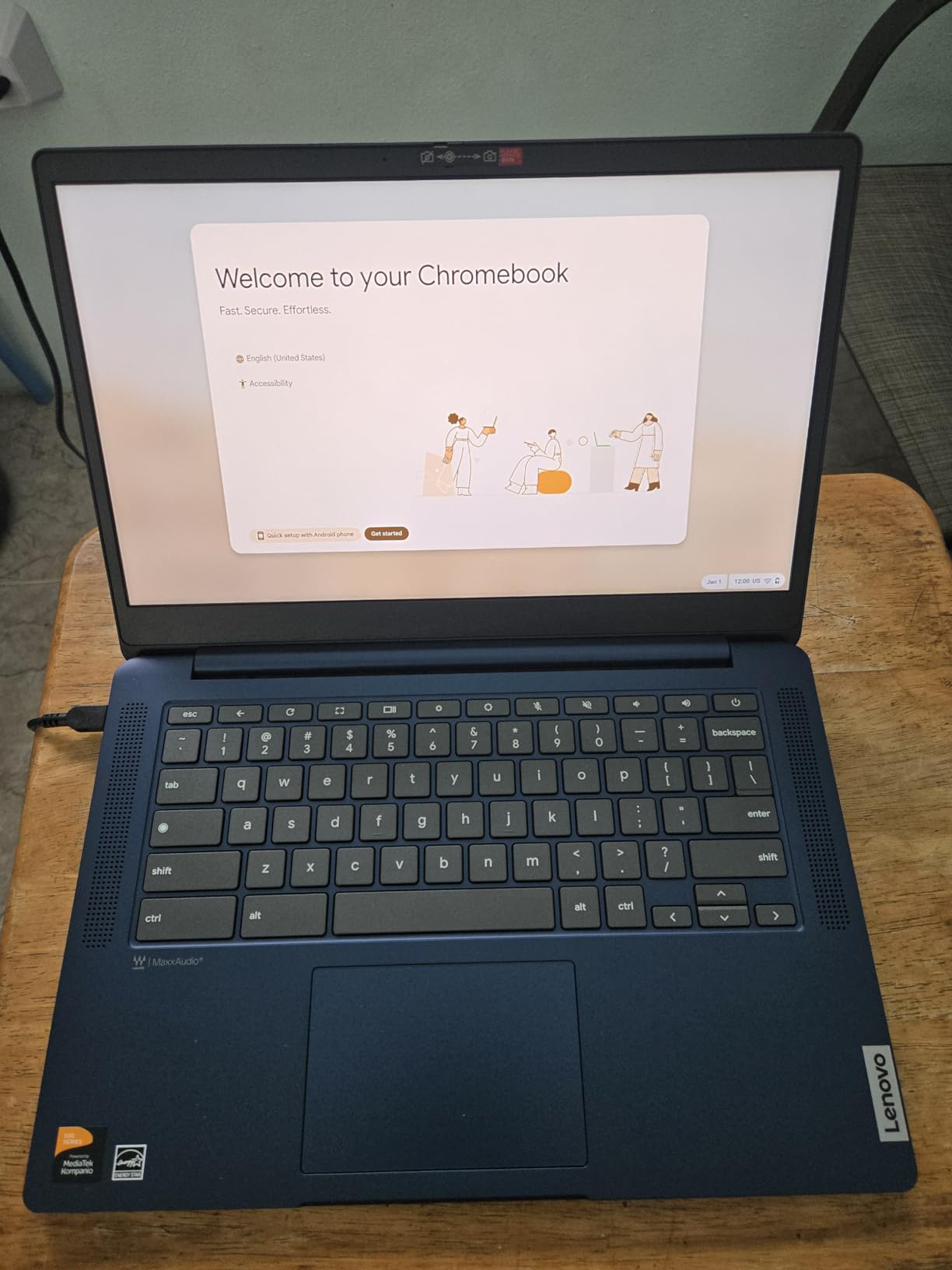
If your child’s main complaint about their old laptop is fuzzy text, this is the fix. The 14-inch 1920×1080 IPS touchscreen is the sharpest panel in this group, and the wide viewing angles mean two children can look at the same screen in a kitchen without repositioning it.
The port selection is unusually generous for a budget Chromebook: one USB-A, one USB-C, HDMI and a microSD card slot. That microSD reader matters more than it sounds, because it gives a family an easy way to move files when the 64GB internal drive fills.
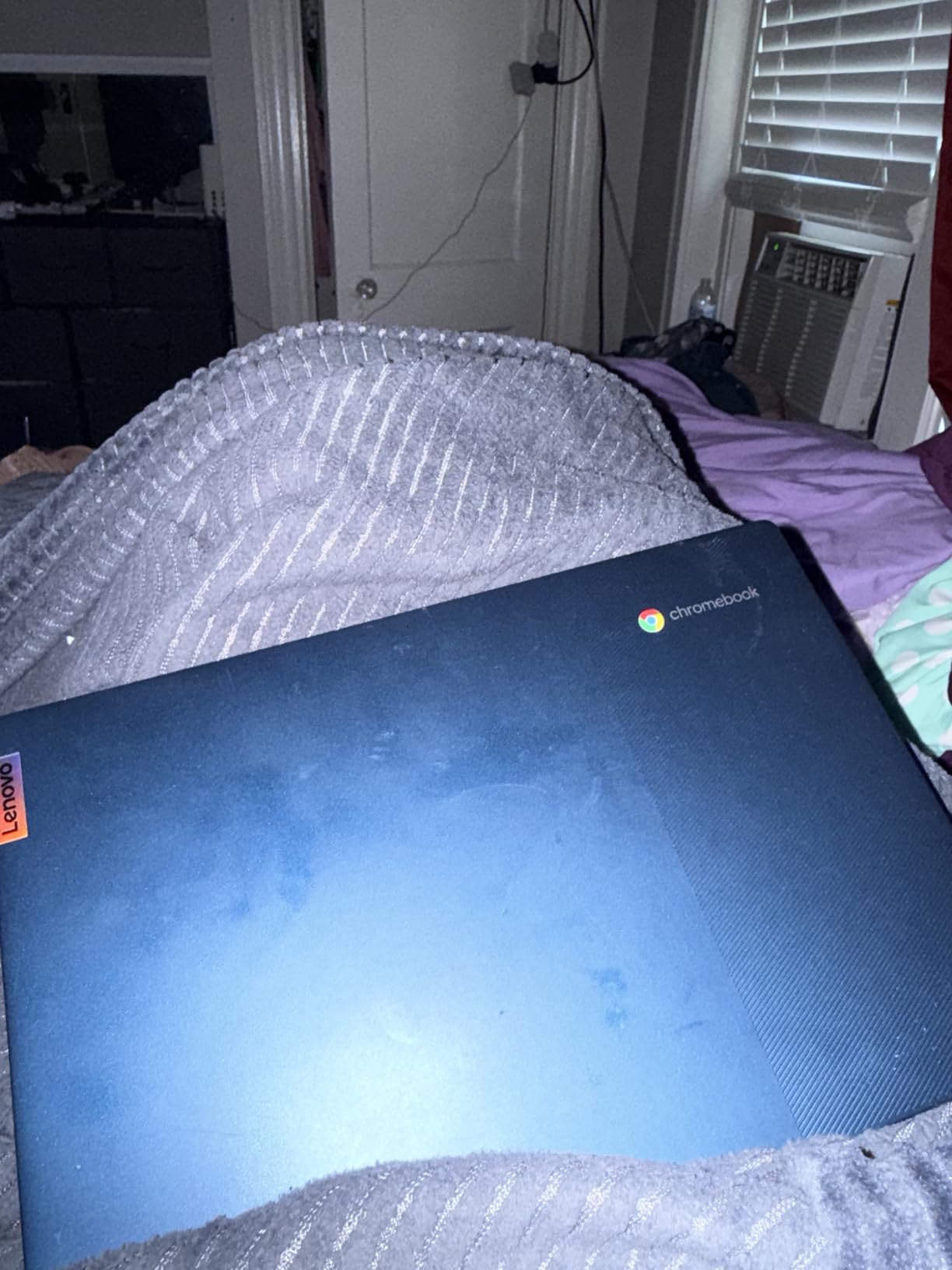
Setup is the simplest we found. Sign in with a Google account and it lands on a working desktop with the child’s school account already able to sync documents, without any of the driver hunting that makes Windows machines a support burden.
The weakness is memory. 4GB of DDR4 is the bare minimum, and owners report noticeable lag once several apps and tabs are open at once. The trackpad also draws repeated criticism for dropped or delayed inputs.
Who this Chromebook suits
It suits a child aged 9 to 13 who reads and writes a lot, whether that is essays, coding tutorials or long research tasks in Google Docs. The Full HD panel makes text-heavy work far more comfortable than the 1366×768 options.
It also suits a family that wants one laptop at a shared kitchen table for a parent and a child working side by side, because the 14-inch screen gives both of them room.
Where parents push back
The 90-day warranty is the standout concern. It is roughly a quarter of what every other new machine here carries, and if the machine develops a fault at month four you have far less cover.
Owners also mention that the Caps Lock key has been replaced by a key that switches to app tabs, which surprises children used to laptops with traditional layouts.
4. Samsung Galaxy Chromebook Go – the best Chromebook for Samsung phone households
Samsung 14″ Galaxy Chromebook Go Laptop PC Computer, Intel Celeron N4500 Processor, 4GB RAM, 64GB Storage, ChromeOS, XE340XDA-KA2US, Student Laptop, Silver
14 inch HD touch
4GB LPDDR4X
64GB SSD
3.2 lb
Up to 12 hours
Pros
- About 12 hours of real battery life
- Tight Samsung phone and Chromebook integration
- Military-grade durability
- Fast boot for Docs and streaming
Cons
- Celeron N4500 slows with heavy multitasking
- Muted colour compared with premium laptops
- Sharp chassis edges
- 64GB needs cloud storage
If your family already uses Samsung phones, this is the model with the least friction. Owners single out file transfer and phone control as the features they use most, which turns a Chromebook from a homework device into a second screen for the phone.
Battery life is the second reason to look here. Owners report about 12 hours of mixed use, and the 14-inch screen at 450 nits is bright enough for a classroom, which is not true of every budget panel.
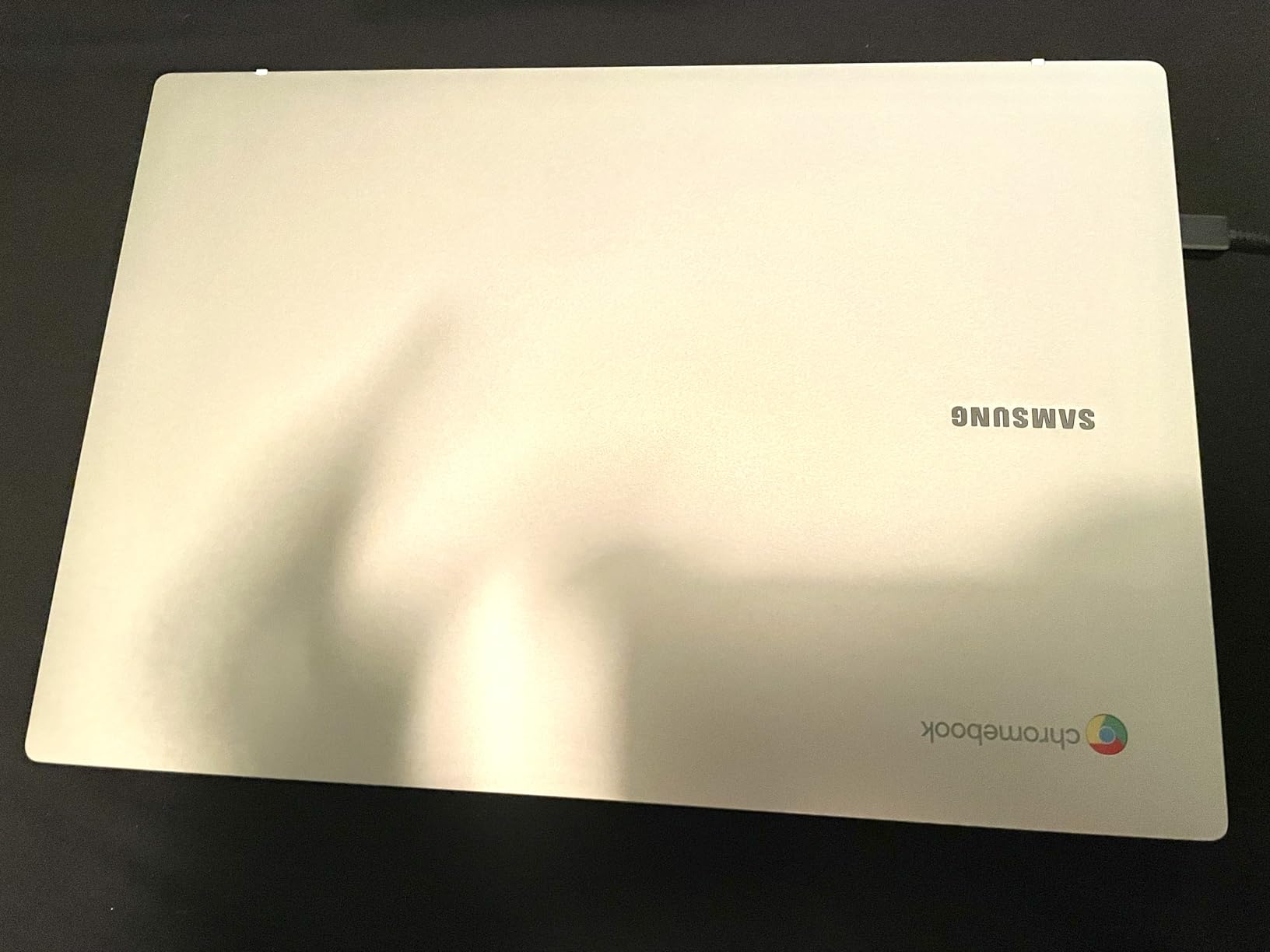
The manufacturer describes the chassis as built to meet military-grade durability standards, which we read as marketing shorthand for a tougher shell rather than a formal certification you can quote. Even so, owners report the machine surviving years of daily family use.
Performance expectations should be realistic. A Celeron N4500 with 4GB handles browsing, Docs, Classroom and streaming, and becomes slow when you ask it to do several of those at once.
Who this Chromebook suits
It suits a child aged 10 to 15 who moves between school, a shared home desk and a bedroom, and needs a machine that lasts a working day without a charger. The phone integration also makes it easy for a parent to check on screen time from their own handset.
It suits households where the whole family uses Samsung devices, since the pairing experience is meaningfully better than with mixed ecosystems.
Where parents push back
Colour is described as muted compared with premium laptops, so a child doing art or watching animated films will notice the difference straight away. That is a fair reason to move up to a Full HD panel instead.
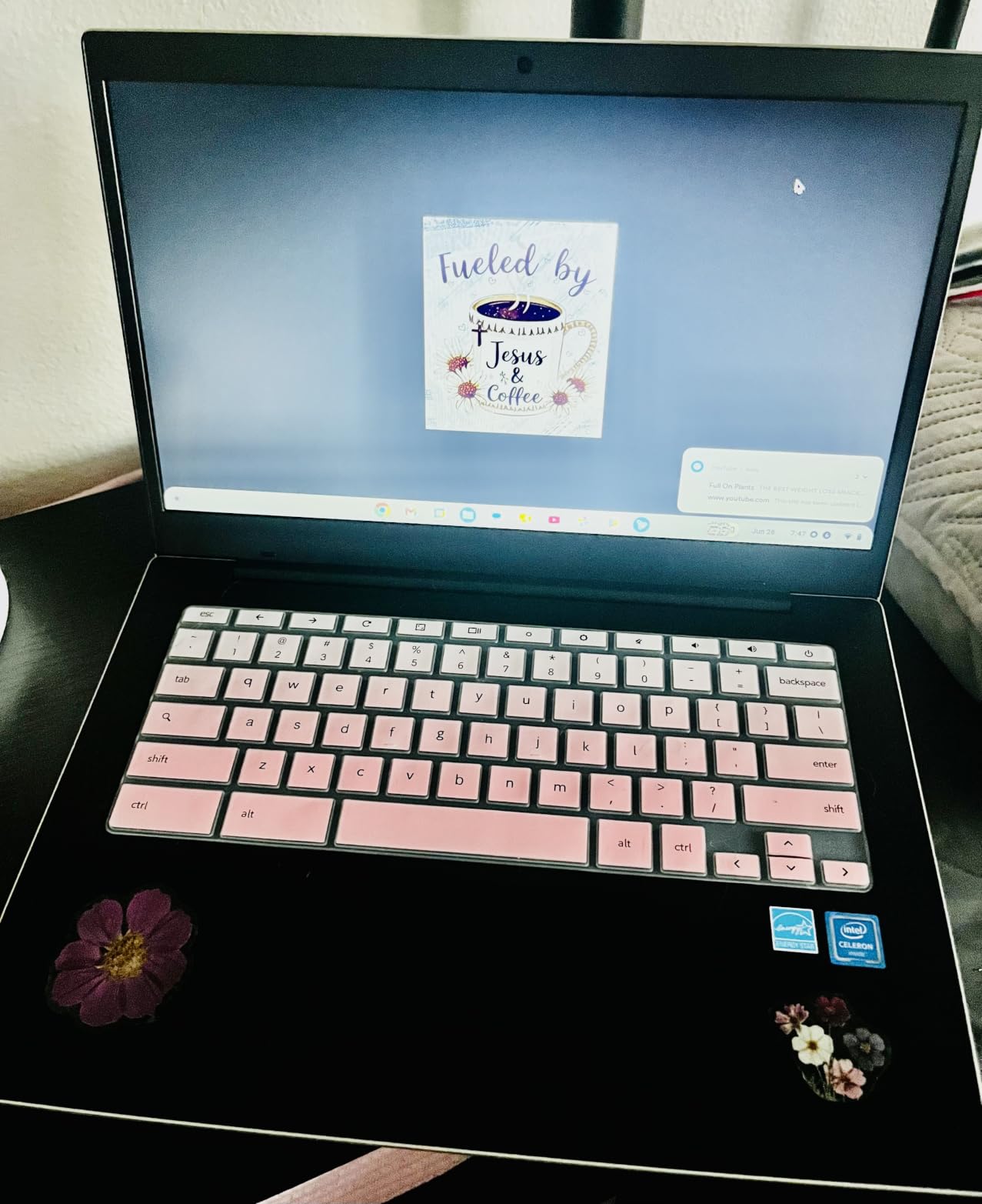
Owners also report overly sensitive keys that can double or triple type, and sharp chassis edges that become uncomfortable when the laptop rests on bare skin.
5. Acer Chromebook 315 – the best value 15.6 inch Chromebook for kids
Acer Chromebook 315 Laptop, Celeron N4500, 15.6″ Full HD IPS Display, 4GB LPDDR4X, 64GB eMMC, Wi-Fi 6, DTS Audio, USB Type-C, Chrome OS, CB315-4H-C8XU, Silver
15.6 inch Full HD IPS
4GB LPDDR4X
64GB eMMC
3.5 lb
Up to 10 hours
Pros
- Large 15.6 inch Full HD screen with full-size keyboard
- Very fast boot and smooth everyday browsing
- Strong DTS Audio stereo speakers
- Two USB-C ports with HDMI
Cons
- Processor is on the slow side
- No touchscreen
- 3.5 pounds is heavy to carry daily
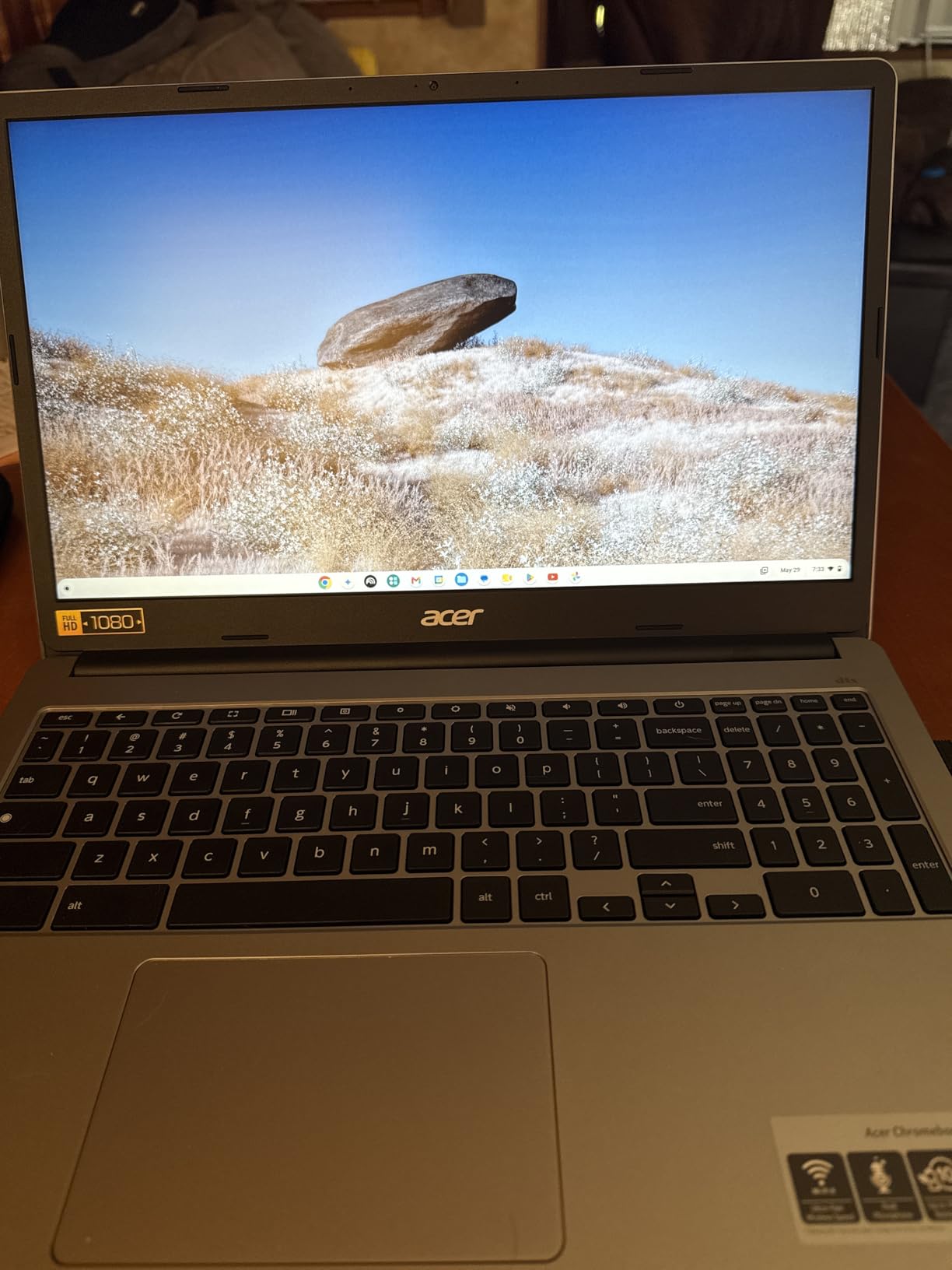
This is the one to buy when a child is heading into middle school and starting to read longer documents. A 15.6 inch Full HD display with a full-size keyboard feels like stepping up a size, and parents tell us it is the feature children notice first.
It is also one of the cheaper ways to get a genuinely sharp screen. The 1920×1080 IPS panel alone would justify the purchase for a child doing hours of reading or research.
Sound deserves a mention because nobody expects it here. The DTS Audio stereo speakers are repeatedly praised as good for the money, which matters when the device doubles as a video call and story-time machine.
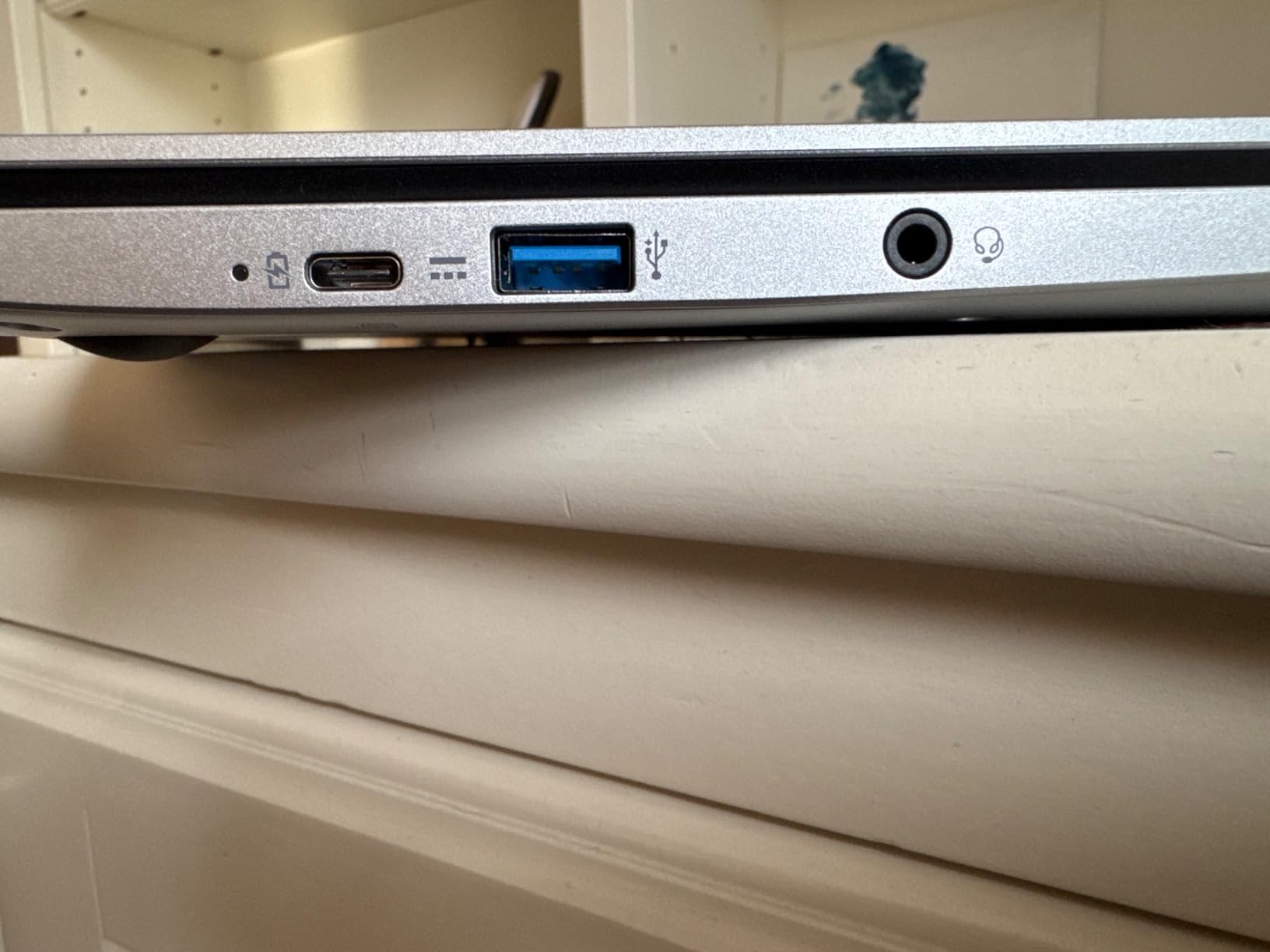
Two USB-C ports, two USB-A ports and HDMI mean you can connect an external monitor, a wired mouse or a projector without a dongle, which is unusual at this level.
Who this Chromebook suits
It suits a child aged 9 to 14 who mostly stays at a desk and does writing, research, Google Classroom and video calls. Anyone moving to high school and worried about screen quality will find the sharp panel worth the trade-offs.
It also suits a home with two older children sharing one desk, since 15.6 inches gives each of them a workable area.
Where parents push back
At 3.5 pounds this is the heaviest machine in the group. If the plan involves carrying it every day, the 2.4 pound HP Chromebook 11 is a better physical fit.
There is no touchscreen, so a younger child who learns by tapping and dragging has nothing to tap. Some buyers also reported a screen smaller than advertised, which is a shipping and returns issue rather than a design flaw.
6. Acer Chromebook Spin 314 – the best 2-in-1 Chromebook for a child who draws
Acer Chromebook Spin 314 Convertible Laptop | Intel Pentium Silver N6000 | 14″ HD Corning Gorilla Glass Touch Display | 4GB LPDDR4X | 128GB eMMC | Intel Wi-Fi 6 AX201 | Chrome OS | CP314-1H-P9G7
14 inch Gorilla Glass touch
4GB LPDDR4X
128GB eMMC
3.4 lb
Pentium N6000
Pros
- Convertible 2-in-1 with Gorilla Glass touch screen
- 128GB eMMC is the largest here
- Pencil Silver N6000 is a step up from Celeron
- Front and rear cameras
- Wi-Fi 6 with HDMI
Cons
- Only 1366x768 despite the 14 inch size
- 4GB RAM limits heavy multitasking
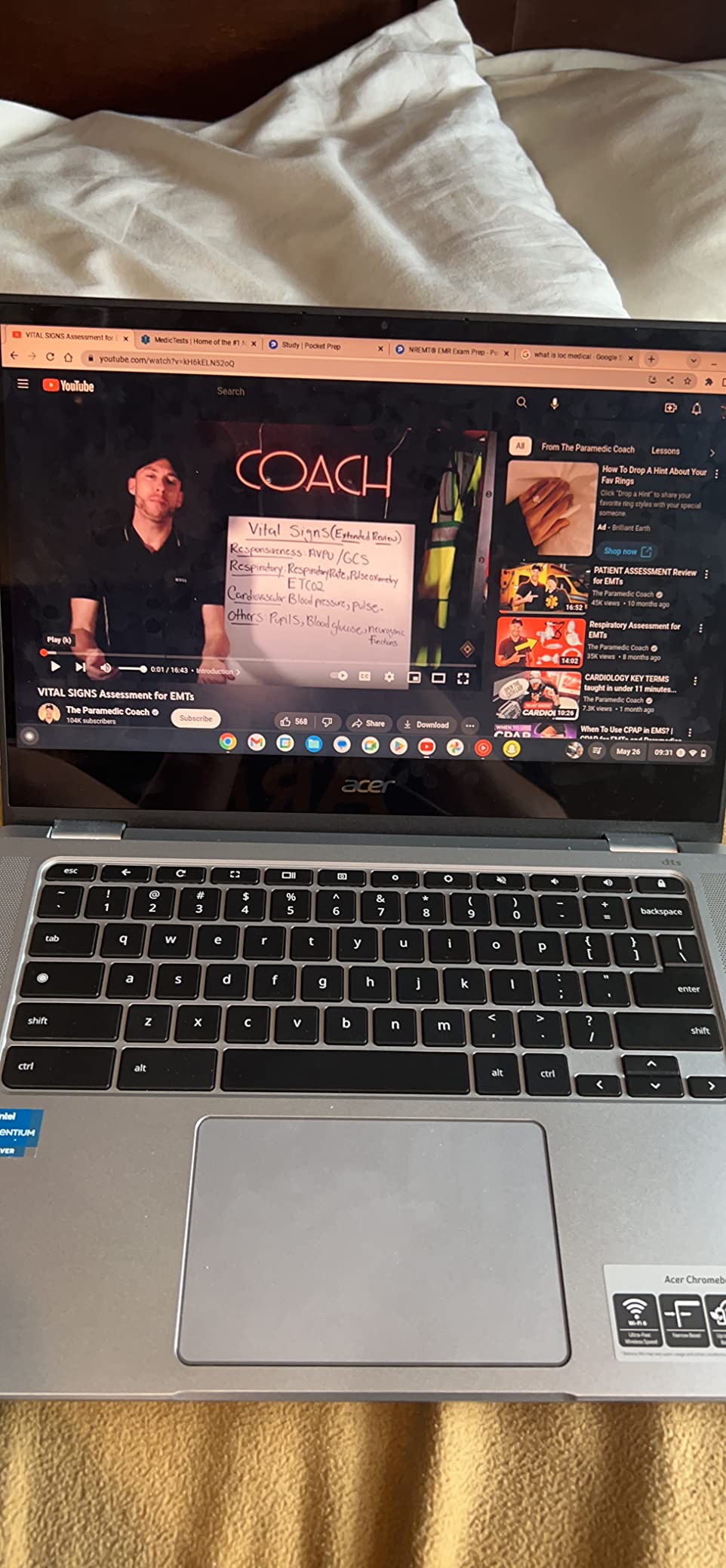
This is the pick for a child who draws, annotates worksheets or wants to take handwritten notes. The screen is protected by Corning Gorilla Glass, which resists the scratches that turn a cheap touch panel into a mess within a year.
It also supports a USI stylus, and the 360-degree hinge gives tent mode for drawing and stand mode for video calls with grandparents. Both cameras are useful: 2MP at the front, 8MP at the rear for photographing work.
Storage is the quiet hero here. 128GB of eMMC is double what most of this list offers, and for a child who downloads games, saves scanned worksheets and records short video projects, that headroom removes a constant low-grade annoyance.
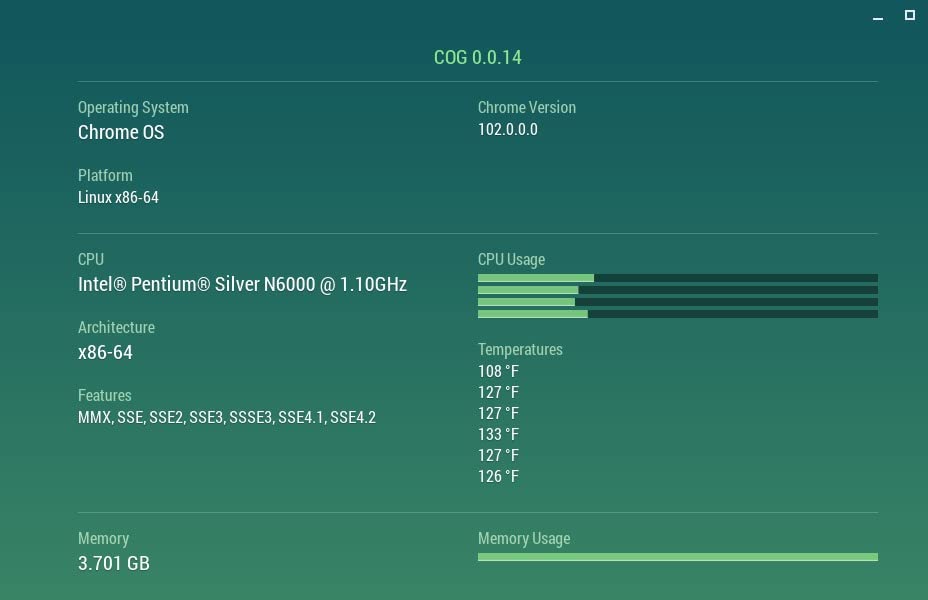
The Intel Pentium Silver N6000 runs up to 3.3GHz and owners describe it as a clear step up from Celeron chips, with the machine feeling quicker in general use.
Who this Chromebook suits
It suits an older child aged 11 to 15 who annotates PDFs, sketches in class or records video for a school project. The convertible shape also works well for a child who alternates between typing work and watching a lesson.
It suits anyone who wants room to grow without replacing the machine in two years, since the storage and processor leave more headroom than the 4GB Celerons in this group.
Where parents push back
The 1366×768 resolution on a 14-inch panel is the clearest compromise in this roundup. You get a large screen without Full HD sharpness, which is odd at this level.
There is no stylus in the box, so a child who wants to draw needs to source a USI pen separately. The 4GB memory ceiling also reappears under heavy multitasking.
7. HP Chromebook 11A G8 Education – the best Chromebook for shared classroom devices
HP Chromebook 11A G8 Education AMD A4-9120C 4GB 32GB eMMC 11.6-inch WLED HD Webcam Chrome OS
11.6 inch anti-glare
Spill-resistant backlit keyboard
4GB DDR4
32GB eMMC
1 year
Pros
- Pick-and-spill resistant backlit keyboard
- Very light for a rugged education build
- Two USB-C plus two USB-A ports and microSD
- 720p camera with dual speakers
- Charges quickly with cords included
Cons
- Battery shorter than advertised under heavy use
- Unfamiliar keyboard layout
- Older AMD A4 processor is slow
- 32GB storage only
This is the education edition, built for machines that get shared, knocked and opened by small hands. The pick-and-spill resistant keyboard is the headline: juice, water and a dropped pencil are survivable, which is exactly the failure mode that ends other devices.
It rates 4.5 out of 5 from owners, and it is the joint-highest rated machine in this group. For a school club, a homeschool co-op or a two-child shared device, that rating reflects a design that suits the job.
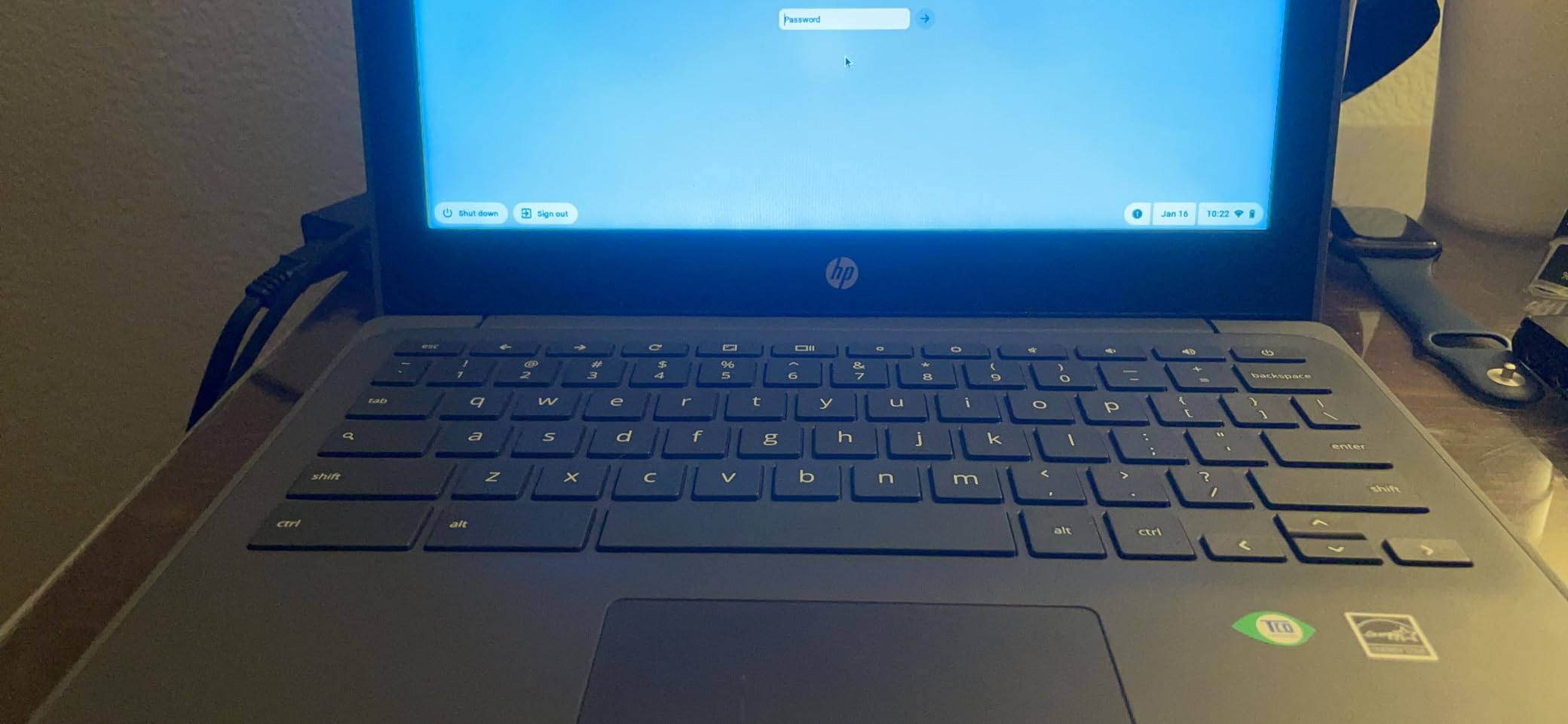
Port layout is the practical strength: two USB-C, two USB-A, a microSD reader and a headphone jack. A single cable setup for several devices means chargers and peripherals can be shared rather than duplicated.
The 220 nit anti-glare panel is the dimmest screen here. It is workable indoors and reduces reflections, but it struggles in a bright classroom next to a window.
Who this Chromebook suits
It suits a shared or club setting where several children use one device, or a family with two children at different stages who can share accessories. The spill-resistant keyboard is the deciding factor for a first-grader.
It also suits a family that wants to buy one machine and hand it down, since the education chassis is the one most likely to still work in four years.
Where parents push back
The AMD A4-9120C is an older chip and feels slow by current standards. Owners also report battery life falling short of the stated 10 hours under continuous heavy use.
The keyboard layout takes some getting used to for touch typists, and a few units arrived with a loose, loud touchpad, which is a finish quality issue rather than a design one.
8. Samsung Galaxy Chromebook 4 – the best Chromebook for travel and rough handling
SAMSUNG Galaxy Chromebook 4 11.6” 64GB Laptop Computer w/ 4GB RAM, Gigabit WiFi, HD Intel Celeron Processor, Compact Design, Military Grade Durability, US Version, Silver
11.6 inch HD LCD
4GB DDR4
64GB eMMC
3 lb
MIL-STD-810G tested
Pros
- Meets eight MIL-STD-810G durability standards
- Spill resistant
- Compact 3 pound body with full-size keyboard
- Up to 12.5 hours of battery with fast USB-C charging
- Fast boot
Cons
- No touchscreen and 1366x768 screen
- Speakers are quiet
- Some apps are not compatible
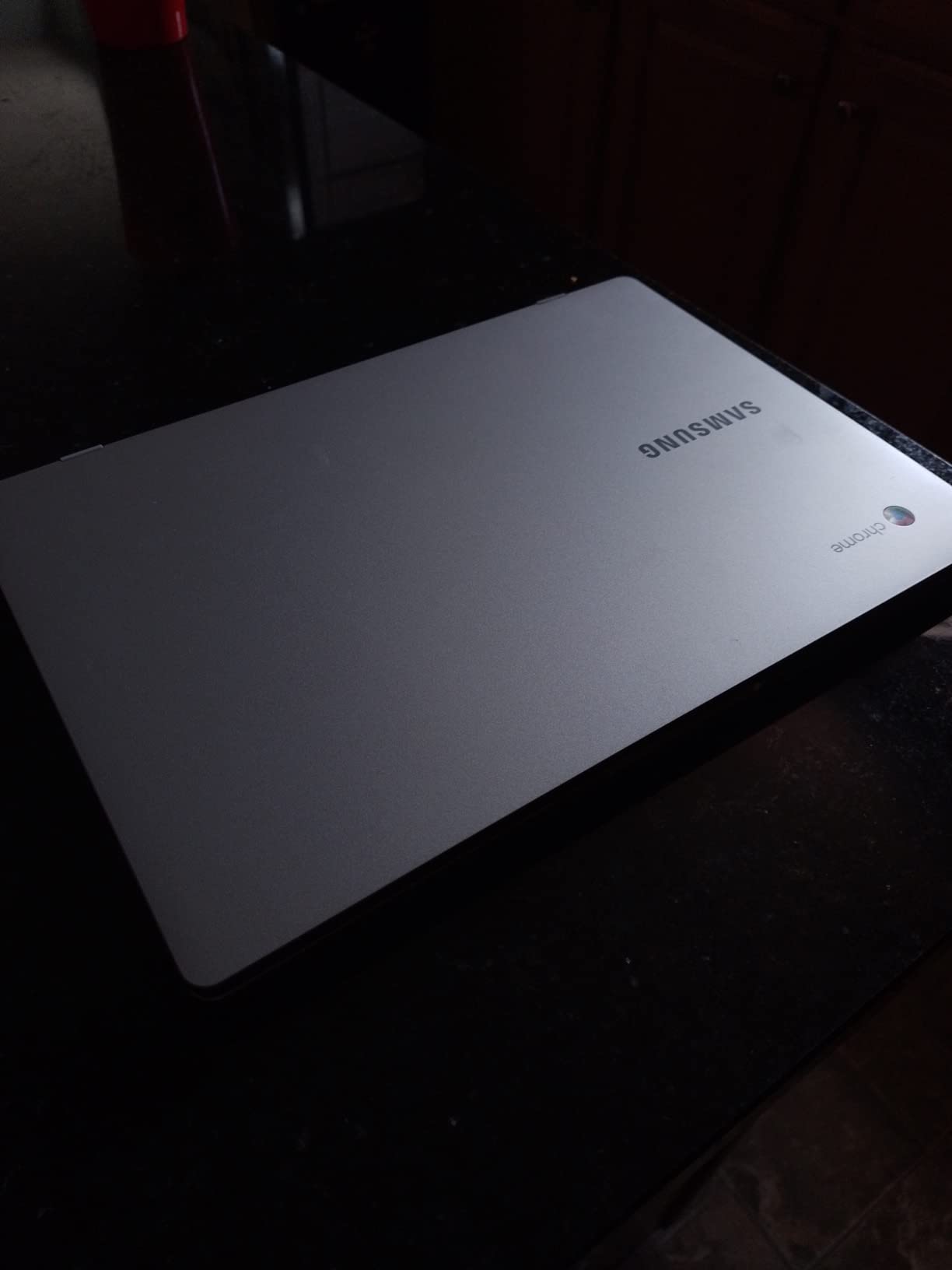
This is the durability champion of the group, and the specification behind it is unusually specific. It is tested to eight MIL-STD-810G standards covering drop, vibration, temperature shock, dust and humidity, which is a real certification rather than a marketing adjective.
Owners confirm the claim from experience, reporting survival through stair drops and drink spills. For a child who carries a laptop everywhere, that reliability is worth more than a faster processor.
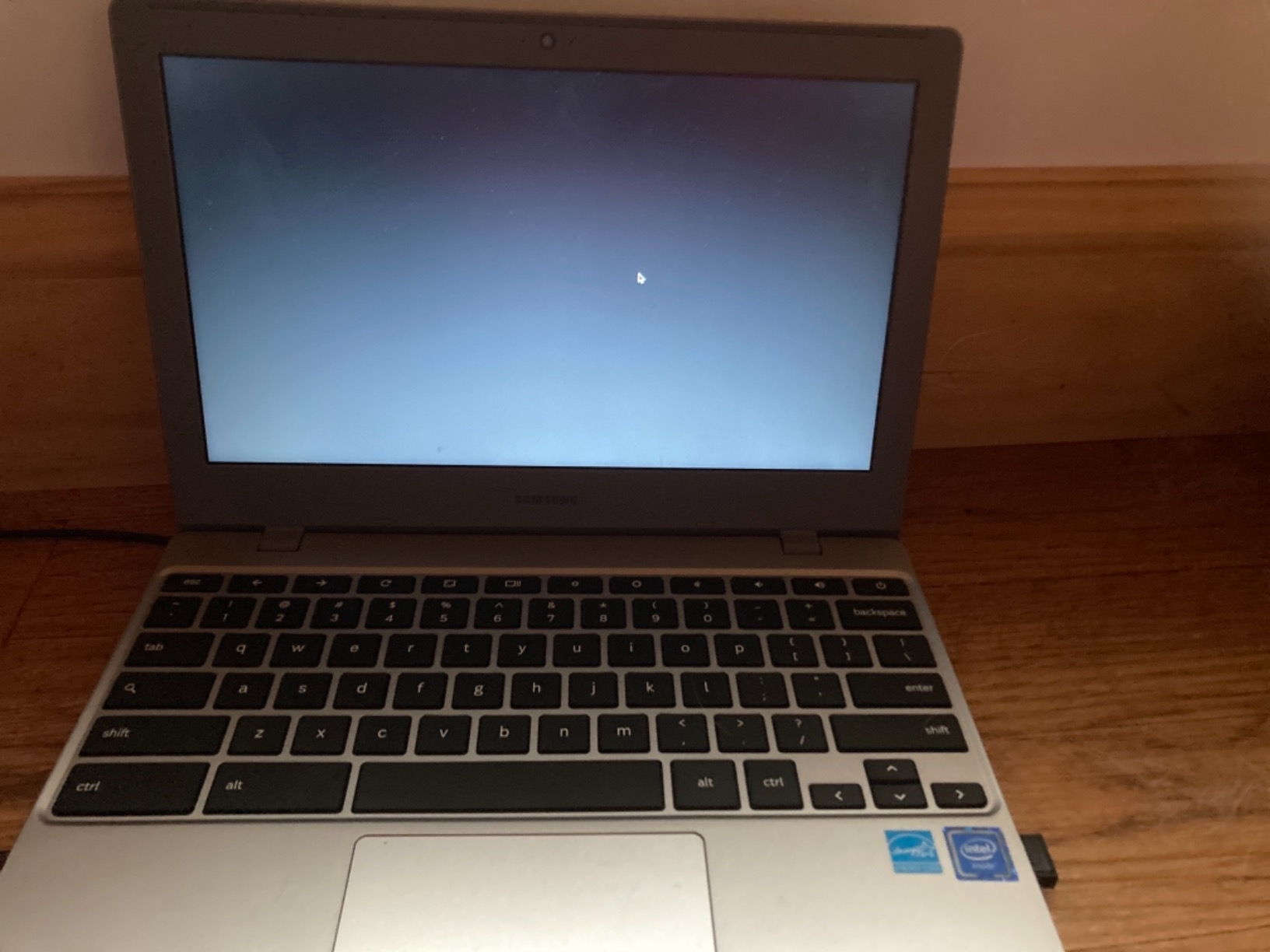
It is also a well-balanced everyday machine: 64GB of storage, a full-size keyboard and trackpad, and up to 12.5 hours of stated battery with fast USB-C recharging. More than four thousand reviews reflect how long this design has been proven in the wild.
The Intel Celeron N4000 with 4GB of DDR4 is an older combination. It is adequate for Docs, Classroom, browsing and streaming, and it shows its age under load.
Who this Chromebook suits
It suits a child aged 8 to 13 who carries a device between home, school and activities, and whose family wants the widest margin between a working machine and a broken one. The compact 11.6-inch footprint also fits smaller school bags.
It suits travel, since the battery claim comfortably covers a long day and the machine recharges over the same USB-C cable as most other devices.
Where parents push back
There is no touchscreen and the panel is 1366×768, so this is a plain laptop for a child who types. Speakers are about as loud as a phone, which is a limitation for video and music.
Owners also report a few software compatibility quirks, including some Android apps that will not install, and note that Google Assistant only works while the machine is plugged in.
9. ASUS Chromebook CR11 – the most rugged Chromebook for a clumsy child
ASUS Chromebook CR11 Ruggedized Laptop, 11.6” Display, Intel Processor N100 Processor, 4GB RAM, 64GB eMMC Storage, Antimicrobial Guard, Spill-Resistant Keyboard, Mineral Grey, CR1104CGA-AS44
11.6 inch anti-glare
Rubber-edged chassis
4GB LPDDR5
64GB eMMC
Wi-Fi 6E
Pros
- Rubber-edged body rated to military-grade durability
- Spill-resistant keyboard
- Antimicrobial Guard inhibits over 99 percent of bacteria
- Intel N100 is a modern step up
- Webcam privacy shield
- Wi-Fi 6E and Bluetooth 5.3
Cons
- Only 1366x768 with no touch support
- 4GB RAM is the bare minimum
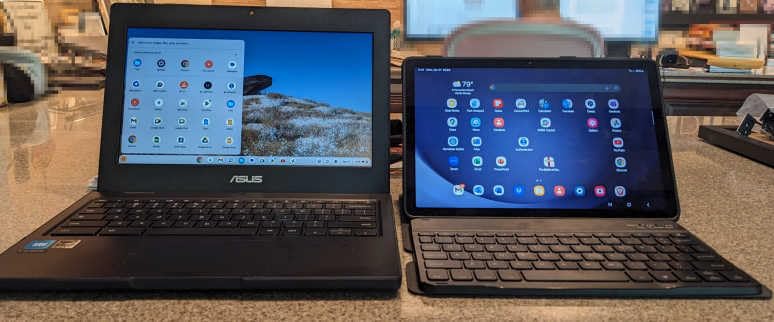
The CR11 is built like nothing else in this group. The body has rubber edges and is rated to US military-grade durability, and the keyboard is spill resistant, which together cover the two accidents that most often end a child’s laptop.
The antimicrobial coating is a niche feature, more relevant to a shared family device than to a single-user one. Owners point out it inhibits bacterial growth by over 99 percent within 24 hours.
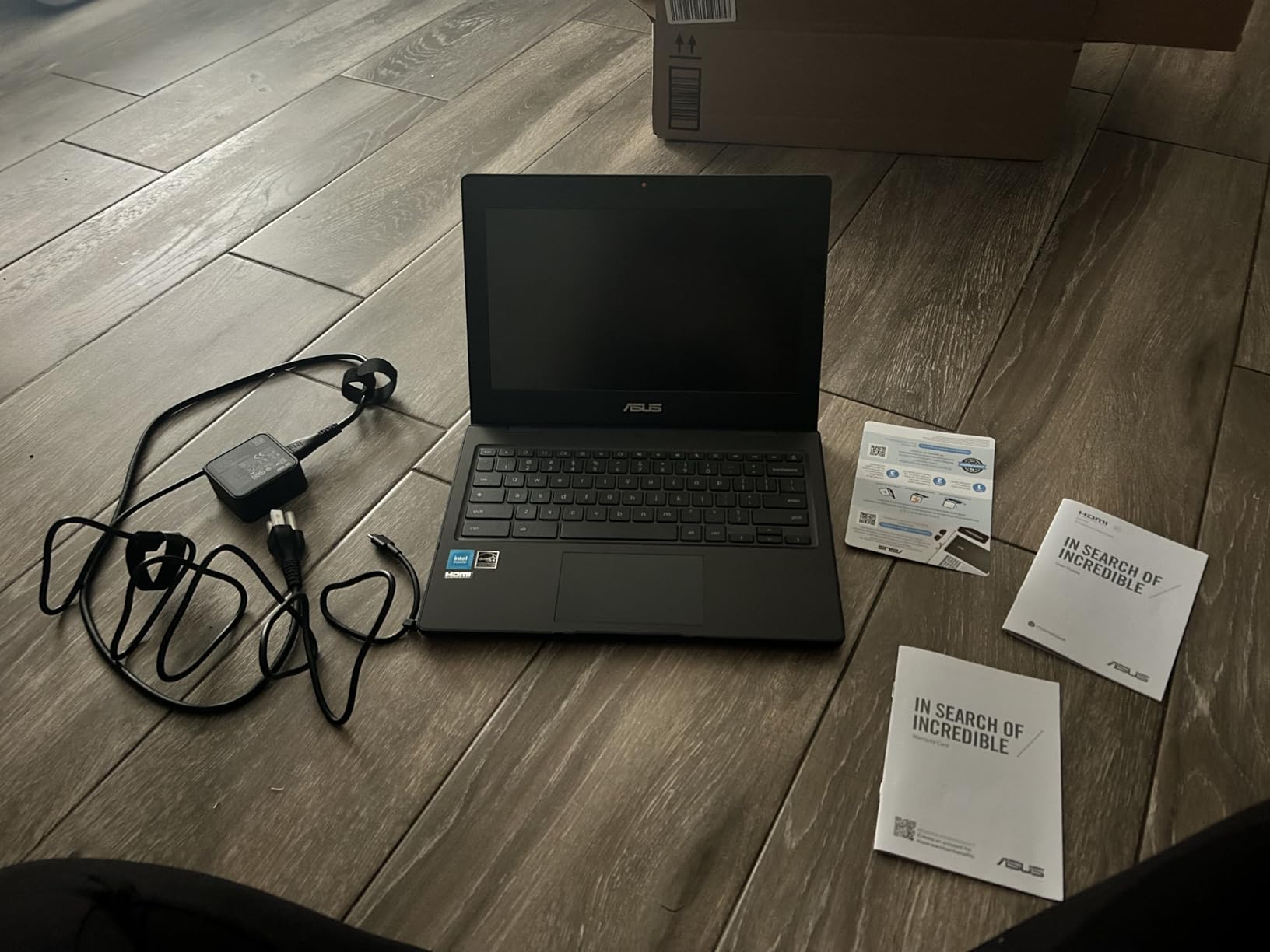
On the inside, the Intel N100 is the newest processor here and a genuine step up from the Celeron generation. Wi-Fi 6E and Bluetooth 5.3 mean it is ready for newer home networks and accessories.
The port selection is excellent for a rugged machine: two USB-C, two USB-A, HDMI and a 3.5mm audio jack, plus a webcam with a physical privacy shield.
Who this Chromebook suits
It suits a younger child, roughly 6 to 11, who is still learning how to carry a device responsibly, and for whom a rugged shell is cheaper than a replacement. It also suits a family sharing one machine between children of different ages.
It suits anyone whose home or school network has moved to Wi-Fi 6E, since older Chromebooks cannot join those bands.
Where parents push back
The screen is 1366×768 with no touch support, which is a strange compromise in an otherwise modern machine. A child who learns by touching a screen will be disappointed.
Owner feedback is more limited than for the other picks simply because fewer people have bought this model, so we would weight independent hands-on time more heavily here. Battery life is not published by the manufacturer, so treat it as unknown.
10. Lenovo 100E Chromebook Renewed – the best budget Chromebook for basic work
Lenovo 100E Chromebook 2ND Gen 81QB000AUS Laptop Computer, 11.6″ HD (1366 X 768) Display, MediaTek MT8173C Processor, 4GB RAM, 16GB eMMC TLC SSD, Powervr GX6250, Chrome OS, Black (Renewed)
11.6 inch HD LED
4GB DDR4
16GB eMMC
2.7 lb
90 day warranty
Pros
- Lowest cost in the group
- Lightweight 2.7 pound body
- Up to 10 hours of stated battery
- USB-C with reasonably quick charging
- Minecraft and lighter games run
Cons
- Only 16GB of storage
- Refurbished quality is inconsistent
- Only one USB port
- Shift key placement causes typing errors
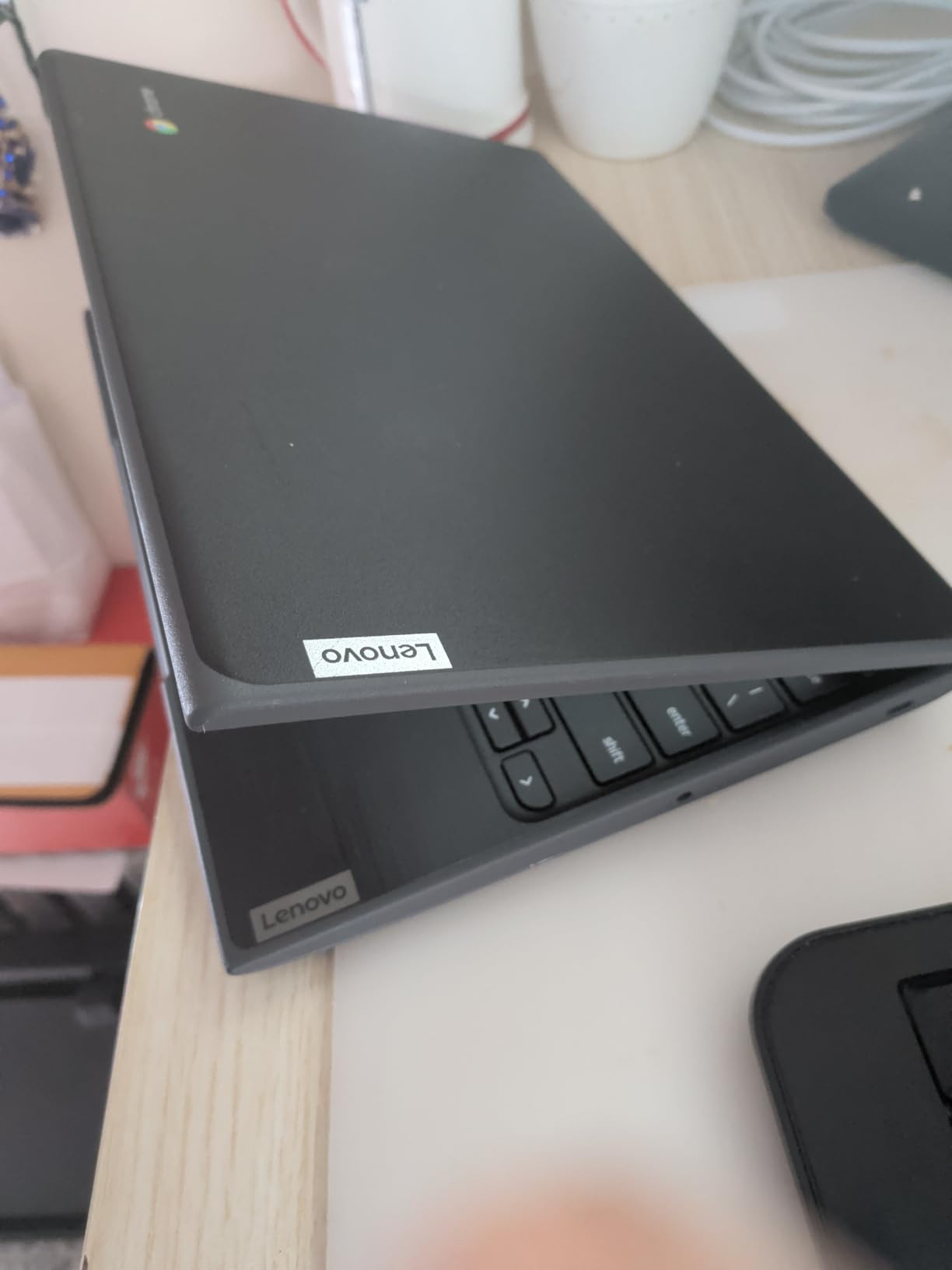
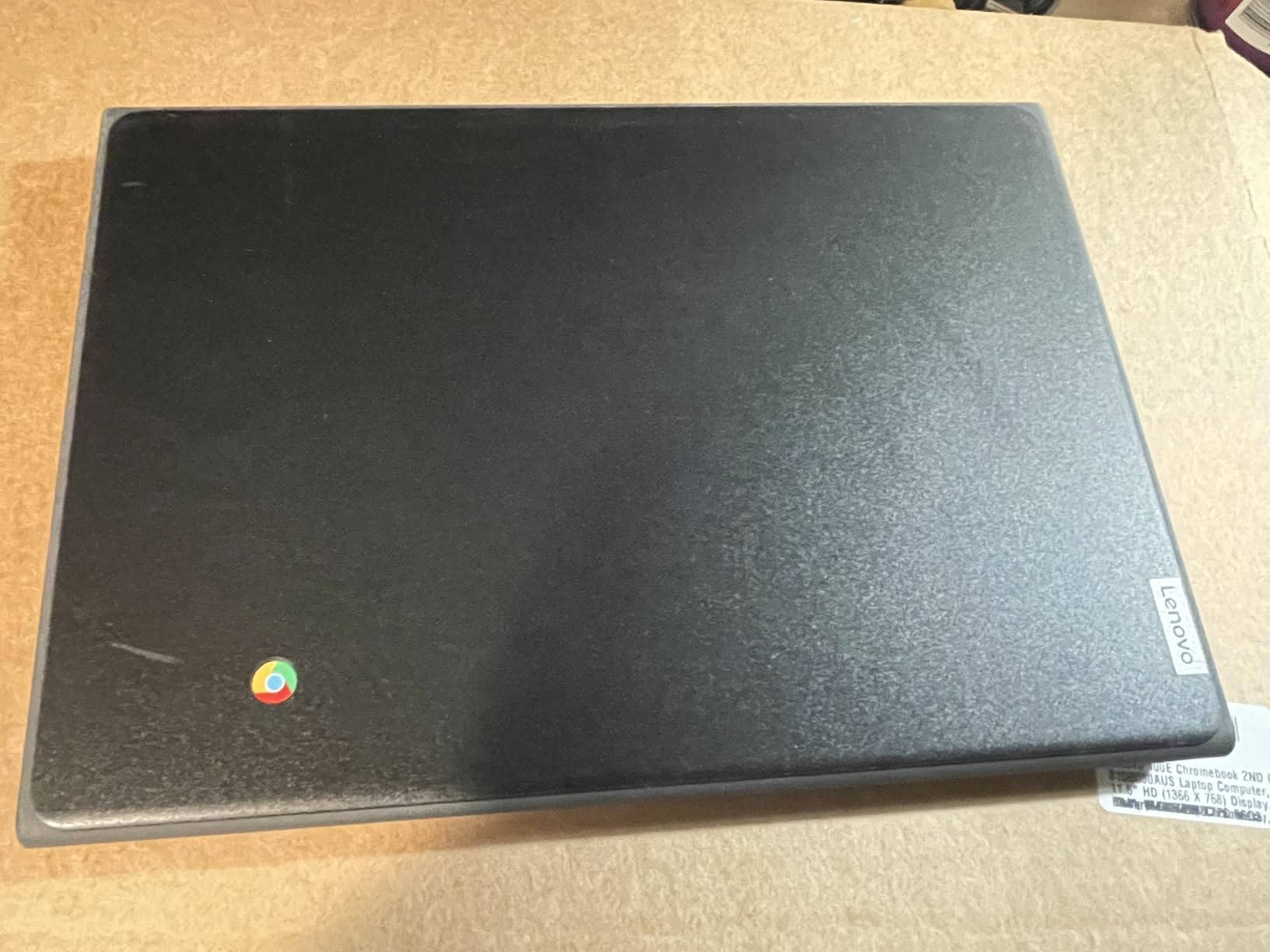
This is the stopgap option, and its value case is straightforward. It costs a fraction of a new machine, weighs 2.7 pounds and runs ChromeOS normally, which makes it a reasonable second or third device for a large family.
It is renewed rather than new, and that single word explains most of what follows. Inconsistent condition is the defining characteristic of the owner reviews, and that is the trade-off you are making.
Storage is the hardest limit. At 16GB it is the smallest drive here, and once ChromeOS and a handful of apps are installed there is very little room left. Plan on living almost entirely in the cloud.
There is also only one USB port in total, so a child who needs a mouse or an external drive needs a dongle, and the port count slows multitasking on a machine that is not especially fast.
Who this Chromebook suits
It suits a family that needs a cheap device for reading, writing, Google Docs and light browsing right now, rather than a machine expected to last five years. Homeschooling families often like it for exactly that reason, since a damaged unit is a smaller loss.
It also suits a parent buying a first device for a child aged 7 to 10 who mainly needs typing practice and video calls with family.
Where parents push back
The 90-day warranty is the shortest available, and parents reviewing renewed units report dead batteries, faulty chargers and dim or damaged screens. Some units have even arrived with a different operating system installed.
The keyboard layout also causes trouble: the Shift key sits next to the search key, which produces typing errors until the child adapts, and the trackpad registers accidental palm contact.
Which Chromebook fits which age?
Matching a machine to an age is more useful than matching it to a price. A six-year-old needs weight, a touchscreen and a shell that survives being dropped; a fifteen-year-old needs storage, screen quality and a keyboard they can type on properly.
For ages 5 to 8, the Acer Chromebook Spin 311 and the ASUS Chromebook CR11 are the strongest fits. Both are light, both take a beating, and the Spin 311 adds a touchscreen so a child who cannot type yet can still navigate.
For ages 9 to 12, the HP Chromebook 11 for battery life, the Samsung Galaxy Chromebook 4 for durability and the HP Chromebook 11A G8 Education for shared use are the picks we would make.
For ages 13 to 17, the Acer Chromebook 315 for its Full HD screen and the Acer Chromebook Spin 314 for storage and stylus support make more sense, because homework becomes longer and more visual.
How to choose a Chromebook for a child?
Start with memory. Four gigabytes of RAM is enough for Docs, Classroom and browsing, but 8GB is where a machine stops feeling limited as a child grows. Parents who moved from 4GB to 8GB generally report the same device lasting noticeably longer.
Buy 64GB of storage minimum. 32GB works if you commit to cloud storage, but the drive fills quickly once games and cached video are added. 64GB is the practical floor in 2026, and 128GB is comfortable.
Do not accept 1366×768 without thinking. It is the most common regret we hear about. If your child will read for long stretches, a Full HD 1920×1080 panel is worth paying for.
Pick the form factor to match the child. A clamshell teaches typing. A 360-degree convertible adds tent and stand modes for watching and drawing. A detachable tablet-style machine suits a child who mostly watches and taps.
Check the ports before you need them. USB-C for charging, at least one USB-A for a mouse or a flash drive, a microSD reader for cheap extra storage, and HDMI if an external monitor is ever going to be attached.
Understand Chromebook Plus. It is a certification program requiring at least 8GB of RAM, 128GB of storage, a Full HD display and a more capable processor, plus Gemini and Magic Editor features. For a child doing schoolwork, it is future-proofing rather than necessity.
Know what ChromeOS gives up. There is no native desktop video editing, some Adobe Creative Cloud applications do not run, and streaming services can be limited by digital rights on older hardware. If your child is a serious creative, a Windows laptop may serve better.
Durability is the feature that matters most for kids
Every other specification on this list is arguable. Durability is not, because a broken laptop ends the child’s use of it immediately.
MIL-STD-810H and its predecessor 810G are the standards to look for. They cover drop, vibration, temperature shock, dust, humidity and temperature extremes. The Samsung Galaxy Chromebook 4 is tested to eight 810G standards, and the ASUS Chromebook CR11 has a rubber-edged body rated to military-grade durability.
The second thing to check is the keyboard. The HP Chromebook 11A G8 has a pick-and-spill resistant backlit keyboard, and several machines here claim spill resistance. This is the single cheapest protection against the most common accident in a family.
Third, think about glass and coatings. The Acer Spin 314 uses Corning Gorilla Glass, which resists the micro-scratches that make a glossy plastic panel look wrecked within a year. Anti-glare matte panels are harder to see in bright light but far more forgiving of fingerprints and glare.
How to check how long a Chromebook keeps getting ChromeOS updates?
Google publishes an automatic update expiration date for every Chromebook, and it is the number most families never check. Before you buy a machine you hope to keep for four or five years, look it up:
1. Search the exact model number, not the marketing name, in a web search followed by the words Chrome OS auto update expiration.
2. Open Google’s support page listing update dates and find the model in the list. The expiration date sits in the “AUE date” column.
3. Read the date carefully. A machine with a support window ending soon after your child’s school career is a poor long-term buy, however good the specification looks.
4. As a rough guide for this group, models built recently tend to have windows running to around five years from release, and older models much less. Verify the specific model rather than assuming.
5. If a listing does not name the model number, ask before buying. A seller who cannot tell you the expiration date is telling you something useful.
How to set up Google Family Link before handing over a Chromebook?
Parents repeatedly ask how much parental control setup a new Chromebook needs. The honest answer is about ten minutes, done from your own phone, and it is worth doing before the device leaves your hands rather than after the first argument.
1. Install Google Family Link on your own phone and sign in with the parent account that will own the device.
2. On the Chromebook, sign out of the child’s account if one is already added, so you are starting from a clean family screen.
3. Open the Family Link app and choose “Add a child” or “Add family member”, then follow the pairing code prompt on the Chromebook.
4. On the Chromebook, create the child’s Google account under your supervision. This gives you approval control over app installs and purchases.
5. Set screen time limits in the app. Start with a daily cap that covers school plus an hour of play, then adjust after a fortnight rather than guessing on day one.
6. Turn on app approval so Android apps and Chrome extensions need your sign-off before installing. This one setting prevents most accidental purchases.
7. Enable location and YouTube restricted mode, then set content levels for Google Search so adult results do not surface.
8. Check the Supervision summary after the first week to see where time actually goes. Parents are often surprised by the answer.
In the first thirty minutes after handover, we would also do three things: open Google Classroom and confirm the school account works, set the screen to the child’s preferred font size, and agree where the device lives overnight.
What a Chromebook for kids really costs over four years?
Families budget for the laptop and then get caught by the accessories. In our experience the realistic additional spend is a case, and occasionally a hub or a protection plan.
A decent two-layer case with a rigid base and a soft lid is the first purchase, and it costs far less than one broken corner of a bare laptop. For a convertible model, make sure the case has corner bumpers, since the hinge takes the most force in a drop.
A USB-C hub is worth having if the machine has one or two ports and the child will use an external mouse or drive files from a flash drive. It is not worth buying if the laptop already has two USB-A ports and a microSD reader.
A protection plan or extended warranty matters most on renewed machines, where the included 90-day window covers almost nothing. It is largely redundant on new models that already carry a one-year manufacturer warranty.
The other hidden cost is replacement. Set the purchase price against the chance that the device is lost or destroyed within four years, and choose a case and a shared-account plan that make a second device an easy decision rather than a crisis.
Where to keep and charge a child’s Chromebook at home?
A dedicated home spot matters more than families expect. It removes the daily search for a missing charger, it gives the child a routine, and it keeps the device off the sofa and out of spills.
A shelf or drawer that closes is the most useful single item, because a visible laptop invites being used anywhere, including the dining table during meals. A charging station or a fixed cable clip that keeps the charger in one place solves most of the friction.
If the laptop lives in a bedroom, a simple routine matters more than any technology. Charging it outside the room overnight removes both the lost-in-the-pillowcase problem and late-night screen time in one move.
What to check when a renewed Chromebook arrives?
Renewed machines are a legitimate way to buy a Chromebook for a child, but only with an inspection routine. Ours takes ten minutes on arrival.
1. Check the charging cable and adapter first, since a missing or faulty charger is the most common renewed complaint and the fastest way to make a good machine useless.
2. Hold the machine to a window and check the screen for dead pixels, dim patches or backlight bleed. Screen issues do not improve.
3. Open a video and run it for twenty minutes at full brightness. A tired battery is obvious here.
4. Test the keyboard by typing a full alphabet row and the touchpad by dragging a window across the whole desktop, watching for dead zones or palm rejection.
5. Test every port, the webcam and the microphone with a quick video call.
6. Confirm the operating system is ChromeOS as described, and check the warranty length on the listing before you accept the unit.
If the 16GB storage on the renewed Lenovo 100E is a deal-breaker for your family, our advice is to skip renewed units entirely rather than fight the limit.
Frequently Asked Questions
Are Chromebooks worth buying this year?
For a child’s first computer, yes. ChromeOS updates itself, needs no antivirus subscription and resists the malware that makes a Windows laptop a support burden. The machine boots to a usable desktop in seconds and the specification a child actually needs is modest, so spending more on a faster processor rarely changes daily life. What does matter is durability, screen quality and battery life, which is where our picks differ.
Are Chromebooks any good for kids?
They are good for schoolwork, browsing, video calls, Google Classroom and Google Docs, which covers almost everything a child between 5 and 17 does. The limits are creative software: there is no native desktop video editing, some Adobe applications do not run, and streaming quality depends on the hardware. For a first personal device, a Chromebook is the most secure and least maintenance-heavy option.
Why are schools getting rid of Chromebooks?
Cost is the main driver. A school Chromebook fleet has to be bought, imaged, repaired and replaced, and district IT teams increasingly prefer shared Windows laptops and tablets that consolidate device types and simplify support contracts. ChromeOS remains the standard for assignments, so a school requiring one is still following the majority of districts. For home use, the argument is weaker because the maintenance saving lands with you rather than with an IT department.
What are some good Chromebooks for kids?
The Acer Chromebook Spin 311 is the best overall pick for a convertible touchscreen that is light and tough. The Acer Chromebook 315 is the best value for a large Full HD screen. The HP Chromebook 11 is the best for battery life and weight. The Lenovo 14-inch Flagship Chromebook offers the sharpest screen at this level. The ASUS Chromebook CR11 is the most rugged, and the Samsung Galaxy Chromebook 4 is the most durable for travel.
What is the best Chromebook for a first grader?
Look for low weight, a touchscreen and a shell that survives drops rather than processing power. The Acer Chromebook Spin 311 fits that profile at 2.6 pounds with a convertible 2-in-1 design and a backlit keyboard. The ASUS Chromebook CR11 is the choice when spills and knocks are the main worry, thanks to its rubber-edged body and spill-resistant keyboard.
How much RAM does a kid need on a Chromebook?
Four gigabytes is enough for one or two tabs, Google Docs and a video call. Eight gigabytes is the point where a machine stops feeling slow as a child grows, and parents who upgraded report the same device lasting extra school years. Eight gigabytes is also the minimum for the Chromebook Plus certification, which is a useful benchmark when shopping.
Should I buy a Chromebook Plus for my kid?
Only if you expect four or more years of use. Chromebook Plus requires at least 8GB of RAM, 128GB of storage, a Full HD display and a more capable processor, and it adds Gemini and Magic Editor features. Those tools are genuinely useful for research and photo work. For a first-grader on a tight budget, a well-chosen standard Chromebook is enough and lasts.
How do I check how long a Chromebook gets updates?
Search the exact model number with the words Chrome OS auto update expiration, then open Google’s support page listing update dates and read the AUE date for that model. Compare that date against how long you expect to keep the machine. A support window that ends before your child finishes school is the clearest reason to pick a different model.
What size screen does a child need on a Chromebook?
An 11.6 inch screen suits a primary school child who carries the machine daily. A 14 inch screen works well for reading and is a better fit for middle school. A 15.6 inch screen is comfortable for shared desk work but is heavy to carry. Resolution matters as much as size, and 1366×768 is the specification parents most often regret.
The best Chromebooks for kids, matched to your child
The Acer Chromebook Spin 311 is our pick as the best Chromebook for kids overall, because it combines a light 2.6 pound convertible body, a touchscreen, a backlit keyboard and ChromeOS that maintains itself for years. For a child who carries a laptop daily, the HP Chromebook 11 wins on battery life and weight alone.
Move up a tier when reading matters. The Acer Chromebook 315 gives a 15.6 inch Full HD screen for an older child, and the Lenovo 14-inch Flagship Chromebook gets a sharp panel into a smaller body. For a child who draws or annotates, the Acer Chromebook Spin 314 adds Gorilla Glass, stylus support and 128GB of storage.
When the machine will be shared, dropped or carried through a corridor every day, choose durability over speed: the ASUS Chromebook CR11, the HP Chromebook 11A G8 Education or the Samsung Galaxy Chromebook 4. And before you buy anything, check the ChromeOS auto-update expiration date, because a machine that stops being supported before your child leaves school is not a saving.
Set up Family Link, give the device a fixed charging spot at home, and you have covered most of what makes a first laptop work. That is genuinely all a child needs to get started in 2026.