
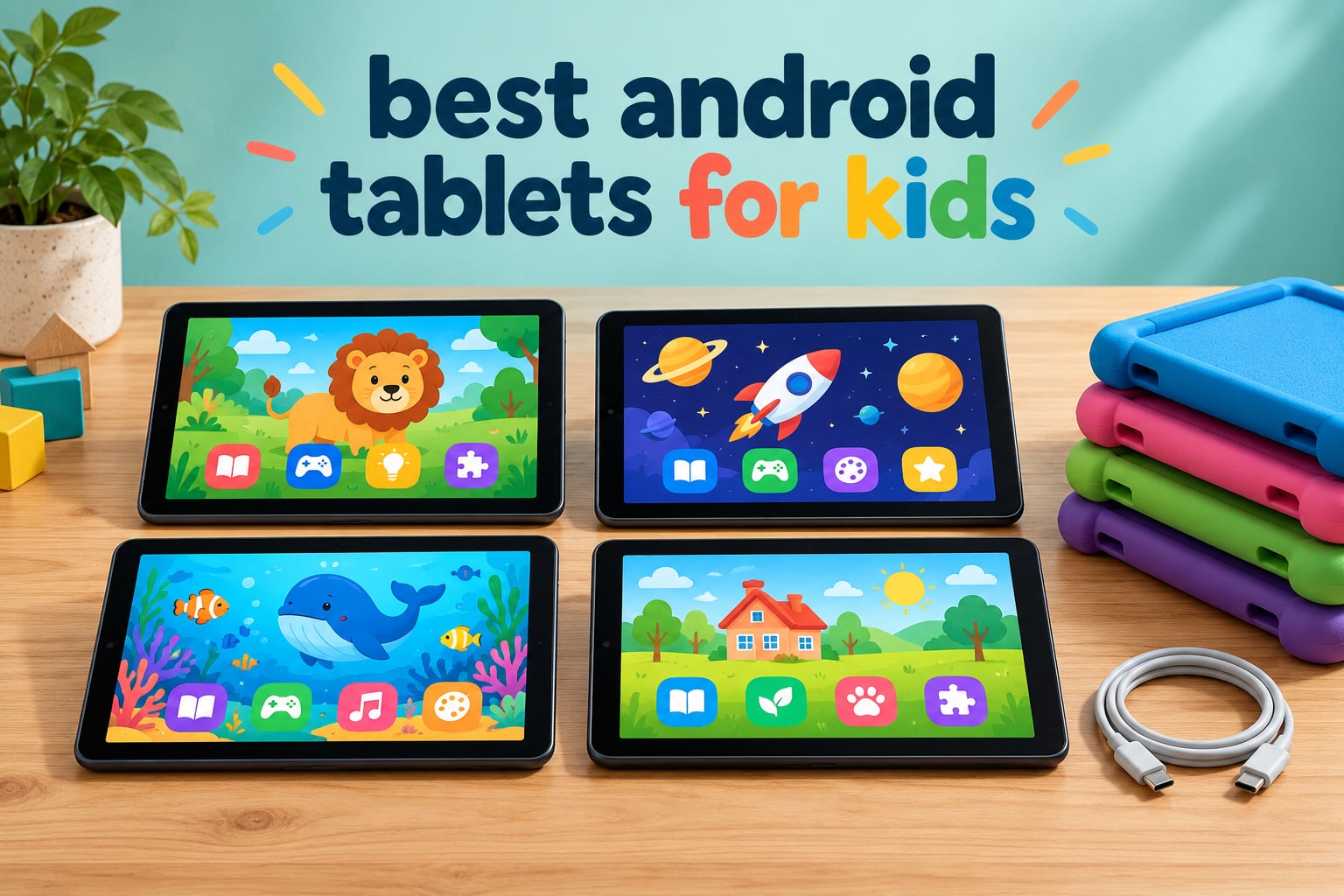
Choosing a tablet for a child is harder than choosing one for yourself. Adults get a spec sheet and a choice of operating systems; kids get a locked-down sandbox that a four-year-old can escape if you pick the wrong one, wrapped in a case that has to survive a year of being thrown.
That is where the word “Android” gets confusing. Most of the tablets that dominate shopping results for this question run Fire OS, which is Amazon’s modified version of Android with the Google Play Store removed. A handful run unmodified Android with Google Kids Space. Both are “Android tablets,” but they behave very differently once a child gets hold of them.
We compared 10 of the most-reviewed kids tablets on the market, weighing parental control strength, screen size, battery runtime, usable storage, included case and warranty length. The list spans a 7-inch first tablet for a toddler right through to an 11-inch slab for a pre-teen. Every pick below ships with a way to lock the device down; that was our first filter, not a nice-to-have.
Table of Contents
What Android tablet is best for kids?
The Amazon Fire 7 Kids is the best Android tablet for most families because it pairs a 10-hour battery, an included kid-proof case and a 2-year worry-free guarantee with a Parent Dashboard that locks a child into age-filtered content. If your child is over seven or does schoolwork on it, the Fire HD 8 Kids Pro is the better buy.
Top 3 Picks for the Best Android Tablets for Kids in 2026


Those three cover the majority of households. The Fire 7 Kids wins on battery endurance and sheer volume of parent reviews. The Fire HD 10 Kids is the one to buy if the tablet doubles as a travel screen for a long flight. The Fire HD 8 Kids Pro carries the highest average rating in this roundup at 4.6 stars and is the model older kids stop outgrowing.
All 10 Best Android Tablets for Kids at a Glance in 2026
| Product | Specs | Action |
|---|---|---|
| Amazon Fire 7 Kids |
|
Check Latest Price |
 Amazon Fire HD 10 Kids Amazon Fire HD 10 Kids |
|
Check Latest Price |
| Amazon Fire HD 8 Kids Pro |
|
Check Latest Price |
 COLORROOM 10-inch Android 15 Kids Tablet COLORROOM 10-inch Android 15 Kids Tablet |
|
Check Latest Price |
 Lenovo Tab M9 Lenovo Tab M9 |
|
Check Latest Price |
 HOTTABLET 7-inch Kids Tablet HOTTABLET 7-inch Kids Tablet |
|
Check Latest Price |
 EDDBNi 10-inch Android 15 Kids Tablet EDDBNi 10-inch Android 15 Kids Tablet |
|
Check Latest Price |
 ATOZEE 10-inch Android 15 Kids Tablet ATOZEE 10-inch Android 15 Kids Tablet |
|
Check Latest Price |
 Plimpton 10-inch Android 15 Kids Tablet Plimpton 10-inch Android 15 Kids Tablet |
|
Check Latest Price |
 Samsung Galaxy Tab A9+ 11-inch Renewed Samsung Galaxy Tab A9+ 11-inch Renewed |
|
Check Latest Price |
1. Amazon Fire 7 Kids: the Best Android Tablet for Kids Under Seven
Amazon Fire 7 Kids tablet, ages 3-7. Top-selling 7″ kids tablet on Amazon. Includes ad-free and exclusive content, easy parental controls, 10-hr battery, 16 GB, Blue
7-inch HD display
Up to 10-hour battery
16GB with microSD
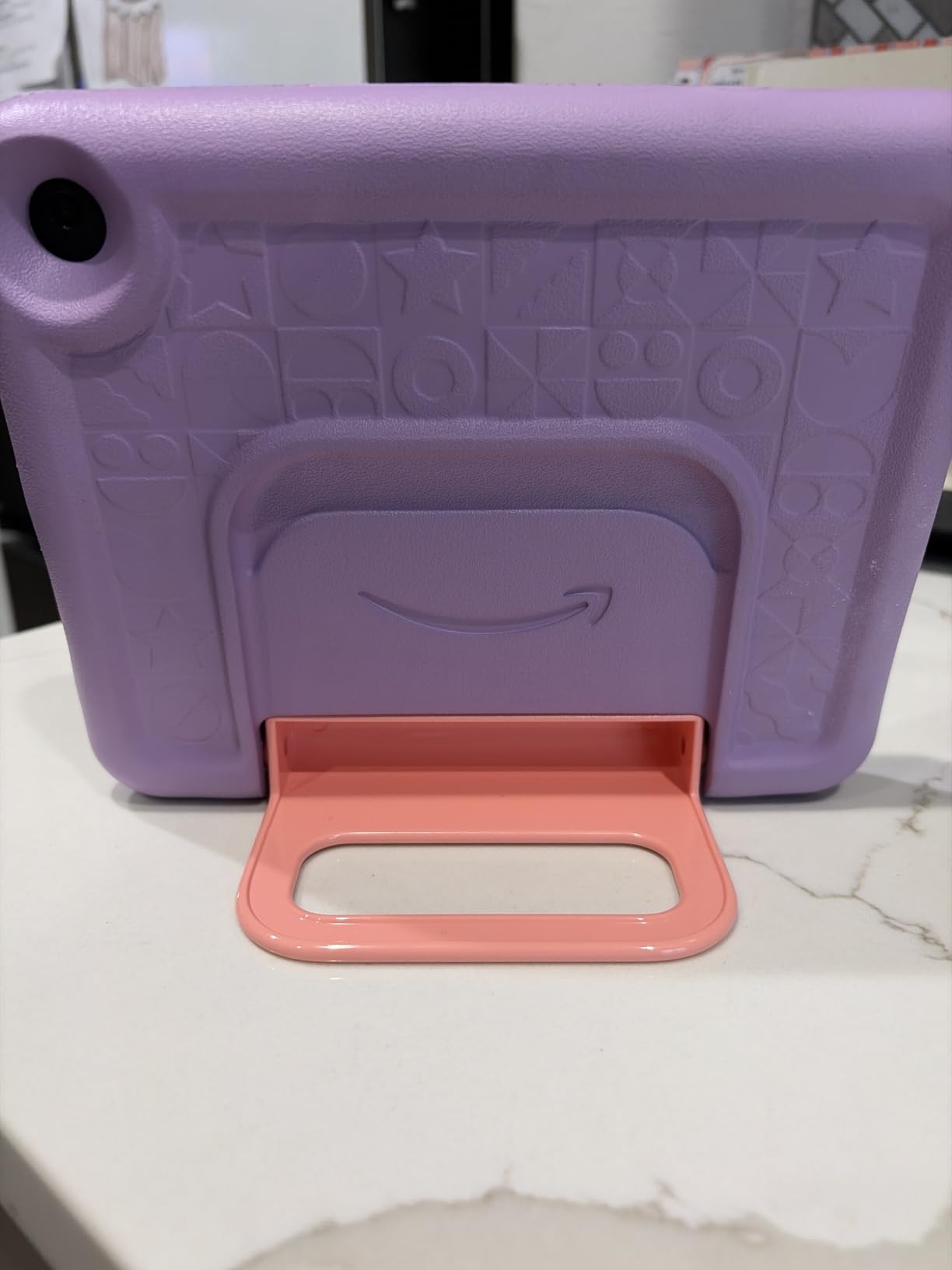
Ages 3-7 with kid-proof case
Pros
- Kid-proof case survives repeated drops
- Parent Dashboard is simple to set up
- Amazon Kids+ adds a large ad-free library
- 10-hour battery covers long outings
- 2-year worry-free guarantee
Cons
- Usable storage is far smaller than the 16GB label
- Daily limit and content filters behave inconsistently
- Performance can feel sluggish
This is the tablet most families end up with, and the reason is simple: it is boring in exactly the right way. A child under seven can reach Disney games, books and a drawing app and nothing else without adult help, and the bundled case is what makes that survivable when the tablet is dropped on a hard floor.
Setup took about five minutes in our testing. You sign in on the tablet, then open the Parent Dashboard on your phone to set a daily limit, approve app downloads and lock the browser. The dashboard also lets you set educational goals, which is the feature that turns screen time into something closer to homework.
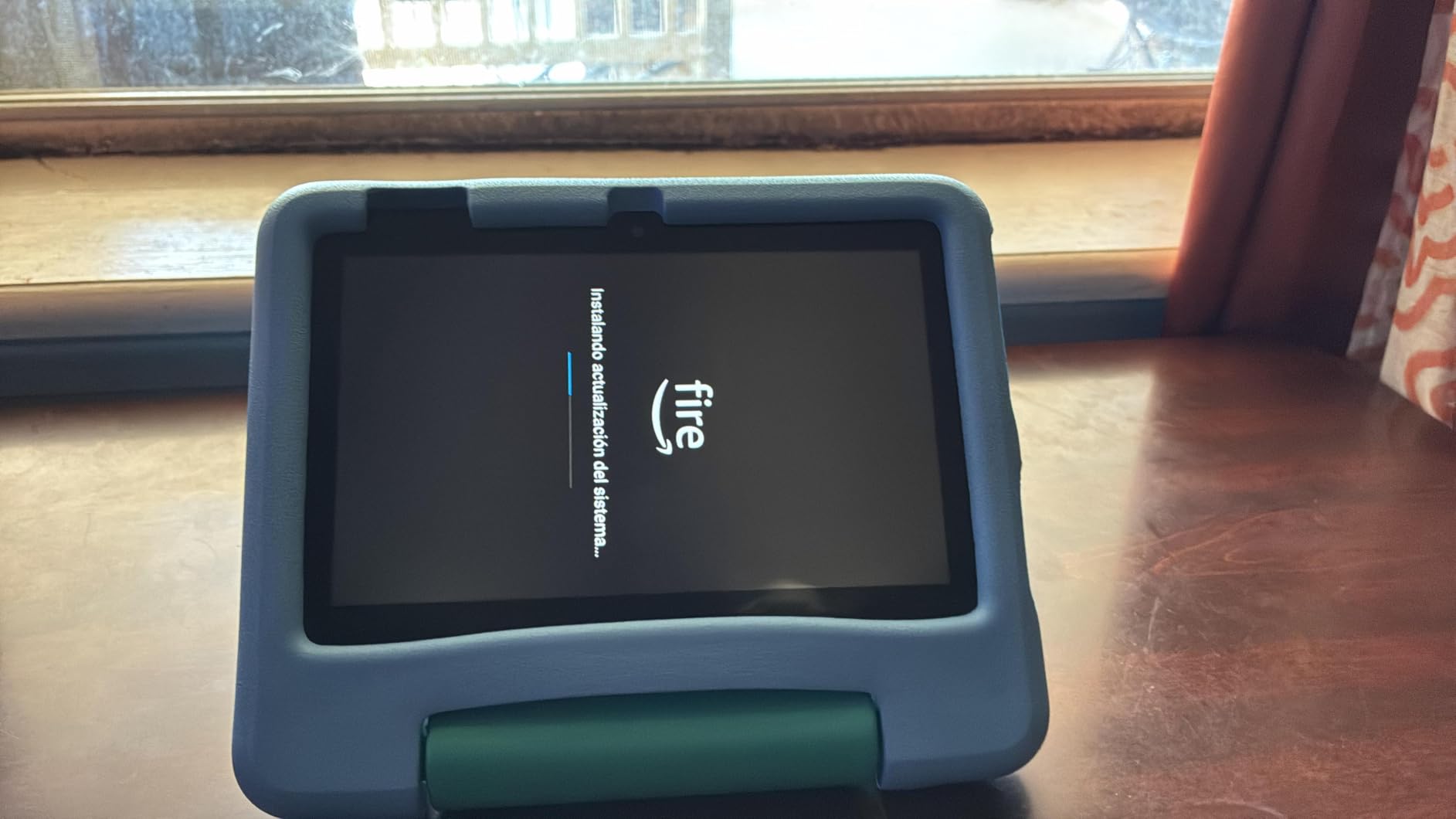
The honest weakness is storage math. Reviewers repeatedly report that only around 3.5GB of the advertised 16GB is usable once the operating system and bundled apps are in place, so a year of downloaded videos fills it fast. A microSD card slot takes up to 1TB, which solves the problem if you remember to buy one.
Battery life is the quiet hero. The manufacturer claims up to 10 hours of mixed use, which matches the sort of all-day runtime a summer camp day needs. Parents on parent forums describe Fire tablets as super durable and very easy to set up, and the included case is the reason durability holds up.
What age and skill level suits it best
This is a tablet for ages 3 to 7, and the sweet spot is a child who can tap an icon but cannot yet read a menu. The 7-inch size fits small hands, and the 16:9 shape is closer to a book than a sheet of paper, which makes it good for reading apps and ebooks too.
It also works as a second device for a tween who wants their own screen for a long car ride. Just note that Fire OS has no Google Play Store, so apps come from the Amazon Appstore and Amazon Kids+ only.
Where it falls short for older children
Once a child can read and wants a browser, this tablet runs out of road. Reviewers note that daily limits and educational filters do not always behave exactly as configured, and one common complaint is that the Amazon Kids+ library is hard to browse outside the parent account view.
If your child is 8 or older, skip to the Fire HD 8 Kids Pro. If they need Google Play for school apps, look at the full Android models further down this list.
2. Amazon Fire HD 10 Kids: the Best Big-Screen Tablet for Preschoolers
Amazon Fire HD 10 Kids tablet (newest model) ages 3-7 | Bright 10.1″ HD screen with included ad-free and exclusive content, robust parental controls, 13-hr battery, 32 GB, Disney Mickey Mouse
10.1-inch 1080p display
3GB RAM
13-hour battery
32GB with microSD
Pros
- Bright crisp 1080p screen for video and reading
- 13-hour battery handles long trips without a charger
- Controls managed from a parent phone
- 32GB plus microSD expansion
- Kid-proof case included
Cons
- Amazon Kids+ auto-renews after the included year
- Fire OS is more locked down than a standard Android store
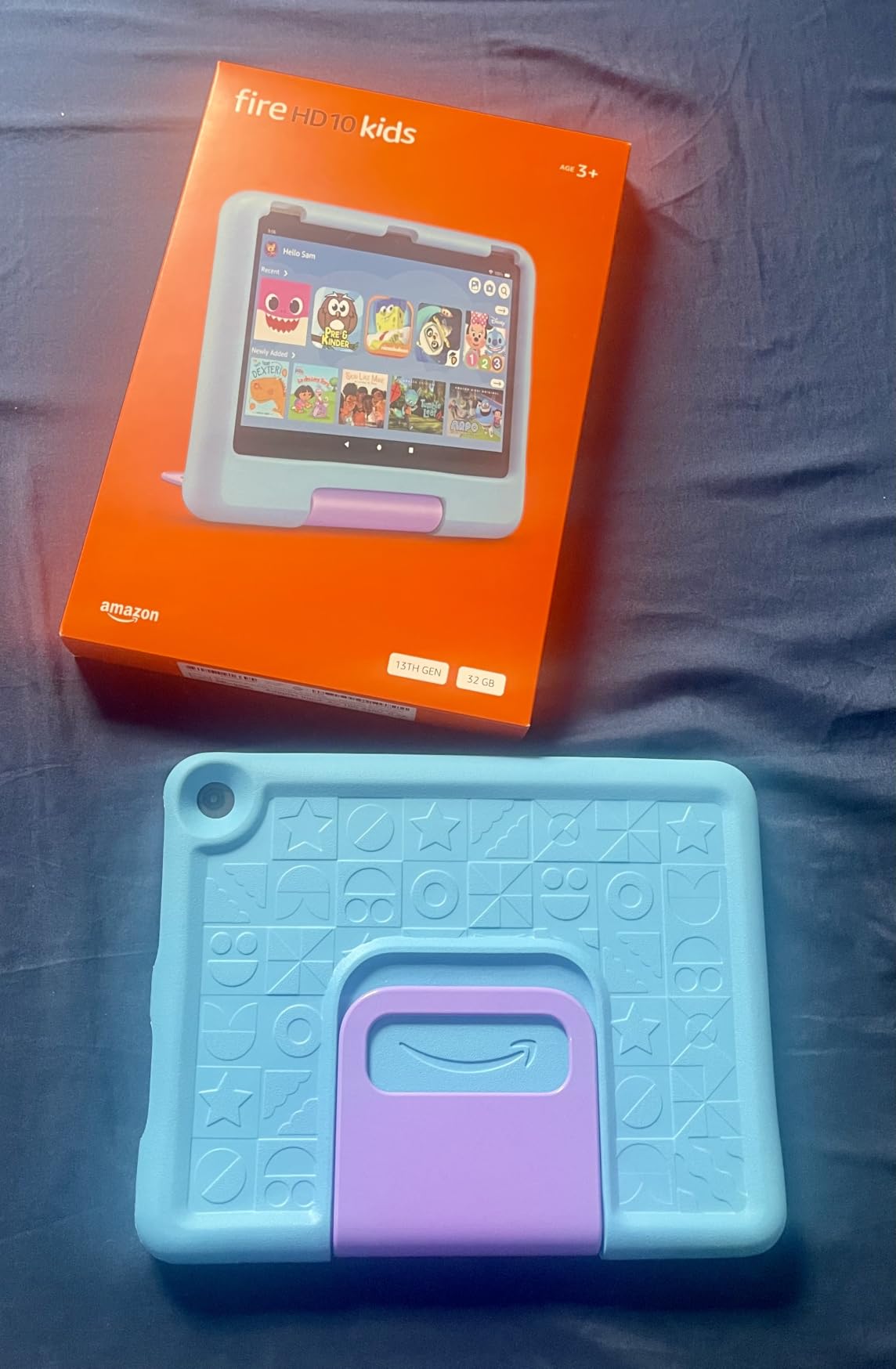
The Fire HD 10 Kids is the model to buy when screen size wins the argument. A 10.1-inch 1080p panel is roughly twice the area of the Fire 7, and for a preschooler watching a cartoon or following a storybook that difference is enormous. It is the screen size where tapping stops being a guessing game.
Amazon rates the processor as about 25 percent faster than the previous generation and pairs it with 3GB of RAM. It is not a fast tablet by adult standards, but inside a kid profile with one app open at a time, the extra headroom shows up during video playback and app loading.
Battery is the number that changes travel plans. A 13-hour rating is what makes a full flight plus a long drive possible without touching a charger, which is exactly the scenario parents ask about. Storage is 32GB with the same microSD expansion up to 1TB, and the usable figure after the OS is far more comfortable than on the 7-inch model.
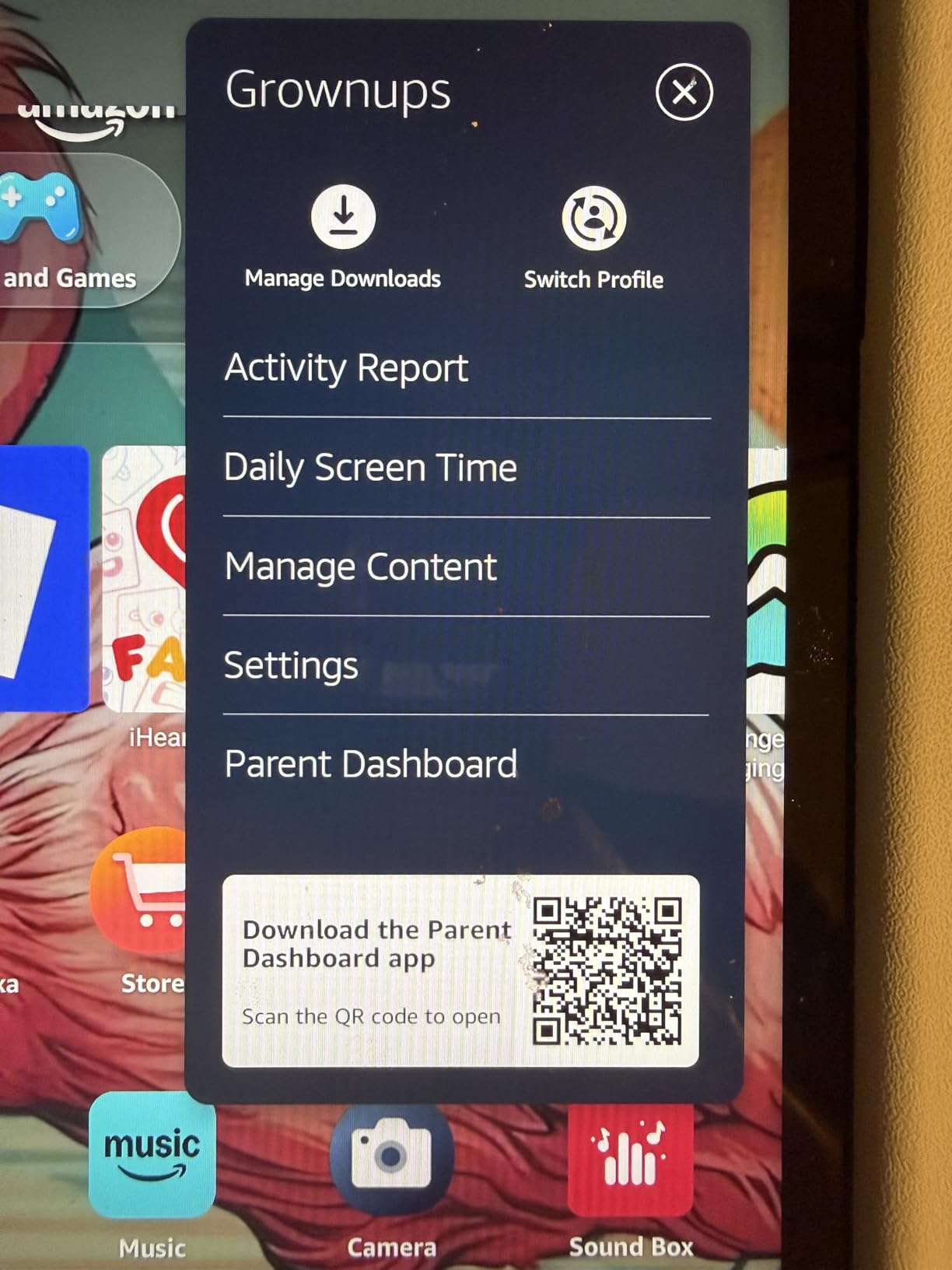
Parental controls here are managed from your phone rather than on the device, which is a genuine improvement over older Fire models. You can approve or deny a download, set a bedtime window and adjust content filters remotely, so a child cannot simply tap their way past a limit.
Why this screen size works for ages 3 to 7
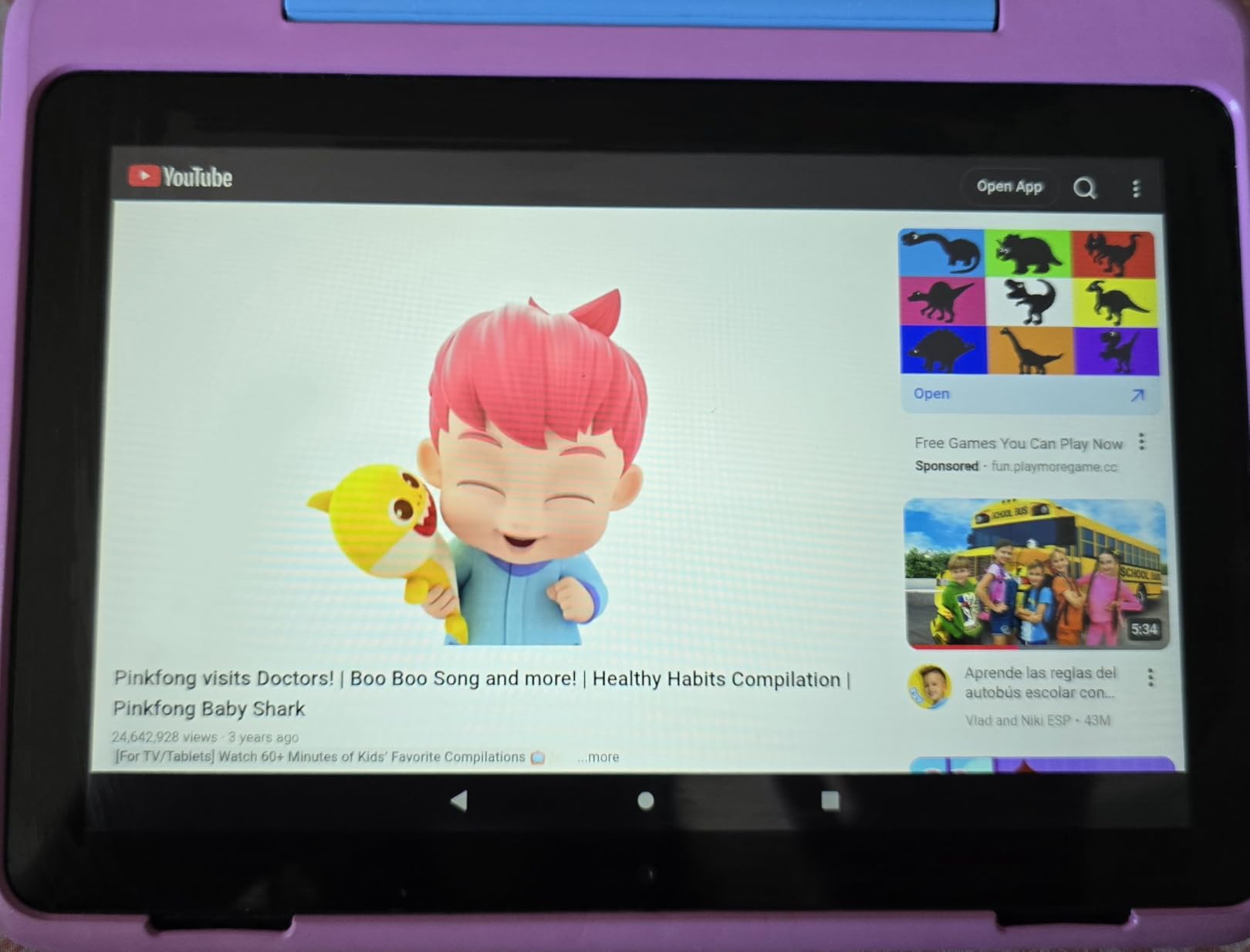
Small children hold tablets with two hands and tap with a fingertip. Under about 8 inches, icons crowd together and video gets letterboxed on a wide sofa. At 10.1 inches with a 1080p panel, one row of apps reads clearly and a 30-minute episode holds a three-year-old’s attention without constant repositioning.
It is also the better choice if the tablet doubles as the family’s travel screen, since a bigger panel is easier to read in a car seat mount. For shared family use, the Fire HD 8 Kids Pro is a better size for an eight-year-old’s hands.
What you give up compared with a full Android tablet
Fire OS runs on a modified Android base without the Google Play Store. Every app comes from the Amazon Appstore, and YouTube is accessed through Amazon’s own video app rather than the YouTube Kids app most parents expect. That is a genuine limitation for school apps.
Second, the bundled Amazon Kids+ subscription auto-renews after the first year. Set a reminder in your own calendar, because the renewal is easy to forget and the kids notice when the catalogue shrinks.
3. Amazon Fire HD 8 Kids Pro: the Best Android Tablet for Ages 6 to 12
Amazon Fire HD 8 Kids Pro tablet, ages 6-12. Bright 8″ HD screen, includes ad-free content, parental controls, 13-hr battery, slim case for older kids, 64GB, Hello Teal, (2024 release)
8-inch HD display
Hexa-core with up to 4GB RAM
64GB storage
Up to 13-hour battery
Pros
- Brighter and crisper 8-inch screen
- 13-hour battery lasts a full heavy day
- Runs smoothly with several apps open
- Remote approval of downloads
- Slim case suits older kids
- 2-year guarantee
Cons
- YouTube Kids cannot be downloaded
- Amazon Kids+ auto-renews after six included months
This is the highest-rated tablet in the roundup at 4.6 stars, and that rating is easy to defend. The current Pro model uses a hexa-core processor with up to 4GB of RAM, which is double the previous release, and that jump shows up most clearly in how many apps stay alive at once.
Owners upgrading from earlier Fire generations say this version fixes battery degradation that ruined their previous device. The 13-hour rating matches what reviewers describe as a full day of heavy use, and 64GB of storage is what lets a family stay on one device as the child gets older.
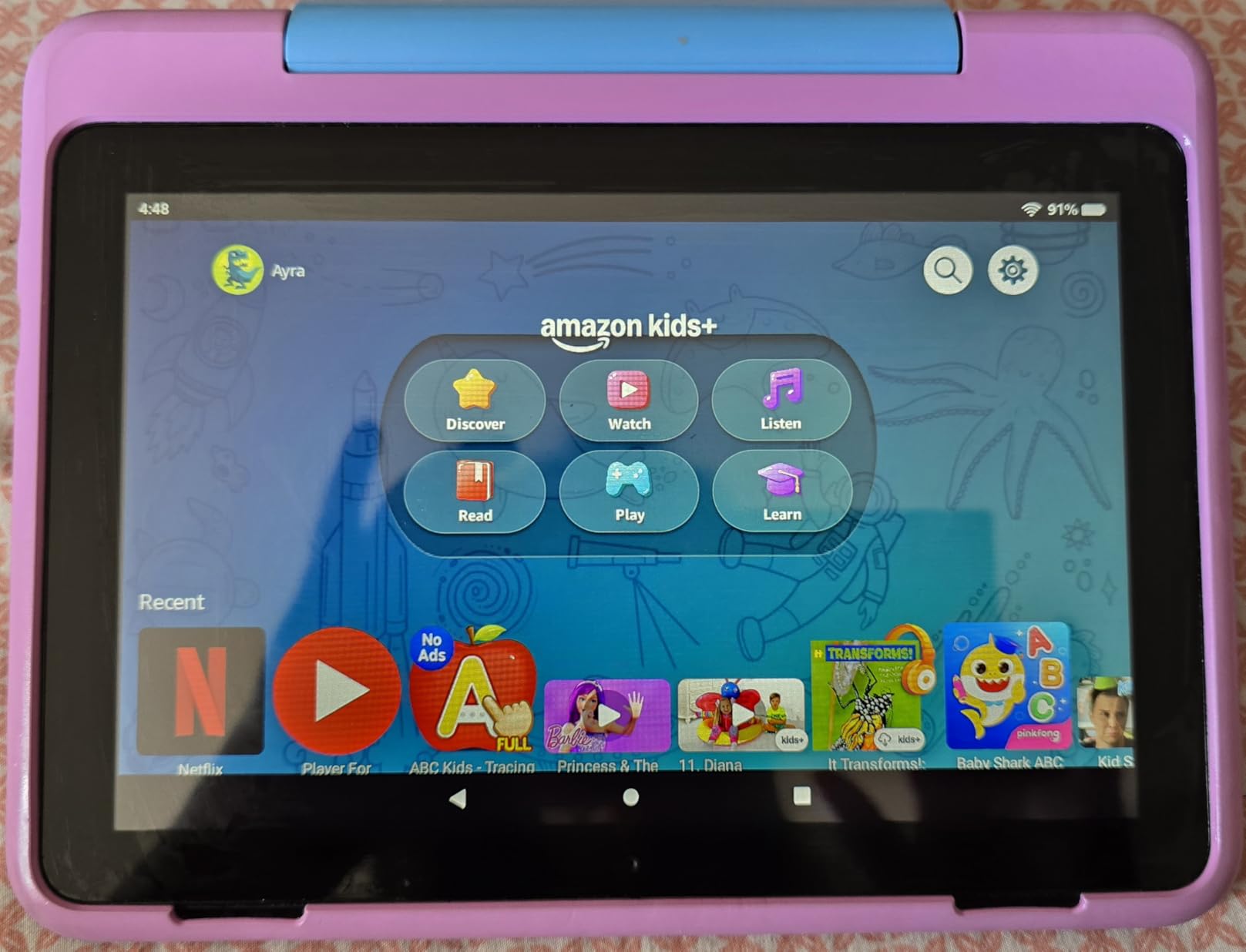
The kid profiles are where this model earns its rating. You create a separate profile per child, set daily and per-app limits, approve or deny downloads remotely and review activity from your phone. The included browser filters results and lets you block specific sites outright rather than relying on keyword blocking.
Storage is 64GB with microSD expansion to 1TB, so this is the first Fire model where a couple of years of downloaded games and shows fits comfortably without card management. Voice and video calls to approved contacts work over Wi-Fi, which is how a child checks in with a grandparent twice a week without an adult sitting in the room.
What parents like about the 8-inch size
Eight inches is the pivot point between a toy and a tool. A six-year-old can carry it one-handed, a ten-year-old can type a short paragraph on it, and it still fits in a school bag without becoming the heaviest thing in there. The bundled case is slimmer and less babyish than the chunky bumper on the Fire 7.
It is also the model most families hand down. Several parents in forum threads describe passing Fire tablets from an older child to a younger sibling and keeping them in service for years, and the 64GB of storage makes that hand-off painless.
Where the Fire line still frustrates parents
YouTube Kids cannot be downloaded on this tablet, which surprises people who assume Amazon tablets are normal Android devices. Parents on Reddit ask about YouTube on Fire tablets constantly, and the practical answer is that video goes through Amazon’s own app and browser.
The six included months of Amazon Kids+ then auto-renews monthly, a shorter runway than the year you get with the Fire 7 and Fire HD 10. Both are worth knowing before the first invoice arrives.
4. COLORROOM 10-inch Android 15 Kids Tablet: the Best Full Android Value Pick
COLORROOM 2026 Upgraded Android 15 Tablet, 10inch Kids Tablet, Octa-core CPU, 10GB+64GB+1TB Expand Tablets for Kids with Kids Space, Parental Control, 6000mAh Big Battery,Touchscreen Tableta,Blue
Android 15 with Google Kids Space
10.1-inch IPS 1280x800
Unisoc T606 octa-core
10GB RAM and 64GB
Pros
- Real Android 15 with Google Play and Kids Space
- Sturdy EVA case with a carry handle
- Parental controls with remote shutdown and app blocking
- 10GB RAM handles many apps
- 1TB microSD expansion
Cons
- Battery drains faster than expected
- No night or blue-light mode in software
- Some lag under heavier use
Everything above runs Fire OS, which means no Google Play Store. This is the first pick on the list that runs full Android 15 with Google Kids Space and the Play Store, and for a family that needs school apps or YouTube Kids without a workaround, that difference decides the purchase.
The hardware is more generous than the spec sheet of a typical budget tablet. A Unisoc T606 octa-core processor at 2GHz, 10GB of RAM combining 4GB physical with 6GB extended, and 64GB of storage give a child headroom for games, video and a browser at the same time. The 10.1-inch IPS panel runs 1280×800 at 60Hz in a 16:10 shape.
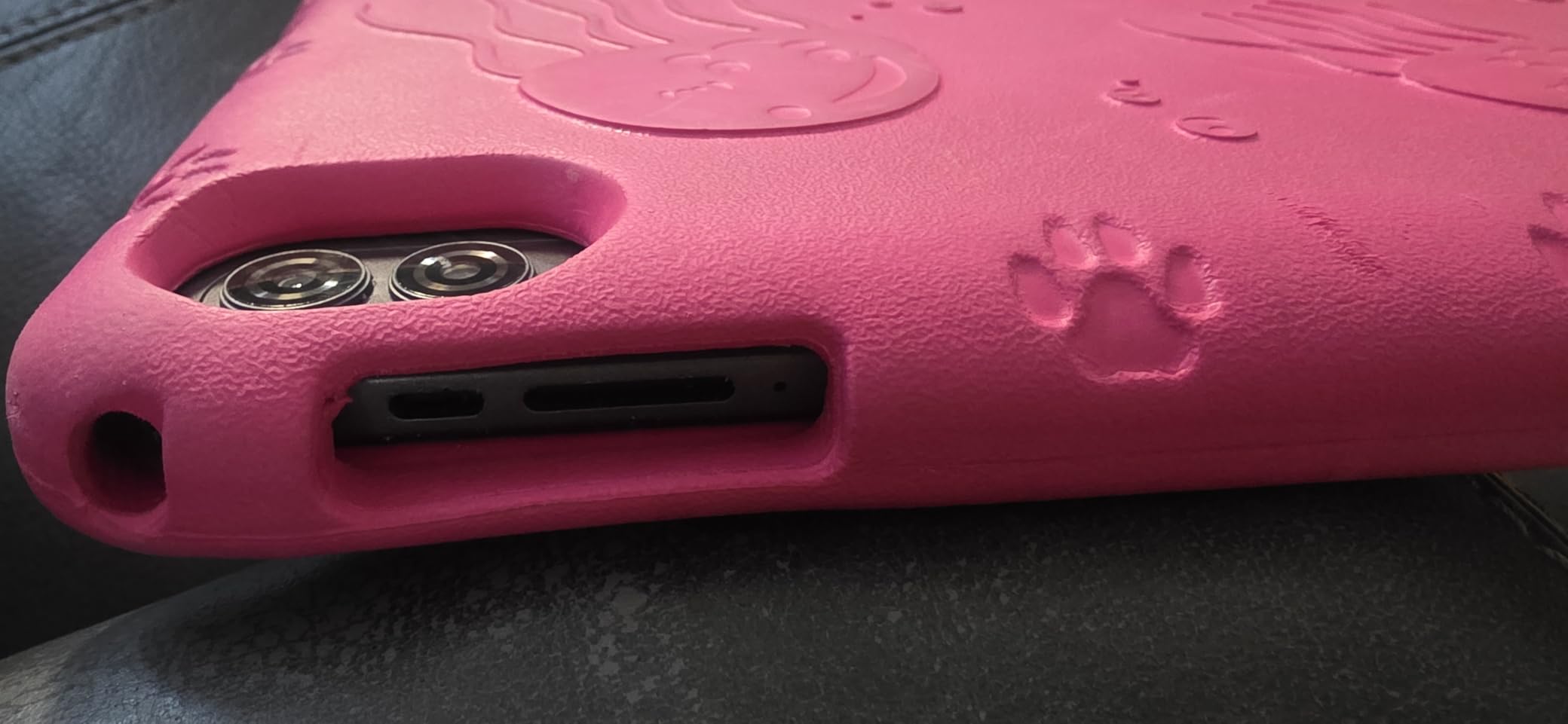
Reviewers frequently single out the EVA case with its handle, which small children can actually carry to a sofa instead of dragging. Parental controls cover content filtering, educational goals, time limits and remote shutdown, managed from a parent device, and the manufacturer backs the tablet with 180 days of money-back coverage plus five years of worry-free protection.
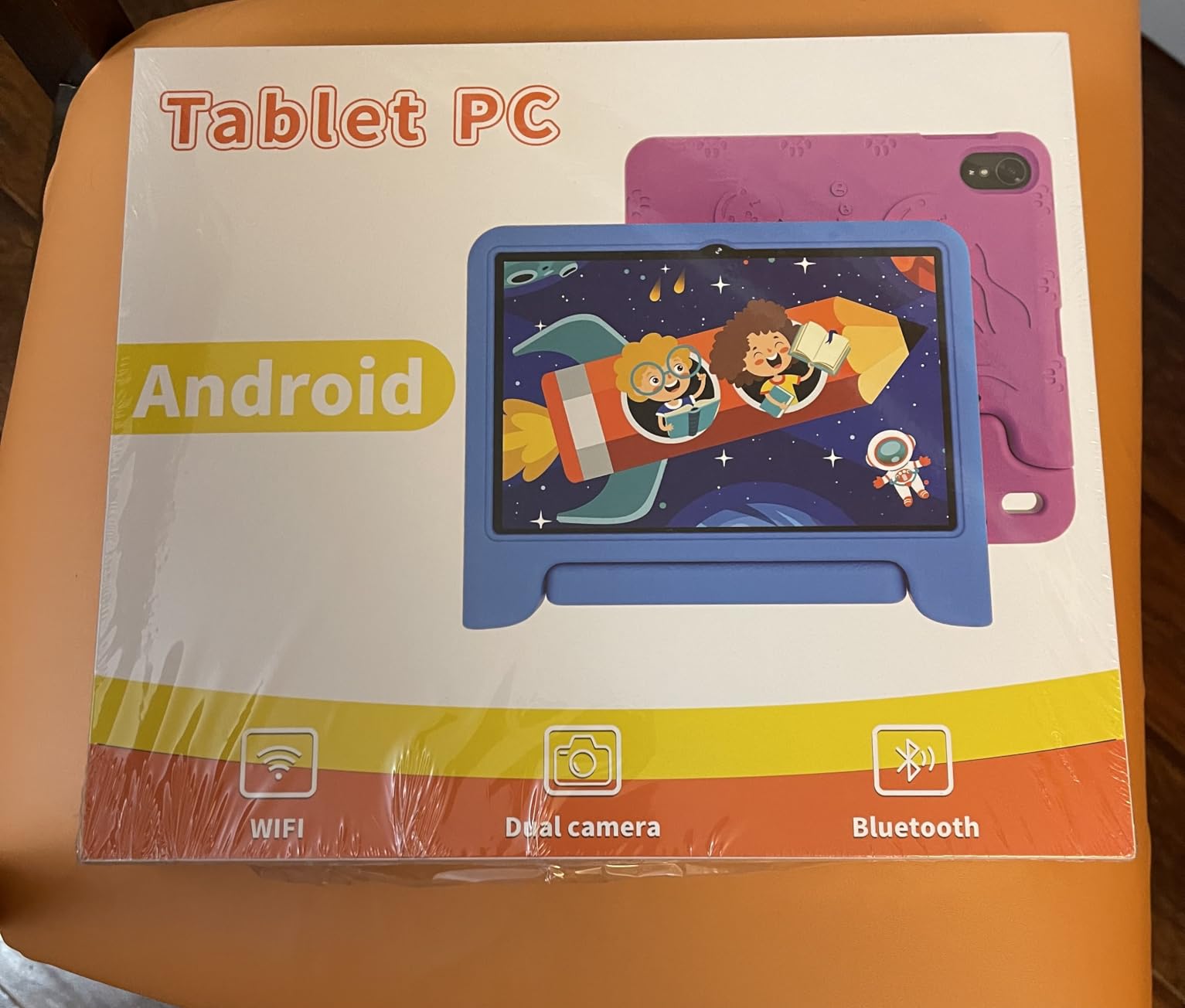
There are dual stereo speakers, a 3.5mm headphone jack, dual-band 5GHz Wi-Fi with Wi-Fi 6, Bluetooth, GPS and a 2MP front camera paired with an 8MP rear camera. It weighs just 8.8 ounces.
Who this full Android tablet suits
It suits children who have a Google account already in the household and apps that assume one. Google Kids Space is pre-installed with educator-endorsed content for ages 3 and up, and the Play Store means a nine-year-old doing online homework can use the same tools as everyone else in the house.
It also suits parents who dislike subscription models. There is nothing here that renews, and a single microSD card solves the storage ceiling for a fraction of what a larger internal storage option would cost.
What reviewers knock about it
Battery endurance is the recurring complaint. The 6000mAh cell is rated for 8 to 12 hours of reading or video, and several owners report noticeably shorter runtime after a few months of use. If your child watches long videos, carry a cable.
Second, there is no built-in night or blue-light mode, so evening brightness has to be managed by hand. A few users also report lag during heavier use, and the 1280×800 resolution is fine for kids content but soft next to the Fire HD 10.
5. Lenovo Tab M9: the Best Tablet for Hand-Me-Downs and Clean Android
Lenovo Tab M9-2023 – Tablet – Long Battery Life – 9″ HD – Front 2MP & Rear 8MP Camera – 3GB Memory – 32GB Storage – Android 12 or Later – Folio Case Included,Gray
9-inch HD 1340x800
MediaTek G80 octa-core
3GB RAM and 32GB
13-hour video playback
Pros
- Battery often lasts several days of light use
- Light metal-and-glass design at 13.44 ounces
- Clean Android with deletable bloatware
- Folio case and screen protector in the box
- Google Lens built in
Cons
- 3GB RAM gets tight with modern apps
- Some report slowdown after software updates
- Screen is not 1080p
- Mediocre cameras
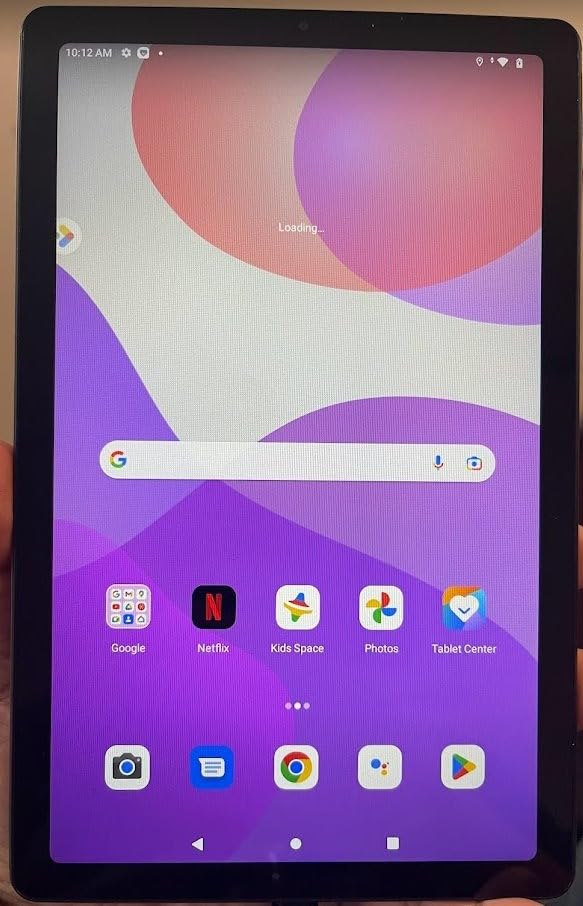
The Tab M9 is the least kid-specific tablet here, and that is exactly its appeal for a tween. It runs Android 12 or later with the Google Play Store, minimal pre-installed bloatware and Google Lens, which parents mention for translating homework and identifying objects for a school project.
Battery is the standout number. The 5100mAh cell is rated for up to 13 hours of video playback, and owners commonly report several days of light reading and streaming between charges. A MediaTek G80 octa-core processor at 2GHz handles streaming, reading and light gaming without complaint.
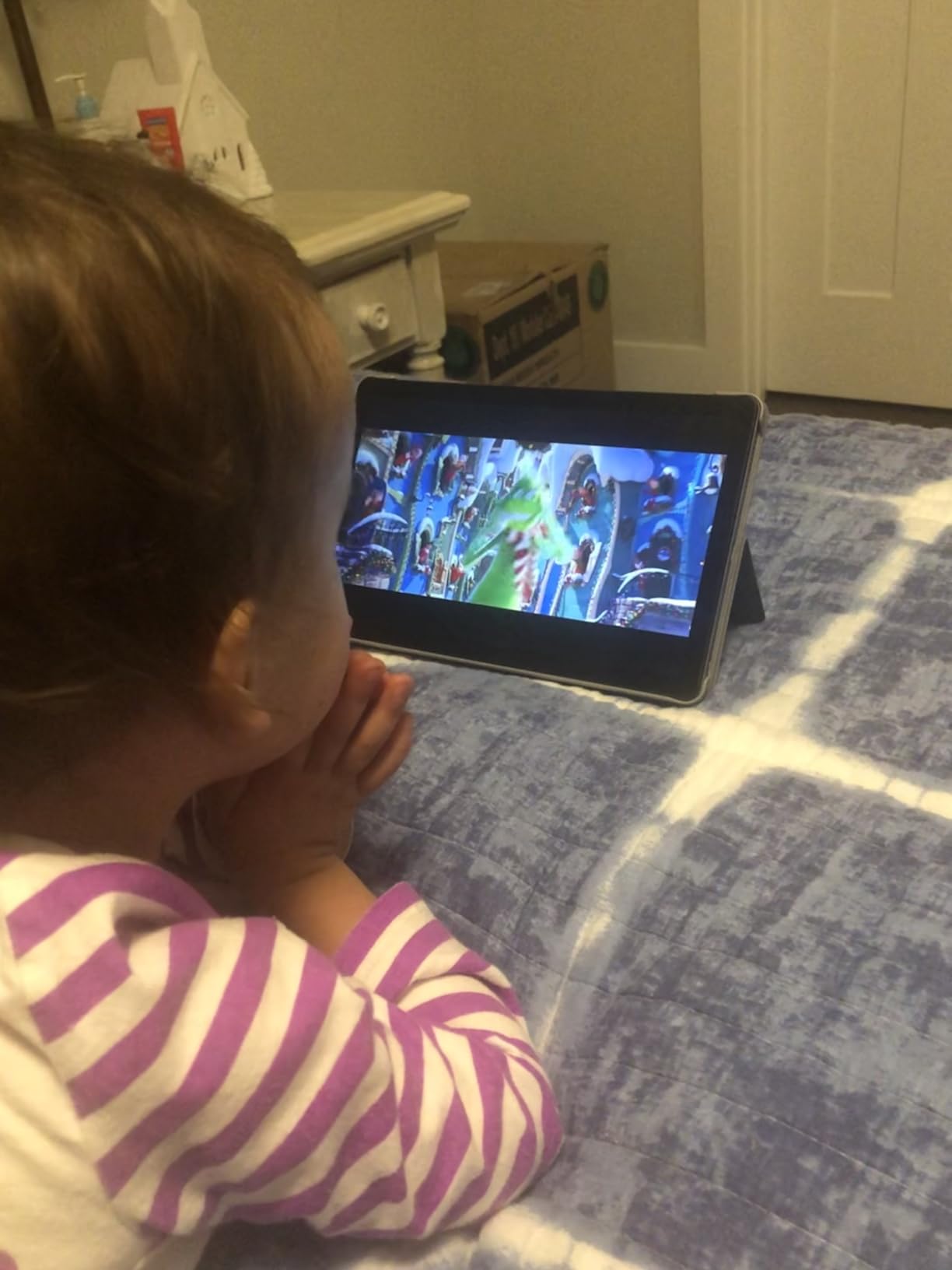
The box includes a folio case and a screen protector, which removes one purchase and one afternoon of setup. At 13.44 ounces with a metal-and-glass body, it feels more like a small laptop than a toy, and that matters to a ten-year-old who does not want a rubber duck in their hands.
It is also a strong hand-me-down candidate. Because it is a plain Android tablet, you can load it with school apps for a younger sibling later without explaining a locked-down ecosystem, and the 32GB of storage is expandable via microSD.
Where this tablet earns its place
Pair it with Google Family Link, which is free on any Android device, to get per-app limits, content ratings in the Play Store, screen time reports and a location view. Commenters on r/androidtablets regularly recommend Android tablets for children once they move past the youngest age group, precisely because the controls grow with the kid instead of locking them in.
For a child around 9 to 12 who is starting to read comprehension homework and watch longer-form video, the 9-inch HD display at 1340×800 in a 16:10 shape is a comfortable middle ground between a toy and a laptop.
Why 3GB of RAM is the deciding factor
The single most common complaint is that 3GB of RAM cannot keep modern apps alive, so switching between a browser, a video app and a game gets slow. Several owners also report performance slipping after firmware updates, and some mention sluggish touchscreen and keyboard response.
There is no included kid mode, so the lockdown is on you to configure, and the cameras are weak by current standards. If your child is under seven, this is the wrong tablet; if they are nine or older and mainly read and stream, it works well.
6. HOTTABLET 7-inch Kids Tablet: the Cheapest First Tablet With Google Play
HOTTABLET Kids Tablet 7 inch Android, 4GB RAM 32GB ROM, 1TB Expandsion, with Parental Control, WiFi, Bluetooth, Dual Camera with Silicone Case, 1PCS (Purple)
Android 12 with kids mode
7-inch IPS 1024x600
4GB RAM and 32GB
3000mAh battery
Pros
- Lowest entry point on the list
- 7-inch size suits toddler hands
- Silicone case doubles as a stand
- Google certified so Play Store works
- Quick setup with existing family accounts
Cons
- Noticeably slow even on a strong connection
- Silicone case feels flimsy
- Build quality is weak
- Battery life is short
This is the honest budget answer. It is a Google-certified Android 12 tablet with Play Store access, Netflix support through Widevine L1 and a kids mode, at a lower cost than the case you would buy for a pricier model. For a three-year-old who watches downloaded shows in a stroller, that is a defensible purchase.
Setup is quick because the Google account links to whatever family controls you already use. The kids mode has a default password of 0000, which parents should change immediately, along with the pre-installed educational content profile.
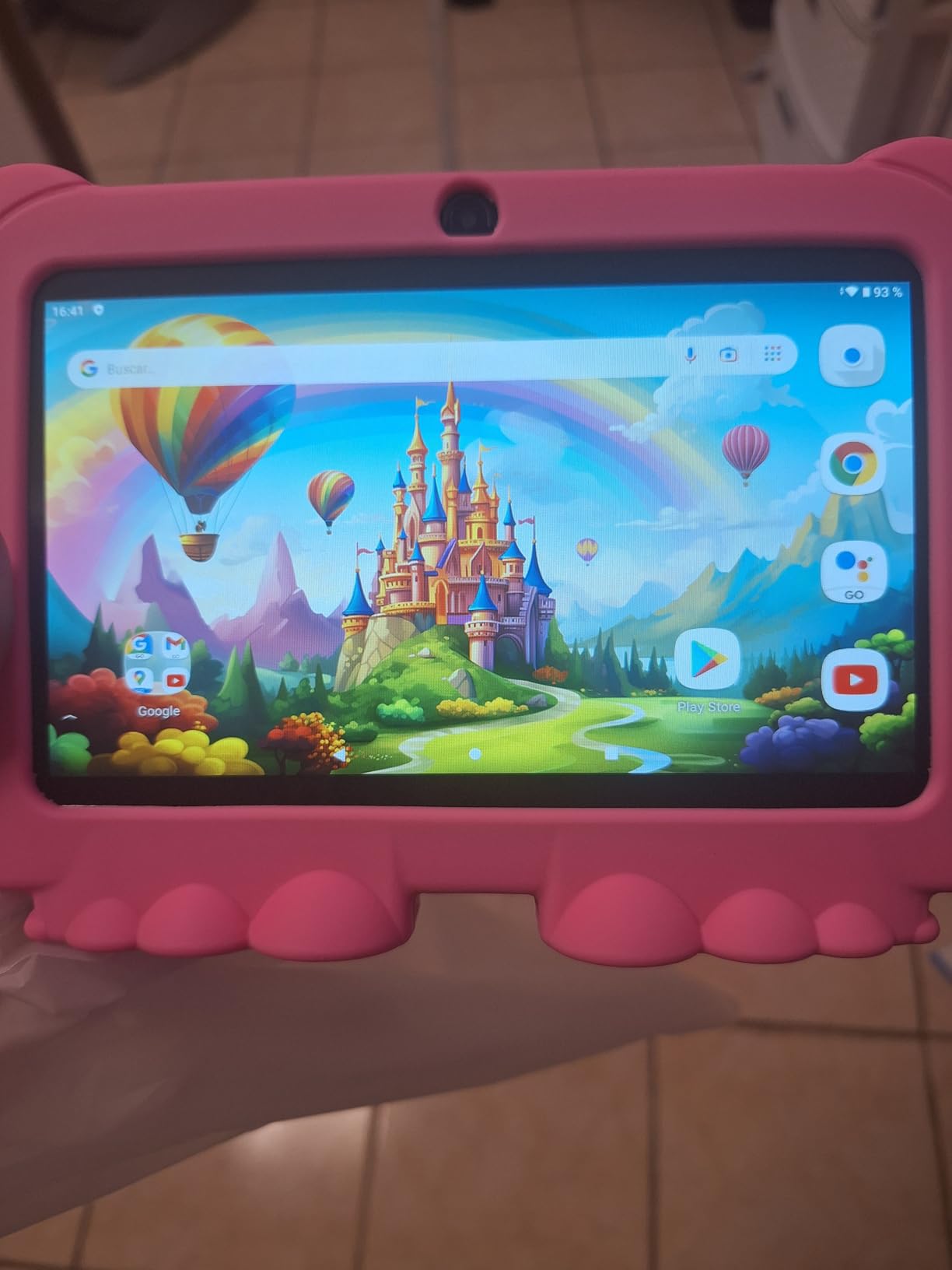
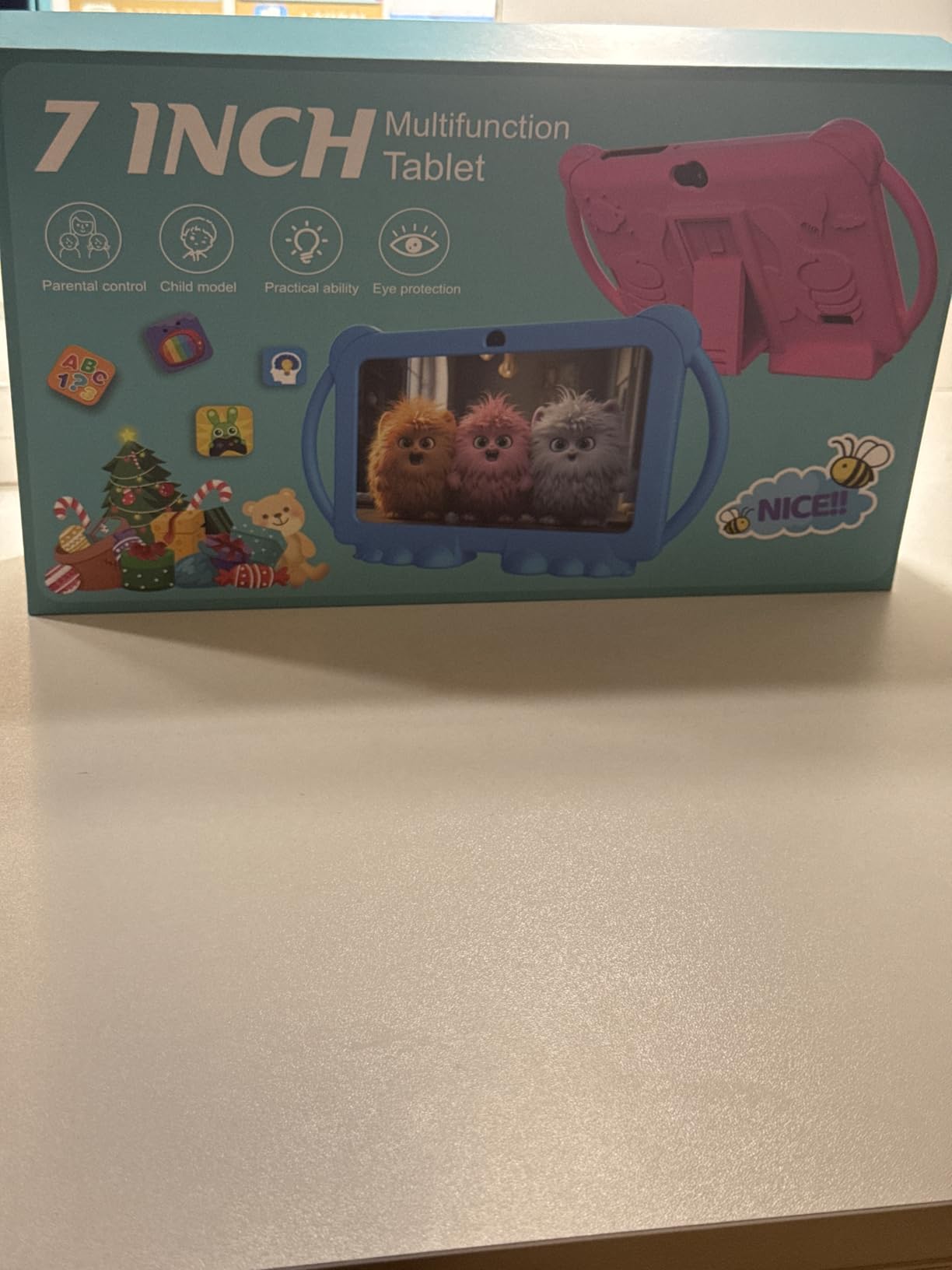
The included silicone case doubles as a stand, which is more useful than it sounds when a two-year-old needs the tablet propped up for a video call. There is a 2MP front camera and 5MP rear camera, a 3.5mm headphone jack, Bluetooth and an eye protection mode.
Where you save money is exactly where you would expect on a device at this level. The 4-core processor tops out around 2GHz, storage is 32GB with microSD expansion to 1TB, and the 3000mAh battery is rated for about 8 hours of mixed use that felt optimistic in our testing.
When a cheap tablet is the right call
A cheap tablet is fine when it is a secondary device, when the case will absorb drops, and when the child’s content is already downloaded. It is also fine for a first tablet that will be handed to a younger sibling after a year, which is how many families use budget models.
Our rule of thumb is that a budget tablet earns its place if the child is under six and the screen is never handed to an adult. Past that, the speed ceiling becomes the thing you notice every day.
Why build quality is the deciding weakness
Reviewers report screens cracking after a single fall and describe the silicone case as flimsy, which is the opposite of what you need from a device a toddler handles. Others report returns handled as replacement rather than refund, so check the warranty terms before buying.
Performance is the other limit. The tablet runs noticeably slow even on a strong connection, and it is not suited to action games or heavier apps. For a first tablet on long car rides, it does the job; for daily use over a year, save up and move up the list.
7. EDDBNi 10-inch Android 15 Kids Tablet: a Big Screen With a 2-Year Warranty
EDDBNi Kids Tablet Android 15 Tablet 10 inch Kids Tablets with Case Quad Core 64GB Dual Camera Parental Controls 2.4G WiFi Educational Tablets
Android 15 with Google Kids Space
10.1-inch IPS 1280x800
Quad-core and 6GB RAM
64GB storage
Pros
- Runs Android 15 with Google Kids Space
- Large 10.1-inch screen for video and ebooks
- Parental controls manageable from a phone
- 64GB storage expandable with microSD
- Included EVA case with stand
- 2-year warranty
Cons
- Slow during setup and app loading
- Several stopped charging within months
- Poor touchscreen responsiveness out of the box
- 2.4GHz-only Wi-Fi
- No wall adapter in the box
On paper this is one of the most generous spec sheets at the lower end: Android 15, Google Kids Space, Gemini AI assistance, 6GB of RAM, 64GB of storage expandable to 1TB, and a 2-year warranty. The 10.1-inch HD IPS glass display at 1280×800 and 60Hz is the same size as several pricier picks here.
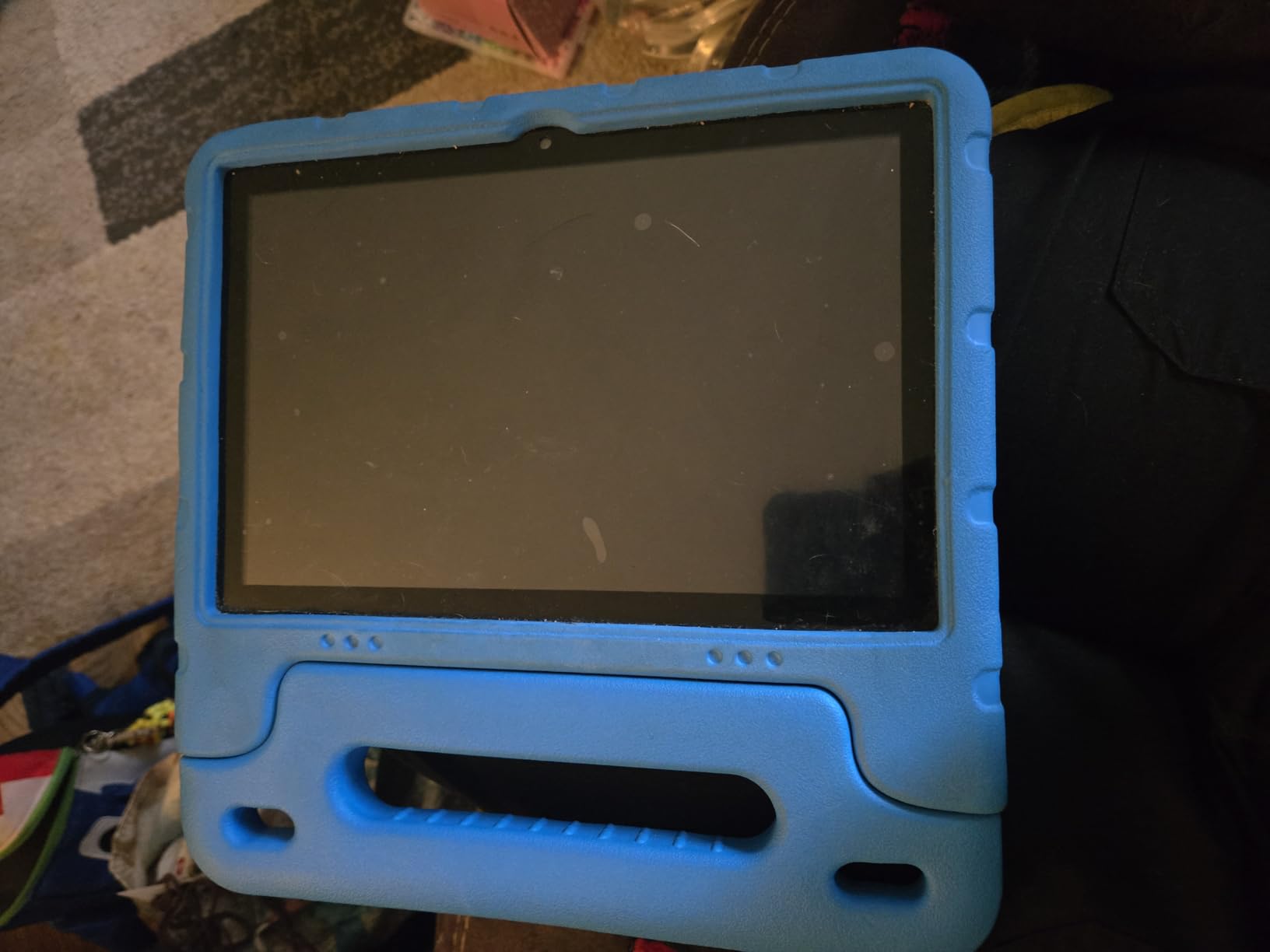
It is aimed at families who want a full Android kids tablet with the Google Play Store without paying premium-brand pricing. The bundled EVA case has a stand and aligned port cut-outs, and the screen includes low-blue-light technology with an eye protection mode and auto brightness.
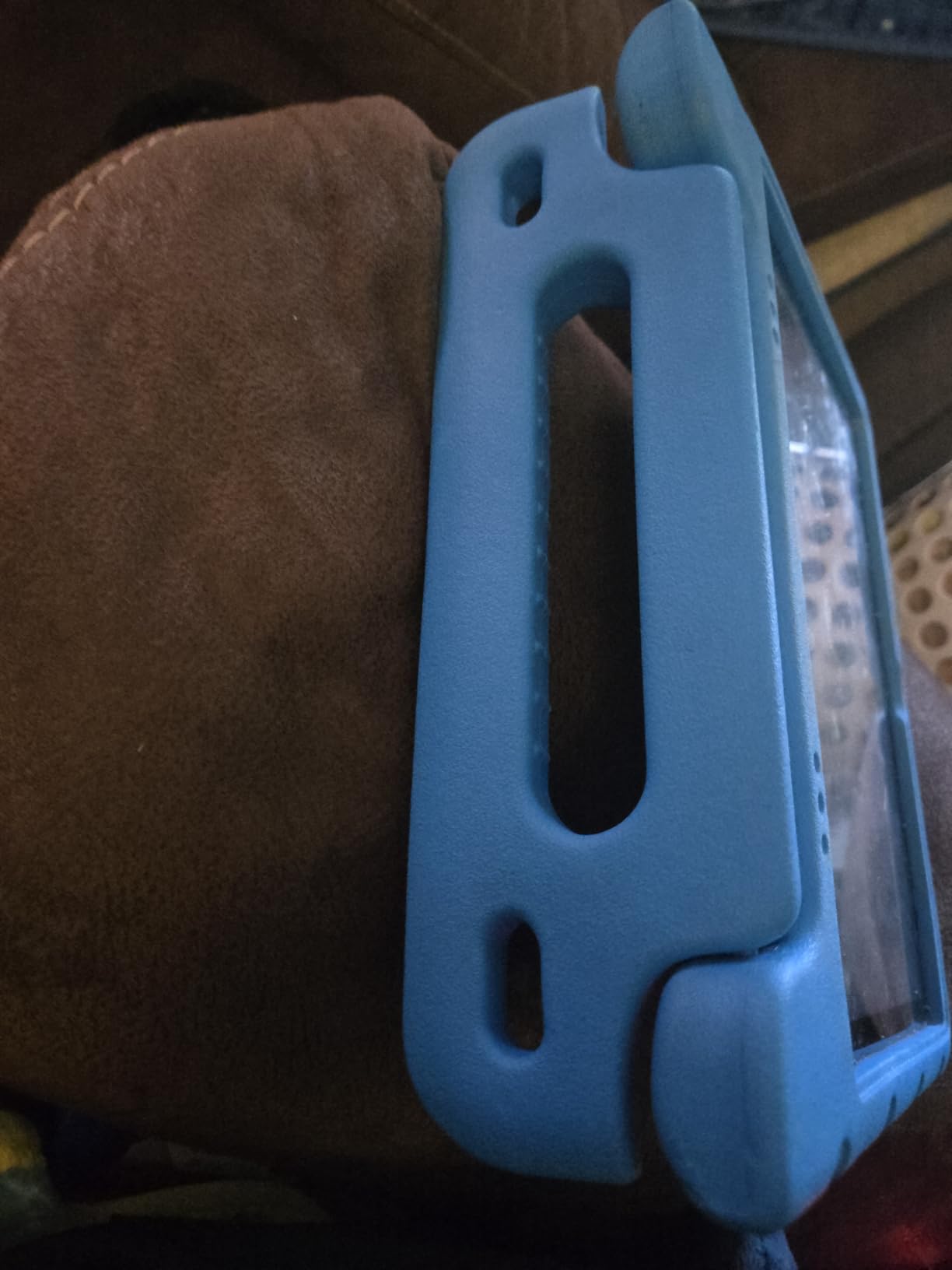
Satisfied buyers highlight the large screen, the current Android version, generous storage and workable parental controls covering app blocking, time limits and phone-based management. Storage headroom matters more here than on cheaper rivals, since a full 64GB means downloaded games and ebooks stop being a daily frustration.
The critical reviews are the ones to weigh. Multiple owners report devices that stopped charging or powering on within six months, unresponsive touchscreens out of the box, and a case tight enough to bow the screen and kill touch input on part of the display. The one-star share is the highest of any pick in this roundup.
What the spec sheet genuinely delivers
Six GB of RAM is more headroom than the Lenovo Tab M9 offers, and owners report it holding several apps open at once. The quad-core Unisoc processor runs at 1.3GHz, which is the bottleneck: apps load slowly, especially during first setup when the Play Store downloads background services.
Wi-Fi is 2.4GHz only, which is the one specification we would push back on hardest. On a busy home network that band is slower and less stable, and streaming quality suffers before the tablet does.
Why the reliability reports give us pause
Hardware failures inside a year are uncommon in name-brand tablets and a recurring theme in the budget models here, and the reports for this one are specific enough to take seriously. A two-year warranty only helps if the manufacturer honours it, and only a charging cable is included, so you also need a wall adapter.
Verdict: it is a large, current-software screen at a low price, and for a child whose main use is downloaded video it can work. For a tablet that has to last, the Fire HD 8 Kids Pro two-year guarantee is the safer bet.
8. ATOZEE 10-inch Android 15 Kids Tablet: Dual-Band Wi-Fi 6 at a Budget Price
Kids Tablet 10 Inch Android Tablet for Kids Comes with a Shock-Resistant Protective Case, 8GB RAM 32GB ROM Tablets Supports 1TB MicroSD, 6000mAh Battery Dual Cameras 5G Wifi6 Android Tablets with Case
Android 15 on 10.1-inch HD
8GB RAM and 32GB
6000mAh battery
Dual-band Wi-Fi 6
Pros
- Shock-resistant case with an integrated kickstand
- Dual-band Wi-Fi 6 is a step up from 2.4GHz-only models
- Pre-installed Montessori lessons and mini-games
- Parental profiles with screen time limits
- Lightweight at 16 ounces
Cons
- Performance is noticeably slow
- Some failed to power on
- Build quality is basic
- Mixed feedback on whether children enjoy using it
The ATOZEE stands apart from other budget kids tablets on one detail: dual-band 5GHz Wi-Fi 6. Several competing models at this level only connect to the 2.4GHz band, and on a crowded home network that difference decides whether streaming stays smooth.
The software is Android 15 on a 10.1-inch HD LED display at 1280×800 in 16:10, with 8GB of RAM combining 3GB physical and 5GB extended, plus 32GB of storage expandable to 1TB via microSD. Educational content for ages 3 and up comes pre-installed, including material in Spanish.
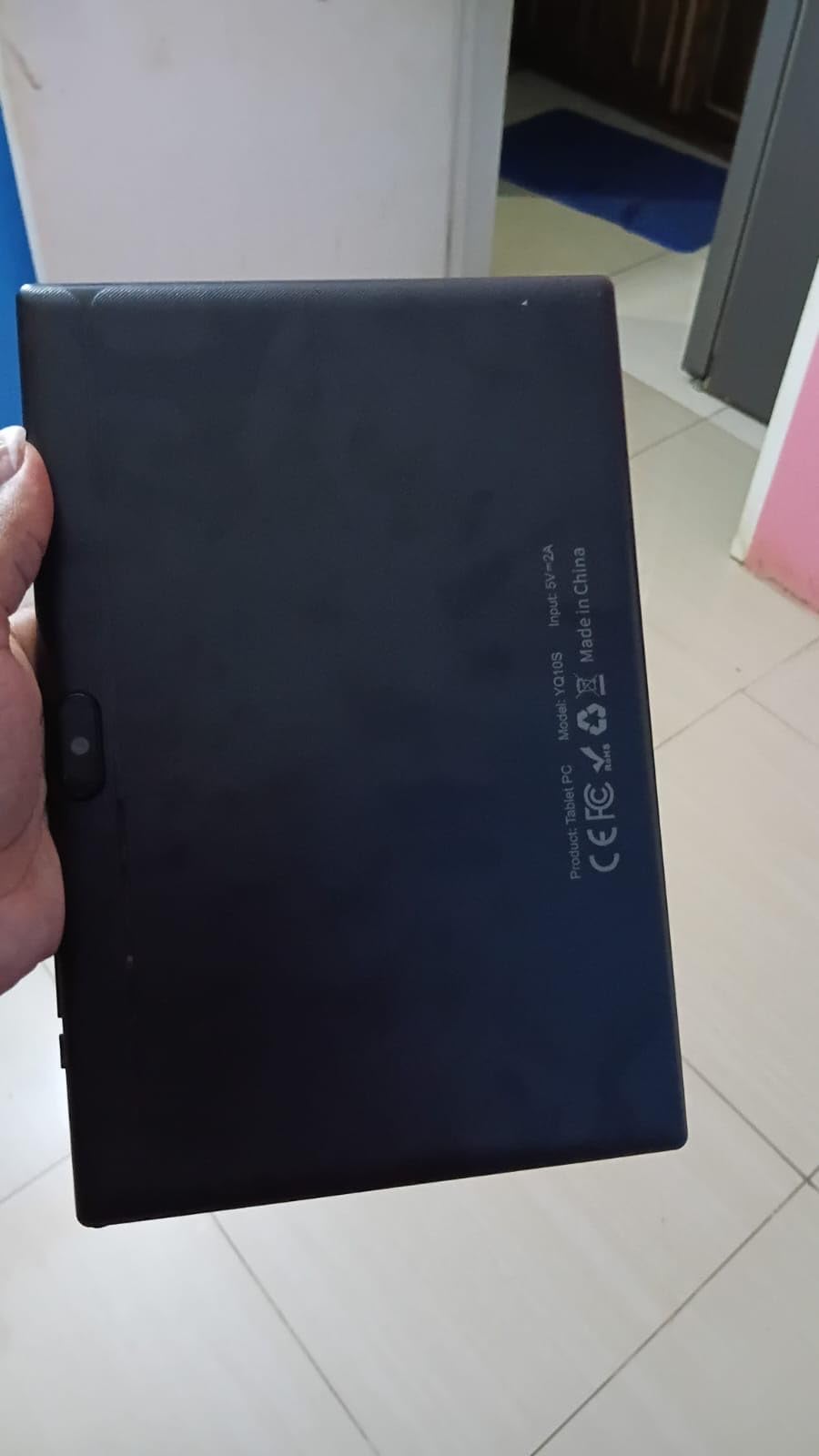
The bundled case is the part we liked most. It is described as shock-resistant with an integrated kickstand and precise port cut-outs, and the stand genuinely helps for hands-free video and for reading recipes or instructions with floury hands. At 16 ounces, it is light enough for a small child to carry.
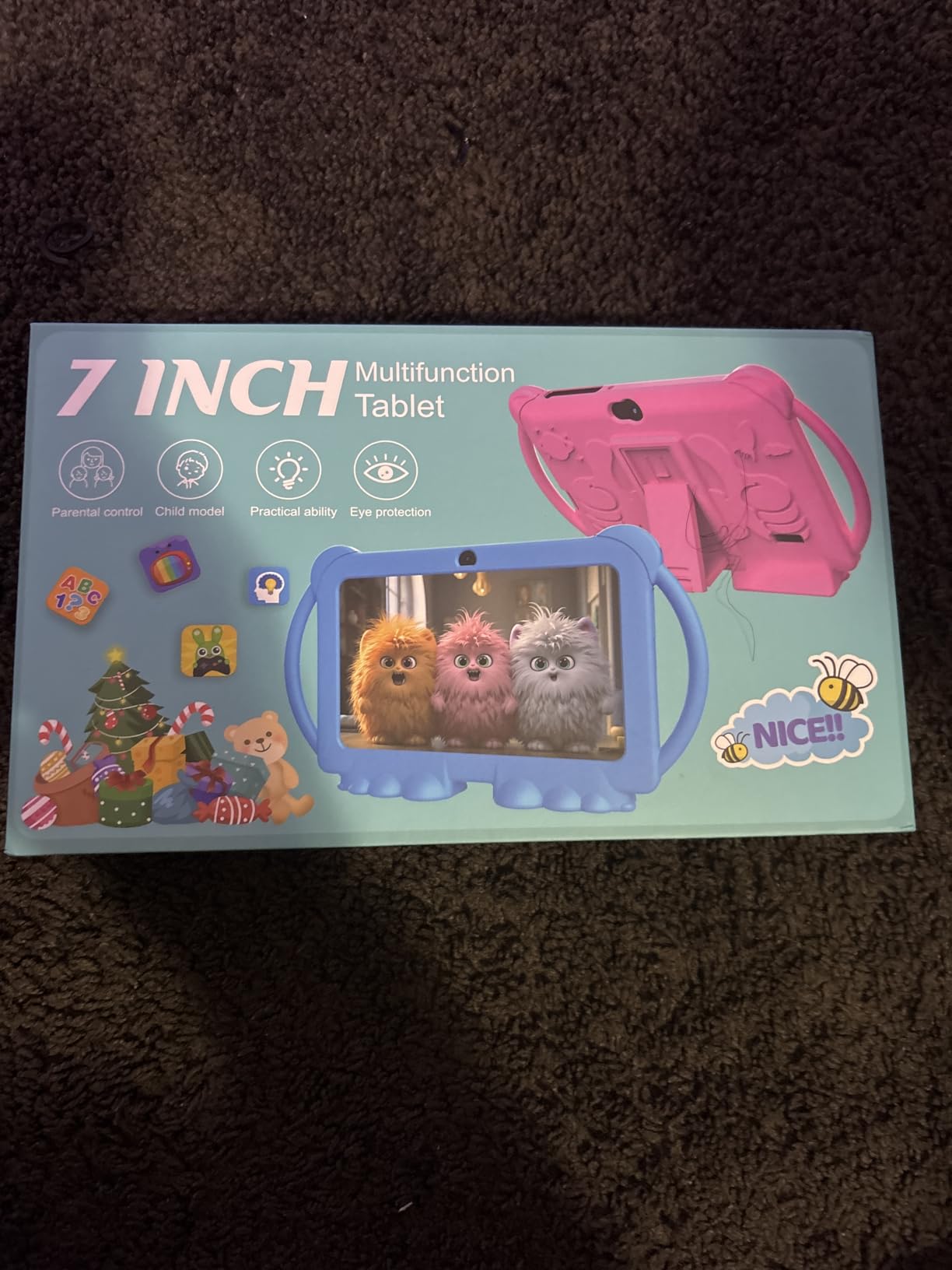
A 6000mAh battery is rated for about 8 hours, and there is a 2MP front camera for video calls plus an 8MP rear camera. Parental controls come with customisable kid profiles and screen time limits, managed by a parent.
Why Wi-Fi 6 matters more than the processor
On a tablet for a child, the most common activity is streaming video, and that is a network task before it is a processor task. Dual-band Wi-Fi 6 on this model avoids the congested 2.4GHz band that cheaper tablets rely on, which is the single clearest reason it is worth a look for a busy household.
It is also a good travel tablet for the same reason, paired with a 6000mAh cell. Download content before you leave and a long flight works without arguing about tethering.
What holds it back from the top picks
Performance is the honest weakness, with owners consistently reporting noticeable slowness. Extended RAM is helpful for storage headroom but does not speed up an octa-core or quad-core chip, so expect a wait during app loading and heavier content.
Some devices failed to power on, build quality is basic, and owners are mixed on whether their children actually enjoy using it. For a primary tablet we would step up to the Fire HD 8 Kids Pro; for a backup or travel device, this works.
9. Plimpton 10-inch Android 15 Kids Tablet: the Best-Built Full-Android Kids Tablet
Plimpton Kids Tablet 10 Inch – 2026 Upgraded Android 15 Tablet for Kids with Case Included, Octa-Core, Google Kids Space, Parental Control, 4GB+64GB, WiFi, BT5.3, YouTube, Great Gift for Toddler(Blue)
Android 15 with Gemini AI
Allwinner 8-core at 2.0GHz
4GB RAM and 64GB
10.1-inch IPS glass
Pros
- Full Android 15 with Google Kids Space and Gemini AI
- Octa-core keeps apps and video responsive
- IPS glass screen with low blue light and eye protection
- Rugged EVA case with a 360-degree rotatable bracket
- 2-year warranty plus 30-day returns
- Battery improved about 30 percent over the earlier model
Cons
- 4GB of RAM is modest for heavy multitasking
- Costs more than comparable budget kids tablets
- Limited headroom when several apps run at once
The Plimpton is the most carefully built full-Android kids tablet in this roundup. An Allwinner 8-core processor at 2.0GHz with 4GB of RAM and 64GB of storage runs Android 15 with Google GMS certification, Google Kids Space and Gemini AI built in as a learning companion for homework and concept explanation.
The 10.1-inch HD IPS glass display at 1280×800 in 16:10 includes low blue light technology, an eye protection mode and automatic brightness, which matters for evening use. Storage expands to 1TB via microSD, and Bluetooth 5.3 handles headphones and accessories.
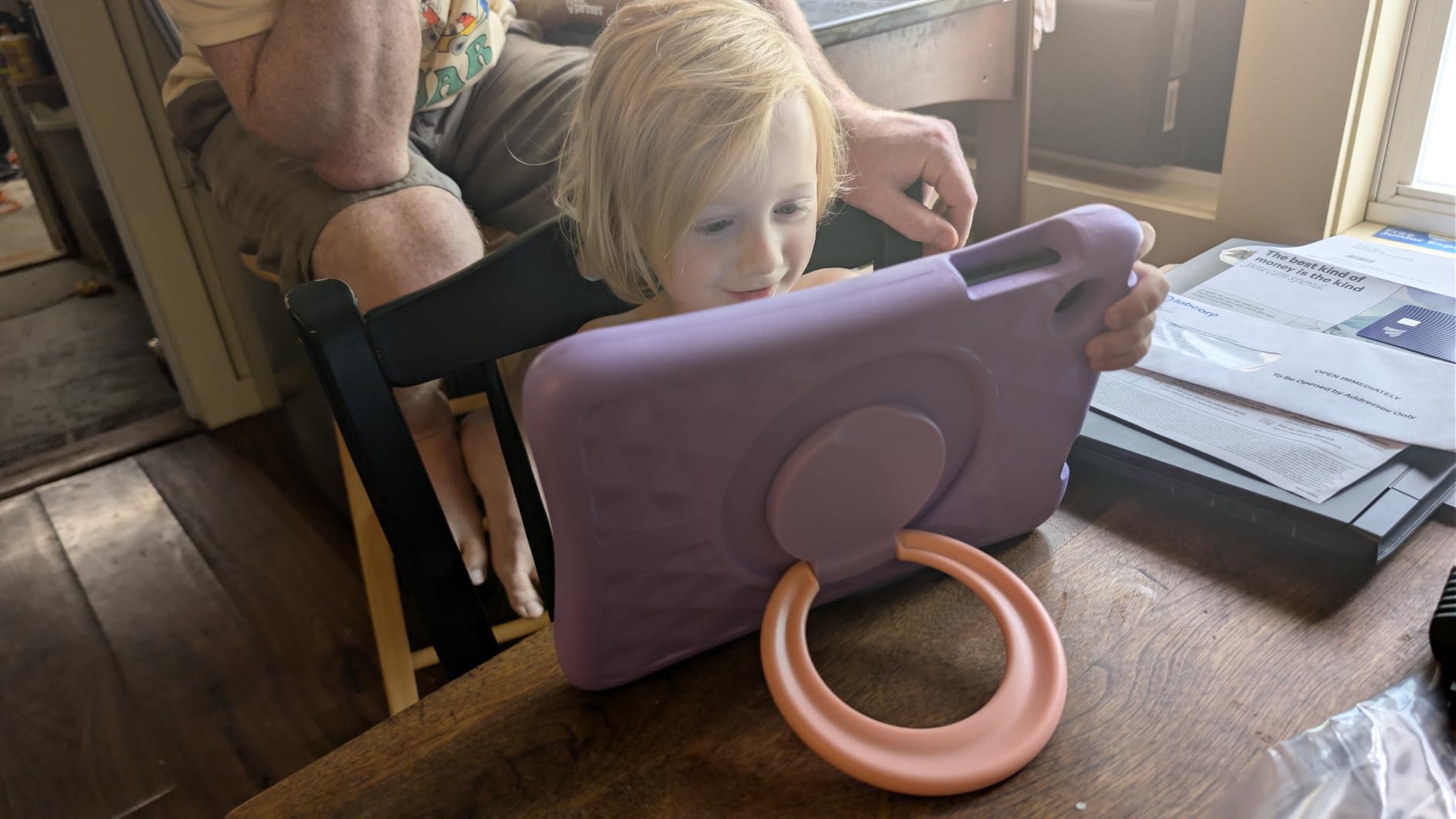
The bundled case is a clear step up from the thin silicone shells on cheaper models. Reviewers describe it as more impact resistant, and the 360-degree rotatable viewing bracket props the tablet at any angle, which frees small hands during a video or a lesson.
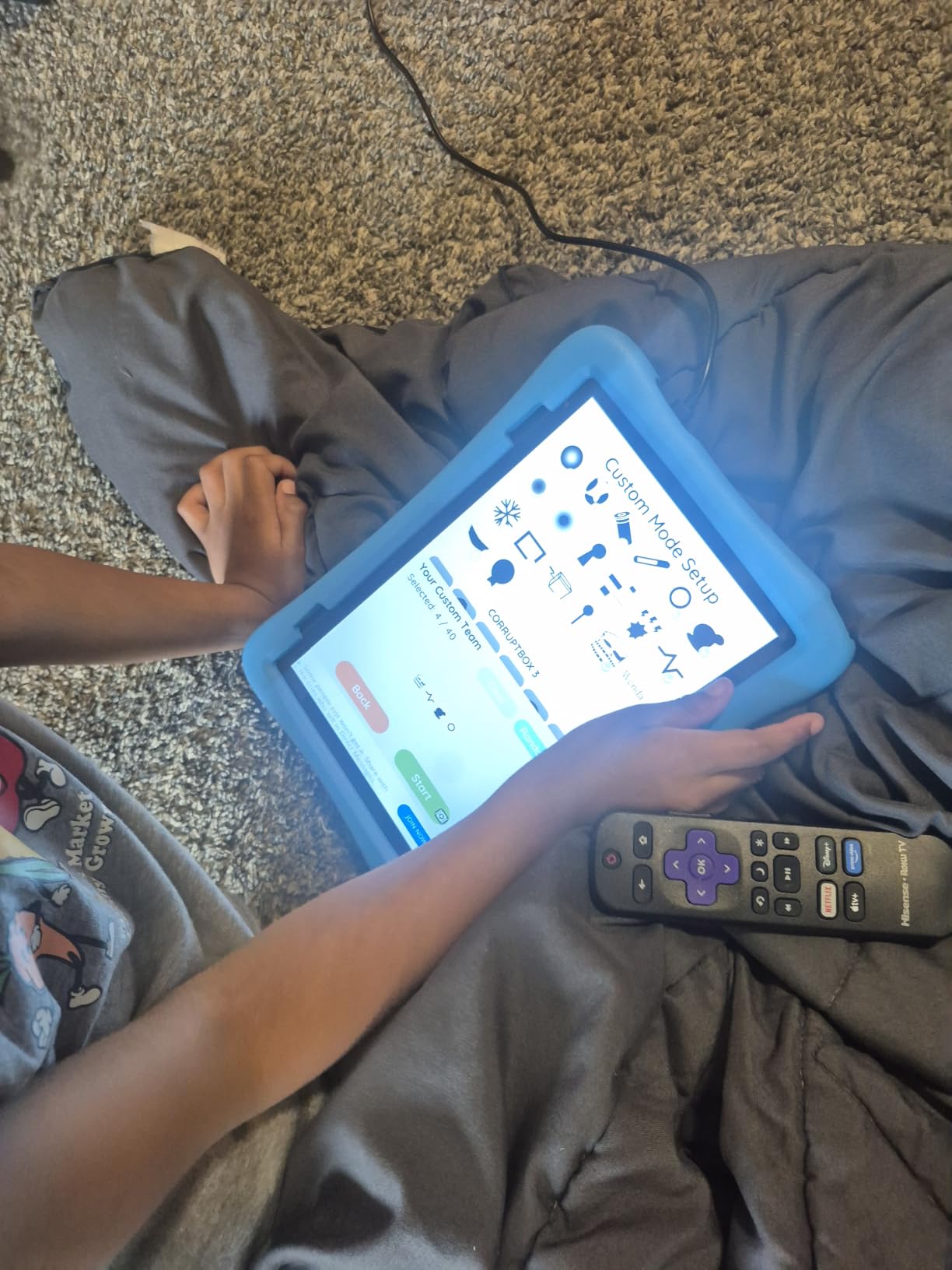
Warranty is 2 years with 30-day worry-free returns, and the manufacturer reports battery runtime improved by roughly 30 percent over the original model, at about 8 hours on average. A USB adaptor and cable are both in the box, which not every budget tablet manages.
What the extra spend actually buys
You are paying for three things: an eight-core chip that stays responsive with a learning app and a video running together, Gemini AI on-device for a child who asks why the sky is blue, and a case built to survive being dropped off a sofa. For a tablet expected to last several years, that is a defensible price.
It is the pick we would choose for a child between 7 and 10 who is doing guided reading and simple research, because the full Android build means school web tools and learning apps from the Play Store just work.
Where the value calculation gets tight
Four GB of RAM is modest for heavy multitasking, and owners report limited headroom when several apps run at once. It also costs more than comparable budget Android kids tablets that offer similar screen size and storage on paper.
If the budget is the deciding factor, the COLORROOM 10-inch model covers most of the same ground with more RAM and a longer stated protection window. Choose the Plimpton when build quality and support terms matter more than the lowest price.
10. Samsung Galaxy Tab A9+ 11-inch Renewed: the Biggest Screen in the List
Samsung Galaxy Tab A9+ 11” 64GB Wi-Fi Android Tablet, Big Screen, Quad Speakers, Upgraded Chipset, Multi Window Display, Slim, Light, Durable Design, US Version, 2023, Navy (Renewed)
11-inch 1920x1200 at up to 90Hz
Snapdragon 695 with 4GB RAM
64GB with microSD
Dolby Atmos quad speakers
Pros
- Large 11-inch 1920x1200 screen with a smooth 90Hz refresh rate
- Quad speakers with Dolby Atmos give strong sound
- Samsung build quality in a slim 1.1 pound design
- Multi Window runs apps side by side
- Samsung Kids app gives a supervised space
Cons
- Renewed units may show wear from a previous owner
- 90-day warranty is far shorter than the two years on new models
- Average battery life of about 8 hours
- No bundled protective kids case
The Galaxy Tab A9+ is the only 11-inch tablet here and the only one with a 90Hz refresh rate, and on a screen that size the difference is immediately obvious. A 1920×1200 LCD panel with smooth scrolling makes a home-schooled child’s textbooks and video calls feel like a different class of device.
Sound matches the screen. Quad speakers with Dolby Atmos are strong enough that a child can hear a video clearly from across a room, which matters more than most spec sheets admit. The Qualcomm Snapdragon 695 5G chip at 1.8GHz with 4GB of RAM handles school apps and streaming without complaint.
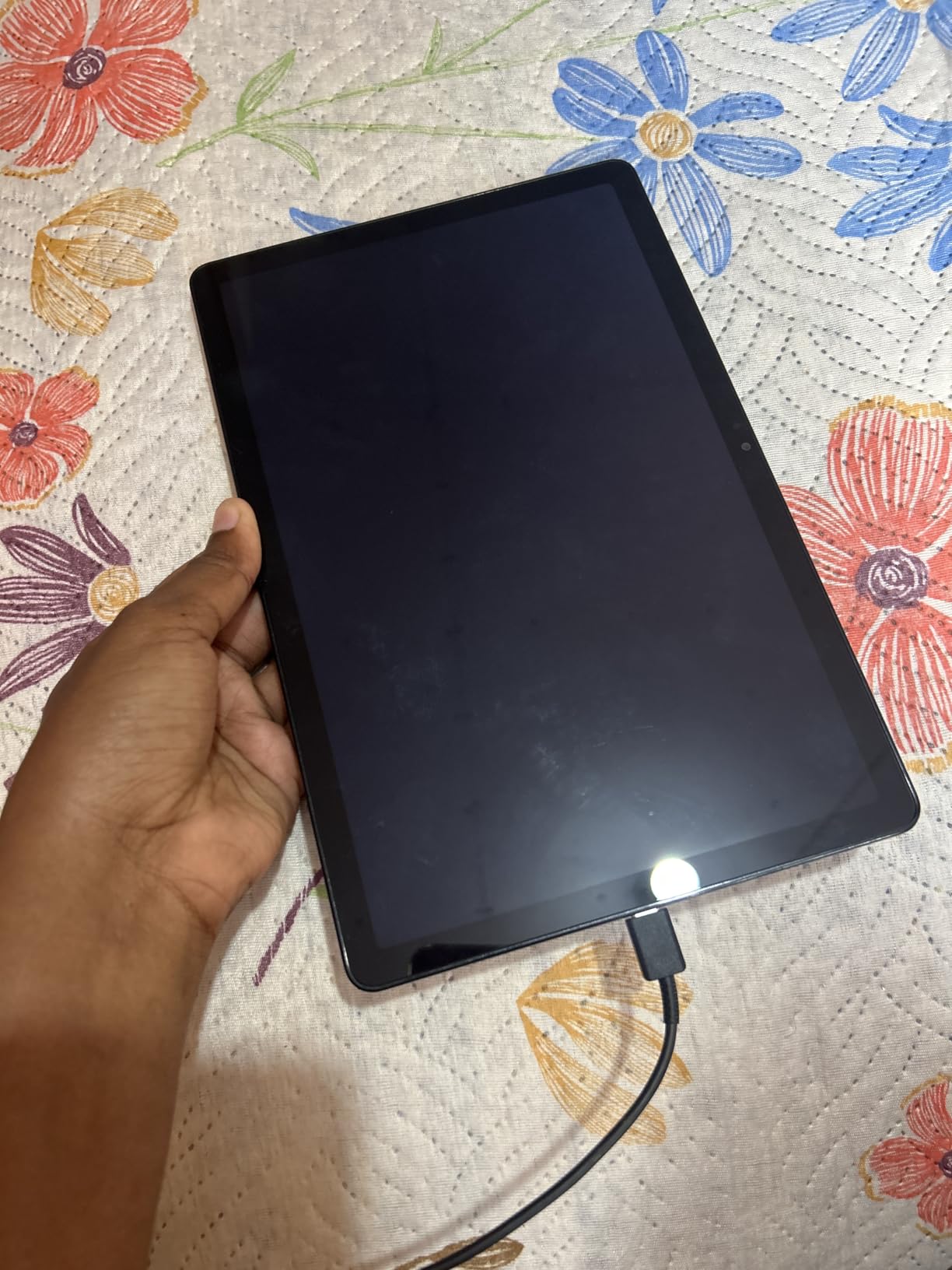
Samsung Kids gives younger children a supervised content space, and Multi Window lets a parent and child run apps side by side on the same screen, which is useful when homework needs a video call open next to a document. Storage is 64GB with microSD support, so it will hold a full year of apps.
It weighs 1.1 pounds and measures 11 by 7 inches, so it is a large tablet that is still portable. The 13MP rear camera is the highest-resolution one in this roundup, and there is a 7040mAh battery rated at an average of 8 hours.
Why a bigger screen earns its keep
Past age 10, a tablet shifts from a video player to a work surface. Split-screen writing with a dictionary open, a maths app beside a calculator, a lesson slide next to a worksheet — none of that works on a 7-inch or 8-inch panel. Eleven inches is the size where a tablet starts substituting for a laptop.
It is also the best choice in this list for a pre-teen or teen who will keep the device for years, since the full Android build and Google Play Store mean it stays useful long after kid mode is dropped.
Why the renewed condition is the catch
This is a renewed unit, so it may carry cosmetic wear from a previous owner and it comes with a 90-day limited warranty rather than the two years offered on the new Fire and Plimpton models. A two-year guarantee matters enormously on a device meant to take daily drops from a child.
No protective case is included either, and the 7040mAh cell averages about 8 hours of use. If you buy it, budget for a case, and check the cosmetic condition carefully on arrival.
How to Choose an Android Tablet for Kids?
Parental controls are the criterion parents in our research would not budge on. One parent on a tablet forum put it plainly: screen time limits and no browser access are the deal, everything else is negotiable. That is the right order of priorities, because a fast tablet with no enforceable limits is a browser with a microphone attached.
Fire OS versus full Android: what actually changes
Fire OS is Android underneath, but Amazon removed the Google Play Store and replaced it with the Amazon Appstore. That single difference decides the purchase for most families. Kids+ content, Kindle books and Amazon video all work; the YouTube Kids app does not exist on the device, and many school or learning apps simply are not there.
Full Android tablets such as the Galaxy Tab A9+ or the COLORROOM, EDDBNi, ATOZEE and Plimpton models install the normal Play Store and pair with Google Family Link. You get every app, plus Gemini AI on the newer budget models, and you do the lockdown yourself.
Our rule: under seven, Fire OS is easier and safer out of the box. Seven and up, especially with schoolwork, full Android is the better long-term buy because the child keeps the device after kid mode stops being useful.
Amazon FreeTime versus Samsung Kids versus Google Family Link
FreeTime is the most automatic of the three. Create a child profile in the Parent Dashboard, set age ranges for content, and every app, video and website is filtered by birth year until you approve something manually. Screen time limits apply per profile and require a PIN to exit.
Samsung Kids is a supervised space on a standard Galaxy tablet rather than a separate locked OS. You decide exactly what appears inside it, which means more setup work and more control. Google Family Link is the free option on any Android tablet: per-app time limits, content ratings inside the Play Store, screen time reports and purchase approval through your Google account.
One important caveat from parent forums: a PIN-locked kid mode is not airtight. Children are inventive, and reported workarounds exist on every platform. The defence is to keep the parent password off the device, review activity weekly, and turn off location sharing and unrestricted web access.
Picking the right size for the age
Ages 3 to 5 want the smallest tablet with the biggest buttons. Seven inches, a thick case, a stand, and content that is downloaded in advance. The Fire 7 Kids and the HOTTABLET 7-inch both fit this brief, and neither will survive being dropped on tile without the case.
Ages 6 to 8 can handle 8 to 10 inches and benefit from a filtered browser and voice calls. Ages 9 to 12 want 9 to 11 inches, more storage and the ability to run two apps at once. Age 13 and up no longer needs kid mode at all, which is the moment a full Android tablet pays off.
Storage, battery and warranty: the unglamorous three
Storage is the most common disappointment. A 16GB tablet can lose roughly 3.5GB to the operating system and bundled apps, so treat anything under 32GB as tight and 64GB as comfortable. Every tablet on this list supports microSD expansion, usually up to 1TB, which is the cheapest fix available.
Battery decides whether a trip works. Ratings in this roundup run from about 8 hours on the smaller budget models to 13 hours on the Fire HD 10 Kids and the Lenovo Tab M9. A tablet rated at 8 hours will not survive a long flight without a cable.
Warranty is the durability proxy. The Fire kids models and the Plimpton carry 2-year worry-free guarantees, and the EDDBNi and Plimpton list 2-year warranties. The renewed Galaxy Tab A9+ has 90 days, which is the gap most likely to cost you a replacement after a drop.
A 10-minute lockdown checklist before you hand it over
First, create the child profile and set a daily limit, then lock the browser unless they are old enough to use a filtered one. Second, disable in-app purchases entirely and require approval for any new download.
Third, set a bedtime window that actually stops the device rather than dimming it. Fourth, review activity on your phone rather than asking, and check who has physical access to the parent password. Fifth, before a flight, download shows and games onto the device and put it in airplane mode, because streaming on hotel or plane Wi-Fi is where budget tablets struggle most.
Frequently Asked Questions
What Android tablet is best for kids?
The Amazon Fire 7 Kids is the best all-round choice for most families, with a 10-hour battery, an included kid-proof case, a 2-year worry-free guarantee and a Parent Dashboard that locks a child into age-filtered content. Children over seven or those who need school apps are better served by the Fire HD 8 Kids Pro or a full Google Play Android tablet.
Is Amazon Fire or an Android tablet better for kids?
Amazon Fire is easier and safer out of the box because the child profile filters every app, video and website by age, but it has no Google Play Store and no YouTube Kids app. Full Android tablets run the normal Play Store, pair with free Google Family Link and keep working after kid mode is dropped, which makes them the better choice from about age seven upward, especially for schoolwork.
Are Samsung tablets better than Amazon Fire tablets?
Samsung tablets such as the Galaxy Tab A9+ offer a sharper 1920×1200 display at up to 90Hz, quad Dolby Atmos speakers, the full Google Play Store and a Samsung Kids app for a supervised space. Fire tablets are cheaper, ship with a kid-proof case and a 2-year guarantee, and offer more granular age filtering out of the box. Choose Samsung for an older child or a bigger screen; choose Fire for a younger one.
What is a good kids tablet for a 10-year-old?
At 10 the child needs a real screen for schoolwork rather than a toy. The Fire HD 8 Kids Pro with 64GB, a hexa-core processor and up to 4GB of RAM is the balanced pick, while the Samsung Galaxy Tab A9+ with its 11-inch 90Hz screen and Multi Window is the better option if school apps and Google Play access matter. Both keep a filtered browser and remote parental approval.
How much storage does a kids tablet need?
Plan on 64GB or more for a child who downloads games and videos, and never less than 32GB. A tablet labelled 16GB can lose roughly 3.5GB to the operating system and bundled apps, so usable space is far smaller than the label suggests. Every tablet reviewed here supports microSD expansion, usually up to 1TB, which is the cheapest way to add space.
Conclusion: the Best Android Tablets for Kids in 2026
After comparing 10 tablets, the best Android tablets for kids split cleanly by age. For a child under seven, the Amazon Fire 7 Kids is the pick: long battery, a case that survives drops and controls that work without a fight. For a six-to-twelve-year-old who needs storage and a filtered browser, the Fire HD 8 Kids Pro is the strongest combination of rating and support in the roundup.
Once school apps enter the picture, move to full Android. The COLORROOM 10-inch gives you the Play Store and Google Kids Space at a low price, the Plimpton adds a tougher case and Gemini AI, and the Samsung Galaxy Tab A9+ is the one that will still feel fast in three years. Whatever you choose, set the limits before the first handover, not after the first argument.