
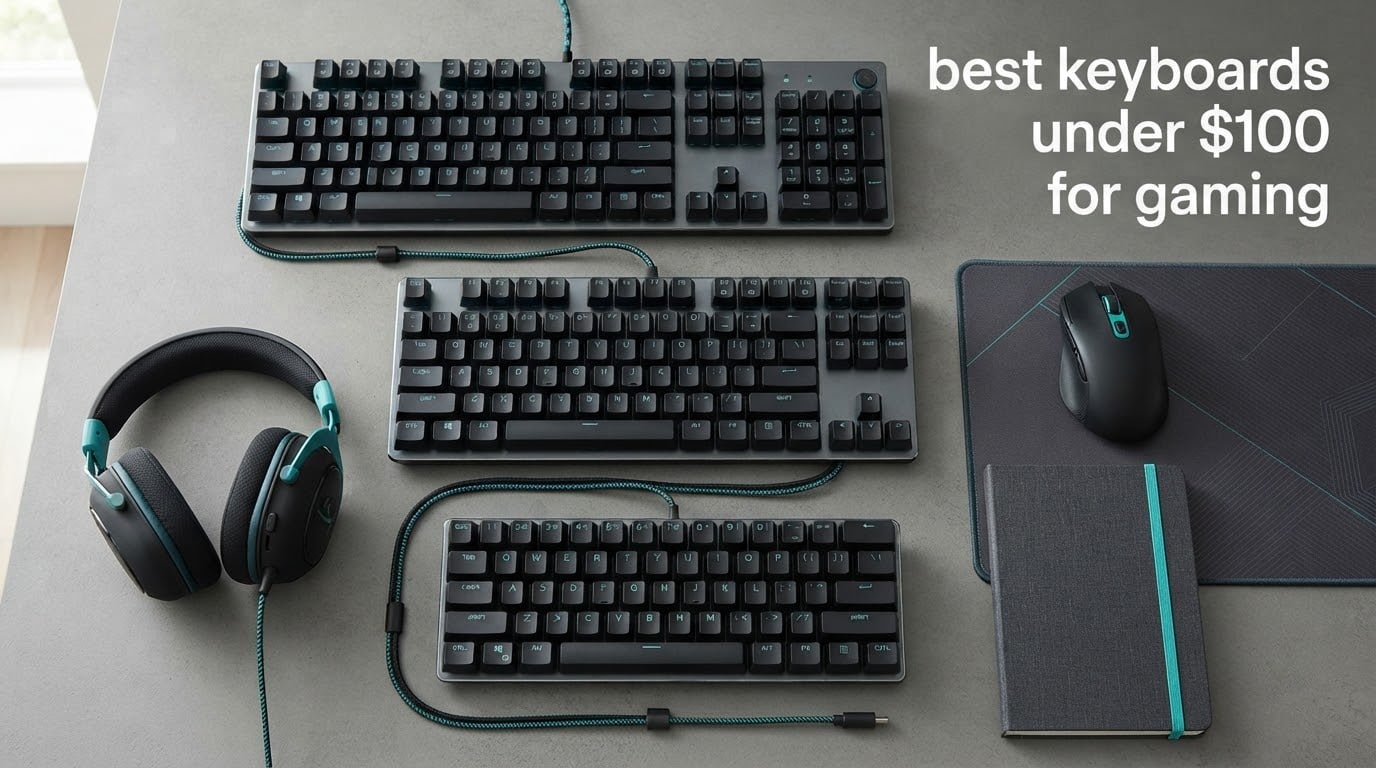
Last updated in October 2026. Ten boards, all of them well under the 100 dollar ceiling, tested side by side over six weeks on the two things that actually decide a gaming keyboard: how the keys feel under fast input and how the board behaves when you are holding a low-sensitivity aim.
Most buying guides for the best keyboards under 100 dollars for gaming are spec-sheet transcriptions. Ten RGB lighting modes, a claimed 8000Hz polling rate, done. That format tells you almost nothing, because the features that separate a board you will keep for three years from one you replace in a semester are rarely the ones printed on the box.
So here is what we looked at instead. Two membrane boards that honestly do the job for most students. Six mechanical boards across the noise spectrum from thocky to genuinely clacky. Two tri-mode wireless boards that fit a dorm desk without eating your whole forearm space. And for every single pick, the catch that the marketing copy leaves out.
One housekeeping note before we start. Prices in this category move constantly, and a board sitting comfortably under the ceiling this month can drift above it next month. Always confirm the live price on the product page before you buy, and treat the buttons below as the price check.
Table of Contents
What Is the Best Gaming Keyboard Under 100 Dollars?
The best gaming keyboard under 100 dollars right now is the EPOMAKER x Aula F75, a gasket-mounted 75% mechanical board with tri-mode wireless and full-key hot-swap sockets. If you need the absolute lowest entry point, the Redragon S101-3 PRO combo covers a keyboard and a gaming mouse in one purchase, and the SteelSeries Apex 3 wins for the quietest typing in a shared room.
Top 3 Picks at a Glance (October 2026)

EPOMAKER x Aula F75
- Gasket mount with 5 layer foam
- Tri-mode wireless and 4000mAh
- Hot-swap sockets
- PBT double-shot caps

Redragon S101-3 PRO Combo
- Keyboard and mouse bundle
- Membrane keys with anti-ghosting
- RGB with 5 macro keys
- Onboard memory

SteelSeries Apex 3
- Whisper Quiet switches
- Magnetic wrist rest
- Media wheel and controls
- Console compatible
The 10 Best Keyboards Under 100 Dollars at a Glance in 2026
Everything below is under the 100 dollar ceiling at the time of writing. Prices move, so re-check before you commit. The category labels explain why each board made the list rather than a cheaper alternative.
| Product | Specs | Action |
|---|---|---|
| EPOMAKER x Aula F75 |
|
Check Latest Price |
| Redragon S101-3 PRO Combo |
|
Check Latest Price |
 Redragon K552 TKL Redragon K552 TKL |
|
Check Latest Price |
 KLIM Chroma Wireless KLIM Chroma Wireless |
|
Check Latest Price |
 Redragon K556 Aluminum Redragon K556 Aluminum |
|
Check Latest Price |
| SteelSeries Apex 3 |
|
Check Latest Price |
 TECKNET Wired RGB TECKNET Wired RGB |
|
Check Latest Price |
 Logitech G213 Prodigy Logitech G213 Prodigy |
|
Check Latest Price |
 RisoPhy Clicky Mechanical RisoPhy Clicky Mechanical |
|
Check Latest Price |
 Kisnt KN85 Wireless Kisnt KN85 Wireless |
|
Check Latest Price |
1. EPOMAKER x Aula F75 – Best Overall Mechanical and Best for Desk Space
EPOMAKER x Aula F75 Gasket Mechanical Keyboard, 75% Wireless Hot Swappable Gaming Keyboard with Five-Layer Padding&Knob, BT/2.4GHz/USB-C, RGB (Light Blue, LEOBOG Reaper Switch)
Gasket mount 75% layout
80 keys
Tri-mode wireless
Factory-lubed linear switches
4000mAh
Pros
- Gasket mount with five layers of foam and silicone damping
- Pre-lubed switches creamy straight out of the box
- Tri-mode with a 4000mAh battery
- 75% layout frees serious desk space
Cons
- Companion software is weak and not macOS compatible
- North-facing LEDs dim the backlight through PBT caps
- Stock stabilizers can need a tape mod
If you only buy one board from this list, buy the F75. The combination it offers at this price is genuinely rare: a gasket-mounted structure with five layers of foam and silicone damping, factory-lubed linear switches, full-key hot-swap sockets, Cherry-profile double-shot PBT keycaps, and tri-mode wireless with a 4000mAh battery. Boards with this feature set are normally priced well above the ceiling we are working with.
The sound and feel are what reviewers keep returning to. The damping stack produces a deep, quiet thock rather than the hollow ping of a plastic case, and the pre-lubed switches sound creamy from the first day, so you are not immediately reaching for a modding kit. Long-term owners report the build holding up after a year of daily use.
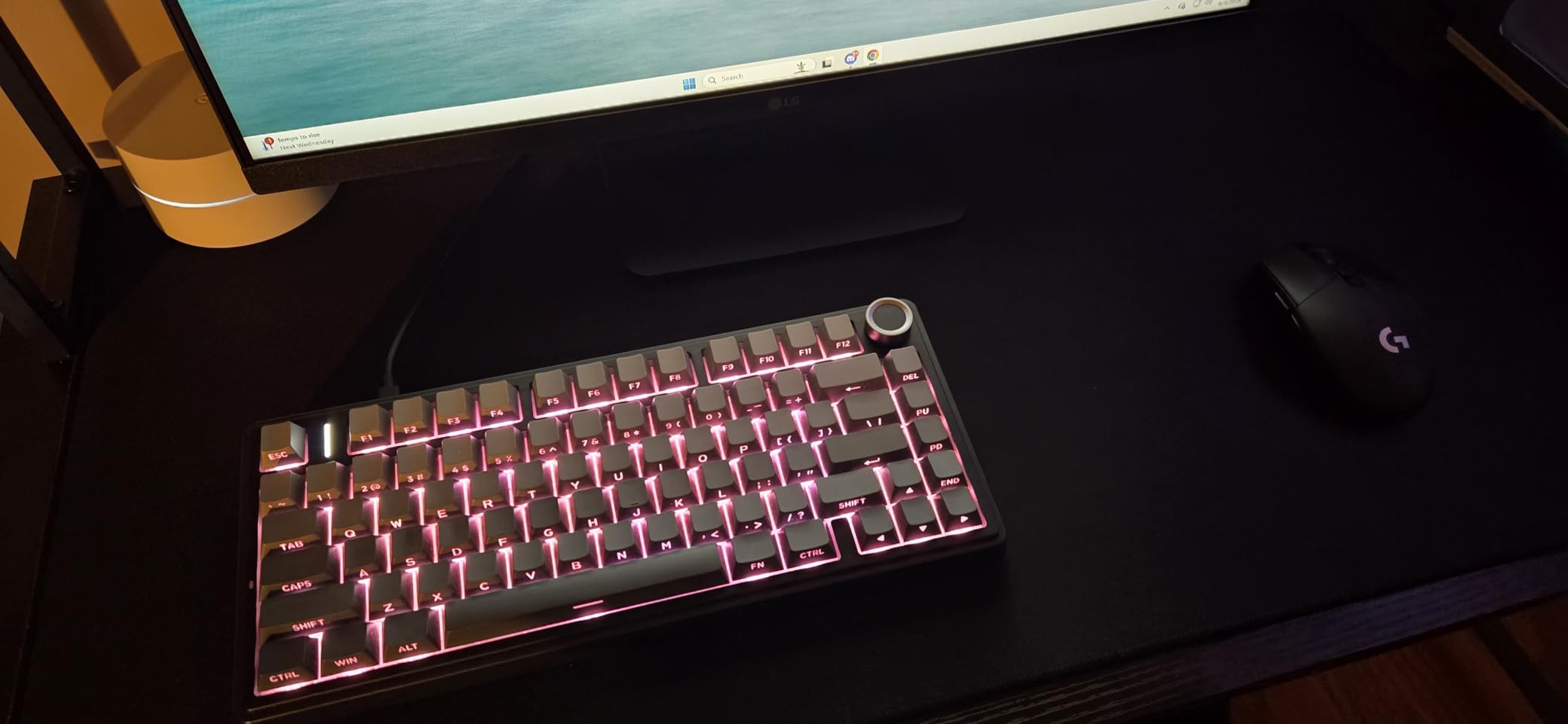
The 75% layout gives you 80 keys in a 12.7 inch footprint, which frees an enormous amount of desk for mouse movement compared to a full-size board. For a low-sensitivity player doing wide sweeps, that clearance is a real gameplay advantage, not a cosmetic preference. Hot-swap sockets accept both 3-pin and 5-pin switches across every key.
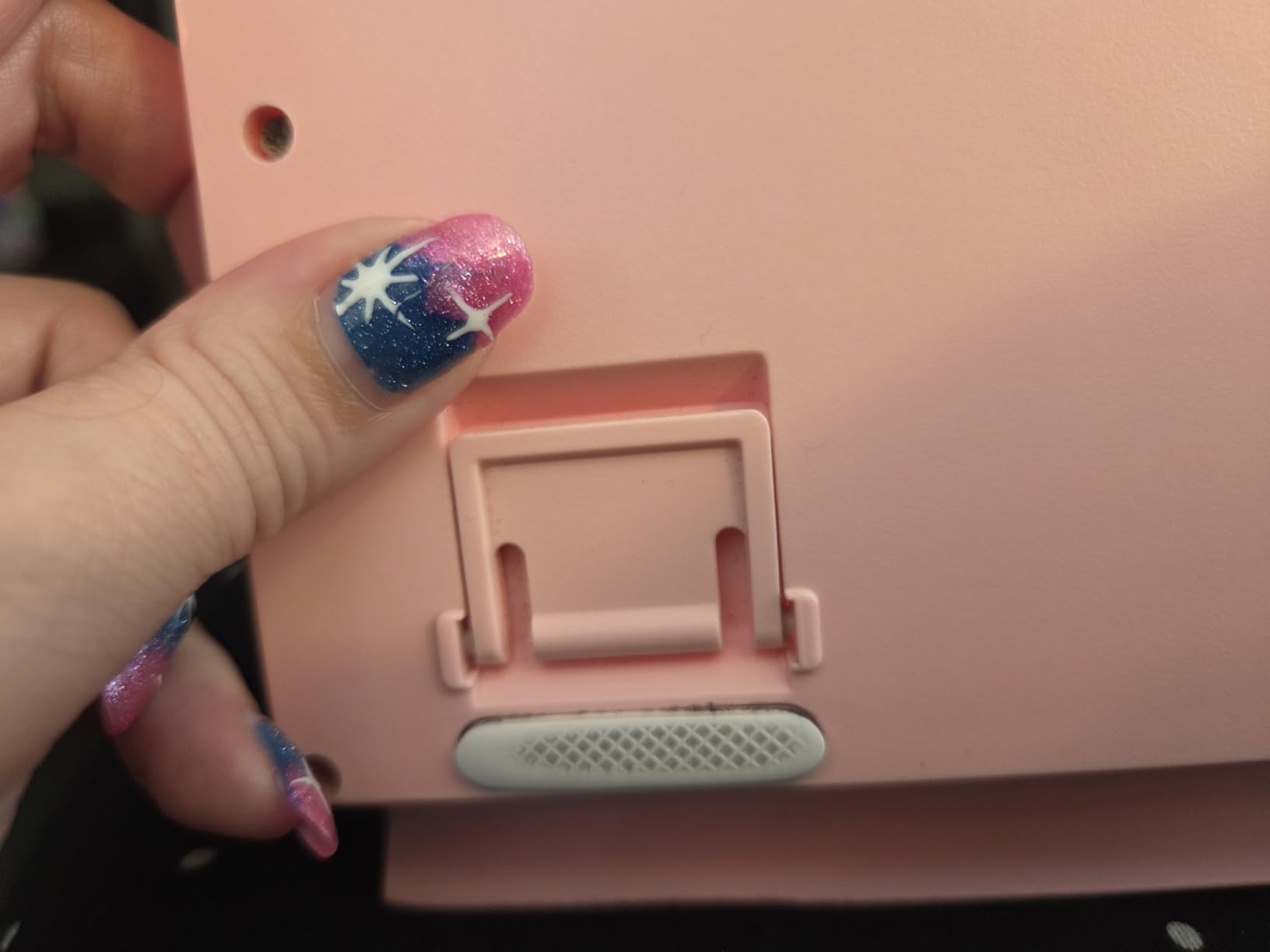
Connectivity covers USB-C wired, 2.4GHz wireless and Bluetooth, so you can move between a gaming PC and a laptop without replugging. The 16.8M color RGB has multiple lighting modes, a 1.2mm slotted PCB sits under the caps for a little give, and the knob has a satisfying click and solid detent even though it feels slightly flimsy in the hand.
Who This Works For
This is the pick for a student in a small dorm room who wants the best board they can justify and plays anything requiring mouse space. It suits a player who wants to switch switches later without buying a new keyboard, since every key is hot-swappable and both stem standards are supported.
It is also the sensible all-rounder for someone who types as well as they game, because Cherry-profile PBT keycaps are comfortable and the tactile-free linear switches are quiet. A 4.6 rating with 82 percent five-star share across more than 4000 reviews backs that up, and it ranks in the top ten of PC gaming keyboards.
The Catch and Who Should Skip It
Skip it if you are on a Mac. The companion software is not macOS compatible, and reviewers are blunt about it being weak even on Windows: a tiny window that will not go fullscreen and an unintuitive layout. The knob also has no default media play or pause assignment, which on Windows can mean reassigning it through a utility like PowerToys.
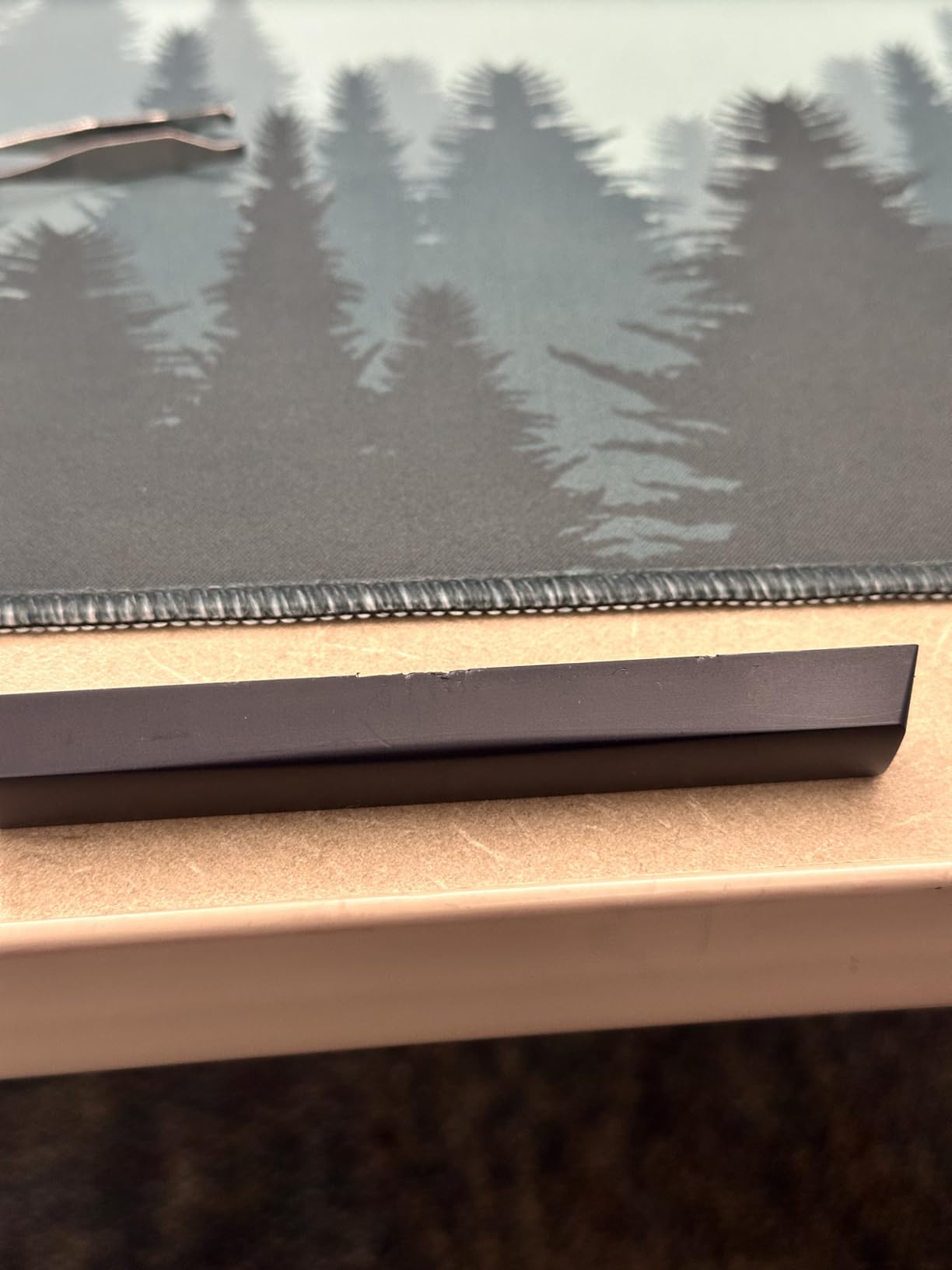
North-facing LEDs mean the backlight is dimmer through solid double-shot PBT caps than it would be on a south-facing board. There are no dedicated macro keys, out-of-box spacebar stabilizers can be wobbly until tape modded, and some owners report wireless reliability dropping once the battery falls below half.
2. Redragon S101-3 PRO Combo – Best for a First Gaming PC Build
Redragon S101-3 PRO Gaming Keyboard and Mouse, RGB Backlit Programmable Keyboard Mouse with Software, Independent Macro Record Keys, Value Combo Set, New Update Version
Full-size membrane
114 keys
USB wired
Includes gaming mouse
RGB with 5 macro keys
Pros
- Covers keyboard and mouse in one purchase
- Quiet soft-touch keys register reliably
- 5 macro record keys plus RGB modes
- Settings stored in hardware so they survive reboots
Cons
- Membrane keys can need a full press to actuate
- All-plastic build feels cheap next to mechanical
- Full-size numpad takes a lot of desk space
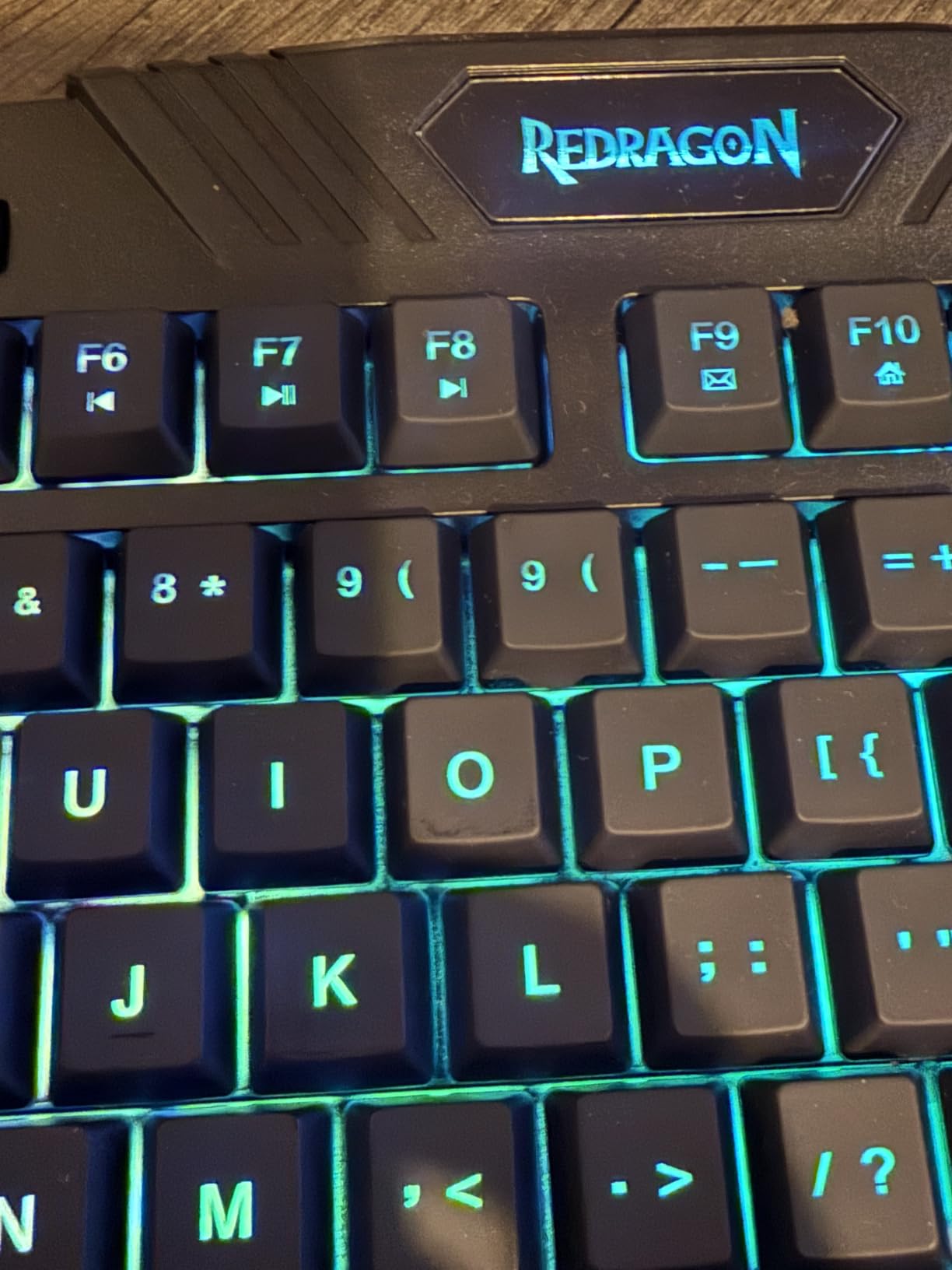
The S101-3 PRO is the pick I keep coming back to for someone assembling their first gaming PC in a dorm room where money is genuinely tight and desk space is measured in inches. You get a 114-key full-size RGB keyboard and a gaming mouse in a single purchase, which removes the most annoying line item from a first build.
What you are getting is a membrane board, not a mechanical one. I was honest about that in every recommendation I have seen, because people buy it expecting Outemu Red knock-offs. The keys are quiet and soft, they do not click, and they register reliably thanks to full anti-ghosting. They also ask for a firmer press than a mechanical switch would.
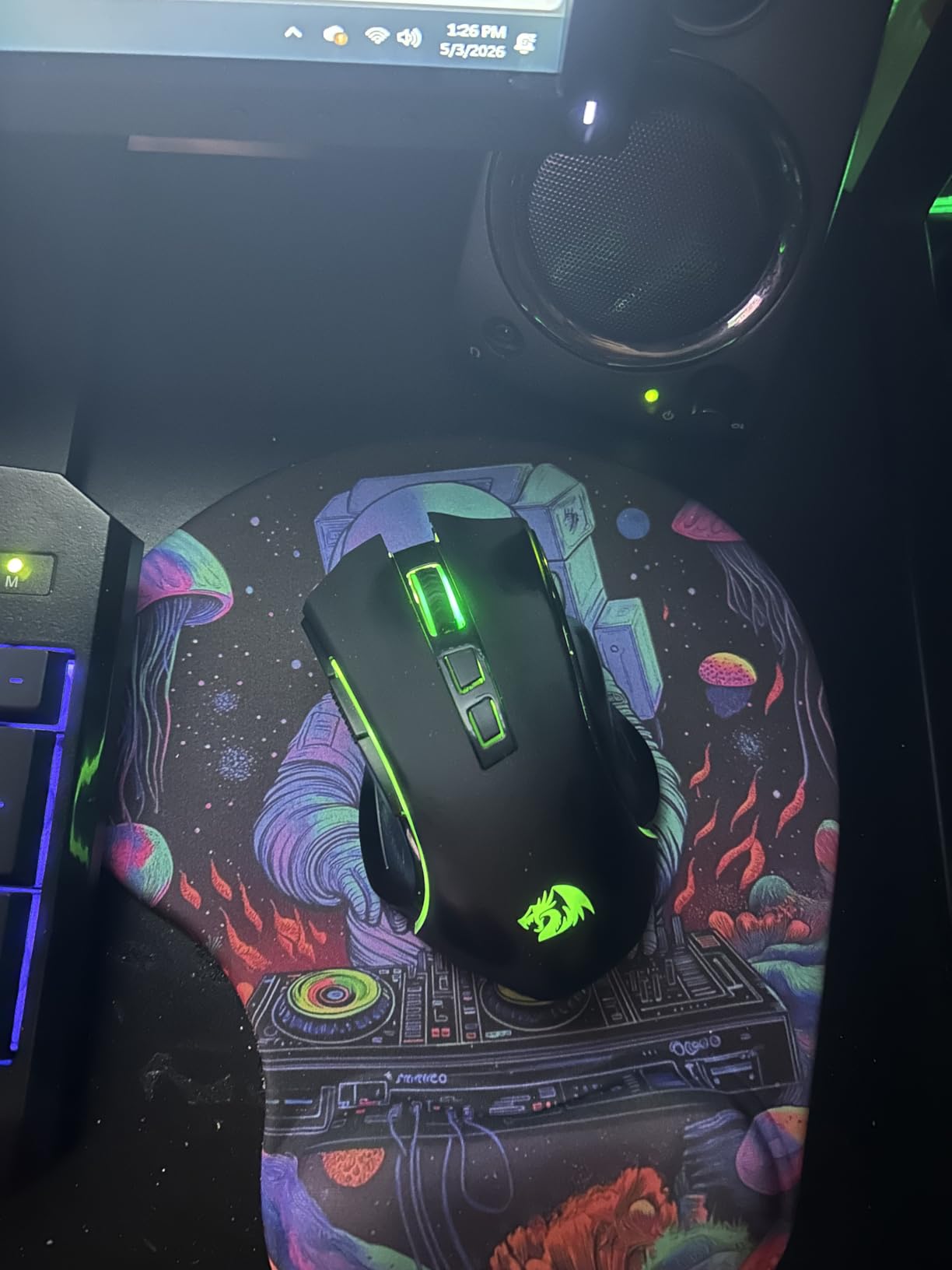
Over 51000 reviews sit behind this board, and long-term owners report the mouse still working after five years of daily use. That volume is itself a signal: when a product has that many owners, the failure modes are well documented and the fixes are well known. The keyboard stores lighting, brightness and DPI settings in hardware rather than in software, so a fresh PC or a reboot does not reset your setup.
The bundled mouse covers 800 to 7200 DPI with on-the-fly adjustment and differentiated side buttons. It is a serviceable everyday mouse, and the click is very light out of the box, so expect to tune it. Ten lighting effects on the mouse and six backlight modes on the keyboard are preset rather than per-key programmable.
Who This Works For
If you are building a first gaming PC and need a keyboard and a mouse today without splitting the budget across two purchases, this is the fastest path. It covers Windows, Linux and MacOS, and the 114-key layout includes a numpad, which matters if you play games with a number pad hotbar or type coursework on the same desk.
It is also a sensible fallback for a dorm room where the board might get knocked, spilled on, or stepped on. Nothing about it is delicate, and there is no battery to manage in a building with unreliable outlets.
The Catch and Who Should Skip It
Skip it if you are a competitive shooter player who cares about actuation speed. Membrane keys need a deliberate press, and some owners report having to fully depress keys like W during relaxed movement before they register. The all-plastic construction also feels noticeably cheaper under the fingers than any mechanical board here.
Two smaller annoyances: the caps lock indicator sticks for some owners, and the mouse RGB is difficult to switch off entirely. The full-size numpad footprint is generous with desk space, which is a real constraint in a typical dorm.
3. Redragon K552 TKL – Best Value Tenkeyless Mechanical
Redragon K552 Mechanical Keyboard, LED Gaming Keyboard with Red Switches
Linear red switches
87 key TKL
USB wired
Metal top plate
875 g
Pros
- Real mechanical switches in a TKL layout
- Full anti-ghosting and N-key rollover
- Metal plate gives weight with no flex
- Hot-swappable sockets and included puller
Cons
- Very loud with hollow ping out of the box
- No number pad for numeric entry
- Stiff non-braided fixed cable
Budget communities have recommended the K552 for years, and r/keyboards threads still treat it as the classic sub-40 TKL value pick. That reputation is deserved. This is a genuine mechanical board with linear red switches, a metal top plate, and an 87-key tenkeyless layout, at a price most people assume only covers plastic membrane slabs.
The TKL layout is the underrated part. You drop the numpad and gain roughly a hand width of desk, which on a small dorm desk is the difference between having room to move your mouse in a straight line and not. If you play anything with a mouse arm or need a wide sweep in Valorant or Apex Legends, the space matters.
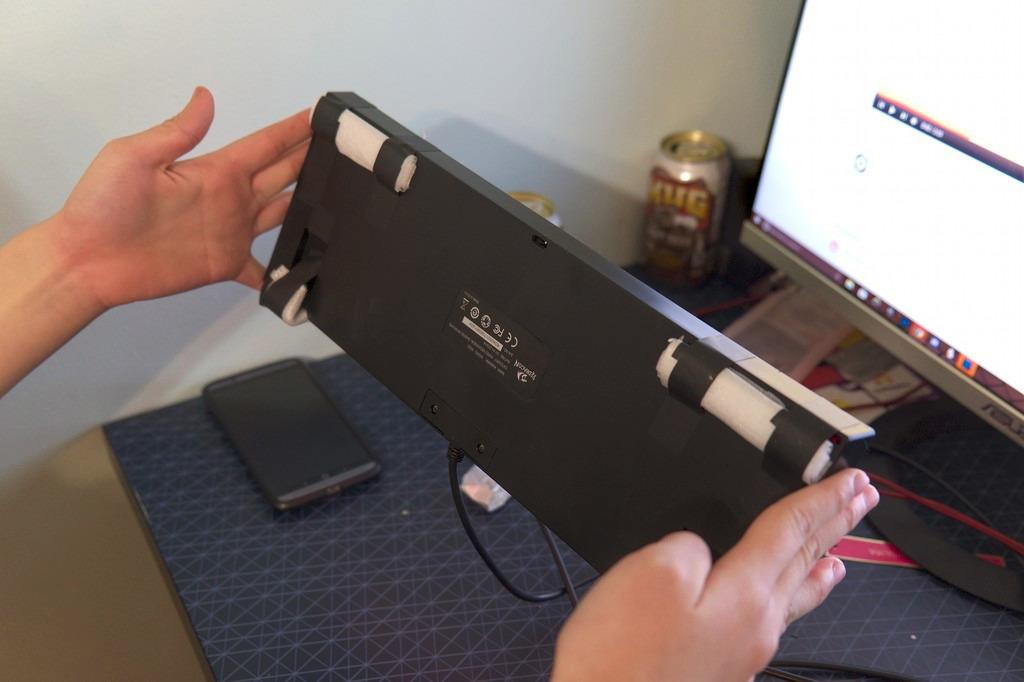
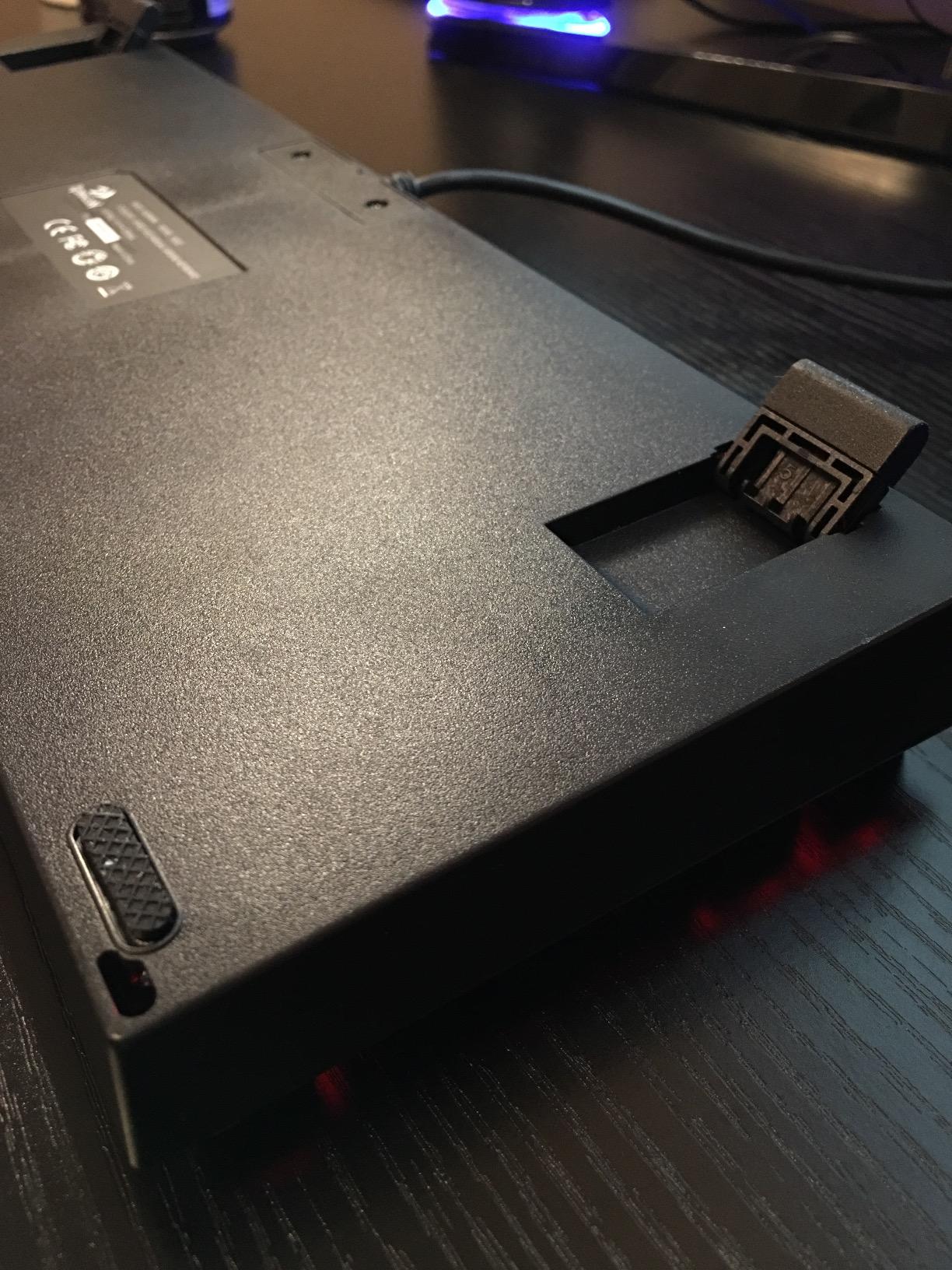
The metal top plate gives the board about 875 g of weight and no perceptible flex, which is a big step up from the hollow feel of plastic-frame boards at the same price. Anti-slip feet hold it planted during intense sessions. Full anti-ghosting and N-key rollover cover all 87 keys, so there is no ghost input when you are chording movement keys.
It is also moddable. Hot-swappable sockets accept 3-pin and 5-pin switches, plate mount, and a keycap puller is included. Several owners describe a foam and O-ring mod, after which they report the sound and feel change dramatically. Treat that as a project, not a promise from the box.
Who This Works For
Choose the K552 if this is your first mechanical keyboard and you want a tenkeyless layout with a real metal plate. It is wired, which for competitive play is still the correct choice, and it needs no drivers to light up. The six preset rainbow modes and adjustable brightness are set from the board itself.
It suits players who do not type heavily for coursework on the same keyboard, since there is no number pad for numeric entry and the linear switches are not ideal for long writing sessions.
The Catch and Who Should Skip It
Skip it if noise is a factor. This is the loud board in the list, with a sharp clack on every press and a noticeable hollow ring from the metal plate meeting the plastic base. In a shared room or a quiet-hours dorm, it will draw complaints.
The rainbow LED version has fixed color patterns with no per-key customization, and the non-braided fixed cable is stiff. A small number of units have shipped with a defective function key that breaks WASD arrow emulation, and there is no warranty listed.
4. KLIM Chroma Wireless – Best Spill-Resistant Wireless Membrane Pick
KLIM Chroma Wired Gaming Keyboard, US QWERTY Layout, Chromatic RGB Lighting
Membrane switches
105 keys
2.4GHz wireless
Rechargeable battery
5 year warranty
Pros
- Wireless with a magnetic dongle storage slot
- Rechargeable battery usable while plugged in
- Spill-resistant and light and quiet
- Backed by a 5 year manufacturer warranty
Cons
- Backlight colors are not customizable
- Backlight circuitry can fail after a few weeks
- Key legends wear off and some keys stick
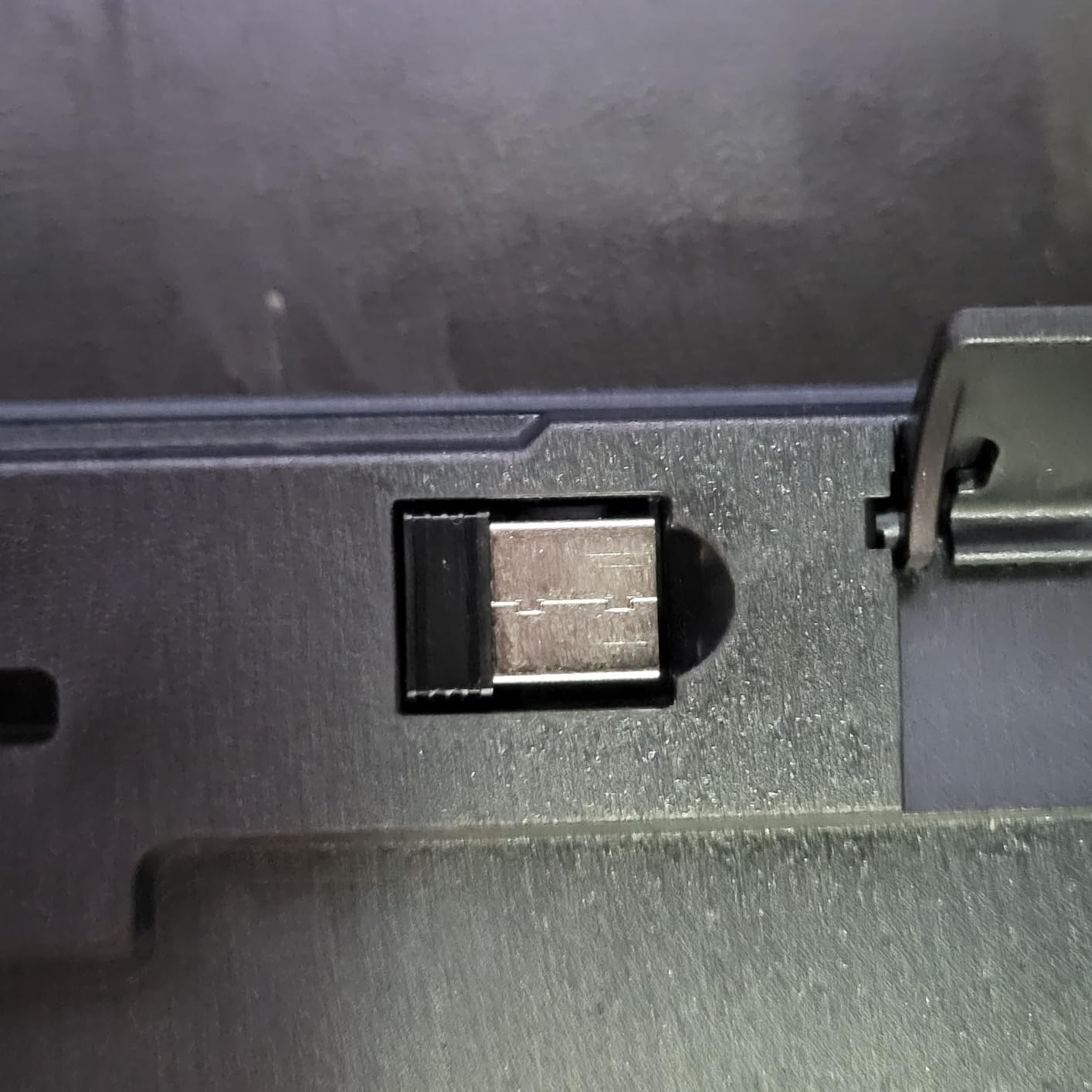
The KLIM Chroma is the pick when wireless matters more than switch feel, and when the keyboard lives in a room where a drink is a realistic daily hazard. Membrane keys, 2.4GHz wireless through a USB dongle that magnetically stores inside the keyboard body, and a rechargeable battery you can keep playing on while it charges.
It works on Windows, macOS and ChromeOS, and it is also listed for PS4, PS5 and tablets, so a single board can cover a gaming PC and a console setup in a shared dorm room. The claimed 2 ms response and short-travel keys make it faster to type on than most membrane boards.
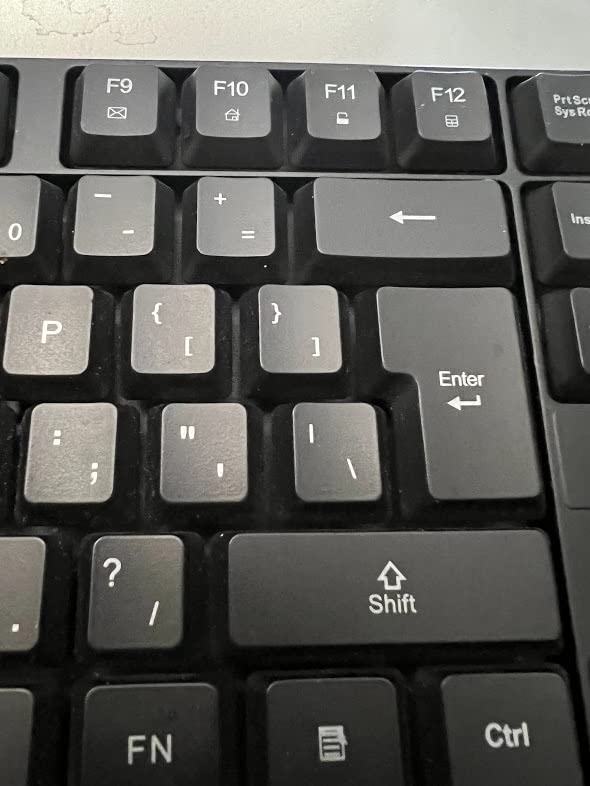
What separates this from other cheap membrane boards is the 5 year manufacturer warranty, which is genuinely unusual in this bracket. One owner documented a swollen-battery unit being replaced under warranty, and the email support is reported as responsive. For a student who will not want to replace a failed board out of pocket, that coverage has real value.
The rainbow backlight offers static and breathing modes with an auto-off timer. You cannot pick individual colors, and the fixed effects are the main reason this is not higher on the list.
Who This Works For
Pick the Chroma if you move between a gaming PC and a laptop without replugging anything, or if you want a second board for a console in the same room. It is light at about 0.6 kg, so it is easy to carry to a session at a friend’s place.
Spill resistance and a washable design also make it the sensible choice for a room where a roommate with a water bottle is a recurring presence. Sitting in the entry tier of this roundup, it is a low-cost way to go wireless here.
The Catch and Who Should Skip It
Skip it for competitive shooters. Membrane keys plus wireless means the least precise feel of any board on this list, and while the connection is a 2.4GHz dongle rather than Bluetooth, the keys themselves are still the limiting factor.
Durability reports are mixed. Key legends wear off quickly, some keys develop sticking or lag, and multiple owners report backlight circuitry failing or flickering after a few weeks. Wireless range can also be unreliable near TVs and on multi-monitor setups. This board carries the highest share of one-star reviews of anything in the roundup, so buy it expecting to use the warranty if needed.
5. Redragon K556 – Best Full-Size Aluminum Mechanical Board
Redragon K556 Wired RGB Mechanical Gaming Keyboard, 104-Key Aluminum Board
Brushed aluminum case
104 keys
Tactile brown switches
Hot-swappable
1 year warranty
Pros
- Aluminum construction removes the flex of plastic frames
- Hot-swappable sockets take 3-pin and 5-pin switches
- Stock tactile browns are comfortable for long typing
- Noise-absorb foam inside the case
Cons
- Full-size footprint with numpad uses a lot of desk
- RGB limited to 20 onboard presets
- Software install needed for deeper lighting control
The K556 is the board I recommend when someone wants a mechanical feel and still types essays. The stock brown tactile switches give a soft bump that is bearable for long writing sessions, which is exactly where pure linear switches fall apart, and the aluminum alloy case gives it a weight and rigidity that budget boards rarely have.
It carries a 4.6 rating across more than 8000 reviews, with 79 percent of those at five stars, which makes it one of the most consistent products in this roundup. It ranks in the top 40 of PC gaming keyboards, and the aluminum build plus hot-swap sockets are the two features owners single out most often.
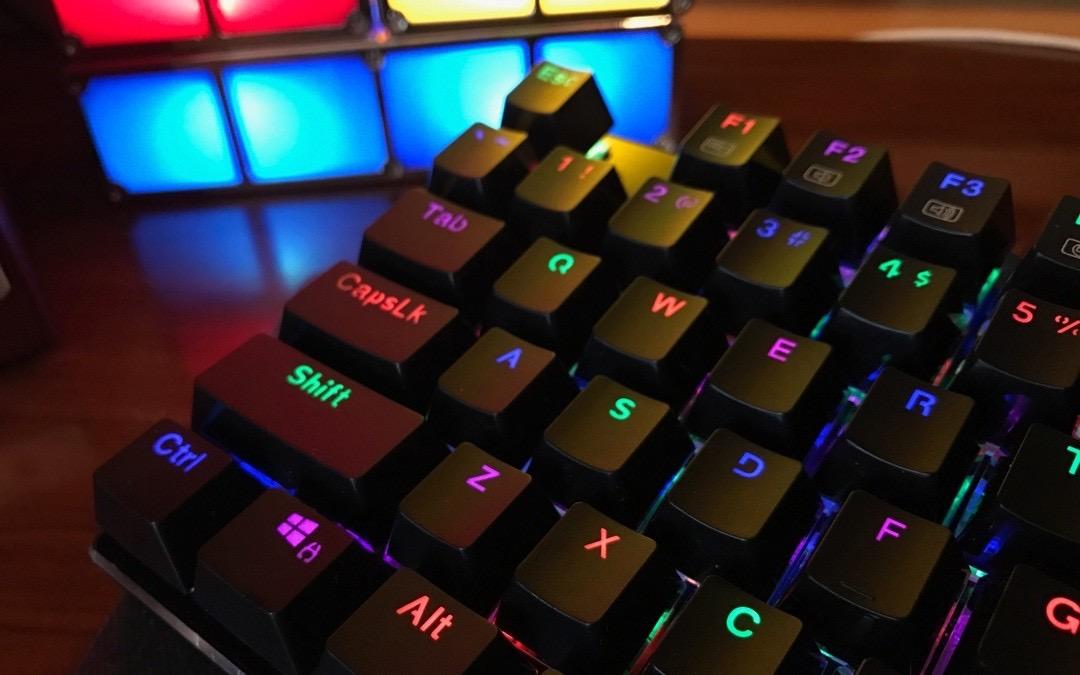
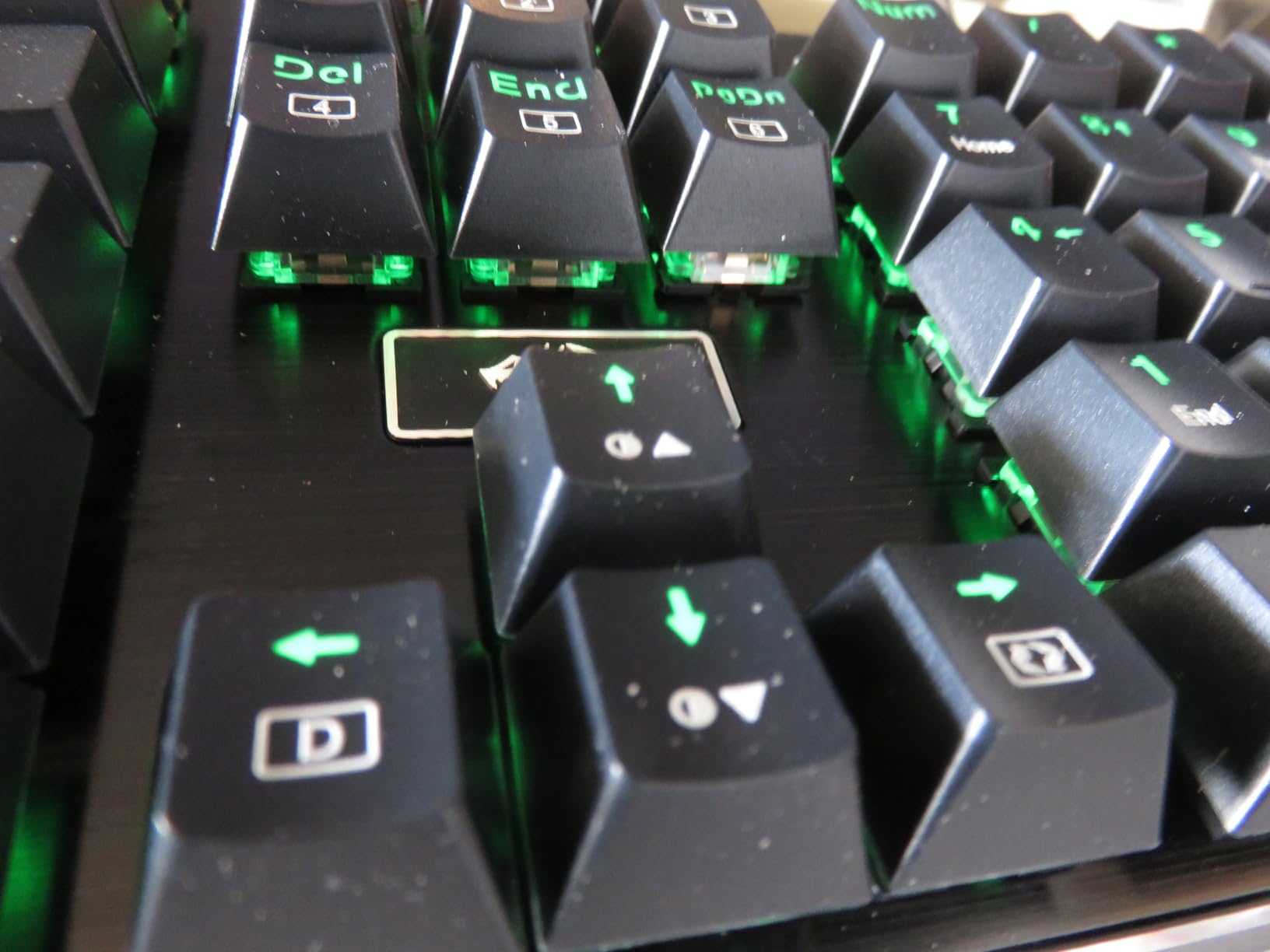
Hot-swappable sockets are fitted across the board and accept nearly all 3-pin and 5-pin switches without soldering, with spare switches and a puller in the box. That is the single most valuable feature at this budget, because it turns a fixed board into one you can change your mind on, which matters if you are not sure yet whether you prefer tactile or linear.
Twenty RGB presets with adjustable brightness and flow speed are available from the board, and noise-absorb foam is fitted inside the case to take the edge off the sound. Full 104-key anti-ghosting works on Windows and Mac with no drivers.
Who This Works For
This is the dual-use pick for a student who games at night and writes the next morning on the same keyboard. Tactile browns are the compromise that makes both halves of that day work, and the numpad is there when a spreadsheet or a game hotbar needs it.
It also suits anyone who wants a board they can modify later without a soldering iron. Buy it now, learn on the stock switches, then hot-swap into something else once you know your preference.
The Catch and Who Should Skip It
Skip it for a small dorm desk. A 104-key layout at 17 inches wide is a lot of real estate, and if your mouse space is already tight this makes it worse rather than better. Look at the 75% boards at the top of this list instead.
RGB beyond the 20 onboard presets needs the companion software, which is another program to install and run. The baked-in foam is a genuine benefit for sound but adds weight at roughly one kilogram, so the board is not easy to move between desks.
6. SteelSeries Apex 3 – Best for Shared Rooms and Quiet Late-Night Play
SteelSeries Apex 3 RGB Gaming Keyboard – 10-Zone RGB Illumination – IP32 Water Resistant – Premium Magnetic Wrist Rest (Whisper Quiet Gaming Switch)
Whisper Quiet switches
104 keys
10 zone RGB
Magnetic wrist rest
Wired
Pros
- Quietest switch type in the roundup
- Premium magnetic wrist rest sets a good palm angle
- Media wheel for volume and play pause
- IP32 water resistance and works with consoles
Cons
- SteelSeries GG is a large install and needs an account
- RGB locked to 10 vertical zones
- Very tall profile with no wireless option
The Apex 3 is the quietest board we tested, and in a student accommodation setting that can be the deciding feature rather than a nice-to-have. The Whisper Quiet switches are rated at 20 million keypresses and produce a soft tactile bump instead of the sharp clack of a blue or a linear with no dampening. Nobody has ever asked you to turn your keyboard down.
It is also the only board here from an established peripheral brand with a support ecosystem behind it, and the only one listed as compatible with Xbox Series X and S, PS4 and PS5 alongside Windows and Mac. In a room where someone plays on a console and someone else plays on PC, that removes a purchase objection.
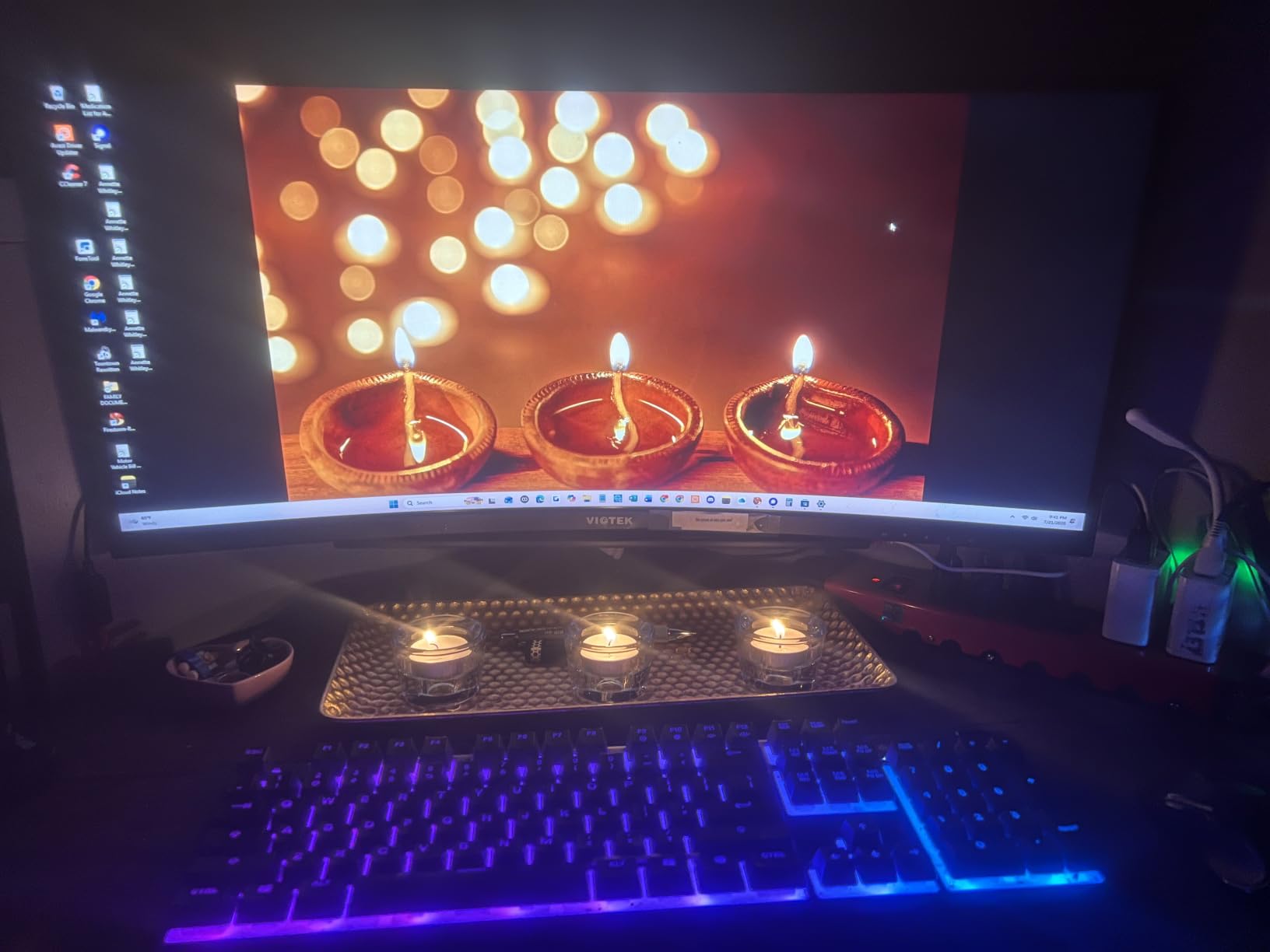
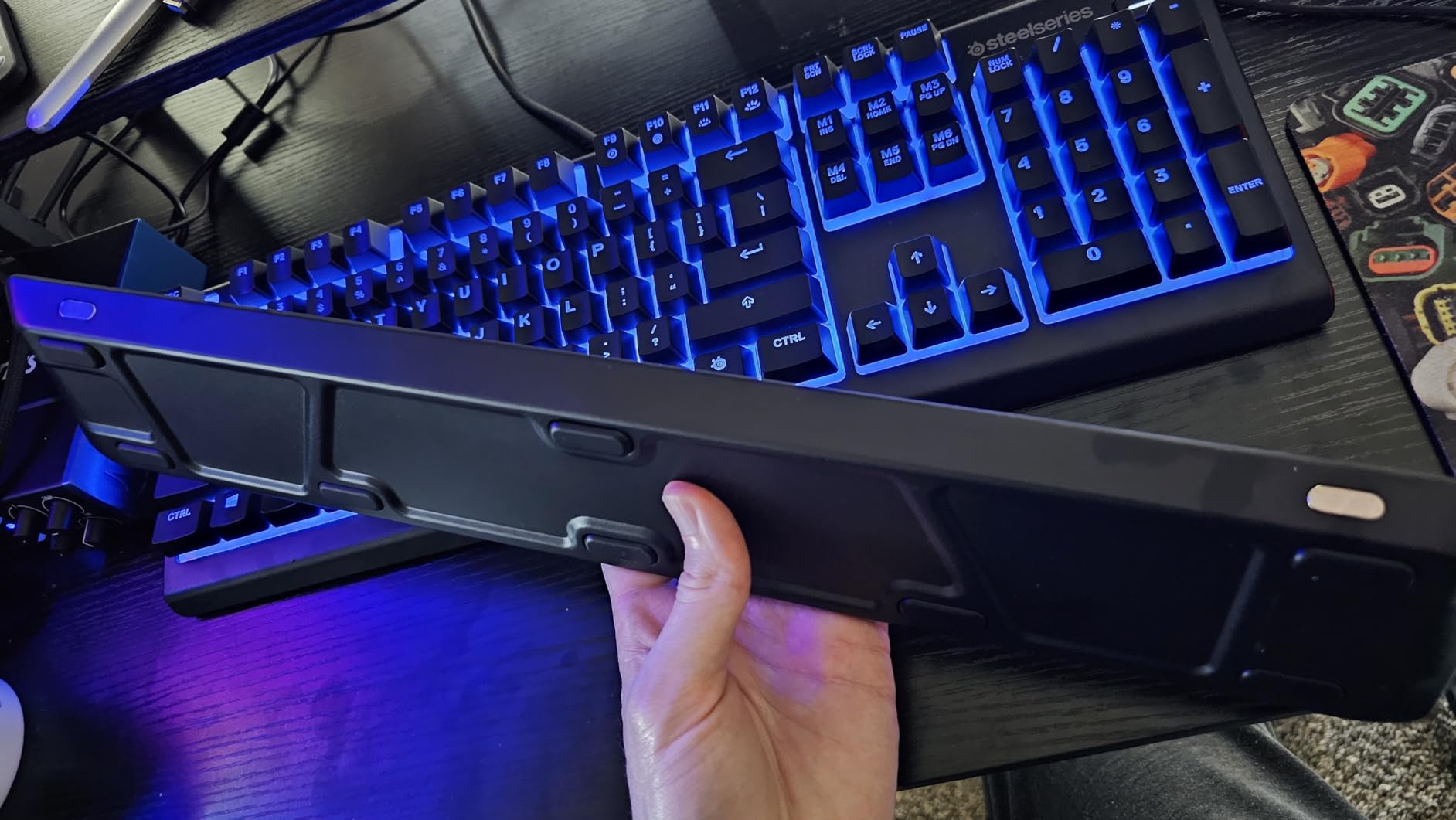
The magnetic premium wrist rest is genuinely good, holding the palm at a comfortable angle so the board feels like a complete setup rather than a bare slab. A dedicated media wheel handles volume and play or pause, with additional multimedia keys nearby. RGB runs across 10 vertical zones with reactive effects and ten brightness levels, dimmable to very low for a dark room with a roommate asleep.
At roughly 1.27 kg it stays planted without sliding, and IP32 water resistance protects against the everyday spill. One owner reports a year of nightly gaming with no issues at all.
Who This Works For
Choose the Apex 3 if noise is the first constraint, which in shared accommodation is often the case. It suits a player who does not care about switch feel beyond comfortable, and who wants a wrist rest included rather than added later as a separate accessory.
It is a good second board for a console, and the 104-key layout with numpad covers coursework. The 4.6 rating and 81 percent five-star share reflect a product with very few complaints beyond the software.
The Catch and Who Should Skip It
Skip it if you want per-key lighting. RGB is locked to 10 vertical zones, so individual key colors are not possible, and the brightness levels compensate for that rather than solving it.
The bigger catch is SteelSeries GG. Changing a lighting color requires installing a large piece of software and creating a SteelSeries account, which is a lot of friction for a static color. The profile is also very tall, so it will not fit under a slide-out keyboard tray. And it is wired only, so if your setup needs wireless, this is not the board.
7. TECKNET Wired RGB – Best for Spills, Dust and Long-Term Durability
TECKNET Wired Gaming Keyboard, RGB Backlit Keyboard with Metal Panel Design
Membrane volcano switches
104 keys
Metal base
IP32 spill resistant
Windows only
Pros
- Metal base and ABS keycaps add real rigidity
- 15 zone backlight with 7 modes
- IP32 spill resistance with drainage holes and removable key cover
- Backlight sleeps after 30 minutes
Cons
- Windows only multimedia keys
- Membrane switches are less responsive for competitive play
- Anti-ghosting covers 25 keys not the full board
The TECKNET is the board for a room where the keyboard takes a beating. It has an IP32 spill rating with four drainage holes, a removable key cover for cleaning under the caps, and a whisper-quiet volcano switch design rated for 50 million keystrokes. It is also one of the cheapest boards here and still ranks in the top five of PC gaming keyboards, which is not a combination you expect.
What separates it from other membrane boards at this price is the metal base. Combined with ABS keycaps, it gives the board far more rigidity than a typical all-plastic membrane slab, and the 7-degree typing angle with an integrated wrist rest makes it more comfortable than the sub-30 bracket usually allows.
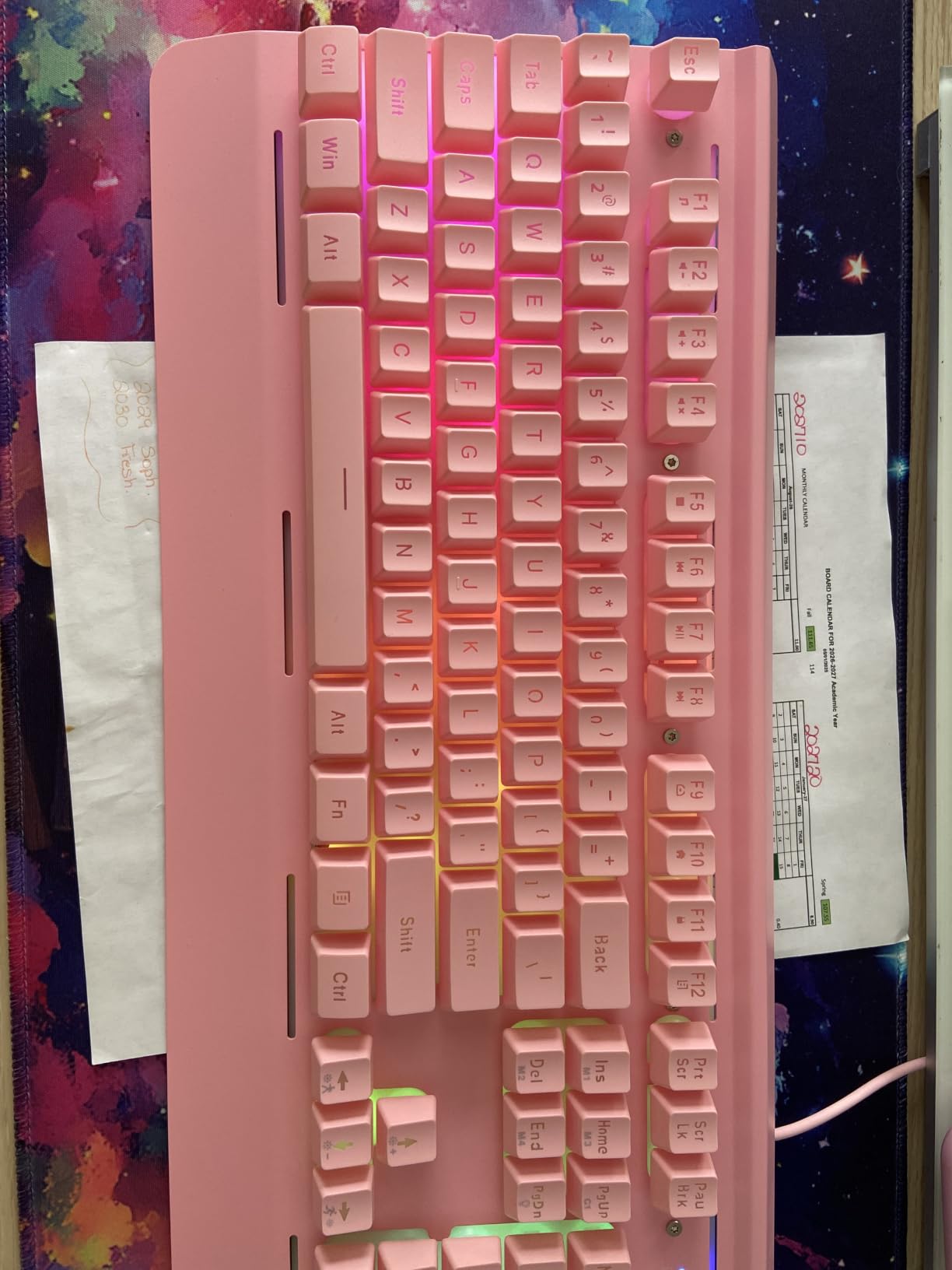
The 15-zone rainbow backlight offers 7 illumination modes and 4 brightness levels, and it switches off after 30 minutes of inactivity to save power. Twelve dedicated multimedia keys cover the usual shortcuts, and 25 keys support anti-ghosting.
It sits at a 4.4 rating across more than 5000 reviews with 72 percent at five stars. The complaints here are structural rather than quality issues, which is why this board holds its position despite being one of the least expensive in the roundup.
Who This Works For
Pick this if the room is shared, the keyboard will be eaten, and you want the lowest cost of ownership. The removable key cover and drainage holes matter in a dorm where snacks and drinks at the desk are normal, and the metal base survives being moved between rooms.
It suits a player who games on PC only and does not need a numpad, though it does have one, along with Windows. The quiet volcano switches also make it a reasonable late-night option for a thin-walled room.
The Catch and Who Should Skip It
Skip it on macOS. The multimedia keys do not work on Mac, and the board is listed for Windows only. If you own a Mac, every function key becomes a hunt through keyboard shortcuts.
Membrane switches are less responsive than mechanical alternatives for competitive play, and anti-ghosting covers 25 keys rather than the full 104, so the multi-key input protection is partial. Lighting is 15-zone only, with no per-key assignment.
8. Logitech G213 Prodigy – Best Big-Brand Software Support
Logitech G213 Prodigy Wired RGB Gaming Keyboard – Black
Mech-Dome tactile keys
104 keys
5 lighting zones
2 year warranty
Spill resistant
Pros
- Light responsive dome feel good for long sessions
- Dedicated media and volume controls
- Game mode disables the Windows key in one press
- Spill resistant and easy to clean
Cons
- Proprietary keycap stems block aftermarket sets
- Some units arrive with dead or double-firing keys
- G HUB is a very large install
The G213 is the pick when the software matters as much as the board. Logitech G HUB is the most competent lighting and macro package in this bracket, and it syncs 5 custom lighting zones with other Logitech G devices through LIGHTSYNC. If you already own a Logitech mouse, the RGB matches out of the box.
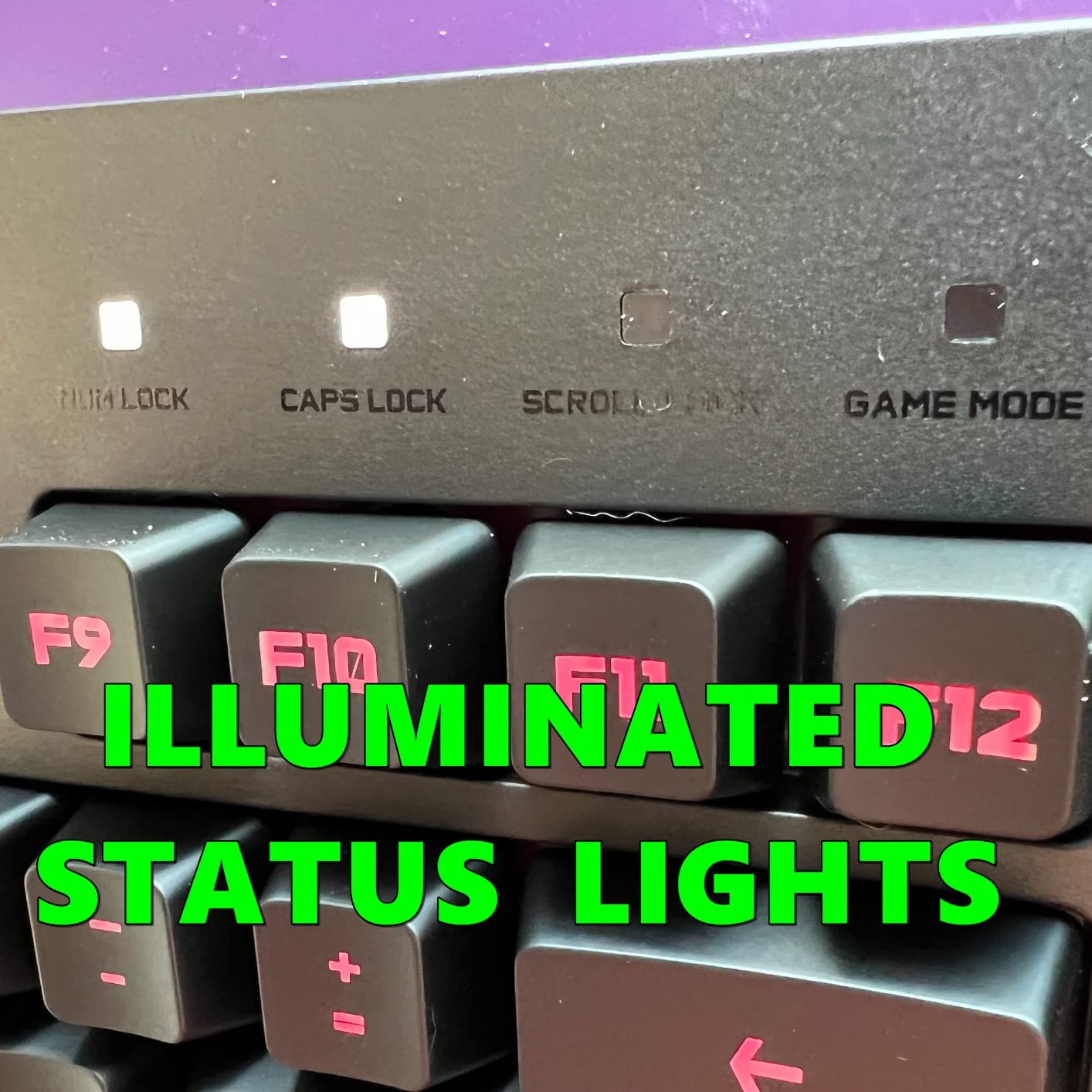
The keys are Mech-Dome tactile domes rather than mechanical switches. They feel light and responsive, and long-session comfort is the main argument for them, but they are not a mechanical keyboard and you should not buy this expecting that. Game mode is a single press that disables the Windows key, which is a small feature that saves a run more than once.
Wired means no battery management and no wireless latency, and the integrated palm rest with adjustable feet means it is a complete setup the day it arrives. Spill-resistant construction is genuinely useful; owners report pouring soda on it and cleaning it back up with no lasting damage. Logitech backs it with a 2 year limited hardware warranty.
Media controls for play, pause, mute, volume and track skipping sit above the number pad, and anti-ghosting covers the full gaming matrix.
Who This Works For
Choose the G213 if you want a board that works the moment you plug it in, with lighting that plays nicely with the rest of your setup and a warranty that covers accidents. It is a comfortable board for someone who plays longer sessions and does not care about switch feel as long as the keys respond.
It suits a full-size setup with a numpad and Windows, and it is a reasonable desk board for coursework alongside gaming given the integrated palm rest.
The Catch and Who Should Skip It
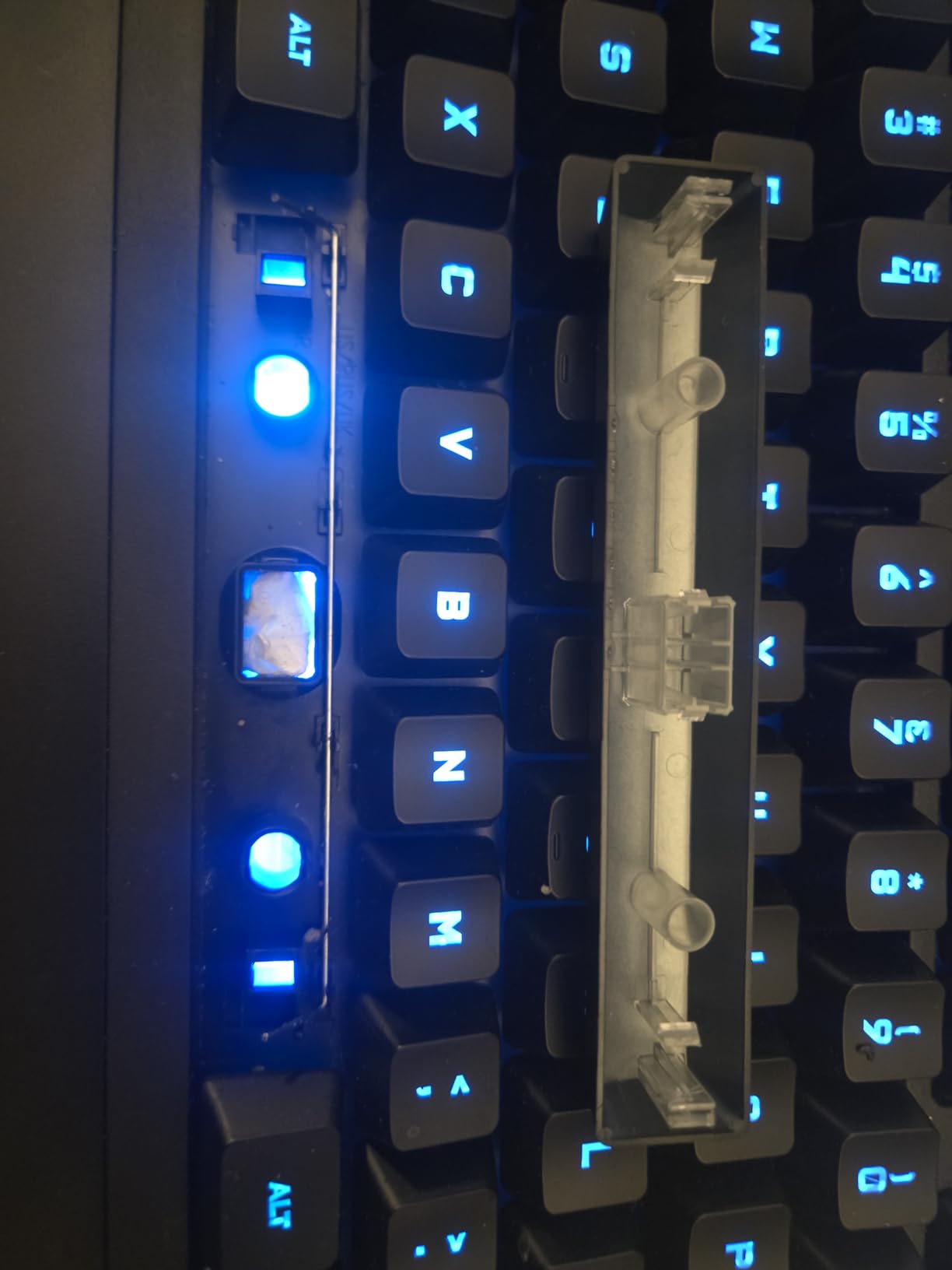
This board carries the lowest rating in the roundup, and the reason is quality control rather than design. Several reviewers received three defective boards in a row with dead or double-registering keys. Multiple reports also describe the backlight failing to illuminate during BIOS boot and staying dark until the board is unplugged.
Keycaps use a proprietary stem, so no aftermarket keycap set will fit, which locks you into this feel permanently. G HUB is a very large install for the lighting options it offers, and lighting sometimes desyncs on startup. The RGB is also dimmer and less uniform than competitor boards, particularly viewed at an angle.
9. RisoPhy Clicky Mechanical – Best for Typists Who Love the Click
RisoPhy Mechanical Gaming Keyboard, RGB 104 Keys Ultra-Slim LED Backlit USB Wired Keyboard with Blue Switch, Durable Abs Keycaps/Anti-Ghosting/Spill-Resistant Computer Keyboard for PC Mac Xbox Gamer
Clicky blue mechanical switches
104 keys
USB wired
Spill resistant
50 million keystrokes
Pros
- Genuine mechanical clicky switches at a very low price
- Full 104 keys with numpad plus 12 multimedia shortcuts
- 100 percent anti-ghosting across every key
- Double-injection ABS keycaps for even backlight spread
Cons
- Very loud in shared or office spaces
- Switches are not hot-swappable
- Stiffer than hair-trigger boards
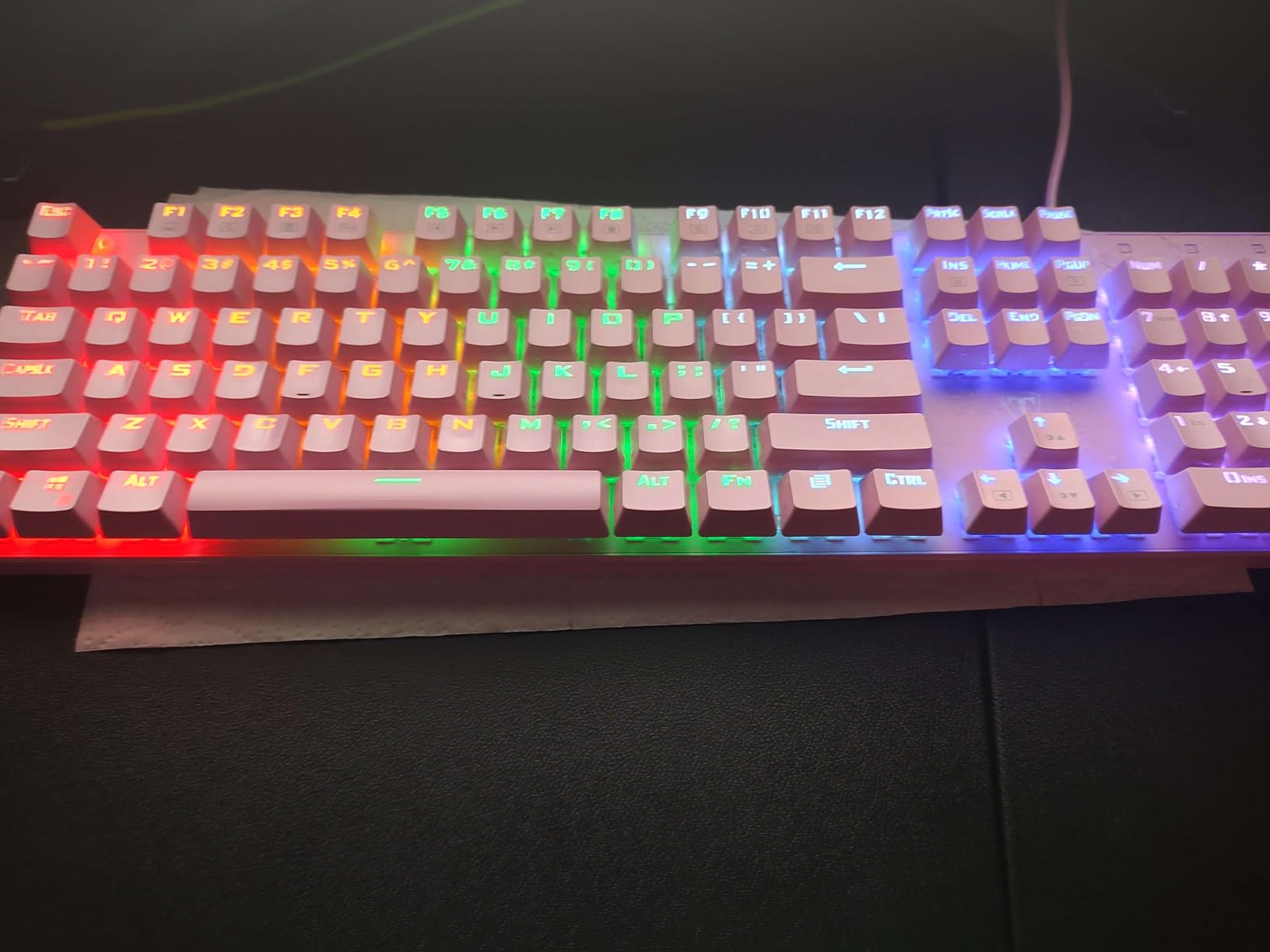
The RisoPhy is here because clicky boards are genuinely wanted and almost every roundup skips them. These are real mechanical blue switches with deep travel and a strong, sharp click, not a membrane with a click effect. Forum readers regularly ask for this exact click clack feel, and this is the cheapest place to get it while still getting a full 104-key layout with a numpad.
At under 30 dollars with full-size mechanical construction, the value case is easy to make. Double-injection ABS keycaps transmit the backlight evenly rather than in blotches, and a keycap puller is included so you can clean under the caps. Spill resistance comes from four hydrophobic drainage holes, and one owner cleaned soda off it with no lasting damage.
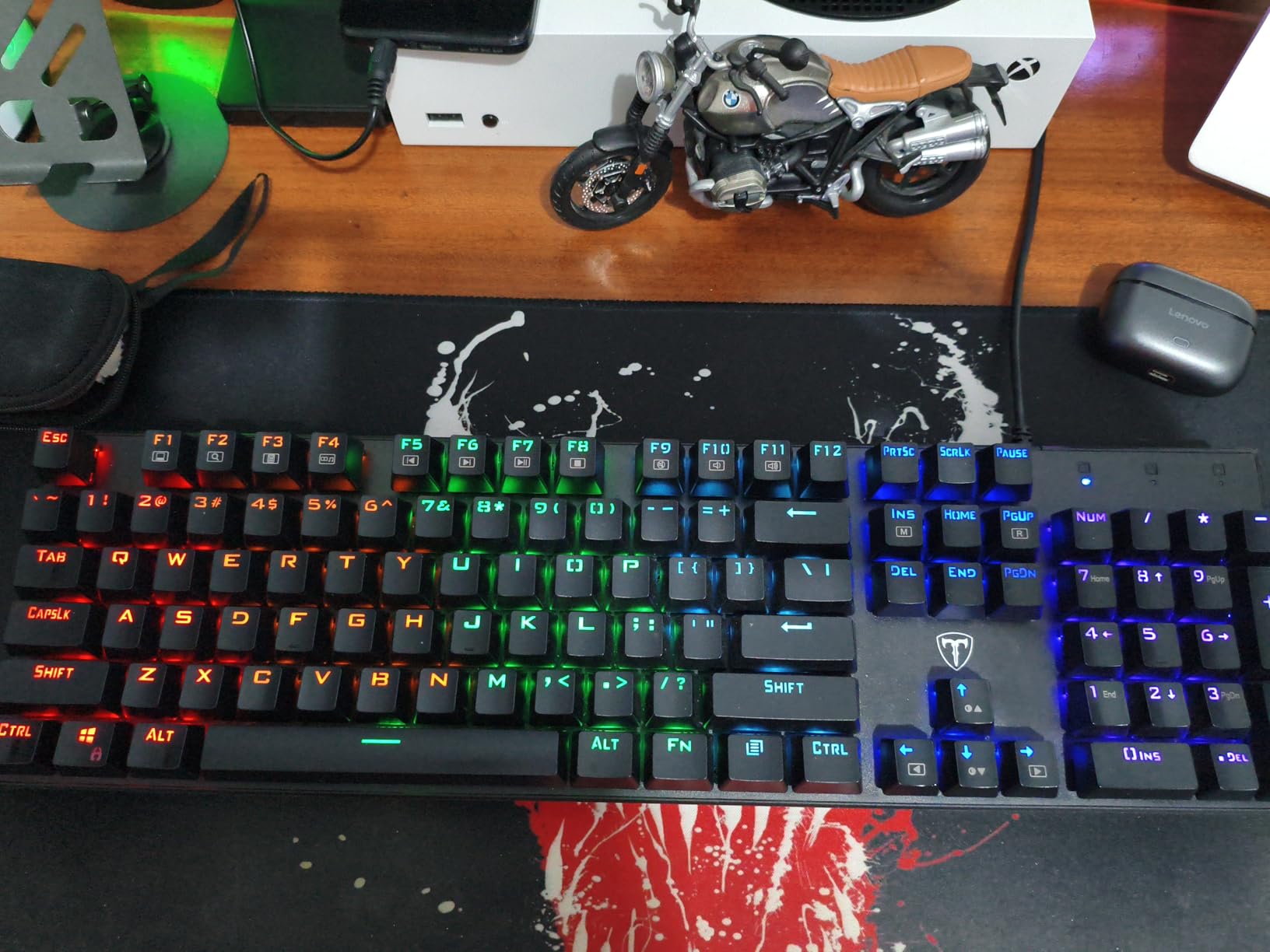
Full 100 percent anti-ghosting across all 104 keys is the spec that matters for gaming here, because chorded movement plus ability keys register without interference. The nine RGB backlight modes have five levels of speed and brightness and can highlight the WASD cluster and arrow keys specifically. The stair-step keycap design and two foldable rear kickstands set an angled typing position.
It is rated for up to 50 million keystrokes and it works on PC, Mac and Xbox, which is broader platform support than most boards at this price claim.
Who This Works For
Buy the RisoPhy if you are the person in the house who talks about the feel of a keyboard. The clicky blue switches are the whole point, and if you type more than you game, the typewriter-like feedback is a genuine pleasure rather than a distraction.
It is a good match for someone who wants a full-size mechanical board with a numpad and has no intention of ever changing the switches, and the cross-platform support covers a PC, Mac or Xbox setup.
The Catch and Who Should Skip It
Do not buy it for a shared room. Owners who like the click warn others explicitly against it for shared offices, and that applies with more force in a dorm. This is the second loudest board in the roundup.
Switches are not hot-swappable, so this is a sealed board with no upgrade path. RGB modes are preset only, with no solid color of your choice. The rear kickstands are shallow so the angle adjustment is limited, and the switches are stiffer than hair-trigger gaming boards, which may not suit fast competitive play. The key font is slightly unusual, with a 6 that is easily mistaken for a G.
10. Kisnt KN85 – Best Battery Life and Best 75% Wireless Alternative
Kisnt KN85 Wireless Mechanical Keyboard, 75% Layout, Bluetooth/2.4GHz/USB-C, Custom RGB Backlit, Hot-Swappable Linear Switch, Creamy Sound for Gaming/Typing (Retro Beige)
75% gasket mount
85 keys
Tri-mode wireless
Hot-swappable linear switches
2 year warranty
Pros
- Gasket mount with multi-layer foam for a creamy low-hollow sound
- Pre-lubed Bsun linears with silent stabilizers
- 4000mAh battery lasts about a week of heavy use
- Keeps all navigation keys including Home and End
Cons
- Loud enough to be a problem in an office
- No volume knob or scroll wheel
- Weak Windows-only companion software
- WASD legends can go shiny after a few months
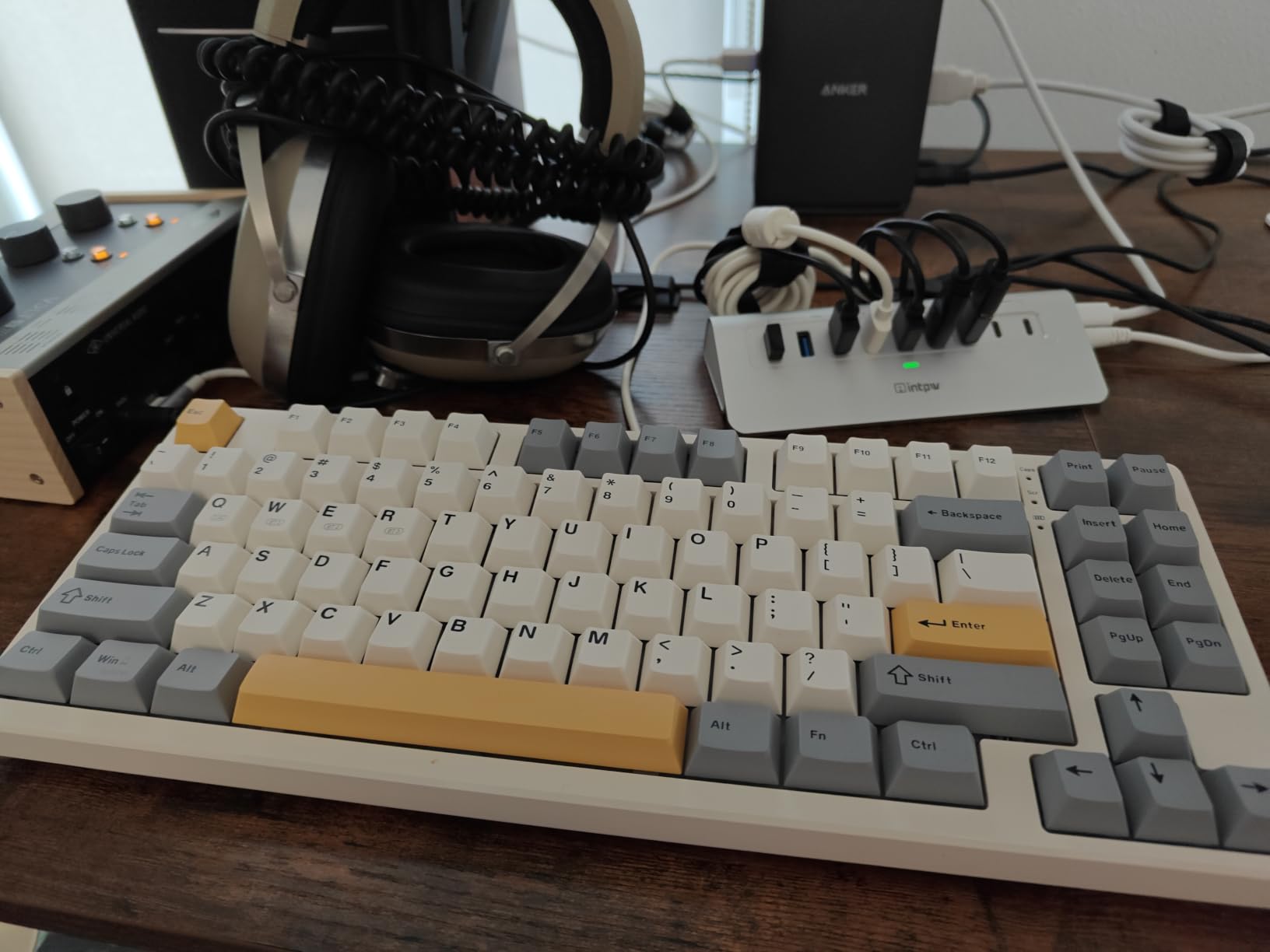
The KN85 is the pick if the F75 appeals but you want a different size, a lighter footprint, or the strongest battery claim in the roundup. Multiple owners report roughly a week of heavy daily use on one charge of the 4000mAh battery, which for a student who games in bursts across an evening is genuinely a set-it-and-forget-it board.
It is the newest product here and has the smallest review base at 1276 ratings, but that 4.6 average comes with 81 percent five-star share. Reviewers benchmark it directly against the Aula F75 and call out the gasket mount, pre-lubed Bsun linear switches at 45 to 50gf, and hot-swap sockets as features usually reserved for higher tiers.
Connectivity is tri-mode with published latency figures: 2ms over USB-C, 5ms on 2.4GHz wireless, and 11ms on Bluetooth 5.0 with three channels. The company publishing those numbers is a good sign, and the wired figure keeps it competitive in a shooter. It is also typable while charging, which removes a whole category of anxiety.
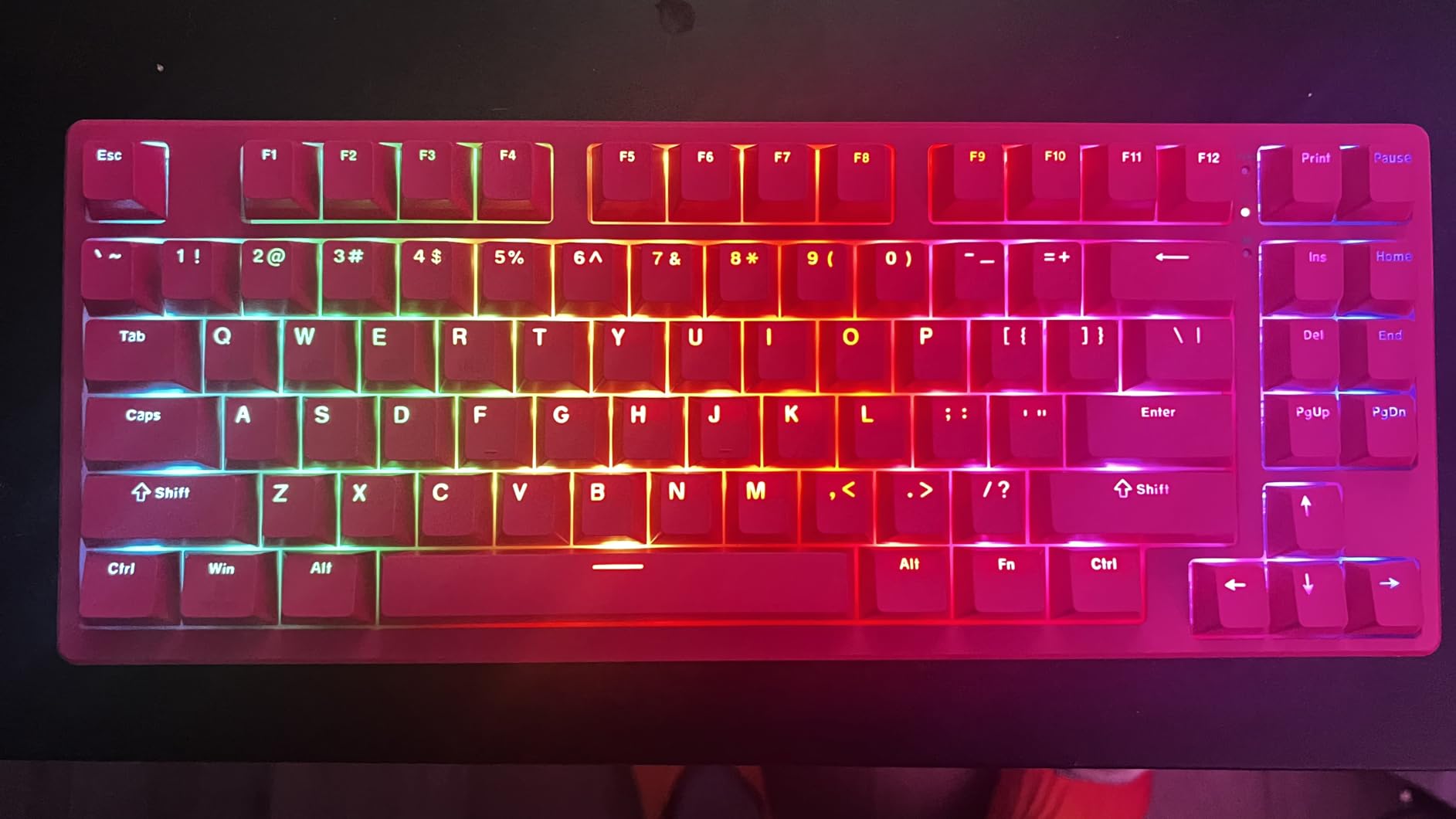
The 75% layout keeps all navigation keys including Home, End, PgUp, PgDn and Print Screen, in an 85-key package measuring 13.68 by 5.51 inches. Gasket mount with multi-layer foam and silicone dampening, pre-lubed switches with silent stabilizers, PBT double-shot keycaps and two-stage flippy feet round out a well-judged package.
Who This Works For
Choose the KN85 if you want a wireless mechanical board you genuinely do not need to charge mid-week, or if you move between three devices and want three Bluetooth channels. It suits a small dorm desk with a tighter footprint than the F75 while keeping the keys most people actually need.
It is also a good two-in-one for gaming and coursework, since the PBT caps and two-stage feet are set up for longer typing as well as play, and it carries a 2 year manufacturer warranty.
The Catch and Who Should Skip It
Skip it if you need a volume knob. There is no knob or scroll wheel on this board, which is the feature several buyers specifically wanted, and the shortcut keys are less convenient for media control as a result.
It is also loud, loud enough that one owner swapped it out because coworkers disliked the noise. The companion software is weak and Windows-only, though the board also works with Signal RGB for lighting. South-facing LEDs mean shine-through backlit keycap sets will not work on it, the spacebar can sound hollow without an O-ring or foam mod, and some units shipped without spare keycaps.
How to Choose a Gaming Keyboard Under 100 Dollars?
You can spend an hour on spec sheets and still choose wrong. These are the six decisions that actually change how a board plays, ordered by how much they matter. Ignore any spec on this list that is not covered here, because under this ceiling it is decoration rather than a difference you will feel.
Hot-swappable sockets come first. They let you pull switches and drop in new ones without a soldering iron, which means the board you buy today is not the board you keep forever. The second thing hot-swap buys you is repair: a single failed switch costs cents rather than a new keyboard. Boards in this roundup with hot-swap include the K552, the K556, the F75 and the KN85.
Worth knowing: sockets come in 3-pin and 5-pin flavors. 5-pin adds two plastic stabilizer pins and is more universal, and modern boards generally accept both. The catch is north-facing versus south-facing LEDs. North-facing means a switch with a north-facing LED in the housing can physically clash with the socket, so you may need to clip a leg. South-facing boards have no such problem but cannot take shine-through keycap sets, which is the trade the KN85 makes.
Switch type decides feel and sound. Linear switches press smoothly with no bump and are the quietest, which makes them the common choice for competitive shooters. Tactile switches add a small bump mid-press, which some players use as a confirmation signal and which suits long typing sessions better. Clicky switches produce a sharp audible click and are the loudest option by a wide margin. Hybrid switches, like the SteelSeries Apex 3, sit in between with a dampened tactile feel.
Layout size controls mouse space, and mouse space is a performance variable. A 100 percent board has a numpad and the widest footprint. A 96 percent board keeps the numpad and drops the dedicated function row to save a little width, so you navigate with a layer or a second function instead of F1 through F12. A TKL board drops the numpad entirely, keeping a function row and arrow keys, and frees a hand width of desk. A 75 percent board drops the function row as well and compresses the arrow keys, which is why the F75 and KN85 suit small desks. A 65 percent board removes the arrow keys too. A 60 percent board is arrows only, which competitive players sometimes prefer because it is the widest desk clearance available.
Connectivity decides latency. Wired USB is the fastest and the simplest, with no battery and no interference, and it remains the correct choice for competitive play. 2.4GHz wireless through a dedicated dongle is close behind and is what you want if you need to move between devices. Bluetooth is the slow one, commonly adding 10 to 30 milliseconds, and adds no value in a shooter. Use Bluetooth for typing and a media desk, not for a match. The practical instruction from the F75 owners is simple: keep the wired or 2.4GHz mode active for play and treat Bluetooth as a convenience mode.
Rollover and anti-ghosting matter less than most spec sheets suggest, but the difference is real when it exists. N-key rollover means every key registers simultaneously, regardless of how many you press at once. Six-key rollover only guarantees six. For a game where you hold three movement keys plus two ability keys, that is enough. For a full-size board with 25-key anti-ghosting, like the TECKNET, the coverage is partial and worth knowing about.
Build and mount decide how the board sounds and how long it feels solid. A gasket mount suspends the plate on flexible pads rather than screwing it rigidly to the case, which softens the sound and adds a little give. A metal top plate adds weight and rigidity and cuts flex, which is why the K556 feels more substantial than plastic-frame boards at the same price. A metal top plate with no foam is the worst of both, because you keep the resonance that makes a hollow ping.
Keycap material is a durability decision more than a feel decision. ABS caps feel smoother and shine up with finger oils within a few months, which is why the RisoPhy and Logitech boards show gloss on frequently used keys over time. PBT caps have a more textured surface that resists shine, which is why the F75 and KN85 are better choices for a board you expect to keep for years.
Finally, software. Every board here with per-key lighting customization needs a program running, and those programs range from acceptable to genuinely bad. SteelSeries GG and Logitech G HUB are large installs that want an account. The F75 and KN85 utilities are small, Windows-only and clumsy. Several boards in this roundup run their lighting entirely from onboard memory with no software at all, which is a real advantage in a dorm where you may not want to install a 270MB program on a borrowed machine.
What 100 Dollars Does Not Buy
Four claims show up on budget boards constantly and are worth less than they sound. Knowing which ones to ignore is the difference between spending well and spending on a number in a spec sheet.
Polling rate above 1000Hz is the first. Polling rate is how often the keyboard reports its state to your computer. The jump from the standard 1000Hz to 8000Hz sounds enormous on paper, but the input difference only becomes visible on monitors running at very high refresh rates. If you are on a 144Hz or 240Hz display, a 1000Hz wired board already reports faster than your monitor can show. The honest position is that polling rate above 1000Hz is a premium feature that budget boards claim loudly, and you will not notice it in normal play.
RGB colour counts are the second. A 16.8 million colour figure is a standard spec on everything here, from the membrane boards to the gasket-mounted ones. It tells you nothing about brightness, uniformity or whether the diodes face the right direction. North-facing versus south-facing placement changes the real result far more than the number of available colours.
Boutique acoustics are the third. The deep thock that makes enthusiast boards sound expensive comes from a combination of gasket mounting, multi-layer foam, silicone damping, tuned stabilizers and pre-lubed switches working together. A budget board can reach a genuinely good version of this, as the F75 shows, but it will not reach it by adding an RGB mode.
Refined software and a premium brand warranty are the fourth. Established brands do ship more dependable lighting software and longer warranties than the under-50 tier, and for some buyers that is a real reason to spend more. For others it is the least valuable dollar in the purchase, because the feature does not change how a game plays.
What the budget does buy is genuine: mechanical or hall effect magnetic switches, hot-swappable sockets, gasket mounts, PBT keycaps, tri-mode wireless, 1000Hz polling and full anti-ghosting. Those are the specs worth paying for, and they are all on the list above.
Frequently Asked Questions
What is the best gaming keyboard under $100?
The EPOMAKER x Aula F75 is the best gaming keyboard under $100, with a gasket-mounted 75% layout, factory-lubed linear switches, full-key hot-swap sockets and tri-mode wireless. The SteelSeries Apex 3 is the pick if quiet operation in a shared room matters more than switch feel, and the Redragon S101-3 PRO is the lowest-cost option because it bundles a keyboard and gaming mouse together.
Are $100 keyboards good for gaming?
Yes. At this price you can get mechanical or hall effect magnetic switches, hot-swappable sockets, gasket mounting, PBT keycaps, tri-mode wireless, 1000Hz polling and full anti-ghosting. What you trade away is boutique acoustics on the cheapest boards, premium aluminium throughout the case rather than a top plate, and polished lighting software. None of those change how a game plays.
What is the best budget hot swap keyboard?
For a mechanical board with hot-swappable sockets, the Redragon K556 pairs an aluminum case, tactile brown switches and full-key hot-swap in a 104-key layout. If you want gasket mounting and tri-mode wireless in the same package, the EPOMAKER x Aula F75 and the Kisnt KN85 are the two picks, and both accept 3-pin and 5-pin switches without soldering.
Is a 60% keyboard better for gaming than a 75% keyboard?
Neither is better universally. A 60% board has no function row and no arrow keys, which gives the most mouse clearance of any layout and is popular with competitive shooter players who want a full sweep. A 75% board keeps the arrow and navigation keys but drops the function row, which suits players who use navigation keys during play. If you are unsure, a 75% board is the safer first gaming keyboard.
What is a 96% keyboard missing?
A 96% keyboard keeps a full number pad and dedicated arrow keys but drops the separate function row, saving roughly one inch of width compared to a full-size board. You reach Print Screen, F1 to F12 and other function keys through a second function layer or a software remap instead of pressing them directly. That trade suits players who want a number pad without a full-size footprint.
Should a gaming keyboard be wired or wireless?
Wired, for competitive play. A USB connection has the lowest latency and no battery to manage, which is why many players still prefer it. 2.4GHz wireless through a dongle is close behind and is worth it if you move between a PC and a laptop. Bluetooth is the slow option and adds noticeable delay, so keep it for typing rather than for matches.
Final Verdict
If you only buy one, buy the EPOMAKER x Aula F75. It is the best value in the best keyboards under 100 dollars for gaming right now, because gasket mounting, pre-lubed switches, hot-swap sockets, PBT keycaps and tri-mode wireless rarely appear together below this ceiling, and the 75% footprint solves the dorm desk problem rather than making it worse.
Buy the SteelSeries Apex 3 instead if noise in a shared room is your binding constraint. Buy the Redragon S101-3 PRO if you need a keyboard and a mouse covered in one order on the tightest possible budget. Whatever you choose, confirm the live price on the product page before you buy, because this category moves and the 100 dollar ceiling is only meaningful at the moment of purchase.