
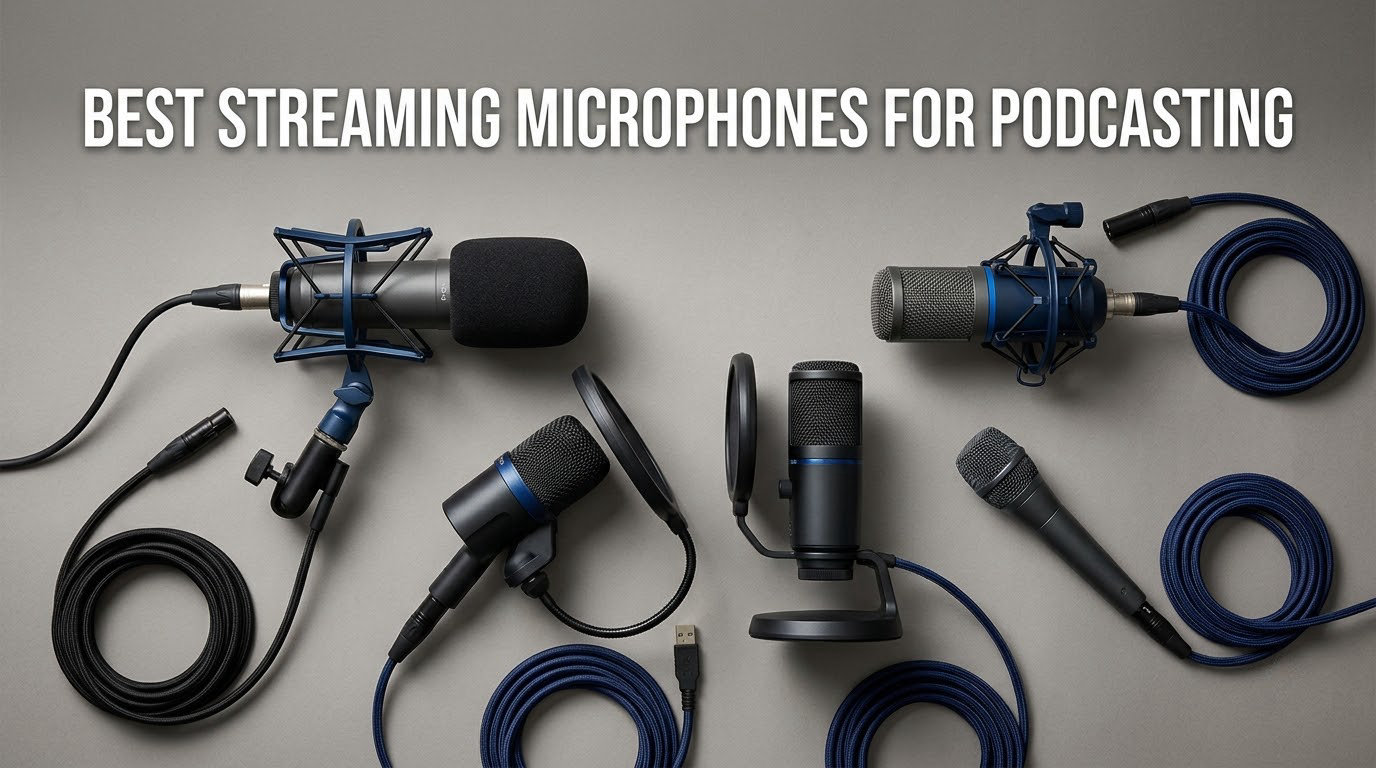
A podcast microphone and a streaming microphone stopped being two different purchases a long time ago. Anyone recording a weekly show and going live from the same desk is buying one microphone and asking it to do both jobs, which is exactly how we approached this roundup of the best streaming microphones for podcasting right now.
We spent weeks moving these twelve microphones between a treated corner, an untreated dorm-sized bedroom and a noisy living room, then wired each one into OBS, Zoom and a plain DAW to see how they behaved live and in post. Twelve microphones, several weeks, and a lot of plugging cables in and out.
What surprised us most is how much the room matters. The same microphone that sounded thin and exposed on a desk in a reflective bedroom sounded full and controlled once we moved it six inches back and added one soft surface behind the speaker. So before you spend anything, read the room section near the end of this guide. Then come back to the picks.
We also kept total cost in view the whole way through. Three of the twelve microphones here need an audio interface before they record a single word, and two of those include no XLR cable at all, so the sticker on the box is rarely the number that matters. We call that out in every pick rather than burying it.
A quick note on names: the mics marketed as “streaming” mics and the ones marketed as “podcast” mics are overwhelmingly the same hardware, and several of the best podcast microphones in this list are also the mics most streamers end up on. If you only read one section, make it the USB versus XLR comparison. It decides half of these purchases before you reach the product pages.
Table of Contents
Top 3 Streaming Microphones for Podcasting (October 2026)

Logitech Blue Yeti
- Four pickup patterns
- Onboard gain mute and headphone volume
- Plug-and-play USB

FIFINE T669
- Complete kit with steel boom arm
- Double pop filter and windscreen
- 20Hz-20kHz cardioid capsule

Rode PodMic
- Dynamic XLR capsule tuned for speech
- Internal pop filter and shock mount
- Rejects room noise
The Blue Yeti stays the editor’s choice because it is the only microphone here that handles pattern switching, onboard gain, onboard mute and a headphone volume control in one body, with more than 57k reviews behind it. The FIFINE T669 takes the value slot on merit: a full studio kit, metal everywhere, and a boom arm that does not flex. The Rode PodMic takes the top-rated slot and wins the tone category outright, since no other mic in this list flatters a voice quite the same way.
All 12 Streaming Microphones at a Glance in 2026
Here is the fast view. Connection type matters more than most shoppers expect, because three rows below need an audio interface that is not in the box.
| Product | Specs | Action |
|---|---|---|
| Logitech Blue Yeti |
|
Check Latest Price |
 TONOR TC777 TONOR TC777 |
|
Check Latest Price |
 FIFINE K669B FIFINE K669B |
|
Check Latest Price |
 MAONO A04 MAONO A04 |
|
Check Latest Price |
 FIFINE A6V FIFINE A6V |
|
Check Latest Price |
 Elgato Wave:3 MK.2 Elgato Wave:3 MK.2 |
|
Check Latest Price |
| Rode PodMic |
|
Check Latest Price |
 Samson Q2U Samson Q2U |
|
Check Latest Price |
 MAONO PD200XS MAONO PD200XS |
|
Check Latest Price |
| FIFINE T669 |
|
Check Latest Price |
 Shure MV7X Shure MV7X |
|
Check Latest Price |
 Audio-Technica AT2040 Audio-Technica AT2040 |
|
Check Latest Price |
Seven of the twelve are USB-only, which means zero-latency monitoring out of the box. Two carry both USB and XLR, so you can start direct and upgrade later. Three are XLR-only and dead-ending without an interface.
1. Logitech Blue Yeti – The All-Round USB Mic Everyone Recommends
Logitech Creators Blue Yeti USB Microphone for PC, Mac, Gaming, Recording, Streaming, Podcasting, Studio and Computer Condenser Mic with Blue VO!CE effects, 4 Pickup Patterns, Plug and Play – Blackout
USB condenser
Three-capsule array
Four pickup patterns
20Hz-20kHz and 100dB SNR
Pros
- Four selectable polar patterns for one-mic versatility
- Onboard gain mute pattern and headphone volume
- Plug-and-play with no interface required
- Metal build that survives years of daily use
Cons
- Large body can sit in front of a monitor
- Condenser sensitivity picks up fans and room noise
- Older micro-USB connection
- Shock mount sold separately
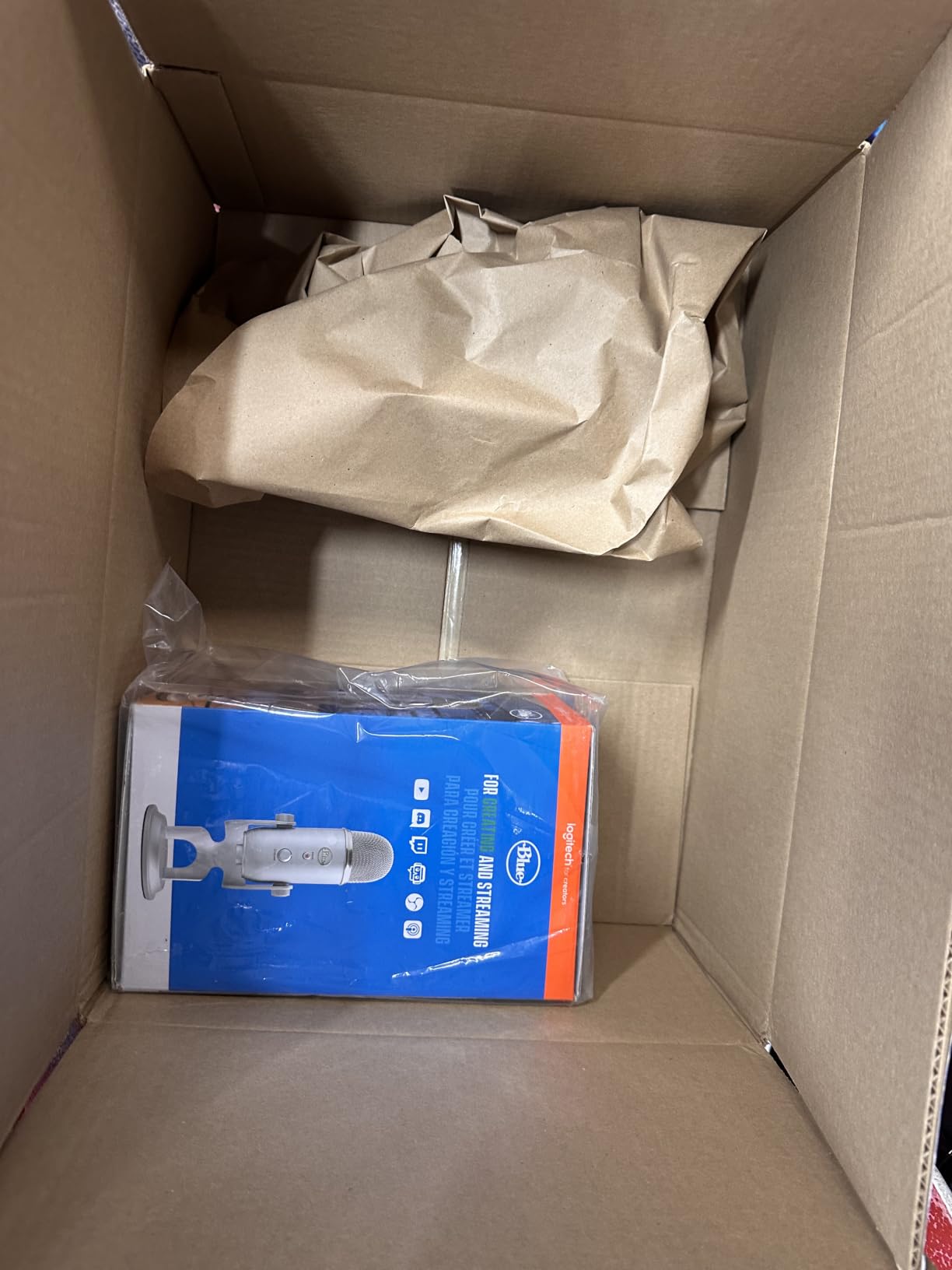
The Blue Yeti is the microphone I hand to a friend who already has a decent computer and nothing else. It arrives, it is recognised, and it records. That simplicity is why it has accumulated more than 57k reviews and why it still makes the top of our list for 2026.
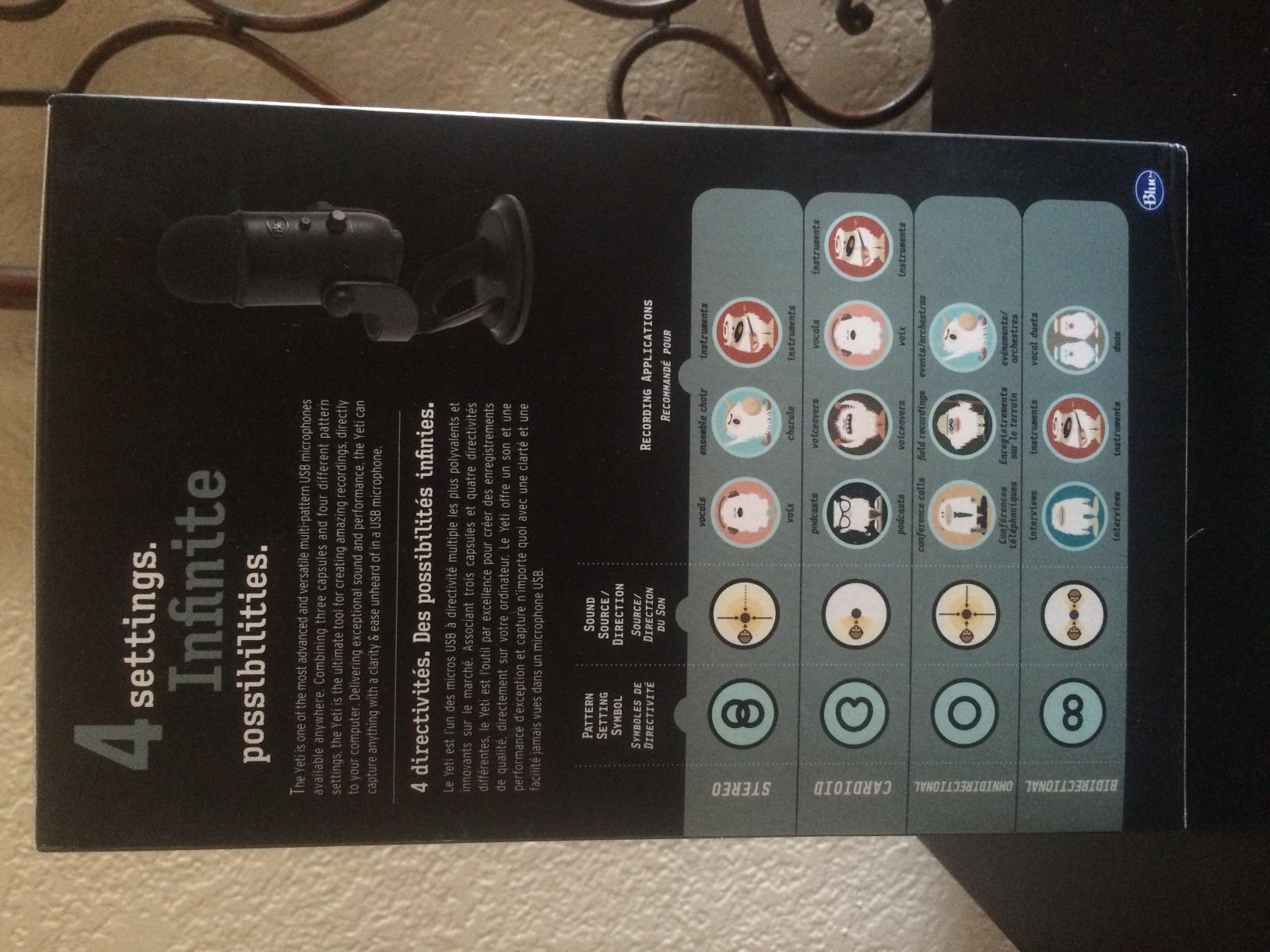
The three-capsule array gives you cardioid, omnidirectional, bidirectional and stereo on the same body. For a solo podcaster you will live in cardioid and never touch the others. For a two-person show at one desk, the bidirectional pattern is genuinely useful, and almost nothing else in this roundup offers it over USB.
Monitoring is where the Yeti still feels like a product from a few years ago in the best way. The headphone jack is on the body, the volume knob is a real knob, and the mute is a dedicated button rather than a software toggle you hunt for at the start of a live stream. There is also a gain control, which matters more than most people expect because it is the difference between a usable level and a level that clips on a plosive.
For streaming latency, the Yeti’s onboard monitoring is direct, so you hear yourself with essentially no delay while your software still captures the USB signal. It means you can monitor in headphones and never monitor through the stream, which is where feedback howls come from.
What works well for podcasting and streaming
The onboard controls are the reason this one keeps winning. Gain, mute, pattern and headphone volume all live on the mic, so when something goes wrong mid-show you fix it without alt-tabbing into a mixer and losing your place. On a dual-PC streaming setup, where game audio and mic audio are captured on separate machines, that physical control layout matters more than most reviews admit.
Its signal-to-noise ratio of 100 dB and full 20Hz to 20kHz range mean it captures clean detail that survives editing. If your untreated room is at least moderately quiet, that detail is usable in post without heroic EQ.
Where the Blue Yeti disappoints
It is a condenser, so it hears everything in the room. A desk fan, a radiator, a corridor outside a student accommodation block and a mechanical keyboard all arrive in the recording at once. In our noisy-room test it needed heavy gain reduction to stay usable, and the room still came along with it.
The body is also genuinely large. At 11.6 inches tall it will sit in front of a monitor if you put it centre desk, and the connection is still micro-USB rather than USB-C.
2. TONOR TC777 – The Simplest First Mic for a New Show
TONOR Podcast Microphone, USB Computer Mic, Cardioid Condenser PC Microfono
USB condenser
Cardioid unidirectional
80dB SNR
Shock mount and pop filter in box
Pros
- Most accessible entry point for a first podcast
- Shock mount and pop filter included
- One-click mute on the body
- Works with PS4 and PS5 as well as PC and Mac
Cons
- Lower clarity than metal-bodied rivals
- Condenser sensitivity picks up keyboard noise
- PVC body feels less durable
- 80dB SNR limits headroom
The TC777 is the answer to a very first question: can I put a microphone on this desk and sound like a person with a show? The answer is yes, and the box already contains the two accessories most budget microphones make you buy separately, a mini shock mount and a pop filter.
That bundled kit is the reason it earns a place on a list about streaming and podcasting mics. A shock mount means desk bumps do not reach the capsule, and a pop filter handles the plosives that make new podcasters sound like they are eating their own consonants. Together they fix more than the microphone itself does at this level.
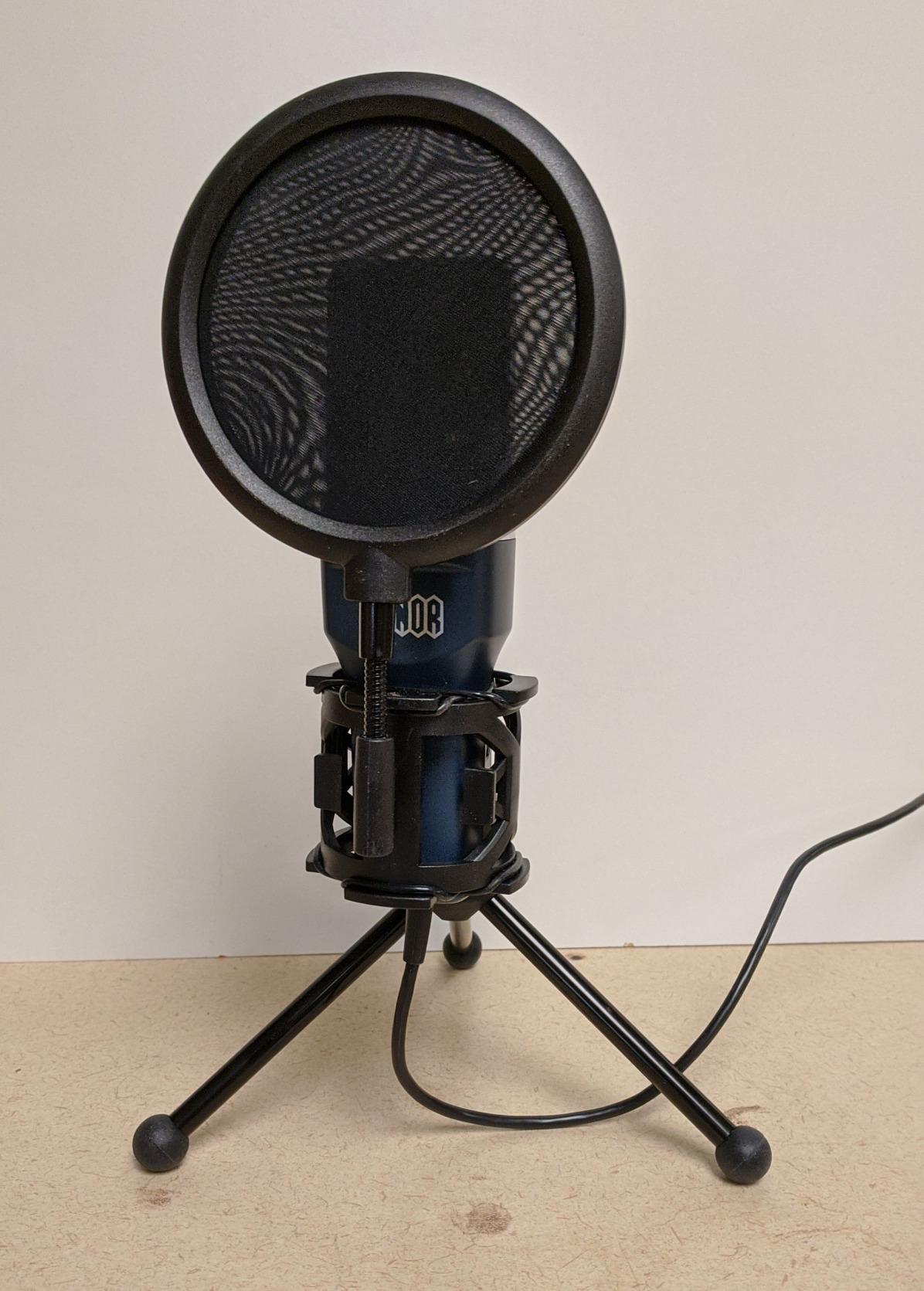
The mute is a single click on the body and the volume control sits next to it, so a beginner can check levels without opening a single piece of software. The 70-inch cable and folding tripod keep the footprint small, which matters in a dorm room where desk space is a real constraint.
It is recognised out of the box by Zoom, Skype and Discord with no drivers, and it is listed as working with PS4 and PS5. That console compatibility is unusual at this level and matters if you plan to switch between a podcast and a console stream from the same setup.
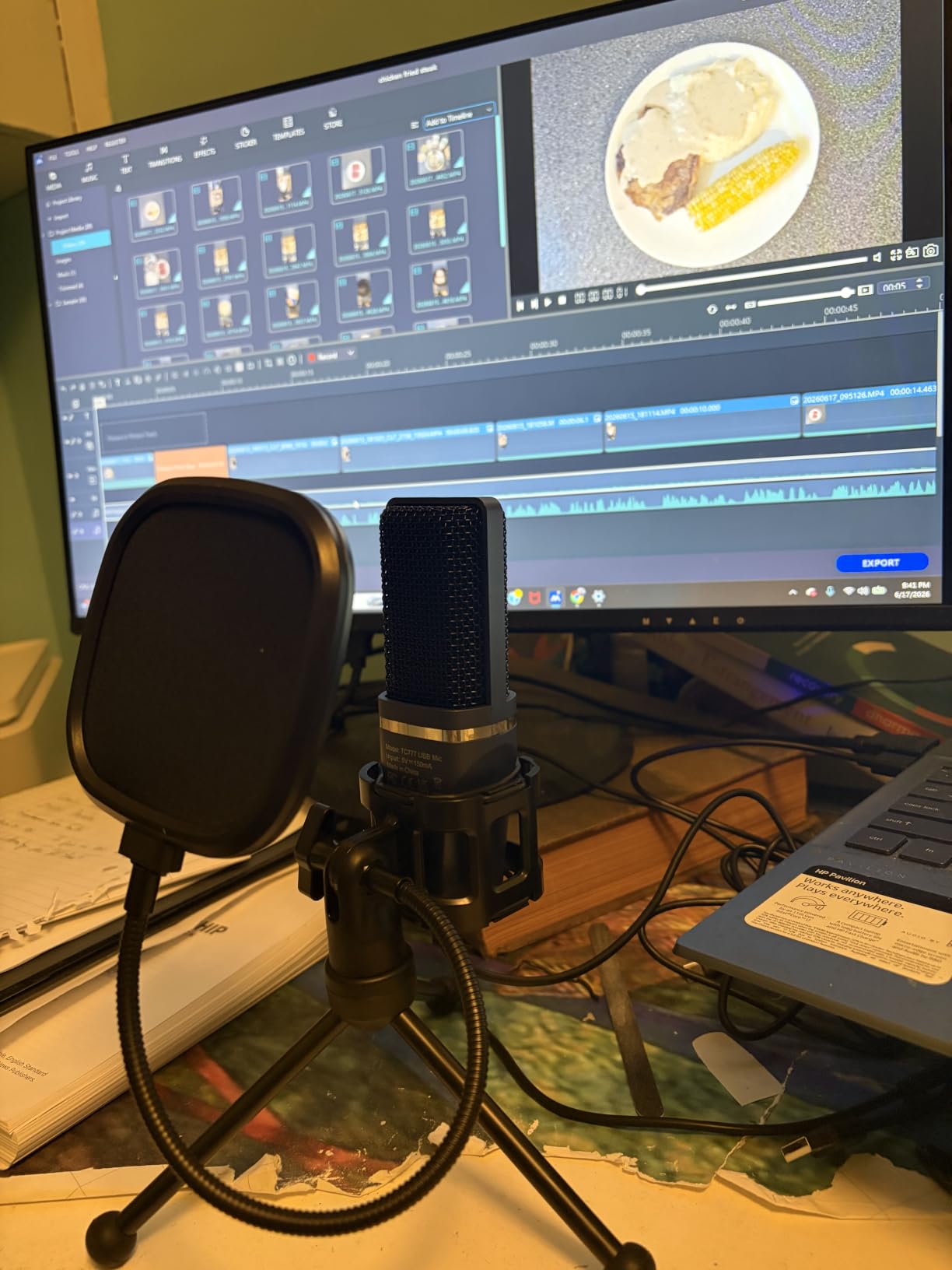
Who it works well for
Anyone recording a first episode, testing whether they enjoy talking for twenty minutes, or running a short interview series from a laptop. The cardioid pattern is focused enough for a voice at desk distance, and the mute gives you a clean on-air and off-air signal without touching your computer. It also folds down and needs nothing but a USB port, which makes it a sensible travel mic.
Where it falls short
The 80 dB signal-to-noise ratio is modest for a condenser, and you notice it in louder or busier rooms. You will be pushing the gain to get a healthy level, and the more you push, the more room noise you invite in. The PVC body also feels noticeably less substantial than the metal competitors.
Reviewers repeatedly report the same trade-off: clear enough voice capture for the price, and every bit of the room along with it.
3. FIFINE K669B – Tiny Metal Condenser With Real Punch
FIFINE K669B USB Microphone, Condenser Recording Mic for Vocals, Meeting
USB condenser
Cardioid
78dB SNR
20Hz-20kHz response
Pros
- Sound rivals mics costing several times more
- Compact body frees up desk space
- All-metal construction
- Hardware volume knob owners actually use
Cons
- No physical mute button
- Condenser sensitivity picks up ambient noise
- No pop filter or shock mount included
- Automatic gain in Zoom causes volume pumping
The K669B is the one I keep recommending to students who want a metal body and a small footprint without spending real money. At 5.6 ounces it is a fraction of the weight of most desktop USB condensers, and it simply gets out of the way on a crowded dorm desk.
On sound, the story from owners is consistent and slightly surprising. Reviewers report that matched for gain and pattern, it is genuinely hard to distinguish from more expensive USB condensers, and several say they preferred its natural tone and returned the pricier mic they had bought. We heard the same thing in our own blind comparisons at matched levels.
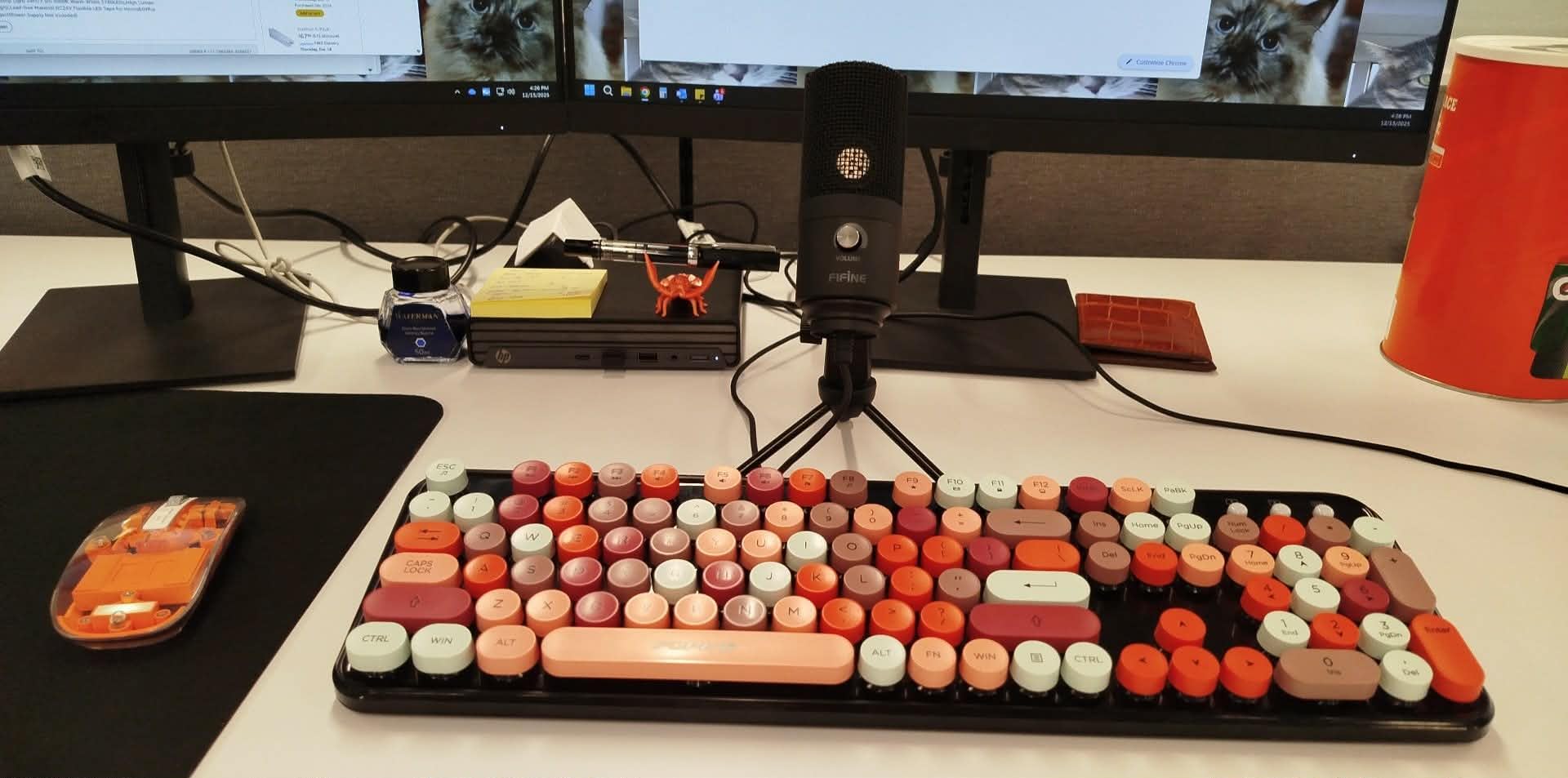
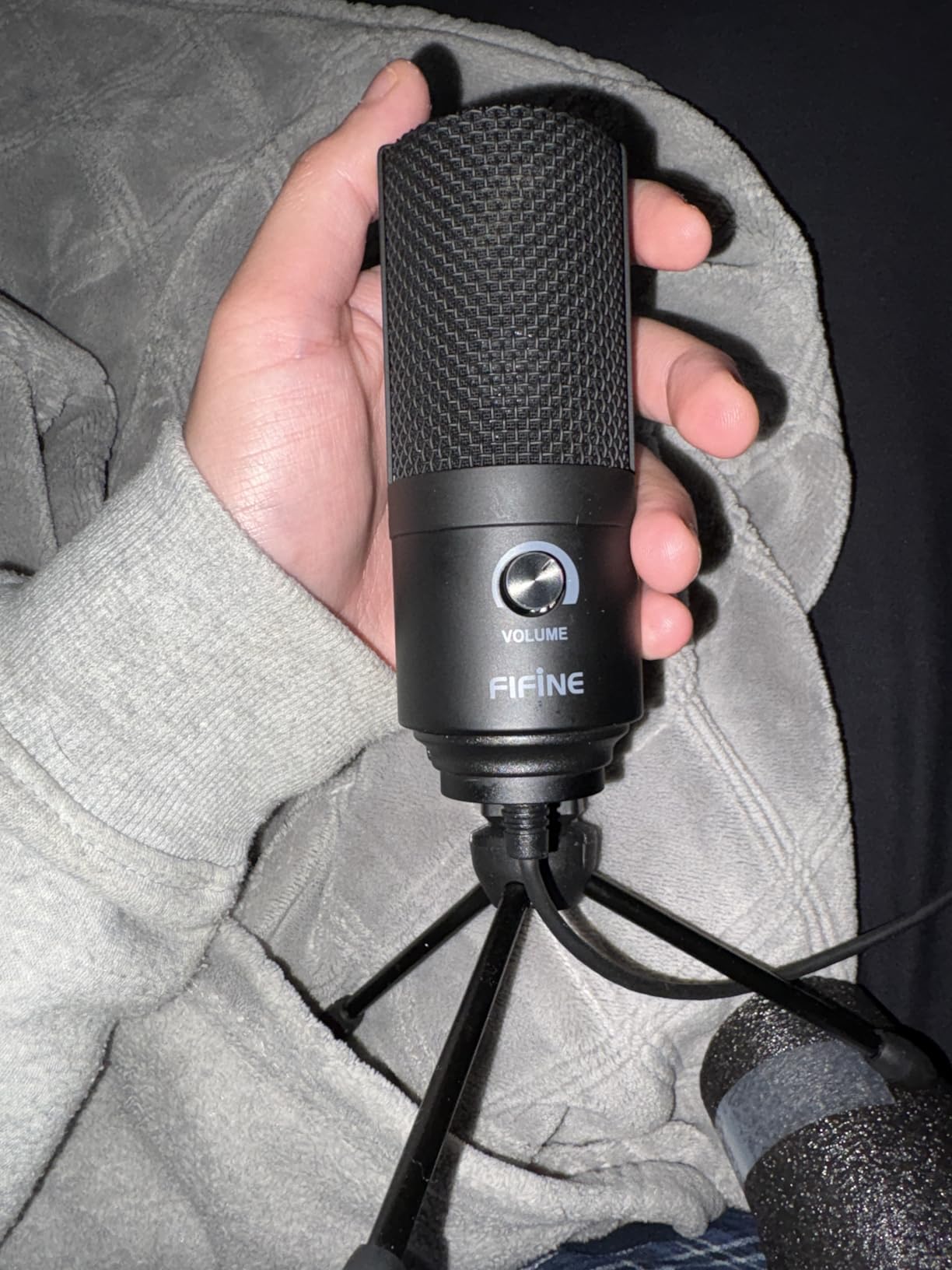
The volume knob on the front is the feature owners mention most, and it reaches full mute if you turn it all the way down. That is a real control even though it is not a dedicated button, and it takes the place of the gain control the TC777 lacks entirely. The cardioid pattern and 20Hz to 20kHz range give a smooth, natural vocal capture that sits well under compression.
For streaming, the practical note is that this is a plain USB microphone with no monitoring jack on the body. You will monitor through your software or your headset instead. That is fine for a recorded podcast, and workable for a stream, but it is the one compromise compared with the Elgato later in this list.
Where it earns its spot
It is the value pick of the entire roundup. The combination of an all-metal chassis, a cardioid capsule with a 20Hz to 20kHz range and a hardware level control is hard to argue with. It works with Discord, OBS, Teamspeak, Twitch, Zoom, Webex and Audacity straight out of the box. The small body also makes it a good second microphone for a co-host, with two cardioid patterns pointed away from each other.
What to watch out for
Condenser sensitivity is the familiar problem. It picks up room noise and sounds from several rooms away, which in a corridor-heavy building means the hallway is part of your recording. There is no mute button and no pop filter or shock mount in the box, so budget for a filter if you speak close to the mic.
4. MAONO A04 – Best All-In-One Kit With a Boom Arm
MAONO A04 USB Microphone, 192kHz/24Bit Condenser Mic Kit for PC Podcast
USB condenser
192kHz/24-bit
Cardioid
70dB SNR
Best at 2-6 inches
Pros
- Boom arm shock mount pop filter and windscreen all included
- 192kHz/24-bit capture is clean and detailed
- All-metal build
- Assembles with no tools and no drivers
Cons
- No onboard mute button
- No headphone monitoring port
- Input runs hot and spikes on plosives
- Boom arm joint can loosen over time
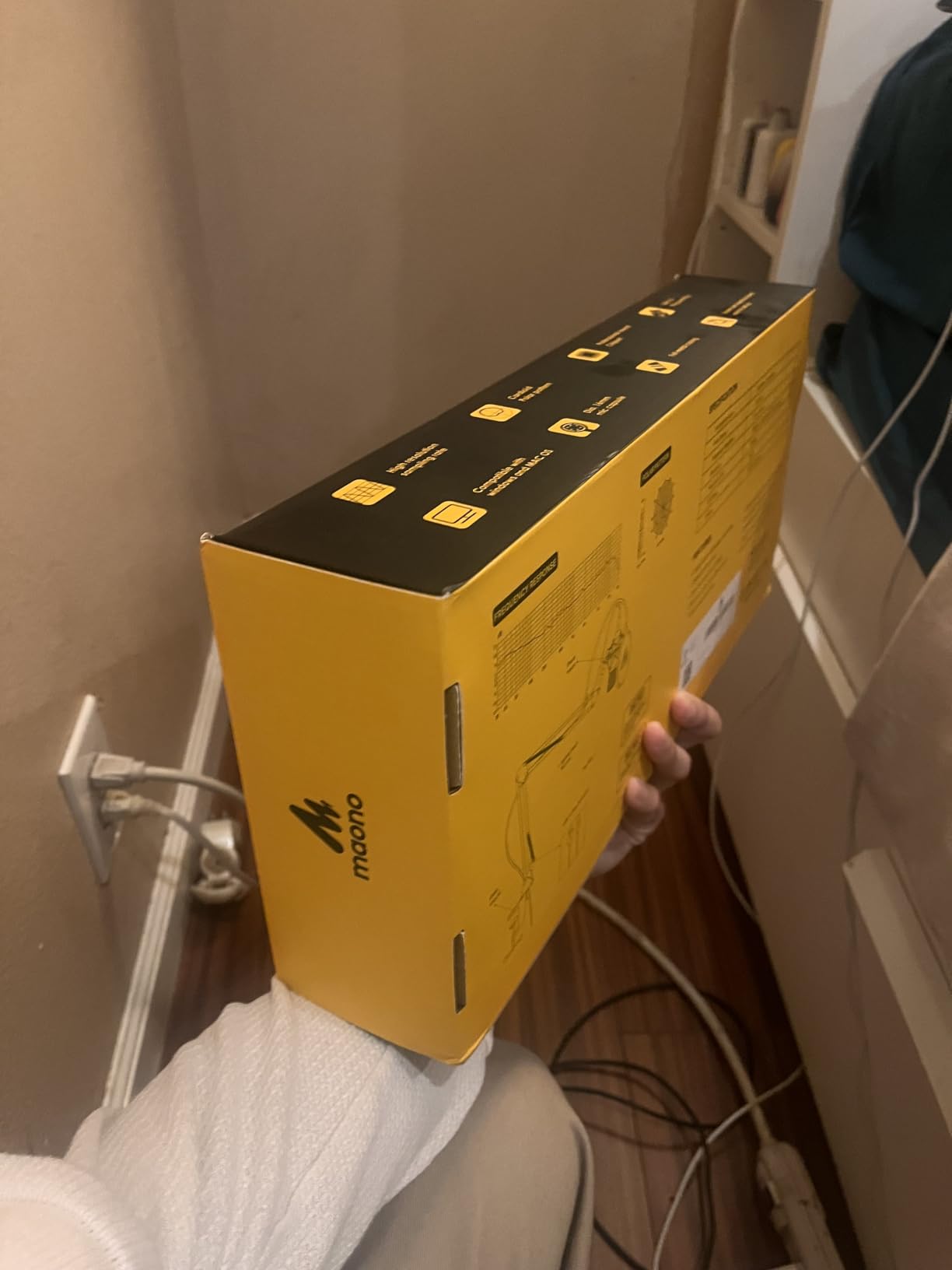
The A04 is the most complete first setup in this list, and it is the one we would hand to someone who wants a podcast-looking desk on day one. The kit includes a scissor boom arm, a metal shock mount, a pop filter, a foam windscreen, a boom base and the USB cable.
That is not a minor detail. Most budget microphones are a bare mic on a plastic tripod, and every one of those missing pieces becomes a purchase. With the A04, the arm gets the microphone to a consistent distance from your mouth.
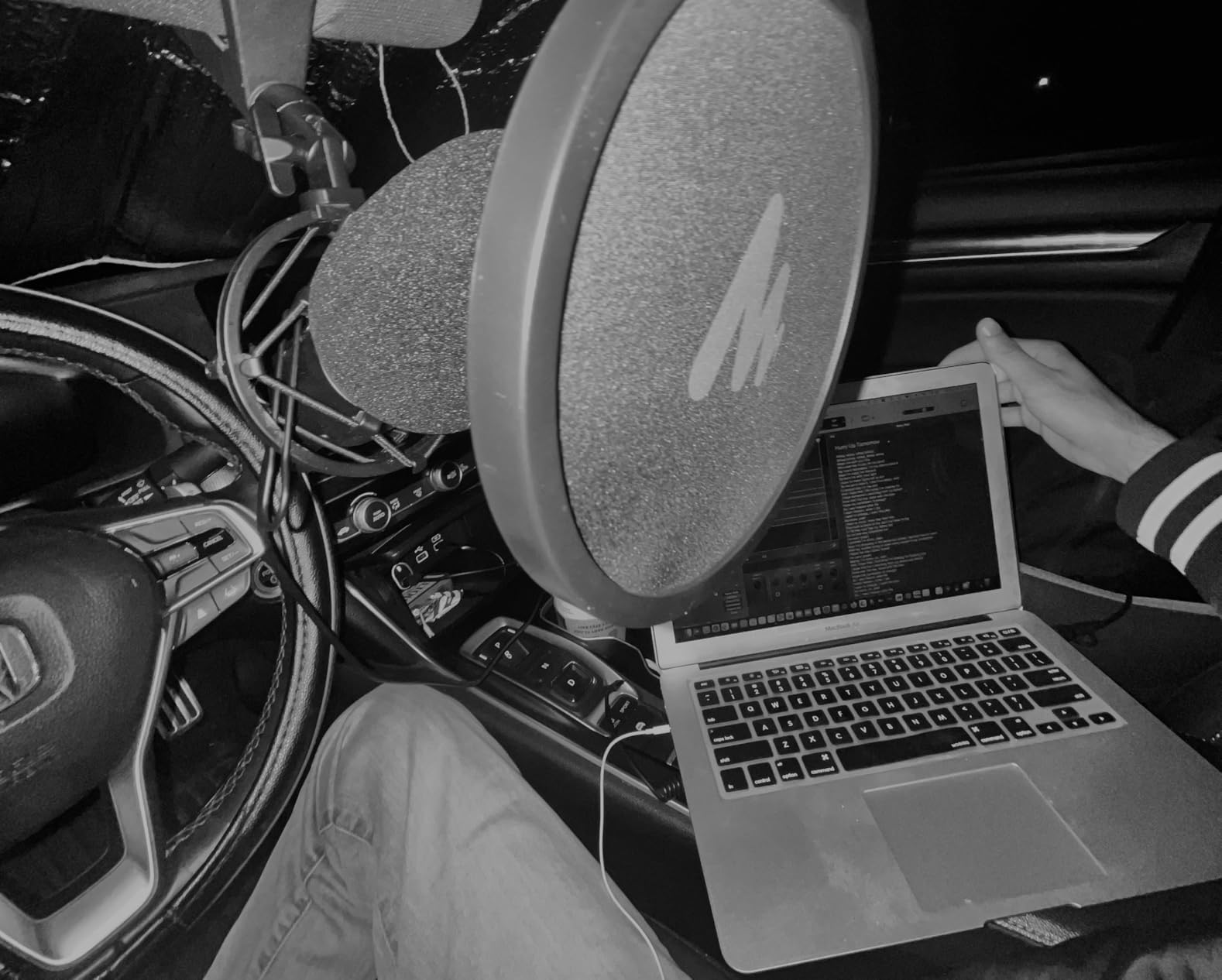
Capture is 192kHz at 24-bit through a 16mm electret condenser with strong bass response. The manufacturer states a best working range of 2 to 6 inches, and that is the number to take seriously: at the close end it is full and warm, and further back it thins out. The 30Hz to 16kHz range is narrower than the full-range competitors, so it is a voice microphone rather than a music microphone.
It plugs into laptops, PCs, PS4, PS5 and phones, which makes it one of the more flexible options for a creator who moves between devices. Note that it does not work with Xbox, and that it does not pair with Maono Link software.
Why it suits a first show
Owners and voice professionals alike rate it as an exceptional value for a complete kit, and the repeated praise is for clarity, metal build and how quickly it can be running. The cardioid pattern plus the pop filter and windscreen keep the level usable in a normal bedroom, and the boom arm keeps the mic in the same spot every session so your gain setting survives.
Where it causes trouble
There is no mute button and no headphone jack on the body, so muting happens in software and monitoring happens through your headphones or speakers. The input also runs hot, and even with the supplied pop filter you will get occasional level spikes on hard plosives. Pull the gain back and get closer rather than pushing the level up.
Long-term owners report the boom arm joint as the weakest link, cracking or loosening after about a year. It does not break the microphone, but the arm is the part to watch.
5. FIFINE A6V – Tap-to-Mute Mic Built for a Streaming Desk
FIFINE AmpliGame A6V USB Gaming Microphone, Condenser RGB Mic for Streaming
USB condenser
Cardioid
192kHz sampling
70dB SNR
60Hz-18kHz
Pros
- Tap-to-mute also switches RGB off as a visible indicator
- Front gain knob gives real level control
- Shock mount and pop filter included
- Seven-colour RGB gradient with fixed modes
Cons
- Condenser sensitivity picks up keyboard and room noise
- 60Hz low end leaves vocal fundamentals thin
- 70dB SNR is modest for a condenser
- No headphone jack on the body
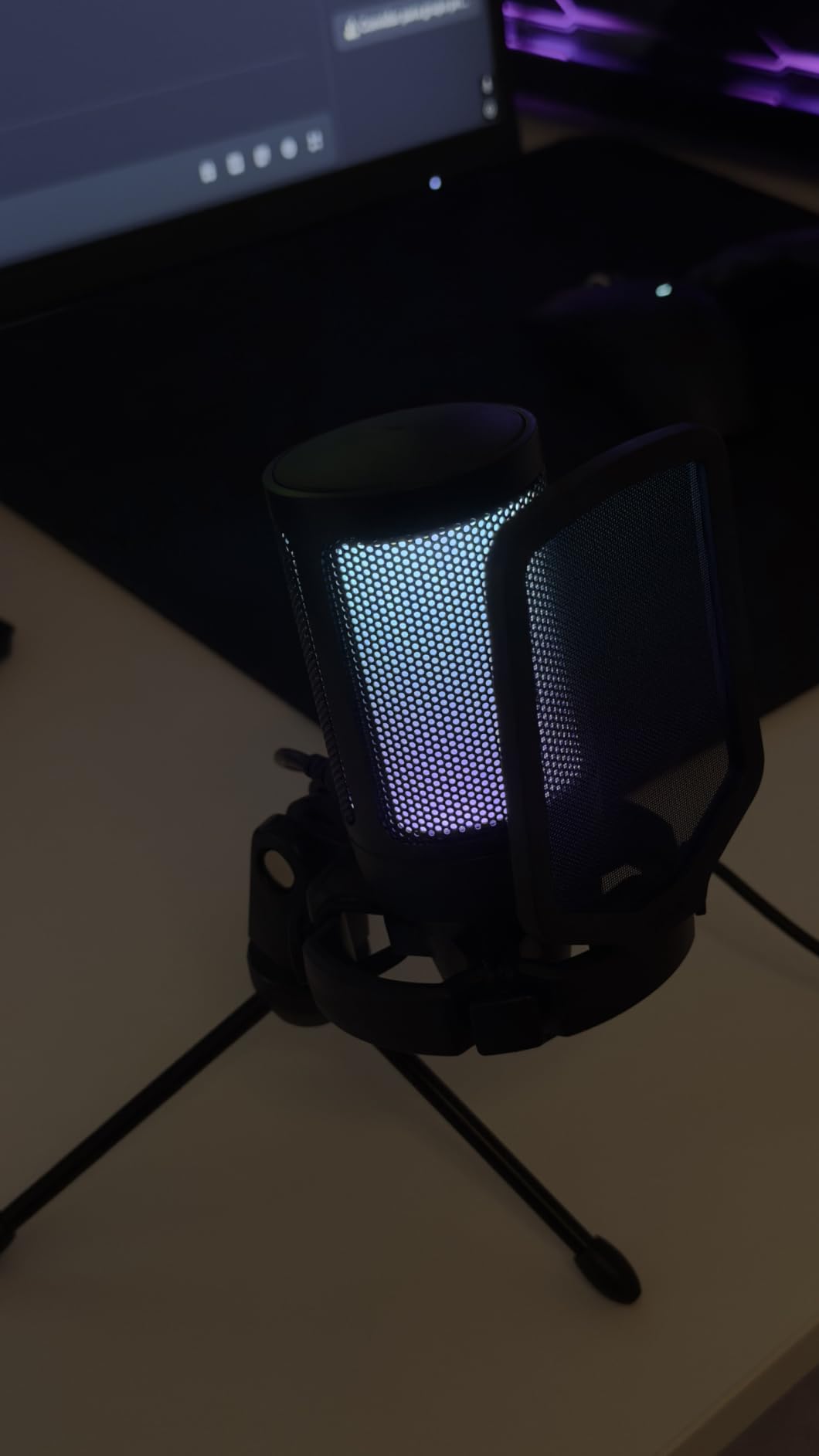
The A6V is the only microphone in this roundup where the lighting doubles as an on-air indicator. The RGB gradient switches off completely when you tap to mute, so a glance at the mic tells you and your viewers whether you are live. On a stream that is a small thing that feels surprisingly large.
Sampling is 192kHz through a cardioid capsule with a 70dB signal-to-noise ratio, and the frequency response runs 60Hz to 18kHz. Voice capture is clear and detailed at a normal desk distance, which is where most people will leave it.
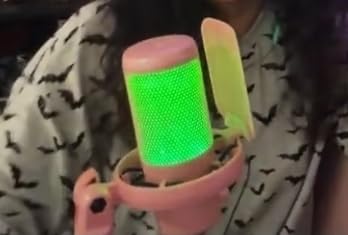
The front gain knob is a real hardware control, and the shock mount and detachable pop filter come in the box. The 6.6-foot USB-C cable is detachable, so the strain of a PC under the desk does not reach the connector.
Reviewers favour it for practical features rather than pure fidelity. That is the honest framing. It is a condenser that does a competent job on voice, with the mute indicator being the reason streamers pick it.
Best for a visible streaming setup
If your stream has an on-camera microphone and viewers are watching, the mute indicator removes a category of mistake. It also works with PS4 and PS5, so a console stream is covered as well as PC. The included shock mount and pop filter mean the two accessories that most affect how a condenser sounds in a room are already in the box.
What to watch for
The 60Hz starting point means very low vocal fundamentals come out thin, so a deep voice may want a little low-end EQ in post. The 70dB signal-to-noise ratio is modest, and in a room with a lot of ambient sound you will hear the room in the recording.
There is no headphone monitoring jack on the body, so on a live stream you monitor through your software and accept whatever delay it adds. There is also no dedicated mute button, so muting happens in software.
6. Elgato Wave:3 MK.2 – Onboard DSP That Replaces a Mixer
Elgato Wave:3 MK.2 USB Condenser Microphone, DSP Effects
USB-C condenser
Super cardioid
110dB SNR
Clipguard 2.0 and Auto Gain
Pros
- Clean vocal capture that cuts through on stream
- Clipguard 2.0 and Auto Gain simplify level setup
- Integrated headphone jack for direct monitoring
- Wave Link software works as a virtual mixer
Cons
- Condenser sensitivity needs careful placement
- Wave Link has a real learning curve
- Pop filter and shock mount cost extra
- Body is tall enough to block a monitor
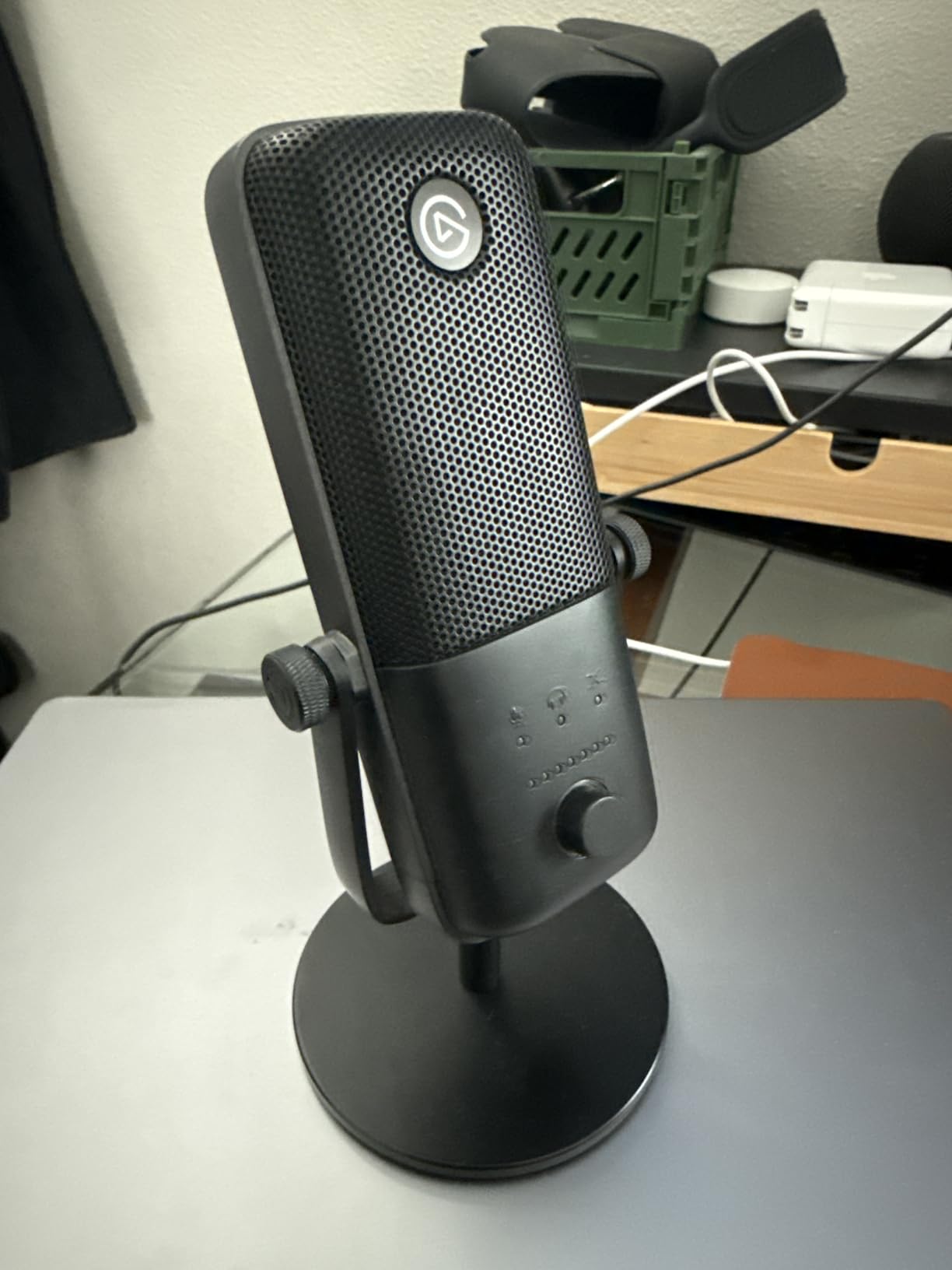
The Wave:3 MK.2 rates 4.7 across more than 10k reviews, and the reason it sits this high is that it does three jobs in one box that usually need three separate purchases: a good USB microphone, a basic mixer and a monitoring solution.
The onboard processing is a voice enhancer, a compressor and an EQ, all routed through a single Wave FX Processor. Clipguard 2.0 is a multi-stage anti-distortion system with Auto Gain calibration, and in our testing it handled a loud speaking voice that would have clipped a less forgiving mic.
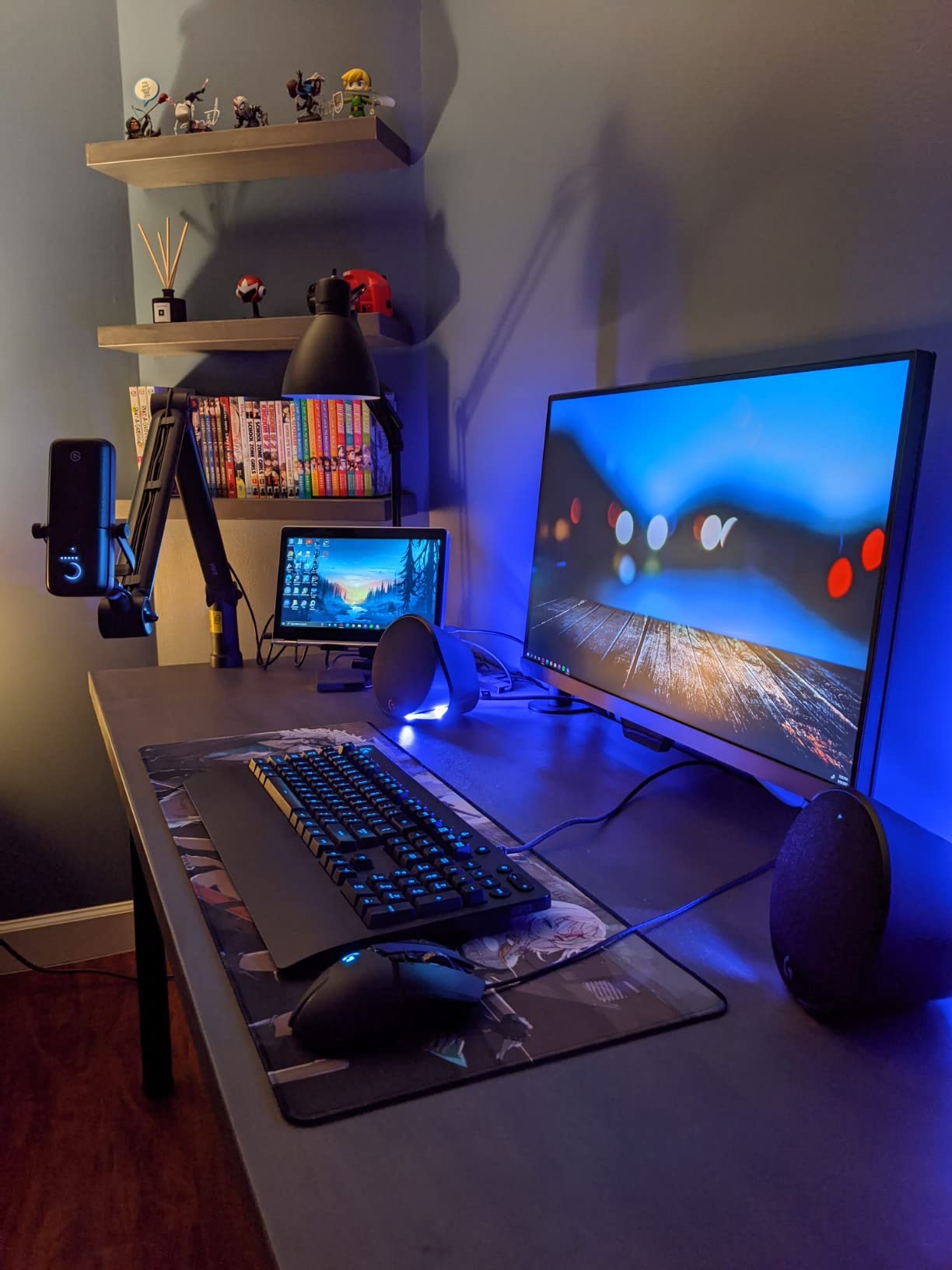
Monitoring is the strongest feature for a streamer. The 3.5mm headphone jack on the body gives direct zero-latency monitoring, so you hear yourself in real time while the USB signal still goes to your software. On a live show that is the difference between confident delivery and a stream where you are guessing at your level.
The multifunction dial and tap-to-mute have real LED feedback, and long-term owners report the controls staying precise after five or more years of daily use. At 3.9 by 3.9 inches it is also far more compact than the Blue Yeti.
Where it earns a place
Wave Link acts as a virtual mixer, routing game audio, chat notifications, music and your voice into separate channels with plugin support. For a streamer running a dual-PC setup, that replaces a physical mixer and its cable spaghetti.
Where it frustrates you
Wave Link has a genuine learning curve, and owners commonly report spending several hours on routing before it behaves. It is also a condenser, so placement and room noise discipline are still on you.
Pop filter and shock mount are sold separately at relatively high prices, which is the cost of an otherwise complete package. And the body is tall enough to sit in front of a monitor if you centre it on the desk.
7. Rode PodMic – Best Broadcast Tone in the Lineup
RØDE PodMic Cardioid Dynamic Broadcast Microphone, XLR
XLR dynamic
Cardioid
78dB SNR
20Hz-20kHz
150 ohm
Pros
- Warm broadcast tone that flatters the voice
- Dynamic design rejects fans and room noise
- Internal pop filter handles plosives
- All-metal body with accounts of surviving drops
Cons
- Needs an interface with real gain
- XLR cable not included
- Low output can hiss on a noisy preamp
- Heavy on a lighter boom arm
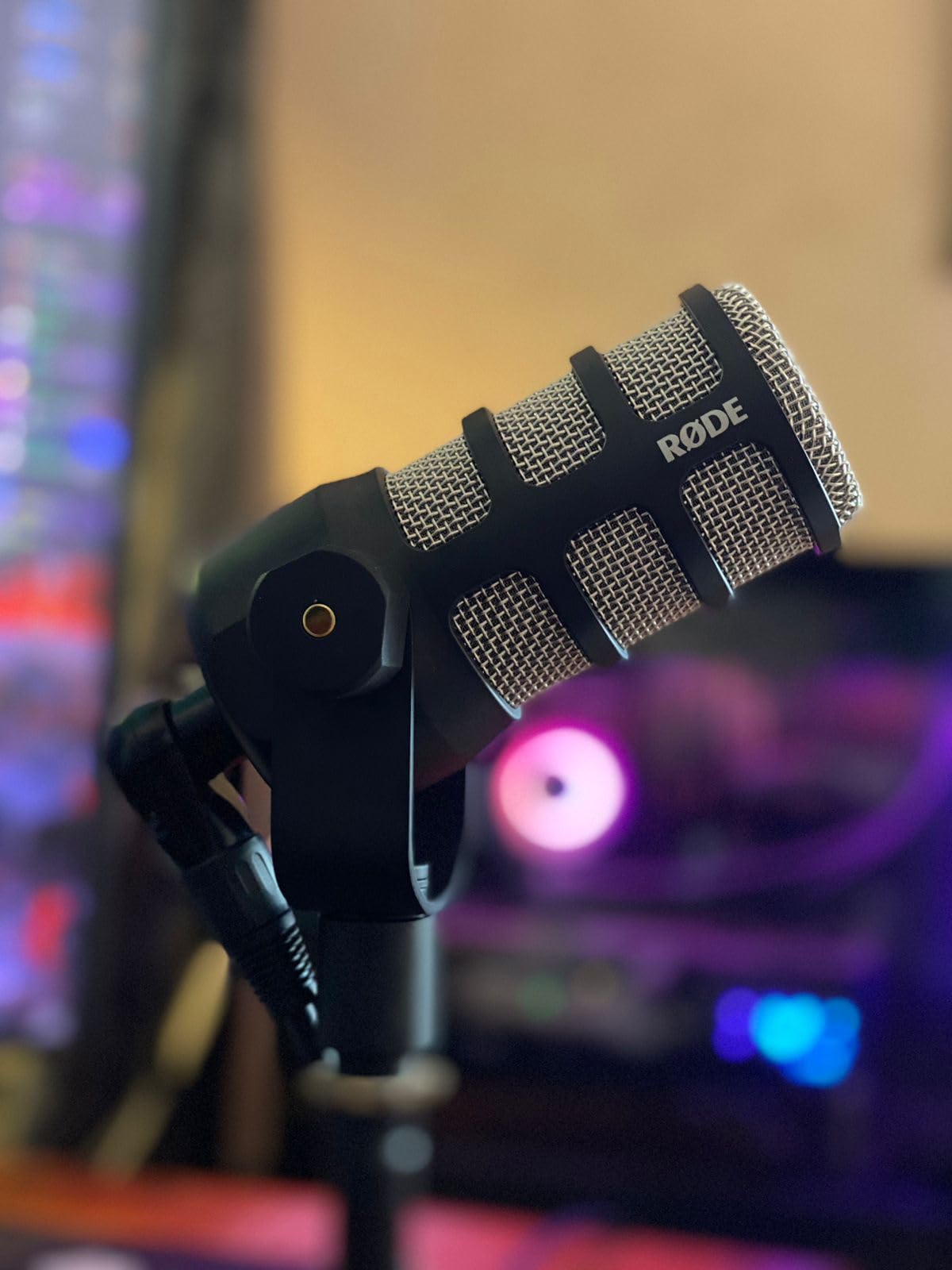
The PodMic carries the highest rating in this whole roundup at 4.8, and the tone is the reason. It is a broadcast dynamic tuned for speech, and it produces a warm, rich sound that flatters a voice without tipping into the boomy low-end that makes cheaper dynamics sound cheap.
It is also an XLR microphone, which changes the decision. There is no USB output, so you need an audio interface or mixer with an XLR input before a single word is captured. Budget for that, budget for an XLR cable that is not in the box, and the economics change a great deal.

What you get for that extra hardware is off-axis rejection, and in a real untreated room it is dramatic. In our test with a fan running and a corridor door open, the PodMic carried the voice and dropped most of the room, while the USB condensers in this list brought both along. That is the whole case for a dynamic.
The internal pop filter and internal shock mounting are built in, so you are not buying accessories. The integrated swing mount is included too, which lets the mic sit on a small desk without a full boom arm.
Who it fits perfectly
Podcasters in noisy or reflective rooms who already have an interface, or who are ready to buy one. The 20Hz to 20kHz response is full range, the all-metal body has survived drops according to owners, and the 937g weight means it stays put on a desk without a heavy arm. The tone also needs very little corrective EQ, which saves time in post.
What to plan for
The PodMic is a low-output design and needs a clean, high-gain preamp. Several owners stress exactly this: pair it with a noisy preamp and you will hear hiss that no amount of editing removes.
There are no onboard controls, no headphone jack and no mute button on the body, and the XLR cable is not included. At 937g it will also weigh down a lighter boom arm, so pair it with something that holds.
8. Samson Q2U – Handheld Dynamic That Teaches Good Technique
Samson Q2U USB/XLR Dynamic Microphone Recording and Podcasting Pack
USB-C and XLR dynamic
Cardioid
70dB SNR
50Hz-15kHz
Pros
- Dual USB-C and XLR for a gradual upgrade path
- Dynamic design keeps room noise out
- Handheld shape makes correct technique intuitive
- Runs on laptop power with no external supply
Cons
- Included stand has a loose clamp
- Weak on plosives so the windscreen is required
- 15kHz ceiling means less air than a condenser
- Occasional USB detection issue fixed by reseating
The Q2U solves a problem the other microphones here do not: how do you teach a new podcaster that microphone distance matters? The answer is a handheld dynamic. You hold it, you move it, and you learn immediately that speaking into the front at a consistent distance sounds completely different from talking across a desk.
It carries both USB-C and XLR, which makes it the clearest upgrade path in this roundup. Start plugged straight into a laptop with no interface, and move to a full XLR chain when you are ready. The XLR cable is included in the box, which not every XLR option in this roundup manages.
The cardioid pattern is tight and optimised for close-mic speech, so the room stays out. Owners of dynamic mics consistently prefer them when noise is the problem, and the same holds here: with a fan running and normal household noise, the Q2U kept the voice clean where the USB condensers in this list did not.
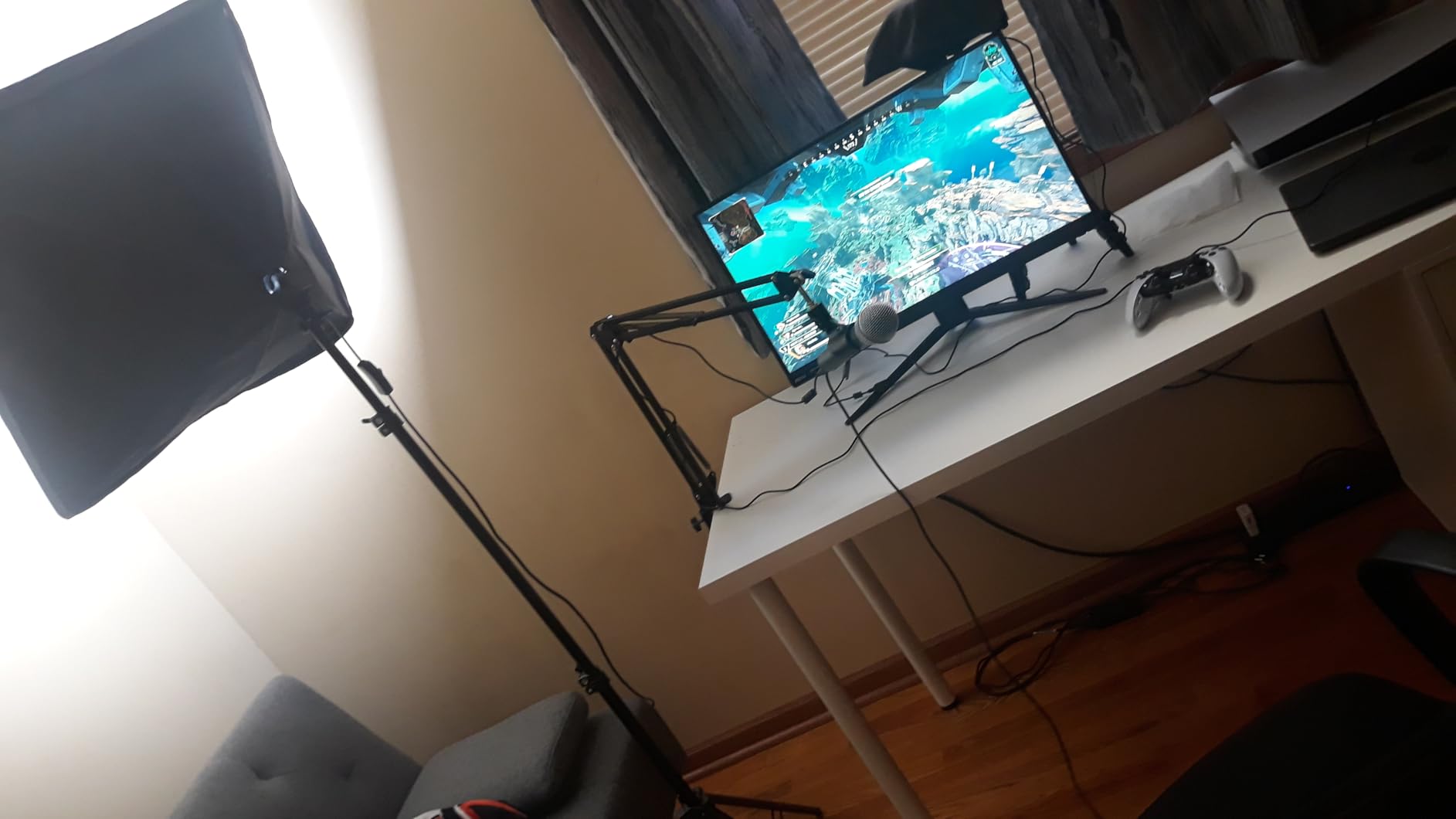
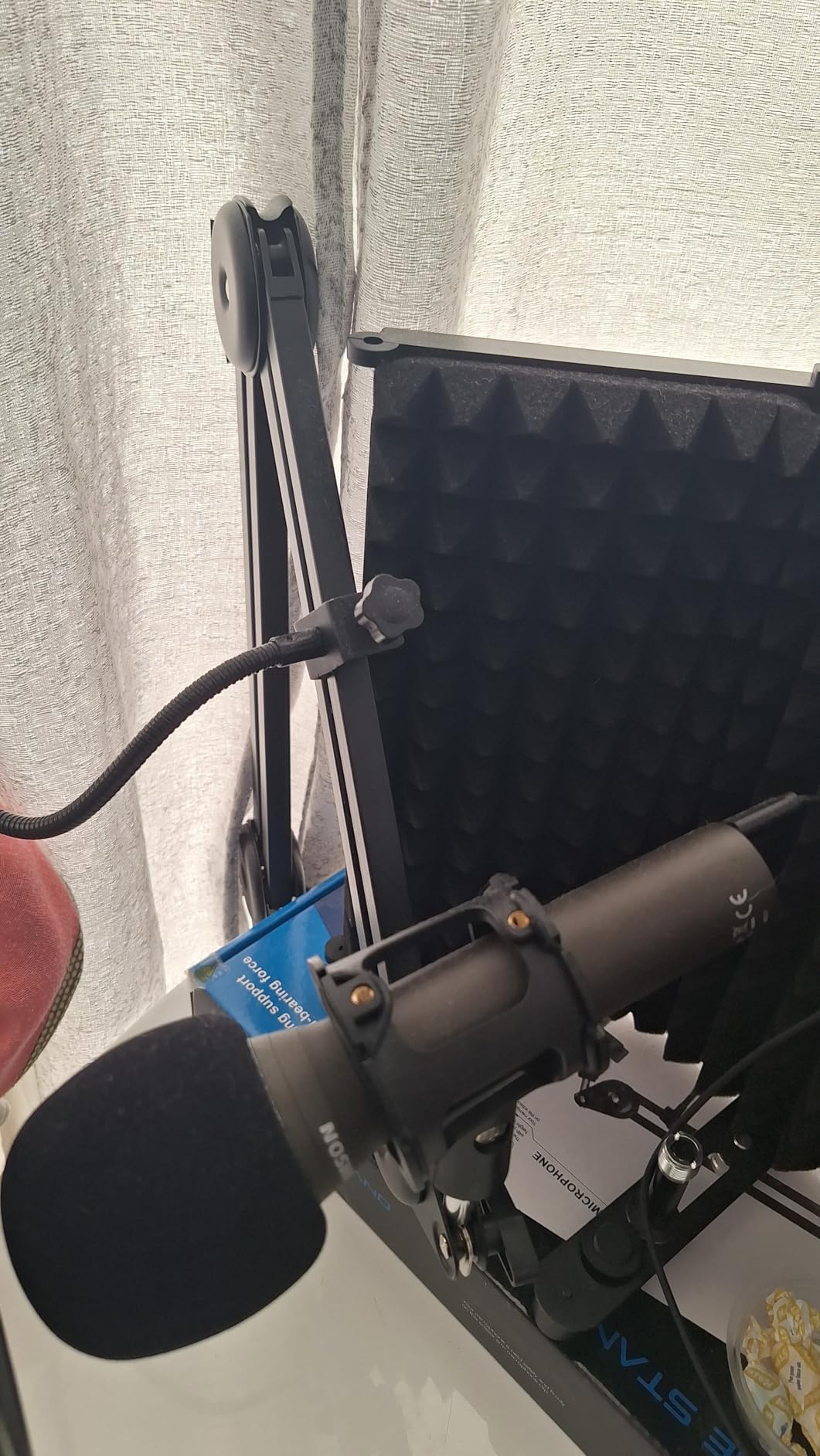
The bundle includes a tripod desktop stand, a tripod extension, a mic clip, a windscreen, a USB-C cable and an XLR cable. It runs entirely on laptop power, so there is no external supply to sit on your desk. For a student moving between rooms, that portability is genuinely useful.
Good for learning and for radio-style shows
Radio professionals and beginners alike rate it as a strong value USB dynamic for speech, and the handheld shape makes the correct technique obvious. Owners report it surviving repeated drops without cosmetic or functional damage, which matters for a handheld mic.
What to fix before you record
The included desktop stand has a loose clamp that lets the mic droop, so plan to mount it properly rather than trusting the supplied base. It is also weak on plosives, which makes the supplied windscreen effectively required rather than optional.
The frequency response caps at 15kHz, so it lacks the air and sparkle a condenser has, and the pattern means you must speak into it directly at close range.
9. MAONO PD200XS – One Body With Both USB and XLR
MAONO PD200XS XLR/USB Dynamic Microphone Kit, RGB Gaming Mic with Software
USB and XLR dynamic
Cardioid
80dB SNR
40Hz-16kHz
Pros
- Dual USB and XLR for plug-and-play now and studio later
- Warm clear speech with good room rejection
- 3.5mm headphone jack for zero-latency monitoring
- Smart knob handles gain and headphone volume together
Cons
- XLR cable not included
- Software effects only work in USB mode
- MAONO Link must be downloaded
- Modest impedance for a dynamic at this level
The PD200XS is the most interesting bridge microphone in this roundup, because it puts real hardware in a body that will not strand you later. USB for the first hundred episodes, XLR for the interface you eventually buy, same microphone either way.
Unlike the Samson Q2U, this one is a desktop microphone with a mounting thread rather than a handheld shape, and it includes an adjustable boom arm and shock mount. It also has a 3.5mm headphone jack for simultaneous recording and zero-latency monitoring, which the Q2U does not have.
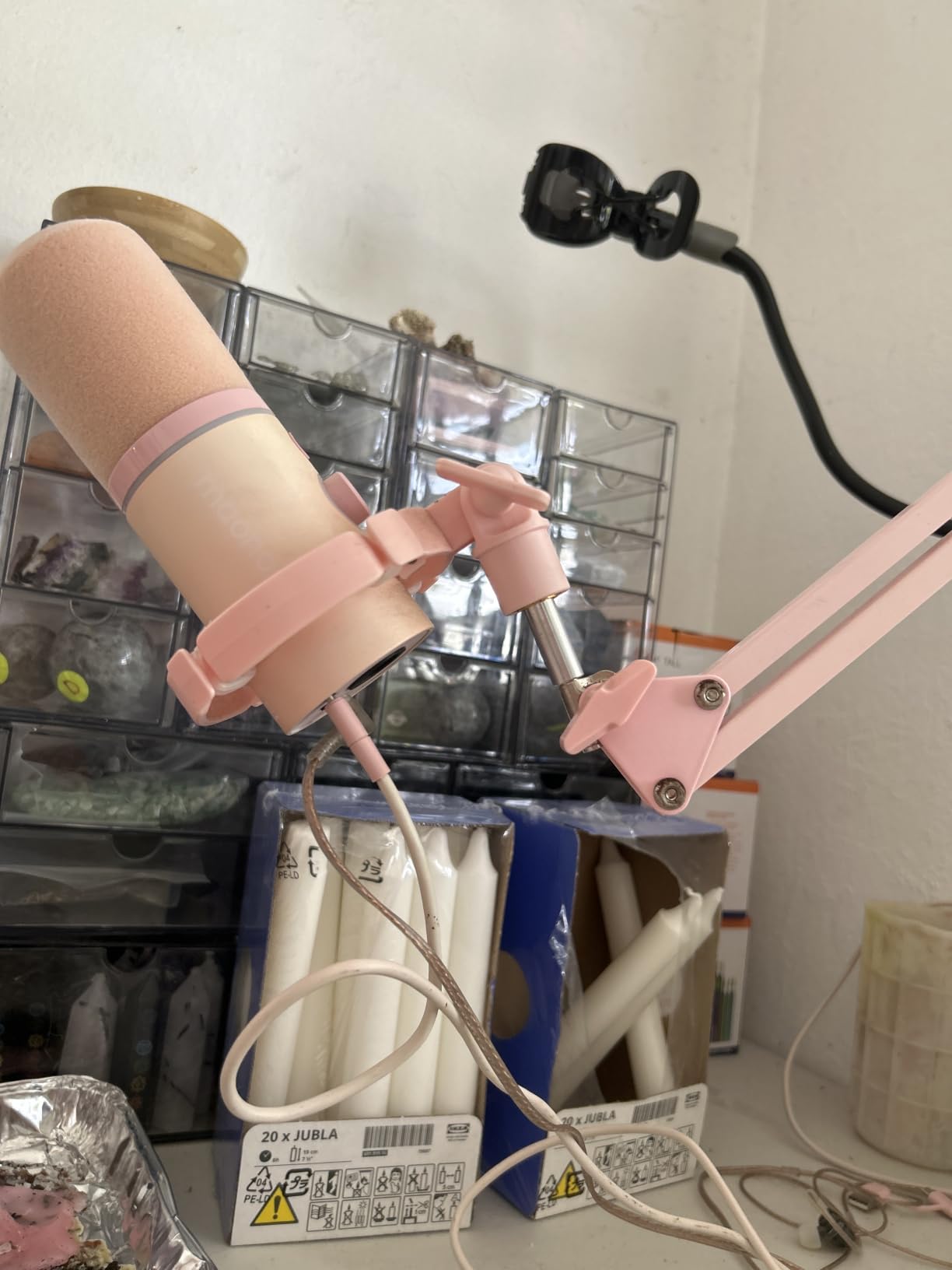
The dynamic capsule covers 40Hz to 16kHz, which is a wide vocal range with genuine low-end weight, and the cardioid pattern reduces background noise for podcast, streaming and gaming alike. A 2-in-1 smart knob handles microphone gain and headphone volume in one control, with a one-click mute and an LED indicator alongside it.
Buyers highlight exactly this combination, since a monitoring jack and a combined gain control are normally absent at this level. MAONO Link adds EQ, limiter, compressor and nine RGB colours, though only in USB mode.
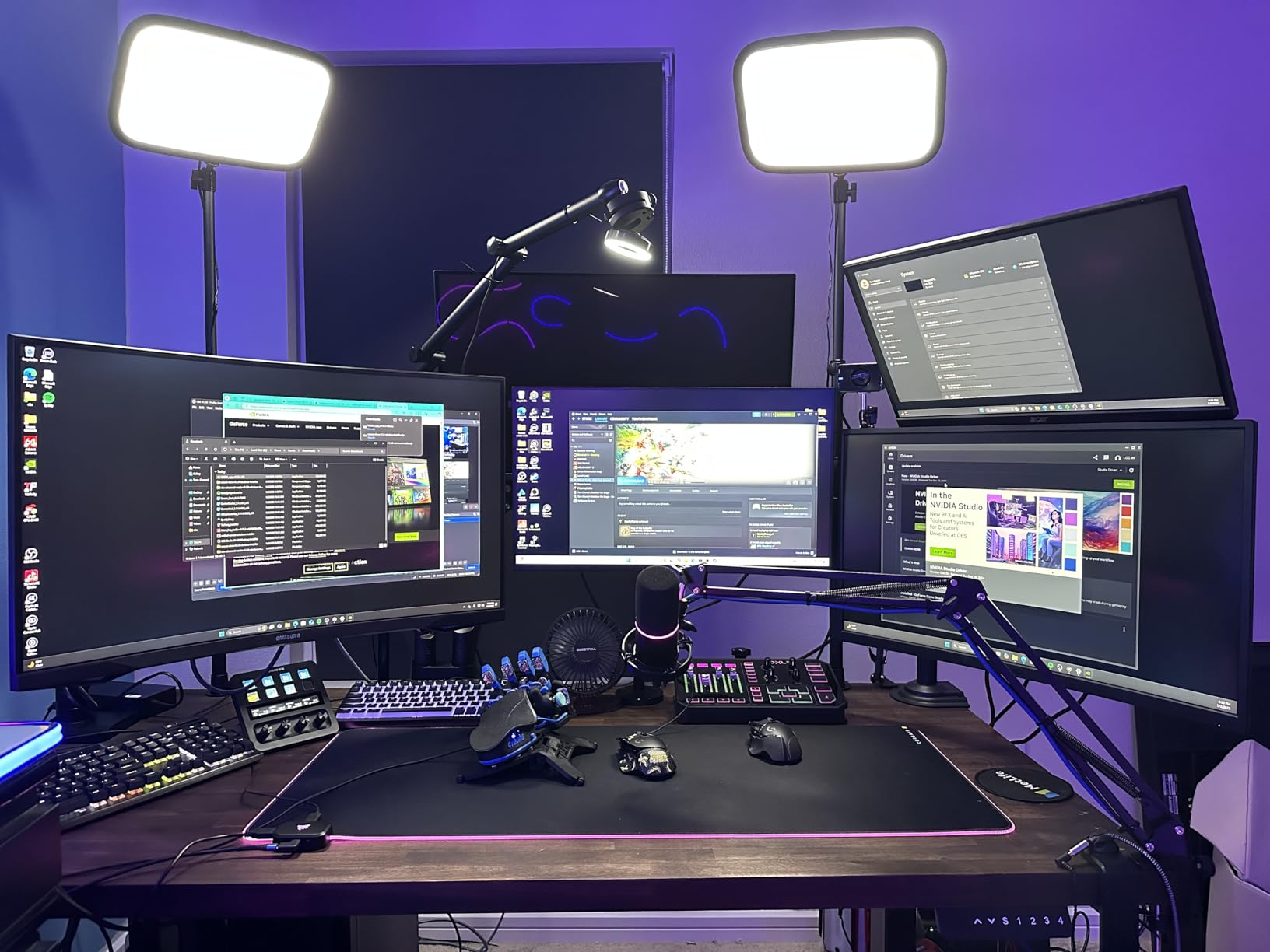
Who it suits
A creator who knows they will grow into a studio but cannot justify a full XLR chain on the first episode. You get warm, clear speech with real room rejection today, and a genuine XLR output when you move to an interface. The monitoring jack also means you can hear yourself with no delay during a live show rather than accepting software monitoring latency.
Where it comes up short
The XLR cable is not in the package, which is the first thing to add to your list when you move to the interface route. The software layer is USB-only, so none of the EQ, limiter or compressor work once you switch to XLR.
It is also a newer model with a much smaller review base than the established alternatives here, so long-term reliability data is thinner. The 680 ohm impedance and low self-noise figures are modest for a dynamic at this level.
10. FIFINE T669 – Full Studio Kit With a Steel Boom Arm
FIFINE T669 Studio Condenser USB Microphone for Recording Podcasting
USB condenser
Cardioid 20Hz-20kHz
78dB SNR
All-steel scissor arm
Pros
- Boom arm shock mount double pop filter and windscreen all included
- All-steel arm is rigid with essentially no flex
- Recognised immediately by OBS and Windows
- Warm natural tone that beats laptop and headset mics
Cons
- No dedicated mute button
- Volume knob reported failing after a few months
- Pop filter grip uses weak adhesive
- C-clamp slips on rounded desks
The T669 is the strongest complete starter kit in this roundup, and the difference from the A04 is the arm. Where the MAONO boom is an aluminium scissor, the T669 uses an all-steel scissor arm with a heavy-duty C-clamp, and it does not flex when you move the microphone.
That rigidity is not cosmetic. A microphone that shifts an inch mid-session changes your gain and your tone, and across a season of episodes that inconsistency is harder to live with than any single sound quality difference.
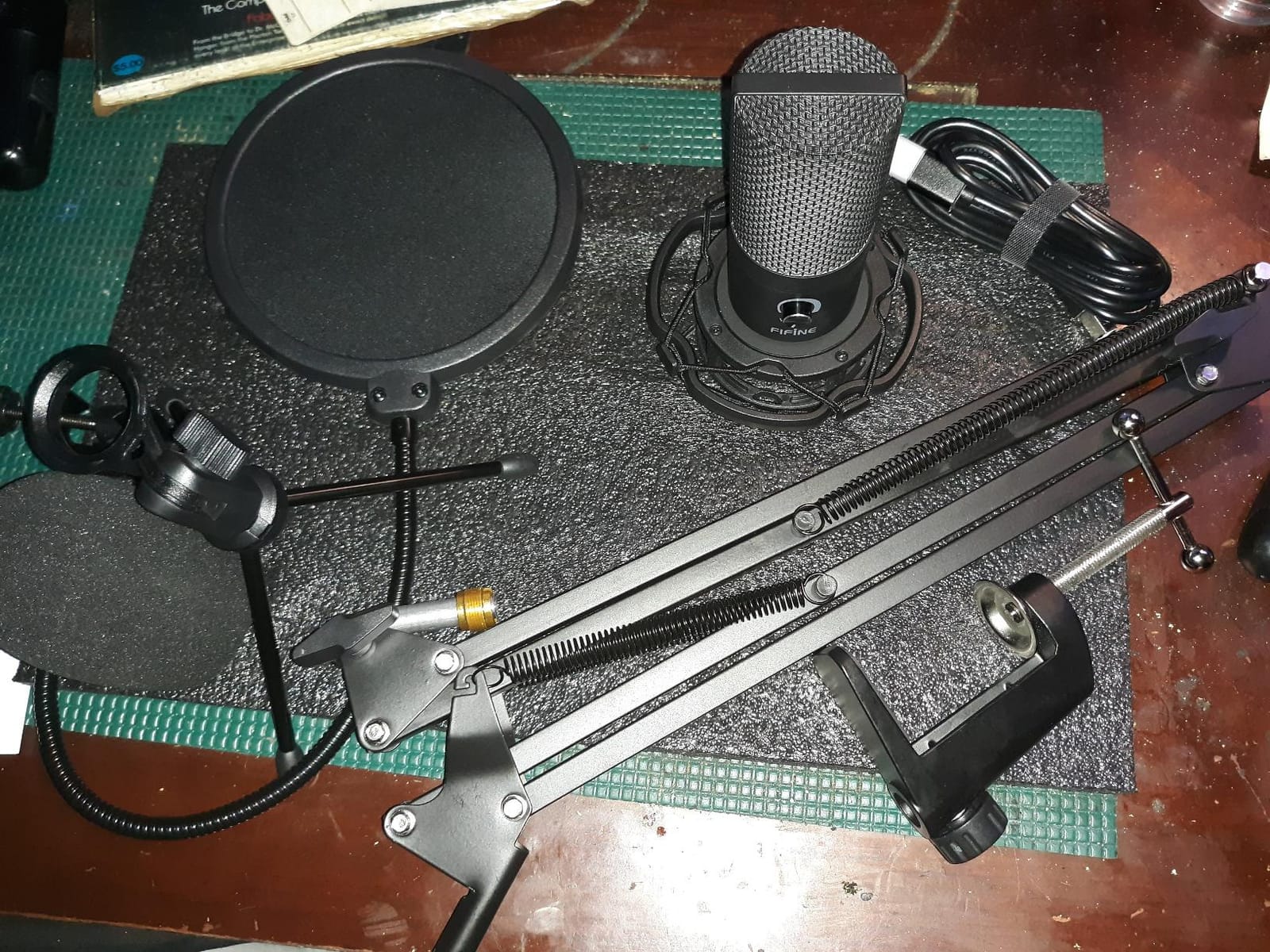
The capsule is a 20Hz to 20kHz cardioid condenser with high SPL handling, which is the full vocal range rather than a narrowed voice band. The gain knob sits on the body, and the 8.2-foot detachable USB-B to USB-A or USB-C cable gives you room to place the microphone properly on a boom rather than tethered to the tower.
Everything is included: a double pop filter, a foam windscreen and a studio-grade shock mount. A double pop filter matters more than it sounds. One layer handles the burst, the second handles what gets through, and plosives stop being the thing you fix in post forever.
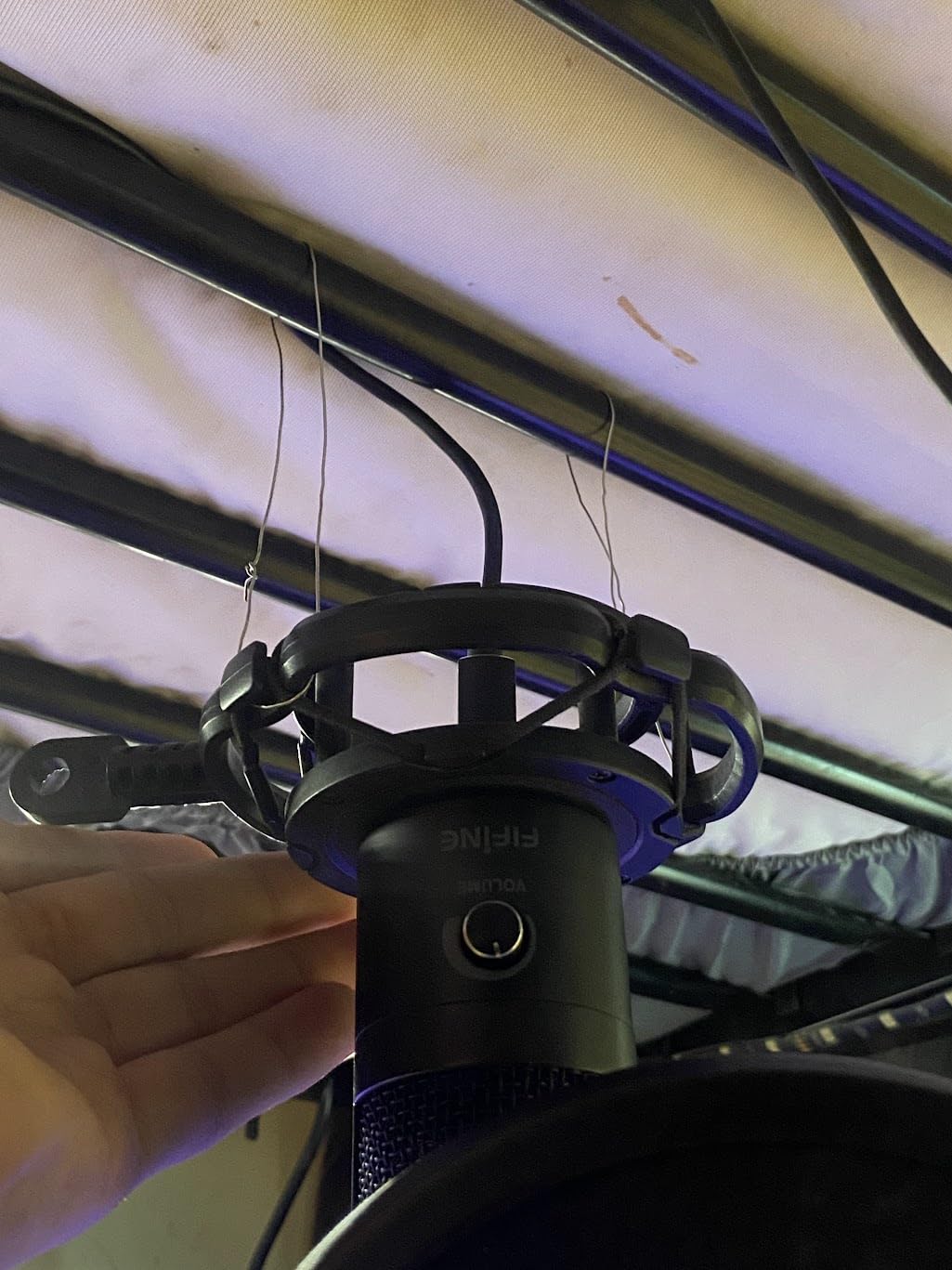
What it does better than the alternatives
It is plug-and-play with no drivers, and OBS and Windows recognise it immediately, so there is no afternoon lost to setup. The C-clamp plus detachable desktop mount also gives you a low-profile option for a desk where a full clamp will not fit. Owners also report good after-sales support, with FIFINE replacing a worn stand a year after purchase.
Where it disappoints
There is no dedicated mute button, so muting means turning the gain knob fully down, and some owners report that knob failing after a few months of use. That is the part we would watch most closely, since it is a control you touch constantly.
Accessory quality control is the other weak spot. The pop filter grip uses weak adhesive and can slip off the arm, and the C-clamp slips on desks with rounded corners. The condenser sensitivity also picks up room noise, so this is a quiet-room microphone.
11. Shure MV7X – Dynamic Isolation Without Phantom Power
Shure MV7X XLR Dynamic Podcast & Recording Microphone – Black
XLR dynamic
Cardioid
72dB SNR
50Hz-16kHz
No phantom power
Pros
- Strong voice isolation in untreated bedrooms
- Rich natural tone needing minimal processing
- No phantom power required unlike the SM7B
- All-metal build with a solid adjustable yoke
Cons
- XLR cable not included
- Needs substantial interface gain and sometimes post boost
- XLR-only with no direct USB connection
- No headphone jack mute or gain controls
The MV7X is the mic for a bedroom with a desk fan, a radiator and a corridor outside the door. Podcasters moving up from entry-level and condenser microphones describe it as a decisive step up, and the standout quality is noise rejection in real rooms rather than in a treated studio.
It is XLR-only, so an interface is mandatory and a cable has to be bought. What you avoid by going XLR is the USB dead end: this body will still be a working podcast microphone in ten years if your interface survives.
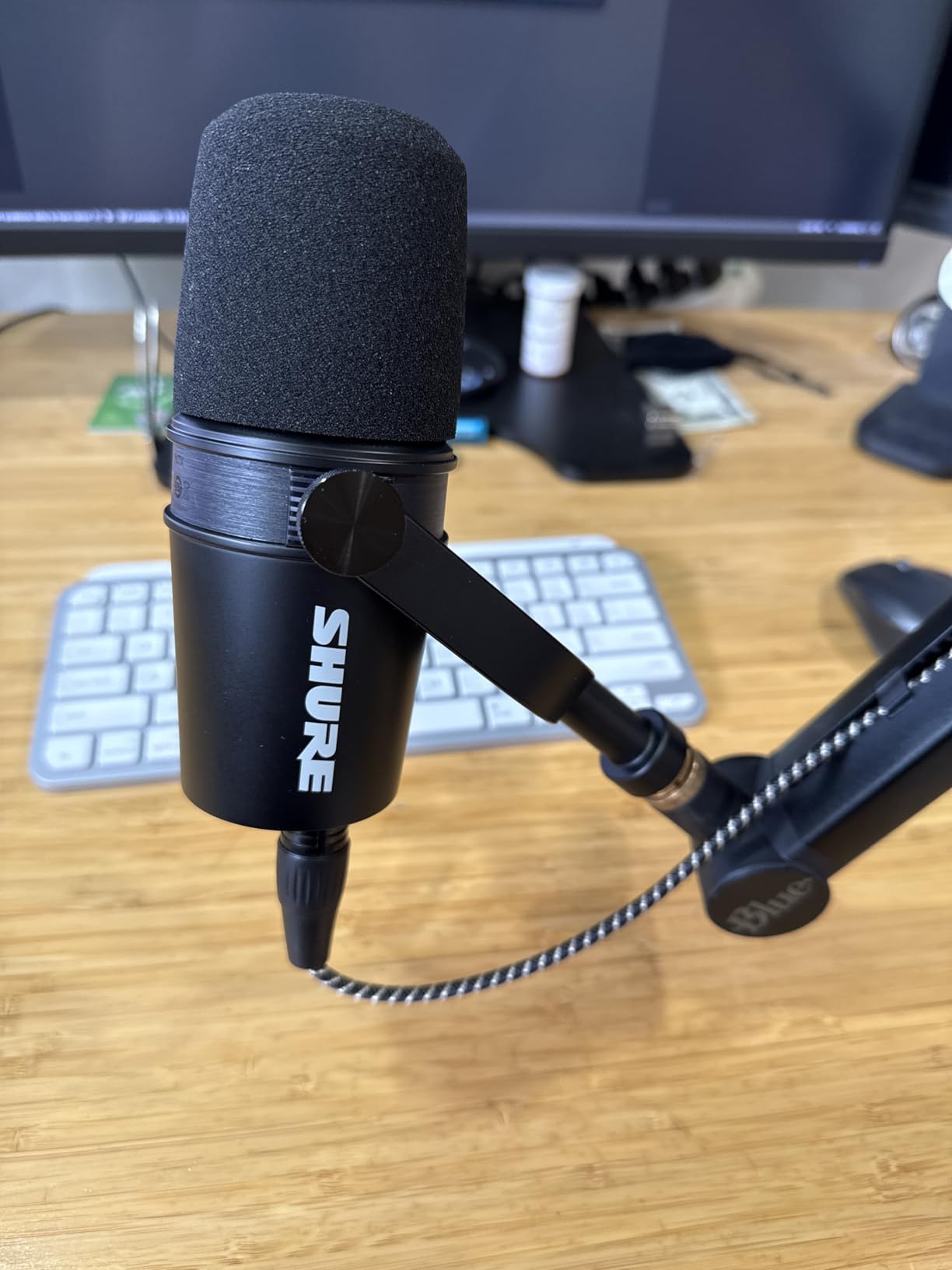
The practical headline is that it does not require phantom power, which is a common reason people hesitate to move up to a broadcast dynamic. Several owners note it sounds close to an SM7B without the phantom power requirement or the extra inline booster that usually goes with one.
The integrated shock mount reduces vibration coming through the stand and boom, and the 50Hz to 16kHz response is optimised for spoken word. The all-metal construction and adjustable yoke feel like a step up in weight class from the plastic-bodied hybrids, and a 3/8-inch adapter is included.
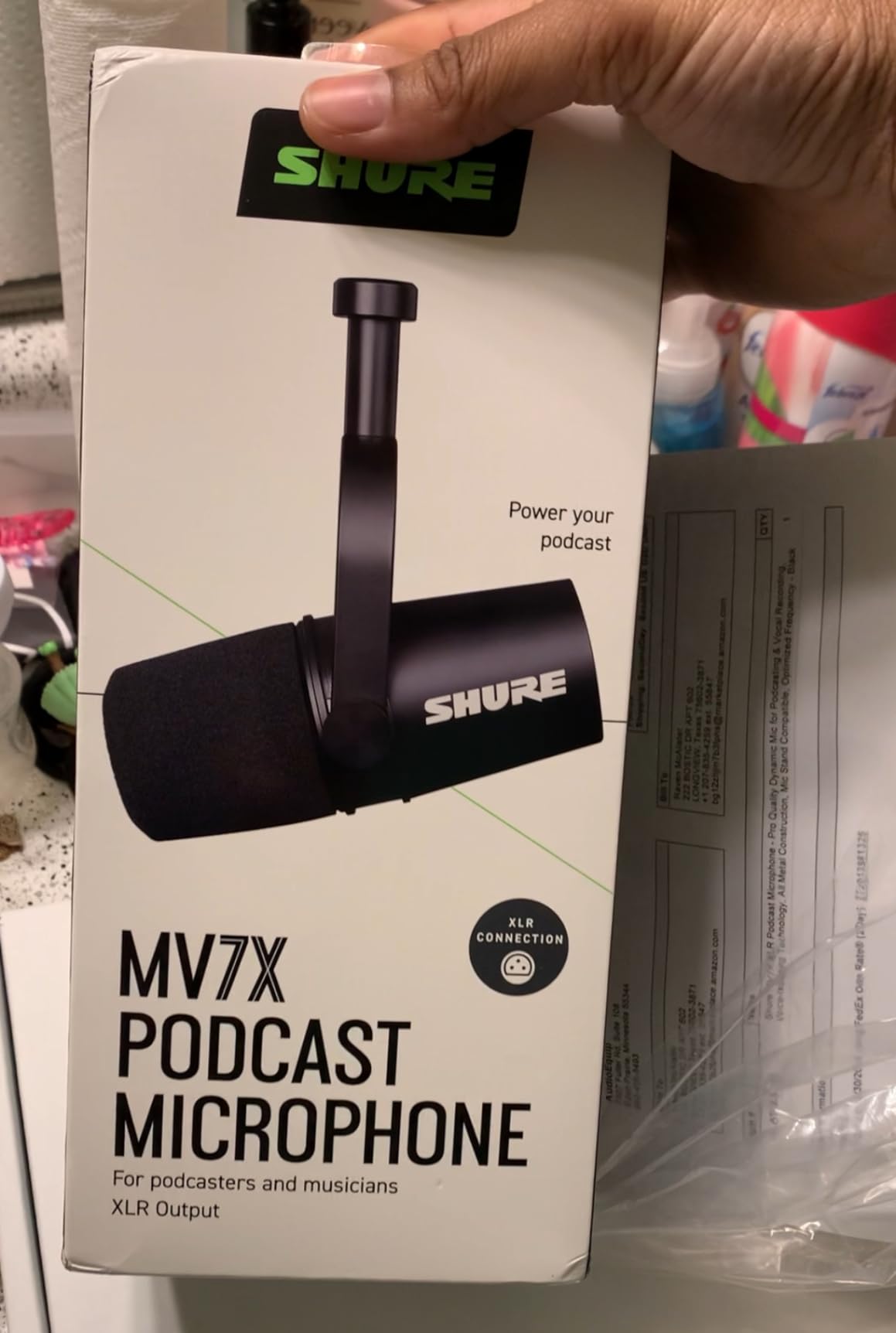
Where the isolation pays off
Owners report barely audible PC fans in an untreated bedroom, which is the exact scenario this microphone is for. In a student room where you cannot control the neighbours or the corridor, that is worth more than extra detail in the tone.
What the total system really costs
Gain is the recurring caveat. The MV7X needs substantial gain from the interface and may need boosting in post, and a noisy preamp makes that boost audible. The two-year manufacturer warranty is a plus, but the interface cost pushes the total system price well above the microphone alone.
There is no built-in headphone jack, mute or gain control, since all of that lives in the interface instead. That is the trade you make for a cleaner signal chain.
12. Audio-Technica AT2040 – Hypercardioid Isolation Built In
Audio-Technica AT2040 Hypercardioid Dynamic Podcast Microphone
XLR dynamic
Hypercardioid
76dB SNR
15kHz response
Pros
- Hypercardioid pattern rejects side and rear sound
- Built-in 80Hz high-pass removes thumps
- Integrated shock mount and internal pop filtering
- Light and easy on a conventional stand
Cons
- Needs a high-gain low-noise interface
- XLR cable not included
- Rolls off early with limited deep low-end
- Bright voicing some voices want EQ on
The AT2040 is the isolation specialist in this roundup. Its hypercardioid pattern rejects sound from the sides and the rear more tightly than a standard cardioid, and if your problem is a specific noise source behind or beside you, that pattern is the answer.
Like the PodMic and the MV7X, it is an XLR dynamic and needs an interface with real gain. At 2.2 pounds it is lighter and smaller than most competing dynamics, which makes it easy on a conventional desk stand rather than a heavy boom.
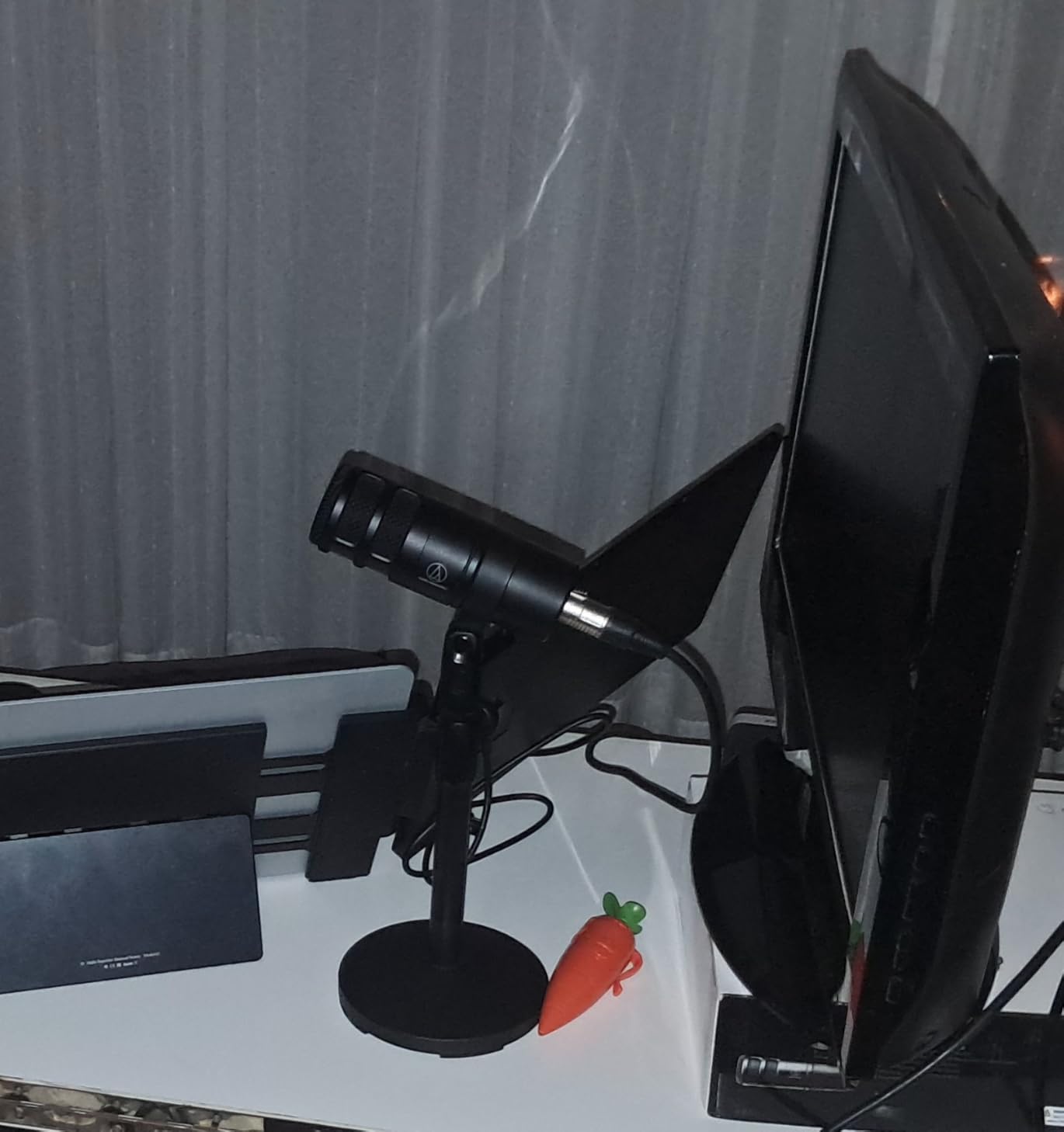
Two built-in features save you money and editing time. A multistage foam mesh windscreen handles pop filtering internally, and a built-in 80Hz high-pass filter reduces floor thumps and table bumps without any EQ. That high-pass alone fixes the most common podcast problem with desk microphones, where every hand movement arrives as a low knock.
The integrated shock mount attenuates noise arriving through the stand, boom or mount, so a desk with a wobble stops colouring your voice. A pivoting stand mount, a 5/8-27 to 3/8-16 threaded adapter and a soft protective pouch are included.
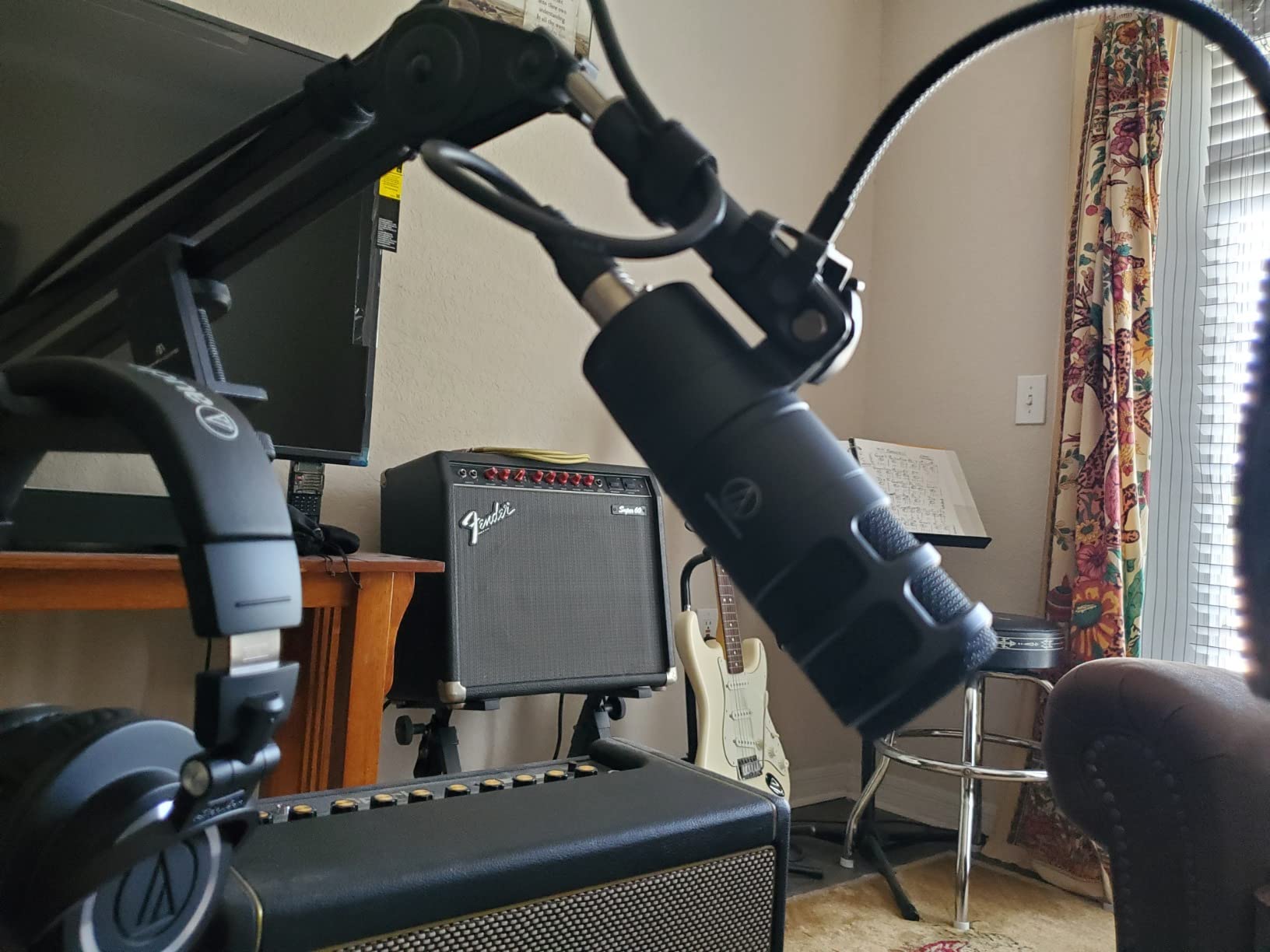
When the pattern matters
Hypercardioid is the right choice when the noise you need to reject is directional and close. A refrigerator hum behind you, a laptop fan, a shared-room wall with conversation on the other side. Owners report very little proximity effect in practice, so speakers can move without the voice going boomy.
It also performs well beyond podcasting. Owners use it for voiceover, radio and instrument isolation duties, which is a fair measure of how versatile the pattern is. The built-in 80Hz filter also means you never have to EQ out table bumps before you start.
What to plan around
Gain staging is the repeated caveat. It needs a high-gain, low-noise interface, and a quiet preamp is important because a noisy one will hiss at the gain this requires. The XLR cable is not included either.
The response rolls off early with limited deep low-end energy, and the voicing is bright rather than dark, so some voices will want EQ on the mids. There is no pad switch and no adjustable low-cut beyond the fixed 80Hz filter.
USB vs XLR: Which One Should You Buy in 2026?
The short answer is that USB wins on speed and XLR wins on longevity and gain control. Everything else follows from those two sentences.
A USB microphone has a preamp, a converter and often a monitoring circuit inside the body. You plug it in, the computer sees a microphone, and you record. Setup time is minutes, total cost is the microphone plus whatever accessories you want, and there is nothing to gain-match. Seven of the twelve microphones in this roundup work this way, and for a first podcast that is the correct choice.
An XLR microphone outputs a raw balanced signal at a low level. You need an audio interface with a clean, high-gain preamp, an XLR cable, and enough gain to bring the signal up without adding hiss. Total cost is higher and setup takes longer. In exchange, the signal chain is modular, the preamp quality is under your control, and the microphone will outlive several generations of computer.
The two USB and XLR hybrids here change the calculus again. The Samson Q2U and the MAONO PD200XS both record straight to a computer today and accept a full interface later, and the Shure MV7X is the kind of model people regret choosing early because it never had the USB path at all.
Our rule: buy USB if you are on your first or second show and your room is reasonably quiet. Buy XLR if your room is noisy, if you already own an interface, or if you expect to still be recording in five years. The three XLR-only microphones in this list are all excellent, and all three are wasted money without the box they depend on.
How We Picked These 12 Microphones
We scored every microphone on five criteria, in this order, and no product made the list on popularity alone.
Voice clarity at normal speaking distance. We recorded a scripted read and a natural conversation at 4 to 8 inches and judged clarity, presence and how much corrective EQ each capture needed. A microphone that needs a chain of plugins to become listenable lost ground to one that does not.
Noise rejection in an untreated room. We ran the same test with a desk fan, a corridor door and normal household noise. This is the test that separates dynamics from condensers, and it carries more weight for anyone in student accommodation than any spec sheet.
Setup cost and total system cost. Interface, cable, pop filter, shock mount and boom arm all count. A microphone that needs extra hardware to be usable does not get credit for being cheap.
Live monitoring and latency behaviour. Onboard headphone monitoring, mute accessibility and whether you can control gain without leaving your software. On a dual-PC streaming setup, physical controls are worth real money.
Build and long-term reliability. Metal over plastic, included cables over sold-separately cables, and owner reports of service life. Durability accounts carried real weight in the final ordering, particularly for the two handheld and desk-stand dynamics here.
Recording in a Small, Noisy or Echoey Room
Most dorm rooms and studio flats are reflective boxes with hard walls, a hard desk and a hard floor. That is why a condenser microphone that sounds wonderful in a treated room sounds thin and exposed in yours, and it is why five of the picks above are dynamics.
The first fix is free: move the microphone closer and get slightly off-axis. Speaking at 4 to 6 inches rather than 10 reduces the room contribution dramatically and increases your signal to noise ratio, because the room has less time to build up. Turning your head a few degrees past the front of a cardioid pattern improves rejection further, at the cost of some high end.
The second fix is soft surfaces. A thick rug, curtains on the wall behind the microphone, a bed full of bedding and a fabric chair all absorb reflections that a condenser will otherwise record. You do not need acoustic panels; you need to break up the parallel hard surfaces. Posters in r/podcasting consistently converge on the same first answer for an untreated room, choose a dynamic microphone, and the second one is soft material on the walls and floor.
Third, use the 3-to-1 rule of thumb: for every one hard reflective surface in your room, aim to have three times that in soft absorptive material. You will not hit that ratio in a bedroom, but moving one curtain and adding one rug shifts the balance enough to hear in the recording.
Fourth, remember that placement beats spending. A microphone on a boom arm at a consistent distance and angle, with a pop filter between you and it, will outperform a more expensive microphone sitting in the middle of the desk pointed at an empty corner. A closet full of clothes is also a genuinely good recording booth, and it costs nothing.
Frequently Asked Questions
Which microphone is best for podcasts?
The Logitech Blue Yeti is the best all-round podcast microphone here because it combines four pickup patterns, onboard gain, a dedicated mute and a headphone volume control in one USB body, with more than 57k reviews behind it. For a noisier room, the Rode PodMic or Shure MV7X give better off-axis rejection but need an audio interface. A first podcast in a quiet room is well served by the FIFINE T669.
What mic do most streamers use?
The most common streamer microphone is a USB condenser, and the Blue Yeti leads that group on review volume. Streamers who want hardware control at a lower level often choose the FIFINE A6V for its tap-to-mute indicator or the Elgato Wave:3 MK.2 for onboard DSP and zero-latency headphone monitoring. Streamers in untreated rooms increasingly choose a dynamic such as the Samson Q2U for noise rejection.
Should I choose a USB or XLR mic for podcasting?
Choose USB if you are starting out and your room is reasonably quiet, because setup takes minutes and no interface is needed. Choose XLR if your room is noisy, if you already own an interface, or if you want a microphone that will still work in five years. A hybrid such as the Samson Q2U or MAONO PD200XS records over USB now and accepts an interface later.
Can I use a podcast mic for live streaming?
Yes. Podcast and streaming microphones are almost always the same hardware, and most people need one microphone for both. What streaming adds is zero-latency monitoring, a reachable mute control and the ability to survive a louder voice at close range. The Elgato Wave:3 MK.2 and the Blue Yeti both have onboard headphone monitoring, while the FIFINE A6V adds a visible mute indicator.
What is the 3 to 1 rule for microphones?
The 3 to 1 rule is an acoustics guideline, not a microphone specification: for every one hard, reflective surface in a room, aim for roughly three times that in soft, absorptive material. Hard surfaces reflect sound and create echo, while soft materials such as rugs, curtains, bedding and fabric absorb it. You will not hit the ratio in a dorm room, but one curtain and one rug will noticeably reduce the room sound a condenser microphone records.
The Verdict: Best Streaming Microphones for Podcasting in 2026
The Blue Yeti remains our pick as the editor’s choice, because nothing else here gives you four patterns, onboard gain, a real mute and headphone volume in a body that works the moment it is plugged in. If you want the most complete kit instead, the FIFINE T669 wins on value with a steel boom arm, a shock mount and a double pop filter. If your room fights you, the Rode PodMic is the best-sounding answer once you add an interface.
Whichever one you choose, the two things that change your audio most are not the microphone. They are how close you speak and how much soft material is in the room. Get those right and even a budget condenser will sound credible. Then pick the mic that matches the room you actually record in, not the room you wish you had.