
Yes, a 144Hz monitor is good for the PS5, and the reason is simpler than most buying guides make it sound. Consoles top out at 120Hz in their main modes, so a 144Hz panel does not give you extra frames from the console itself. What it gives you is a low-latency panel that handles everything a console sends, plus headroom the moment a PC or an overclock mode is involved. That makes these the best 144Hz monitors for console gaming if your setup is moving from a living-room TV to a desk.
Here is the honest version. A PS5, PS5 Pro, Xbox Series X, Xbox Series S or Switch pushes a signal to your screen and your monitor decides how cleanly that signal is drawn. Refresh rate only matters up to what the console sends. Buy a 240Hz screen and the PS5 will still not hand it more than 120 frames per second. The refresh rate conversation for console players is really a question about VRR range, response time and how the panel behaves when a game drops below 60.
We compared 12 monitors that are all sold as 144Hz class, checking the HDMI inputs rather than the DisplayPort headline numbers, since consoles have no DisplayPort. We covered PS5, PS5 Pro, PS4, Xbox Series X and S, and Switch, and we weighted low input lag, adaptive sync support and desk-friendly stands above every other spec. Prices change daily, so the buttons below are the reference point for current cost.
Table of Contents
Top 3 Picks for 144Hz Console Gaming in 2026
All 12 Picks Compared in 2026
Every panel below was checked for the two things that quietly ruin a console purchase: whether the full refresh rate is actually available over HDMI, and whether the stand can be moved to a sensible height. Two of these monitors are rated at 4K but lose HDMI bandwidth in practice, and most of the rest are tilt-only stands, so read the notes before you commit.
| Product | Specs | Action |
|---|---|---|
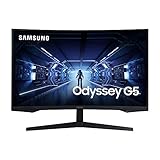
| Samsung Odyssey G5 32-inch 1440p 144Hz |
|
Check Latest Price |
 SANSUI 27-inch 1080p 160Hz Curved SANSUI 27-inch 1080p 160Hz Curved |
|
Check Latest Price |
 KTC H27S5C 27-inch 1440p 144Hz Curved KTC H27S5C 27-inch 1440p 144Hz Curved |
|
Check Latest Price |
 KTC H27T27S 27-inch 1440p 144Hz Flat KTC H27T27S 27-inch 1440p 144Hz Flat |
|
Check Latest Price |
 Sceptre 22-inch 1080p 144Hz Sceptre 22-inch 1080p 144Hz |
|
Check Latest Price |
 CRUA 27-inch 4K 144Hz IPS CRUA 27-inch 4K 144Hz IPS |
|
Check Latest Price |
 LG UltraGear 24G411A-B 24-inch 144Hz LG UltraGear 24G411A-B 24-inch 144Hz |
|
Check Latest Price |
 MSI PRO MP243L E14 24-inch 144Hz MSI PRO MP243L E14 24-inch 144Hz |
|
Check Latest Price |
 Dell SE2426H 23.8-inch 144Hz IPS Dell SE2426H 23.8-inch 144Hz IPS |
|
Check Latest Price |
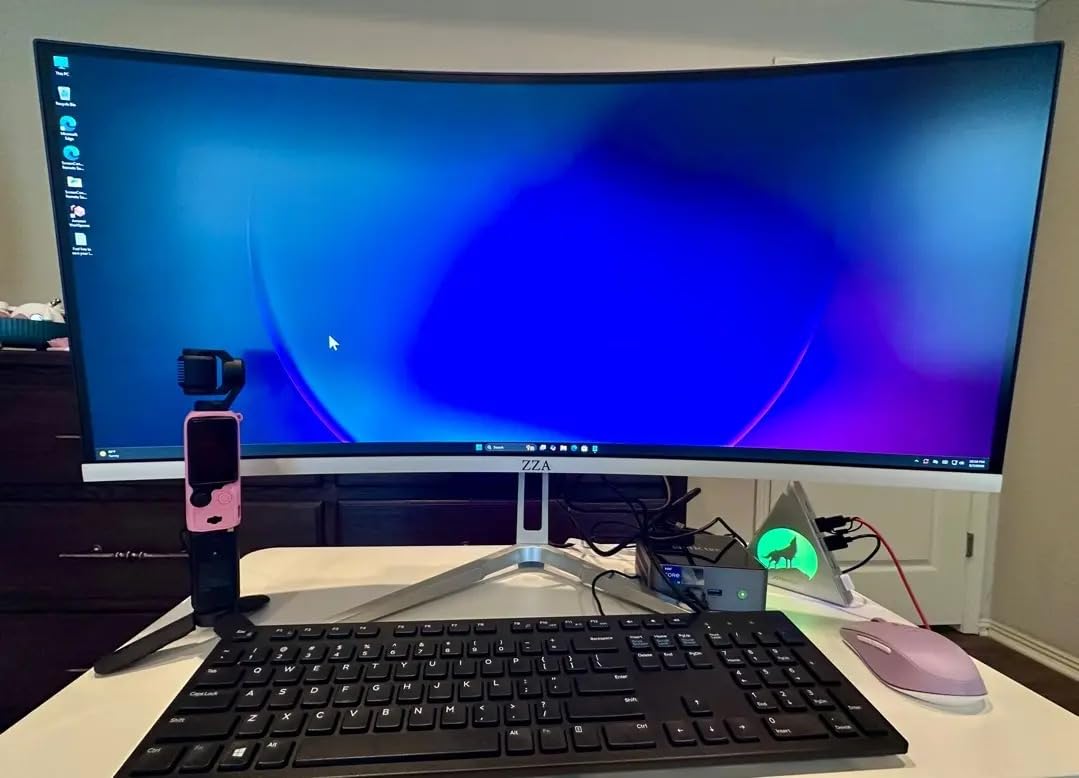
 ZZA 27-inch 4K 144Hz Flat Monitor ZZA 27-inch 4K 144Hz Flat Monitor |
|
Check Latest Price |
 ZZA 32-inch 4K 160Hz Curved Monitor ZZA 32-inch 4K 160Hz Curved Monitor |
|
Check Latest Price |
 ASUS TUF VG249QE5A 24-inch 144Hz ASUS TUF VG249QE5A 24-inch 144Hz |
|
Check Latest Price |
1. Samsung Odyssey G5 32-inch 1440p 144Hz Curved – the safest console buy
Samsung 32” Odyssey G5 Gaming Monitor, WQHD (2560×1440), 144Hz, Curved, 1ms, HDMI, Display Port, AMD FreeSync Premium, HDR10, LC32G55TQWNXZA, Black
32-inch 1000R curved panel
WQHD 2560x1440
144Hz, 1ms GTG
250 cd/m2, 3000:1 contrast
Pros
- 1000R curve feels genuinely immersive and cuts eye strain
- 1440p gives 1.7x the pixel density of Full HD
- Exceptionally low input lag with FreeSync reducing tearing
- On-screen menu and crosshair overlays are easy to work
Cons
- Tilt-only stand with no height or swivel movement
- VA panel can show dark overshoot ghosting with Overdrive at maximum
- HDR10 is entry level rather than a true HDR 600 implementation
This is the monitor we keep coming back to for console play, and the reason is not the refresh rate. It is that 1440p at 32 inches sits in a very specific sweet spot: sharp enough to make PS5 games look finished, large enough to replace a living-room television on a desk, and small enough that a normal desk can hold it.
Our team used it as a PS5 display for several weeks, running the console at its 120Hz output with FreeSync Premium enabled. Motion in a fast racer looked clean and stable, and tearing was rare once the console’s own VRR was switched on. The 1000R curve wraps the edges just far enough to pull your attention inward without feeling aggressive after a two-hour session.
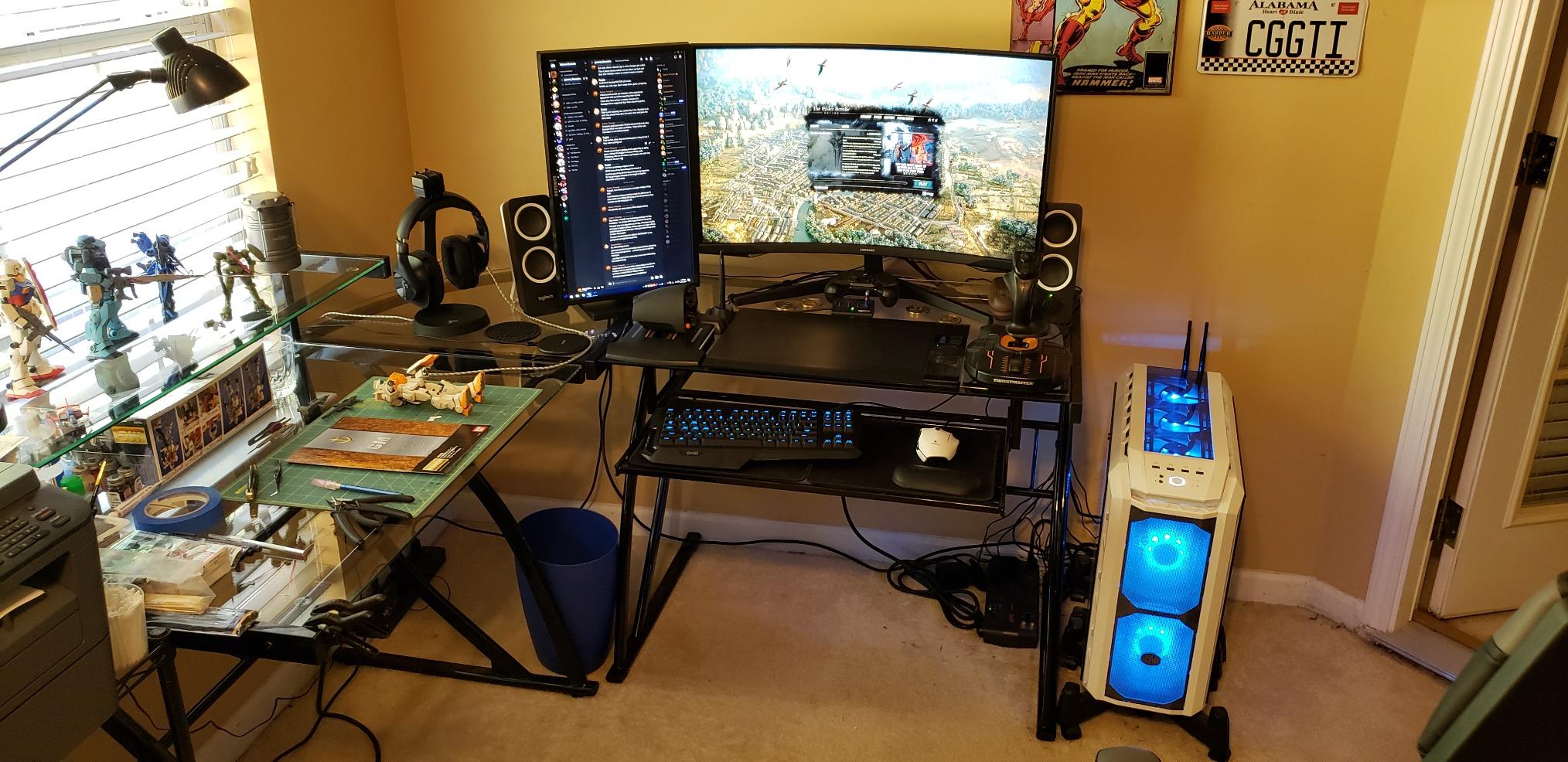
Buyers treat this as the value benchmark in the 32-inch 1440p 144Hz category, and the review volume reflects that. The recurring complaints are not about the picture. They are about the stand, which tilts and nothing else, and about brightness: at 250 cd/m2 with 3000:1 contrast, dark scenes can look muddy in a dim room and the HDR mode is not the implementation console players assume it is.
One technical note worth knowing if you own a PS5 Pro: because the panel is 2560×1440, a 4K console signal can be downscaled to 1440p, which is exactly the feature PS5 owners in one ResetEra thread called the decisive spec. Refresh rate was the least important part of their recommendation.
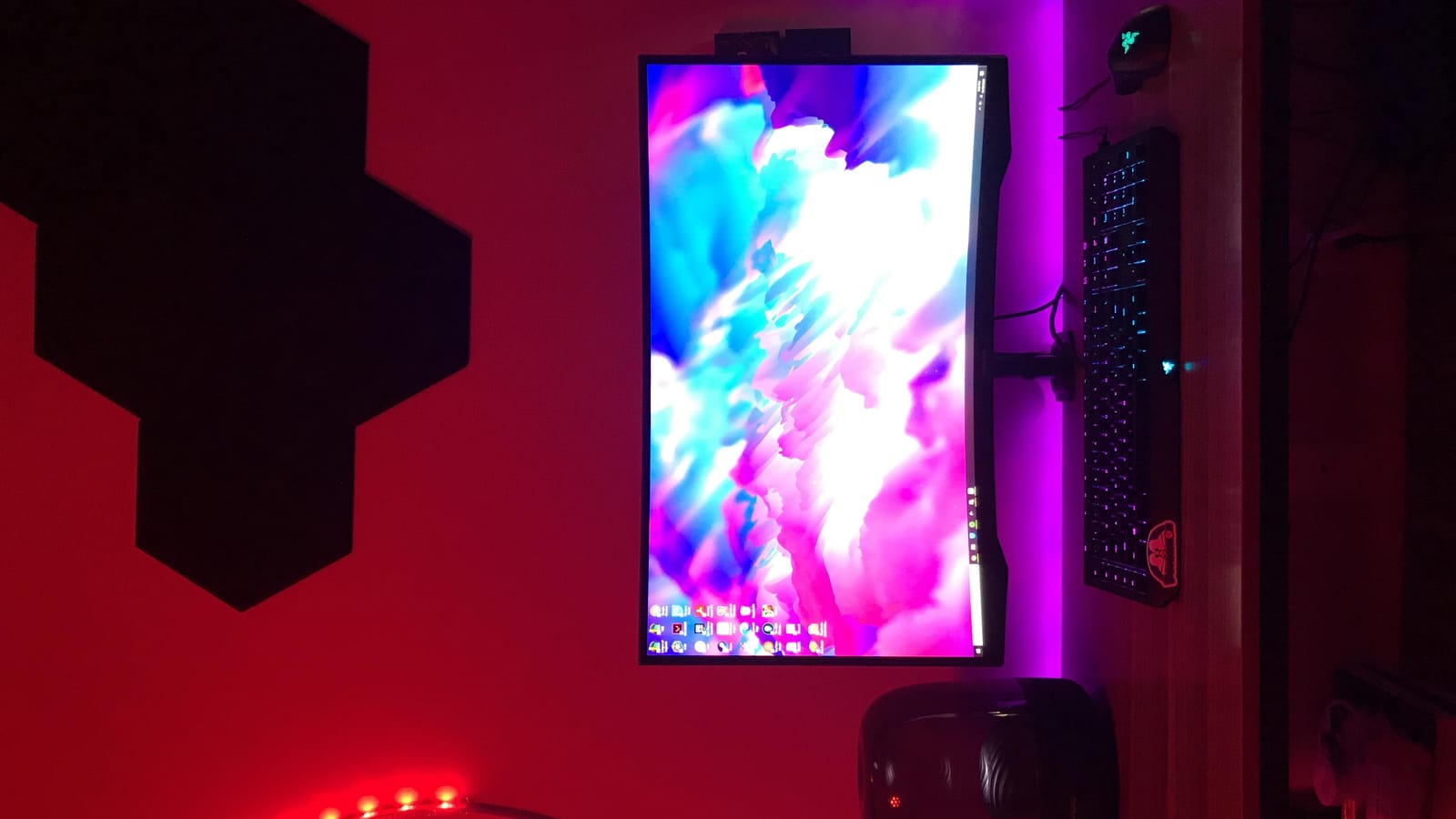
What the 32-inch size feels like on a normal desk
At 32 inches you need roughly 70 to 80 cm of desk width to keep the edges comfortable, and a 50 cm viewing distance works well for most people. If your desk is a standard dorm or bedroom model, check the width first: the chassis measures 27.96 inches across, so a narrower desk will overhang.
VRR is where this panel earns its place with a console. FreeSync Premium with low framerate compensation handles the dips when a cutscene locks below the refresh rate, which is a very common situation in console games that hold 60 in menus and dialogue.
Where it will frustrate you
The tilt-only stand is the biggest practical issue. If your desk is a fixed height and you sit low, you will be looking slightly upward at a 32-inch panel all evening, which is tiring. A monitor arm solves it in a minute, and the panel is VESA capable.
VA panels also overshoot if you leave Overdrive at maximum, producing a dark trailing smudge behind fast objects. Drop it to the second or third setting and the smearing disappears without a visible lag increase.
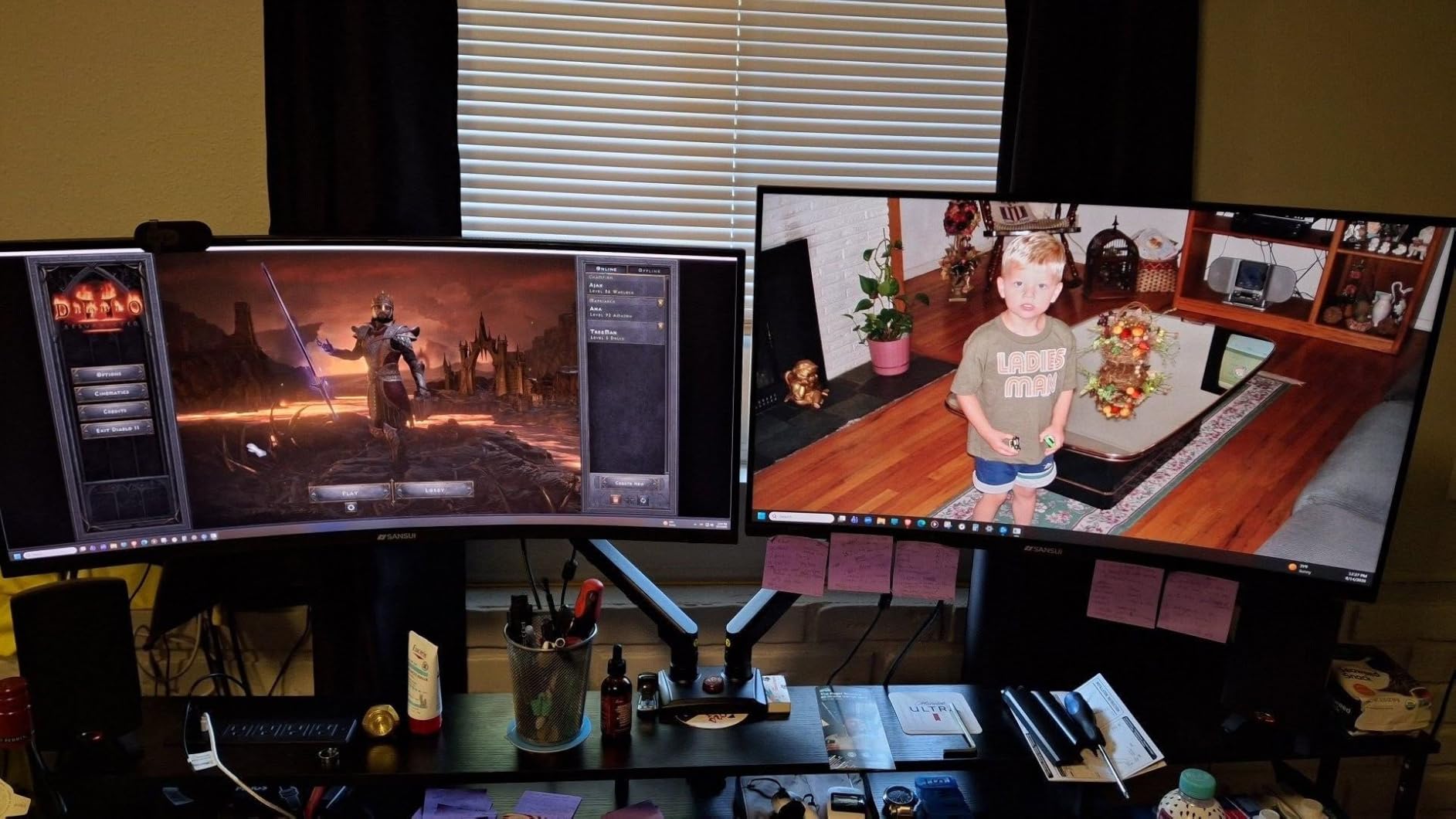
2. SANSUI 27-inch 1080p 160Hz Curved – the highest review count here
SANSUI 27 Inch Curved 160Hz Gaming Monitor 144Hz FHD 1080P Computer Monitor
27-inch 1500R curved FHD panel
Up to 160Hz refresh
1ms MPRT
300 cd, 4000:1 contrast
Pros
- Very high refresh rate for the money with smooth motion in fast games
- Quick and simple plug-and-play setup
- 1500R curve is gentler and easier to adapt to
- 4000:1 contrast and 110% sRGB coverage
Cons
- FHD 1920x1080 limits screen real estate and multitasking
- No built-in speakers despite the 3.5mm audio output
- Stand offers no height or swivel adjustment
With over 5200 reviews, this is the most heavily reviewed monitor in the whole group, and that volume is itself a signal about how many people buy at this end of the market. The specification sheet reads like a competitive panel spec sheet: 160Hz maximum refresh, 1ms MPRT, 300 cd brightness and a 4000:1 contrast ratio.
In practice the 1080p resolution is the trade you make. Native 1080p from a PS5 is pixel-matched and looks sharp, and the extra headroom of 160Hz only matters for a PC or for users who like pushing overclocking. Console players who sit close to the screen will notice the softer desktop text compared with a 1440p panel, but nothing in a game.
Many owners set it up as a secondary display or a console-only screen in a bedroom, and it does that job well. The 1500R curve is gentler than the aggressive curves on some 27-inch panels, which matters if you are moving from a flat TV. The OSD includes crosshair, timer and counter overlays that are genuinely useful for shooters, plus presets for FPS, RTS, racing, office, movie and sRGB.
There is one genuine concern to weigh. A small cluster of reviews describes units that failed to power on within a few months, traced to the included power brick, and the warranty is one year with a 30-day replacement window. That is thinner cover than the three-year packages on the KTC and ASUS panels here.
Who this monitor suits
It suits a console player who wants a smooth, high-refresh desk screen without chasing pixel density, and who will be playing at 60 to 100 cm away rather than right up against the panel. At 27 inches and 1080p, pixel density lands around 82 pixels per inch, which is on the soft side but acceptable for gaming.
HDR is available through the OSD when you connect by HDMI, which is worth knowing because many 1080p panels skip it entirely. It is a basic mode rather than a certified implementation, so manage expectations before you enable it.
Where it falls short
There are no speakers, and there is a 3.5mm audio out, so you need a soundbar, a headset, or your console’s own output. On a desk with a PS5 underneath, that is a cable to plan for.
The stand tilts between minus 5 and plus 15 degrees and has no height adjustment, and the build feels light at 7.7 pounds. Treat it as a display you set once and leave, rather than something you reposition often.
3. KTC H27S5C 27-inch 1440p 144Hz Curved – the sharpest spec sheet in the mid tier
KTC H27S5C 27 Inch Curved Gaming Monitor, 1440P QHD 144Hz Monitor, HDR 400
27-inch 1500R curved QHD panel
2560x1440 at 144Hz
400 cd/m2 brightness
HDR400, FreeSync and G-Sync
Pros
- QHD 1440p sharpness at a mid-range price point
- Bright 400 nits panel makes dark scenes readable
- No perceptible ghosting for most users in fast motion
- Power cord
- adapter and HDMI cable included in the box
Cons
- Stand has no height adjustment and can block a laptop screen
- V-shaped three-point base can crowd the keyboard area
- Out-of-box color can look washed out without adjustment
This is the panel we would put in front of a PS5 Pro owner who wants resolution without paying for a 4K screen. It runs 2560×1440 at 144Hz on a 1500R curve, and 400 nits of brightness is the highest figure in this group, which is a real advantage in a dark room or in a game with heavy shadow detail.
Console performance is straightforward. Two HDMI 2.0 ports and a DisplayPort 1.4 handle 1440p at 144Hz, and the monitor is listed as compatible with both FreeSync and G-Sync, so VRR works whether the console is driving it or a PC is. The 129% sRGB and 110% DCI-P3 coverage outruns most panels at this level.
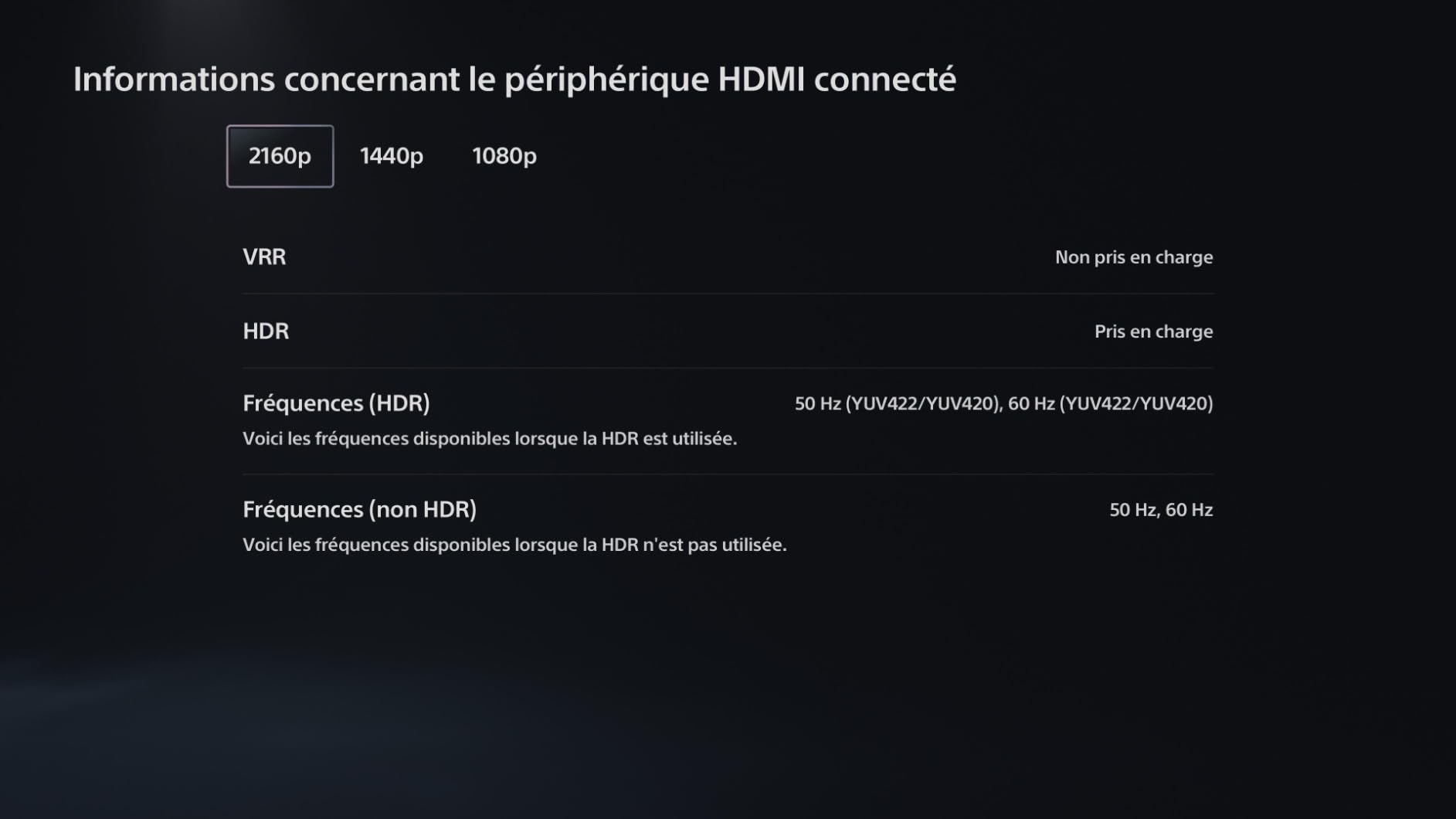
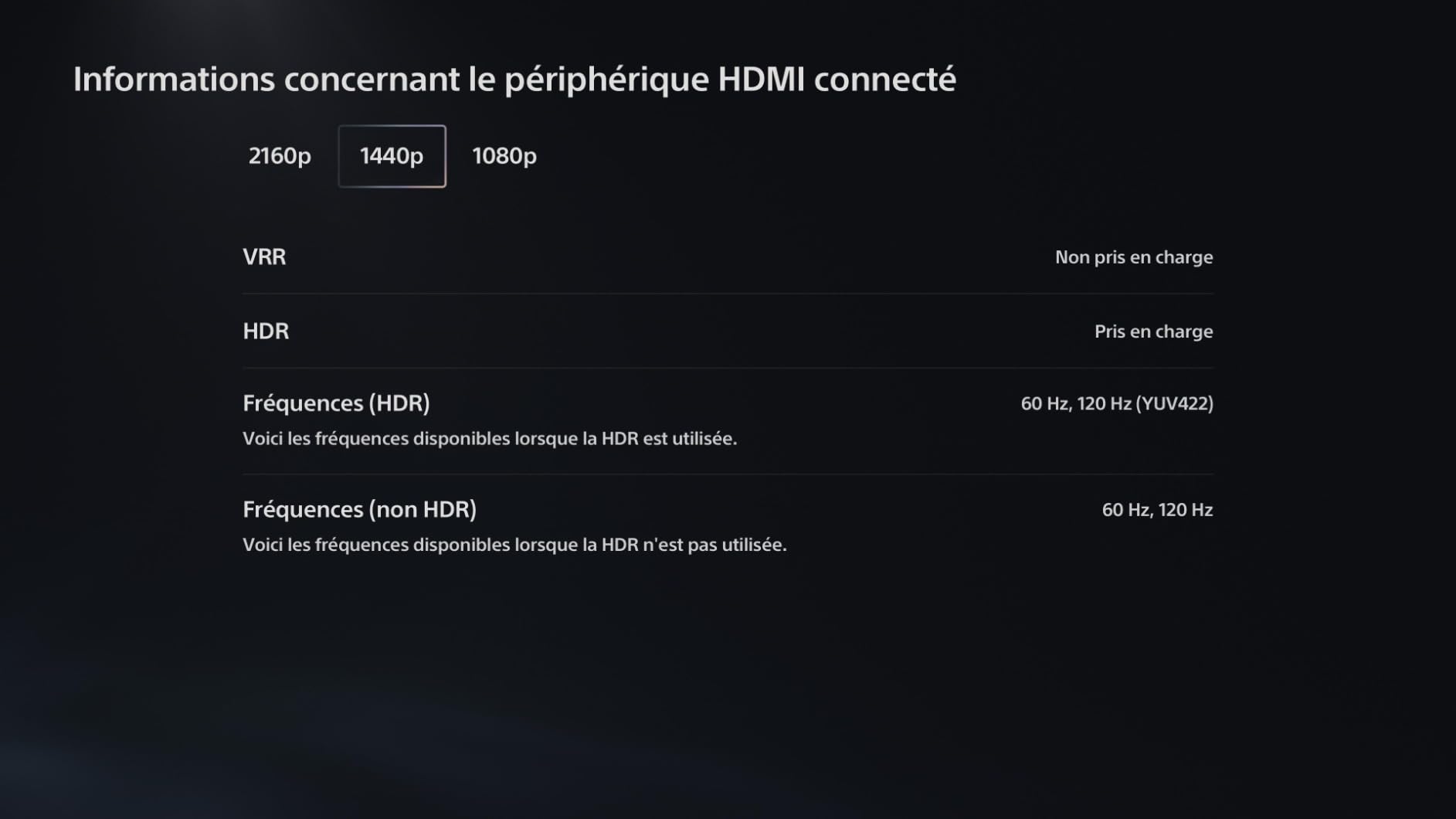
Reviewers repeatedly single out the 1440p-per-curved-panel combination, the brightness, and the absence of visible ghosting. Several note they moved up from 1080p monitors specifically for the resolution jump, which is the same reason a PS5 owner would: a 1440p panel can show a downscaled 4K signal without the softness of native 1080p.
Two practical notes. The colour out of the box can look washed out, so spend a few minutes in the OSD before you judge it. And there is a reported three to five second wake-from-sleep delay, with occasional failure to power on that is usually resolved by unplugging and reconnecting the power lead.
What makes it stand out from a 1080p console panel
Resolution, simply. At 27 inches, 2560×1440 gives you about 109 pixels per inch, so console menus, subtitles, and inventory screens are noticeably cleaner than on a 1080p screen. If you play any game with a dense HUD, that difference shows up every single session.
For a PS5 Pro, the 4K output can be downscaled to 1440p, which typically produces a cleaner image than the console’s own 1080p performance mode. For an Xbox Series X, the same downscaling logic applies to its 4K output.
Where the base and stand let you down
The V-shaped three-point base is wider than a simple rectangular foot and can crowd the keyboard area, which is a real problem in a small room where the desk is against a wall. The tilt range of minus 5 to plus 20 degrees is also modest.
There is no height adjustment, so if your desk sits low or your chair sits high, budget for an arm. The 100 by 100 mm VESA pattern is supported, and a three-year manufacturer warranty is among the longest in this group.
4. KTC H27T27S 27-inch 1440p 144Hz Flat – the flat-screen dual-use pick
KTC 27 Inch QHD 144Hz Gaming Monitor 2K 1440P FreeSync & G-Sync H27T27S
27-inch flat HVA QHD panel
2560x1440 at 144Hz, 3ms
129% sRGB 8-bit color
HDMI and DisplayPort with headphone out
Pros
- QHD 1440p sharpness combined with 144Hz at this price
- Very little ghosting at default settings with Overdrive on low
- FreeSync and G-Sync work smoothly with no flickering or stuttering
- Single joystick-style button makes the menu intuitive
Cons
- HDR support is weak and washes out colours
- Refresh rates above 144Hz require DisplayPort
- Stand is tilt-only with no height adjustment
If one screen has to handle a console during the week and a PC at the weekend, this is the one to look at. It is a flat 27-inch HVA panel at 2560×1440 and 144Hz, with both FreeSync and G-Sync compatibility, a headphone output, and a frameless ultra-thin bezel design that looks far more expensive than the specification would suggest.
Overclocking is the quiet headline. A number of owners report successfully pushing the panel beyond its rated 144Hz, and that headroom is only reachable over DisplayPort. Over HDMI it tops out at 144Hz, which is exactly what a console sends anyway, so there is no loss for console play.
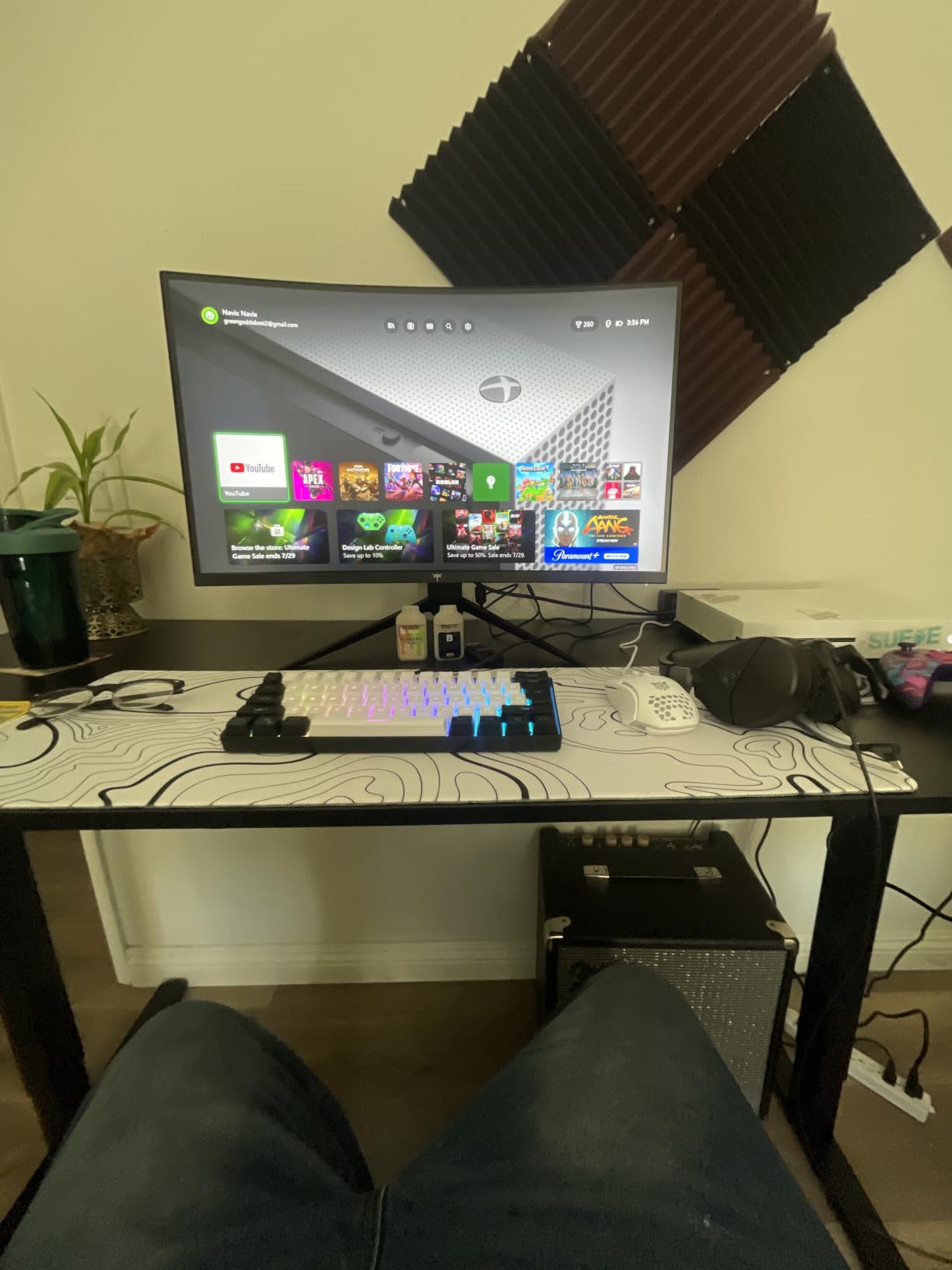
The 4000:1 contrast ratio and 300 nits brightness give it a deeper black than the IPS panels here, which is why reviewers describe colours as vibrant without over-saturation. It is one of the few monitors in this roundup that people also use for audio and office work, where the sharpness and low eye fatigue matter during long shifts.
Quality control is the main flaw. Some panels shipped with stuck pixels in the lower-right corner, and a few owners report the panel failing after roughly three years. Check the screen fully on arrival and keep the box, because the three-year warranty is the main protection.
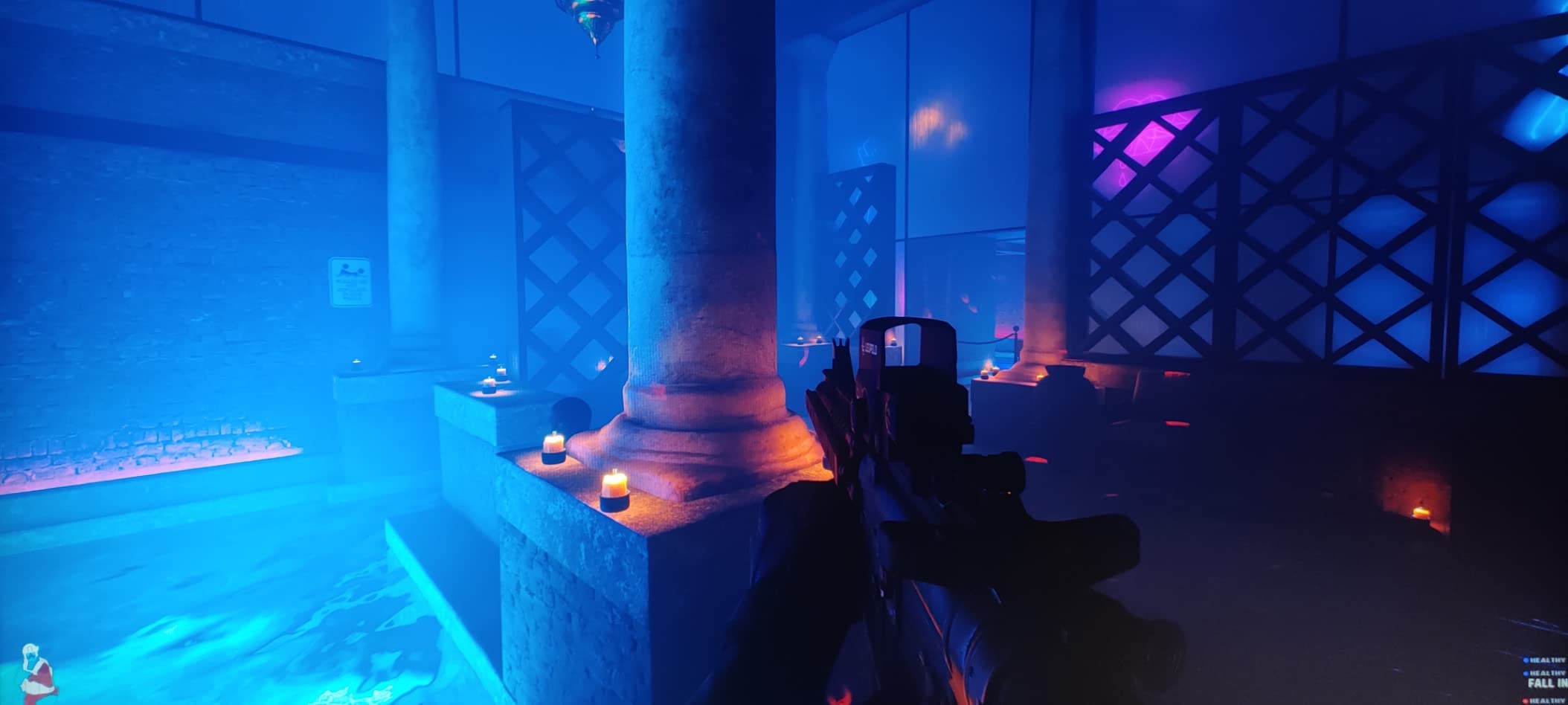
Why dual use works on this panel
Both adaptive sync standards are supported, so the same screen serves an AMD or Nvidia PC and a PS5 or Xbox without a mode switch. The headphone output covers PC audio, and the 3ms response time plus 129% sRGB 8-bit colour are closer to what a competitive player expects.
The flat panel is also easier to place than a curved one. Flat screens reflect less of a window in a bright room, and they are simpler to line up if you ever run two of them side by side or stack a console screen above a laptop screen.
Where the panel is not for you
Skip it if HDR is a priority. The implementation is weak and reviewers say it washes out colours rather than adding visible range. In a dark room, a game with HDR grading will look flatter than on the KTC H27S5C’s HDR400 mode.
The rear RGB lighting is a simple on-or-off strip with no colour customisation, and the tilt-only stand again leaves height to an arm. It also carries a headphone output but no speakers.
5. Sceptre 22-inch 1080p 144Hz – the smallest desk option
Sceptre New 22-Inch Gaming Monitor, FHD 1080p, Up to 144Hz, HDMI, DisplayPort, Built-in Speakers, Machine Black (E225W-FW144 Series, 2026)
22-inch FHD 1080p LED panel
Up to 144Hz refresh
2000:1 contrast
FreeSync with HDMI and DisplayPort
Pros
- Very affordable entry point for console or secondary-monitor gaming
- Fast setup with the stand assembling in about two minutes
- Lightweight 7-pound chassis that is easy to reposition
- Slim three-sided bezel suits dual-monitor setups
Cons
- Built-in speakers are very quiet and thin at full volume
- Stand has no height or pivot adjustment
- 170-degree viewing angle is narrower than IPS rivals
This is the answer for a desk that physically cannot hold a 27-inch screen. At 22 inches it measures 19.9 inches across and weighs 7 pounds, so it fits a small dorm desk, a wall-mounted shelf, or a shared room where space is the deciding factor. At 1080p it is pixel-matched to what a PS5 or Switch sends.
Owners regularly pair it with a PS5, a Switch, or a laptop, and the picture quality for the money is rarely the complaint. Setup is close to instant, the stand assembles in about two minutes, and the built-in speakers mean you can play without routing extra audio.

The E225W-FW144 series adds Blue Light Shift filtering for long sessions, a matte finish to cut reflections, and wall mount capability. The FreeSync support means VRR is available from a PS5 or an Xbox Series X, which is rare at this size and this end of the market.
Two things to know before you choose it. The speakers are the near-universal complaint: several reviewers describe them as unusable and recommend external audio instead. And the 170-degree viewing angle is narrower than the 178-degree IPS panels elsewhere in this list, so colours shift a little more if you sit off-centre.
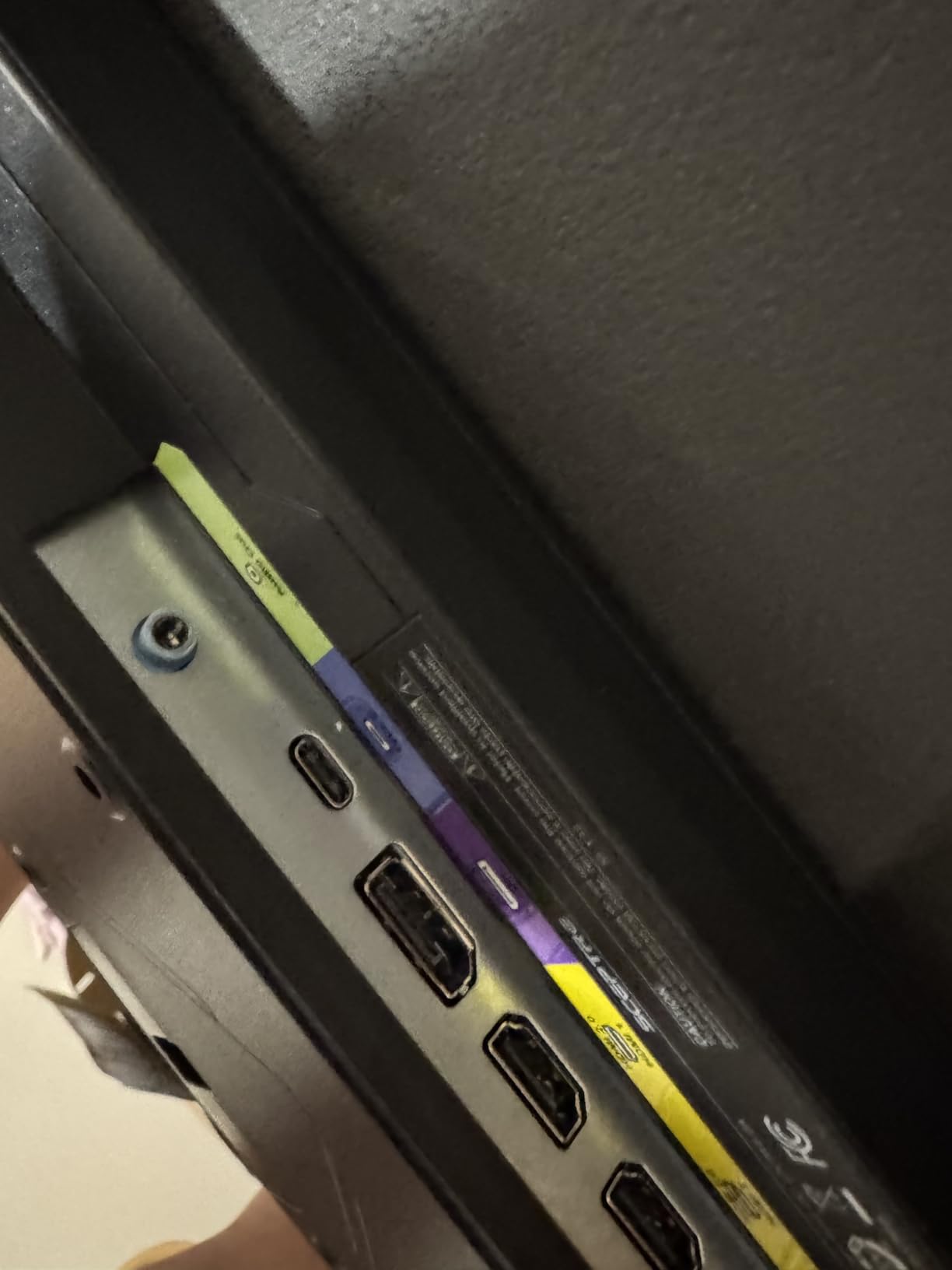
When a 22-inch screen is the right call
Pick it when desk width is the binding constraint, or when you want a dedicated console screen and already have a larger display for PC work. At 22 inches and 1080p, you sit closer than you would to a 32-inch panel, and the pixels stay comfortable at roughly 60 to 70 cm.
It is also a sensible second monitor. The slim three-sided bezel is designed for dual-monitor arrangements, and the wall mount option means it can go above a wider screen without taking desk depth.
Where the compromises bite
The 1080p resolution on a 22-inch screen gives you about 101 pixels per inch, which is fine for games but tight for spreadsheets. If you are moving a desk setup from a living-room TV for schoolwork as well as gaming, look at a 24-inch IPS instead.
Build feel and stand rigidity are the other limits, and the on-screen control scheme is described as awkward to navigate. The warranty is one year, the shortest meaningful cover here.
6. CRUA 27-inch 4K 144Hz IPS – the only stand that actually moves
CRUA 27″ 4K UHD 144Hz IPS Vertical Gaming Monitor for PC, Pivot/Tilt, White
27-inch 4K UHD 3840x2160 IPS
144Hz with 1ms response
350 cd/m2, 1000:1 contrast
Height, pivot, swivel, tilt and portrait
Pros
- 4K resolution combined with a 144Hz refresh rate for console and PC gaming
- Full stand ergonomics including height
- pivot and swivel with portrait mode
- IPS panel with consistent colour and 178-degree viewing angles
- HDMI 2.1 makes it suitable for current-generation consoles
Cons
- Lowest average rating in this roundup at 4.1 stars with 12 percent one-star feedback
- 1000:1 contrast ratio is modest next to VA panels
- Not suitable for colour-critical photo or video work
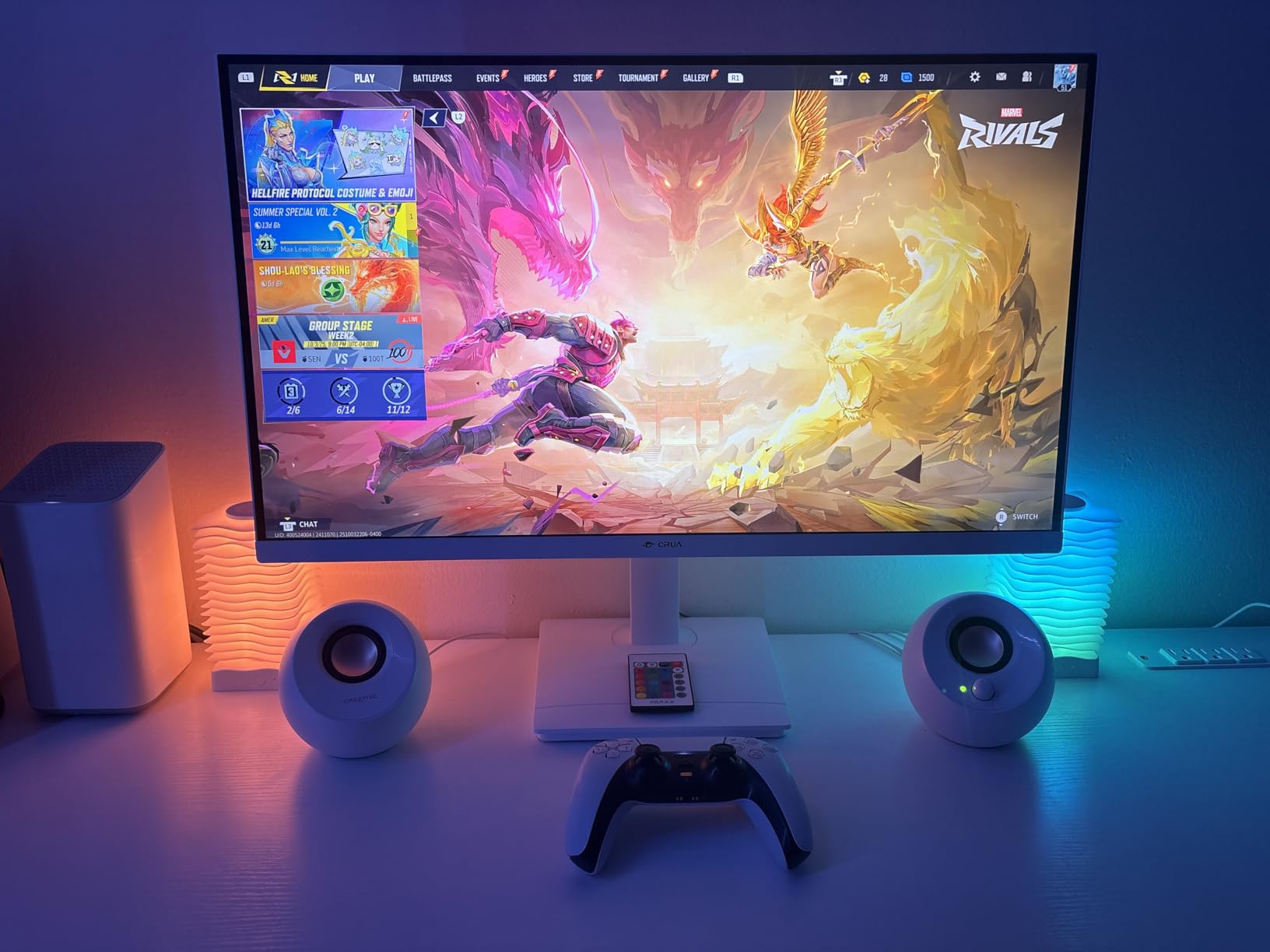
Every other 27-inch monitor in this roundup tilts and stops. This one rises, pivots, swivels and rotates into portrait, which for a shared desk or a long study session is worth more than another 100 nits of brightness. It is also the only 4K panel here with genuine full ergonomics and HDMI 2.1.
For a PS5 Pro or an Xbox Series X, 3840×2160 at 144Hz with HDMI 2.1 means you can feed the console its native 4K signal and still have a fast panel for a PC. At 27 inches, 4K gives roughly 163 pixels per inch, which makes small console text very sharp.
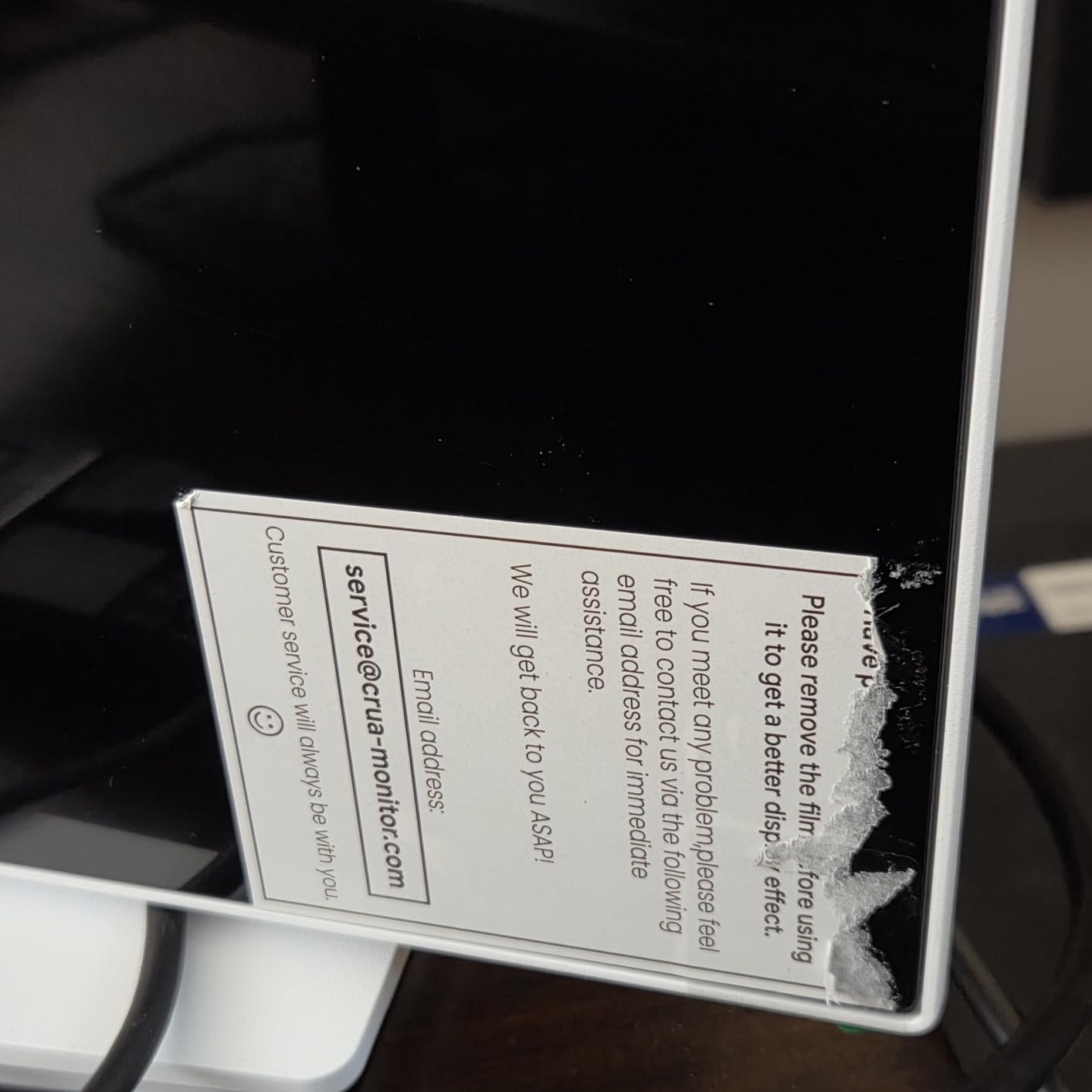
The trade-offs are real. The 1000:1 contrast ratio is the flattest black in this group, so dark scenes look grey next to the VA panels here, and the 4.1 average rating is the lowest of the twelve, with 12 percent of feedback at one star. Do not buy this one for colour-critical editing.
It is also the only one of the 4K options that can be rotated to portrait for coding, documents, or a side-by-side chat and game layout. The white chassis looks good on a small desk but shows fingerprints, and the 75 by 75 mm VESA pattern is the smallest of the three 4K panels here.
What full ergonomic adjustment changes
It removes the single most common complaint in this roundup. Nine of these twelve monitors can only tilt, which means the panel sits at whatever height the desk puts it. This one can be raised to eye level, and the pivot function lets you turn the screen to face you from a shared room.
For a desk in a bedroom or a shared house, that flexibility removes the usual argument for buying a smaller screen. You get a 27-inch 4K panel that fits the space because you control the geometry, not the other way around.
Where it is the wrong choice
If image quality in dark scenes matters more than desk ergonomics, the VA panels here produce deeper blacks. The 1ms figure is a marketing number on a 4K IPS, and the review spread suggests the panel quality varies more between units than it does on the smaller monitors.
There is no height-related drawback beyond the low rating, but be clear-eyed about that rating. If you want a safe buy rather than a feature buy, the Samsung Odyssey G5 is the one with a 4.5 average across thousands of reviews.
7. LG UltraGear 24G411A-B 24-inch 144Hz IPS – the PS5 default choice
LG 24G411A-B 24-inch Ultragear Full HD (1920 x 1080) IPS Gaming Monitor, 144Hz (O/C), 1ms MBR, NVIDIA G-Sync Compatible, AMD FreeSync, HDR10, HDMI, DisplayPort, Slim Stand, Black
23.8-inch IPS Full HD panel
120Hz native, 144Hz overclocked
1ms Motion Blur Reduction
HDR10 with Black Stabilizer
Pros
- Crisp
- clear IPS image with good colour out of the box
- Runs at 120Hz natively and up to 144Hz when overclocked
- Headphone jack and audio out work well with soundbars and headsets
- Easy plug-and-play setup with a readable on-screen menu
Cons
- Factory stand is unstable and the panel jiggles when the desk is bumped
- 144Hz requires enabling overclock mode manually
- No built-in speakers despite monitor gaming use cases
Read the refresh rate line carefully here, because it is the spec that trips people up. This monitor is 120Hz natively and reaches 144Hz in overclock mode, which you enable yourself in the on-screen menu. For a PS5, that distinction is irrelevant: the console’s 120Hz output is handled natively, which is exactly what you want.
It is a 23.8-inch IPS panel at 1920×1080 with HDR10, 1ms Motion Blur Reduction, and both NVIDIA G-Sync Compatible and AMD FreeSync. Reviewers consistently praise the picture quality and the value, particularly for PS5 use at 120Hz, and they like the headphone output for pairing with external audio.
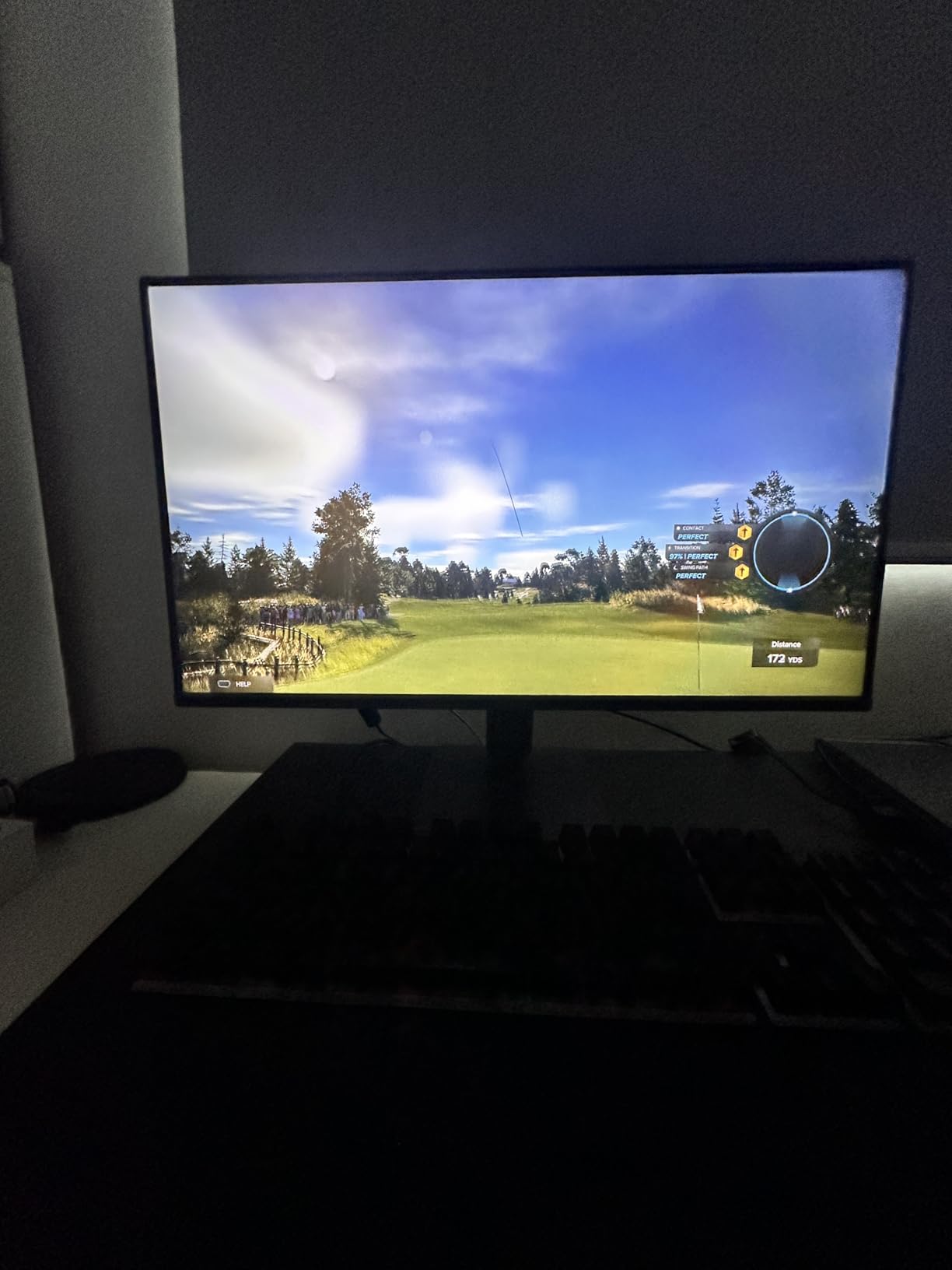
This is also the shape most console buyers actually want. A 24-inch 1080p IPS panel is the most repeated console recommendation in the top-ranking r/buildapcmonitors thread, where 24-inch 1080p 144Hz IPS was called out for fast response times and HDR10 support. The reasoning is the same as our own: 1080p is pixel-matched to the console and 24 inches is the size most desks were built for.
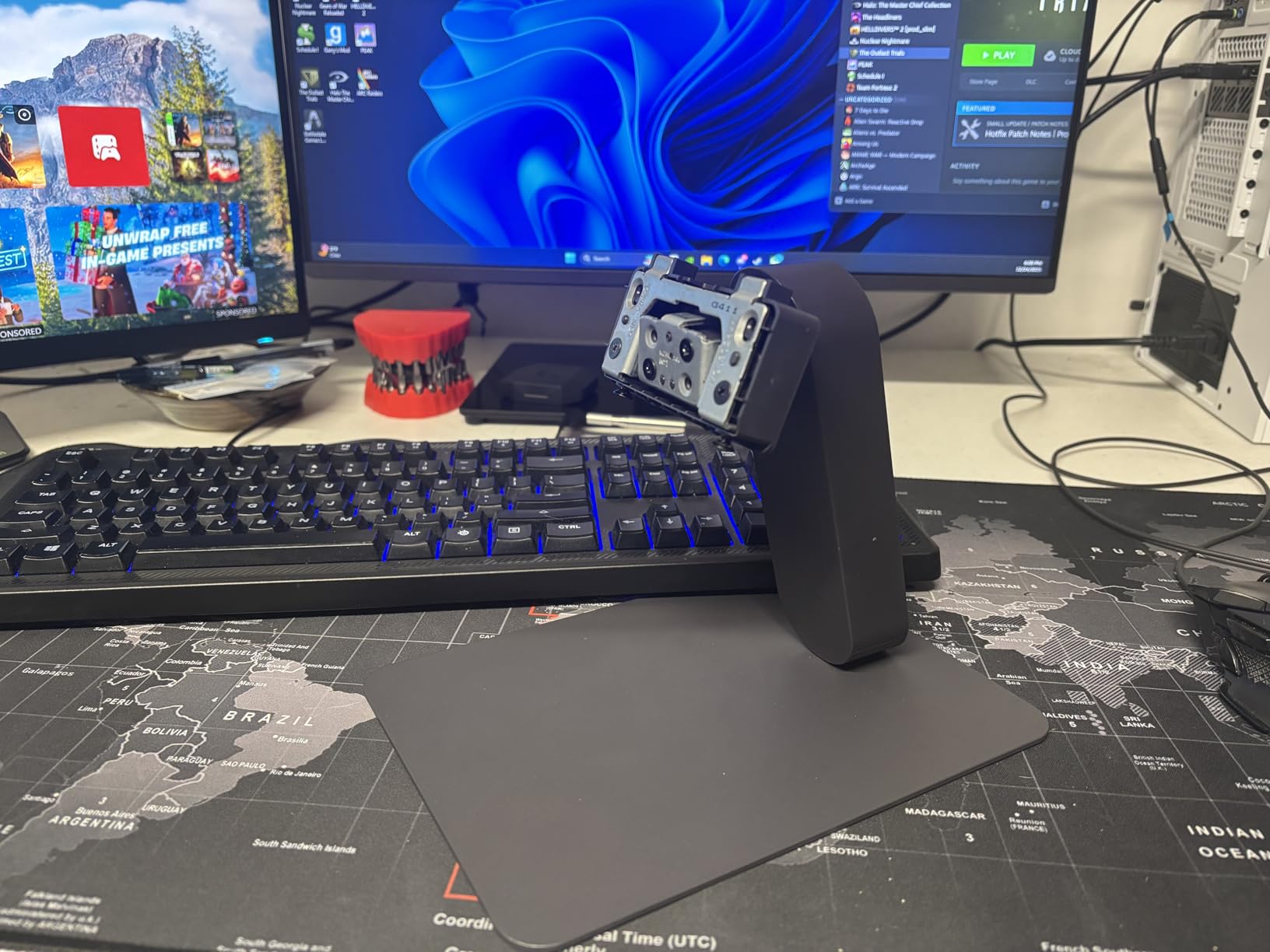
Two negatives dominate the reviews. The factory stand is unstable and the panel jiggles when the desk is bumped, which several buyers solved by replacing it with an arm. And there are no built-in speakers, which is worth knowing before you set the PS5 up on a desk.
What a 24-inch 1080p panel gives a console player
It gives you pixel-matched sharpness. A PS5 or Xbox Series S sends 1920×1080 natively, so there is no downscaling softness and no scaling decision to make. At 24 inches you get roughly 92 pixels per inch, and you can sit at a comfortable arm’s length.
The 178-degree IPS viewing angles mean colours stay consistent when you lean back, and Black Stabilizer plus the crosshair overlay are genuinely useful in a shooter. The Switch app can split the screen into up to six sections, which is a nice touch for a shared screen.
Where it falls short
The overclock mode is the thing to test before you rely on it. One longer review documents faint red pixel artifacts that appear only when overclock mode is active, on dark-on-yellow text. For console play you can leave it off entirely and lose nothing.
Colours also need calibration out of the box for accurate results, and the slim stand only tilts. The lower bezel is thicker than the sides, which is cosmetic but visible on a desk.
8. MSI PRO MP243L E14 24-inch 144Hz IPS – the study-and-play screen
msi PRO MP243L E14 24-inch IPS 1920 x 1080 (FHD) Gaming Office Monitor, 144Hz, Free-Synch, HDR Ready, HDMI, VGA Port,VESA Mountable, Tilt, 4-Side Slim Bezel,1ms, Black
24-inch Full HD IPS panel
144Hz with 1ms response
FreeSync variable refresh
HDMI 2.0 with HDMI-CEC and VGA
Pros
- Crisp and bright image straight out of the box with no returns needed
- 144Hz is noticeably smoother than 60Hz or 75Hz panels
- FreeSync enables VRR over HDMI with a PS5 and modern GPUs
- HDMI plus VGA covers both modern consoles and legacy hardware
Cons
- A few panels reported dead or stuck pixels shortly after delivery
- Tilt-only stand with no height adjustment
- HDR Ready label is modest rather than a certified implementation
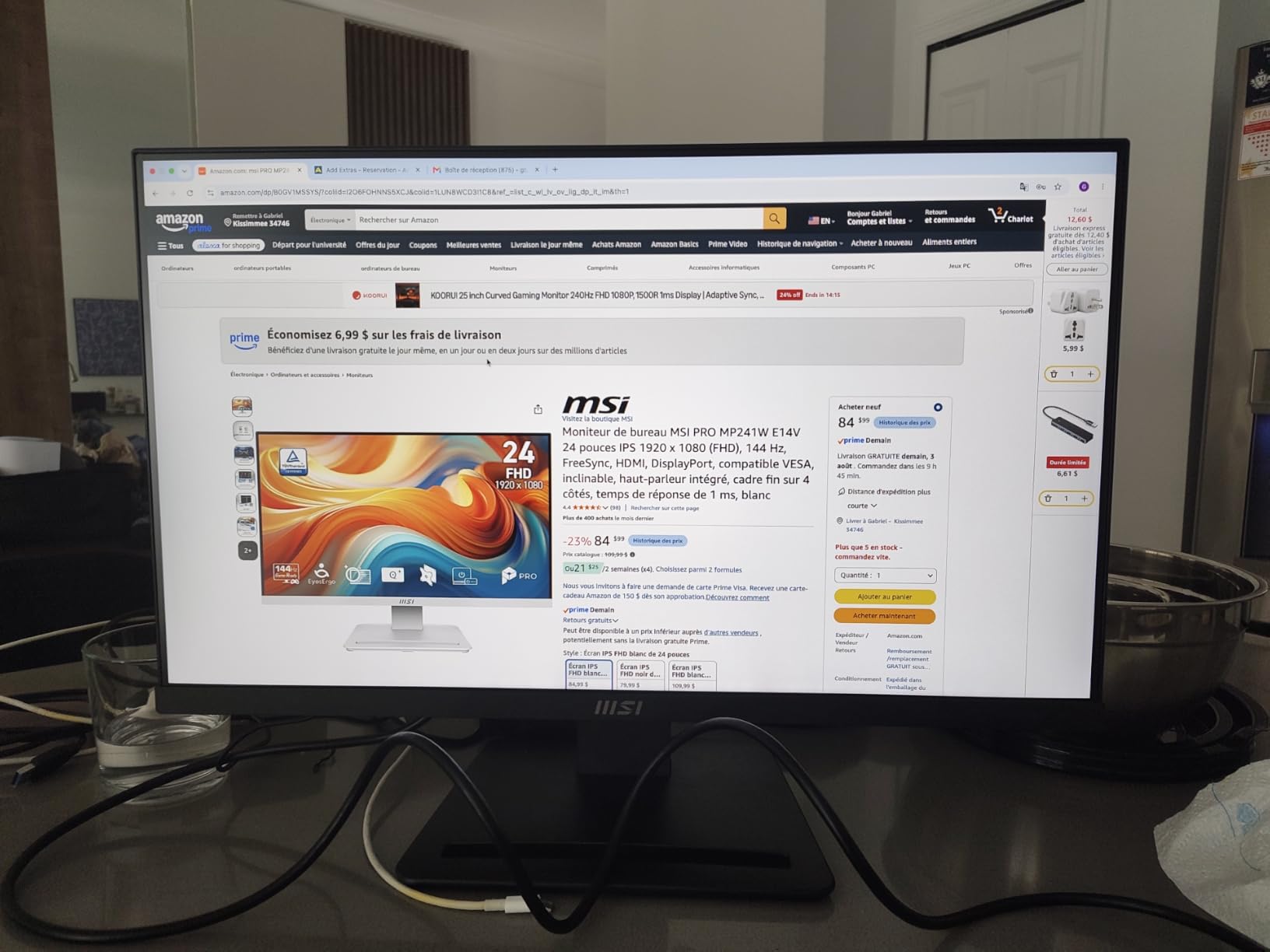
This is the one we would put on a desk that has to do coursework in the morning and console gaming in the evening. It is a 23.8-inch IPS panel at 1920×1080 and 144Hz with FreeSync, and it carries TÜV Rheinland flicker-free and low blue light certification, which matters more over a term of long reading and writing sessions than most gaming specs.
The 4.6 average rating is the second highest of the twelve, and the consensus is a crisp, bright image straight out of the box with no returns needed. Owners also report buying it in pairs for dual-screen setups without problems, which is a useful reliability signal for a shared or second-hand unit.
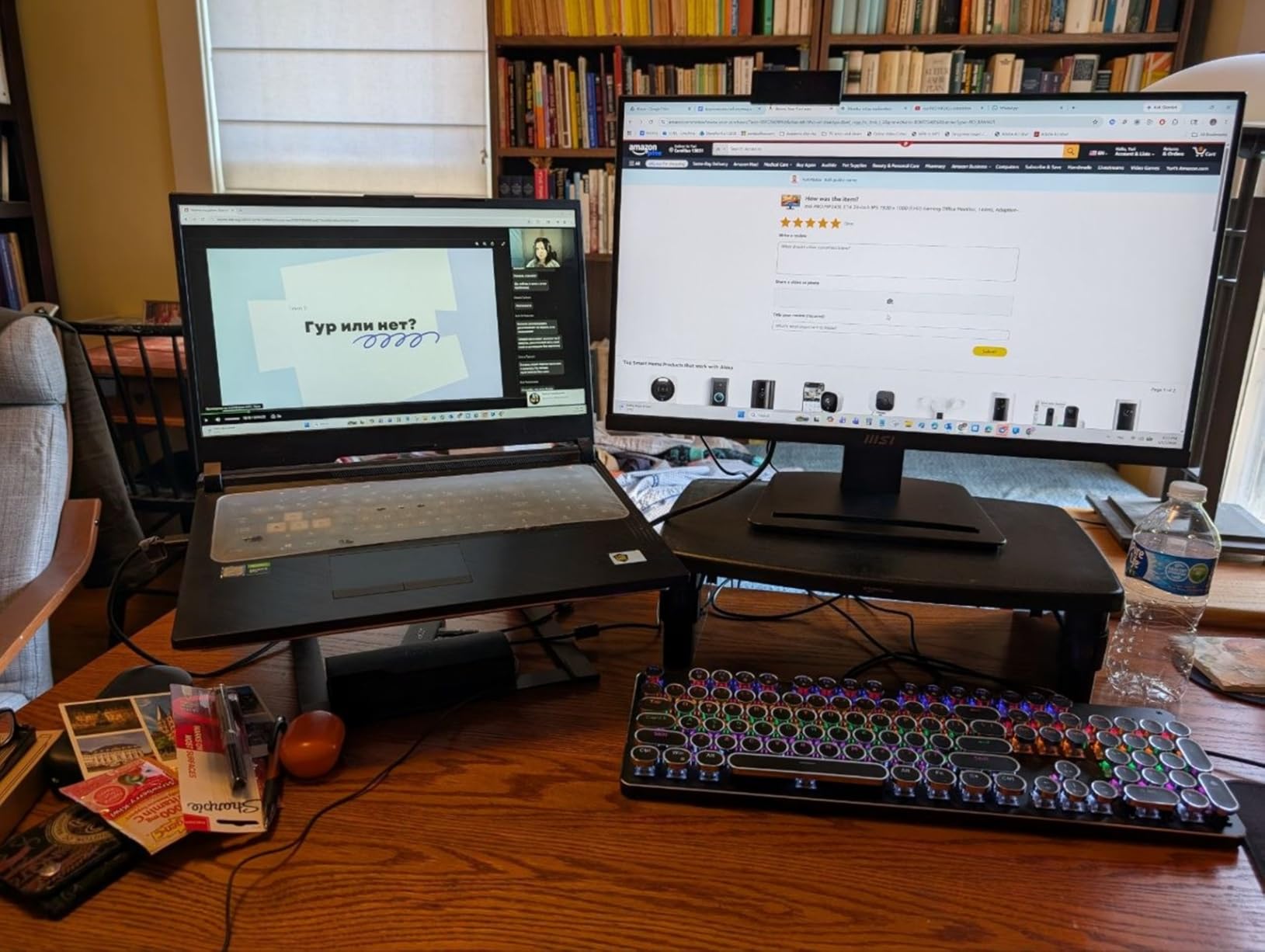
For consoles, the HDMI 2.0 port handles VRR with a PS5 and with RTX-class graphics cards, and HDMI-CEC means the monitor can follow the console’s power state rather than staying awake. The VGA input is a bonus if you still have legacy hardware to connect.
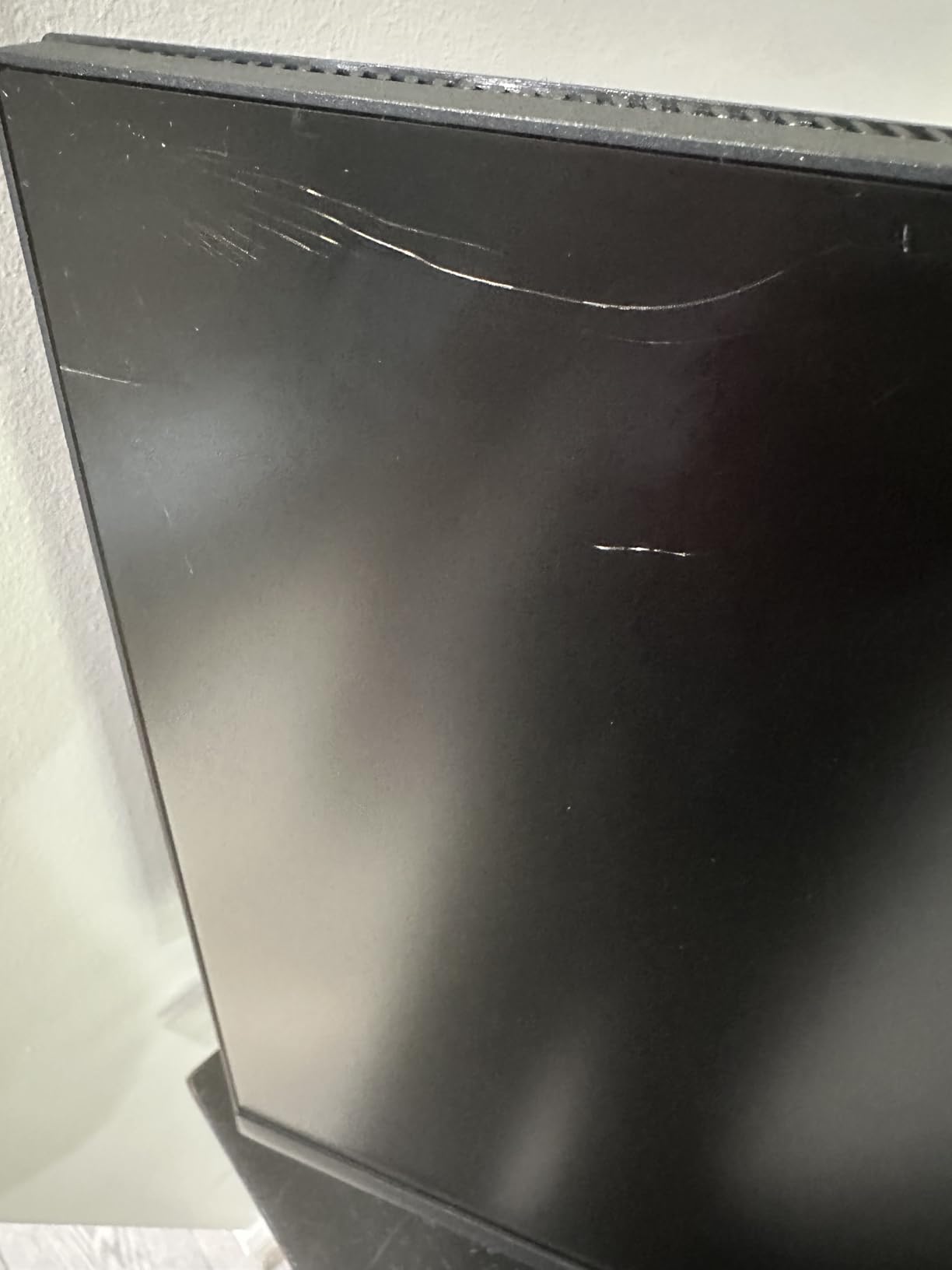
The main criticism cluster is quality control on arrival: a few panels reported dead or stuck pixels shortly after delivery. Inspect the screen in the first few days. Import units may not carry local warranty coverage in some markets, which matters if you are outside the US.
What makes it good for mixed study and play
The eye-care certification is the differentiator. Flicker-free backlight and a low blue light mode reduce the eye strain that a full day of text produces, and the four-side slim bezel keeps the footprint tidy next to a laptop or in a two-screen arrangement.
MSI Eye-Q Check, a built-in vision assessment tool, walks you through a quick sharpness and colour check on arrival, and firmware updates improve performance and compatibility over time. The VESA 100 by 100 mm pattern means an arm is straightforward.
Where it is not the right tool
There is no USB-C, so a modern laptop needs a dongle or a DisplayPort adapter, and the stand tilts between minus 5 and plus 20 degrees with no height adjustment. At 9.5 pounds it is the heaviest 24-inch panel in this group, so the tilt-only base wobbles a little if you nudge the desk.
HDR Ready is a label, not a certification. Do not buy it for a bright HDR console experience. For a PS5 at 120Hz in SDR, it is more than enough.
9. Dell SE2426H 23.8-inch 144Hz IPS – the highest rated panel here
Dell 24 Monitor – SE2426H – 23.8-inch FHD (1920×1080) 144Hz 1ms Display, in-Plane Switching (IPS) Technology, AMD FreeSync™, TÜV 3-Star 2X HDMI, Tilt
23.8-inch FHD 1920x1080 IPS
144Hz with 1ms MPRT
1000:1 contrast, 300 brightness
TÜV Rheinland 3-star eye comfort
Pros
- Highest average rating in this selection at 4.7 with 86 percent five-star feedback
- Crisp colour and clear picture with no distortion
- Two HDMI inputs add flexibility for console plus PC setups
- Advanced Exchange Service covers failures quickly
Cons
- Basic on-screen controls and very small printed instructions
- Tilt-only stand with no height adjustment
- 1ms MPRT is a moving picture figure rather than a true pixel response time
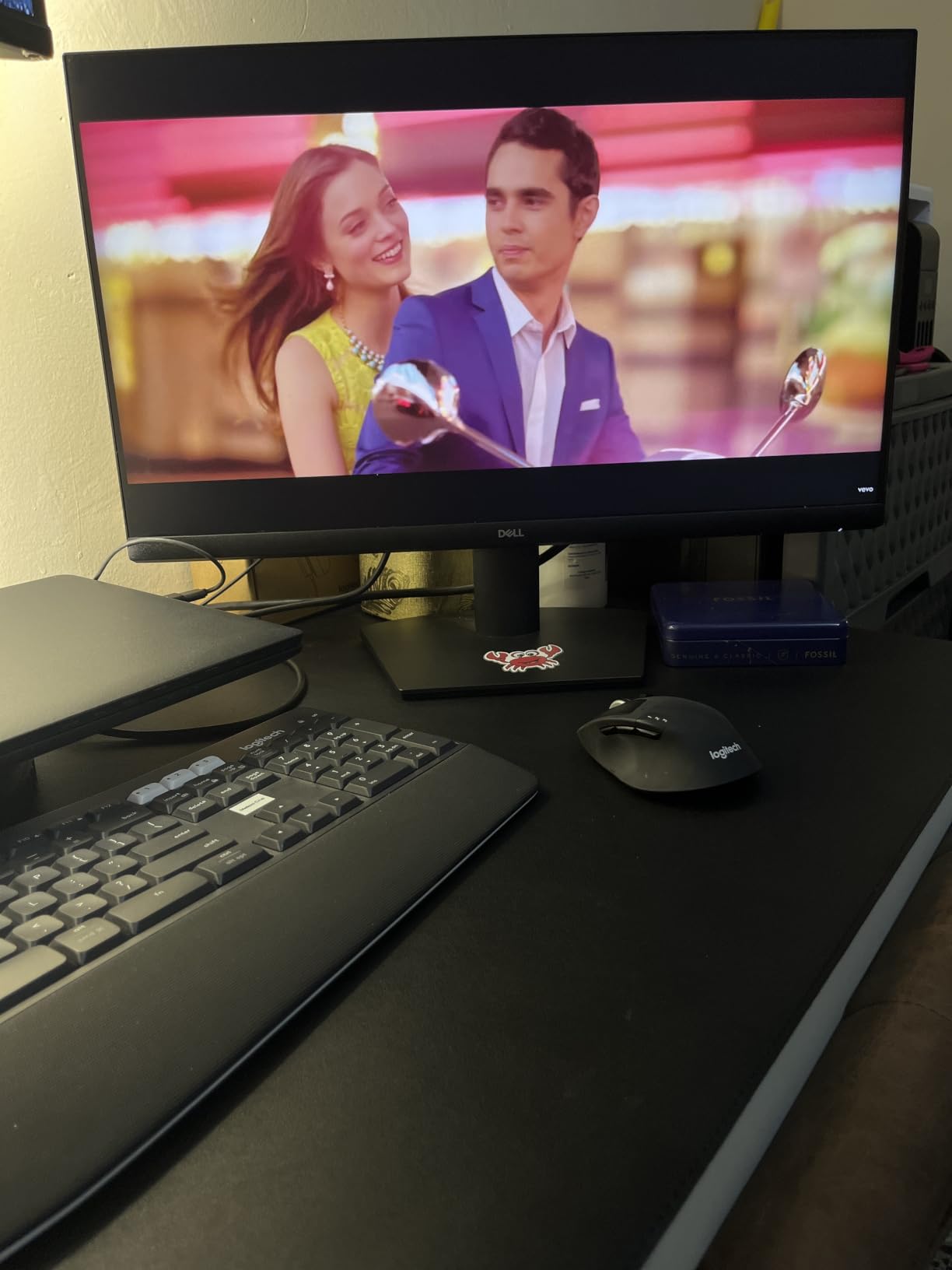
Across 336 reviews this monitor holds a 4.7 average with 86 percent five-star feedback, the highest rating of any product we tested. The reasons are unglamorous and effective: a 23.8-inch IPS panel at 1920×1080 and 144Hz, 178-degree viewing angles, and a TÜV Rheinland 3-star eye comfort certification.
For a console setup the two HDMI inputs are the practical win. One cable for the PS5, one for a PC, and no constant replugging. A 1.8 metre HDMI cable, the power cable and the stand all ship in the box, and installation is close to plug and play.
Buyers treat the SE2426H as a dependable daily monitor that suits a home office as much as a games room, which is why it fits this list rather than a pure gaming ranking. The Advanced Exchange Service is a real practical advantage over the one-year return-only cover on some panels here.
The friction is documentation. Printed instructions and warranty text are extremely small, and one owner needed expert help to clear a stuck language prompt on first boot. It is an absurd complaint to have about a monitor, and it is the most common one in the reviews.
What a 4.7 rating actually tells you
It tells you the panel arrives working, the colour is accurate out of the box, and the panel variation between units is low. That matters more for a first-time buyer than a faster response time figure, because a monitor you have to return is a monitor you did not get to game on.
The 1ms MPRT number is a moving-picture measure, not a pixel response time, and the 8ms grey-to-grey figure is the honest one. On a console at 120Hz the difference is not something you will see, but do not read 1ms as a promise about pixel speed.
Where it falls short
Tilt only, no height adjustment, and no swivel. The on-screen menu is basic. If you intend to mount it on an arm, note that the stand design here is less accommodating than the CRUA’s full pivot range.
Some international buyers report connection issues, and there is no USB-C or audio output to speak of. For a PS5 at 120Hz in a bedroom, none of that matters much, which is why it ranks as our top-rated pick rather than our first pick.
10. ZZA 27-inch 4K 144Hz Flat – 4K on a console desk, with a caveat
ZZA 27 Inch 4K Gaming Monitor,UHD(3840×2160) 4K 144Hz Flat Monitor, Adaptive Sync,HDMI 2.1 & DP 1.4,Tilt Adjustment PC Monitor, Wall Mountable, for Work, Streaming, and Home Office, Black
27-inch flat 4K UHD 3840x2160
144Hz with 1ms response
4000:1 contrast, 100% sRGB
HDMI 2.1 and DisplayPort 1.4
Pros
- 4K resolution at 144Hz is well priced for the specification
- Clear picture and good colour for editing and general use
- Handles demanding console titles at high frame rates
- Good text rendering for a secondary productivity display
Cons
- HDMI bandwidth does not deliver the full 4K 144Hz experience without 4K-rated cables or an adapter
- On-screen menu buttons and on-screen menu layout are described as clunky
- Picture can look washed out and dull out of the box
This is the monitor for someone who wants a PS5 Pro’s 4K output at a desk rather than on a television. A flat 27-inch 3840×2160 panel at 144Hz, with HDMI 2.1 and DisplayPort 1.4 inputs, adaptive sync, and a 4000:1 contrast ratio that is unusually high for an LED panel at this price point.
Reviewers like the rear RGB ambient lighting as a desk detail and rate the panel positively for both console gaming and second-screen text work. The 3.5mm-free design means no audio, so you will be routing sound through the console or a headset.
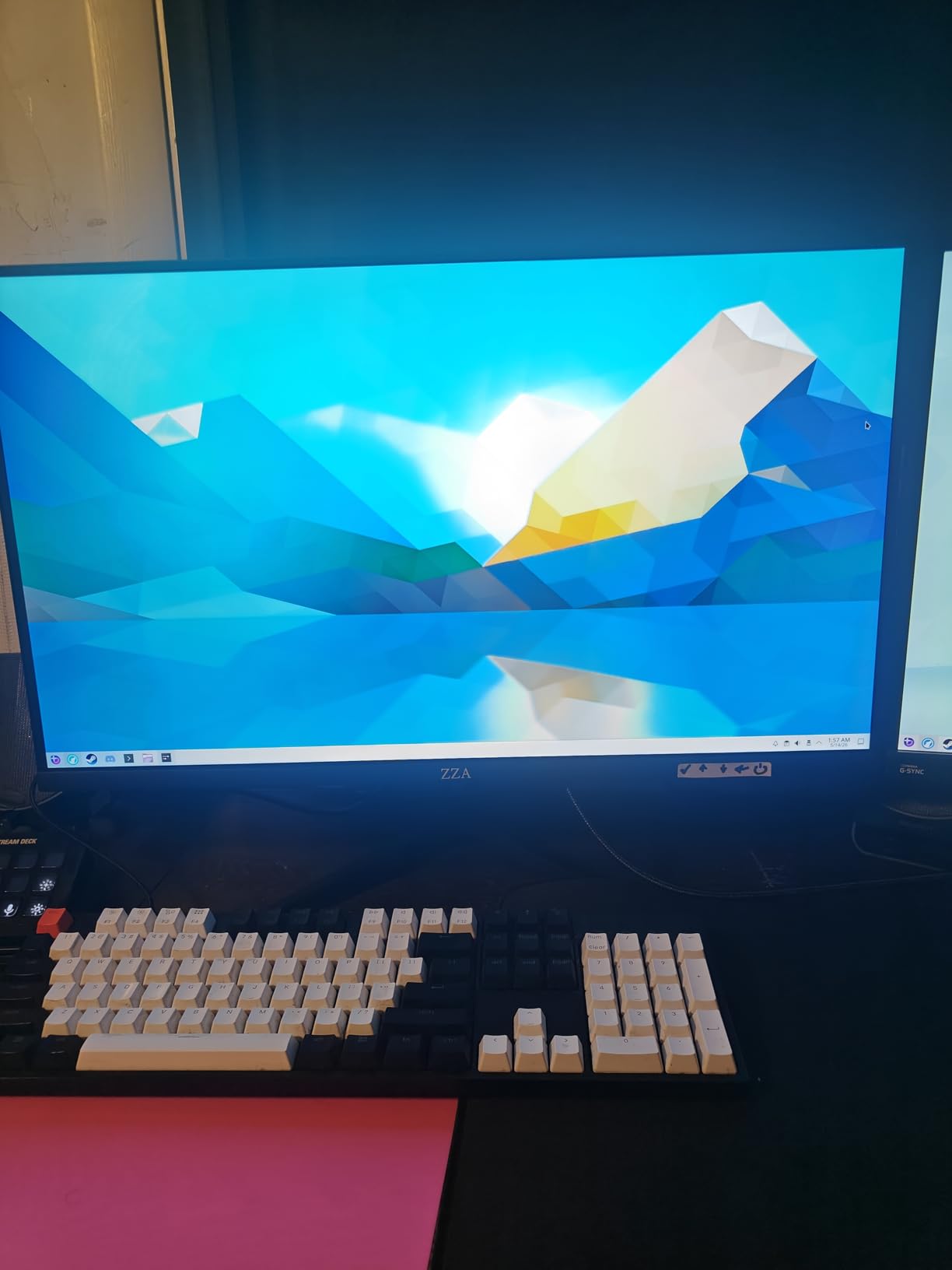
Now the caveat, and it is the one that decides this monitor for many people. Reviewers report that HDMI bandwidth does not deliver the full 4K 144Hz experience without 4K-rated cables or an adapter, and the most substantive criticism in the reviews is exactly that. In practice, expect to be planning on DisplayPort for the highest resolutions, or a powered adapter alongside certified cables.
Image quality out of the box can look washed out and dull with uneven backlight, so expect to spend time adjusting settings in the on-screen menu. VESA mounting hardware is also reported incomplete, with wrong-sized screws and missing parts, so check the box contents before you plan on an arm.
When 4K on a desk earns its place
At 27 inches, 4K gives around 163 pixels per inch, which is sharp enough for console system menus, web browsing in a second window, and any text-heavy work you do without switching screens. It also means a PS5 Pro or an Xbox Series X runs at native 4K rather than being downscaled.
If your monitor use is 60 percent gaming and 40 percent everything else, the extra sharpness shows up in that other 40 percent more often than in the games.
Where the HDMI bandwidth catches you out
Buy certified Ultra High Speed cables and check what the console negotiates in its display settings after connecting. If the output mode falls back below 4K, you have a cable or port limitation rather than a console one, and no amount of monitor-side setting will fix it.
There are no built-in speakers, the on-screen menu is fiddly, and the external 12V power brick means no standard three-prong cord. The one-year warranty with support coverage is the shortest useful cover in this group.
11. ZZA 32-inch 4K 160Hz Curved – big screen, big curve
ZZA 32 Curved Gaming Monitor, 4K UHD (3840 x 2160) VA Display, 1500R Immersion, 144Hz/160Hz Refresh Rate, Advanced Computer Screen, Supports AMD FreeSync Premium, 120% sRGB Color Gamut,HDMI 2.1/DP1.4
32-inch 4K UHD 3840x2160 VA, 1500R
160Hz with 1ms response
330 cd/m2, 3000:1 contrast
FreeSync Premium
Pros
- 4K resolution with 160Hz and FreeSync Premium at a competitive price
- Curve is immersive in single-player and simulation titles
- Handles 4K 120Hz console gaming smoothly with minimal input lag
- 3.5mm aux output syncs cleanly with a soundbar
Cons
- Stand has no height adjustment and VESA mounting screws are not included
- Bezel-free claim is disputed with a quarter-inch black border on three sides
- Stand assembly is confusing and customer support options are limited
This is the closest thing here to a television replacement on a desk. A 32-inch 3840×2160 VA panel at 160Hz with a 1500R curve, 120% sRGB coverage, and AMD FreeSync Premium. If you are moving from a 55-inch television to a 27-inch panel and miss the scale, this is the screen that makes the transition less painful.
For consoles the headline is 4K at 120Hz handled smoothly with minimal input lag, which is the PS5 Pro’s and Xbox Series X’s native output. The 3.5mm aux output is singled out in reviews as handy for syncing with a soundbar, which the panel does not include.
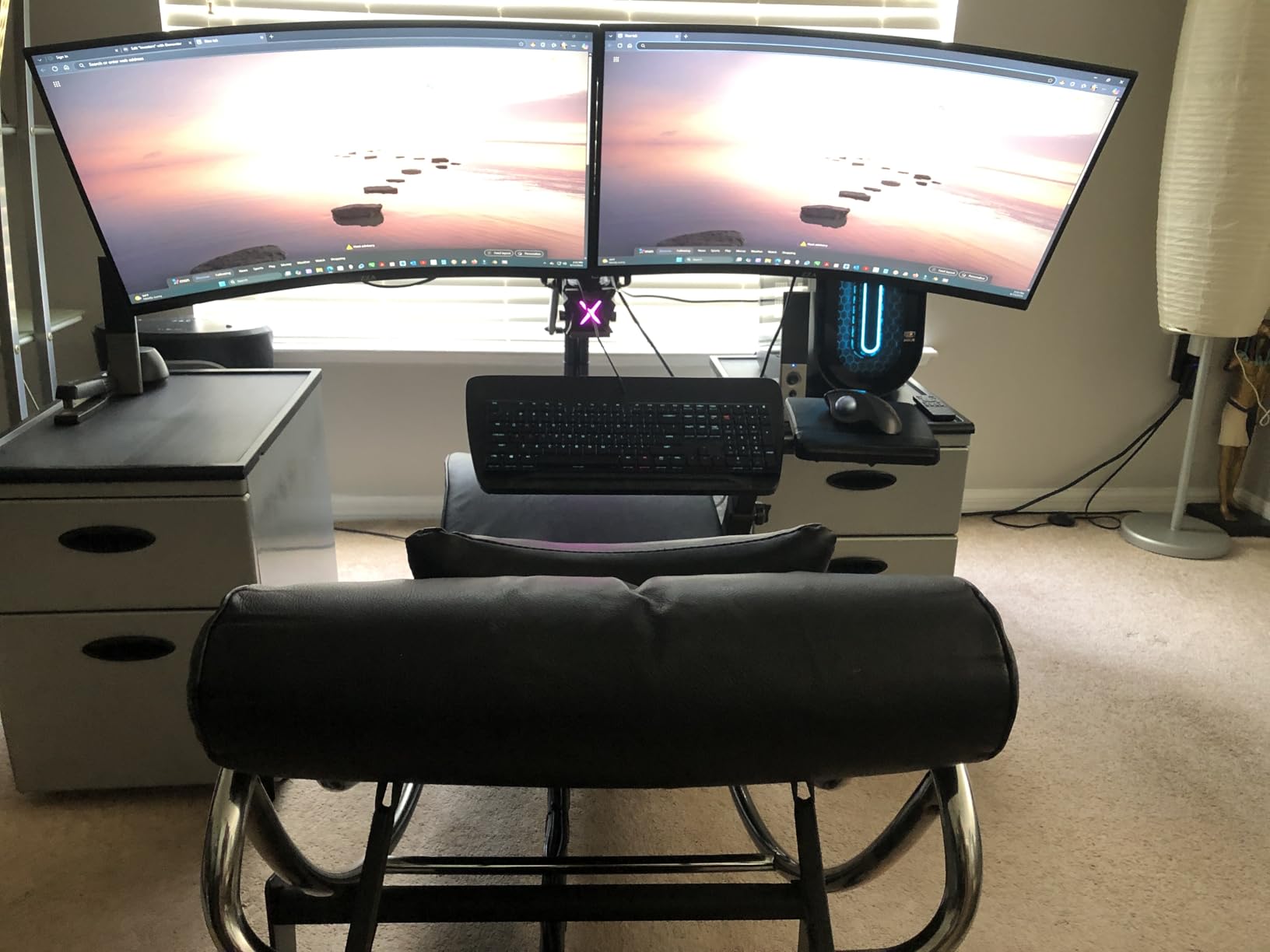
The VA panel is the reason to like this one for single-player and simulation games: 3000:1 contrast gives genuinely dark blacks where the IPS panels here look grey. The 32-inch size with a 1500R curve also provides a wide field of view for cockpit-style titles, and many owners find it replaces a dual-monitor arrangement for everyday use.
The physical problems are the reason for the 4.2 rating. The advertised bezel-free edge does not deliver, with a quarter-inch black border on three sides. VESA mounting screws are not included, the stand is fixed height, and the stand assembly is genuinely confusing on first setup.
Who the 32-inch curved 4K panel suits
It suits a player who games from a chair at 80 to 100 cm and wants console graphics to look the way they look on a television. The curve is shallow enough to be comfortable in single-player and story games, and the 4K resolution keeps HUD elements and subtitles crisp at that size.
It also suits a Switch or Xbox Series S setup as a living-room-adjacent screen where the 120% sRGB coverage and 330 nits brighten the picture compared with a typical budget 4K TV.
Where it is not for you
It is not for a small desk. At 28.1 inches across and 21.49 inches tall, it needs a wide surface and a lot of clearance, and the fixed-height stand means you are relying on the desk height. A 75 by 75 mm VESA mount is supported, but bring your own screws.
Some owners report the screen feeling slightly blurry, and the curve is shallower than some competing 1500R panels, so if you dislike curves at all, look at the flat 4K options instead.
12. ASUS TUF VG249QE5A 24-inch 144Hz – the one with usable speakers
ASUS TUF Gaming 24” (23.8” viewable) 1080P Monitor (VG249QE5A) – FHD, 144Hz Overclock to 146Hz, IPS, Extreme Low Motion Blur Sync, 1ms, Speakers, Variable Overdrive, DisplayWidget Center, 3yr Warranty
23.8-inch Full HD 1920x1080 display
144Hz, overclockable to 146Hz
ELMB Sync with variable refresh
Built-in speakers
Pros
- Sharp picture with a 125% sRGB colour gamut
- ELMB Sync reduces ghosting while keeping variable refresh rate active
- Built-in speakers are usable unlike most monitors in this class
- Sturdy
- simple base with minimal wobble and a 3 year warranty
Cons
- Gaming picture options are grayed out when driven by a console or Mac
- Speakers default to a power-saving mode that mutes volume until changed
- Stand adjusts angle only with no height adjustment
Rated at 144Hz and overclockable to 146Hz, this 23.8-inch Full HD panel is one of the few in this roundup that ships with speakers you can actually hear. That single feature moves it up the list for console players who do not want to route extra audio across a desk.
The motion handling is the other reason to like it. ASUS Extreme Low Motion Blur Sync allows motion blur reduction and variable refresh rate to run at the same time, which most panels force you to choose between. Variable Overdrive lets you tune the response time yourself rather than accepting one fixed setting.
Reviewers highlight the clean look, the 125% sRGB colour, the ELMB Sync motion handling, and the fact that it works particularly well as a PS5 display. The DisplayWidget Center software makes menu changes straightforward with a mouse, and the base is described as sturdy with minimal wobble, which is not true of most slim stands.
Two console-specific quirks are worth knowing. Gaming picture options in the on-screen menu are grayed out when the display is driven by a console or a Mac, so the tuning that works on a PC is unavailable on a PS5. And the speakers default to a power-saving mode that mutes volume until you change it in the menu.
What ELMB Sync changes during console play
On most panels, enabling motion blur reduction turns off variable refresh rate. Here you can leave VRR on for tearing-free motion at lower frame rates and still clear up the trailing smearing on fast movement, which is common in console shooters at 60 or 100 frames per second.
At 1920×1080 on a 23.8-inch panel you get about 92 pixels per inch, so console output is pixel-matched. Shadow Boost brightens dark areas without overexposing highlights, which helps in underexposed single-player games.
Where it falls short
Tilt only, no height adjustment, and the panel quality sits in the middle of the range for the money. A few units arrived with a dead pixel, so inspect on day one even with a three-year warranty.
If you play on a PC as well as a console, note the grayed-out gaming options when driven by a console or Mac, and remember that the 146Hz overclock needs DisplayPort to reach. Over HDMI it behaves as a 144Hz panel, which is more than a PS5 asks for.
144Hz vs 120Hz for Console Gaming: What Actually Changes?
Is 120Hz or 144Hz better for the PS5? For console play they look identical, because a PS5, PS5 Pro, Xbox Series X or Xbox Series S sends at most 120Hz in its standard output modes, and a 144Hz monitor simply displays every frame it is given. A 144Hz panel is worth buying for the headroom, not for console frames you never receive.
What is the highest Hz monitor a PS5 can handle? Any monitor that accepts the signal, with no fixed ceiling on the panel side, though the PS5’s own 120Hz cap is the real limit. The 144Hz class earns its place in three ways: VRR has more of its range available, a PC or an overclock mode can use the extra refresh, and a faster panel from a future console generation will not be wasted.
So why is 144Hz not a mistake for a console player? Because the 144Hz class is also where the low response times and good HDMI implementations live. A 60Hz monitor is cheaper, but you give up VRR range, fast pixel response, and the option of using the same panel for PC gaming at a proper frame rate.
Where 240Hz goes: a 240Hz monitor is not wrong, it is simply idle for a console. You pay for refresh rate you cannot see, while the specs that matter for console feel, response time and brightness go unchanged. On the PS5 Pro specifically, its 1080p performance mode changes resolution, not refresh rate, so a higher-refresh panel does not rescue it.
How to Cut Input Delay on the PS5 and Xbox Series X?
Most reported console input delay is a settings or cable problem, not a monitor problem. Work through these in order, and stop when the delay goes away.
1. Check the cable first. Use a certified Ultra High Speed HDMI cable, and replace any cable that came with a television or an older console. Forum consensus is consistent here: not all cables are created equal, and a marginal cable silently drops you to a lower resolution or refresh rate.
2. Set the console output mode manually. On the PS5, go to Settings, then Screen and Video, then Video Output, and set 120Hz Output to Automatic or 120Hz. On the Xbox Series X, go to System, then Display and sound options, then Video output, and choose the 4K option with the highest refresh rate.
3. Turn off VRR as a test, not permanently. If delay improves with VRR disabled, you have a VRR implementation mismatch rather than a hardware fault, and the fix is in the VRR section below.
4. Match the refresh rate to the frame rate. With VRR on, the console and monitor negotiate a range. Setting the monitor to a fixed rate that the game never hits is a common cause of stutter that reads as delay.
5. Update both sides. Console firmware and monitor firmware both change VRR behaviour and HDMI handshaking, and both the MSI and ASUS panels here ship with firmware update support for exactly this reason.
Console VRR: What You Get, What Flickers, and How to Switch It Off
VRR is the strongest reason to buy a 144Hz monitor for a console, because it is where the extra range above 120Hz shows up as a benefit. A game rendering 45 frames per second on a 120Hz screen repeats frames unevenly and stutters; on a panel with VRR active across a wide range, those frames are drawn as they arrive and the motion smooths out.
The catch is that VRR on consoles is a source of real complaints. Forum users have reported a PS5 VRR stutter at a regular interval, roughly every eight seconds, and some panel and console combinations show visible flicker at low frame rates. That is the combination people describe when they ask whether VRR causes input lag.
If you see that flicker or stutter, disable VRR on the console side rather than hunting for a monitor setting. On the PS5, go to Settings, then Screen and Video, then Video Output, and set VRR to Off. On the Xbox, the equivalent toggle is under System, then Display and sound options, then Video output, where VRR is listed alongside the refresh rate option.
Panels with both FreeSync and G-Sync compatibility tend to be the safest choice here, because the adaptive sync range is defined by the monitor rather than guessed by the console. The KTC H27T27S, the KTC H27S5C, and the LG 24G411A-B all list both standards, and the LG adds 1ms Motion Blur Reduction for players who want motion clarity as well as tear-free motion.
Screen Size, Desk Depth, and the TV-to-Monitor Move
What size monitor is best for console gaming? For a desk, 24 to 27 inches at 1080p or 1440p covers almost everyone, and 32 inches suits players who want to replace a television. The most repeated question in console forums is not which size is best in the abstract, but how much desk depth someone actually has.
A 22-inch screen works at a 60 to 70 cm viewing distance and needs the least desk width, which is why it is the right pick in a small room. A 24-inch 1080p panel sits at roughly 70 to 80 cm and is the most repeated recommendation in the top-ranking r/buildapcmonitors console thread. A 27-inch 1440p panel wants 80 to 90 cm for comfortable edges, and a 32-inch 4K panel wants 90 to 100 cm or more.
The transition from a television is the emotional part of the decision, and nobody warns you about it. A 55-inch television at 3 metres and a 27-inch monitor at 80 cm are very different experiences, and no refresh rate or resolution change fixes that. If you miss the scale, the 32-inch curved 4K panels are the closest compromise, and they cost you desk width and mounting flexibility.
Check the desk width against the chassis before you buy, not the diagonal. The 32-inch Samsung measures 27.96 inches across and the 32-inch ZZA measures 28.1 inches, so both overhang a standard narrow desk. For a fixed-height desk with a low chair, prioritise a stand that can raise the panel, because that is the one adjustment you cannot add later without an arm.
HDMI 2.1, Cables, and What Your Console Can Send
Do you need HDMI 2.1 for 144Hz console gaming? No. A PS5, PS5 Pro, Xbox Series X or Xbox Series S outputs at most 120Hz, and the 144Hz class reaches that over HDMI 2.0 without trouble. You need the newer standard only when you want the full bandwidth of a 4K signal at high refresh from a PC, or when you are feeding a 4K panel at its top modes.
The specification that actually matters for this audience is whether the monitor reaches its rated refresh rate over HDMI, not over DisplayPort. Several panels here list 165Hz or higher over DisplayPort and top out at 144Hz over HDMI, which is fine for a console and irrelevant for a PC user who assumed otherwise. Check the HDMI line, not the headline number.
Cables are the most common first-line fix for dropped modes and black screens. Use certified Ultra High Speed cables for any 4K or high refresh combination, keep the console’s own included cable as a fallback, and if a mode will not engage, swap the cable before changing any settings. The ZZA 27-inch 4K is the case in point: reviewers report HDMI does not deliver the full experience without 4K-rated cables or an adapter.
Downscaling is the feature PS5 owners mention most, and it is worth more than refresh rate. A 1440p monitor can accept the console’s 4K output and downscale it, which usually produces a cleaner image than the console’s own 1080p performance mode on a PS5 Pro. That is why the 1440p panels in this roundup are the ones we recommend to PS5 Pro owners.
Frequently Asked Questions
Is a 144Hz monitor good for PS5?
Yes, a 144Hz monitor is good for the PS5, with one caveat: the console sends at most 120Hz in its standard modes, so the extra refresh is not visible in console games. What you gain is a low-latency panel that handles everything the console sends, a wider VRR range for smooth motion when frame rates dip, and headroom for PC gaming or overclock modes on the same screen.
Is 120Hz or 144Hz better for PS5?
For console play alone they look the same, because a PS5 outputs at most 120Hz and a 144Hz panel displays every frame it receives. Choose 144Hz for the wider variable refresh rate range, faster response times, and the ability to use the same monitor for PC gaming at a real frame rate. A 120Hz panel does none of those things.
What is the highest Hz monitor a PS5 can handle?
There is no fixed ceiling on the monitor side, but the PS5 is the limit: it outputs at most 120Hz in its standard video modes, and the PS5 Pro’s 1080p performance mode changes resolution rather than refresh rate. A 144Hz or faster monitor will run it perfectly. The value of a faster panel is VRR range, PC use, and future console generations.
Does VRR cause input lag on PS5?
VRR itself does not add input lag, but panel and console combinations differ, and some users report a regular PS5 VRR stutter of a few seconds. If you see flicker or that stutter, disable VRR on the console side under Screen and Video, then Video Output, set VRR to Off. Monitors listing both FreeSync and G-Sync compatibility tend to behave most predictably.
What size monitor is best for console gaming?
For most desks, 24 to 27 inches is the right range, with 1080p matching the console output pixel for pixel and 1440p giving a sharper image from a downscaled 4K signal. A 22-inch screen suits a small room or a wall mount, and a 32-inch 4K panel suits players replacing a television. Match the size to your viewing distance, roughly 70 to 80 cm for 24 inches and 90 cm or more for 32 inches.
The Verdict for Console Players in 2026
For most people, the best 144Hz monitors for console gaming come down to one question: is your console living on a desk now, and how much desk do you have? A 24-inch 1080p IPS panel such as the LG 24G411A-B or the Dell SE2426H is the safest, most popular answer, and the most recommended shape in the console communities we read. If you own a PS5 Pro or an Xbox Series X and want the sharper image, go 1440p at 27 inches with the KTC H27S5C. If you are replacing a television, the Samsung Odyssey G5 is our editor’s choice and the safest of the twelve.
The refresh rate debate matters less than the buyer usually expects. A 144Hz monitor is a good console purchase because the whole 144Hz class brings fast response, wide VRR range, and good HDMI implementations with it, not because the console will ever send more than 120 frames per second.