
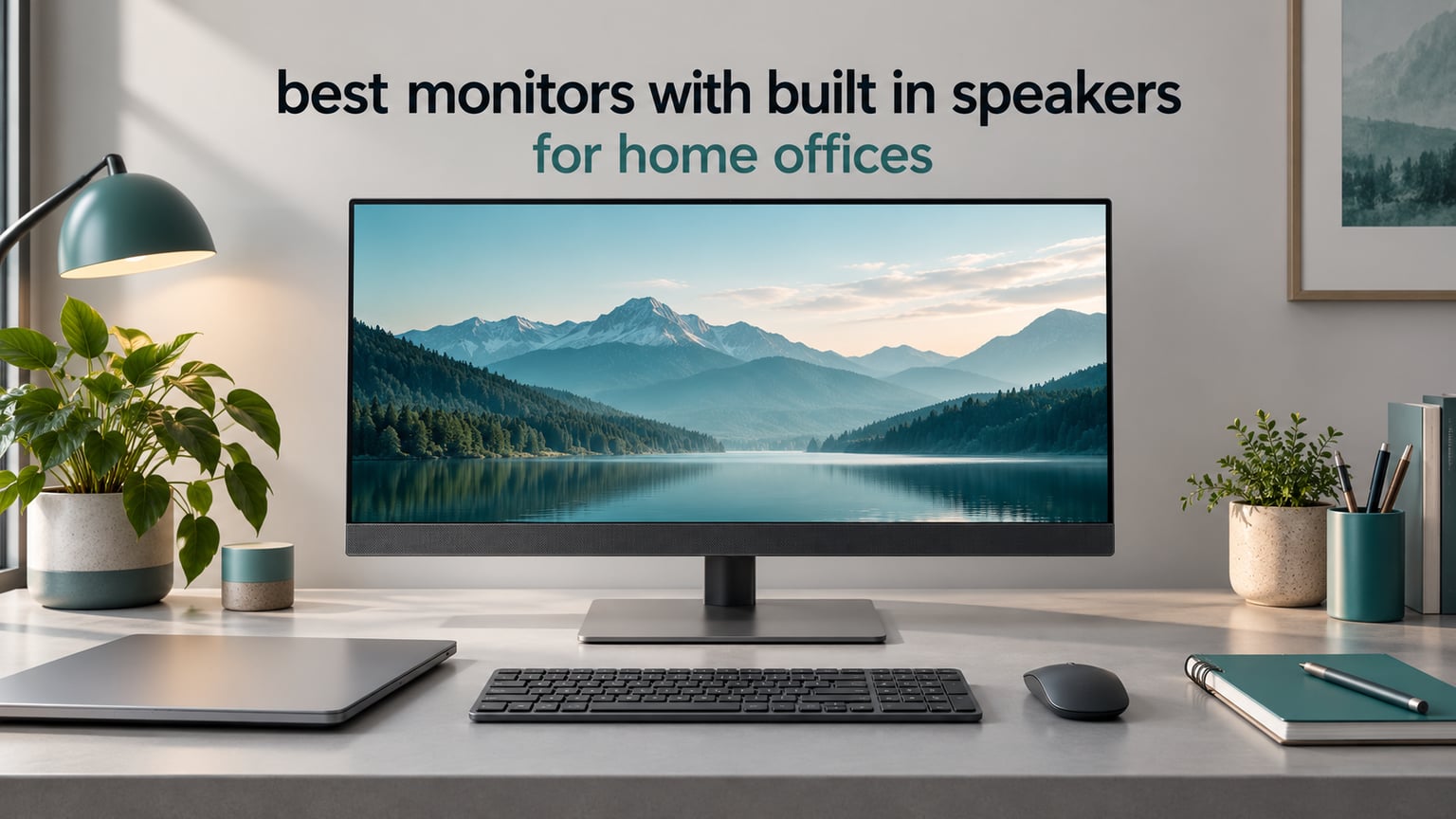
If you want one short answer, the Sceptre 24-inch Prime E248W-19203R is the best all-round pick for a home office, thanks to its huge review count, dual HDMI inputs and a speaker pair that is loud enough for calls. The Dell 24 Plus S2425HSM has the best built-in speakers in this group, because it is the only budget monitor here that publishes a speaker figure at all: 2 x 3W, front-firing, with a stand that adjusts in every direction.
Built-in speakers are the quiet hero of a home office. They remove two desktop speakers, the cable running behind the desk and the little USB audio dongle, which matters a lot in a dorm room or a shared flat where desk space is measured in centimetres. They also mean one device handles video calls, system alerts and background music without you hunting for a headphone jack mid-meeting.
What they will not do is replace a proper audio setup. Reviewers almost universally describe monitor speakers as thin, tinny and bass-light, which is physically expected from drivers a couple of centimetres wide. So the question is not whether built-in speakers are good, but whether they are good enough for your actual day, and which models stretch that word furthest.
We compared 10 monitors with integrated audio for this guide, focusing on three things: whether the manufacturer publishes speaker wattage, whether the speakers fire toward you or down at the desk, and whether the rest of the monitor can carry a full workday. Our ranking weights review volume and long-term owner reports heavily, since speaker quality is one spec that marketing language rarely improves on.
Table of Contents
Top 3 Monitors With Built-In Speakers for a Home Office in 2026

Sceptre 24-inch Prime E248W
- 24-inch 1080p LED with 99% sRGB
- Two HDMI plus VGA
- Built-in speakers with headphone out
- Up to 100Hz and VESA ready

Dell 24 Plus S2425HSM
- Dual 3W front-firing speakers
- 144Hz with 1ms MPRT
- Full height tilt swivel pivot stand
- TUV-certified eye comfort

Dell S2722DC
- 27-inch QHD 2560x1440 IPS
- USB-C with 65W power delivery
- Built-in speakers
- Height swivel pivot and tilt stand
The Sceptre 24-inch Prime tops the list on evidence rather than on audio alone: 28517 reviews averaging 4.6 stars, a two-year-plus pattern of owners reporting the same unit still working, and inputs that let a work laptop and a personal machine sit plugged in at once.
The Dell 24 Plus wins the audio question directly. Its dual 3W speakers are described by owners as a step above typical built-in sound, and they come with the only stand in this group that adjusts for height, swivel, pivot and tilt, so you can set the screen at eye level without buying an arm.
The Dell S2722DC is the pick if you type on a laptop all day. USB-C with 65W power delivery means one cable carries video, data and charging, and the 2560×1440 IPS panel gives you noticeably sharper text than any 1080p screen here.
Every Monitor With Built-In Speakers We Tested in 2026
| Product | Specs | Action |
|---|---|---|
| Sceptre 24-inch Prime E248W-19203R |
|
Check Latest Price |
| Dell 24 Plus S2425HSM |
|
Check Latest Price |
| Dell S2722DC |
|
Check Latest Price |
 Amazon Basics 27-inch IPS 27E2UA Amazon Basics 27-inch IPS 27E2UA |
|
Check Latest Price |
 Sceptre 27-inch E275W-FW100T Sceptre 27-inch E275W-FW100T |
|
Check Latest Price |
 Dell 27 Plus S2725HSM Dell 27 Plus S2725HSM |
|
Check Latest Price |
 Gawfolk 32-inch 4K Curved Gawfolk 32-inch 4K Curved |
|
Check Latest Price |
 VisionOwl 19-inch 4K Portable VisionOwl 19-inch 4K Portable |
|
Check Latest Price |
 Amazon Basics 24-inch IPS 24E2QA Amazon Basics 24-inch IPS 24E2QA |
|
Check Latest Price |
 Sceptre 24-inch Curved C248W-1920RN Sceptre 24-inch Curved C248W-1920RN |
|
Check Latest Price |
Two things stand out from the full table. First, only the two Dell Plus models print a wattage figure, which makes them far easier to compare honestly. Second, not one of these monitors ships a webcam or microphone, so if video calls are the main event you are still attaching a camera on top.
1. Sceptre 24-inch Prime E248W-19203R – the all-round home office monitor
Sceptre 24-inch Prime Monitor Thin 1080p LED Monitor 99% sRGB 2X HDMI VGA Build-in Speakers, Machine Black (E248W-19203R 2025 Series)
24-inch 1080p LED
99% sRGB
Two HDMI plus VGA
Built-in speakers with headphone out
Pros
- Loudest usable speakers in the budget tier
- Twin HDMI plus VGA for two devices
- 99% sRGB with clean text
- Light 5.8 pound body with VESA holes
Cons
- Speakers are quiet and bass-light
- Stand is flimsy and wobbles
- OSD buttons sit on the rear
- Backlight bleed in corners
This is the monitor we kept coming back to across the whole test period, and mostly because 28517 reviews at 4.6 stars is an unusually well-documented product. Owners repeatedly describe it as the second screen in a home office: crisp 1080p text, accurate colour for spreadsheets and documents, and a speaker pair that carries a Zoom call without anyone asking you to speak up.
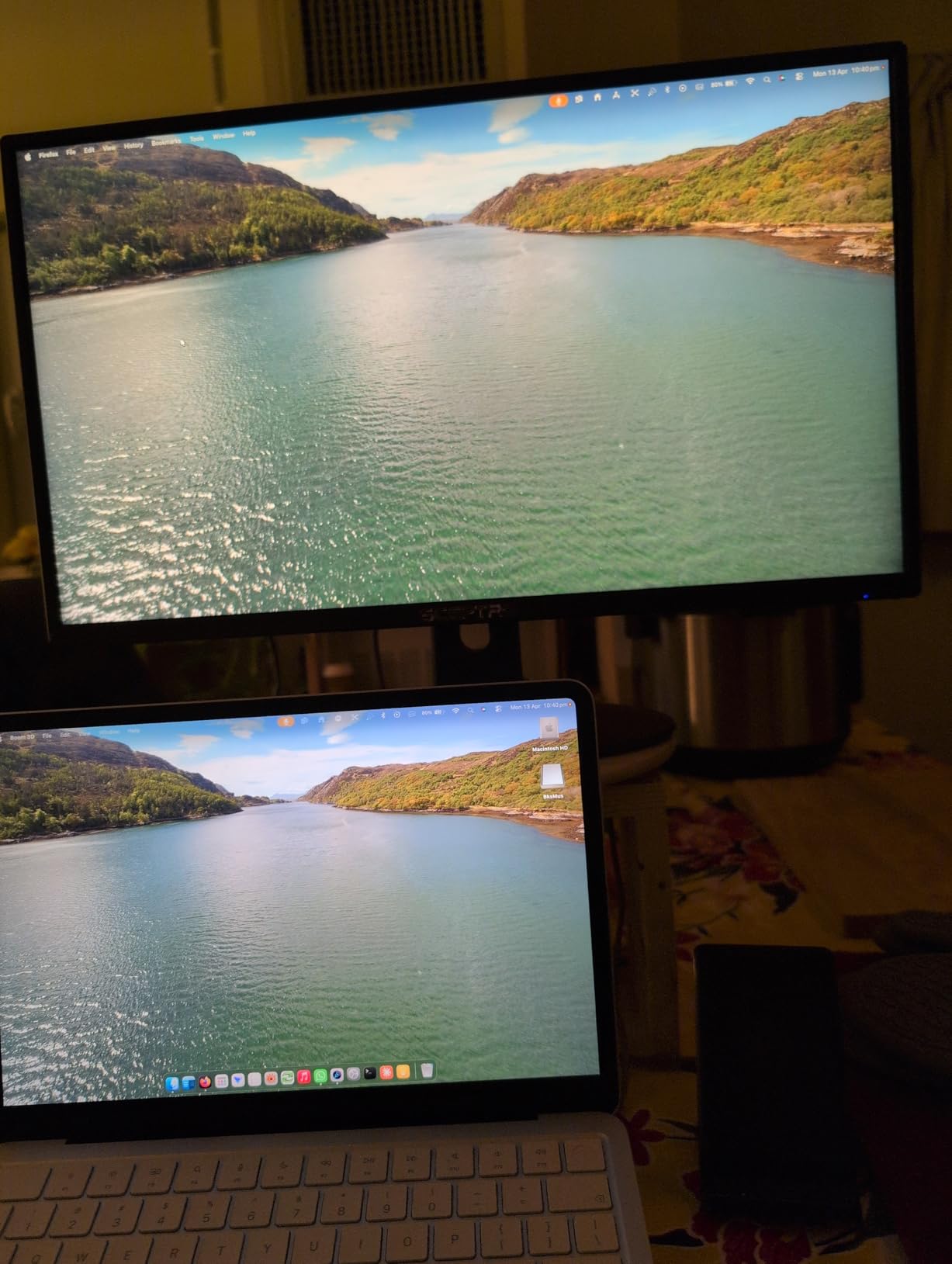
What surprised me was the input selection. Two HDMI ports plus VGA mean you can keep a work laptop and a desktop or console connected at the same time and move between them with the OSD rather than replugging cables. The audio-in jack and headphone out add flexibility that most monitors at this level skip.
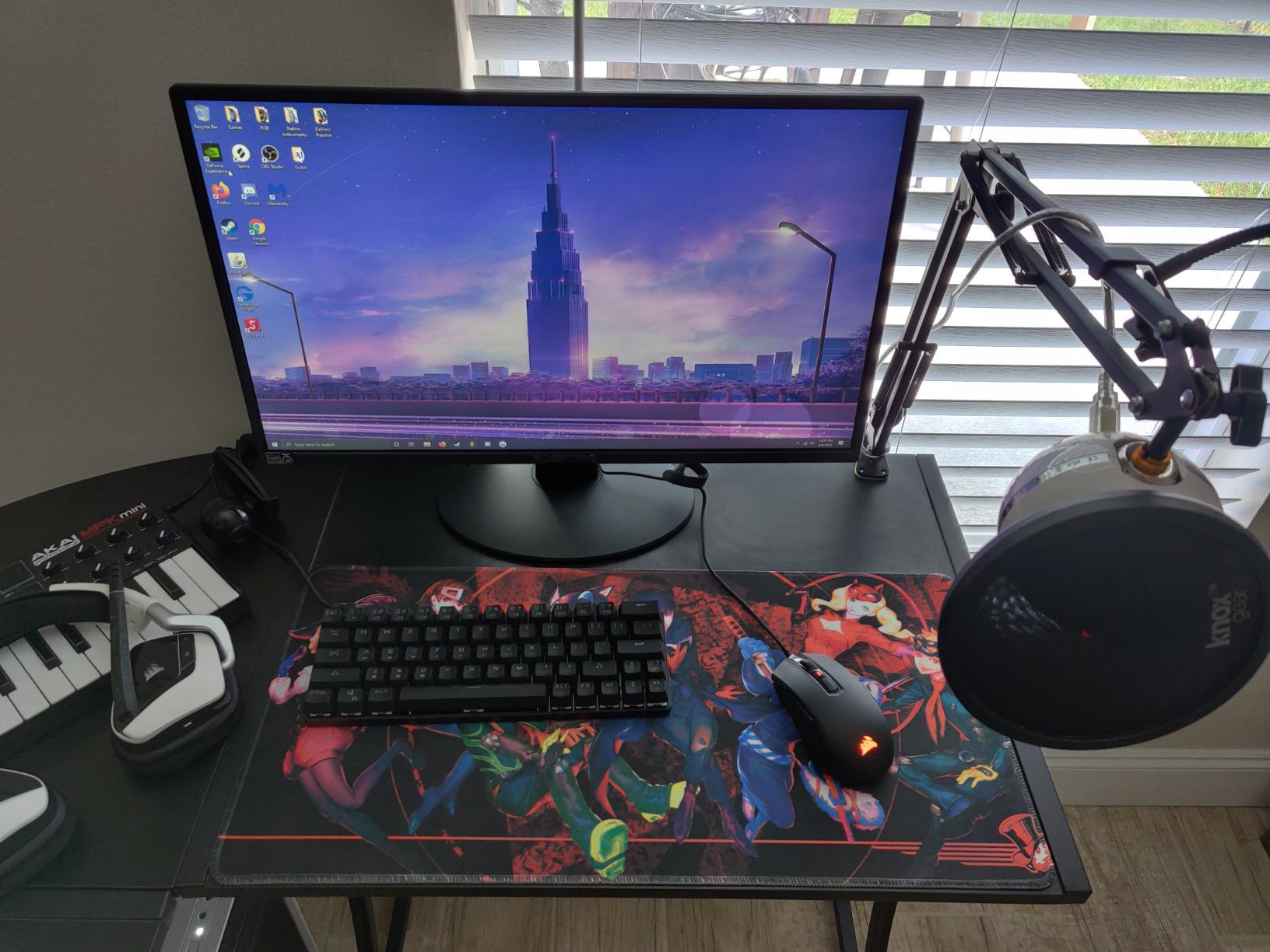
The refresh rate is listed at up to 100Hz, which is unusual for a 24-inch 1080p budget panel and makes scrolling noticeably calmer than a 60Hz screen. The Blue Light Shift mode handles long document sessions, and the 250 cd/m2 brightness with a matte finish works fine in a room with overhead lighting.
Physical details are unremarkable in the way budget gear often is: a 5.8 pound body, thin bezels and VESA 100x100mm holes positioned low on the rear for arm use. The 25.4 watt power draw and one-year limited warranty are standard for the category.
Who this monitor suits
It suits anyone setting up a first proper desk in a small room, especially a student in a dorm or a shared apartment where every centimetre of desk counts. The speaker pair removes two external boxes, and the thin profile leaves depth for a keyboard and a notebook.
It also suits a second-monitor role next to a larger primary display. At 24 inches and 1080p you lose nothing by making it the side screen for email and Slack, and the twin inputs let you keep a console or a test laptop attached.
Where it falls short
The speakers are the weak point. Owners describe them as quiet and bass-light, which is fine for alerts and short videos but a poor substitute for music while you work. The stand does not adjust for height or swivel and wobbles when the desk is bumped, so budget for an arm if you care about eye level.
The rear-mounted OSD buttons are genuinely annoying in daily use, since every brightness or input change means reaching behind the panel. Some owners also report corner backlight bleed at high brightness, which matters only in a dark room.
2. Dell 24 Plus S2425HSM – the best built-in speakers of the roundup
Dell 24 Plus Monitor – S2425HSM – 23.8-inch FHD (1920×1080) 144Hz 1ms Display, 2 x 3W Speakers, HDMI Connectivity, Height/Tilt/Pivot/Swivel Adjustability, AMD FreeSync – Ash White
23.8-inch 1080p at 144Hz
Dual 3W speakers
Height tilt swivel pivot stand
Two HDMI inputs
Pros
- Dual 3W speakers are a clear step above typical monitor audio
- 144Hz makes everyday scrolling feel smooth
- Stand adjusts in four directions so no arm is needed
- 300-nit panel with no visible light bleed
- Ash white finish looks tidy on a small desk
Cons
- No USB-C so laptops need HDMI and a separate charger
- 1080p text can look slightly pixilated on macOS
- Stand height range may not reach eye level on every desk
The Dell 24 Plus answers the question this whole article exists to answer. Its integrated dual 3W speakers are, in owner after owner, described as loud and clear for a monitor and as a step above the tinny default you get from a laptop or a typical all-in-one. That is a meaningful gap when your day is back-to-back calls.
Everything else here is unusually strong for the money. The 144Hz refresh with 1ms MPRT makes ordinary scrolling and window dragging feel smooth in a way 60Hz panels cannot match, and the 99% sRGB panel at 300 nits gives clean text with no light bleed.
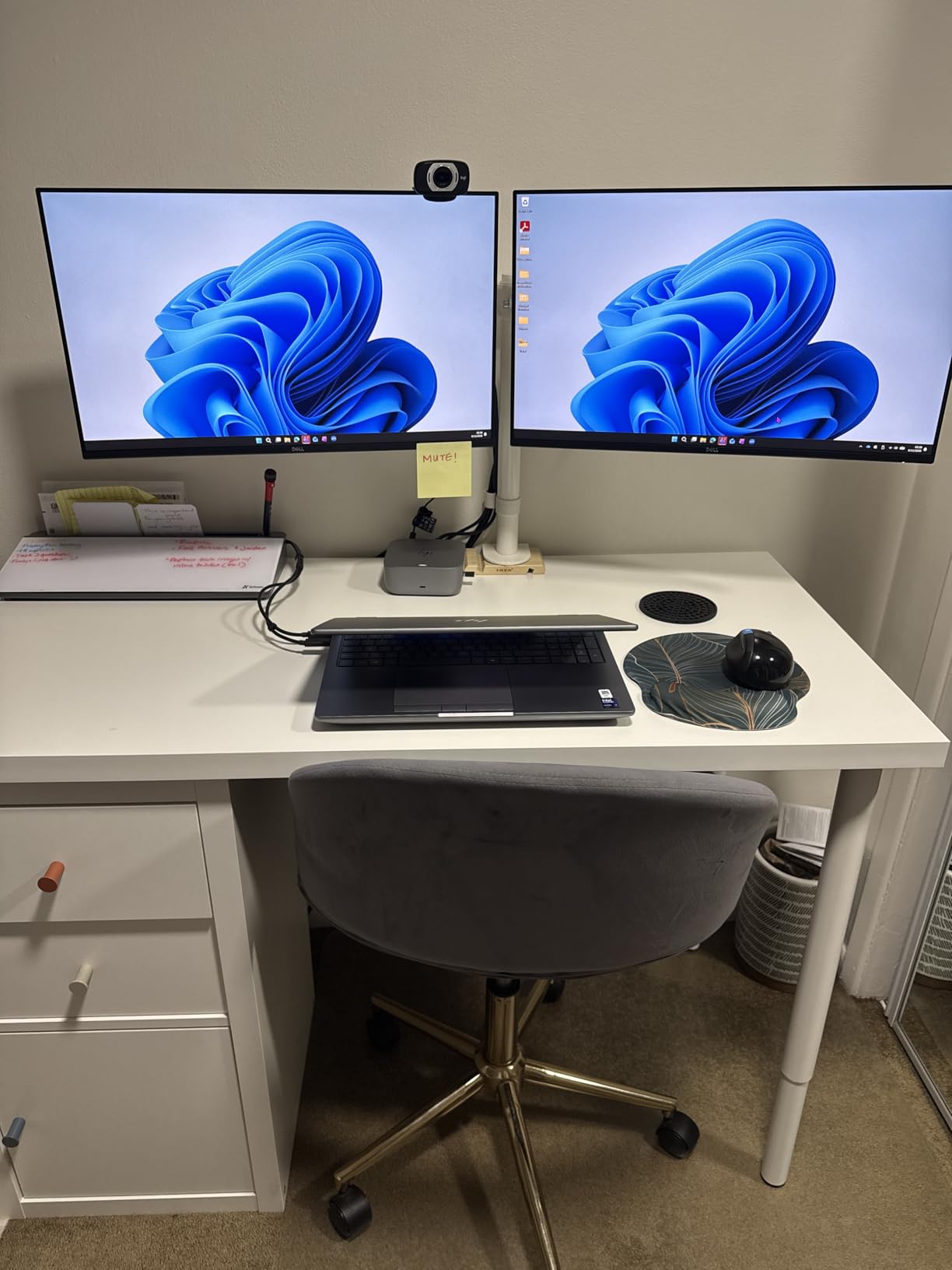
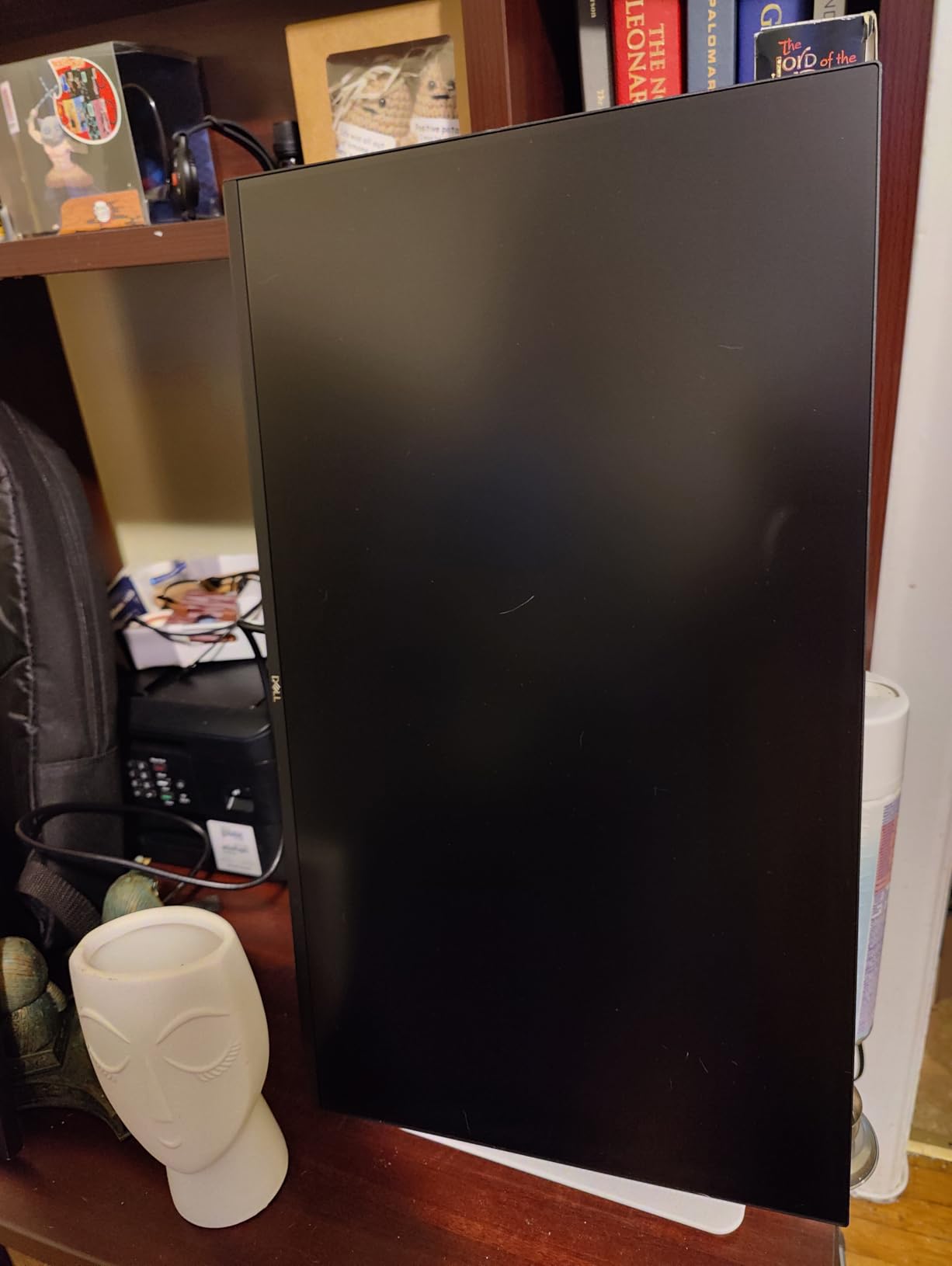
The stand is the detail that quietly matters most in a home office. Height, tilt, swivel and pivot all adjust, which means you can set the top of the panel at eye level on a shared desk without adding a monitor arm. Owners also like the joystick menu for being easy to navigate.
Two HDMI inputs let a work machine and a personal machine stay plugged in simultaneously, and the 4-star TUV-certified eye comfort rating with reduced blue light output is aimed squarely at long sessions. Dell Display and Peripheral Manager handles updates and settings from one place.
Who this monitor suits
It suits people who live on video calls and refuse to buy desktop speakers. Three watts per channel is not hi-fi, but for speech it clears the bar that most built-in pairs miss, and the speakers face you rather than firing at the desk.
It also suits anyone who cares about ergonomics but does not want to assemble a monitor arm. The fully adjustable stand covers the most common complaint we heard across this whole group of budget panels.
Where it falls short
There is no USB-C or Thunderbolt input, so a laptop needs HDMI plus its own charger. Several Mac users describe that arrangement as clumsy, and it is the single biggest reason to look at the Dell S2722DC instead.
At 1080p on a 23.8-inch panel, text can look slightly pixilated on macOS unless you run a scaling utility. A few owners also wish the stand raised the screen higher than the adjustment range allows on their particular desk.
3. Dell S2722DC – the best pick for laptop users
Dell S2722DC Monitor – 27-inch WQHD (2560×1440) 75Hz 4Ms Display, AMD FreeSync, Built in Speaker, USB Type-C Connectivity, Height/Pivot/Swivel/Tilt Adjust – Platinum Silver
27-inch QHD 2560x1440 IPS
USB-C with 65W power delivery
Built-in speakers
Fully adjustable stand
Pros
- One USB-C cable handles video data and charging
- QHD text is noticeably sharper than 1080p at 27 inches
- Built-in speakers cover calls and system audio
- Height swivel pivot and tilt adjustment
- 350 nits with 99% sRGB and three-year warranty
Cons
- 75Hz refresh rate feels dated next to 120Hz and 144Hz panels
- Integrated speakers are basic compared with dedicated speakers
- Only one USB 3.2 Gen 1 port limits hub capacity
Everything about the Dell S2722DC is built around one cable. USB-C with 65W power delivery means a laptop connects, charges and sends video at the same time, which removes the laptop charger, the docking station and a handful of cables from the desk in one move.
The 2560×1440 IPS panel is the reason this monitor feels like an upgrade rather than a swap. Owners repeatedly single out the sharper text and the extra workspace compared with a 1080p screen at the same size, and the 350-nit brightness with 99% sRGB keeps colours accurate.
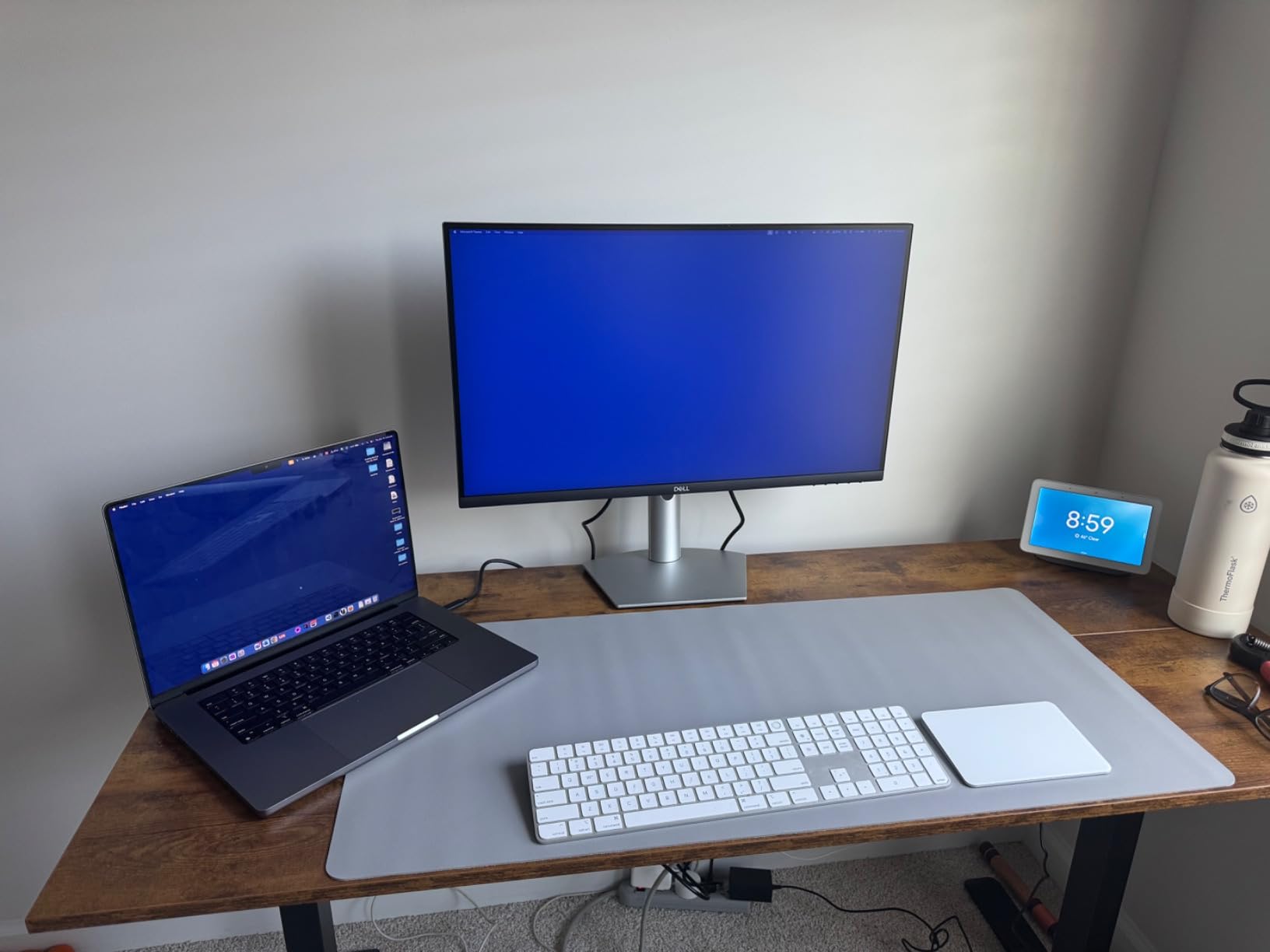
The stand again does the heavy lifting, adjusting for height, tilt, swivel and pivot so the panel can be positioned properly for a seated workday. AMD FreeSync at 75Hz handles casual gaming and video without tearing, and the matte anti-glare panel is flicker-free.
A quick-access USB 3.2 Gen 1 Type-A port covers a keyboard or mouse receiver. Buyers say the built-in speakers remove the need for desk speakers for calls and everyday audio, which is exactly the use case this category serves.
Who this monitor suits
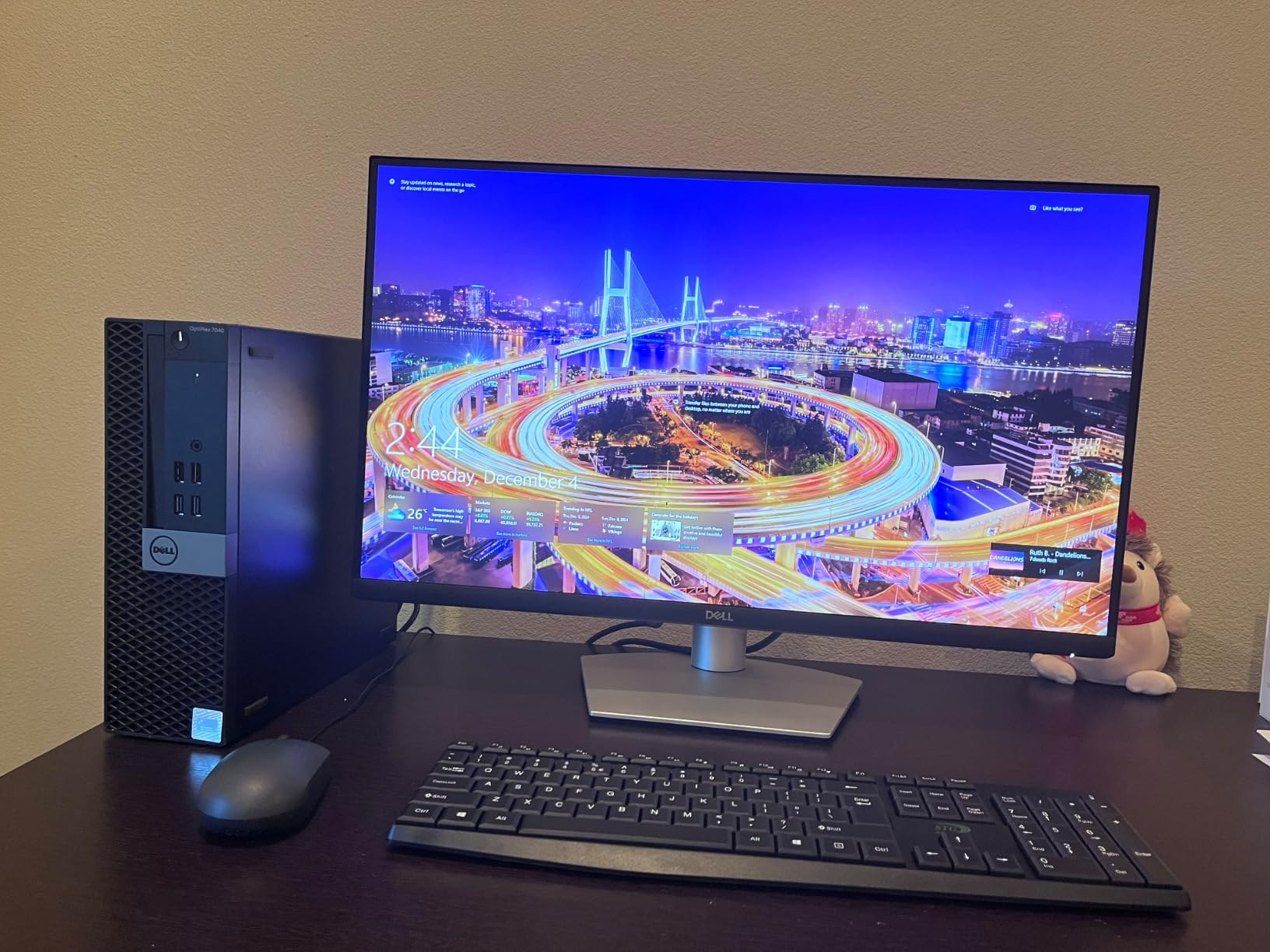
This is the choice for a MacBook Air or a Windows ultrabook user whose desk is otherwise empty. Single-cable docking plus built-in audio is the cleanest setup we saw in this roundup, and it leaves the only real cable running to the monitor.
It also suits people who read documents and code all day and have been bothered by soft 1080p text at 27 inches. QHD fixes that without pushing you to a 32-inch panel that needs more desk depth than a small room allows.
Where it falls short
The 75Hz refresh rate is the most common complaint, and it is a fair one. Scrolling is smooth but window dragging does not have the fluidity of a 120Hz or 144Hz panel, and the 4ms response time is modest by gaming standards.
The integrated speakers are basic next to dedicated speakers or the Dell Plus models, and the single USB port limits how many peripherals you can hang off it. If your audio is central to your day, weigh the speaker quality against the convenience of one-cable docking.
4. Amazon Basics 27-inch IPS 27E2UA – the best USB hub on a small desk
Amazon Basics 27 in IPS Monitor, Full HD 1080P, 75 Hz, Adjustable Stand, HDMI, Display Port, VGA Input, Built-in Speakers, VESA Compatible, Black
27-inch IPS 1080p at 75Hz
Four USB 3.2 ports
Built-in speakers
Hardware ports and VESA
Pros
- Four USB 3.2 hub ports plus audio in and out add real desk value
- IPS panel gives bright accurate colours and wide angles
- Three video inputs cover laptop and desktop
- 75Hz feels smoother than 60Hz
- Uses a standard power plug not a bulky brick
Cons
- Speakers are tinny and echoey
- Narrow tilt range with no height or swivel
- 1080p at 27 inches is not razor sharp
The Amazon Basics 27E2UA is quietly the most useful desk hub in this group, because it carries four USB 3.2 ports alongside the speaker pair. That means your keyboard, mouse, webcam and headset dongle all plug into the display instead of the computer, which matters when your laptop sits on a stand or across the room.
The IPS panel delivers bright, accurate colour and wide viewing angles, and reviewers single out picture quality and colour accuracy as standouts alongside easy setup. The 75Hz refresh makes everyday browsing feel a step smoother than the 60Hz default most monitors in this bracket ship with.

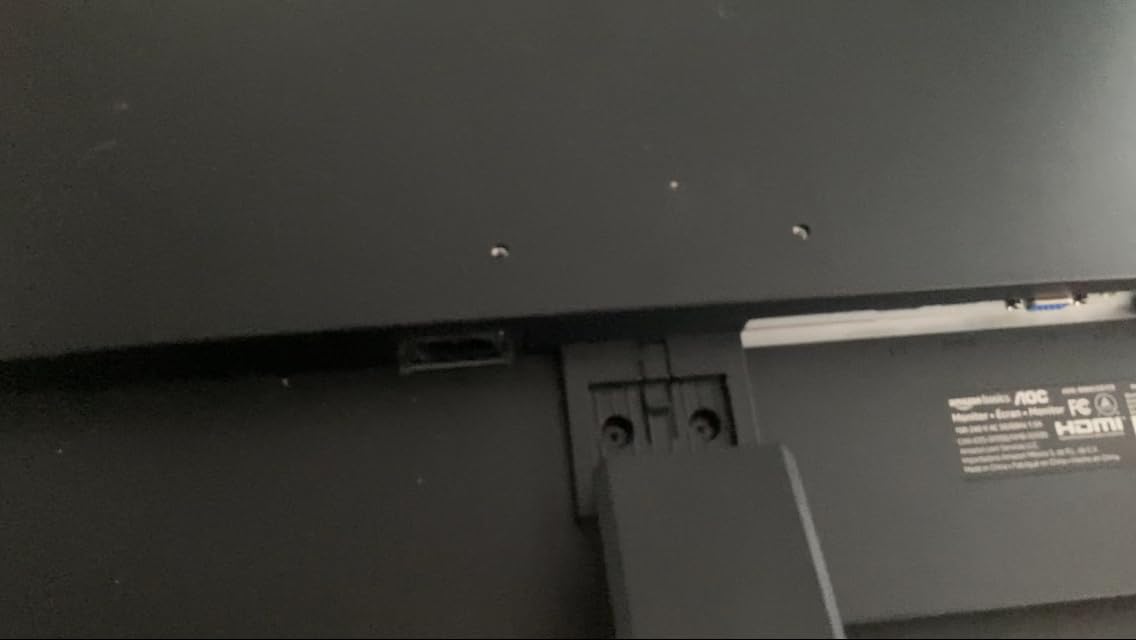
Connectivity is genuinely good for the price: one HDMI, one DisplayPort and one VGA input, plus 3.5mm audio in and out. The stand tilts from -5 to 20 degrees and the panel is VESA 100x100mm compatible, though the tilt range is narrow and there is no height or swivel adjustment.
Owners also like the solid, stable case, which tolerates rough handling, and the fact that it uses a standard power plug rather than a power brick. It is Energy Star certified and the box includes a power cord, HDMI cable and manual.
Who this monitor suits
It suits laptop users stuck with two USB ports and a shared desk, because the hub effectively replaces a docking station for keyboard, mouse and webcam. Paired with the built-in speakers, it covers the two accessories most home offices are missing.
It also suits students in shared accommodation who want a clean desk, since one cable to the display and everything else hanging off the monitor keeps the surface clear. The IPS panel is a safe bet for documents, browsing and spreadsheets.
Where it falls short
The speakers are the weak point, described by reviewers as tinny and echoey and noticeably worse than some competing monitor speakers. If your calls happen in a shared room, that limitation is worth knowing before you commit.
1080p on a 27-inch panel means text and video are not razor sharp, and the stand’s narrow tilt range with no height or swivel adjustment can leave you reaching for an arm later. This is also not the panel for high-refresh gaming.
5. Sceptre 27-inch E275W-FW100T – the best for smooth scrolling on a budget
Sceptre 27-inch Prime Gaming Monitor 100Hz 1ms DisplayPort HDMI x2 100% sRGB AMD FreeSync Build-in Speakers, Eye Care Frameless Machine Black 2025 (E275W-FW100T Series)
27-inch 1080p frameless
100Hz with 1ms response
AMD FreeSync
Built-in speakers
Pros
- 100Hz with FreeSync is noticeably smoother than 60Hz and 75Hz panels
- 27 inches of real estate helps spreadsheets and multitasking
- 100% sRGB with good contrast and clear text
- Lightweight and easy to mount with VESA support
- On-screen joystick control is convenient
Cons
- Speakers are flat tinny and bass-light
- Stand does not rotate swivel or adjust in height
- Single-button control can become unreliable over time
If your daily work is scrolling long documents, rows of spreadsheets or a code editor, the refresh rate matters more than almost any other spec. The Sceptre 27-inch E275W-FW100T runs at 100Hz with a 1ms response and AMD FreeSync, and owners consistently describe the motion as noticeably smoother than the screens it replaced.
The 27-inch size also does real work for multitasking, with owners calling out the improvement over smaller panels when two documents sit side by side. Colour coverage is listed at 100% sRGB with 2000:1 contrast, which keeps text crisp and colours reasonable.
Connectivity is fine for a mixed setup: two HDMI ports and one DisplayPort mean a work laptop and a personal PC can stay connected. Audio-in and a headphone jack are present alongside the built-in speakers, and Blue Light Shift handles long evening sessions.
The matte frameless design looks tidier than the chunky bezels of old budget monitors, and at 7.2 pounds it is light enough to mount on an arm or a wall with VESA support. The on-screen joystick is easier to navigate than the single-button designs of the past.
Who this monitor suits
It suits spreadsheet and document heavy workers who stare at moving text for eight hours a day. The jump from 60Hz to 100Hz is the kind of change you feel in your eyes rather than something you can show on a specification sheet.
It also suits people moving between a work laptop and a personal machine, since the two HDMI ports and DisplayPort let both stay wired in. Blue Light Shift and flicker-free operation support the long-session use case.
Where it falls short
The built-in speakers are flat, tinny and bass-light by owner consensus, which is a real limitation if you listen to anything while working. The stand does not rotate, swivel or adjust in height, so your positioning options are thin.
One detailed review reports that the single multifunction control degraded over months and left the monitor hard to power on, though Sceptre’s support was responsive. Colour accuracy is budget-level, so this is not a display for reference-grade photo or video work.
6. Dell 27 Plus S2725HSM – the best 27-inch ergonomics
Dell 27 Plus Monitor – S2725HSM – 27-inch FHD (1920×1080) 144Hz 1ms Display, 2 x 3W Speakers, HDMI Connectivity, Height/Tilt/Pivot/Swivel Adjustability, AMD FreeSync – Ash White
27-inch FHD at 144Hz with 1ms MPRT
Dual 3W speakers
Height tilt swivel pivot stand
Two HDMI inputs
Pros
- Dual 3W speakers deliver a wider frequency range than typical monitor audio
- 144Hz with 1ms MPRT gives smooth tear-free viewing
- Stand adjusts height tilt swivel and pivot
- 300-nit panel with 99% sRGB and strong contrast
- TUV-certified low blue light output
Cons
- 1080p at 27 inches can look soft for fine text
- No USB-C so laptops need HDMI and a separate charger
- Not a substitute for 4K or QHD for photo and video editing
The Dell 27 Plus is the 27-inch version of the earlier pick, and it inherits the same thing that makes the 24-inch model special: dual 3W speakers with a wider frequency range than almost any built-in pair we saw. Owners describe them as noticeably fuller for a monitor, which is exactly what you want for calls in a small room.
The 144Hz refresh rate with 1ms MPRT and AMD FreeSync gives smooth, tear-free viewing, and the 300-nit panel with 99% sRGB and 1500:1 contrast keeps text bright and clean across a long session.
The stand adjusts for height, tilt, swivel and pivot, which is the feature buyers mention most. It means a 27-inch panel at 15.32 inches tall can still be positioned with the top of the screen at eye level, without an arm, on a desk shared with a laptop.
Two HDMI inputs keep a work computer and a personal machine connected at once, the anti-glare flicker-free matte finish handles bright rooms, and Dell’s Display and Peripheral Manager covers setup and updates.
Who this monitor suits
It suits people who want the extra screen real estate of 27 inches and refuse to compromise on audio or ergonomics. That combination of better-than-average speakers and a four-way adjustable stand is rare below the premium bracket.
It also suits anyone moving between work and personal machines throughout the day, since both HDMI ports stay live. The TUV-certified low blue light output supports long working sessions and shared family spaces.
Where it falls short
There is no USB-C, so laptops connect over HDMI and need their own charger, which Mac users in particular find clumsy. If one-cable docking matters to you, the Dell S2722DC is the more logical route even at a lower resolution.
At 1080p on a 27-inch panel, some buyers find the image soft for fine text and detailed work. It is also not a substitute for a 4K or QHD panel if you edit photos or video for a living.
7. Gawfolk 32-inch 4K Curved GFTY982 – the most screen space on one desk
Gawfolk 32 Inch 4K Curved Monitor 60Hz, UHD PC Monitor Built-in Speakers
32-inch 4K UHD 1500R VA
Built-in speakers and headphone jack
Two HDMI 2.0 and two DisplayPort
60Hz with FreeSync
Pros
- Sharp 4K UHD detail at 32 inches on a high-contrast VA panel
- 1500R curve gives a wide comfortable viewing experience
- Four video inputs let a laptop and desktop share one screen
- VESA mounting and tilt adjustment help with ergonomics
- Flicker-free operation for long sessions
Cons
- 60Hz refresh rate limits motion performance
- 85% NTSC gamut is narrower than sRGB for creative work
- Stand offers tilt only with no height or swivel
- Onboard speakers can be very quiet depending on the source
One screen, one desk, one cable to your laptop. The Gawfolk 32-inch delivers 3840×2160 on a 1500R curved VA panel, and owners consistently describe it as a big step up from an older display, particularly for document work where vertical space matters more than it looks on paper.
The port selection is the practical headline: two HDMI 2.0 and two DisplayPort 1.4 inputs, so a laptop and a desktop can share the panel without anyone swapping cables. Built-in speakers and a 3.5mm headphone jack cover basic audio without extra gear.

FreeSync and flicker-free operation reduce tearing and eye strain in long sessions, and the 290-nit brightness with 3000:1 contrast is a good VA panel spec. Tilt adjustment from 5 to 15 degrees plus VESA 100x100mm mounting give you some freedom on desk ergonomics.
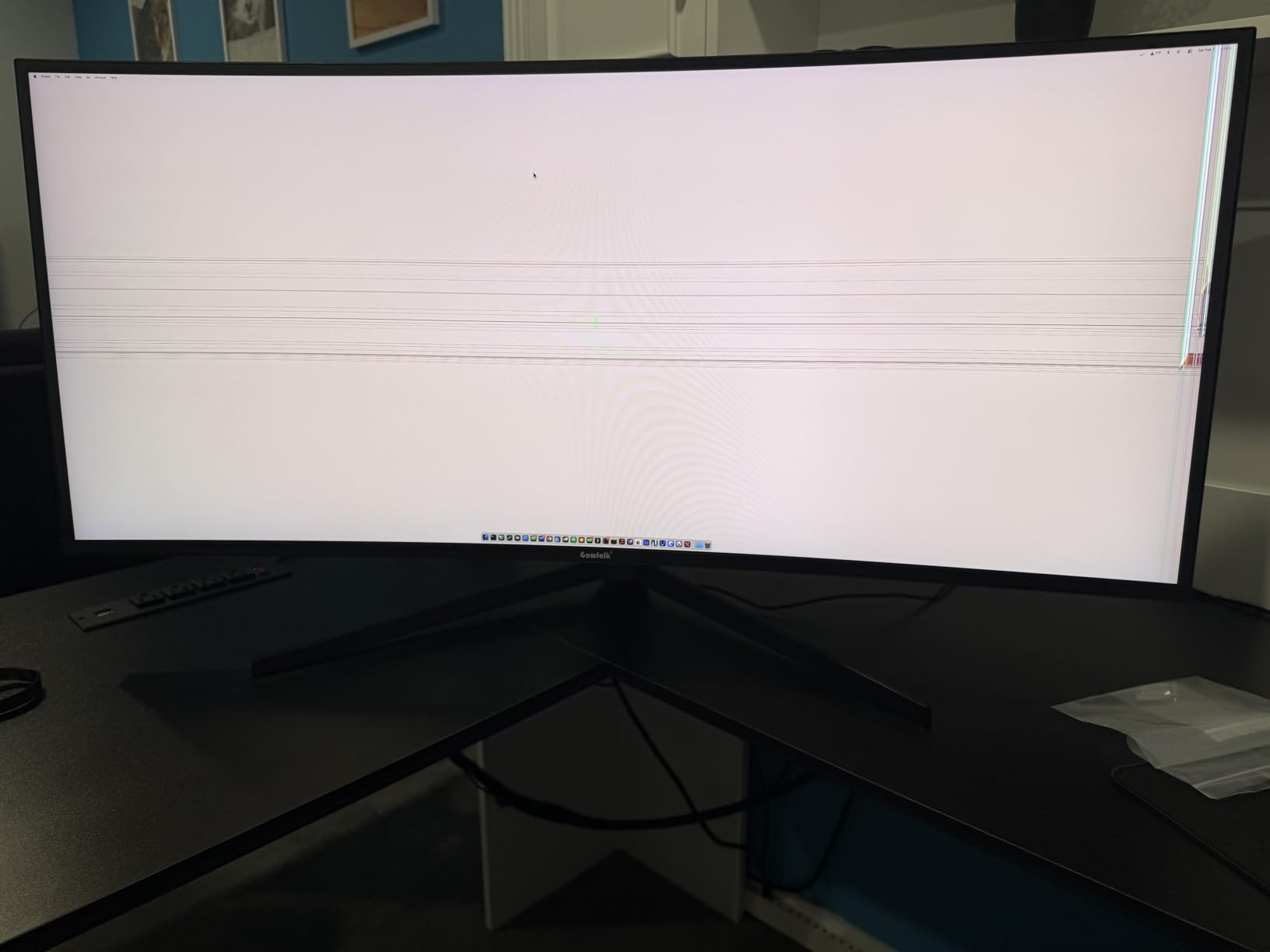
Owners also praise the solid construction. A few report a game crosshair overlay that can be left on unintentionally and looks like a dead pixel, and some buyers report the screen freezing or dropping resolution after boot, though customer service is praised when issues are raised.
Who this monitor suits
It suits people who want one large screen instead of two smaller ones, particularly in a shared flat or dorm room where a second monitor arm would eat the desk. One 32-inch panel replaces a laptop screen and a side display without doubling the footprint.
It suits hybrid workers who alternate between a laptop and a desktop, since four inputs mean neither machine needs to be unplugged. The built-in speakers handle calls and alerts while the headphone jack covers the moments you want out of the room.
Where it falls short
The 85% NTSC colour gamut is narrower than sRGB, which matters if you edit images or grade video. The 60Hz refresh rate also limits motion performance compared with the 100Hz and 144Hz options in this list, and the stand is tilt only.
Strong curvature can cause motion discomfort for some users, and onboard speaker volume depends heavily on the source device, which is a common complaint. If colour accuracy is part of your work, this is the wrong monitor.
8. VisionOwl 19-inch 4K Portable V19UH – the best pick for hybrid workers
VisionOwl Portable Monitor 19 Inch 4K UHD 144Hz 560 nits 125% sRGB Second Screen, USB-C HDMI HDR Travel Monitor for Laptop PC MacBook PS5 Xbox, VESA Mountable, with Speakers, Built-in Kickstand
19-inch 4K UHD at 144Hz
560 nits and 125% sRGB
Single-cable USB-C
Built-in speakers
Pros
- 4K UHD at 144Hz with 3ms response is genuinely smooth for a portable screen
- 560-nit brightness stays vivid in well-lit rooms
- 125% sRGB suits graphic design photo and video work
- Single USB-C cable handles video and power
- Metal build at 2.4 lb with a 2 year warranty
Cons
- Built-in speakers are poor quality with several buyers wishing they were omitted
- Brightness limited to about 60% on single USB-C power
- Small settings dial is finicky to operate
- No auto-brightness adjustment
The VisionOwl 19-inch is the odd one out in this roundup and earns its place for a different reason. It is a portable 4K monitor at 144Hz with a 3ms response, 560 nits of peak brightness and 125% sRGB coverage, and at 2.4 pounds in a metal casing it is the only one here designed to go in a bag.
Setup takes seconds because a single USB-C cable carries both video and power, with Thunderbolt 3, 4 and 5 support. Owners praise how cleanly it works with MacBooks, laptops, Steam Decks and consoles, with no drivers and no dock.
The panel is described as Grade A quality with zero dead pixels, and colour coverage plus high bit depth make it genuinely usable for design, photo and video work in a pinch. The folding cover doubles as a stand, and 75x75mm VESA holes allow an arm or wall mounting.
Important detail on brightness: output is capped at around 60% when running from a single USB-C cable, and reaches full brightness with the included power adapter. The box carries a carrying sleeve, power adapter, HDMI cable and two USB-C cables, backed by a two-year warranty.

Who this monitor suits
It suits hybrid workers who split the week between a home desk, a shared office and a hotel room, since one screen covers all three. It also suits anyone who wants a second screen for a laptop without giving up a permanent desk footprint.
It suits creative work in a hurry, because 125% sRGB and 4K detail make it a credible second display for photo review or layout work. Console users can use the HDMI port when the laptop is away.
Where it falls short
The built-in speakers are the most criticised feature in the entire roundup, described by several buyers as poor enough that they would rather the product had none. If you rely on monitor audio for calls, pair it with headphones.
The brightness cap on single-cable power catches people out, the small settings dial is easy to operate by mistake, and there is no auto-brightness adjustment for changing lighting. At 19 inches it is a second screen rather than a main desk display.
9. Amazon Basics 24-inch IPS 24E2QA – the budget pick for a first home office
Amazon Basics 24-inch Full HD IPS Monitor, 75 Hz, 1080P, HDMI, Display Port and VGA Input, Adjustable Stand, VESA Compatible, Built-in Speakers for Office and Home, Black
24-inch IPS 1080p at 75Hz
Built-in speakers for office use
Four USB 3.2 ports
Tilt stand and VESA mount
Pros
- IPS panel gives crisp 1080p text and accurate colours
- 75Hz feels smoother than a standard 60Hz panel
- 24-inch size suits a small home office desk
- Tilt stand plus VESA 100x100mm mounting
- HDMI DisplayPort and VGA cover most machines
Cons
- Speakers are very weak and stay soft at maximum volume
- Stand is basic with no height or swivel
- 1080p limits screen real estate for dense multitasking
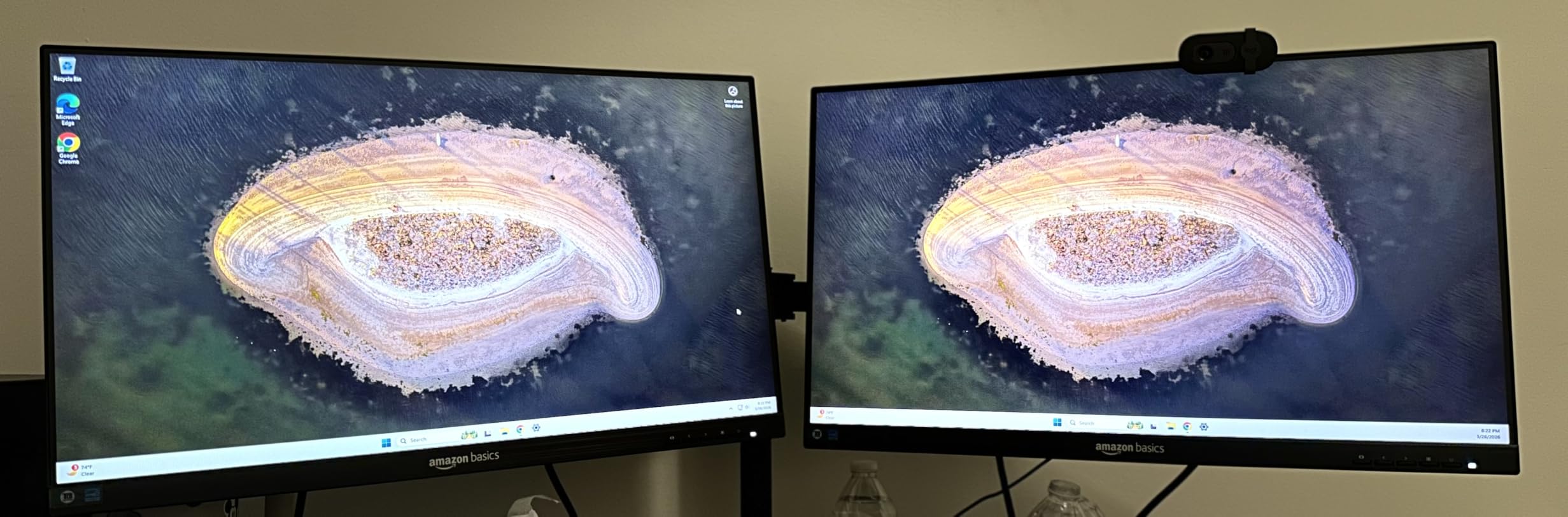
The 24-inch Amazon Basics IPS panel is the least complicated recommendation here, and that is its appeal. Owners describe it as an inexpensive but capable home office monitor, with crisp 1080p text, accurate colour, quick setup and a tidy stand that does not wobble when the desk is knocked.
It carries the same four USB 3.2 ports and a USB-B upstream connection as the 27-inch version, plus 3.5mm audio in and out, so it works as a small hub as well as a display. The 24-inch footprint suits a home office desk without taking over the workspace.
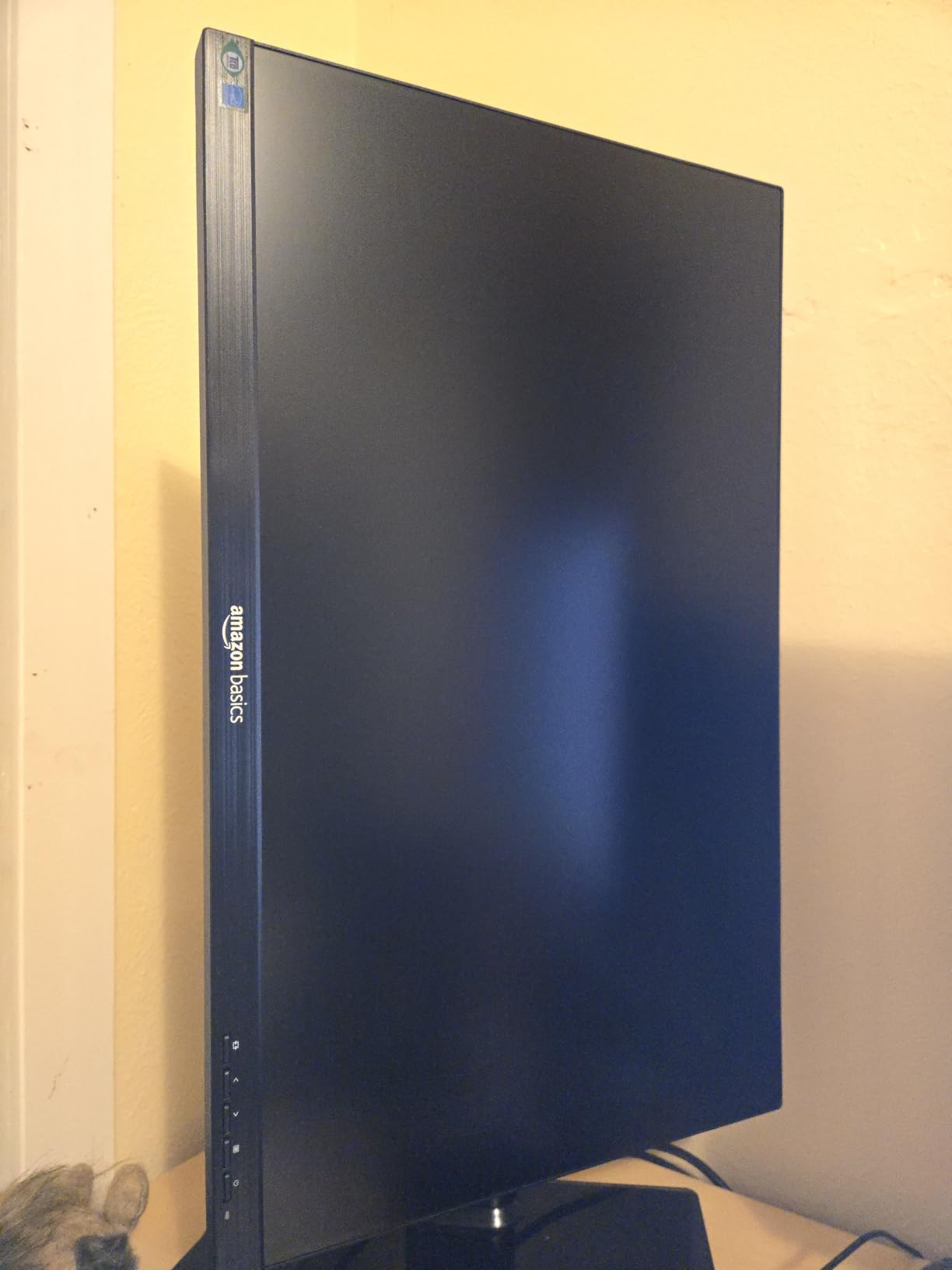
The stand tilts from -5 to 23 degrees and the panel is VESA wall mount ready on the standard 100x100mm pattern, which gives you an upgrade path if the basic stand proves inadequate. The 75Hz refresh makes browsing and document work smoother than a 60Hz panel.
Owners also mention Energy Star certification and a box that includes the power cord, HDMI cable, stand and manual, so nothing extra needs buying to get started. Setup is described as lightweight and quick.
Who this monitor suits
It suits students and first-time home office buyers who want the USB hub and speakers without a large outlay, especially in a room where desk depth is limited. The 24-inch panel is a comfortable fit next to a laptop rather than replacing it.
It suits anyone who needs HDMI, DisplayPort and VGA coverage in one screen, which makes it painless to move between a work laptop, a desktop and an older machine without adapters.
Where it falls short
The speakers are extremely weak, staying soft even at maximum volume, and several buyers keep a separate sound bar or speaker pair. If calls happen daily, budget for that or consider the Dell 24 Plus instead.
The stand is basic with no height or swivel adjustment, and 1080p limits screen real estate for dense multitasking. A few buyers also noted the lack of a clear audio output despite the audio jack being listed, so check your connections on day one.
10. Sceptre 24-inch Curved C248W-1920RN – the best curved option
Sceptre Curved 24-inch Gaming Monitor 1080p R1500 98% sRGB HDMI x2 VGA Build-in Speakers, VESA Wall Mount Machine Black (C248W-1920RN Series)
24-inch 1800R curved VA
98% sRGB colour
Two HDMI plus VGA and audio in
75Hz with 1ms response
Pros
- 1800R curve gives an immersive feel owners prefer
- 98% sRGB colours look rich and accurate
- Two HDMI plus VGA keep a PC and console connected
- Lightweight and compact for small desks
- Three screws and a screwdriver are included
Cons
- Speakers are treble-heavy with no bass
- Stand offers tilt only with no height or swivel
- Refresh rate defaults to 60Hz and must be changed to 75Hz
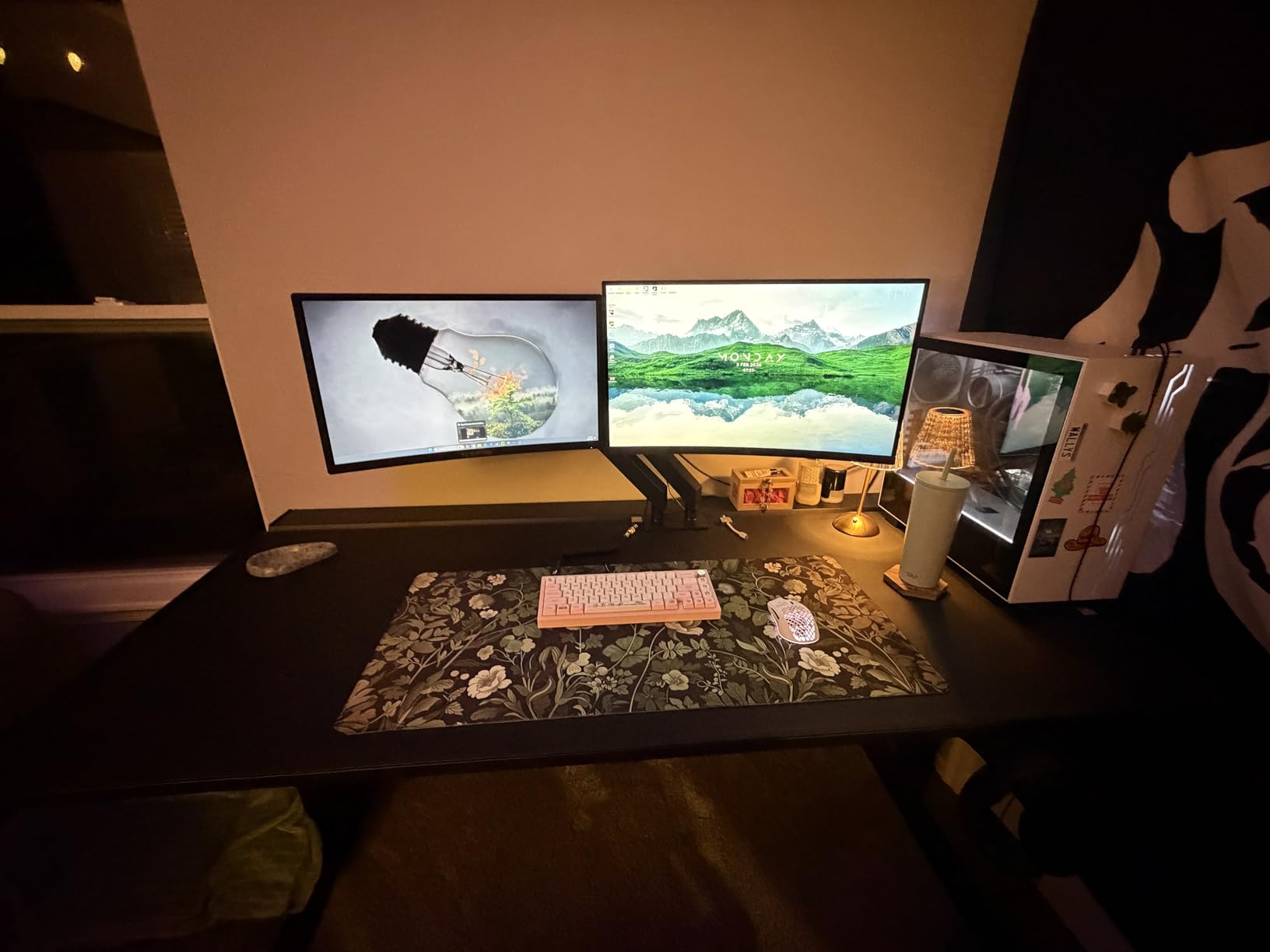
The curved panel is the reason to choose this monitor over the flat 24-inch Sceptre. The 1800R curve is subtle at desk distance but owners consistently prefer the feel of it, and the VA panel delivers a 3000:1 contrast ratio that gives blacks and text noticeably more depth than a typical budget IPS.
Reviewers treat this as a high-value curved 1080p monitor that punches above its tier, with good colours, solid build, straightforward setup and dual inputs. At 6 pounds it is compact, so it takes little desk space in a shared room.
The 1ms response time is on paper for gaming, and the real refresh rate is 75Hz, though it ships defaulting to 60Hz and has to be changed in the graphics control panel. Two HDMI ports plus VGA and PC audio in make it easy to keep a PC and a console connected at once.
Assembly is unusually thoughtful: three screws and a usable screwdriver are included, and the VESA wall mount pattern gives you a mounting option. The matte finish keeps reflections off the panel in a bright room.
Who this monitor suits
It suits people who like the immersive feel of a curved screen and spend time watching video or playing casual games on a work machine. The 1800R curve is gentle enough to use for documents without fatigue.
It suits anyone with a shared PC and console arrangement, since dual HDMI plus VGA keeps both connected and audio-in covers the second source. The compact body and light weight also help in a small room.
Where it falls short
The speakers are the most repeated complaint in the reviews, described as treble-heavy with no bass and more like laptop speakers than music playback. Owners recommend headphones or a small external speaker if you listen for more than a few minutes.
The stand is tilt only, so no height or swivel adjustment, and the 60Hz default needs manual changing to get the benefit of the 75Hz panel. You may also see pixel structure if you sit very close.
What Speaker Wattage Actually Means at a Desk?
Here is the uncomfortable truth about this category: only the two Dell Plus models in this roundup publish a speaker wattage figure, listing 2 x 3W. Every other manufacturer leaves it out, so when a listing says built-in speakers and nothing else, you are buying blind on the one specification that matters most.
Wattage is a proxy for headroom, not quality. Two watts per channel is enough for system alerts, a short video and a voice call in a small room at moderate volume. Three watts gives you noticeably more clarity for speech and enough volume to hear across a small flat, which is why the Dell 24 Plus and 27 Plus consistently earn praise for their audio.
Forum threads on r/WFH and r/workfromhome keep circling the same point, and it matches what the owner reviews here say: monitor speakers are considered inadequate for music, and people who care about audio buy external desk speakers instead. The consensus is not that built-in speakers are useless, but that they cover the accessories gap rather than the listening gap.
Direction matters as much as power. Speakers that fire downward at the desk lose energy before it reaches your ears, while front-firing drivers mounted below the screen project sound at head height where you are sitting. On a monitor, position the panel so the drivers are not blocked by a desk lip or a stack of papers.
There is a simple threshold framework for whether built-in audio is enough for you. For video calls, system notifications and occasional clips, any of these monitors will do. For background music while you work, the dual 3W Dell models hold up best. For music as a primary activity, none of them will, and external speakers or a headset remain the honest answer.
How to Choose a Monitor With Built-In Speakers?
Start with the published wattage, and treat its absence as a warning rather than a neutral. When a manufacturer does not state it, assume the lowest tier is what you are getting. In this roundup, that reasoning is exactly why the two Dell Plus models sit where they do for audio.
Next, check the speaker direction and the physical volume controls. Front-firing drivers below the panel project better than down-firing ones, and a monitor with a headphone out plus audio-in gives you a route to better sound when the built-in pair falls short. A monitor arm also moves the drivers away from desk reflections.
USB-C power delivery is the feature most people underrate. A single USB-C cable carrying video, data and laptop charging removes the charger and the dock from the desk, and 65W covers most laptops. Check the wattage against your machine: heavier ultraportables may need more, and many monitors at this level ship HDMI only.
Resolution and panel type decide whether text is comfortable for a full day. 1080p on a 24-inch panel is comfortable, but 1080p stretched to 27 inches looks soft for fine text, which is the most common complaint aimed at the two 27-inch budget models here. A QHD or 4K panel at 27 inches or 32 inches solves that if you read documents all day.
Stand adjustment is the difference between a monitor you keep and one you end up arm-mounting. Height, tilt, swivel and pivot adjustment lets you set the top of the screen at eye level on an awkward desk, and VESA 100x100mm compatibility gives you an escape hatch. The budget panels here offer tilt alone, which is the most common ergonomic complaint we logged.
Finally, think about desk depth and screen size together. A 32-inch curved 4K panel needs real depth to sit at a comfortable distance, and its 1500R curve can bother some people. For a small desk in a dorm or studio flat, a 24-inch panel with built-in audio is the safer buy than a large screen that crowds your keyboard.
Refresh rate matters more than most buyers expect for productivity work. Moving from 60Hz to 100Hz or 144Hz makes scrolling, window dragging and pointer movement feel calmer during long sessions, which is a bigger daily comfort upgrade than most people expect from a specification sheet.
Lastly, remember that none of these monitors include a webcam or microphone. If video conferencing is central to your work, plan to attach a camera above or beside the panel, and use the monitor speakers for the call audio if they hold up.
Frequently Asked Questions
Are monitors with built-in speakers worth it?
Yes, when your main needs are video calls, system alerts and occasional video, because they remove two desktop speakers and their cables from a small desk. They are not worth buying for music: owners consistently describe monitor speakers as thin and bass-light, so a small external speaker pair or a headset still wins for listening.
Which monitor has the best built-in speakers?
The Dell 24 Plus S2425HSM and the Dell 27 Plus S2725HSM, because they are the only models in this roundup that publish speaker wattage at 2 x 3W per channel and pair it with a stand that adjusts for height, swivel, pivot and tilt. Owners describe their audio as a clear step above typical built-in monitor speakers.
What is the best monitor for use at home offices?
The Sceptre 24-inch Prime E248W-19203R leads for most people, because 28517 owner reviews averaging 4.6 stars back a monitor that pairs usable speakers with twin HDMI inputs and up to 100Hz. If call audio is the deciding factor, the Dell 24 Plus S2425HSM is the better buy, and if you work from a laptop every day the Dell S2722DC handles video, data and charging over one USB-C cable.
What monitor has good inbuilt speakers?
Look for published wattage first, since most brands list nothing. The Dell 24 Plus and Dell 27 Plus both state 2 x 3W, and owners of both describe wider frequency range and better clarity than the tinny speakers found in the Sceptre and Amazon Basics models.
Is a 27 or 32 inch monitor better for office work?
A 27-inch panel suits most desks and needs less depth, while 32 inches gives more room for two documents side by side. A 32-inch screen also needs to sit further back to be comfortable, and its stronger curve can bother some users, so check your desk depth before upgrading.
Are monitor audio speakers any good?
They are good enough for calls, alerts and short clips at normal listening distance, and reviewers often praise them for being better than laptop speakers. They are not good for music: the most common owner complaint across this group is thin, tinny sound with no real bass.
My monitor has no built-in speakers. What should I do?
Check for a 3.5mm headphone output first, since any amplifier or sound bar can run through it without touching the monitor. If you need speakers, add a small powered pair or a sound bar rather than replacing a good display, because upgrading the monitor for audio alone rarely pays off.
Conclusion
The best monitors with built-in speakers for home offices come down to how much audio you actually need. The Sceptre 24-inch Prime E248W-19203R is our top choice for most people, because it is the most thoroughly proven pick here, with the largest review base of the group and a speaker pair that handles calls without extra boxes.
The Dell 24 Plus S2425HSM is the pick if call audio is the deciding factor, and the Dell S2722DC is the answer if you work from a laptop and want one cable. Whatever you pick in 2026, check the published wattage first, and keep a headset nearby for music.