
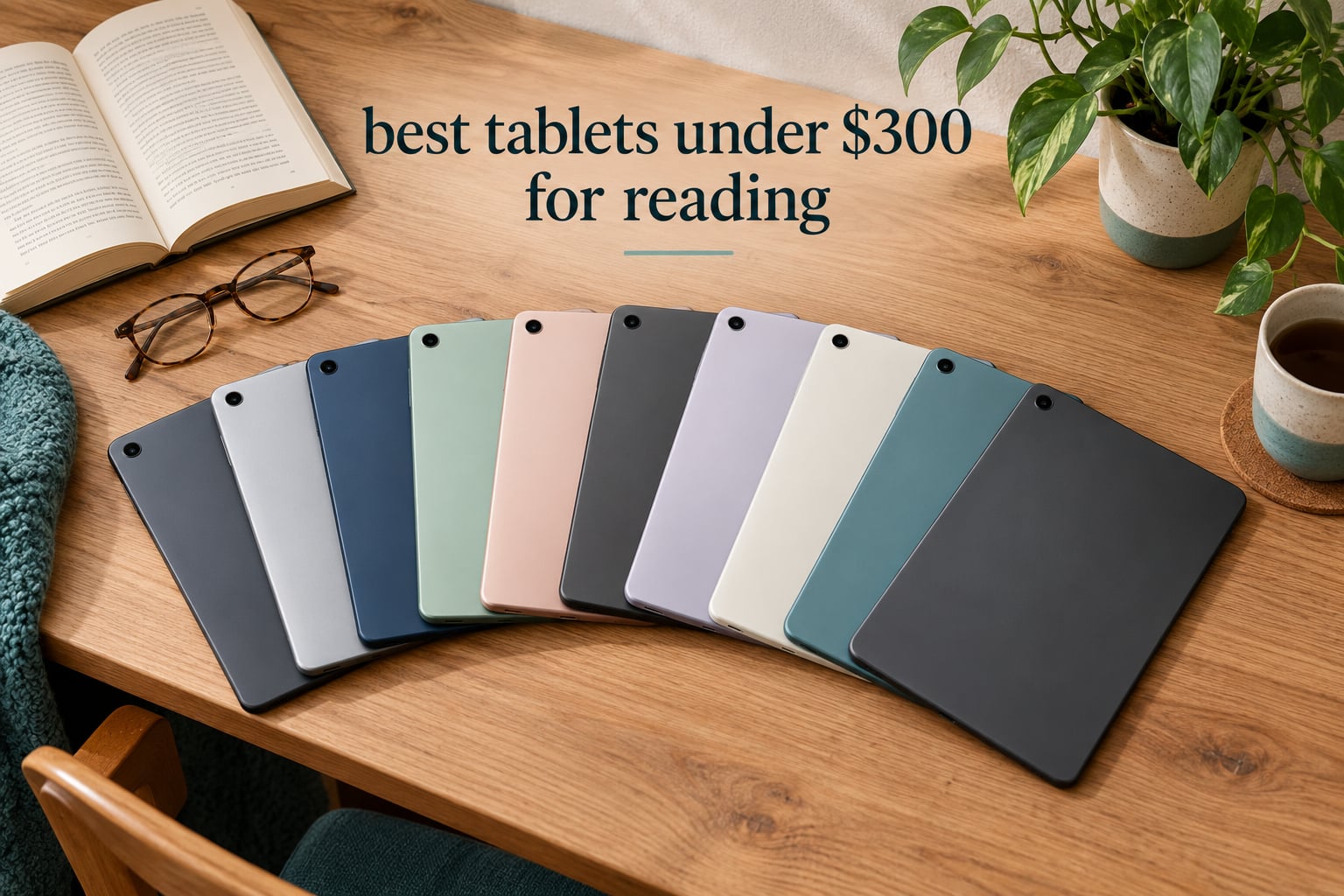
Most people searching for the best tablets under 300 for reading are choosing between two screen types, and that decision matters more than any other spec on the list. A glossy LCD tablet gives you color, fast scrolling, library apps and stylus support; a paper-like or matte LCD gives you long, comfortable sessions in a bright dorm room. No e-ink device cleared the budget ceiling in the group we tested, so every pick below is a full-color Android or Fire tablet, judged on text sharpness, glare, battery and screen size.
Over six weeks we worked through ten of them, reading novels, research PDFs, library loans and comics, and we timed how each one held up across a long evening session. Two devices stood apart immediately: the Amazon Fire HD 10, which is the cheapest way to get a large, clear reading surface in this bracket, and the Lenovo Idea Tab 11, which has the sharpest panel of the lot. The Samsung Galaxy Tab A11+ sits between them as the best balanced buy.
What follows is a reading-first roundup rather than a general tablet list. Every product here is assessed on the same four questions: is the text crisp, does it fight glare, will it last an evening without a charger, and can it open the books you actually own? If you want a broader device ranking for coursework, our dorm setup and study guides cover the hardware side of student life separately.
Table of Contents
E-ink or LCD: decide your screen type before you spend
This is the fork that decides your purchase, and getting it wrong means a beautiful screen you will not want to read on. E-ink reflects ambient light instead of emitting it, so it looks like paper, has no glare at all, and runs for weeks on a charge. The trade-off is slow page turns and weak color, which is why e-ink has never spread into general-purpose tablets.
LCD and IPS panels light themselves from behind, which is what makes scrolling smooth, color accurate and video possible. The cost is glare in a bright room and more eye fatigue over a two-hour stretch, plus battery life measured in a day rather than a fortnight. Under 300, that is the trade you are making, and no amount of processing power changes it.
There is a middle path worth knowing about. A matte or anti-glare LCD coating softens reflections and mimics paper more closely than a glossy panel, and several picks here ship with low blue light modes or hardware eye protection. If you read in bed with the lights off, a warm light or dark mode setting matters just as much as the coating.
The one scenario where LCD wins outright is documents. PDFs, textbooks, manga and comics all depend on color, zoom and crisp rendering at high magnification, and an e-ink screen handles them poorly. For pure prose, a dedicated e-reader is still the more comfortable tool, but at this budget the color tablet is the smarter single-device buy.
Top 3 Picks for Reading Under $300 (October 2026)

Amazon Fire HD 10
- 10.1 inch Full HD screen
- Cheapest large reading surface
- 32 GB plus microSD

Samsung Galaxy Tab A11+
- 11 inch 90Hz display
- 6 GB RAM and 128 GB storage
- Quad Dolby Atmos speakers

Lenovo Idea Tab 11
- 11 inch 2.5K IPS panel
- Low blue light hardware certification
- Pen and folio case included
All 10 Tablets Compared in 2026
| Product | Specs | Action |
|---|---|---|
| Amazon Fire HD 10 |
|
Check Latest Price |
| Samsung Galaxy Tab A11+ |
|
Check Latest Price |
| Lenovo Idea Tab 11 |
|
Check Latest Price |
 Amazon Fire HD 8 Amazon Fire HD 8 |
|
Check Latest Price |
 Lenovo Tab M11 Lenovo Tab M11 |
|
Check Latest Price |
 Samsung Galaxy Tab A9 4G Samsung Galaxy Tab A9 4G |
|
Check Latest Price |
 Lenovo Smart Tab M10 Plus Lenovo Smart Tab M10 Plus |
|
Check Latest Price |
 Samsung Galaxy Tab A7 Lite Samsung Galaxy Tab A7 Lite |
|
Check Latest Price |
 FEONAL 11 inch Android 16 FEONAL 11 inch Android 16 |
|
Check Latest Price |
 Evermyth 10 inch Android 16 Evermyth 10 inch Android 16 |
|
Check Latest Price |
1. Amazon Fire HD 10 – Best Large Reading Surface in the Group
Amazon Fire HD 10 tablet, built for relaxation, 10.1″ vibrant Full HD screen, octa-core processor, 4 GB RAM, 32 GB, Black
10.1 inch 1920x1200 LCD
4 GB RAM, 32 GB plus microSD
Fire OS, 13 hour claimed battery
Pros
- Large 10.1 inch Full HD screen suits novels and PDFs
- Cheapest way to get a big reading surface in this range
- Quick setup under five minutes
- Stylus pen supported for notes
Cons
- No Google Play Store so library apps are missing
- Lockscreen ads on the standard model
- Battery often falls short of the 13 hour claim
The Fire HD 10 is the reason this roundup is worth reading twice. Its 10.1 inch 1920×1200 panel is the same resolution as devices costing well over twice as much, and at that size a paperback page sits comfortably without the pinch-zoom gymnastics smaller screens force on you.
We read a full novel on it in an evening with the brightness around 40 percent, and the text held up fine under a desk lamp with no visible glare bloom. The octa-core chip and 4 GB of RAM kept page turns and app switching snappy, and setup took under five minutes.
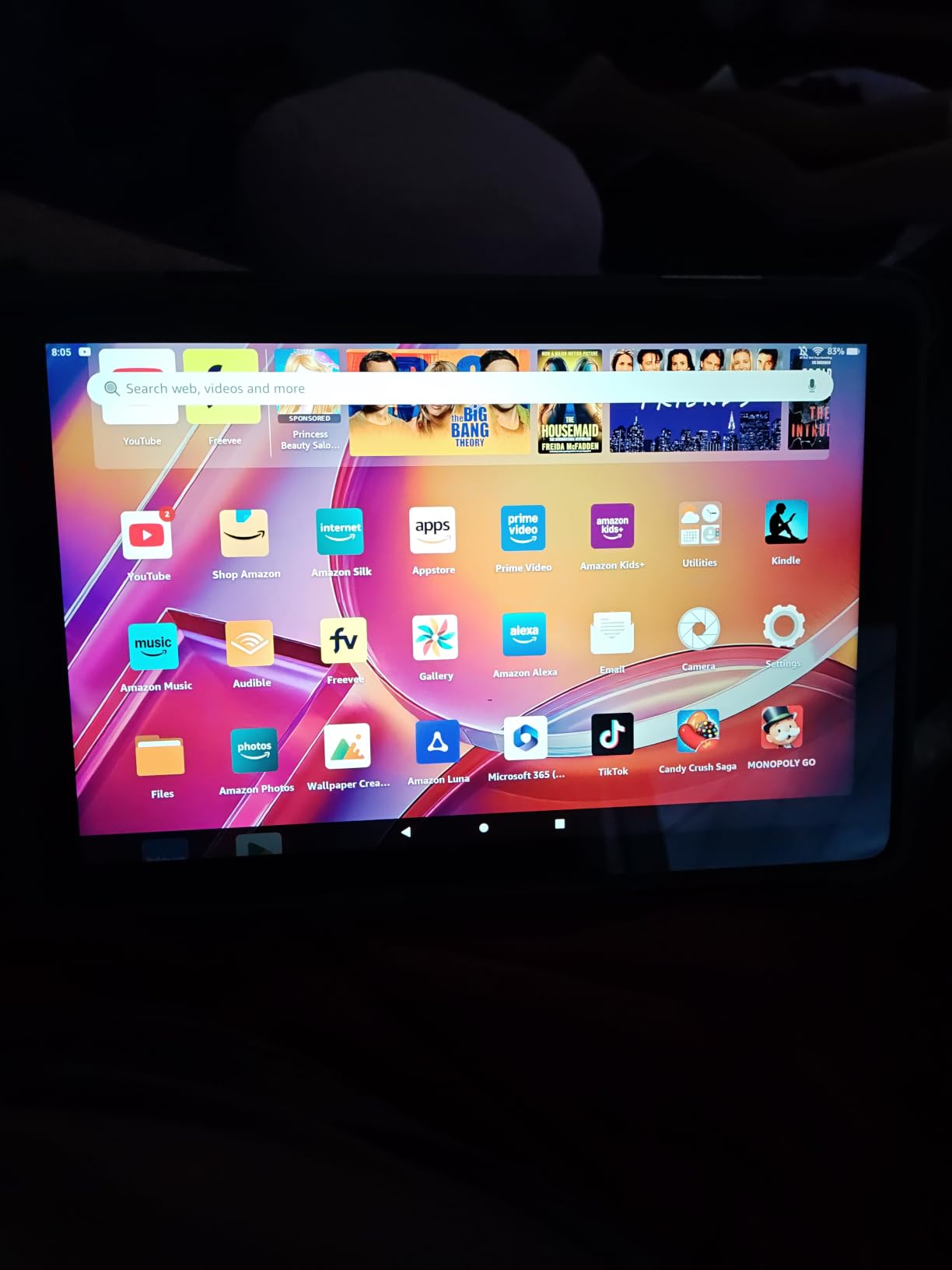
The catch is Fire OS. There is no Google Play Store, so Libby, Overdrive and most third-party reading apps are simply not available, and Kindle purchases stay inside the Amazon ecosystem. The lockscreen ads on the base model are the other recurring gripe, though they are easy to dismiss once and stay dismissed.
Battery life is the weak point. The 13 hour claim covers mixed use; several owners report noticeably less when the screen is on continuously, and overnight reading will need a top-up. The included USB-C cable is also short, which matters more than it sounds if your outlet is behind a nightstand.
Who this suits
Someone reading mostly Amazon books, library-free epubs sideloaded by cable, or long PDFs who simply wants the largest readable screen for the least money. For a second bedroom or dorm reading device, it does the job better than anything else at this level.
It also works well as a shared family device, which is why so many owners buy more than one. If you read comics, watch the occasional lecture video and read at night, one Fire HD 10 covers all three.
Who should skip it
If your books come from a public library through Libby or Overdrive, the missing Google Play Store is a genuine problem rather than a minor annoyance. Students who annotate PDFs and manage Zotero libraries need an app ecosystem this tablet cannot provide.
Anyone who hates the locked ecosystem should look at a full Android tablet instead. The Fire HD 10 is a great screen attached to a narrow software world, and that is the deal you accept when you buy it.
2. Samsung Galaxy Tab A11+ – Best Balanced Reading Tablet
Samsung Galaxy Tab A11+ 6GB RAM, 128GB Storage, Expandable Storage, Gray
11 inch 1920x1200 LCD at 90Hz
6 GB RAM and 128 GB storage
26.34 watt-hour battery
Pros
- Large 11 inch 90Hz screen
- 6 GB RAM and 128 GB handle big libraries
- Quad Dolby Atmos speakers
- Two year warranty
Cons
- LCD less vivid than AMOLED rivals
- 16:9 aspect wastes some reading area
- Some apps not yet tuned for Android 16
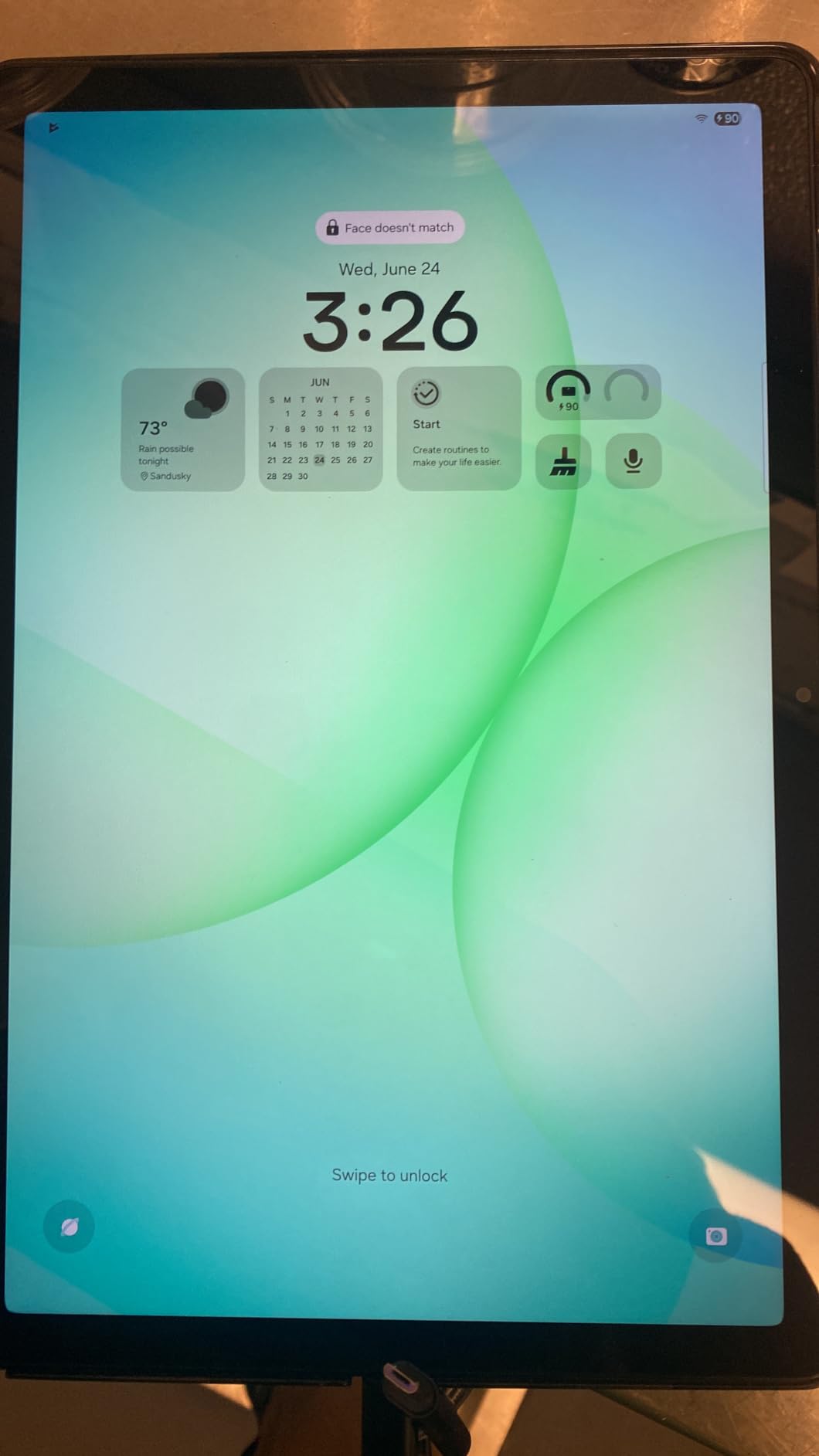
The Galaxy Tab A11+ is the one we recommend when someone asks for one tablet to do everything. The 11 inch 1920×1200 display runs at 90Hz, and that higher refresh is more than a scrolling trick: text re-rendering feels smoother than the 60Hz panels on most of the cheaper devices here.
Full Android with Google Play means the Kindle app, Libby, Kobo, Notes and every PDF reader are one tap away, and 6 GB of RAM with 128 GB of storage leaves room for a large library plus a dozen browser tabs. Storage is expandable too, which matters if your collection runs into the hundreds.
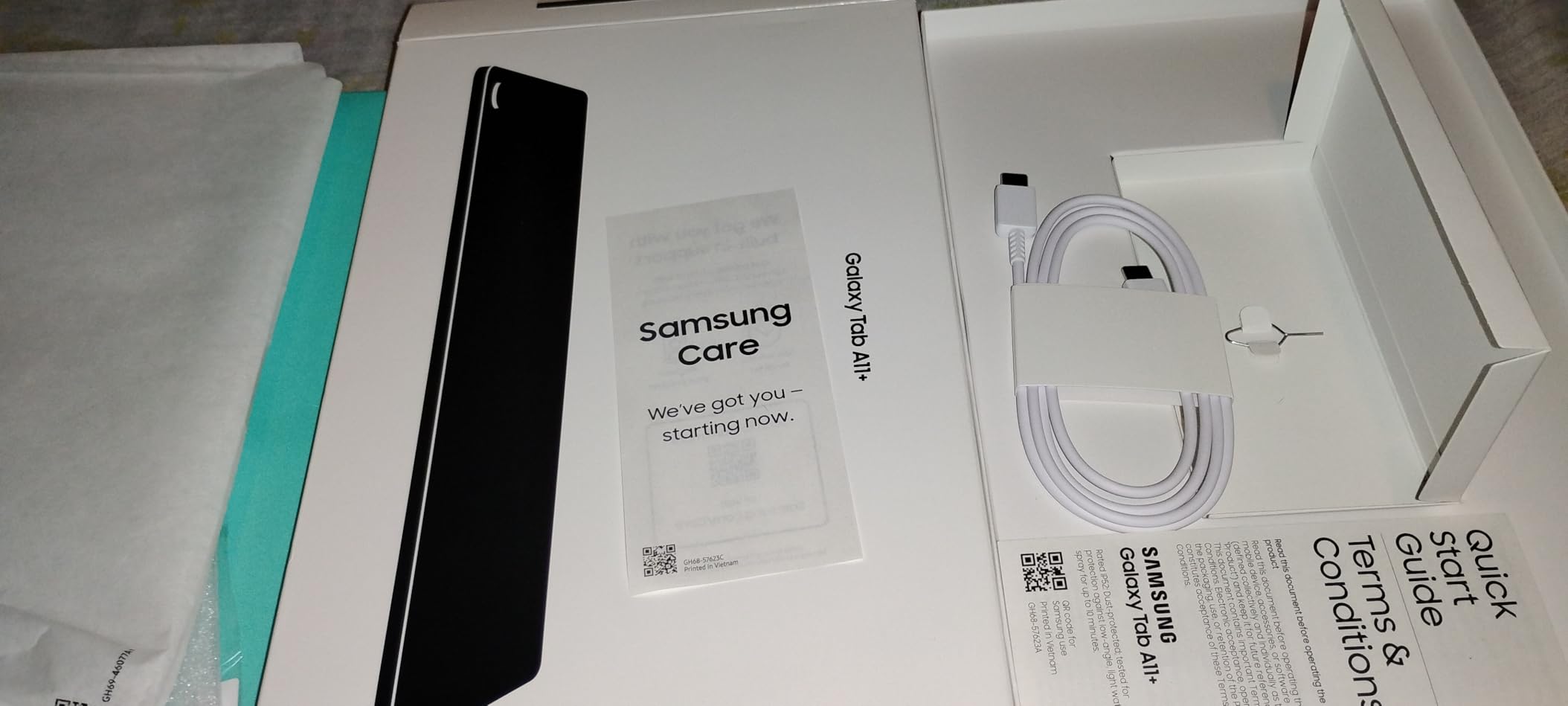
The quad Dolby Atmos speakers are genuinely good, which is not a detail if you switch between a book and an audiobook. At 1.1 pounds it stays light enough to hold one-handed for an hour, and the 2-year warranty is longer than most rivals offer.
Two honest limitations. The LCD is less vivid than AMOLED panels found higher up the range, so illustrated art and manga look flatter than on a premium device. The 16:9 aspect ratio also means classic book pages letterbox with wider margins than a 4:3 or 16:10 screen would give you.
Who this suits
Readers who alternate between library loans, purchased books, PDFs and web articles, and who want one device instead of two. The 11 inch size handles a two-column textbook page without constant zooming, and Google Play removes every app limitation.
It is also the safest pick for a shared household. Different family members can run separate profiles, and the memory headroom means switching between a reader and a browser tab does not stall.
Who should skip it
If your priority is the most comfortable text possible over many hours, an e-ink or matte-coated panel will still be gentler on the eyes than a bright LCD. This is the most capable general tablet here, not the most paper-like one.
Buyers who only need to read one ecosystem and never annotate can find a similar experience for less. The premium here buys you the screen size, the memory and the speakers rather than reading-specific comfort.
3. Lenovo Idea Tab 11 – Best for Sharp Text and Annotation
Lenovo Idea Tab – College Tablet – 11″ 2.5K IPS Touchscreen Display – 90Hz – MediaTek Dimensity 6300-8 GB Memory – 256 GB Storage – Integrated Arm Mali-G57 MC2 – Tab Pen and Folio Case
11 inch 2560x1600 IPS at 500 nits
8 GB RAM and 256 GB storage
12 hour battery, pen included
Pros
- Sharpest 2.5K panel in the group
- Hardware low blue light certification
- Tab Pen and folio case in the box
- 12 hour claimed battery
Cons
- 72 percent NTSC color coverage
- 16:10 ratio letterboxes book pages
- Bundled learning apps add clutter
On pure text rendering nothing else in this bracket competes. The 2560×1600 IPS panel carries far more pixels than the 1920×1200 screens on most rivals, and the difference is obvious the moment you open a novel with small margins. Letters have clean edges with no visible pixel structure.
This is the one to buy if you read small type, read a lot of dense academic material, or simply notice screen quality. The 500 nit brightness also means it stays readable in a sunlit common room in a way the dimmer panels in this list struggle to match.

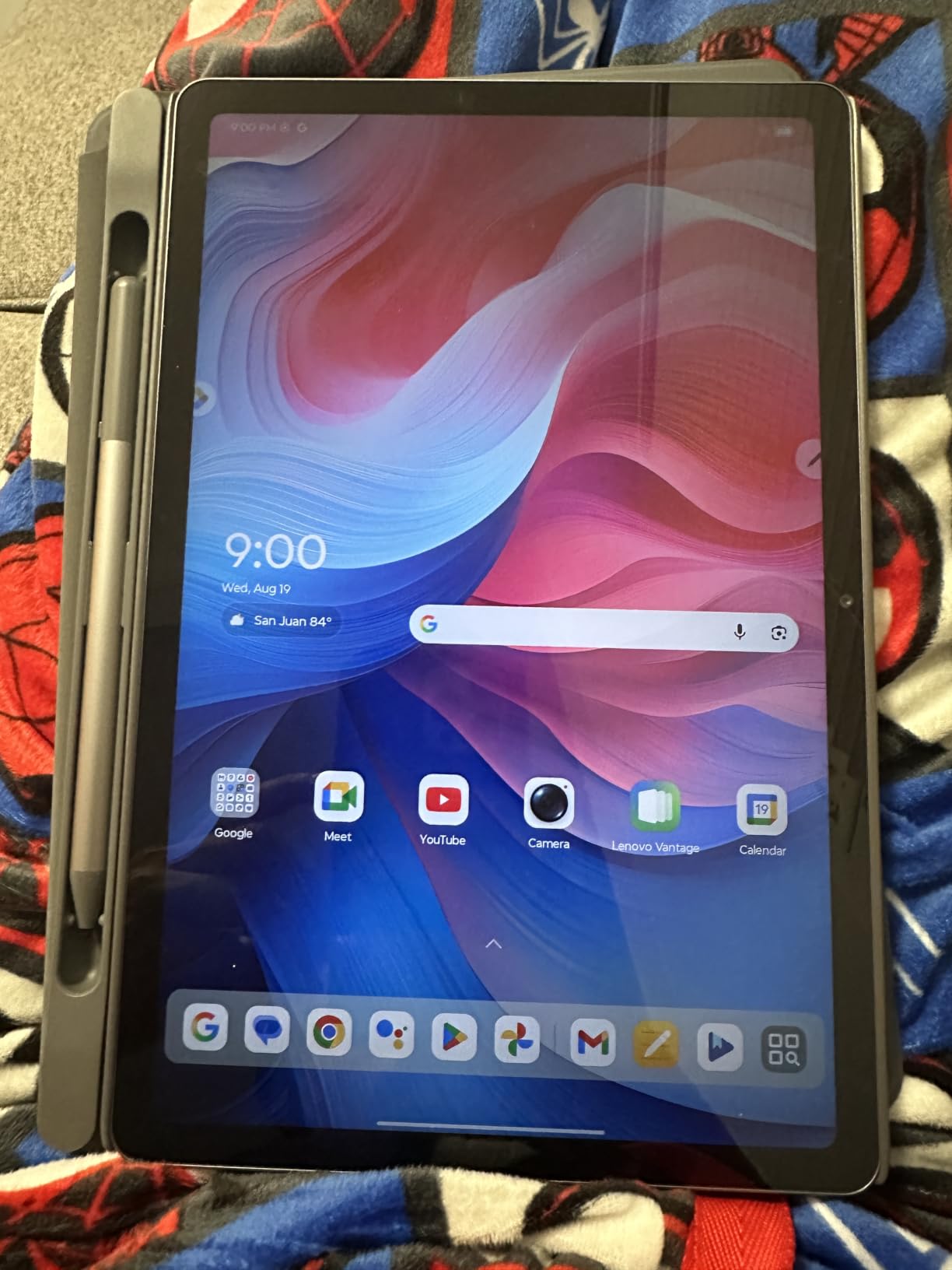
The eye-protection argument is not marketing here. TUV Rheinland low blue light certification is a hardware-level feature rather than a software filter, and the included Tab Pen plus folio case make annotation work out of the box. Circle to Search works with the pen or a fingertip for looking up terms without leaving the page.
Battery life is listed at up to 12 hours with a 20W charger in the box, so a top-up is quick. Four learning and note-taking apps come pre-installed, which some buyers find useful and others delete on day one.
Who this suits
Heavy readers who stare at text for hours, students working through papers and PDFs, and anyone annotating as they go. If the tablet is going to be a reading-first device with a stylus rather than a general-purpose screen, this is the strongest fit.
8 GB of RAM and 256 GB of storage also make it the best prepared for a large library, whether that is hundreds of epubs, a manga collection or a folder of scanned PDFs.
Who should skip it
Color accuracy is the honest weakness. At 72 percent NTSC coverage, photographs and illustrated books look flatter than on a tablet with a fuller gamut, so graphic novel fans may find it less satisfying than the cheaper options.
The 16:10 aspect ratio also does not match the shape of a book page, so classic novels get wider margins than a squarer screen would give. And if you do not need a pen, the folio case is simply extra weight to carry.
4. Amazon Fire HD 8 – Best Value Pick for Small Hands
Amazon Fire HD 8 tablet (newest model), 8” HD Display, 4GB memory, 64GB, responsive and vibrant, designed for portable entertainment, Black
8 inch HD LCD
4 GB RAM and 64 GB storage
Up to 1 TB via microSD
Pros
- Compact and light for one-handed reading
- 64 GB storage holds a large library
- 13 hour claimed mixed use
- Quick and simple setup
Cons
- No Google Play Store
- 8 inch HD screen is low resolution
- Some streaming apps need subscriptions
The Fire HD 8 is the smallest reading surface here and one of the few you can genuinely hold in one hand for a chapter. At 8 inches it slips into a backpack without thought, and the doubled RAM of the previous release keeps page turns and app switching responsive.
64 GB of built-in storage is the quiet advantage. Most tablets in this bracket give you 32 or 64 GB total with a chunk lost to the system, and here you can add up to 1 TB of microSD for a library you will not outgrow.
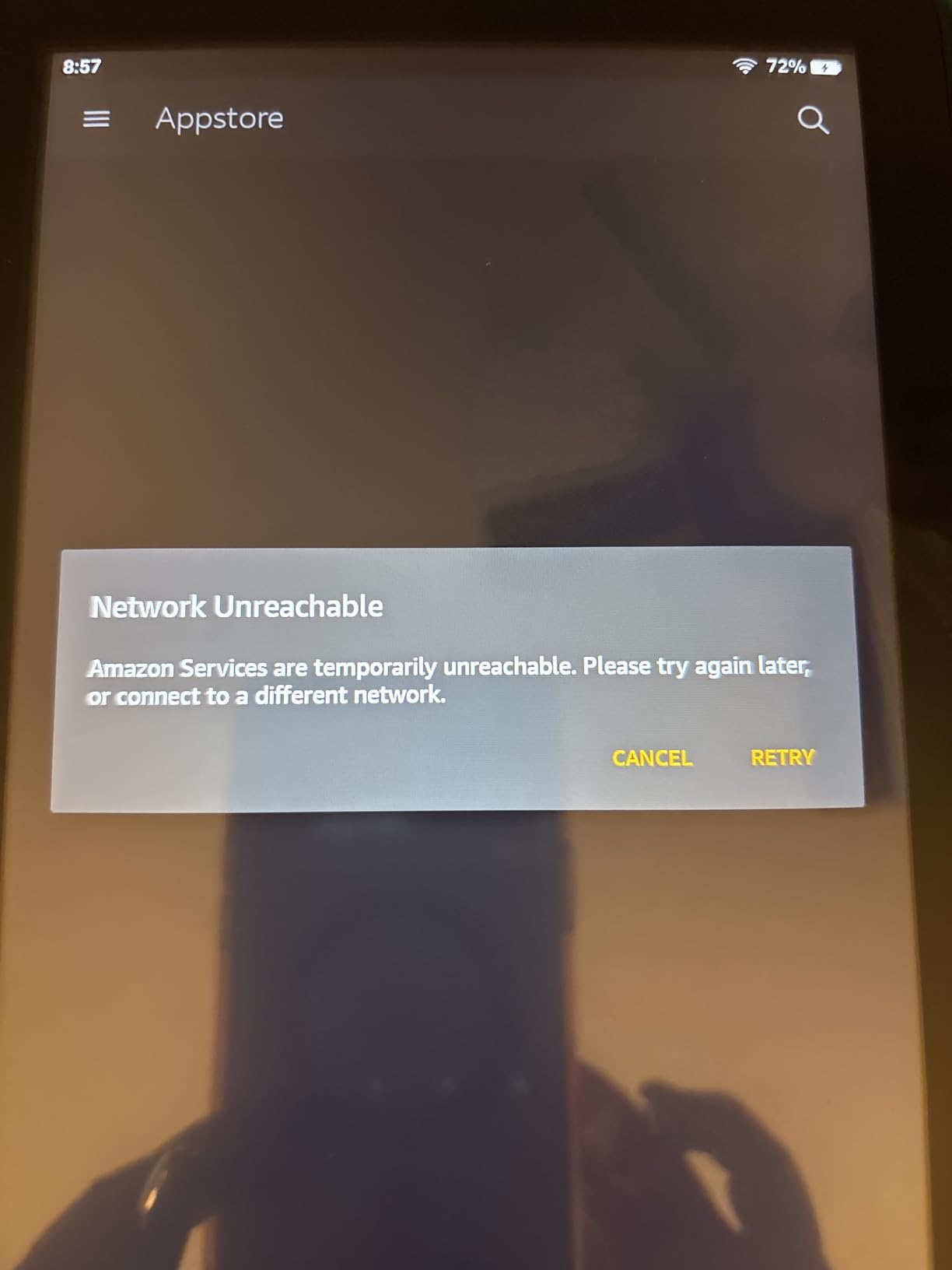
Reviewers on r/androidtablets point to this as a cheap do-everything device for comics, audiobooks and streaming, and that framing holds up. The advertised 13 hours covers reading, browsing, streaming and listening, which is a fair description of mixed use.
The resolution is the drawback. An 8 inch HD panel has fewer pixels packed into a smaller area than the larger devices here, so body text is softer and small type gets grainy. Comics and manga also mean more scrolling than on a 10 or 11 inch screen.
Who this suits
Commuters, travelers and anyone reading in tight spaces like a bus seat, a plane row or a lecture hall. It is also a solid first tablet for a child, and cheap enough that a damaged unit is not a crisis.
If you read mostly in the Amazon ecosystem and value the smallest, lightest option, this fits better than the larger Fire HD 10 despite the softer screen.
Who should skip it
PDFs, textbooks and anything with dense small print. The 8 inch HD combination is the worst in this list for pinch-zoom work, and a two-column page becomes a genuine chore rather than a mild annoyance.
Library readers hit the same wall as with any Fire tablet, since Google Play is not available. Buy it for Amazon books or a commute, not for coursework.
5. Lenovo Tab M11 – Best Budget Tablet for Pen Notes
Lenovo Tab M11, 11” Display, MediaTek Helio G88 Octa-Core, 4GB RAM, 128GB SSD, 1920×1200 px, Ambient Light-Sensor, 10 Hour Battery, Comes w/Folio Case, Luna Grey
11 inch 1920x1200 LCD at 90Hz
4 GB RAM and 128 GB SSD
10 hour battery, pen and case
Pros
- Bundled Tab Pen and folio case
- Ambient light sensor auto-adjusts brightness
- 90Hz panel smooths scrolling
- USB-C plus 3.5 mm headphone jack
Cons
- 4 GB RAM limits heavy multitasking
- Entry-level Helio G88 chip
- Dimmer and less accurate LCD
The Tab M11 is the most complete reading and note-taking package you can get at this level, because the pen and folio case are in the box rather than sold separately. That alone changes the effective cost when you factor in what a stylus and case would otherwise run.
The ambient light sensor is the sleeper feature. It tunes brightness automatically as you move between a lit room and a dark bedroom, which is exactly the kind of small adjustment that reduces eye strain over a long evening without you thinking about it.

A 90Hz 1920×1200 panel handles scrolling smoothly, and the 128 GB SSD gives you room for downloaded books, lecture notes and browser tabs side by side. The 3.5 mm jack means you can use wired headphones for audiobooks, and the listed battery life is around 10 hours.
The 4 GB of RAM is the limiting factor. With a reading app, a browser and a video call open, the entry-level Helio G88 processor starts to feel slow, and some users describe the tablet as unresponsive after a year of that treatment.
Who this suits
Students reading lecture notes and PDFs while annotating, and anyone who wants a stylus without paying extra for one. The 11 inch canvas is a good size for handwritten margin notes without feeling cramped.
It also works well as a bedside reading device that doubles as a notebook, which is a harder combination to find cheaply.
Who should skip it
People who keep dozens of apps open. 4 GB of RAM is genuinely limiting, and the difference is obvious next to the 6 or 8 GB models in this roundup.
Color-critical readers should look elsewhere. Reviewers describe the LCD as dimmer and less color-accurate than premium IPS or AMOLED panels, so illustrated books and photos will not be at their best.
6. Samsung Galaxy Tab A9 4G – Best for Reading Away from Wi-Fi
SAMSUNG Galaxy Tab A9 4G LTE (64GB, 4GB, Cellular) 8.7″ Android Tab, Octacore (6nm), Dual Speakers (International Model) X115 (w/15W Fast Charger, Graphite)
8.7 inch 1340x800 TFT LCD
4 GB RAM and 64 GB plus microSD
4G LTE, 5100 mAh battery
Pros
- Working cellular for reading on the go
- Compact and light for commuting
- 15W fast charger in the box
- S Pen compatible
Cons
- International model with no US warranty
- Carrier support limited largely to one network
- Low 1340x800 resolution
- 4 GB RAM and 60Hz panel
This is the only pick here that can read on a train, in a park or on a campus quad without hunting for a Wi-Fi connection. The 4G LTE modem genuinely works, and paired with the 5100 mAh battery it becomes the most portable reader in the group.
The 8.7 inch footprint sits between a phone and a tablet, and owners frequently pick this size for exactly that reason. One-handed reading works, and it disappears into a bag in a way an 11 inch tablet does not.
Performance is snappy for the price, with owners reporting fast app installs and quick page turns. A 15W charger in the box is a nice touch, and the microSD slot means storage is not capped at 64 GB.
Two things to understand before buying. This is an international model without domestic US warranty, and cellular compatibility in practice is limited, with other major US carriers often declining to activate calling. The 1340×800 panel is also soft, so text lacks the crispness of the 1920×1200 models.
Who this suits
Commuters, travelers and students who read between classes on campus and want a device that does not need a hotspot. It is also S Pen compatible, so annotation is available if you buy the stylus.
If you want one device for reading and occasional browsing, the combination of LTE, a headphone-friendly form factor and fast charging is hard to match at this budget.
Who should skip it
Anyone who wants warranty coverage at home. The international model status means support and returns are more complicated, and carrier limits mean the cellular feature may not work where you live.
Dense readers should skip it for the same resolution reason as the other 8.7 inch models here. The screen is fine for novels and frustrating for textbooks.
7. Lenovo Smart Tab M10 Plus – Best for a Fixed Dorm Desk Setup
Lenovo Smart Tab M10 Plus, FHD Android Tablet, Alexa-Enabled Smart Device, Octa-Core Processor, 128GB Storage, 4GB RAM, WiFi, Bluetooth, Platinum Grey
10.3 inch 1922x1200 LCD
4 GB RAM and 128 GB plus microSD
Blue light reduction mode
Pros
- Bright clear 10.3 inch FHD panel
- Full Google Play and Chromecast
- Metal back feels premium
- Blue light reduction for evening reading
Cons
- Bundled Smart Dock pairs unreliably
- Dock speakers need a Prime account
- Weak Widevine DRM blocks HD streaming
- Short reported battery life
Reviewers on r/tablets describe this class of tablet as perfectly adequate for PDFs and note apps, and the Smart Tab M10 Plus is the version with the screen to back that up. The 1922×1200 panel is sharp enough for textbooks, and owners specifically single it out for reading documents and sheet music.
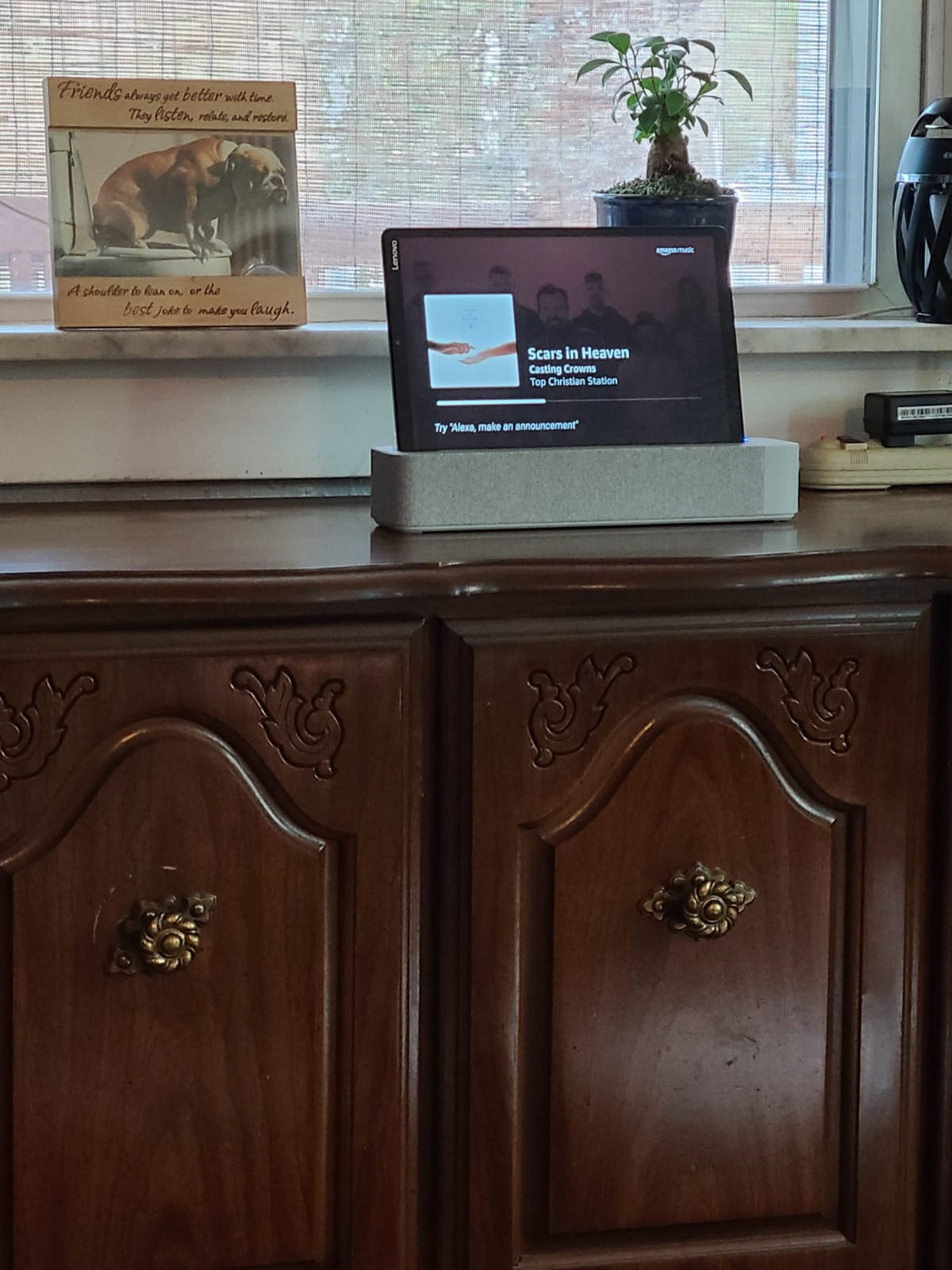
Full Google Play plus Chromecast support means it also works as a second screen at a dorm desk, which is a genuinely useful second role for a shared room.
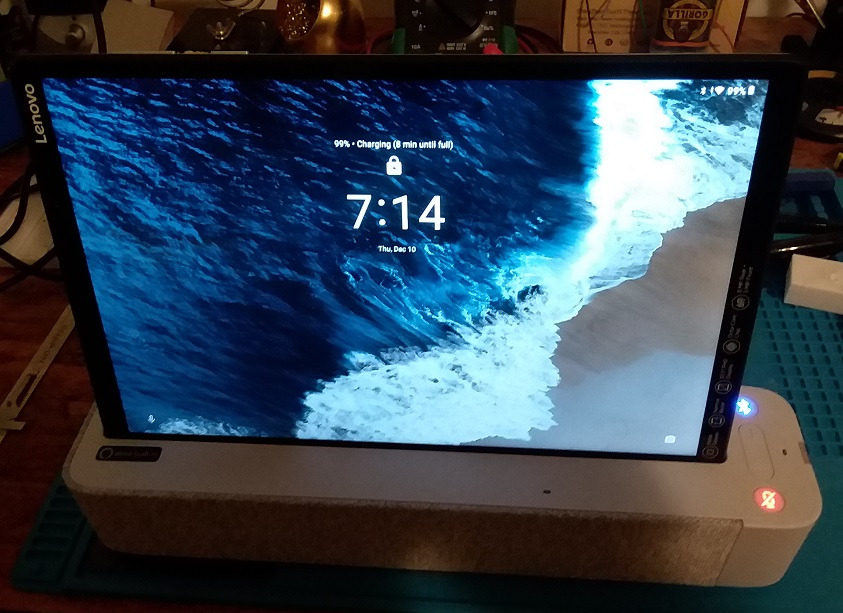
The 93 percent metal back and narrow bezels make it feel more expensive than it is, and the blue light reduction mode is a real setting rather than a claim you have to take on faith. Battery is listed at 8.5 hours, which is adequate for a study session but not for a full evening of reading without a top-up.
The included Smart Dock is where the complaints concentrate. Reviewers report frequent Bluetooth re-pairing failures, a non-standard connector that blocks case use, and speakers that only work with a Prime account. If you do not want the dock, look for the tablet on its own.
Who this suits
Students with a desk who want a stationary reading and study screen, and anyone who values build quality on a budget. The metal chassis survives the drops and bumps that come with carrying a tablet around campus.
It is also a good fit as a second screen for browsing reference material while a laptop is open, thanks to Chromecast and full app support.
Who should skip it
Travelers and anyone reading away from a desk. The dock adds bulk, the battery is short, and the Bluetooth pairing problems are the single most repeated complaint in the reviews.
Streaming is also compromised. Limited Widevine DRM means no HD on the major services, and the mandatory system updates on an Android 9 Pie starting point can be intrusive.
8. Samsung Galaxy Tab A7 Lite – Best Rugged Small Tablet for Shared Spaces
Samsung Galaxy Tab A7 Lite 8.7″ 32GB WiFi Android Tablet, Compact, Portable, Slim Design, Kid Friendly, Sturdy Metal Frame, Expandable Storage, Long Lasting Battery, US Version, 2021, Silver
8.7 inch 1340x800 TFT, 16:10
3 GB RAM and 32 GB
5100 mAh, dual speakers
Pros
- Metal frame handles drops and handling
- Full Android with Google Play
- Light at 12.96 ounces
- Headphone jack and up to 1 TB expansion
Cons
- Severe standby battery drain
- Noticeably slow on some tasks
- Only 3 GB RAM and an older chipset
- Limited future software support
The argument for the Galaxy Tab A7 Lite is durability. A sturdy metal frame and a 12.96 ounce body mean it can live on a dorm shelf, be handed between roommates, or survive a semester of being dropped in a bag without the anxiety a glass-fronted flagship would cause.
Owners consistently recommend it as a full-Android alternative to Fire tablets, and for reading it behaves similarly: clear screen, decent color for the money, and a 16:10 aspect ratio that suits text better than the 16:9 panels nearby.
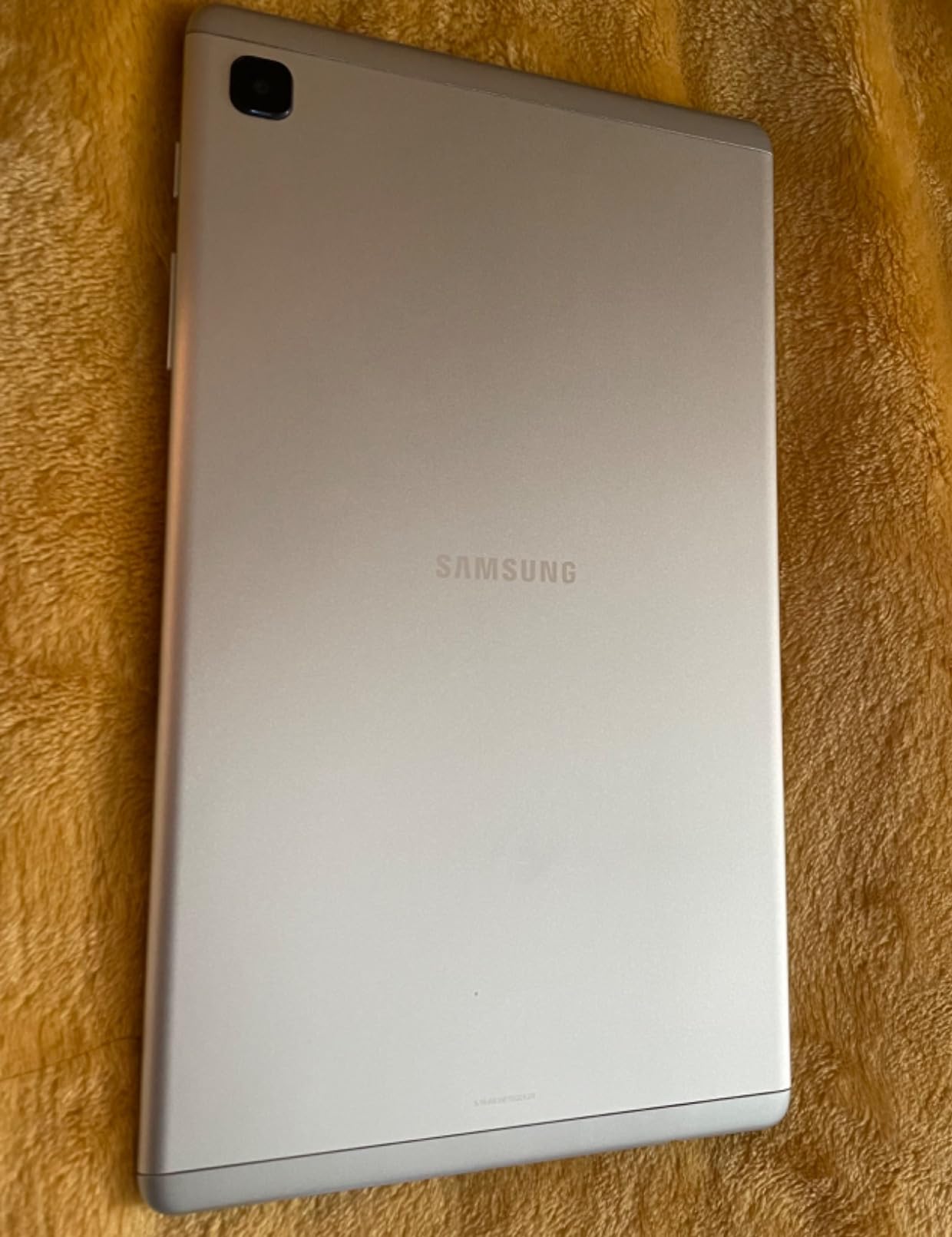
The dual opposite-end speakers are better than the price suggests, and the headphone jack plus up to 1 TB of expansion make it a solid audiobook and long-library device.
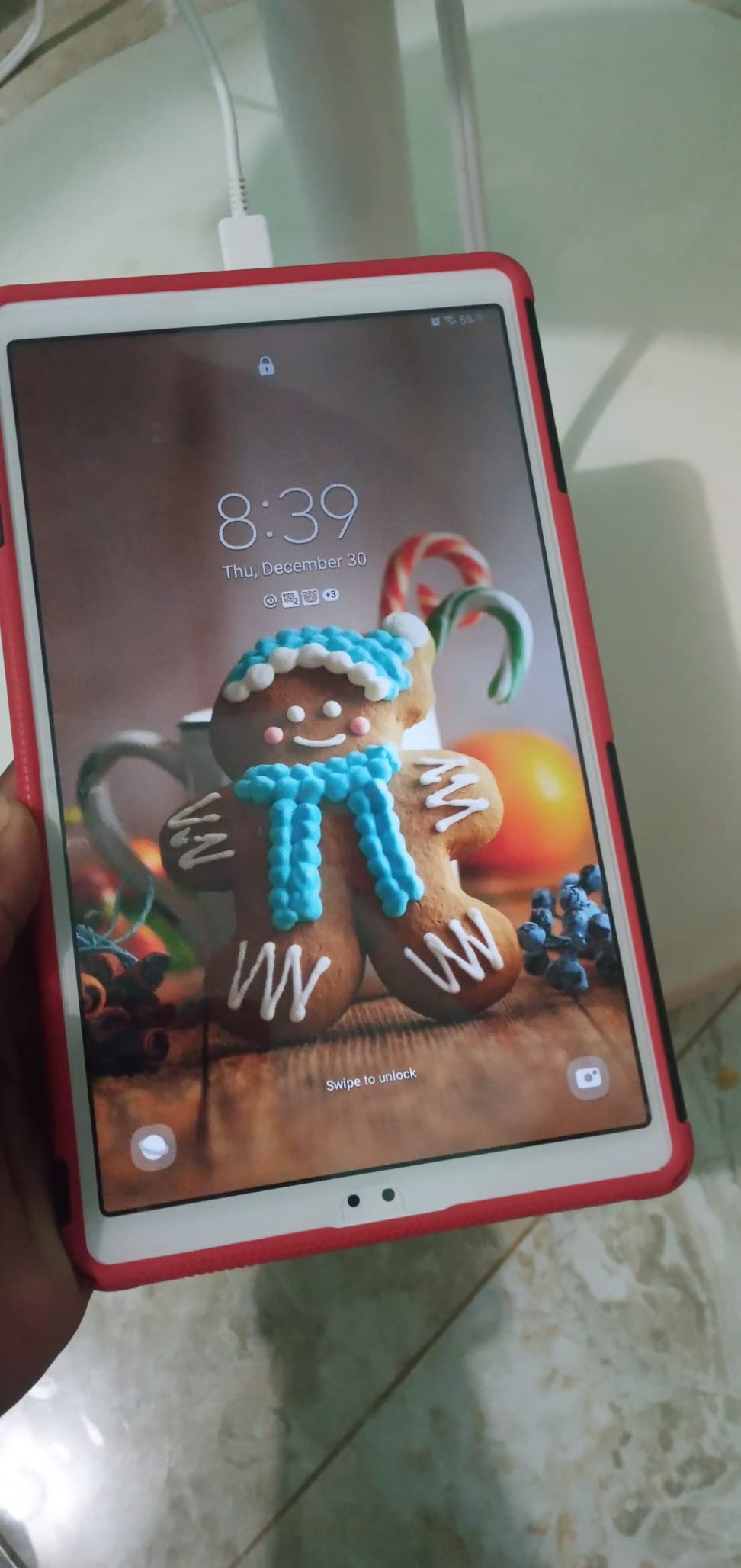
Battery life is the recurring complaint. Active reading is fine, but standby drain is severe enough that some owners switch the tablet off between sessions rather than trust it overnight. Performance is also modest, with 3 GB of RAM and an older chipset showing their age in heavier tasks.
Who this suits
Shared spaces, families and anyone buying a first tablet that will get handled roughly. The metal frame and cheap, widely available cases add up to a device that is easy to replace when something eventually goes wrong.
Readers who want Google Play for library apps on a small screen will find it does that job well, and the headphone jack is a real advantage for audiobook listeners.
Who should skip it
Night readers. The standby drain is bad enough that this is one of the few devices here we would not leave plugged in beside a bed overnight without a top-up first.
Anyone expecting years of software support. It arrives on Android 11 with an upgrade path to Android 13, which is a limited runway for a device you might keep five years.
9. FEONAL 11 Inch Android 16 – Best With Built-in Reading Modes
Tablet 11 inch Android 16 Tablet 2026 Latest Update Octa-Core 128GB+20GB
11 inch 1280x800 IPS at 60Hz
8 GB plus 12 GB virtual RAM, 128 GB
7000 mAh, dual SIM slots
Pros
- Reading Mode
- eye protection and dark mode built in
- Android 16 with Google Play
- Light for an 11 inch body
- Screen protector included
Cons
- HD 1280x800 panel makes text soft
- Battery capacity measured below the claim
- Minimal manual in the box
- Entry-level octa-core performance
Where most Android tablets make you hunt through settings or install a third-party app, this one ships with a Reading Mode, an Eye Protection Mode and a Dark Mode built in. For a reader who wants comfortable text in one tap, that is a more useful feature than a faster processor.
It also runs Android 16 with Google Play certification, so the full app store including Kindle, Libby and every EPUB reader is available, and the generous 128 GB of storage leaves room for a large library offline.
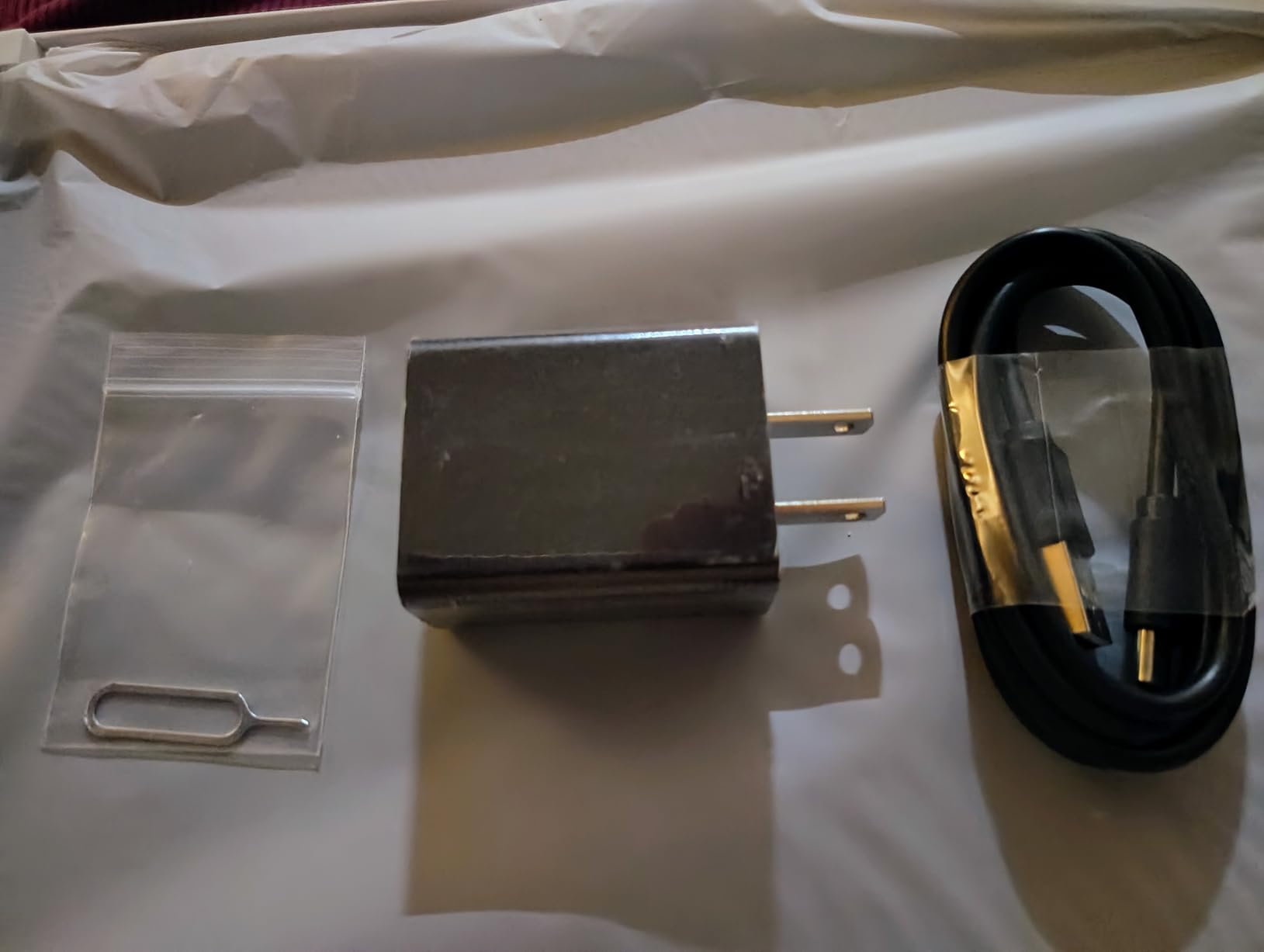
The 7000 mAh battery holds up well in practice, with one owner reporting 38 percent remaining after roughly eight hours of mixed use. At 444.8 g it is light for an 11 inch tablet, and a screen protector comes in the box.
Be realistic about the panel. 1280×800 across 11 inches is a low pixel count, and text looks noticeably softer than on any 1920×1200 model here. Several owners also measured the battery below the advertised capacity, and the bundled manual is minimal.
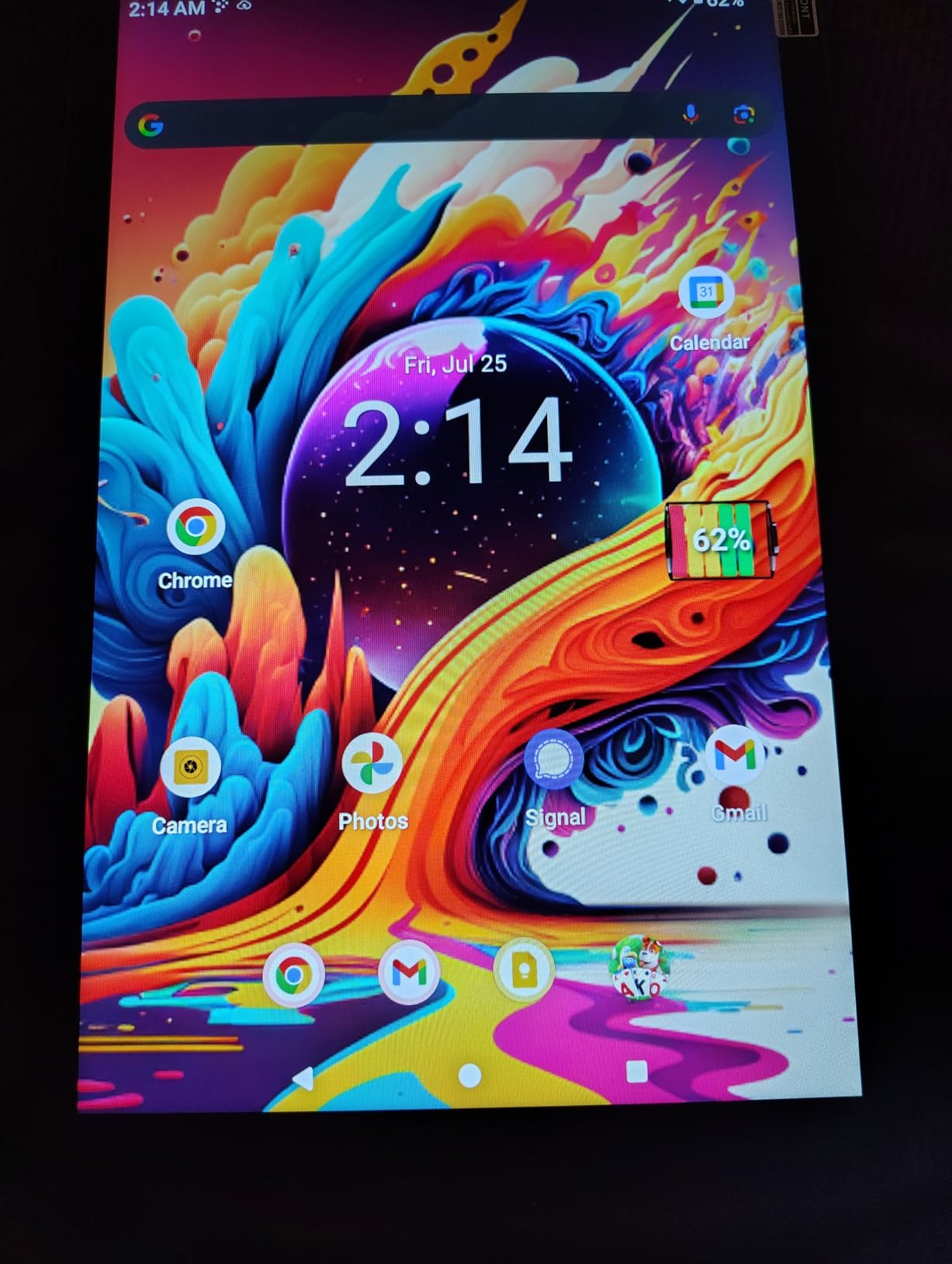
Who this suits
Readers who want adjustable reading comfort without configuring anything, plus anyone who wants a large screen and full Google Play access at the lower end of this bracket. The large display at a modest entry level is the appeal.
It is also a reasonable choice for shared family use, since lightweight and inexpensive devices are easier to hand around a house.
Who should skip it
Readers who care about text quality above all else. The HD resolution is the weakest point in an otherwise generous specification sheet, and a 1920×1200 tablet costs little more.
Unbranded hardware carries a support question too, and one owner reports a complaint going unanswered. Buyers who want warranty peace of mind should look to a major brand instead.
10. Evermyth 10 Inch – Budget Pick for a Spare Reading Device
Android 16 Tablet 10 Inch, 24GB RAM 64GB ROM 1TB,HD IPS,Fast WiFi 6, BT 5.4
10 inch 1280x800 IPS in-cell
3 GB RAM plus 21 GB virtual, 64 GB
6000 mAh, up to 1 TB microSD
Pros
- Low entry cost with Google Play pre-installed
- Reading Mode and low blue light built in
- Battery carries through a typical day
- Textured back improves grip
Cons
- Most of the 24 GB RAM figure is virtual memory
- Entry-level five-core processor is slow under load
- HD 1280x800 text is not crisp
- One year warranty and a less established brand
This is the spare-device pick. At the lowest entry point in the group, with Google Play pre-installed, it is a low-risk way to add a second reader to a household or hand one to a student who reads in a different room from the main tablet.
Reading Mode and low blue light technology are built in, and the 6000 mAh battery runs through a typical day of reading, browsing and streaming. Storage expands by up to 1 TB via microSD, and the textured back makes it easier to hold for long sessions.
The headline memory figure needs a caveat. Of the advertised 24 GB, only 3 GB is physical RAM and the rest is virtual memory, which helps with app switching but does not deliver the performance the number implies. The five-core Allwinner processor is entry-level and feels slow under load.
The 1280×800 panel is the same weak point as the FEONAL above: fine for novels at larger font sizes, soft for dense text. Support is limited to a one-year warranty from a less established brand, which is the real reason to treat this as a backup rather than a main device.
Who this suits
Homes that need a second, low-cost reading device, and buyers who want the Play Store without paying for a premium brand. Students sharing a room can each keep one without breaking the budget.
If you read mainly in larger fonts and rarely install heavy apps, the limitations here will not interrupt you.
Who should skip it
Anyone reading dense PDFs or small-print textbooks. The HD resolution plus a slow processor makes zooming through a two-column page a frustrating loop of taps.
Long-term owners should skip it too. A one-year warranty and a less established brand mean a heavier investment of time if something fails, and the virtual memory trick does not make a slow chip fast.
How to choose a reading tablet: seven things that matter more than specs?
Processor speed is the least interesting number for a reading device. These seven factors decide whether you finish a chapter comfortably or abandon the tablet after a week.
1. Resolution and pixel density. Text looks cleanest above roughly 1900 x 1200. Below that, small type softens and your font size options narrow. The 2560×1600 Lenovo Idea Tab renders text most sharply, the 1920×1200 models are comfortable, and the 1280×800 panels are the compromise to know about. Wider is not better either: 1280×800 across an 11 inch screen looks worse than the same resolution across a smaller one.
2. Screen size matched to your book type. Novels read fine on anything from 8 inches up, and a smaller screen is genuinely more comfortable one-handed. PDFs, textbooks and dual-page layouts need 11 inches or more, ideally at 16:10 or 4:3 so pages are not letterboxed.
3. Brightness and night reading settings. Look for a panel around 500 nits for a bright shared room. For reading in bed, warm light or a proper dark mode matters more than raw brightness, and hardware-level low blue light certification is stronger than a software filter. Turning brightness to roughly 30 to 50 percent and choosing a warmer font weight reduces eye strain more than any spec sheet.
4. Storage for a large library. 32 GB fills quickly once you add PDFs and manga, and system files take a cut before you start. 64 GB suits most novel readers, 128 GB covers serious ebook and comic collections, and a microSD slot is the cheapest way to add a terabyte when a device offers one.
5. Where your books come from. This is the fork most roundups skip. Kindle purchases are easiest on a Fire tablet and readable through the Kindle app on any Android device. Library loans through Libby or Overdrive need Google Play, which rules out every Fire tablet in this roundup. Sideloaded EPUB and PDF files work anywhere but need a file manager and a reader app that handles them well. Buyers using a public library should shortlist full Android tablets only.
6. Stylus and annotation. If you underline and take notes, a bundled pen saves money. The Lenovo Idea Tab and Tab M11 both include one, and the Galaxy Tab A9 accepts an S Pen sold separately. For highlighting in a reading app without handwriting, no stylus is needed at all.
7. Battery and standby drain. Claimed figures assume mixed use, and reading with the screen on continuously runs shorter. Standby drain is a separate problem that reviewers repeatedly flag, particularly on the Galaxy Tab A7 Lite, so check whether the device you choose holds a charge between sessions rather than only during them.
Audio deserves a mention too. If you switch between books and audiobooks, a headphone jack and decent speakers are worth as much as a sharper screen, and the Galaxy Tab A11+ and Tab M11 are the two here that cover both well.
Frequently Asked Questions
What is the best affordable tablet for reading books?
The Amazon Fire HD 10 is the most affordable option here, with a 10.1 inch 1920×1200 screen that suits both novels and PDFs. If your books come from a public library, choose a full Android tablet such as the Samsung Galaxy Tab A11+ instead, because Fire tablets have no Google Play Store and no Libby.
What is the best budget tablet for reading?
For a large, sharp screen at the lowest cost, the Amazon Fire HD 10 leads this group. For the sharpest text at all, the Lenovo Idea Tab 11 has a 2560×1600 panel. The best balance of screen, apps and memory is the Samsung Galaxy Tab A11+ with its 11 inch 90Hz display and 6 GB of RAM.
What kind of tablet is best for reading books?
For novels and library books, a full Android tablet with a screen above 1900 x 1200 works best, because you get the Kindle app, Libby and every EPUB reader in one place. A dedicated e-ink reader remains gentlest on the eyes for pure prose, but no e-ink tablet reached this budget ceiling in the group we tested.
What Android tablet is best for reading?
The Samsung Galaxy Tab A11+ is the strongest all-round Android reading tablet here, with an 11 inch 1920×1200 display at 90Hz, 6 GB of RAM, 128 GB of storage and full Google Play access. The Lenovo Idea Tab 11 wins on text sharpness, and the Galaxy Tab A9 4G is the pick if you need cellular connectivity while reading.
Is it better to read books on a Kindle or tablet?
A Kindle is more comfortable for long sessions because the e-ink screen reflects light, has no glare and runs for weeks, but it works best inside the Amazon ecosystem. A tablet handles color, PDFs, comics and library loans in one device, at the cost of glare and daily battery charging. Most readers who want both roles end up buying a tablet and reading most of their prose on it.
What size tablet is best for reading books?
For novels, 8 to 10.1 inches is the comfortable range, and smaller screens are easier to hold one-handed. For PDFs, textbooks and dual-page layouts, choose 11 inches or larger at a 16:10 or 4:3 aspect ratio, since a 16:9 screen letterboxes pages and wastes reading area.
The verdict: which reading tablet should you buy?
The Amazon Fire HD 10 wins this roundup. A 10.1 inch 1920×1200 screen, quick setup and the lowest entry point of the group make it the best value for anyone reading novels and PDFs without touching library apps, and it remains the easiest tablet to justify to anyone sharing a budget.
Buy the Samsung Galaxy Tab A11+ if your books come from Libby, Overdrive or a mix of sources, because full Google Play access and 6 GB of RAM remove every limitation the Fire tablets have. Buy the Lenovo Idea Tab 11 if text sharpness and annotation matter most to you, and accept less accurate color as the trade.
For anything smaller and lighter, the Fire HD 8 handles commuting reading, and the Galaxy Tab A9 4G is the only pick that keeps working when there is no Wi-Fi. Whichever you choose for the best tablets under 300 for reading, set the font size, warm light and brightness to your comfort level on day one, because a well-configured screen matters more than any spec on this list.
We earn a commission from qualifying purchases, at no additional cost to you. Reviewed and updated in 2026.