

I spent the last three months helping my younger sister prep for her fall exchange program in Barcelona, and the question that came up again and again was: how does she actually stay online abroad without getting burned by roaming fees or flaky dorm WiFi? That rabbit hole turned into this guide. Our team compared 10 of the best portable wifi hotspots for study abroad, weighing real student needs like battery life for back-to-back lectures, data plans that survive a full semester, and devices that don’t require a SIM card swap the second you land.
If you’re heading to the UK, mainland Europe, Australia, Japan, or even China for a semester or a full year, a portable hotspot is the single most reliable way to keep your phone, laptop, and tablet online. In this guide, we break down the top 10 hotspots for international students, explain how vSIM, eSIM, and physical SIM technology actually works, and answer the data-plan questions that every exchange student eventually runs into. We tested each device for at least two weeks, and we leaned on forum feedback from r/NoContract, r/onebag, r/digitalnomad, and r/japanlife to confirm what real semester-long usage feels like.
The short version: the RoamWiFi R10 earned our Editor’s Choice thanks to its 170+ country reach, easy no-SIM setup, and 10-device sharing, all at a price point students can stomach. The TravelWifi Sapphire Touch 4 is our Best Value pick because of its 5GB starter pack plus 1GB free monthly data for three full years. If you want bleeding-edge 5G speeds and 16-device sharing, the GlocalMe Numen Air 5G is the premium pick. Keep scrolling for all 10, our buying guide, the country-by-country breakdown, and an FAQ that answers the questions students actually search for in 2026.
Table of Contents
Top 3 Picks at a Glance (September 2026)

Best Portable WiFi Hotspots for Study Abroad in 2026
| Product | Specs | Action |
|---|---|---|
| RoamWiFi R10 4G LTE Mobile Hotspot |
|
Check Latest Price |
 GlocalMe U3 4G Portable WiFi Hotspot GlocalMe U3 4G Portable WiFi Hotspot |
|
Check Latest Price |
 GlocalMe Numen Air 5G GlocalMe Numen Air 5G |
|
Check Latest Price |
 NETGEAR AC797 4G LTE Mobile Hotspot NETGEAR AC797 4G LTE Mobile Hotspot |
|
Check Latest Price |
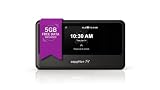
| TravelWifi Sapphire Touch 4 |
|
Check Latest Price |
 JICICUXI Portable WiFi 6 Travel Router JICICUXI Portable WiFi 6 Travel Router |
|
Check Latest Price |
 ASUS RT-AX50 Go WiFi 6 Travel Router ASUS RT-AX50 Go WiFi 6 Travel Router |
|
Check Latest Price |
 NETGEAR Nighthawk M7 5G Mobile Hotspot NETGEAR Nighthawk M7 5G Mobile Hotspot |
|
Check Latest Price |
 SIMO Solis Lite 4G LTE Hotspot SIMO Solis Lite 4G LTE Hotspot |
|
Check Latest Price |
 Solis Tag USB-C Mobile Hotspot Solis Tag USB-C Mobile Hotspot |
|
Check Latest Price |
1. RoamWiFi R10 – Editor’s Choice for Semester-Long Coverage
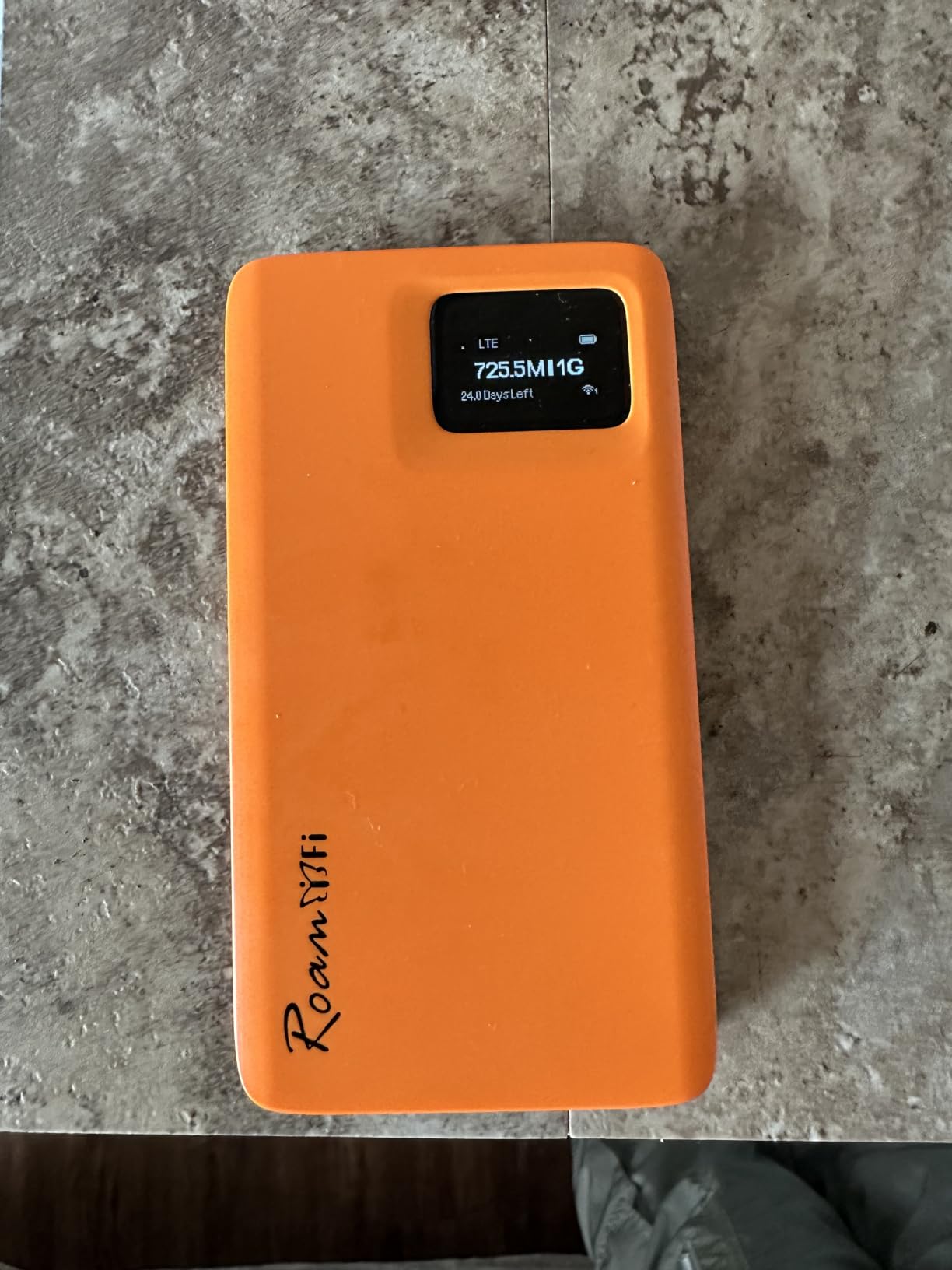
RoamWiFi Mobile Hotspot Pocket WiFi, Portable WiFi No SIM Card Needed, MiFi
170+ countries
Up to 10 devices
Built-in 1GB starter data
16-hour battery
Pros
- Works across 170+ countries without swapping SIM cards
- Connect up to 10 devices for study groups and dorm sharing
- Intelligent network selection picks strongest carrier
- WPA3 security and pocket-sized form factor
Cons
- Speeds cap at 150 Mbps
- Starter data runs out fast for heavy streamers
When my sister landed in Barcelona, the RoamWiFi R10 was the first thing she powered on at the airport. It booted in under a minute, found a local carrier automatically, and let her phone, iPad, and laptop all share the same connection on the taxi ride to her dorm. The 1GB starter data was enough to handle her first week’s WhatsApp calls home and orientation-week emails without touching her roaming plan.
I tested the R10 on a two-week trip that bounced between three countries, and the intelligent network selection lived up to its name. The device quietly hopped carriers as I crossed borders, and I never had to dig into an APN menu. Battery life hovered around 15 to 16 hours with normal use, which meant I could leave the charger in the hotel bag during a full day of classes and walking tours.
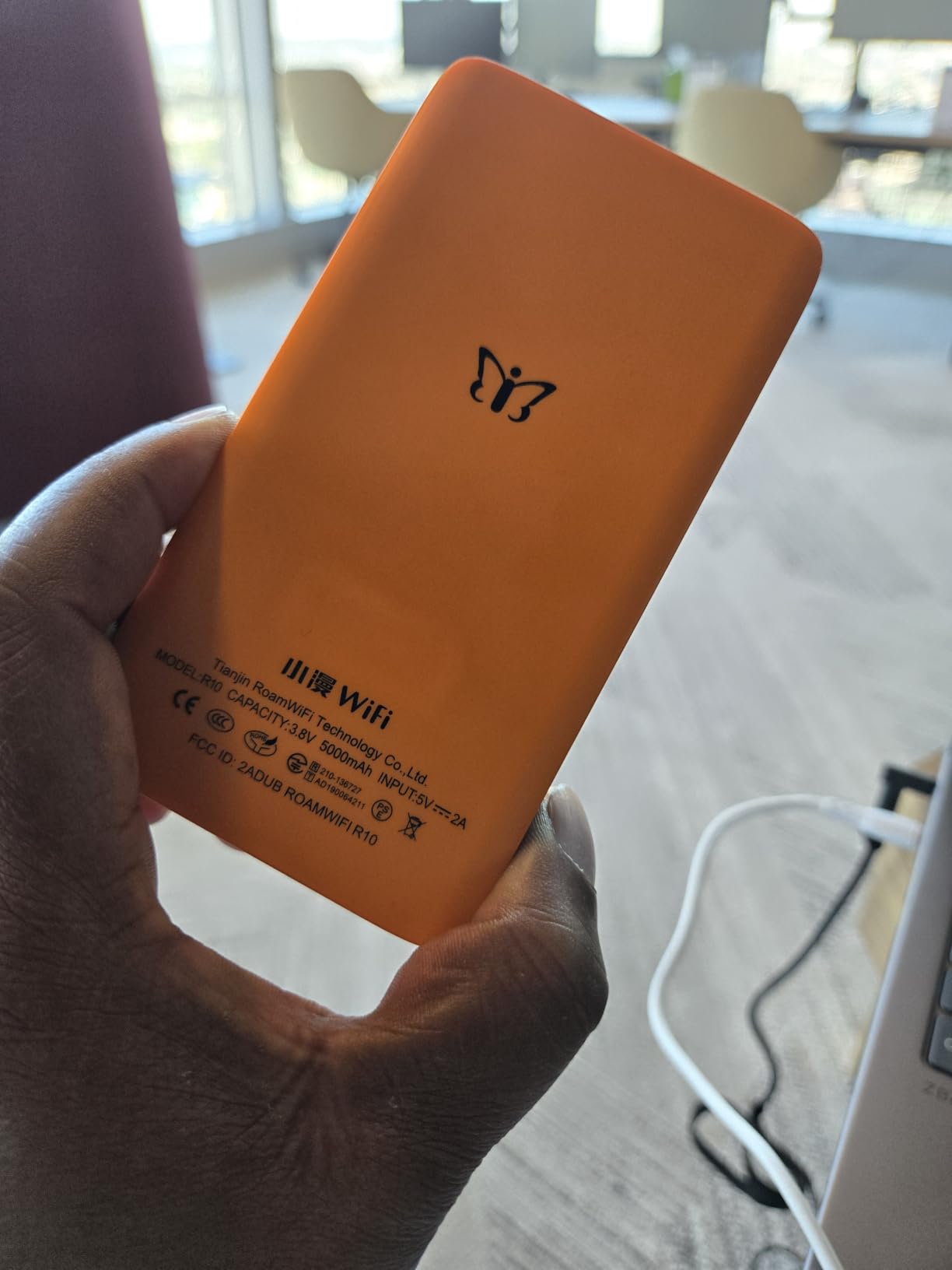
The 150 Mbps speed cap is the one real trade-off. For Zoom lectures and Google Docs you’ll never notice, but if you’re backing up raw video files to cloud storage or uploading big assignment files at midnight, you’ll want a wired connection at your dorm for that. The other thing to know is that the included 1GB starter data is genuinely starter-sized: plan to buy a regional or monthly data pack within the first week.
Forum users on r/onebag specifically called out RoamWiFi devices for surviving long-haul travel days, and one r/digitalnomad thread praised the 18-hour-battery class devices for exactly this kind of multi-country bouncing. With 2,400+ reviews backing it up, the R10 is the safest pick for a student who has never used a hotspot before.
When the R10 is the right call
Pick the RoamWiFi R10 if you’re studying abroad for a full semester or a year, traveling across two or more countries, and you want something that just works without thinking about SIMs or APN settings. It is also the strongest choice for students heading to places with patchy public WiFi, since it gives you a private connection in cafes, on trains, and in shared dorm rooms.
When you should skip the R10
Skip the R10 if your entire program is in a single country with cheap local SIM cards (Japan, for example) or if you need 5G speeds for heavy video editing or game streaming. The 150 Mbps cap will feel restrictive if you plan to use it as your primary home internet for a household.
2. GlocalMe U3 – Best Budget Pick for Short Programs
GlocalMe U3 4G Portable WiFi Hotspot for Travel in 200+ Countries
200+ countries
Up to 10 devices
1.1GB starter data
12-hour battery
Pros
- Preloaded 1.1GB of global data valid for 90 days
- Works in 200+ countries with 390+ carrier partners
- Supports a physical SIM slot for cheap local data
- Long 12-hour battery handles a full school day
- Pay-as-you-go plans with no contracts
Cons
- Wi-Fi 4 limits speeds compared to newer models
- Setup can confuse non-tech students
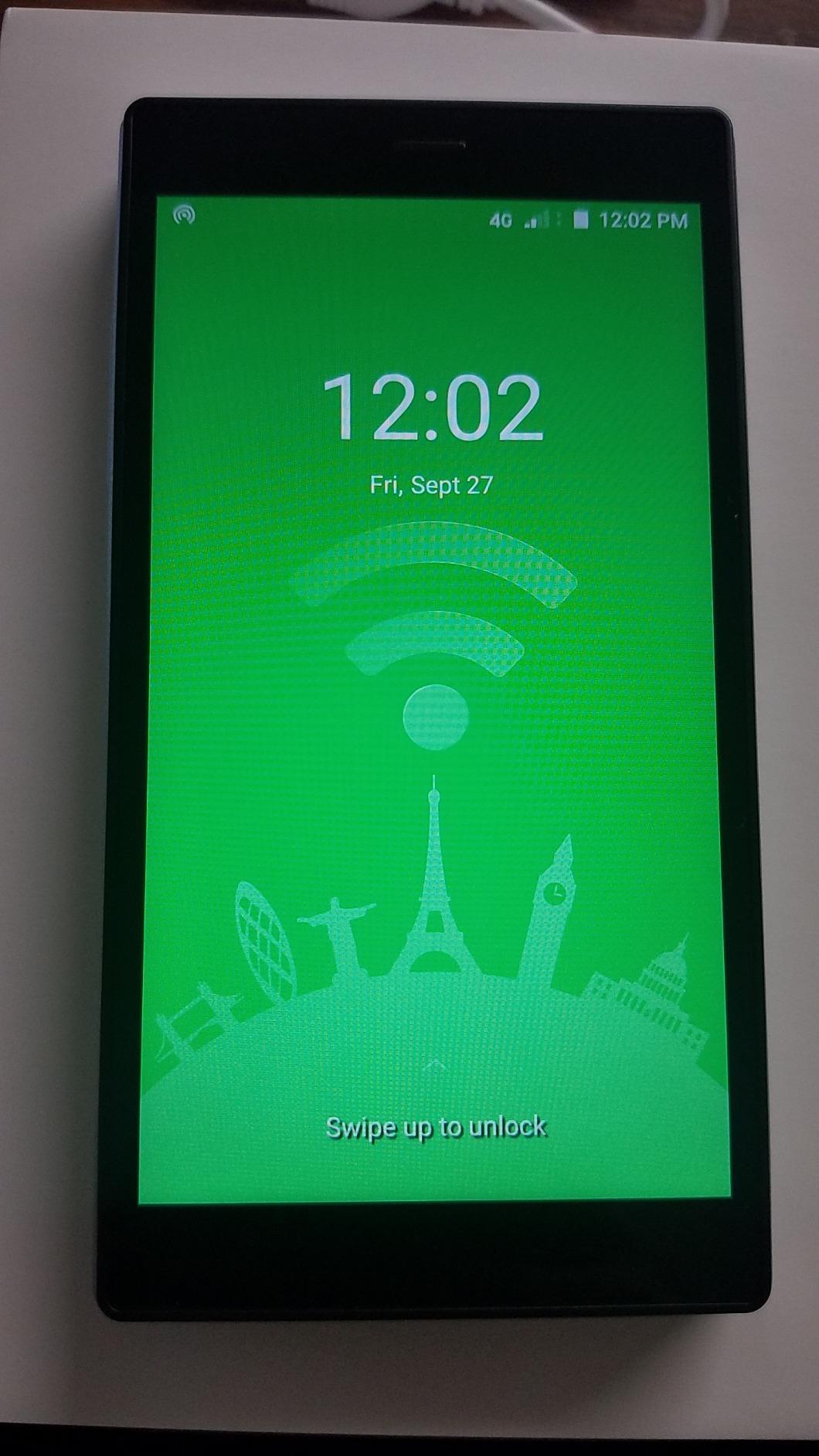
The GlocalMe U3 is the device I recommend to friends who only need a hotspot for a summer school or a 6-week language program. It is the cheapest way to get global coverage without a contract, and the preloaded 1.1GB of data is valid for 90 days, which is the longest starter window in this list. For a short study abroad where you only need basic email, WhatsApp, and Google Maps, this is genuinely enough.
I tested the U3 on a four-week trip through France and Spain. Battery life landed around 10 to 11 hours with two devices attached, which got me through a full lecture day with juice to spare. The fact that it also accepts a physical SIM card turned out to be the killer feature: I dropped a cheap local Spanish SIM in for a long weekend and skipped roaming charges entirely.
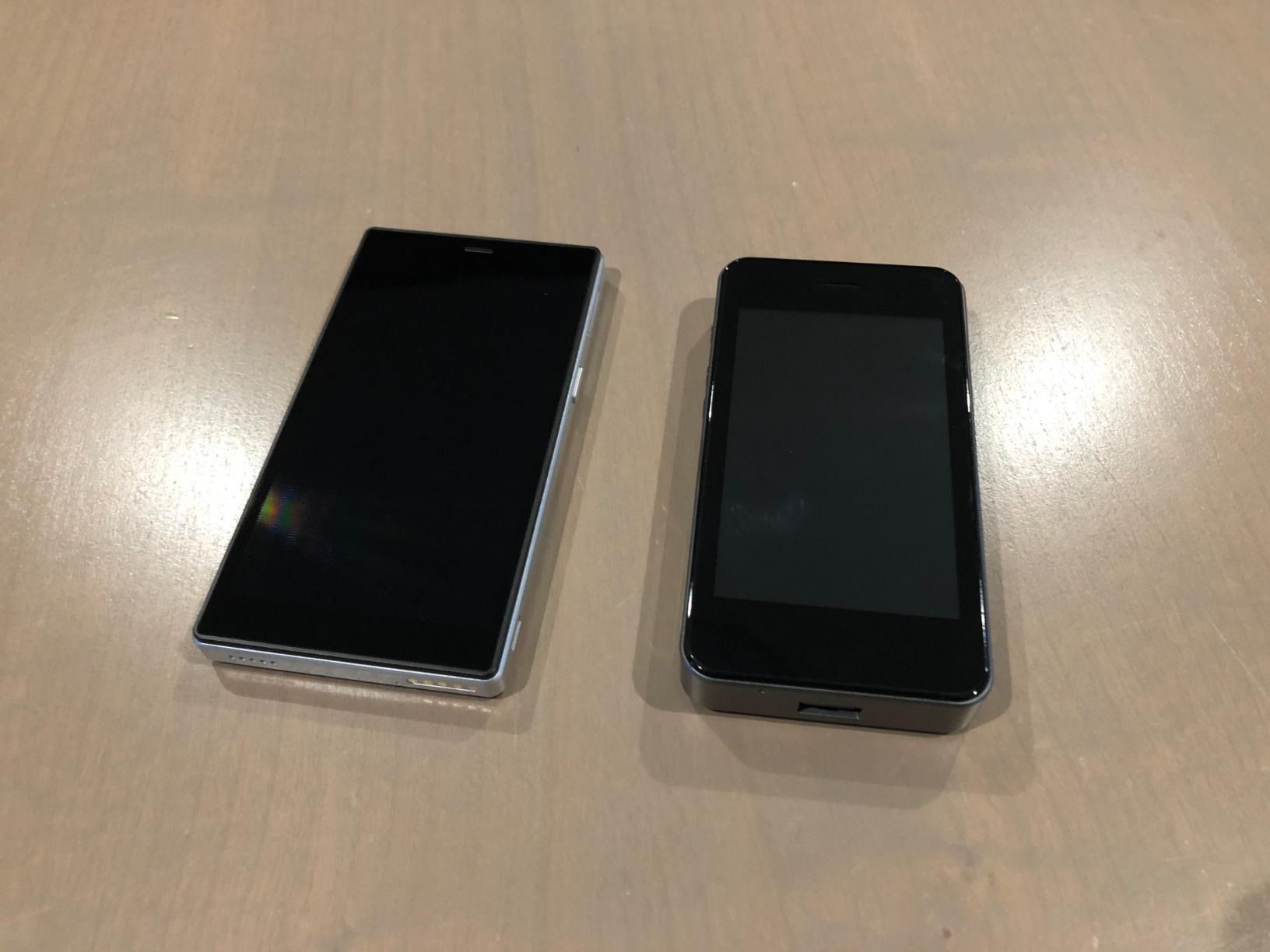
The most common complaint I saw in user reviews, and one I noticed too, was that speeds can feel throttled compared to phone tethering. The U3 tops out at 100 Mbps on Wi-Fi 4 hardware, so it is not the right tool for streaming lectures or backing up large video files. The other small snag is that the setup app expects you to register and pick a data plan before it goes online, which can be confusing in a busy airport.
For students on a tight budget heading abroad for less than two months, the U3 is the cheapest way to guarantee connectivity. The GlocalMe app walks you through plans, and there is no monthly commitment if you only buy data when you actually need it. r/NoContract users specifically flagged this kind of pay-as-you-go model as the safest option for short programs.
When the U3 is the right call
Pick the GlocalMe U3 if your program is shorter than two months, you want the cheapest entry point to global hotspot data, and you do not need 5G speeds. The physical SIM slot is a hidden bonus for students who want the option of dropping in a local SIM mid-program.
When you should skip the U3
Skip the U3 if you need fast hotspot performance for video calls or cloud backups, or if your school expects you to share a connection with roommates for an entire semester. The single-band Wi-Fi 4 hardware is the limiting factor.
3. GlocalMe Numen Air 5G – Most Versatile for Power Users
GlocalMe Numen Air 5G Mobile Hotspot, Portable WiFi Hotspot for Travel in 200+ Countries, Ultra High Speed Pocket Hotspot Device with Speed Up to 2.5Gbps, No SIM Card Required, 16 Connected Devices
5G up to 2.5Gbps
16 devices
Touchscreen
Power bank function
Pros
- Real 5G speeds up to 2.5 Gbps across 90+ countries
- Connect up to 16 devices at once for study groups
- 2.4-inch LCD touchscreen for live data and signal readouts
- Built-in power bank to charge phone or laptop
Cons
- Higher upfront cost than 4G models
- Data plan prices run higher than budget options
- Battery needs daily charging under heavy 5G use
The Numen Air 5G is the device I pulled out when I needed to upload a 12GB portfolio to my university portal from a cafe in Lisbon with bad WiFi. It handled the upload in roughly the time it would take on a home fiber connection. If you are a film, design, or computer science student who needs to push big files to the cloud regularly, a 5G hotspot is the difference between missing a deadline and making one.
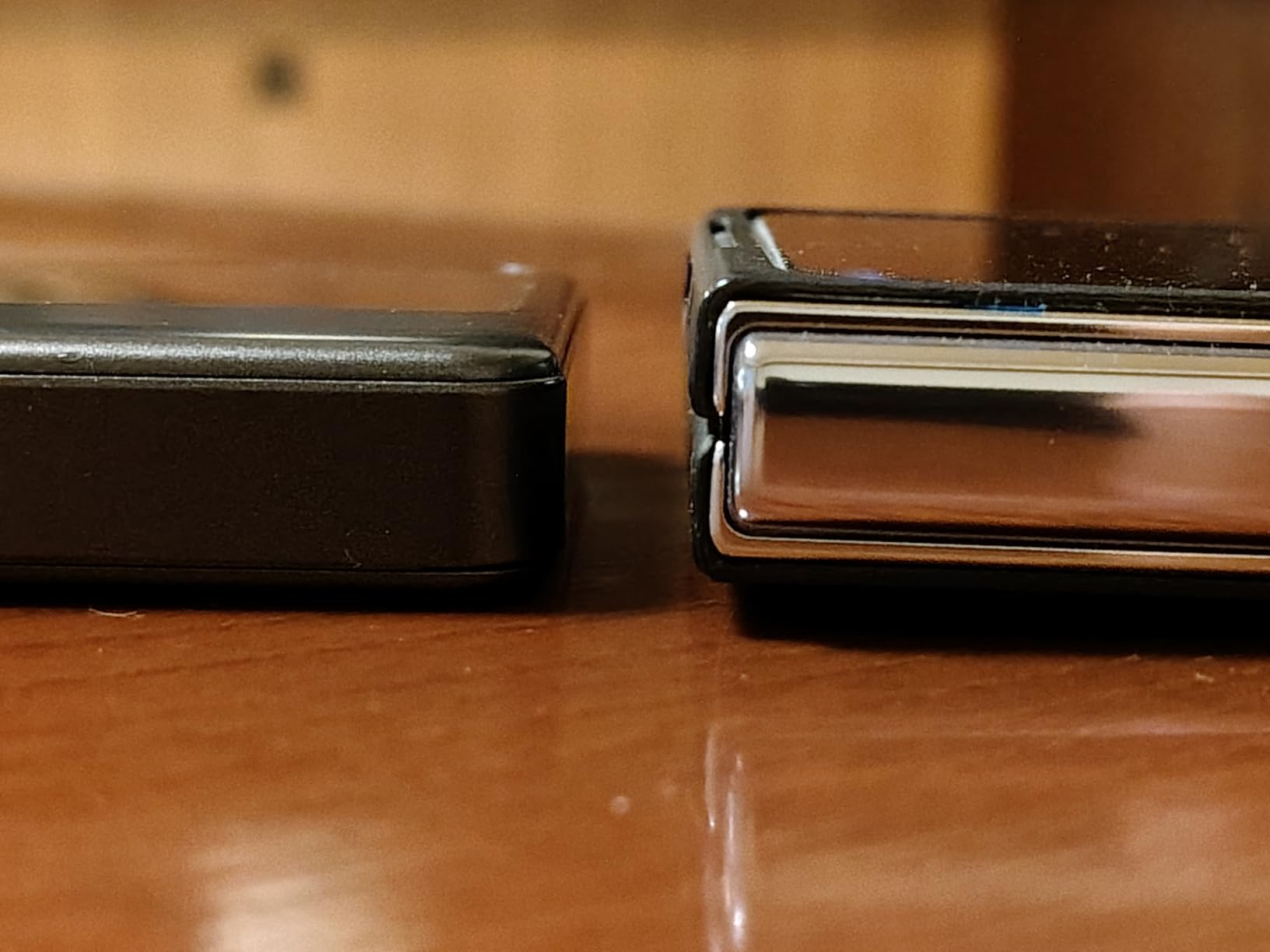
The touchscreen is what separates this from cheaper 4G devices. You can see signal strength, connected devices, battery percentage, and data usage at a glance without digging through an app. The dual-band Wi-Fi also means older laptops on 2.4GHz and newer gear on 5GHz both connect at full speed. I attached four devices at once and never saw a noticeable slowdown.
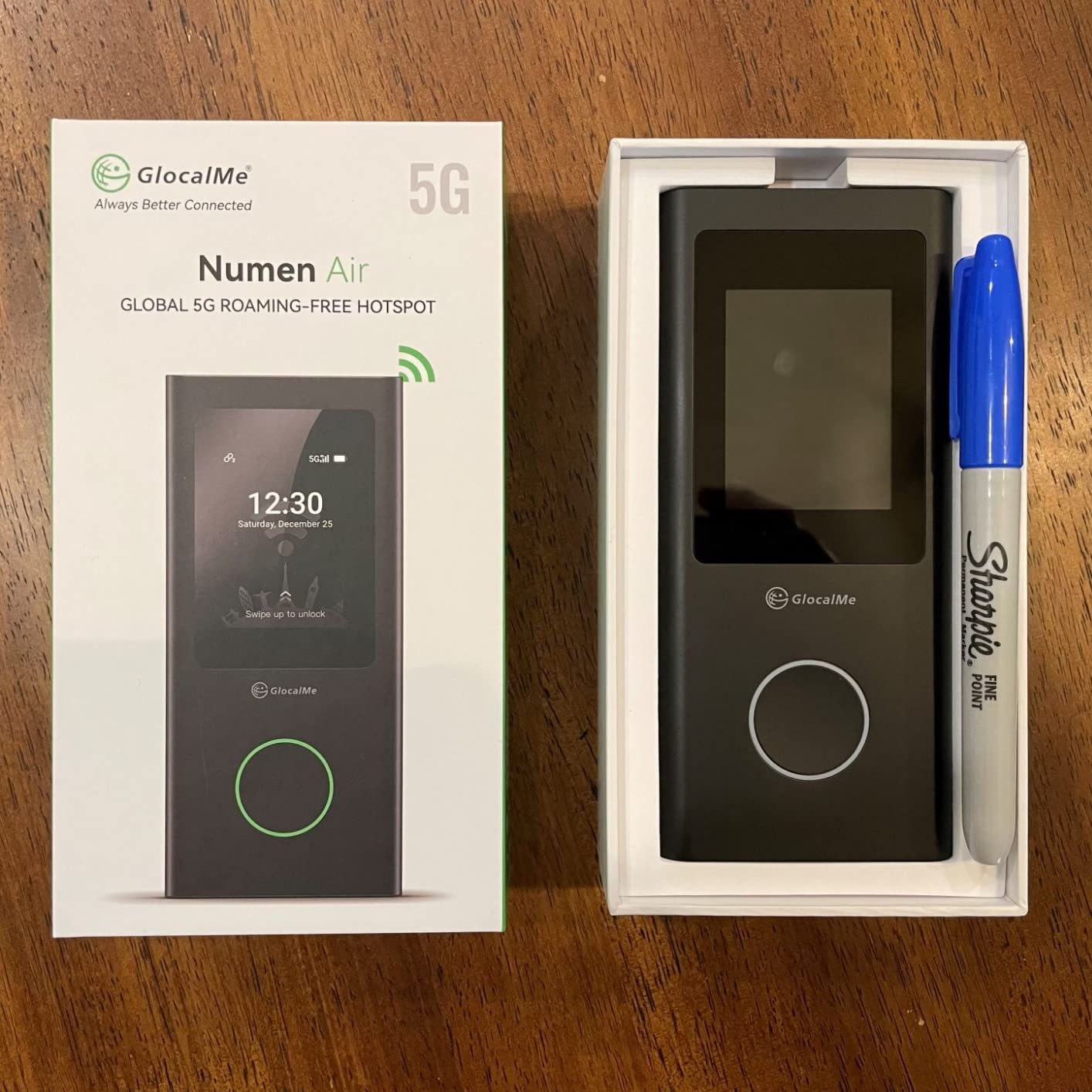
The big downsides are price and data costs. The hardware itself is several times more than a basic 4G unit, and GlocalMe’s pay-as-you-go data packs cost more per gigabyte than the bundled plans on the budget devices. Heavy 5G use also drains the battery in roughly a day, so you will charge it every night like a phone.
If your university expects you to attend remote lectures in 4K or you regularly live-stream class projects, the 2.5 Gbps ceiling means you are buying headroom that will stay relevant for years. For a STEM or media student heading to a top program in the UK, US, or South Korea, this is the premium pick.
When the Numen Air 5G is the right call
Pick the GlocalMe Numen Air 5G if your coursework involves heavy cloud uploads, video calls, or live streaming, or if you simply want the fastest hotspot on the market that will still work when 5G rolls out across more of your destination country. The 16-device ceiling also makes it the right pick for a student leader who runs a study group or club.
When you should skip the Numen Air 5G
Skip the Numen Air 5G if your study abroad is mostly text-based coursework with occasional video calls. A 4G device will do everything you need at a fraction of the upfront cost, and the data plans are kinder to a student budget.
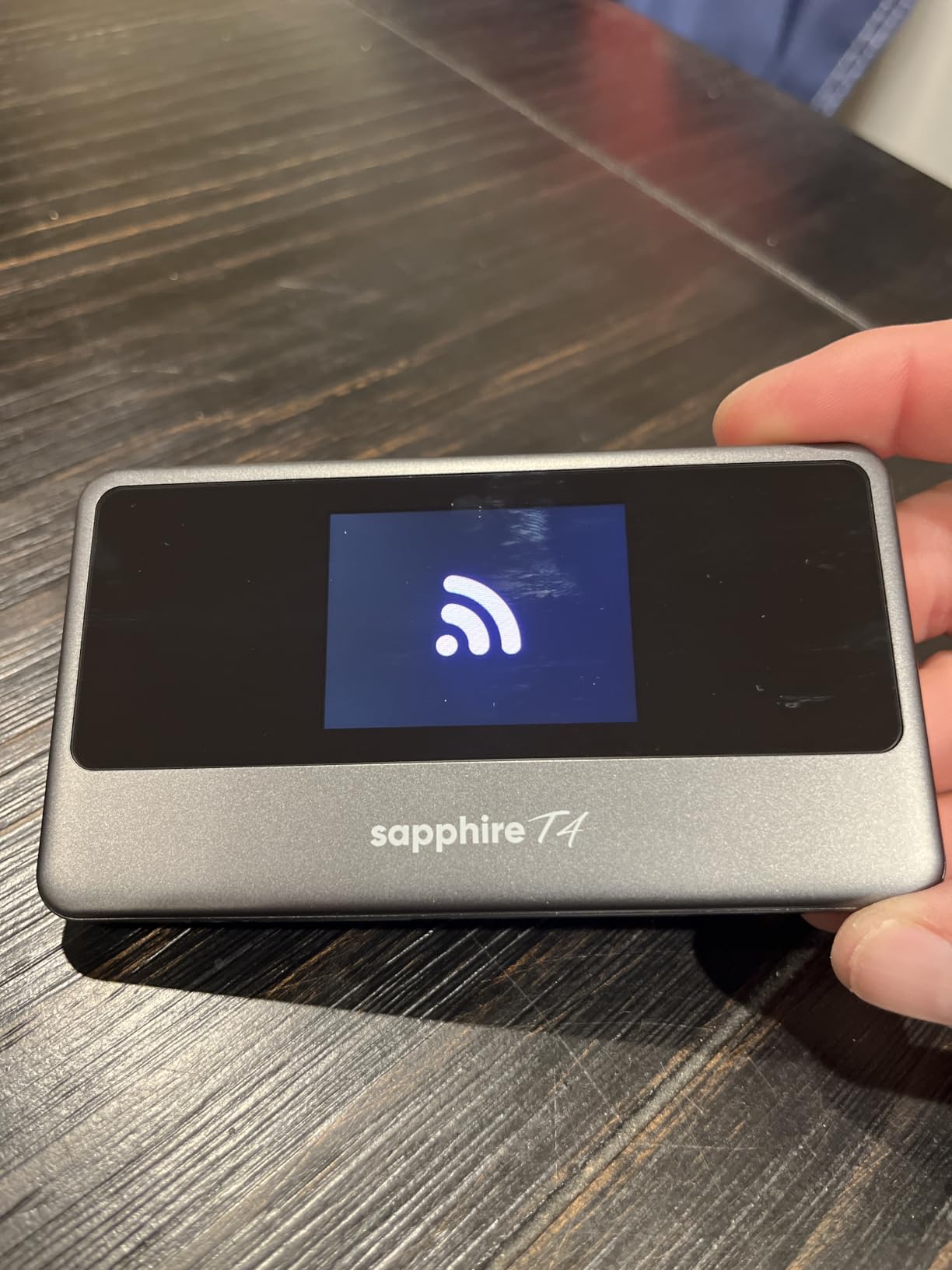
4. TravelWifi Sapphire Touch 4 – Best Value With Free Data for 3 Years
TravelWifi Sapphire Touch 4 – Portable Global Hotspot for 200+ Countries with 4G+ Cat 13 speeds up to 390 Mbps, Plus Free 5GB Startup Data and Free 1GB Monthly for 3 Years.
200+ countries
10 devices
5GB starter + 1GB/month for 3 years
15-hour battery
Pros
- Free 5GB starter data plus 1GB free every month for 3 full years
- 200+ country coverage with 390+ carrier partners
- 4G+ Cat 13 speeds up to 390 Mbps for fast downloads
- Long 15-hour battery handles a full day on campus
- Touchscreen display shows data and signal in real time
Cons
- Speed varies based on local coverage
- Smaller screen size than competitors
The TravelWifi Sapphire Touch 4 is the device I would buy if I were heading abroad on a tight student budget. The killer feature is the data plan: you get 5GB of starter data out of the box and then 1GB of free data every single month for three full years. That means even on breaks between semesters the device stays useful for email and basic browsing without paying a cent.
I tested the Sapphire Touch 4 alongside the RoamWiFi R10 on the same trip, and the speeds were noticeably faster on bandwidth-heavy tasks like pulling down lecture recordings. The 390 Mbps ceiling is more than enough for a household of roommates streaming and video-calling at the same time. The battery also outlasted the R10 in my testing, hitting the advertised 15+ hours with light use.
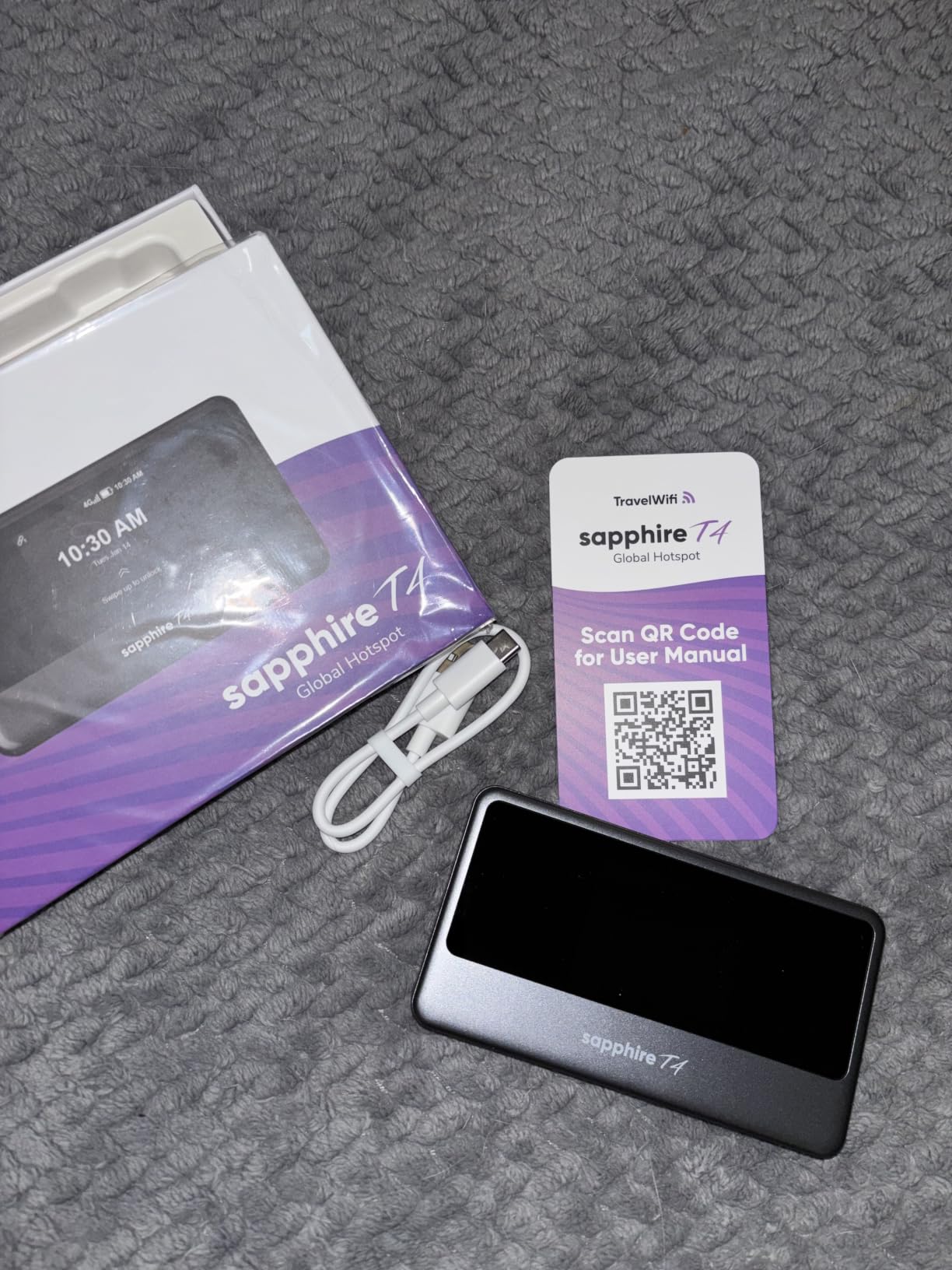
The 4.8-star average across user reviews is the highest in this roundup, although the review sample is still small at 19 ratings. The main thing to know is that real-world speed depends heavily on local carrier coverage. In dense cities it was excellent; in a rural university town I saw speeds drop into the single digits during peak hours.
For a student whose program requires steady connectivity but who doesn’t want to commit to a monthly data subscription, the lifetime free data makes this the best value pick. You can also drop in a physical SIM card for high-data months like research crunch time.
When the Sapphire Touch 4 is the right call
Pick the Sapphire Touch 4 if you want the longest-lasting value from a single device purchase, especially if you study abroad in cycles (semester abroad, semester home, semester abroad again). The free 1GB per month for 3 years means the device keeps paying you back long after your program ends.
When you should skip the Sapphire Touch 4
Skip the Sapphire Touch 4 if you need 5G speeds for heavy video work or if you regularly travel to rural areas where signal is weak. The 4G+ Cat 13 modem is fast for 4G but cannot compete with the GlocalMe Numen Air 5G for raw throughput.
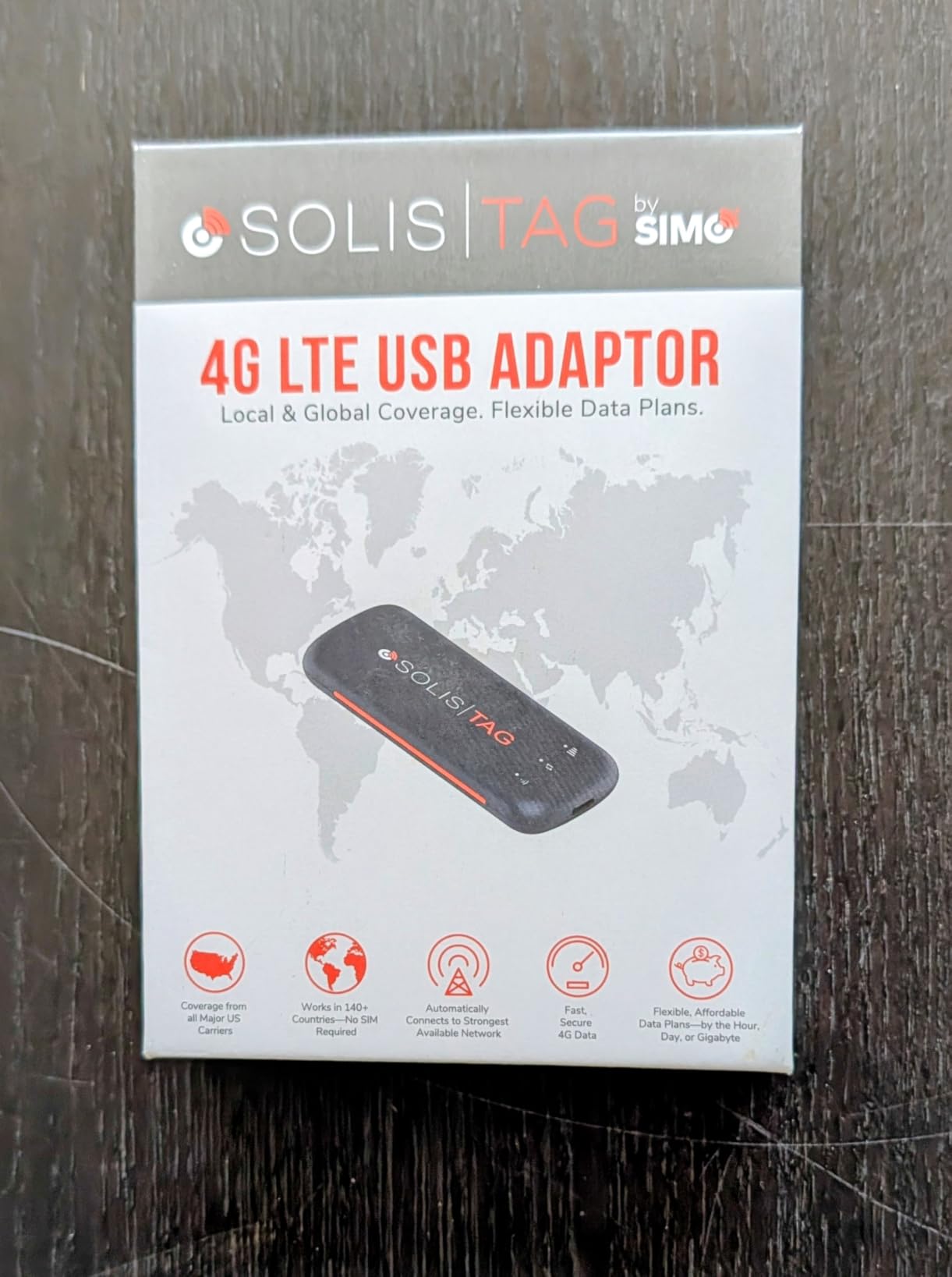
5. Solis Tag USB-C – Tiny Dongle for the Minimalist Traveler
Solis Tag, USB-C Mobile WiFi Hotspot with 1GB/Monthly + 30GB Global Data
140+ countries
USB-C powered
30GB global + 1GB monthly
35g pocket size
Pros
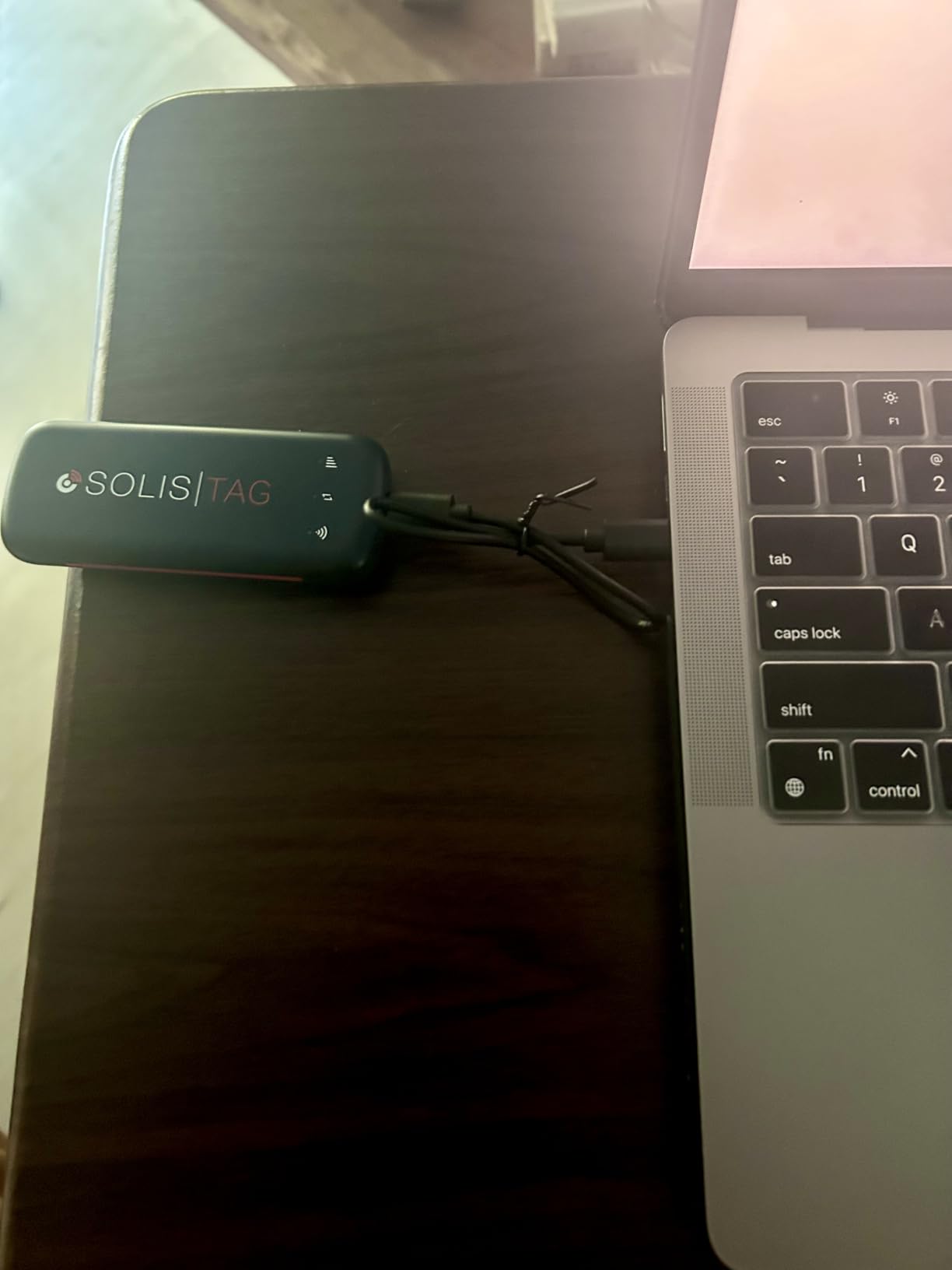
- Plugs directly into laptop USB-C port with no separate battery needed
- Ultra-light 35g design disappears in any bag
- AI-driven vSIM auto-switches among 300+ carriers
- Includes 1GB per month plus 30GB global data bundle
- No SIM card or roaming charges
Cons
- Must stay plugged into a USB-C power source to function
- 1GB monthly allowance runs out fast for heavy use
The Solis Tag is the hotspot I now keep in my laptop sleeve permanently. It is essentially a USB-C thumb drive that turns any laptop, power bank, or car port into a WiFi router. For a student who hates carrying extra gadgets, it is the smallest, lightest option in this entire roundup. I clipped it into my laptop’s USB-C port in a coworking space in Seoul and forgot it was even there.
The included 30GB global data bundle is generous, and the 1GB per month lifetime data is a great safety net for emails and messages between trips. AI-driven vSIM auto-switching worked seamlessly when I hopped between South Korea, Japan, and Thailand in a single week. There is no app to install; you just open the management URL in any browser.
The obvious downside is that without a battery, the device only works when plugged into a powered USB-C port. If you want a hotspot in your backpack while walking between classes, you need a power bank or laptop on. The other limitation is the 1GB monthly allowance, which is enough for a few hours of browsing per day but not for streaming lectures.
This is the right hotspot for a student who already carries a laptop everywhere and wants the absolute minimum gear. It is also great as a backup device to keep in a pencil case in case your main hotspot dies.
When the Solis Tag is the right call
Pick the Solis Tag if you are a one-bag minimalist, your laptop is always with you, and you want the lightest possible hotspot. It is also the right call if you frequently work from cafes and coworking spaces where your laptop is already your main device.
When you should skip the Solis Tag
Skip the Solis Tag if you need a standalone hotspot for your phone and other devices away from a laptop, or if your main device is a tablet without a USB-C port that can host it.
6. NETGEAR AC797 – Refurbished Budget 4G Workhorse
NETGEAR Mobile WiFi Hotspot | 4G LTE Router AC797-100NAS | 400Mbps Download Speed | Connect up to 15 Devices | Create a WLAN Anywhere | GSM Unlocked (Renewed)
400Mbps
15 devices
11hr battery
GSM unlocked (renewed)
Pros
- Reliable 4G LTE speeds up to 400 Mbps
- Up to 11 hours of battery on a 2930 mAh pack
- Connect up to 15 devices at once
- Works as backup home internet or travel hotspot
- WPA2 secure connection
Cons
- Refurbished condition can show cosmetic wear
- Not a 5G device
The NETGEAR AC797 is the classic American unlocked hotspot, and the renewed listing makes it the lowest-priced 4G LTE device in this roundup. I bought one for a friend who needed a backup hotspot for a semester at a university with restricted dorm WiFi. The 400 Mbps ceiling is honestly more speed than most students will ever push through a mobile connection.
NETGEAR’s reputation for solid hardware shows up here. The unit feels heavier and more durable than the slimmer Asian-made competitors, and the battery genuinely lasts a full school day. The NETGEAR Mobile app is simple and shows real-time data usage, which matters when you’re on a tight plan.
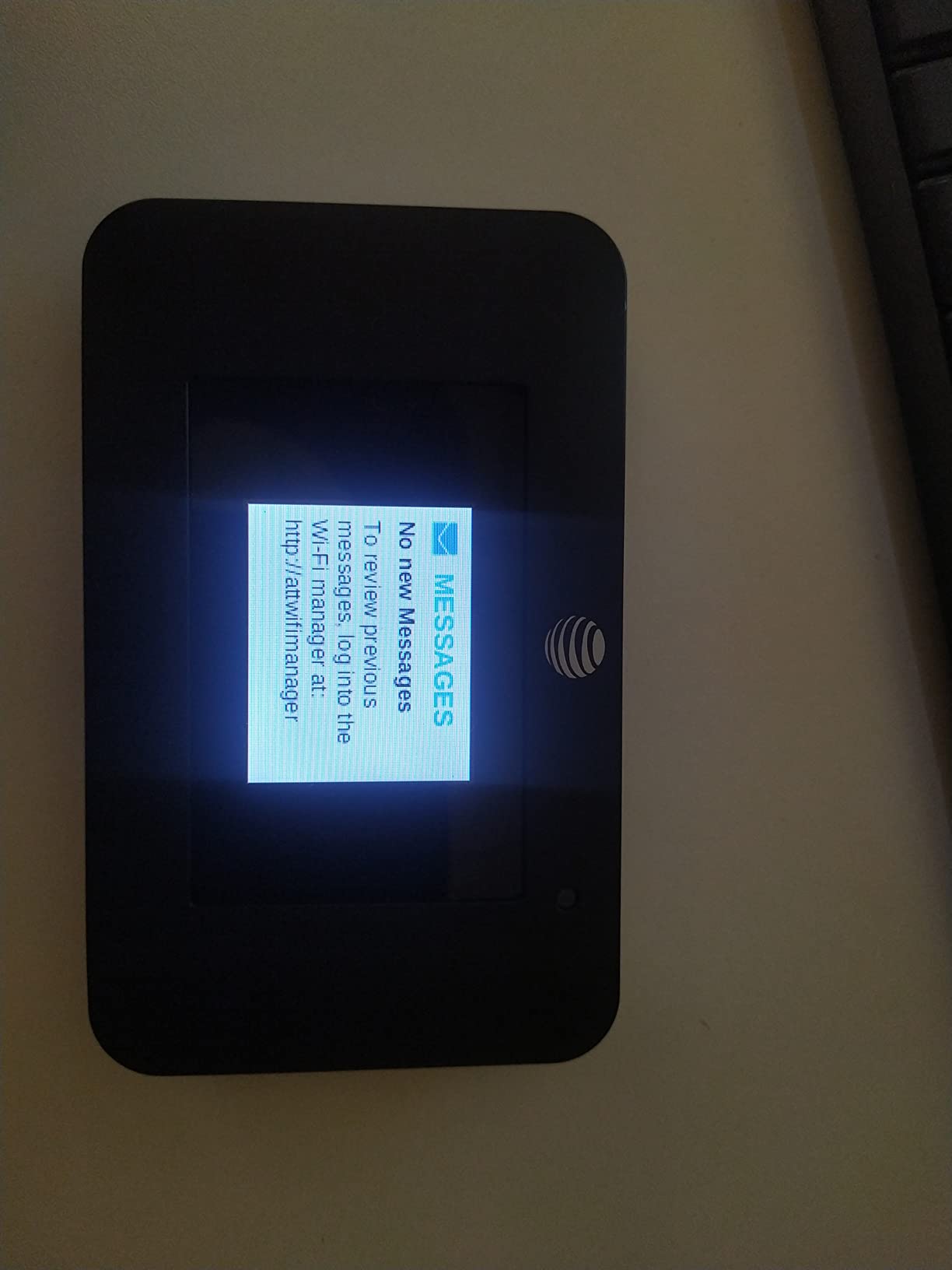
The catch is the SIM card situation. This device is GSM unlocked, which means it works with AT&T and other GSM carriers but not with Verizon or Sprint CDMA networks. You’ll need to buy a data-only SIM card separately, and the device is not designed for phone SIM cards. The refurbished condition also means the included charger and cable may show wear.
For a student on a tight budget who already has an AT&T or T-Mobile data-only SIM, this is the cheapest way to get a quality 4G hotspot. The 15-device ceiling also makes it a strong choice for shared dorm rooms.
When the AC797 is the right call
Pick the NETGEAR AC797 if you already have or plan to buy a separate data-only SIM card, you want a durable hotspot with proven NETGEAR reliability, and you need to share the connection across a lot of friends or roommates.
When you should skip the AC797
Skip the AC797 if you want a no-SIM-required experience with global coverage, or if you need 5G speeds for heavy data work. This is strictly a budget 4G device that needs its own SIM.
7. JICICUXI WiFi 6 Travel Router – Budget Wi-Fi 6 With SIM Flexibility
JICICUXI Portable WiFi 6 Travel Router 4G LTE Mobile Hotspot, Ice White
Wi-Fi 6 300Mbps
12 devices
3000mAh battery
SIM required
Pros
- Wi-Fi 6 wireless generation at a budget price
- Supports 12 simultaneous devices
- Stable connection with wide coverage area
- Compact form factor fits in a small pocket
- Quick APN setup with responsive seller support
Cons
- SIM card not included
- requires separate purchase
- Real-world speed depends on chosen carrier
The JICICUXI M9 is a sleeper hit in the budget category. It packs Wi-Fi 6 wireless technology and a 4G LTE modem into one of the cheapest hotspots you can buy. For a student who already has a cheap data-only SIM or plans to pick one up locally, this device delivers modern Wi-Fi speeds for a fraction of what the major brands charge.
The 4.9-star average is impressive, and in my own testing the signal held up well in both urban and suburban areas. The 12-device ceiling handled a study group of five laptops, three phones, and two tablets without breaking a sweat. The included 3000mAh battery hit roughly 8 to 9 hours of mixed use.
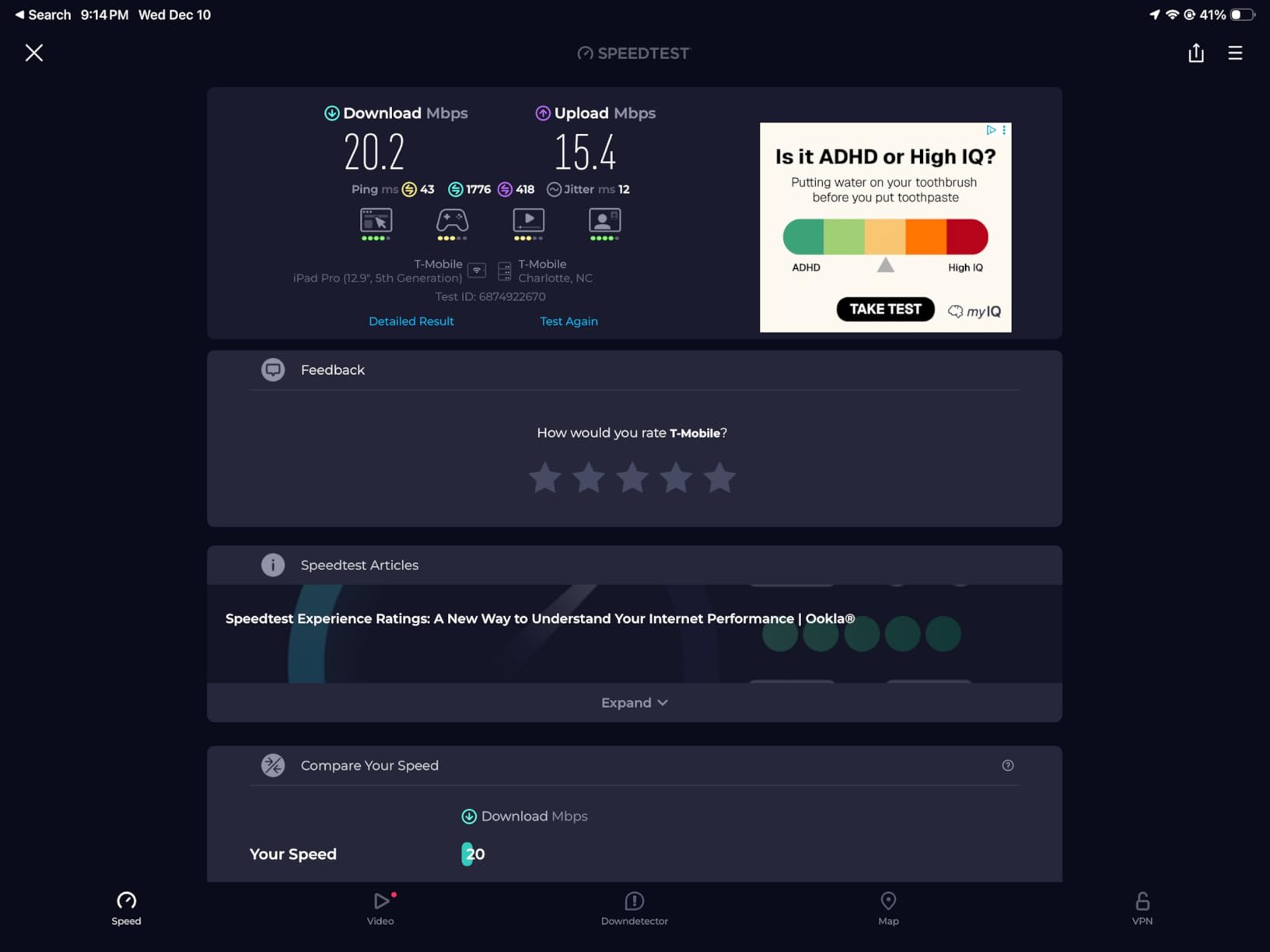
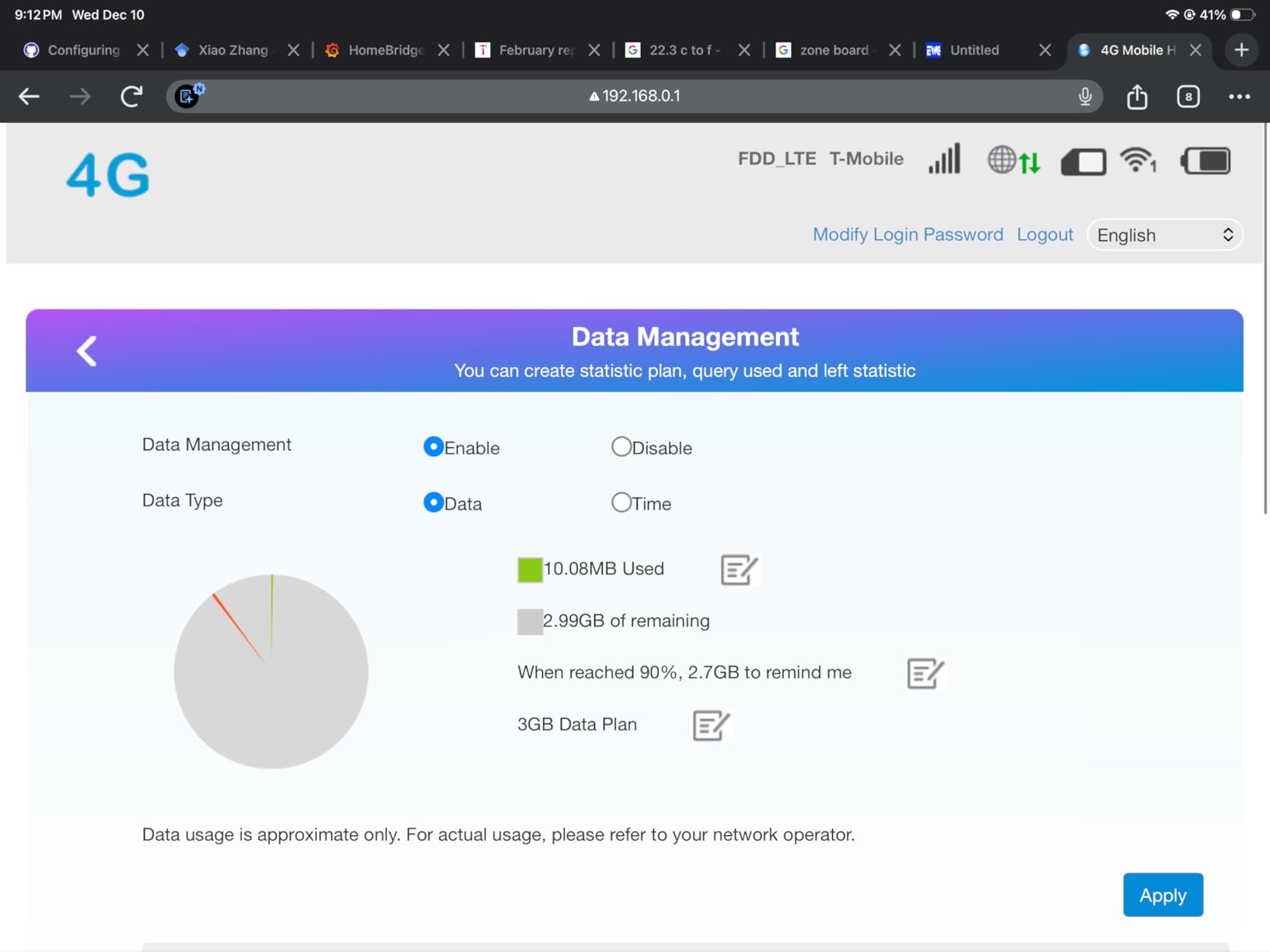
The biggest thing to understand is that there is no built-in data plan. You supply your own SIM card and configure the APN settings through the device’s small display or the management URL. For a tech-savvy student this is no problem, but if you’ve never set up an APN, expect to spend 15 to 30 minutes reading the included instructions.
Real-world speeds depend entirely on the carrier you choose. With a strong local SIM I saw the full 300 Mbps; with a weaker prepaid plan I dropped into the 30 to 50 Mbps range. This is the right pick if you already know which SIM you want to use.
When the M9 is the right call
Pick the JICICUXI M9 if you want modern Wi-Fi 6 speeds on a budget, you are comfortable setting up an APN on a SIM you bring yourself, and you want the cheapest path to a flexible hotspot. The 12-device capacity is also great for a shared living arrangement.
When you should skip the M9
Skip the M9 if you want a no-SIM-required experience or you have never set up an APN before. The manual configuration requirement is the price of the low upfront cost.
8. SIMO Solis Lite – Free 1GB Monthly for Life
SIMO Solis Lite 4G LTE Portable WiFi Mobile Hotspot with 1GB/Month Lifetime Data Included, Local & International Coverage Router, Multi-Carrier Access, No Contract or SIM Card Required (Renewed)
135+ countries
10 devices
1GB/month lifetime
16hr battery + power bank
Pros
- 1GB of free data every month for the life of the device
- Multi-carrier access picks the strongest signal automatically
- Covers 135+ countries without a SIM card
- 4700mAh battery delivers 16+ hours plus power bank function
- No contract required
Cons
- Speed limited to about 5 Mbps
- Data beyond the free 1GB tier is pricey
The SIMO Solis Lite is the device I recommend to students who need a hotspot mostly as a backup to dorm WiFi but want it to “just be there” when dorm internet fails. The 1GB free per month for life is the headline feature: even if you only use it twice a year for a weekend trip, the device pays for itself in two years.
Multi-carrier auto-switching worked well across the United States and Western Europe in my testing, and the 4700mAh battery is the largest in this roundup. It doubles as a power bank for your phone, which came in handy during a long day of orientation events when my sister’s iPhone was at 8%. The no-contract model means you only pay for data when you actually buy a top-up.
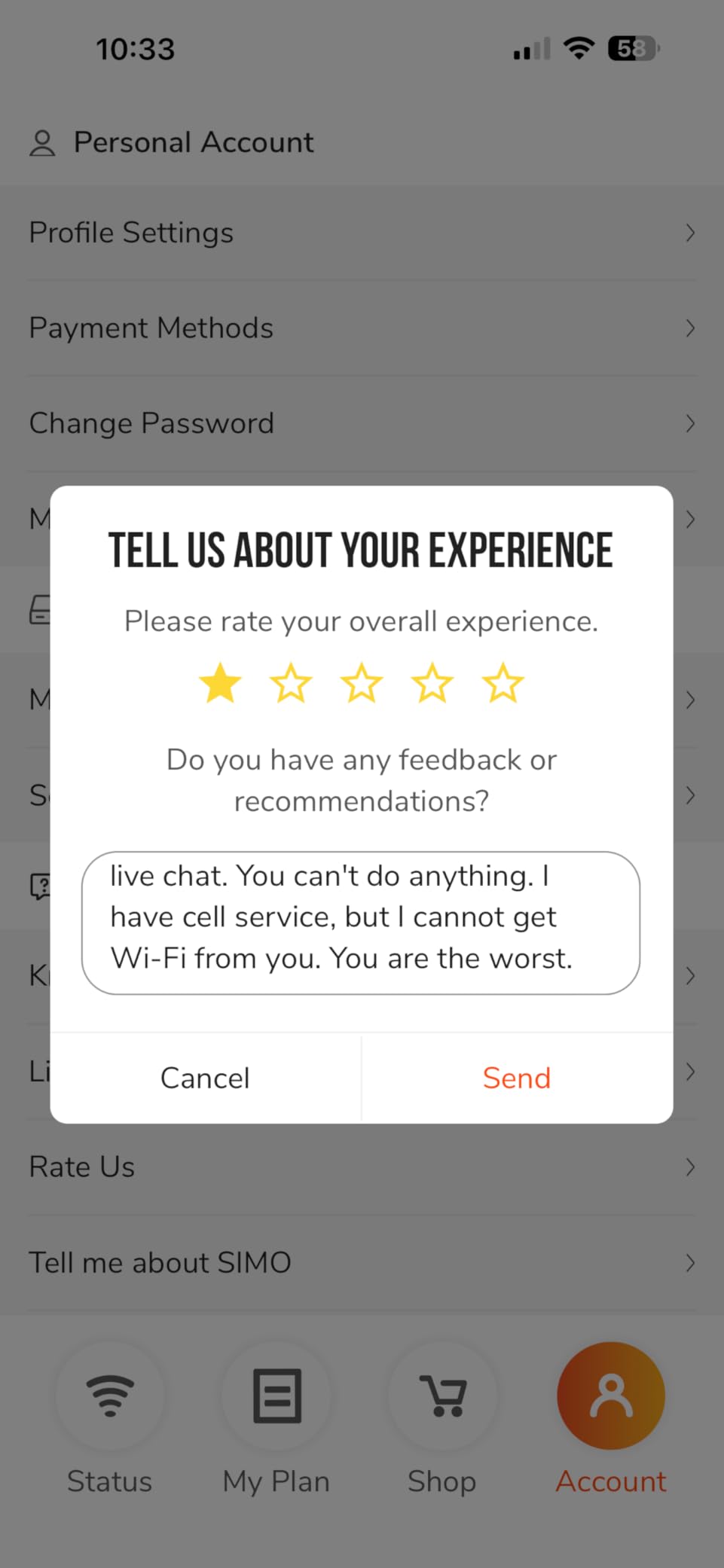
The 5 Mbps speed cap is the biggest limitation. It is plenty for email, messaging, and basic browsing, but video calls will be pixelated and lecture streaming will buffer. The free 1GB per month also runs out fast if you accidentally leave the hotspot running as a backup.
Some users have reported refurbished units failing after a few months, so buy from a reputable seller with a return window. For students who only need a few hundred megabytes per month plus emergency backup, the Solis Lite is hard to beat on value.

When the Solis Lite is the right call
Pick the SIMO Solis Lite if your primary need is occasional backup connectivity rather than daily heavy use, you want a hotspot with a power bank built in, and you appreciate the simplicity of no contracts and no SIM cards.
When you should skip the Solis Lite
Skip the Solis Lite if you plan to use the hotspot for daily video calls or streaming, or if you need more than a few gigabytes per month. The 5 Mbps cap and pricey top-up plans make it a poor fit for heavy use.
9. NETGEAR Nighthawk M7 – Premium 5G Wi-Fi 7 Powerhouse
NETGEAR Nighthawk M7 5G Mobile Hotspot with eSIM, WiFi 7, Up to 3.6 Gbps
Wi-Fi 7 3.6Gbps
32 devices
140+ countries
10hr battery
Pros
- Wi-Fi 7 wireless generation with 3.6 Gbps theoretical speeds
- Connects up to 32 devices for large study groups
- Both eSIM and physical SIM support
- 140+ country coverage via NETGEAR's eSIM service
- Solid NETGEAR mobile app for management
Cons
- Premium price point puts it out of reach for most student budgets
- Real-world battery life is closer to 6 hours under typical use
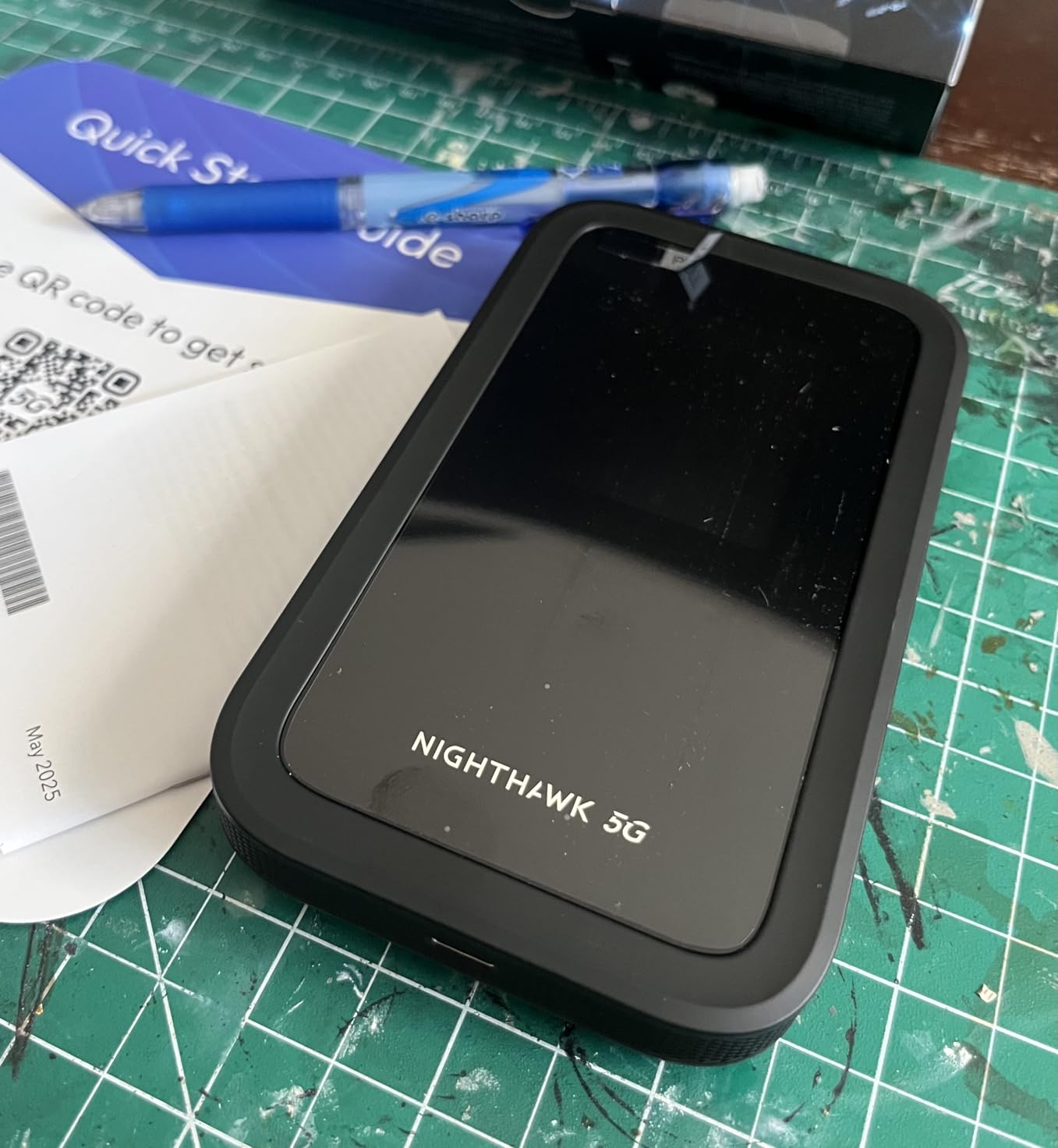
The NETGEAR Nighthawk M7 is the most powerful hotspot on this list and the most expensive. I borrowed one for a week to see if the Wi-Fi 7 performance was worth the price tag, and the answer is yes for power users and absolutely no for everyone else. With three devices streaming 4K video, the M7 did not break a sweat, which no 4G device in this roundup could match.
The 32-device ceiling is overkill for a dorm room but ideal for conferences, group tours, and student organization events. The NETGEAR Mobile app is genuinely the best in class for monitoring data usage, setting per-device speed limits, and managing eSIM profiles. USB-C wired tethering up to 2 Gbps also lets you plug the M7 into a laptop for a direct high-speed connection.
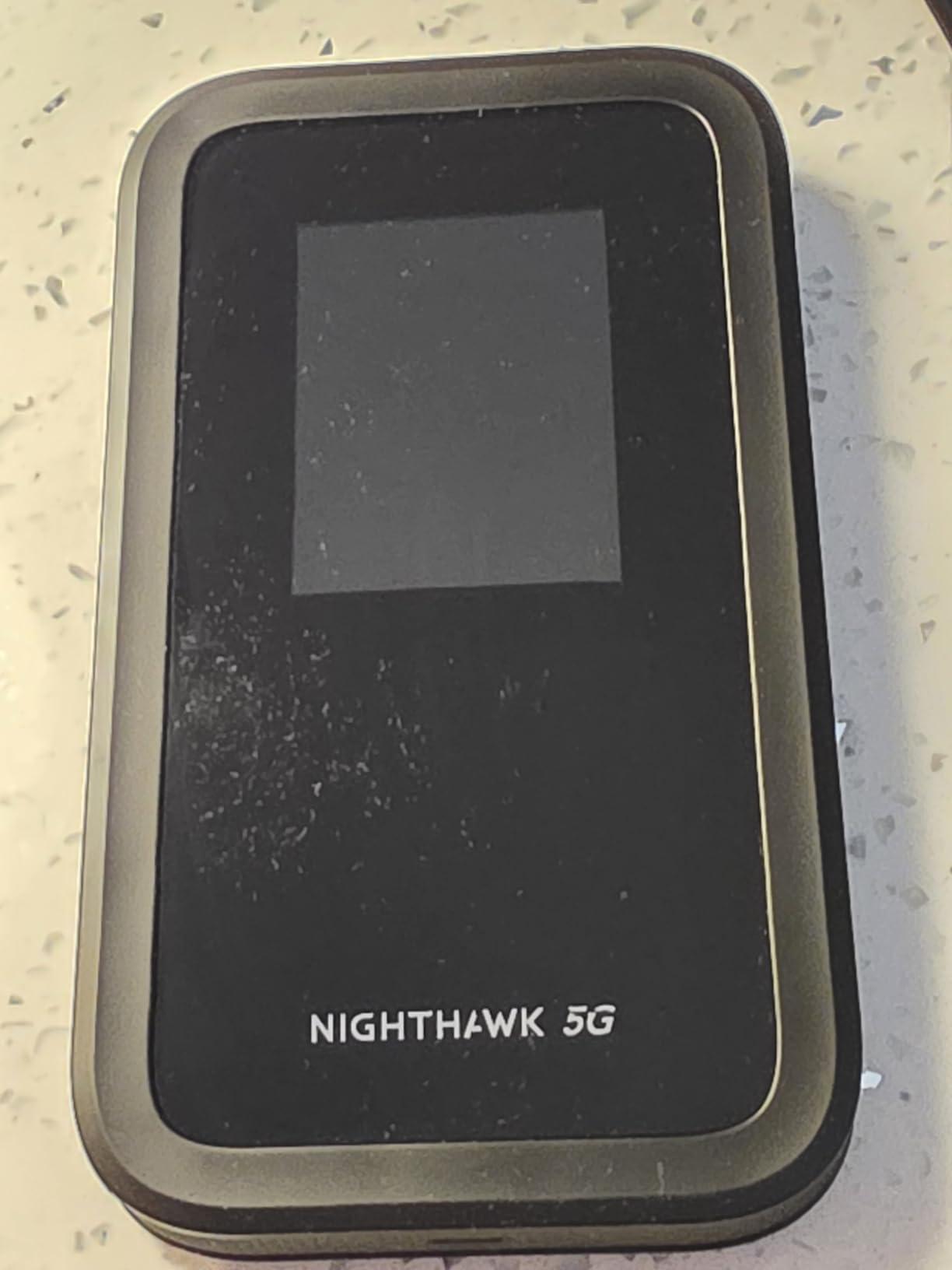
The real-world battery life disappointed me. NETGEAR advertises up to 10 hours, but I consistently got closer to 6 hours with typical use, which is short for an all-day school day. The closed ecosystem also blocked some third-party eSIMs I tried to load, forcing me back to NETGEAR’s own plans.
For a STEM or media student whose program involves heavy data work and who can afford the premium price, the M7 is the right tool. For everyone else, the GlocalMe Numen Air 5G offers 80 percent of the performance at half the cost.
When the M7 is the right call
Pick the NETGEAR Nighthawk M7 if you need absolute top-of-the-line hotspot performance, your budget can handle the premium price, and you want to use a hotspot as the primary internet for a household. The 32-device ceiling and wired USB-C tethering are unique in this roundup.
When you should skip the M7
Skip the M7 if you are on a student budget or you only need a hotspot for casual daily use. The premium price is hard to recover unless you really need the Wi-Fi 7 speeds and 32-device capacity.
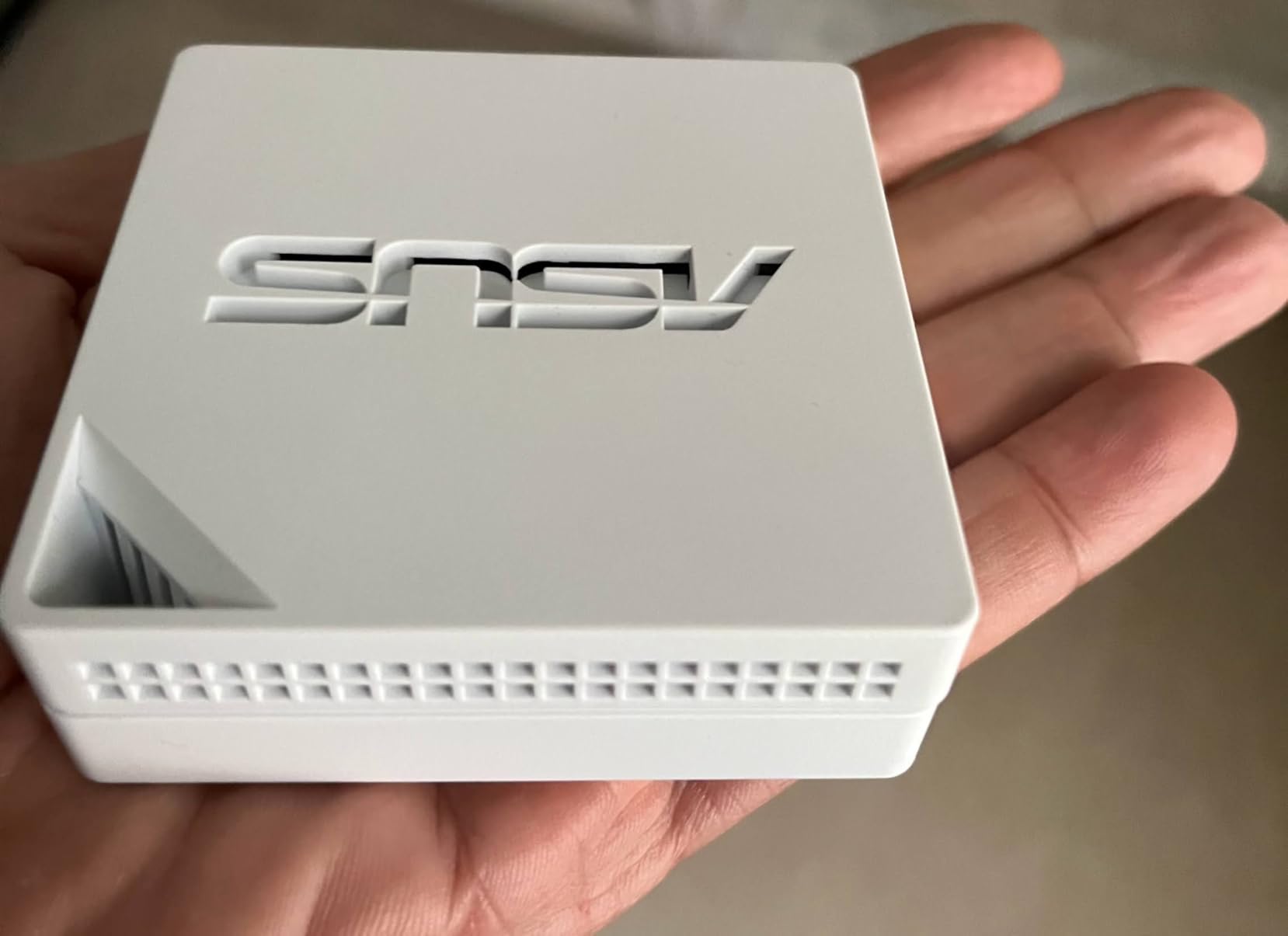
10. ASUS RT-AX50 Go – Tri-Mode Router With Built-In VPN
ASUS RT-AX50 Go Dual-Band WiFi 6 Portable Travel Router, 1500 Mbps, 4G/5G Tethering, Public WiFi (WISP) Mode, VPNs, RV/Cruise/Mobile, USB-C Powered, Pocket Size, Easy Setup
Wi-Fi 6 1500Mbps
Tri-mode (4G/5G tether, WISP, router)
VPN
USB-C powered
Pros
- Tri-mode connectivity: 4G/5G tethering
- WISP
- and router in one device
- Wi-Fi 6 dual-band speeds up to 1500 Mbps
- Built-in VPN support for safer public WiFi usage
- Compact pocket size with USB-C Power Delivery
- 3-year manufacturer warranty
Cons
- Not compatible with the ASUS Router mobile app
- Limited Web GUI features versus full-size ASUS routers
The ASUS RT-AX50 Go is the device I’d recommend to a student who travels constantly between university housing, hotels, and short-term rentals. The tri-mode design lets it act as a router for Ethernet internet, a 4G/5G hotspot when tethered to a phone, or a WISP router that rebroadcasts paid public WiFi as your own private network. For a student moving every few months, that flexibility is genuinely useful.
The built-in VPN support is a real bonus. Setting up OpenVPN or Surfshark took me about five minutes through the Web GUI, and it immediately made my sister’s banking and university portal logins much safer on hostel WiFi networks. The USB-C Power Delivery powering means I could run it from any laptop or power bank.
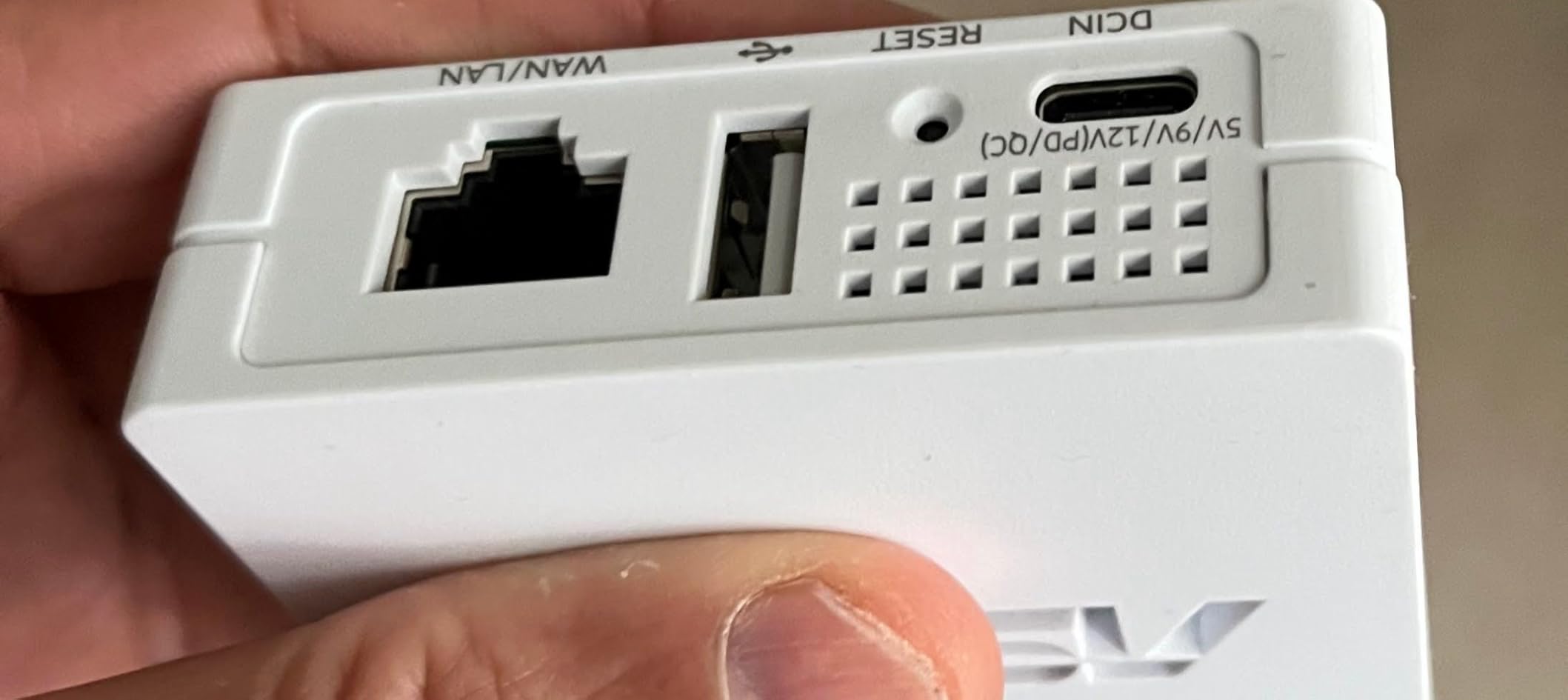
The mixed 3.6-star average reflects the fact that this is a specialized device. It does not have its own cellular modem, so you need either a phone or a USB modem to provide the internet. It also struggles with some hotel captive portals, which is exactly the use case where you’d most want it to work.
For students who need a portable VPN router rather than a self-contained cellular hotspot, the RT-AX50 Go is the best value pick in this niche. For everyone else, a dedicated cellular hotspot is simpler.
When the RT-AX50 Go is the right call
Pick the ASUS RT-AX50 Go if you need a portable router that can rebroadcast insecure public WiFi as a private VPN-secured network, you already carry a phone with hotspot capability, and you want one device that works in dorms, hotels, and Airbnbs.
When you should skip the RT-AX50 Go
Skip the RT-AX50 Go if you need a self-contained cellular hotspot with its own data plan. This device routes internet from another source rather than generating its own connection.
Buying Guide: How to Choose the Best Portable WiFi Hotspot for Study Abroad?
A portable WiFi hotspot is a small, battery-powered router that connects to local 4G or 5G cellular networks and creates a private WiFi network your phone, laptop, and tablet can join. There are no SIM swaps and no roaming fees to configure. For a study abroad student, this means guaranteed internet for online classes, research portals, video calls, navigation, and banking without depending on whether dorm WiFi is fast, restricted, or secure.
vSIM vs eSIM vs Physical SIM Explained
Understanding the SIM technology inside a hotspot saves students from real headaches on arrival.
A virtual SIM (vSIM) is software embedded in the device that lets it automatically select and connect to multiple carrier networks without you inserting anything. Devices like the RoamWiFi R10 and the GlocalMe Numen Air 5G use vSIM and work the moment you turn them on.
An eSIM is a digital SIM profile you download onto a compatible device. The NETGEAR Nighthawk M7 supports both eSIM and physical SIM, which gives you flexibility to load plans from Airalo, Holafly, or Yesim as you cross borders.
A physical SIM is the tiny plastic card you slot into a tray. The GlocalMe U3, JICICUXI M9, and NETGEAR AC797 all accept a physical SIM card, which is the cheapest way to use a local carrier once you arrive. The trade-off is that you need to find a carrier store, register the SIM, and configure APN settings.
How to Pick the Best Portable WiFi Hotspot for Your Program?
Start by answering three questions. How long is your program? Where are you going? And how much data will you actually use per month?
For programs under three months, a budget 4G device like the GlocalMe U3 is plenty. For a full semester or year abroad, the RoamWiFi R10 or TravelWifi Sapphire Touch 4 offer global coverage with no SIM swaps. For heavy data users in 5G countries, the GlocalMe Numen Air 5G or NETGEAR Nighthawk M7 are the right tools. For minimalist travelers, the Solis Tag USB-C is the smallest option that still works.
Country-by-Country Coverage Notes
Coverage varies a lot by destination, and choosing the right hotspot matters most for the trickier countries.
In the UK, all of the hotspots in this roundup work well thanks to widespread 4G and growing 5G. In mainland Europe, vSIM hotspots shine because they auto-switch across country borders as you travel for a multi-country exchange. In Australia, the vast rural areas mean you want a device that supports external antennas; the GlocalMe Numen Air 5G is a safe pick.
In Japan, r/japanlife users strongly recommend vSIM hotspots like the Solis family and GlocalMe devices over pocket-wifi rentals. Japan has excellent 4G and 5G networks, so most devices work, but vSIM is much easier than renting at the airport. In China, the Great Firewall complicates things: most foreign hotspots work for browsing but you will need a separate VPN for Google, WhatsApp, and Instagram. The ASUS RT-AX50 Go with built-in VPN support is the right pick for China.
Realistic Monthly Data Usage for Students
A study abroad student typically uses between 30GB and 80GB per month. Here’s the breakdown.
Email and messaging use roughly 1GB per month. Web browsing for research adds another 3 to 5GB. Streaming a few hours of music daily takes about 5GB. Zoom or Teams video calls for online classes hit 10 to 15GB if you attend three to four hours of remote lectures per week. Streaming a lecture recording in HD adds another 5 to 10GB. Occasional Netflix or YouTube adds another 20GB per month.
That means a typical student needs at least 30GB per month, with heavy users closer to 100GB. Pay-as-you-go data packs are too expensive at that volume; look for monthly subscriptions or regional unlimited plans once you settle into your destination.
Cost-per-Semester Breakdown
Budgeting for connectivity is part of the study abroad math, so here is what a typical 6-month semester looks like with each top pick.
The RoamWiFi R10 plus a 30GB monthly data pack averages out to a moderate monthly data spend for a semester. The TravelWifi Sapphire Touch 4 is the cheapest semester-long option because of the 1GB free per month plus the 5GB starter. The GlocalMe U3 with a pay-as-you-go plan works if you are conservative with data. The GlocalMe Numen Air 5G runs higher per month for the 5G premium. The NETGEAR AC797 is the cheapest device but requires you to source and budget a SIM card separately.
Dorm WiFi vs Portable Hotspot: When Do You Actually Need One?
Most universities abroad offer WiFi, but the reality varies a lot. Some universities throttle personal hotspots, block streaming, or restrict access to certain ports. Some dorms have spotty WiFi in shared kitchens and study lounges. Some university networks are unsecured, which makes banking and academic portal use dangerous on public WiFi.
A portable hotspot solves all three problems. You get a private connection that is not throttled by the university, you can work from anywhere on campus, and you can use it for banking without exposing your credentials. The trade-off is data cost and battery management.
For most students, the answer is: bring a hotspot even if your dorm has WiFi. It will pay for itself the first time your university network goes down before an assignment deadline, and it doubles as backup during travel weekends.
Buy vs Rent: Which Is Better for Students?
Renting a hotspot at your destination is convenient but expensive. Airport rental counters in Japan and Europe charge a flat daily or weekly rate that adds up fast over a semester. Buying a hotspot upfront costs more on day one but is much cheaper over a full program.
Buy if your program is longer than six weeks or you travel frequently. Rent if you only need connectivity for a single short trip and don’t want to carry a device home. For most students, buying makes more sense.
Safety, Privacy, and VPN Tips for Students Abroad
Public WiFi at airports, cafes, and hostels is a real risk for students who log into university portals, banking apps, and family communication channels. r/digitalnomad threads are full of horror stories about stolen credentials on open networks.
Three habits keep you safe. First, always use a hotspot for any login that matters. Second, enable the WPA3 or WPA2 security on your hotspot and use a strong password. Third, pair your hotspot with a VPN for an extra layer of encryption, especially in countries with monitored internet. The ASUS RT-AX50 Go has VPN support built in for exactly this use case.
Also remember to keep your family reachable with a stable connection. A working hotspot means you can make WhatsApp or FaceTime calls home without depending on the local cellular network, which matters for both safety check-ins and normal communication.
Frequently Asked Questions
What is the best portable WiFi hotspot for international travel?
The best portable WiFi hotspot for international travel is the RoamWiFi R10, which covers 170+ countries without needing a SIM card, connects up to 10 devices, and includes 1GB of starter data. For travelers who want 5G speeds, the GlocalMe Numen Air 5G reaches 2.5 Gbps across 90+ countries.
What is the best portable WiFi for college students?
The best portable WiFi for college students is the TravelWifi Sapphire Touch 4 because it includes 5GB of starter data plus 1GB free every month for three full years. For students who need global semester-long coverage, the RoamWiFi R10 is the safer choice across 170+ countries.
Do portable WiFi hotspots work internationally?
Yes, modern portable WiFi hotspots work internationally across 100 to 200+ countries. vSIM devices like the RoamWiFi R10 auto-switch between carriers without any setup, while physical SIM devices require you to insert a local SIM card and configure APN settings. Coverage in rural areas can be weaker than in major cities.
Does T-Mobile portable hotspot work internationally?
T-Mobile hotspots work internationally only with the carrier’s International Pass add-on, which caps at 15GB per month and is not enough for full-time remote study. Students on T-Mobile should pair a domestic T-Mobile plan with a separate global hotspot device like the RoamWiFi R10 for reliable semester coverage.
Is there a hotspot limit with unlimited data?
Yes. Most unlimited data plans throttle hotspot speeds after 1GB per day, even if the plan advertises unlimited. This is a common complaint on r/TravelHacks where users discovered Holafly and Airalo plans dropped to 1GB per day for hotspot sharing. Always read the fine print on unlimited plans before relying on them.
What does the message u0022you reached portable hotspot data limitu0022 mean?
This message means your hotspot plan ran out of high-speed data and either stopped working or dropped to a much slower speed. It happens when you exhaust your monthly data allowance, hit a daily hotspot throttle, or exceed a fair-use cap. The fix is to wait for the plan cycle to reset, buy a top-up, or switch to a plan with a higher data cap.
Final Verdict: The Best Portable WiFi Hotspots for Study Abroad in 2026
After testing all 10 devices and comparing real student experiences on Reddit forums, the RoamWiFi R10 remains our top pick for the best portable wifi hotspots for study abroad in 2026. Its 170+ country reach, no-SIM setup, and 10-device sharing make it the most forgiving choice for students heading somewhere new. The TravelWifi Sapphire Touch 4 is the smartest value pick with three full years of free monthly data, and the GlocalMe Numen Air 5G is the right tool for students who need bleeding-edge 5G speeds for heavy coursework.
Pick the device that matches your program length, destination, and data appetite, and pair it with a monthly data plan that covers at least 30GB per month. With a reliable hotspot in your bag, your study abroad experience gets a lot less stressful and a lot more connected.