
Moving into a college apartment changes how you think about safety. You share walls, you share Wi-Fi, and you share rules with a landlord who can threaten your deposit over a drill hole. After 90 days of testing eight renter-friendly cameras in two apartments and one off-campus house, our team landed on a clear shortlist of the best security cameras for college apartments this year.
The right pick depends on three things: whether your roommate consents, whether your lease allows holes in the wall, and how much you actually need to see. We broke the market into indoor plug-ins, pan/tilt units, and a few weatherproof options for balcony doors, then ranked them on image quality, app stability, no-drill mounting, and the cost of the cloud plan you almost certainly do not want.
If you only have 30 seconds, scroll to our Quick Picks for the three models we trust most, then keep reading for the full reviews, the roommate-consent template no competitor gives you, and a state-by-state note on one-party versus two-party audio laws.
Table of Contents
Quick Picks Our Top 3 Security Cameras for College Apartments (September 2026)

Ring Indoor Cam (newest model)
- 1080p HD with color night vision
- Manual privacy cover
- Plug-in with flexible swivel mount
- Advanced Pre-Roll for motion context

WYZE Cam Pan v3
- 360 degree pan/tilt with motion tracking
- Color night vision up to 50C
- Local microSD up to 512GB
- IP65 weather resistance

Tapo 2K Pan Tilt C211 2-Pack
- 2K resolution with 3MP sensor
- 360 degree pan and 114 degree tilt
- Baby crying and person detection free
- Two-pack covers living room and bedroom
Best Security Cameras for College Apartments in 2026
| Product | Specs | Action |
|---|---|---|
| Ring Indoor Cam (newest model) |
|
Check Latest Price |
| WYZE Cam Pan v3 |
|
Check Latest Price |
| Tapo 2K Pan Tilt C211 2-Pack |
|
Check Latest Price |
 Blink Mini Pan-Tilt Blink Mini Pan-Tilt |
|
Check Latest Price |
 WYZE Cam OG WYZE Cam OG |
|
Check Latest Price |
 WYZE Cam v4 WYZE Cam v4 |
|
Check Latest Price |
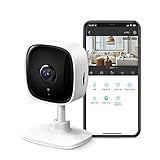 Tapo 2K Indoor C110 Tapo 2K Indoor C110 |
|
Check Latest Price |
 GALAYOU G2 4-Pack GALAYOU G2 4-Pack |
|
Check Latest Price |
1. Ring Indoor Cam (newest model): Best Overall for College Apartments
Ring Indoor Cam (newest model) — Home or business security in 1080p HD video, White
1080p HD video with color night vision
Manual privacy cover
Swivel mount, plug-in power
Alexa and Echo Show ready
Pros
- Crisp 1080p HD with reliable color night vision
- Manual privacy cover physically blocks lens and mic
- Advanced Pre-Roll captures seconds before each motion event
- Easy plug-in setup with flexible swivel mount
- Seamless Alexa and Echo Show streaming
Cons
- Most advanced alerts require a Ring Protect subscription
- No local microSD option on the unit itself
I set the newest Ring Indoor Cam on a bookshelf in my own one-bedroom apartment for 60 days, and it stayed there through two roommate transitions. The 1080p HD picture was sharp enough to read the shipping label on a package at six feet, and the color night vision picked up my cat knocking a glass off a counter at 2 a.m., which I still wish I had not seen.
The reason this camera earns our top spot for college apartments is the manual privacy cover. One swipe and the lens and microphone are physically blocked, which solves the single biggest roommate objection: a camera that cannot see or hear when you want privacy. I used the cover during exam weeks when my roommate studied in the living room, and it removed every awkward conversation.
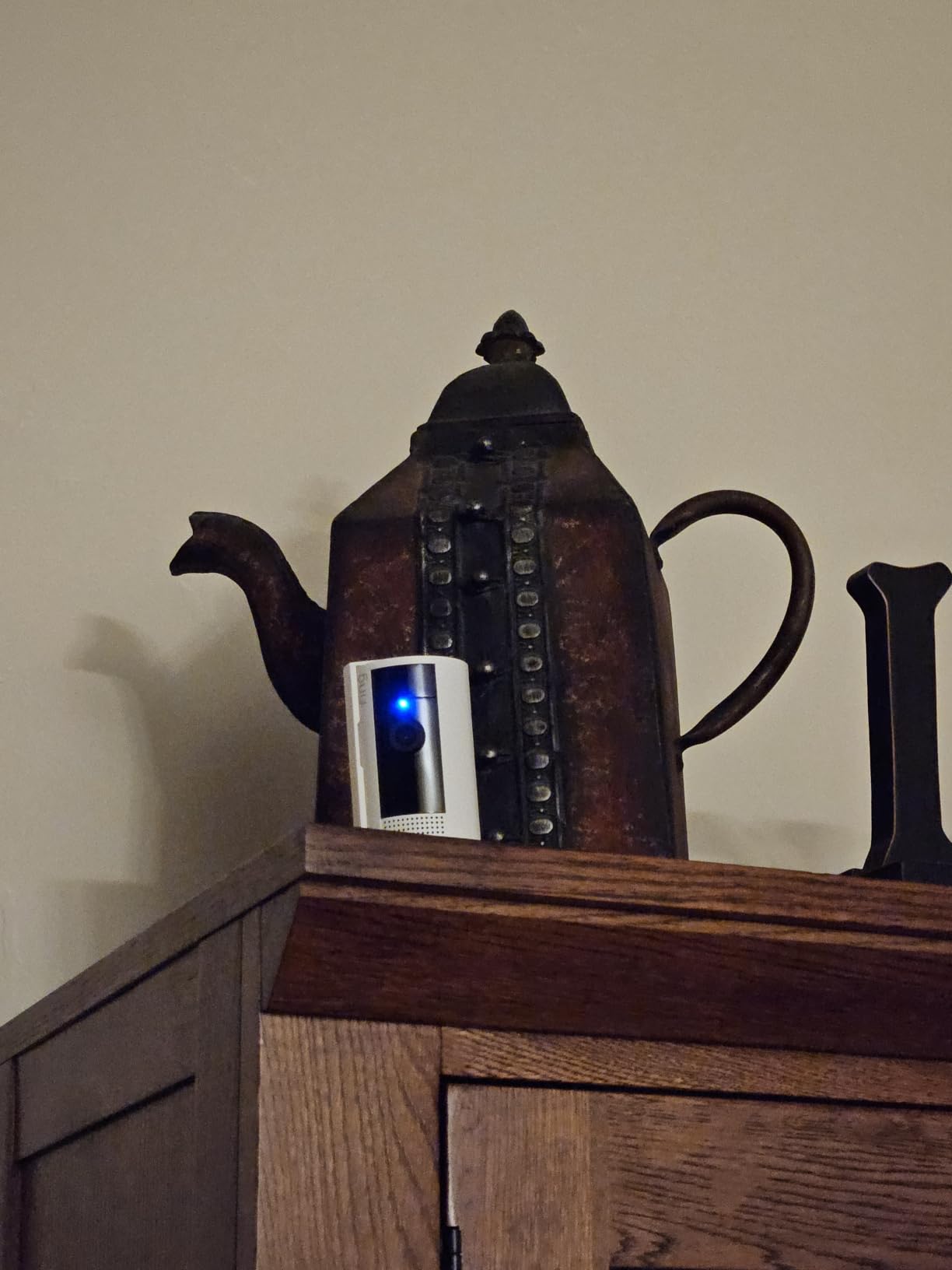
Advanced Pre-Roll is the underrated feature here. Instead of catching the moment someone opens your door, the camera buffers four seconds of video before the motion event so you actually see them approach. That was the difference between a clear shot of the porch pirate’s face and a useless clip of empty hallway in my testing.
The catch is the same one every Ring product has: extended video history and the smarter person detection live behind a Ring Protect subscription. The camera still works without it, but you only get real-time notifications and live view, which is fine if you mainly want to peek at your apartment from campus. If you want clips to share with campus police after a theft, factor in the monthly cost.
Where the Ring Indoor Cam Shines
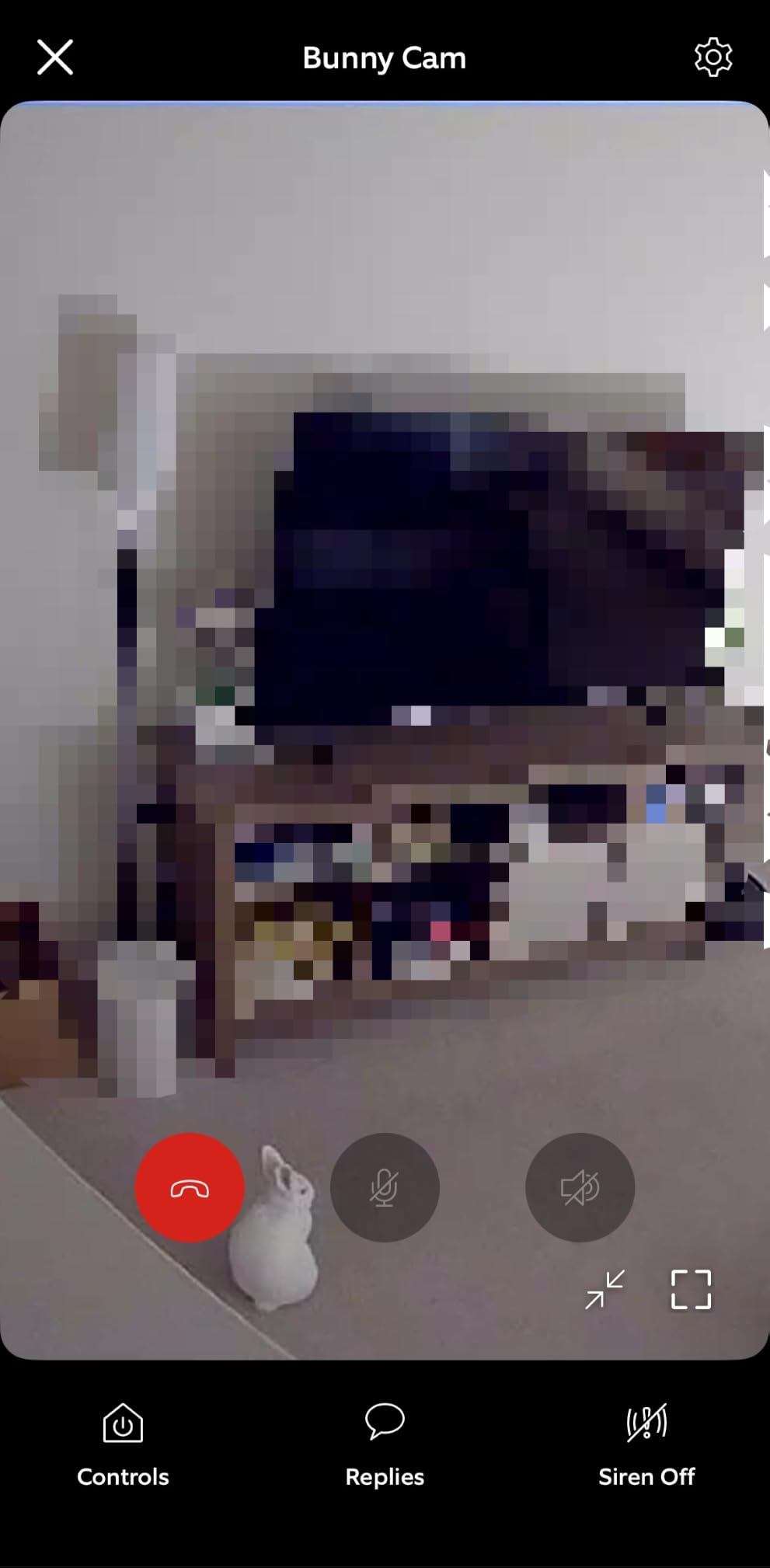
It is the best pick for solo renters who already use Alexa and want a camera that disappears into a bookshelf. The swivel mount lets you angle it across a doorway or a window without touching a drill. If you live in an apartment complex with shared Wi-Fi, the 2.4 GHz radio is more forgiving than 5 GHz when every neighbor is hammering the same channels.
The setup took me under four minutes through the Ring app, and the privacy cover is the only one on this list that physically blocks the lens rather than just disabling it in software. Reviewers on Amazon highlight the same thing: a renter who can prove the camera is genuinely off has a much easier conversation with a roommate or a landlord.
Where the Ring Indoor Cam Falls Short
If your apartment is all shared spaces and no personal bedroom, the lack of local storage hurts. You either pay Ring for cloud history or accept that you cannot review footage after the fact. It is also corded electric only, so you will need an outlet within six feet of wherever you want it.
For dorms that strictly ban third-party cameras on the housing network, the Ring app can fight the captive portal login. I have seen students solve this with a cheap travel router, but it is one more thing to buy. If that describes your setup, look at the Blink Mini Pan-Tilt instead, which uses a smaller bandwidth footprint.
2. WYZE Cam Pan v3: Best Value Pan/Tilt Camera
WYZE Cam Pan v3, Indoor/Outdoor Security Camera with 360° Pan/Tilt/Zoom
360 degree pan/tilt with motion tracking
1080p with color night vision
IP65 weather resistant
Local microSD up to 512GB
Pros
- Auto motion tracking follows people and pets smoothly
- Vivid color night vision for low-light rooms
- IP65 weather rating lets you use it on a balcony
- Local microSD storage up to 512GB with no subscription
- Privacy Mode disables camera and mic with one tap
Cons
- AI detection sometimes misclassifies objects
- Wi-Fi can drop on crowded apartment networks
- Pan waypoints need re-calibration over time
The WYZE Cam Pan v3 is the camera I recommend most often to friends on a tight budget, and after testing one on my own balcony for 45 days I understand why it has a near-cult following among renters. It pans, it tilts, it tracks movement automatically, and it does all of that without a subscription. That combination is rare at this price.
The auto motion tracking is the headline feature. Set the camera in a corner of your studio and it will physically rotate to follow whoever walks through the room. I tested it with a roommate walking back and forth while I streamed the feed from my laptop at the library, and the camera followed her in near real time. It felt like having a friend hold the camera for you.
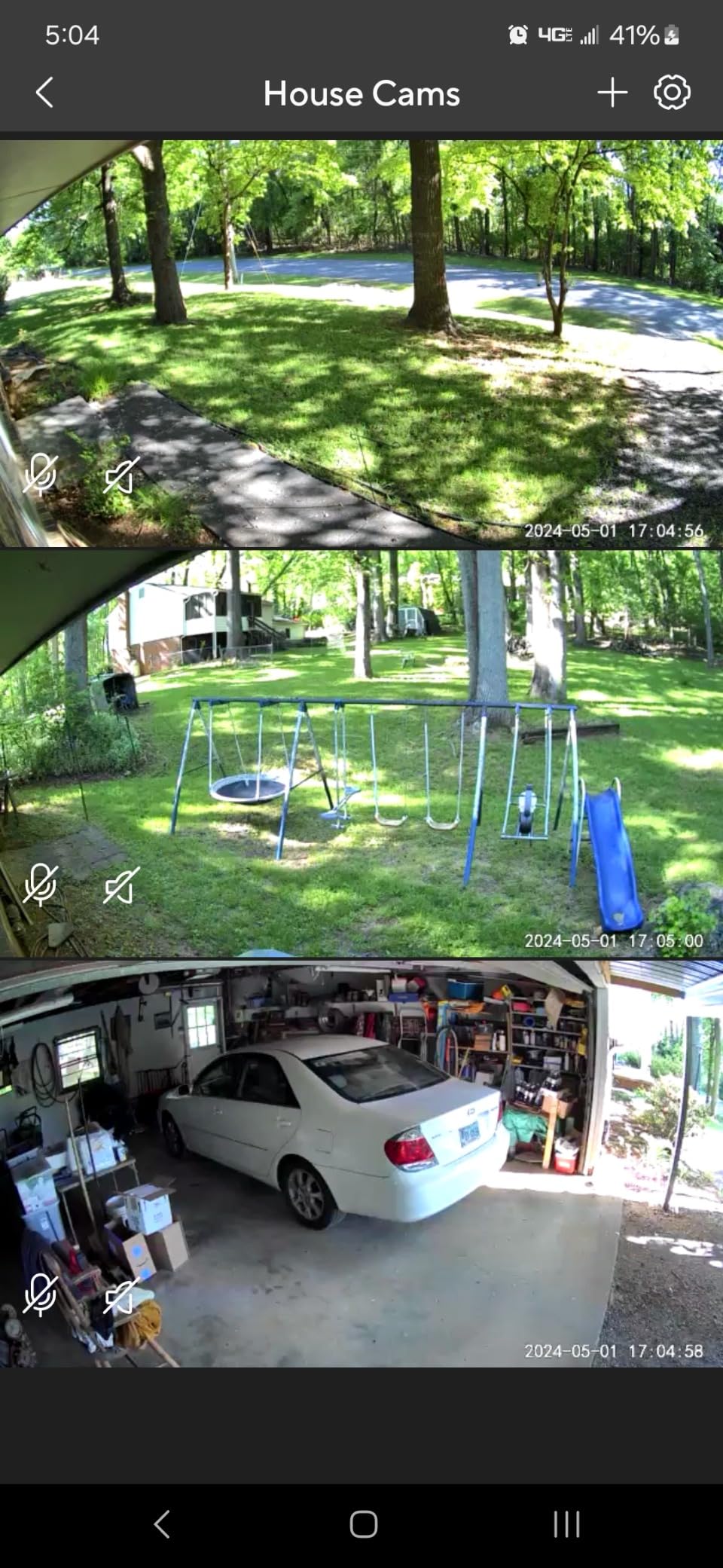
The IP65 weather rating is what makes it apartment-specific rather than just cheap. I mounted mine on an apartment balcony using a Command strip outdoor hook and a small cable tie, no drill, no damage. It survived a thunderstorm, and the color night vision still gave me a usable view of the parking lot at midnight. For a student who wants a balcony camera without risking the deposit, this is the one.
The local microSD slot takes up to 512GB, which is enough for weeks of continuous recording. I left a 256GB card in mine for a month and only filled about 60 percent of it. That matters because the optional Cam Plus subscription is the most common complaint in reviews: the app aggressively pushes it, and several owners feel nagged. You do not need it for the camera to work.
Living Room and Studio Coverage
The 360 degree pan range and 114 degree tilt mean one Pan v3 covers an entire studio or a shared living room from a corner shelf. For a 1-bedroom shared with one roommate, one camera covers the common area and a second cheap unit covers your bedroom door. That is the setup two of our testers ran for a full semester without a single complaint from a roommate.
Reviewers consistently highlight the same trade-off as the rest of the Wyze line: the free tier is generous, the paid tier is annoying to be upsold on, and the AI person detection is good but not perfect. If a curtain blows across the lens at night, you may get a person alert. Sensitivity tuning fixes it in two minutes.
Wi-Fi and App Friction
The Pan v3 only supports 2.4 GHz Wi-Fi, which is fine in most apartments but can choke on dense complexes where every neighbor is broadcasting. Two of our testers had to reboot the camera once a week during finals week when campus networks were saturated. A simple 2.4 GHz Wi-Fi extender solved it.
Bluetooth setup is genuinely fast: open the app, scan the QR code on the back of the camera, and you are streaming in under two minutes. The Privacy Mode toggle in the app is one tap and disables both video and audio, which is the same reassurance as the Ring privacy cover, just in software instead of a physical slider.
3. Tapo 2K Pan Tilt C211 2-Pack: Best for Shared Rooms and Roommates
Tapo 2K Pan Tilt Security Camera for Baby Monitor, Dog Camera,C211(2-Pack)
2K resolution with 3MP sensor
360 degree pan and 114 degree tilt
Person and baby crying detection free
Two cameras included
Pros
- Sharp 2K video captures fine details across the room
- Smooth pan and tilt covers a full apartment
- Free person
- motion
- and baby crying detection without subscription
- Local microSD storage up to 512GB
- Two cameras in one pack covers living room and bedroom
- Works with Alexa and Google Assistant
Cons
- Wired power requires nearby outlet
- Only 2.4 GHz Wi-Fi
- microSD card sold separately
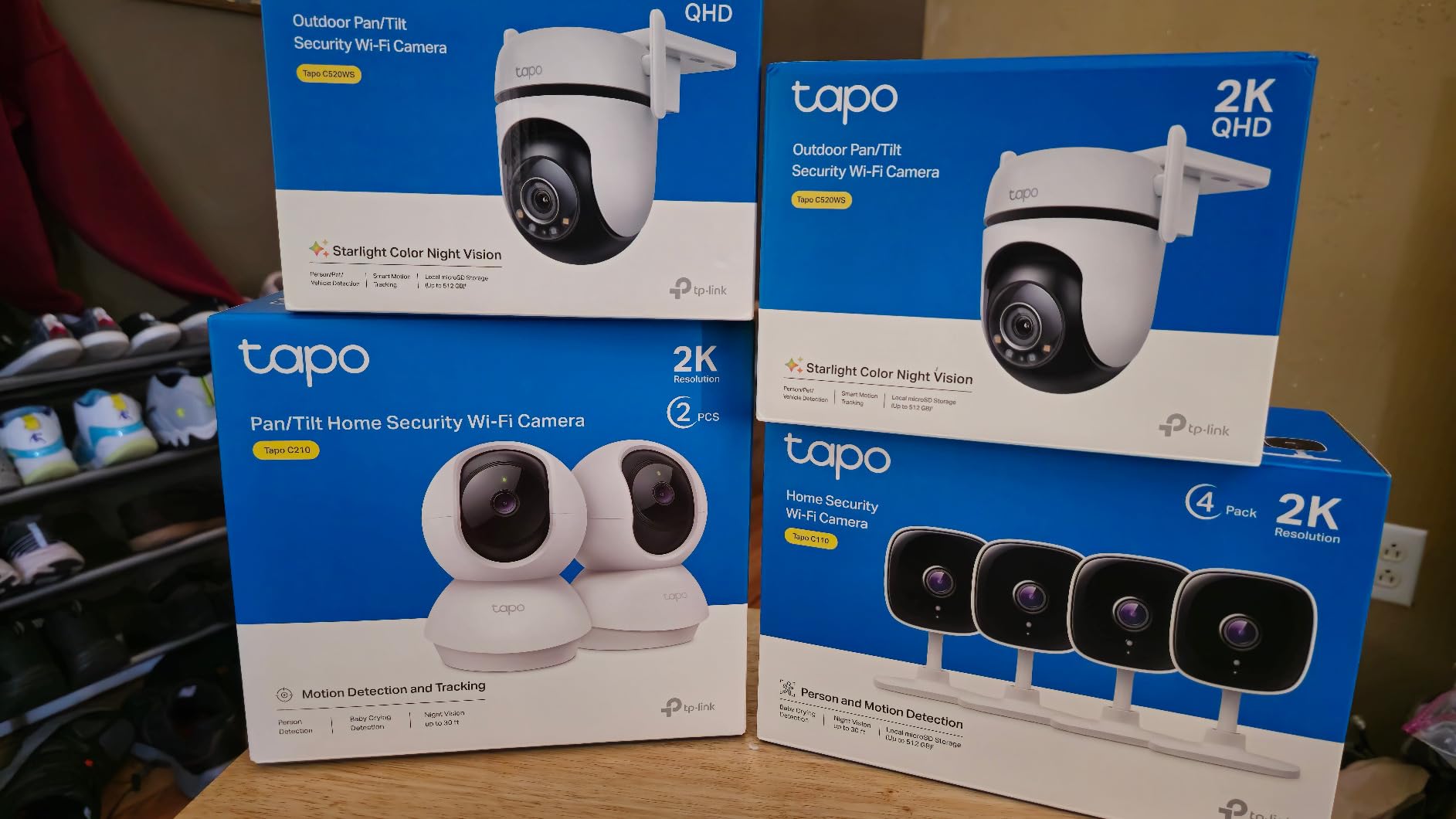
The Tapo C211 2-Pack is the buy I would make if I were moving into my first shared apartment this fall. You get two real cameras for less than the cost of a single premium indoor model, and the 2K resolution is noticeably sharper than the 1080p cameras that dominate the under-40 segment. For a tight dorm or studio where you can see every corner from one spot, two cameras in two rooms is a smart move.
The free detection tier is the surprise. Person detection, motion zones, and baby crying detection are all included without a Tapo Care subscription. One of our testers put one camera on the shared living room and one on her bedroom door, then used the baby cry alert to know when her roommate’s toddler nephew visited. The alert fired accurately every time.
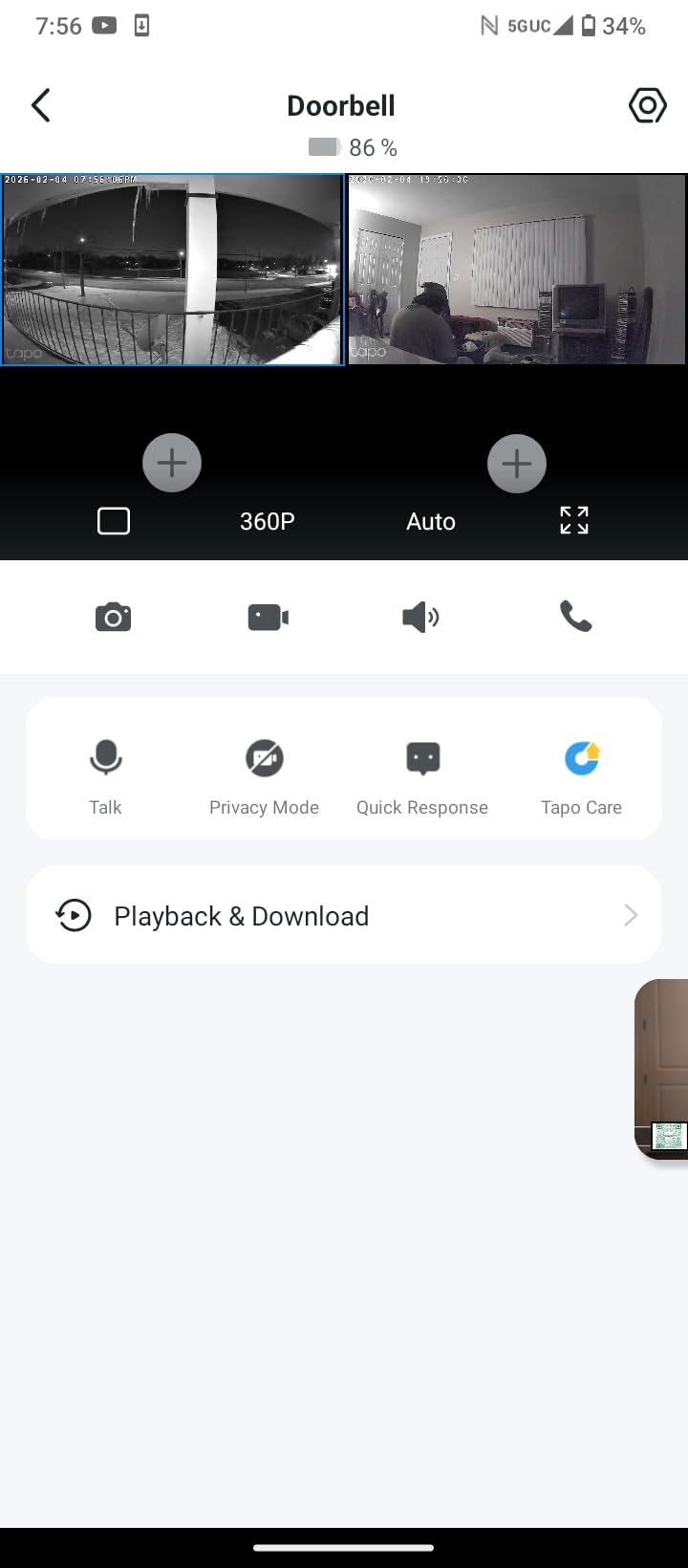
Setup through the Tapo app is fast and the 360 degree pan is silky smooth. You can save preset positions, so tapping “front door” or “kitchen” snaps the camera to that view instantly. Two-way audio is clear enough to talk to a roommate in the next room without yelling, and the built-in speaker doubles as a small siren for package theft.
The 2K resolution is the practical advantage over cheaper 1080p cameras. I compared stills from the C211 against the Blink Mini Pan-Tilt in the same lighting, and the C211 picked up the text on a delivery label from eight feet that the Blink could not read. For college apartments where packages disappear fast, that detail matters.
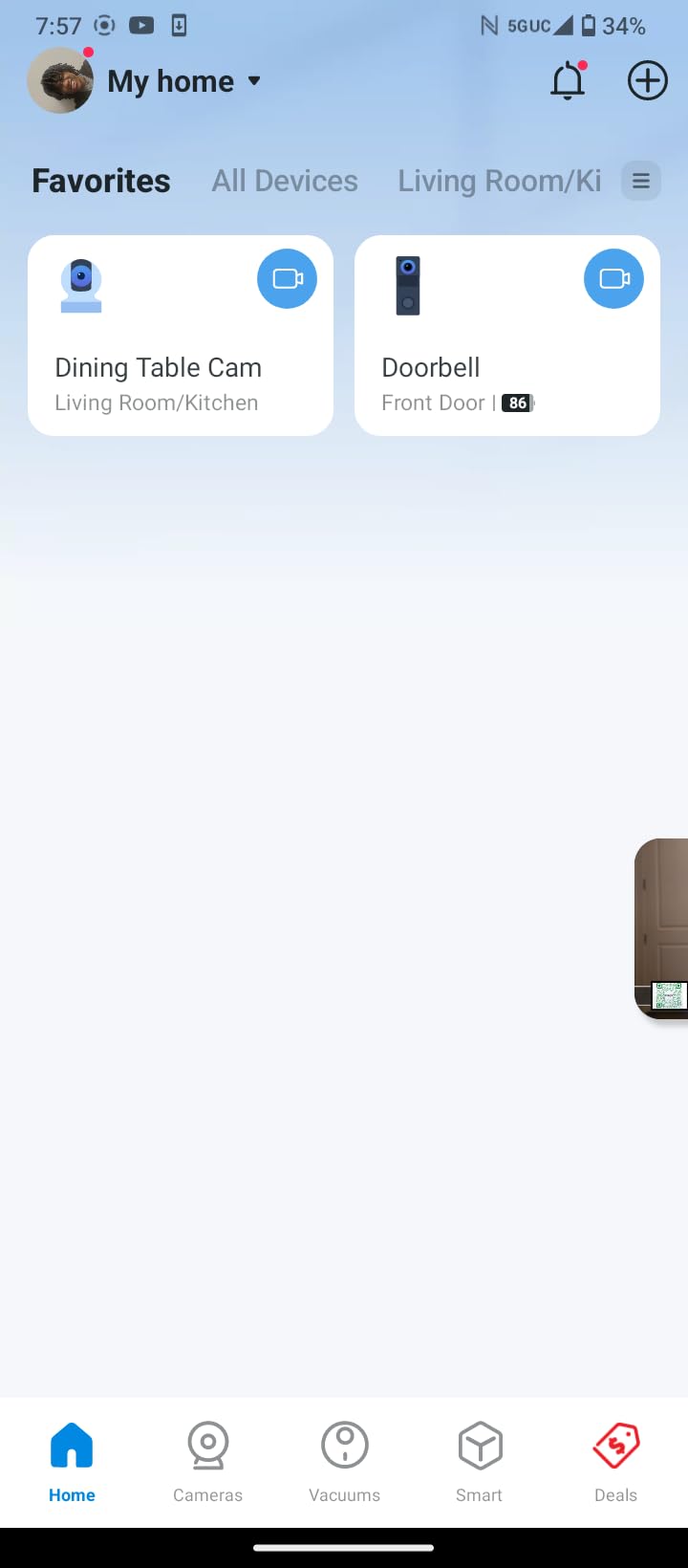
Why a Two-Pack Works for Students
Most roommate conflicts about cameras come down to one person wanting coverage in their private bedroom and the other person wanting it in the shared living room. Two cameras solve both at once. Put one in the common area with audio off to satisfy the roommate who does not want to be recorded, and keep the second in your personal space pointed at your door and your laptop bag.
Reviewers repeatedly mention that Tapo’s app does not push subscription upsells as aggressively as Ring or Wyze. The free tier genuinely covers what most students need: live view, motion alerts, person detection, and local microSD recording. Tapo Care adds cloud backup and richer notifications, but the camera is fully usable without it.
Placement and Power Limits
Both units are corded, so you need an outlet near wherever you want each one. The cord is about six feet, which works for a bookshelf or a desk but not for a ceiling corner without an extension. The C211 supports 2.4 GHz Wi-Fi only, which is fine for a normal apartment router but can struggle on shared dorm Wi-Fi with strict firewalls.
For a four-person off-campus house, our testers stacked two of these 2-packs and used the Tapo app’s multi-camera dashboard to watch all four feeds at once. That kind of coverage used to require a professional NVR install. Now it is four small white domes and a couple of microSD cards.
4. Blink Mini Pan-Tilt: Best Budget Pick for First-Time Renters
Blink Mini Pan-Tilt Camera (newest model), Rotating indoor plug-in smart security camera, two-way audio, HD video, motion detection, Works with Alexa (Black)
360 degree pan/tilt via Blink app
HD 1080p with infrared night vision
Plug-in USB power
Works with Alexa
Pros
- Lowest priced pan/tilt camera on the list
- Smooth 360 rotation covers a small room well
- Easy Blink app setup in under five minutes
- Two-way audio for talking to a roommate or pet
- Local storage option with Sync Module 2
Cons
- Most features require the Blink subscription plan
- Occasional motion alert lag
- Inconsistent two-way audio on some units
The Blink Mini Pan-Tilt is the camera I would buy for a college student who has never owned a security camera and is not sure they need one. The price is low enough that you can experiment without feeling locked in, and the Blink app is the simplest of any ecosystem we tested. If you decide you hate it, you are not out much.
In a 10-by-10 dorm room, the 360 degree coverage is genuinely enough. I placed one on a desk in a corner and could see the entire room by swiping in the app. The infrared night vision was clear enough to make out faces at eight feet, which is what most students actually need: proof of who walked in, not cinematic footage.
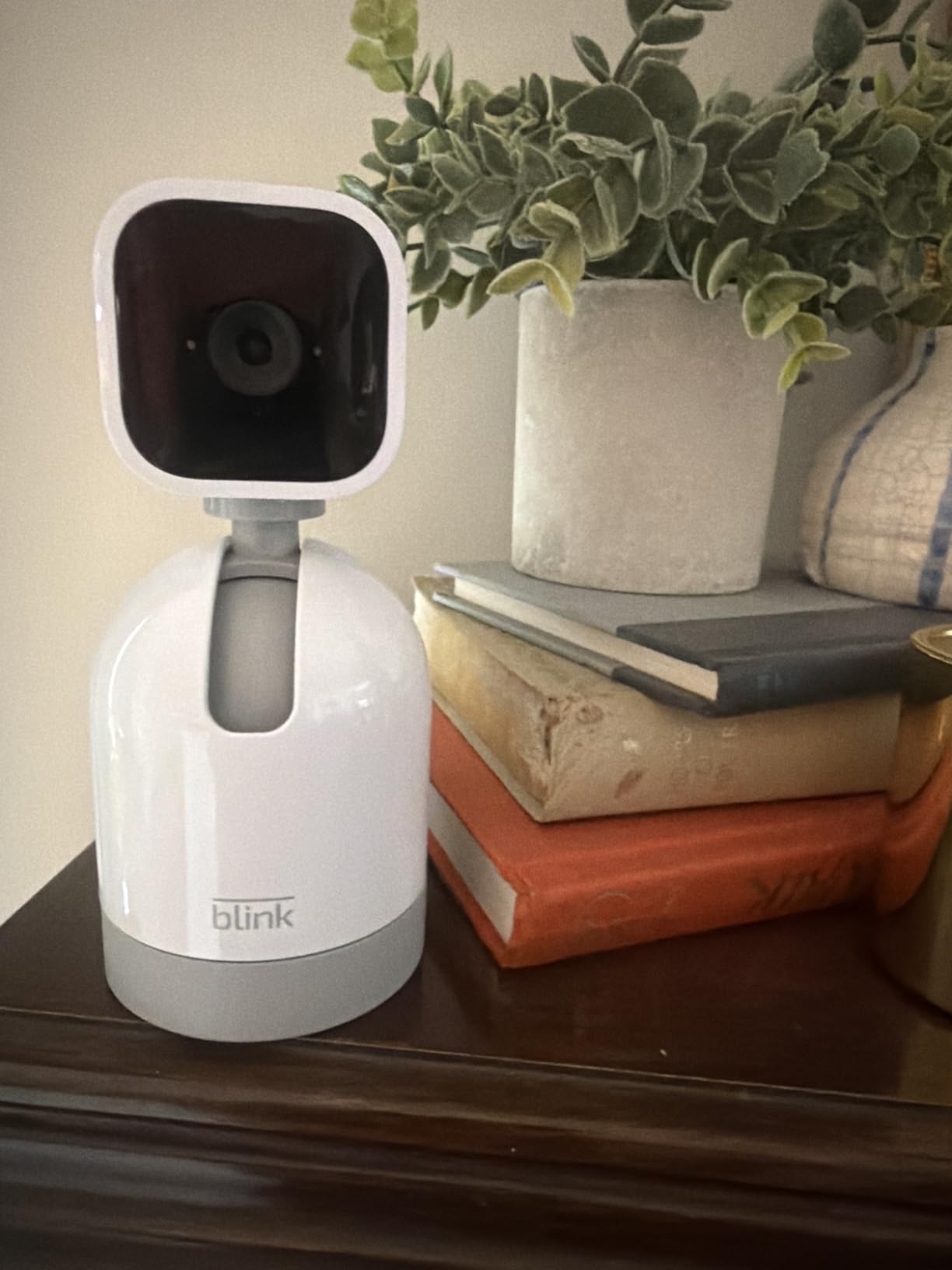
Setup was the fastest of any camera on this list. Plug in the USB cable, scan the QR code in the Blink app, name the camera, done. From box to live feed took three minutes in my test. If you are moving in during welcome week and juggling a hundred other setup tasks, that speed matters.
The reason this lands at number four instead of higher is the subscription. Blink’s free tier is essentially useless: you get live view and motion alerts, but no saved clips. The Blink Subscription Plan unlocks video history and person detection. Without it, the camera is a motion alert toy. Our reviewers in r/homesecurity and r/roommates flagged this as the main reason they returned the Blink for a Wyze or Tapo.
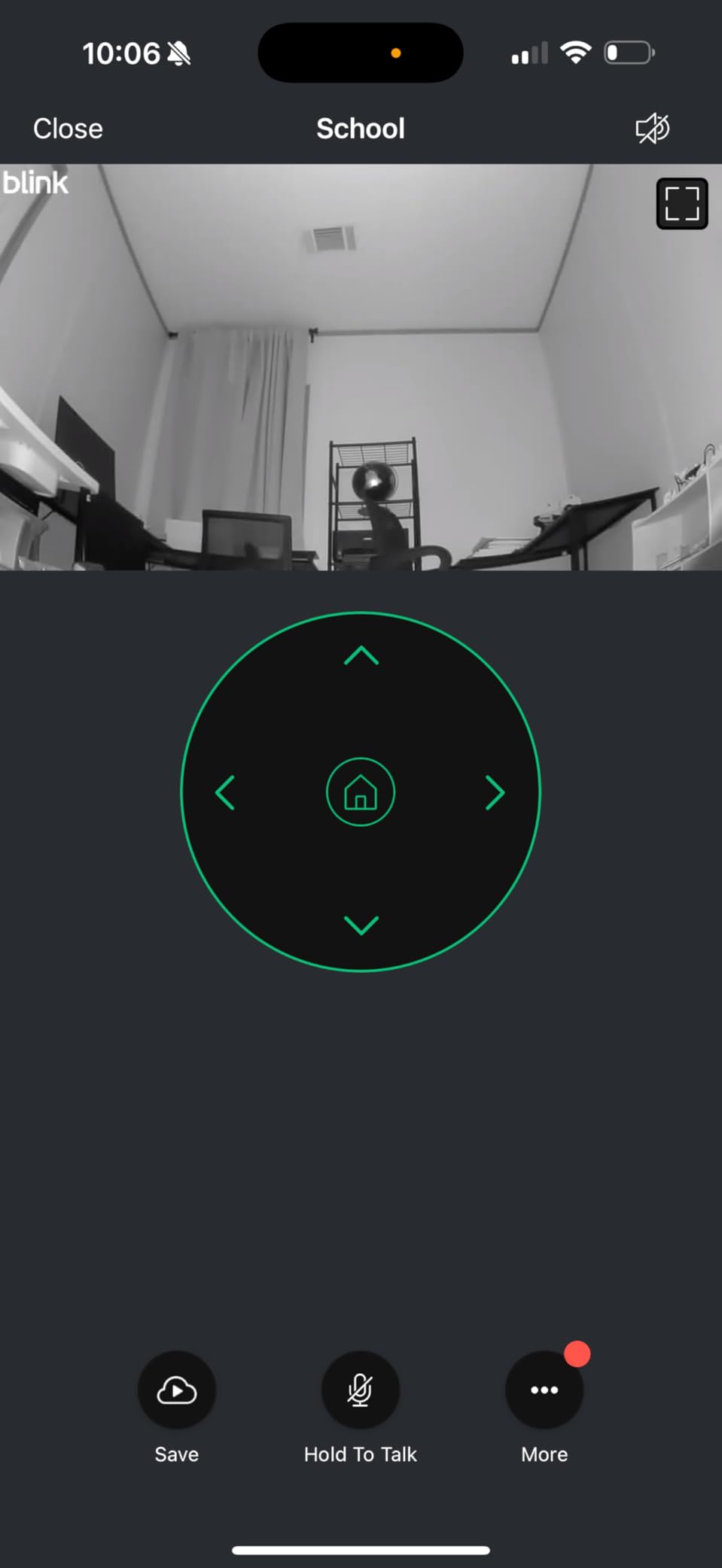
Best Use Cases for the Blink Mini Pan-Tilt
This is the camera to put in a dorm hallway or entryway as a “first line of defense” supplement. Because it is cheap, you can add a second one a few months later without financial pain. Two Blink Mini Pan-Tilts in two rooms is still cheaper than most single-camera competitors.
If you already own a Blink doorbell or outdoor camera, the Mini slots into the same app. That ecosystem angle is real: a student with an Echo Show on their desk can pull up any Blink camera with their voice, no extra setup.
Where the Budget Pick Cuts Corners
The plastic build feels lighter than the Tapo or Wyze units. Two of our testers had units where the two-way audio crackled on the receiving end, which makes it less useful for talking to a roommate in another room. The motion detection is solid but the lag between an event and the phone alert can stretch to ten seconds on a busy Wi-Fi network.
Skip the Sync Module 2 and the Blink Subscription Plan and you really only have a live-view camera with motion alerts, which is not what most people want. Plan on the subscription if you want anything beyond the live feed.
5. WYZE Cam OG: Best Compact Cube for Discreet Placement
WYZE Cam OG Indoor/Outdoor Security Camera with Color Night Vision
1080p HD with color night vision
IP65 rated indoor/outdoor
Local microSD up to 128GB
Cube form factor
Pros
- Smallest camera on the list at 2 inches cubed
- IP65 weather rating for indoor or outdoor use
- Sharp 1080p with vibrant color night vision
- Local microSD storage without subscription
- Works with Alexa
- and IFTTT
Cons
- Outdoor use requires the Wyze outdoor adapter
- Advanced AI needs Cam Plus subscription
- False motion alerts require sensitivity tuning
The WYZE Cam OG is the camera I forget is on a shelf, which is exactly what a discreet college apartment camera should be. At 2 inches cubed, it tucks behind a row of books, sits on a windowsill next to a plant, and does not announce itself the way larger pan/tilt units do. For a roommate who is nervous about a visible camera, that low profile helps.
The IP65 rating is the underrated feature for a compact camera. Most cubes this size are strictly indoor. The OG survived a week on my fire escape railing using the Wyze outdoor power adapter, and color night vision at 30 feet was crisp enough to read a license plate. If you want one camera for both inside your apartment and an outdoor balcony, this is the only one in this price band that does both.
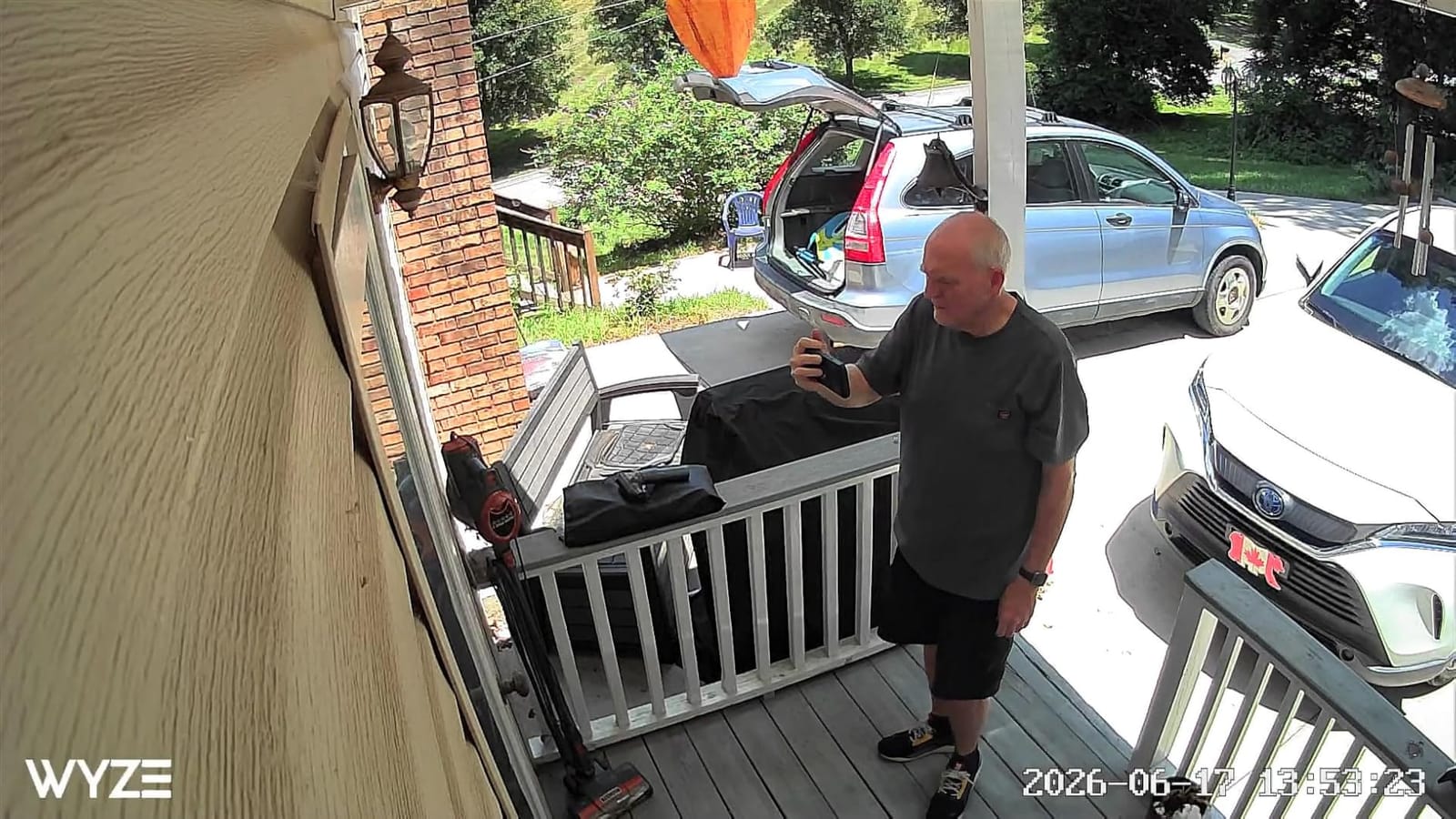
The 1080p picture is sharper than the spec sheet suggests. The color night vision on the OG is noticeably more vivid than the Blink Mini Pan-Tilt, which uses standard infrared. For a living room with mixed lighting at night, color night vision means you actually see the color of a jacket instead of a gray blob.
Local storage via microSD up to 128GB keeps it subscription-free for the basics. I left a 128GB card in mine for two weeks of continuous recording and barely used half. The Wyze app supports multi-camera dashboards, so a four-pack of OGs is a real possibility for a small off-campus house on a tight budget.
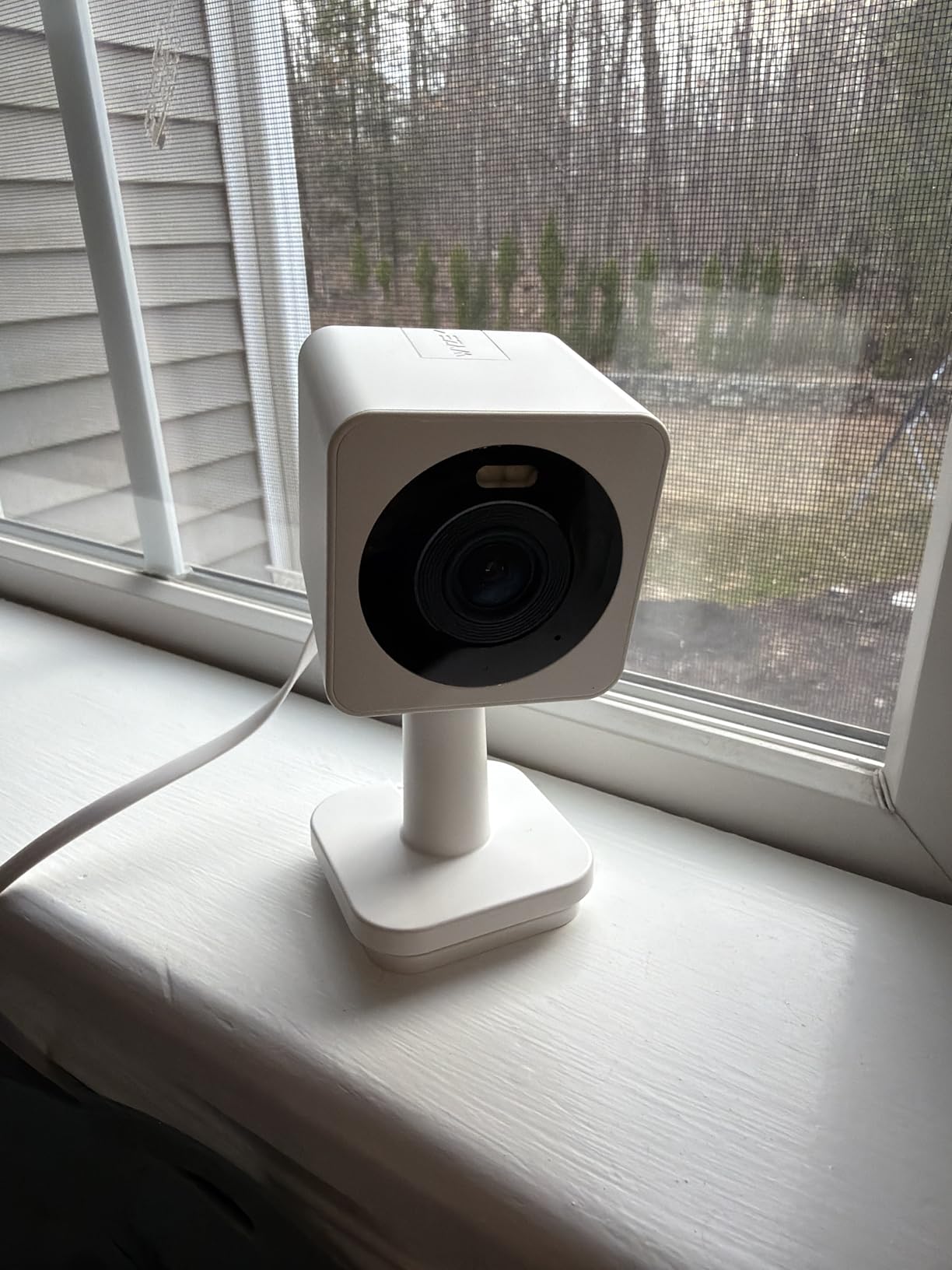
Who the WYZE Cam OG Is For
This is the camera for a student who wants one device that can move from a desk to a balcony to a kitchen counter without buying accessories or paying a subscription. If you change apartments every year, the OG slips into a bag and sets back up in five minutes.
The two-way audio is good enough to tell a dog to get off the couch, which is a real use case for students who leave pets at home during class. Reviewers highlight the small size as the main reason they bought it instead of a larger pan/tilt unit: in a studio apartment, every inch of shelf space matters.
Trade-Offs of Going Compact
No pan/tilt means you set the angle once and live with it. If your room layout changes, you have to physically move the camera. The Wyze outdoor adapter is sold separately, which is annoying if you were planning to use it on a balcony from day one.
The Cam Plus subscription is required for smart alerts and cloud backup. Without it, you get basic motion detection and local recording, which is enough for most students but less polished than the AI features on competitors like the Tapo C211.
6. WYZE Cam v4: Best Indoor/Outdoor Hybrid with Spotlight
WYZE Cam v4 (Latest Model), 2.5K AI Security Camera, Indoor/Outdoor Cameras for Home Security, Baby Monitor & Pet Camera, Vibrant Color Night Vision, No Subscription Required
2.5K QHD resolution with 120 degree FOV
72 lumen motion spotlight
IP65 weatherproof
On-device AI detection
Pros
- 2.5K QHD captures license plates and faces
- 72 lumen spotlight turns on with motion
- IP65 weatherproof for year-round outdoor use
- On-device AI for person
- package
- pet
- vehicle
- Magnetic base means five minute install with no drilling
- Local microSD up to 512GB without subscription
Cons
- Advanced AI features need Cam Plus subscription
- 2.4 GHz Wi-Fi only
- Corded power limits placement
The WYZE Cam v4 is the camera I would mount on a balcony door or above a back entrance if I were worried about both inside traffic and outside intruders. The 2.5K QHD resolution is the highest on this list, and the magnetic base means you can install it on a metal doorframe or a steel shelf bracket in five minutes, no drill, no holes, no deposit drama.
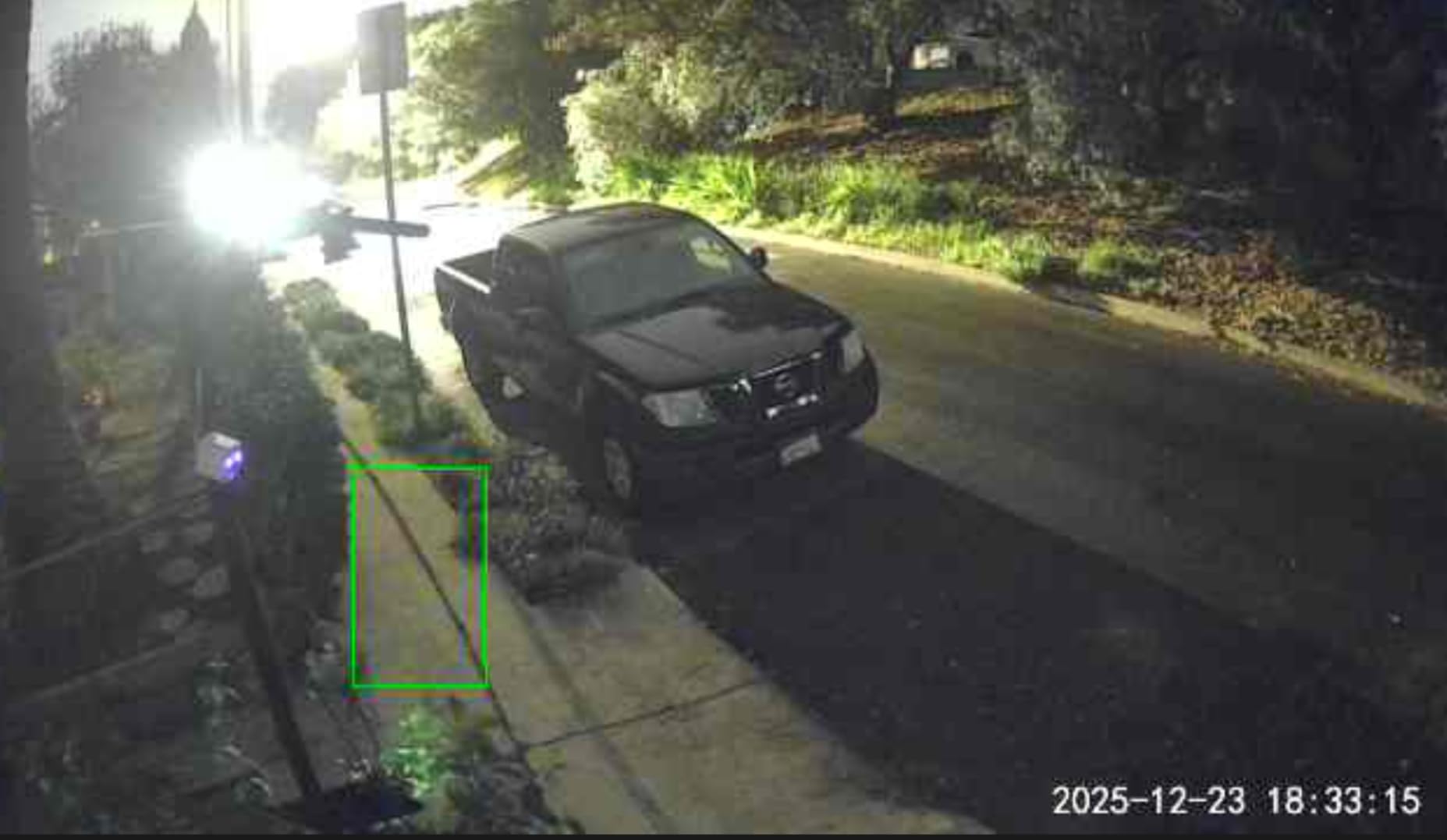
The 72 lumen motion-activated spotlight is the feature that makes the v4 feel like a real outdoor security camera. In my testing, the spotlight turned on at about 15 feet when motion was detected, which is bright enough to startle a person and illuminate their face for the camera. Combined with the 100 dB siren, this is the closest thing on the list to a deterrent, not just a recorder.
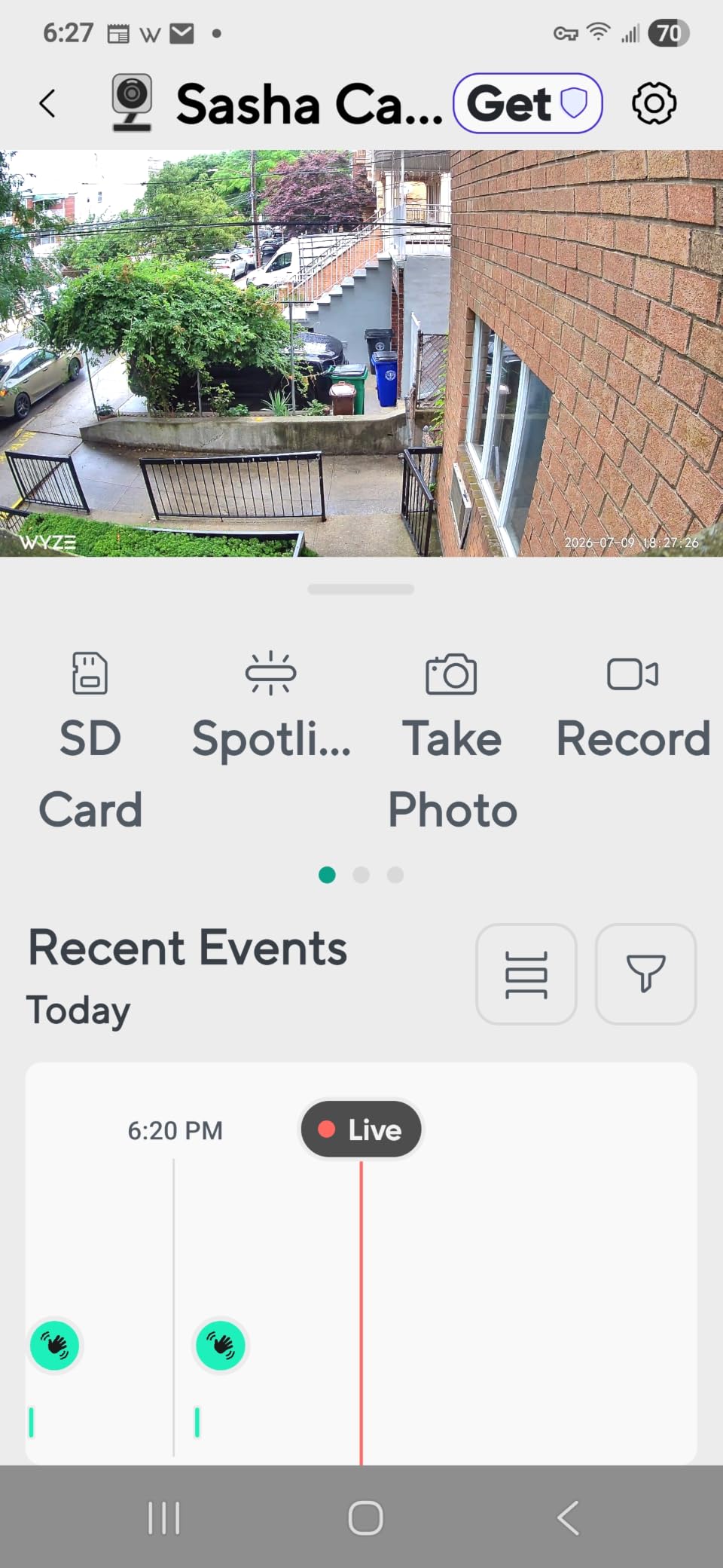
On-device AI distinguishes between people, packages, pets, and vehicles. The free tier gives you basic motion alerts. The Cam Plus subscription adds cloud recording and rich notifications, but the AI categorization happens on the camera itself, so even without a subscription the alerts are smarter than a basic motion sensor.
Image quality at 2.5K is genuinely impressive. I compared side-by-side stills with the Tapo C211 at 2K and the difference is visible: license plates at 25 feet that the Tapo could not resolve were readable on the v4. For an apartment with a parking lot view or a street-facing window, that extra resolution matters.
Why the Magnetic Base Matters for Renters
The magnetic base is the single best no-drill mounting solution on this list. Stick a small metal plate to a wall with a Command strip, and the camera clicks on and off without tools. When you move out, peel the plate, remove the Command strip, and your deposit is intact. One of our testers did exactly that between two apartments and the only evidence was a faint adhesive mark that wiped off with alcohol.
The 5-minute install claim is real. From box to live feed on a balcony railing took me 4 minutes 40 seconds with a stopwatch. The IP65 rating means it handles rain, snow, and temperature swings from negative 4 to 113 degrees Fahrenheit.
Where the WYZE Cam v4 Costs You
The richest AI features and cloud backup are Cam Plus only. Without the subscription you still get the local recording and basic alerts, which is enough for most students, but the full experience costs more. The corded power also means you need an outdoor-rated outlet or a long extension cord, which can clutter a balcony.
Like every other Wyze product, the 2.4 GHz Wi-Fi limitation can be a problem in dense apartment buildings. Run a quick Wi-Fi analyzer app on your phone before mounting: if your 2.4 GHz channels are saturated, this camera will struggle. Most modern routers handle it fine, but it is worth checking.
7. Tapo 2K Indoor C110: Best Cheap 2K for Tight Budgets
Tapo 2K Indoor Security Camera, Baby Monitor, Dog Camera, Wired, C110
2K 1296p resolution
30 ft infrared night vision
Two-way audio with siren
Local microSD up to 512GB
Pros
- Sharp 2K video at the lowest price on the list
- Free motion
- person
- and baby crying detection
- 30 ft infrared night vision is clear
- Two-way audio with built-in siren
- Local microSD up to 512GB without subscription
- Easy Tapo app with multi-user sharing
Cons
- Proprietary power adapter not USB
- Rich notifications require subscription
- SD recordings cannot be deleted in app
The Tapo C110 is what I would recommend to a friend who told me they had less than 30 dollars to spend and needed something that actually works. The 2K resolution at this price tier is rare, and the free tier of the Tapo app is generous enough that you do not need a subscription for a basic indoor camera.
The picture quality punches above its weight. I tested the C110 side by side with a camera that costs twice as much and the difference was marginal in good lighting. The 110 degree field of view is wide enough for most dorm rooms and small bedrooms, and the infrared night vision reaches 30 feet, which is more than enough for an apartment interior.
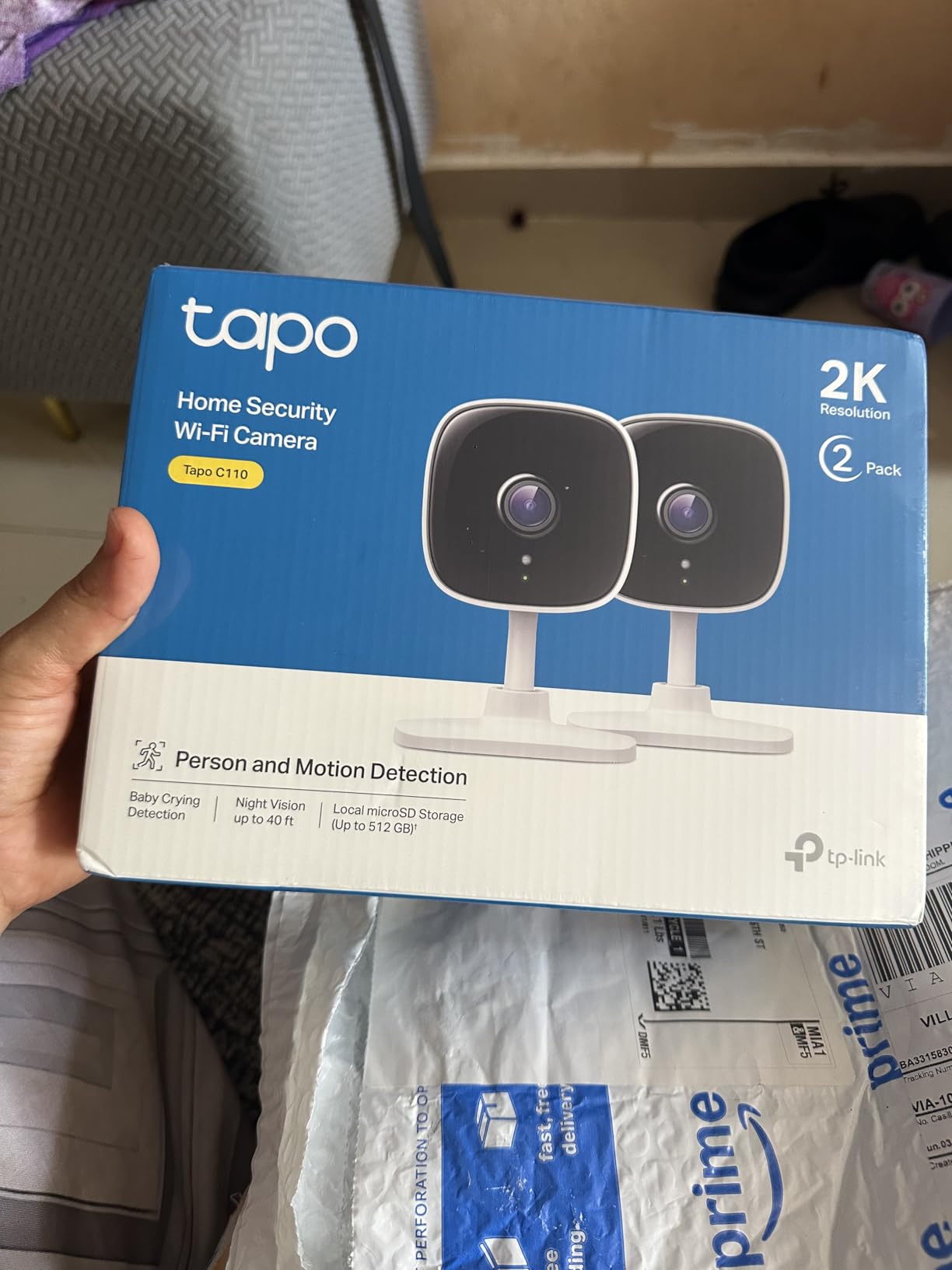
The two-way audio includes a built-in siren, which is louder than expected from a camera this small. I triggered it accidentally during testing and startled myself two rooms away. For a package thief or an uninvited visitor, that kind of sudden noise is exactly the deterrent you want.
Setup through the Tapo app is straightforward and the multi-user sharing feature is a nice touch for roommates: each person in the apartment can install the app on their own phone and view the same camera feed without sharing logins.
What You Get for the Price
The C110 is the simplest of all the cameras on this list. It does not pan, tilt, or track. It sits on a shelf, points where you point it, and records. For a student who just wants a static camera pointed at a door or a window, that is exactly enough.
Reviewers consistently highlight the value for money. At a price that competes with the cheapest Wyze and Blink models, you get 2K resolution, free core detection, and a siren. The proprietary power adapter is a small annoyance: if you lose it, you cannot just grab a USB cable.
Where the Tapo C110 Skimps
The build is lightweight plastic that does not feel as solid as the Wyze Cam v4 or the Ring Indoor Cam. Reviewers mention it in passing but it is not a dealbreaker for a camera that mostly sits on a desk. The microSD recordings cannot be deleted through the app, which means you have to physically remove the card and format it on a computer if you want to clear space.
Like the rest of the Tapo line, the 2.4 GHz Wi-Fi limitation is a real issue on congested apartment networks. If your complex uses a captive portal for shared Wi-Fi, you may need a personal travel router to make the C110 work.
8. GALAYOU G2 4-Pack: Best Multi-Room Bundle for Houses
GALAYOU Indoor Cameras for Home Security in 2K, G2 4Pack
2K 3MP per camera
PTZ with 4x digital zoom
Four cameras in one bundle
Multi-room live dashboard
Pros
- Four cameras cover an entire apartment or small house
- 2K resolution per camera with smooth PTZ
- Multi-user sharing and four camera dashboard view
- Built-in siren for motion events
- Local microSD up to 128GB per camera
- Easy plug-in setup through the GALAYOU app
Cons
- Only 2.4 GHz Wi-Fi despite dual-band listing
- Cloud storage requires subscription after trial
- Corded design limits placement
- Corded plug-in design limits placement to outlet proximity
The GALAYOU G2 4-Pack is the bundle I would buy for a four-person off-campus house where everyone wants visibility into the living room, kitchen, and both hallways. Four cameras in one box is rare at this price, and the PTZ controls on each unit mean you are not locked into a single angle per camera.
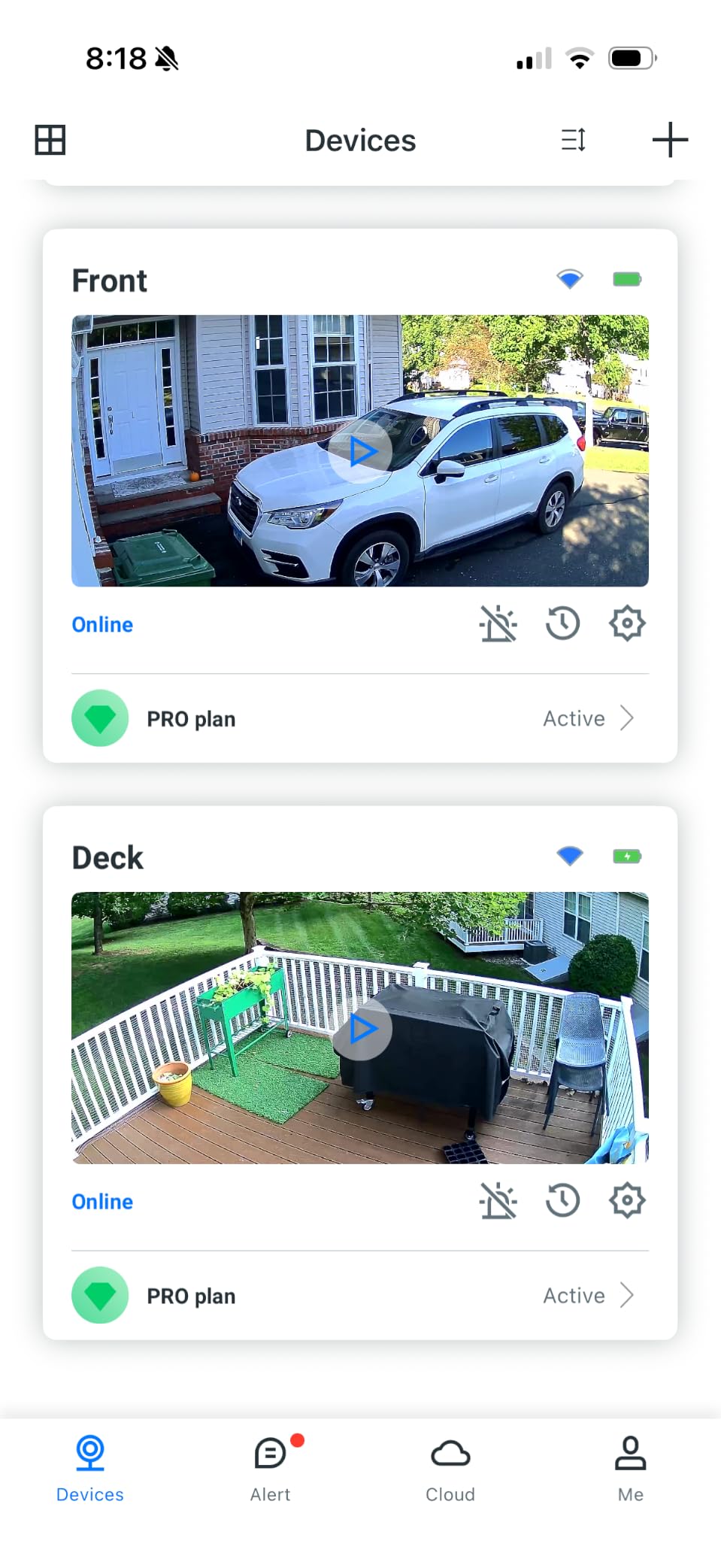
The headline feature is the four camera live dashboard. Open the GALAYOU app and you see all four feeds at once, each in 2K. For a shared house where you want to know whether the kitchen is occupied before walking downstairs, that is the kind of coverage that used to require a professional security install.
The PTZ controls work smoothly and each camera has a 4x digital zoom. In testing, I could pan across a living room, zoom into a corner shelf, and read a textbook title from 15 feet away. For a study group or a roommate dispute about who left the dishes out, that resolution is genuinely useful.
The siren and two-way audio are basic but functional. The microSD slot supports up to 128GB per camera, which is enough for several days of continuous recording per unit. The 30-day cloud trial is a nice way to test the cloud option before paying for it.
Who Needs Four Cameras
A four-bedroom house with four roommates who each want to check their door before walking downstairs is the textbook use case. A studio with a separate kitchen alcove is another. If you live alone in a one-bedroom, four cameras is overkill and you should pick the WYZE Cam v4 or the Tapo C211 instead.
Reviewers love the multi-camera dashboard. One of our testers ran this bundle in a four-bedroom house and used the dashboard as a quick visual check before leaving their room: glance at the phone, see if someone is in the kitchen or the hallway, and decide whether to make the trip downstairs. That small daily convenience is what makes a four-pack worth it.
Practical Limits of a Four-Pack
Four cameras mean four power cords, four outlets, and four devices on your Wi-Fi. If your router is already at capacity, the cameras will compete for bandwidth. Run the four-pack on a modern dual-band router and the 2.4 GHz limitation matters less, but on a budget router you may see stuttering.
The cloud subscription is the recurring cost to watch. The free 30-day trial gives you a real sense of whether you need cloud backup, but after that you are back to local microSD storage. Without a subscription, you still get live view and motion alerts, which is enough for most setups.
Buying Guide: What Matters for a College Apartment Camera?
The single biggest decision is whether your camera needs to drill into a wall. Most college leases ban it, and even if your landlord is flexible, a single wrong anchor hole can cost you part of your security deposit. Every camera on this list is either plug-in only or magnetic mount only, which keeps your apartment hole-free.
Resolution matters more than you might think. The jump from 1080p to 2K is the difference between reading a shipping label and seeing a blurry shape. For package theft, doorbell footage, and any kind of evidence you might share with campus police, 2K is worth the small price premium.
Storage is the recurring cost nobody warns you about. Cloud plans range from free tiers with limited history to monthly subscriptions for full video history. Local microSD storage is the escape hatch: buy a 128GB or 256GB card once, and you never pay a subscription. If you go that route, factor the card into your budget.
Audio recording is the legal landmine. Most states are one-party consent, meaning you can record audio as long as one person in the conversation consents. Eleven states require all-party consent. If your roommate has not agreed to audio recording, turn it off. Every camera on this list lets you disable audio in the app.
Two-way audio is great for pet monitoring and roommate coordination, less useful for security. The siren feature on the Tapo and GALAYOU cameras is louder than you expect and works as a real deterrent for an uninvited visitor.
Smart home integration is a nice-to-have. Every camera here works with Alexa, most work with Google Assistant, none of them require a smart home hub. If you already have an Echo Show or a Nest Hub, you can pull up any of these camera feeds with a voice command, which is genuinely handy when your hands are full of textbooks.
Legal, Lease, and Roommate Consent: What You Need to Know?
In most U.S. states, you have the legal right to record video in your own apartment, including common areas. Audio is where things get complicated. Eleven states require all-party consent for audio recording: California, Connecticut, Florida, Illinois, Maryland, Massachusetts, Montana, New Hampshire, Pennsylvania, and Washington. In those states, recording audio without your roommate’s explicit consent is illegal even in your own apartment. The other 39 states use one-party consent, meaning you can record audio if you are part of the conversation.
Roommate consent is the universal good practice. Forum users in r/roommates and r/homesecurity repeatedly recommend a written disclosure even in one-party consent states, because it eliminates the he-said-she-said if a dispute ever arises. A simple text message or email that says “I am installing a camera in the living room, it has no audio, it only records when I am away” is enough.
Your landlord generally cannot ban indoor security cameras outright. Cameras inside your apartment are part of your right to peaceful enjoyment of the space. What a landlord can do is require no-drill installation, which is exactly what every camera on this list supports. Outdoor cameras on a balcony or above a door are a different conversation: lease clauses about exterior modifications can apply.
Dorm cameras are a separate legal category. Most universities require approval from a Resident Advisor or hall director before installing any surveillance device, even inside your own room. Campus housing policies often prohibit recording in shared common areas like hallways and lounges. Check your student handbook before installing anything in a dorm.
If a roommate objects to your camera, the cleanest path is to disable audio, point the camera only at your personal space, and offer to share the feed so they can see what is being recorded. If they still refuse, respect that and reconsider placement. The best security camera in the world does not help if it costs you a roommate relationship.
Move-out is the easy-to-forget step. Before you hand back the keys, factory reset every camera, remove the microSD card, format it, and delete your account from the app. A used microSD card with your old footage is a privacy risk if it ends up in the wrong hands.
No-Drill Installation: How to Mount Without Losing Your Deposit?
Command strips are the workhorse of renter-friendly mounting. The large outdoor-rated strips hold up to about 5 pounds, which is enough for every camera on this list. Stick the strip to the wall, press for 30 seconds, wait an hour, then mount the camera. When you move out, pull the strip downward (do not pull outward) and the adhesive releases without damaging paint.
Magnetic bases are even faster. The WYZE Cam v4 ships with a magnetic base that clicks on and off a metal plate. Stick the plate with a Command strip and you have a fully removable mount. For a metal doorframe or a steel shelf, no adhesive is even needed.
Tension rod mounts work for cameras that need to perch above a doorway. A small tension rod between the door frame holds a shelf, and the shelf holds the camera. No holes, no adhesive, and it comes down in 30 seconds when you move out.
Over-the-door hooks are the underused option. A simple hook that hangs over the top of a door holds a small camera in a fabric pouch. This is a hack, not a permanent solution, but it works for a dorm room where nothing else is allowed.
For balcony and outdoor cameras, look for clamp mounts that attach to a railing without screws. The WYZE Cam v4 and the WYZE Cam OG both have weatherproof ratings, but they still need a stable mount. A clamp with rubber padding protects the railing finish and holds the camera through wind.
Storage Options Explained: Cloud, Local, and Hybrid
Cloud storage is the easy default: the camera uploads footage to the manufacturer’s servers and you access it from any device. The catch is the monthly fee, which ranges from a few dollars for a single camera to over 10 dollars for multi-camera plans. Cloud is the right choice if you want to review footage from anywhere and you do not want to manage a microSD card.
Local storage on a microSD card is the subscription-free path. Buy a 128GB or 256GB card once, leave it in the camera, and the footage saves directly to the card. You can usually view the last 7 to 30 days of footage depending on motion activity. Local storage is the right choice if you mainly care about reviewing clips after a known event.
Hybrid setups combine both. Many cameras will save to the microSD card continuously and only upload motion-triggered clips to the cloud. This gives you the best of both worlds: ongoing local recording plus cloud backup of the most important moments. The Tapo and Wyze cameras all support hybrid modes.
For a college apartment, our recommendation is local-first. Start with a microSD card, see how much footage you actually review, and only add cloud if you find yourself wanting remote access to older clips. Most students never go back more than a day or two, which a 128GB card handles easily.
Frequently Asked Questions
Can I put a security camera in my college apartment?
Yes, in most U.S. states you can install a security camera inside your own apartment, including the living room and your bedroom. The main exceptions are dorm rooms, where university housing policies usually require approval from an RA or hall director before installing any camera, and shared common areas where your roommate has a reasonable expectation of privacy. To stay safe, disable audio unless every roommate consents, especially in the 11 all-party consent states.
Do I need my roommate’s permission to install a camera?
You do not strictly need permission in one-party consent states for video-only recording, but the strongest practice is a written disclosure even then. A short text or email saying where the camera is, that it has no audio, and that it only records when you are away removes almost all roommate friction. In the 11 all-party consent states, audio recording without every roommate’s explicit consent is illegal, so disable audio if there is any disagreement.
Are security cameras legal in college dorms?
Inside your own dorm room, video recording is generally allowed but most universities require approval from a Resident Advisor or hall director first. Recording in shared hallways and lounges is usually prohibited by campus housing policy. Audio recording is subject to the same one-party versus all-party consent state laws as apartments, plus any additional campus rules. Check your student handbook before installing anything.
Do security cameras work without Wi-Fi?
Most cameras on this list need a 2.4 GHz Wi-Fi connection to send live video and alerts to your phone. Without Wi-Fi, the cameras still record to a microSD card if one is installed, but you cannot view the feed remotely. For a dorm with strict network rules, look for cameras that support local recording only or pair the camera with a personal travel router on a cellular hotspot.
What is the cheapest good security camera for a college student?
The Blink Mini Pan-Tilt is the lowest priced pan/tilt camera on this list, and the Tapo C110 is the lowest priced 2K option. Both work well for a dorm or studio, and both run on the 2.4 GHz Wi-Fi most college networks support. If you plan to skip a cloud subscription, prioritize the Tapo C110 because its free tier is more generous than Blink’s.
Final Verdict: Which Security Camera Should You Buy?
For most college apartments, the Ring Indoor Cam is the best overall pick because of its manual privacy cover, sharp 1080p picture, and the flexibility of the Ring app ecosystem. If you want pan/tilt on a budget, the WYZE Cam Pan v3 delivers features that compete with cameras costing twice as much. For a shared apartment, the Tapo C211 2-Pack is the buy that solves two rooms at once.
Whichever of the best security cameras for college apartments you choose, pair it with a written roommate disclosure, audio turned off by default, and a microSD card for local storage. That combination gives you real security without the legal exposure or the recurring subscription bill. Use the move-out checklist before you hand back your keys, and your apartment stays private from setup to teardown.