
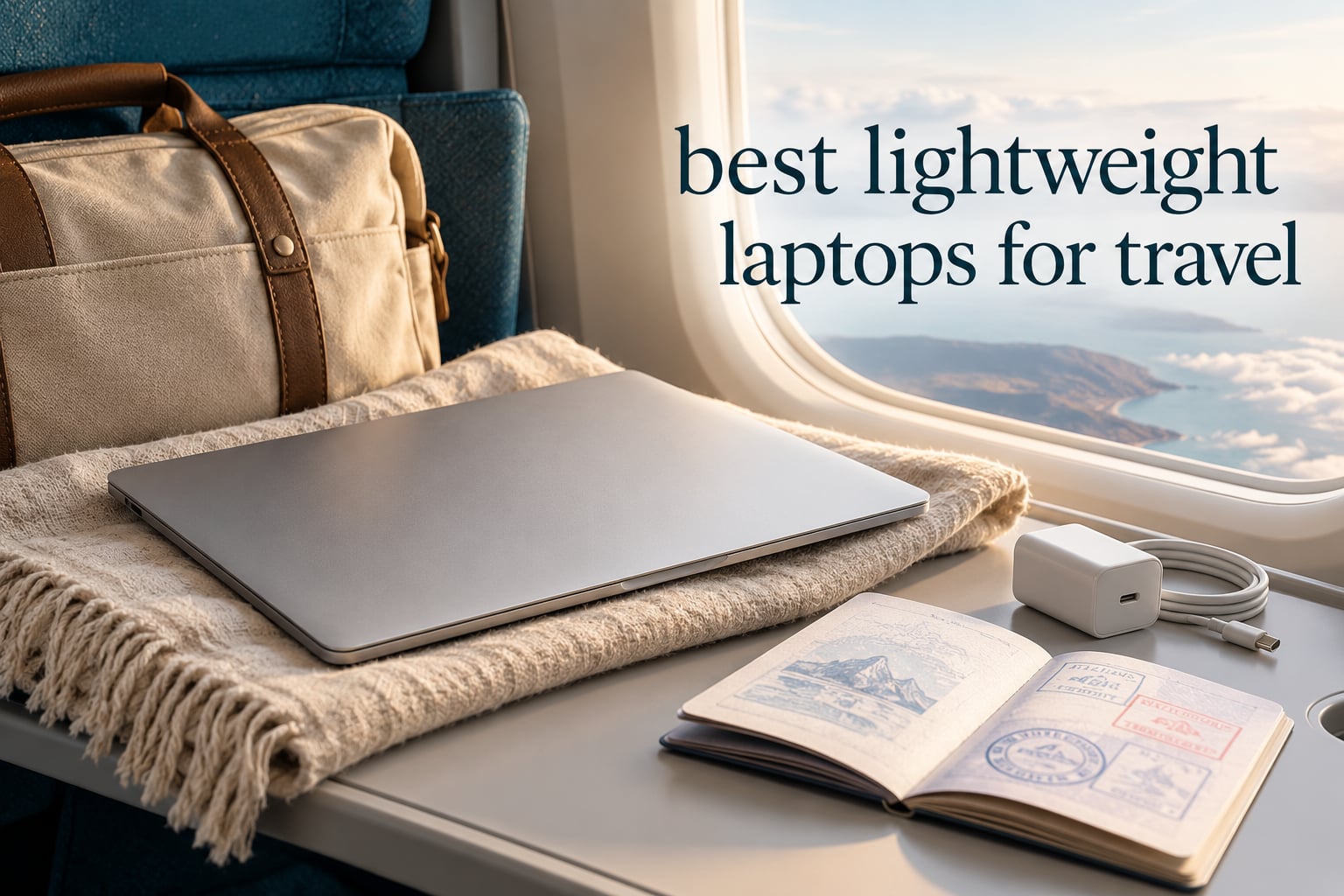
The best lightweight laptop for travel is the Apple MacBook Air 13-inch with the M5 chip, at 2.71 pounds with up to 18 hours of claimed battery life. For Windows users who want more ports and a matte screen, the Lenovo ThinkPad X1 Carbon Gen 13 is the pick, and the Apple MacBook Neo covers the same weight class for less money.
Weighing a laptop in an airport is a strange ritual, but it is the only number that matters once you are carrying it through three terminals, up a jet bridge and into a taxi. Every extra pound compounds across a trip that lasts days rather than hours, and forum posters describe exactly this kind of shoulder and neck fatigue from lugging a heavy daily machine.
We compared ten of the lightest laptops you can buy right now, weighing every published weight figure against the battery, screen, ports and processor that travel actually demands. Some of them sit under 3 pounds. All of them fit in a standard laptop sleeve. A few carry compromises you should know about before you spend a long-haul flight with them.
What follows is a roundup, not a spec dump. Each pick tells you what it is like to use, how long the battery claim translates into actual travel, who it suits and who should skip it. Last, a buying guide explains the weight thresholds, the ARM question, and how to pack a laptop so it survives the trip.
Table of Contents
Top 3 Lightweight Laptops for Travel in 2026
These are the three machines we would put in a bag first, and the reasoning is simple. The MacBook Air wins on battery and refinement, the MacBook Neo wins on cost per ounce, and the ThinkPad X1 Carbon wins for anyone who needs real x86 software and a full complement of ports.

MacBook Air 13-inch M5
- 2.71 pounds
- Up to 18 hours claimed battery
- Two Thunderbolt 4 ports plus MagSafe
- 13.6-inch Liquid Retina display

MacBook Neo 13-inch
- 2.71 pounds
- Up to 16 hours claimed battery
- Recycled aluminum chassis
- 13-inch Liquid Retina display

ThinkPad X1 Carbon Gen 13
- 2.4 pounds
- 2.8K matte anti-glare OLED
- 32GB RAM and 2TB SSD
- Thunderbolt 4 plus HDMI 2.1
All 10 Lightweight Laptops for Travel at a Glance in 2026
Every machine below weighs under or around 3 pounds. The weight figures are manufacturer-stated, so treat them as close to accurate rather than measured, and note that chargers, sleeves and hubs add their own weight to the bag.
| Product | Specs | Action |
|---|---|---|
| Apple MacBook Air 13-inch M5 |
|
Check Latest Price |
| Apple MacBook Neo 13-inch A18 Pro |
|
Check Latest Price |
| Lenovo ThinkPad X1 Carbon Gen 13 |
|
Check Latest Price |
 Microsoft Surface Pro 13-inch OLED Microsoft Surface Pro 13-inch OLED |
|
Check Latest Price |
 Microsoft Surface Laptop 13.8-inch 2024 Microsoft Surface Laptop 13.8-inch 2024 |
|
Check Latest Price |
 Samsung Galaxy Book3 Pro 14-inch Samsung Galaxy Book3 Pro 14-inch |
|
Check Latest Price |
 ASUS Zenbook 14 OLED 2026 ASUS Zenbook 14 OLED 2026 |
|
Check Latest Price |
 Dell XPS 13 9350 Dell XPS 13 9350 |
|
Check Latest Price |
 Lenovo Yoga Slim 7X Lenovo Yoga Slim 7X |
|
Check Latest Price |
 Microsoft Surface Laptop 13.8-inch 2026 Microsoft Surface Laptop 13.8-inch 2026 |
|
Check Latest Price |
1. Apple MacBook Air 13-inch (M5) – Best Overall for Travel (2.71 lbs)
Apple 2026 MacBook Air 13-inch Laptop with M5 chip: Built for AI, 13.6-inch Liquid Retina Display, 16GB Unified Memory, 512GB SSD, 12MP Center Stage Camera, Touch ID, Wi-Fi 7; Midnight
2.71 lbs
13.6-inch Liquid Retina
16GB and 512GB
Two Thunderbolt 4 plus MagSafe
Pros
- Up to 18 hours claimed battery
- the strongest endurance in this group
- Silent fanless operation with no vents to block
- Rigid build that still feels premium at 2.71 pounds
- Two Thunderbolt 4 ports plus MagSafe and a headphone jack
- 12MP Center Stage camera with Desk View for calls
Cons
- No full-size USB-A for legacy flash drives
- Memory and storage are soldered and not upgradeable
This is the laptop we hand to friends who ask for one travel machine and nothing else. The M5 MacBook Air weighs 2.71 pounds, runs completely fanless, and pairs a 13.6-inch Liquid Retina display with 16GB of unified memory and a 512GB SSD. That combination means a full working day in a cafe or a long flight without hunting for a socket.
The battery claim is up to 18 hours, and it is the number that made this the default recommendation. Translated into travel terms, that is a long-haul flight door to door plus a working afternoon, with charge left for the next morning. Owners consistently describe the machine as the first laptop they have owned that they stopped thinking about charging.
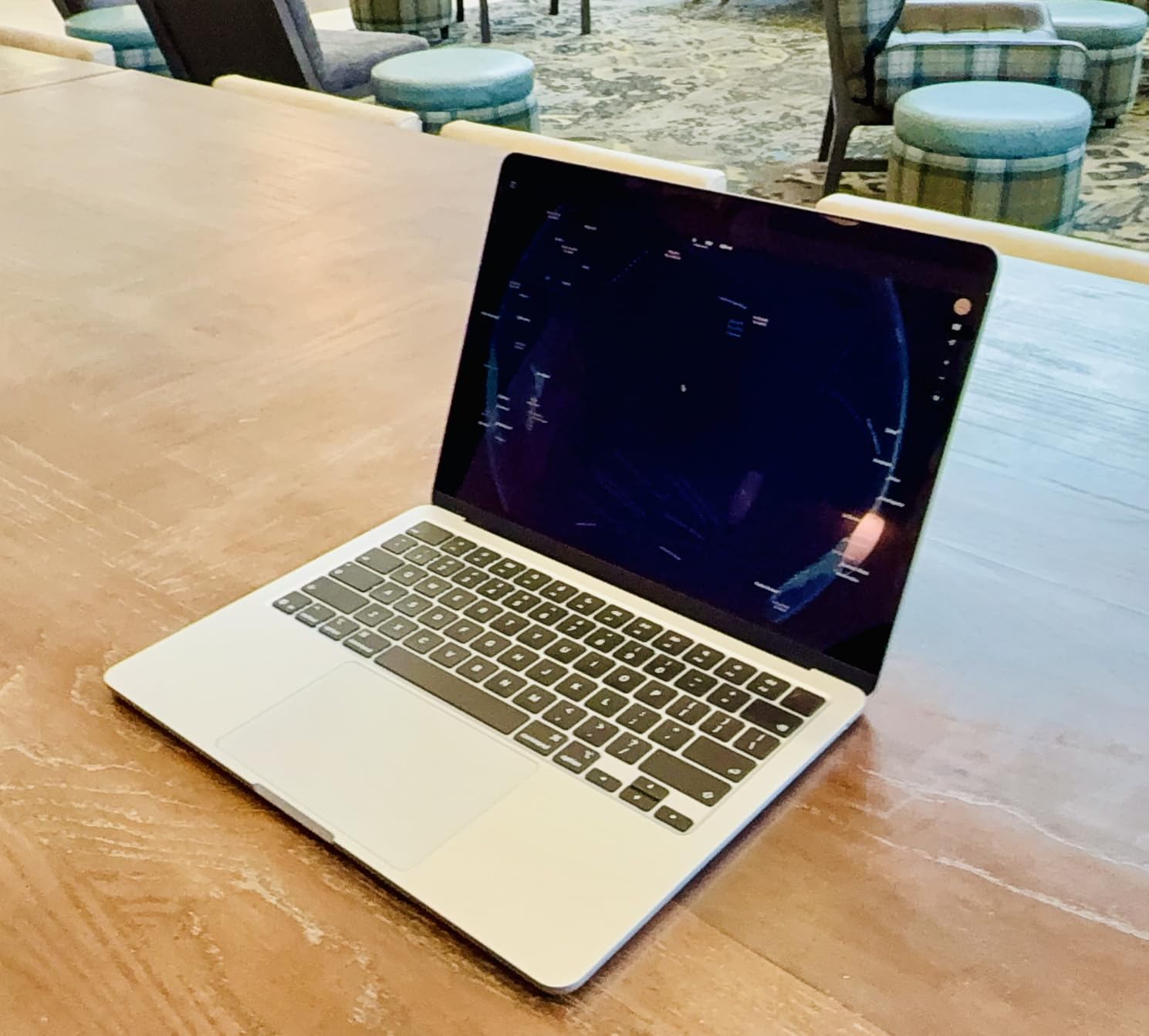
Port selection is the quietly excellent part. Two Thunderbolt 4 ports, a MagSafe charging port and a headphone jack sit on a machine that weighs less than most tablets, which removes the usual need to carry a hub for a single external drive or display. The Apple N1 wireless chip adds Wi-Fi 7 and Bluetooth 6, and up to two external displays are supported.
For calls and media, the 12MP Center Stage camera with Desk View and a four-speaker system with Spatial Audio and Dolby Atmos are genuinely good, not merely adequate. The screen itself is described as superbright and crisp, with support for 1 billion colors, which matters if you edit photos between flights.
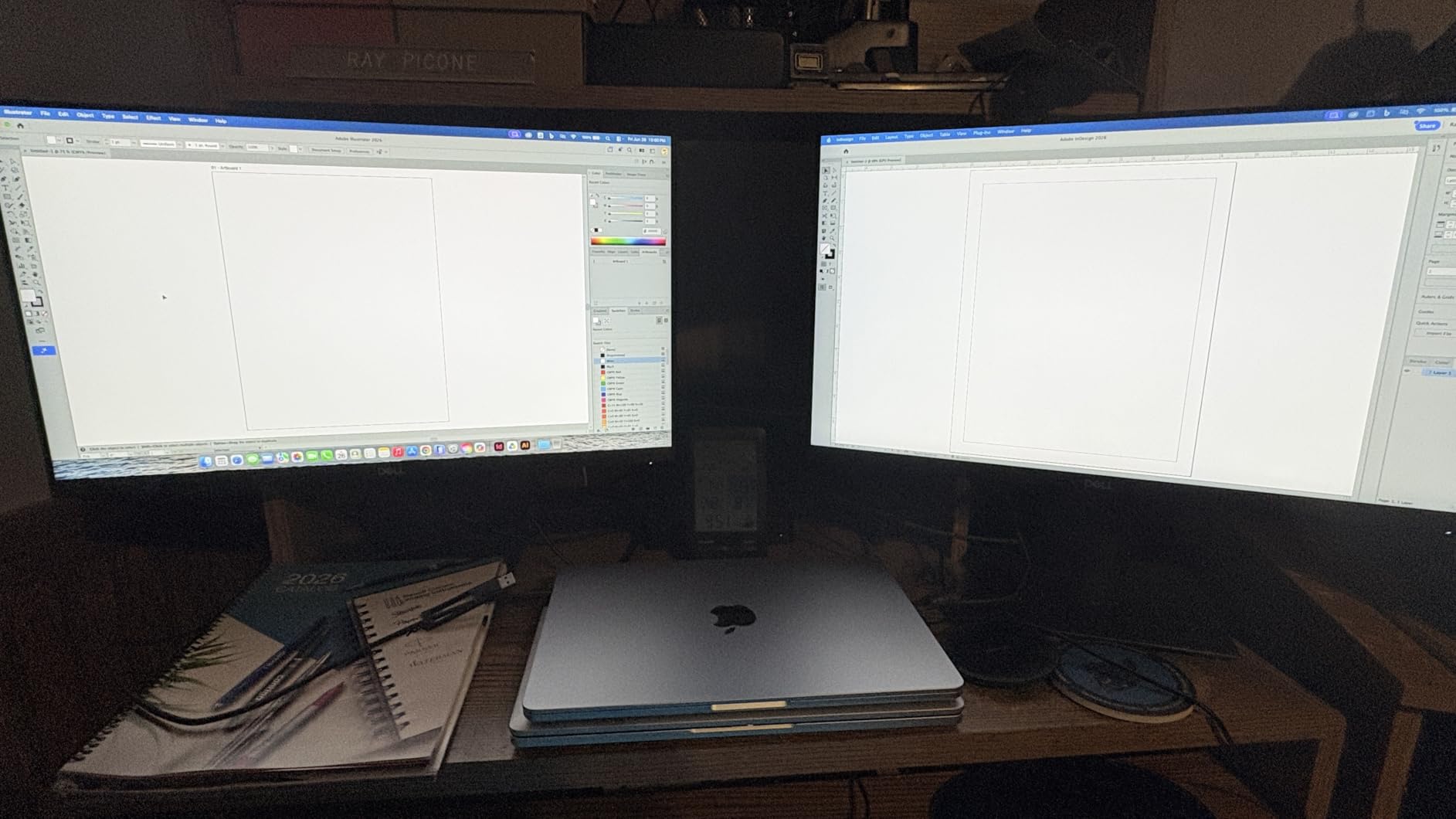
Who the M5 MacBook Air suits for travel
This is the pick for a traveller whose work is email, documents, calls, browsing and light creative work, and who wants zero setup friction. If you already use an iPhone, the handoff between devices is the quiet productivity win that no Windows machine in this list matches.
It is also the safest choice for a long trip because of the support window. Owners highlight the long software support as a real advantage, meaning the machine stays useful across a multi-year travel cycle rather than needing a replacement because an operating system update stopped.
Where the M5 MacBook Air falls short
There is no full-size USB-A port, so a legacy flash drive, an older external drive or a cheap dongle needs an adapter. That is a one-time packing cost rather than a daily one, but it is a real inconvenience for someone who has worked from SD cards for years.
Memory and storage are soldered, so the 16GB and 512GB configuration is what you live with for the life of the machine. And the display and chassis follow the same fixed design language as earlier generations, which means this is a refinement rather than a redesign. If you want the newest-looking hardware, this is not it.
2. Apple MacBook Neo 13-inch (A18 Pro) – Best Value at 2.71 lbs
Apple 2026 MacBook Neo 13-inch Laptop with A18 Pro chip: Built for AI and Apple Intelligence, Liquid Retina Display, 8GB Unified Memory, 256GB SSD Storage, 1080p FaceTime HD Camera; Blush
2.71 lbs
13-inch Liquid Retina
8GB and 256GB
Two USB-C ports
Pros
- Same 2.71 pound weight as the MacBook Air for less money
- Rigid recycled aluminum enclosure that stays cool and silent
- Excellent trackpad and 1080p webcam for the class
- Best reviewed laptop in this roundup
- Handles heat and humidity without complaint
Cons
- No backlit keyboard
- One of the two USB-C ports is USB 2.0
- 8GB memory and 256GB storage cannot be changed
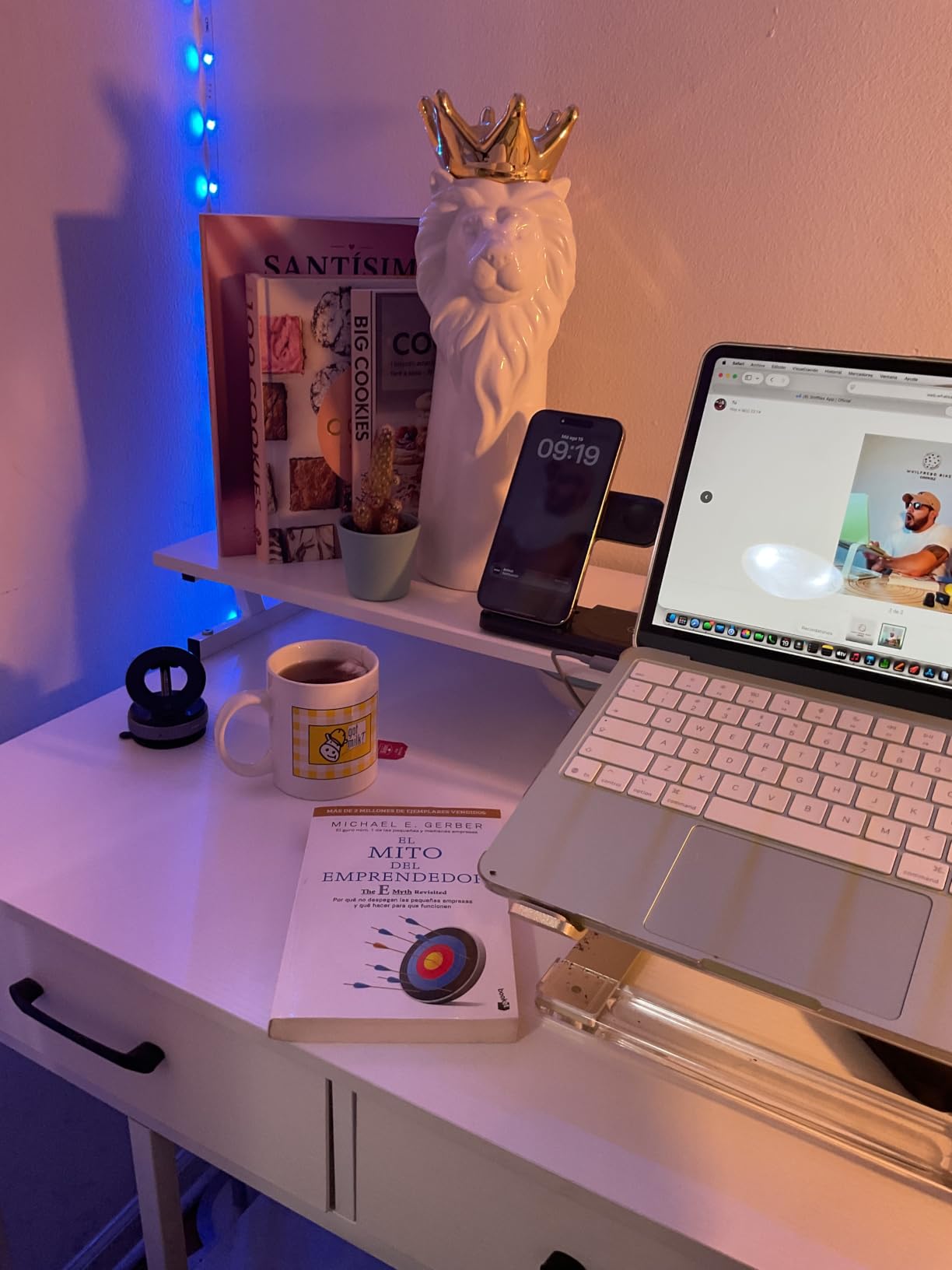
The MacBook Neo is the answer to a question travellers keep asking: do I really need to spend the top tier to get a genuinely portable machine? At 2.71 pounds, with the A18 Pro chip, a fanless design and no vents, it is the same weight class as the Air for a lot less money, and it carries the largest review base in this group.
Reviewers describe the chassis as rigid rather than creaky, which matters more on the road than it does on a desk. Owners also report that it handled heat, humidity and rough handling without issue, and one first-time Mac user says macOS was easy to adapt to within two days.
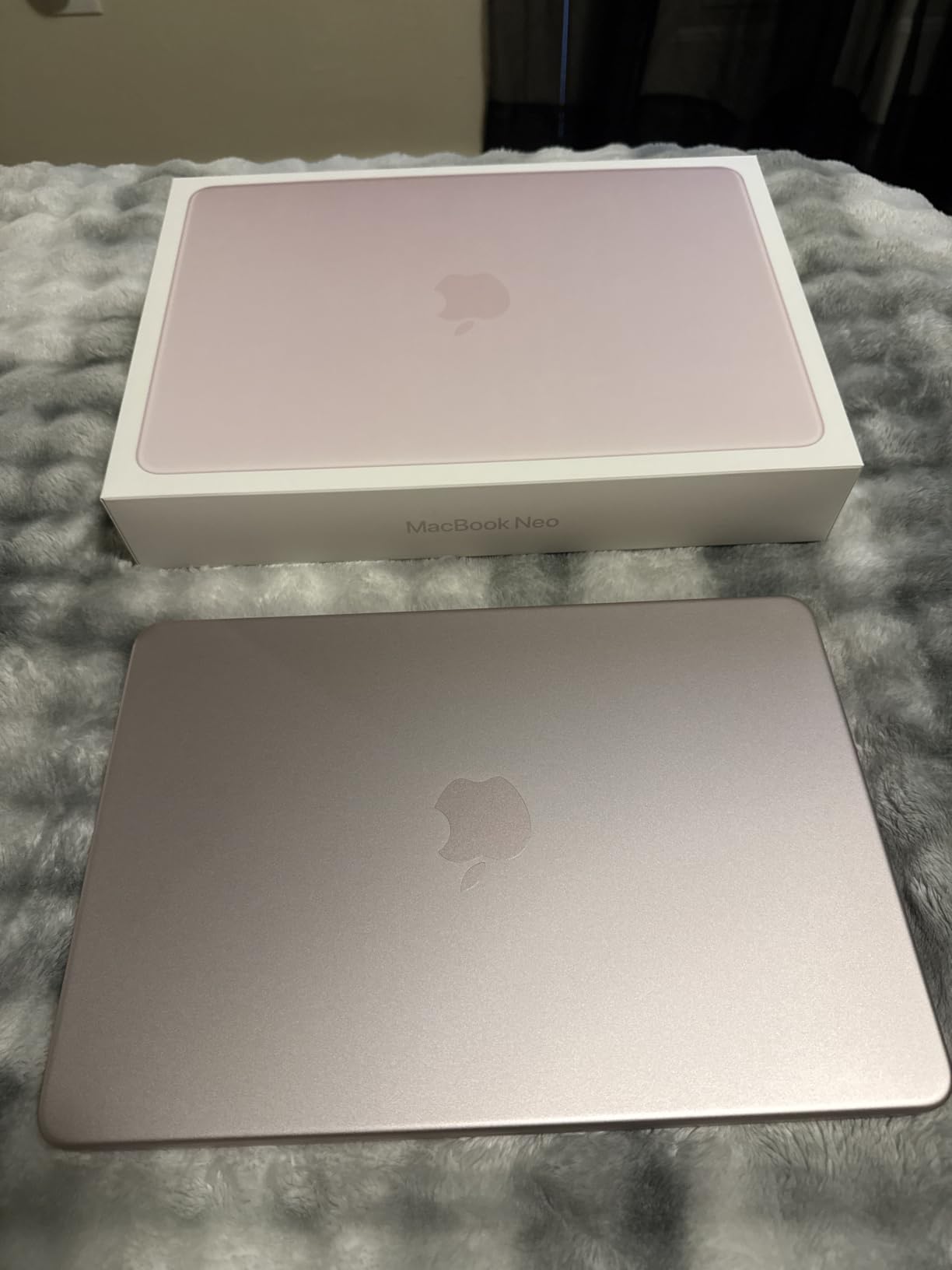
Battery is claimed at up to 16 hours, and real-world use lands closer to 9 to 10 hours according to owners. That is still a full working day with the screen turned down, and it comfortably covers a flight plus a morning of work without a charger.
The 13-inch Liquid Retina display supports 1 billion colors and reviewers single out text legibility at that size. The trackpad and the overall keyboard feel are praised repeatedly, and the 1080p FaceTime HD camera with dual microphones and side-firing speakers is better than most machines at this weight.
Who the MacBook Neo suits for travel
This is the one to buy if the laptop is a tool rather than a statement. It suits students moving between classes, staff working from cafes, and anyone who wants the same travel weight as the Air without paying the premium tier.
It is also the machine we would pick for a study-abroad year. The build has survived travel reports well, and a first-time Mac user adapting in two days is a realistic learning curve rather than a project.
Where the MacBook Neo falls short
The most repeated complaint is the missing keyboard backlight, which is a genuine problem for red-eye flights and late-night hostel work. The key legends are also low-contrast dark gray on gray, so typing in a dim room is harder than it should be.
Port selection is minimal: two USB-C ports, both on the same side, and one of them is USB 2.0. There is no HDMI, no SD card slot and no MagSafe, so a hub is needed for most peripherals. The 8GB of memory and 256GB of storage are fixed configurations with no upgrade path, which is the hardest limit of this machine.
3. Lenovo ThinkPad X1 Carbon Gen 13 Aura Edition – Lightest Business Travel Pick (2.4 lbs)
Lenovo ThinkPad X1 Carbon Gen 13 Aura Edition, Intel Ultra 7 258V (Beats U7 165), 14″ 2.8K (2880 x 1800), OLED, 32GB DDR5, 2TB SSD Gen 5, 1080p IR Camera, WiFi 7.0, Win 11 Pro – Black
2.4 lbs
14-inch 2.8K matte OLED
32GB and 2TB SSD
Thunderbolt 4 plus HDMI 2.1
Pros
- Heaviest-to-lightest pick at just 2.4 pounds
- Matte anti-glare OLED works in bright airports
- 32GB memory and 2TB SSD leave room for everything
- Full x86 platform with no translation layer
- Backlit keyboard
- fingerprint reader and 5G option
Cons
- Only one USB-A port
- Premium pricing for the class
- Some owners report driver and hardware failures on early units
At 2.4 pounds, the X1 Carbon Gen 13 Aura Edition is the lightest machine here with a manufacturer-stated weight, and it does something the MacBooks do not: it runs standard x86 Windows. If your work depends on a specific corporate VPN client, an older printer, or engineering software that has no ARM build, this removes the compatibility question entirely.
The one-hand weight and one-finger lid opening are small things that owners mention constantly on a laptop that spends its life in a bag. The chassis feels premium, boots fast, and the 2.8K OLED at 2880 x 1800 with 120Hz is large enough to do professional work without docking to a monitor.
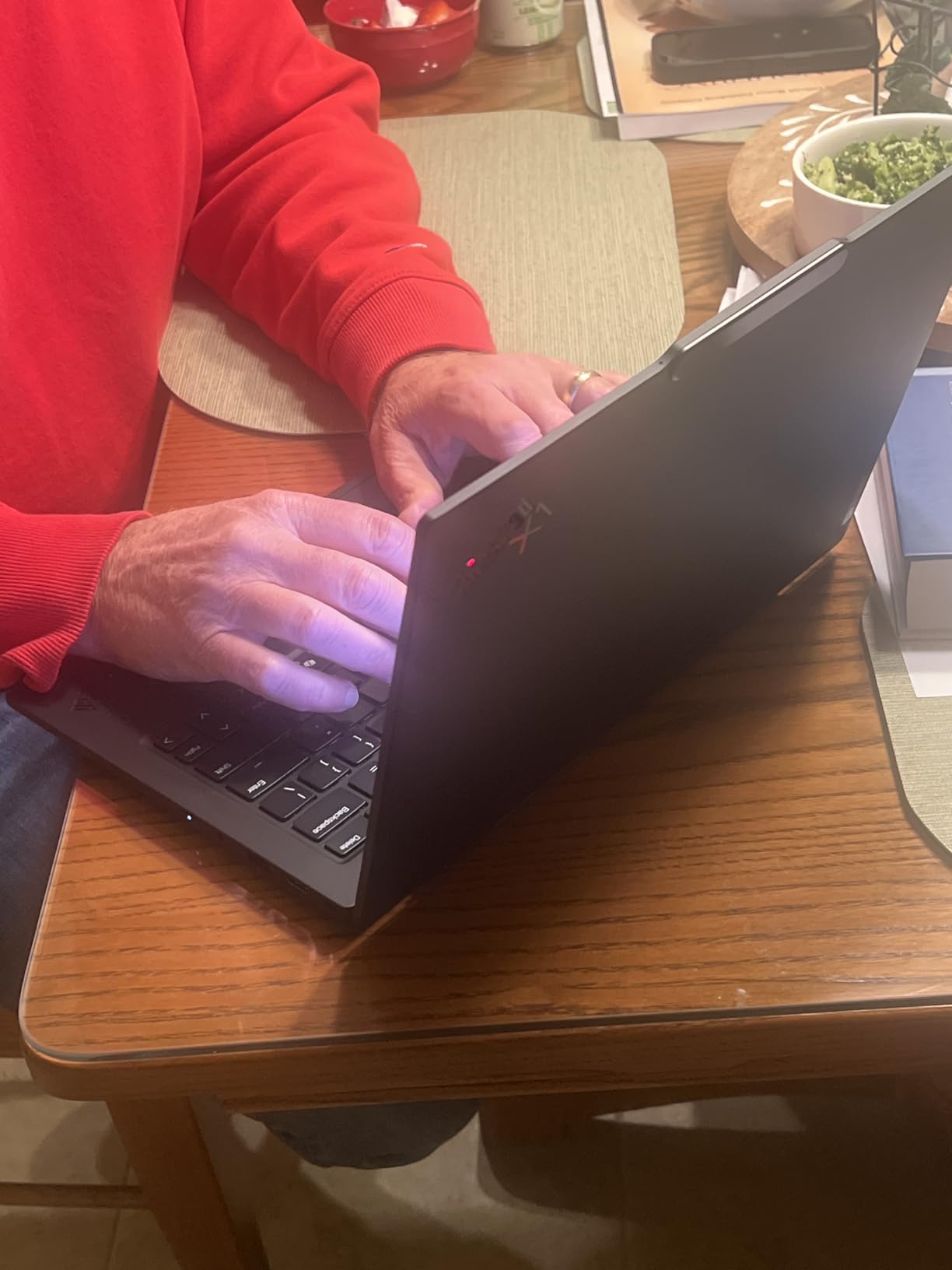
The 32GB of LPDDR5X at 8533 MHz and a 2TB Gen 5 SSD mean you will not think about memory or storage for years, and a second M.2 slot adds an upgrade path most ultralights do not offer. The 57 watt-hour battery, Wi-Fi 7, Bluetooth 5.3 and a 5G cellular option make it the most travel-aware machine in this group.
Ports are where it out-muscles the competition: two Thunderbolt 4 ports, four USB ports, HDMI 2.1, and a 1080p IR camera with a privacy shutter. The backlit keyboard is comfortable for long typing sessions without being overly clicky, and there is a fingerprint reader and spill resistance.
Who the ThinkPad X1 Carbon suits for travel
It is built for the business traveller who needs a real keyboard, real ports and full software compatibility. Forum consensus across the one-bag and travel communities repeatedly points to the ThinkPad line for keyboard quality and built-in connectivity rather than raw spec sheets, and this generation keeps both.
The matte anti-glare OLED is the reason to pick it over a glossier rival. Airport lighting and outdoor cafés are exactly the situations where a reflective panel becomes unreadable, and this panel handles them.
Where the ThinkPad X1 Carbon falls short
There is only one USB-A port, so connecting a mouse, an external drive and a card reader at once means carrying a hub. The 400 nit maximum brightness is also lower than several rivals here, which is worth knowing if you plan to work outdoors rather than in a lounge.
One detailed review recounts repeated hardware failures, driver problems and two missed technician appointments on an early unit, and some owners describe Lenovo repair scheduling as unreliable. That is a support caution rather than a design one, but on a machine intended to last a multi-year travel cycle, it is worth factoring in. The 1-year onsite warranty is included.
4. Microsoft Surface Pro 13-inch OLED 2-in-1 – Best Convertible for Travel
Microsoft Surface Pro 2-in-1 Laptop/Tablet (2024), 13″ OLED Touchscreen Display, 16GB RAM, 512GB Storage | Windows 11 Copilot+ PC, Snapdragon X Elite (12 Core), Black
13-inch OLED touchscreen
2880 x 1920 native
16GB and 512GB
Up to 14 hours claimed
Pros
- Excellent OLED touchscreen owners praise for picture quality
- Works as tablet
- sketchbook or laptop
- Compact enough to fit easily in a backpack
- Pen support works well for notes and drawing
- Fans report no ARM issues for everyday work
Cons
- Keyboard and Slim Pen sold separately
- Only two USB-C ports and no USB-A
- Some Adobe applications and games are not compatible with the ARM platform
The Surface Pro is the pick when your travel day is not only typing. A 13-inch OLED touchscreen at 2880 x 1920 native resolution turns the same device into a sketchbook, a reading panel and a presentation screen, and owners consistently call the display quality the deciding factor.
Inside, a Snapdragon X Elite 12-core Copilot+ PC with an NPU pairs with 16GB of LPDDR5X and a 512GB SSD, and the machine runs cool and fast enough for note-taking, browsing and light creative work all day. The 47.67 watt-hour battery is claimed at up to 14 hours, with fast charging from a 65W supply over Surface Connect or USB-C.
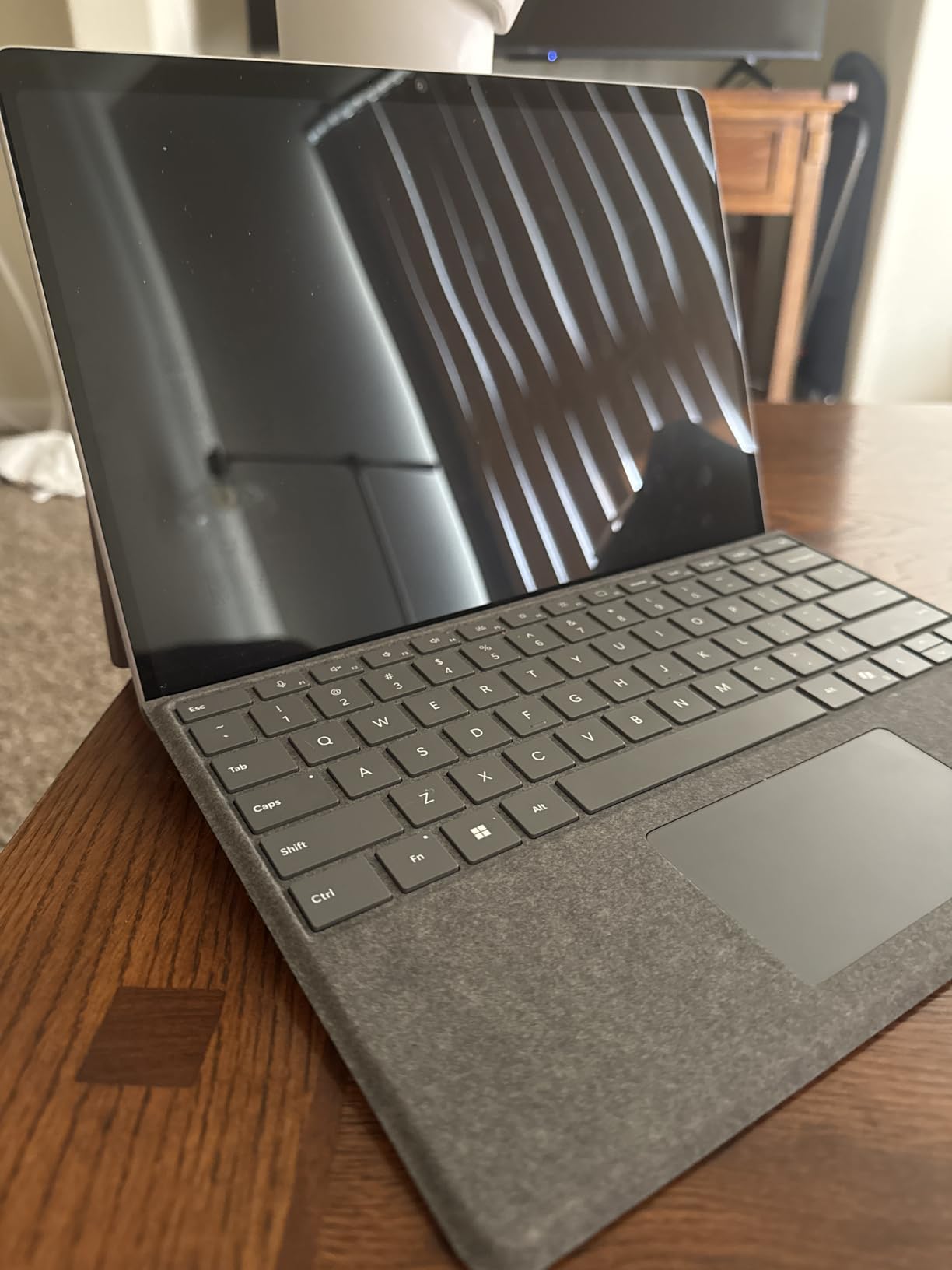
The detachable keyboard design with a built-in kickstand is the reason this shape exists, and the bundle includes a 5MP front photo sensor plus a 10MP rear camera for photographs on the road. Bluetooth 5.3, two USB-C Thunderbolt 4 ports and DisplayPort 1.4 output cover the connection basics.
Several owners report zero ARM compatibility issues for everyday use, which matters because the ARM concern is the usual objection to this platform. A three-year manufacturer warranty is included here, longer than most machines in this roundup.
Who the Surface Pro suits for travel
It suits people who read, annotate, sketch or present as much as they type, and who would rather carry one device than a laptop plus a tablet. For a student moving between classes, the ability to flip it into a tablet for reading is a real daily convenience.
It also makes sense if your work is browser-based and light. The 16GB of memory and 512GB of storage are ample for cloud documents, and the OLED panel is one of the best in this group for watching video on a long flight.
Where the Surface Pro falls short
The keyboard and pen are extra purchases, which changes the real cost of this setup considerably. There are only two USB-C ports and no full-size USB-A, so flash drives and legacy devices need an adapter.
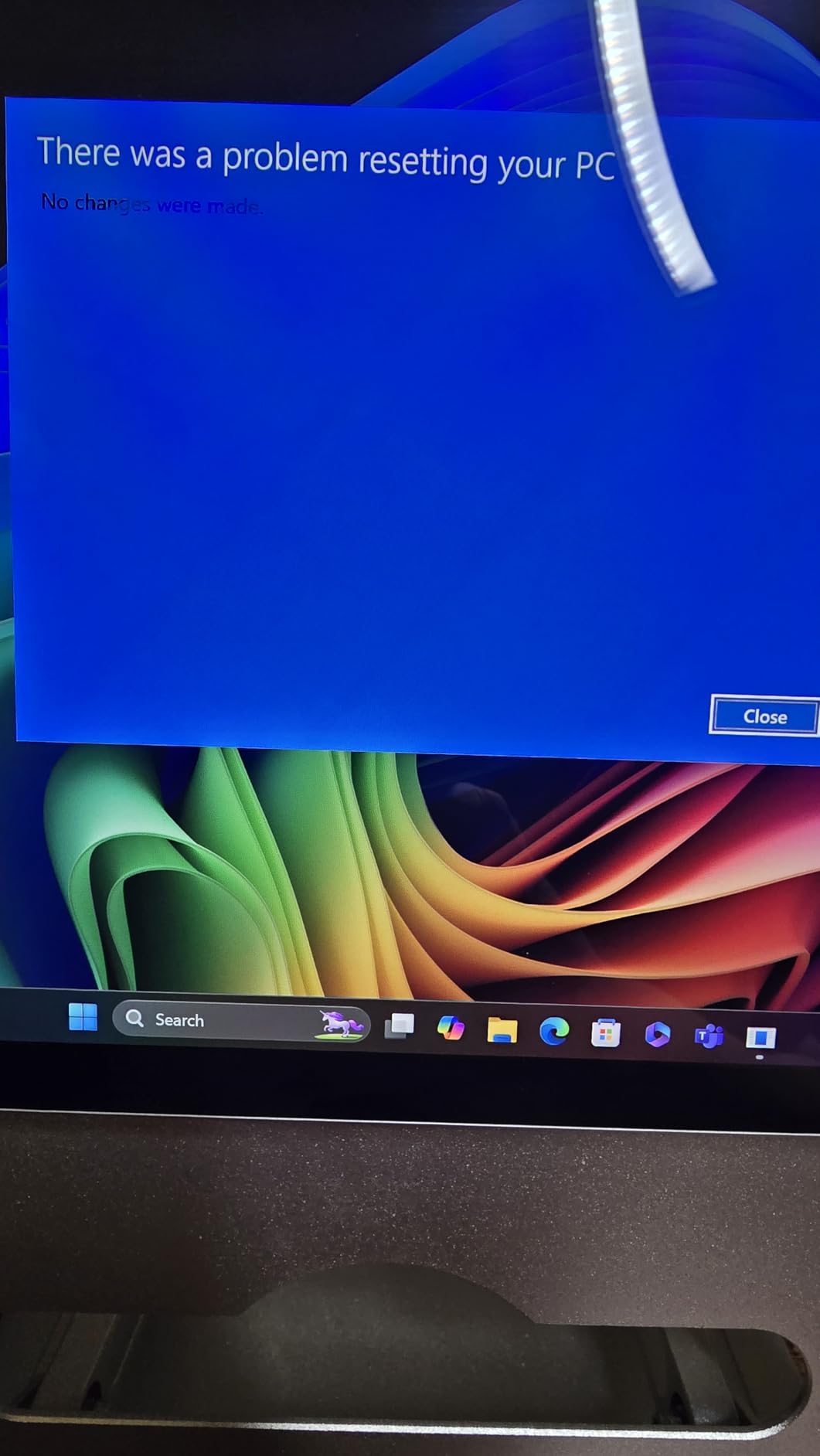
The ARM platform is the bigger limitation: some Adobe applications and games are not compatible, and it is not suited to graphics-intensive work at all. One isolated review reports total hardware failure within days of setup, so we would treat it as a specialist purchase rather than a primary work machine.
5. Microsoft Surface Laptop 13.8-inch (2024) – Best Windows Touchscreen Clamshell (3 lbs)
Microsoft Surface Laptop (2024), Windows 11 Copilot+ PC, 13.8″ Touchscreen Display, Snapdragon X Elite (12 core), 16GB RAM, 1TB SSD Storage, Dune
3 lbs
13.8-inch PixelSense touch display
16GB and 1TB SSD
45 TOPS NPU
Pros
- Keyboard is the standout feature among owners
- Sharp 600 nit touchscreen at 2304 x 1536
- 3 pound chassis that is genuinely easy to carry
- Real trackpad travel rather than a pure haptic surface
- Reported close to a full working day of battery
Cons
- ARM Snapdragon platform means some x86 apps rely on translation
- Older peripherals without ARM drivers may not work
- Only one external display supported
If you want a conventional laptop that opens like a laptop, the 13.8-inch Surface Laptop is the shape most people picture. It weighs 3 pounds, carries a PixelSense touchscreen at 2304 x 1536 with 600 nits of brightness, and the keyboard is the feature owners mention first, often before the weight.
That keyboard matters on a plane, where you are typing for hours in a bad posture with no way to reposition. The trackpad has a small amount of real travel rather than a pure haptic surface, which some travellers prefer because it gives feedback that does not vanish in a cold cabin.
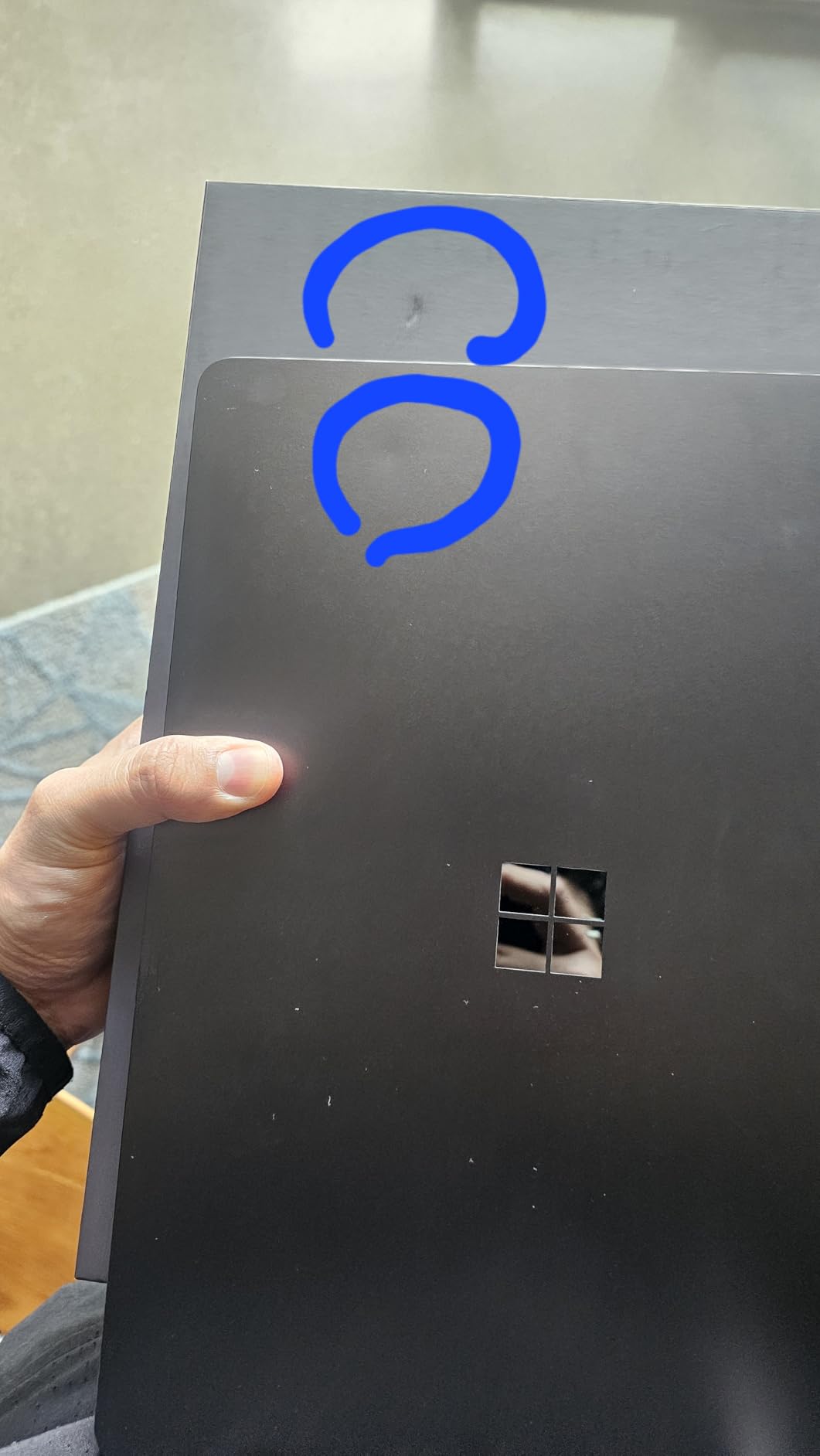
Battery is claimed at up to 20 hours, and owners report close to a full working day, which comfortably covers a 12-hour flight plus an afternoon. The 54.12 watt-hour pack, 16GB of LPDDR5X, a 1TB SSD and Wi-Fi 7 make it a well-balanced travel configuration with room to spare on storage.
Performance comes from a Snapdragon X Elite 12-core Copilot+ PC with a 45 TOPS NPU and integrated Adreno graphics, and it runs cooler and quieter than earlier Surface generations. The 54.12 watt-hour design means no fan noise to add to a cabin that is already loud.
Who the Surface Laptop suits for travel
It suits Windows users who type heavily and want a real screen they can touch, without the detachable-keyboard expense of a 2-in-1. Owners describe it as good value, particularly when the machine is offered with a discount.
It is a solid alternative to a MacBook Air for people who need Windows and standard applications, and the 1TB storage means photo and video from a trip does not immediately fill the drive.
Where the Surface Laptop falls short
ARM compatibility is the dominant caveat in reviews. Buyers are advised to check that their software, and especially older printers and network devices, have ARM drivers or will translate correctly, because some x86 applications rely on translation rather than running natively.
There is only one external display supported and a modest port count for the class, with three USB ports in total including USB-C. The 1-year manufacturer warranty is short relative to the multi-year travel horizon most people have in mind.
6. Samsung Galaxy Book3 Pro 14-inch – Best OLED Visuals for Travel
SAMSUNG 14” Galaxy Book3 Pro Laptop Computer, 13th Gen Intel Core i7-1360P Processor / 16GB / 1TB, 3K AMOLED Screen, 120hz, Fingerprint Reader, FHD Webcam, 2023 Model, NP940XFG-KA1US, Beige
0.44 inches thick
14-inch 3K AMOLED at 120Hz
16GB and 1TB SSD
Thunderbolt 4 and HDMI
Pros
- Featherlight chassis reviewers call a traveler's dream
- Gorgeous 3K AMOLED at 120Hz with HDR
- Silent cooling even in balanced mode
- Fingerprint reader in the power button
- Thunderbolt 4 plus USB-A
- HDMI and a microSD slot
Cons
- Real-world battery falls short of the 16 hour claim under load
- No touchscreen on this 14 inch configuration
- Some units ship with an old Windows build needing manual driver installs
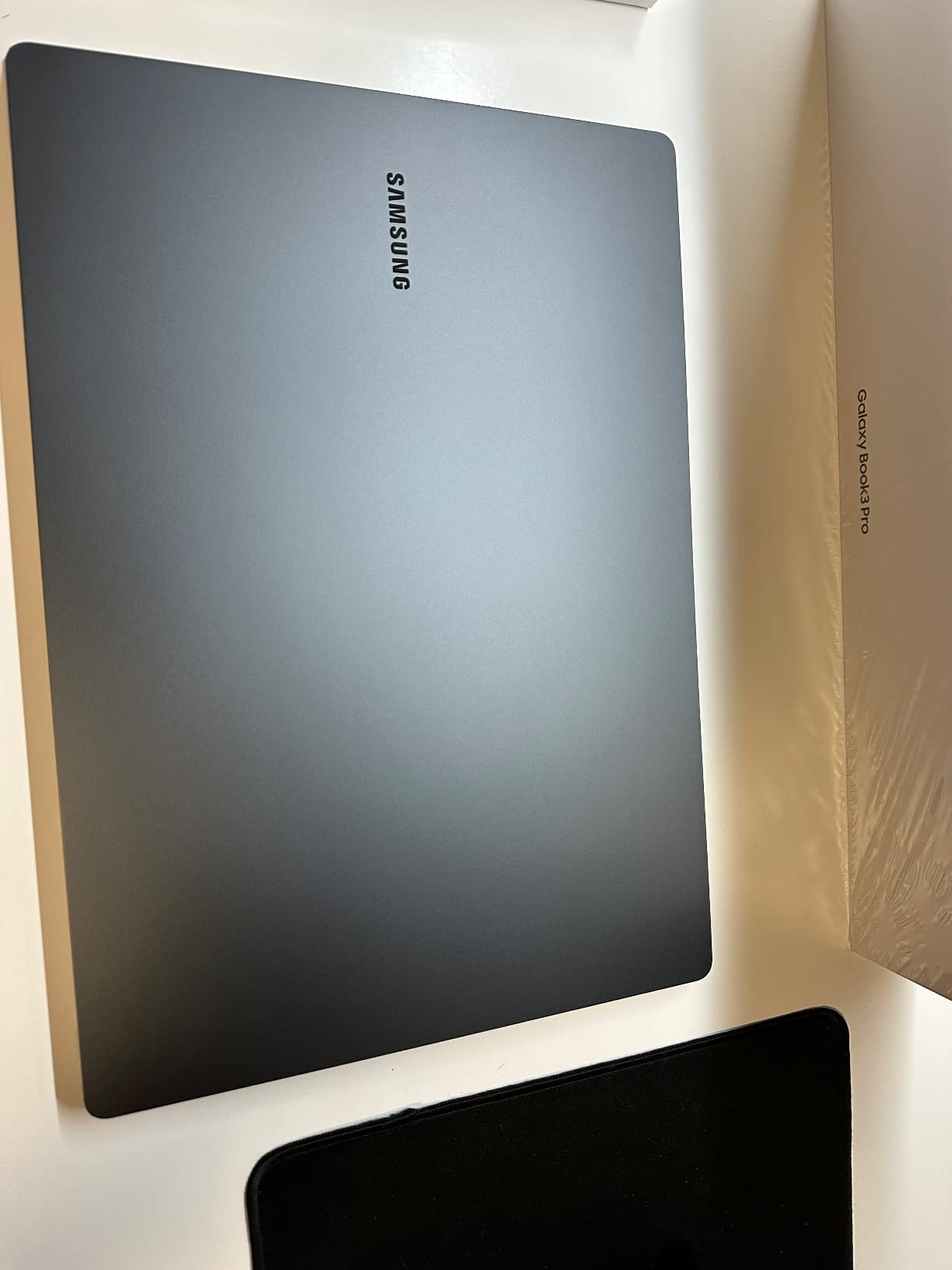
The Galaxy Book3 Pro is the display pick. A 3K AMOLED panel at 2880 x 1800 with a 120Hz refresh rate and HDR support, in a chassis just 0.44 inches thick, gives you the best screen in this roundup for photo and video work on the road.
Owners repeatedly call it the best MacBook alternative they have used, and the main reasons are portability and silence. The cooling is quiet even in balanced mode, with an extra silent power mode available, so it does not add to the noise of a train carriage or a shared workspace.
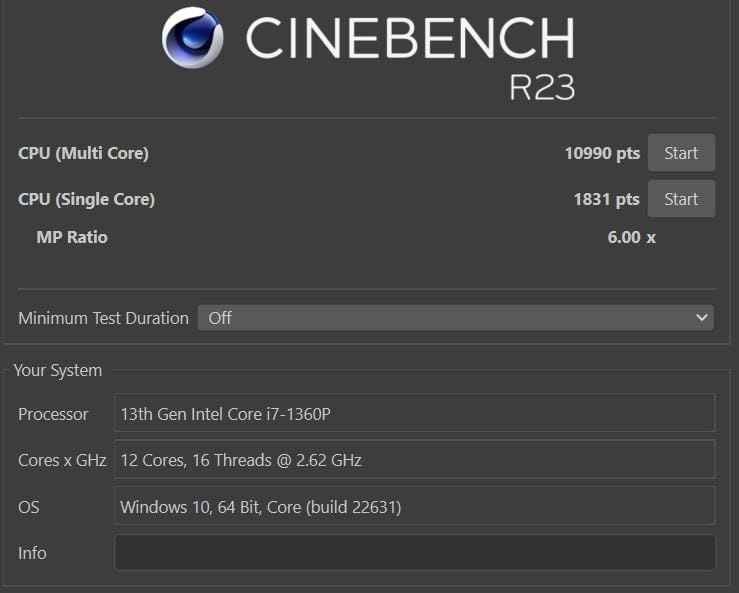
Underneath, a 13th Gen Intel Core i7-1360P reaching up to 5 GHz pairs with 16GB of LPDDR5 and a 1TB SSD, and storage expands by up to 2TB through the microSD slot. The fingerprint reader sits in the power button, which is a small convenience that matters when you unlock a machine in a queue.
Port selection is unusually good: Thunderbolt 4, USB-C, a microSD slot and HDMI. A full HD webcam with a studio-quality microphone and quad AKG speakers round out a machine that also integrates with other Samsung Galaxy devices as a second screen.
Who the Galaxy Book3 Pro suits for travel
It suits photographers, editors and students whose work lives on screen, and anyone who will spend a lot of time in a bright room where a dim panel becomes a problem. The 16:10 aspect ratio also gives more vertical space for documents than a 16:9 screen.
For international travel, the full port selection means fewer adapters in the bag, and the microSD slot gives you a way to offload photos from a small internal drive without cloud uploads over hotel Wi-Fi.
Where the Galaxy Book3 Pro falls short
Battery is the honest weakness. The 16-hour claim falls to roughly 6 to 11 hours under sustained heavy load according to several owners, which means a full day of demanding work needs a charger in the bag. Treat the headline figure as a best case rather than a plan.
There is no touchscreen on this 14-inch configuration, the 1080p camera is a generation behind competitors, and the physical click trackpad has slight cursor lag. Some units also arrive with an outdated Windows image that needs manual driver installation, and a small group of owners report AMOLED dead pixels or backlight flicker within months, so we would keep the purchase protection.
7. ASUS Zenbook 14 OLED 2026 – Best Port Selection at 2.8 lbs
ASUS Zenbook 14 OLED 2026 Business Laptop 14″ WUXGA Touchscreen 16-Core Intel Ultra 7155H 16GB LPDDR5 1TB SSD Intel ARC Graphics Thunderbolt 4 Wi-Fi 6E Backlit Keyboard Win11 Home w/ONT 32GB USB
2.8 lbs
14-inch OLED touchscreen at 500 nits
16GB and 1TB SSD
75Whr battery
Pros
- Full port set with two Thunderbolt 4 ports
- USB-A and HDMI 2.1
- Backlit keyboard and 75Whr battery for solid all day endurance
- OLED touchscreen with 100 percent DCI-P3 color at 500 nits
- Intel Core Ultra 7 155H with 16 cores handles multitasking well
Cons
- 60Hz refresh and 1920 x 1200 resolution are dated for an OLED
- Only 8 hours of rated battery life
- 16GB of soldered memory cannot be upgraded
The Zenbook 14 OLED solves a problem most ultralights create: too few ports. At 2.8 pounds and 0.59 inches thick, it carries two Thunderbolt 4 and USB4 ports, a USB-A port, HDMI 2.1, a headphone and microphone combo jack, and a USB-C power jack, so a full workday rarely needs a hub.
The 75 watt-hour battery is the largest pack in this group and pairs with a backlit keyboard, which is the combination that actually determines whether a work day gets finished in an airport. The 14-inch WUXGA OLED touchscreen reaches 500 nits with full DCI-P3 color coverage in a 16:10 frame.
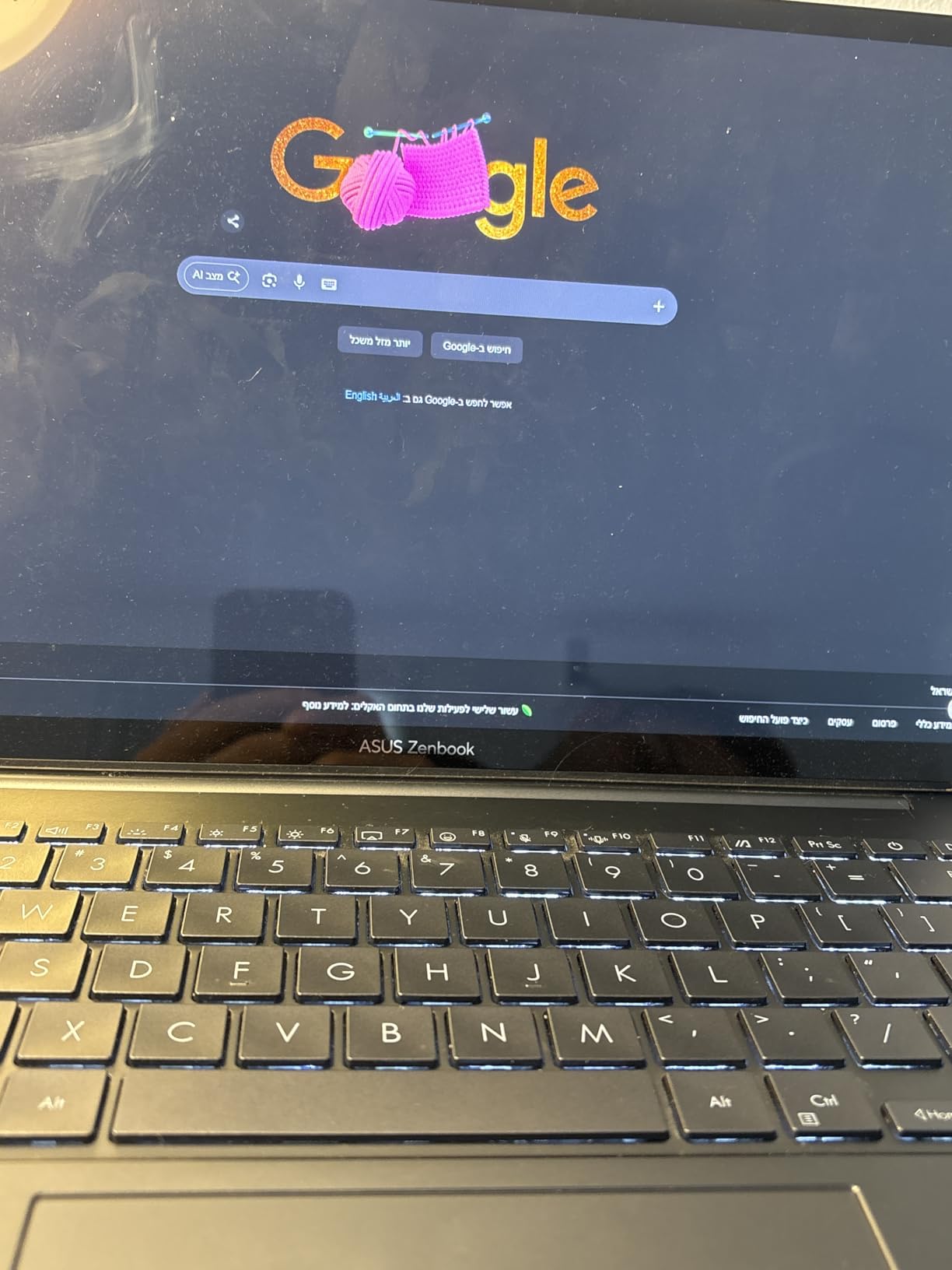
Inside, an Intel Core Ultra 7 155H with 16 cores and 22 threads reaching up to 4.8 GHz pairs with 16GB of DDR5 at 7467 MHz and a 1TB NVMe M.2 SSD, plus integrated Intel Arc graphics. Wi-Fi 6E, Bluetooth 5.3, Harman Kardon speakers and a 1080p camera with a privacy shutter complete the package.
This particular listing is configured by a third-party retailer that upgraded the memory to 16GB and the storage to 1TB, and bundles a 32GB USB drive with a 65W AC adapter. Reviewers tend to focus on that configuration value rather than the base machine.
Who the Zenbook 14 OLED suits for travel
It suits people who connect to real equipment rather than a phone and a wall. If you carry a wired mouse, an external drive and a card reader, or you present from HDMI in a hotel boardroom, this saves a dongle in every direction.
The backlit keyboard and large battery also make it a good match for long evening work sessions in a room with no desk, which is the most common way travellers actually use a laptop.
Where the Zenbook 14 OLED falls short
The display is the compromise. A 60Hz refresh rate and 1920 x 1200 resolution look dated next to the 120Hz and higher-resolution panels on other machines here, and the screen is the feature you notice every day.
Battery is rated at 8 hours, under the 12-hour marketing figure, which is the shortest rated figure among these picks. The 16GB of memory is soldered and cannot be upgraded, and the 4.2-star average across 86 reviews suggests more mixed owner experiences than the top of the list.
8. Dell XPS 13 9350 – Best for Windows Pro Features (2.6 lbs)
Dell XPS 13 9350 Laptop, 13.4″ FHD+, Intel Ultra 7 256V, 16GB DDR5, 1TB SSD
2.6 lbs
13.4-inch 120Hz display at 500 nits
16GB and 1TB SSD
Windows 11 Pro included
Pros
- Windows 11 Pro preinstalled with BitLocker
- Remote Desktop and Hyper-V
- Premium ultra-slim build at 2.6 pounds
- Claimed battery life up to 26 hours with 48 hours standby
- Haptic glass touchpad and 120Hz 500 nit display
- Bundled 7-in-1 USB-C hub included with this listing
Cons
- Flat key redesign frustrates touch typists
- Only two Thunderbolt 4 ports with no USB-A or microSD
- Reseller-modified unit with a separate SSD warranty
The XPS 13 9350 stands out for one reason that no other machine in this list matches: Windows 11 Pro comes preinstalled. BitLocker encryption, Remote Desktop, Hyper-V and Group Policy are all there, which is exactly what a travelling consultant, a contractor or a student in a professional programme needs.
It is also well made. At 2.6 pounds and 0.6 inches thick, with a 55 watt-hour battery, it sits between the 2.4-pound ThinkPad and the 2.71-pound MacBooks. The 13.4-inch WUXGA display at 1920 x 1200 with 500 nits and 120Hz has narrow bezels and supports up to two external 4K displays over Thunderbolt 4.
Battery is claimed at up to 26 hours with 48 hours of standby, which on paper is the longest figure in this roundup. Treat that as a manufacturer number rather than a plan, but even a fraction of it covers a long-haul round trip with room to spare.
Who the Dell XPS 13 suits for travel
It suits anyone who needs enterprise Windows features on a machine light enough to carry every day, and who will not buy a business-class replacement later. The precision haptic glass touchpad and backlit keyboard are well liked, and the FHD RGB camera with a dual-array microphone handles calls cleanly.
Dell customers report long-standing brand loyalty and satisfaction with this model, and the bundled 7-in-1 USB-C hub addresses the two-port limitation for anyone who needs legacy connectivity.
Where the Dell XPS 13 falls short
The keyboard redesign is the most substantive complaint. One detailed review describes flat keys, capacitive function-row lights and a large gap between the palm rest and the spacebar that makes touch typing difficult enough to require tactile stickers, and that is a real problem for someone typing for hours on a train.
There are only two Thunderbolt 4 ports, with no USB-A or microSD. It is also heavier than the ThinkPad X1 Carbon at 2.4 pounds, and this listing is a reseller-modified unit that was resealed for an SSD upgrade, with a 3-year SSD warranty from the reseller and a 1-year Dell warranty on the rest. With only 19 reviews, long-term reliability is hard to judge.
9. Lenovo Yoga Slim 7X – Best for Students and Long Study Days (2.9 lbs)
Lenovo Yoga Slim 7X Laptop 14″ Touch OLED 3K Snapdragon X Elite 16GB/512GB
2.9 lbs
14.5-inch 3K OLED at 1000 nits
16GB and 512GB SSD
70Whr battery
Pros
- Very light for a 14.5 inch screen
- 3K OLED touchscreen with an excellent dimming range
- Battery life owners describe as unbelievable for a Windows PC
- Silent and fast
- snappier than a Dell XPS
- Handles both ARM-native and x86 applications in practice
Cons
- Only one USB port listed
- so a hub is bundled
- 16GB is onboard only and cannot be upgraded
- Some owners report camera glitches and one non-working microphone
The Yoga Slim 7X is the student answer in this list. At 2.9 pounds with a 14.5-inch 3K OLED touchscreen at 2944 x 1840, it gives you a large, very bright screen at a weight you can carry across campus every day, and the 1000 nits peak brightness is the highest figure here.
Battery is the standout. One owner describes it as unbelievable for a Windows PC, and the 70 watt-hour pack with a 65W USB-C supply means a machine that genuinely survives a day of lectures, library sessions and a commute without planning around a socket.
The Snapdragon X Elite X1E-78-100 with 12 cores at 3.40 GHz and 36MB of cache handles multitasking quietly and quickly, and one owner reports it performed better and ran quieter than a Dell XPS they had owned. 16GB of onboard LPDDR5X and a 512GB PCIe NVMe SSD are adequate for coursework, and Wi-Fi 7 with Bluetooth 5.4 keeps connections stable.
The backlit standard keyboard matters more on this list than on any other, because students type at night in quiet rooms. The bundle includes a portable USB hub, and the reseller opens the seal for hardware and software upgrades, which is worth knowing about when you eventually add storage.
Who the Yoga Slim 7X suits for travel
It suits students moving between classes, a dorm and a library, and anyone studying abroad who needs one machine for coursework, a screen for reading and a battery that does not dictate the day. The touchscreen OLED is genuinely useful for handwritten notes and for reading long documents.
It is also a strong option for a traveller who works with mixed software, since owners report it handling both ARM-native and x86 applications in practice without friction.
Where the Yoga Slim 7X falls short
Port selection is the biggest limitation. Only one USB port is listed, which is why a portable hub is bundled, and on a machine with only 21 reviews the bundle is doing real work. The 16GB of memory is onboard only, so there is no upgrade path later.
Reported issues are narrow but real: a camera that glitches repeatedly and a non-working microphone on one unit. One owner also found the 14.5-inch panel smaller than they wanted and attached an external monitor, which is worth doing before you commit if your work depends on screen area.
10. Microsoft Surface Laptop 13.8-inch (2026) – Best 120Hz Touchscreen for Travel (3 lbs)
Microsoft Surface Laptop (2026), 13.8-inch Premium Performance Laptop, Snapdragon X2 Elite Processor, Touchscreen Display, 16GB RAM, 512GB SSD Storage, Windows 11 Copilot+ PC Built for AI, Black
3 lbs
13.8-inch PixelSense touch at 120Hz
16GB and 512GB SSD
Snapdragon X2 Elite at 4 GHz
Pros
- Owners report charging every other day or leaving the charger at home
- Premium anodized aluminum chassis that is easy to carry
- Faster than the previous Snapdragon X Elite generation
- Cool and quiet with the fan rarely audible
- Improved and reliable camera-based facial recognition
Cons
- Only two USB-C ports and no USB-A
- A 4.1 star average with a 13 percent one-star share
- Windows 11 Home only
- limiting BitLocker and Hyper-V
- Small review base of 18 makes reliability hard to judge
This is the newest machine in the roundup and the one with the most unusual battery story. Owners report charging it every other day, or not carrying a charger at all, which is the single most useful thing a travel laptop can do. The 54.12 watt-hour pack is claimed at up to 20 hours of video playback.
It is also the best-looking 3-pound machine here. The anodized aluminum chassis, the crisp 120Hz PixelSense touchscreen at 2304 x 1536 with 600 nits, and a feel that one owner compares favorably to a MacBook Air all contribute. The machine never gets warm and the fan is rarely audible even under heavy multitasking.
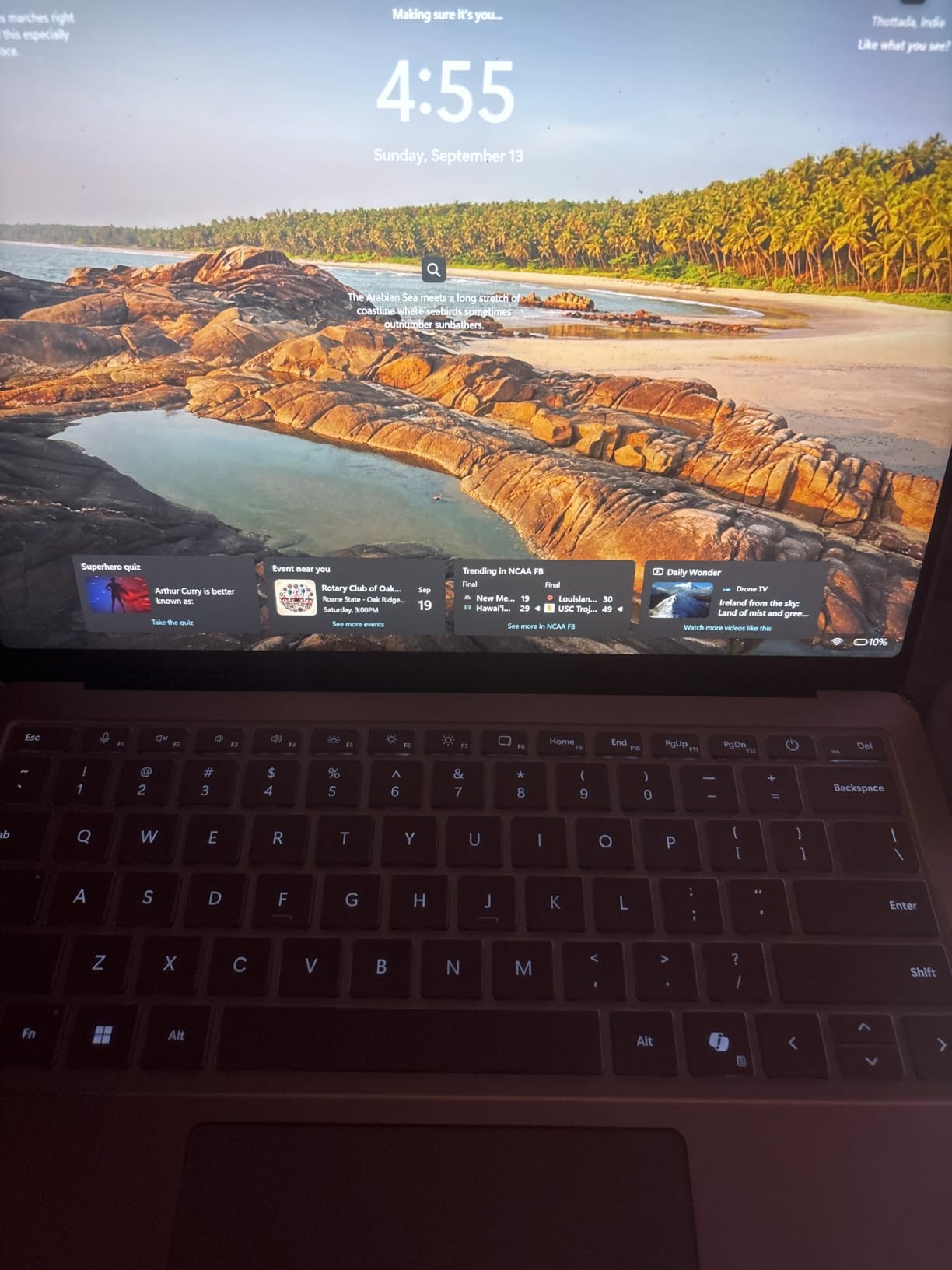
Underneath, a Qualcomm Snapdragon X2 Elite at 4 GHz with a dedicated AI chip, 16GB of LPDDR5X and a 512GB SSD handle the work, with Wi-Fi 7, Bluetooth 5.4, a 3.5mm audio jack and two USB-C USB4 ports that support up to three 4K monitors. Owners report strong performance with large Excel spreadsheets and MS Access databases.
The camera-based facial recognition login is described as improved and reliable compared with the prior model, which is worth noting on a machine that likely lives unlocked in a hostel room. It is also available in Black, Platinum, Dune and Jade.
Who the 2026 Surface Laptop suits for travel
It suits the traveller who wants to stop packing a charger. If your trips involve long transit days and unpredictable power, the reported every-other-day charging habit is a bigger quality-of-life gain than any display specification.
It is also a good pick for students and remote workers on Windows who want a 120Hz touchscreen at a sub-3-pound weight, and the improved facial recognition login makes it convenient in shared accommodation.
Where the 2026 Surface Laptop falls short
There are only two USB-C and USB4 ports and no USB-A, so legacy peripherals need adapters. Windows 11 Home is the only configuration, and users needing Pro features such as BitLocker or Hyper-V must buy the business version separately.
The 4.1-star average includes a 13 percent one-star share, which points to more early hardware and software issues than mature models. One owner reports BIOS problems that rendered the machine unusable, and another has ongoing trouble connecting a home printer. With 18 reviews, there is not enough data to judge long-term reliability, and several owners recommend adding Microsoft Complete coverage, which is not bundled through third-party retailers.
How to Choose a Lightweight Laptop for Travel?
Which weight do you actually need?
A true ultraportable weighs 3 pounds or less, and that definition is the useful dividing line. Under 2 pounds, you are buying the lightest possible machine and accepting more compromise. Between 2 and 3 pounds, you get the best balance of keyboard, screen and battery, which is where most travellers should look. Between 3 and 3.5 pounds, you gain screen size and ports while the machine is still easy to carry all day.
Forum discussions about one-bag travel put the point bluntly: a 2.5 kilogram laptop is a third of a 7 kilogram setup, and that share is felt at the end of a long day. If you carry a charger, a sleeve and a hub, add those to the laptop weight before you decide you are a light packer.
Battery hours translated to real trips
Manufacturers quote video playback figures, and the numbers across this list run from 8 hours rated on the Zenbook to 18 hours claimed on the MacBook Air and 26 hours claimed on the XPS 13. Real-world use lands lower, so plan around the manufacturer number as an upper bound.
As a rule of thumb, a machine rated at 10 hours covers a 5-hour flight plus a half working day. A 14-hour machine covers a long-haul flight and a full afternoon. An 18-hour machine gives you a long-haul flight, a full working day and a working morning, which is the point at which you can stop planning around outlets.
Is a 13-inch screen big enough to work on?
Yes, for documents, browsing, email and calls, which is most travel work. The 13-inch and 13.6-inch machines here, including both MacBooks, are widely considered the sweet spot. Below 13 inches, keyboards get cramped, and forum consensus across travel communities is that most people will not go smaller than 13.
If you work with two documents side by side, edit photos, or need a large spreadsheet, move up to 14 inches. The Samsung Galaxy Book3 Pro, ASUS Zenbook 14, ThinkPad X1 Carbon and Yoga Slim 7X are all 14-inch or larger, and the ThinkPad’s 2.8K panel is the one that works without a dock.
macOS, Windows or ChromeOS for travel
macOS is the frictionless choice for most travellers. It boots fast, sleeps reliably, has excellent battery behaviour and pairs with an iPhone. The MacBook Air and MacBook Neo both sit in the group for that reason.
Windows gives you the widest application and peripheral compatibility, which matters if you rely on a corporate VPN, an older printer or specialised software. ChromeOS suits a traveller whose work is entirely browser-based and who wants the lightest possible setup, though none of the picks here run ChromeOS.
ARM vs x86 and the software you rely on
This is the decision that catches people out in an airport. The Snapdragon-based machines here, including both Surface Laptops, the Surface Pro and the Yoga Slim 7X, run Windows on ARM. Efficiency is the reason for their long battery life, but some x86 applications rely on a translation layer rather than running natively, and older peripherals without ARM drivers, such as legacy printers and network devices, may not work at all.
Check your software before you buy, not after. If your work depends on anything unusual, the Intel-based ThinkPad X1 Carbon and Zenbook 14 and the Samsung Galaxy Book3 Pro remove the question entirely. The Snapdragon X2 Elite generation is meaningfully further along than earlier ARM Windows machines, but it is still not universal.
Memory, storage and the ports you cannot skip
Memory is soldered on every machine in this roundup, so buy for the horizon rather than the trip. 8GB works for browsing and documents but struggles with many browser tabs, a video call and a cloud drive running together, which is the everyday travel workload. 16GB is the sensible minimum, and 32GB is the comfortable choice for a machine you expect to keep for years.
Storage of 256GB is workable only if you plan around it. Carry a small external drive and offload photos each night, or choose 512GB or more, and check whether the machine has a microSD slot. On ports, two USB-C ports is workable if you carry one small hub. Two Thunderbolt 4 ports plus USB-A plus HDMI, as on the Zenbook 14 and ThinkPad X1 Carbon, means you can leave the hub at home.
Carry-on fit, packing and theft planning
Any of these machines fits in a personal-item bag and inside a standard carry-on without difficulty, so you can keep it with you rather than checking it. Checked baggage is where laptops get cracked, so the size here is a safety feature as much as a convenience.
Pack a compact USB-C charger rather than the brick that came in the box, add a small hub if your machine has only two ports, and keep a cable in your personal item in case the main bag is delayed. For storage, a small external drive protects your work if the laptop is lost, which is a real risk in transit.
On security, treat the machine as a liability proportional to its value. A cable lock for hotel rooms, disk encryption enabled before you leave home, and a habit of keeping it physically on your person in a cafe rather than beside you. Buy coverage through the manufacturer rather than a third-party retailer where possible, since reseller-modified listings often separate the warranties.
Frequently Asked Questions
What is the best lightweight laptop for travel?
The Apple MacBook Air 13-inch with the M5 chip is the best overall travel laptop, weighing 2.71 pounds with up to 18 hours of claimed battery life, a fanless design, two Thunderbolt 4 ports and MagSafe. For Windows users who need full x86 compatibility and more ports, the Lenovo ThinkPad X1 Carbon Gen 13 at 2.4 pounds is the alternative.
Is 3 lbs heavy for a laptop?
For a travel laptop, 3 pounds is the ceiling rather than a heavy machine. A true ultraportable is generally 3 pounds or less, and every laptop in this roundup sits at or under that figure. For a daily carry, under 3 pounds is the point at which weight stops dominating how a trip feels.
What are some good laptops that weigh under 3 pounds?
Under 3 pounds, the strongest options here are the Lenovo ThinkPad X1 Carbon Gen 13 at 2.4 pounds, the Dell XPS 13 9350 at 2.6 pounds, the Apple MacBook Air 13-inch and MacBook Neo at 2.71 pounds, the ASUS Zenbook 14 OLED at 2.8 pounds, and the Lenovo Yoga Slim 7X at 2.9 pounds. The Microsoft Surface Laptops and the Samsung Galaxy Book3 Pro sit at or around the 3-pound line.
What is the lightest laptop under 2 pounds?
None of the machines in this roundup falls under 2 pounds. The lightest published weight here is the Lenovo ThinkPad X1 Carbon Gen 13 at 2.4 pounds, and it lists a weight of under 1 kilogram. Going below 2 pounds usually means accepting a smaller screen, fewer ports or a shorter battery life, which is why we stopped at 2.4 pounds.
How many hours of battery life do I need for a long flight?
A machine rated at 10 hours covers a 5-hour flight plus a half working day. Around 14 hours covers a long-haul flight and a full afternoon. At 18 hours you get a long-haul flight, a full working day and a working morning, which is the point at which you can stop planning around outlets.
Can I bring my laptop in my carry-on luggage?
Every laptop in this roundup fits in a personal-item bag and inside a standard carry-on, so there is no size or count restriction to worry about for a single machine. Keeping it in the cabin rather than checked baggage also protects it from the conveyor damage that causes most cracked screens.
Final Verdict: The Best Lightweight Laptops for Travel in 2026
If you only buy one, buy the Apple MacBook Air 13-inch with the M5 chip. It is the highest-rated machine in this roundup, it weighs 2.71 pounds, it runs silently without a fan, and up to 18 hours of claimed battery means a long-haul flight plus a full working day without a charger. For Apple users who want the same weight class for less money and can live without a backlit keyboard, the MacBook Neo is the value answer.
Windows travellers should start with the Lenovo ThinkPad X1 Carbon Gen 13 at 2.4 pounds, which is the lightest published weight here and runs standard x86 software without translation. Check that your applications have ARM builds before choosing a Snapdragon machine, and buy the port count you need rather than the adapter you would rather not carry.
Whichever you pick, buy once with enough memory and storage for a multi-year cycle, pack the charger compactly, and keep the machine in the cabin. That last habit is worth more than any specification on this list.