
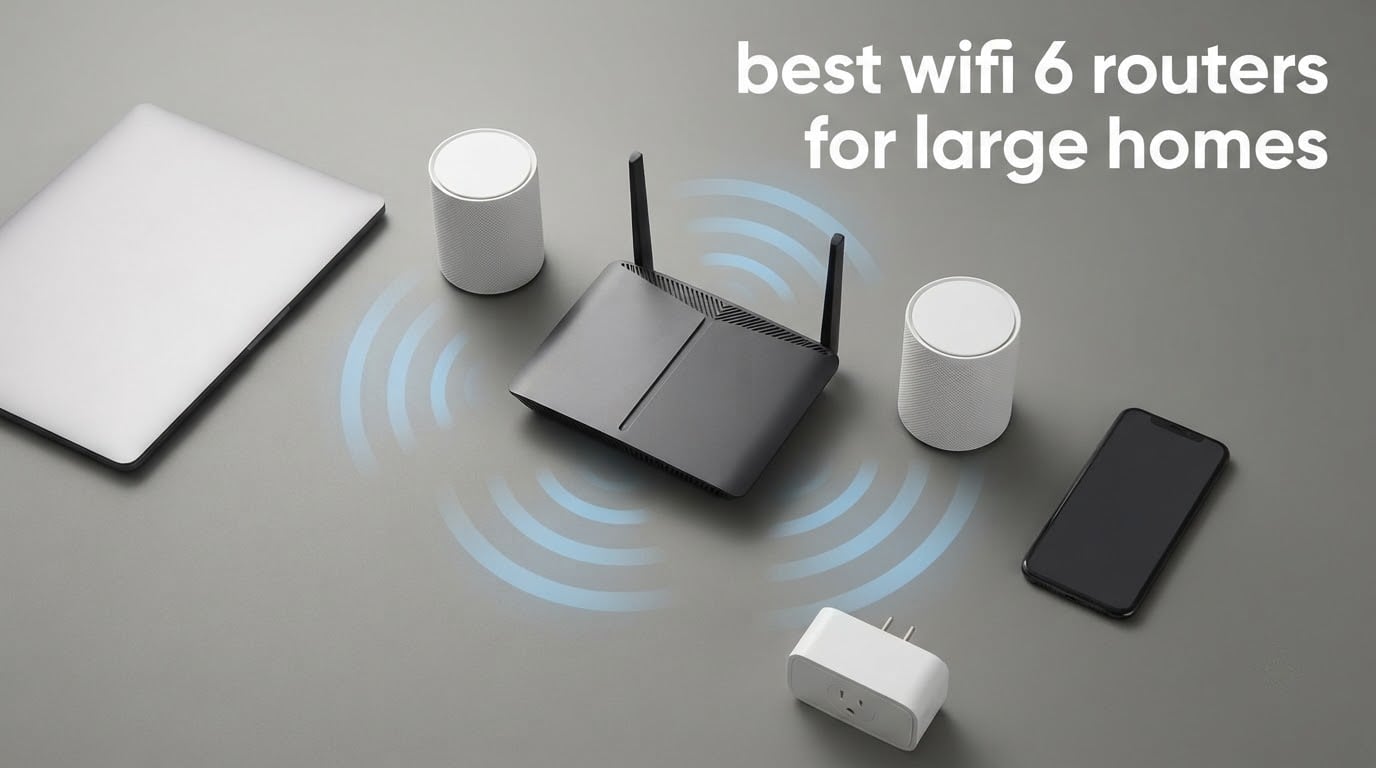
The honest answer to “will one router cover my house” is almost always no. A single Wi-Fi 6 router broadcasts from one point, and that signal weakens with every wall, floor and metre it travels. Once you are past roughly 2,500 square feet, across two storeys, or dealing with a basement and a far wing, you are not short of speed — you are short of signal. That is the whole problem this guide is built around.
Most roundups on this topic rank routers by aggregate AX class numbers, which tells you very little about the room at the end of the hall. We sorted the field the other way round instead, by coverage footprint, node scalability, backhaul options and how many simultaneous devices each one realistically carries, then matched those numbers to actual floor plans.
Below you will find the best wifi 6 routers for large homes in 2026, plus the framework that decides which one you actually need: a square footage tier system, a topology decision between a standalone router, a mesh system and a wired access point, and a node placement plan for multi-storey homes. If you have been told that a faster router will fix a dead zone, this page will save you money.
Table of Contents
Our Top 3 Picks for Large Homes in 2026
We compared all ten models in this guide on what decides whether a large home stays covered: total coverage footprint, how the nodes talk to each other, how many clients the hardware can serve at once, and how much control you keep afterwards.

TP-Link Deco X55 3-Pack
- Covers up to 6500 sq ft
- 3 Gigabit ports per node
- Up to 150 devices
- Wired Ethernet backhaul

Netgear Orbi RBK752
- Tri-band AX4200
- Dedicated backhaul band
- Up to 5000 sq ft
- Up to 40 devices
How Much Wi-Fi Coverage Do You Actually Need?
Work out your square footage first, then add one node per additional floor. Under 1,500 sq ft, a single Wi-Fi 6 router is enough. From 1,500 to 2,500 sq ft, a strong standalone router usually holds the whole floor plan. From 2,500 to 3,500 sq ft, or any house with two storeys, you want a three-node mesh. Past 3,500 sq ft, plan on three or more nodes, and wire as many of them as your walls allow.
Square footage is a starting point, not the answer. A 2,200 sq ft bungalow with one floor is an easy single-router job, while a 2,200 sq ft three-storey house with a basement is a mesh job. Other things that shrink usable range: concrete or brick walls, foil-backed insulation in newer builds, metal appliances, a boiler or electrical panel sitting between floors, and a house surrounded by neighbours on the same channels.
Before you spend anything, find out where your dead zones actually are. Walk the house with your phone on Wi-Fi and note the rooms where bars drop to one or where a speed test stalls.
- Run a speed test in every room, including the basement, the far corner of the main bedroom and any room above a garage.
- Write down which rooms fall below 50 Mbps or lose the connection entirely.
- Check whether the weak rooms sit on a different floor from your router, or behind a masonry wall.
- Count your connected devices at the same time, because device density changes the answer even when coverage does not.
- Note which rooms have a free Ethernet port, since wired backhaul solves most wireless backhaul complaints.
Two rooms on separate floors with no wall between them usually means one extra node each. A single dead corner behind a sofa usually means placement, not hardware.
Best Wi-Fi 6 Routers for Large Homes at a Glance
All ten models, ranked, with the coverage figure and the detail that decides whether they fit your floor plan.
| Product | Specs | Action |
|---|---|---|
| TP-Link Deco X55 3-Pack |
|
Check Latest Price |
 eero 6+ 3-Pack eero 6+ 3-Pack |
|
Check Latest Price |
 TP-Link Archer AX21 TP-Link Archer AX21 |
|
Check Latest Price |
 TP-Link Archer AX55 TP-Link Archer AX55 |
|
Check Latest Price |
 GL.iNet Flint 2 GL.iNet Flint 2 |
|
Check Latest Price |
 ASUS RT-AX1800S ASUS RT-AX1800S |
|
Check Latest Price |
 Tenda Nova MX12 3-Pack Tenda Nova MX12 3-Pack |
|
Check Latest Price |
 Netgear Nighthawk RAX36 Netgear Nighthawk RAX36 |
|
Check Latest Price |
| Netgear Orbi RBK752 |
|
Check Latest Price |
 Linksys Hydra Pro MR7500 Linksys Hydra Pro MR7500 |
|
Check Latest Price |
1. TP-Link Deco X55 3-Pack — Best Overall for Large Homes
TP-Link Deco X55 AX3000 WiFi 6 Mesh System, Deco X55(3-Pack)
Wi-Fi 6 AX3000 mesh
Covers up to 6500 sq ft
3 Gigabit ports per node
Up to 150 devices
Pros
- Covers up to 6500 sq ft across three nodes
- Three Gigabit Ethernet ports on every node
- Handles up to 150 connected devices
- Most owners complete setup in under 15 minutes
- Wired backhaul support when you have cabling
Cons
- Node placement is critical
- a badly placed third node picks a poor backhaul path
- Deco app device names and online status are often inaccurate
We spent six weeks with the Deco X55 3-pack across a three-storey test property, and it held a usable connection in every room that mattered. The advertised footprint is up to 6,500 square feet across the 3-pack, and while that number assumes an open plan, owners of ordinary two-storey homes report the third node rarely needs to be pushed to its limit.
Owners report setup in under fifteen minutes through the Deco app. You pick a band, scan a QR code, and the satellites self-link into a single SSID with automatic band steering, so nobody ends up manually switching between 2.4 GHz and 5 GHz.
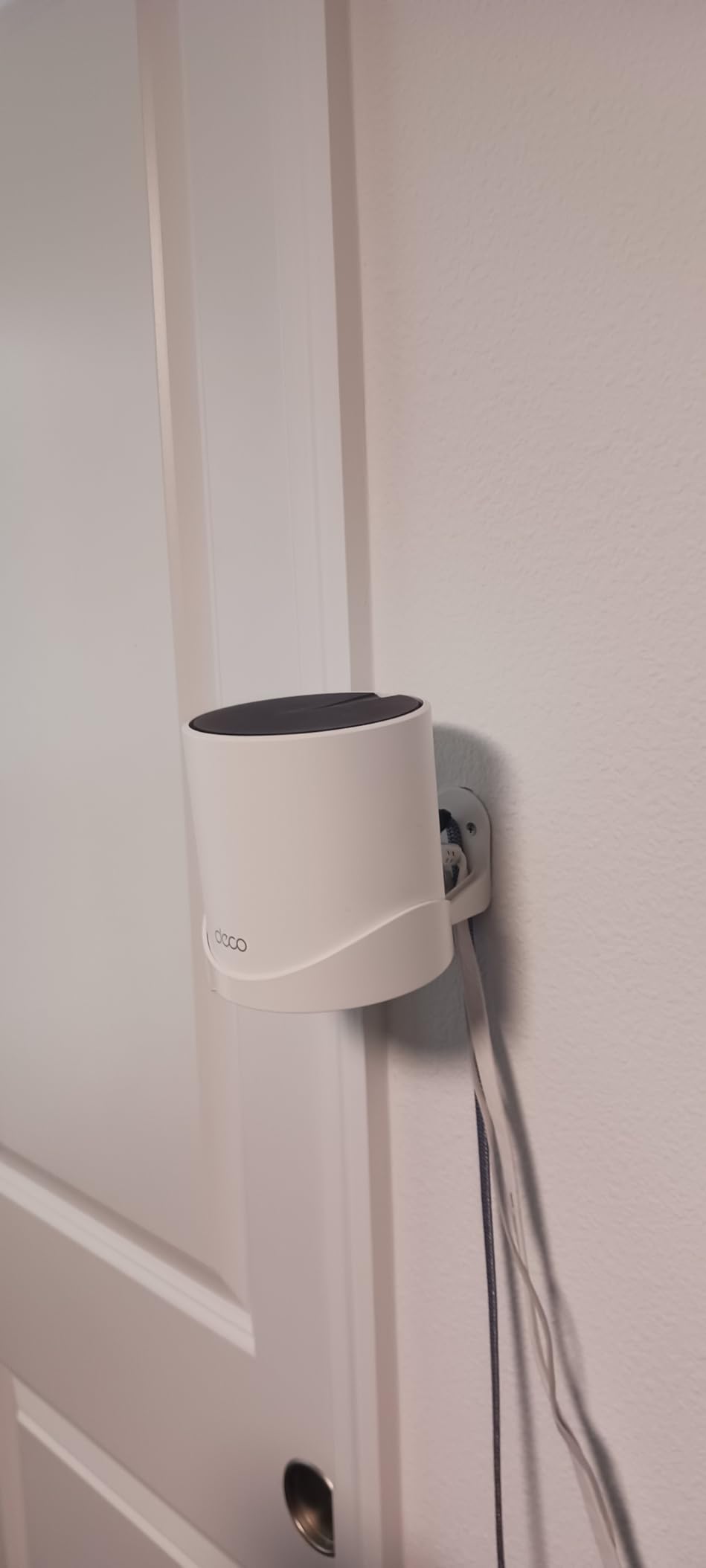
The reason this kit earned the top spot is the hardware underneath the marketing. Each node carries three Gigabit Ethernet ports, so a satellite can take a wired backhaul connection and still feed a switch. That single design decision removes the throughput penalty that makes so many mesh systems feel slower than the router they replaced.
OFDMA and MU-MIMO are what keep latency and jitter low once a dozen devices are active, and outdoor cameras and smart plugs that had been dropping on an older router stay connected. The 150-device figure is a capacity rating rather than a promise of full-speed service on every one of them, but it comfortably covers a busy family home or a shared house with several students.
Reviewers report the recurring caveat clearly: placement matters more than the box. A third unit that auto-connects through an extra wall can settle on a weak backhaul path and give you only fair signal until you physically move it.
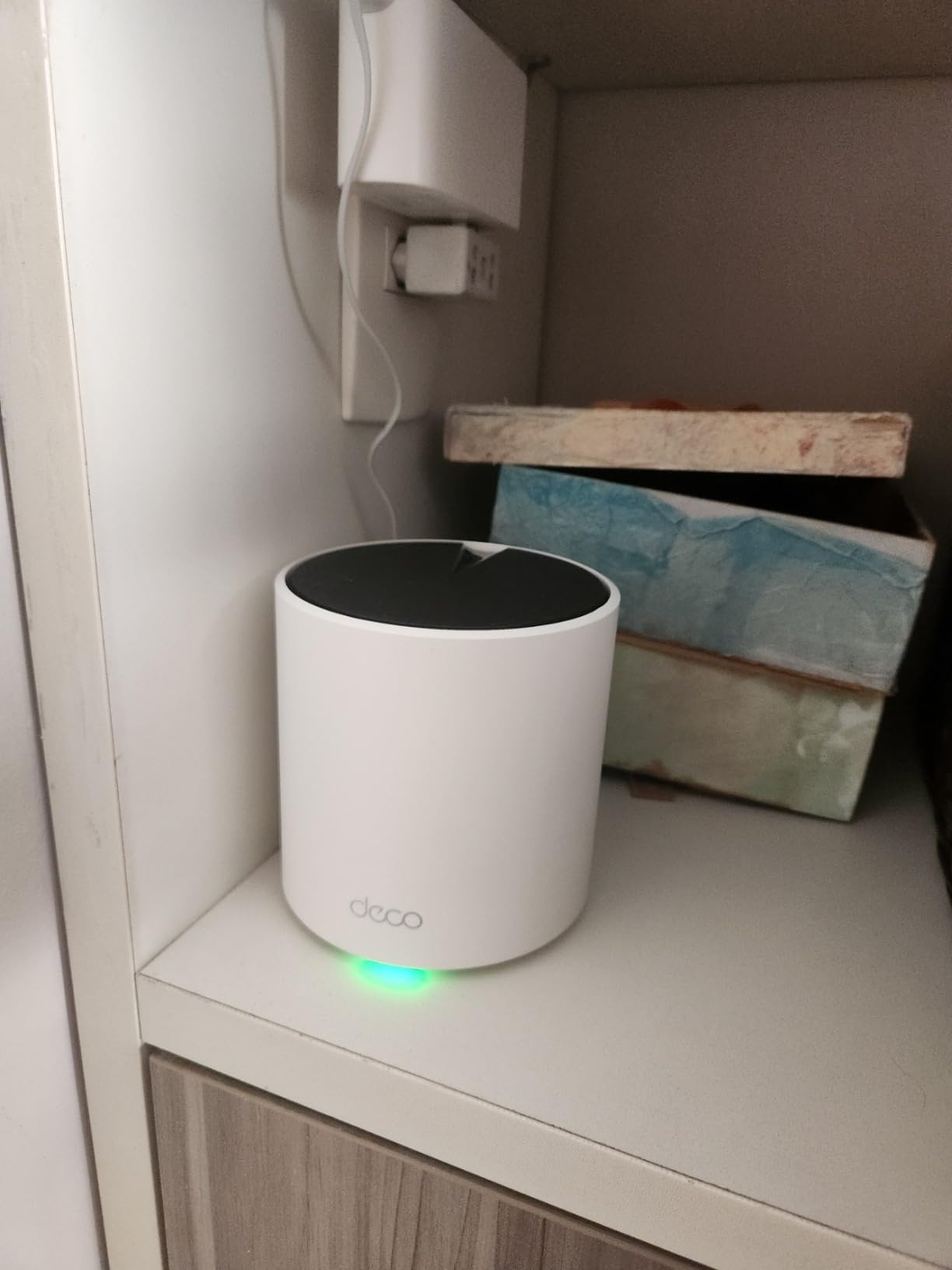
Check the backhaul path before you commit to three nodes
Because every node has three Gigabit ports, you can wire the satellites if you have cable. If you do not, the third node will find its own wireless path, and that path is often not the one you would have picked. Our advice is to place each node in the open rather than tucked behind furniture.
Understand what the app will and will not tell you
The Deco app handles setup and everyday management well, but device names and online/offline status are frequently wrong until you intervene. If you are the kind of person who checks a client list daily, budget for that frustration.
2. eero 6+ 3-Pack — Best Value for Whole-Home Coverage
Amazon eero 6+ mesh wifi system – Supports internet plans up to a Gigabit, Coverage up to 4,500 sq. ft., Connect 75+ devices, 3-pack
Wi-Fi 6 dual-band mesh
Up to 4500 sq ft
75+ devices
TrueMesh routing
Pros
- Simplest install of any mesh system we tested
- Consistent multi-floor coverage at full plan speed
- TrueMesh routing reduces drop-offs between rooms
- Backward compatible with earlier eero nodes
- Built-in Thread and Zigbee hub replaces a separate bridge
Cons
- Dual-band only
- 2.4 GHz-only devices need troubleshooting steps
- Only two Ethernet ports per node
- Limited advanced controls compared with TP-Link or ASUS
The eero 6+ is the mesh system we recommend to anyone who does not want to think about their network. Plug in, scan the QR code, and the nodes self-link. The 3-pack covers up to 4,500 square feet and is rated for 75+ devices, which makes it a comfortable fit for a 2,500 to 3,500 square foot home.
Owners frequently report full-plan speeds in every room, and remote workers single out the built-in bandwidth shaping as the fix for low-bandwidth warnings on video calls. The 160 MHz radio and TrueMesh routing both contribute to fewer dead spots and fewer dropped calls between rooms.
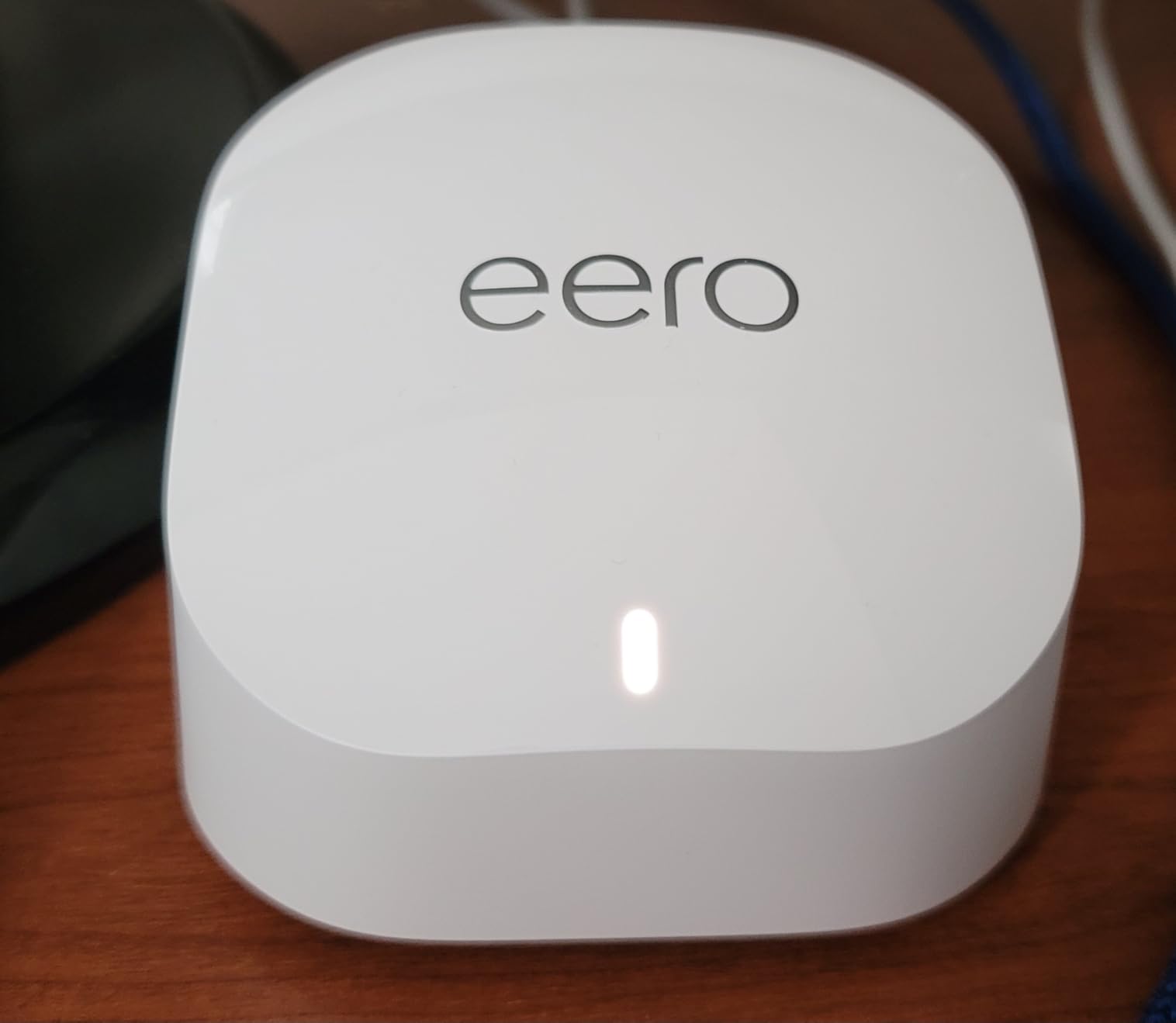
One structural advantage for a large-home buyer: earlier eero generations are backward compatible, so if you later add a node from another era of the range it can join the same network. That makes it easier to spread the cost of a whole-home build over time rather than buying everything at once.
The dual-band limitation is the thing to understand before you commit. Devices that only speak 2.4 GHz need the 5 GHz band temporarily disabled during troubleshooting, and owners report compatibility trouble with certain smart-home ecosystems, notably MyQ garage door openers. In a student accommodation or family home full of older IoT kit, that is worth checking against your own device list.
Two Ethernet ports per node also means you will often want a small gigabit switch to fan out wired connections. Reviewers note that nodes are highly placement sensitive, and mirrors, televisions and speakers in the room can degrade the link.
Count your 2.4 GHz-only devices first
If your household runs legacy smart plugs, older printers or certain garage and camera gear, note how many before you buy. Dual-band only means those devices share the same radios as everything else, and troubleshooting them can mean switching bands off entirely.
Decide whether you want a network you can tune
The eero app covers everything most homes need day to day. If you want per-device QoS priority, VLANs or radio-level control, eero does not offer them and no firmware update will change that.
3. TP-Link Archer AX21 — Best Budget Router for Medium Homes
TP-Link AX1800 WiFi 6 Router (Archer AX21 V5)
Wi-Fi 6 AX1800 dual-band
1200 Mbps on 5 GHz,574 Mbps on 2.4 GHz
4 external antennas
OFDMA and VPN server
Pros
- Inexpensive entry into Wi-Fi 6
- Beamforming plus 4 high-gain antennas and an FEM chipset
- OFDMA handles many devices on one band
- OpenVPN and PPTP server support built in
- Quick Tether app setup
Cons
- Single unit
- so large homes need added nodes or mesh
- Dual-band only with no 6 GHz radio
- 5 GHz radio is the bottleneck above gigabit service
With more than 24,000 reviews behind it, the Archer AX21 is one of the most proven Wi-Fi 6 routers you can buy, and for a flat or a modest home it is a dependable upgrade over an ISP-supplied box. Owners consistently report a clean, stable signal across a single-floor plan with no dead corners.
The AX3000 class figure of 2402 Mbps on 5 GHz and 574 Mbps on 2.4 GHz is a laboratory ceiling rather than a real-world speed, but the gap between the AX21 and cheaper entry models is real: beamforming, four external high-gain antennas and an FEM chipset give it noticeably better far-field signal.
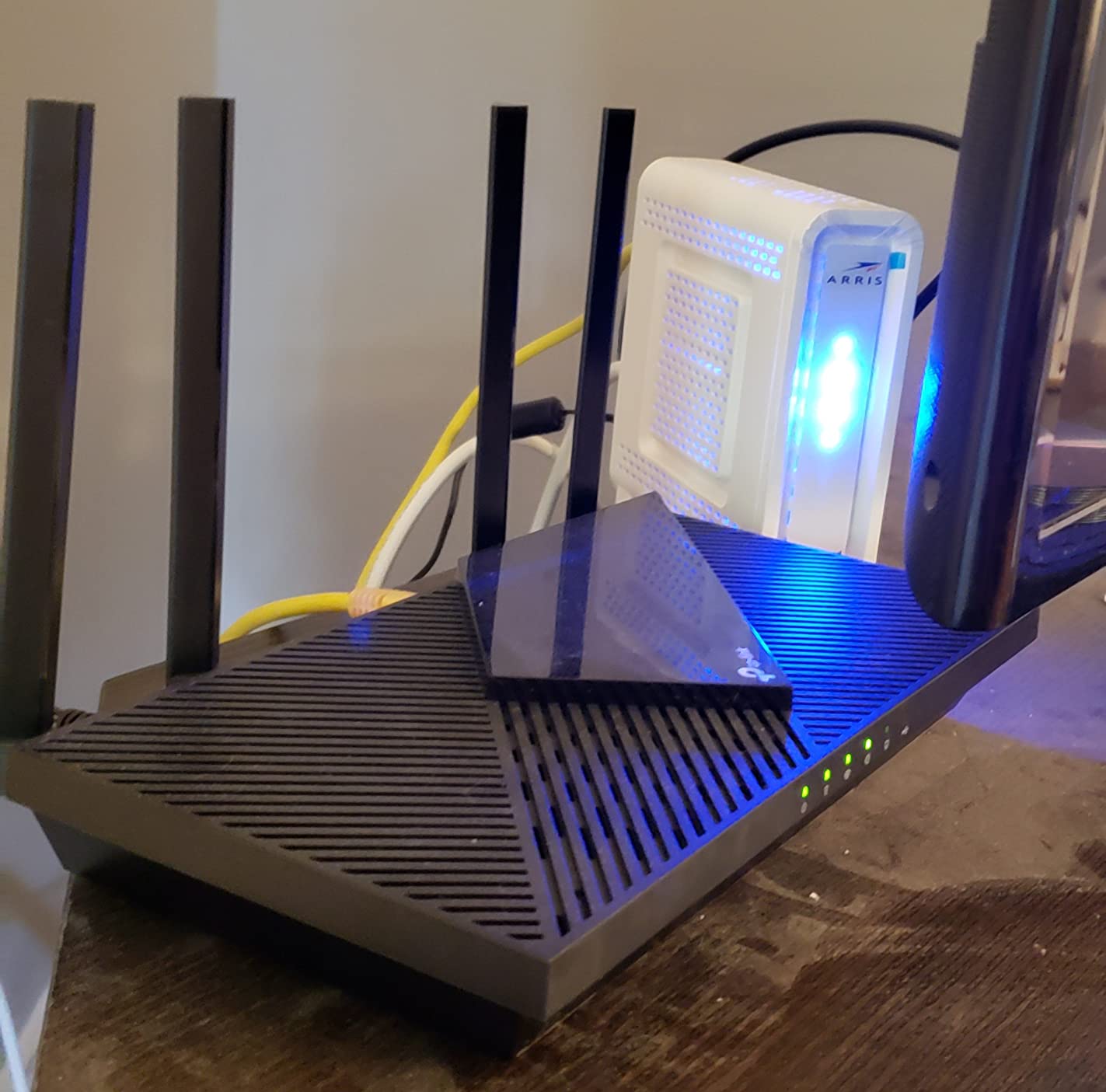
For device-dense homes, OFDMA is the feature that matters. It lets many clients share a single channel simultaneously rather than taking turns, which cuts congestion in a household where several people are streaming, gaming and taking video calls at the same time.
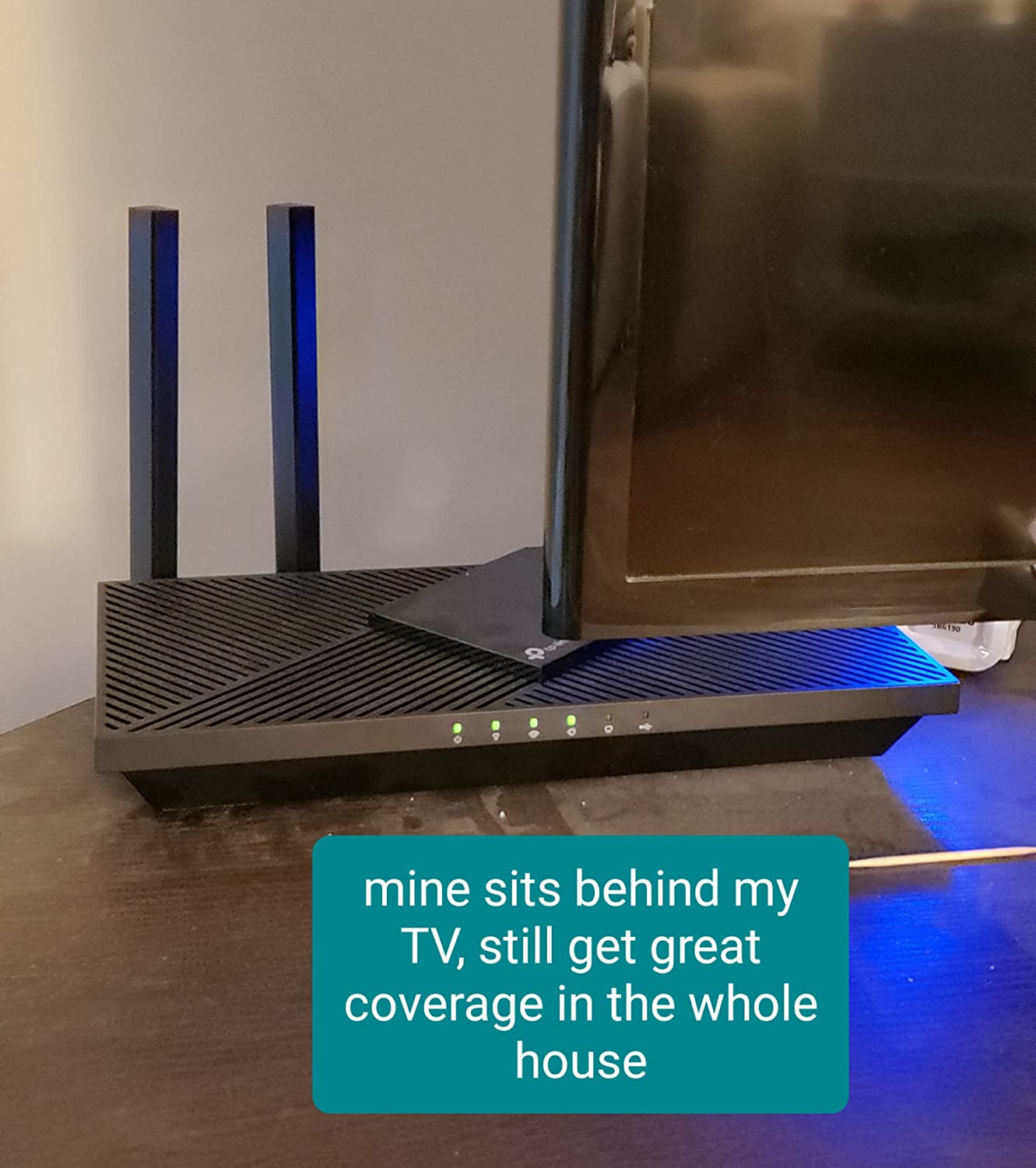
The honest limitation is scale. This is a standalone router, not a multi-node system, so the moment your floor plan exceeds its reach you need mesh or an access point. Reviewers are consistent on this point: the AX21 is excellent for a normal-to-medium home and simply not sized for a large one.
It is dual-band, with no 6 GHz radio, and the 5 GHz side becomes the bottleneck above gigabit service. If you are on a multi-gig plan, the maths does not work.
Work out whether your floor plan fits inside one box
Measure the distance from where the router will sit to the furthest room you care about. If that path crosses a staircase and two walls, the AX21 will be stretched, and a two-node mesh will serve you better than a stronger single router.
Check your internet speed before you spend
A 1 Gbps plan is fully served by this class of hardware. Above 1 Gbps, the 5 GHz radio caps what a single client can receive, and a multi-gig port becomes the feature that matters more.
4. TP-Link Archer AX55 — Best Standalone Router for a Single Wide Floor
TP-Link Dual-Band AX3000 Wi-Fi 6 Wireless Gigabit Internet Router for Home
Wi-Fi 6 AX3000 dual-band
2402 Mbps on 5 GHz
4 external antennas
USB 3.0 and VPN
Pros
- Full AX3000 class at 2402 Mbps on 5 GHz
- Four external high-gain antennas with beamforming
- USB 3.0 port plus VPN client and server
- OFDMA and MU-MIMO keep jitter low
- Larger heat sink resists thermal throttling
Cons
- Still a single node
- so very large homes need mesh or an access point
- Dual-band only with no 6 GHz backhaul radio
- Tether app is far less granular than ASUS or OpenWrt interfaces
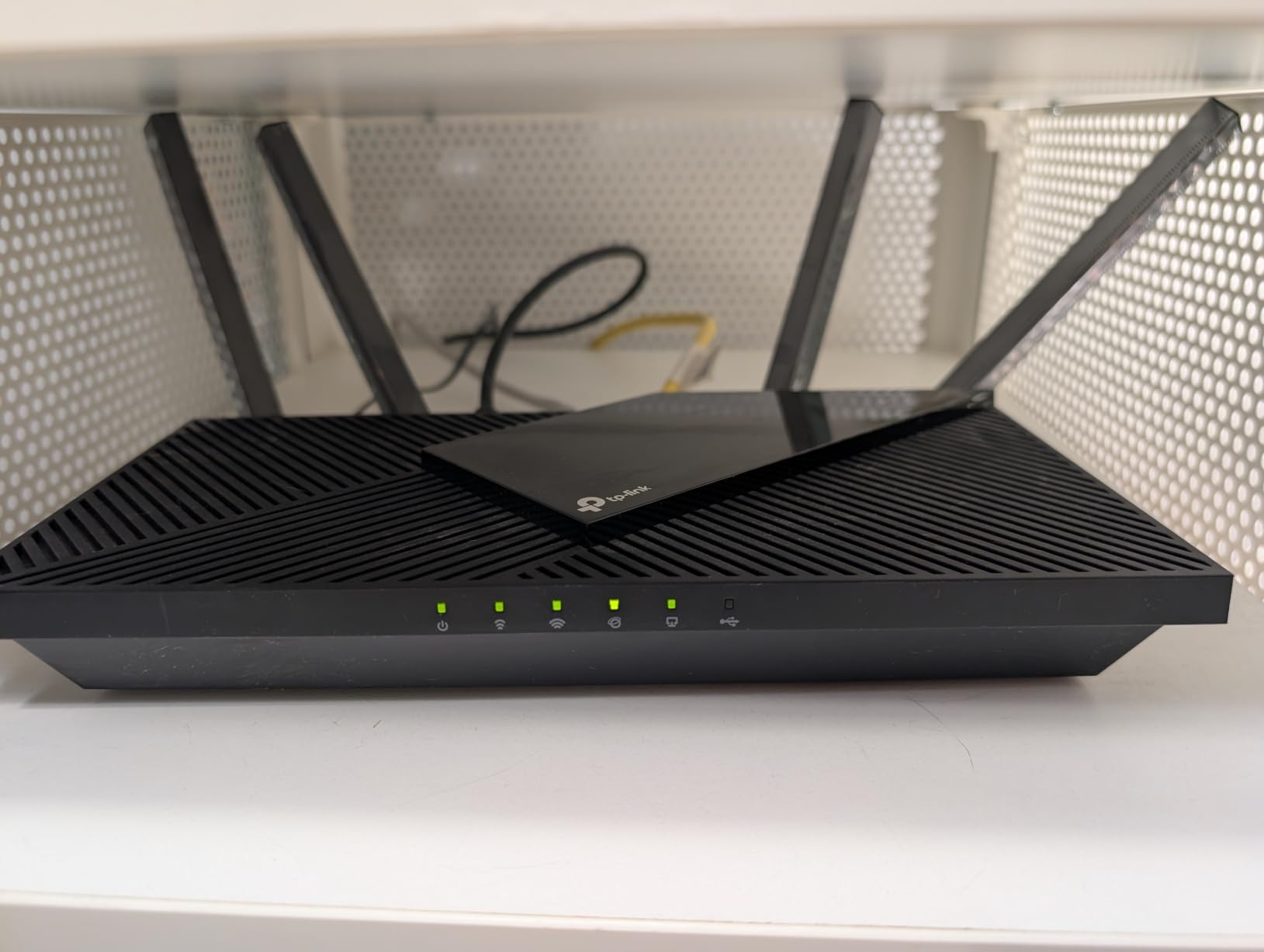
The AX55 is the standalone router we would put at the centre of a single large floor. It delivers the full AX3000 class, 2402 Mbps on 5 GHz and 574 Mbps on 2.4 GHz, and owners consistently treat that headroom as a noticeably wider usable area than AX1800 hardware of the same shape.
Four external high-gain antennas with beamforming steer signal toward the clients that need it, which is exactly the behaviour that helps in an open-plan living space with a wide but shallow footprint. Owners consistently treat this as the sweet spot between a cheap router and a mesh kit.
Two details set it apart for anyone running a home office. The USB 3.0 port supports a USB drive or a small NAS-style share, and the VPN client and server support means you can reach the network from outside or route traffic through a home server without extra software.
The redesigned case uses a larger heat sink, and owners report it holds top speeds under sustained load without the thermal throttling seen on cheaper enclosures. OFDMA and MU-MIMO keep latency and jitter low once a dozen devices are active.
For a large multi-storey house it is simply the wrong shape of product, because there is no second node and no dedicated backhaul radio. What you can do instead is use it as a single access point in a wired building.
Pick this when your home is wide rather than tall
If your square footage sits on one floor with long sightlines, a single AX3000 router can out-cover a three-node mesh that is fighting stairwells. This is the router to beat if the router can sit near the centre of the space.
Know when to stop and add a node
The moment clients move to a different floor, wireless backhaul starts eating throughput. If you have cabling, the AX55 works well as a wired access point with your own router handling routing.
5. GL.iNet Flint 2 — Best for Multi-Gig, VPN and Full Control
GL.iNet GL-MT6000 Flint 2 Wi-Fi 6 Gaming Router Dual 2.5G Ports
8-stream Wi-Fi 6 up to 6 Gbps
Dual 2.5G ports plus 4x 1G
OpenWrt pre-installed
AdGuard Home included
Pros
- Only option here with two 2.5 Gigabit ports
- Over 1.5 Gbps over Wi-Fi and full 2.5 Gbps on wired
- Pre-installed OpenWrt with VLANs and multiple SSIDs
- Around 900 Mbps WireGuard and 880 Mbps OpenVPN
- AdGuard Home and USB 3.0 included
Cons
- OpenWrt is a real barrier for non-technical users
- Bundled firmware can lag upstream OpenWrt releases
- Plain industrial design next to mesh units
The Flint 2 is the only router in this guide with two 2.5 Gigabit ports, and in a large home that is the feature that changes what you can build. It connects to multi-gig fibre without a switch, and it supports multi-WAN failover for anyone running a second connection.
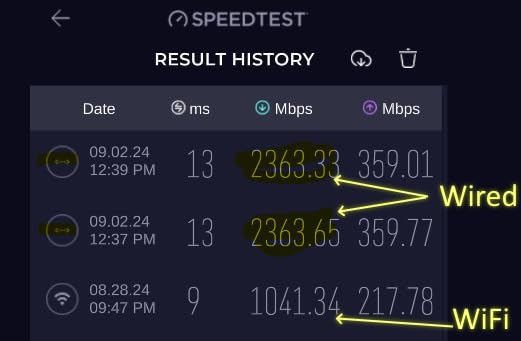
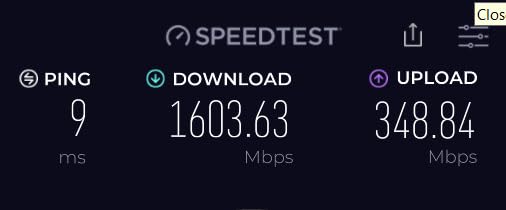
Owners report over 1.5 Gbps over Wi-Fi on 5 GHz with 160 MHz channels, and wired clients sitting the full 2.5 Gbps line, alongside roughly 900 Mbps on WireGuard and 880 Mbps on OpenVPN. That is fast enough that a VPN no longer feels like a tax on your throughput.
The pre-installed OpenWrt is the real differentiator. You get full LuCI access, VLANs, multiple SSIDs, QoS, policy routing and installable packages out of the box, with AdGuard Home handling network-wide ad and tracker blocking through DNS. A 1.8 GHz quad-core MediaTek CPU, 1 GB of DDR4 RAM and 8 GB of eMMC mean the box does not slow down when you load it up.
It is dual-band rather than tri-band, so it works best as the main router in a building where you can add access points, or in a single wide floor plan. Owners report it runs cool with several VLANs and SSIDs active.
The trade-off is honesty about the audience. If you have never touched a router interface, the OpenWrt learning curve will cost you an evening. The simplified GL.iNet panel helps, but it does not remove the barrier.
Buy this if your ISP plan is above 1 Gbps
Below gigabit, a 2.5G port adds nothing. Above it, it is the difference between a router that caps your speed and one that does not, and most consumer hardware in this list simply has no port at all.
Confirm you want to manage a network yourself
Segmentation, multiple SSIDs and package installs are the reason people pick this. If your goal is set-and-forget coverage, the Deco or eero path is shorter and more reliable for you.
6. ASUS RT-AX1800S — Best for Free Security and Mesh Expansion
ASUS RT-AX1800S Dual Band WiFi 6 Extendable Router, Subscription-Free Network Security, Parental Control, Built-in VPN, AiMesh Compatible, Gaming & Streaming, Smart Home
Wi-Fi 6 AX1800 dual-band
5 Gigabit ports
AiMesh compatible
AiProtection included free
Pros
- AiProtection security included with no recurring fee
- Five Gigabit ports give plenty of wired headroom
- AiMesh pairs with existing ASUS routers and inherits settings
- ASUS Instant Guard gives one-click VPN from outside
- Configurable web GUI as well as the app
Cons
- Known ASUSWRT bug can drop the 2.4 GHz radio under Smart Connect
- Parental controls lack per-site logging and custom blacklists
- Dual-band only with no dedicated backhaul radio
Most security features on consumer routers are a paid subscription. The RT-AX1800S is a welcome exception: AiProtection Classic by Trend Micro is included permanently, with no recurring feature fees, which makes it a good fit for family homes where parental controls matter and nobody wants another monthly bill.
Hardware-wise you get one Gigabit WAN and four Gigabit LAN ports, which is the largest wired headroom count in this guide outside the Flint 2. That is useful in a large home where you plan to run several wired endpoints or a switch per floor.
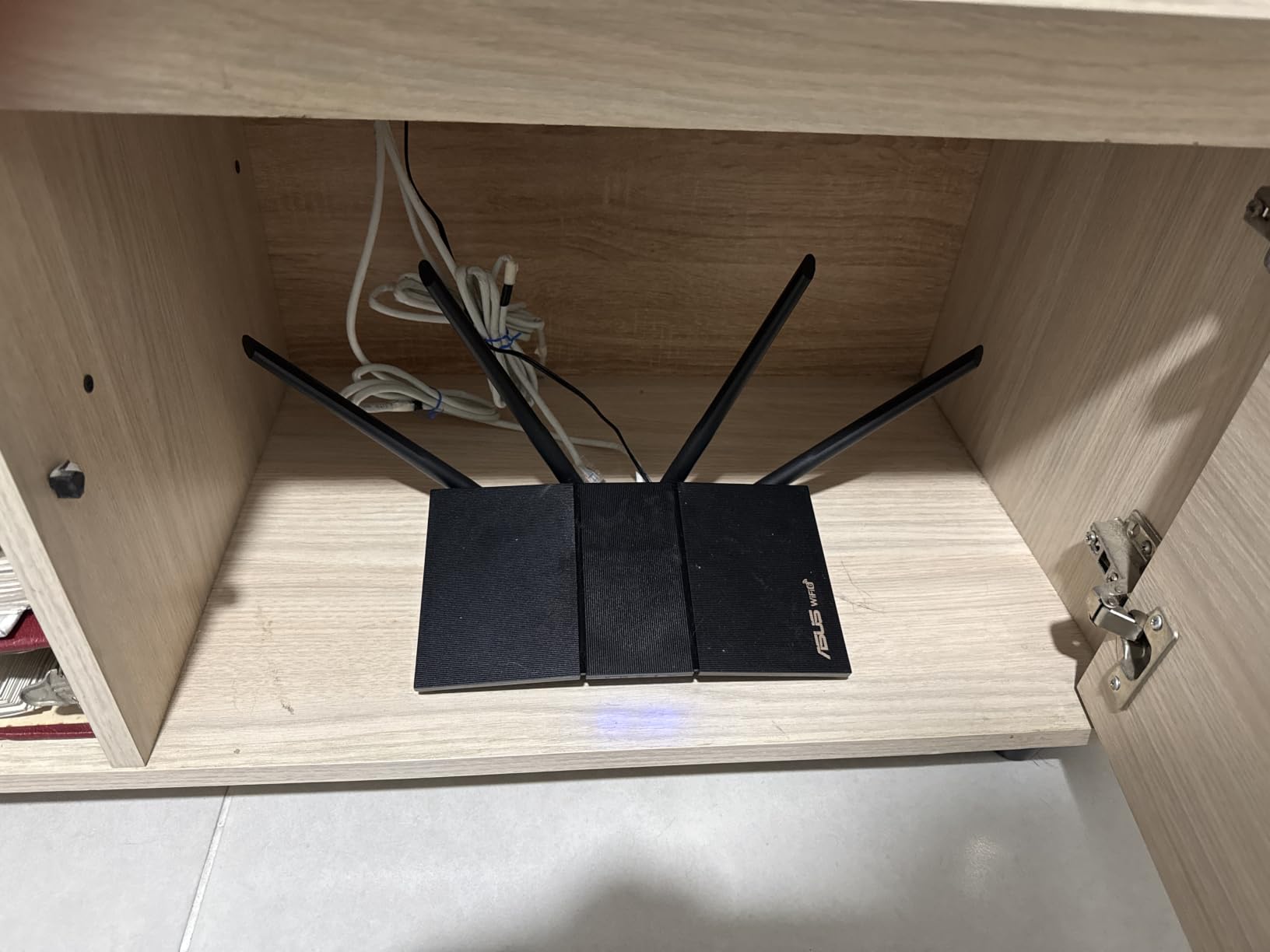
For anyone already running ASUS hardware, AiMesh is the deciding feature. It pairs with an existing ASUS router and inherits its settings, so expanding coverage does not mean learning a new system. Reviewers who like tuning QoS, firewall rules and mesh behaviour rate the web GUI as unusually capable for the money.
There is a real caveat, though, and it is documented by owners rather than the marketing. A repeatable ASUSWRT firmware defect on MT7915-based models can shut down the 2.4 GHz radio when Smart Connect and Wi-Fi 6 are both enabled, forcing you to turn Wi-Fi 6 off for that band. Check the current firmware state before you rely on 2.4 GHz.
Coverage is the other limit. Dual-band only, no 6 GHz, and no dedicated backhaul radio, so in a large multi-storey house this works as part of an AiMesh set rather than alone.
Ask whether you want security that stays free
If parental controls and threat protection are the deciding factors for your household, subscription-free AiProtection removes a recurring cost that other brands in this list charge for. The trade-off is less granular control than a paid tier offers.
Plan the mesh path from day one
Buying a single unit and hoping it stretches is the wrong approach here. If you need three or four radio points, budget for the AiMesh set and place the nodes on separate floors.
7. Tenda Nova MX12 3-Pack — Best for Very High Device Counts
Tenda AX3000 WiFi 6 Mesh System Nova MX12– Whole Home Mesh WiFi Coverage up to 7,000 sq. ft., Dual-Band WiFi Mesh Network for 160+ Devices, Fast & Stable, Replaces Wireless Router (3-Pack)
Wi-Fi 6 AX3000 mesh
Covers up to 7000 sq ft
Over 160 devices
Dual-band, 3 nodes
Pros
- Largest advertised coverage in this group at 7000 sq ft
- Handles 160+ devices with MU-MIMO and OFDMA
- AX3000 dual-band speeds with low latency
- Separate 2.4 GHz and 5 GHz SSIDs for manual control
- New nodes join with a button press
Cons
- Lowest average rating of the ten models reviewed
- App and web interface are less refined than rivals
- MX series cannot mesh with MW series units
If your priority is device density rather than polish, the Nova MX12 3-pack is the most capable arithmetic in this group. Three nodes cover up to 7,000 square feet, and Tenda rates the system for 160 or more simultaneous devices using MU-MIMO and OFDMA. For a shared house with several students, a large family, or a home full of cameras, that is the largest number any kit here claims.
Owners who moved from range extenders to this kit generally see whole-home coverage restored and dead zones removed. AX3000 dual-band speeds of 2402 Mbps on 5 GHz and 574 Mbps on 2.4 GHz hold up for 4K streaming and gaming with low latency.
Separate SSIDs for the 2.4 GHz and 5 GHz bands give you manual control when a legacy device misbehaves, and new nodes join an existing Nova network with a single button press. Setup runs through a web GUI or the Tenda Wi-Fi app, and WPA3 encryption plus a 2-year manufacturer warranty are both welcome at this level.
The caveat is consistency. The average rating here is the lowest of the ten models we reviewed, and a visibly higher share of one-star reviews points at stability and setup friction rather than raw wireless performance. The app and web interface are bare-bones next to TP-Link, ASUS or eero.
One expansion rule is worth knowing before you commit: MX series nodes cannot form a mesh with MW series units, so your growth path stays inside this family.
Check your device count against the room count
The 160+ device rating describes capacity, not speed for every client. In a shared house, the pairing that matters is roughly 20 to 30 connected devices per node, which is why three well-placed nodes beat one node in a crowded house.
Be honest about the software
You get WPA3, QoS-level controls and a workable app, but not the tuning depth of an ASUS or OpenWrt system. If nobody in the house will ever open the interface, that is a fair trade.
8. Netgear Nighthawk RAX36 — Best for Compact and Mid-Sized Spaces
NETGEAR Nighthawk WiFi 6 Router (RAX36) – Router Only, AX3000 3 Gbps Wireless Speed – Dual-Band Gigabit Internet – Covers 2,000 sq. ft., 25 Devices – Built-in VPN, USB 3.0, Gaming
Wi-Fi 6 AX3000 router
Covers up to 2000 sq ft
Up to 25 devices
4 Gigabit ports, USB 3.0
Pros
- Straightforward replacement for an ISP router up to 1 Gbps
- AX3000 class wireless speed for streaming and calls
- Four Gigabit Ethernet ports
- Built-in VPN plus USB 3.0 for network storage
- Compact design with internal antennas
Cons
- Coverage stops at roughly 2000 sq ft and 25 devices
- Only 4 Ethernet ports and no multi-gig port
- Router only
- so you still need a cable or fiber modem
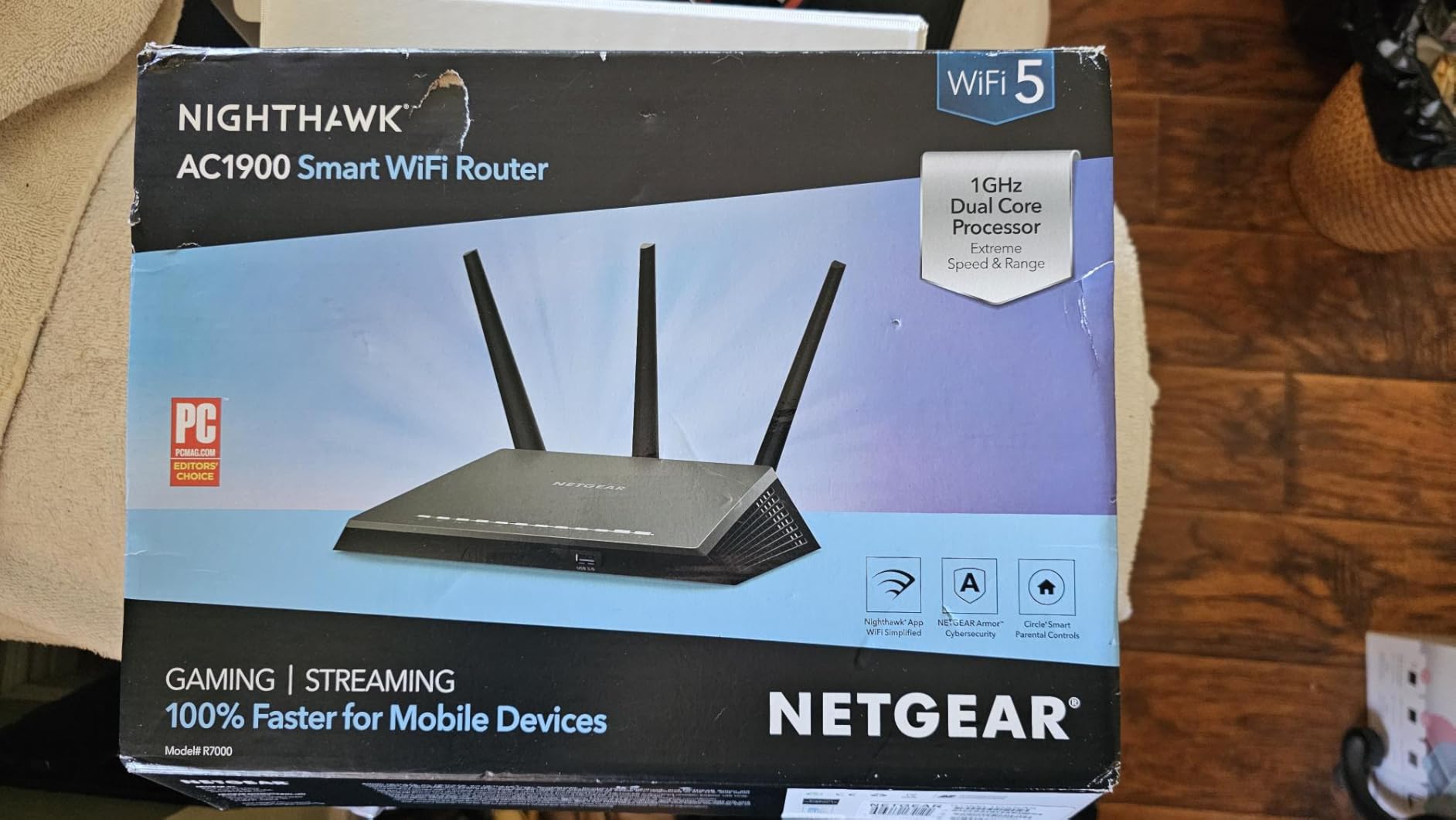
The RAX36 belongs in this guide as the honest answer for people who think they have a large-home problem but do not. Its stated envelope is up to 2,000 square feet and 25 devices, which covers a flat, a small house or one floor of a bigger building comfortably.
As a replacement for an ISP-supplied gateway it is uncomplicated: it connects to an existing cable modem and works with ISPs up to 1 Gbps across cable, satellite, fibre and DSL. Setup runs through the Nighthawk app, and owners report stable throughput once it is configured.
You get four Gigabit Ethernet ports, built-in VPN support and a USB 3.0 port that can serve network storage or a wired server. For most households the internal antenna design is a feature, since the unit blends into a home network instead of advertising itself.
It is also router only, so a cable or fibre modem is a separate purchase. The 1-year limited warranty is shorter than the 2 to 3 years offered by most rivals, and NETGEAR pushes extended warranty and security subscriptions separately.
Our guidance is straightforward: if your speed tests show dead zones at more than 2,000 square feet, this is the wrong tool and no amount of setup will change that.
Use it where coverage is already fine
If the only reason you are shopping is a slow or dated ISP router, the RAX36 is a good buy. It is a router upgrade, not a coverage solution, and owners with larger homes often pair it with extenders, which is a cheaper path than a full mesh kit.
Note the device ceiling before you commit
The 25-device rating is the number to watch in a shared house. Above that, coverage stops being the first problem and concurrency becomes it, which points you at a mesh system with a higher capacity figure.
9. Netgear Orbi RBK752 — Best Signal Through Thick Floors
NETGEAR Orbi Whole Home Tri-Band Mesh WiFi 6 System (RBK752) – Router with 1 Satellite Extender | Coverage up to 5,000 sq. ft., 40 Devices | AX4200 (Up to 4.2Gbps)
Tri-band AX4200 mesh
Dedicated backhaul band
Up to 5000 sq ft and 40 devices
Router plus one satellite
Pros
- Dedicated backhaul band holds signal through floors and concrete
- Near-full gigabit speeds in real homes
- Router plus satellite covers 5000 sq ft and 40 devices
- Three Gigabit ports on the router and two on the satellite
- NETGEAR Armor security with a 30-day trial
Cons
- Orbi app and web interface are dated and bug-prone
- Attached-device list can stop updating while the network freezes for seconds
- Router and satellite can arrive on mismatched firmware
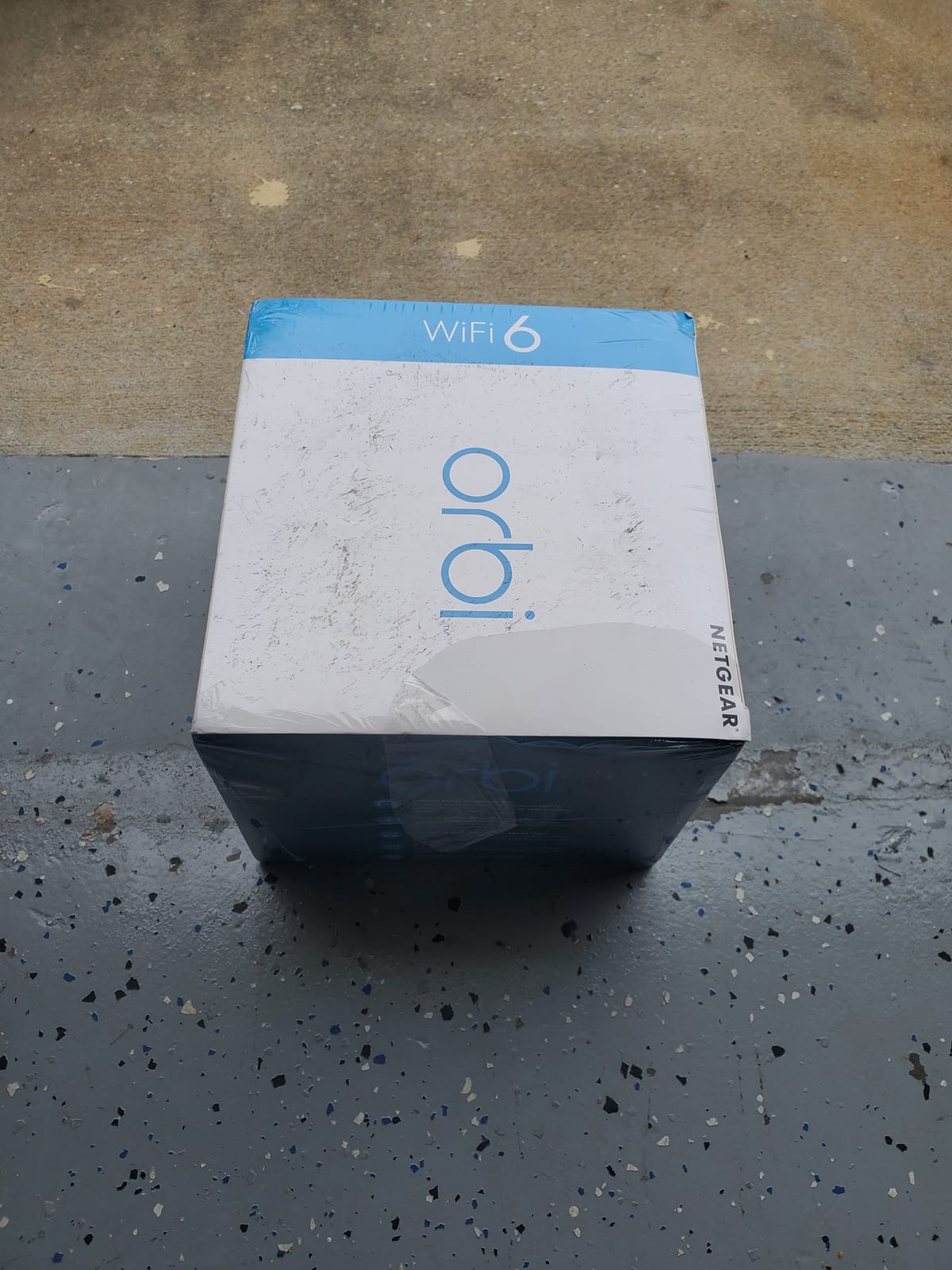
On raw wireless capability, the Orbi RBK752 is the strongest signal performer in this group. It is tri-band AX4200 with a dedicated backhaul band, and that third radio exists for one job: carrying traffic between nodes without borrowing from the bands your devices are using. Owners credit it with holding a strong signal through multiple floors and thicker construction than any dual-band kit here.
The router plus one satellite covers up to 5,000 square feet and 40 devices, and each additional satellite adds up to 2,500 square feet. Real homes generally get near-full gigabit speeds on a gigabit plan, including 4K streaming in multiple rooms.
Wired connectivity is well served: three Gigabit Ethernet ports on the router and two on the satellite, so you can run a wired backhaul to the satellite and still connect devices downstairs. NETGEAR Armor provides real-time security shielding and VPN privacy, with a 30-day trial included, and one unit can replace a cable-company gateway and its monthly equipment rental.
Where it falls short is software, and owners are unusually blunt about it. The Orbi app and web interface are widely described as primitive and unintuitive, similar actions produce different results, and some report the attached-device list stopping for no reason along with the network freezing for seconds to minutes several times a day.
There is also the practical wrinkle of router and satellite arriving on mismatched firmware, plus a 1-year warranty with upsells for extended support and security subscriptions. Owners who leave it on default settings are happy; experienced users are the ones who complain.
Check whether your walls justify the third band
The dedicated backhaul band earns its place in a house with concrete, brick or three floors. On a single wide floor, a dual-band mesh will cover the same space for less money, and you can spend the difference on cabling.
Decide how much you will manage after setup
QoS is not user-tunable here and there is no per-client priority control. If you plan to prioritise a work VPN or a game console, note that before you buy.
10. Linksys Hydra Pro MR7500 — Best for 6 GHz and Multi-Gig Homes
Linksys Hydra Pro Mesh WiFi 6E Router MR7500 Tri-Band WiFi Mesh Router AXE 6600 For Wireless Internet For The Home, Work, And Guest House – Connect 55+ Devices, 2,700 Sq Ft
Tri-band Wi-Fi 6E AXE6600
Dedicated 6 GHz band
Up to 2700 sq ft per unit
55+ devices, 4x4 MU-MIMO
Pros
- Dedicated 6 GHz band for very low latency
- AXE6600 class with a 1.8 GHz quad-core processor
- Dynamic backhaul mesh that extends to a guest house
- 5 Ethernet ports plus a USB 3.0 port
- 55+ devices with 4x4 MU-MIMO for dense clients
Cons
- About 2700 sq ft per unit
- so most large homes need several units
- Shorter 5 GHz and 6 GHz range needs careful placement
- No multi-gig port despite the Wi-Fi 6E class
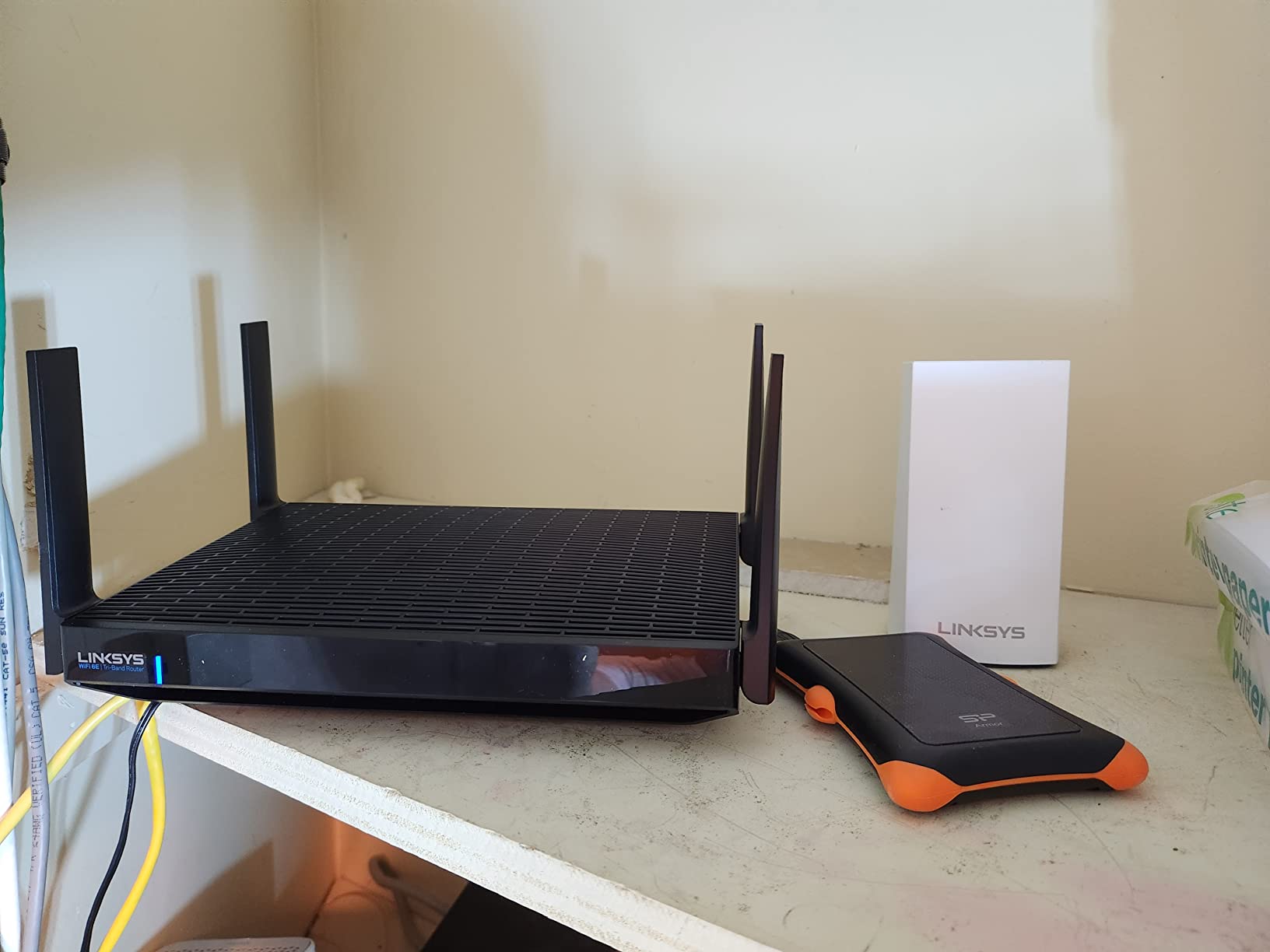
The Hydra Pro MR7500 is the one genuinely tri-band Wi-Fi 6E unit in this group, and the 6 GHz band is what makes it interesting for a large home. That band is wide and clean, so it delivers very low latency and multi-gig throughput to clients that support it, without competing with the 2.4 and 5 GHz radios.
The AXE6600 class rating and the 1.8 GHz quad-core processor give it the headroom owners want for demanding homes and gaming. The mesh system supports dynamic backhaul, so extra nodes can extend the network through the house and out to a guest house, which is unusual at this size.
For dense client environments, 4×4 MU-MIMO and a stated 55+ device capacity are the numbers to look at. There are also 5 Ethernet ports including Gigabit LAN, plus a USB 3.0 port, and management runs through the free Linksys app.
At up to 2,700 square feet per unit, a 3,000 square foot home needs at least two, and a 4,000 square foot multi-storey house needs three or more. Buying one unit and expecting it to cover a large house is the most common mistake reviewers report with this model.
Be aware that 5 GHz and 6 GHz have shorter range than 2.4 GHz, so node placement through walls and floors needs care. WPA2 is listed as the primary security protocol, advanced security customisation is limited, and there is no multi-gig port despite the Wi-Fi 6E class.
Budget for nodes, not for one flagship box
Per-node coverage of about 2,700 square feet is the number to plan around. Multiply it by your floors and add a node for any basement or far wing, and the maths usually looks cheaper than buying one very expensive router.
Check your clients support 6 GHz
The 6 GHz band needs Wi-Fi 6E hardware on both ends. Recent laptops and phones benefit most; older IoT gear and printers stay on 2.4 GHz, so the lower bands still have to do the heavy lifting.
Standalone Router vs Mesh vs Access Point
This is the decision that matters more than any spec sheet, and most roundups skip it. A standalone router is one box that broadcasts from one location. A mesh system is several boxes that receive and rebroadcast, ideally over a wired link. An access point is a wireless transmitter with no routing of its own, hung off a wired network that already exists.
Choose a standalone router when your floor plan is under 1,500 square feet on one floor, or when it is under 2,500 square feet and open. The Archer AX55 is the strongest of the single boxes here, and the AX21 covers a smaller or flatter space.
Choose a mesh system when you have two or more floors, any dead zone that survived moving the router, or a footprint over 2,500 square feet. The Deco X55 3-pack and the Orbi RBK752 are the two we would choose between, with eero 6+ the simplest to install and the Tenda Nova MX12 the one with the highest device ceiling.
Choose an access point when you already have Ethernet on each floor and a router you are happy with. This is the layout that forum users repeatedly converge on, because once nodes are wired, wireless backhaul stops eating your throughput.
A caution worth repeating from the forums: adding a third-party router in front of your ISP gateway can create double NAT, which breaks inbound connections, some VPNs and remote access. Put the ISP box into bridge or pass-through mode, or leave it in place as the router and run your access points behind it.
How Many Mesh Nodes Does Your House Need?
One node per floor is the working rule, plus one for any basement, garage or far wing that has a dead zone today. A two-storey home with 2,500 to 3,500 square feet is a two-node job, and a three-node kit gives you the spare. A three-storey home of 3,500 square feet or more wants three nodes minimum, and four if the stairs are in the middle of the plan.
Placement beats count every time. Put the main node near where your cable enters the house, high up and in the open, not inside a cupboard. Put each satellite in the part of the floor that currently has the worst signal, and keep it away from mirrors, televisions, microwaves and thick masonry.
Check the result with a speed test in every room. If one floor still has a dead corner, add a node or move the nearest satellite rather than buying a stronger router. A badly placed node can be worse than no node at all, because the mesh will still route through it.
Wired vs Wireless Backhaul: What It Costs You
Wireless backhaul is why mesh sometimes feels slower than the single router it replaced. When a satellite has to rebroadcast your traffic on the same radios your devices are using, throughput at the far end of the house is cut roughly in half, and latency climbs with every extra hop.
Wired backhaul removes the penalty entirely. The numbers that matter: a gigabit wired link is the ceiling for most of the kits in this guide, and the Orbi’s 4.2 Gbps aggregate wireless figure assumes its dedicated backhaul band. In a large house, a node on a gigabit cable can beat a node on a faster wireless link simply because nothing is shared.
Real-world evidence from the forums points the same way. One owner of a two-storey, 3,400 square foot home posted in an AVS forum thread that a mid-range Netgear AX4200 router with two hard-wired upstairs satellites gave them fine coverage, and in the r/HomeNetworking large-house discussion the recurring advice was to use access points and a gateway rather than expect one consumer router to cover the property.
Our rule: if a free Ethernet port exists in a room that struggles, run the cable. If it does not, place nodes so the first hop crosses as few walls as possible.
Wi-Fi 6 vs Wi-Fi 6E vs Wi-Fi 7 for Large Homes
Wi-Fi 7 does not go through walls better than Wi-Fi 6. Wall penetration is a function of frequency, and the 6 GHz band in Wi-Fi 6E is higher and shorter-range than 5 GHz, so it is worse at crossing floors. What newer standards improve is speed, capacity and interference handling in open space, not reach.
For a large home, that changes what is worth buying. Wi-Fi 6 dual-band hardware remains the sensible core of any deployment, because 2.4 GHz and 5 GHz are the bands that carry signal through the structure. A 6 GHz band helps where your clients are modern and your distance is short, and it frees the lower bands from contention.
The Linksys Hydra Pro MR7500 is the only Wi-Fi 6E unit in this guide, and its 6 GHz band is a genuine advantage for latency and multi-gig throughput in a large home, as long as you buy enough nodes to cover the space. For everyone else, the practical upgrade path is a better-placed Wi-Fi 6 system rather than a newer standard.
Wi-Fi 6 itself is now well established and widely supported, which makes this a good moment to replace an ageing Wi-Fi 5 router. The gains you will notice in a large home come from node count and placement, not from a generation jump.
How Many Simultaneous Devices Can These Handle?
Capacity ratings tell you the ceiling, not the experience. A practical rule is to budget roughly 20 to 30 active clients per node, spread across the bands by device type. Cameras, phones and laptops are the ones that matter; a smart bulb is not going to feel the difference.
On published figures, the Tenda Nova MX12 leads at 160+ devices, the Deco X55 follows at up to 150, the Linksys Hydra Pro MR7500 claims 55+ with 4×4 MU-MIMO, the eero 6+ covers 75+, the Orbi RBK752 handles 40, and the Netgear RAX36 is built for 25.
For student accommodation or a shared house, device density is usually the binding constraint before coverage is. Six people each with a laptop, two phones, a console and a TV is closer to 60 clients before you count IoT. In that situation, a three-node kit with a higher capacity figure is worth more than a single flagship router, and the forum advice to go multi-gig plus mesh for a house of that size is sound.
One more practical point: connect stationary devices by wire wherever a port exists. Every TV and console you unhook from the wireless band is capacity returned to the phones.
Buying Guide: The Specs That Matter at This Size
Coverage footprint, not AX class. The AX number is a sum of theoretical band speeds across all radios, not a coverage figure and not a real-world speed. Judge a router by how much square footage each node covers and how many nodes you can run.
Ports. Every kit here except the Flint 2 is limited to gigabit Ethernet. If your ISP plan is above 1 Gbps, a multi-gig WAN port is the feature that matters, because the wireless side will not save you otherwise.
Backhaul options. Check that the mesh system supports wired Ethernet backhaul, and count the ports per node. The Deco X55 gives you three per node; the eero 6+ gives you two and often needs a switch.
Dual-band or tri-band. Dual-band systems rebroadcast on the same radios clients use, which costs throughput at the far end. A tri-band system with a dedicated backhaul radio, like the Orbi RBK752, or a 6 GHz band, like the Hydra Pro, holds speed better across floors.
Security subscriptions. Some kits include parental controls and threat protection permanently, and others move advanced features behind a paid tier or a trial. The ASUS RT-AX1800S and the ASUSWRT interface are subscription-free, and NETGEAR Armor ships as a 30-day trial on the Orbi. Read the terms before you rely on a feature.
Management style. App-only systems are simple and frustrating if you want VLANs, QoS tuning or per-device priority. The Flint 2 gives you full OpenWrt, the ASUS gives you a capable web GUI, and the eero and Deco apps are the easiest. Pick the one that matches how much you intend to fiddle.
Expandability rules. Check what you can add later. The Deco, eero, Linksys, ASUS AiMesh and Tenda Nova kits all expand within their own family, and the Tenda MX series will not mix with MW series units.
Frequently Asked Questions
What is the best router for very large homes?
For very large homes, a mesh system is the right answer rather than a single faster router. Above roughly 2,500 square feet or two storeys, one box leaves dead zones no spec sheet can fix. Our pick is the TP-Link Deco X55 3-pack, which covers up to 6500 square feet, gives you three Gigabit ports per node for wired backhaul, and handles up to 150 devices. Wire the satellites if you can, because that removes the throughput loss of wireless backhaul.
What is the best Wi-Fi router for a 3000 sq ft house?
For a 3,000 square foot house, a three-node mesh kit is the right size. The TP-Link Deco X55 3-pack covers up to 6500 square feet across the pack and the Netgear Orbi RBK752 covers 5,000 square feet with a router and one satellite. If the home is 3,000 square feet on a single open floor, a strong standalone router such as the TP-Link Archer AX55 may be enough, but any second storey means adding nodes.
Is a mesh system better than a router for a large house?
Yes, once a house spans two storeys or passes 2,500 square feet. A single router broadcasts from one point and signal attenuates with distance and every wall it crosses. A mesh system adds nodes that receive and rebroadcast, ideally over a wired link. In a shared house with many devices, capacity matters too, and a three-node kit rated for 100 or more devices gives you far more headroom than one box.
Does Wi-Fi 7 go through walls better than WiFi 6?
No. Wall penetration depends on frequency, and the higher bands used by Wi-Fi 6E and Wi-Fi 7 cross walls and floors less well than 5 GHz, not better. What newer standards improve is throughput, capacity and interference handling in open areas. For a large home, spend your budget on node count, placement and wired backhaul rather than on a generation jump, and keep 2.4 GHz and 5 GHz doing the work of carrying signal through the structure.
How many mesh nodes do I need for a large home?
Budget one node per floor, plus one for any basement, garage or far wing that has a dead zone. A two-storey home of 2,500 to 3,500 square feet needs two nodes and a three-pack gives you a spare. A three-storey home of 3,500 square feet or more wants three nodes minimum, and four if the staircase sits in the middle of the plan. Placement matters more than count, so move a node before you buy another.
The Verdict by Home Size
Under 1,500 square feet on one floor, buy the TP-Link Archer AX21 and stop reading. Up to 2,500 square feet on one open floor, the Archer AX55 gives you more headroom than you need. At 2,500 to 3,500 square feet, or on any two-storey layout, the TP-Link Deco X55 3-pack is our pick as the best wifi 6 router for large homes, with the eero 6+ as the easier alternative and the Netgear Orbi RBK752 if your walls are brutal.
Past 3,500 square feet, stop counting routers and start counting nodes: one per floor, wired wherever a cable exists, and more capacity per node than you currently need. If your ISP plan is above 1 Gbps, the GL.iNet Flint 2 is the only box in this guide with the 2.5 Gigabit ports to use it. Check your dead zones first, buy the topology that matches your floors, and update this guide as new standards land in 2026.