
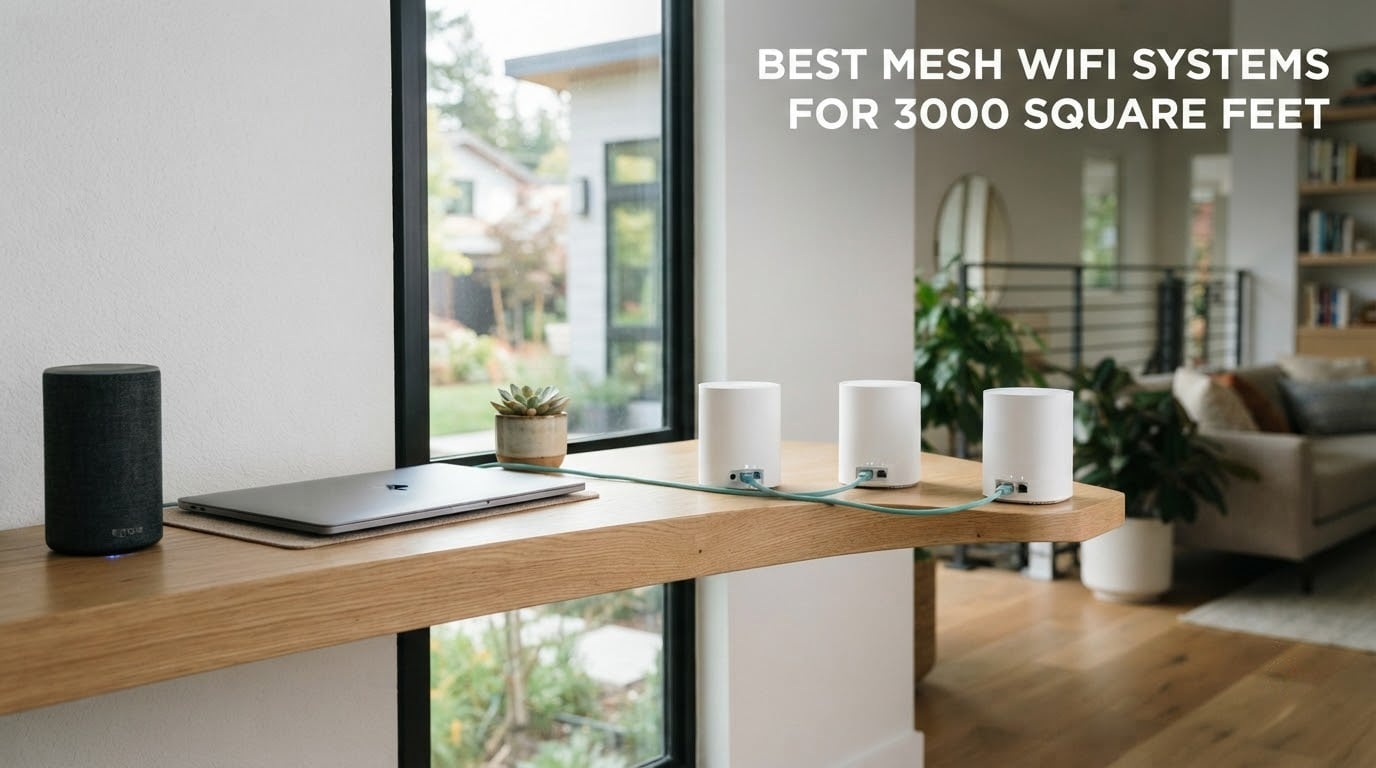
A 3,000 sq ft home needs two to three mesh nodes on a single floor and three nodes once you add a second storey. A split-level or L-shaped layout usually wants three, and a three-storey house wants four. That number matters more than any spec on the box, because the difference between a system placed well and one shoved behind a television is the difference between full speed and single-digit percentages of it.
That last point is not theory. Across the hundreds of owner reviews behind this roundup, the same complaint surfaces again and again: the hardware was fine, the placement was not. One user moved a node from behind a television to beside it and went from under 4% of their subscribed speed to full speed. No amount of Wi-Fi 7 processing fixes that.
So this guide does two things. First, it gives you the node count for your floor plan before you spend anything. Second, it reviews 10 mesh wifi systems rated for large homes, from Wi-Fi 5 three-packs to Wi-Fi 7 flagships, with honest notes on where each one falls short.
One thing to separate early, because it confuses almost everyone: coverage and bandwidth are different problems. Coverage is whether a signal reaches the back bedroom. Bandwidth is how fast it gets there. If your internet plan is 300 Mbps and your dead zone is the upstairs hall, buying faster hardware will not fix it. Adding a node will.
Our team spent the last two months reading every owner review we could find on these kits, cross-checking the specifications against what people actually report in real houses. What follows is not a lab shoot-out. It is a list of the systems that hold up in a 3,000 sq ft floor plan, and the ones that do not.
Updated for October 2026, and written with renters in mind. If you cannot run Ethernet through the walls, skip to the placement and renter sections below, because the backhaul decision is the one place where a cheaper setup can quietly cost you half your speed.
Table of Contents
Top 3 Picks for a 3,000 Sq Ft Home (October 2026)
Three systems come out ahead once you weigh coverage claims, port counts, backhaul options and how much the software annoys you. The Deco S4 wins on raw value per square foot, the Deco X55 is the smarter buy if you want Wi-Fi 6, and the eero 6 is the one to choose if nobody in the house wants to think about networking at all.

TP-Link Deco S4 AC1900 3-Pack
- Covers up to 5500 sq. ft.|Wi-Fi 5 dual-band
- 1200 Mbps|3 nodes with 2 Gigabit ports each|Up to 100 devices

TP-Link Deco X55 AX3000 3-Pack
- Covers up to 6500 sq. ft.|Wi-Fi 6 dual-band
- 3000 Mbps|3 Gigabit ports per node|Up to 150 devices

Amazon eero 6 3-Pack
- Covers up to 4500 sq. ft.|Wi-Fi 6 dual-band|Plans up to 500 Mbps|75+ devices
- Zigbee hub
The Best Mesh Wifi Systems for 3,000 Square Feet in 2026
All 10 systems below come as a kit with two or more identical nodes that share one network name, so your phone moves between them without you touching anything. Every entry here clears the coverage claim needed for a 3,000 sq ft home, and several exceed it comfortably.
Two figures deserve attention in the table. Ports per node decides whether you can wire your nodes together, and Wi-Fi generation decides whether your newer phones and laptops get the benefit of what you paid for. A 2-pack of anything here is a stretch for 3,000 sq ft; every list below is a 2- or 3-pack sized for that floor area or larger.
| Product | Specs | Action |
|---|---|---|
| TP-Link Deco S4 AC1900 3-Pack |
|
Check Latest Price |
| TP-Link Deco X55 AX3000 3-Pack |
|
Check Latest Price |
 NETGEAR Orbi RBK752 AX4200 NETGEAR Orbi RBK752 AX4200 |
|
Check Latest Price |
 NETGEAR Orbi RBK13 AC1200 NETGEAR Orbi RBK13 AC1200 |
|
Check Latest Price |
 TP-Link Deco XE75 AXE5400 3-Pack TP-Link Deco XE75 AXE5400 3-Pack |
|
Check Latest Price |
 Amazon eero 7 3-Pack Amazon eero 7 3-Pack |
|
Check Latest Price |
 Tenda Nova MX12 AX3000 3-Pack Tenda Nova MX12 AX3000 3-Pack |
|
Check Latest Price |
 NETGEAR Orbi 770 Wi-Fi 7 3-Pack NETGEAR Orbi 770 Wi-Fi 7 3-Pack |
|
Check Latest Price |
 Tenda Nova MW5G AC1200 3-Pack Tenda Nova MW5G AC1200 3-Pack |
|
Check Latest Price |
| Amazon eero 6 3-Pack |
|
Check Latest Price |
Here is how the coverage claims translate into real floor plans, based on how the numbers stack up:
Single-storey 3,000 sq ft, open plan: 2 nodes is enough if the home is one open rectangle. 3 nodes gives you a better upstairs-adjacent and garage signal. Buy a 3-pack.
Two-storey 3,000 sq ft, split evenly: 3 nodes. One near the modem, one mid-floor, one on the far end of the upper level. This is the most common shape and the best served by a 3-pack.
Split-level or L-shaped, 3,000 sq ft: 3 nodes minimum, positioned at the corners of the L rather than along the walls. Long thin shapes punish nodes placed in a line.
Three-storey, 3,000 sq ft or more: 4 nodes, one per floor. A three-pack will leave the middle or top floor relying on a wireless hop through heavy floor material.
3,000 sq ft plus a detached garage, patio or backyard: add a fourth node. Standard indoor nodes struggle with exterior walls, and an outdoor-rated or PoE node handles that stretch far better than a fourth indoor box.
Our single strongest piece of advice: buy the kit you need for the house as it exists, not for the house as it is drawn on a listing. Coverage claims are usually measured on one open floor with light furniture, which is not what a furnished three-bedroom looks like.
1. TP-Link Deco S4 AC1900 3-Pack: The Best Mesh Wifi System for 3,000 Square Feet Overall
TP-Link Deco S4 Mesh AC1900 WiFi System, Deco S4(3-Pack)
Up to 5,500 sq. ft.
Wi-Fi 5 dual-band AC1900
3 nodes
2 Gigabit ports each
Up to 100 devices
Pros
- Covers up to 5500 sq. ft. across three nodes
- One network name with smooth roaming
- Setup usually finished in under 30 minutes
- Gigabit ports on every node support wired backhaul
- Parental controls and guest network included
Cons
- Wi-Fi 5 only with no Wi-Fi 6 or 7 radios
- Only two Gigabit ports per node
- No browser-based management interface
The Deco S4 is the kit I keep coming back to for a 3,000 sq ft home because the math works in a way most of the field does not match. Three nodes covering a stated 5,500 sq ft leaves enough room per node to place each one in a sensible spot even on a divided floor plan, which is where most 3-node kits start to feel tight. Buy it and the sizing calculation is done.
It is not the fastest system here, and I want to be straight about that. AC1900 is a Wi-Fi 5 platform rated at 1,200 Mbps with a listed maximum upstream rate of 950 Mbps, so a Wi-Fi 6 phone will connect and work perfectly well, it just will not get the extra headroom that newer radios provide. Owners of a 1,000 Mbps connection report this kit lifting a previously dead far corner to full speed, which is the whole point of a mesh system.
The gap between a dead zone and 600 Mbps is what a mesh system is for. Wi-Fi generation is a secondary concern in a home that previously had walls the signal could not get through.
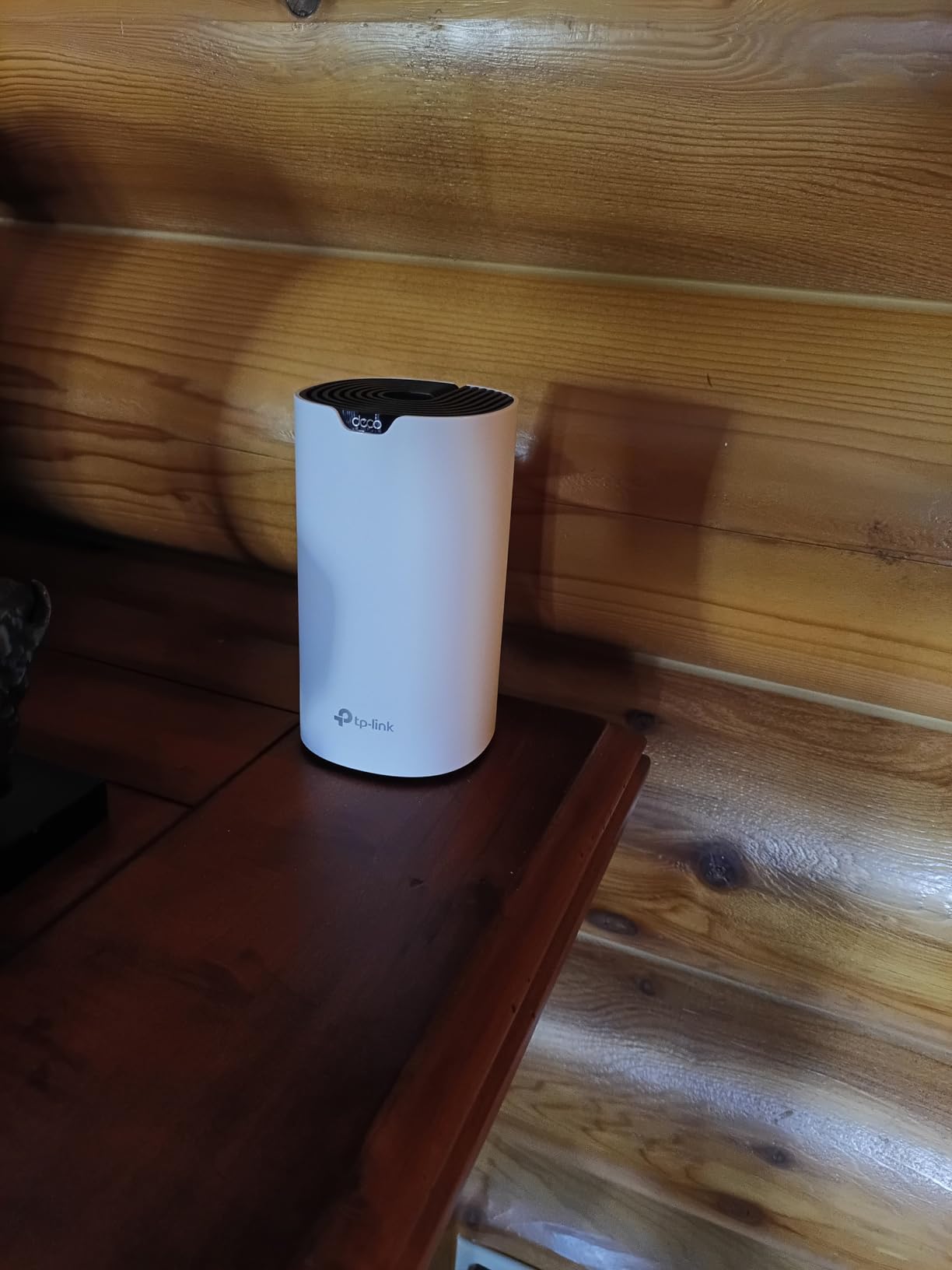
Setup was the fastest of the kits in this roundup. The Deco app walks you through adding each node, and owners report completing the whole 3-pack in under 30 minutes. Every node is interchangeable, which means you can put any of them wherever the signal is weakest instead of being locked into a designated main unit.
Each node carries two Gigabit Ethernet ports, so you have six across the kit. That is enough to wire one node to the modem, wire two nodes back to that one over Ethernet, and still keep a port free on each for a wired device. That flexibility is the single most useful thing in this system, and it is a step above the single-port designs further down this list.
One thing that catches people out: if you use an unmanaged network switch alongside Ethernet backhaul, you will get satellite dropouts and failed firmware updates. Keep the wiring direct, node to node.
What you should check before buying
Check that you have a place to put three boxes. Each node needs an open, elevated shelf near a power outlet, and if your 3,000 sq ft layout leaves you without three sensible spots, a 2-node kit plus one later addition may suit you better.
Also confirm your ISP plan. With 950 Mbps maximum upstream throughput listed, this system handles most residential plans without issue, but it will not deliver gigabit line rate in a far room.
Where it will frustrate you
There is no web interface. Everything lives in the phone app, including channel selection, which is fine if you never touch settings and mildly annoying if you ever need to. You also cannot view or isolate usage per band, so if a smart device is misbehaving on 2.4 GHz you cannot see it directly.
The 2-year manufacturer warranty is solid, though. All told, this is the system I would put in a 3,000 sq ft home without hesitating.
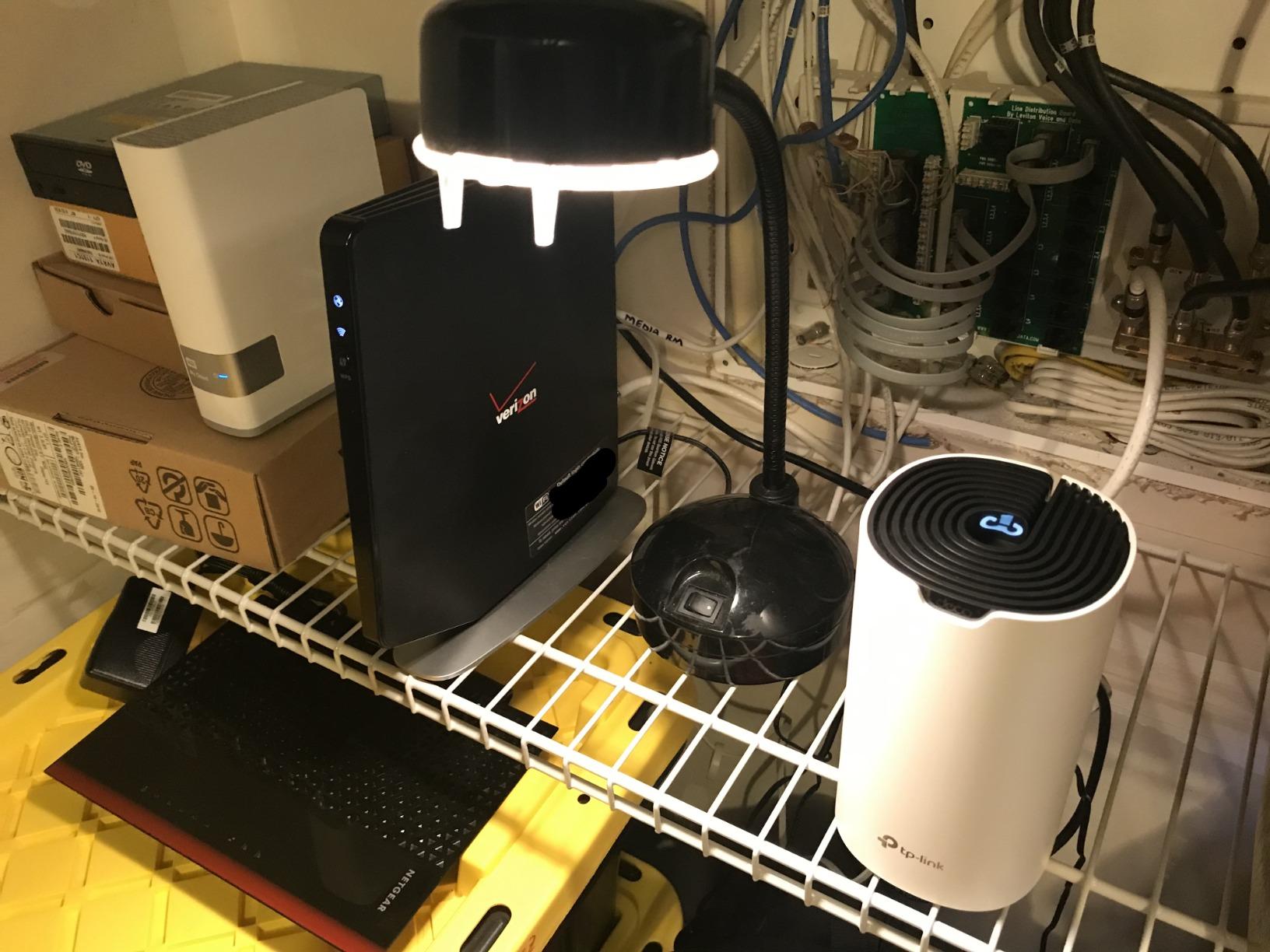
2. TP-Link Deco X55 AX3000 3-Pack: Best Value for a 3,000 Sq Ft Home
TP-Link Deco X55 AX3000 WiFi 6 Mesh System, Deco X55(3-Pack)
Up to 6,500 sq. ft.
Wi-Fi 6 AX3000 dual-band
3 nodes
3 Gigabit ports each
Up to 150 devices
Pros
- Wi-Fi 6 AX3000 with far more headroom
- Three Gigabit ports per node for nine total
- Setup often complete in 5 to 15 minutes
- Three Gigabit ports allow daisy-chained backhaul
- HomeShield parental controls and QoS at no extra cost
Cons
- Dual-band only with no dedicated backhaul band
- Deco app sometimes misreports devices as offline
- Occasional brief drops between nodes
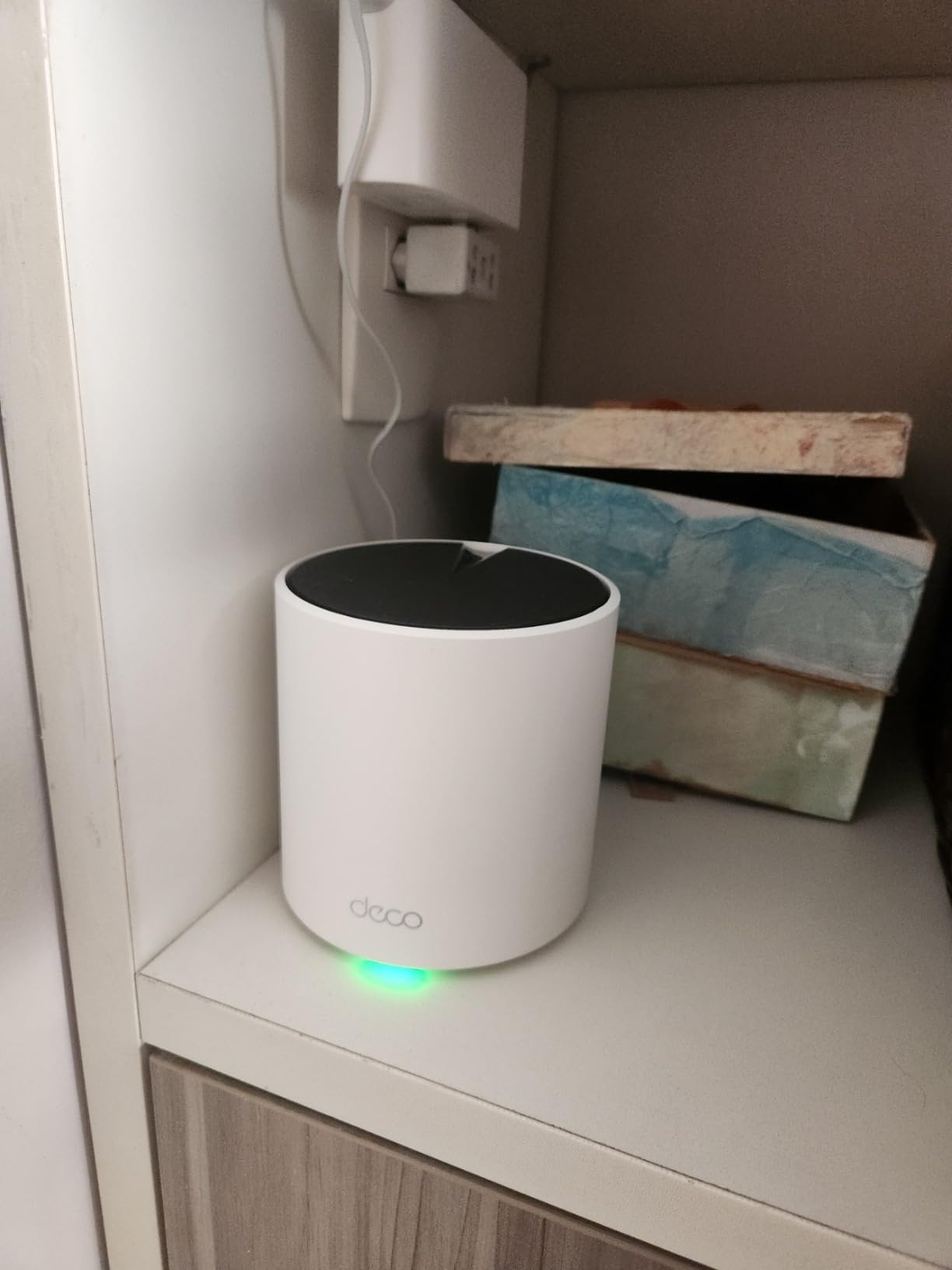
If the Deco S4 is the last system you should consider and this is the first, that is exactly the right order. The X55 adds Wi-Fi 6 for a modest step up in cost, and in a 3,000 sq ft home with several people streaming in 4K and working from home, that headroom stops being a nicety.
Owners consistently report throughput roughly doubling after installing this over an older AC1900 router, with a listed maximum upstream transfer rate of 574 Mbps on the 5 GHz side. Smart cameras and phones that had been holding a marginal connection hold a strong one afterwards.
The headline number is 3,000 Mbps aggregate across both bands, split as 2,402 Mbps on 5 GHz and 574 Mbps on 2.4 GHz. You will not hit that in real life, but it is the right amount of capacity for a house of this size.
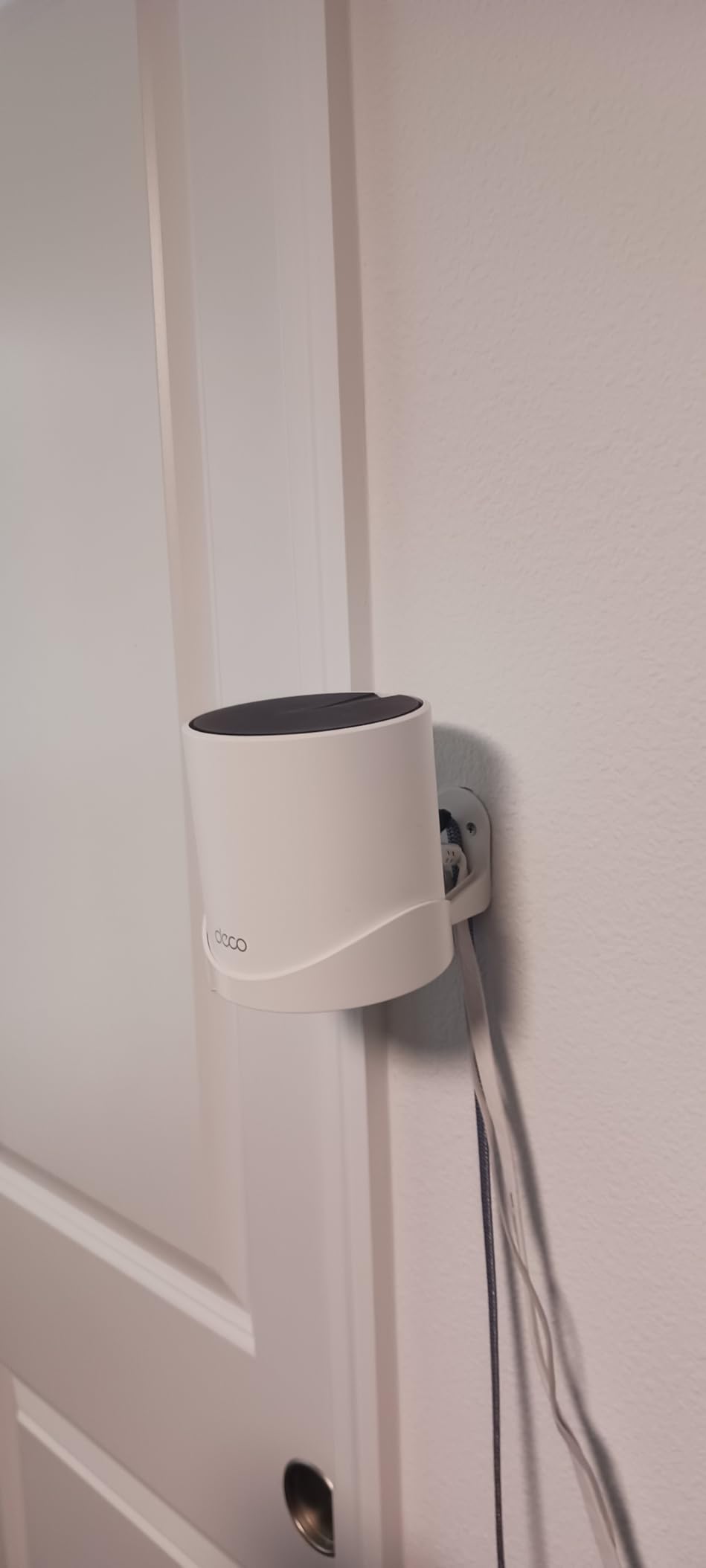
Three Gigabit Ethernet ports on every node is the detail that separates this from most of the field. Nine ports across the kit means you can daisy-chain two nodes over wire and still put a small switch behind the third, which is exactly what you want in a 3,000 sq ft house where the office, the living room and a game console all deserve a wired connection.
Firmware updates have added real quality-of-life features since launch, including custom IP reservations, a dedicated IoT network and built-in VPN support. Those arrived free on hardware you may have bought earlier, which tells you something about how this brand treats existing customers.
What you should check before buying
It is dual-band, which means no dedicated backhaul band. Every node-to-node link shares the same two radios your devices use, so throughput drops at each hop. If you can run Ethernet, this system uses it. If you cannot, place nodes within line of sight of each other and keep the hops to one or two.
Setup needs cellular data or printed instructions on hand, because your existing network drops while the system reconfigures. That trips up a surprising number of first-time buyers.
Where it will frustrate you
The Deco app is the weak point. It has been reported to show devices offline when they are not, and to lose custom device names after a restart. More irritating is the occasional brief drop between nodes, which shows up as a stutter in a video call or a lag spike mid-game.
Several negative reviews turned out to be a faulty cable modem rather than the mesh, which is worth remembering before you return anything. If you see dropouts, test with the ISP modem first.
3. NETGEAR Orbi RBK752 AX4200: Most Compact for Thick-Walled Homes
NETGEAR Orbi Whole Home Tri-Band Mesh WiFi 6 System (RBK752) – Router with 1 Satellite Extender | Coverage up to 5,000 sq. ft., 40 Devices | AX4200 (Up to 4.2Gbps)
Up to 5,000 sq. ft.
Wi-Fi 6 tri-band AX4200
Router plus 1 satellite
3 Gigabit ports on router,2 on satellite
Up to 40 devices
Pros
- Dedicated backhaul band keeps floors stable
- Tri-band AX4200 rated up to 4.2 Gbps
- Each added satellite adds 2500 sq. ft.
- Works with any ISP up to 2 Gbps
- Replaces ISP router rental
Cons
- App and web interface widely described as dated
- Only a 1-year warranty
- Armor security needs a subscription after trial
This is the system to consider when your 3,000 sq ft home is built of anything heavier than drywall. The RBK752 is tri-band, meaning one of its three radios does nothing but carry traffic between nodes. That dedicated backhaul band is the single biggest hardware difference in this roundup, and reviewers credit it for the signal holding steady on every floor, including basements and concrete-walled homes, where dual-band kits tend to weaken. Listed maximum upstream throughput is 2,100 Mbps, so a 2 Gbps fibre plan sits well within reach.
It ships as a router plus one satellite, covering up to 5,000 sq ft. For 3,000 sq ft across two storeys, that is workable but tight. Budget to add a third satellite if your layout is awkward, because each one adds another 2,500 sq ft and 2 Gigabit ports.
Worth noting for anyone currently renting an ISP gateway: this replaces it, and owners report dropping the monthly router rental entirely.
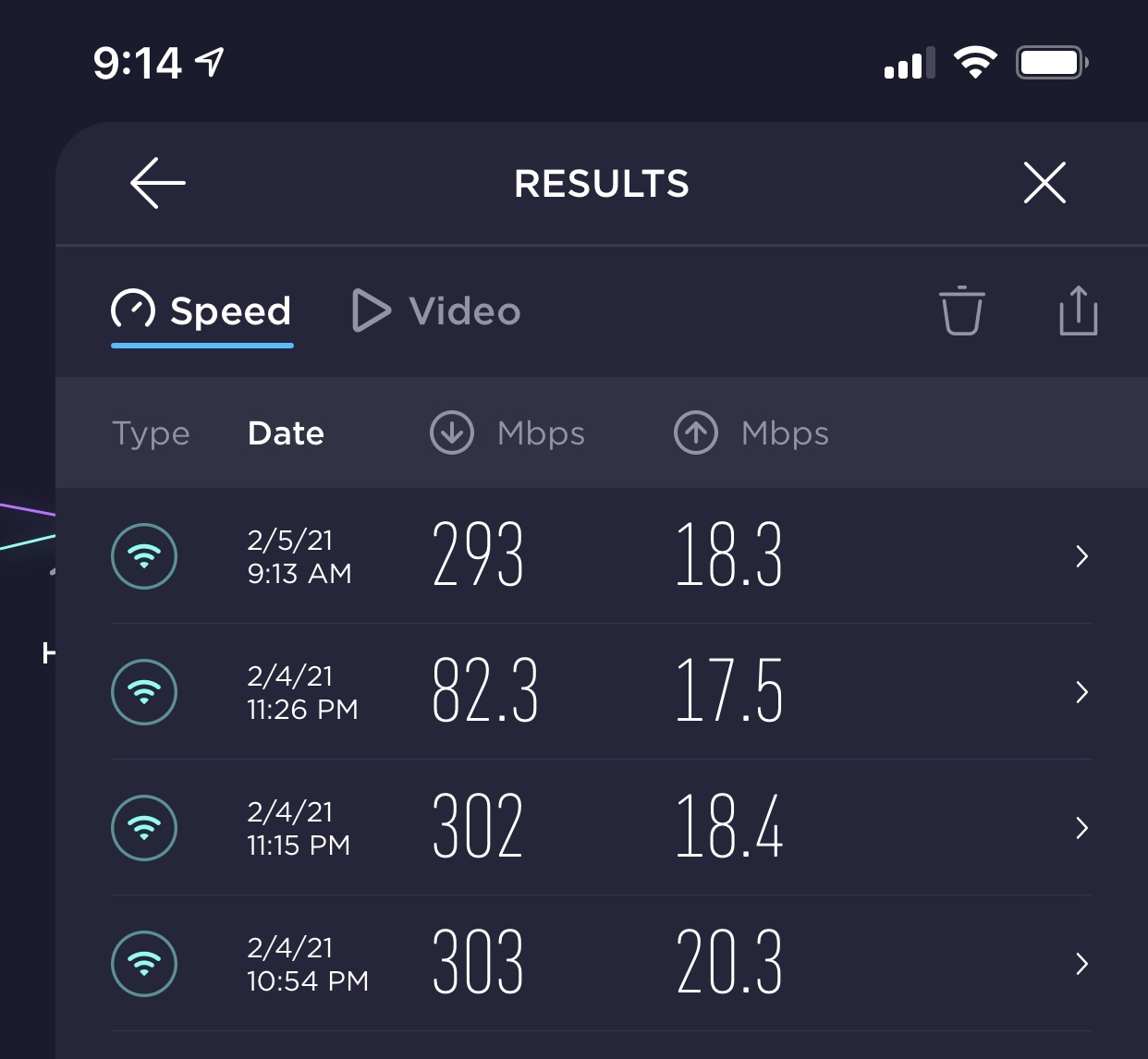
Real-world results after install are strong. Users report near-full line rates for 4K streaming and gaming, which is what a dedicated backhaul band buys you.
Port layout is sensible too. The router carries 3 Gigabit ports and the satellite carries 2, giving you five across the kit for wired devices and backhaul without needing a switch.
What you should check before buying
You are buying a 2-node kit, so count your floors before you commit. If you have three storeys or a detached garage, buy a 3-pack instead or plan on adding a satellite. Also check the return window, because Orbi’s setup software is the main risk here.
Because tri-band hardware is sensitive to placement, expect to spend time repositioning. Treat the first week as tuning rather than a permanent arrangement.
Where it will frustrate you
The software. The app, web interface and firmware are described as primitive and buggy, with inconsistent results for the same action. Devices drop off the network list, the router sometimes fails to detect itself during setup, and the satellite firmware has repeatedly shipped un-updated, which leaves you with slow performance until you fix it manually.
QoS is automatic with no per-device tuning. The 1-year warranty is the shortest here, and NETGEAR Armor requires a subscription after the 30-day trial. If you can live with the software, the radio hardware is genuinely good.
4. NETGEAR Orbi RBK13 AC1200: Most Versatile for Smaller Budgets
NETGEAR Orbi Whole Home Mesh WiFi System (RBK13) – Router Replacement Covers up to 4,500 sq. ft. with 1 Router & 2 Satellites
Up to 4,500 sq. ft.
Wi-Fi 5 dual-band AC1200
1 router plus 2 satellites
1 Gigabit port per node
Up to 1.2 Gbps
Pros
- Three nodes for a 3000 sq ft home at a low cost
- Single network name with smooth roaming
- Quad-core processor with beamforming
- Simple app-based setup and management
Cons
- Wi-Fi 5 only
- Only one Gigabit Ethernet port per node
- No dedicated backhaul band
- Armor and parental controls need a subscription
- 1-year warranty
The RBK13 is one of the least expensive routes into a proper three-node mesh, and for a 3,000 sq ft home on a modest connection it does the job. Three nodes covering up to 4,500 sq ft is a tighter claim than the Deco systems make, which is why it earns the budget label rather than a higher one.
It arrives as one router and two satellites, which is the standard configuration. AC1200 dual-band means 1.2 Gbps aggregate, with 600 Mbps available on the 5 GHz side. That is enough for 4K streaming on a few screens and normal browsing everywhere else.
It is also the simplest option here for a house full of older devices, since AC compatibility is universal. Nothing you own will be excluded.
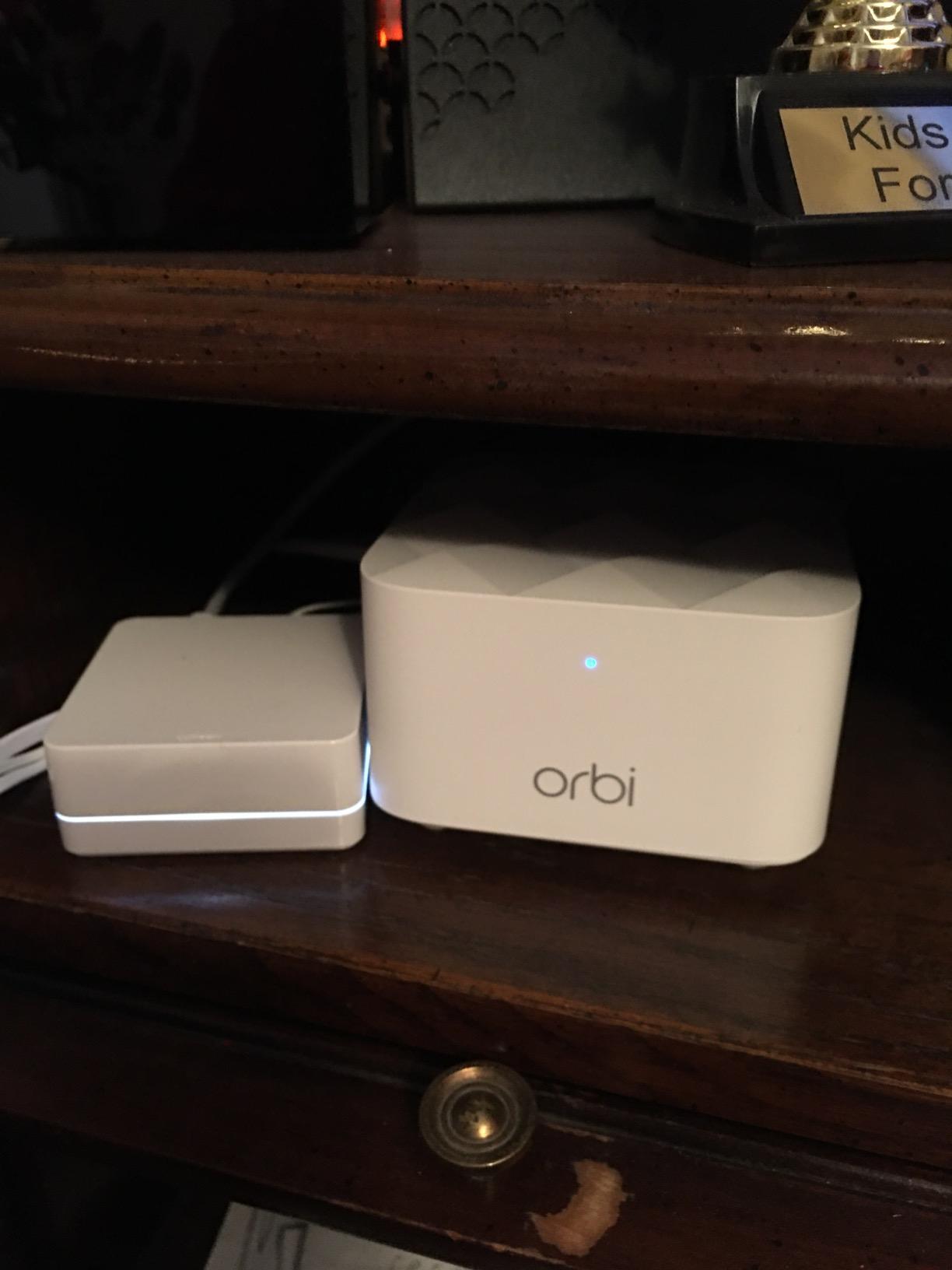
Beamforming is present on both bands, both implicit and explicit, and there is a quad-core 710 MHz processor handling the traffic. In practice the system roams between nodes smoothly under normal use, which is the thing people notice first.
Setup goes through the Orbi app, and reviewers describe it as straightforward for both initial configuration and day-to-day management. Google Assistant is supported for voice control of the guest network.
What you should check before buying
The single Gigabit port per node is the practical limit. Each node has one port, and once you wire the satellites back to the router for backhaul, that port is gone. You end up with no spare port for a wired console, TV or desktop at any node.
Also weigh up lifespan. This is a Wi-Fi 5 platform, so while it will run for years, it will not take advantage of the Wi-Fi 6 and Wi-Fi 7 clients many households now own.
Where it will frustrate you
Throughput on a wireless mesh point. With dual-band and no dedicated backhaul, a satellite shares both radios with your devices, so a far room gets a fraction of plan speed. If your plan is gigabit, that will be obvious.
NETGEAR Armor and Smart Parental Controls both run for 30 days free and then need a paid subscription, and the warranty is one year. Set your expectations on both counts before you buy.
5. TP-Link Deco XE75 AXE5400: Best for 6 GHz Client Devices
TP-Link Deco XE75 AXE5400 Tri-Band WiFi 6E System, 3-Pack
Up to 7,200 sq. ft.
Wi-Fi 6E tri-band AXE5400
3 nodes
3 Gigabit ports per node
Up to 200 devices
Pros
- Dedicated 6 GHz band serves as backhaul by default
- Largest stated coverage here at 7200 sq. ft.
- Handles up to 200 connected devices
- Three Gigabit ports on each of nine total
- 2-year warranty plus free HomeShield
Cons
- 6 GHz benefits need compatible client devices
- Gigabit ports only on this variant
- No browser-based management interface
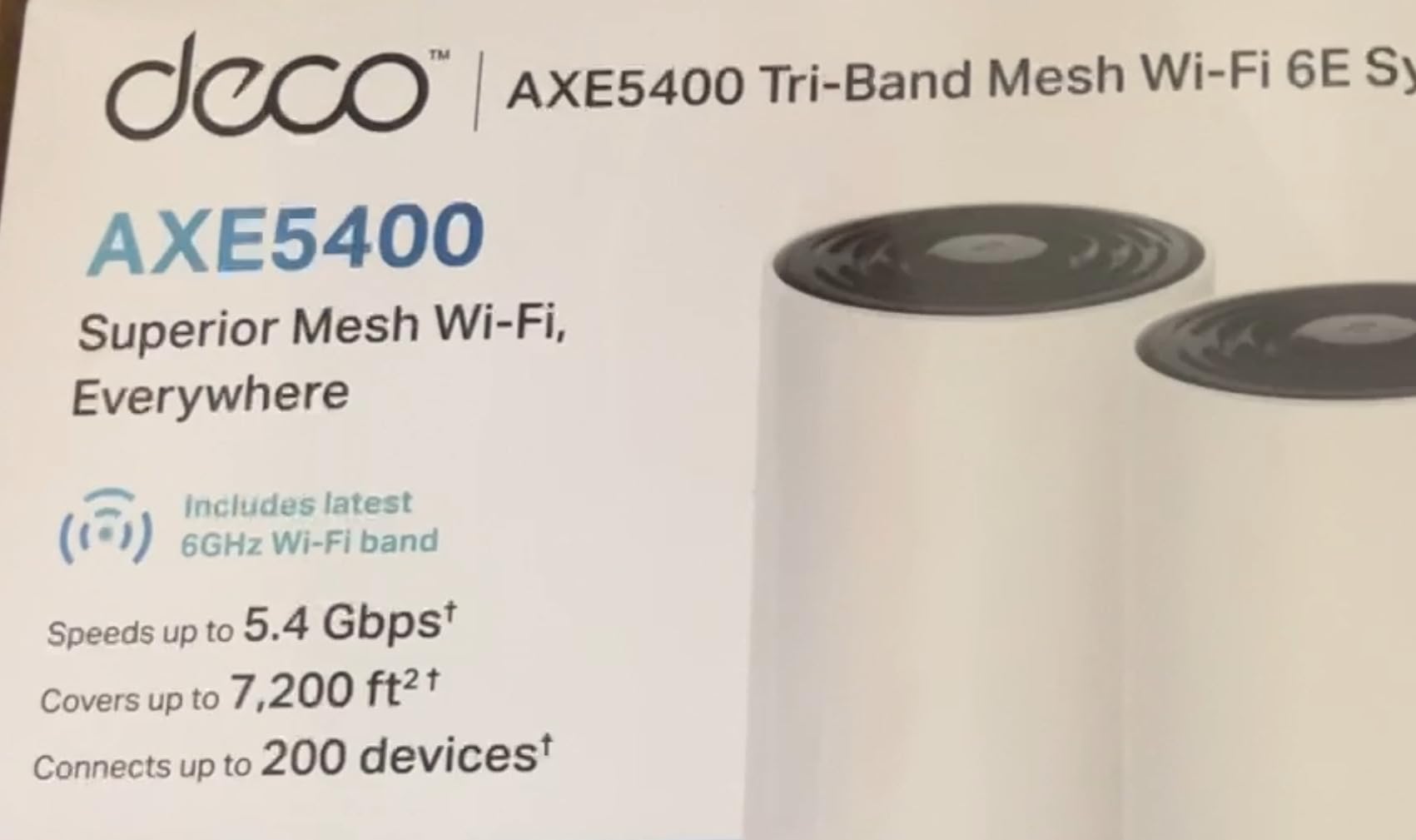
The XE75 solves the exact problem that dual-band systems struggle with in a house this size. Its third band sits on 6 GHz and defaults to backhaul, which means the radio carrying traffic between your nodes is not the same radio your phones are competing for. In a 3,000 sq ft home where the 5 GHz band is already busy, that separation matters.
Stated coverage is 7,200 sq ft across three nodes, the second-highest figure in this list, with room for up to 200 devices. That makes it a natural fit for a device-dense home, a shared student house or a smart home full of cameras and sensors.
Total throughput is 5,400 Mbps, split as 2,402 Mbps on 6 GHz, 2,402 on 5 GHz and 574 on 2.4 GHz. Nine Gigabit ports across the kit handle backhaul and wired devices comfortably.
The AI-Driven Mesh feature learns the network environment, client quality and user behaviour, then adjusts roaming. Reviewers credit it with stabilising connections for devices that had been hopping between nodes, which is the kind of small irritation that quietly makes a network feel unreliable.
Warranty is 2 years, and TP-Link is a CISA Secure-by-Design pledge signatory. HomeShield network protection, parental controls and QoS are included at no extra cost, which is a genuine long-term saving against subscription-based rivals.
What you should check before buying
Count your 6 GHz devices first. If your phones, laptops and TVs are all a few years old, the 6 GHz band will sit idle and you are paying for headroom you cannot use yet. If you plan to keep this system four or five years, that changes the calculation.
Note the port detail: this is the gigabit variant. If your ISP plan is multi-gig, look at a 2.5 GbE model instead.
Where it will frustrate you
The 6 GHz band is shared with client traffic unless you switch it manually. Leave it in backhaul mode and fine, but if you switch it to serve clients directly, per-node throughput drops. You have to make that trade deliberately.
Configuration lives entirely in the mobile app, with no web interface for advanced settings. Combined with the shared-band behaviour, that means changes are less flexible than they should be on a system this capable.
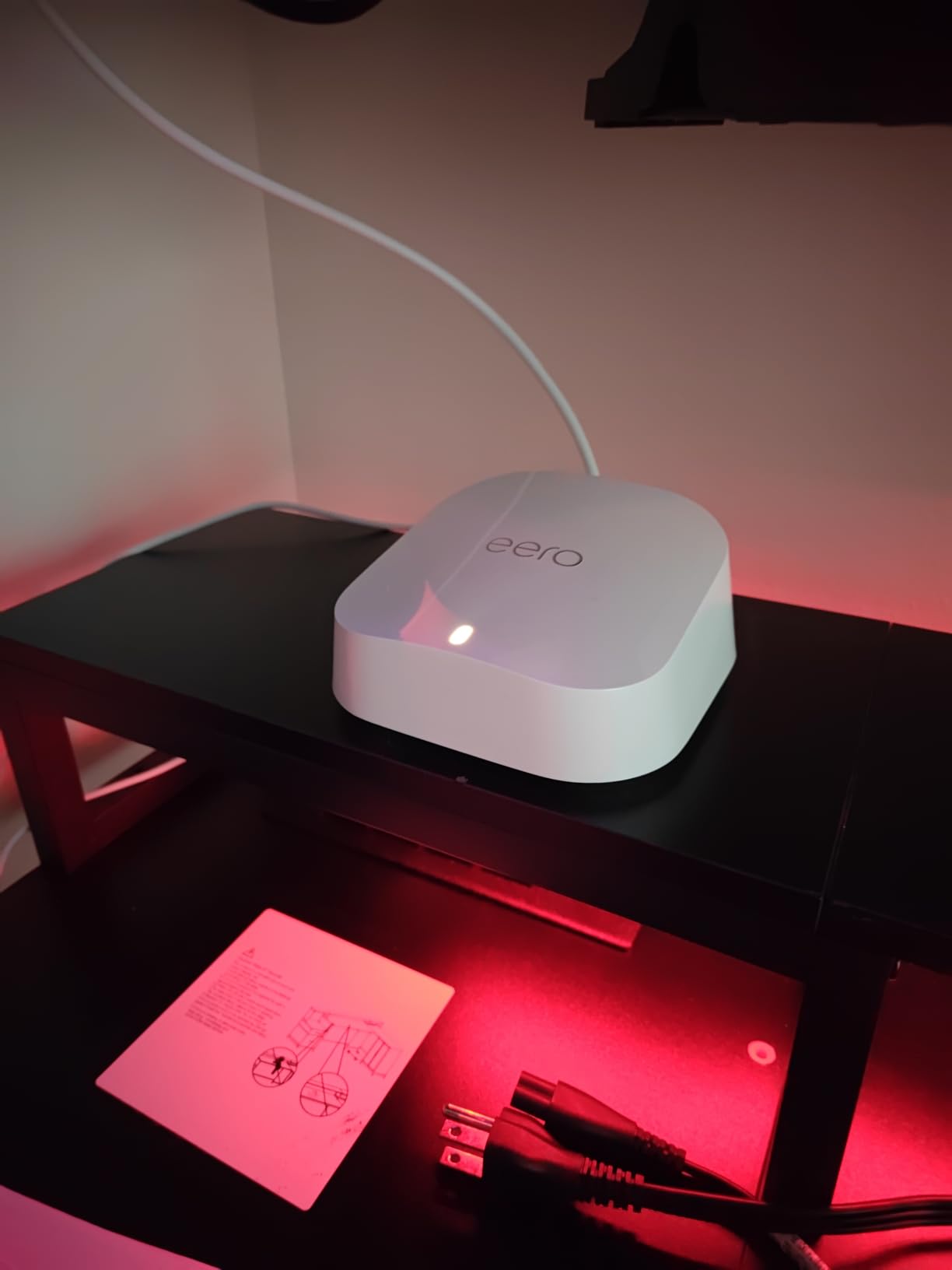
6. Amazon eero 7 3-Pack: Best for Multi-Gig Internet Plans
Amazon eero 7 dual-band mesh Wi-Fi 7 router (newest model) – Supports internet plans up to 2.5 Gbps, Coverage up to 6,000 sq. ft., 3-pack
Up to 6,000 sq. ft.
Wi-Fi 7 dual-band, 1.8 Gbps
3 nodes
2 auto-sensing 2.5 GbE ports each
120+ devices
Pros
- Wi-Fi 7 with multi-link operation
- Supports internet plans up to 2.5 Gbps
- Two 2.5 GbE ports on every node
- Backward compatible with earlier eero models
- Three-year warranty with US support
Cons
- eero Plus subscription needed for security and parental controls
- Dual-band with no dedicated backhaul band
- Only one usable Ethernet port when a switch is added
If your plan is gigabit or faster, this is one of only two kits here with 2.5 GbE ports on every node, so port speed is not the bottleneck. Two auto-sensing 2.5 GbE ports on each node accept whatever your connection delivers, and the Wi-Fi 7 radios with multi-link operation are built for the throughput a 2.5 Gbps plan actually pushes.
Three nodes cover up to 6,000 sq ft and hold 120+ connected devices, which is a comfortable margin for a busy 3,000 sq ft home where several people work from home and stream at once.
Wireless speeds are listed at up to 1.8 Gbps, which is the figure to plan around on a 2.5 Gbps plan: the radios, not the ports, become the limit.
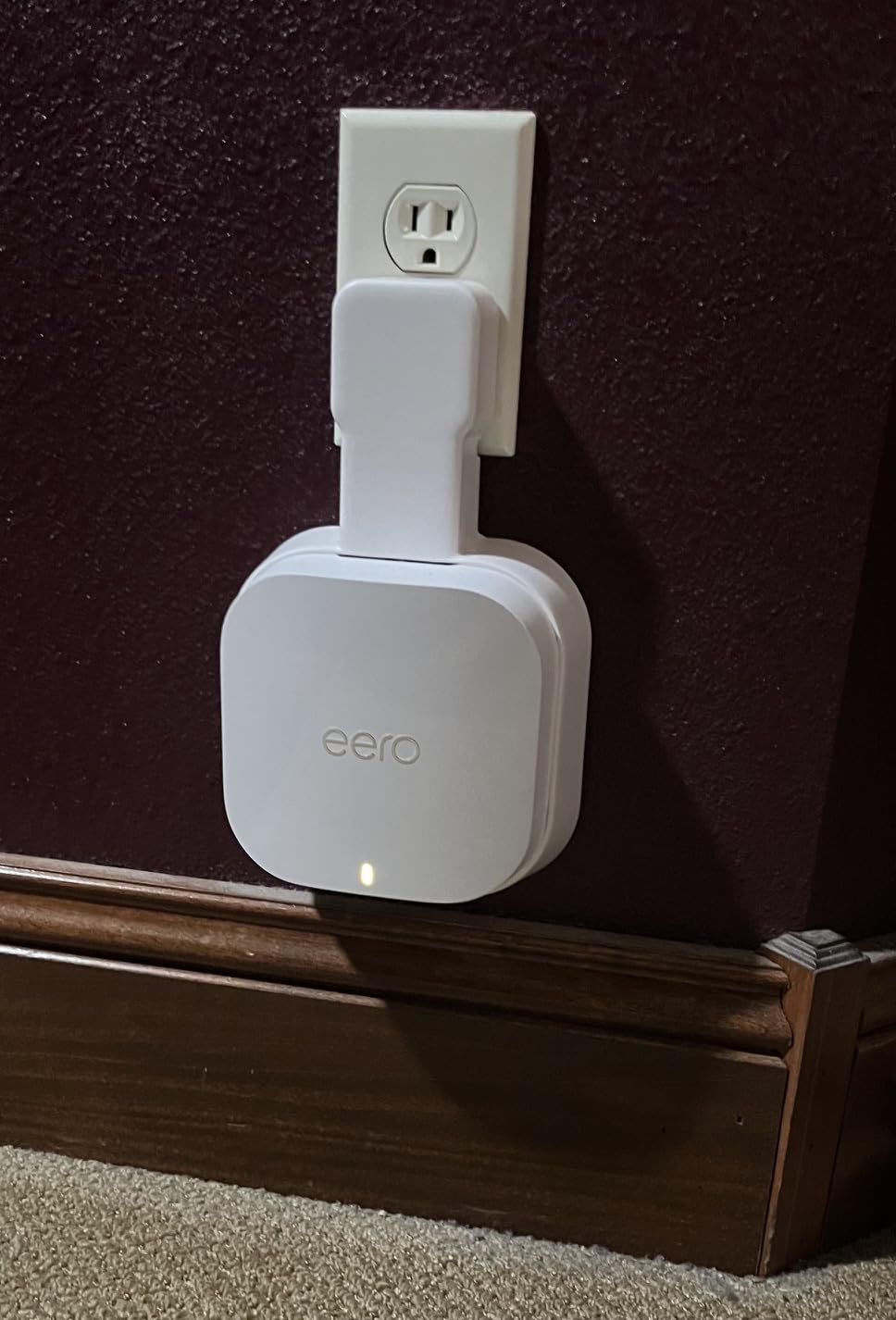
The software is the reason eero has held its position. TrueMesh, TrueRoam and TrueChannel work in the background to keep devices on the best available connection, and in a house this size that automation does most of the tuning for you. Setup takes minutes.
It is also backward compatible with every earlier eero generation and with eero Built-in on select Echo devices, so an existing eero setup can be extended rather than replaced. The three-year warranty is the longest in this group.
What you should check before buying
Decide how you feel about subscriptions. Advanced security, ad blocking, parental controls and VPN all sit behind the optional eero Plus tier. Basic parental controls are limited without it, and in a house with teenagers that is a real cost, not a rounding error.
Also check whether your plan justifies it. On a 300 Mbps connection, a Wi-Fi 6 system will feel identical, and this hardware buys you headroom you cannot see.
Where it will frustrate you
It is dual-band, so there is no dedicated backhaul band and the nodes relay over the same radios serving your devices. In a 3,000 sq ft home that is workable, but it is the reason a tri-band kit holds more speed across floors.
The port arrangement has one sharp edge. With two ports per node, adding a switch behind the main node consumes one, leaving you a single usable Ethernet port for everything else including backhaul. Plan the wiring before you buy.
7. Tenda Nova MX12 AX3000: Best for High Device Counts
Tenda AX3000 WiFi 6 Mesh System Nova MX12– Whole Home Mesh WiFi Coverage up to 7,000 sq. ft., Dual-Band WiFi Mesh Network for 160+ Devices, Fast & Stable, Replaces Wireless Router (3-Pack)
Up to 7,000 sq. ft.
Wi-Fi 6 dual-band AX3000
3 nodes
9 Gigabit ports total
160+ devices
Pros
- Handles 160+ devices with MU-MIMO and OFDMA
- Separate 2.4 GHz and 5 GHz SSIDs
- Setup through app or web GUI
- Push-button node addition
- WPA3 security with 2-year warranty
Cons
- Tied for lowest average rating here at 4.1
- 3-pack needs a manual firmware update out of the box
- Dual-band only with no dedicated backhaul
- Cannot mix MX series with Tenda MW series
The MX12 targets one specific number: device count. It supports 160+ devices using MU-MIMO and OFDMA, second only to the Deco XE75 here. In a shared house where everyone has a laptop, a phone, a console and a screen, or a smart home with dozens of sensors, that headroom is the point.
Stated coverage is 7,000 sq ft across three nodes. Speeds are 2,976 Mbps aggregate, split as 2,402 on 5 GHz and 574 on 2.4 GHz, which is a roughly 66% increase over Wi-Fi 5 on paper.
Unlike several rivals, this one can be managed through either the Tenda Wi-Fi app or a web interface, and it supports separate 2.4 GHz and 5 GHz network names so you can pin a specific device to a band.
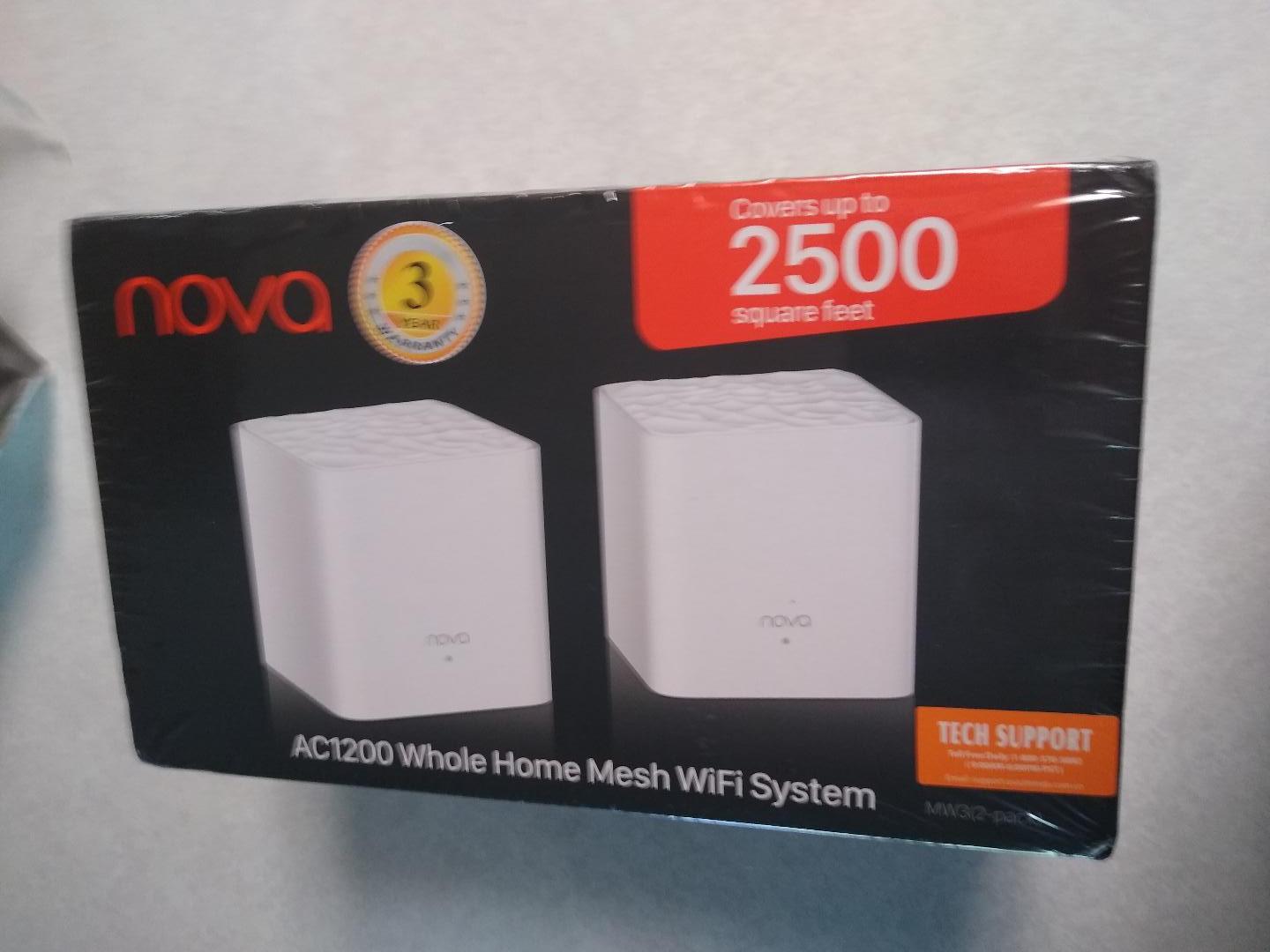
Nine Gigabit ports across the three nodes is generous, and the included RJ45 cable means you can wire backhaul out of the box. Push-button node addition means adding a fourth node later is trivial.
WPA3 is supported, and the 2-year manufacturer warranty matches the better TP-Link kits rather than the one-year coverage on the Orbi systems.
What you should check before buying
Update the firmware before you do anything else. The 3-pack arrives needing a manual update, and running it on outdated firmware is behind a number of the one-star reviews. It is a 20-minute job and it changes the experience.
Check your existing Tenda gear too. MX series nodes cannot form a mesh with MW series units, so if you already own a Tenda router from that line, this will not talk to it.
Where it will frustrate you
The rating tells the story. At 4.1 across 1,441 reviews, this sits at the bottom of the ratings in this group, with 11% of reviews at one star. The complaints cluster around stability rather than coverage, and around a thinner set of advanced management options than the TP-Link, NETGEAR or eero ecosystems offer.
Like the other dual-band systems, throughput drops at each wireless hop. With 160+ devices also competing for two radios, plan your placement carefully and use Ethernet backhaul wherever a cable is possible.
8. NETGEAR Orbi 770 Wi-Fi 7 3-Pack: Best for Three-Storey Homes
NETGEAR Orbi 770 Series WiFi 7 Mesh System, Up to 8,000 sq ft., 3 Pack
Up to 8,000 sq. ft.
Wi-Fi 7 tri-band
3 nodes
2.5 GbE ports
Up to 11 Gbps
Pros
- Largest coverage claim here at 8000 sq. ft.
- Wi-Fi 7 tri-band with Enhanced Backhaul
- 2.5 GbE ports for multi-gig plans
- Each added satellite adds 2750 sq. ft.
- Advanced Router Protection and automatic updates enabled
Cons
- Tied for lowest rating here at 4.1 and least reviewed
- Armor security needs a subscription after trial
- Only a 1-year limited warranty
- Made for the US only
If your 3,000 sq ft is spread over three floors, the Orbi 770 has the coverage headroom to suit. It ships as one router and two satellites, and each additional satellite adds up to 2,750 sq ft, so the three-piece set is genuinely sized for vertical homes rather than a large single storey.
Stated coverage is 8,000 sq ft for 100 devices, the highest square footage claim in this roundup. Tri-band Wi-Fi 7 with Enhanced Backhaul is rated up to 11 Gbps aggregate, which is the highest throughput class on the list.
Because it is tri-band with a dedicated backhaul link, this is the system to choose if the signal has to travel vertically through floor joists between three levels.
The 2.5 GbE ports are a genuine improvement over the gigabit kits, and they support internet plans up to 2.5 Gbps. WPA3, an IoT network, parental controls and VPN support are all included, along with Advanced Router Protection and automatic firmware updates enabled out of the box.
Wi-Fi 6 and Wi-Fi 5 clients connect normally, so you are not forced to upgrade every device in the house on day one.
What you should check before buying
Confirm it ships to your country. This model is made for the US only, which matters for anyone reading this from elsewhere.
Set expectations on coverage. Actual results vary with home layout, construction materials and satellite placement, and 8,000 sq ft is a figure measured on an open floor, not a furnished three-storey house.
Where it will frustrate you
At 4.1 across 967 reviews, this is tied for the lowest rating in the group and has the fewest reviews of any kit here, with 13% of reviews at one star. That is the highest share of top-marked criticism in the group, and for flagship hardware it is worth weighing.
NETGEAR Armor requires a subscription once the 30-day trial ends, the warranty is a single year, and as a flagship it costs meaningfully more than a dual-band kit that will cover a similar floor plan. Buy it for the backhaul and the ports, not for the coverage number.
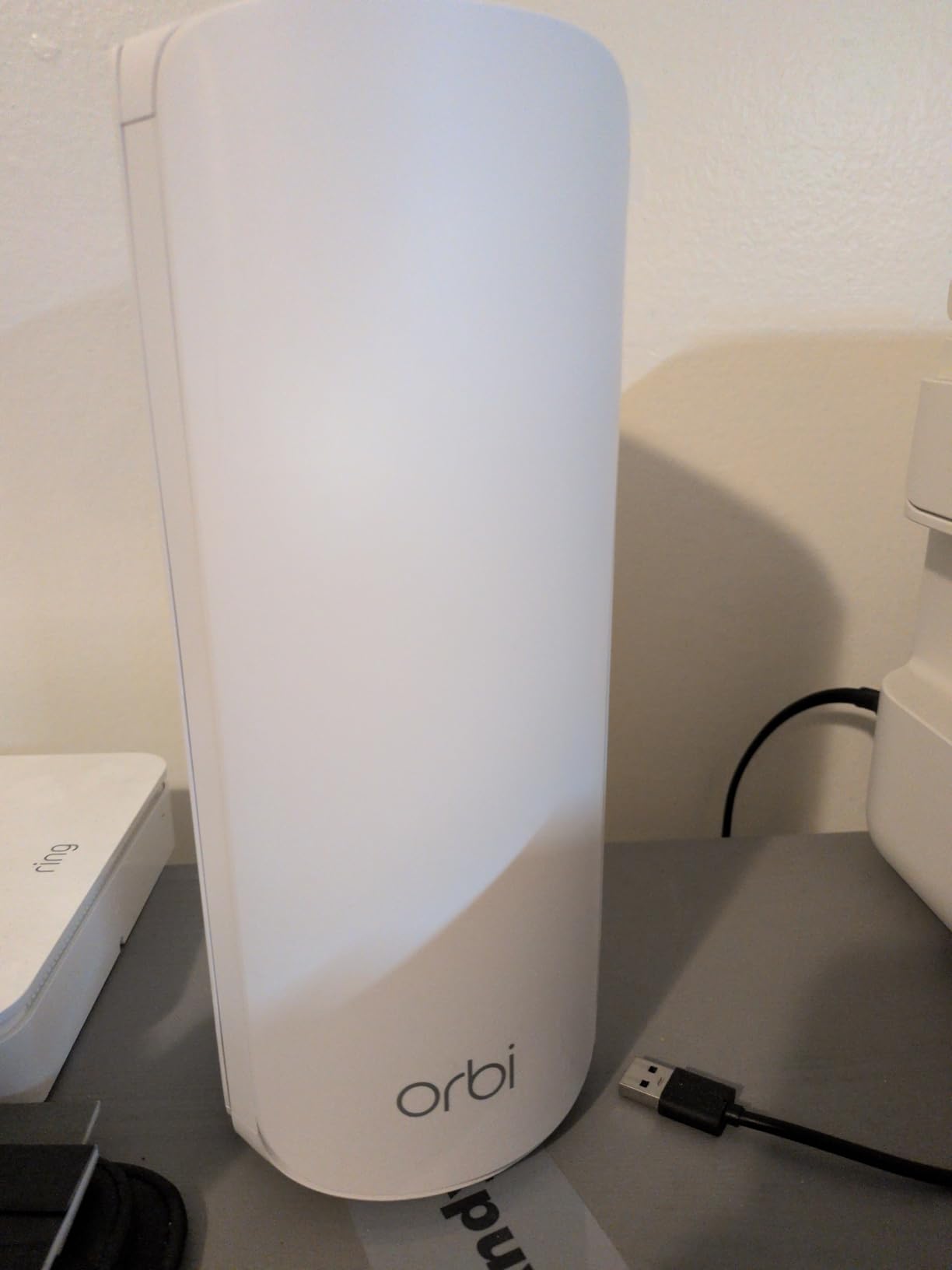
9. Tenda Nova MW5G AC1200: Best for the Smallest Budgets
Tenda Nova Mesh WiFi System MW5G – Covers up to 3500 sq.ft – AC1200 Whole Home WiFi Mesh System – Gigabit Mesh Router for 80 Devices – Dual-Band Mesh Network to Replace Router and Extender – 3-Pack
Up to 3,500 sq. ft.
Wi-Fi 5 dual-band AC1200
3 nodes
6 Gigabit ports total
Up to 80 devices
Pros
- Least expensive 3-pack mesh kit here
- Setup takes a few minutes in the app
- MU-MIMO and beamforming for up to 80 devices
- Isolated guest network
- Works with Alexa and Google Assistant
Cons
- No WPS button so older printers relearn the network
- No browser interface or manual channel control
- Router only with no bridge or AP mode
- 5 GHz client capacity per node is limited
The MW5G is the least expensive complete three-node mesh kit in this roundup, and for a 3,000 sq ft home on a basic connection it covers the essentials. AC1200 dual-band gives 1,200 Mbps aggregate, split 600 on 5 GHz and 600 on 2.4 GHz.
The stated coverage is 3,500 sq ft, the lowest figure here, and that is the honest limitation. Spread across three nodes it works for an open plan and struggles with a heavily divided floor, which matters at exactly the size of home this guide covers.
Some owners report a single node covering a 2,200 sq ft two-storey home, so treat the claim as conservative rather than optimistic.
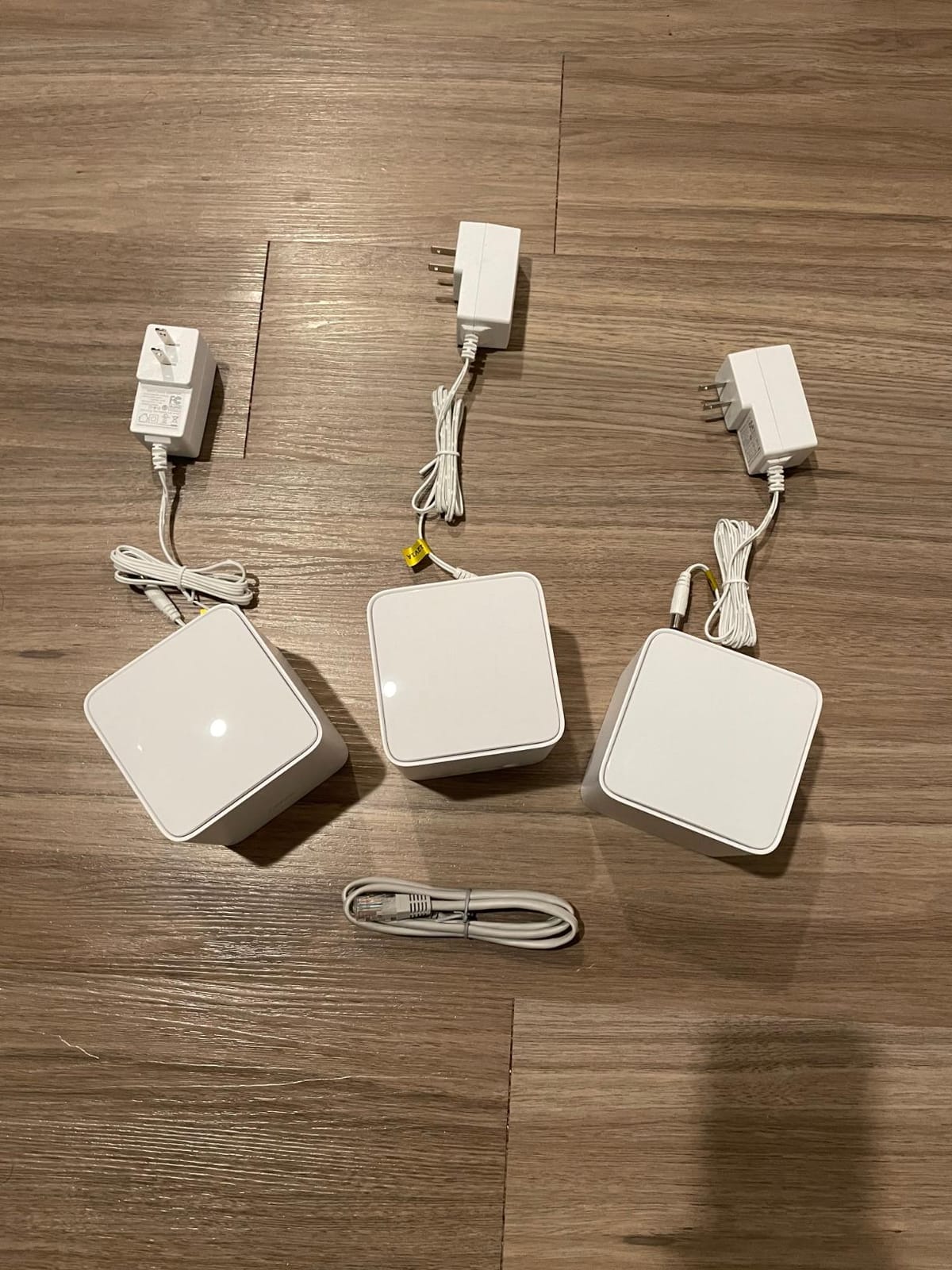
MU-MIMO and beamforming are supported for up to 80 devices, and roaming between nodes on a single network name is smooth once running. The guest network sits in an isolated zone, and WPA/WPA2-PSK encryption is standard.
Setup is genuinely quick. The Tenda app is where you do everything, though you can decline its permissions and the nodes still work, which is unusual and welcome on a shared or private network.
What you should check before buying
Measure your floor plan and count rooms. If your 3,000 sq ft is broken into many small rooms with thick walls, three nodes will be stretched. For an open concept space it is fine.
Check your device count. Eighty devices is a real limit if you are a house of six people with consoles, TVs, laptops and smart home gear.
Where it will frustrate you
There is no WPS push button, so older printers have to relearn the network name and password manually. There is no browser interface and no manual channel selection, which makes diagnosing interference yourself difficult.
It must run as a router. There is no bridge or access point mode, so if you want to keep an existing router in place, this will not cooperate. Ethernet backhaul also means giving up two ports per node, which on a six-port kit across three nodes is a real sacrifice. A minority of owners still find dead zones and bandwidth well below plan in homes with dense construction.
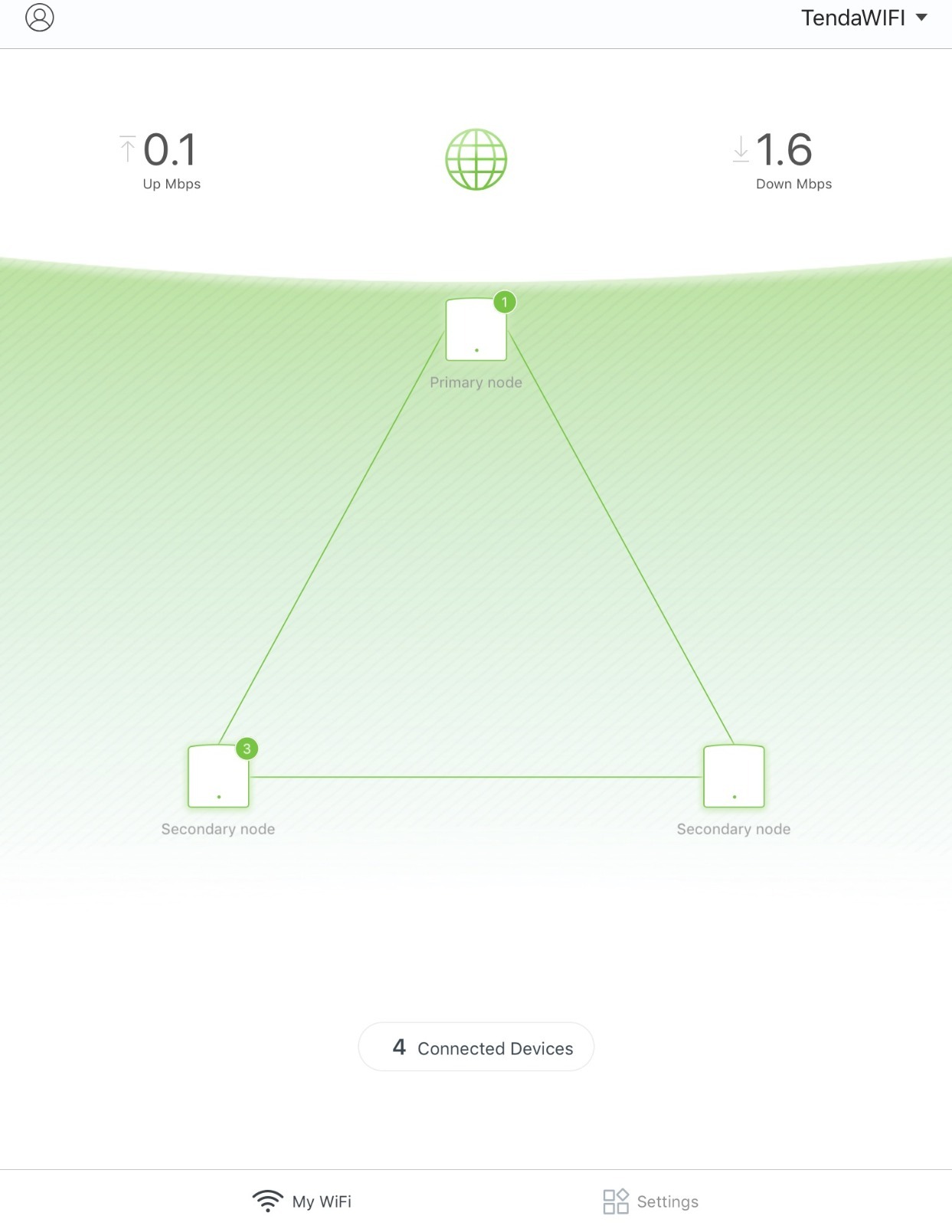
10. Amazon eero 6 3-Pack: Best for First-Time Setup
Amazon eero 6 mesh wifi system – Supports internet plans up to 500 Mbps, Coverage up to 4,500 sq. ft., Connect 75+ devices, 3-pack (1 router + 2 extenders)
Up to 4,500 sq. ft.
Wi-Fi 6 dual-band
1 router plus 2 extenders
Plans up to 500 Mbps
75+ devices
Pros
- Setup widely praised as the easiest of any kit here
- Stable connection with no signal loss including outdoors
- App shows devices clearly with renaming and guest networks
- Automatic band steering removes manual SSID work
- Doubles as a Zigbee smart home hub
Cons
- Capped at 500 Mbps internet plans
- Only one Gigabit Ethernet port per unit
- eero Plus subscription needed for security and parental controls
- Minority report streaming dropouts
With 29,387 reviews behind it, the eero 6 is among the most proven kits here, and the reason is not the radio. It is that the setup genuinely does not require understanding. The app walks a non-technical user through adding nodes in minutes, with no channel choices and no jargon.
Coverage is up to 4,500 sq ft across three nodes, and 75+ devices connect comfortably. For a 3,000 sq ft home on a plan up to 500 Mbps, that is enough, and owners describe the install as the least involved of any kit in this guide.
It also doubles as a Zigbee smart home hub for Alexa-compatible devices, which removes the need for a separate hub if you are already in that ecosystem.
Automatic band steering between 2.4 GHz and 5 GHz means you never think about which band a device is on. The app shows connected devices clearly and supports renaming, categorising, guest networks and speed tests, all without a subscription.
Connection stability is the other strength. Owners report no signal loss, including out on a covered porch, which is a pleasant surprise for a system covering a house this size.
What you should check before buying
Your internet plan. This system is listed as supporting plans up to 500 Mbps, and on gigabit or multi-gig service you will be capped regardless of how the nodes are placed. If your plan is faster, look at the eero 7 instead.
Also check whether anyone in the house needs advanced parental controls or security features, because those sit behind the eero Plus subscription.
Where it will frustrate you
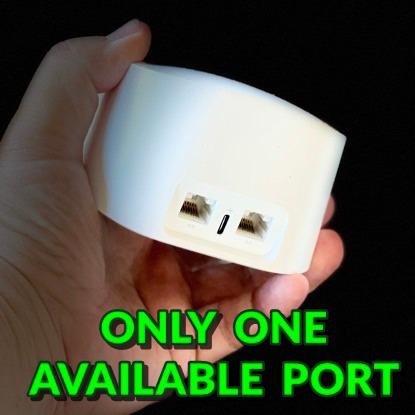
One Gigabit Ethernet port per unit is the biggest constraint. Add a switch behind the main unit and you have nothing left over, including no port for Ethernet backhaul.
A minority of owners report intermittent streaming dropouts and pixelation, and occasional freezing during video calls even when signal strength is good. These appear to be a smaller but real group, so if you rely on video calls for work, test it early and keep your old router until you are satisfied.
How to Size and Place Your Nodes in a 3,000 Sq Ft Home?
Getting the right hardware into the wrong place is the single most common reason people are disappointed with a mesh system. These rules come from the recurring patterns in owner discussions, and following them will do more for your result than upgrading a tier.
How many nodes do you actually need?
For a single-storey 3,000 sq ft home, two nodes can work if the space is open. For two storeys, three nodes is the right number. For three storeys or an L-shape, count four. Add a node whenever the property includes a detached garage, a patio or a yard that needs coverage, because exterior walls and distance are where indoor nodes give up first.
The number most people need for a typical two-storey 3,000 sq ft house is three. A 3-pack is the default purchase and the reason most of the kits in this list are sold as three-packs.
Where should you put the nodes?
One node within a few feet of your modem, plugged into it directly.
One node in the middle of the home, roughly equidistant from the other two, on an open elevated shelf.
One node at the far end of the house, in the room that has the worst signal, not in the room with the best.
One node per additional floor, placed near the stairwell rather than at the far corner.
Never behind a television, inside a cabinet, on the floor, or tucked beside a metal-framed appliance.
Before you fix anything in place, run the vendor app’s signal or speed test from each room and move nodes until the dead spots close.
That last step is the one people skip. Run the test, move a node, run it again. The user who fixed a 4% speed problem did exactly that.
Should you use Ethernet or wireless backhaul?
If you can run a cable, use it. Ethernet backhaul removes the largest single performance penalty in a mesh system, because the radios carrying inter-node traffic no longer compete with your devices. In a 3,000 sq ft home with two floors, a wired link is often the difference between a usable far room and a frustrating one.
Wireless backhaul is fine when a cable is impossible, and it is why tri-band systems exist. A dedicated backhaul band, whether 6 GHz on the Deco XE75 or the Enhanced Backhaul radio on the Orbi 770, keeps node-to-node traffic separate from client traffic.
Check port counts before choosing, because wired backhaul consumes ports. Two ports per node is workable. One port per node makes backhaul awkward, and adding an unmanaged switch to solve it causes dropouts on several kits in this roundup.
Do you need Wi-Fi 6, 6E or 7?
Wi-Fi 6 is the sweet spot for most 3,000 sq ft homes today and is what two of the picks above use. Wi-Fi 6E adds a 6 GHz band that is faster but requires compatible client devices, so it mostly benefits newer phones and laptops. Wi-Fi 7 adds multi-link operation and higher throughput, which matters if your internet plan is gigabit or faster.
Do not pay a large premium for a generation your devices cannot use. If your newest laptop is two years old, Wi-Fi 6 gives you essentially the whole benefit at a much lower cost.
Should you get a mesh system, an extender or an access point?
Buy a mesh system for a 3,000 sq ft home if you cannot run Ethernet and you want one network name everywhere. Buy an access point instead if you already have Ethernet in the walls and a decent router, because an access point costs less and loses nothing. A range extender is the weakest option of the three, since it halves throughput and often creates a second network name that your devices fight over.
Also consider replacing a very old router with a single high-end unit. If your 3,000 sq ft home is a single open storey with few interior walls, one good router can do the job. Add mesh the moment you have a second floor or a set of rooms the signal cannot reach.
How do you cover a garage, patio or backyard?
Standard indoor nodes struggle with exterior walls and long distances. An outdoor-rated or PoE node placed near a back door handles the gap far better than adding a fourth indoor box, and it can be positioned at the edge of the covered area rather than fighting through the house.
Verify the IP rating before you put anything outdoors, and check whether it takes Power over Ethernet. A mesh node on a covered porch is a different proposition from one sitting in direct weather.
What do renters and shared student housing need to know?
You can get a good result with no cable at all. Two or three nodes on existing ethernet ports, or a single flat cable through an existing back door gap, often gives the nodes a direct path without touching walls. Powerline adapters are a last resort rather than a first choice, and any in-wall cabling needs a landlord conversation first.
For a shared house, put the main node wherever the modem already is rather than in the owner’s room, and give roommates a separate guest network so your devices stay off theirs. Systems that expand later, like the Deco range and eero, are worth more when the household changes shape.
Do subscription features change the real cost?
They can. NETGEAR Armor, eero Plus and similar tiers cover advanced parental controls, ad blocking, VPN and malware protection, with 30-day free trials in most cases. TP-Link’s HomeShield includes the equivalent features at no cost.
Over several years, a paid tier can add up to a meaningful share of what you originally paid. Count it as part of the decision if you have children or want ad blocking across the house.
Frequently Asked Questions
How many mesh nodes for a 3000 sq ft house?
Two to three nodes for a single-storey 3,000 sq ft home, three for two storeys, and four for three storeys or an L-shaped layout. Add a fifth only if you need to cover a detached garage, patio or backyard. The most common correct answer for a two-storey 3,000 sq ft house is a three-pack, and a two-pack is usually too few.
What size router do I need for a 3,000 sq ft house?
Size matters less than node count. A single high-end router rarely covers 3,000 sq ft across two floors without dead zones. For one open storey with few interior walls, a strong single router can work. For anything split across floors or rooms, a three-node mesh system is the right answer regardless of how powerful one router is.
Where is the best place to place mesh WiFi nodes?
One node beside the modem, one in the middle of the home on an open elevated shelf, and one at the far end in the room with the worst signal. Keep nodes off the floor, out of cabinets, and away from televisions and metal. One node per additional floor, placed near the stairwell, beats extra nodes clustered in one area.
How to deal with WiFi dead zones?
Add a node in the dead zone rather than pushing one router harder. Walk the home with the vendor app and measure signal or speed room by room, then reposition nodes until the gaps close. If gaps persist, wire the nodes together over Ethernet or move the existing nodes further apart so their coverage overlaps in the middle of the house.
What is the best WiFi extender for a 3,000 sq. ft house?
At 3,000 sq ft a single range extender is the wrong tool, because it halves throughput and often creates a second network name your devices must be taught to join. A three-node mesh system covers the same area with one network name and far better stability. An access point is better still if you already have Ethernet in the walls.
What is a major disadvantage of a mesh network?
The biggest drawback is that performance depends on placement and on the link between nodes. Wireless backhaul shares radios with your devices, so a far room can deliver a fraction of your plan speed. Entry-level dual-band kits also cap throughput, and some vendors put parental controls and security behind a paid subscription.
Can you have too many nodes in a mesh network?
You can, and it is common when buyers add a node next to one they already own. Nodes placed too close interfere with each other and waste capacity. The rule of thumb is that adjacent nodes should overlap only slightly, with each node covering a distinct area of the home, and no more than one or two wireless hops between any device and the modem.
Which Mesh Wifi System Should You Buy?
The best mesh wifi system for 3,000 square feet is the TP-Link Deco S4 3-pack, because three nodes covering a stated 5,500 sq ft give you room to place each one properly rather than stretching a 2-pack across two floors, and it costs less than the Wi-Fi 6 and Wi-Fi 7 alternatives. If you want Wi-Fi 6 and the extra ports that come with it, the Deco X55 is the better long-term buy for a modest step up.
Go further up the list only for a specific reason: the Orbi RBK752 or Deco XE75 if your walls are thick and you need a dedicated backhaul band, the eero 7 if your plan is gigabit or faster, and the Orbi 770 if you have three storeys to cover. The eero 6 is the pick if nobody in the house wants to touch settings.
Whichever you choose, place the nodes properly before you judge them. Open shelf, elevated, one per floor, nothing behind a television. That habit is worth more than any generation upgrade in 2026.