
If you are on Spectrum internet, the box next to your coax cable is usually the reason your Wi-Fi feels slow, not the plan you pay for. Spectrum delivers speed over coax, and every device on your wireless network is really going through a single gateway. The best routers for Spectrum internet are the ones that match the speed tier you actually pay for and the size of the space you actually live in.
That matters in student housing more than almost anywhere else. Apartments, dorms and shared houses get hit from every direction: a neighbour’s network on the same channel, twenty-plus phones and laptops, two smart TVs streaming at once, and a building thick enough to kill 5 GHz range. A newer router does not raise the speed Spectrum delivers to your door, but it changes how much of that speed you ever see on your devices.
We compared eight routers and modem/router combos against what Spectrum subscribers actually report: certified plan speeds, wired port limits, coverage claims, app quality and the long tail of connection drops. Four are standalone Wi-Fi routers you pair with the Spectrum modem, two are DOCSIS 3.1 combos that replace the rental unit outright, and two are mesh systems for apartments and larger homes. Every pick below states the Wi-Fi generation, the wired port speeds and the plan tier it suits.
Table of Contents
Top 3 Picks for Spectrum Internet (October 2026)

TP-Link Archer AX21
- AX1800 dual-band Wi-Fi 6
- 5 Gigabit Ethernet ports
- Works with Spectrum and Charter
- EasyMesh expansion

TP-Link Deco X55 (3-Pack)
- AX3000 tri-node mesh
- Up to 6500 sq ft and 150 devices
- 3 Gigabit ports per node

ASUS RT-AX1800S
- AX1800 dual-band Wi-Fi 6
- Subscription-free AiProtection
- 5 Gigabit Ethernet ports
At a Glance: Best Routers for Spectrum Internet in 2026
TP-Link Archer AX21 — Best Overall. Standard: AX1800 dual-band Wi-Fi 6, five Gigabit ports. Best For: 100 Mbps to 1 Gbps plans in apartments and dorms. Why buy: the most heavily reviewed router here, rated 4.4 across more than 24,000 reviews, and it works with Spectrum out of the box once a modem is feeding it.
NETGEAR CAX30 — Best Modem/Router Combo. Standard: DOCSIS 3.1 plus AX2700 Wi-Fi 6, four Gigabit ports. Best For: gigabit plans where you want one box instead of a rental modem. Why buy: certified with Spectrum up to 1 Gbps and it removes the monthly rental unit from the equation.
TP-Link Deco X55 (3-Pack) — Best For Mesh. Standard: AX3000 dual-band Wi-Fi 6 mesh, three Gigabit ports per node. Best For: larger flats, student houses and any home with dead zones. Why buy: covers up to 6,500 sq ft and 150 devices, and any node can take the modem connection.
ASUS RT-AX1800S — Best Value Router. Standard: AX1800 dual-band Wi-Fi 6, five Gigabit ports. Best For: shared housing where nobody wants a subscription fee. Why buy: AiProtection security is included at no extra cost and it carries a 3-year warranty.
TP-Link Archer BE400 — Best for Gigabit Plans. Standard: BE6500 dual-band Wi-Fi 7, one 2.5 Gbps and one 2.5 Gbps LAN port. Best For: gigabit and multi-gig Spectrum tiers. Why buy: the wired ports stop multi-gig service from being capped at gigabit.
eero Pro 7 — Best for Multi-Gig Plans. Standard: tri-band Wi-Fi 7 gateway, two auto-sensing 5 GbE ports. Best For: very fast tiers and mixed eero setups. Why buy: handles plans up to 5 Gbps and the app setup is the quickest in this roundup.
NETGEAR Orbi CBK752 — Best for 5,000 Sq Ft Homes. Standard: DOCSIS 3.1 modem/router plus satellite, AX4200 tri-band Wi-Fi 6. Best For: big houses where one unit cannot cover the floors. Why buy: a dedicated backhaul band keeps streaming and gaming separate from the coverage layer.
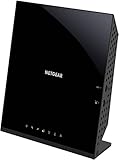
NETGEAR C6250 (Renewed) — Budget Pick. Standard: DOCSIS 3.0 plus AC1600 Wi-Fi 5, two Gigabit ports. Best For: 100 Mbps and 300 Mbps plans in a single room. Why buy: the lowest-cost way to stop renting equipment, with a hard ceiling at 300 Mbps.
| Product | Specs | Action |
|---|---|---|
| TP-Link Archer AX21 |
|
Check Latest Price |
 NETGEAR CAX30 NETGEAR CAX30 |
|
Check Latest Price |
| TP-Link Deco X55 (3-Pack) |
|
Check Latest Price |
| ASUS RT-AX1800S |
|
Check Latest Price |
 TP-Link Archer BE400 TP-Link Archer BE400 |
|
Check Latest Price |
 eero Pro 7 eero Pro 7 |
|
Check Latest Price |
 NETGEAR Orbi CBK752 NETGEAR Orbi CBK752 |
|
Check Latest Price |
 NETGEAR C6250 Renewed NETGEAR C6250 Renewed |
|
Check Latest Price |
1. TP-Link Archer AX21 — Best Overall Router for Spectrum Internet
TP-Link AX1800 WiFi 6 Router (Archer AX21 V5)
AX1800 dual-band Wi-Fi 6
Five Gigabit Ethernet ports
OFDMA and beamforming
2-year warranty
Pros
- Explicitly listed as compatible with Spectrum and Charter
- AX1800 with up to 1200 Mbps on 5 GHz and 574 Mbps on 2.4 GHz
- Five Gigabit Ethernet ports for wired consoles and desktops
- OFDMA plus beamforming and 4 high-gain antennas for range
- Tether app management and EasyMesh expansion
Cons
- Needs a separate cable modem so it cannot replace a rental unit on its own
- Dual-band only with no 6 GHz support
- No multi-gig port so gigabit-plus tiers are limited by the Gigabit WAN port
The Archer AX21 is the router we keep coming back to for Spectrum service, and the numbers back it up: 4.4 stars across more than 24,700 reviews, with roughly 74 percent of those reviewers handing over five stars. It is the highest-rated unit in this roundup by a clear margin, and the review volume means the quirks are well documented rather than a surprise waiting for you.
It is a pure router, so it needs a cable modem in front of it. That is not a flaw for most people, because the Spectrum gateway is already doing that job and can be switched into bridge or access point mode with a few clicks. Once the coax is terminated and Ethernet is coming out of the gateway, the AX21 takes over the wireless side and nothing else changes.
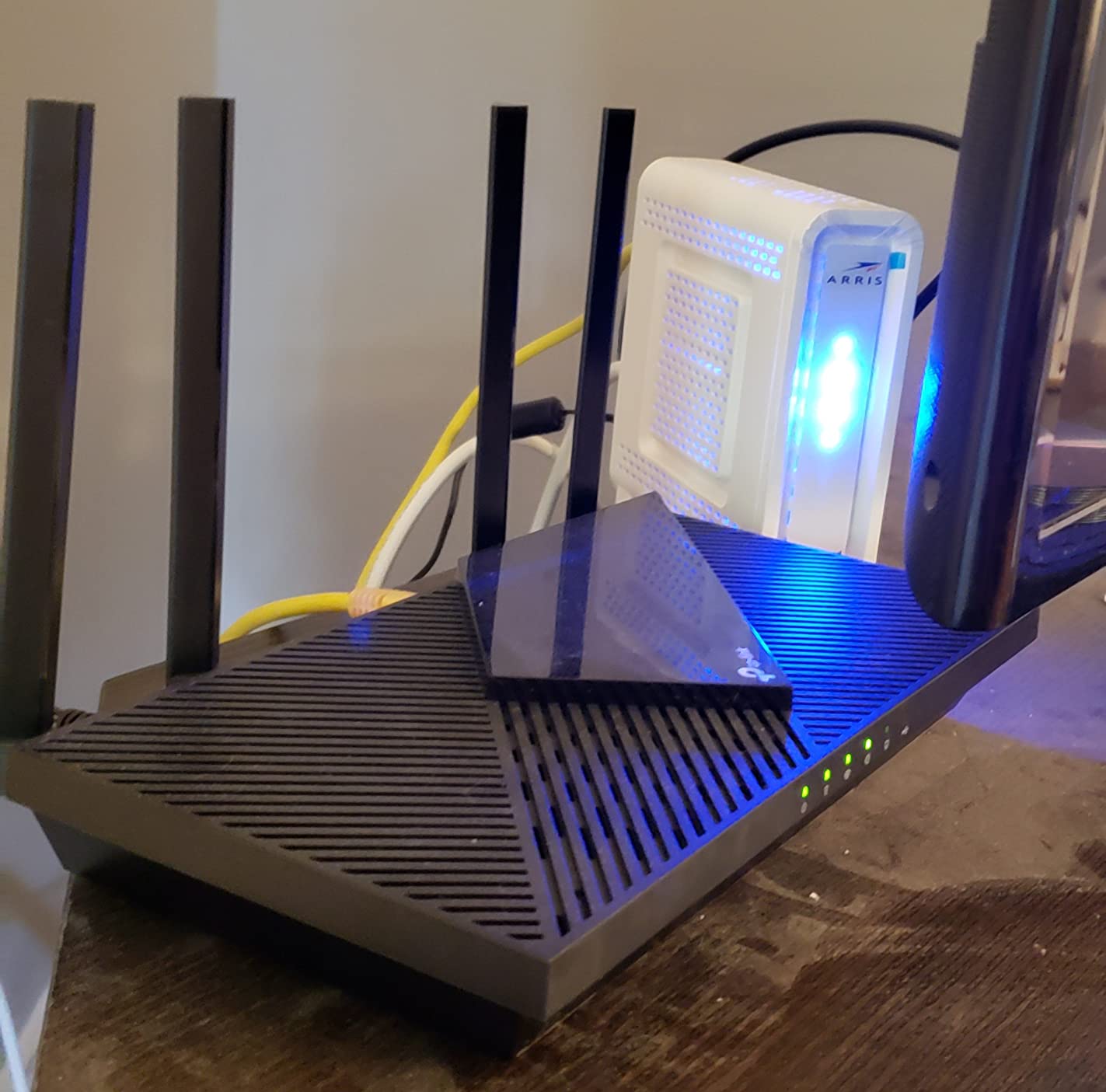
Spectrum is named directly on the compatibility list, alongside Charter, Comcast, Cox, Verizon and AT&T, so there is no guessing about whether the device will provision. TP-Link also backs its networking hardware as a CISA Secure-by-Design signatory, which matters more than it sounds when every smart bulb and doorbell in your flat is a connected device.
The dual-band AX1800 split gives you up to 1,200 Mbps on 5 GHz and 574 Mbps on 2.4 GHz, and the aggregate figure of 1,800 Mbps is a ceiling for the radios, not something Spectrum will ever deliver to you. Real-world gain comes from OFDMA splitting the channel between devices and beamforming holding a stable link to a phone in the next room.
Who the Archer AX21 suits
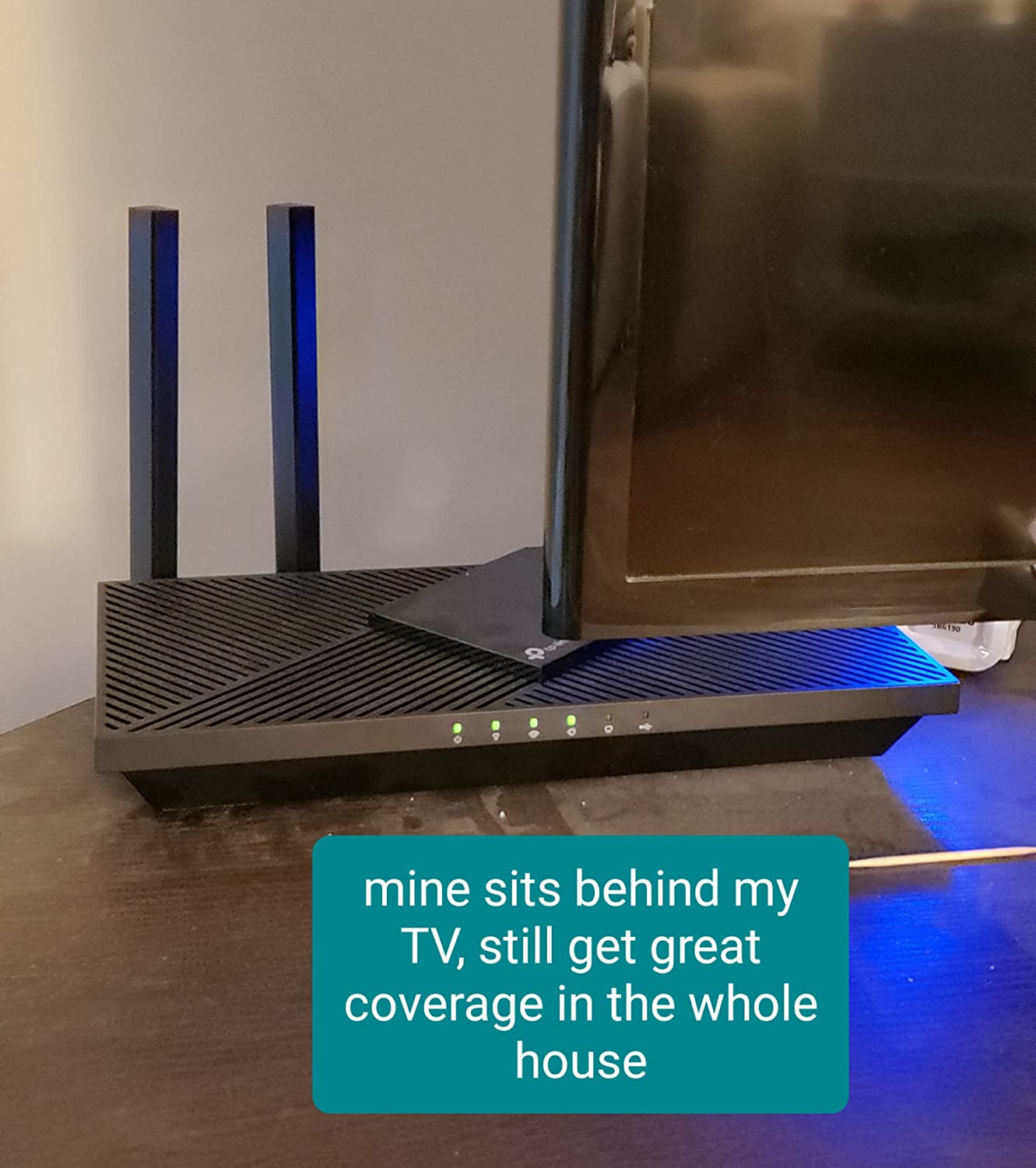
It is the right pick for a 100 Mbps, 300 Mbps or 1 Gbps Spectrum plan in a flat, dorm room or shared house, and for anyone who wants five wired Gigabit ports for a desktop, a console and a streaming box without adding a switch.
It also has four high-gain antennas and an advanced FEM chipset, which is why owners in dense buildings report it holding signal better than the equipment it replaced. EasyMesh support means you can grow into a mesh setup later instead of buying a different system.
Where it falls short
There is no 2.5 Gbps port, so a multi-gig Spectrum tier will run through the Gigabit WAN port and stop there. If your plan exceeds gigabit, the Archer BE400 is the better pairing.
The Tether app is deliberately simple. If you want deep QoS control, per-device VLANs or a VPN server on the router, the ASUS RT-AX1800S or the BE400 gives you more to work with at a similar tier.
2. NETGEAR CAX30 — Best Modem/Router Combo for Gigabit Plans
NETGEAR Nighthawk Modem Router Combo (CAX30) DOCSIS 3.1 Cable Modem and WiFi 6 Router – AX2700 2.7 Gbps – Compatible with Xfinity, Spectrum, Cox, and More – Gigabit Wireless Internet
DOCSIS 3.1 modem plus AX2700 Wi-Fi 6 router
Certified for Spectrum up to 1 Gbps
4 Gigabit Ethernet ports
Up to 2000 sq ft
Pros
- Modem and Wi-Fi 6 router in one box that replaces the rental unit
- Certified for Spectrum up to 1 Gbps with Xfinity up to 800 Mbps and Cox up to 1 Gbps
- Four Gigabit Ethernet ports for consoles desktops and streaming boxes
- Nighthawk app handles setup guest networks and device pausing
- Smart Connect gives one network name across 2.4 and 5 GHz
Cons
- Some owners report units failing after several weeks with a slow three-way support process
- The 2000 sq ft coverage claim falls short in some large multi-floor homes
- NETGEAR Armor adds a paid subscription after the 30-day trial
The CAX30 is the pick for anyone who wants one box instead of two. It is a DOCSIS 3.1 cable modem with an AX2700 Wi-Fi 6 router built in, and it is certified with Spectrum up to 1 Gbps, Xfinity up to 800 Mbps and Cox up to 1 Gbps. That certification is the part that matters: an uncertified combo can refuse to activate and leave you calling support.
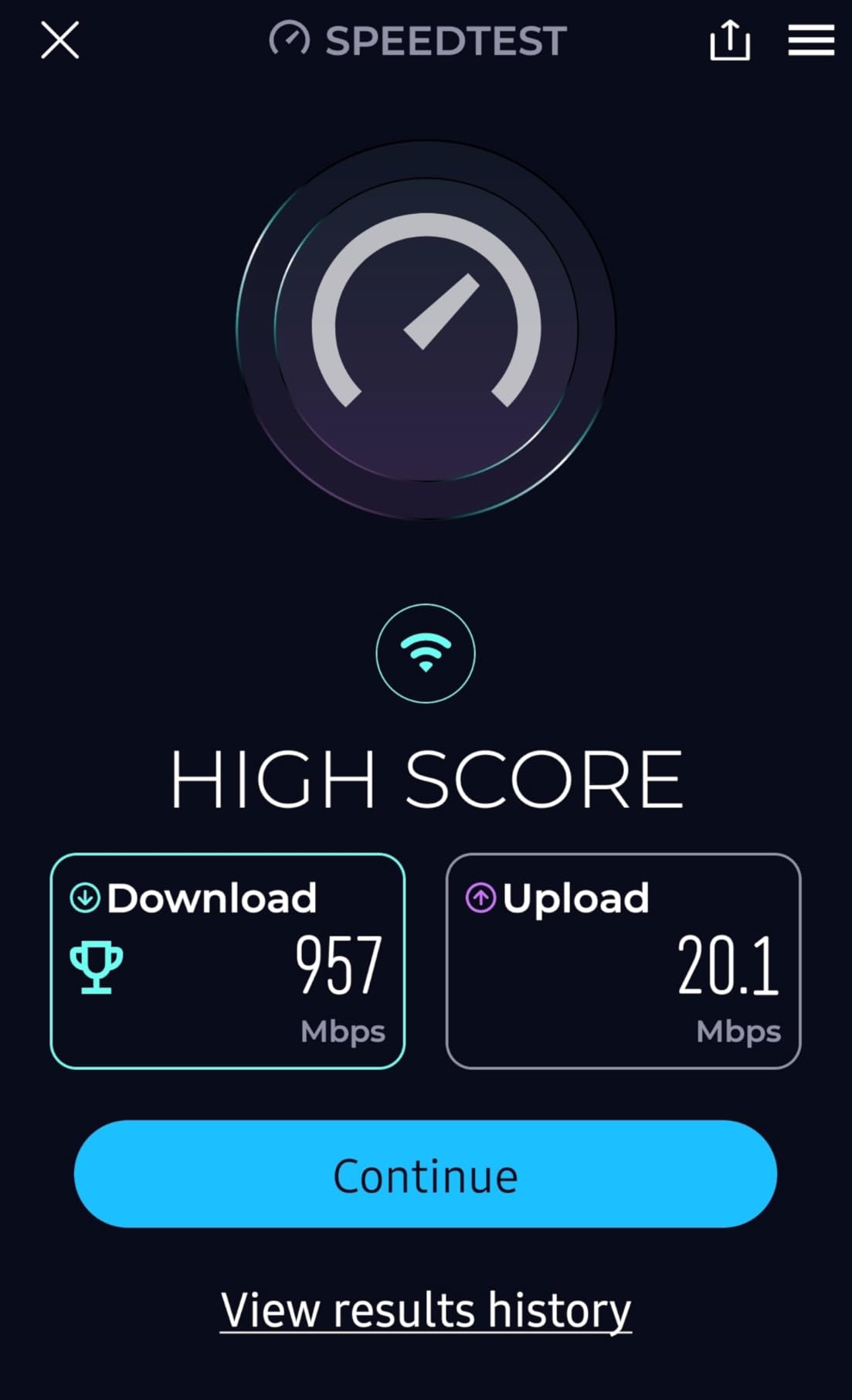
Owners replacing a Spectrum gateway commonly report landing in the 250-900 Mbps range over Wi-Fi once they are on gigabit-tier service, which is roughly what the plan promises. The 2.7 Gbps data transfer rate in the specifications is the total capacity of the wireless side, not a number you will see on a speed test.
Multi-Gig DOCSIS 3.1 with OFDM and OFDMA is what makes the Wi-Fi side hold up when the neighbourhood is busy, and four Gigabit LAN ports cover a wired desktop, a console and two streaming boxes. The Nighthawk app handles setup and lets you pause individual devices, which is genuinely useful in shared accommodation when someone is hogging the bandwidth at midnight.
Setup is the part most owners praise: the unit self-installs and provisions with the ISP in a handful of minutes, though a few describe spending a couple of hours on placement and configuration before it felt right.
Who the CAX30 suits
It is the sensible choice for a gigabit Spectrum plan in a home up to about 2,000 sq ft, and for anyone who would rather not think about modem plus router pairing or bridge mode at all. The 2000 sq ft figure is the vendor coverage claim for a typical layout.
It is also the easiest way to remove a monthly equipment rental, because the Spectrum gateway can be returned to the provider rather than left sitting behind your new hardware doing nothing.
Where it falls short
The rating of 4.1 across more than 1,800 reviews is the lowest in this roundup, and the reason is consistent: a number of owners report early hardware failure, followed by a resolution path that becomes a prolonged three-way call between the customer, the ISP and NETGEAR support.
Coverage is the second weak spot. In large multi-floor homes the 2,000 sq ft claim does not hold, and adding the paid NETGEAR Armor subscription for advanced security is a step up most people do not need.
3. TP-Link Deco X55 (3-Pack) — Best Mesh System for Spectrum Internet
TP-Link Deco X55 AX3000 WiFi 6 Mesh System, Deco X55(3-Pack)
AX3000 dual-band Wi-Fi 6 mesh
Three nodes cover up to 6500 sq ft
Up to 150 connected devices
3 Gigabit ports per node
Pros
- Three-node AX3000 mesh covering up to 6500 sq ft and 150 devices
- Three Gigabit Ethernet ports on every node allowing wired backhaul
- Plug-and-play setup with one node to the modem and two placed anywhere
- Deco app maps node connections and signal quality for placement tuning
- Later firmware added IP reservations a separate IoT network and router-level VPN
Cons
- Node placement is critical since units more than a wall or two apart lose throughput
- The Deco app can show devices as offline or drop names and block-list entries
- If the upstream modem drops the whole mesh LAN goes unresponsive
A three-pack is the right shape for shared houses and large flats, where one router in the hallway leaves the back bedroom on the edge of usable. The Deco X55 covers up to 6,500 sq ft and up to 150 connected devices, which comfortably absorbs several students, a few TVs and a pile of smart plugs.
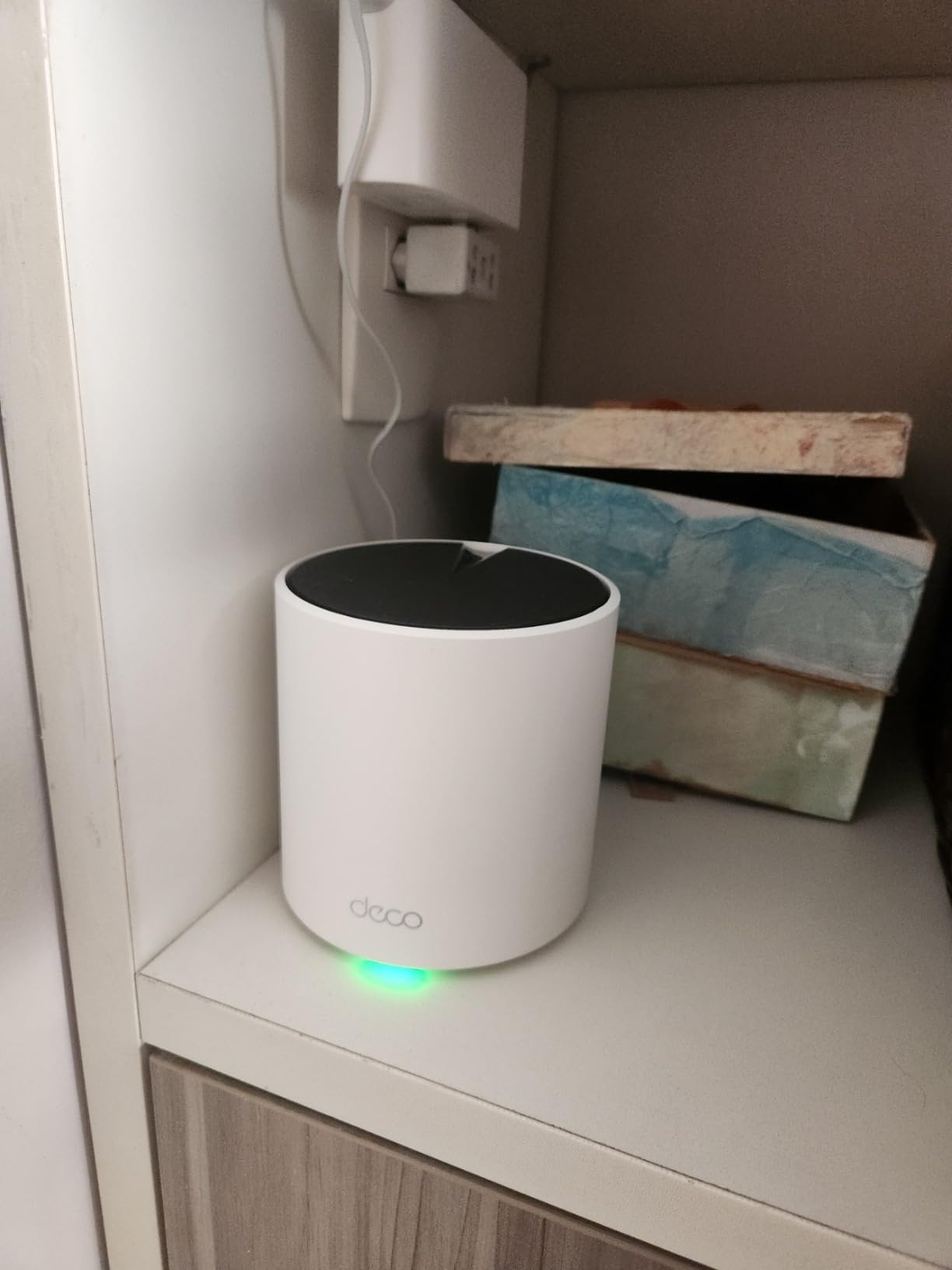
Setup is the reason this system keeps appearing in apartment recommendations. One node connects to the Spectrum gateway with an Ethernet cable, the other two are plugged in wherever they are needed, and they sync themselves. Owners replacing a router-plus-extender setup often report jumps of 50 Mbps or more in far rooms.
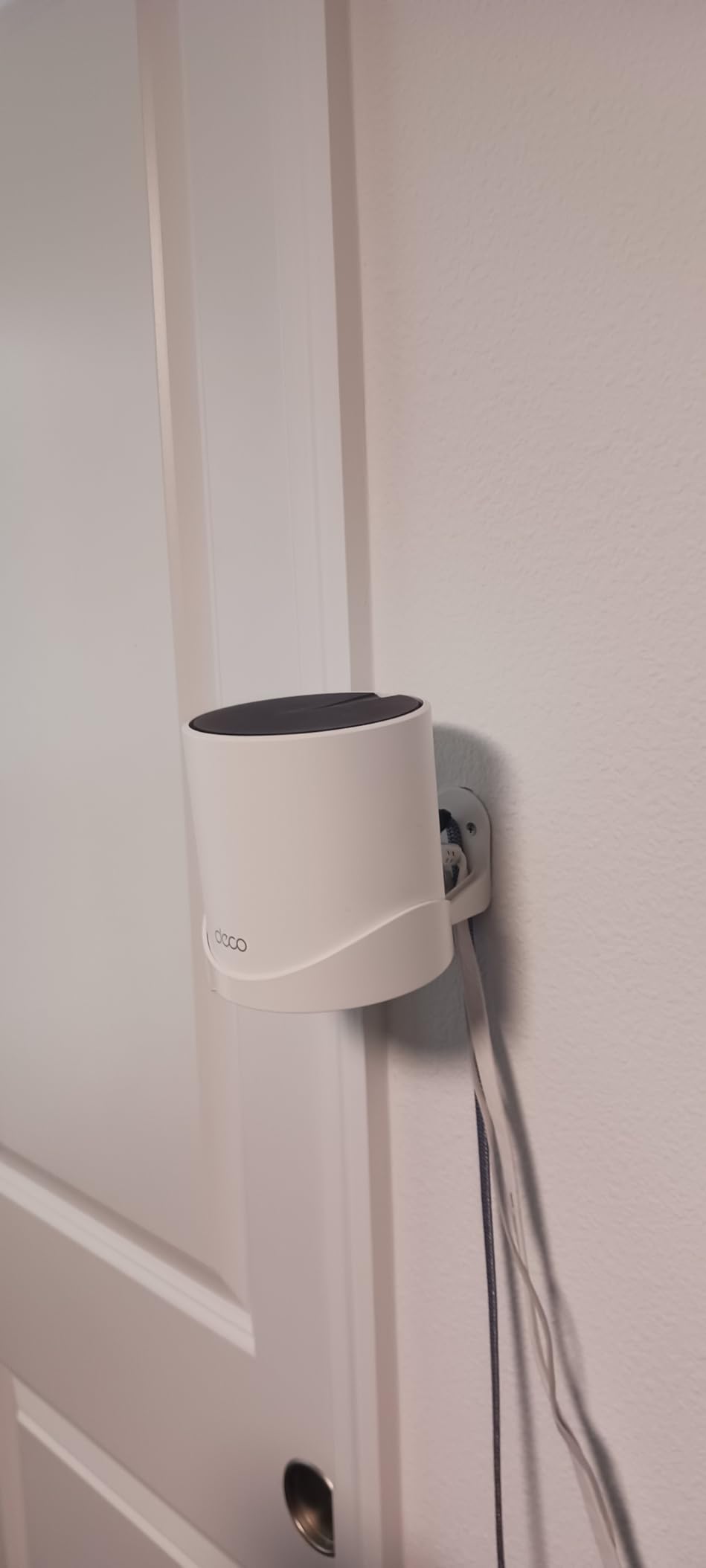
Every node carries three Gigabit Ethernet ports, so you can daisy-chain them with wired backhaul for the best throughput, or use one node as a plain wired switch. Any node can act as the main router, which makes it easy to move the connection point when the layout changes after a move-in.
The Deco app draws a visual map of how the nodes are linked and how strong the signal is between them, which turns placement from guesswork into a two-minute adjustment. TP-Link HomeShield covers the basics at no cost, and later firmware added custom IP reservations, a separate IoT network and router-level VPN support that earlier versions lacked.
Who the Deco X55 suits
It is built for spaces with more than one floor, thick walls or a layout where the gateway is not central: student houses, subdivided flats, and any home where family members complain about the signal in specific rooms rather than overall speed.
It also suits anyone who wants a separate IoT network without paying for a subscription, since the main SSID and one guest SSID can be kept apart from smart devices.
Where it falls short
Placement is everything. Push the nodes too far apart and throughput between them collapses, which is the single most common complaint in the reviews, and the second is that the app sometimes reports devices as offline or loses names and block-list entries, especially for Ring cameras and smart plugs.
There is a failure mode worth knowing about: if the upstream modem drops, the whole mesh LAN goes unresponsive rather than simply reporting no internet, which sends people troubleshooting Wi-Fi that was never the problem.
4. ASUS RT-AX1800S — Budget Pick Router With Subscription-Free Security
ASUS RT-AX1800S Dual Band WiFi 6 Extendable Router, Subscription-Free Network Security, Parental Control, Built-in VPN, AiMesh Compatible, Gaming & Streaming, Smart Home
AX1800 dual-band Wi-Fi 6
Subscription-free AiProtection security
5 Gigabit Ethernet ports
3-year warranty
Pros
- AiProtection Classic network security included at no extra cost
- Five Gigabit Ethernet ports split one WAN and four LAN
- Stable 5 GHz throughput that holds up in apartment and office interference
- AiMesh extendable to add range from another ASUS router in about 10 minutes
- 3-year warranty and a compact 13.12 ounce footprint
Cons
- A firmware bug can shut down the 2.4 GHz radio when Smart Connect and 2.4 GHz Wi-Fi 6 are both on
- Parental controls lack per-website logging and custom blacklists
- Only 256 MB of RAM compared with higher-end models
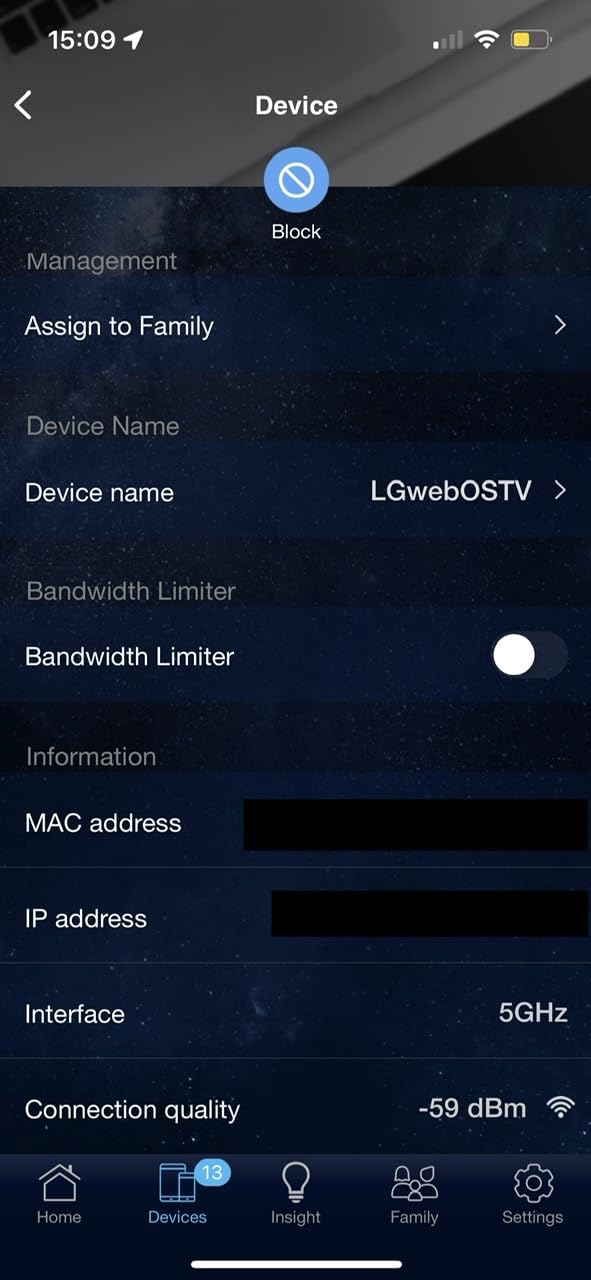
The argument for this router is the bill at the end of the month. ASUS includes AiProtection Classic security and the full parental control suite at no extra cost, while several competitors in this roundup push advanced features behind a paid subscription after a trial period. For a student or a flat share, that difference compounds every single month.
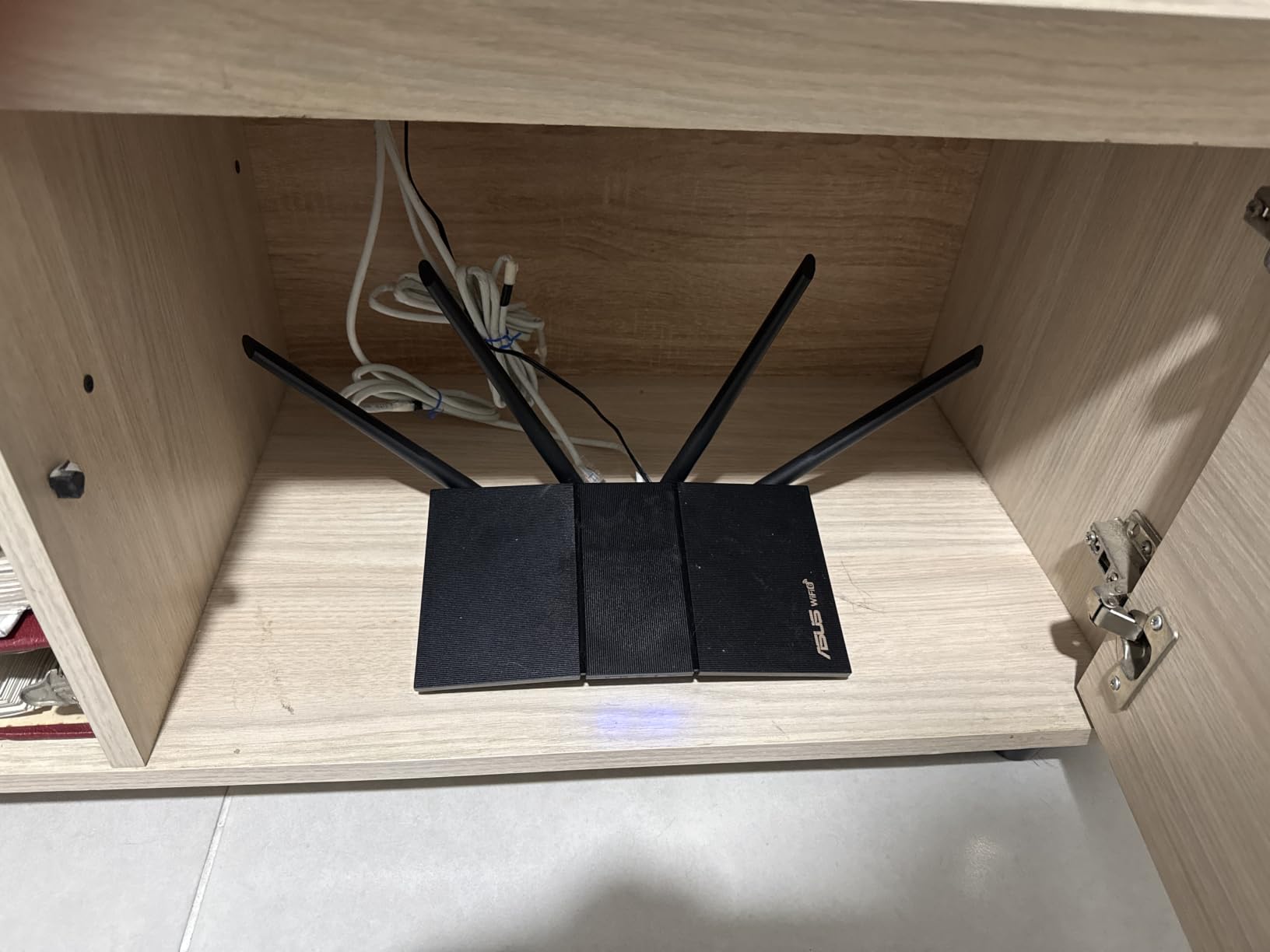
Under the hood it is a dual-band AX1800 router with MU-MIMO, OFDMA and 1024-QAM for an aggregate 1,800 Mbps, and it carries five Gigabit Ethernet ports, which is as many as the Archer AX21 and one more than the CAX30. Reviewers specifically single out its 5 GHz stability in interference-heavy apartment and office environments.
Configuration is the other draw. The ASUS app handles the basics, but the web interface still exposes real QoS, firewall and security controls, and ASUS Instant Guard sets up a VPN connection in one click for accessing home resources from campus. Around 72 percent of reviews are five star, and the recurring theme is stability compared with whatever the owner had before.
It weighs 13.12 ounces and measures 9.06 by 5.28 by 2.2 inches, so it is easy to mount out of sight or stick on a shelf in a small room without it looking like a piece of network hardware.
Who the RT-AX1800S suits
It fits students and renters who want strong Wi-Fi without a subscription, anyone on a 100 Mbps, 300 Mbps or 1 Gbps plan who does not need multi-gig wired speed, and people who like being able to change settings later as their needs change.
If you already own an ASUS router, AiMesh extends the network in about ten minutes, which makes it a cheap way to add a node rather than starting a new ecosystem.
Where it falls short
There is a reproducible ASUSWRT firmware bug that can shut down the 2.4 GHz radio shortly after boot when Smart Connect and Wi-Fi 6 on 2.4 GHz are enabled together. The workaround is to turn off 2.4 GHz Wi-Fi 6, and it is the most common complaint in the reviews by a wide margin.
The parental controls do not offer per-website logging or custom blacklists and whitelists, so proxy sites can slip through, and 256 MB of RAM is thin for heavy local use.
5. TP-Link Archer BE400 — Best Router for Gigabit Spectrum Plans
TP-Link BE6500 Dual-Band WiFi 7 Router (BE400)
BE6500 dual-band Wi-Fi 7 router
One 2.5 Gbps and one 2.5 Gbps port
Up to 2400 sq ft and 90 devices
Access point mode
Pros
- Multi-Link Operation plus Multi-RUs and 4K-QAM Wi-Fi 7 features at a mid-range price
- Dual multi-gig ports so gigabit-plus tiers are not bottlenecked at gigabit
- Owners report 500-850 Mbps downloads across rooms with 12+ devices connected
- Single SSID with automatic 2.4 and 5 GHz band assignment
- Works in access point pass-through mode for people who keep their own modem
Cons
- Real-world range can fall short of the advertised 2400 sq ft when mounted high
- The VPN client and merge function is reported as slow and drops connections often
- EasyMesh expansion is supported but is not compatible with Deco mesh systems
Most Wi-Fi 6 routers stop at a single Gigabit wired port, which quietly caps a multi-gig Spectrum plan no matter how fast the wireless side is. The Archer BE400 fixes that with one 2.5 Gbps WAN/LAN port and one 2.5 Gbps LAN port, plus three 1 Gbps LAN ports for everything else.
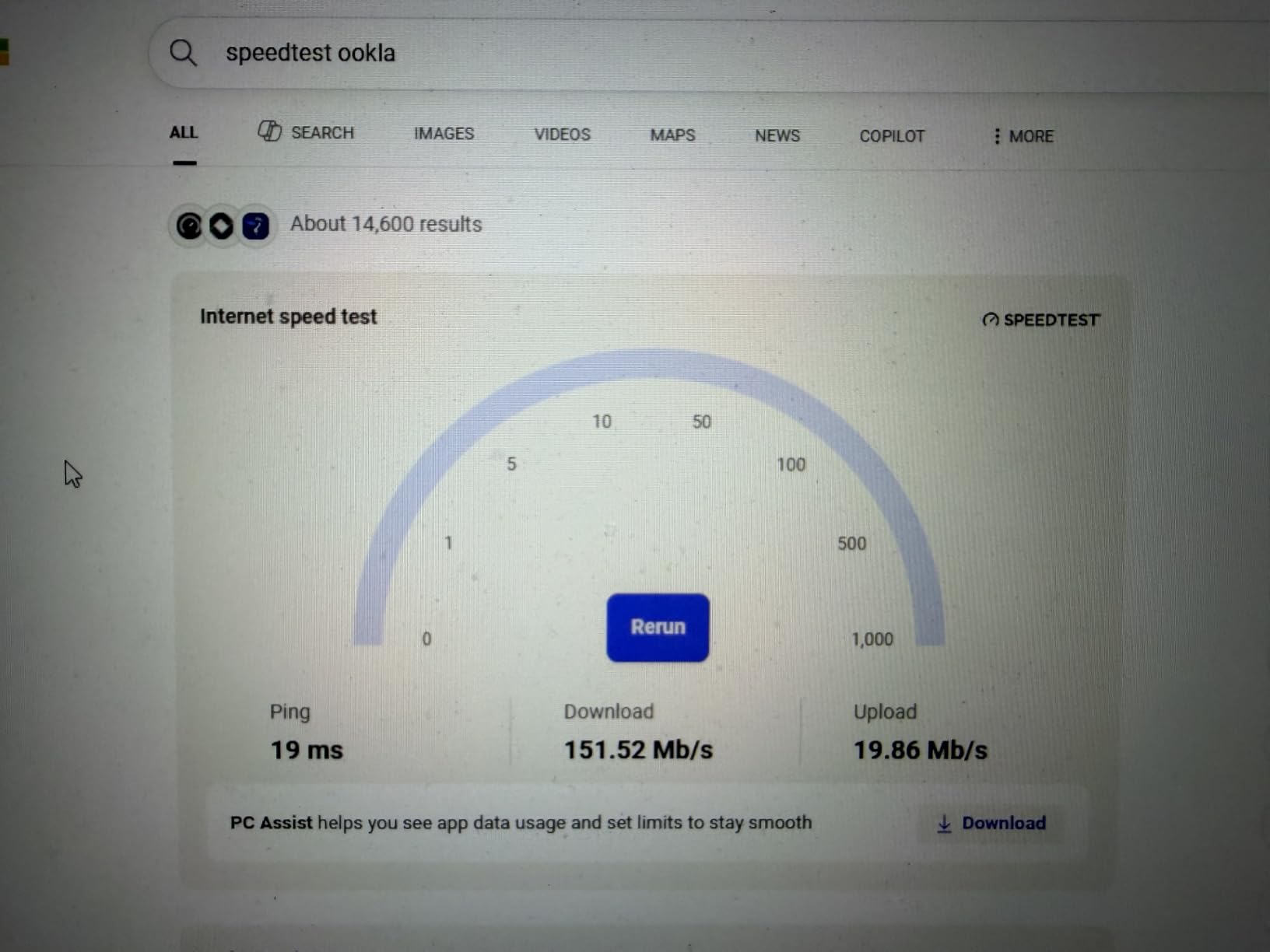
It is a dual-band Wi-Fi 7 router in the BE6500 class, reaching up to 5,764 Mbps on 5 GHz and 688 Mbps on 2.4 GHz, with Multi-Link Operation for higher throughput and lower latency, Multi-RUs and 4K-QAM modulation. Owners on gigabit service report measured downloads of 500-850 Mbps across rooms with 12 or more devices connected.

Coverage is listed at up to 2,400 sq ft for 90 devices, served by six antennas with beamforming, and the Tether app typically finishes setup in 10 to 15 minutes. A single SSID with automatic band assignment means no device is stuck manually pinned to a slow 2.4 GHz link.
It also supports access point mode, which is the cleanest upgrade path for anyone already running their own firewall or a network setup they do not want replaced: the Spectrum gateway keeps terminating coax and the BE400 handles only the wireless.
Who the BE400 suits
It is the pick for gigabit and multi-gigabit Spectrum tiers, and for households where a workstation or NAS is wired rather than everything running over Wi-Fi. Around 74 percent of its reviews are five star, and reviewers consistently treat it as a large step up from an older router.
Anyone moving to their own equipment for the first time will also find the access point mode useful, since it is the lowest-effort way to replace only the Wi-Fi.
Where it falls short
Measured range often falls short of the 2,400 sq ft claim, especially when the unit is mounted high on a wall, and the Wi-Fi 7 client devices that unlock the headline features are still uncommon in 2026, so much of the benefit is ahead of its time.
The VPN client and merge function is reported as slow and prone to dropping connections, and while EasyMesh expansion works, it will not pair with TP-Link Deco mesh systems, so those two ecosystems stay separate.
6. eero Pro 7 — Best for Multi-Gig Spectrum Plans
Amazon eero Pro 7 tri-band mesh Wi-Fi 7 router – Supports internet plans up to 5 Gbps, Coverage up to 2,000 sq. ft., 1-pack
Tri-band Wi-Fi 7 mesh gateway
Supports plans up to 5 Gbps
2 auto-sensing 5 GbE ports
200+ devices
Pros
- Two auto-sensing 5 GbE ports and up to 3.9 Gbps wireless for multi-gig plans
- Tri-band Wi-Fi 7 with Multi-Link Operation and TrueRoam roaming
- Setup through the eero app is the fastest in this roundup
- Works as a gateway or joins an existing eero network across generations
- 3-year warranty and a quiet compact design
Cons
- Advanced controls are pushed toward the paid eero Plus subscription
- The Android app status screen has been reported showing unplugged nodes as online
- No per-device band preference so devices can drop from 6 GHz back to 5 GHz
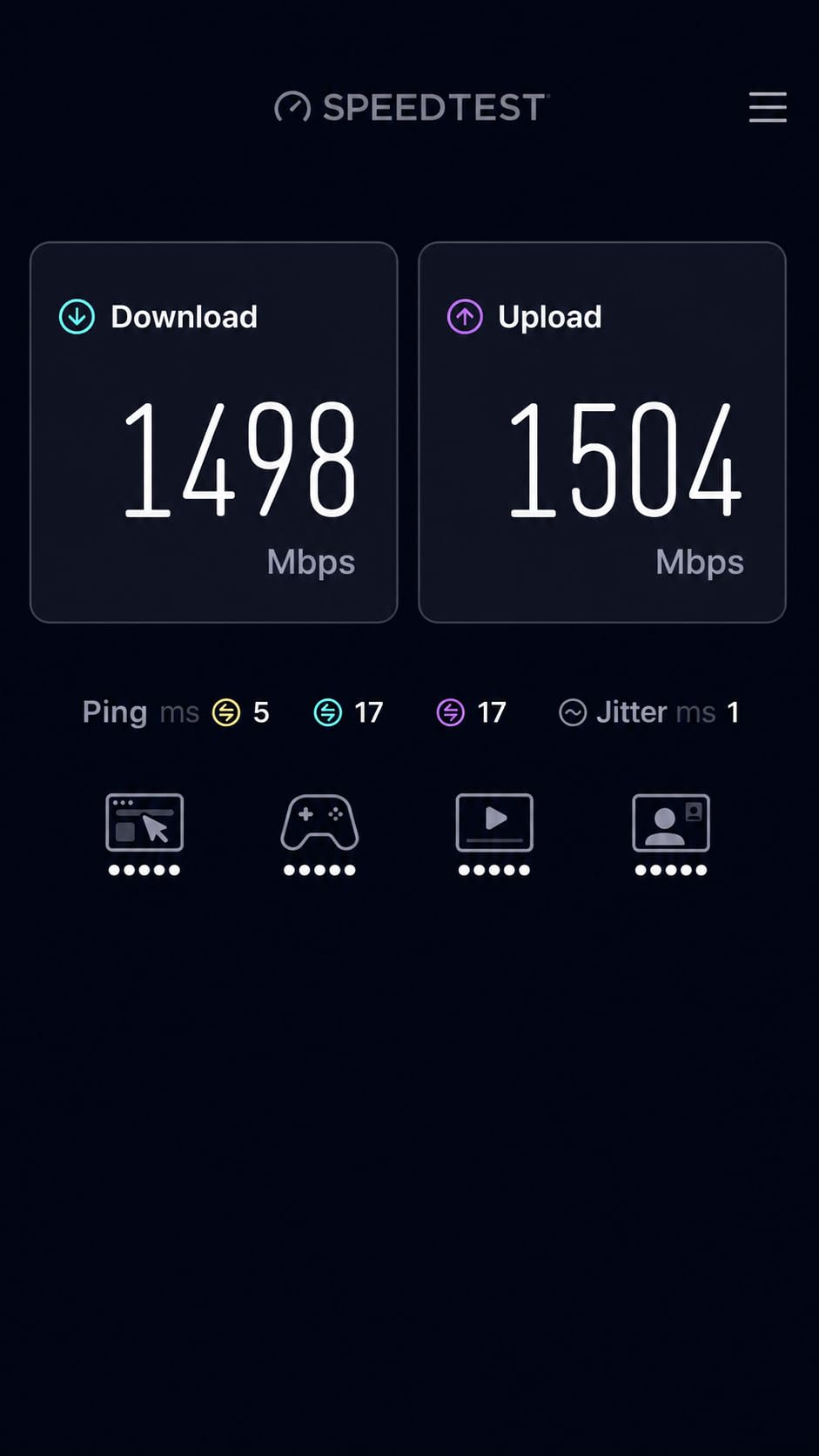
The eero Pro 7 is the fastest setup experience in this roundup, and that matters if you are the person in the flat everyone asks to fix the Wi-Fi. Nodes are recognised and approved in minutes through the app, there is no modem provisioning step if you are only adding a satellite, and the box is quiet enough to sit in a bedroom.
It is a tri-band Wi-Fi 7 system supporting internet plans up to 5 Gbps, with two auto-sensing 5 GbE ports that adapt to whatever the Spectrum gateway hands out, and up to 3.9 Gbps of wireless throughput. TrueMesh software with TrueRoam and TrueChannel moves devices between nodes without dropping the connection.
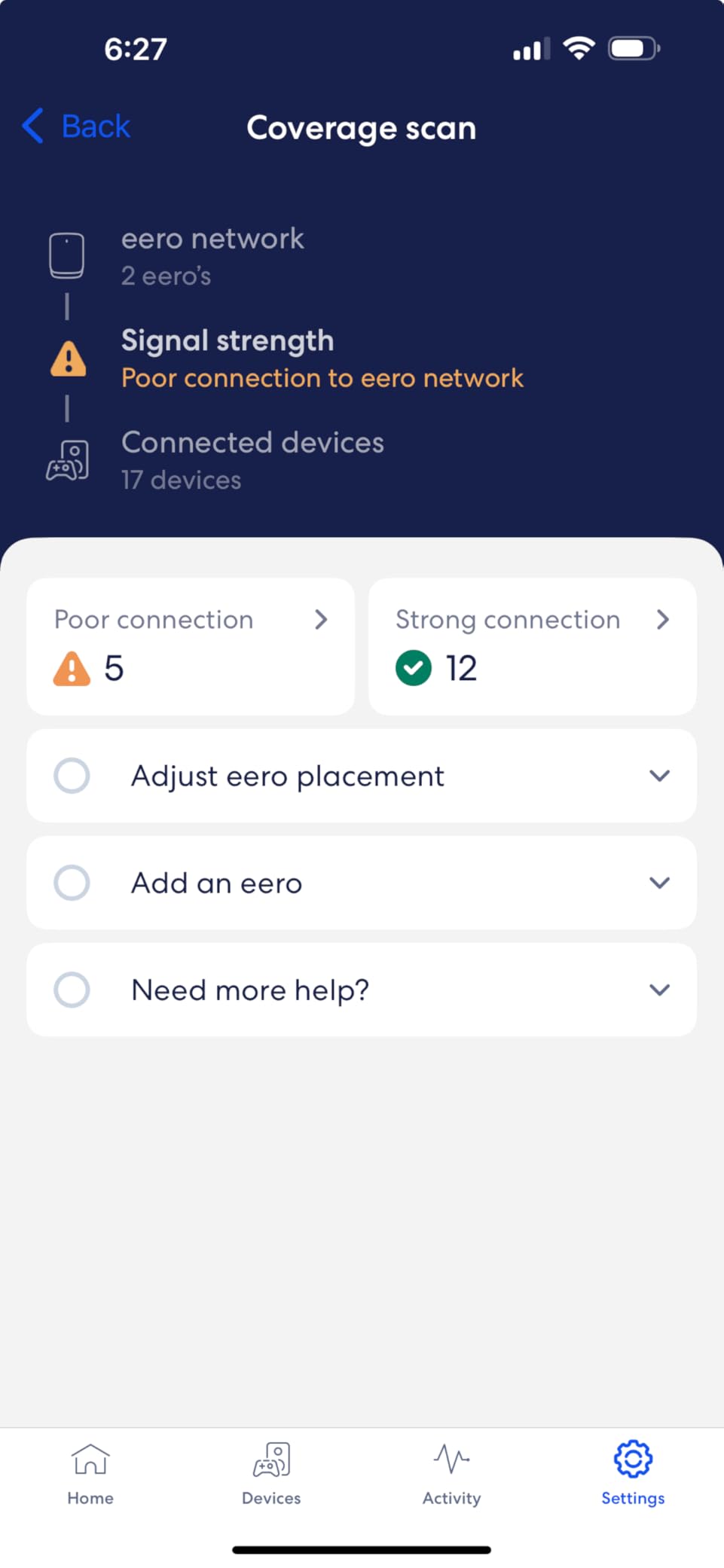
A single unit covers 2,000 sq ft, which is a 25-foot radius from the node, and handles 200 or more devices. Anyone who already owns eero hardware can add this as a node in a mixed-generation network, and it is also backward compatible with eero Built-in on select Amazon Echo devices.
Owners upgrading from an earlier eero generation or from a collection of extenders report substantially faster whole-home throughput, including on security cameras and televisions that had been the slowest devices on the network.
Who the eero Pro 7 suits
It fits gigabit-plus Spectrum tiers where you want hardware headroom for years, and for households that want the least hands-on configuration possible. It is a gateway first, so it can replace the wireless side of the Spectrum equipment entirely, or act as one satellite in a larger eero network.
With a 3-year warranty and no exposed antennas, it is also the pick for people who care more about it disappearing into the flat than about tweaking settings.
Where it falls short
eero steers users toward the paid eero Plus subscription, and some settings are locked without it, which undercuts the no-subscription argument that the ASUS RT-AX1800S makes strongly. Configuration is also less granular than TP-Link or ASUS for anyone who wants deep control.
There is no per-device band preference, so a capable phone can drop from the faster 6 GHz band back to 5 GHz and lose throughput, and WPA3-only encryption can lock out older devices, so the WPA2/WPA3 mixed mode should be left alone.
7. NETGEAR Orbi CBK752 — Best for Large Homes Over 5,000 Sq Ft
NETGEAR Orbi Cable Modem Router Combo Mesh System (CBK752) DOCSIS 3.1 – AX4200 WiFi 6 (4.2 Gbps) – Certified with Xfinity (up to 900Mbps, Spectrum & Cox (up to 1Gbps) – Covers 5,000 sq.ft.
DOCSIS 3.1 modem/router plus mesh satellite
AX4200 tri-band Wi-Fi 6
Up to 5000 sq ft and 40+ devices
4 Gigabit LAN ports
Pros
- One box plus a satellite replaces both a Spectrum rental modem and a separate router
- Certified with Spectrum up to 1 Gbps and Cox up to 1 Gbps
- Up to 5000 sq ft with seamless roaming between the modem-router and the satellite
- Tri-band AX4200 with a dedicated backhaul band handles streaming gaming and calls at once
- 4 Gigabit LAN ports on the modem-router plus 2 on the satellite
Cons
- Setup is not novice-friendly with hours of retries before the satellite pairs
- SSID and password changes through the web interface often fail to propagate to the satellite
- Parental controls and advanced security sit behind paid NETGEAR subscriptions
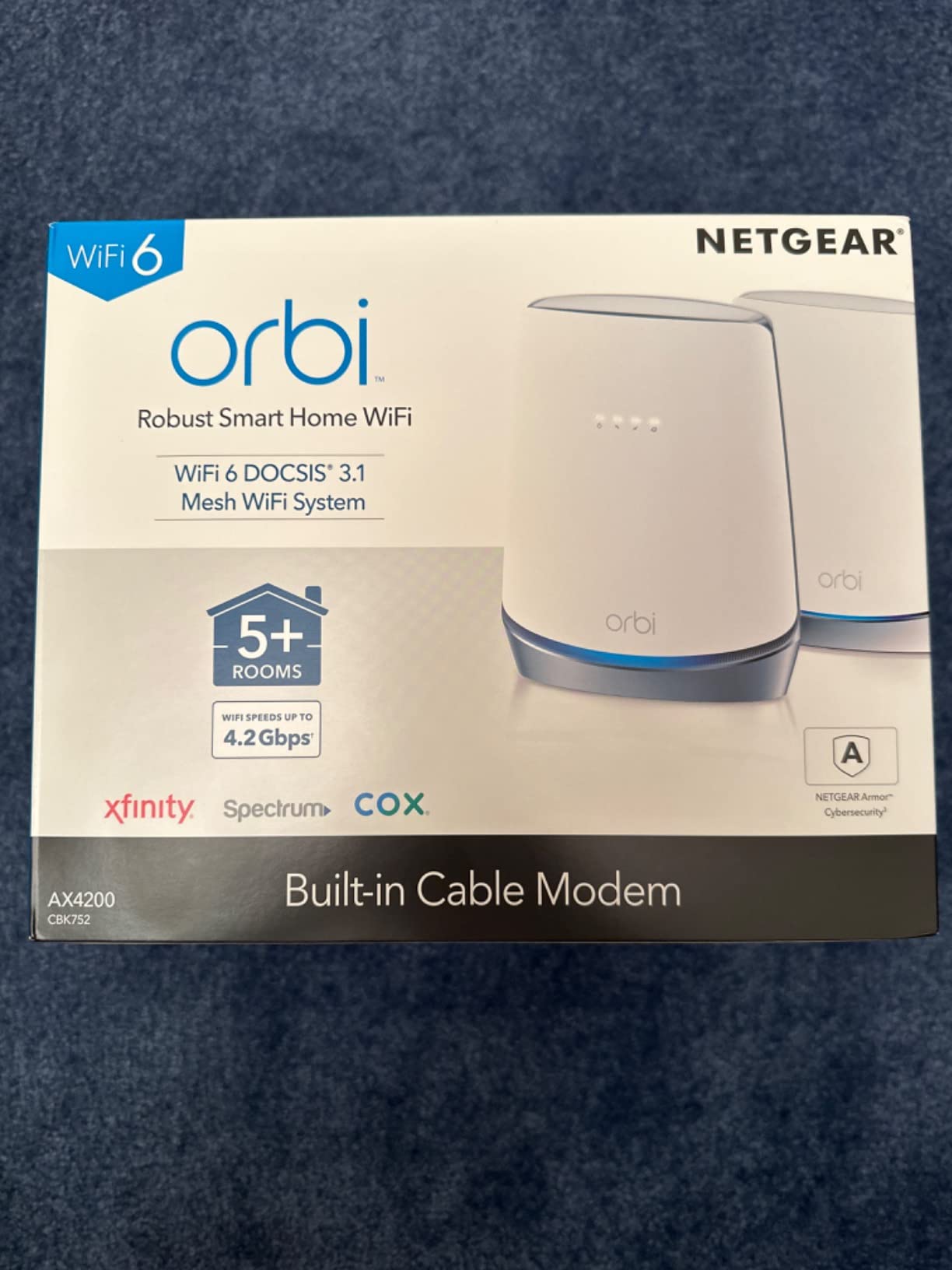
The CBK752 is a DOCSIS 3.1 cable modem/router with a mesh satellite in the same box, so it covers a large home without a second purchase. Coverage is listed at up to 5,000 sq ft for 40 or more devices, and adding an RBS750 satellite extends that by roughly 2,500 sq ft.
The tri-band AX4200 design uses a dedicated band purely for backhaul between the modem-router and the satellite, which is why it holds up when several people are streaming, gaming and on video calls at once. It is certified with Spectrum and Cox up to 1 Gbps, and Xfinity up to 900 Mbps.
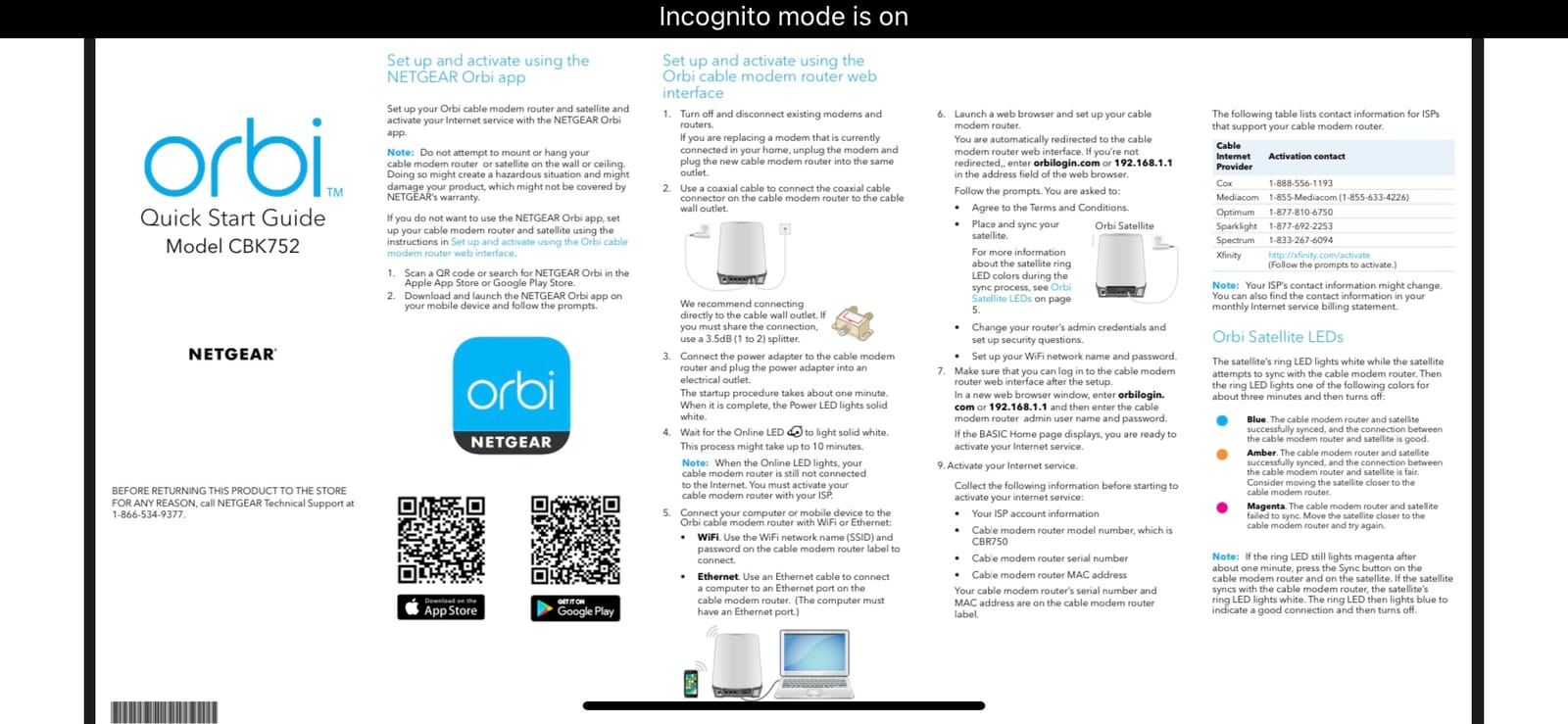
Wired options are generous for a mesh product: four Gigabit LAN ports on the modem-router plus two on the satellite, and 8.2 pounds of hardware in total. Owners replacing an ISP gateway commonly see the provider-estimated speed finally show up on their Wi-Fi devices once the link is stable.
That stability is the caveat. The reviews split cleanly into people who got the mesh link working and love the coverage, and people stuck in provisioning and satellite pairing, and 63 percent of reviews are five star, the lowest share of any pick here.
Who the Orbi CBK752 suits
It is the pick for large, multi-floor homes on a gigabit plan that need coverage more than they need a bargain, and for anyone who would rather own one certified box that does everything than coordinate a modem and two or three mesh nodes.
The Orbi app handles setup once it is working, with automatic firmware updates and a guest network out of the box.
Where it falls short
Setup is the main problem: several owners report hours of retries before the satellite pairs and the modem registers with the ISP, and changing the SSID or password through the web interface often fails to propagate to the satellite, leaving two different networks.
Selecting WPA3 encryption can lock devices out on this non-6E model, a few owners report the satellite dropping the mesh link and needing a full re-pair, and the parental controls sit behind a paid NETGEAR subscription.
8. NETGEAR C6250 (Renewed) — Best Value for 100 Mbps and 300 Mbps Plans
NETGEAR Cable Modem Wi-Fi Router Combo C6250 – Compatible with All Cable Providers Including Xfinity by Comcast, Spectrum, Cox | for Cable Plans Up to 300 Mbps | AC1600 Wi-Fi Speed | DOCSIS 3.0
DOCSIS 3.0 cable modem and AC1600 Wi-Fi 5 router
Certified for Spectrum up to 300 Mbps
2 Gigabit Ethernet ports
About 1500 sq ft
Pros
- The lowest-cost way to stop paying a Spectrum equipment rental
- Spectrum certified up to 300 Mbps with Xfinity up to 300 Mbps and Cox up to 250 Mbps
- Compact design with 2 Gigabit Ethernet ports and a USB port
- AC1600 dual-band Wi-Fi 5 covering about 1500 sq ft and 25 devices
- Owners are typically online within 10 to 15 minutes once the modem activates
Cons
- DOCSIS 3.0 caps out at 300 Mbps so it cannot keep up with gigabit tiers
- Multiple owners on older firmware report random connection drops with no fault indicator
- Only two wired ports and no USB 3.0 limiting wired expansion
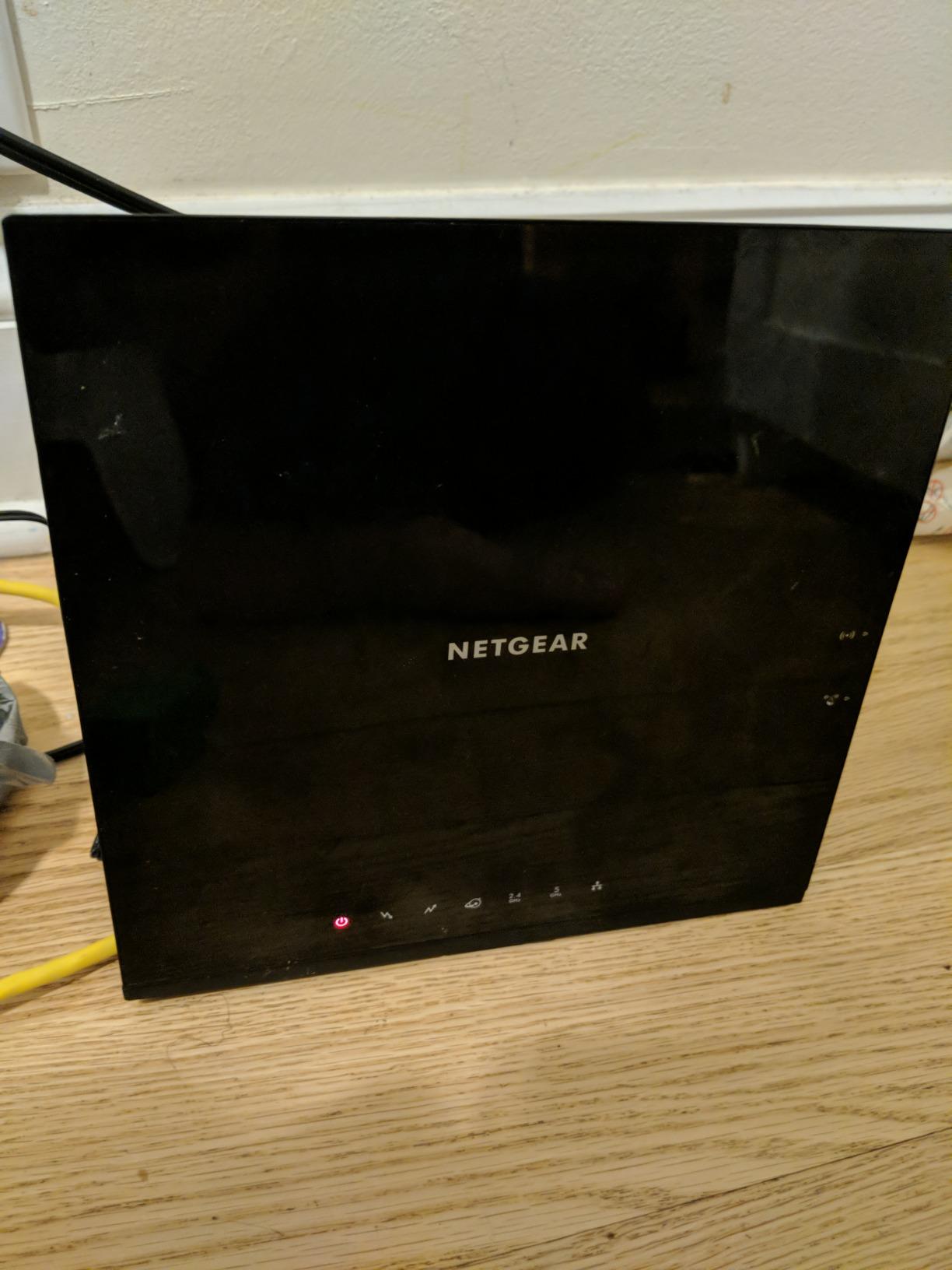
Some of Spectrum’s service tiers are low enough that spending heavily is wasted. On a 100 Mbps or 300 Mbps plan in a single-room apartment, this renewed AC1600 combo does the whole job: DOCSIS 3.0 modem plus dual-band Wi-Fi 5 router in a 1.2 pound box, certified with Spectrum up to 300 Mbps.
The dominant sentiment across more than 1,500 reviews is simply value, with about 64 percent five star. Owners highlight an install that puts them online within 10 to 15 minutes of activation and coverage across roughly 1,500 sq ft and 25 connected devices, which covers a studio or a one-bedroom flat comfortably.
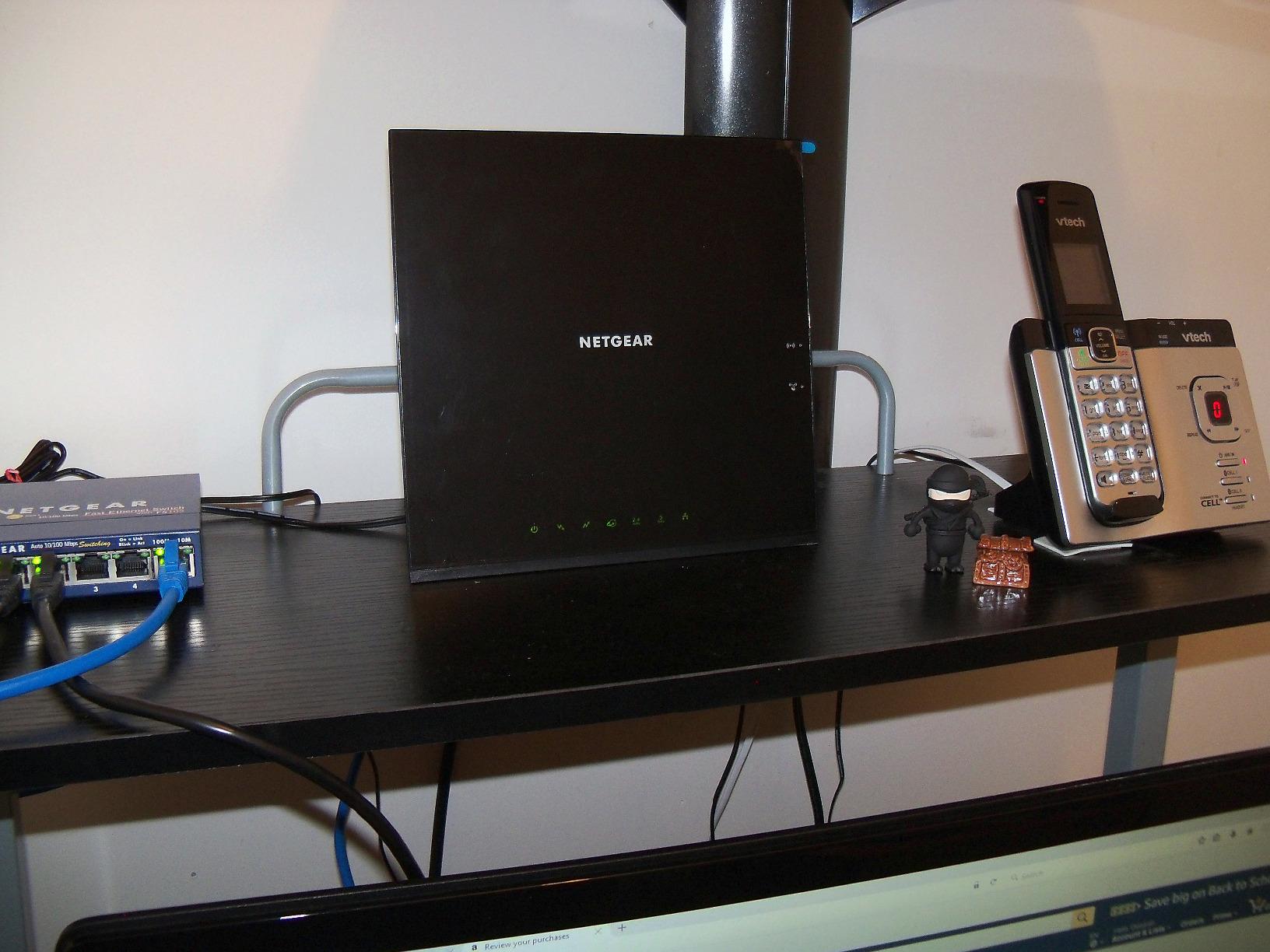
Renewed units are a recognised value tier in the Spectrum community, and this listing is the Amazon Renewed variant with a 1-year warranty. The compromise is real: DOCSIS 3.0 with 16×4 channel bonding cannot reach gigabit tiers, so this is a plan-matched purchase rather than a general one.
Wired connectivity is thin at two Gigabit Ethernet ports plus one USB port, so a desk, a console and a television in the same room is the practical limit. The router is also not compatible with fiber, DSL or bundled voice plans.
Who the C6250 suits
It is built for the cheapest possible exit from renting equipment: students in a single room, anyone on a 100 Mbps or 300 Mbps plan, and households where the total saving against months of rental fees is the deciding factor.
It also works as a stopgap, giving you a working modem while you decide whether to move to a DOCSIS 3.1 combo later.
Where it falls short
The hard ceiling is 300 Mbps, so anyone on a gigabit plan should look elsewhere. The 5 GHz range is also limited, which can shrink usable coverage in long or narrow floor plans.
Multiple owners on older firmware report random connection drops with no visible fault indication, and the listing includes no 2.4 GHz workaround, so updating firmware after activation matters more here than on the picks above.
Do Routers Actually Work With Spectrum? DOCSIS 3.1 Explained
Yes, any standard Wi-Fi router will work with Spectrum internet, because Spectrum delivers service over coax rather than over Wi-Fi. A DOCSIS 3.1 cable modem converts that coax signal into Ethernet, and the router turns the Ethernet into a wireless network. A Wi-Fi 7 router cannot plug into the cable line directly, so it still needs a modem unless you buy a combo unit that does both jobs.
That split is the entire buying decision. Buy a standalone router and the Spectrum gateway stays, put into bridge mode so it passes Ethernet through without routing. Buy a combo and the gateway can be returned to the provider entirely. Both routes end with the same Wi-Fi; the difference is how many boxes you own and how much you pay for equipment over time.
DOCSIS 3.1 is not outdated. It is the cable standard that unlocks Spectrum’s fastest tiers, and it is what the CAX30, the Orbi CBK752 and the multi-gig plan tiers assume. DOCSIS 3.0 modems such as the C6250 remain perfectly usable below 300 Mbps, which is why that pick still makes sense on lower-tier plans.
Before buying any modem, check Spectrum’s current approved or compatible equipment list, because certification is what determines whether the device will activate on your line. For a standalone router there is no list to check, which is part of why that route involves less friction.
Rent Versus Buy: What Changes When You Own Your Router?
Every Spectrum plan includes a gateway, and it is billed as a monthly rental rather than a purchase. That arrangement is fine if you live in a small flat and the Wi-Fi reaches everywhere you need it. It stops making sense the moment you hit dead zones, want a mesh system, need more than two wired ports, or would simply like hardware you control.
The break-even maths is not complicated. Add up what the rental costs across the months you expect to be in the address and compare it with the one-off cost of a router that meets your plan. For anyone staying beyond about a year in the same place, owning wins, and the monthly saving is what actually funds the upgrade.
There is a second, quieter benefit to owning. ISP-supplied gateways age slowly and rarely get new features, and forum threads on Spectrum-related communities repeatedly turn up the same complaints: routers dropping connection, 5 GHz range that does not reach the back of the flat, and no option to separate smart devices onto their own network.
Renowned and renewed equipment is a reasonable middle tier for cost-sensitive households, which is why the C6250 appears on this list. Check that the plan certification covers the speed tier you pay for, and that the warranty still applies, because those are the two details that change when a device is not new.
How to Match a Router to Your Spectrum Plan Speed?
Start with the plan, not the router. On a 100 Mbps or 300 Mbps tier, a DOCSIS 3.0 combo or a mid-range Wi-Fi 6 router is genuinely enough, and spending above that line buys speed you cannot use. On a 1 Gbps tier, match the wired ports to the plan: a single Gigabit port caps a multi-gig connection, so a router with 2.5 Gbps ports is the minimum that keeps up.
Next, match the space to the coverage. Around 1,500 to 2,400 sq ft is one router; beyond that, or across more than one floor, a mesh system is the difference between usable Wi-Fi and a phone at one bar near the stairs. In student housing, count the devices before the square footage, since twenty phones and several smart TVs matter more than the floor plan.
Finally, match the ports to your habits. Four Gigabit ports is plenty for a desk, a console and a television. If you run a NAS, a wired workstation or a multi-gig plan, look for 2.5 Gbps or faster, and if you run your own network services, check whether the router supports access point or pass-through mode before you buy.
Setup and Troubleshooting: Getting the Most From Your Router
Bringing your own hardware takes four steps. Plug the new router into a LAN port on the Spectrum gateway, sign into the gateway and put it into bridge mode, complete ISP activation for the new device, then change the Wi-Fi name and password to match your devices. If you are using an access point mode router, the gateway stays in router mode and you skip the bridging step.
Placement beats specifications more often than not. Keep the router off the floor, out of a closed cupboard and away from a microwave, and put it as close to the centre of the space as the wiring allows. For mesh systems, two walls between nodes is the practical limit before throughput between them falls away.
To test whether the line or the router is the bottleneck, run the test wired first, directly from the gateway. If the wired result matches your plan and the Wi-Fi result does not, the problem is the wireless side and better hardware will fix it. If the wired result is also low, it is the line or the modem, and a new router will not help.
Forum threads on Spectrum and general tech support communities converge on the same first fix: power-cycle the modem, then request a remote modem reset from Spectrum before suspecting hardware. Speed throttling after back-to-back tests is common, so pause a few minutes between runs. Persistent drops that survive a modem reset point to the modem itself, which is the scenario where a DOCSIS 3.1 combo earns its place.
Frequently Asked Questions
Is it better to buy my own router instead of using Spectrum’s?
Usually, yes. The Spectrum gateway is adequate for small apartments on 100 Mbps to 300 Mbps plans, but it offers no settings, limited wired ports and no way to separate smart devices. Owning a router removes the monthly rental charge, gives you control over parental controls and QoS, and lets you expand coverage with a mesh system. Break-even usually arrives within roughly the first year in the same address.
Can I replace my Spectrum router with a better one?
Yes. Either put the Spectrum gateway into bridge mode and connect your own router to its LAN port, or buy a certified DOCSIS 3.1 modem/router combo such as the NETGEAR CAX30 and return the gateway. Standalone routers need no approval; cable modems do, so verify certification for your plan before buying.
Which routers are approved by Spectrum?
Spectrum maintains a current approved equipment list covering both cable modems and modem/router combos. A modem must appear on that list for your service tier to activate reliably; standalone Wi-Fi routers do not need approval because they connect over Ethernet, not coax. Check the list for your specific plan speed and area before buying any modem.
Can I use any router with my Spectrum internet?
Yes. Because Spectrum delivers service over coax and the gateway converts it to Ethernet, any standard Wi-Fi router can be attached to that Ethernet port. You are limited by the gateway’s Ethernet port speed and by your plan tier, not by a compatibility list. That is why the router you choose mostly affects wireless coverage, features and wired port speed.
Which router is best for Spectrum internet?
The TP-Link Archer AX21 is the strongest all-rounder, rated 4.4 across more than 24,000 reviews and named as Spectrum compatible, with five Gigabit ports. For a gigabit plan in one box, the NETGEAR CAX30 is certified with Spectrum up to 1 Gbps. For apartments and dorms, the ASUS RT-AX1800S costs nothing monthly thanks to included security, and for large homes the TP-Link Deco X55 mesh system covers up to 6,500 sq ft.
Is a DOCSIS 3.1 modem outdated?
No. DOCSIS 3.1 is currently the cable standard required to reach Spectrum’s fastest tiers, including gigabit and multi-gigabit service, because it adds OFDM channels alongside DOCSIS 3.0 bonding. A DOCSIS 3.0 modem such as the NETGEAR C6250 remains perfectly usable at up to 300 Mbps, so it is a plan-matched choice rather than an outdated one.
Is it better to buy a modem and router separately?
Separate devices win when you already own a good cable modem or want to upgrade wireless hardware without touching the modem. A combo wins when you want one box, one power supply and one support path, which is the case for most Spectrum subscribers on a gigabit plan. The CAX30 covers the combo case; the Archer AX21 covers the separate case.
Final Verdict: Which Spectrum Router Should You Buy?
For most people, the TP-Link Archer AX21 is the answer to the question of which router to buy for Spectrum internet, because it is the best rated unit here with by far the largest review base, it is named as Spectrum compatible, and five Gigabit ports cover almost any flat. If you would rather own one box on a gigabit plan, take the NETGEAR CAX30 instead. If your space is bigger than a single room, the TP-Link Deco X55 removes the dead zones no single router can reach.
Match the hardware to the plan you pay for, not to the fastest specification available, and the decision stops being complicated. The rental line item that comes with the Spectrum gateway is what most people are really trying to remove, and every pick above gets you there in a different way.