
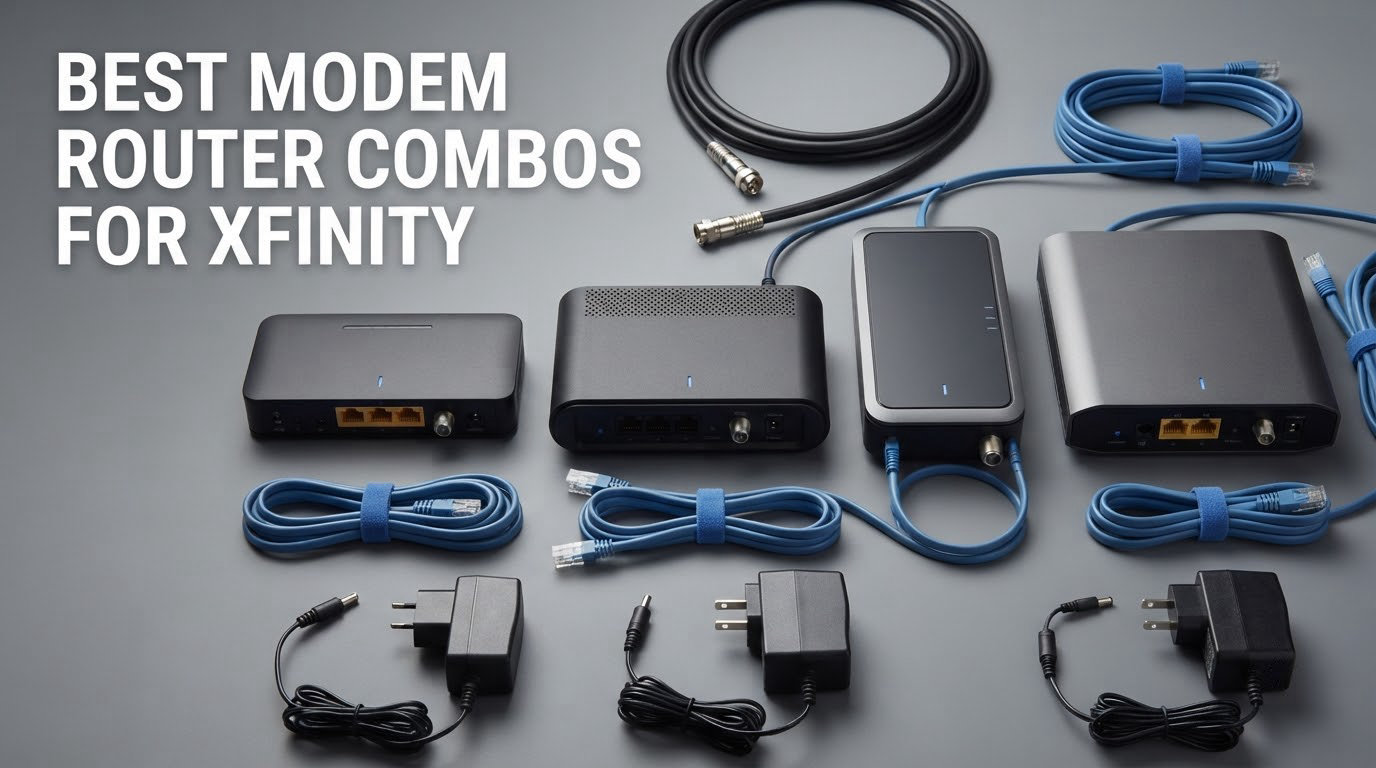
A combo is a convenience choice, not a universal one: the eight modem-router combos below cover everything from a 375 Mbps Xfinity plan to a 5,000 sq ft house with a mesh satellite, and the right pick depends on your plan tier, your square footage, and whether you still use Xfinity Voice. Every unit here is an all-in-one box that replaces the xFi gateway you are currently renting, so you own the hardware outright and the monthly equipment line on your bill goes away.
That rental line is the reason most people land here in the first place. It is one of the easiest recurring charges to delete, and every combo on this list works with Xfinity service as long as the model appears on the provider’s approved-device list for your address. Some units here are DOCSIS 3.1, which is what you want for any gigabit plan; a few are DOCSIS 3.0 and are honest budget options for lower tiers only.
We spent the last several weeks reading owner feedback across 28,000+ reviews on these eight models and comparing channel bonding, Wi-Fi generation, port layout, coverage claims, and warranty length. What follows is the best modem router combo for Xfinity at each realistic budget, home size, and plan speed, plus honest answers on what you give up by leaving the xFi gateway behind.
Table of Contents
Top 3 Modem-Router Combos for Xfinity in 2026

Motorola MG7550
- 16x4 DOCSIS 3.0
- AC1900 dual-band Wi-Fi
- 4 Gigabit Ethernet ports
- Xfinity approved

Best Modem-Router Combos for Xfinity at a Glance
| Product | Specs | Action |
|---|---|---|
| Motorola MG7550 |
|
Check Latest Price |
 NETGEAR Nighthawk CAX30 NETGEAR Nighthawk CAX30 |
|
Check Latest Price |
| ARRIS SBG8300 |
|
Check Latest Price |
 ARRIS SBG7600AC2 ARRIS SBG7600AC2 |
|
Check Latest Price |
 NETGEAR Nighthawk C7800 NETGEAR Nighthawk C7800 |
|
Check Latest Price |
 Motorola MG8702 Motorola MG8702 |
|
Check Latest Price |
 NETGEAR Orbi CBK752 NETGEAR Orbi CBK752 |
|
Check Latest Price |
 ARRIS SVG2482AC Renewed ARRIS SVG2482AC Renewed |
|
Check Latest Price |
1. Motorola MG7550 – Best Overall for Apartments and Mid-Speed Plans
Motorola MG7550 2-in-1 Cable Modem with Built-in WiFi Router and Power Boost | Approved by Comcast Xfinity, Cox, Charter Spectrum| AC1900 WiFi Router | 16×4 DOCSIS 3.0
DOCSIS 3.0 16x4 modem
AC1900 dual-band Wi-Fi
4 Gigabit Ethernet ports
Plans up to 375 Mbps
Pros
- Highest review count on this list at 7245 ratings
- Reliable over long ownership
- AnyBeam beamforming plus Power Boost
- Vertical chassis saves shelf space
Cons
- DOCSIS 3.0 cannot reach gigabit tiers
- Wi-Fi 4 hardware is dated
- Only rated for plans up to 375 Mbps
The MG7550 is the one we keep coming back to because of how much history sits underneath it. At 7245 reviews and a 4.3 average, this is the most thoroughly documented combo on the list, and the pattern in the feedback is remarkably consistent: owners report that it simply keeps working, month after month, with no dropouts and no firmware drama.
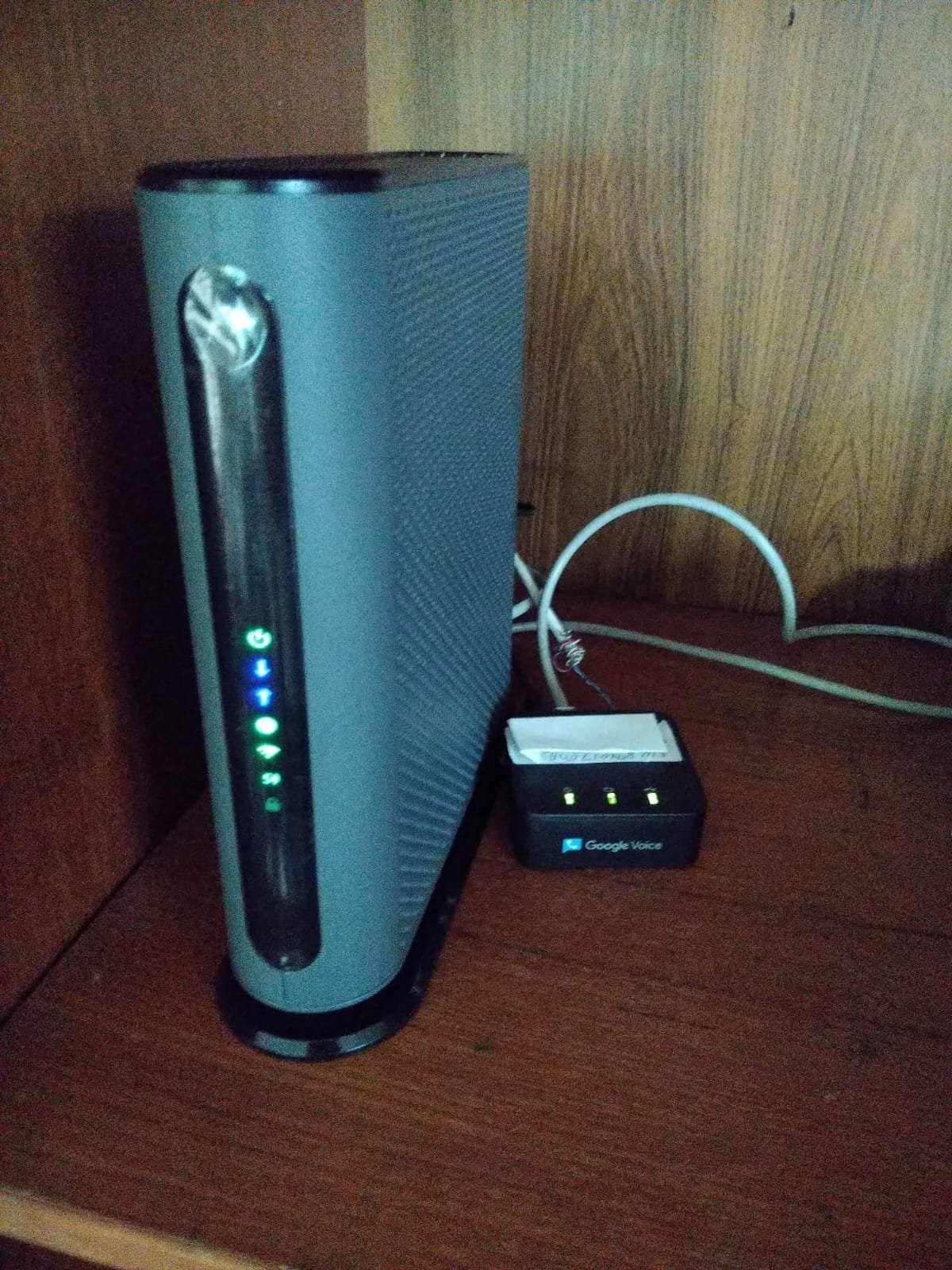
Inside you get a 16×4 DOCSIS 3.0 modem paired with an AC1900 dual-band router, which means simultaneous 2.4 GHz and 5 GHz broadcasts. The listed data rate is 686 Mbps downstream and 171 Mbps upstream, and the manufacturer rates it for actual cable service speeds up to 375 Mbps. Four Gigabit Ethernet LAN ports cover wired desktops, consoles, and a printer without needing a switch.
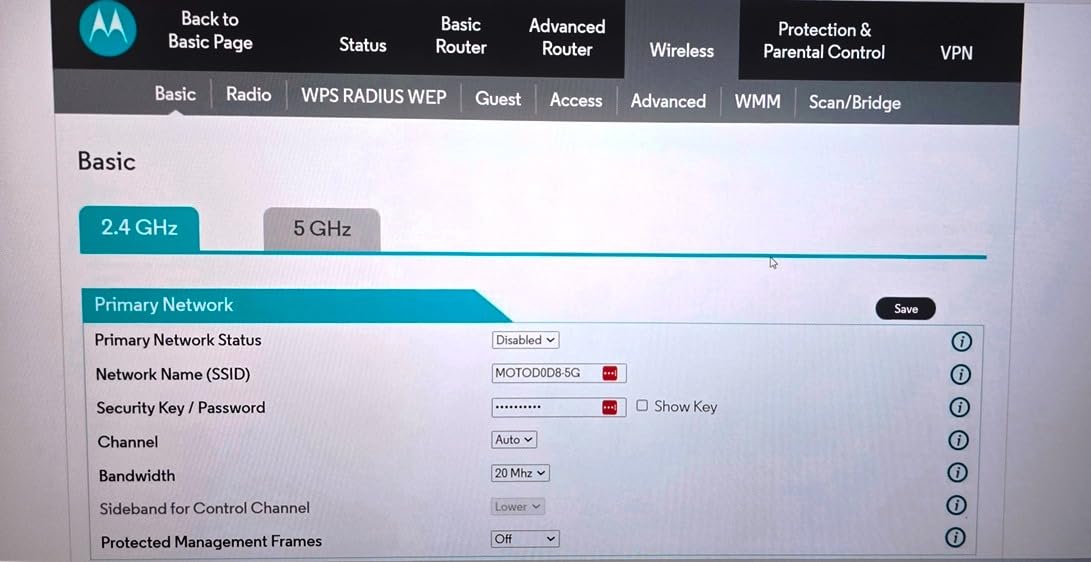
Two features do more real work than the spec sheet suggests. Wireless Power Boost adds amplifiers to push signal further, and AnyBeam beamforming steers the 5 GHz band toward the devices actually using it. DFS support also cuts down on interference from neighbouring Wi-Fi networks, which matters a lot in apartment buildings and dorms where twenty networks share the same channel space.
What 375 Mbps of headroom actually means on Xfinity
This is the number most buyers misread. The 686 Mbps figure is the modem’s maximum downstream capability across all bonded channels, not the plan speed you should buy. For Xfinity, the manufacturer recommendation tops out around 375 Mbps, which covers the lower and mid tiers comfortably with room to spare.
For a one-bedroom flat or a dorm room with twenty connected devices, that is genuinely enough. For gigabit service, it is not. DOCSIS 3.0 shares spectrum in a way that caps real-world throughput well below what the faster tiers deliver, so buying this on a Gigabit plan means paying for speed you will never see.
Where the MG7550 is the wrong choice
The Wi-Fi side is the bigger limitation over time. This is AC1900, which sits in the Wi-Fi 4 generation, and it lacks the OFDM and WPA3 support that newer combos ship with. In a small unit it performs well; spread across a two-storey house with thick walls, it will be the Wi-Fi, not the modem, that disappoints you.
Be aware too that a failing combo means replacing the whole box, modem and router together, rather than swapping one half. That is the structural trade-off of any 2-in-1 unit, and it matters more here than in a standalone setup. The two-year manufacturer warranty is the longest among the DOCSIS 3.0 options on this list, which is a small but real advantage.
2. NETGEAR Nighthawk CAX30 – Best Combo with Wi-Fi 6
NETGEAR Nighthawk Modem Router Combo (CAX30) DOCSIS 3.1 Cable Modem and WiFi 6 Router – AX2700 2.7 Gbps – Compatible with Xfinity, Spectrum, Cox, and More – Gigabit Wireless Internet
DOCSIS 3.1 modem
AX2700 Wi-Fi 6, 2,000 sq ft
4 Gigabit + 1 USB 3.0
Xfinity to 800 Mbps
Pros
- Only Wi-Fi 6 combo on this list
- Smart Connect gives one network name
- 25+ device capacity
- Nighthawk app with speed tests and pausing
Cons
- Xfinity certification stops at 800 Mbps
- A minority of early hardware failures
- NETGEAR Armor is a paid subscription
The CAX30 is the pick if you want current-generation Wi-Fi in the same box as the modem. It is the only Wi-Fi 6 combo in this lineup, rated at AX2700 with 802.11ax on both bands, and it covers up to 2,000 sq ft for 25 or more connected devices. At 1806 reviews and a 4.1 average, its owner feedback is heavily positive on stability.
The headline number is 2,700 Mbps combined wireless throughput, paired with a DOCSIS 3.1 modem that uses OFDM for better behaviour at peak hours. Four Gigabit Ethernet ports and one USB 3.0 port sit at the back. Security is the strongest on this list too: WPA, WPA2, and WPA3, a high firewall security level, and denial-of-service protection.
Smart Connect is the feature daily users mention most. It band-steers between 2.4 and 5 GHz so you get a single network name and a single password across every device, which removes the single most common support headache in a shared household. The Nighthawk app handles setup, speed tests, pausing individual devices, and guest networks.
Checking the 800 Mbps certification ceiling
Here is the catch that trips people up. The CAX30 is certified with Spectrum and Cox up to 1 Gbps, but its Xfinity certification tops out at 800 Mbps. If you are on Gigabit Extra or any tier above 800 Mbps, you are buying a modem that will not be provisioned at your full speed.
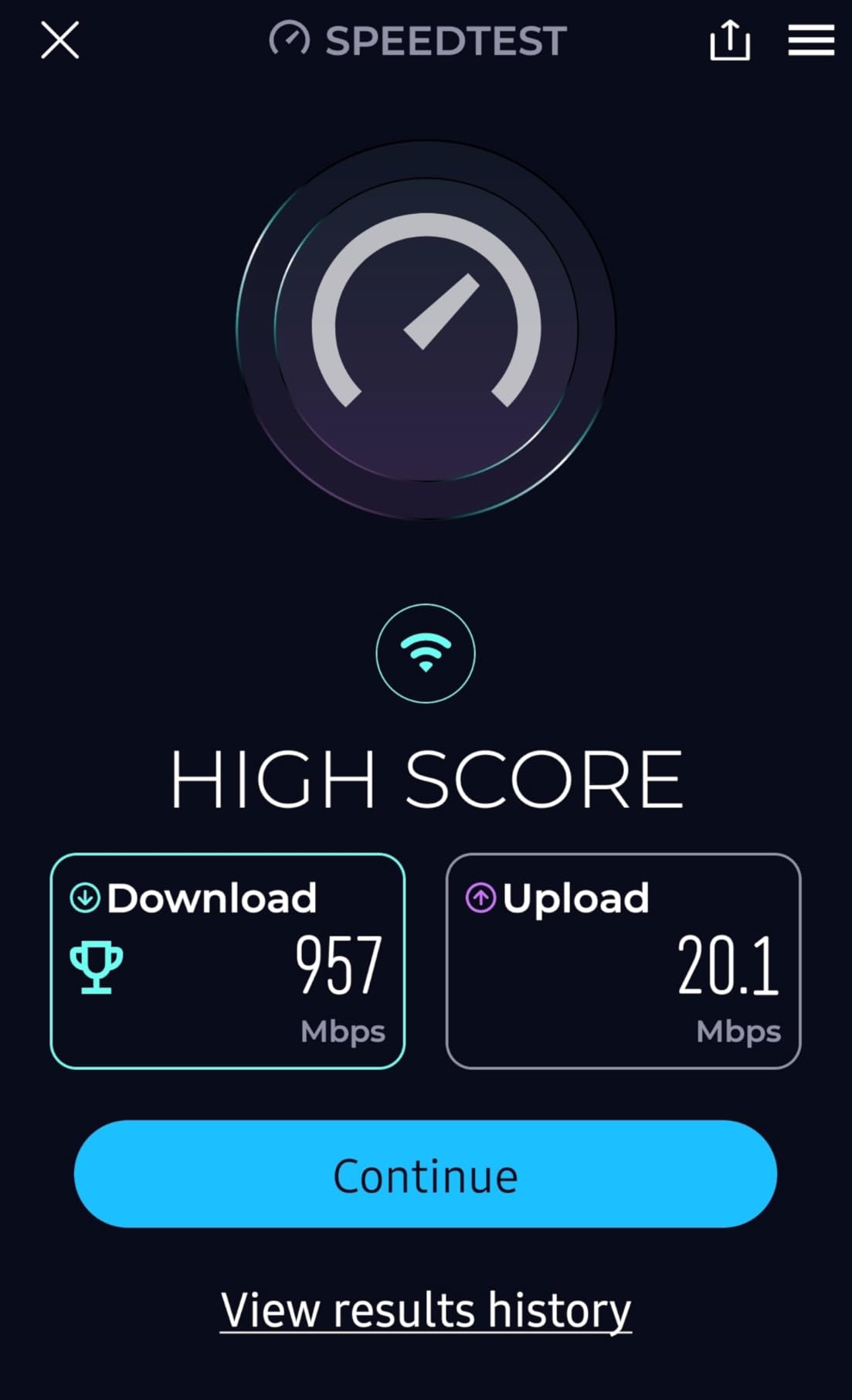
On a Gigabit or Gigabit Extra plan that sits at or below the certification, owners report steady 900 Mbps-class results with no dropouts over a year of use. Some also report strong coverage in homes as large as 3,600 sq ft, which is well past the 2,000 sq ft figure on the box.
What to know before you commit
A minority of owners report units failing within weeks, and NETGEAR’s replacement process is the part that generates frustration, not the failure itself. Setup can also take a couple of hours if the help desk is uneven, so budget time on a weekend rather than an evening.
NETGEAR Armor includes a 30-day free trial and then becomes a paid subscription, and the useful parental controls sit behind that same paywall. If you want those features, price them into the decision. The warranty here is one year limited, the shortest alongside the Orbi kit. Overall, if your plan is at or below 800 Mbps and you want Wi-Fi 6, this is the one to buy.
3. ARRIS SBG8300 – Best Value DOCSIS 3.1 Combo
ARRIS (SBG8300) – Cable Modem Router Combo – Fast DOCSIS 3.1 Gigabit & AC2350 WiFi ,Comcast Xfinity, Cox, Spectrum & more, 1 Gbps Max Internet Speeds , 4 OFDM Channels
DOCSIS 3.1, 32x8 bonding, 4 OFDM channels
AC2350 Wi-Fi, 2,800 sq ft
4 Gigabit ports
Pros
- True DOCSIS 3.1 headroom for faster tiers
- Covers up to 2800 sq ft
- Runs cool in a vertical chassis
- Works on Xfinity
- Spectrum and Cox
Cons
- Minimal router management interface
- Port forwarding is unreliable on shipped firmware
- 2.4 GHz auto channel causes intermittent drops
The SBG8300 ranks second in Modem Router Combos on Amazon with more than 5,000 reviews, and at a 4.1 average it is the most popular DOCSIS 3.1 unit in this group. If you want gigabit-class hardware without moving to the top of the range, this is the value pick.
The modem half is properly specified: 32×8 channel bonding, four OFDM channels, and a listed data transfer rate of 2350 Mbps downstream with 1000 Mbps upstream. Owners consistently report hitting or exceeding their purchased plan speed in real conditions, which is the single most important thing a cable modem can do.
The router half is AC2350 dual-band covering up to 2,800 sq ft, with four 1 Gbps Ethernet LAN ports. The listing classifies it as Wi-Fi 6, though the radio itself is AC2350 hardware, so treat it as a strong Wi-Fi 5 class unit rather than a true 802.11ax device. The vertical 8 by 2.87 by 9.33 inch chassis runs cool and ships with a two-year warranty.
What 2,800 sq ft of claimed coverage really covers
Coverage claims are measured in open air with ideal placement. In a real flat with the unit in a hallway cupboard, or a house with two brick walls between rooms, expect usable signal across maybe 1,200 to 1,500 sq ft before you start seeing slowdowns. For a two-bedroom apartment placed centrally, the claim is realistic.
The one networking quirk worth planning around is the 2.4 GHz auto channel selection. Several owners report intermittent connectivity that resolves as soon as the 2.4 GHz channel is set manually. That is a five-minute fix in the admin interface, but it is a fix you should know about before you blame the hardware.
Where this falls short for you
The router half is the weak side. The admin interface and the SURFboard Central app offer far less control than a dedicated Linksys or mesh system, and port forwarding is described as unreliable or missing fields on the shipped firmware. If you run a game server, a VPN, or anything needing manual port rules, that is a real limitation.
There is also no USB port, so no network printing or NAS-style storage sharing. One more oddity: the firewall defaults to a weak security level out of the box and should be raised to medium. Two years of warranty and compact vertical form factor are the remaining positives, and owners do report that it runs noticeably cool.
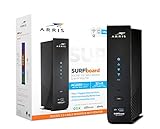
4. ARRIS SBG7600AC2 – Best for 300 to 800 Mbps Xfinity Plans
ARRIS (SBG7600AC2) – Cable Modem Router Combo – DOCSIS 3.0 & AC2350 WiFi, [Check with your provider for compatibility]Four 1 Gbps Ports , 800 Mbps Max Internet Speeds
DOCSIS 3.0, 32 bonded channels
AC2350 Wi-Fi, 2,200 sq ft
4 Gigabit ports
Plans to 800 Mbps
Pros
- Approved for plans up to 800 Mbps
- 2200 sq ft of stated coverage
- Solid choice for mid-tier Xfinity service
- Compact vertical form factor
Cons
- DOCSIS 3.0 tops out near 960 Mbps
- SURFboard Central app is unstable
- Some units need repeated power cycling
The SBG7600AC2 holds a 4.3 average across 3406 reviews, which makes it the joint second-highest rated unit here despite being the older generation. On Xfinity plans from 300 Mbps up to 800 Mbps, it is a genuinely capable box that many owners describe as a big step up from an older DOCSIS 3.0 modem.
![ARRIS (SBG7600AC2) - Cable Modem Router Combo - DOCSIS 3.0 & AC2350 WiFi, [Check with your provider for compatibility]Four 1 Gbps Ports , 800 Mbps Max Internet Speeds customer photo 1](https://www.studentaccommodation.org/wp-content/uploads/2026/09/B07H4VJHB9_customer_1.jpg)
It bonds 32 downstream channels on DOCSIS 3.0 and is approved for cable plans up to 800 Mbps. The listed rates are 2350 Mbps downstream and 304 Mbps upstream, with four 1 Gbps LAN ports. Wi-Fi is AC2350 dual-band with separate guest network support and a stated coverage of 2,200 sq ft, which fits most single-storey homes.
Owners highlight how simple activation is on Xfinity and how quickly the coverage settles across a typical 1,500 to 2,000 sq ft floor plan. For students in shared accommodation, the vertical form factor fits into tight shelf spaces where a wide horizontal unit will not go.
![ARRIS (SBG7600AC2) - Cable Modem Router Combo - DOCSIS 3.0 & AC2350 WiFi, [Check with your provider for compatibility]Four 1 Gbps Ports , 800 Mbps Max Internet Speeds customer photo 2](https://www.studentaccommodation.org/wp-content/uploads/2026/09/B07H4VJHB9_customer_2.jpg)
Understanding the DOCSIS 3.0 ceiling
This is the part that decides whether it belongs in your home. DOCSIS 3.0 tops out around 960 Mbps in ideal conditions, and the 800 Mbps approval is the practical ceiling. Buy it on an 800 Mbps plan or below and it performs well; buy it on Gigabit Extra or a multi-gig tier and you will be leaving speed unused.
That is why this sits at number four rather than higher despite strong ratings. The ratings measure satisfaction among people who bought it for the right plan. Judge it against your bill, not against the four other units in this list.
App reliability is the recurring complaint
SURFboard Central is named as unstable and prone to failing to connect, and there is a separate clunky Operation tab that demands a second login for some settings. If you plan to manage the network from your phone, budget extra time or use the web interface instead.
A smaller group reports units restarting repeatedly and needing a manual power cycle, and ARRIS’s warranty replacement process is described as slow and hard to navigate. Set yourself up with the two-year warranty details before you need them. The two-year warranty itself is a genuine plus at this tier.
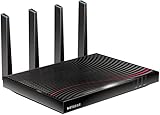
5. NETGEAR Nighthawk C7800 – Best for Wired Devices and USB Sharing
NETGEAR Nighthawk Cable Modem WiFi Router Combo (C7800) – Compatible with Cable Providers Including Xfinity by Comcast, Cox, Spectrum | Cable Plans Up to 1 Gigabit | AC3200 WiFi Speed | DOCSIS 3.1
DOCSIS 3.1 with 32x8 bonding
AC3200 Wi-Fi over 3,000 sq ft
4 Gigabit ports and 2 USB 3.0 ports
Pros
- 3000 sq ft and 45 device capacity
- Two USB 3.0 ports for storage and printers
- Signal holds through concrete subfloors
- Easy Xfinity activation
Cons
- Factory channel settings cause drops until tuned
- One-year warranty only
- Large and bulky chassis
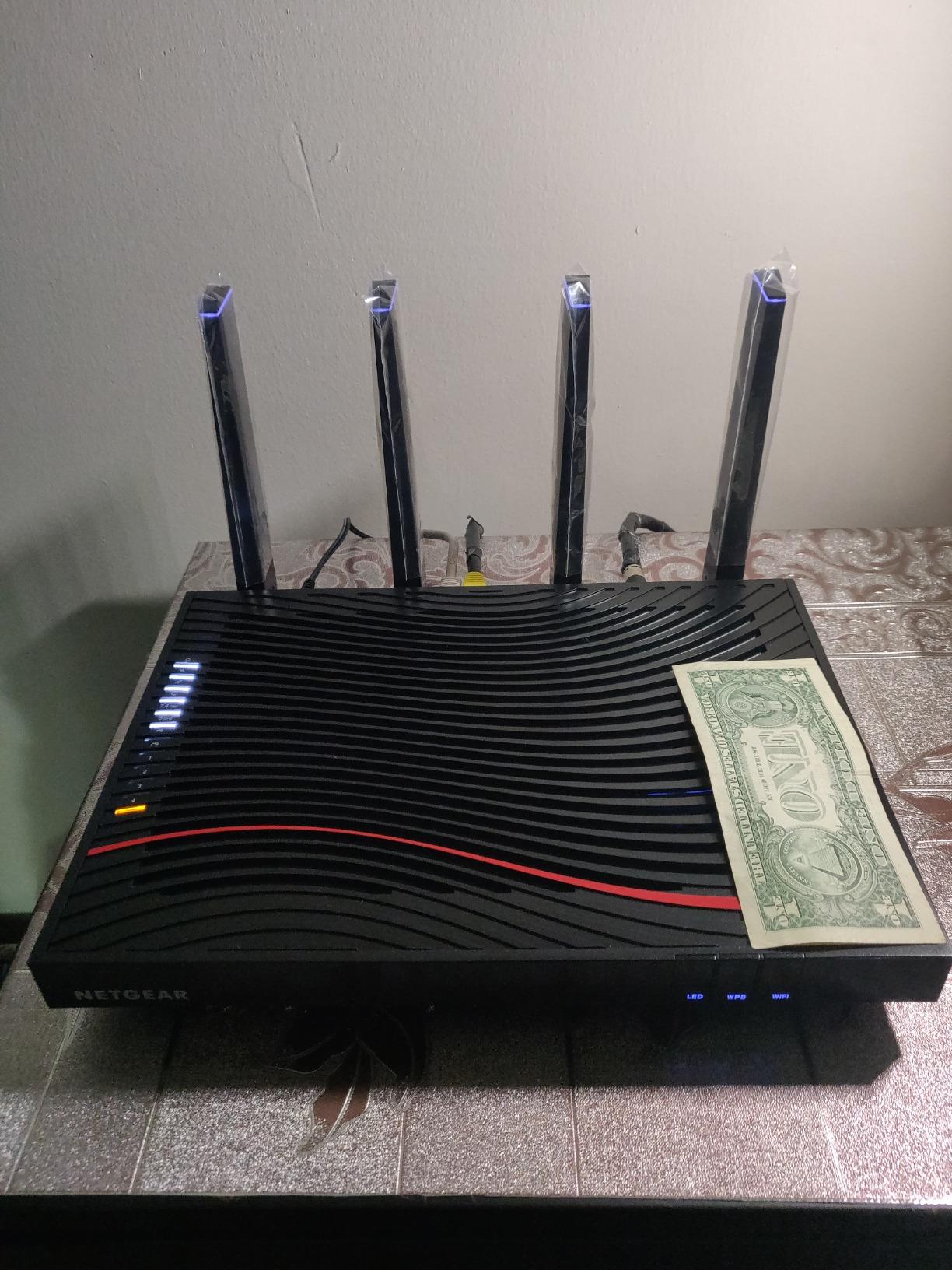
The C7800 is the pick when you have more wired devices than wireless ones, or when you want to share a printer or a USB drive across the network. It is one of only two combos here with USB 3.0 ports, and it pairs a DOCSIS 3.1 32×8 modem with an AC3200 router.
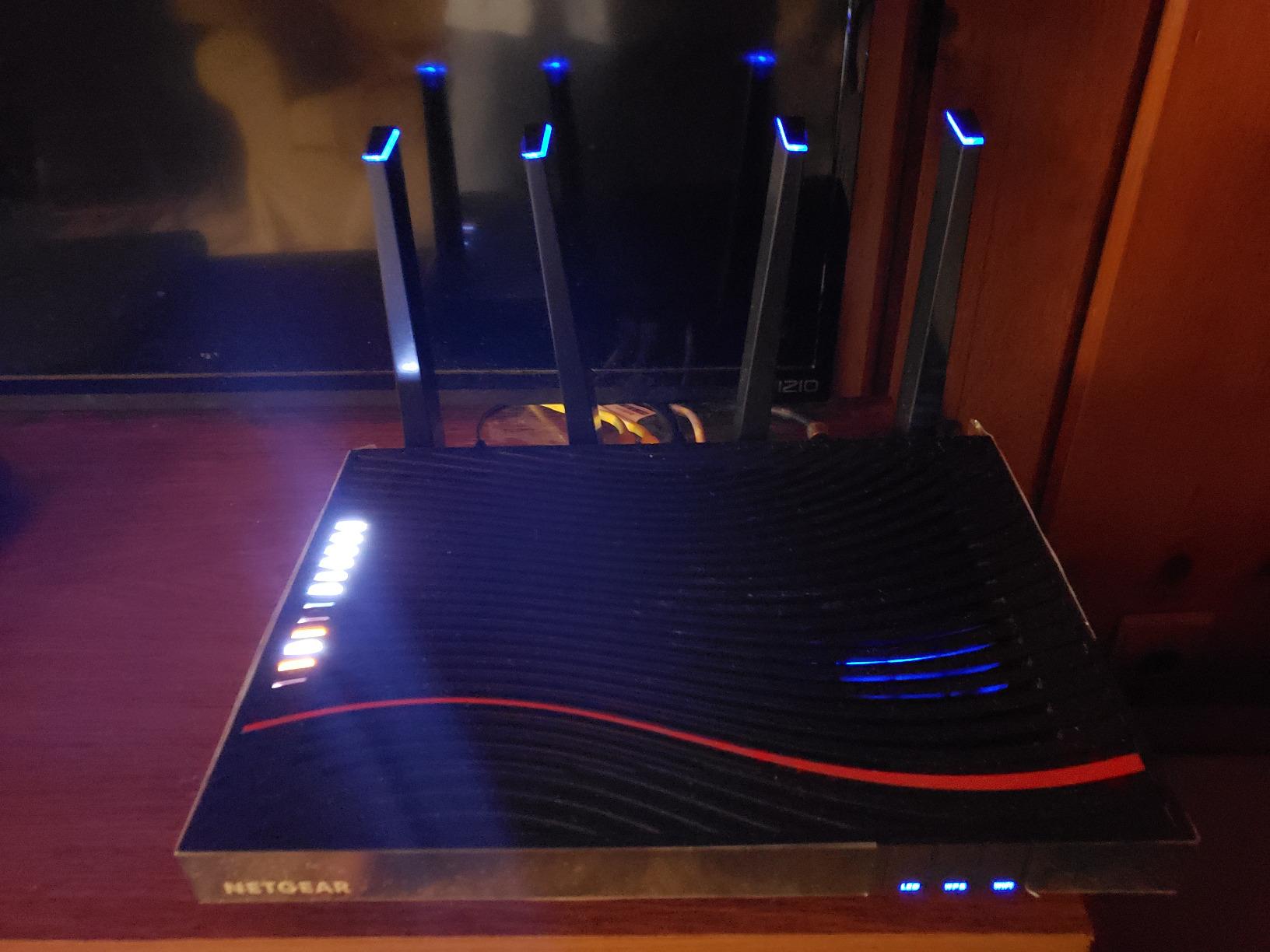
Coverage is rated at up to 3,000 sq ft for 45 connected devices, and there is 256 MB of RAM on board. Four Gigabit Ethernet ports plus two USB 3.0 ports using NETGEAR’s READYSHARE feature give you the most flexible wired setup in this lineup. Owners specifically praise the signal punching through concrete and steel subfloors where extenders failed.
Activation on Xfinity is reported as straightforward, with the installing technician often handling it on site. Gigabit-class throughput on gig cable plans is also repeatedly cited, and the large chassis leaves physical room for future speed tiers.
Plan out manual channel tuning before day one
This is the single most reported issue and it is fixable. Owners repeatedly say factory default channel and radio settings cause disconnections, and that the 5 GHz band can cut out when new devices join the network, sometimes requiring a full reboot. Tuning the 2.4 and 5 GHz channels manually resolves most of the reported problems.
Do the tuning in the Netgear Genie interface before you connect your whole household. It takes twenty minutes and prevents the sort of evening where the network drops every time someone joins. READYSHARE storage has also needed a factory reset and firmware upgrade in some cases, so update the firmware first.
Deciding between the C7800 and the CAX30
These two are the closest call in the list, and the deciding factors are ports and warranty. The C7800 gives you two USB 3.0 ports, more stated coverage at 3,000 sq ft, and a 45-device rating; the CAX30 gives you Wi-Fi 6, WPA3, and a four-antenna radio.
The C7800 carries a one-year warranty, the shortest here, and weighs 3.2 pounds in a 12.4 by 10.4 by 7.5 inch body that needs real shelf space. Its Xfinity certification also tops out at 800 Mbps. If you have wired printers, a NAS, or several desktops, take the C7800. If you are mostly wireless, the CAX30 is the better radio.
6. Motorola MG8702 – Best for Strong 5 GHz Signal Through Walls
Motorola MG8702 | DOCSIS 3.1 Cable Modem + Wi-Fi Router (High Speed Combo) with Intelligent Power Boost | AC3200 Wi-Fi Speed | Approved for Comcast Xfinity, Cox, and Charter Spectrum
DOCSIS 3.1 modem
AC3200 dual-band Wi-Fi
Power Boost and Range Boost
MotoSync app management
Pros
- Holds strong 5 GHz through multiple walls
- Activation completed in minutes with no hold
- Speed testing and pausing in MotoSync
- Two-year warranty with expert support
Cons
- MotoSync app is clunky and sometimes unloggable
- Some units go offline daily needing a power cycle
- Wi-Fi 5 only
- One USB port is for diagnostics
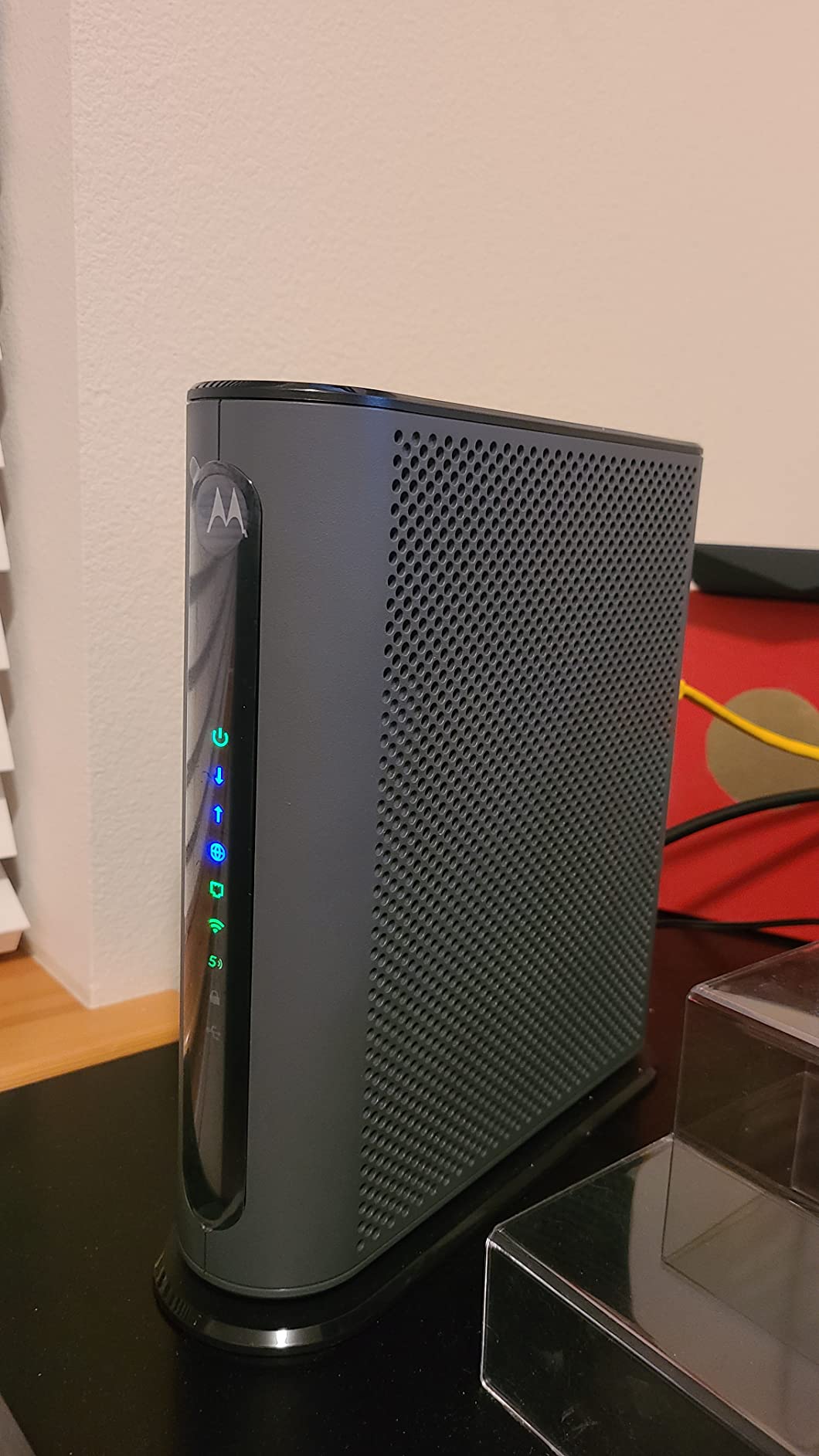
The MG8702 is rated 1 gigabit per second downstream with 800 Mbps upstream, and owners single out one thing above all else: the 5 GHz signal holds connections through multiple walls and across many simultaneous devices. For a house with masonry or a shared building with thick internal walls, that is the deciding factor.
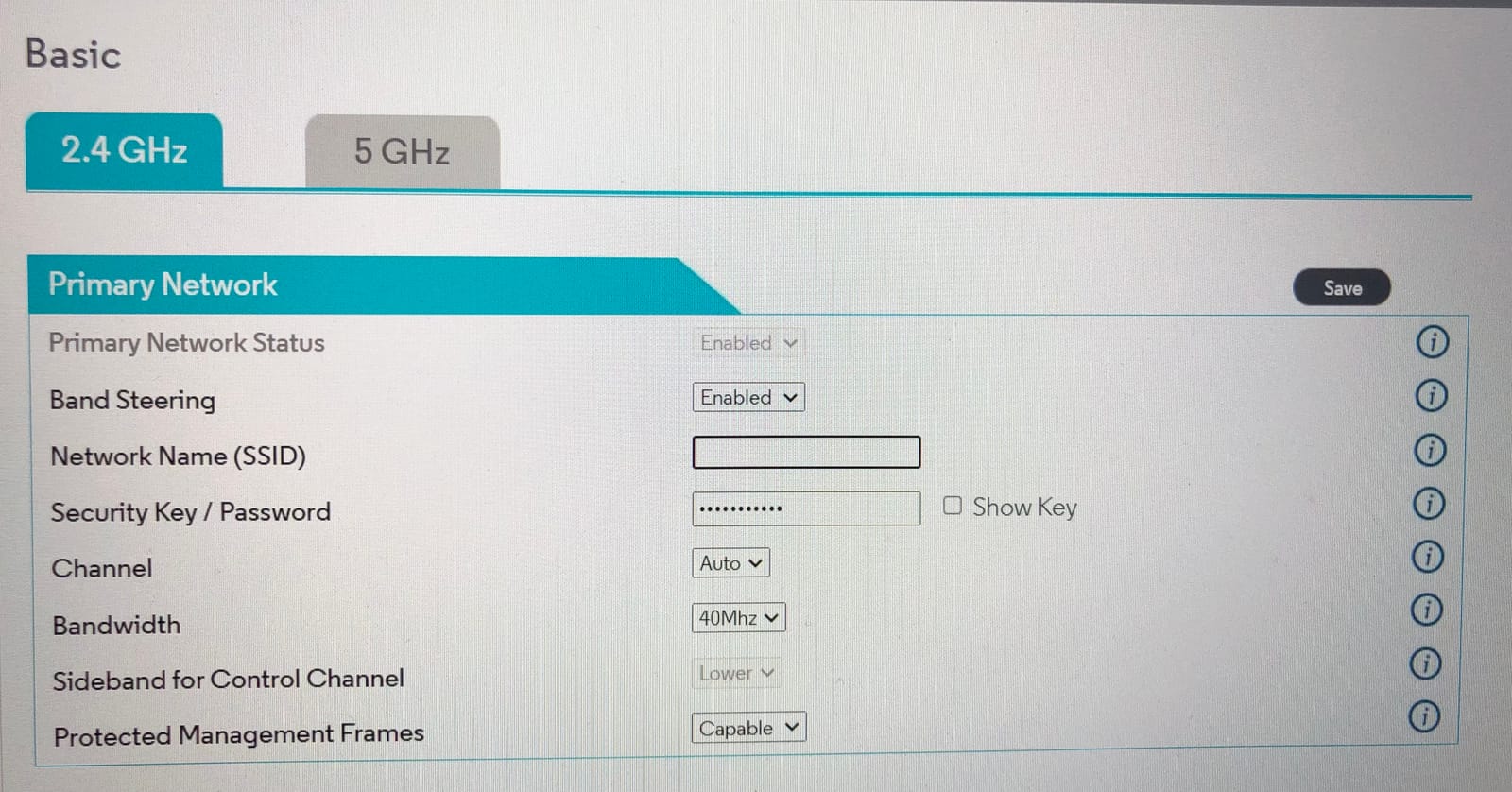
Power Boost, Range Boost, and AnyBeam beamforming all work together on the AC3200 dual-band radio. Four Ethernet ports are included, though they are arranged in a 2×2 block rather than a vertical stack, which is awkward in a wall-mounted installation. There is one USB port, and it is mainly for diagnostics rather than storage sharing.
The MotoSync app handles setup, guest networks, speed testing, and parental controls, and owners credit the malware recognition and network security alerts as genuinely useful rather than decorative. Activation on Xfinity is reported as taking minutes with no hold times, and the two-year manufacturer warranty includes support.
Why the app matters more here than on other units
The critical caveat is that the app is not optional on this device. Setup, management, and most configuration run through MotoSync, and owners describe it as clunky, crash-prone, and at times impossible to log into. If you are not comfortable troubleshooting through a phone app, that is friction you will feel.
There is also a matching hardware complaint. A subset of owners report units dropping offline several times a day and only recovering with a power cycle. Neither issue appears in the majority of feedback, but both are the kind of thing that turns a good device into a support burden if it happens to you.
Wi-Fi 5 is the ceiling on this unit
The AC3200 rating sounds impressive, but it is Wi-Fi 5 hardware. If you are buying in 2026 and expect to keep this unit for several years, you are buying a generation behind the CAX30, which is Wi-Fi 6 at a similar aggregate throughput number.
There is also a known friction point with Xfinity’s own web activation flow, which some owners report looping without issuing a verification code. Complete the activation in the app instead, or have the technician finish it during installation. Owners also note the unit pays for itself against rental fees in roughly a year and a half, which is a reasonable horizon for how long most people keep a combo.
7. NETGEAR Orbi CBK752 – Best for 5,000 Sq Ft and Multi-Storey Homes
NETGEAR Orbi Cable Modem Router Combo Mesh System (CBK752) DOCSIS 3.1 – AX4200 WiFi 6 (4.2 Gbps) – Certified with Xfinity (up to 900Mbps, Spectrum & Cox (up to 1Gbps) – Covers 5,000 sq.ft.
DOCSIS 3.1 router + RBS750 satellite
AX4200 tri-band Wi-Fi 6
5,000 sq ft, 40+ devices
Pros
- Only mesh system in the lineup
- Eliminated dead zones across a very large home
- Dedicated backhaul band holds multi-gig streaming plus gaming
- Adds another 2500 sq ft per satellite
Cons
- Setup is not plug and play
- Firmware updates have broken satellite pairing
- Advanced features need a paid subscription
The Orbi CBK752 is the answer for large homes, and it is the only true mesh option in this roundup. It pairs a DOCSIS 3.1 cable modem router with an RBS750 satellite, giving you two units that talk to each other over a dedicated backhaul band instead of sharing airtime with your devices.
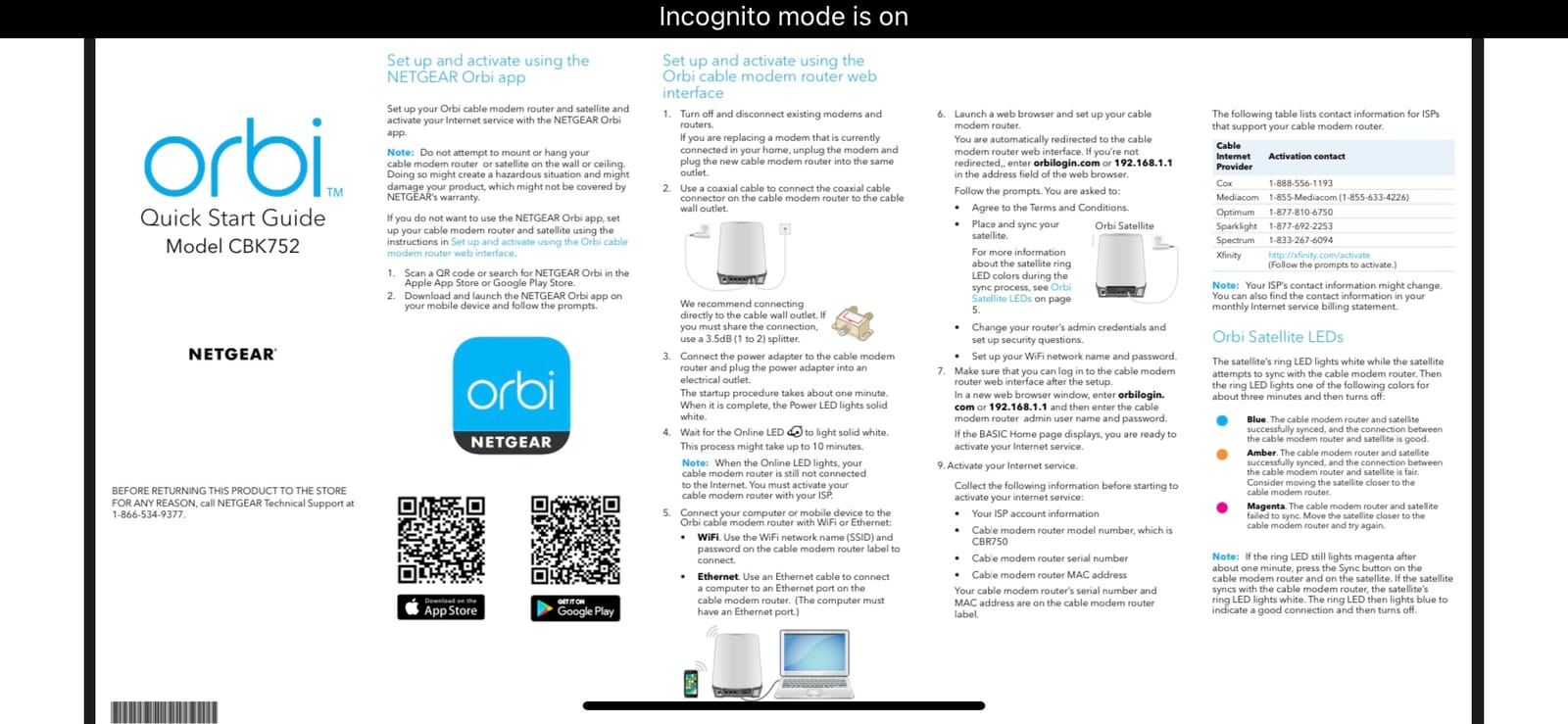
The radio is AX4200 tri-band Wi-Fi 6 with 4.2 Gbps combined throughput, rated for up to 5,000 sq ft and 40 or more connected devices. Adding another RBS750 satellite extends that by roughly 2,500 sq ft. Port count is the best in the lineup: four Gigabit LAN ports on the modem router plus two on the satellite.
Owners consistently report the mesh arrangement eliminated dead zones across very large homes, with smooth roaming between the router and the satellite as you move through the building. The dedicated backhaul band is what lets it sustain multi-gig streaming, gaming, and video calls at the same time, and 1 Gbps service runs without drops once configured.
Budget more time for setup than any other unit here
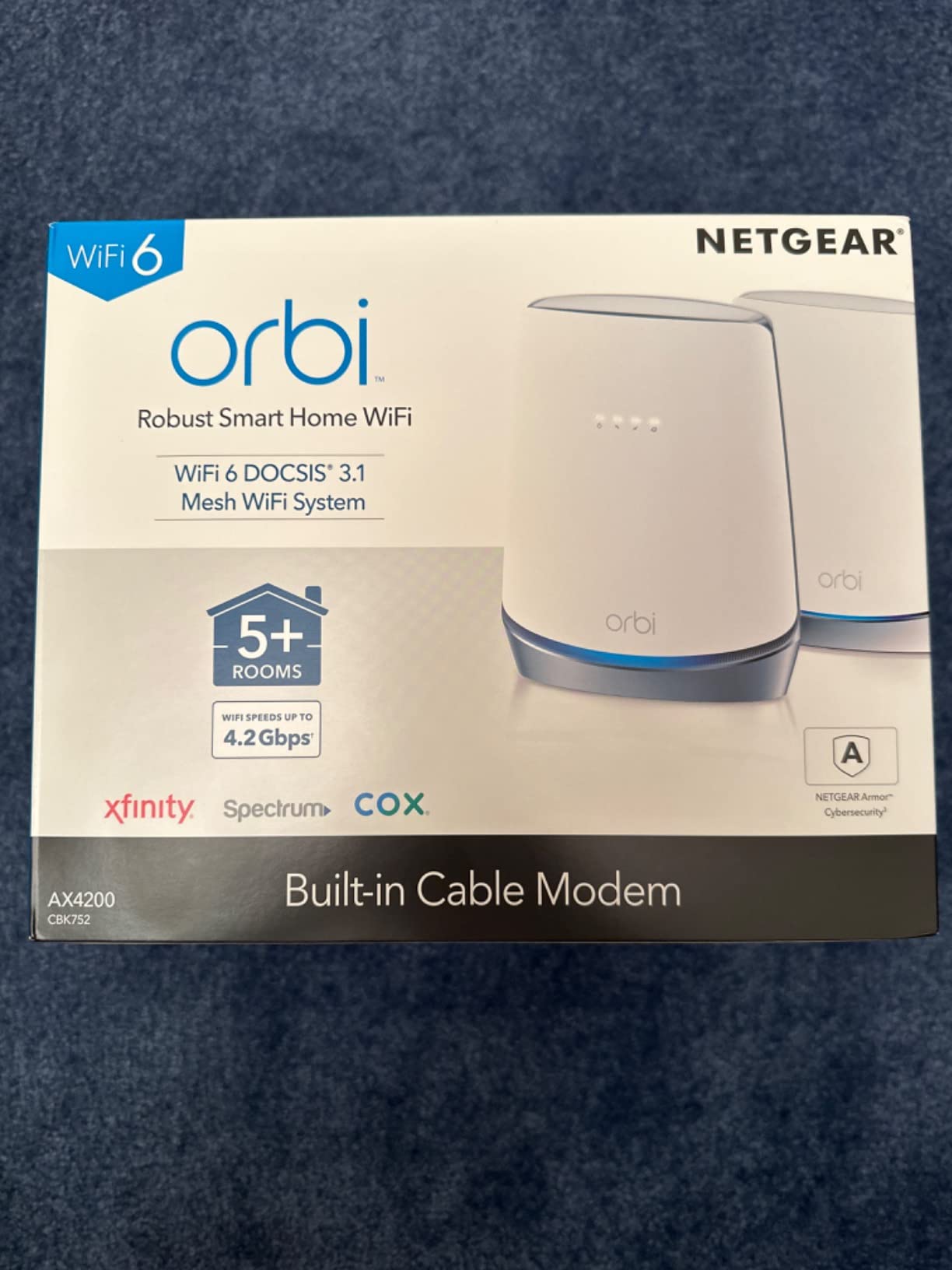
This is not a plug-and-play box. Owners report that Xfinity registration may need five or more attempts, and the Orbi app is described as buggy. Some people describe setup completing in as little as 13 minutes, so the outcome varies widely, but plan on a dedicated sitting rather than a quick swap.
There are two further configuration traps. The SSID and password often cannot be changed through the web interface, and selecting WPA3 can lock devices out entirely. And firmware updates have been reported to break the satellite pairing, which means an update at the wrong moment can leave you with a satellite that drops offline until you re-pair it manually.
Deciding whether you need a mesh at all
If you live in anything under about 1,500 sq ft on a single floor, this is overkill and the single-unit CAX30 or SBG8300 will serve you better for less complexity. Mesh earns its place in a multi-storey home, a house with concrete floors, or a property where the coax outlet sits far from where the internet is actually used.
Two things to weigh against that. Parental controls and advanced security sit behind paid NETGEAR subscriptions, and the warranty is one year. It is also a heavy, bulky package at 8.2 pounds for the pair. The Xfinity certification goes up to 900 Mbps, the highest of any unit on this list, and it works with Spectrum and Cox up to 1 Gbps.
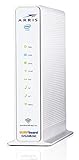
8. ARRIS SVG2482AC Renewed – Best for Xfinity Voice on a Basic Plan
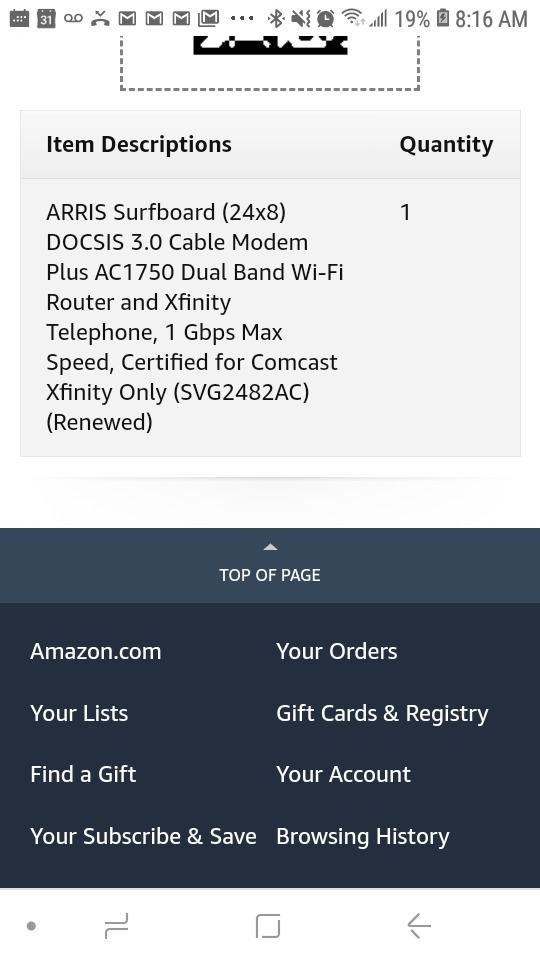
ARRIS Surfboard (24×8) DOCSIS 3.0 Cable Modem Plus AC1750 Dual Band Wi-Fi Router and Xfinity Telephone, 1 Gbps Max Speed, Certified for Comcast Xfinity Only (SVG2482AC) (Renewed)
3-in-1 modem, router and Xfinity phone
24x8 DOCSIS 3.0
Two telephone ports
Plans to 600 Mbps
Pros
- Only unit here with telephone ports for Xfinity Voice
- Combines modem
- router
- and phone service in one box
- Four Gigabit Ethernet ports
- Works on Xfinity Affinity internet and voice
Cons
- Not compatible with Xfinity Gigabit packages
- Certified for Comcast Xfinity only
- Renewed condition with a 90-day warranty
If you still have Xfinity Voice, this is the only combo in the roundup with telephone ports, and that single fact makes it either the correct answer or irrelevant. It is a genuine three-in-one: an 8×4 DOCSIS 3.0 cable modem, an AC1750 dual-band Wi-Fi router, and Xfinity telephony, packed into one white box.
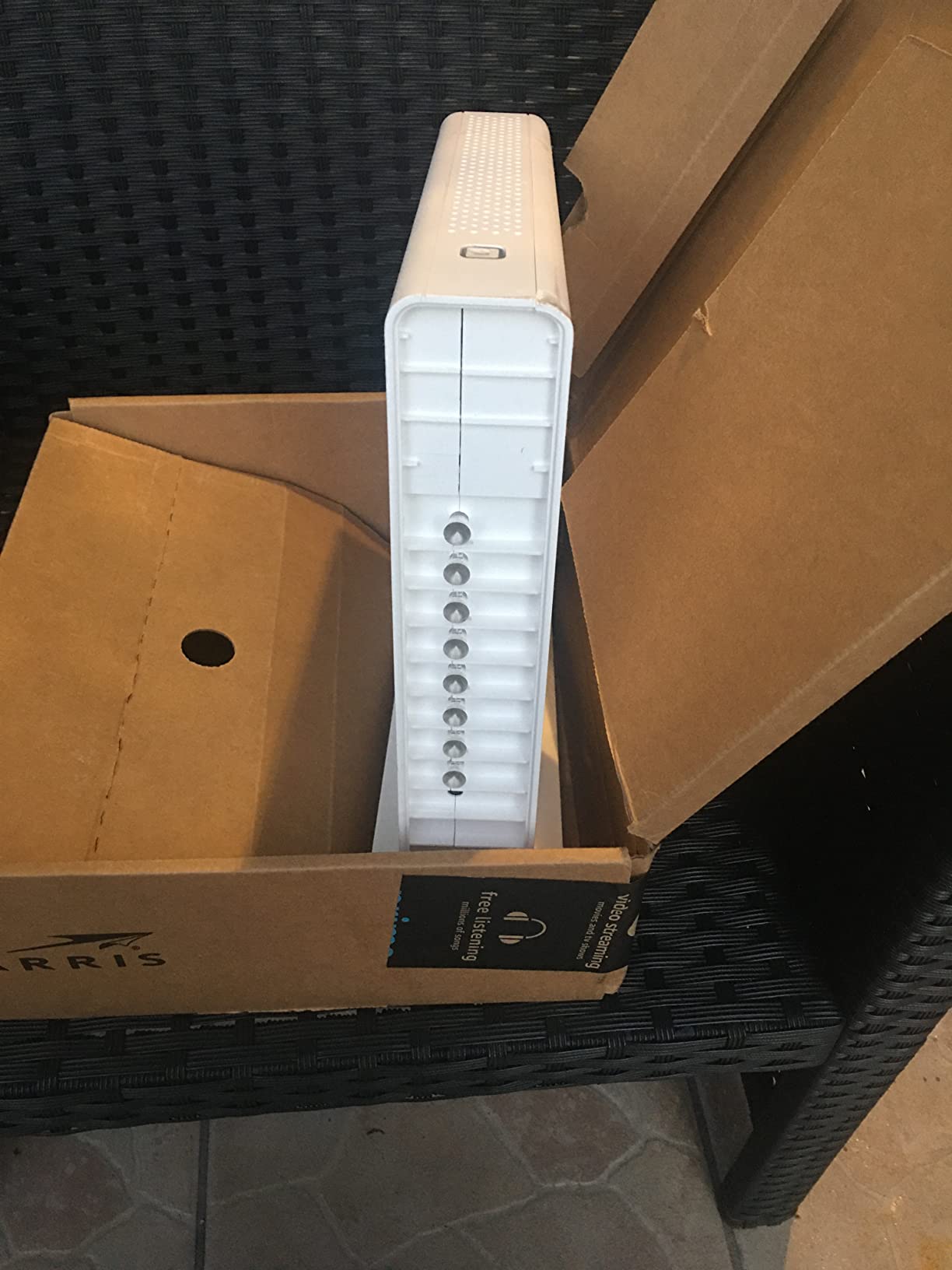
Channel bonding is 24 downstream and 8 upstream, making it suitable for plans up to 600 Mbps. There are four Gigabit Ethernet ports and two telephone ports, and the listed transfer rates are 1750 Mbps down and 300 Mbps up. It is approved for Comcast Xfinity Affinity internet and voice with rdk-b support.
Owners treat it as an affordable way to fold modem, router, and phone service into a single unit, and the dual-band 2.4 and 5 GHz Wi-Fi runs concurrently for both bands. For a household on a basic Xfinity plan that has never dropped the landline, it does the job without three boxes and two power cords.
What renewed condition means for your cover
This is an Amazon Renewed unit, and the warranty is 90 days limited rather than the two years you get on the new hardware. That difference matters more than the specification sheet suggests, because cable modems are exposed to heat and power surges for years at a stretch in a hallway cupboard.
Renewed here means inspected and functional, not new. Check the coax connector and the casing for stress marks on arrival, and keep the original packaging for the first 30 days. A two-year warranty on a new unit is worth paying for if your plan is anywhere near the top of the range.
Three hard limits before you buy
First, DOCSIS 3.0 means it is not compatible with Xfinity Gigabit internet packages at all, which rules out every gigabit tier. It is certified for Comcast Xfinity only, so it is unusable if you ever move to another cable provider or a different service at the same address.
It also does not support Xfinity home security or home control services without a Comcast-supplied router, which is a common reason households end up keeping a second box anyway. If you have dropped or never had voice, none of the eight units here will serve you better than the MG7550 at number one.
Which Xfinity Plan Do You Have?
Match your tier to the modem class, not to the Wi-Fi class. A DOCSIS 3.0 box can deliver perfectly good Wi-Fi and still be the wrong hardware for a gigabit plan, because the modem half is what limits your throughput.
On a 300 Mbps tier, a DOCSIS 3.0 modem has more than enough capability, and the MG7550 or SBG7600AC2 will both serve you well. From roughly 500 Mbps to 800 Mbps, you want a 32-channel DOCSIS 3.0 unit such as the SBG7600AC2, or skip straight to DOCSIS 3.1 for headroom.
At Gigabit Extra and any tier above 800 Mbps, DOCSIS 3.1 is not optional. The CAX30, SBG8300, C7800, MG8702, and Orbi CBK752 all qualify, though certification limits differ: the CAX30 and C7800 top out at 800 Mbps on Xfinity, while the Orbi kit is certified to 900 Mbps. If you are above 900 Mbps, none of these combos is provisioned at full speed, and a standalone modem with a multi-gig port is the better route.
Upload speed deserves its own check. DOCSIS 3.1 units listed here carry higher upstream figures than the 3.0 models, which matters if you work from home, upload large files, or run cloud backups on a schedule.
Combo vs Separate Modem and Router: Which Should You Buy?
The honest answer, and the one that shows up most often in network forum discussions, is that a combo is a convenience purchase. It gives you one box, one power cord, one setup process, and no bridging to configure. That convenience is genuinely worth a lot in a dorm room or a studio flat.
Separate hardware is the better long-term choice for most people. With two units, you can upgrade your Wi-Fi years from now without replacing the expensive modem half, and you can switch internet providers without losing the router. Community advice consistently points this way for anyone in a house rather than a single room.
You are not locked into ISP hardware either. A supported modem can pair with any router you like, and the XFi gateway itself can be put into bridge mode so your own router handles everything. That is the path to take if you want Xfinity service with a router you chose.
One structural drawback applies to every combo on this list: when the Wi-Fi half fails, the whole unit goes for replacement rather than just the router. If you have a large or awkward home, that is an argument for splitting the two functions.
What You Lose by Returning the xFi Gateway?
The equipment rental line is the main gain, and it is a real one. Beyond that, the honest list of trade-offs is short, and every item has a workaround.
The Xfinity app’s network dashboard is the most commonly missed feature, along with the xFi Advanced Security subscription and the Xfinity WiFi hotspot for finding your way home. The Xfinity app itself still works for account management and activation once you own a modem, so the loss is narrower than most people expect.
Port forwarding is the other sticking point, though the direction has changed. With ISP-supplied gateways, forwarding rules now sit inside the Xfinity app rather than in a local router interface, which is the frustration that drives many people to buy their own hardware in the first place. A third-party combo gives you back local control, provided you pick one with a usable admin interface; the SBG8300 is the counterexample here, with port forwarding described as unreliable on its shipped firmware.
What you gain is control, stability, and hardware you own. What you give up is a support path that Comcast will maintain for you. In dorms and rental accommodation, that is often the right trade.
Dorm, Apartment, and Small-Home Picks
Below about 1,000 sq ft, the entire question of coverage largely disappears. Network forum advice converges on this: any current AX-series router is sufficient in a small space, and mesh systems are wasted money. Most of your interference will come from neighbouring networks rather than from distance.
For a dorm room or a small studio on a lower-tier Xfinity plan, the MG7550 at number one is the right call. It handles up to 375 Mbps, its vertical footprint fits a desk or a small shelf, and AnyBeam plus DFS help it hold a signal in a building packed with other Wi-Fi networks. You do not need a mesh for a room.
If your plan reaches 800 Mbps or your building has thick internal walls, step up to the CAX30 for Wi-Fi 6 and WPA3, or the SBG8300 for DOCSIS 3.1 headroom. Both comfortably cover a one-bedroom flat.
One note for renters and students: if you are likely to move before the rental savings add up, the simplest path is to keep renting the gateway. Hardware ownership is a hassle when your address changes, and a two-year warranty on a unit you will use for eight months buys you very little.
How to Switch and Activate Your Own Modem on Xfinity?
Before buying, confirm the exact model number appears on the provider’s approved-device list for your address and plan. This is the single most-cited authority in every forum thread on the topic, and the most common cause of a failed purchase is buying off-list.
Then follow these steps in order:
Unplug the xFi gateway from the coax wall outlet and note which cables are connected where.
Connect your new combo to the same coax outlet with its supplied cable, then power it on and wait for the upstream and online lights to stabilise.
Connect a phone or laptop to the Wi-Fi network, or by Ethernet, using the default name and password printed on the unit.
Open the Xfinity app on your phone, sign in to your account, and choose the option to activate your own device. The app walks through it in a few minutes for most models.
Confirm the monthly equipment charge has disappeared from your next bill, and check that your plan speed shows correctly in the app.
Return the xFi gateway using the prepaid shipping label or the drop-off location Xfinity provides, and keep the receipt until the credit posts to your account.
If activation stalls, the most common causes are an off-list model, a loose coax connector, or an unfinished firmware update. Power-cycle the unit fully, let it sit for ten minutes to finish updating, and try again before contacting support. Port forwarding rules you add later belong in your own router’s interface, not the Xfinity app, once your own hardware is in place.
Frequently Asked Questions
Is it better to buy your own modem and router for Xfinity?
For most households, yes, because it removes the monthly equipment charge and gives you hardware you control. A combo is the simplest route and works well in apartments and homes under about 1,500 sq ft. Separate hardware is better if you want to upgrade Wi-Fi later without replacing the modem, or if you plan to change internet providers.
What modem router combo does Xfinity recommend?
Xfinity does not endorse a single brand; it maintains an approved-device list. Look for a DOCSIS 3.1 combo with 32×8 bonding for any gigabit plan, and a 2.5 Gbps Ethernet port for tiers above 1 Gbps. The NETGEAR Nighthawk CAX30 and the ARRIS SBG8300 both cover most Xfinity tiers, and the NETGEAR Orbi CBK752 is certified to 900 Mbps.
What is the best all-in-one modem and router combo?
The Motorola MG7550 is the best all-in-one for most Xfinity customers, with the largest review base on this list and reliable long-term performance. It suits plans up to 375 Mbps. For gigabit service and newer Wi-Fi, the NETGEAR Nighthawk CAX30 is the stronger choice.
Can any router be used with Xfinity?
Yes. Any Wi-Fi router can be used with a supported Xfinity modem, and the xFi gateway can be switched into bridge mode so your own router takes over the network. You are not locked into provider-supplied hardware, and you do not need a combo if you already own a router you like.
Do I still pay the Xfinity equipment fee with my own modem?
No. Once your own approved modem is activated, the monthly equipment charge stops appearing on your bill. You will only keep the charge if you leave the xFi gateway connected and active, so return the gateway and keep the shipping receipt until the credit posts.
The Bottom Line
The best modem router combo for Xfinity depends almost entirely on two things: your plan tier and the size of your space. For an apartment, a dorm room, or a plan up to 375 Mbps, the Motorola MG7550 is the pick we would make, backed by the deepest owner history in this category. For gigabit service and modern Wi-Fi, the NETGEAR Nighthawk CAX30 is the smarter buy, with the caveat that its Xfinity certification stops at 800 Mbps.
Push above that and the DOCSIS 3.1 units take over: the ARRIS SBG8300 for value and DOCSIS 3.1 headroom, the NETGEAR C7800 when you need wired ports and USB sharing, the Motorola MG8702 when 5 GHz range through walls is the priority, and the NETGEAR Orbi CBK752 for homes that genuinely need mesh across 5,000 sq ft. The ARRIS SVG2482AC Renewed exists for one reason only: Xfinity Voice.
Check the approved-device list for your address before you buy, keep the xFi gateway until your own device is activated, and return the gateway promptly so the rental charge stops. That last step is the one people skip, and it is the one that decides whether the switch actually saved you anything.